iPhone Case Mockup Templates
Select a variety of iPhone case mockup templates on Mockey.ai. Modify angles and backgrounds for a realistic appearance, then export as high-quality images.
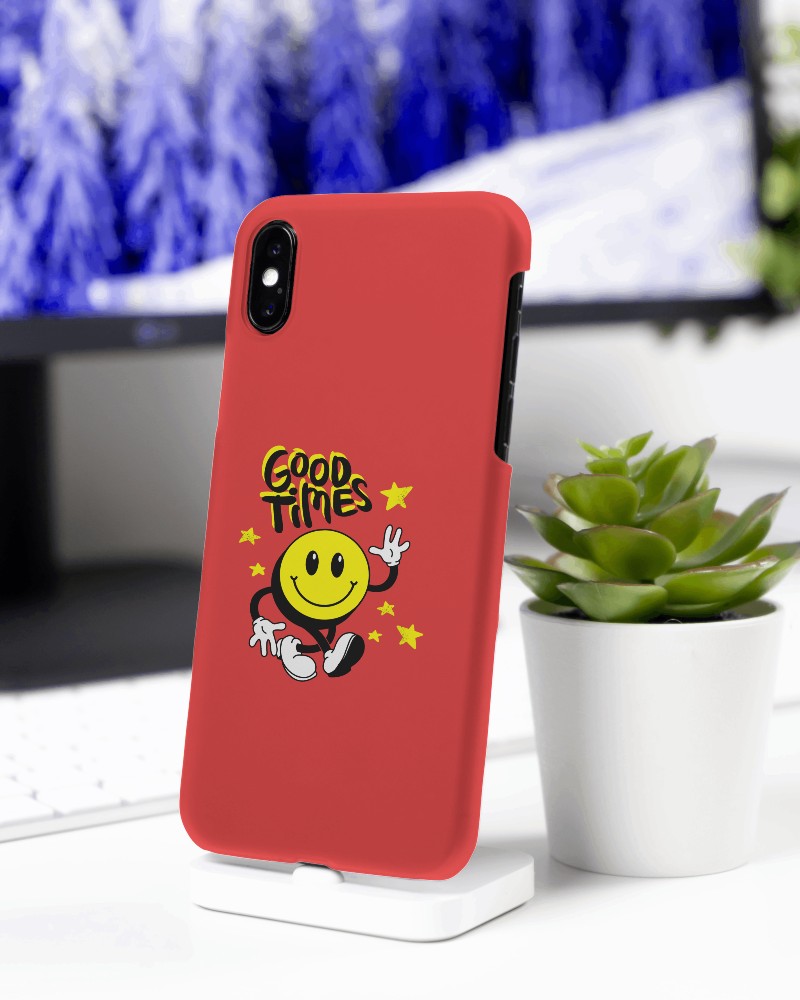
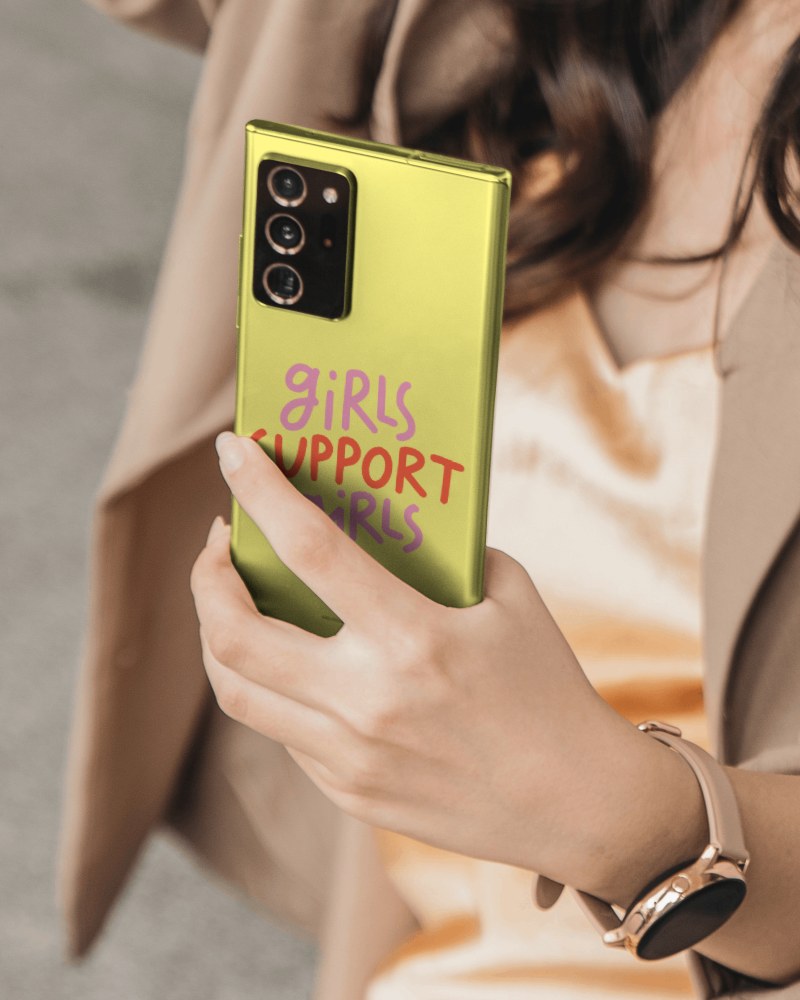
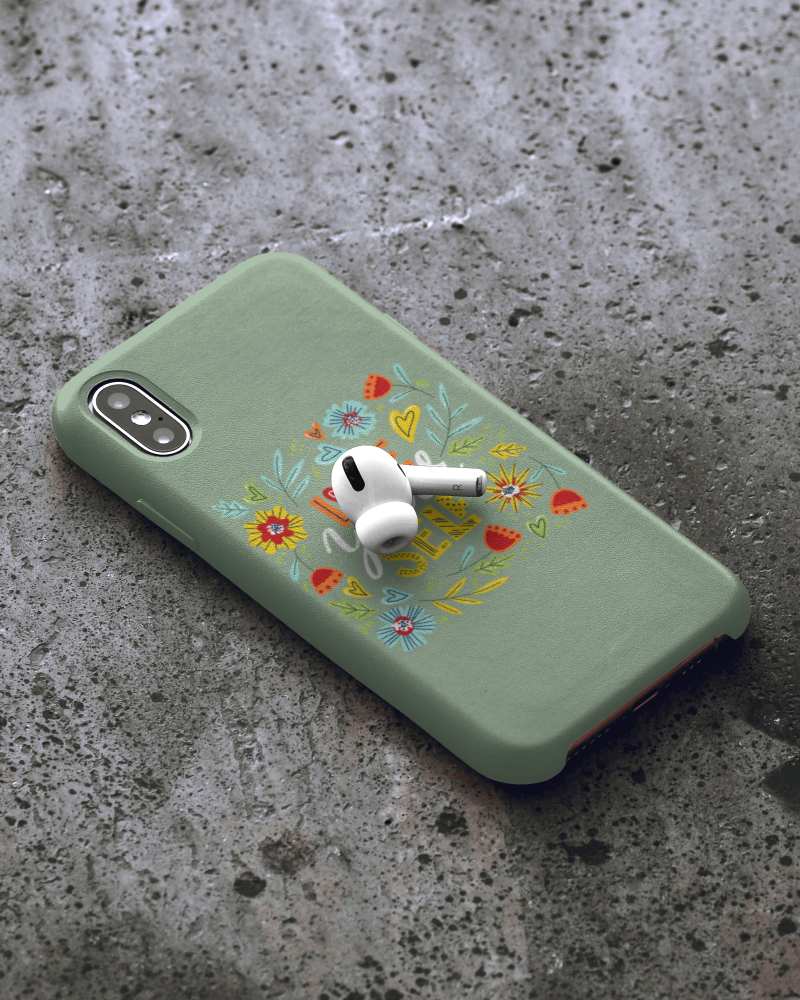
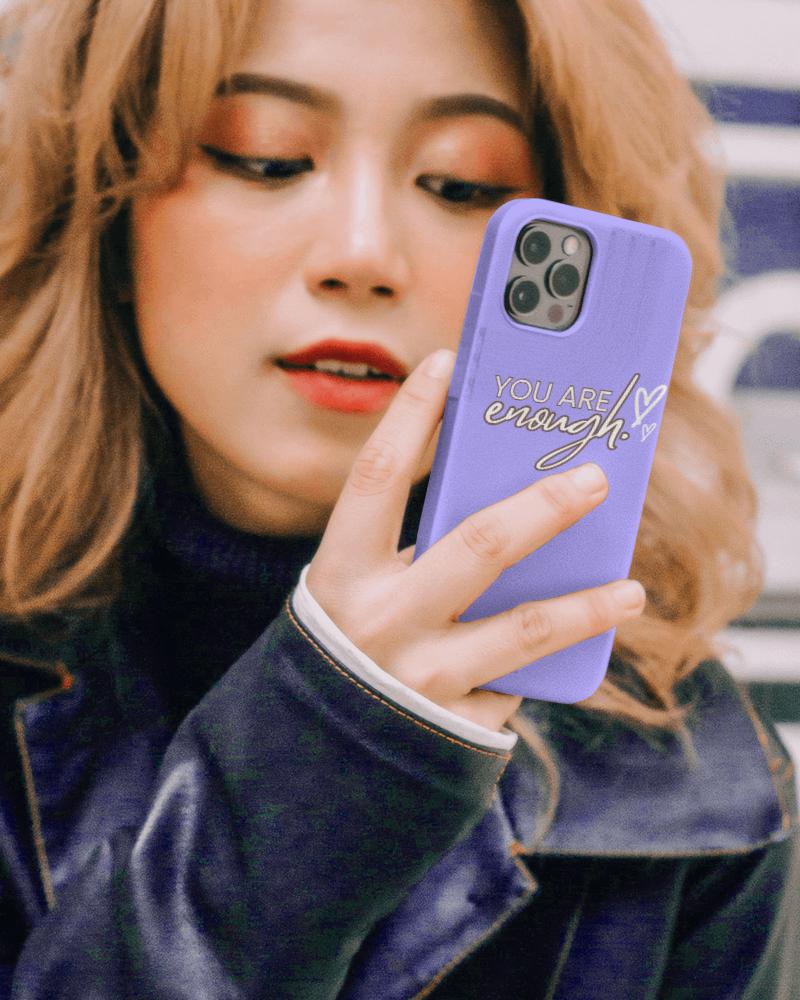
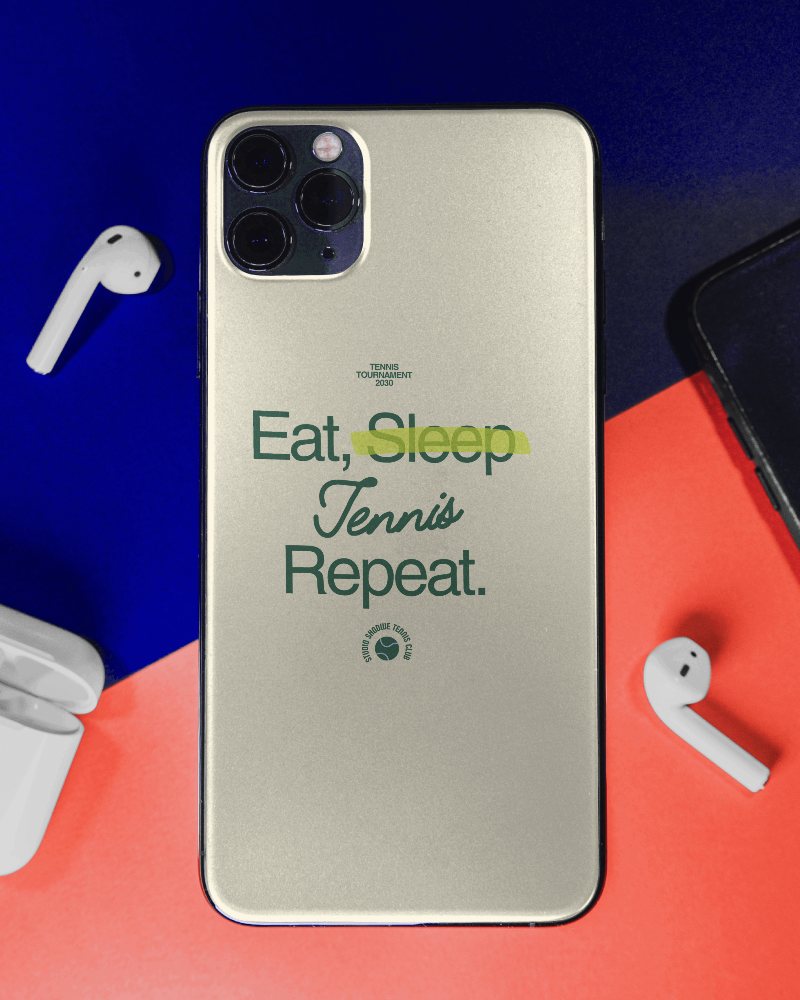
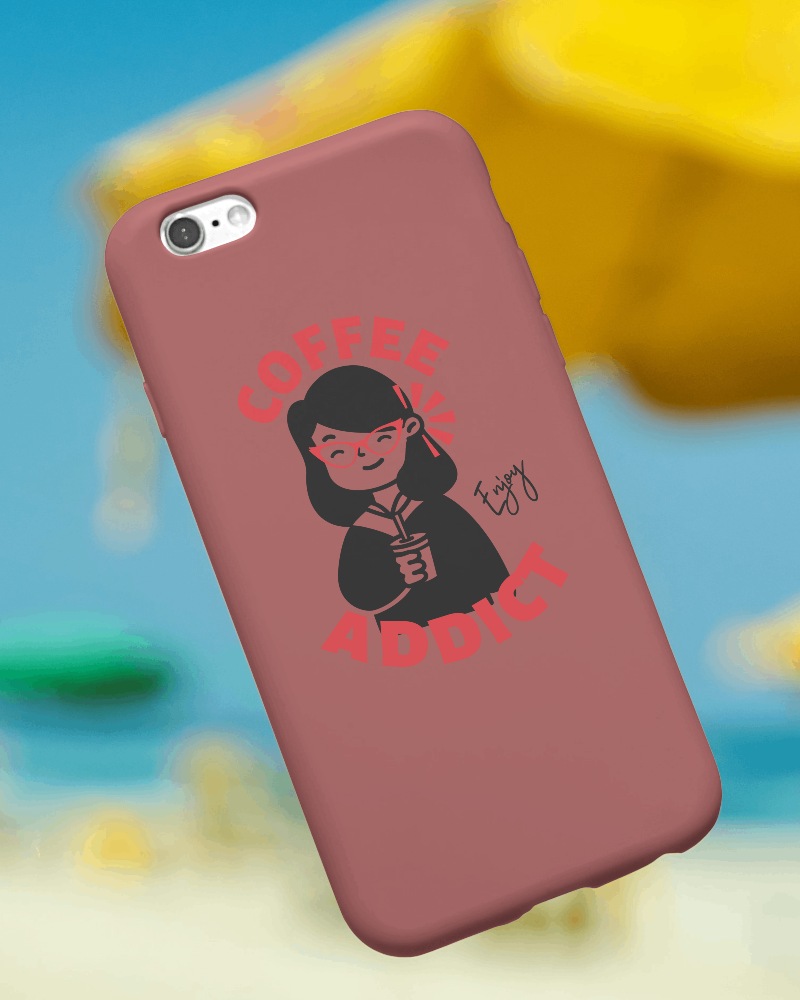
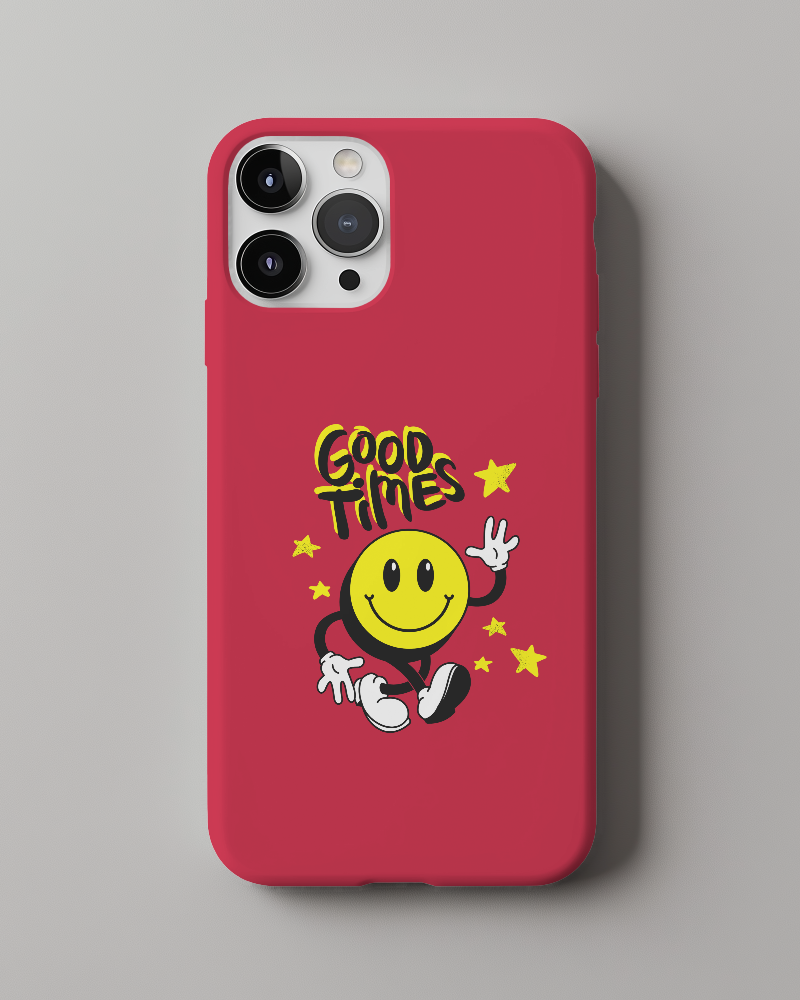
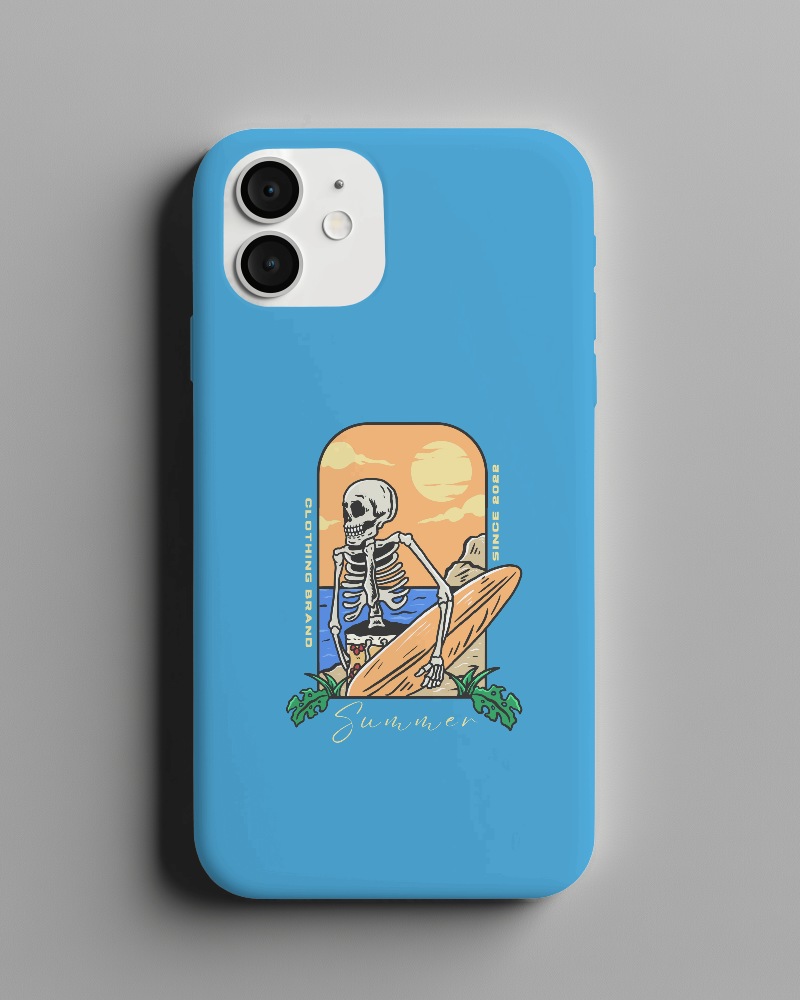
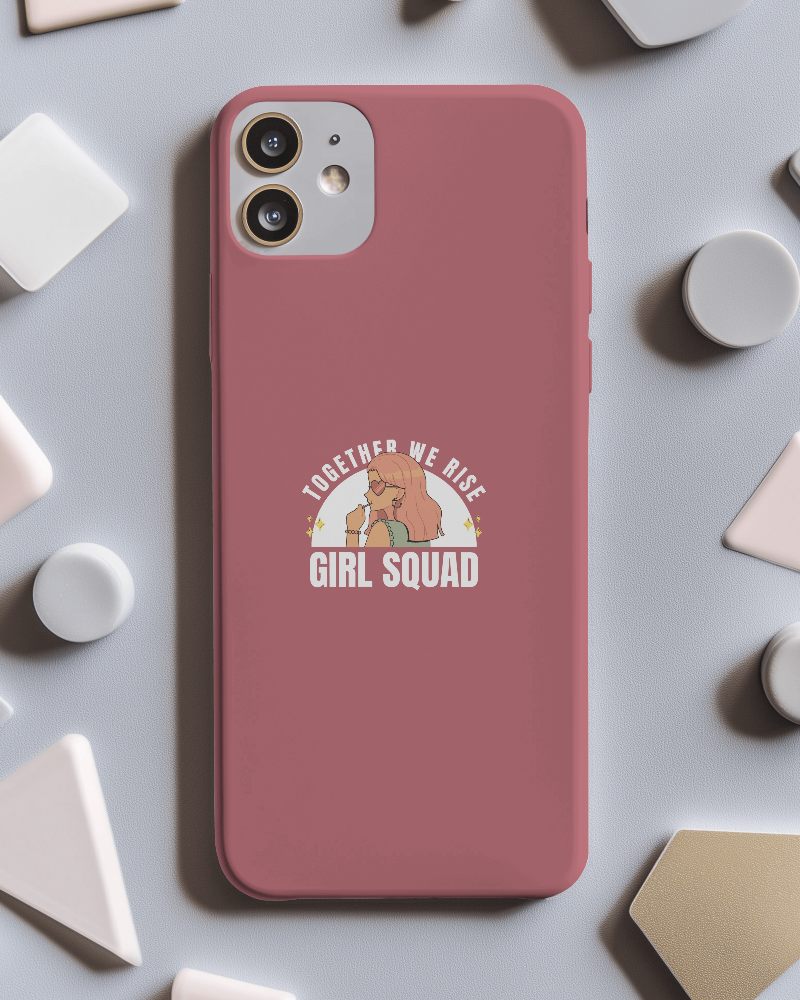

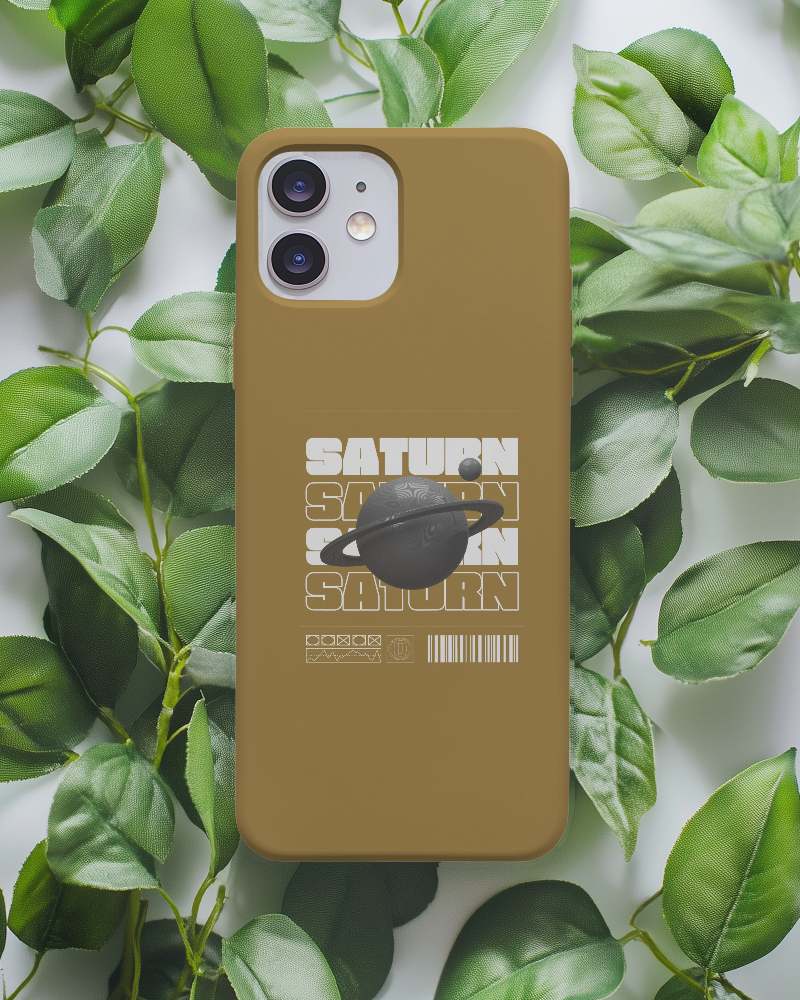
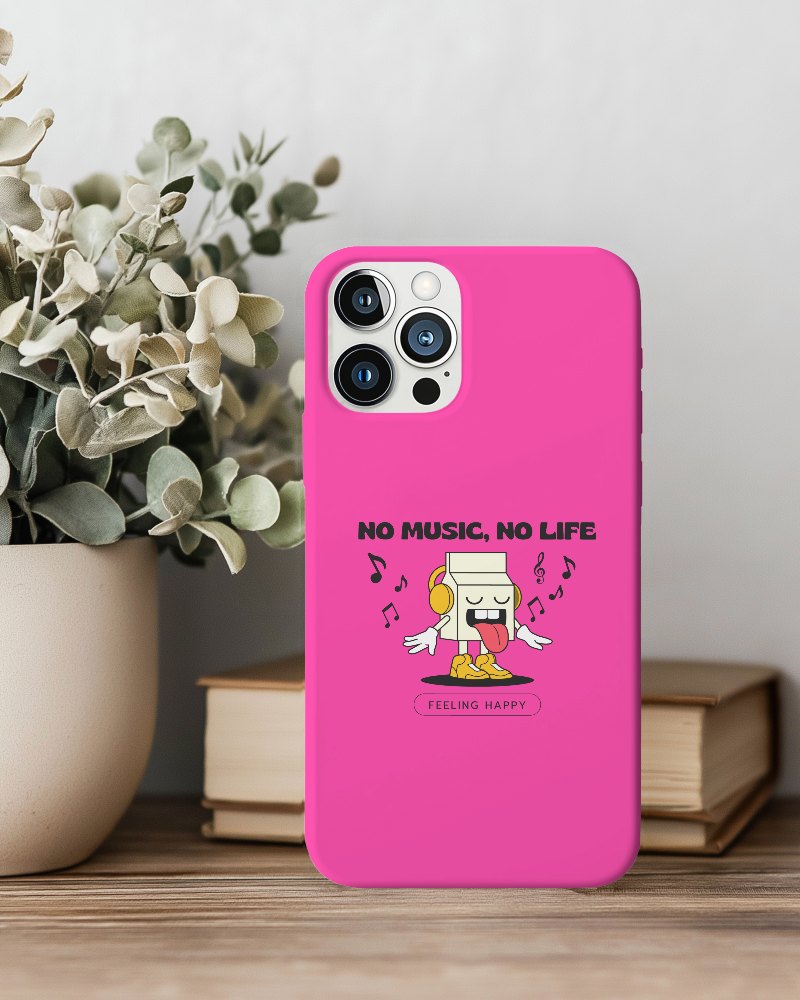
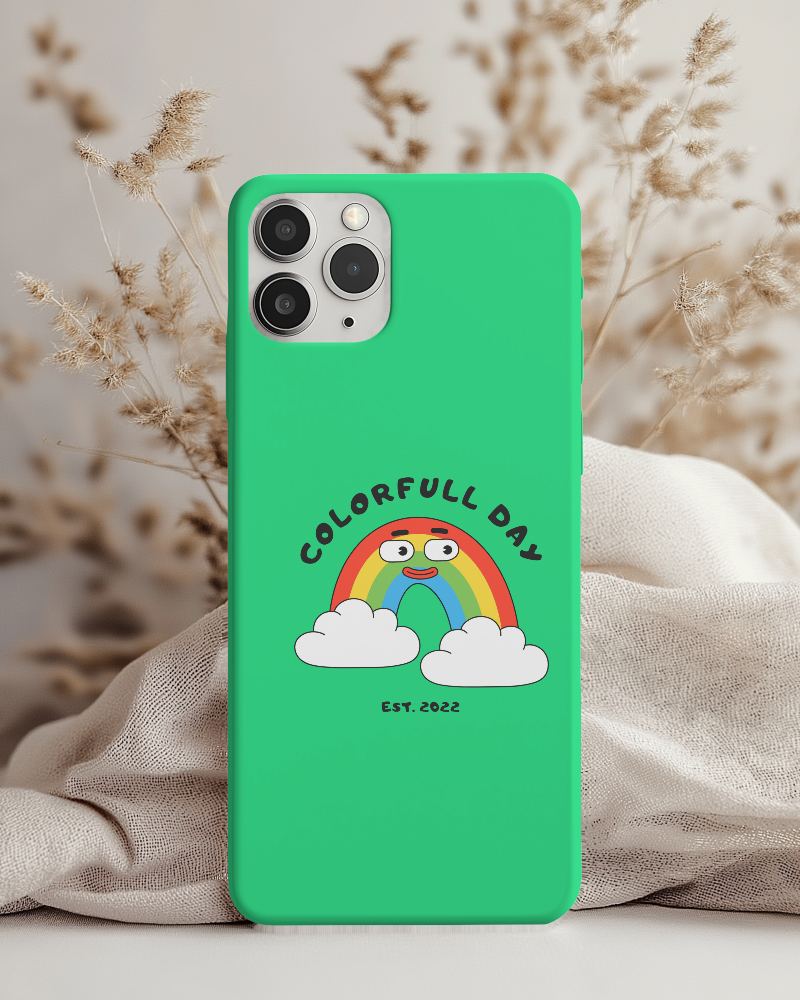
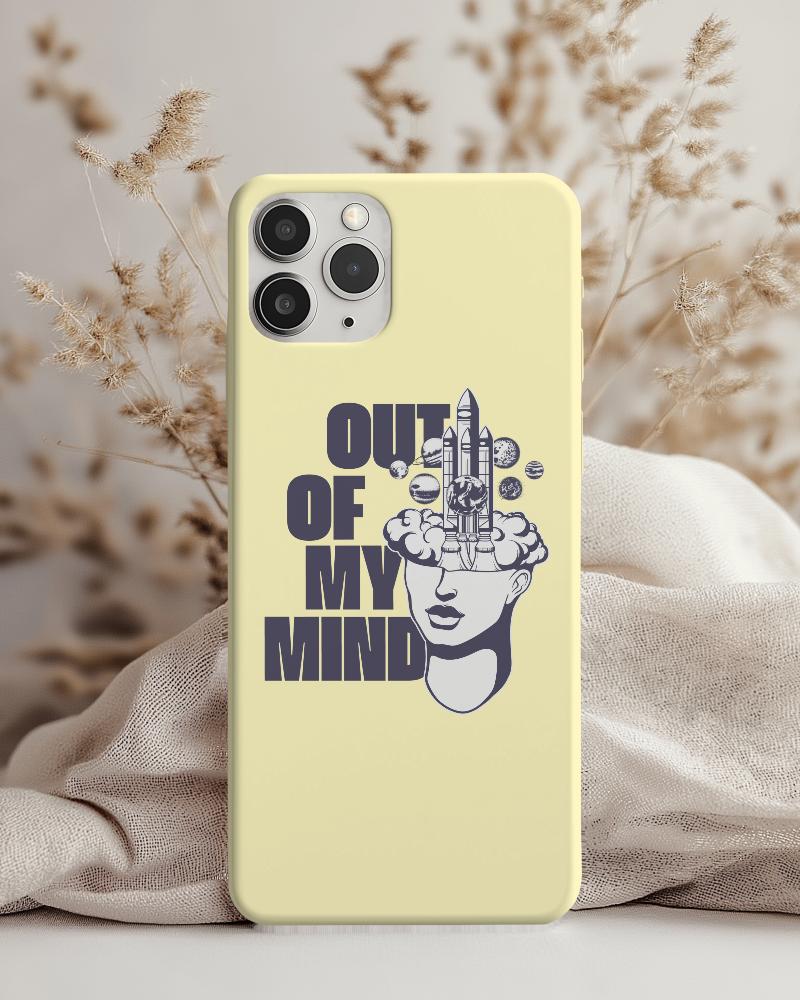

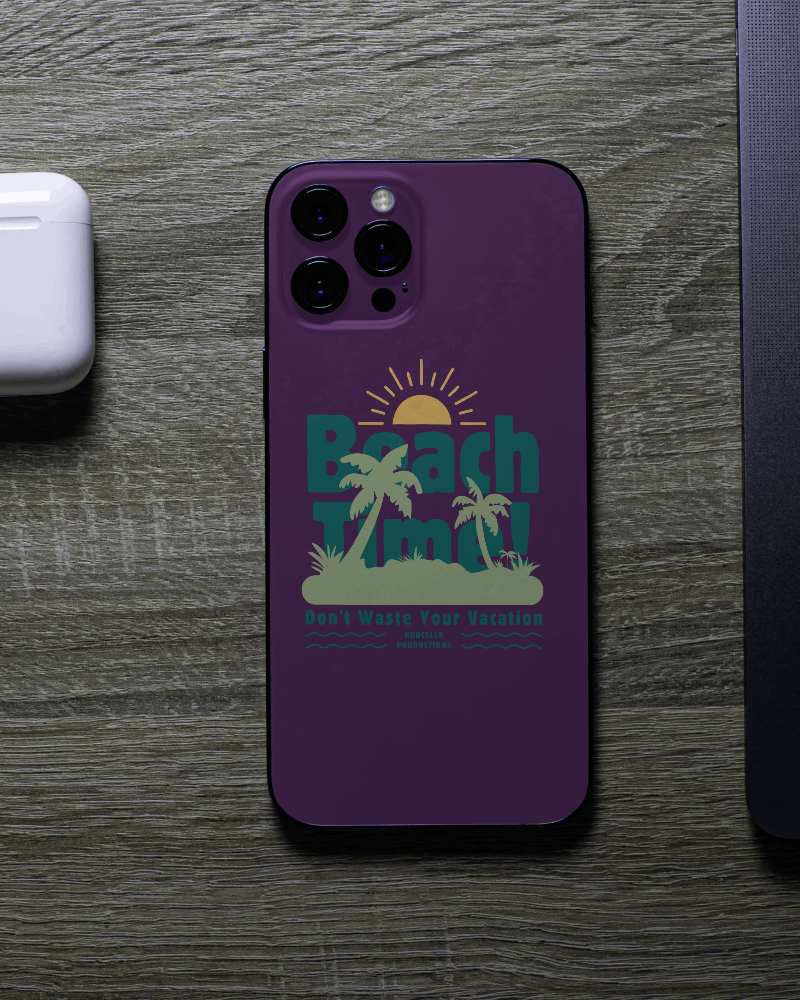
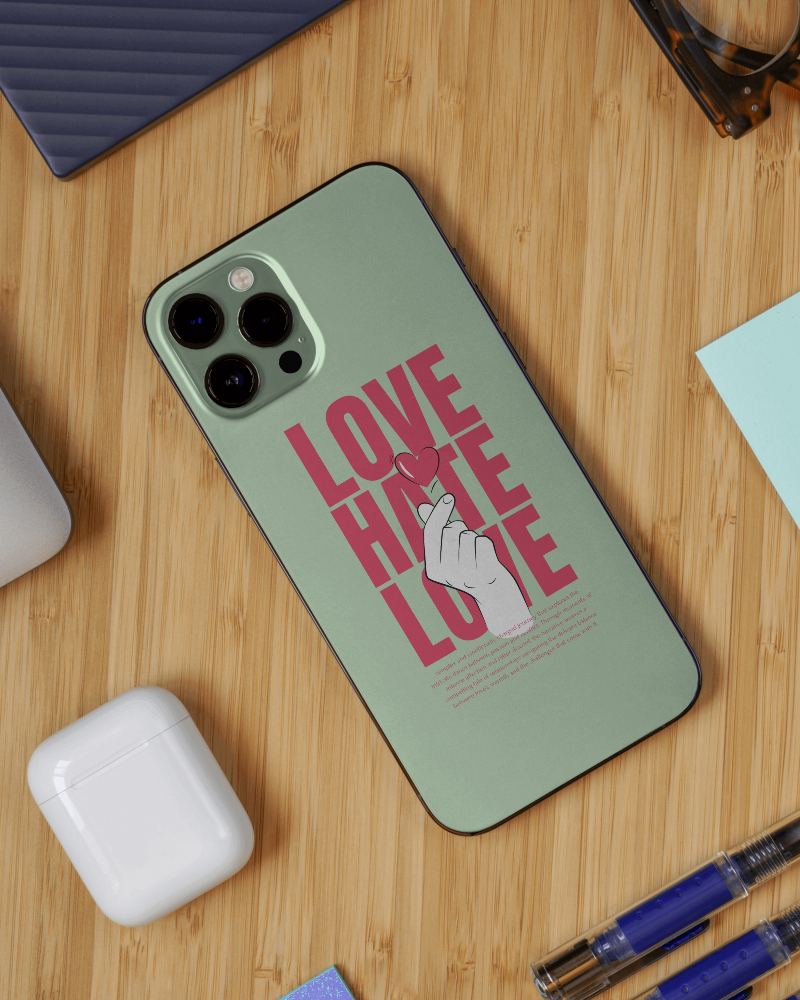
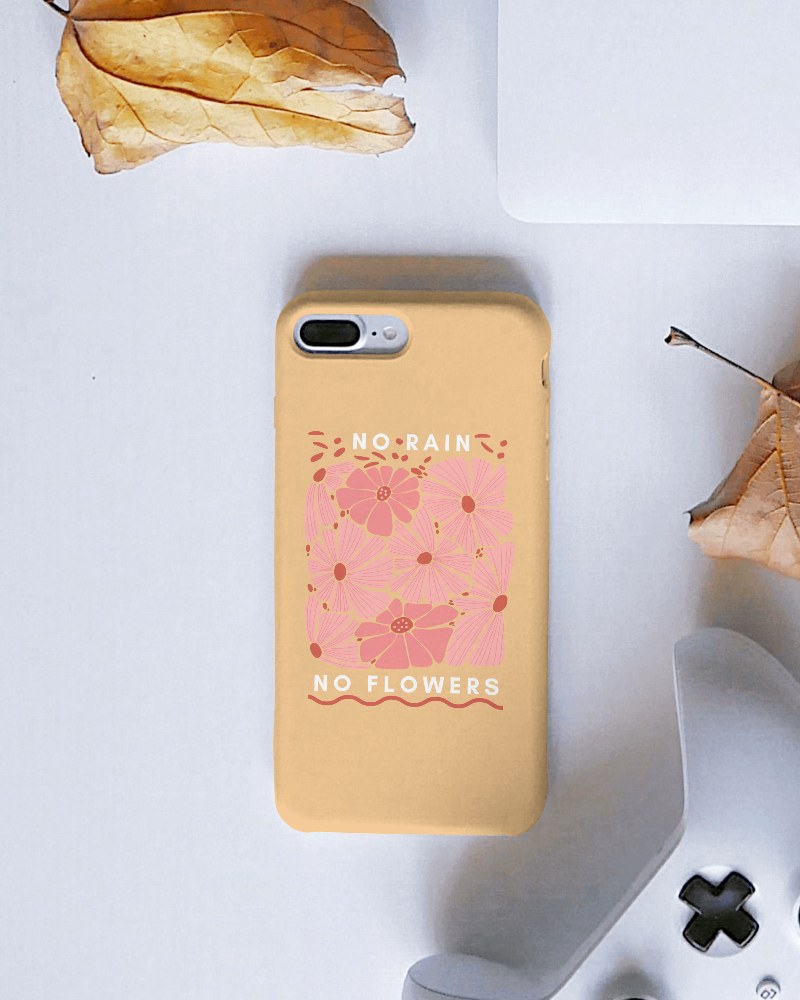
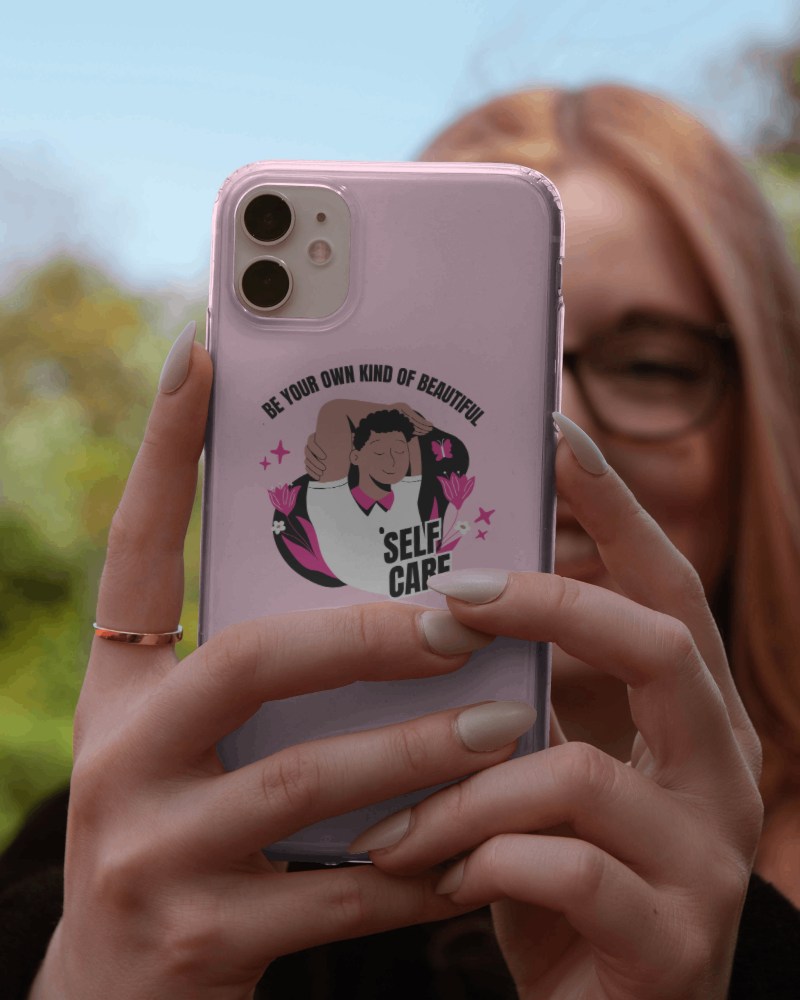
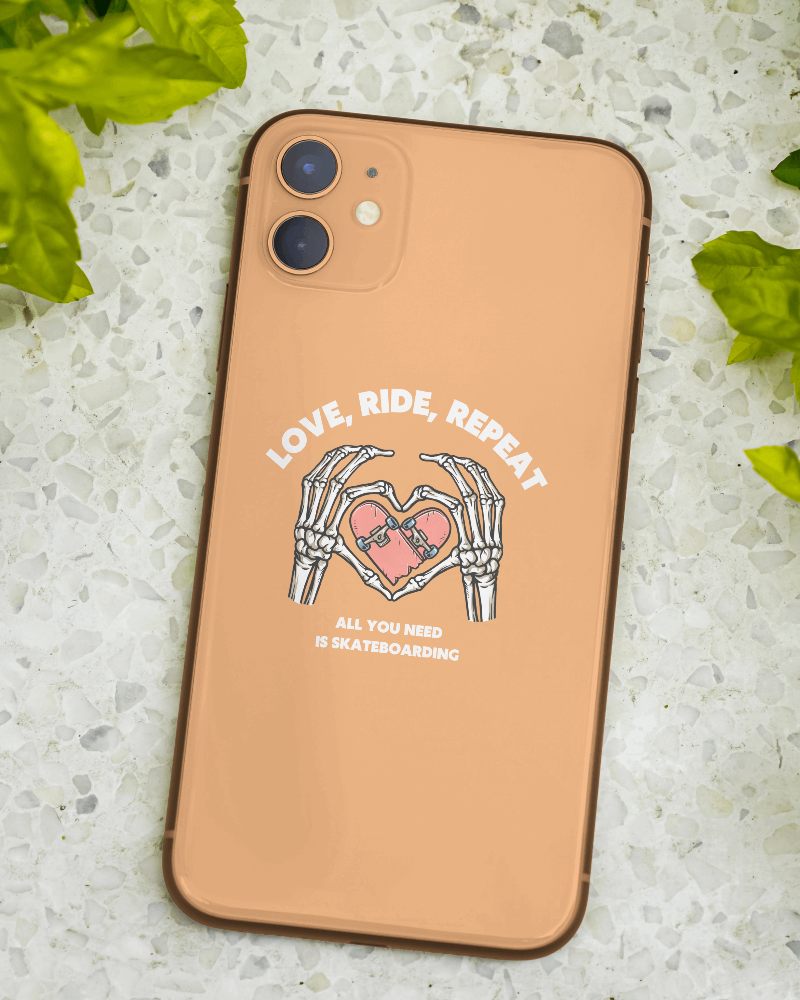
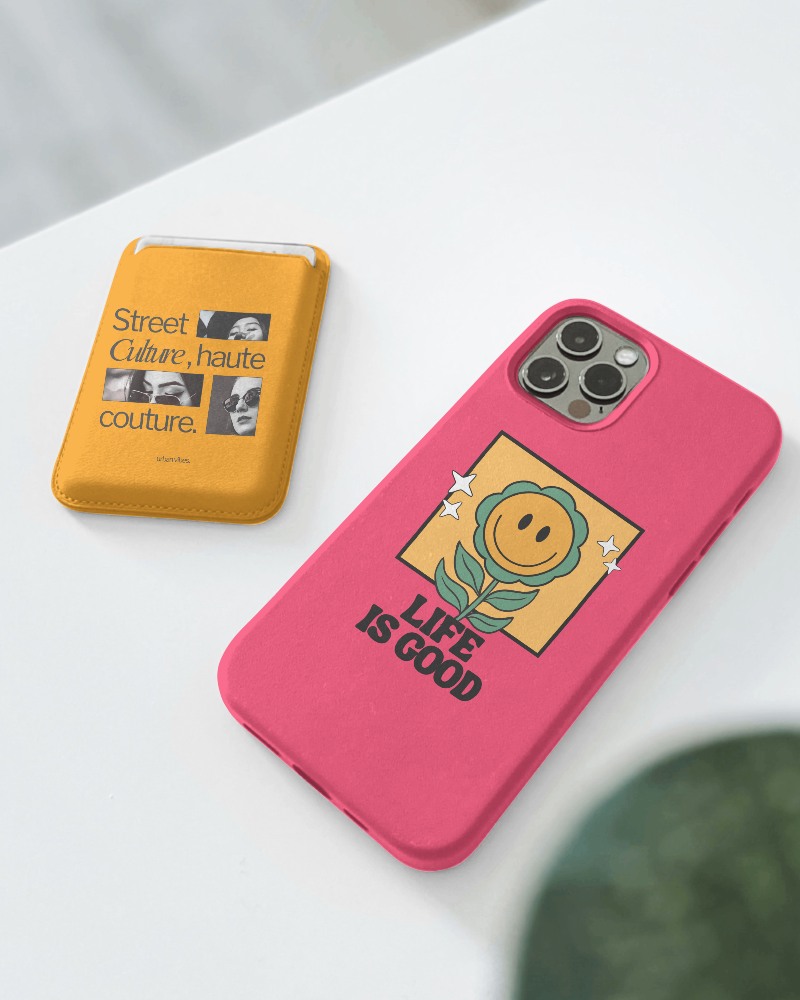
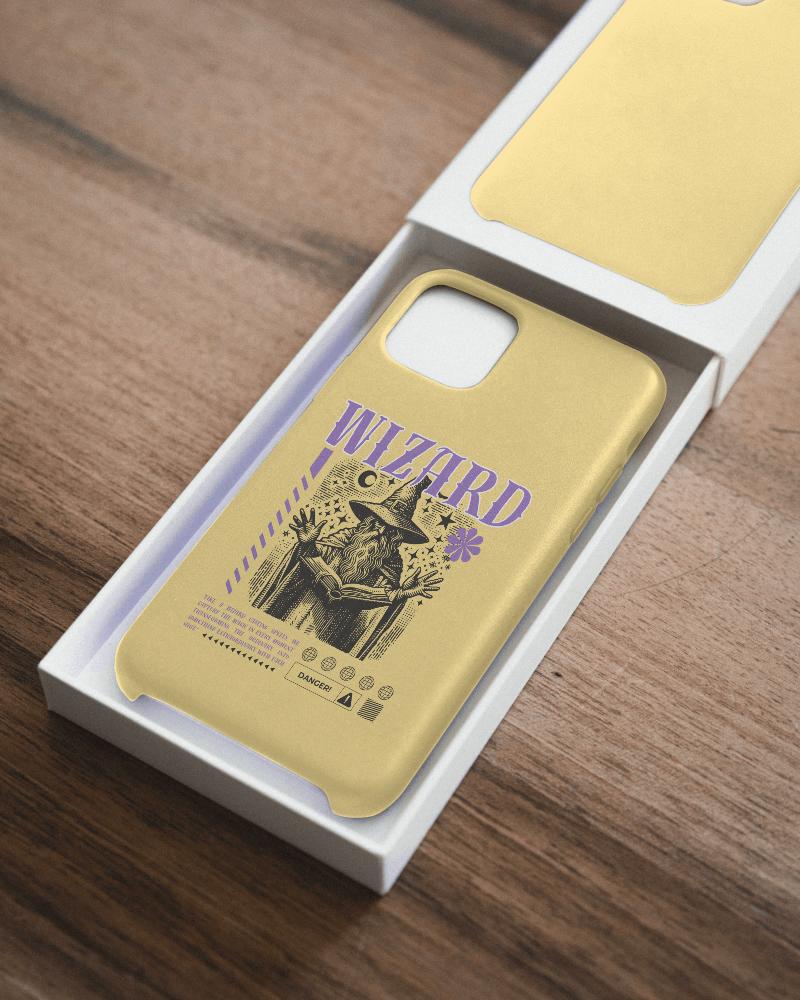
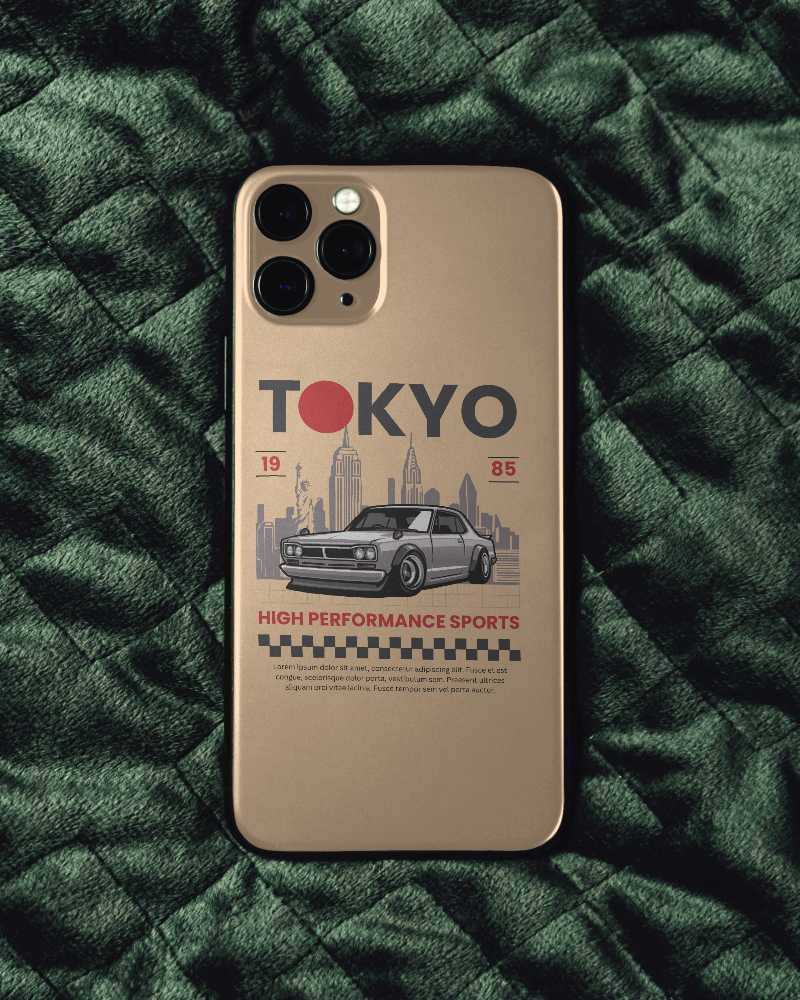
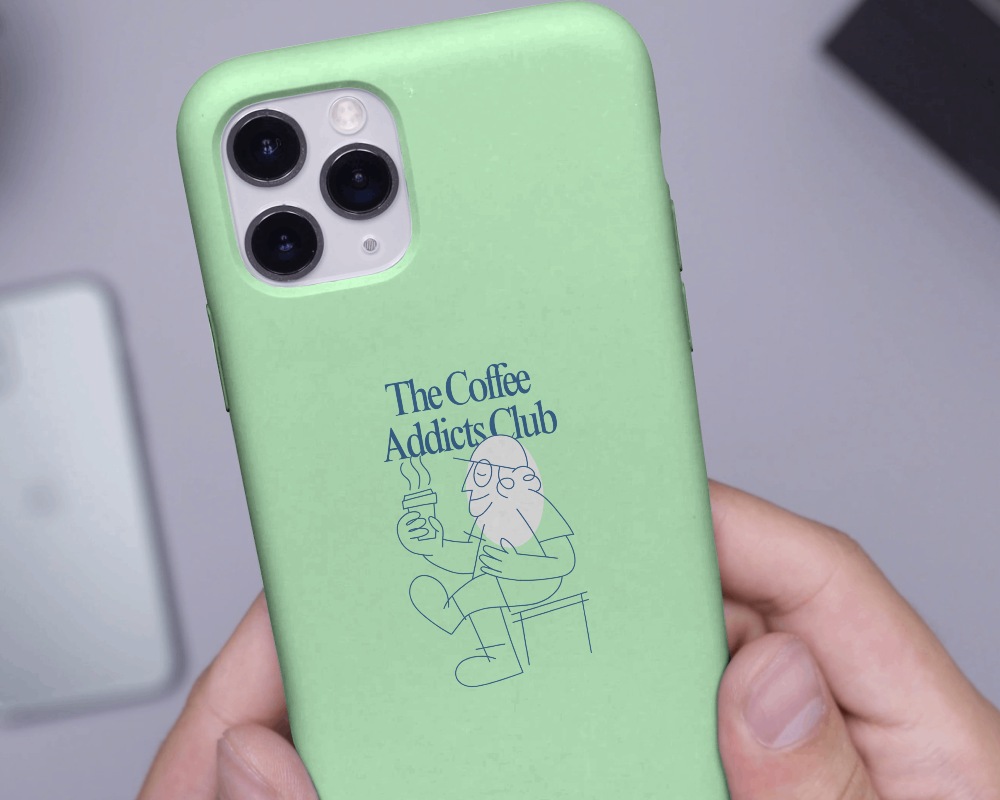
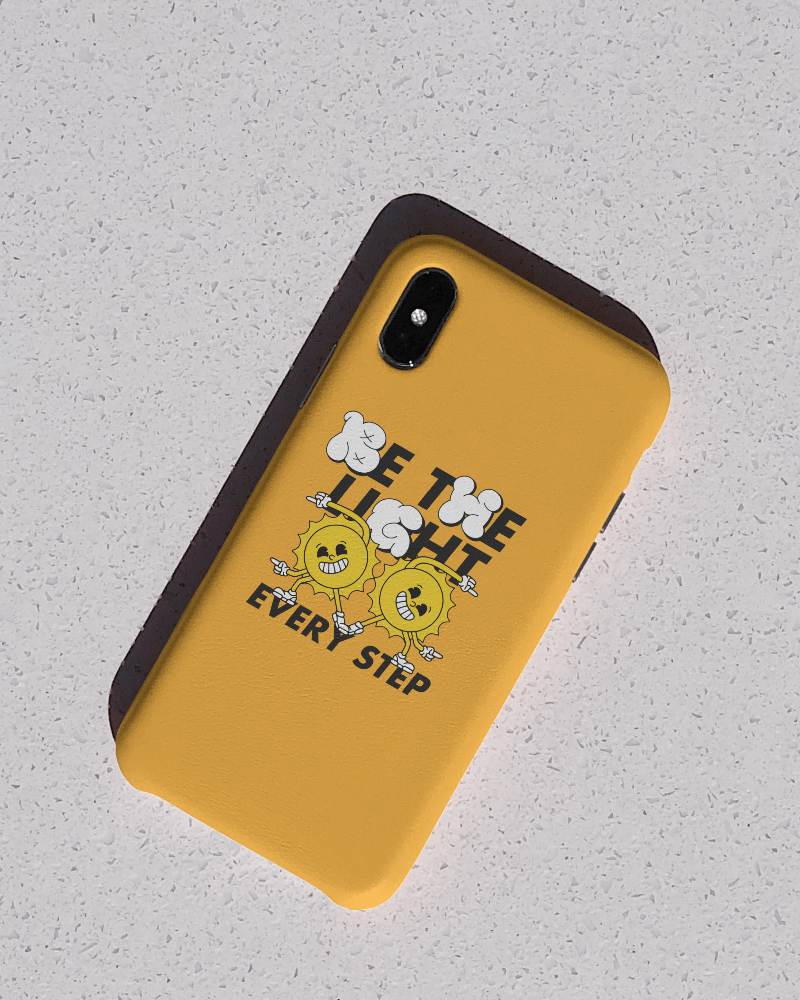
How to Create an iPhone Case Mockup with Mockey
Follow these easy steps to create an iPhone case mockup in Mockey AI
- Step 1: Go to Mockups > Accessories > Phone Case > iPhone Case in the menu.
- Step 2: Choose an iPhone case mockup style (e.g. iPhone 11, 14 Pro, or Galaxy S23).
- Step 3: Click 'Upload Design' and place your logo, art, or photo on the case.
- Step 4: Customize the angle, background, or lighting as per your branding.
- Step 5: Click 'Download' to save the high-resolution PNG or JPEG file.


FAQs on Iphone Case Mockups
What is an iPhone case mockup?
An iPhone case mockup is like a picture that shows how a design will look on a real iPhone case. Designers use it to see and share their ideas before making the actual case.
Why use an iPhone case mockup?
Using an iPhone case mockup lets you show your design, saves time and money, looks professional, helps you sell more, and lets you change how it looks easily.
Where can I create an iPhone case mockup?
Mockey.ai helps you make iPhone case pictures easily. Just go to the website, pick a phone cover style in the Accessories section, add your design, change colors or background if you want, and then download for free.
Can I customize the iPhone case mockup?
Yes, you can make your own iPhone case design with Mockey AI. Just pick a template style, add your picture, change colors or background, and then save it.
Are iPhone case mockups free?
In Mockey AI, you can use many iPhone case templates for free. To access everything, you can upgrade to the Starter, which doesn’t cost much and gives you full access.
What types of iPhone cases can I mock up?
There are many phone cover mockups in Mockey AI like iPhone, iPhone 6, iPhone X, iPhone 11 Pro, iPhone 14, iPhone 14 Pro, Samsung Galaxy S23, and Android phones.
How can I make my iPhone case mockup look more realistic?
To make your iPhone case mockup look real, use the AI photoshoot tool for a clean, pro look. Then save it as a PNG with a size up to 1600 x 2000 pixels.
