iPhone 11 Pro Case Mockup Free to Download
Showcase your designs with a realistic iPhone 11 Pro Case Mockup. Perfect for branding & presentations. Try it free on Mockey.ai now!
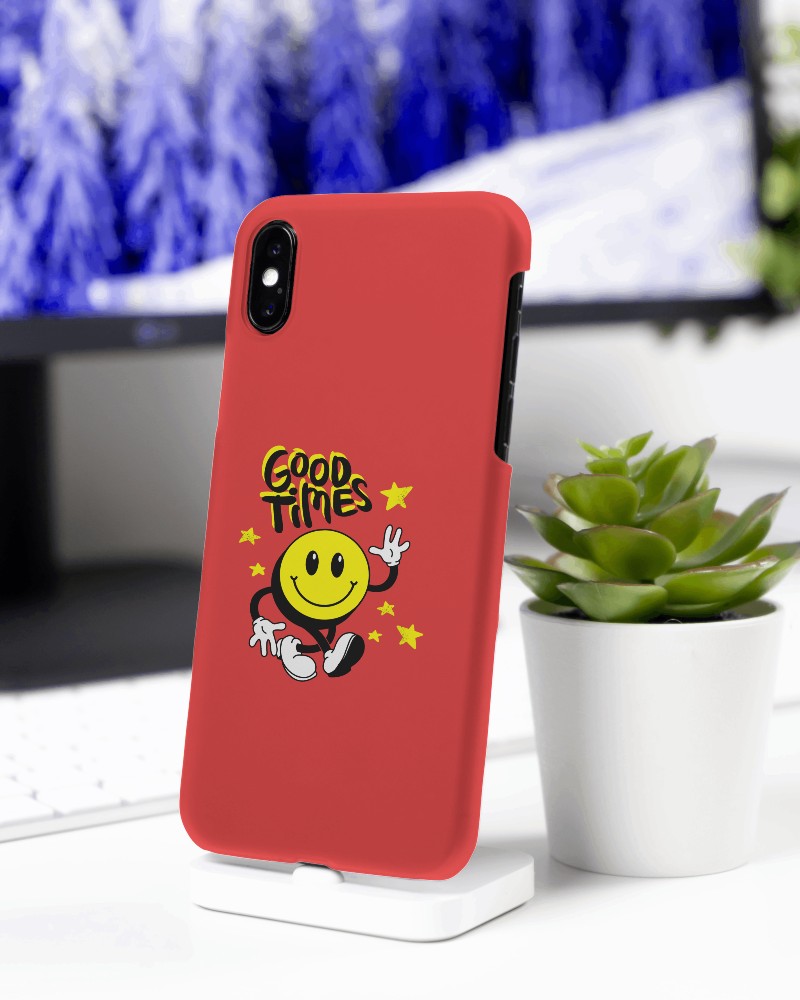
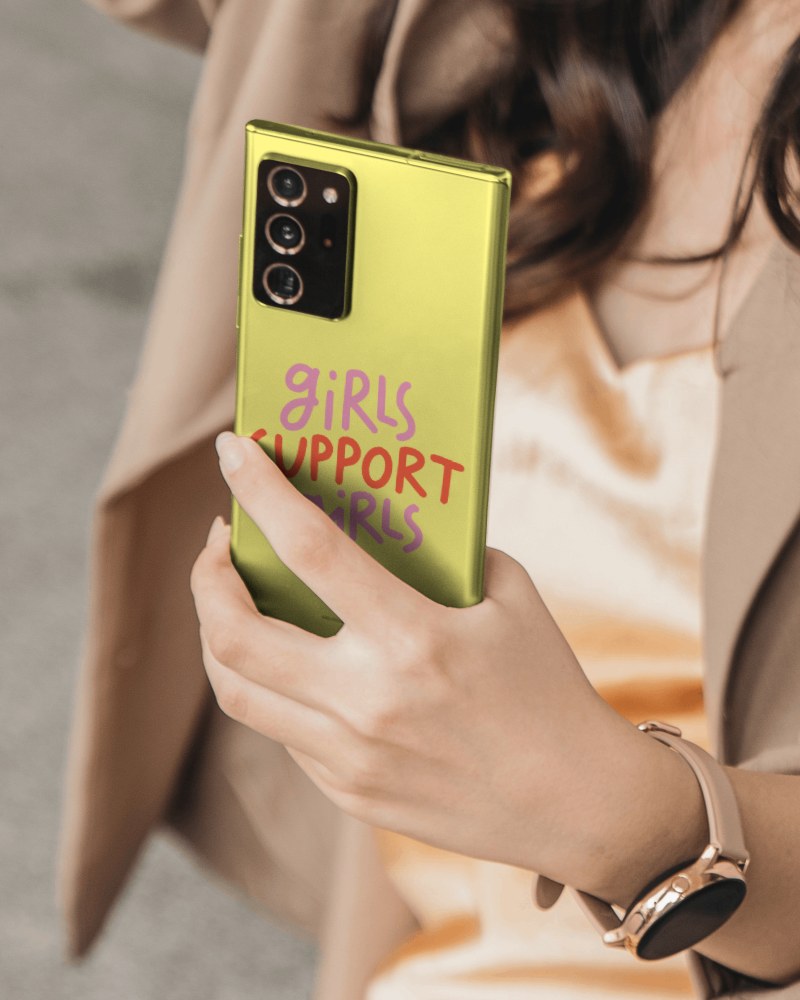
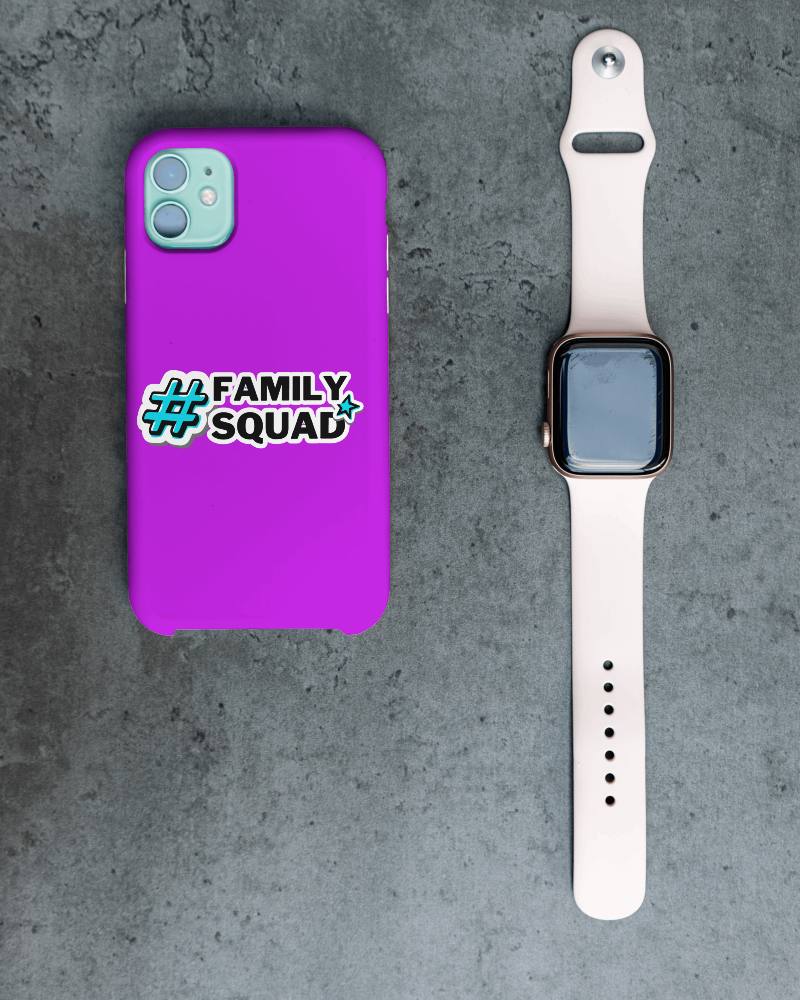
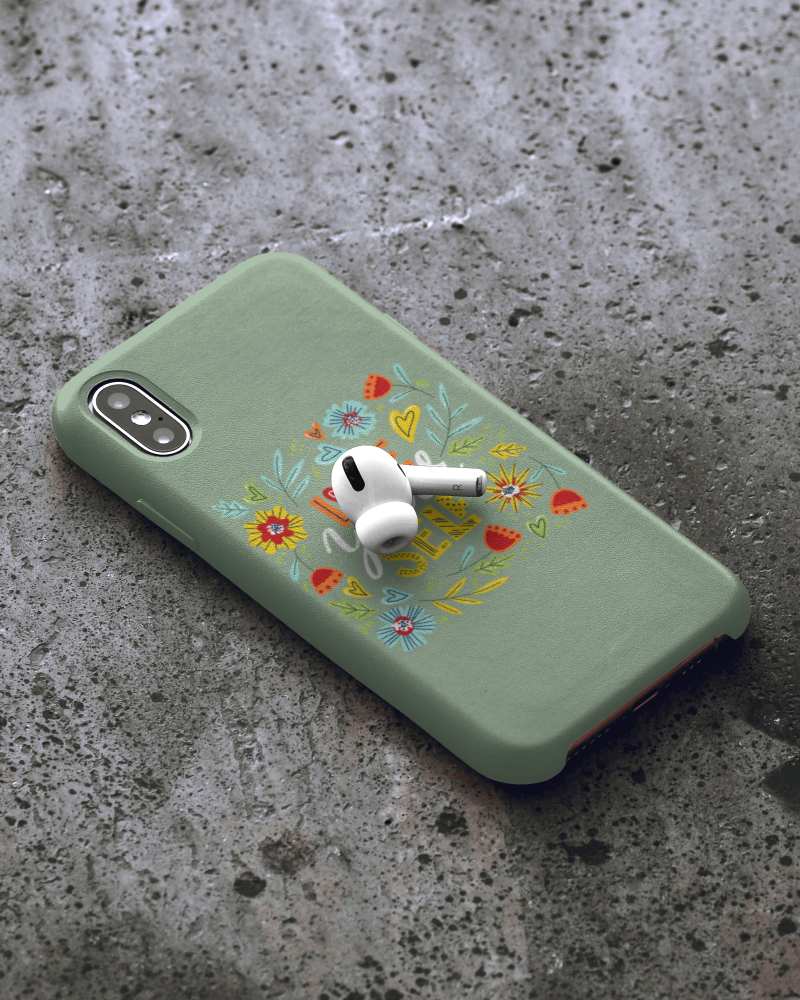
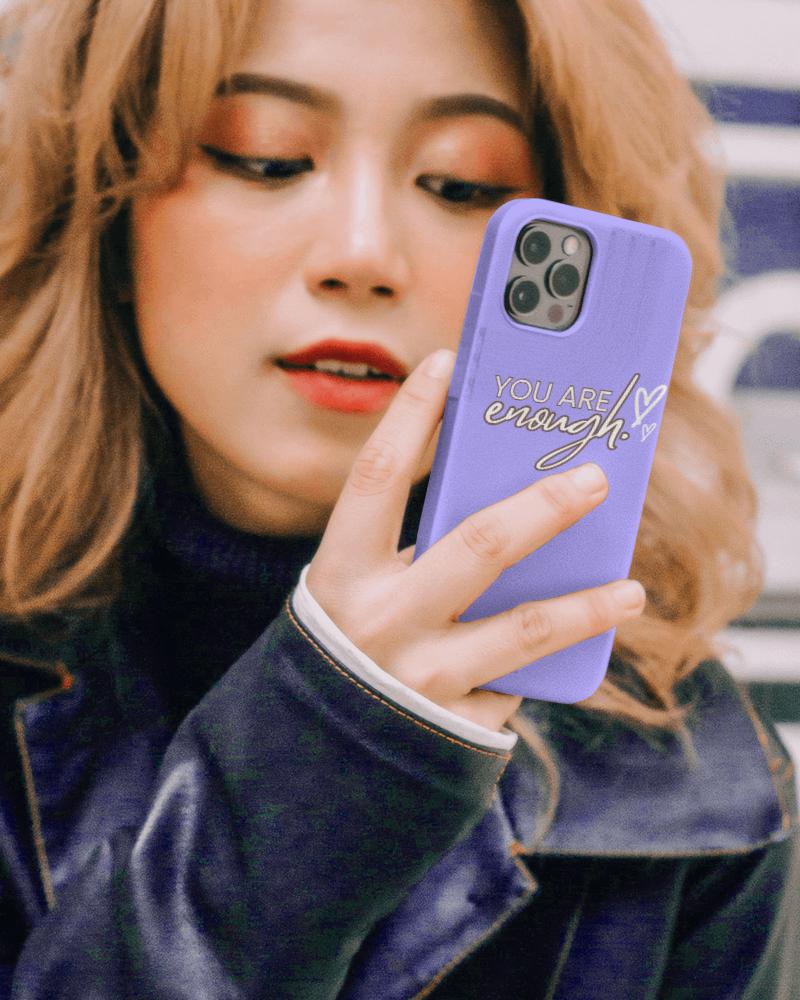
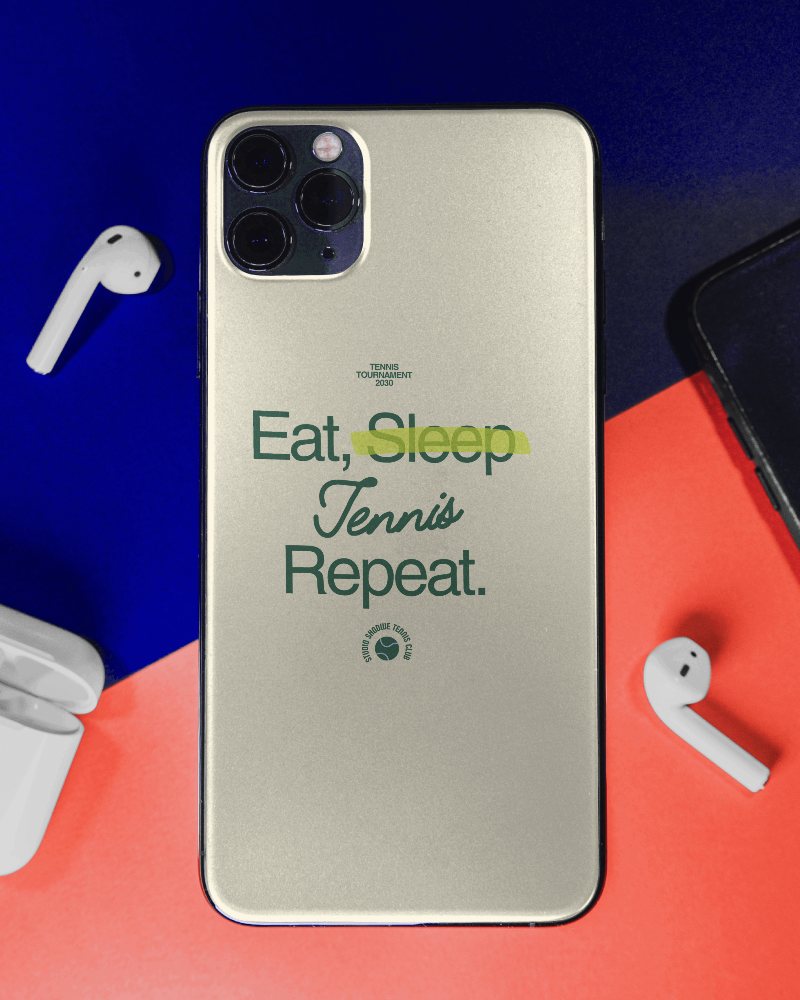
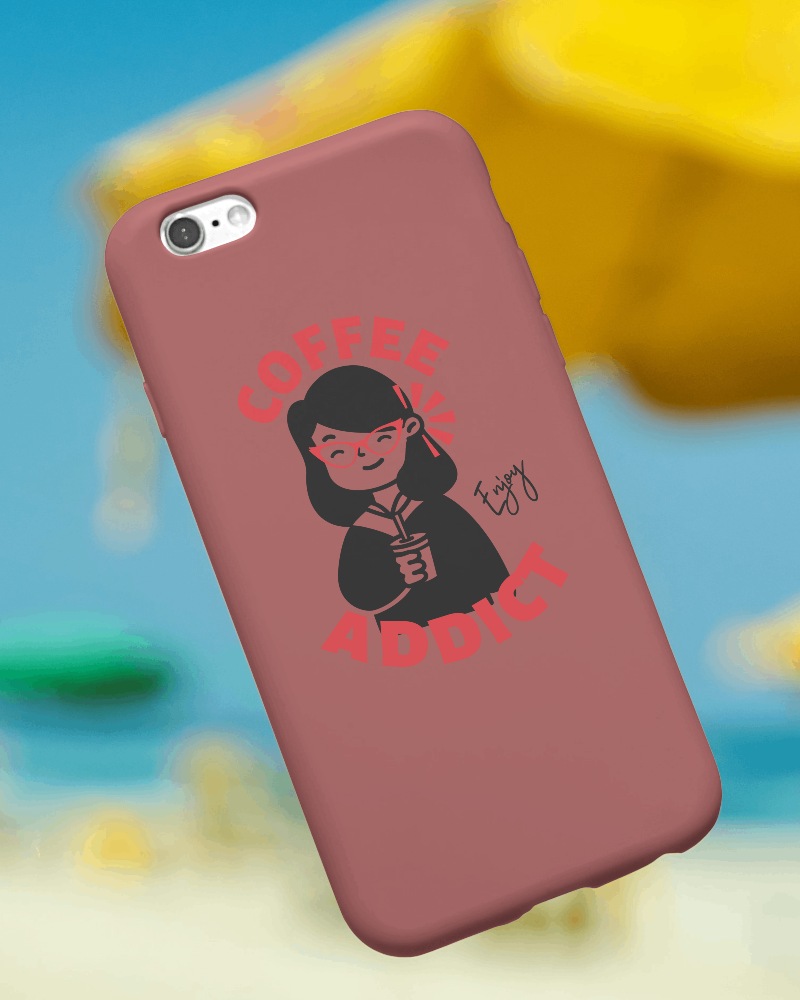
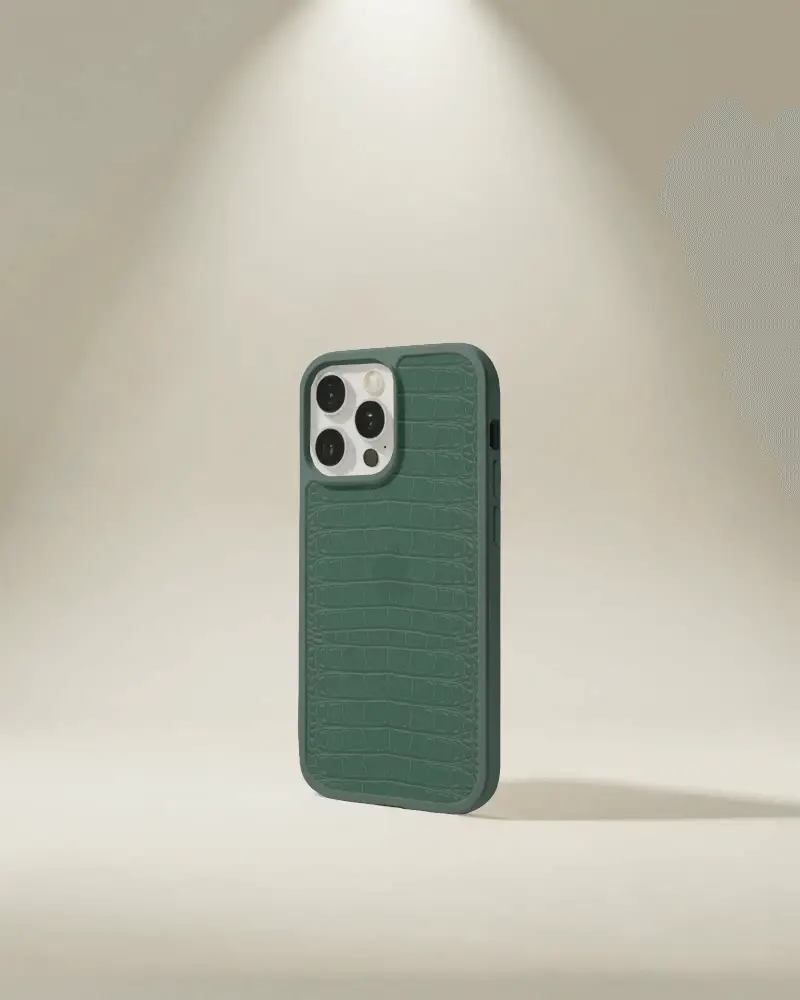
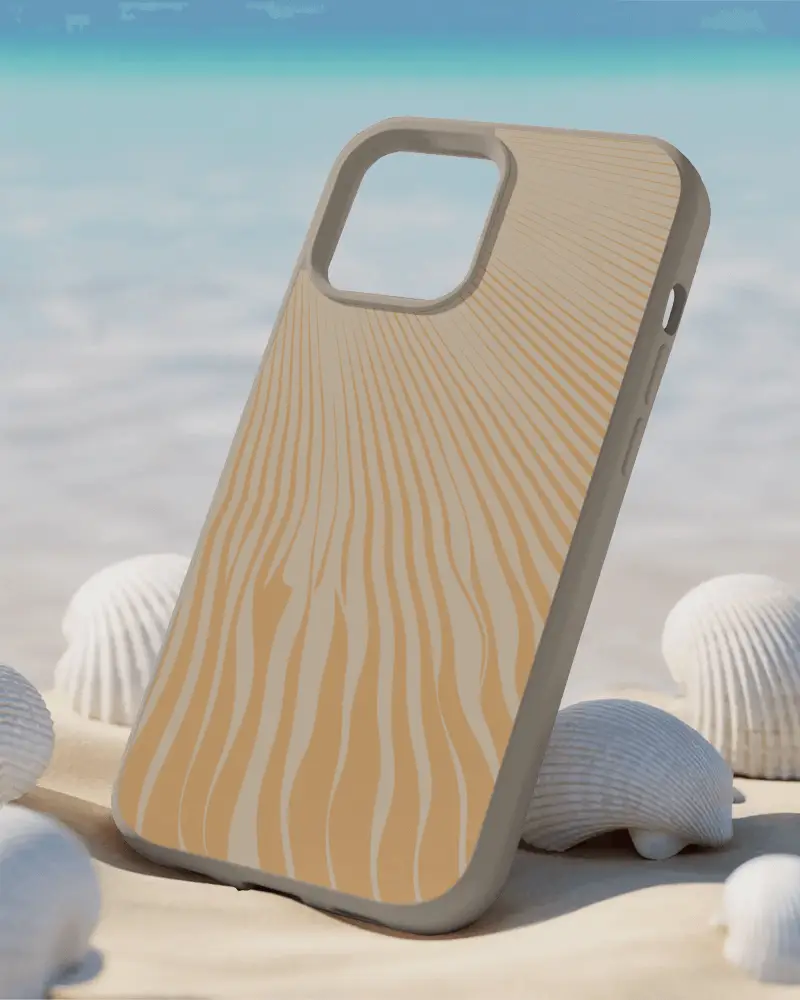
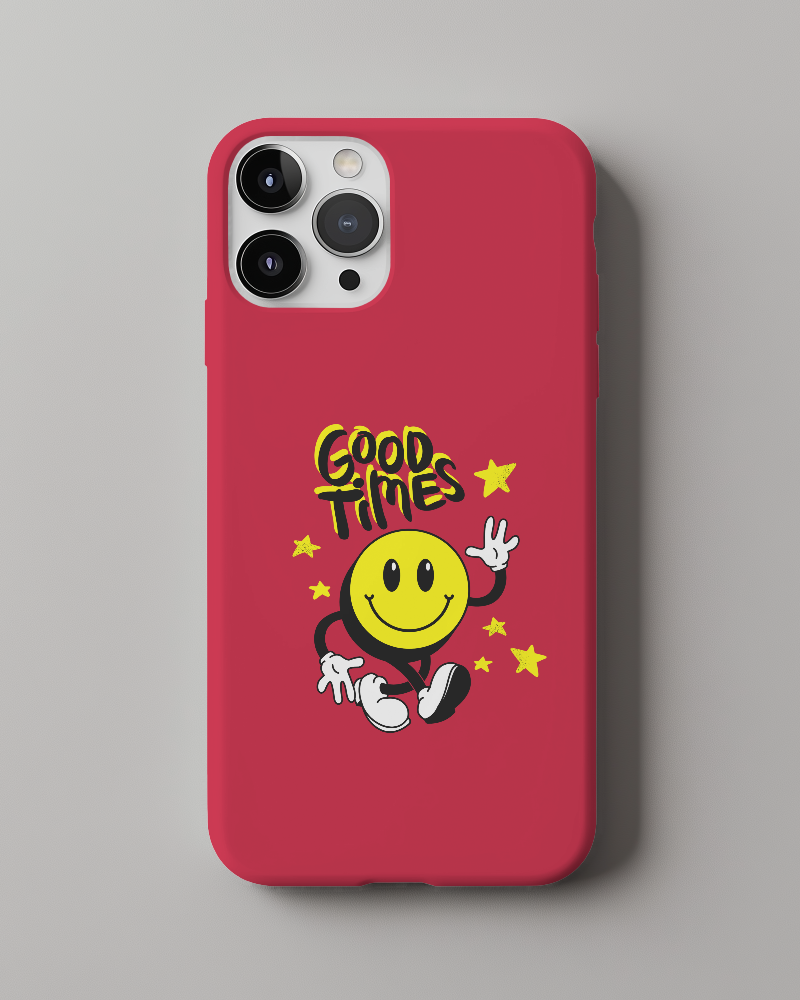
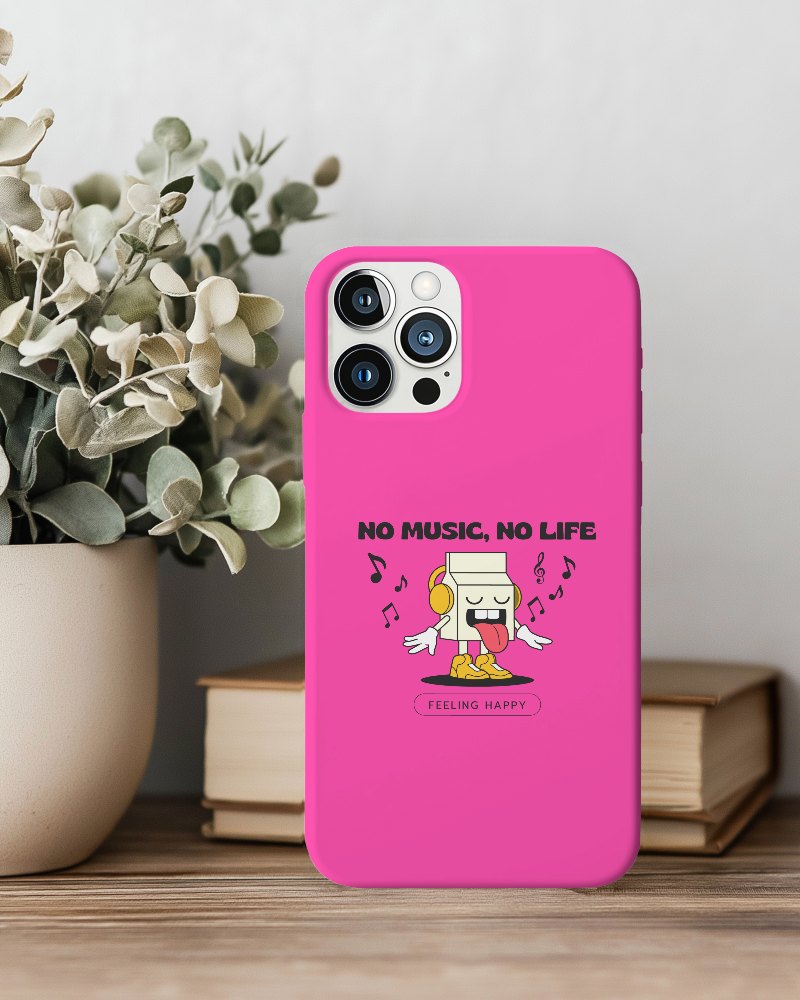
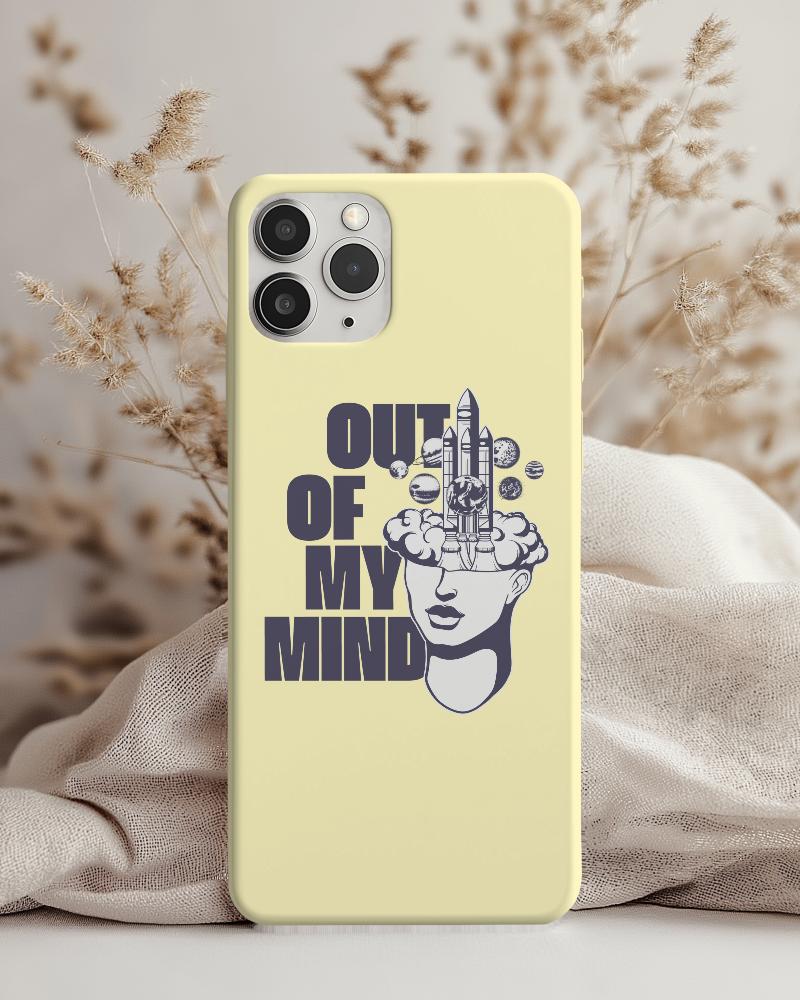
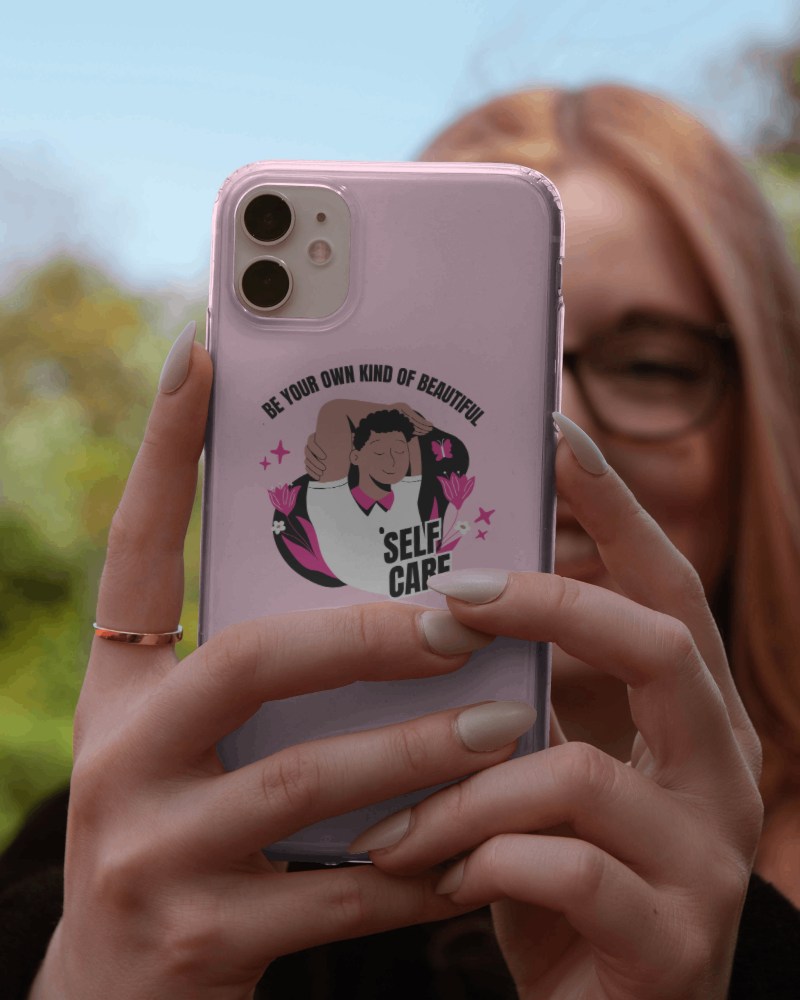
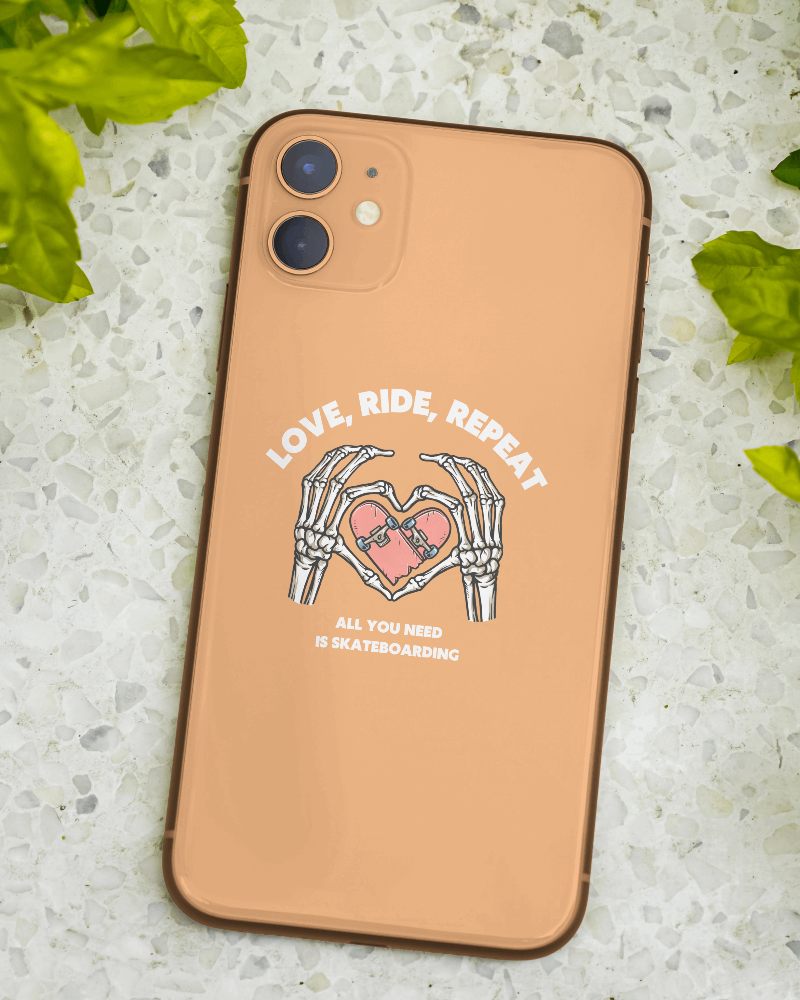
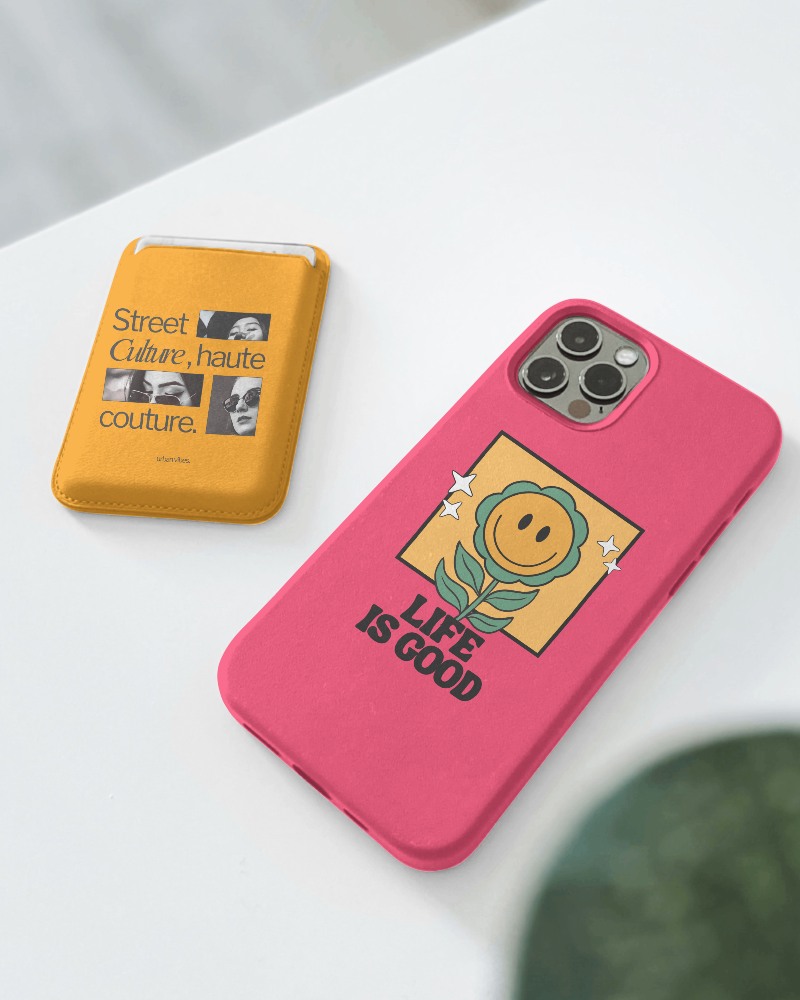
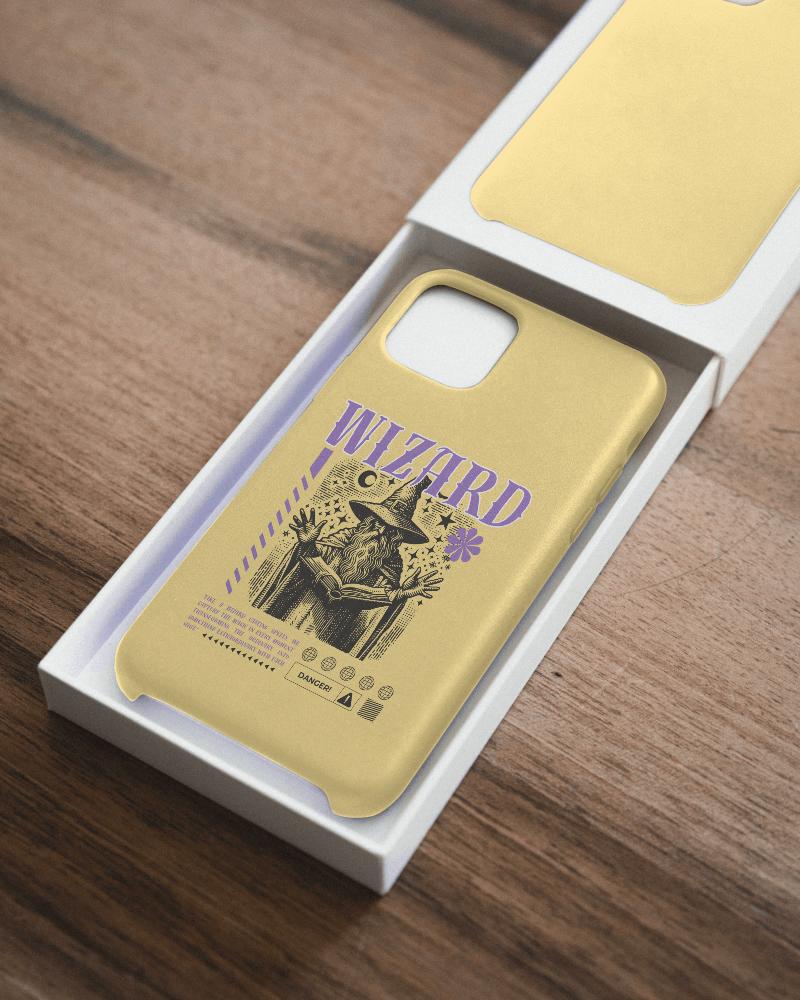

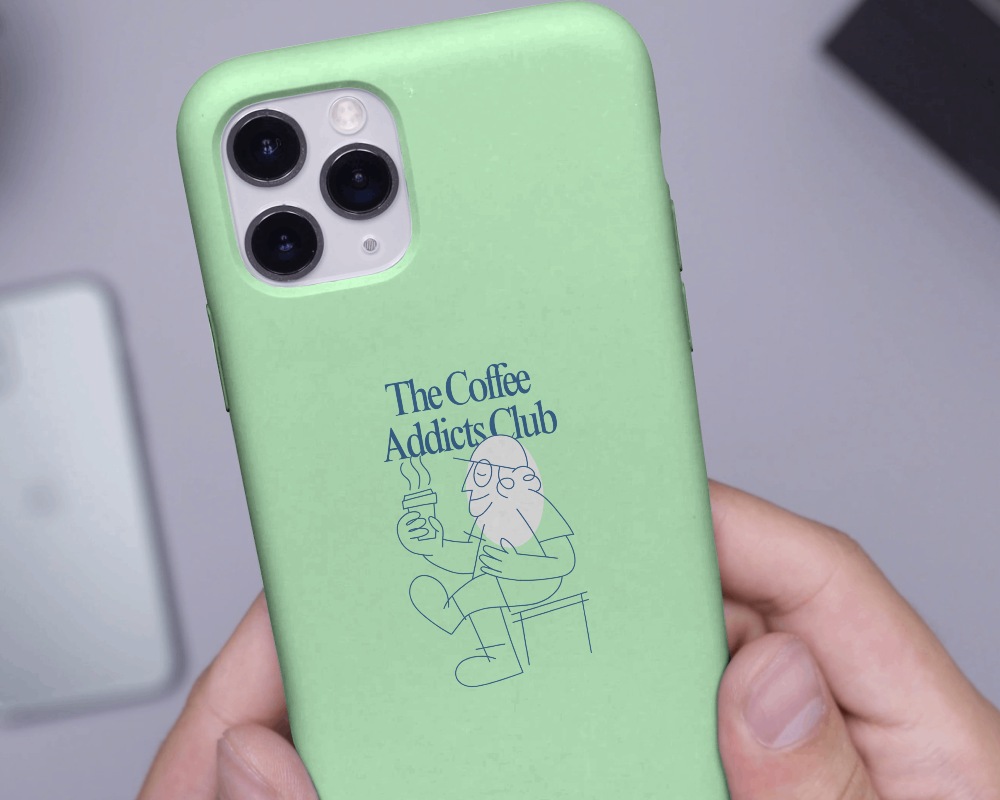
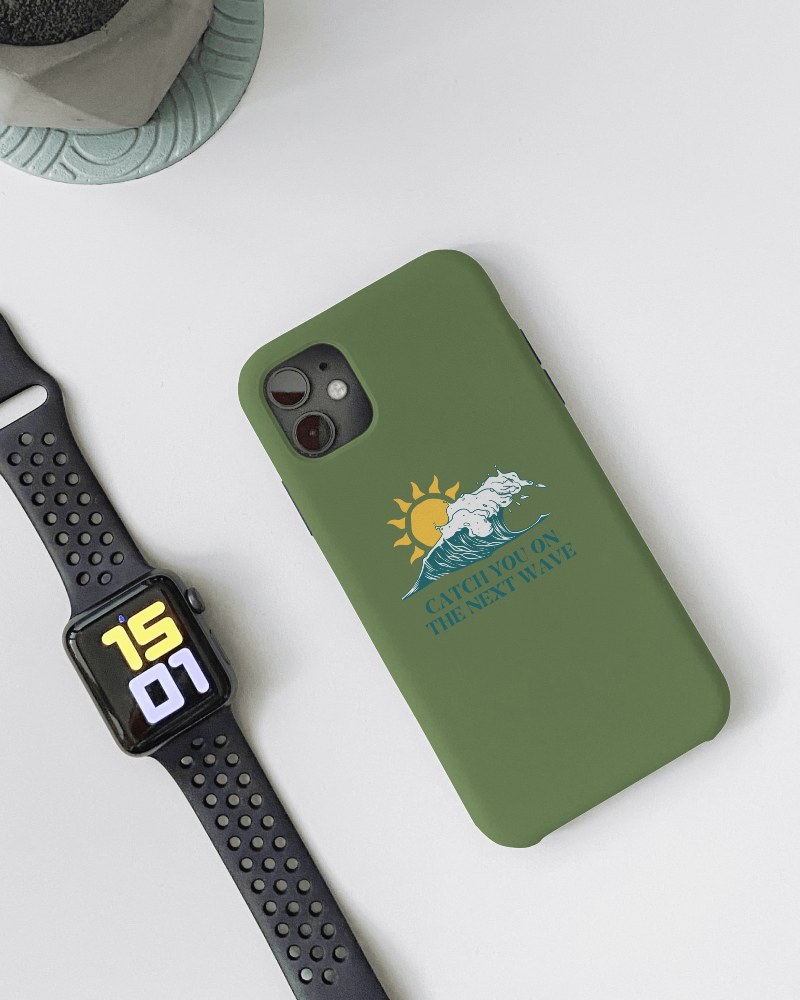

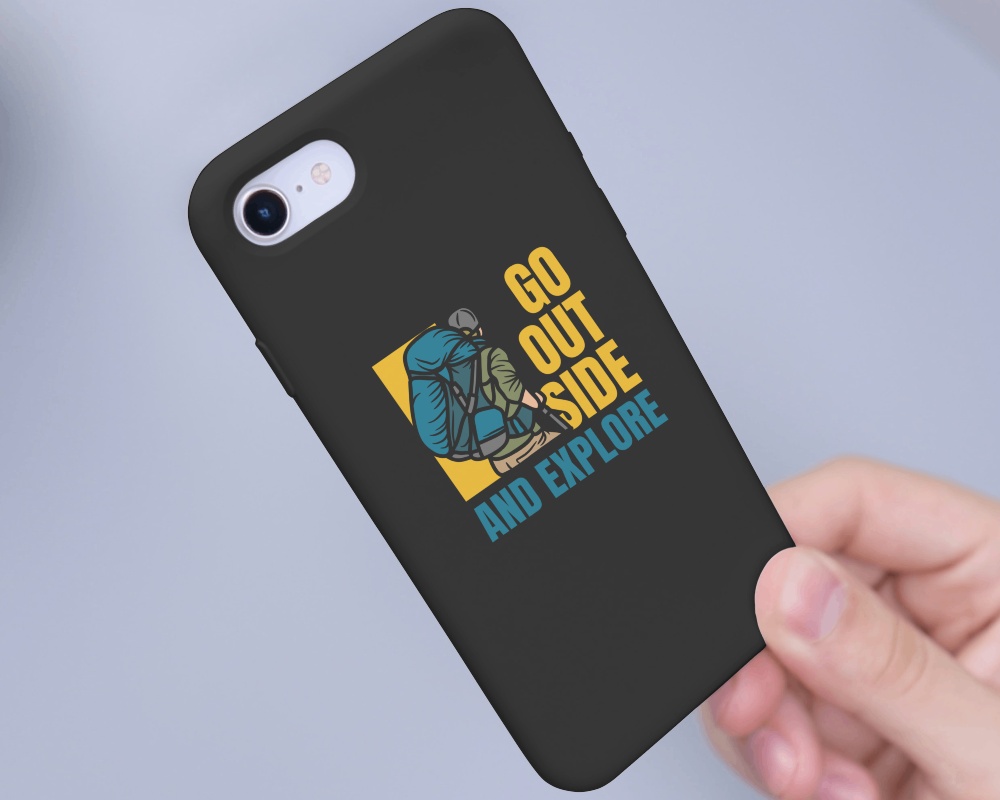

How to Create iPhone 11 Pro Case Mockup with Mockey
You don't need extensive design skills to create a stylish iPhone 11 Pro Case; use a high-quality phone cover mockup!
- Step 1: Go to Mockups > Accessories > Phone Cover > iphone-11-pro-case tag in the toolbar.
- Step 2: Pick the template you prefer and upload your design.
- Step 3: Customize your iPhone 11 Pro Case mockup to your liking and download it in high resolution.


FAQs on Iphone 11 Pro Case Mockups
What is an iPhone 11 Pro Case Mockup?
An iPhone 11 Pro Case Mockup is a blank template of an iPhone 11 Pro phone case where you can put your designs to see how they’ll look. You can customize using a phone cover mockup generator.
How can I use an iPhone 11 Pro Case Mockup?
Go to Mockey.ai to use your iPhone 11 Pro case. Click on Mockups, then pick Phone Cover in the Accessories. Pick your template, upload your design, change colors or backgrounds, and save it for free!
Are iPhone 11 Pro Case Mockups free to use?
At Mockey AI, you can get iPhone 11 Pro case templates for free! If you want to use all the templates, just get the Starter. It’s super affordable.
Can I download my iPhone 11 Pro Case Mockup in high resolution?
You can grab iPhone 11 Pro mockups in sharp quality. Just choose the PNG file and pick the 1600 × 2000 size to get it in the best resolution possible.
How do I customize my iPhone 11 Pro Case Mockup?
You can upload your logo or artwork, reposition it, adjust the cap color or background, and preview it live — all inside the Mockey interface, without any design software.
