Best iPhone X Case Mockup Free to Download
Design your iPhone X case mockup online with Mockey.ai. Upload your design, customize instantly, and render a realistic iPhone X case mockup in seconds!
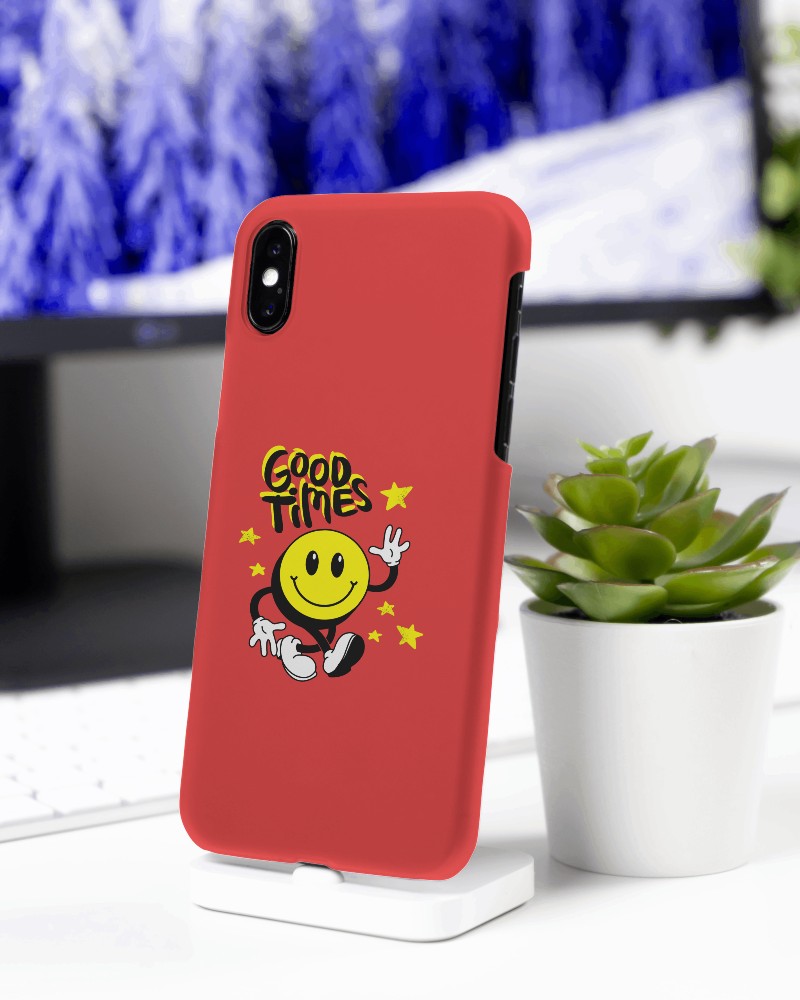

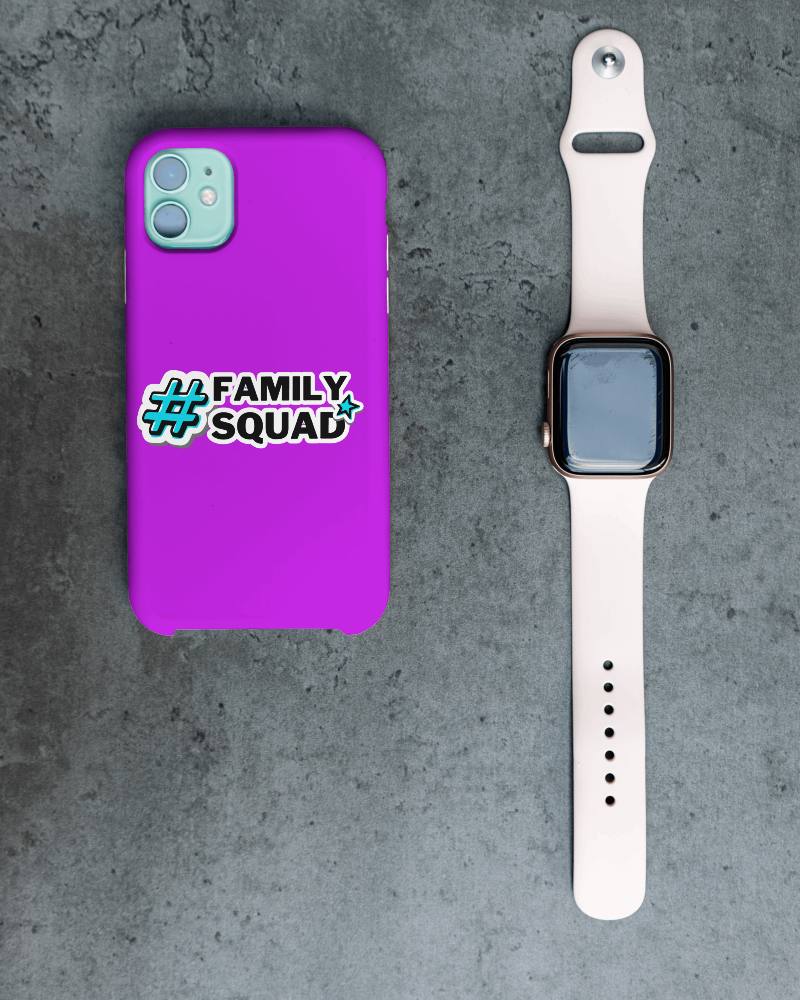
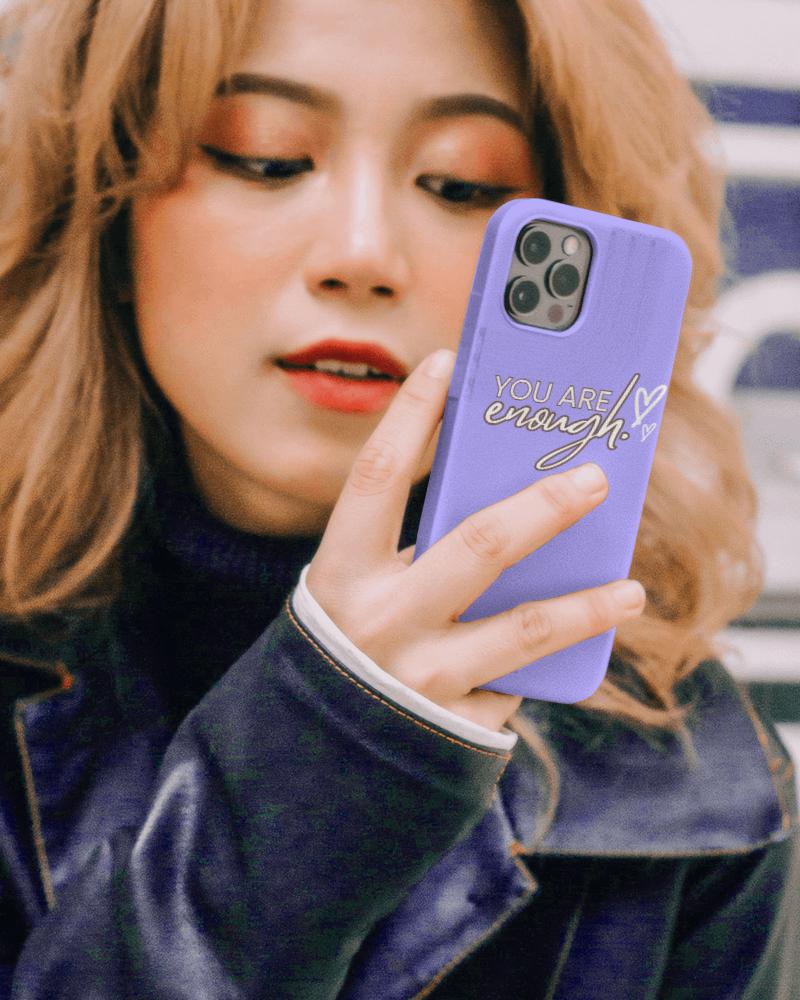
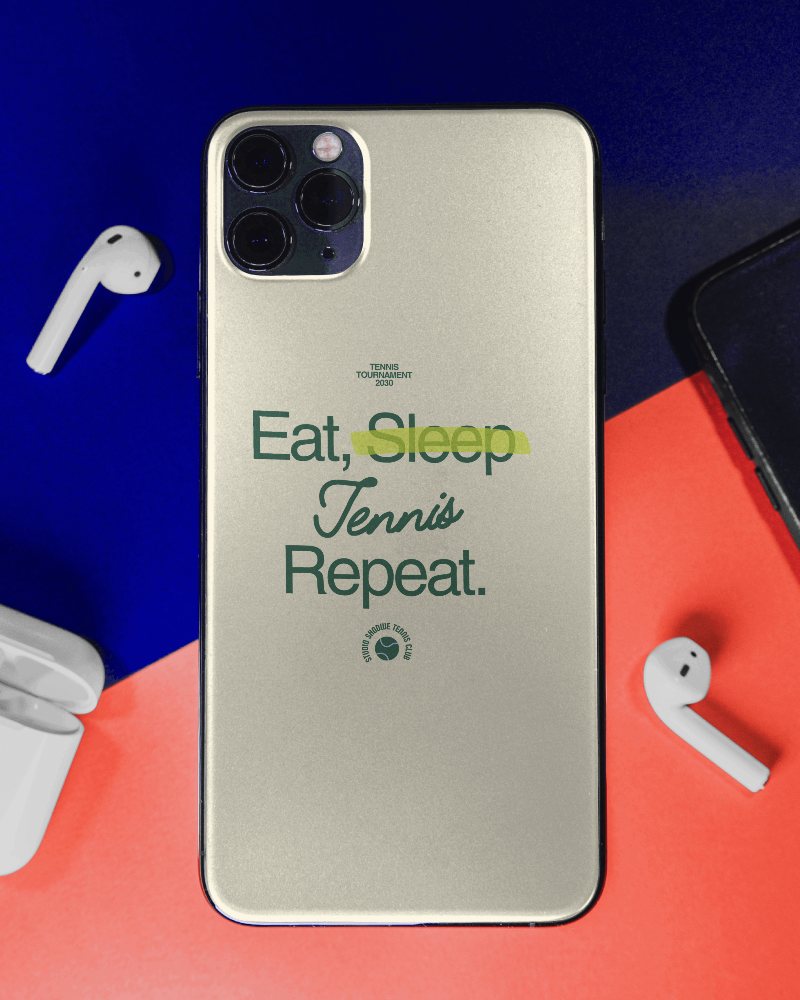

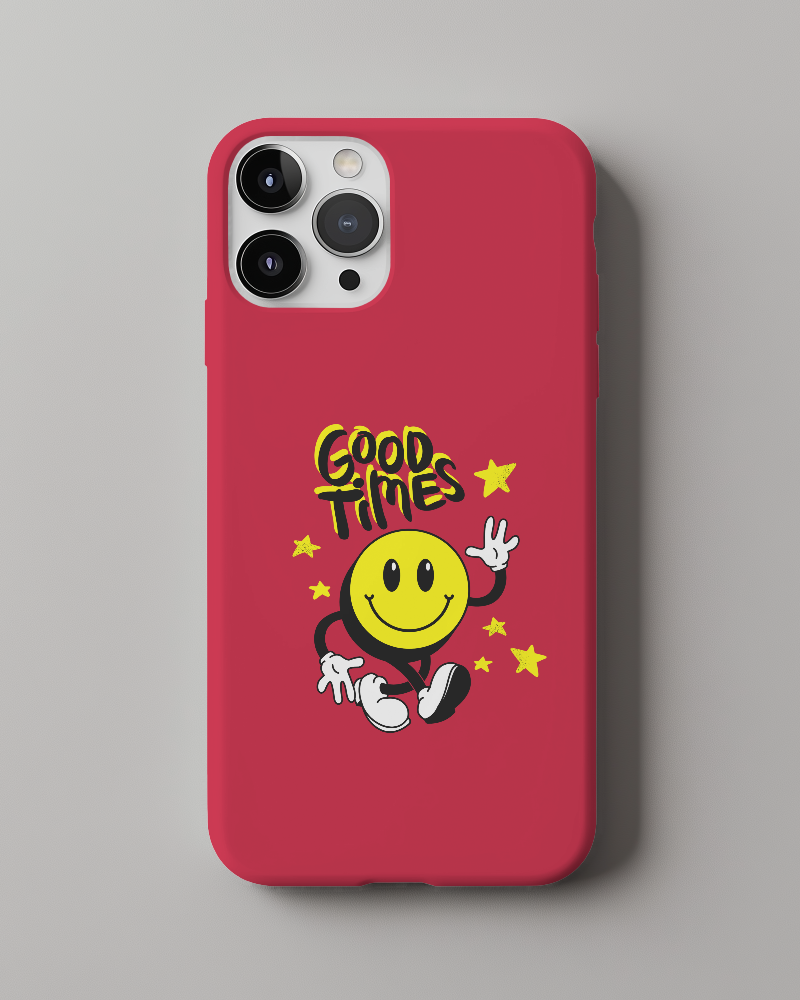
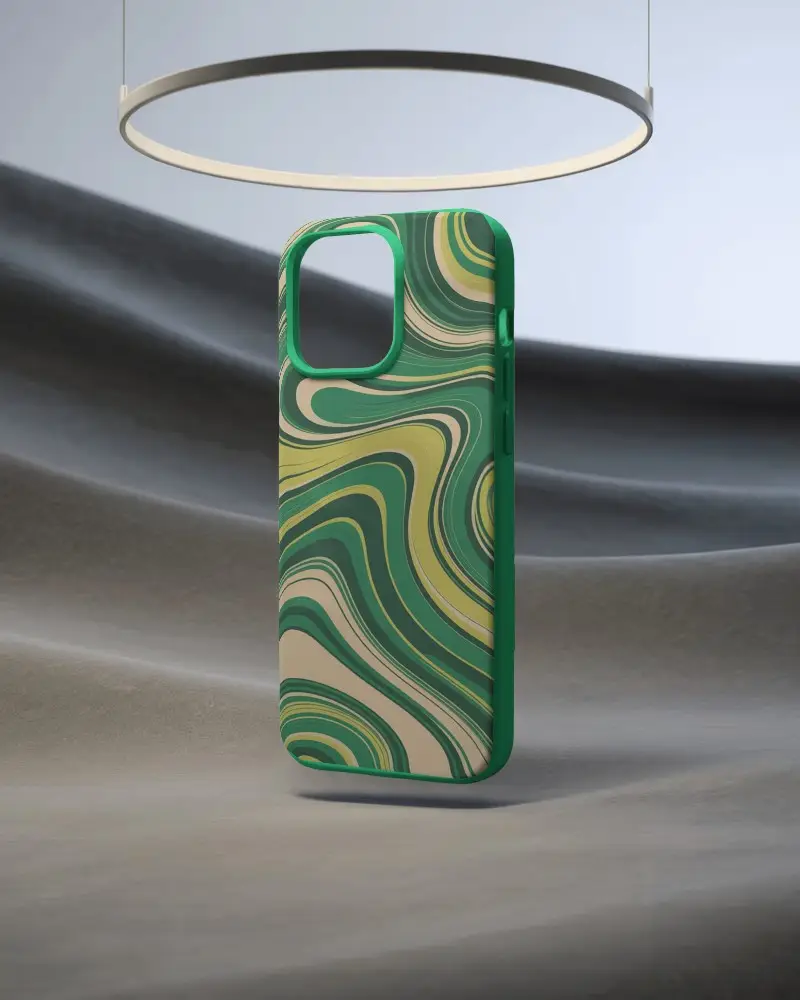
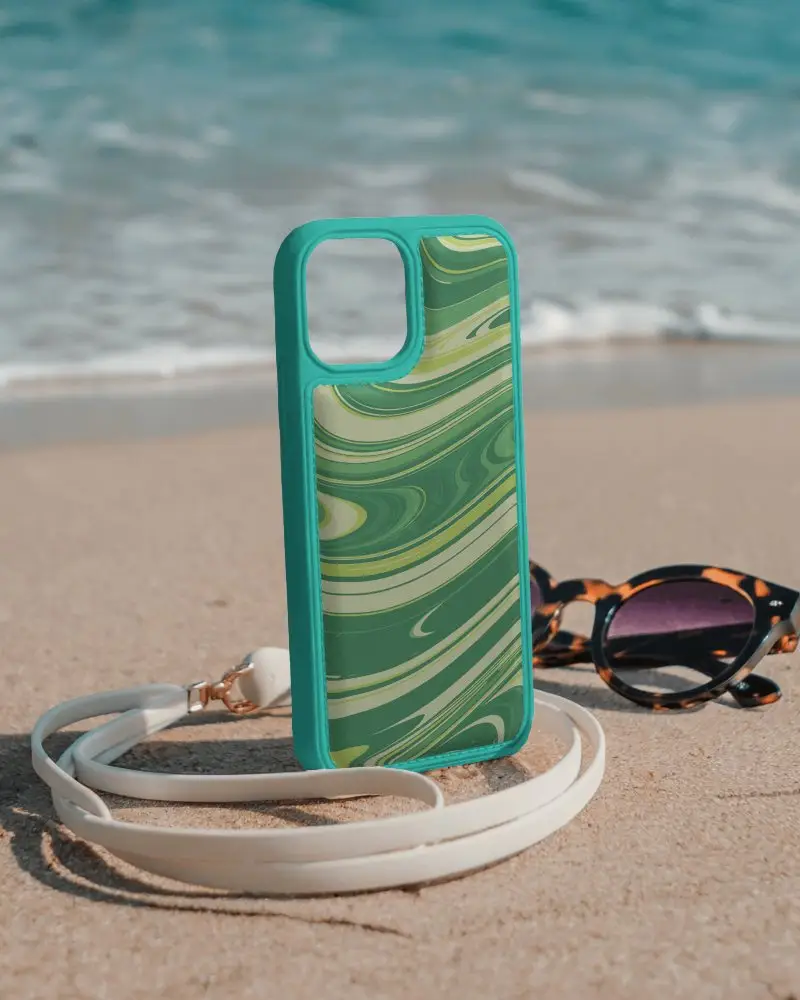
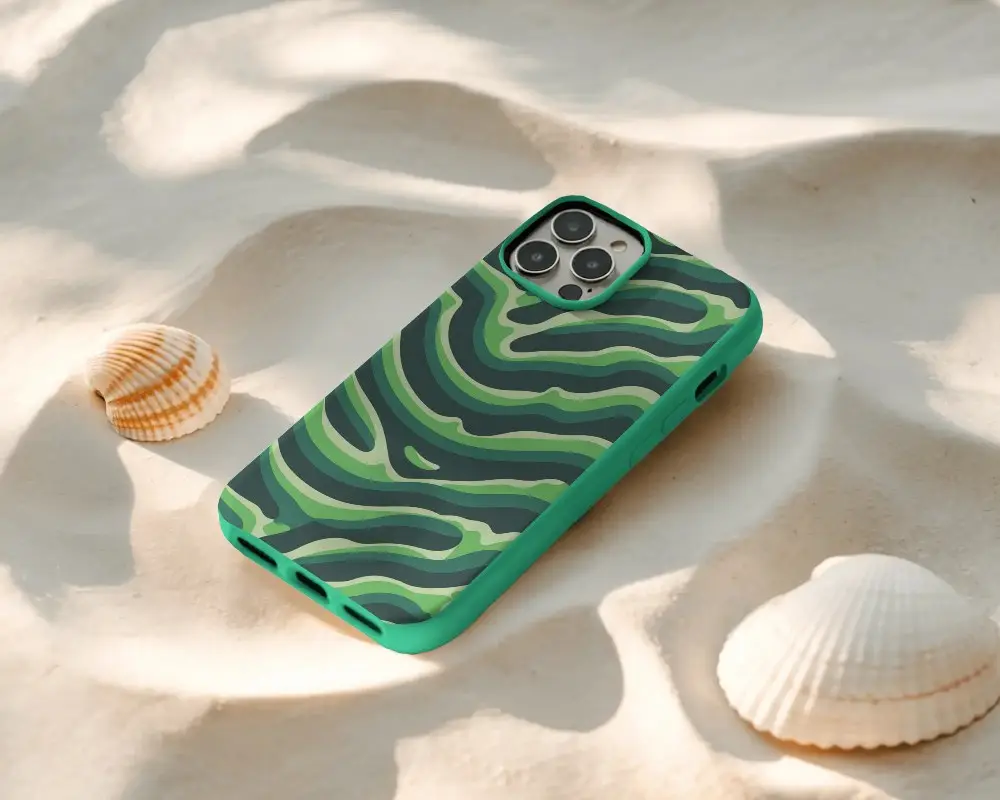
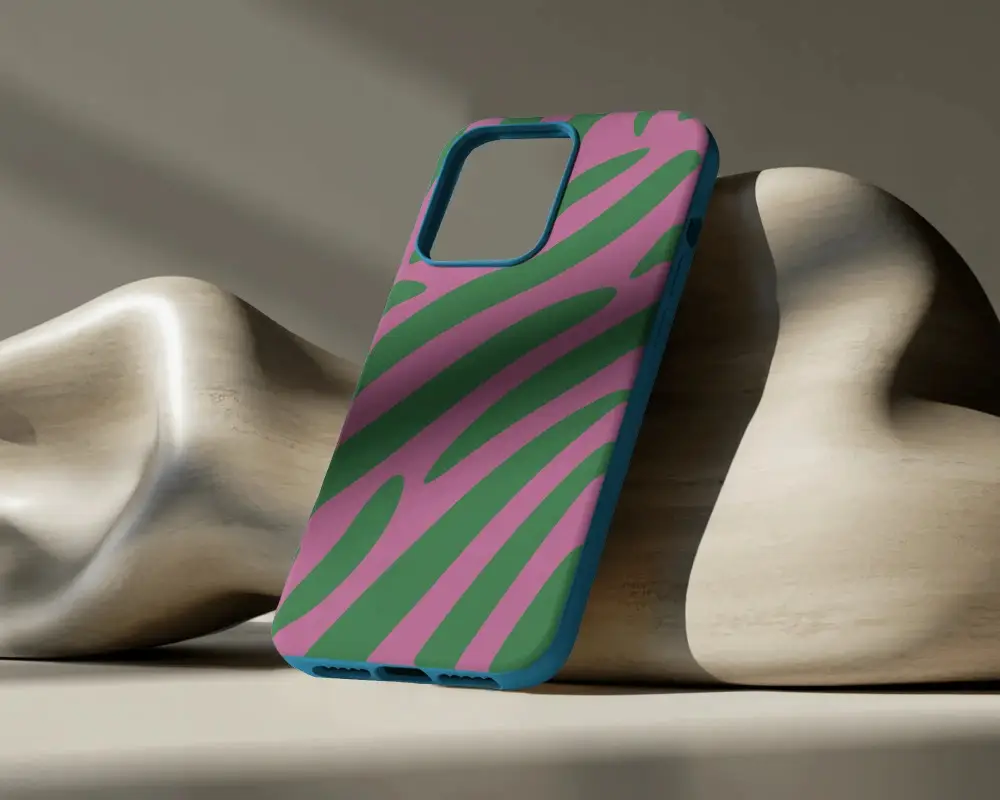
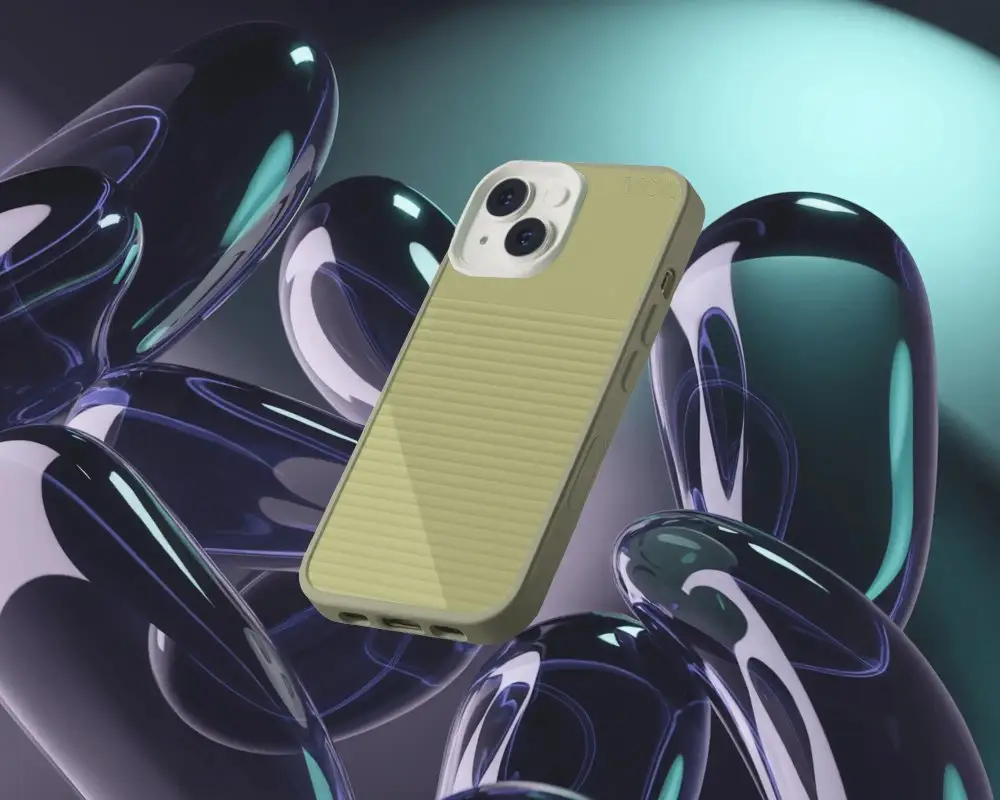
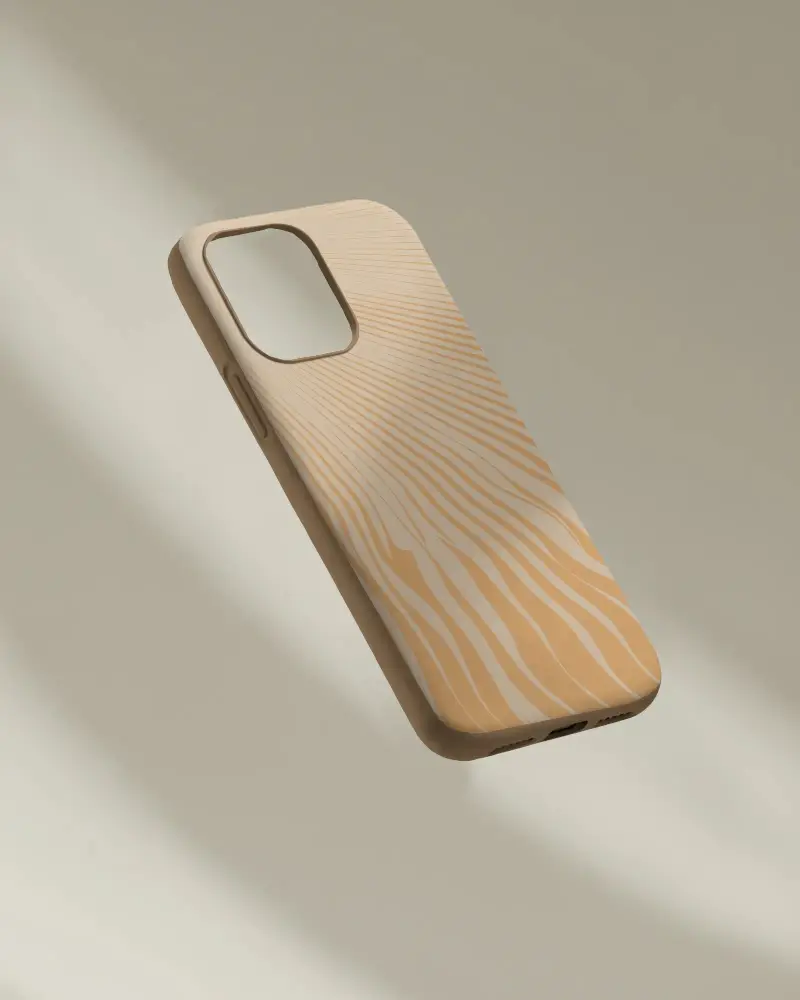

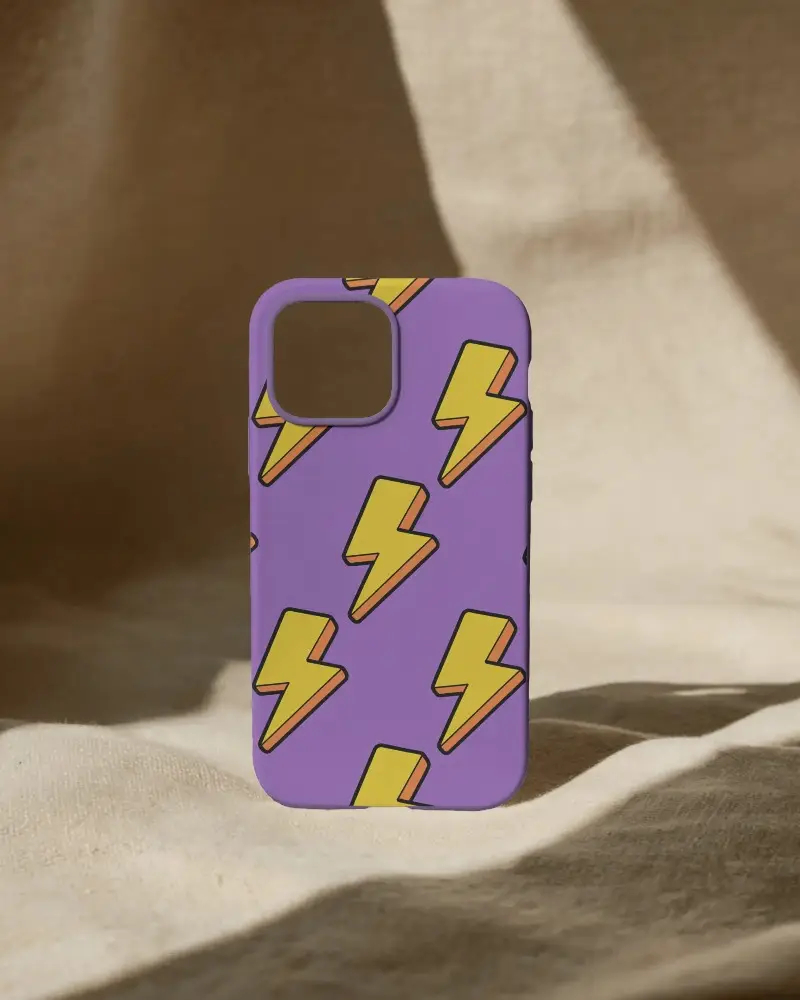

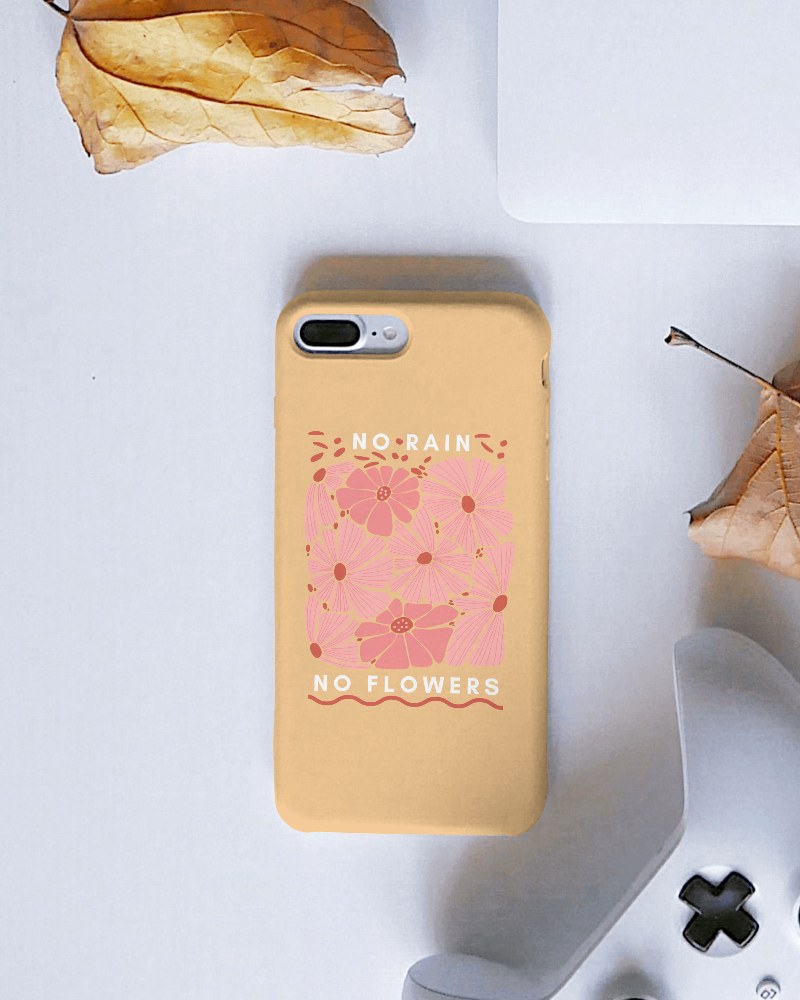
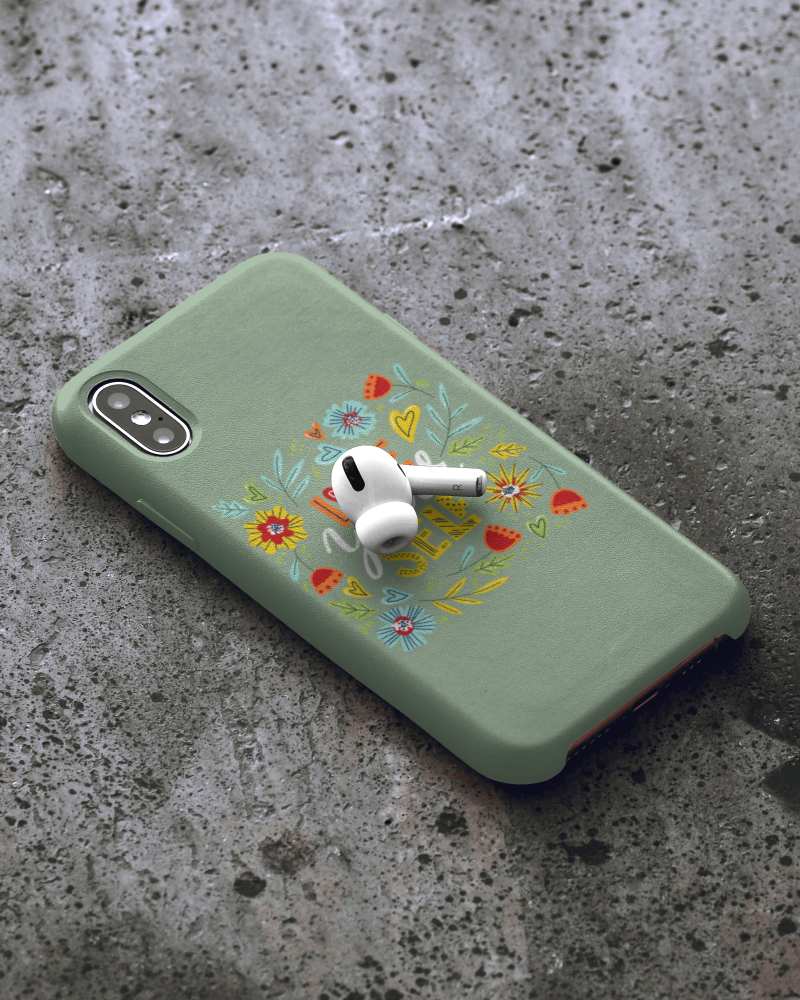
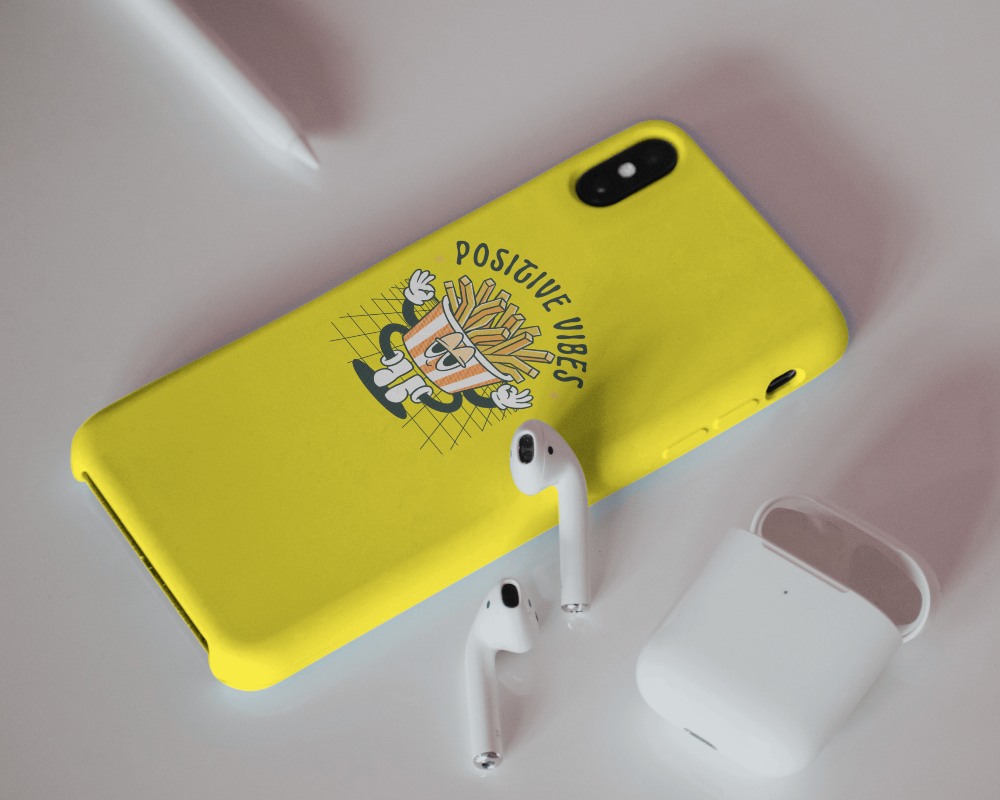
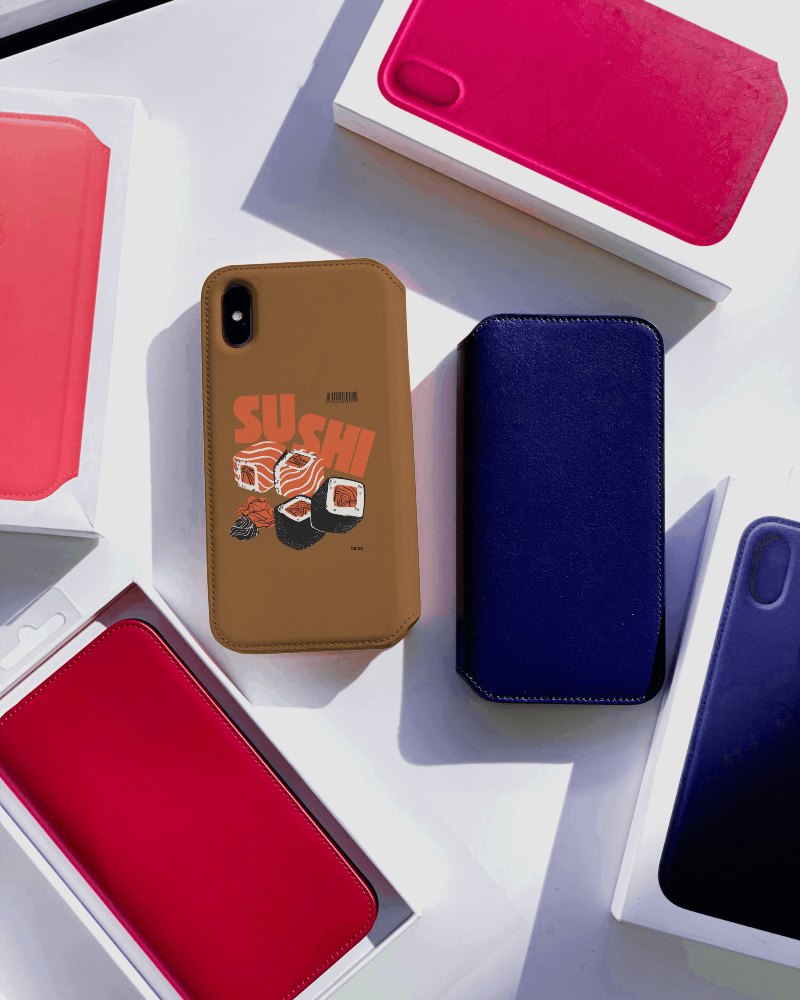
How to Create an iPhone X Case Mockup with Mockey
Here's how to design and download an iPhone X case mockup using Mockey.ai:
- Step 1: Go to Mockups > Accessories > Phone Cover > iphone-x-case tag.
- Step 2: Choose an iPhone X mockup template from the list.
- Step 3: Upload your design or logo and adjust its position.
- Step 4: Customize background color, image, or gradient to match your brand.
- Step 5: Download the mockup as a high-quality PNG (PRO) or JPEG (free).


FAQs on Iphone X Case Mockups
What is an iPhone X case mockup?
An iPhone X case mockup is a digital template for your design! Designers, creators, and sellers use these to share their designs with a client, put them on their website, or add them to a shop.
How can I create an iPhone X case mockup?
Head over to Mockey.ai to create your iPhone X case. Click Mockups, then Accessories, and pick Phone Cover. Pick the iPhone X from the list of tags. Next, you’ll be able to upload your design, tweak it, change the colors or backgrounds, and save it, all for free.
What file formats are available for iPhone X case mockups?
You can get iPhone X case mockups in PNG and JPEG files in Mockey AI. JPEG file comes with a free plan and for PNG files, you need to upgrade to the Mockey Starter plan.
Are iPhone X case mockups free to use?
Mockey.ai is a free platform where you can make iPhone X case mockups. Customize with AI tools and save it without any watermarks on the mockup.
Can I change the background of my iPhone X case mockup?
To switch the background, just tap on Background. You can upload your own picture, pick one from the collection, or even pick a gradient color.
