Free Samsung Phone Case Mockups
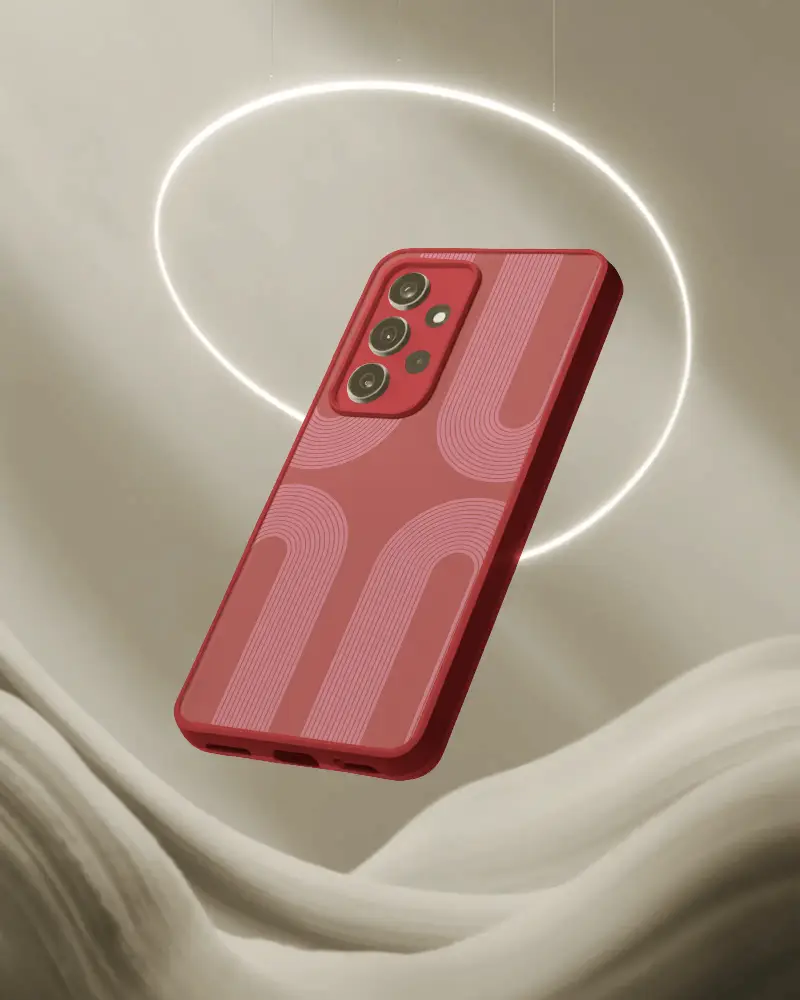
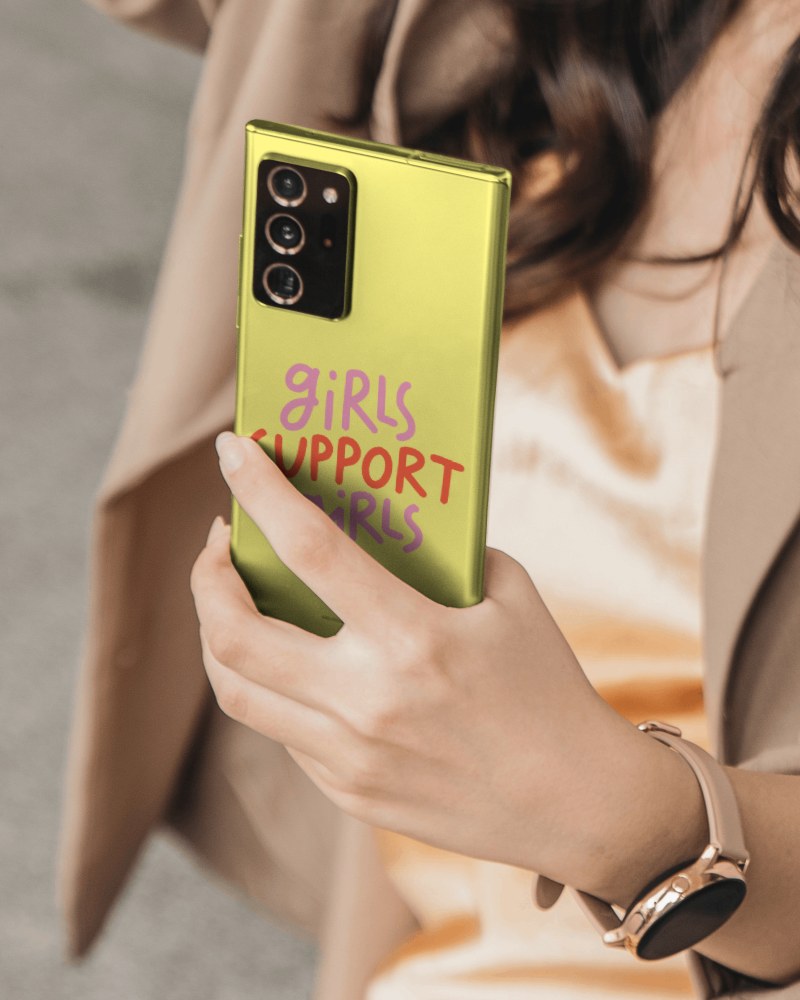
Easily create realistic Samsung Phone Case Mockups in Mockey.ai and showcase your designs with stunning detail and style!
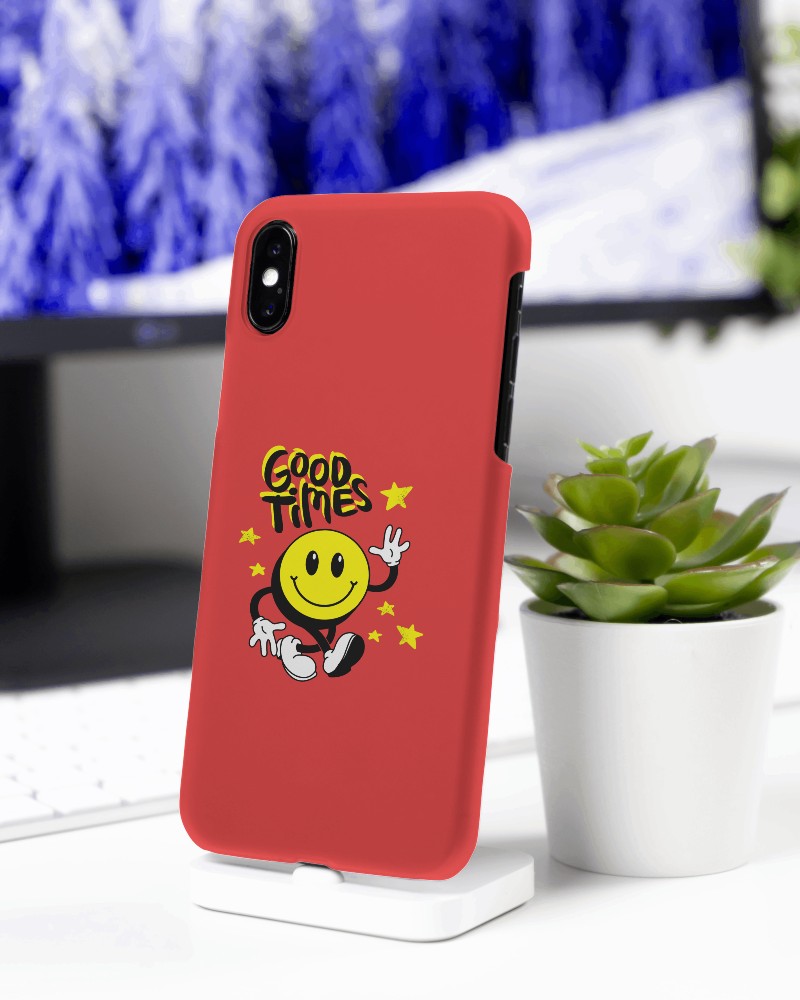
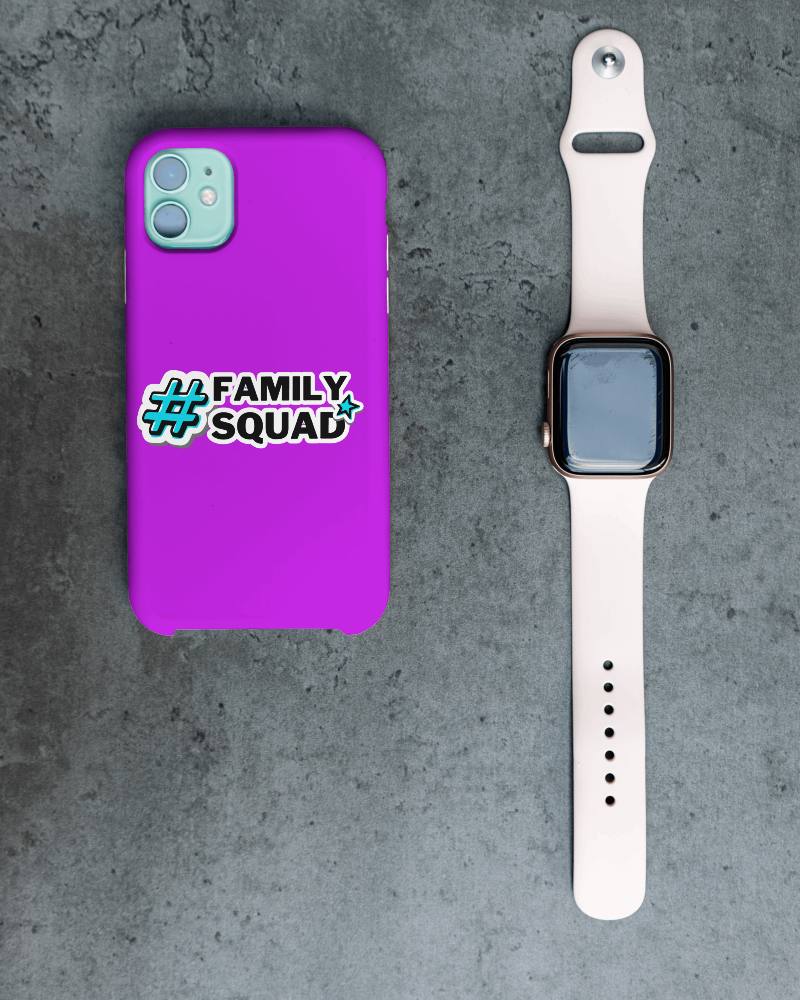
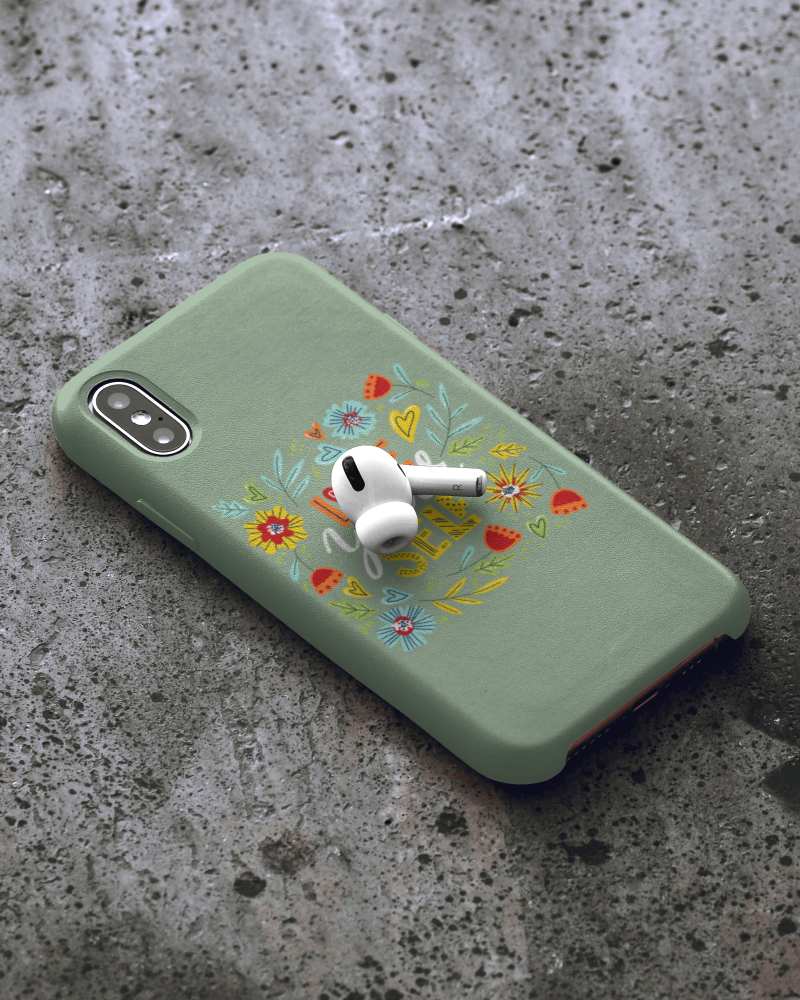
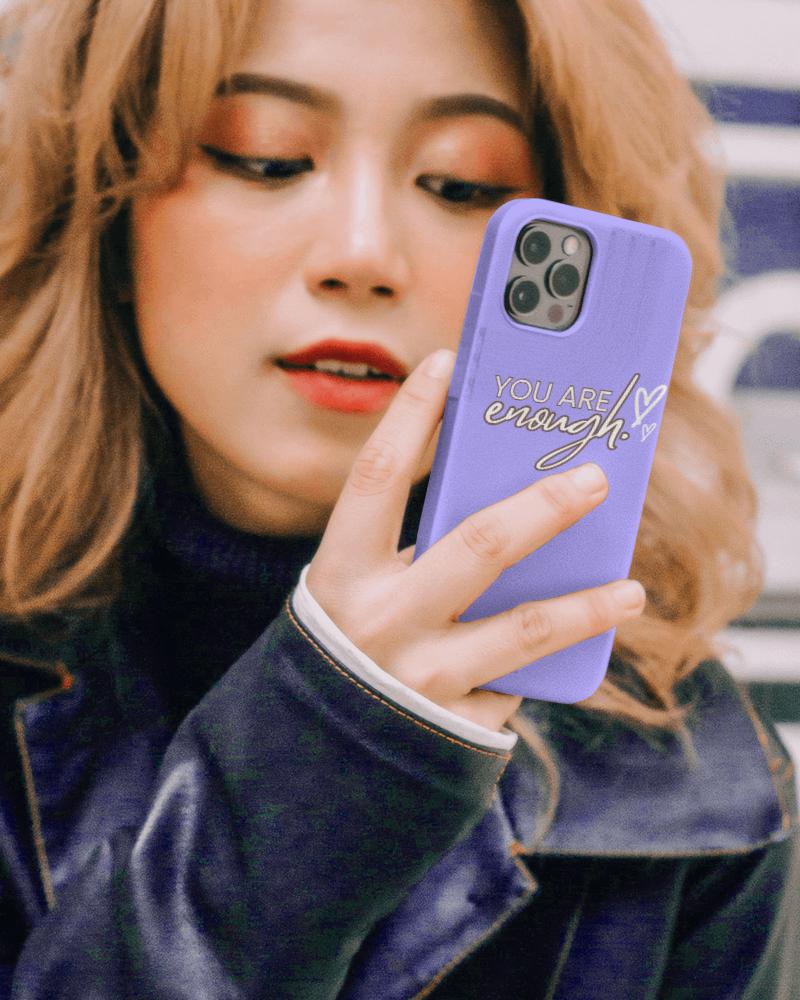
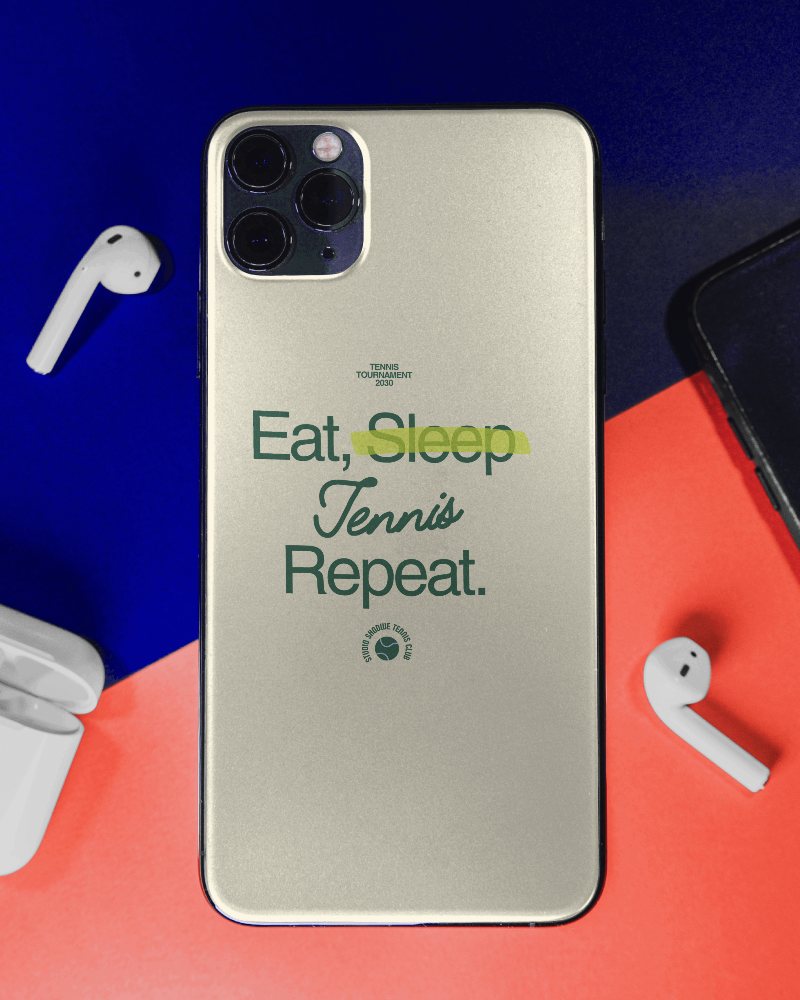
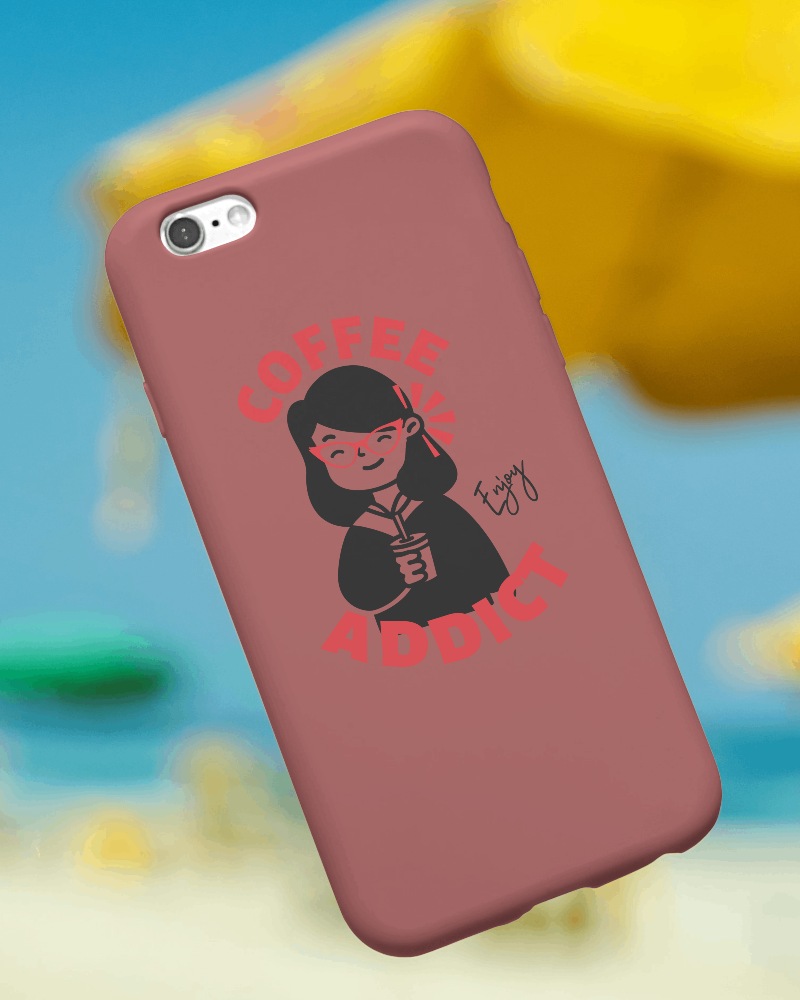
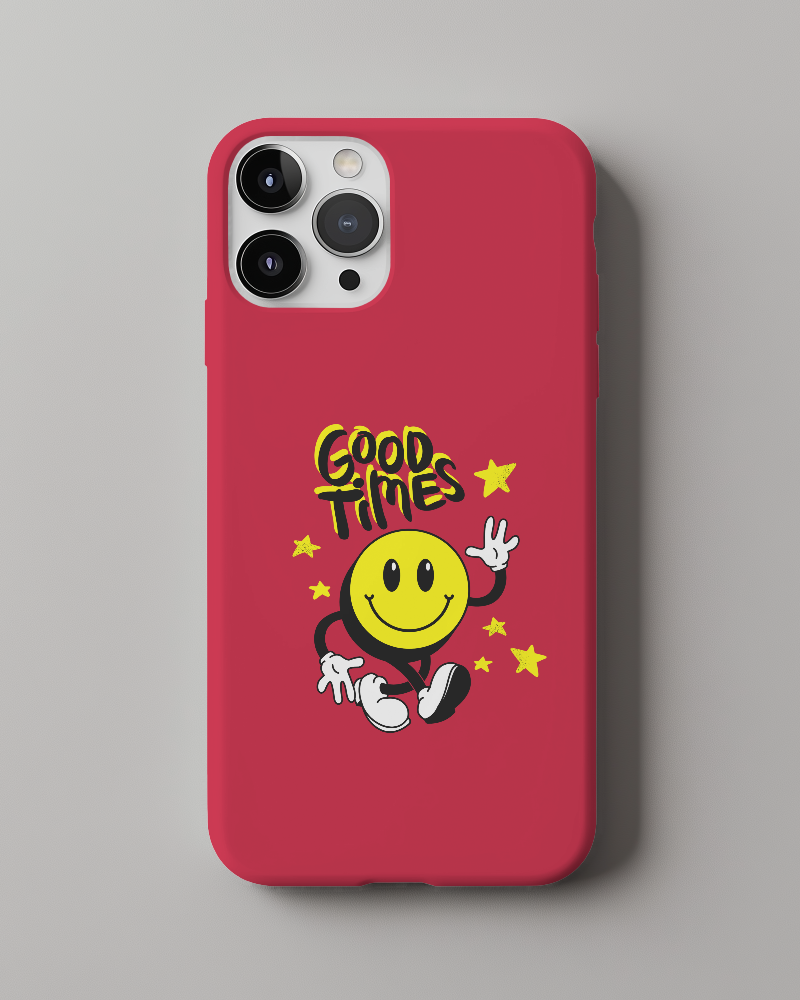
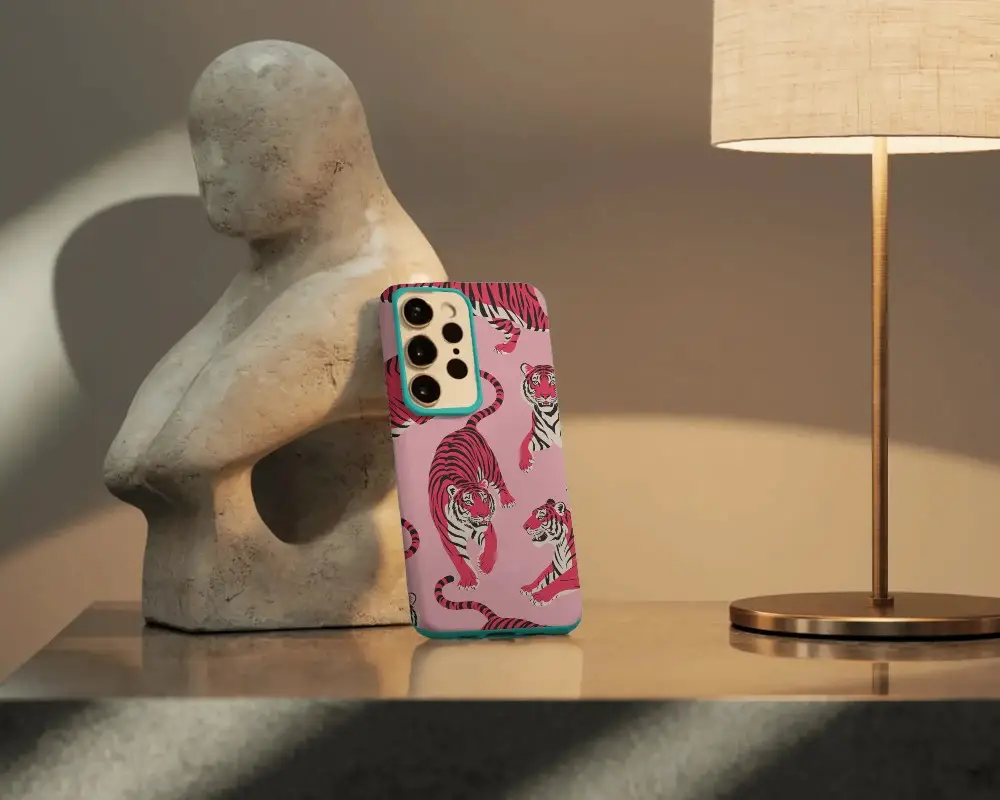
How to Create a Samsung Phone Cover Mockup with Mockey
Here’s how to create a Samsung Galaxy S23 or other Android phone case mockup with Mockey:
- Step 1: Go to Mockups > Accessories > Phone Cover > smartphone-galaxy-s23 tag.
- Step 2: Choose a Samsung case template from the gallery.
- Step 3: Upload your logo or custom design, then position it neatly.
- Step 4: Change the background, use AI tools if needed, and preview the result.
- Step 5: Download your Samsung case mockup in high-quality PNG or JPEG format.


FAQs on Smartphone Galaxy S23 Case Mockups
What is a Samsung Phone Case Mockup?
A Samsung phone case mockup shows a digital template with your logo or design that will appear on an actual Samsung phone case.
How can I create a Samsung Phone Case Mockup?
Go to Mockey.ai to create Samsung phone case mockups. Click on Accessories, choose Phone Cover, and find the Samsung Phone Case tag. Insert a logo, make it look unique with colors or backgrounds, and then save it—all for free!
Why should I use a Samsung Phone Case Mockup?
With a mockup generator like Mockey AI, you can make unique, real-looking Samsung phone case mockups super fast, cheap, and perfect for selling online anywhere.
Are Samsung Phone Case Mockups free to use?
Mockey.ai lets you make unique mockups of Samsung phone cases for free. You can use AI tools to change how it looks and save it without any watermarks on it.
