Free iPhone 14 Pro Case Mockups
Get a free iPhone 14 Pro Case mockup with Mockey. Easily upload your design, customize it, and download high-resolution mockups.


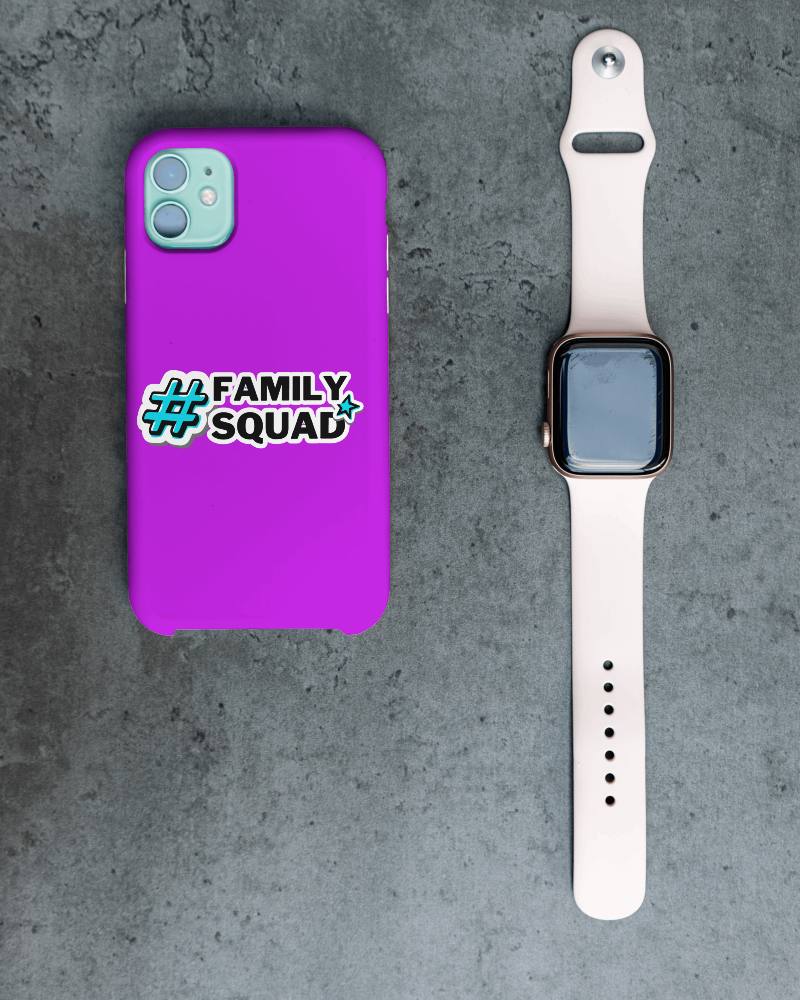
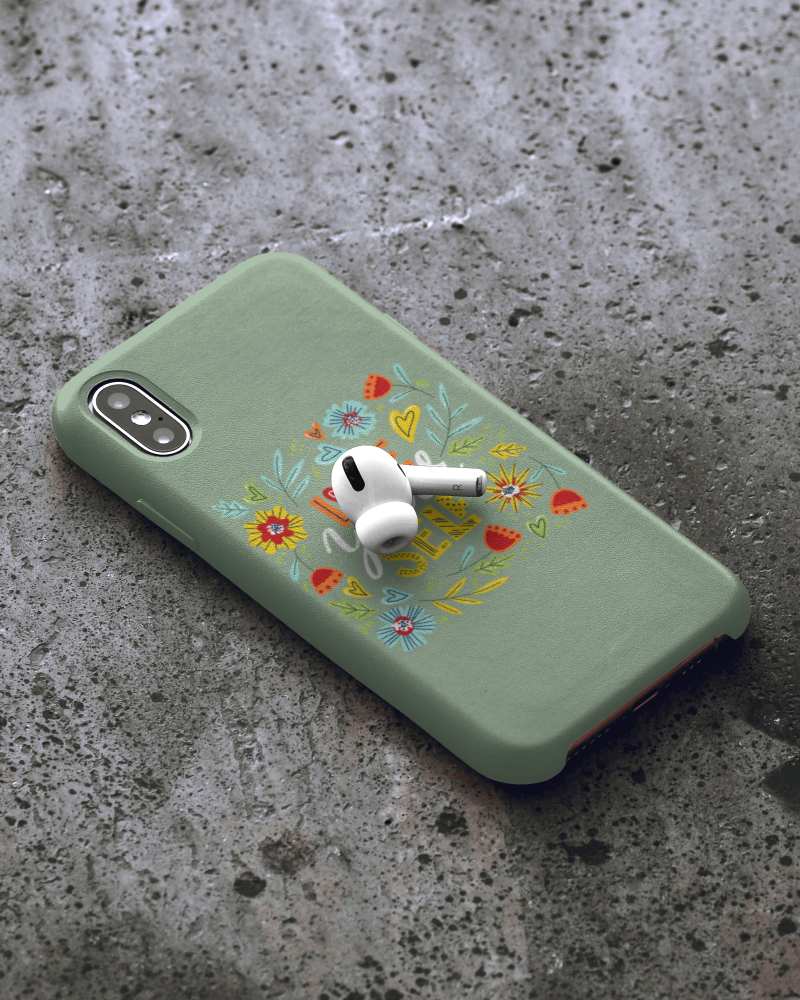
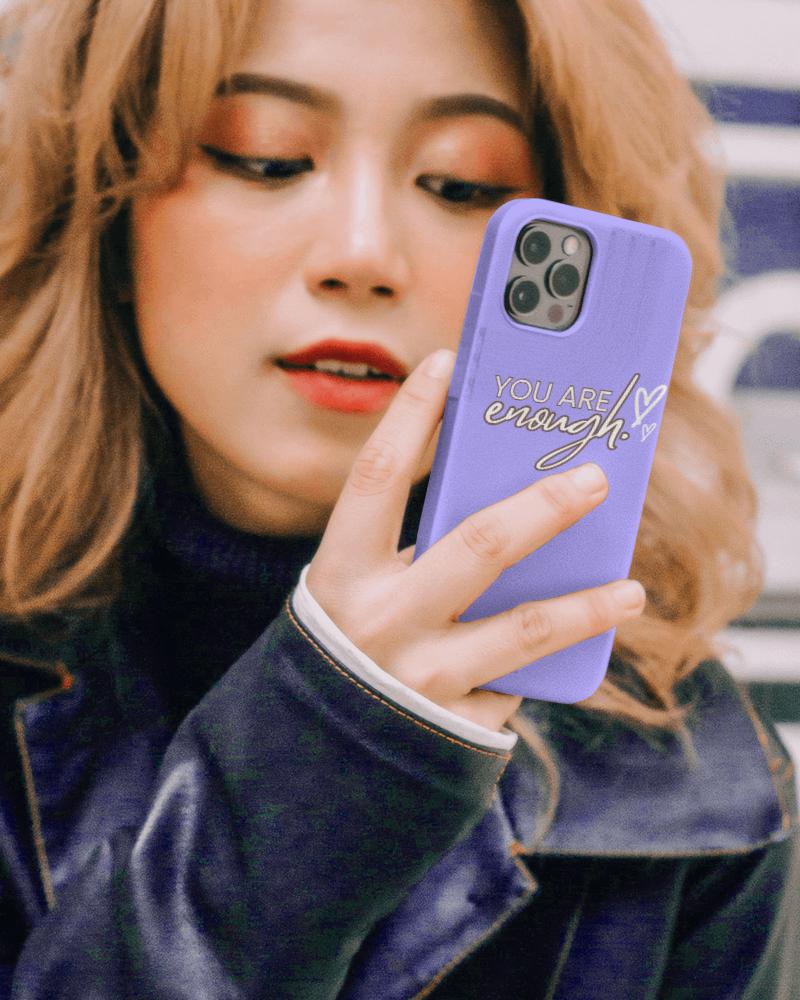
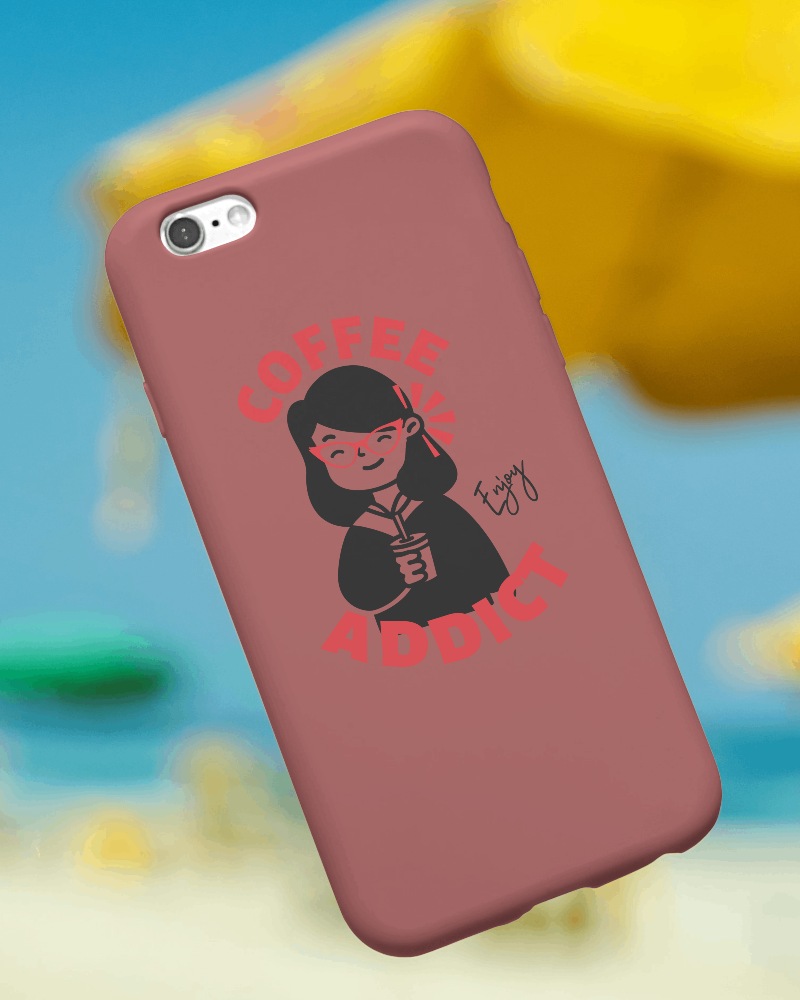
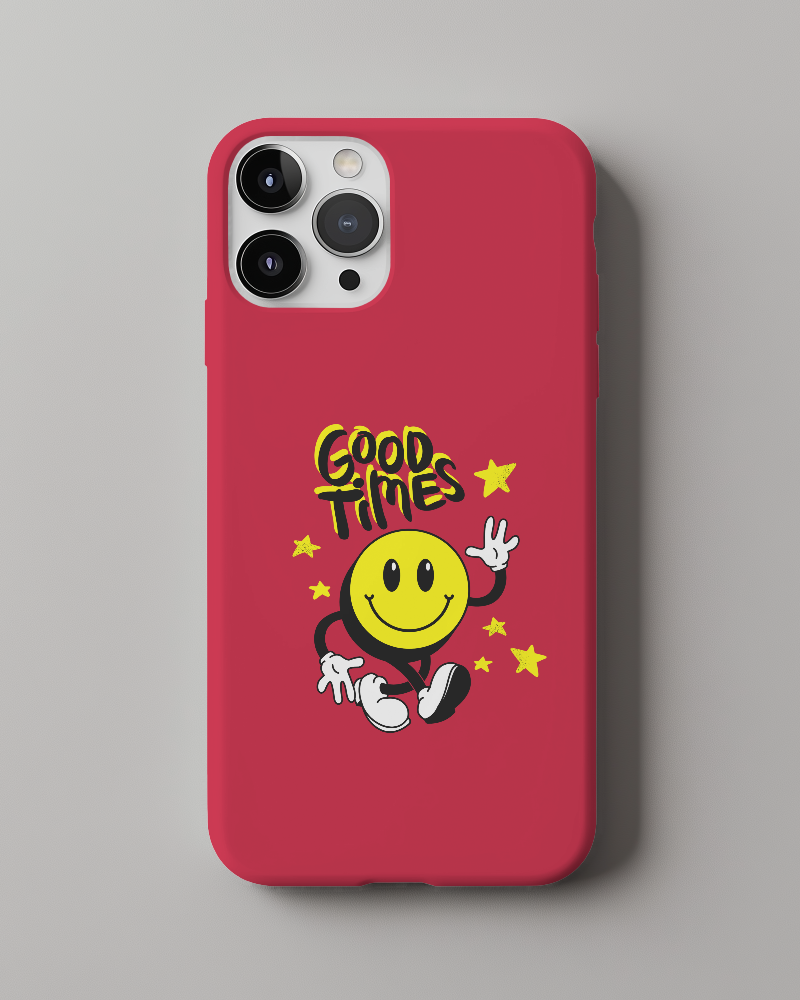
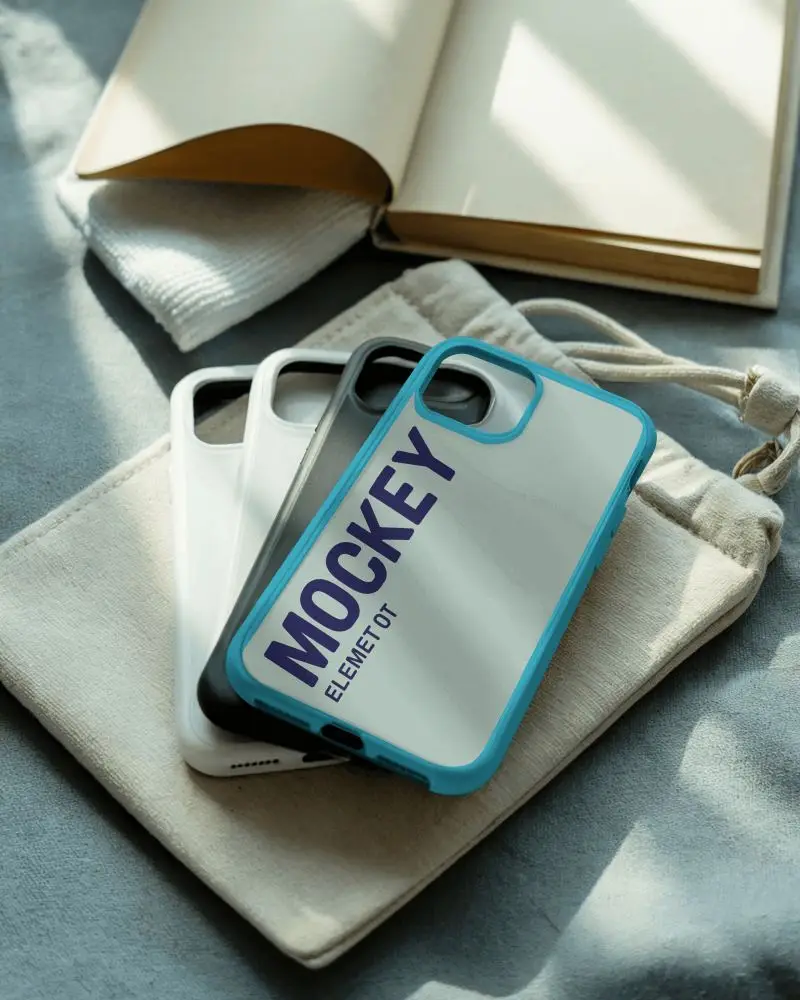
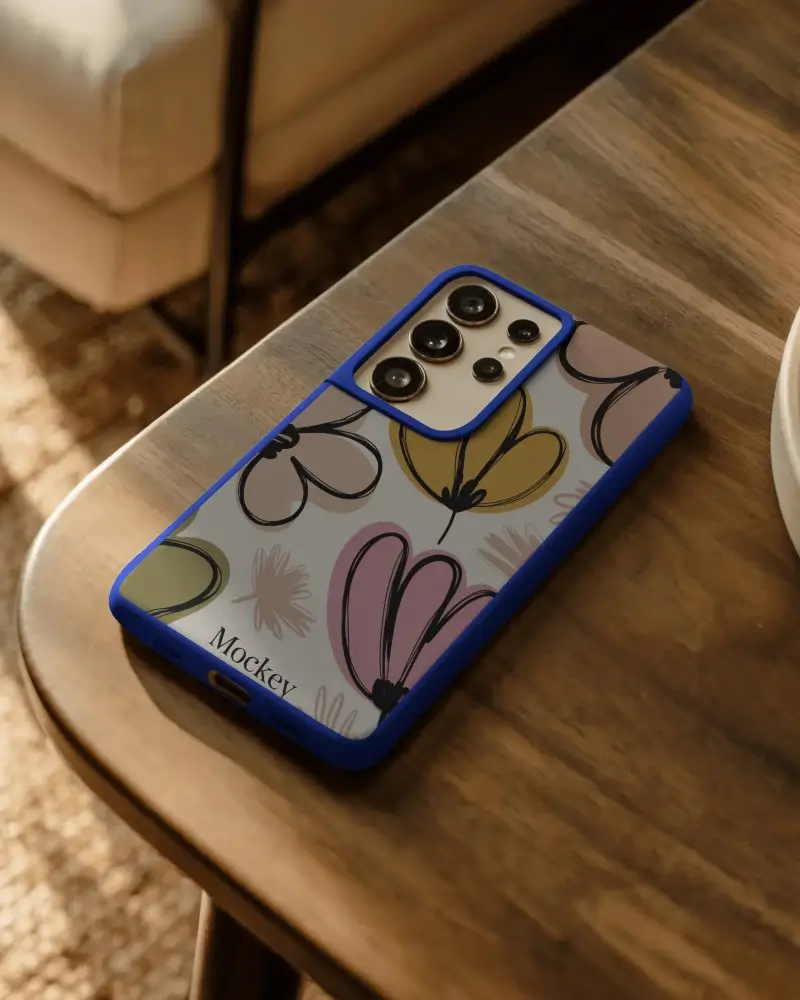
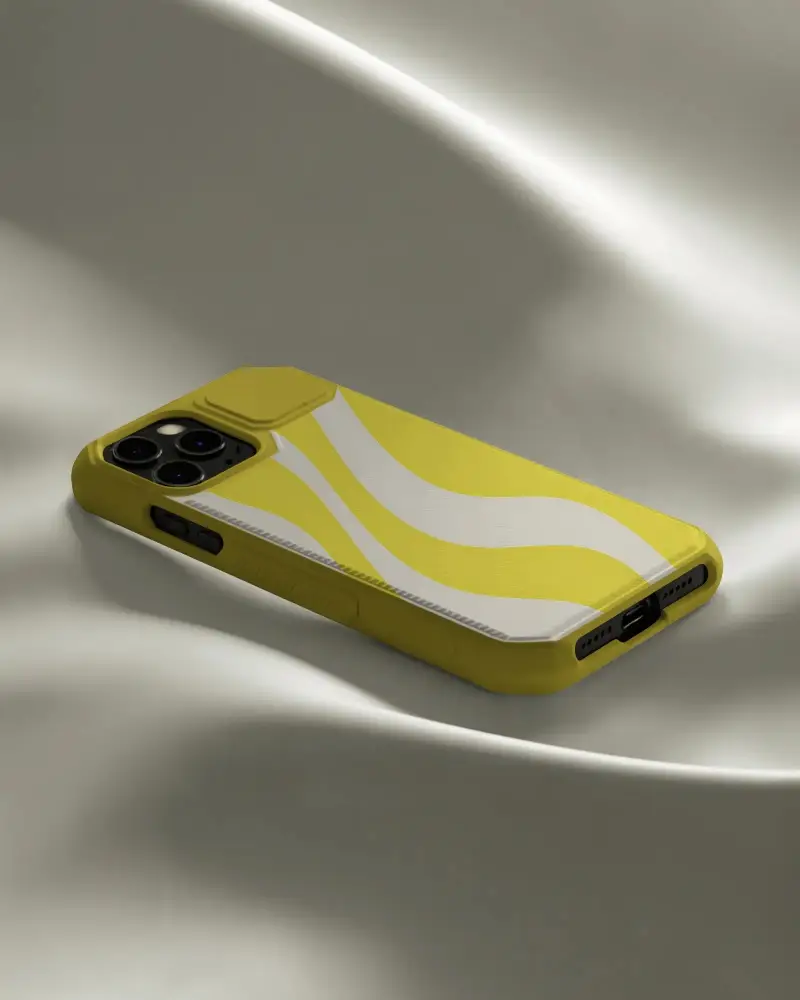
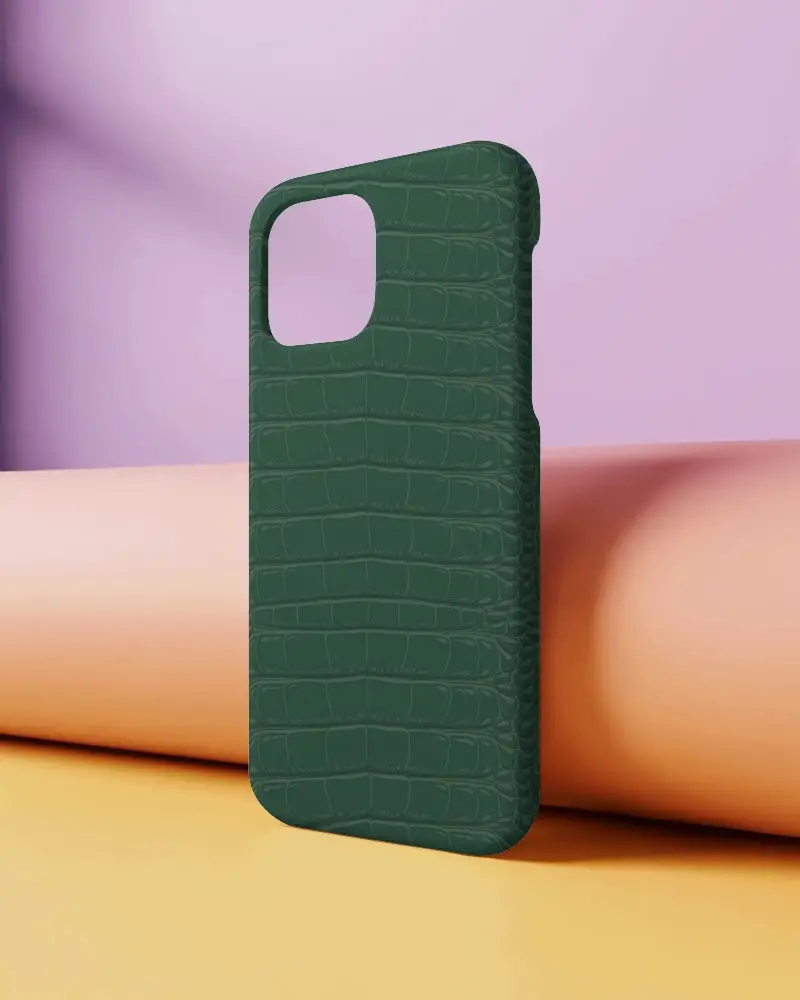
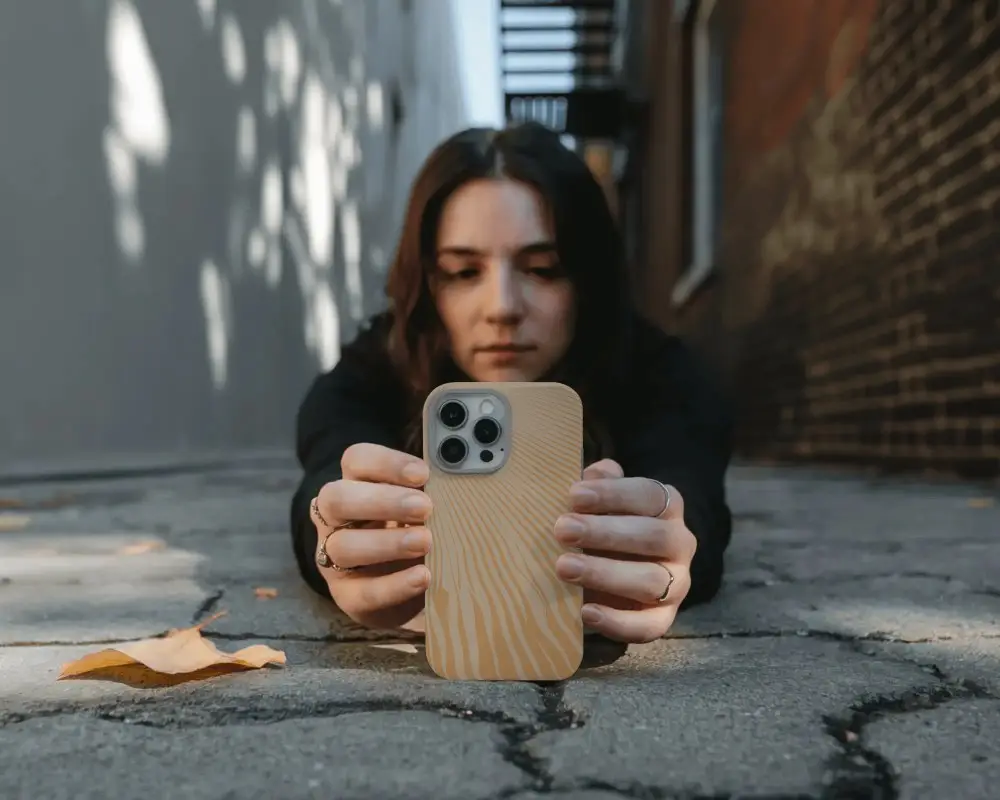
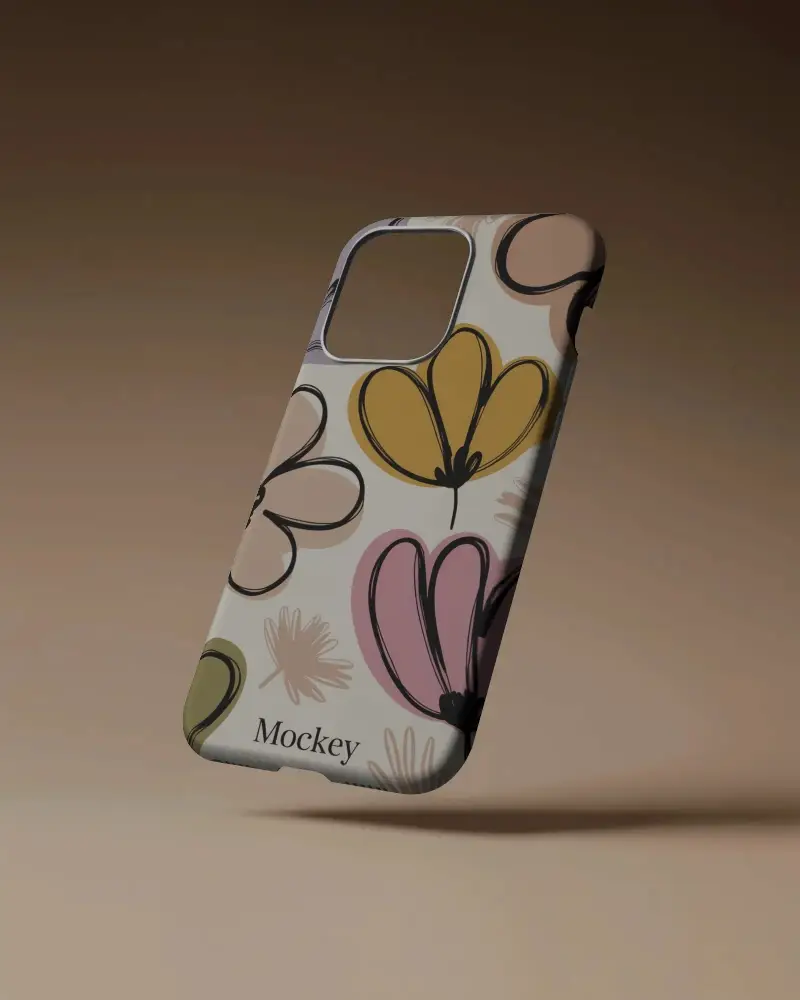
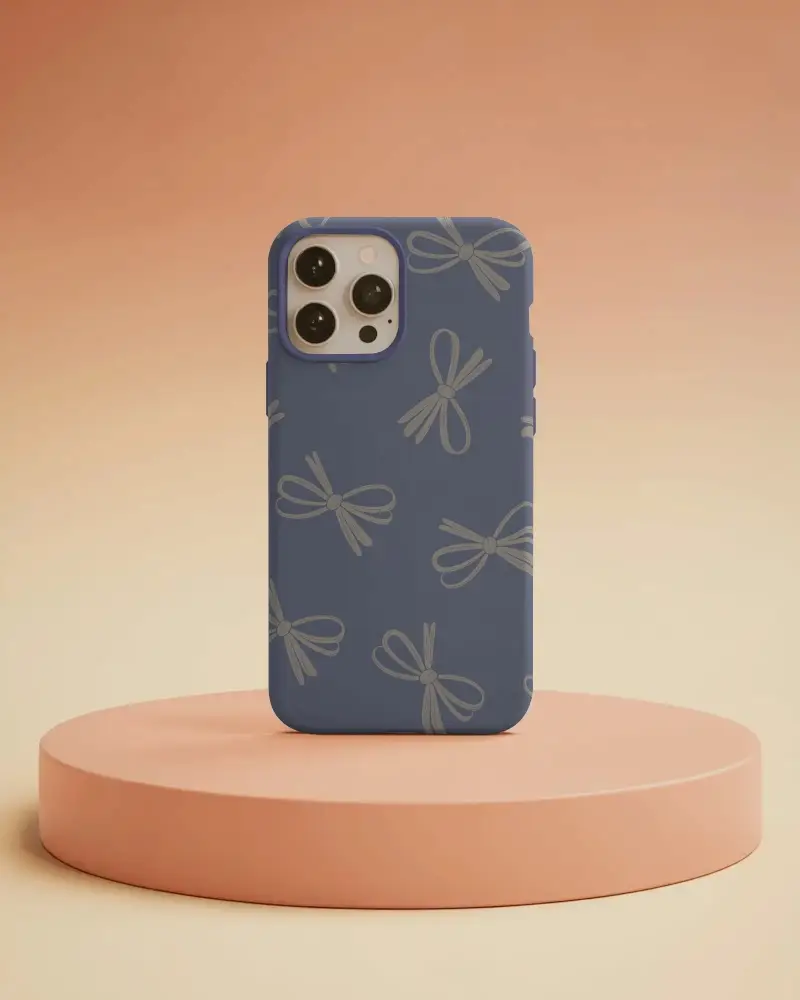
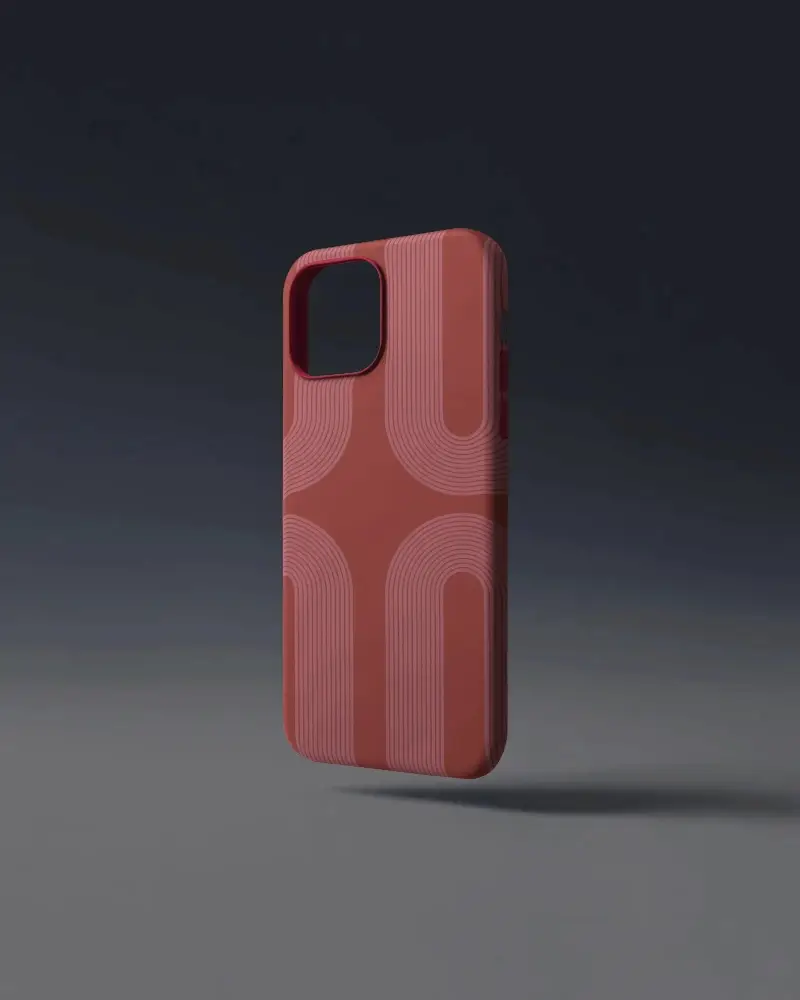
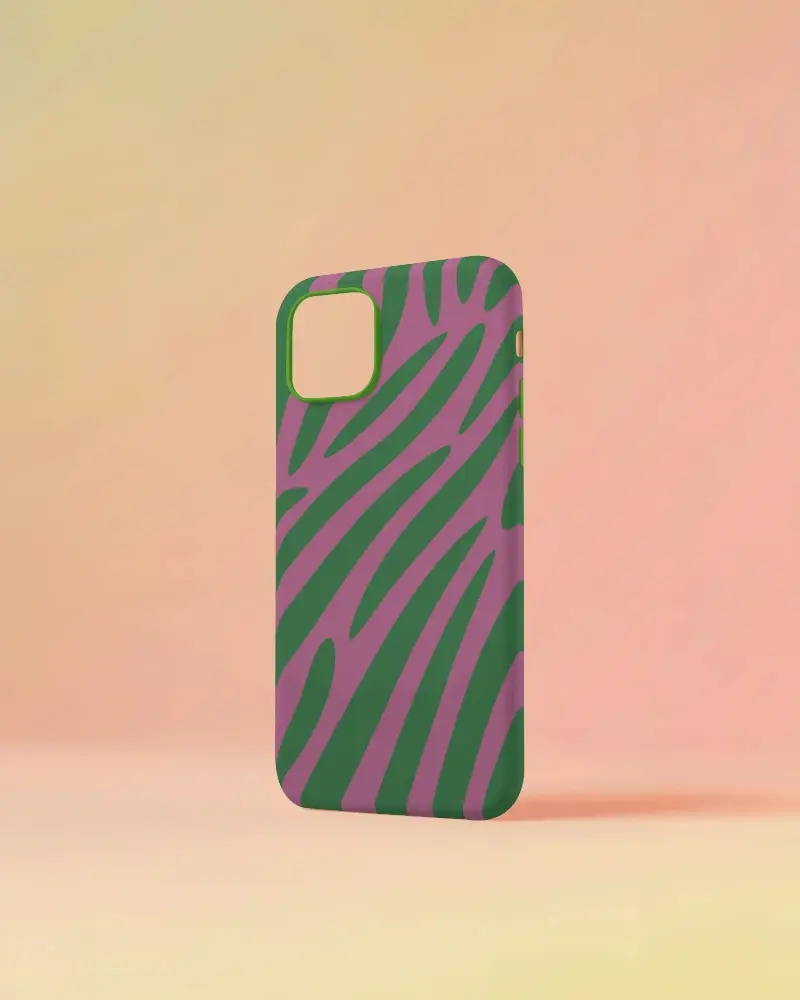
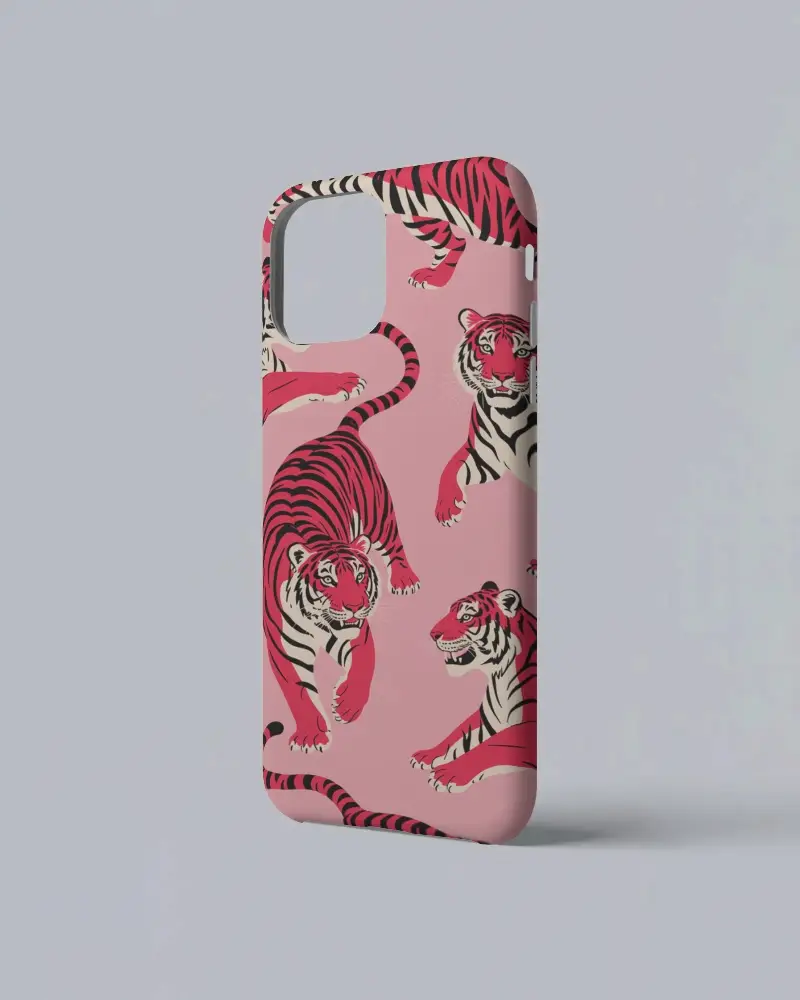

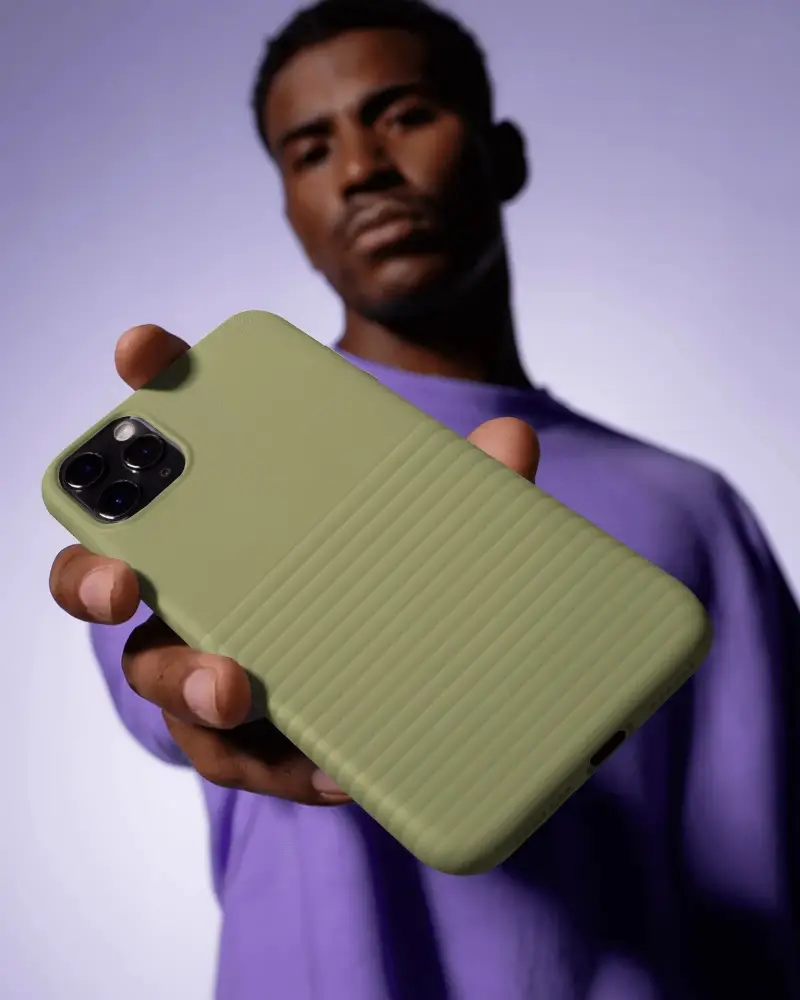
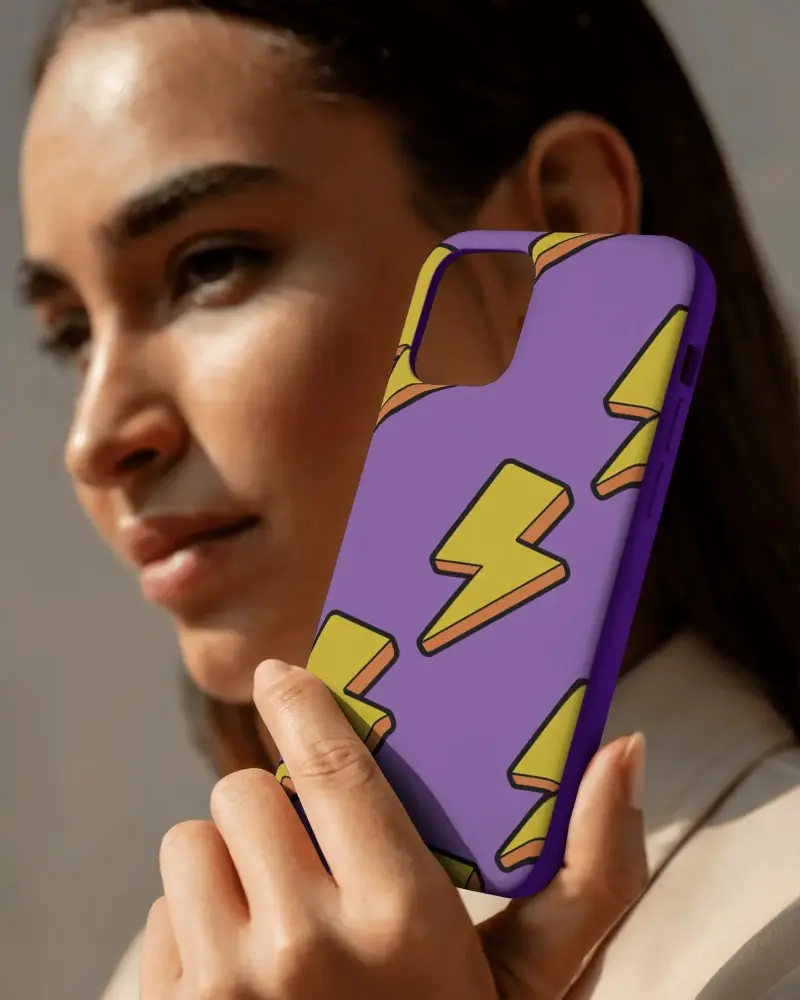
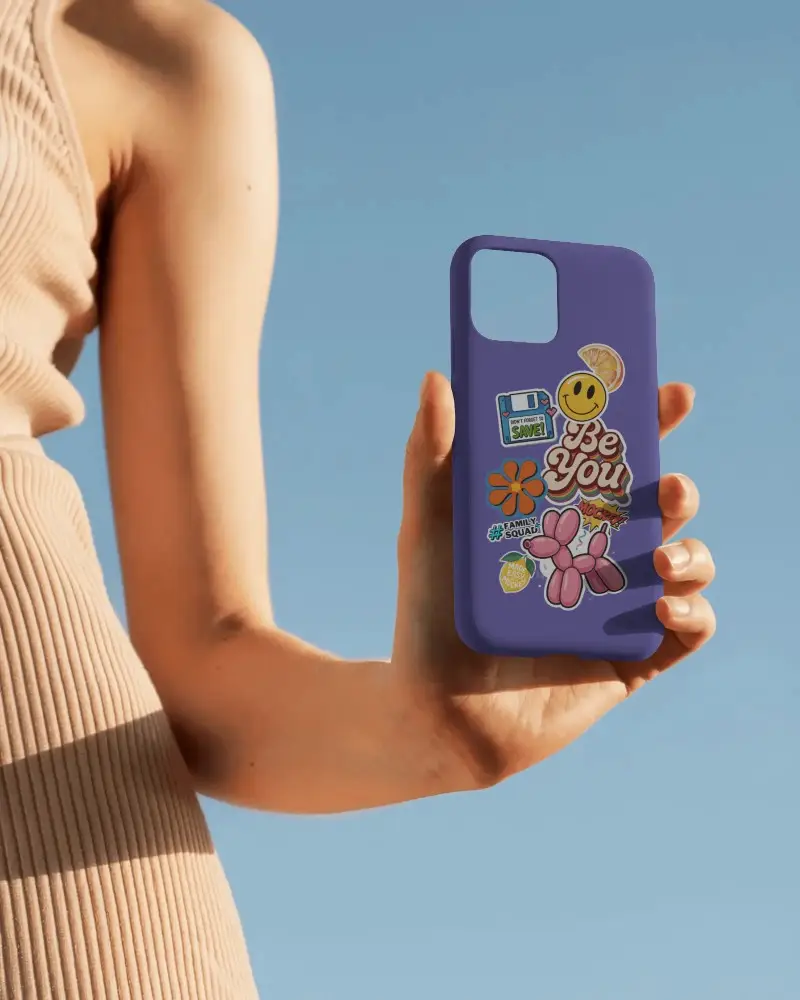
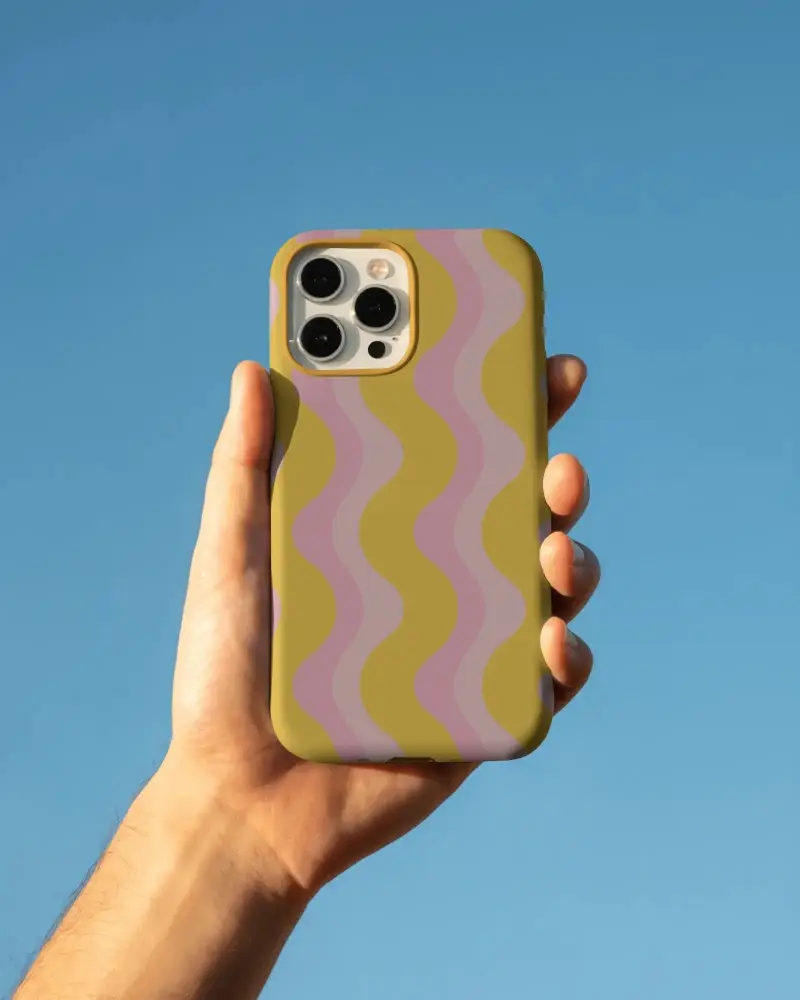
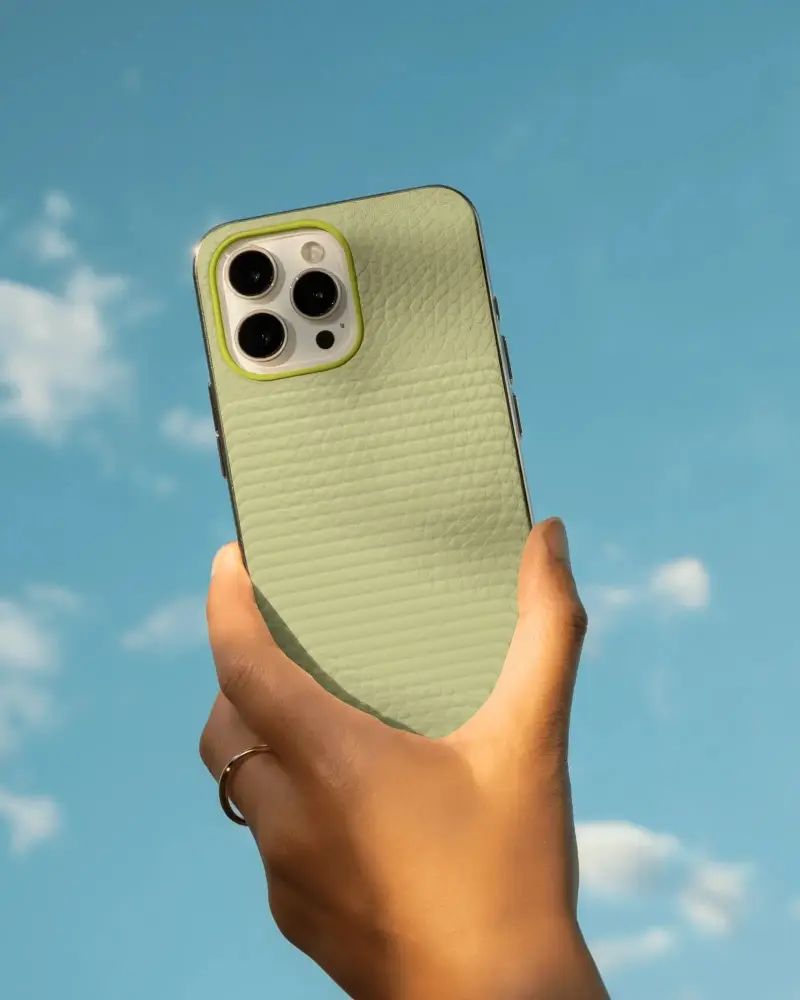
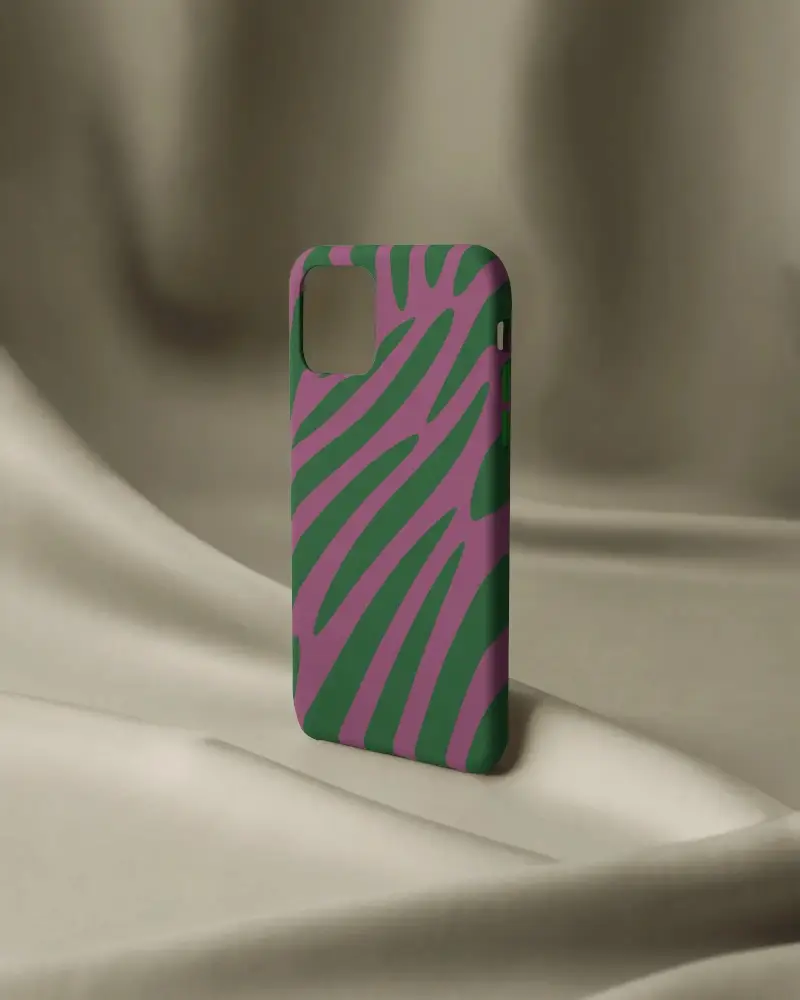
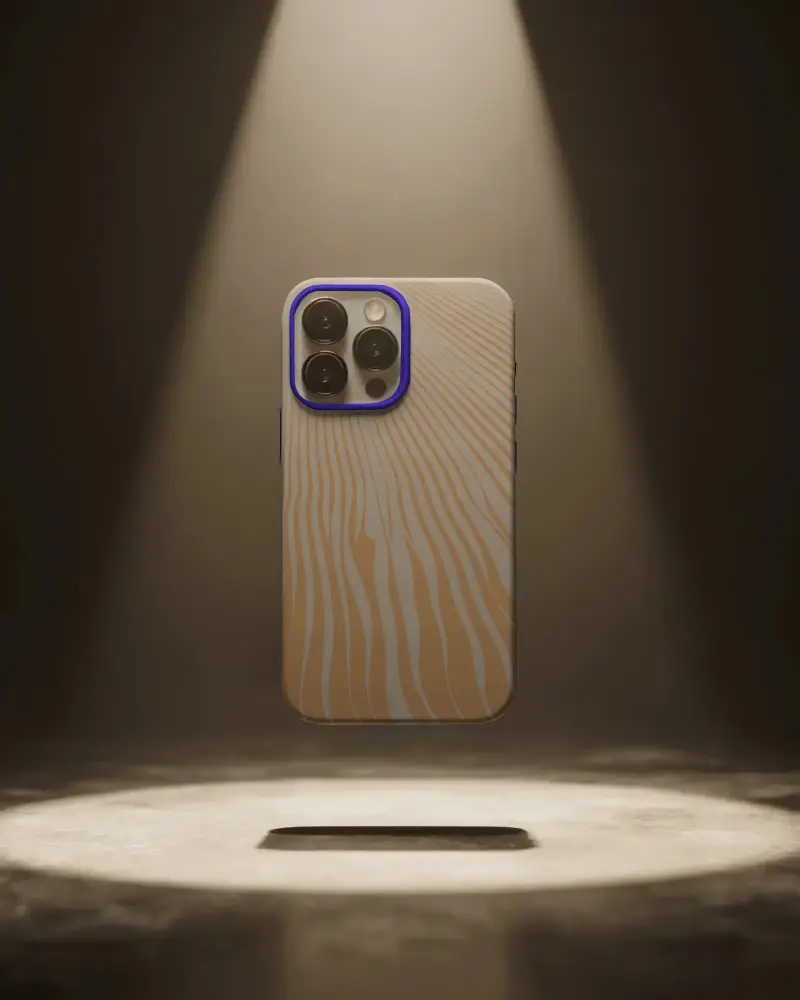
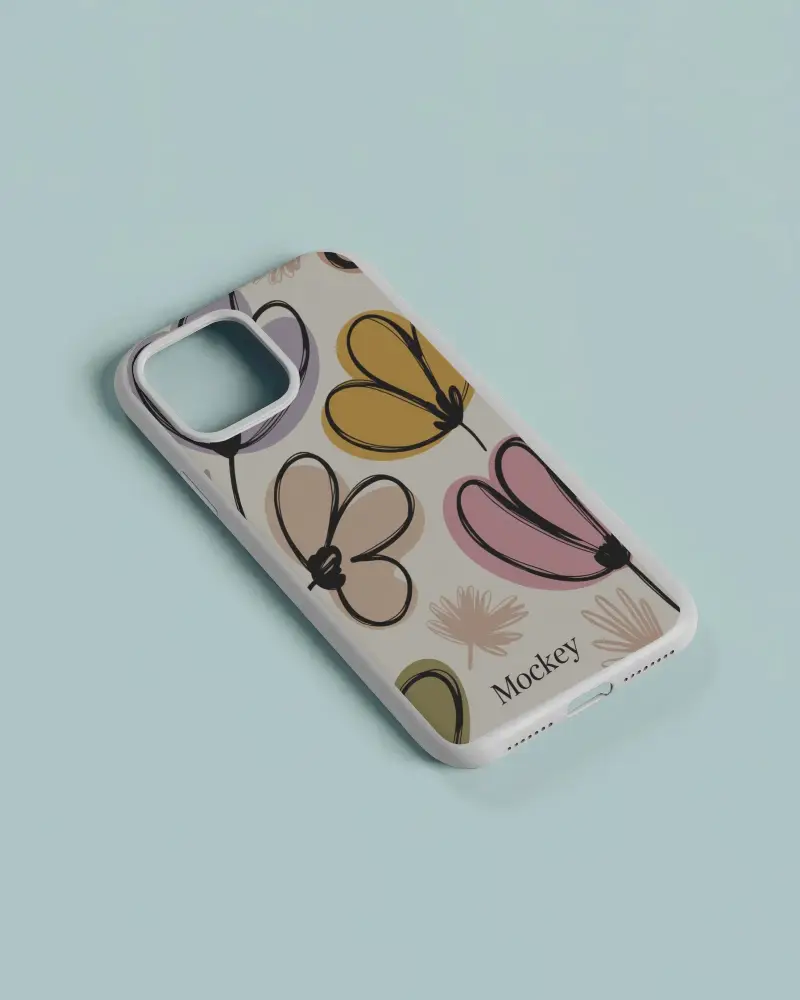
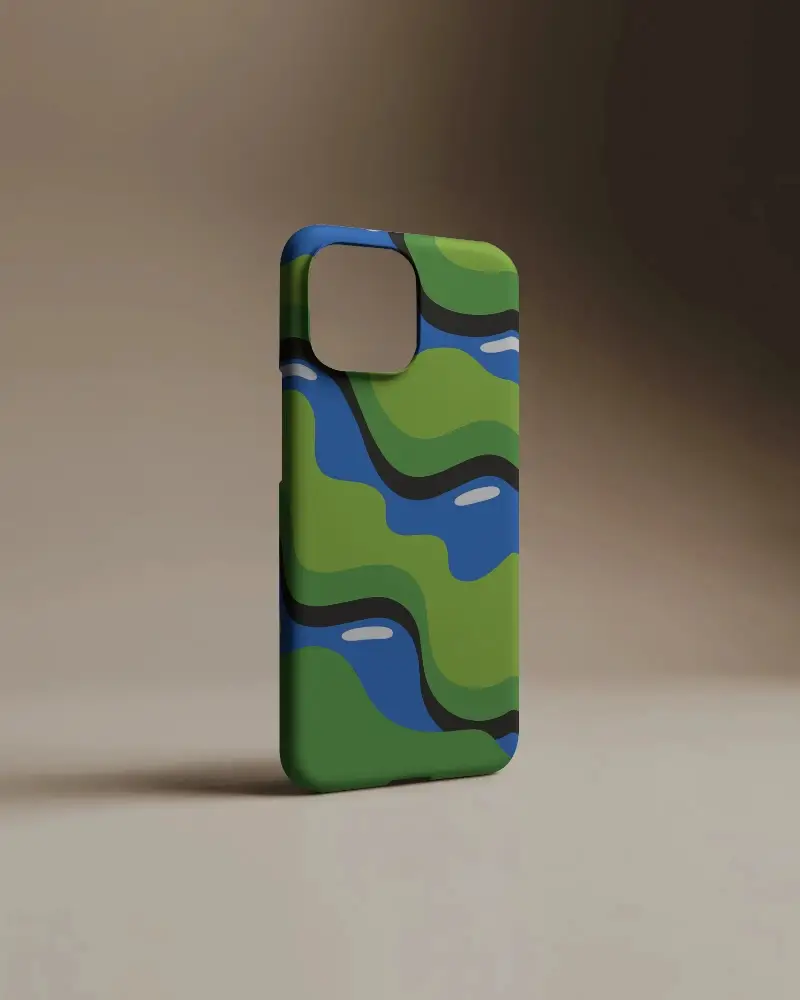
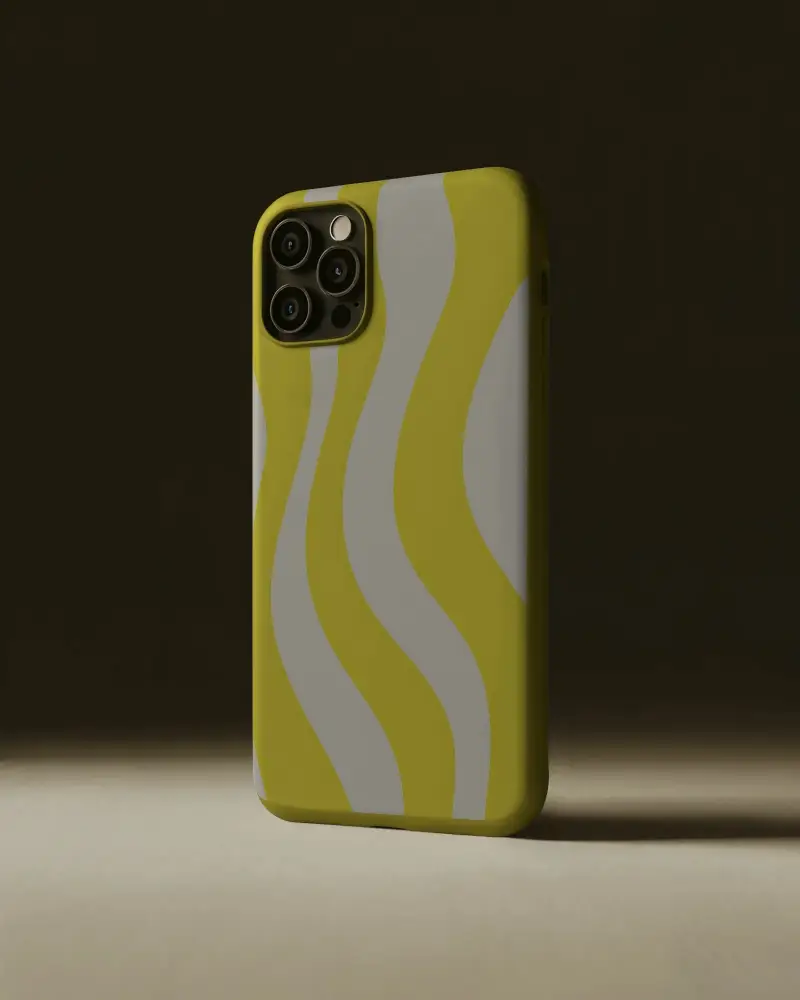
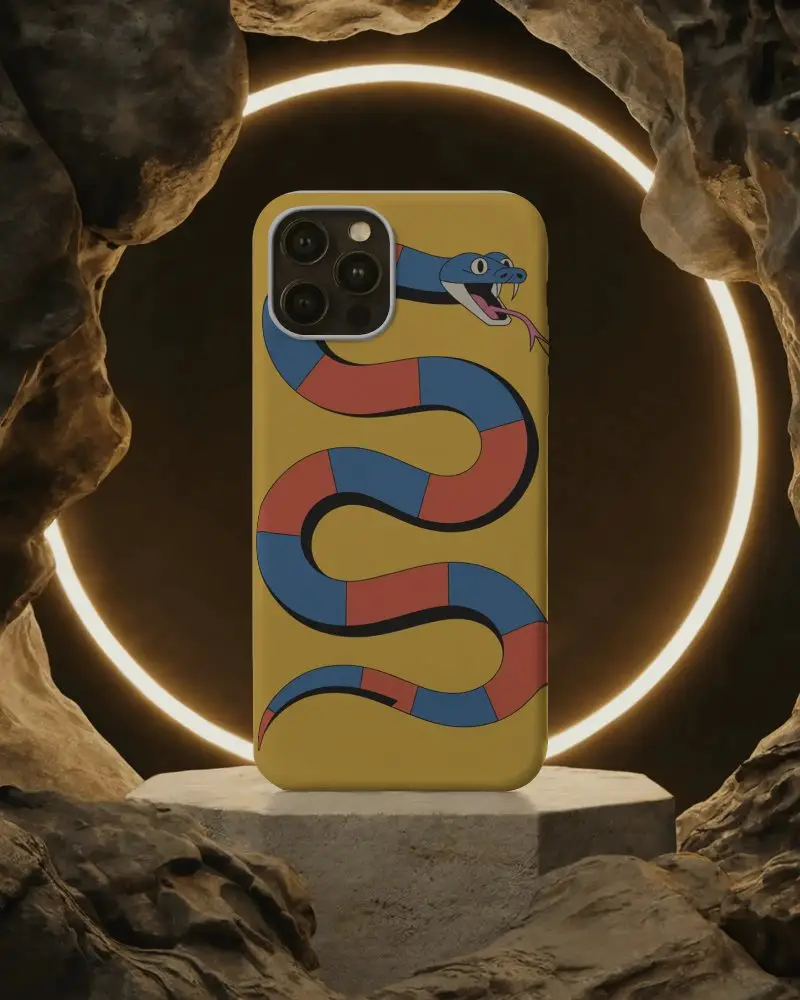
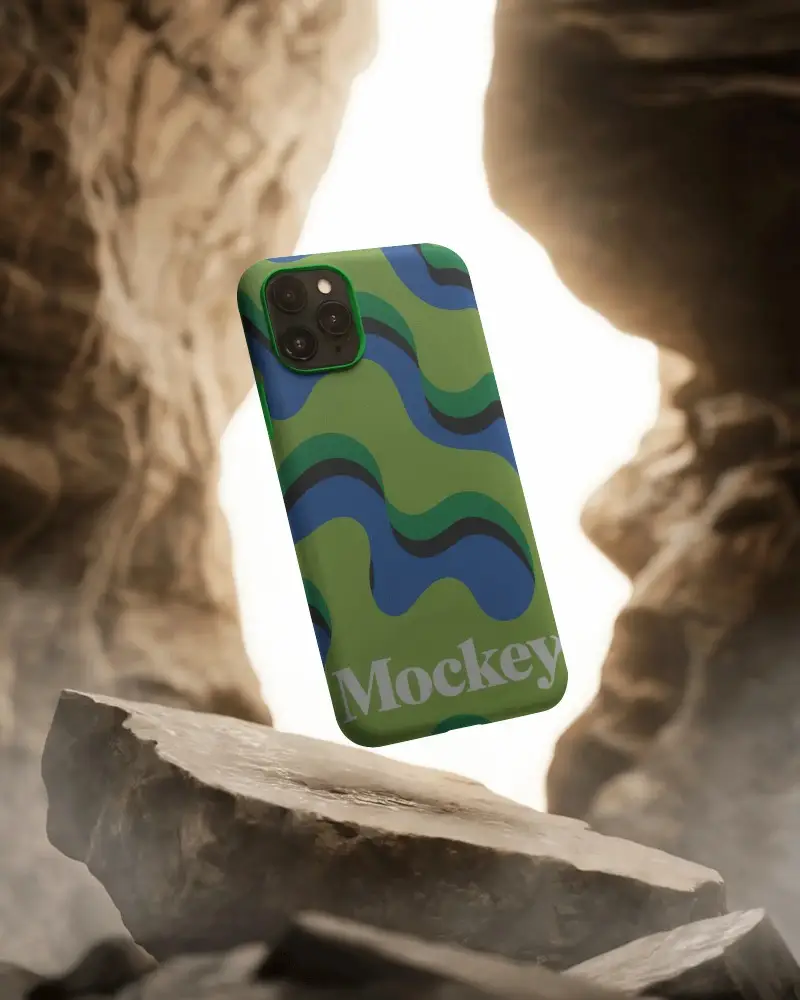
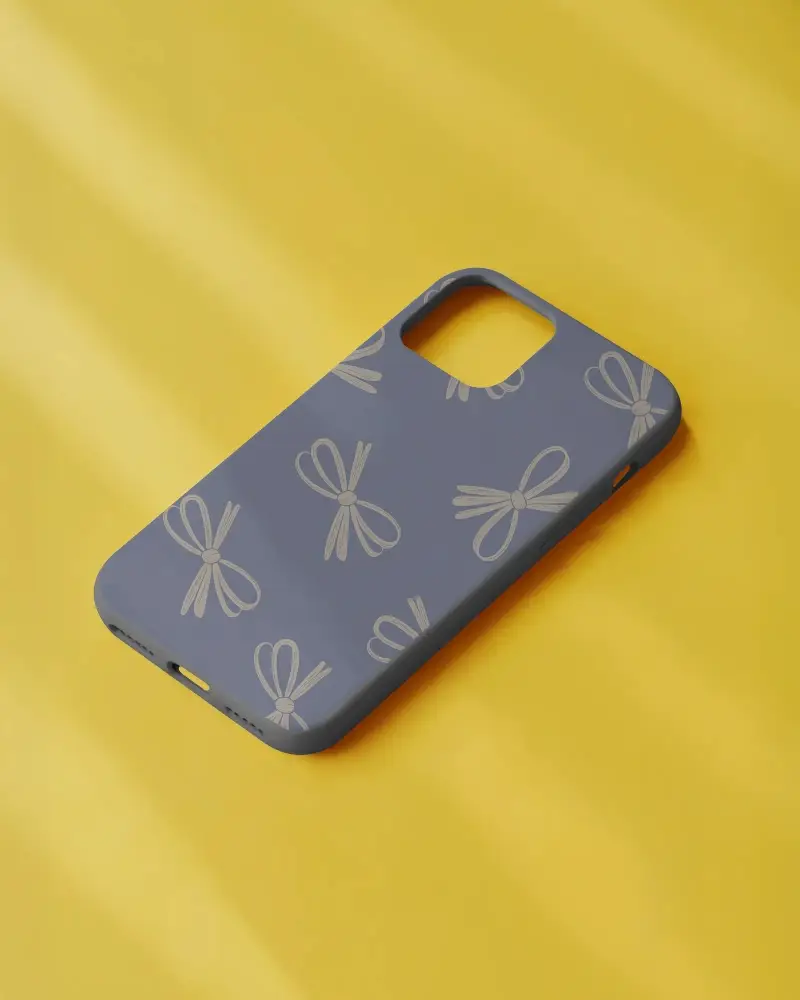
How to Create iPhone 14 Pro Case Mockup with Mockey
You don't need extensive design skills to create a stylish iPhone 14 Pro Case; use a high-quality phone cover mockup!
- Step 1: Go to Mockups > Accessories > Phone Cover > iphone-14-pro-case tag in the toolbar.
- Step 2: Pick the template you prefer and upload your design.
- Step 3: Customize your iPhone 14 Pro Case mockup to your liking — adjust colors, size, and background.
- Step 4: Download the mockup in high-resolution PNG (PRO) or JPEG (Free).


FAQs on Iphone 14 Pro Case Mockups
What is an iPhone 14 Pro Case Mockup?
An iPhone 14 Pro Case Mockup is a digital template that shows how an iPhone 14 Pro phone case design will look. The template is editable in a mockup generator.
How can I create an iPhone 14 Pro Case Mockup?
Start by opening Mockey AI. Next, choose Mockups, then Accessories, and pick Phone Cover. Select the iPhone 14 Pro. Upload your logo, change the color or background, and press Download to save.
Is the iPhone 14 Pro Case Mockup free to use?
On Mockey AI, you can grab free iPhone 14 Pro case mockups to play with. Pick your favorite template, change it how you like, and download a sharp, clear image!
What file formats are available for the mockups?
On Mockey AI, you can grab iPhone 14 Pro case mockups in PNG and JPEG formats. The JPEG version is free, but for PNG, you’ll need the Mockey Starter plan.
How long does it take to generate a mockup?
Creating a mockup can be super quick or take a while. Fast tools like Mockey AI help you customize and generate your mockup in just minutes!
