Best iPhone 14 Case Mockup to Download
iPhone 14 case mockups for free! High-resolution and easy to download. Customize designs effortlessly and showcase your creativity with Mockey.ai.
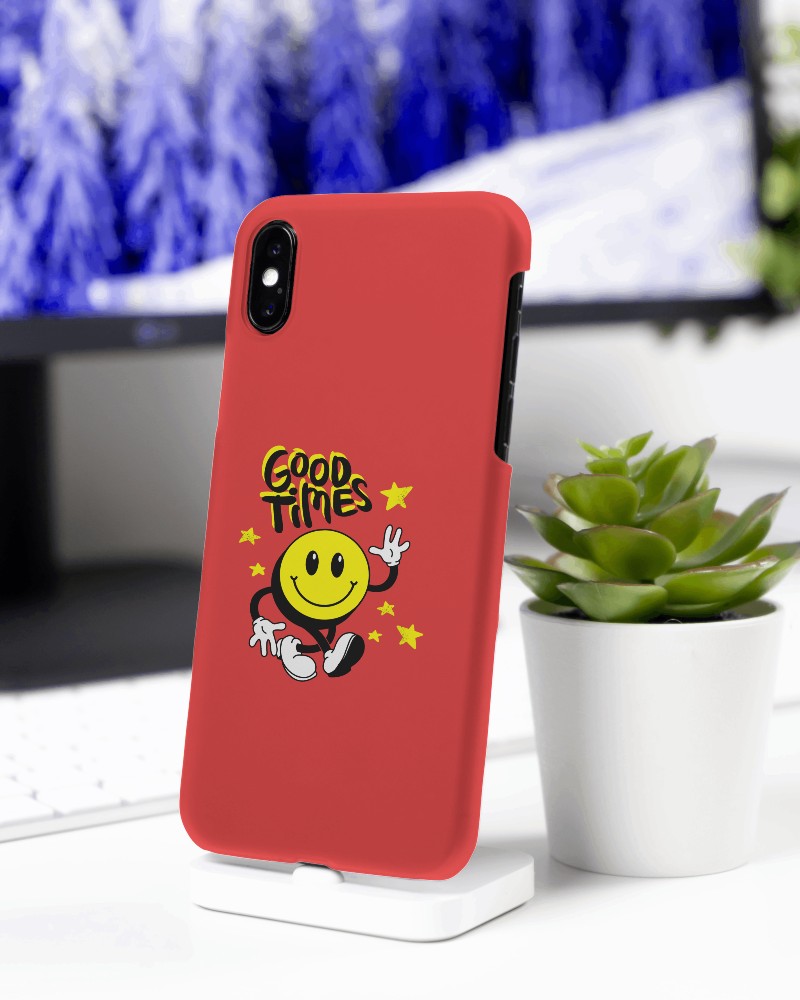
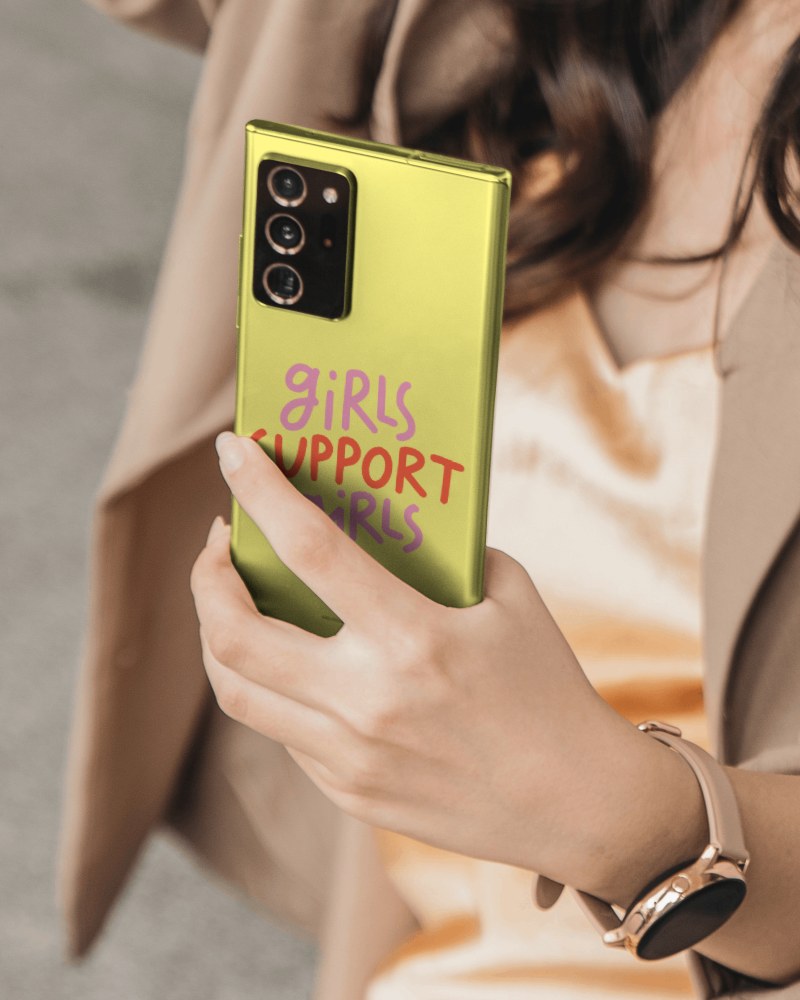
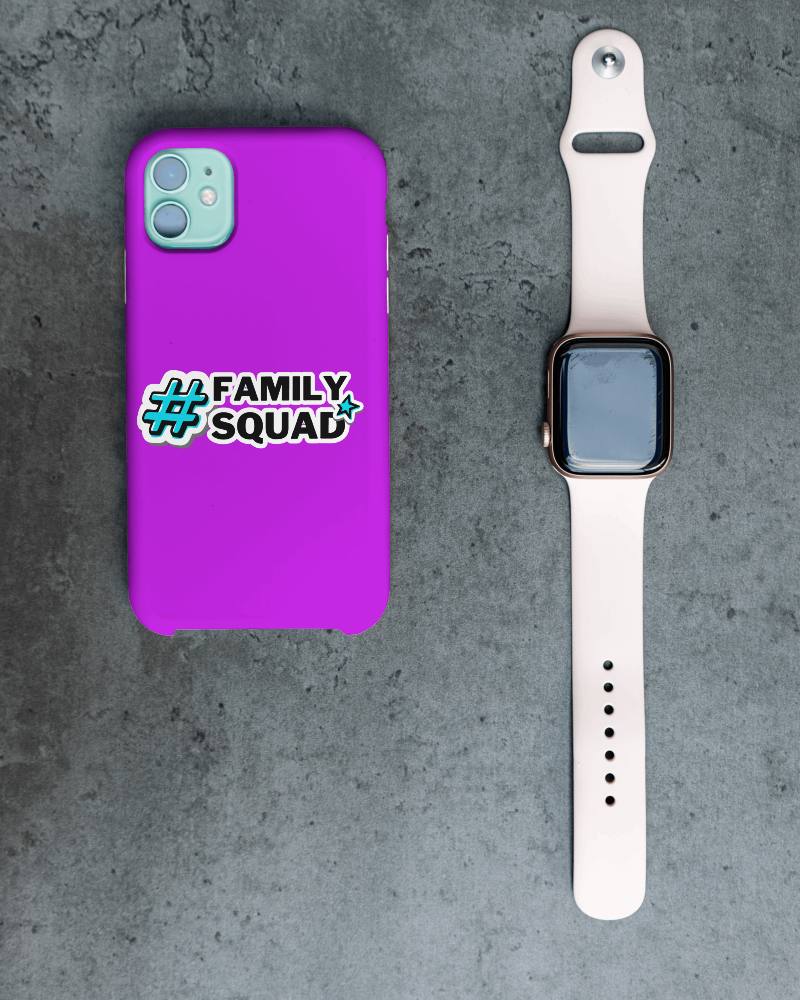
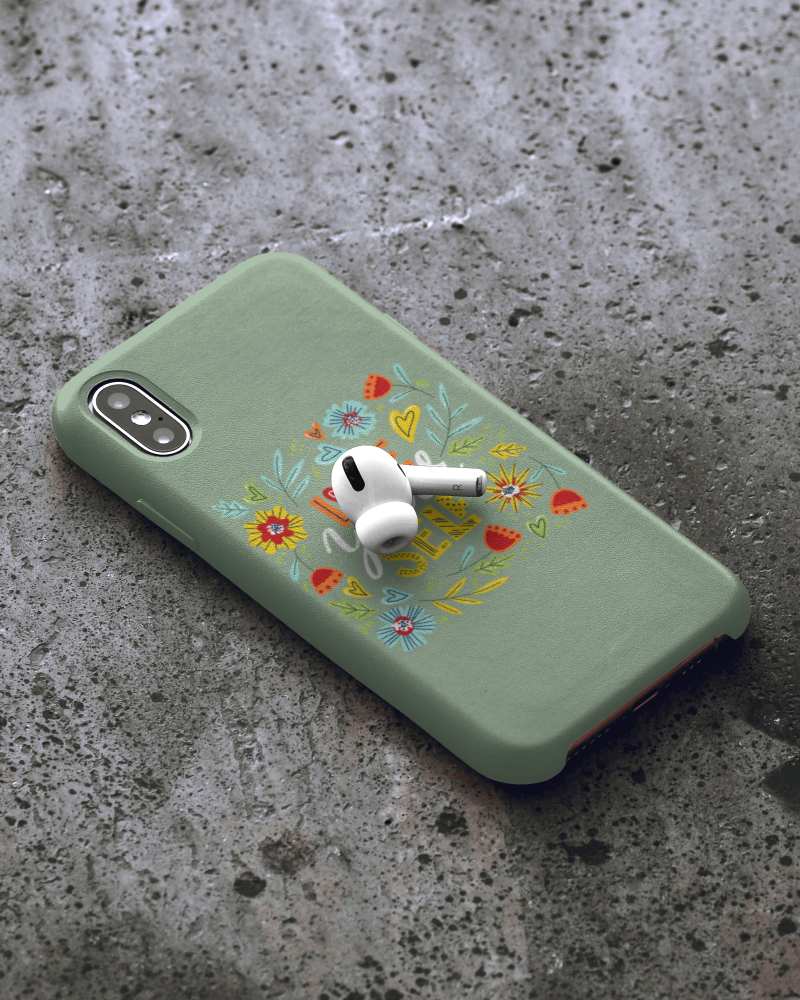
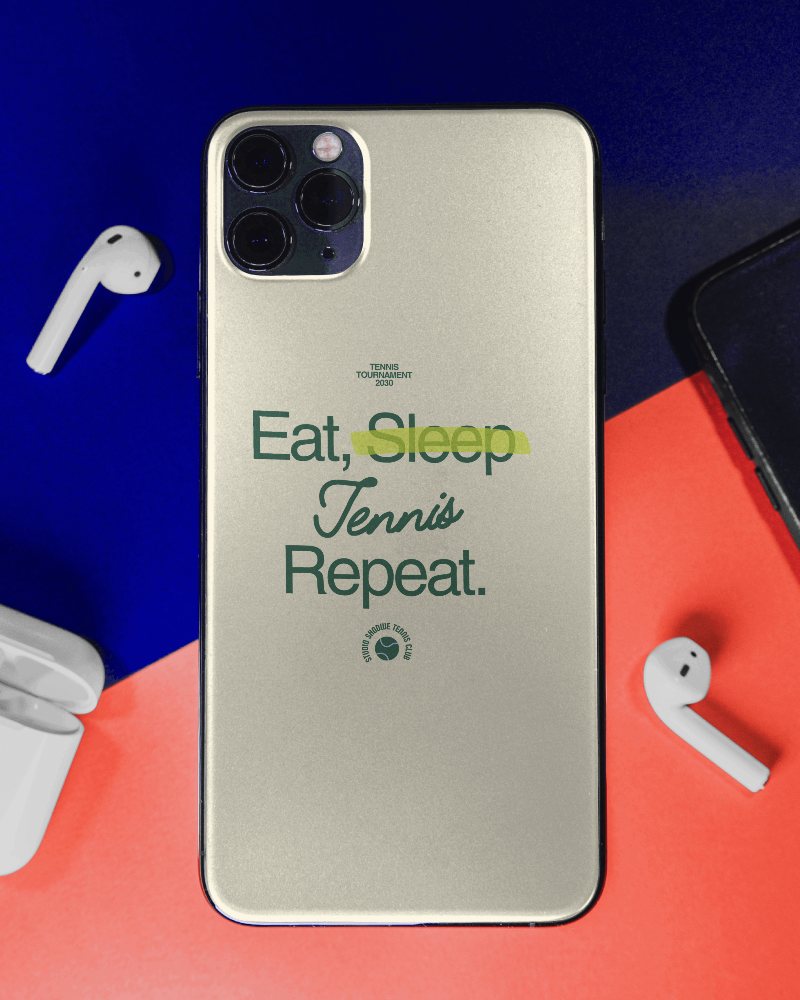
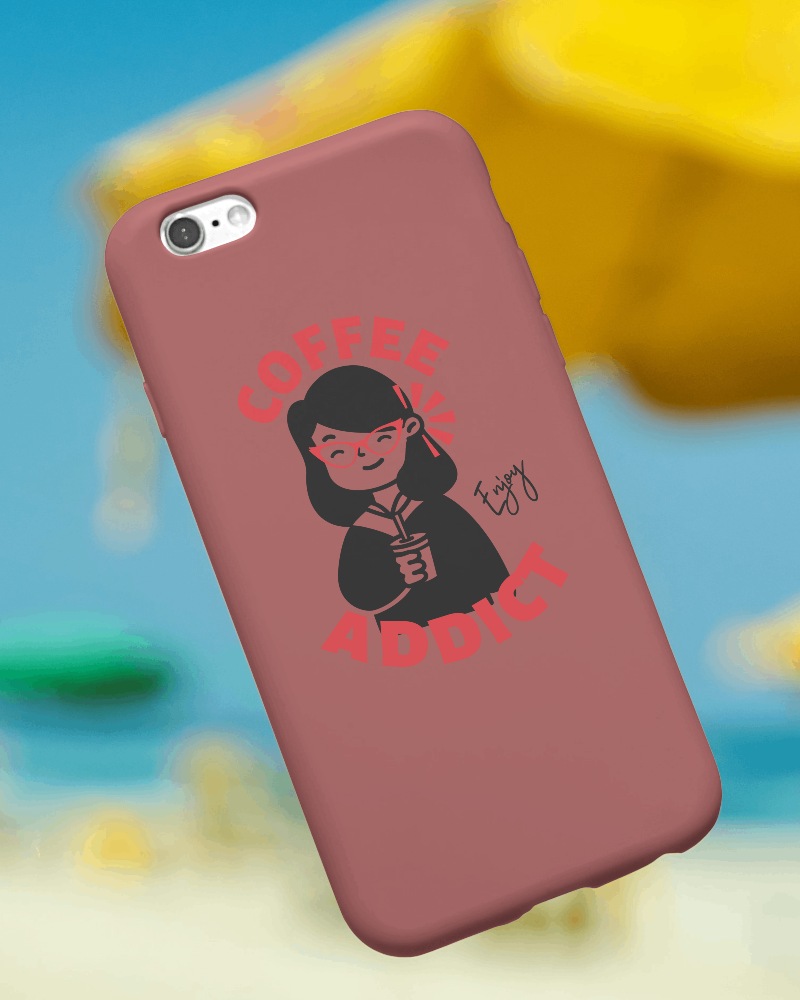
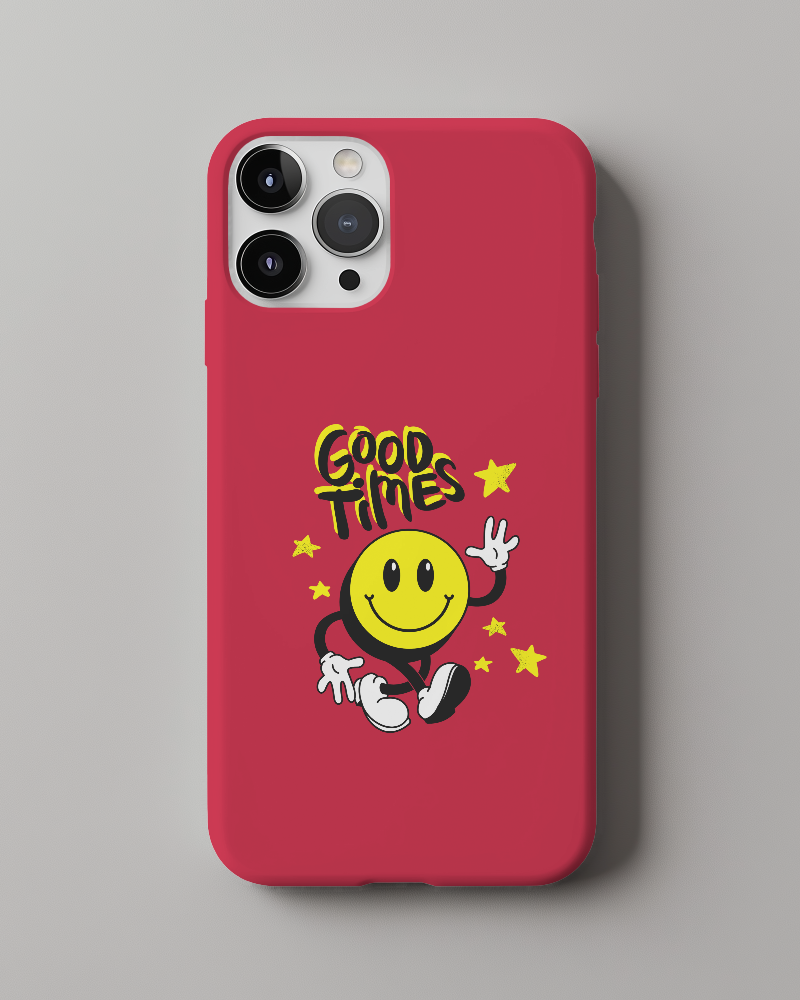
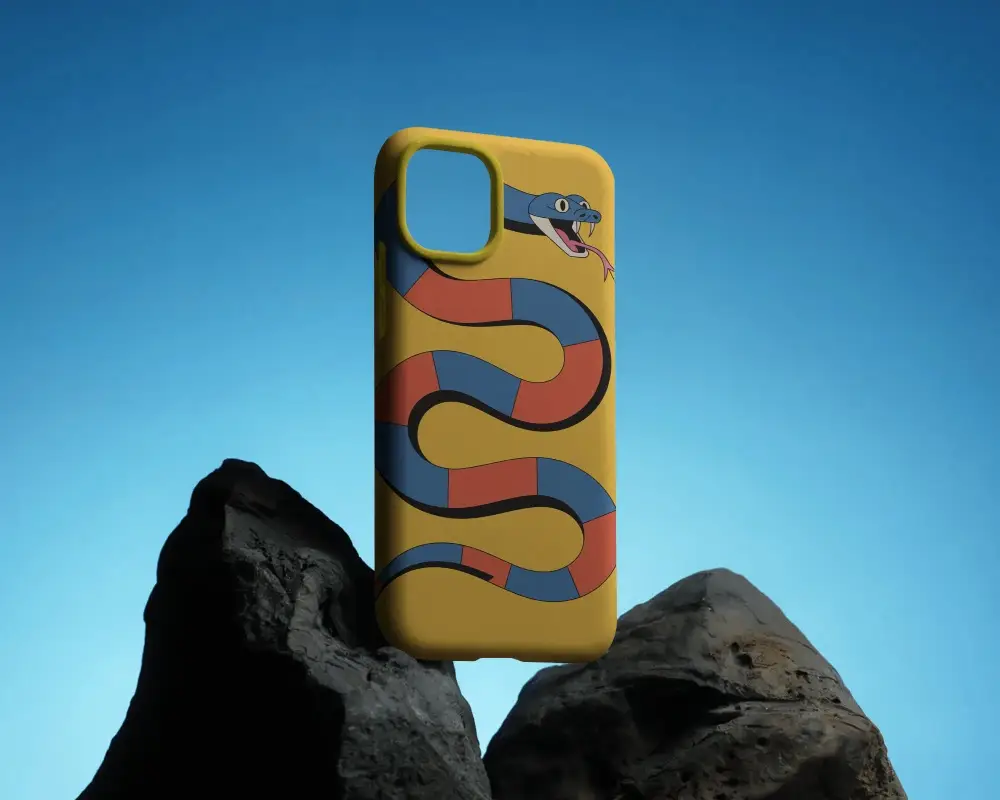
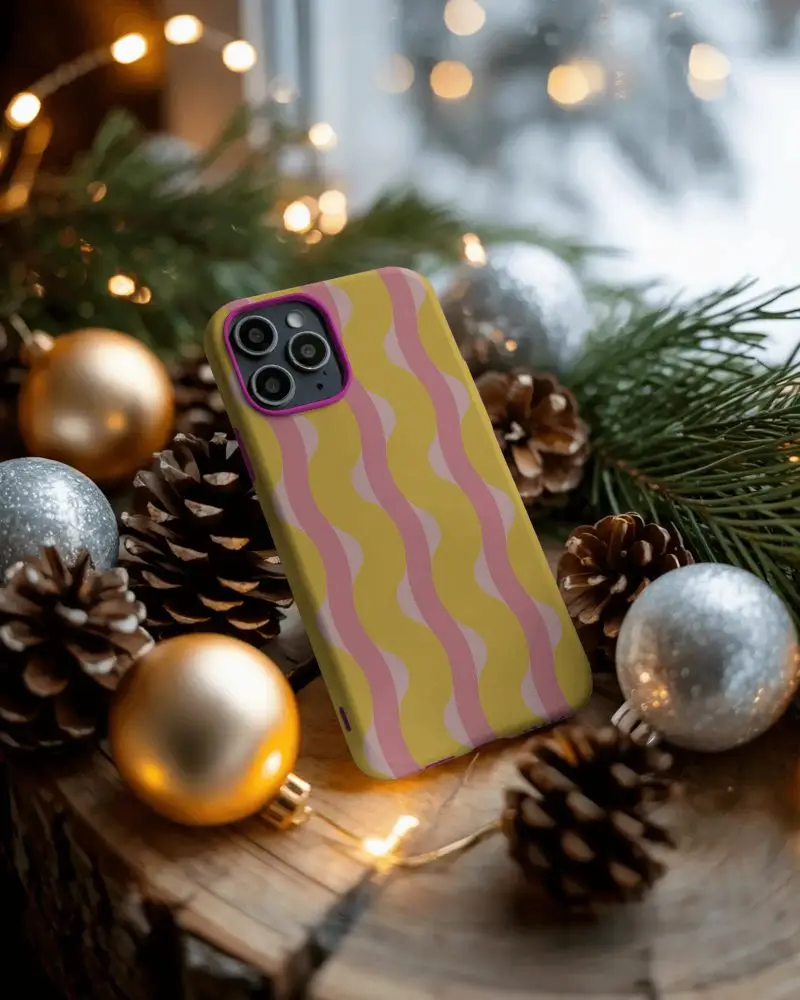
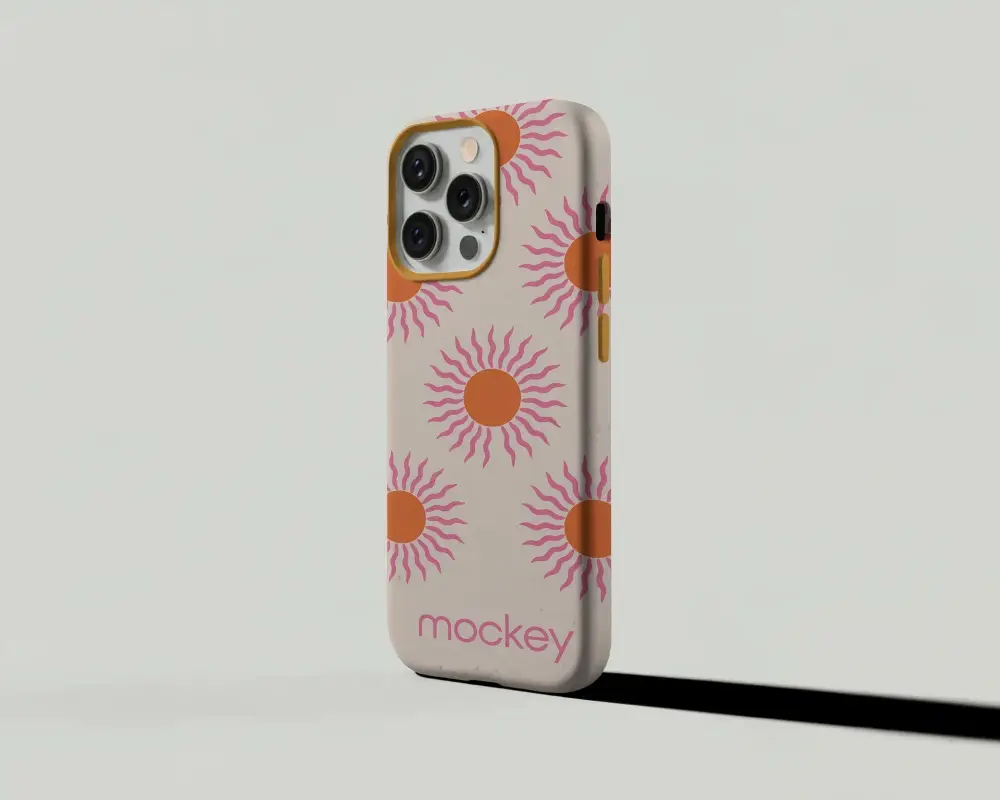
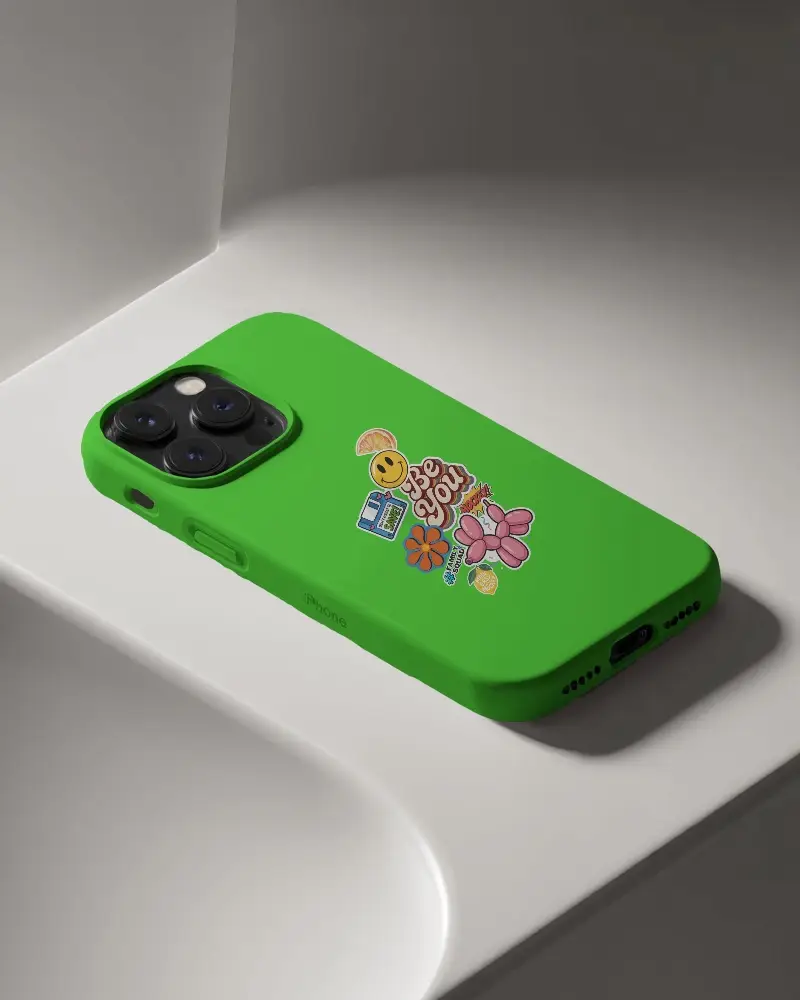
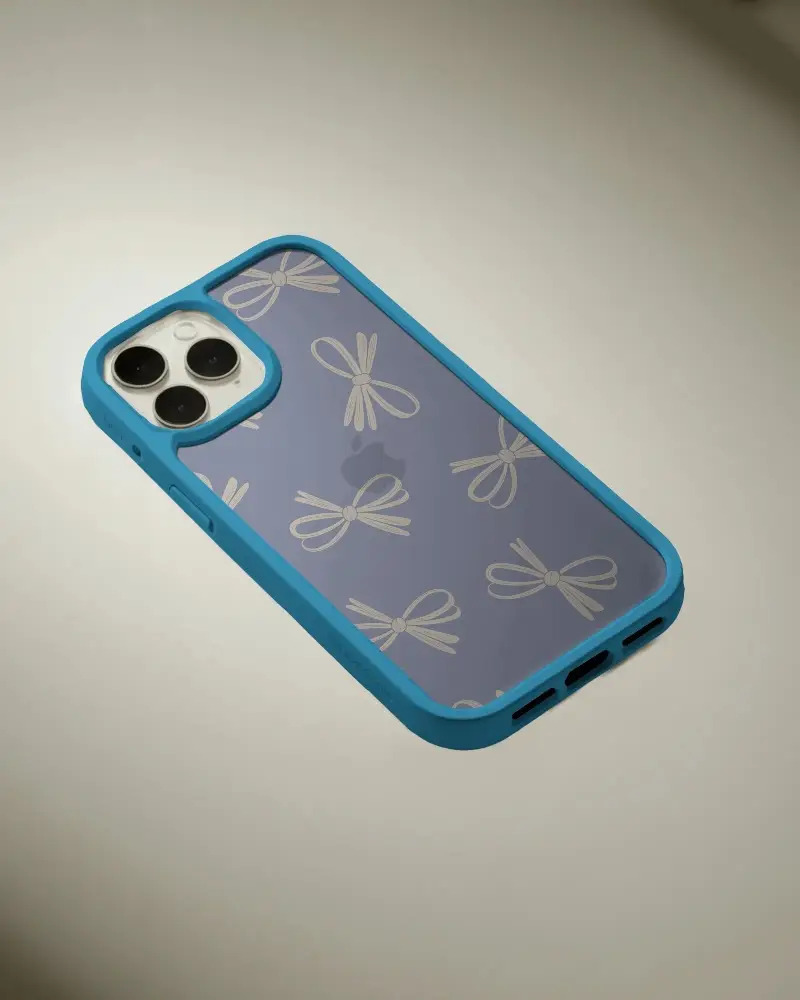
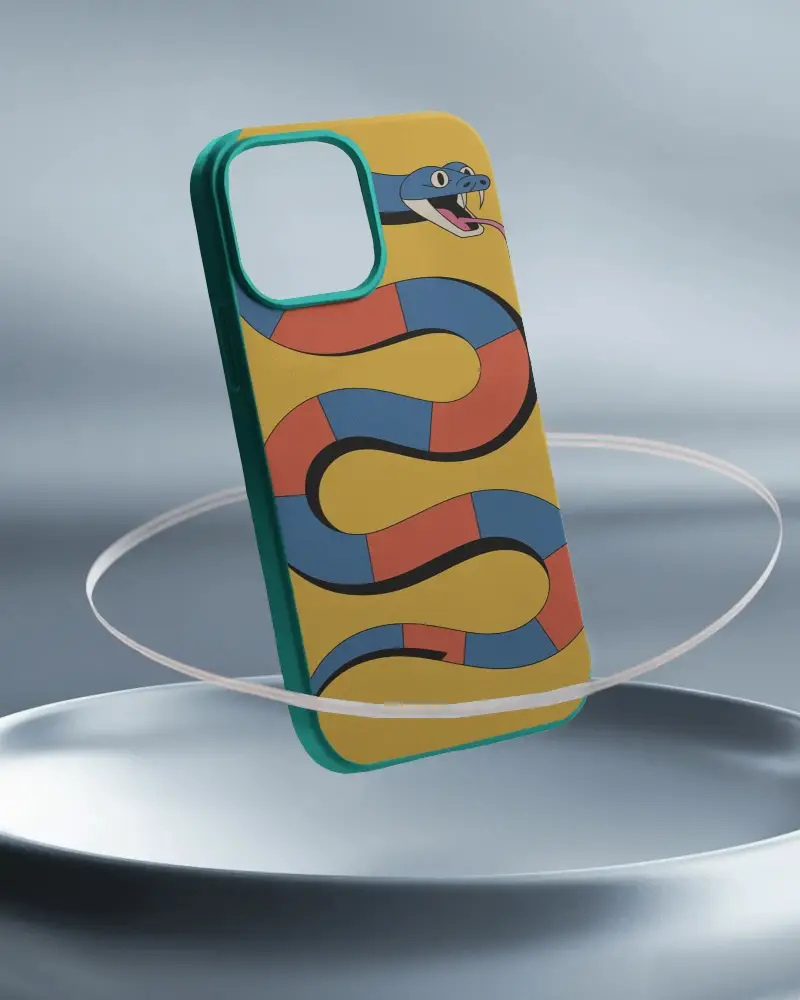
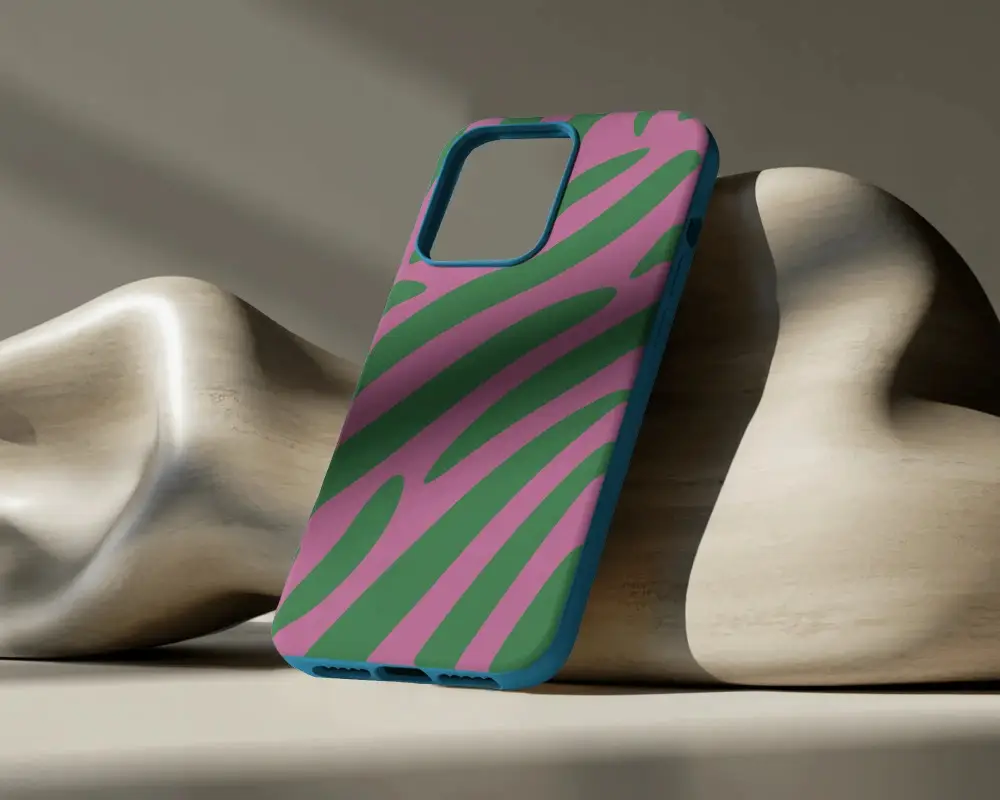
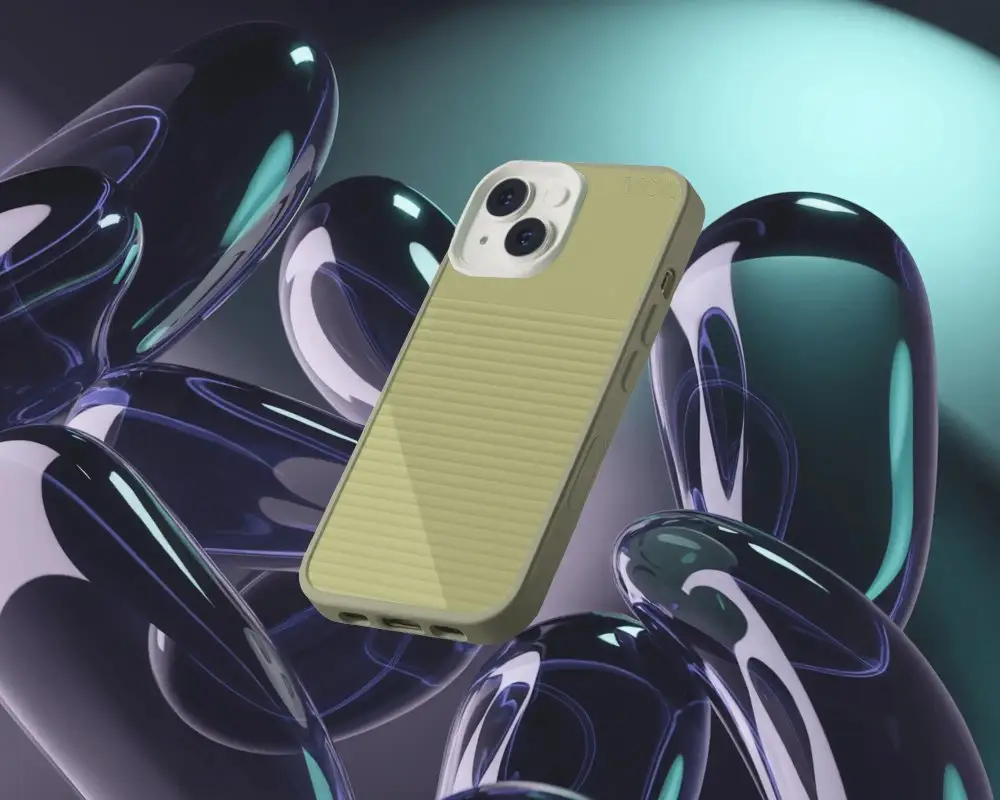
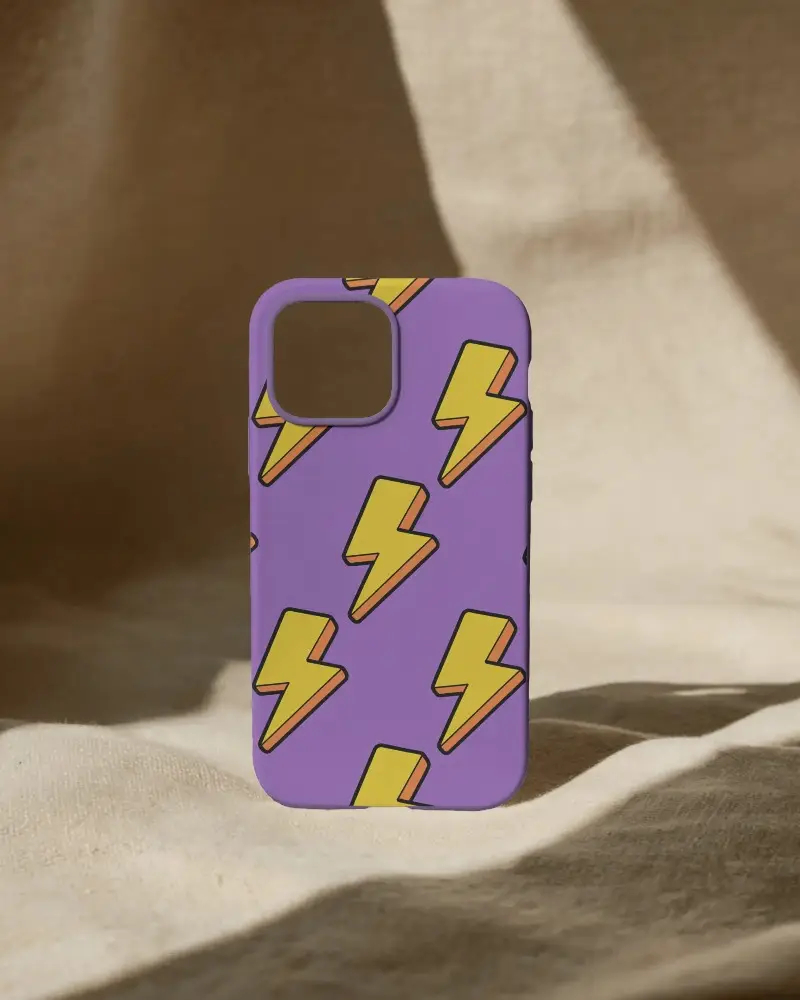
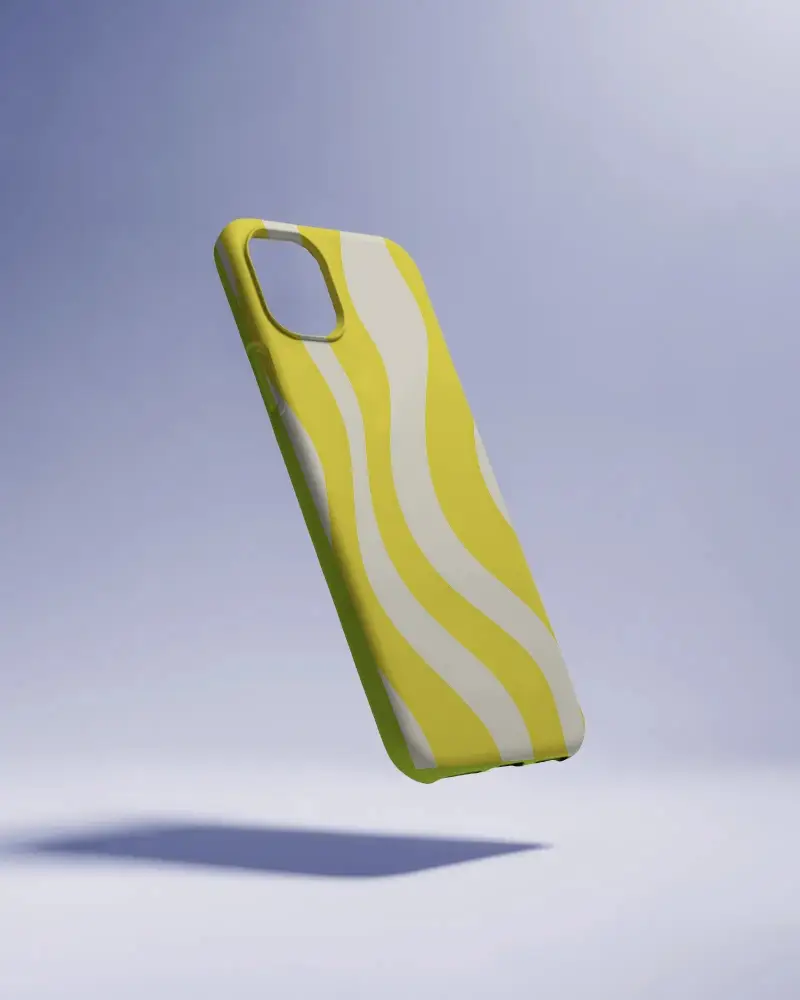
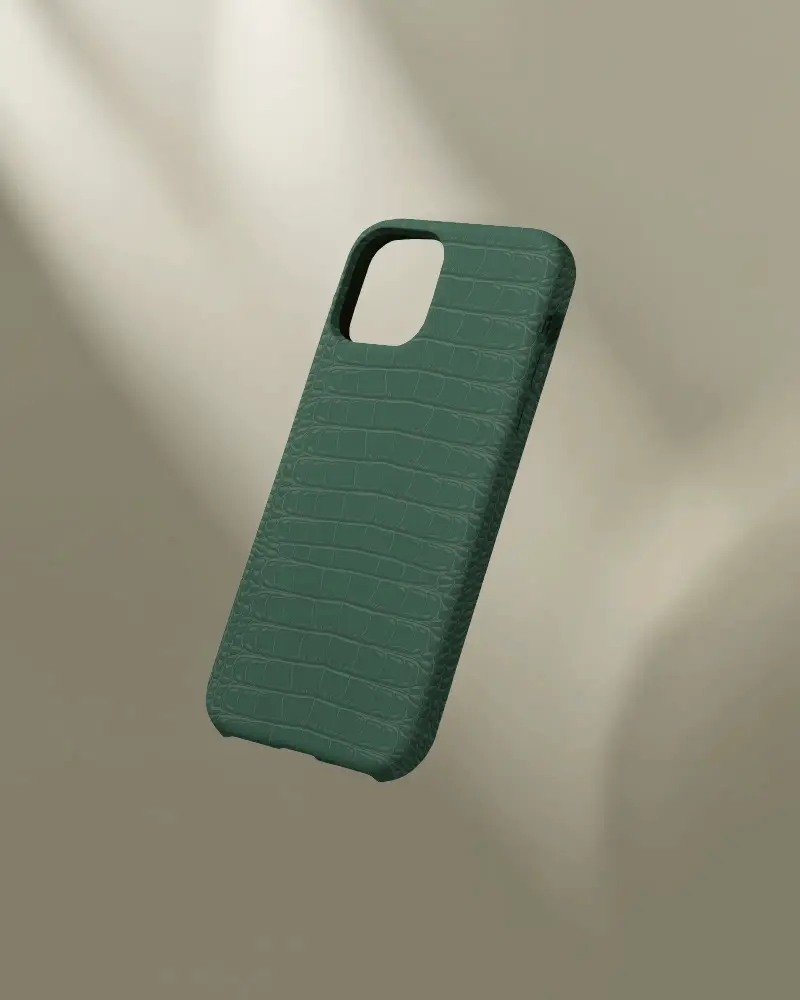
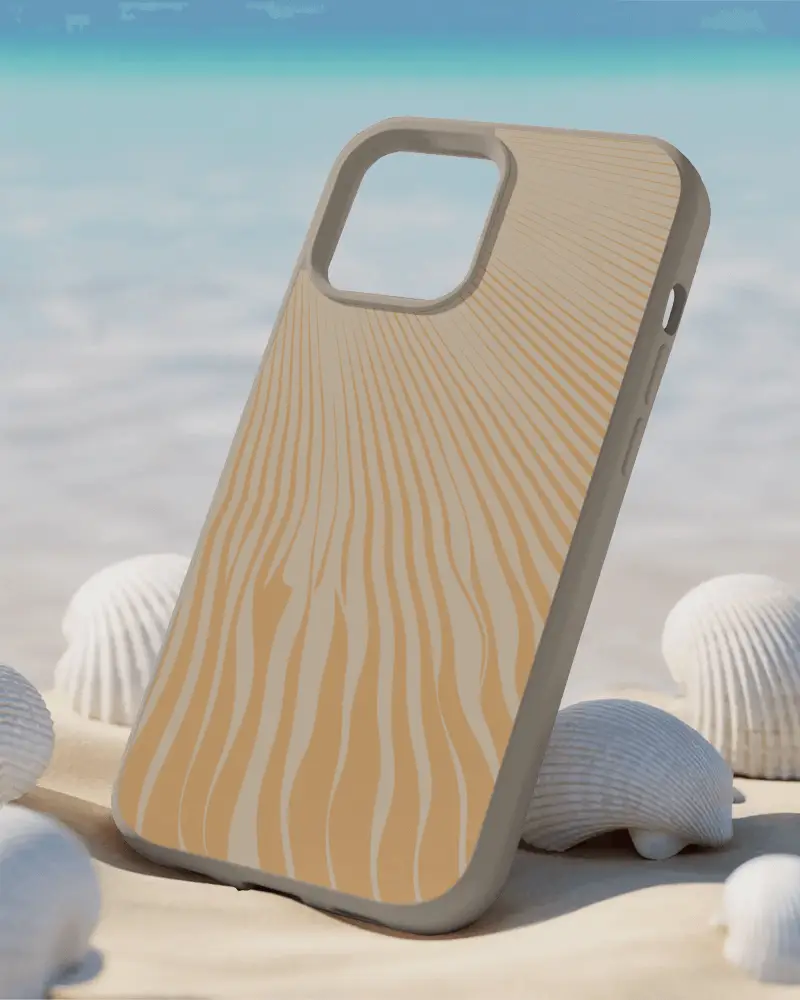
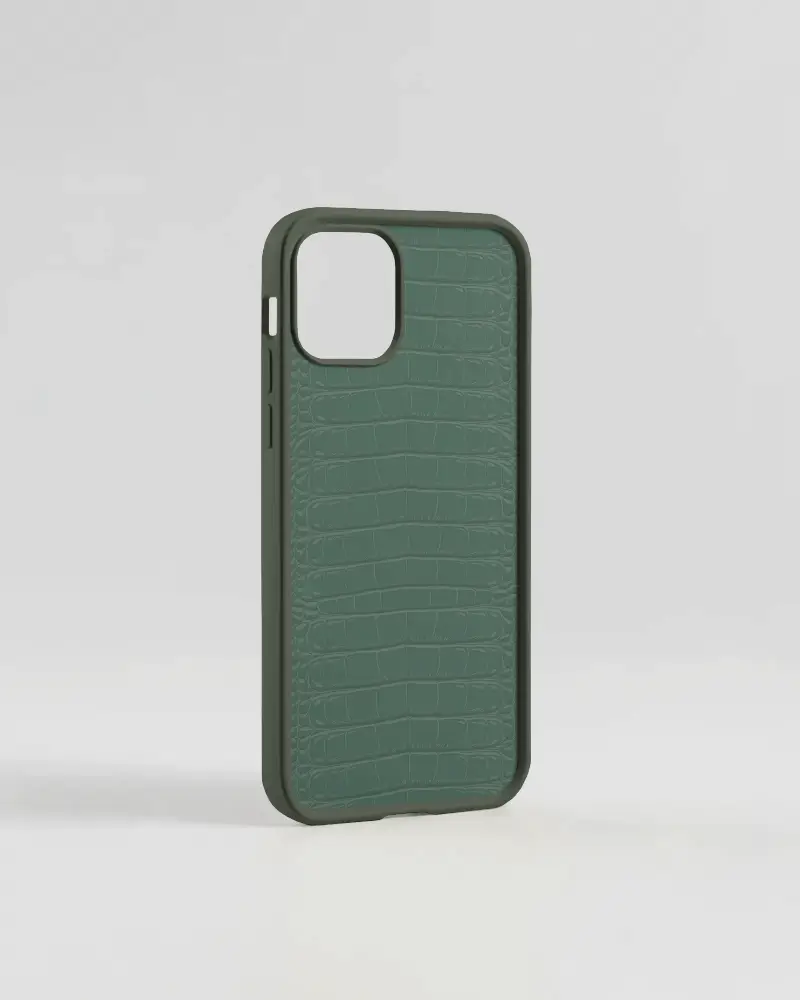
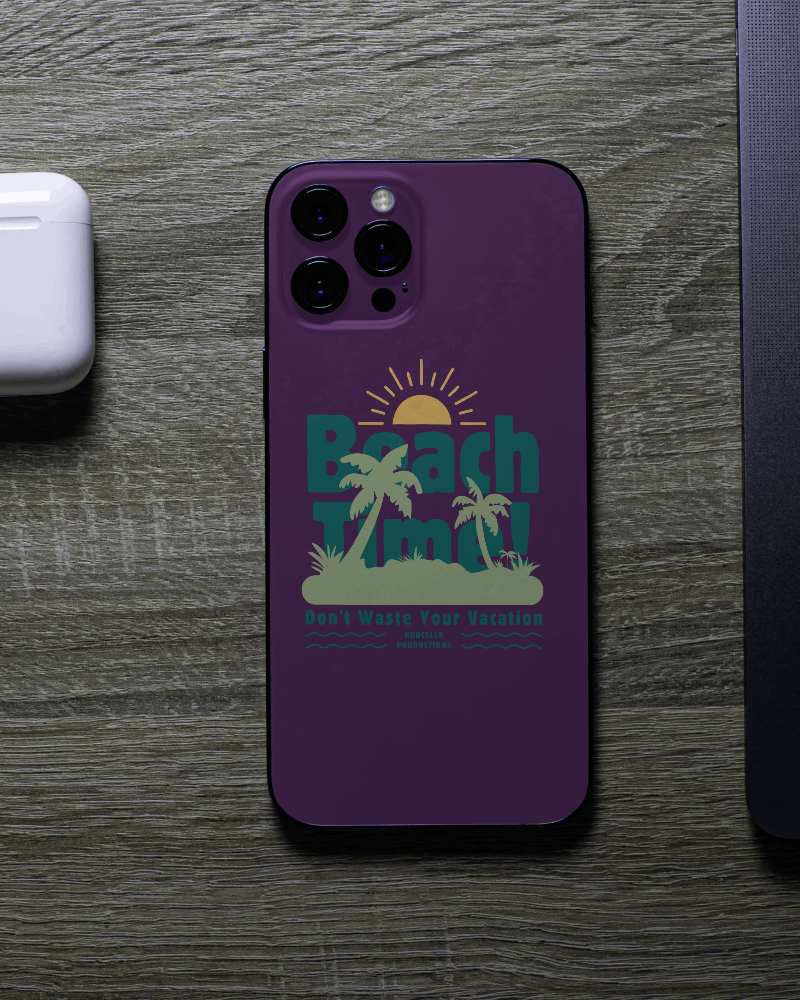
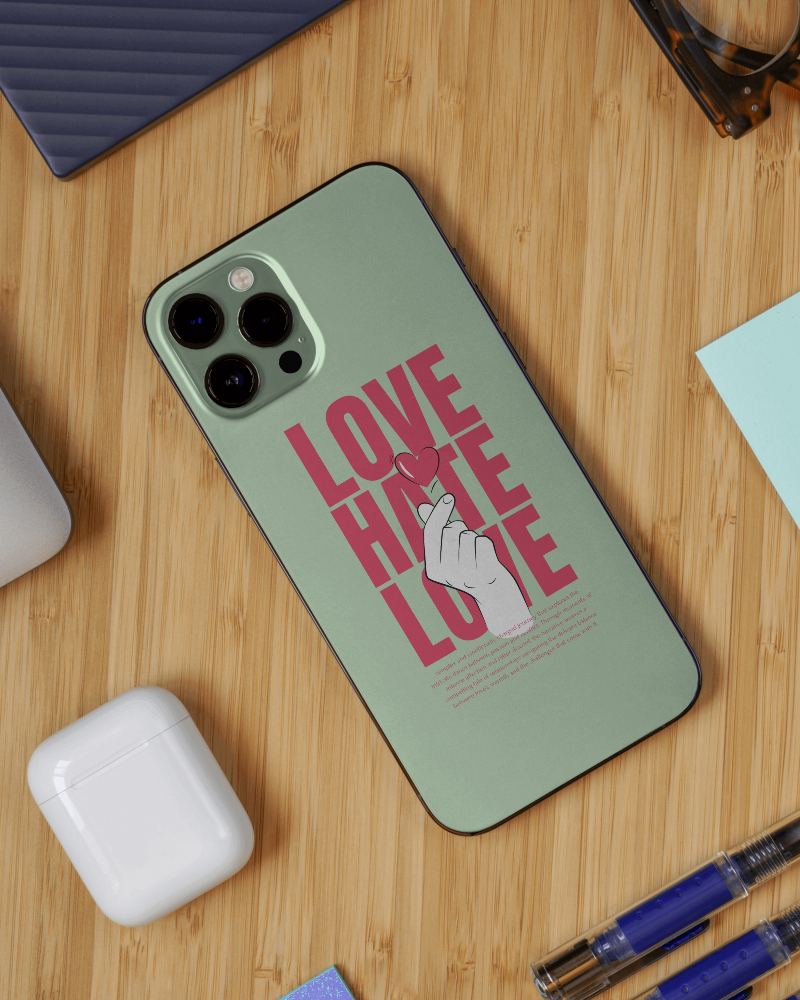
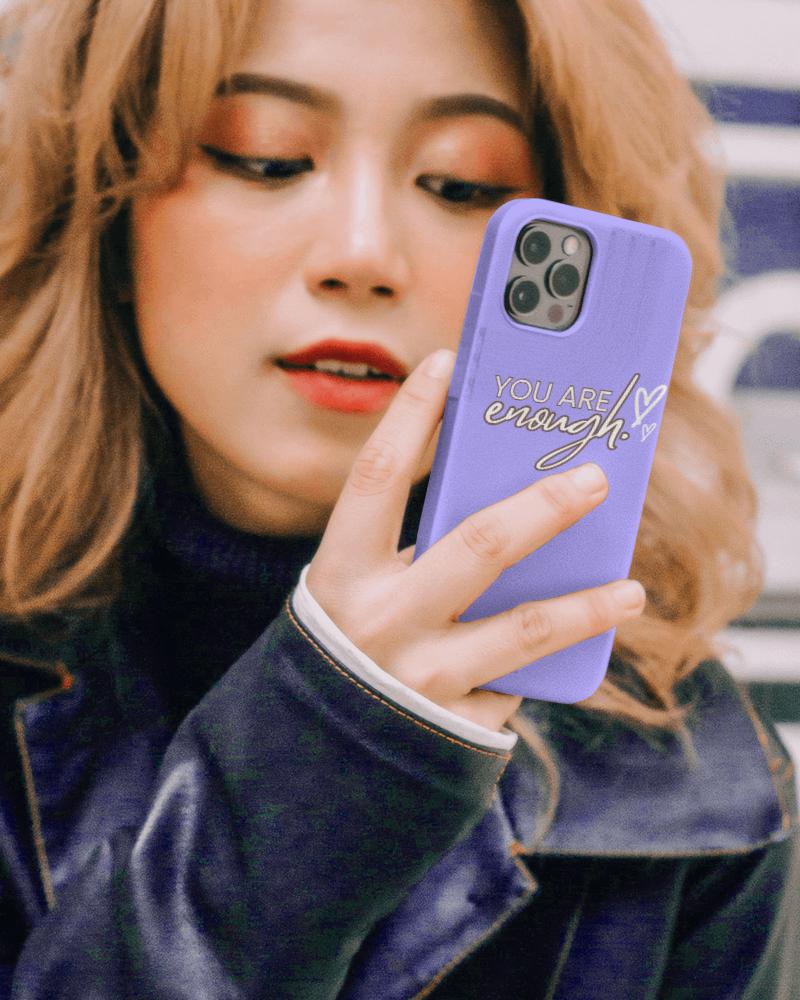
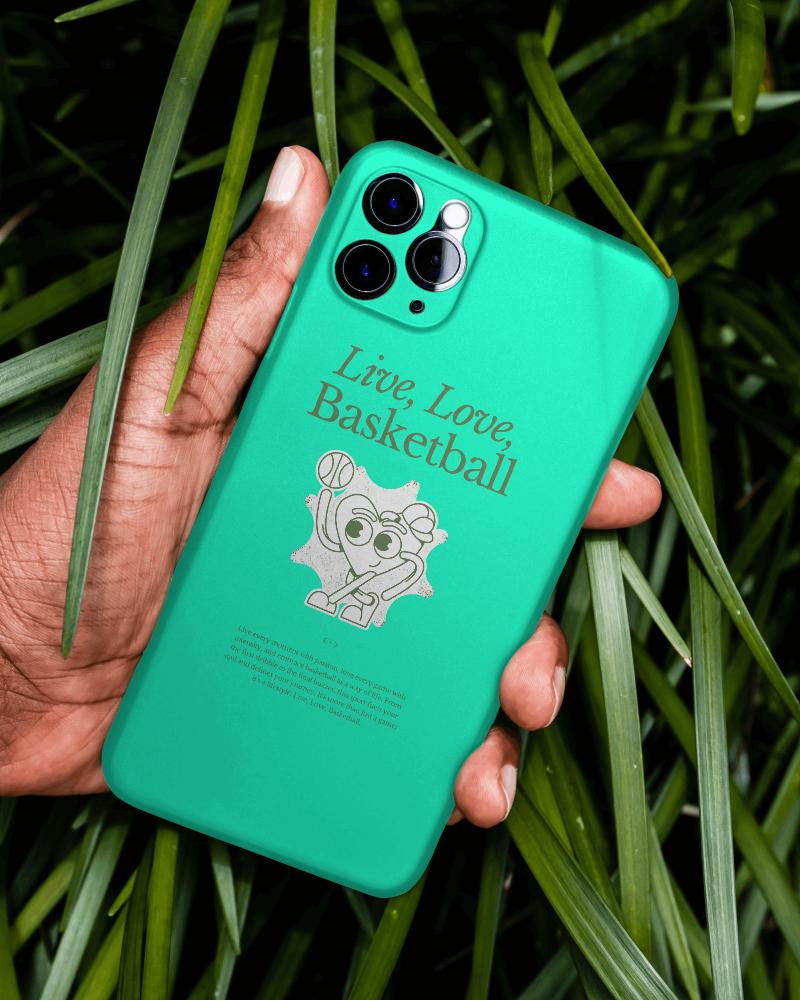
How to Create an iPhone 14 Case Mockup with Mockey
Here’s how to easily make an iPhone 14 case mockup using Mockey AI:
- Step 1: Go to Mockups > Accessories > Phone Cover > iphone-14-case tag.
- Step 2: Pick a template from the iPhone 14 collection.
- Step 3: Upload your design or logo and position it properly.
- Step 4: Customize background, lighting, or shadows if needed.
- Step 5: Download the mockup in high-resolution PNG or JPEG format.


FAQs on Iphone 14 Case Mockups
What is an iPhone 14 case mockup?
An iPhone 14 case mockup is a sample image that shows how your design will look on the iPhone 14 phone case.
Where can I find free iPhone 14 case mockups?
Mockey.ai is a free tool where you can easily create iPhone 14 case mockups using editing tools. You can add a design, make high-quality, and download them without any watermarks, all in your browser.
How do I customize an iPhone 14 case mockup?
To customize your iPhone 14 case, visit Mockey.ai. Then go to Mockups, in the Accessories, select Phone Cover and pick iPhone 14 from the tags available. On the next page, upload your design, adjust it, change colors or backgrounds, and save it for free.
Can I use an iPhone 14 case mockup for print-on-demand?
Mockups of iPhone 14 cases are best for online selling. Use a print-on-demand site to upload your case, use mockups to see how it looks, and have it printed and shipped.
