Android Phone Mockup Free Download | Android Phone Mockup Templates
Mockey makes it easy to generate Android phone mockups in seconds. Upload your design and get high-quality mockups instantly at no cost. Start designing now!
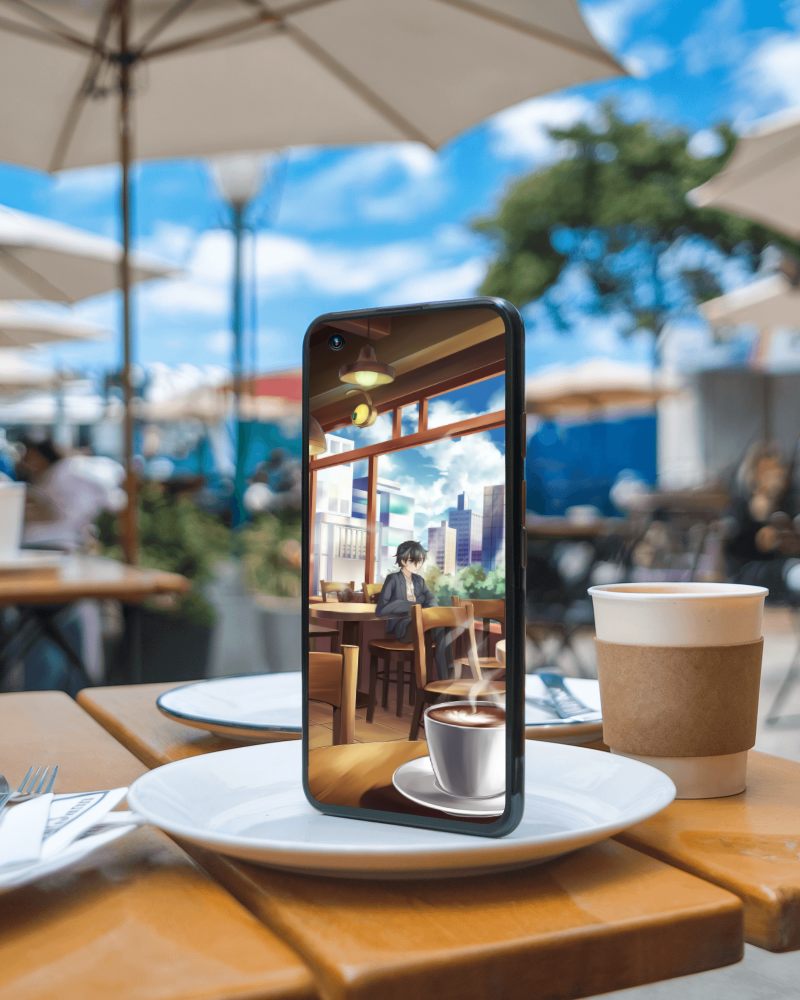
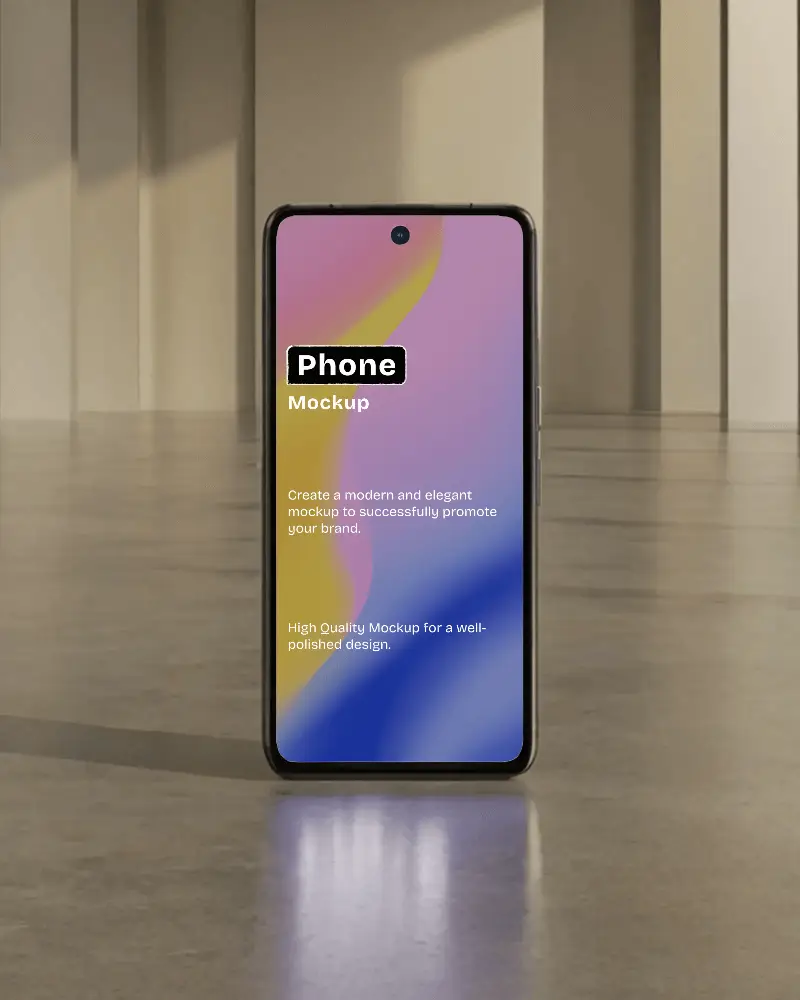
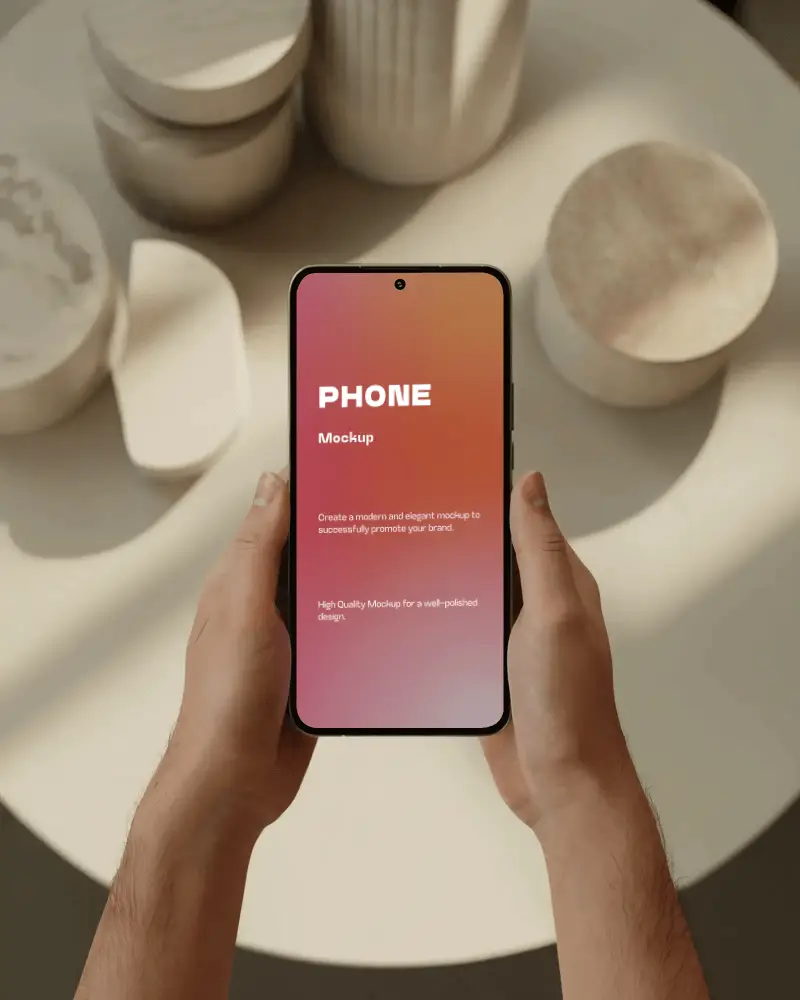
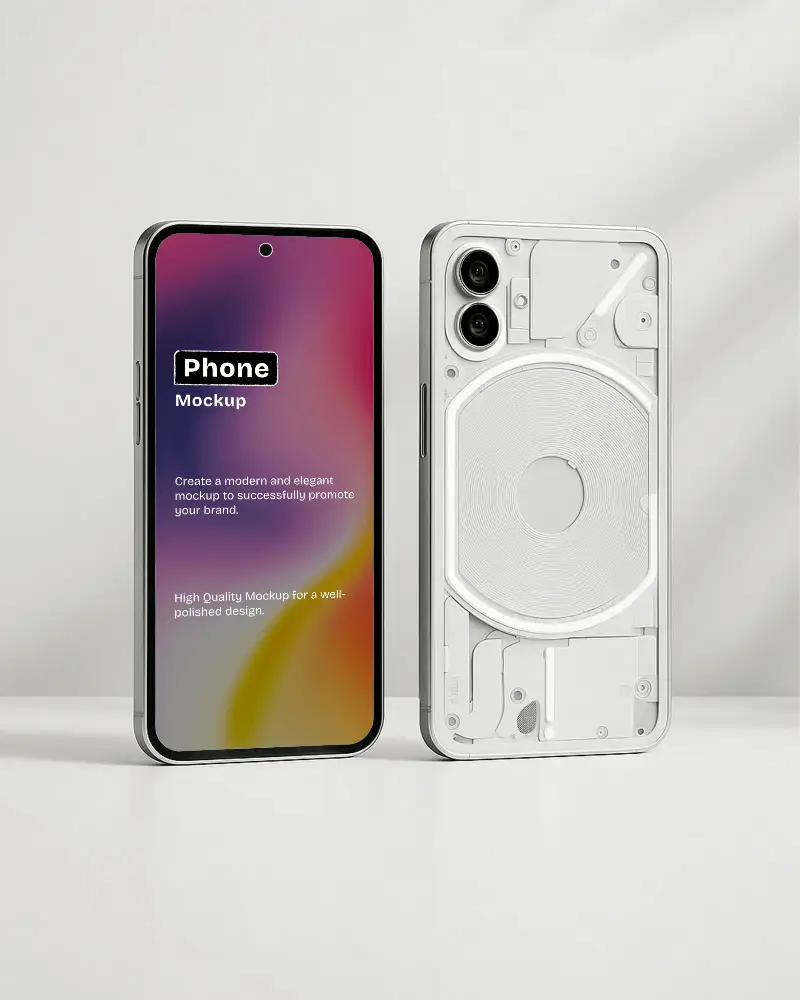
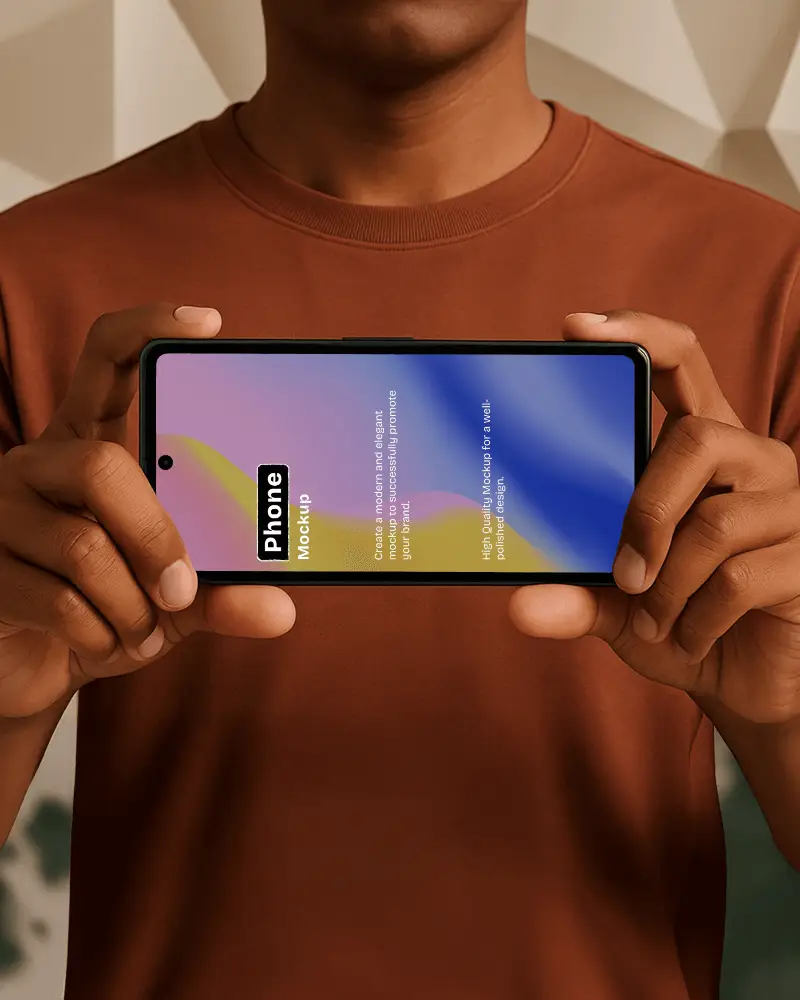
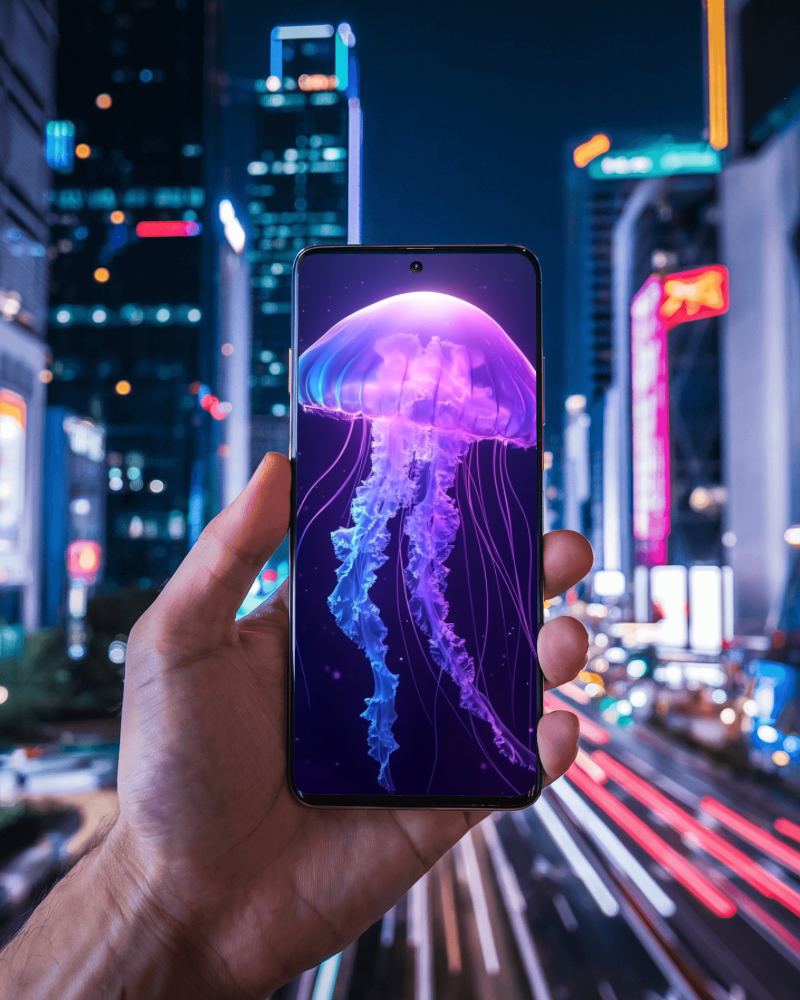
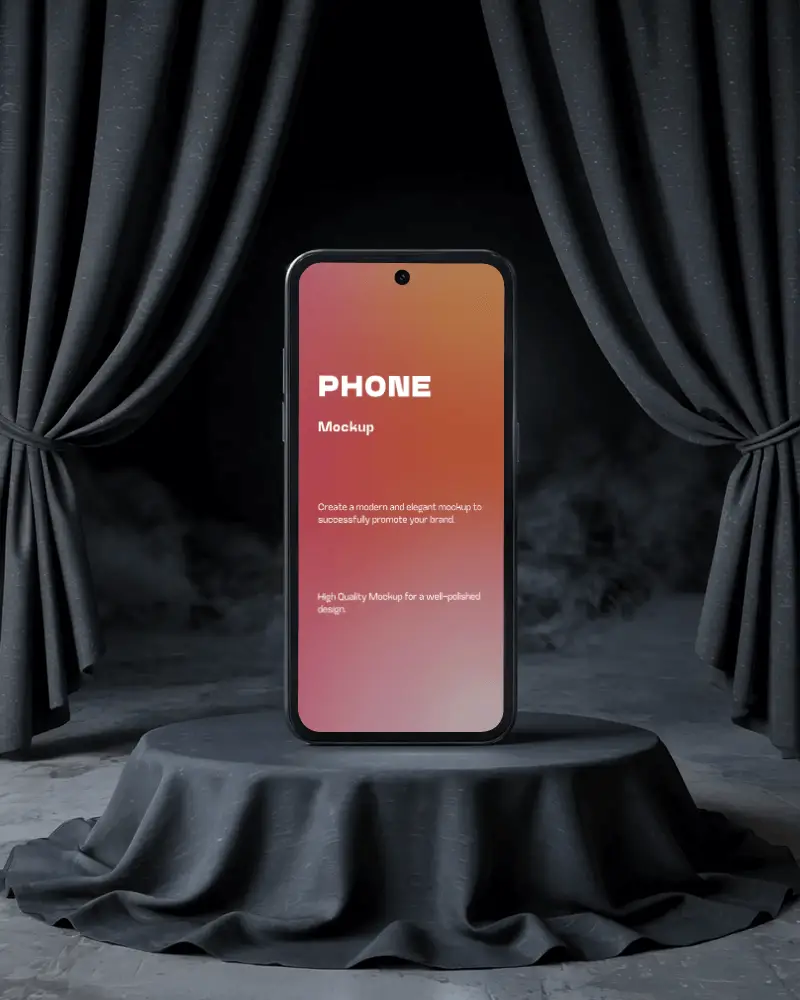
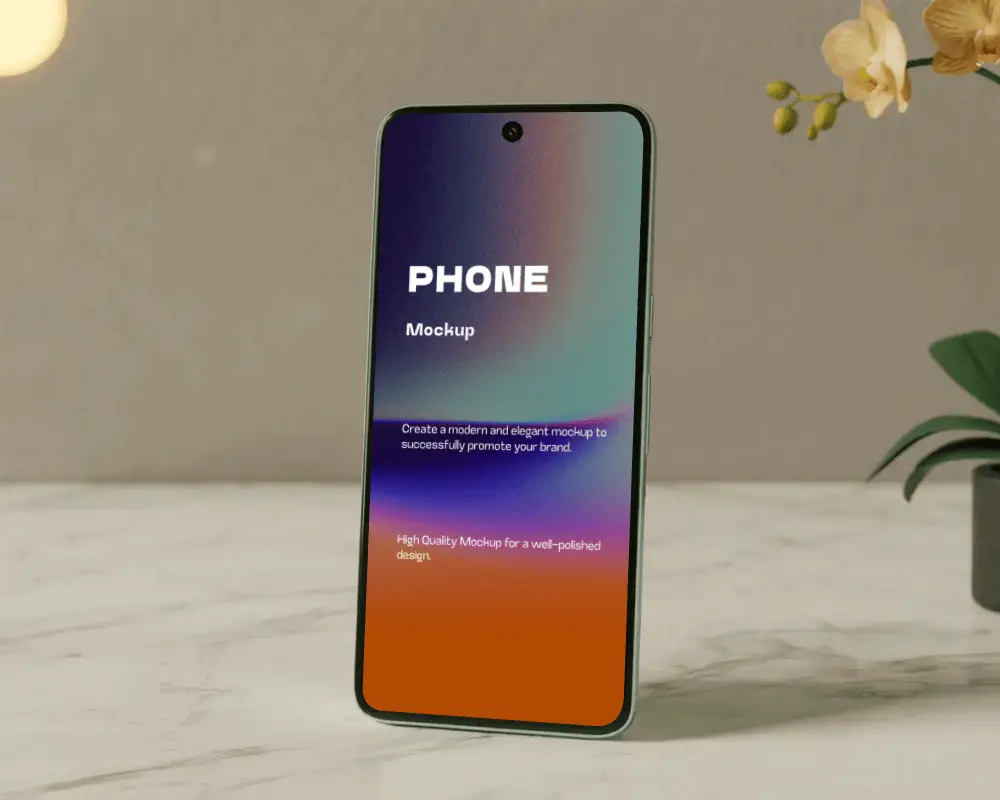
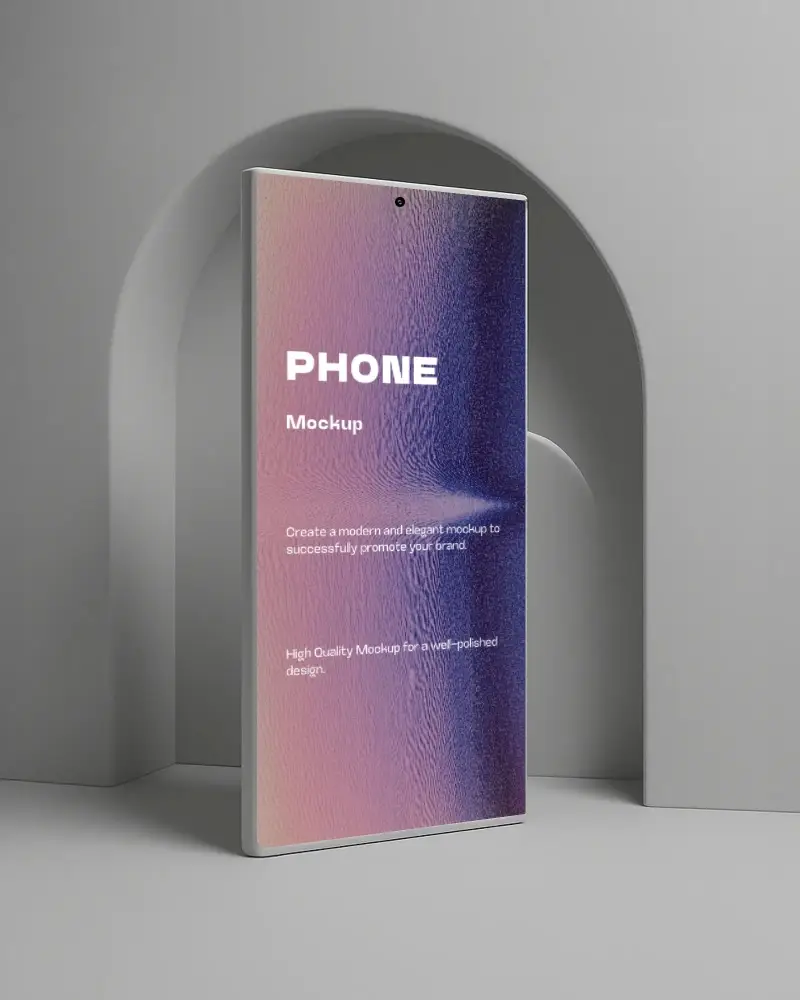
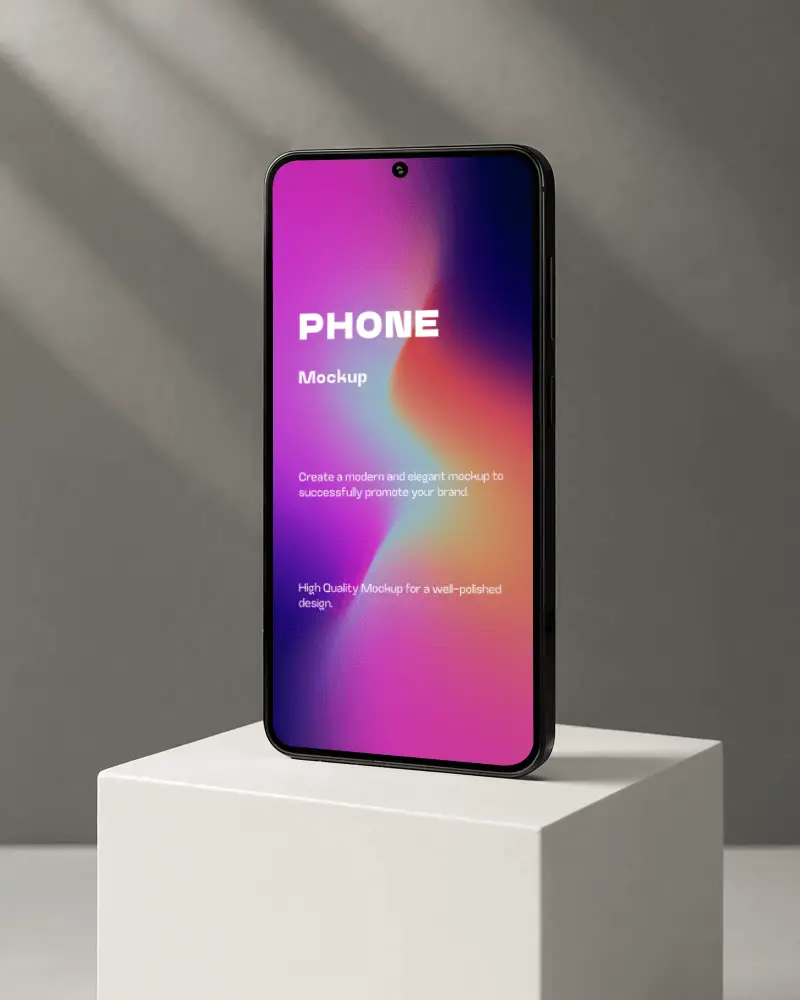
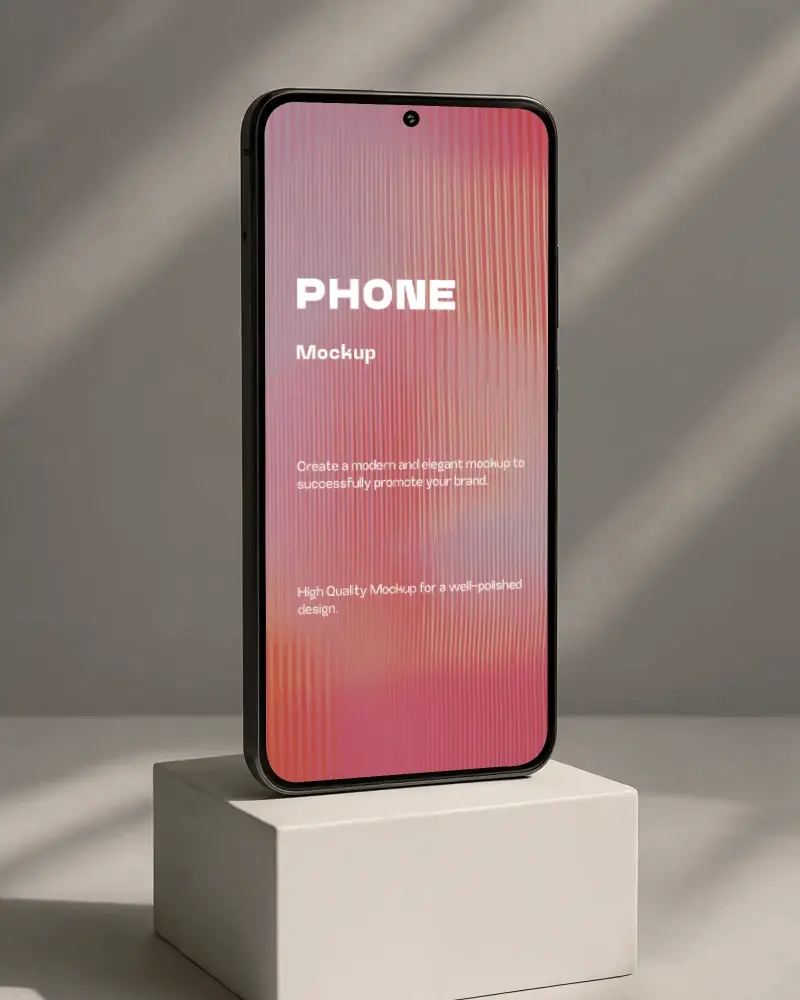
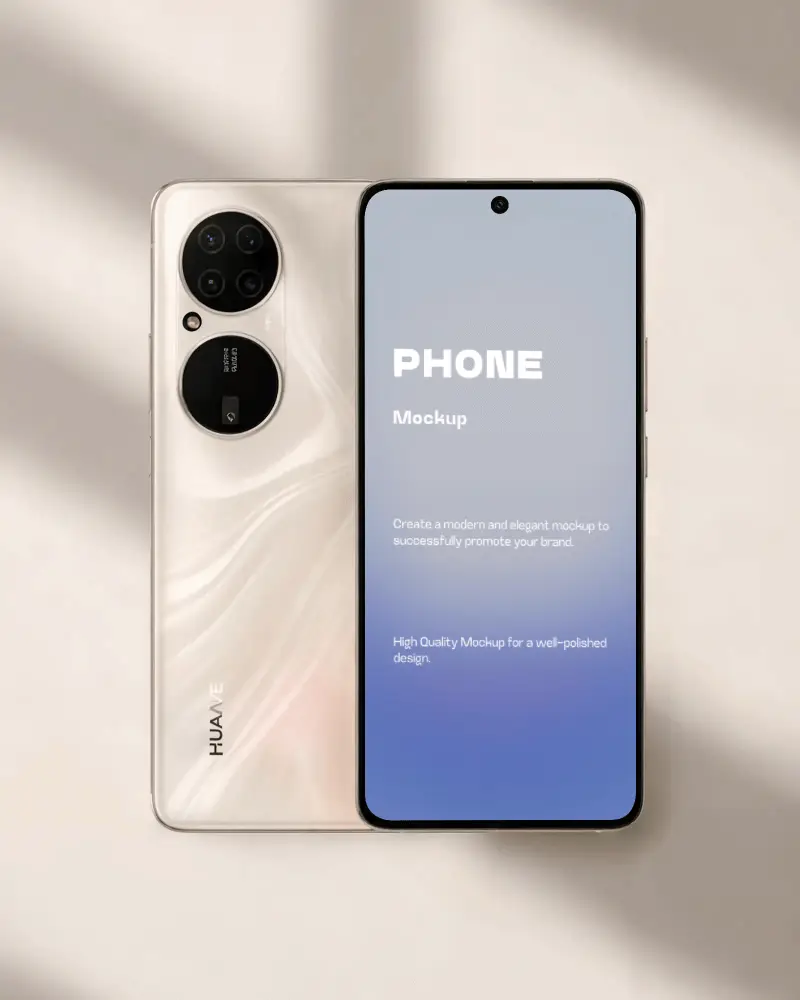
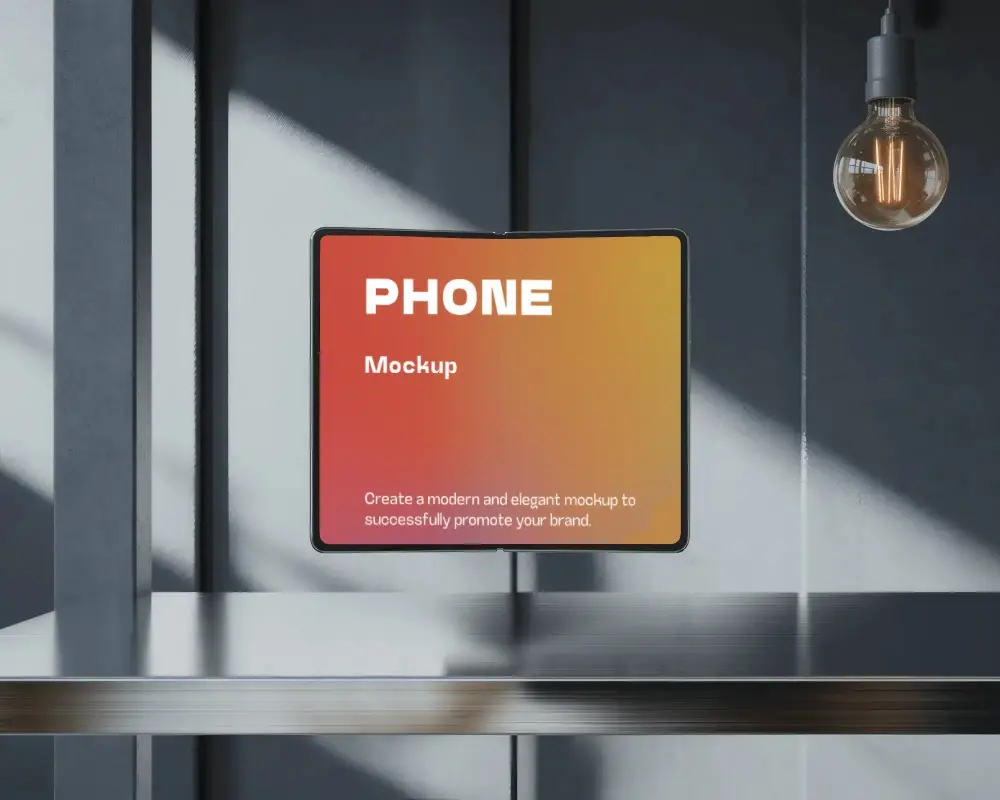
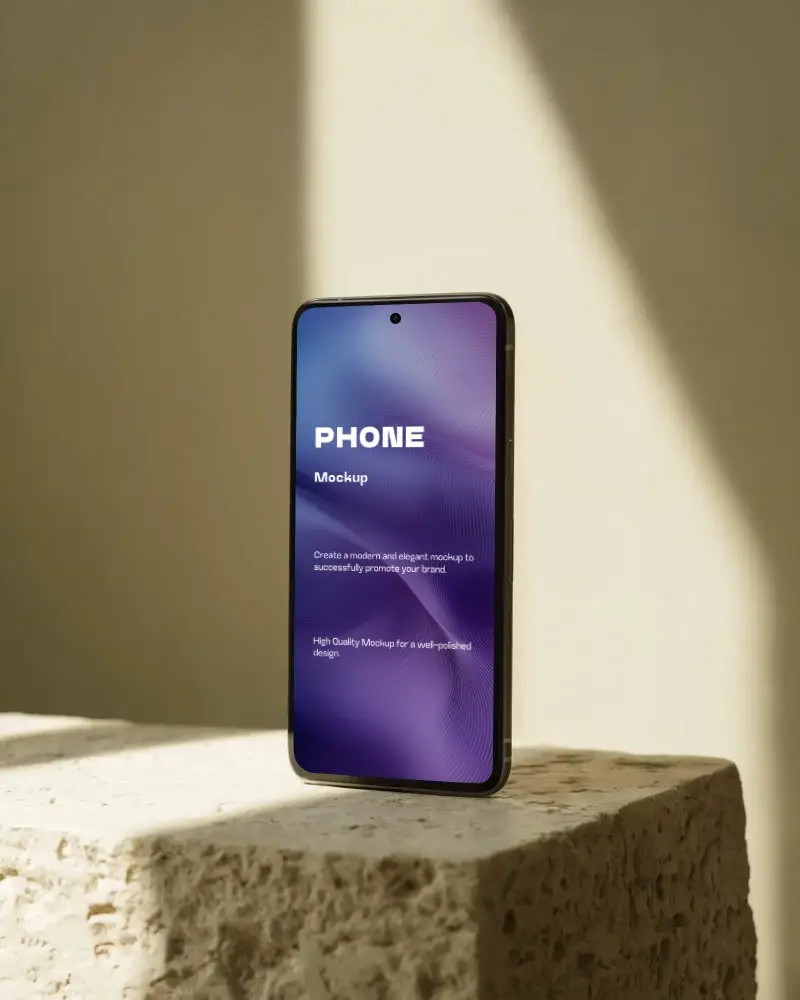
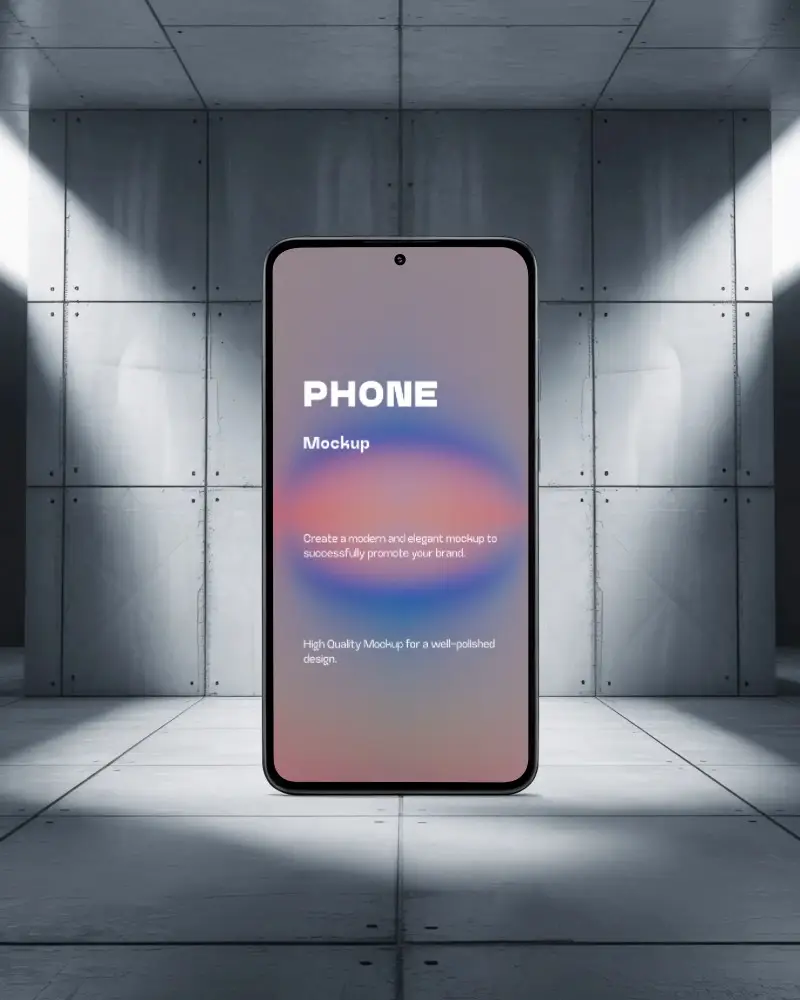
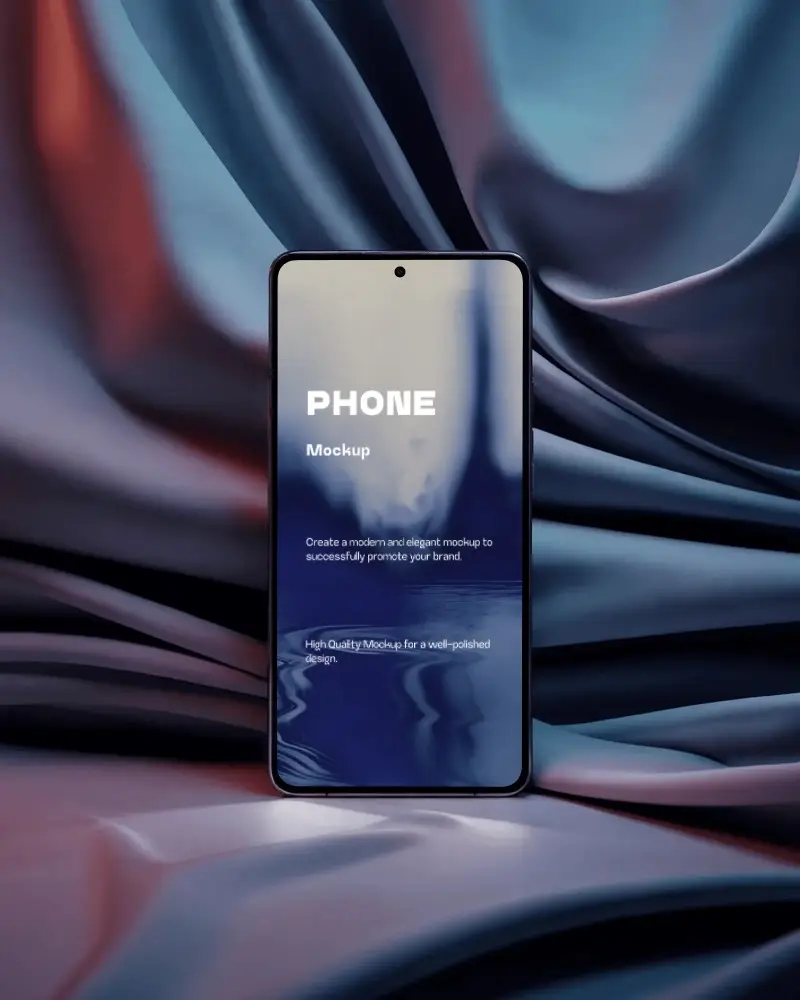
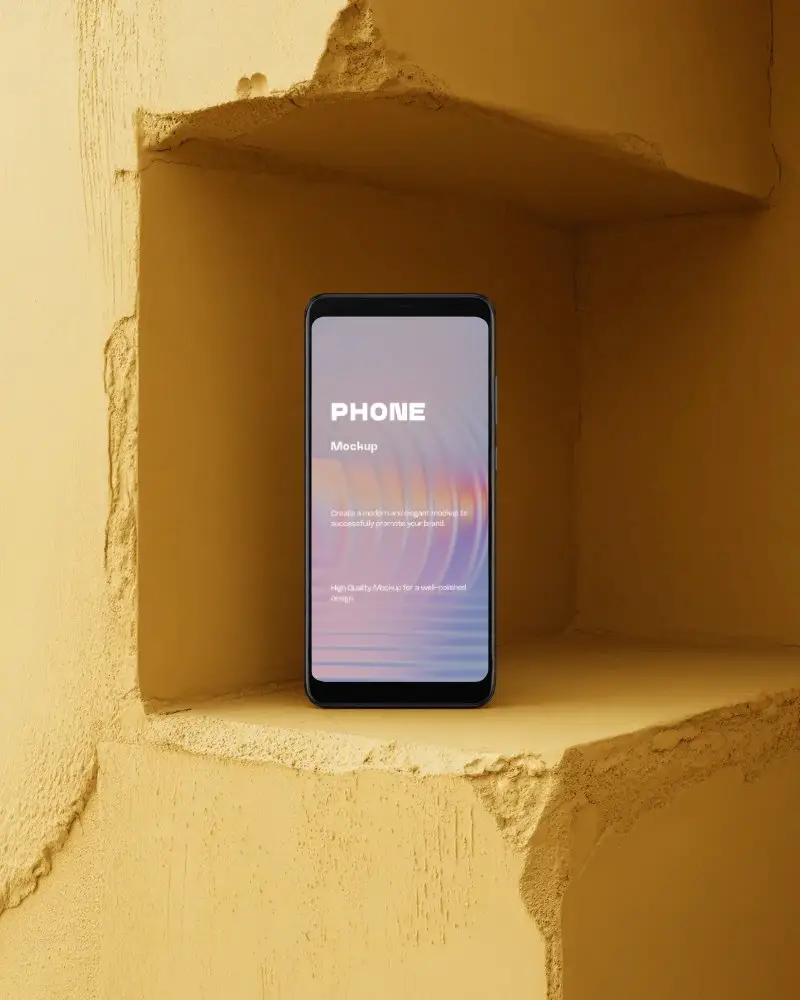
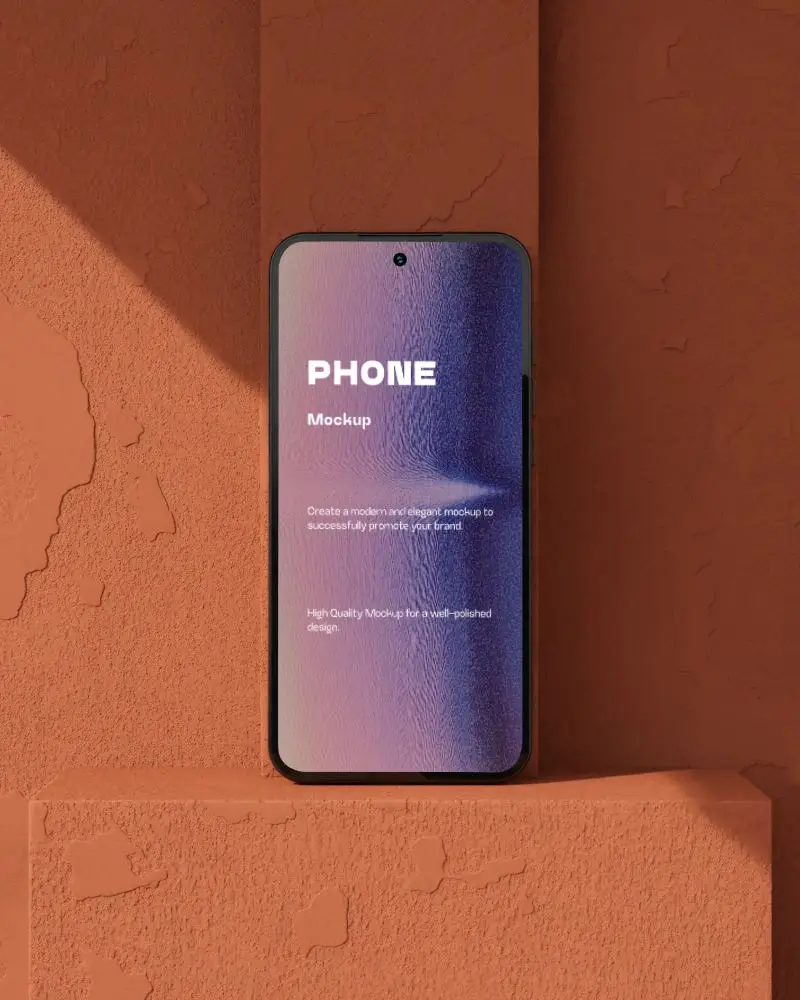
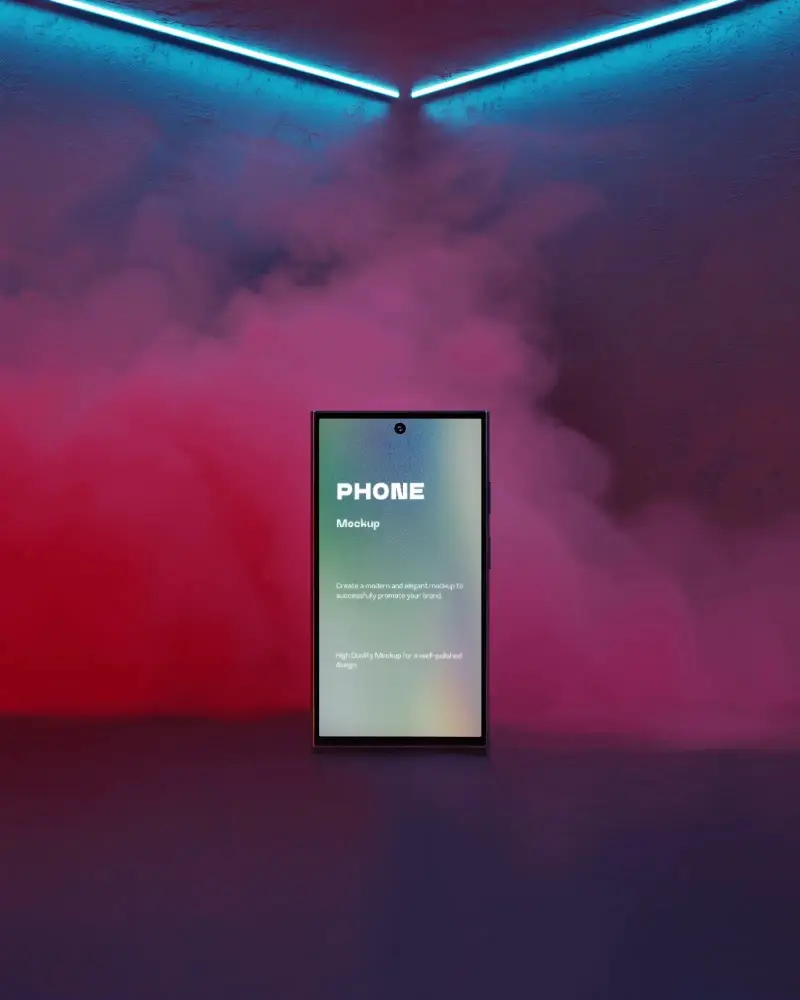
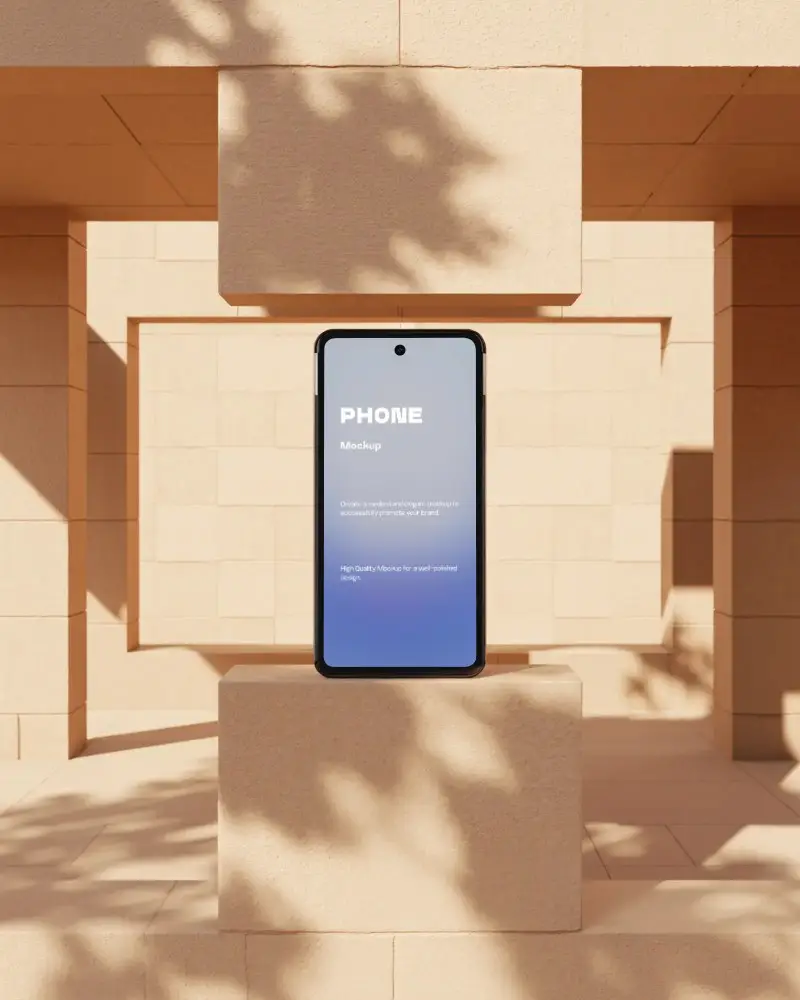
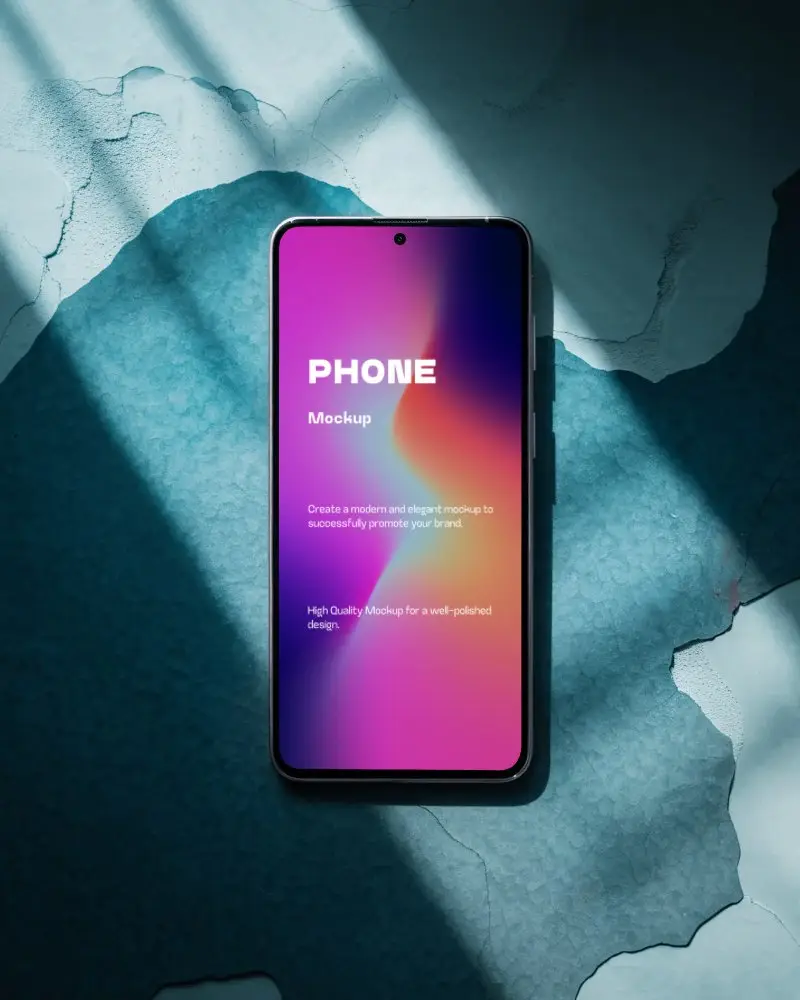
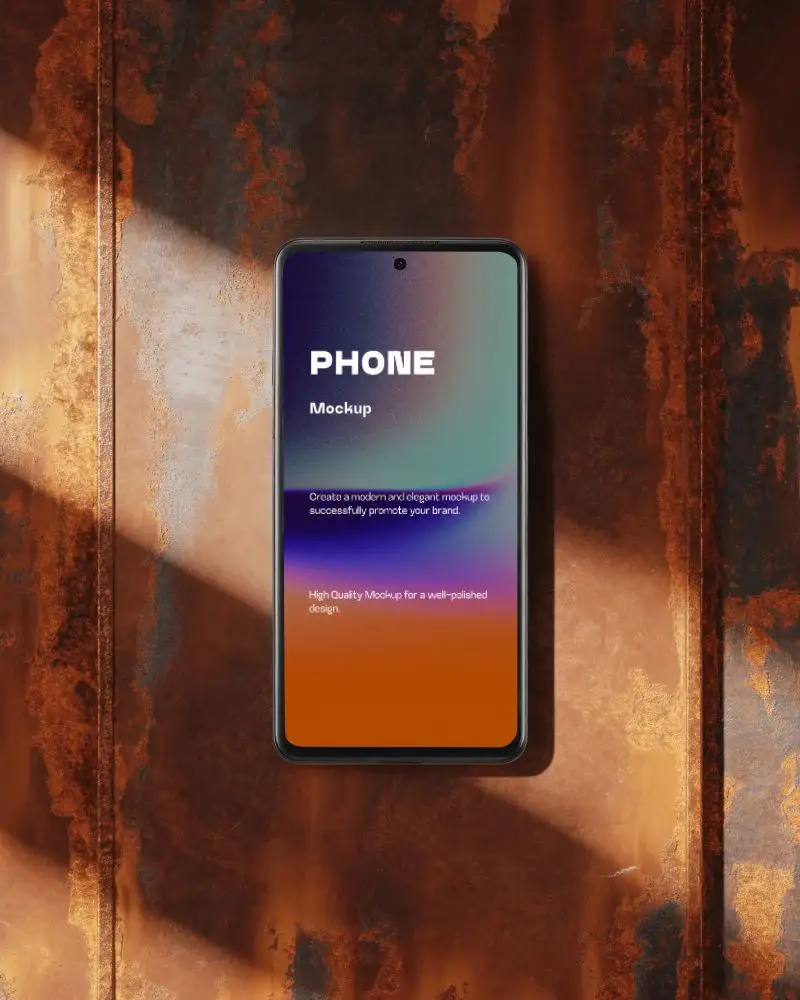
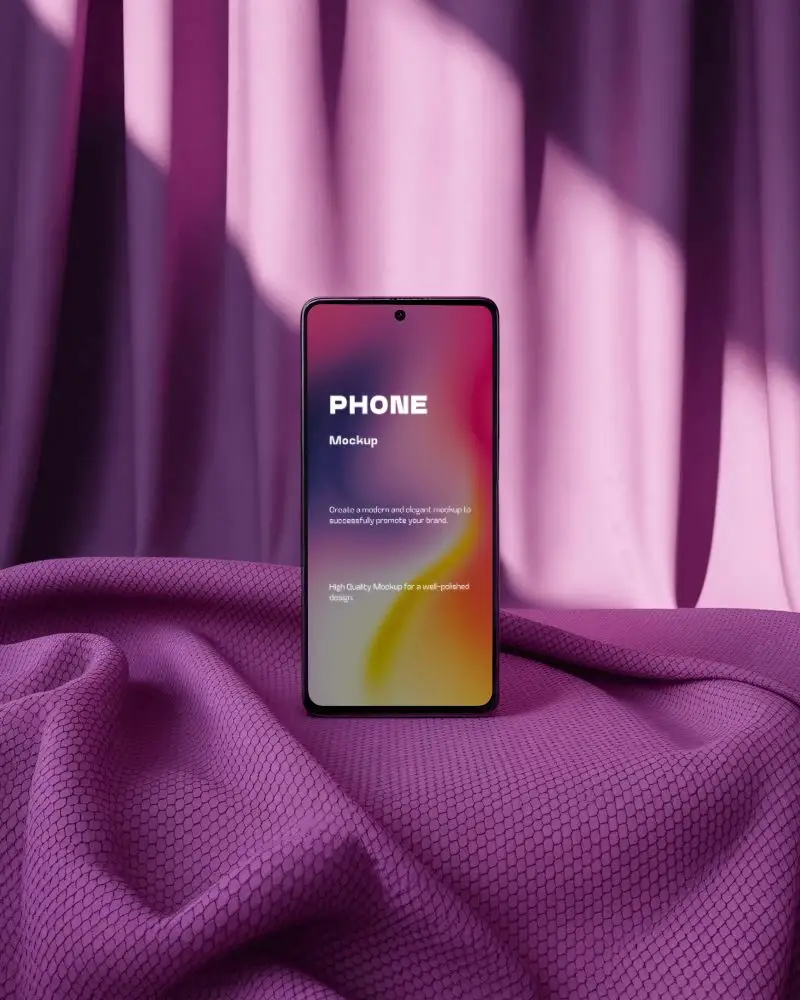
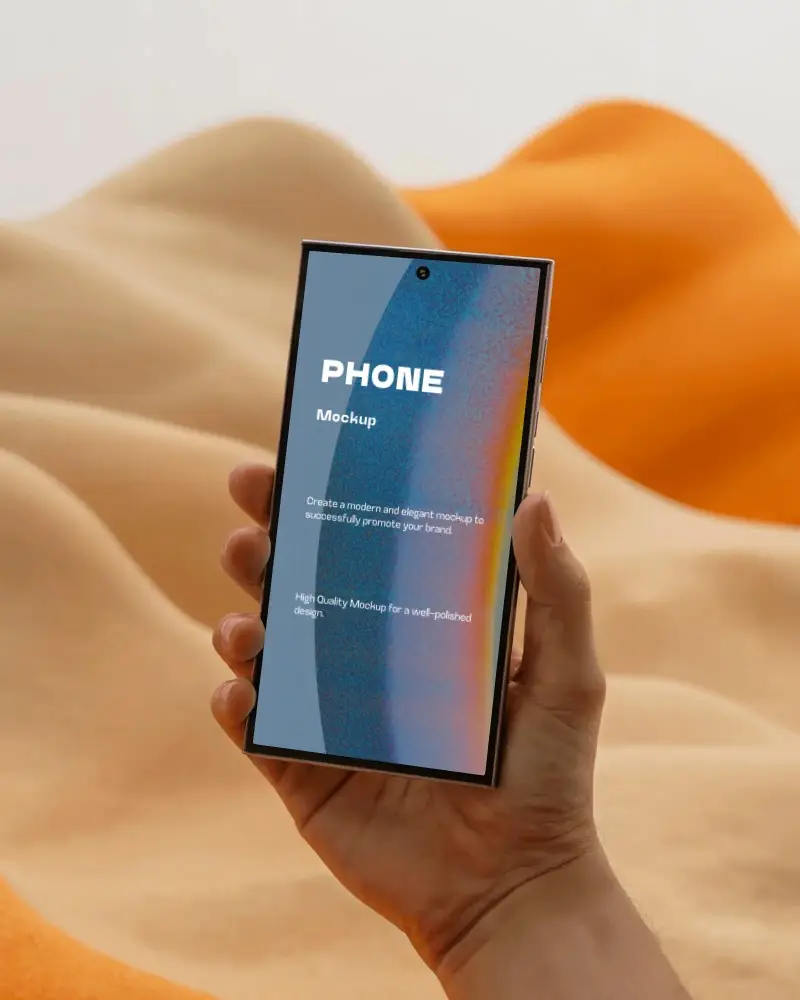
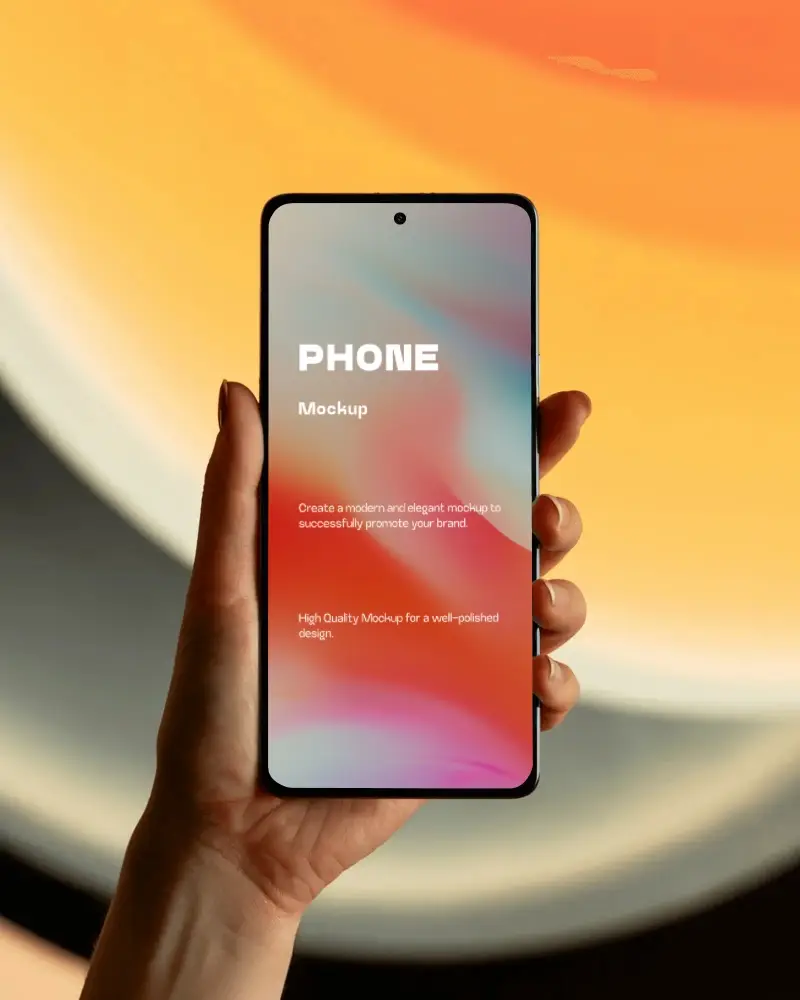
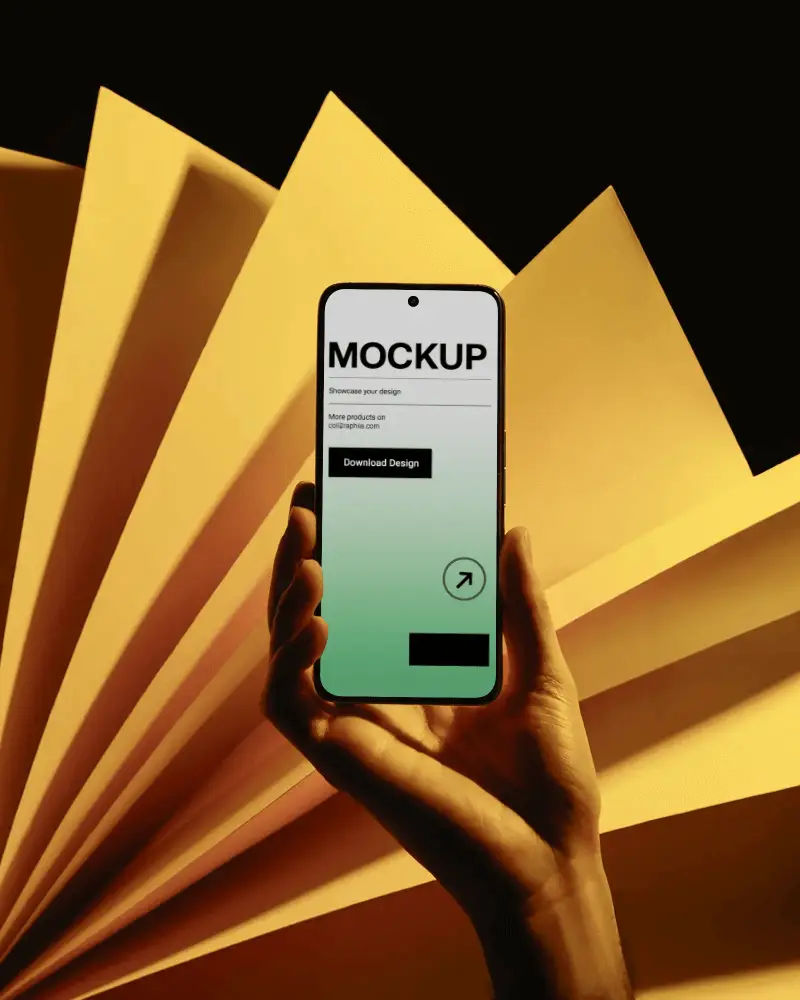
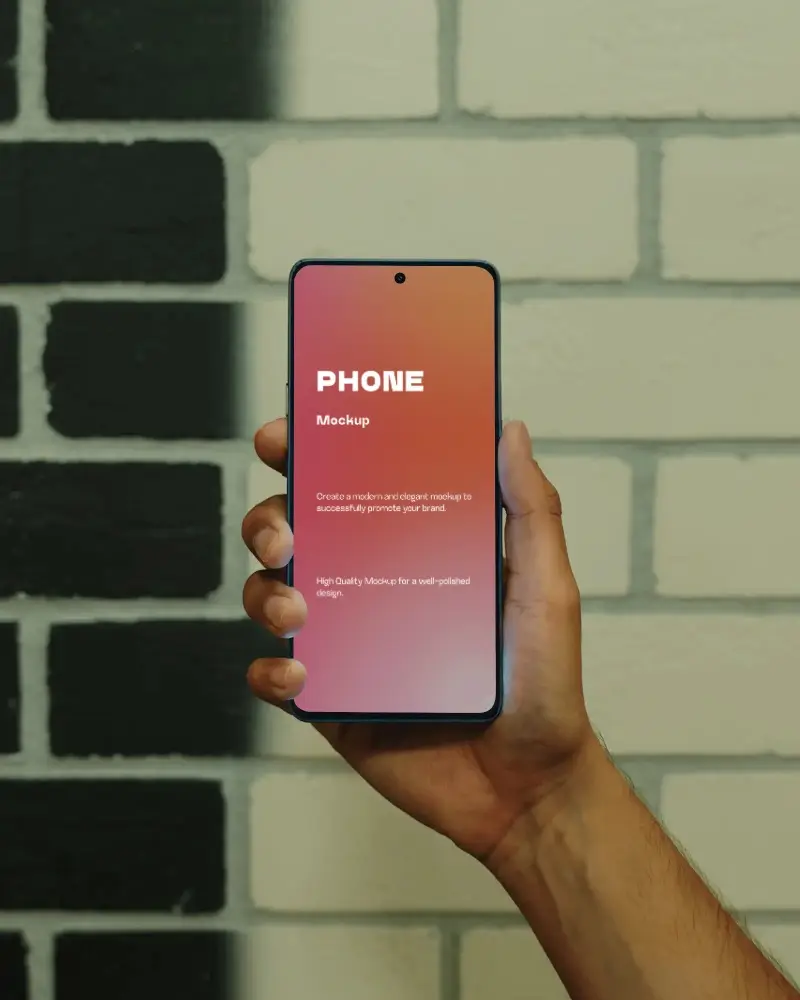
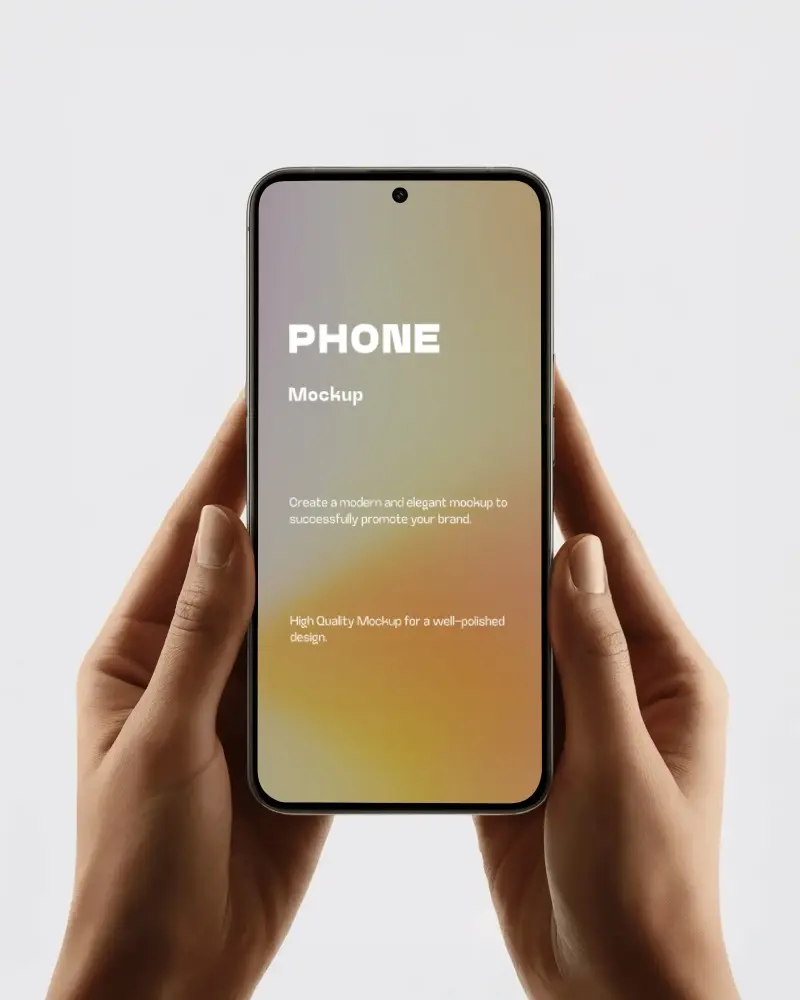
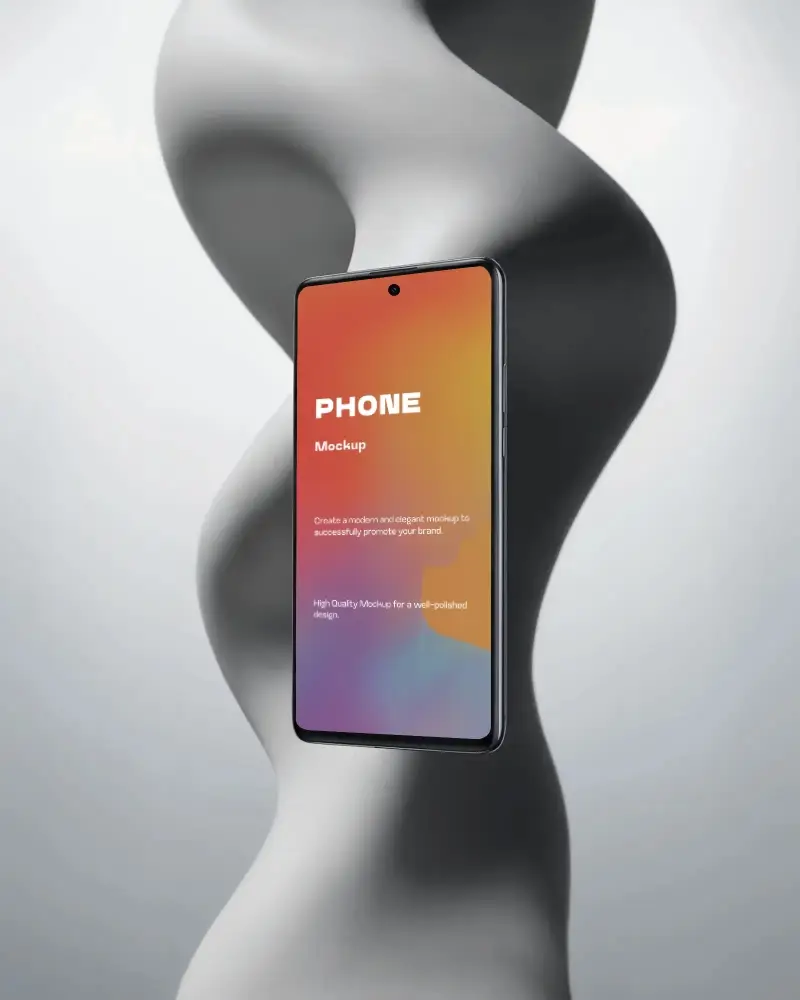
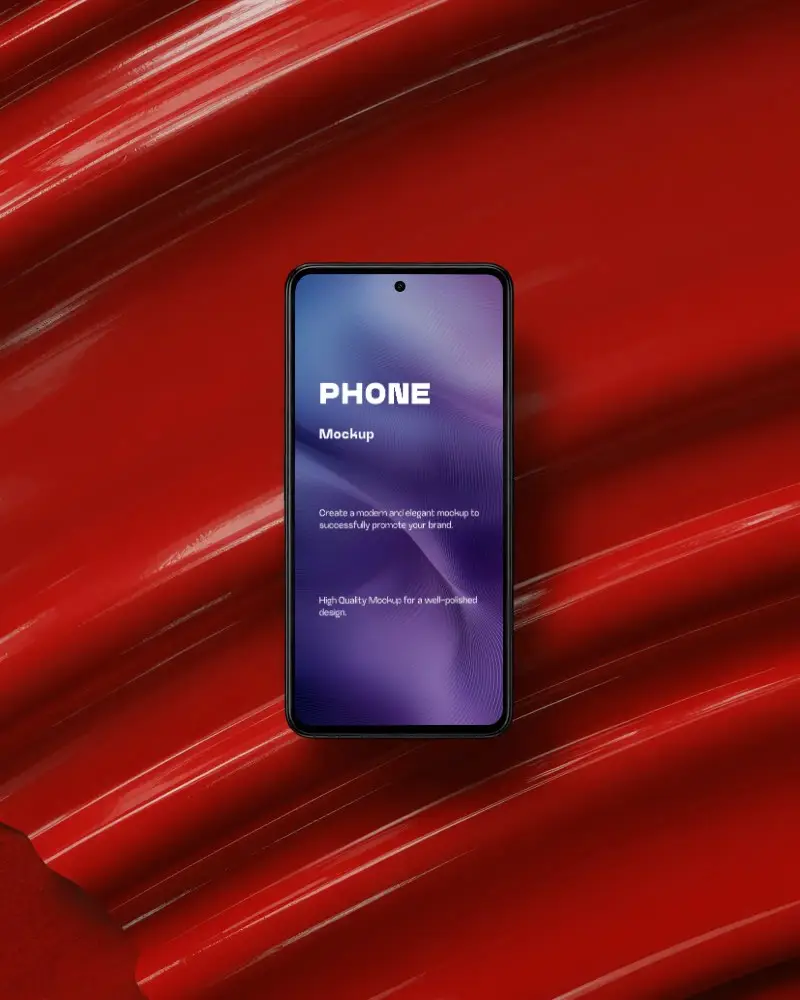
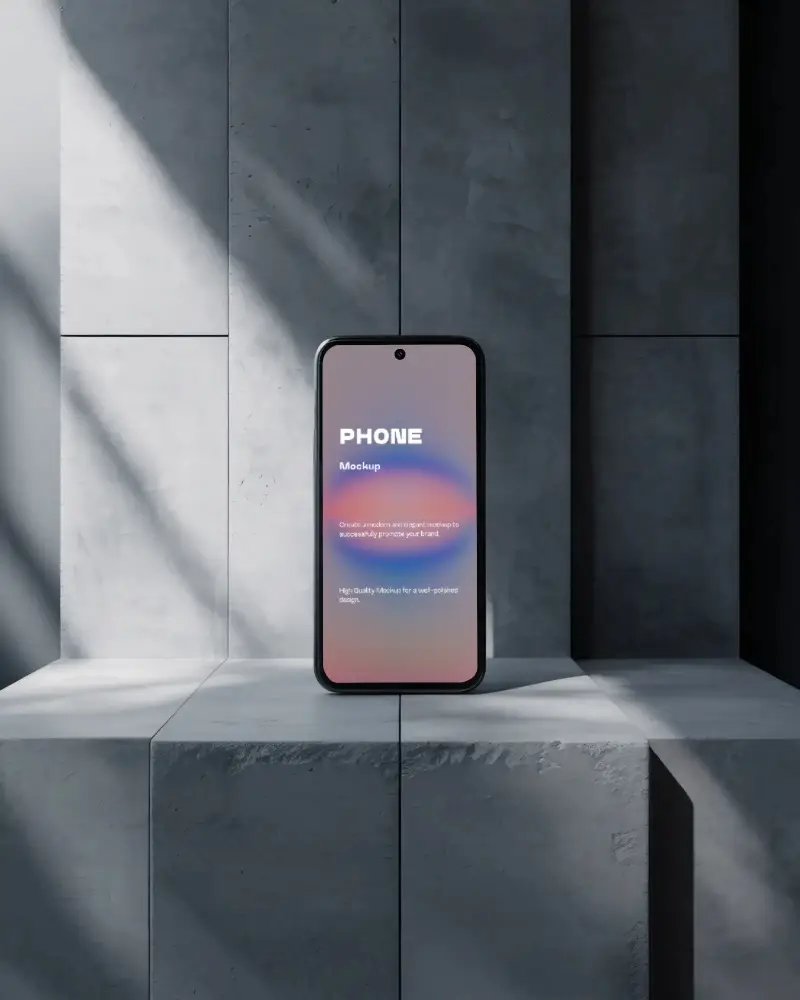
How to Create an Android Phone Mockup with Mockey
Follow these simple steps to create your Android phone mockup on Mockey.ai:
- Step 1: Go to Mockey.ai and follow Mockups > Tech > Phone > Android.
- Step 2: Upload your design in PNG or JPG format and choose an Android phone template.
- Step 3: Adjust screen placement, shadows, and background using the editor.
- Step 4: Preview your final mockup live before downloading.
- Step 5: Save the mockup in JPG format for free, or upgrade to Pro for PNG and ad-free experience.


FAQs on Android Phone Mockups
What is an Android phone mockup?
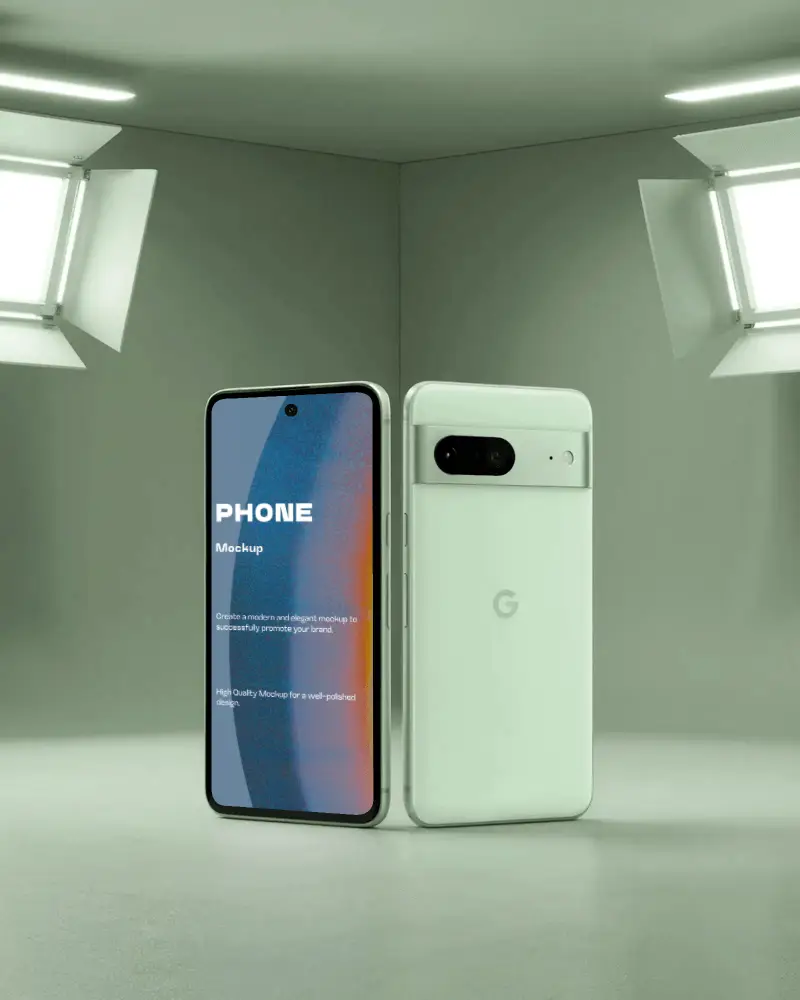
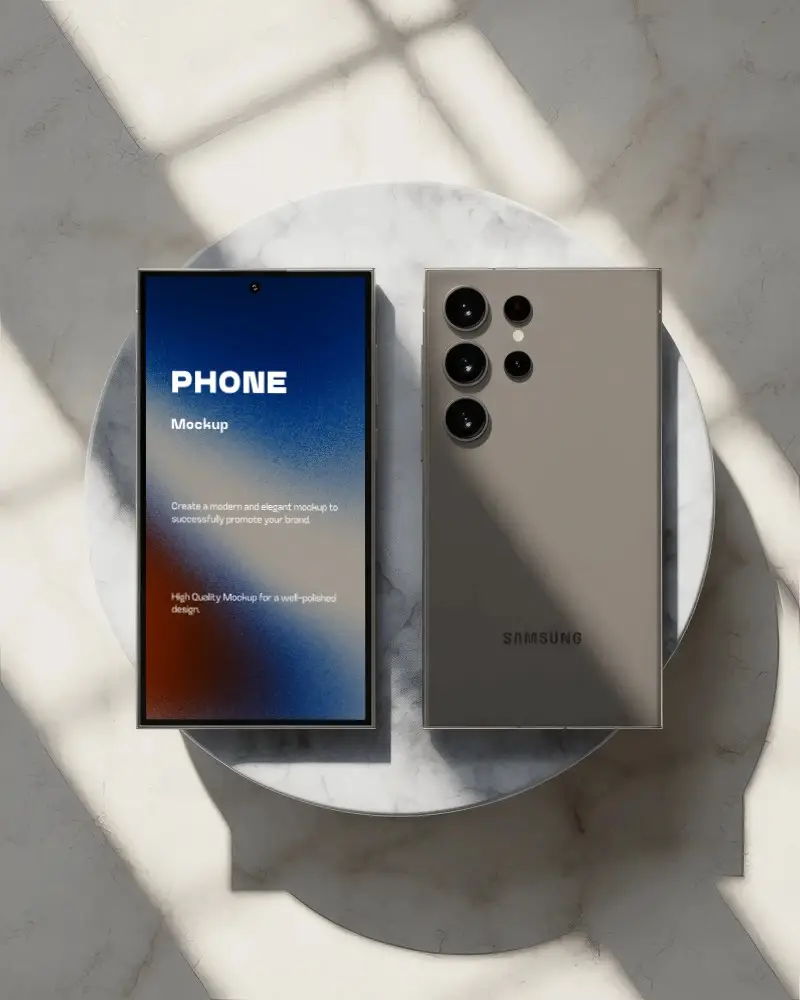
An Android phone mockup represents an Android phone digitally. Screens and apps can be shown on it. It helps people see the design on a real Android phone layout. These mockups often show popular models like the Google Pixel or the Samsung Galaxy.
Why create Android phone mockups?
Creating an Android phone mockup is smart. It targets the largest mobile users. It improves pitches. It tells a story. It saves time. And it’s easy with online tools.
Why use Mockey's Android phone mockup tool?
Mockey AI makes Android phone mockups fast. It's easy. And it's free. Insert a design by selecting a template. No watermarks after download. Use it for apps, products, or posts. Best for all creators.
Is the Android phone mockup free?
With Mockey AI, you get free Android phone mockups in JPG format—no watermark. But PNG files and an ad-free experience are only available on Starter.
