Free Flip Phone Mockup Templates
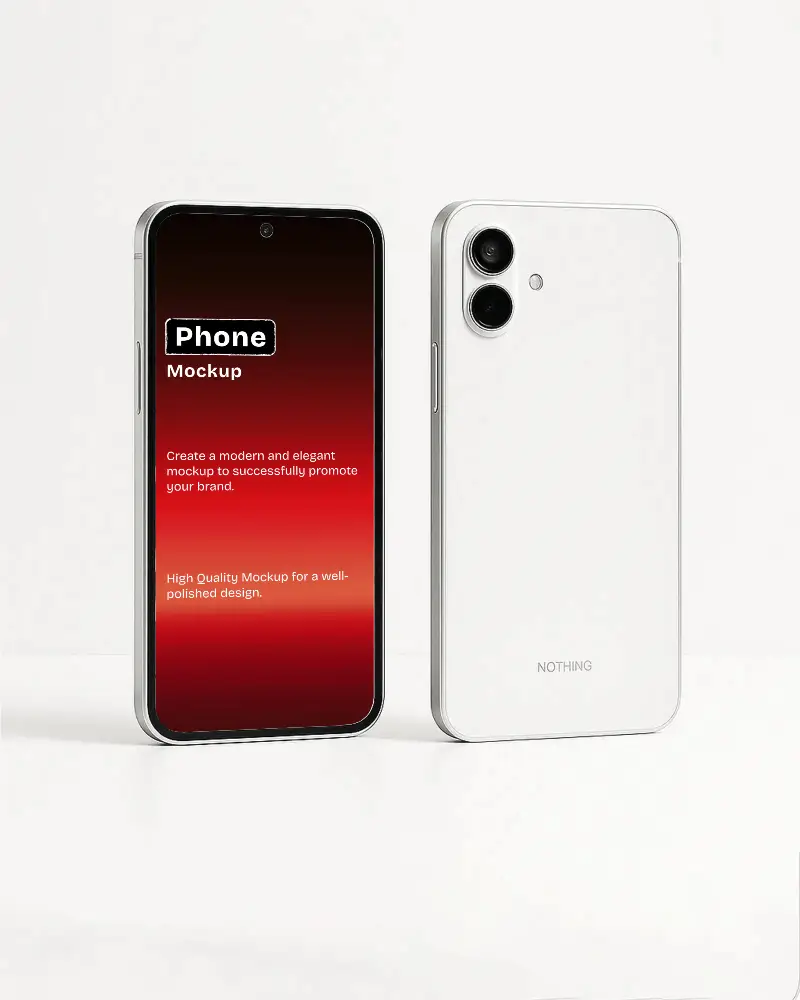
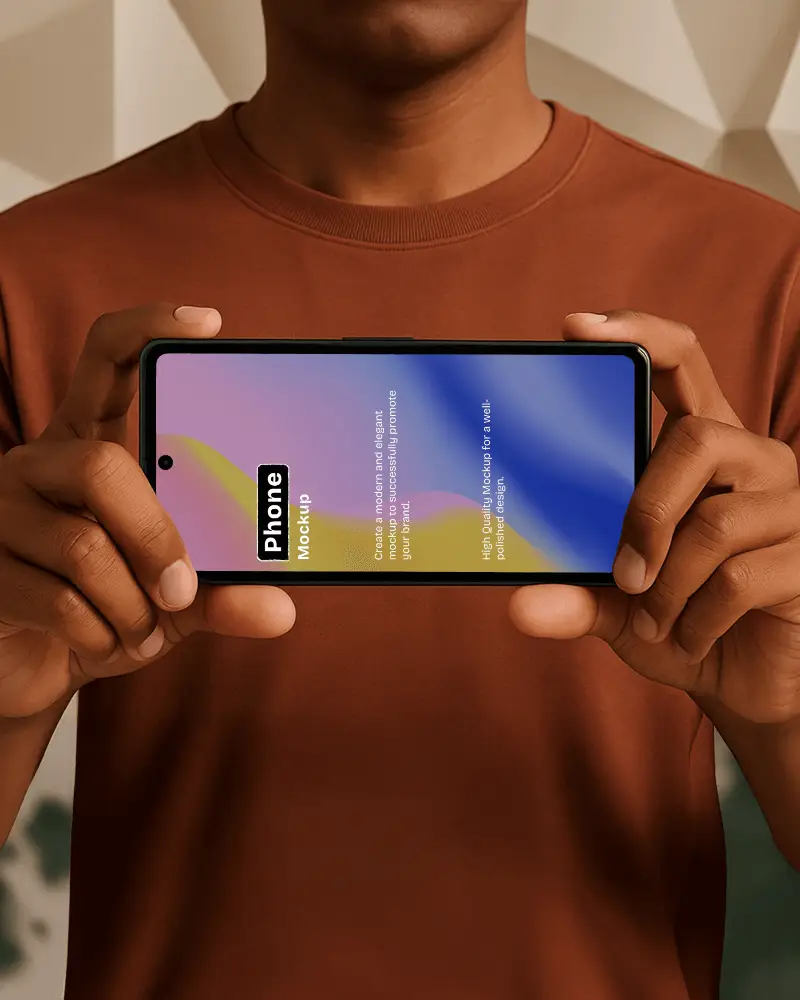
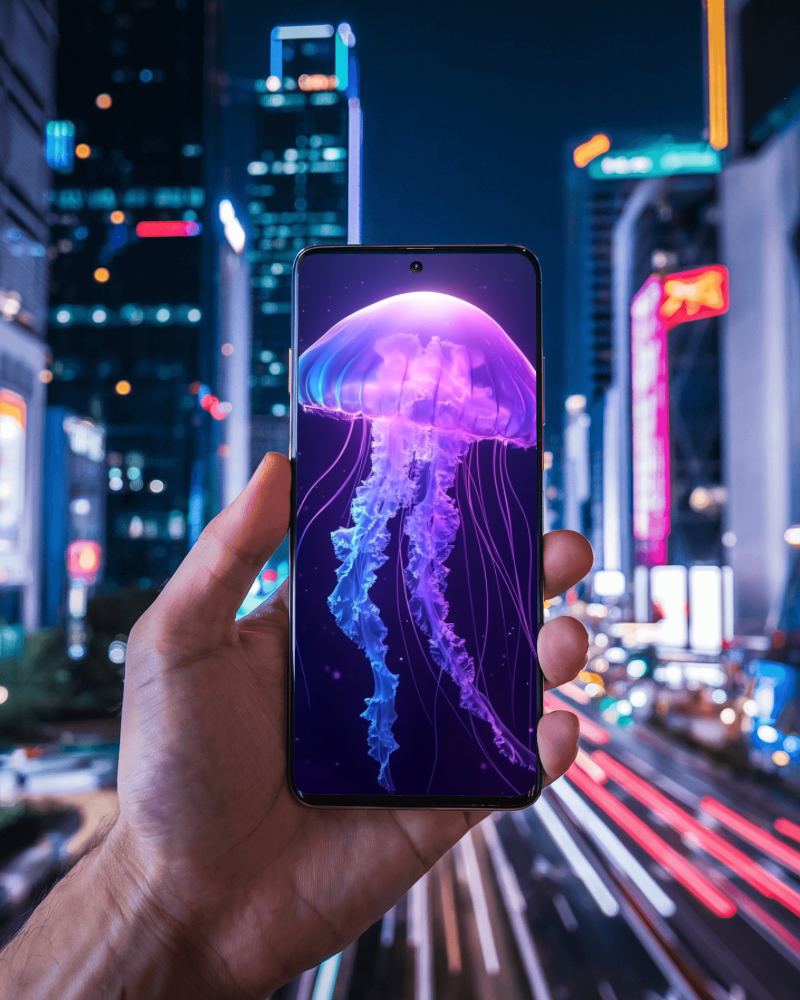
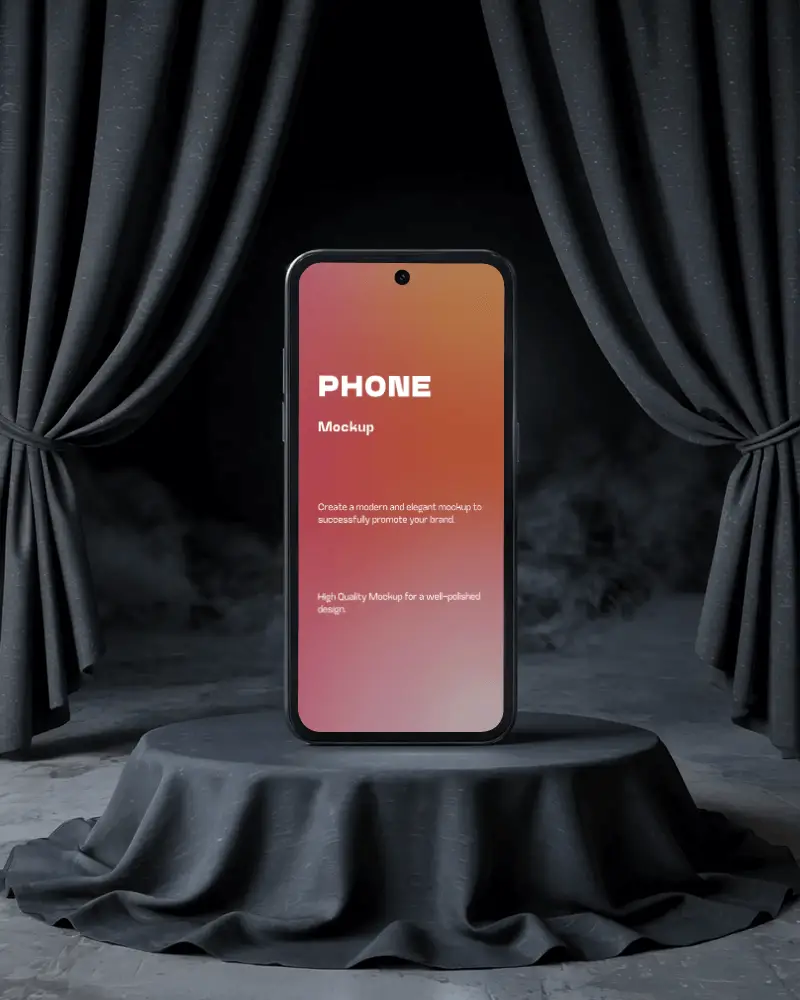
Create flawless Flip Phone mockup designs free with Mockey’s Flip Phone mockup templates. Perfect for showcasing your app, website, or product!
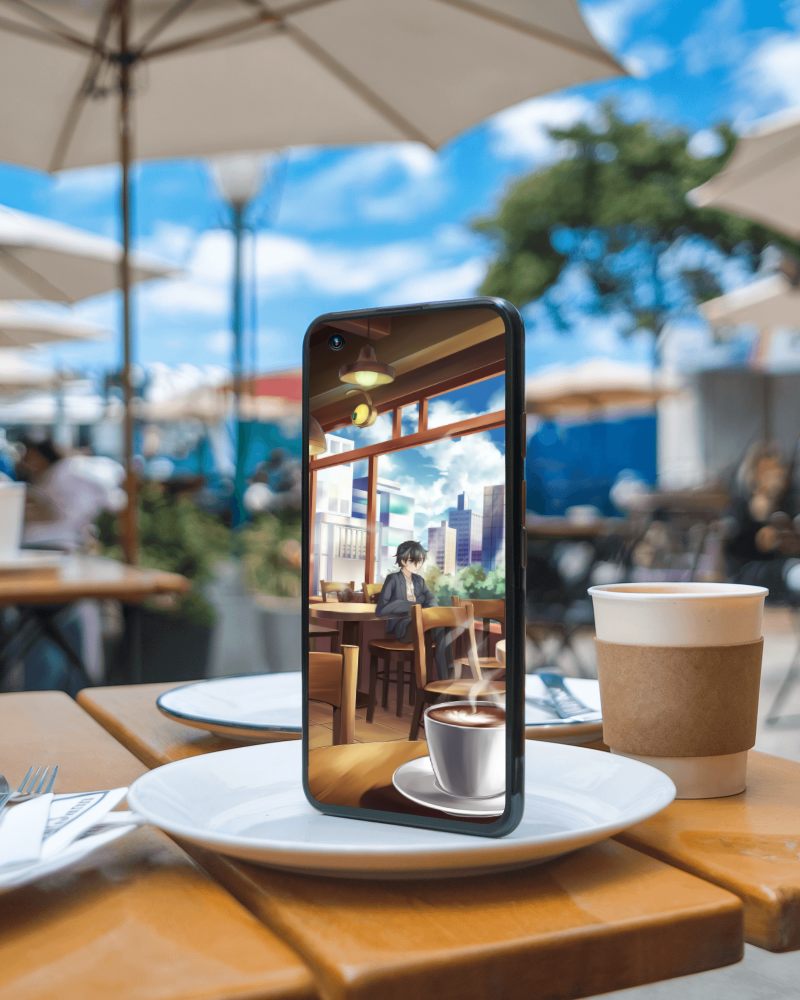
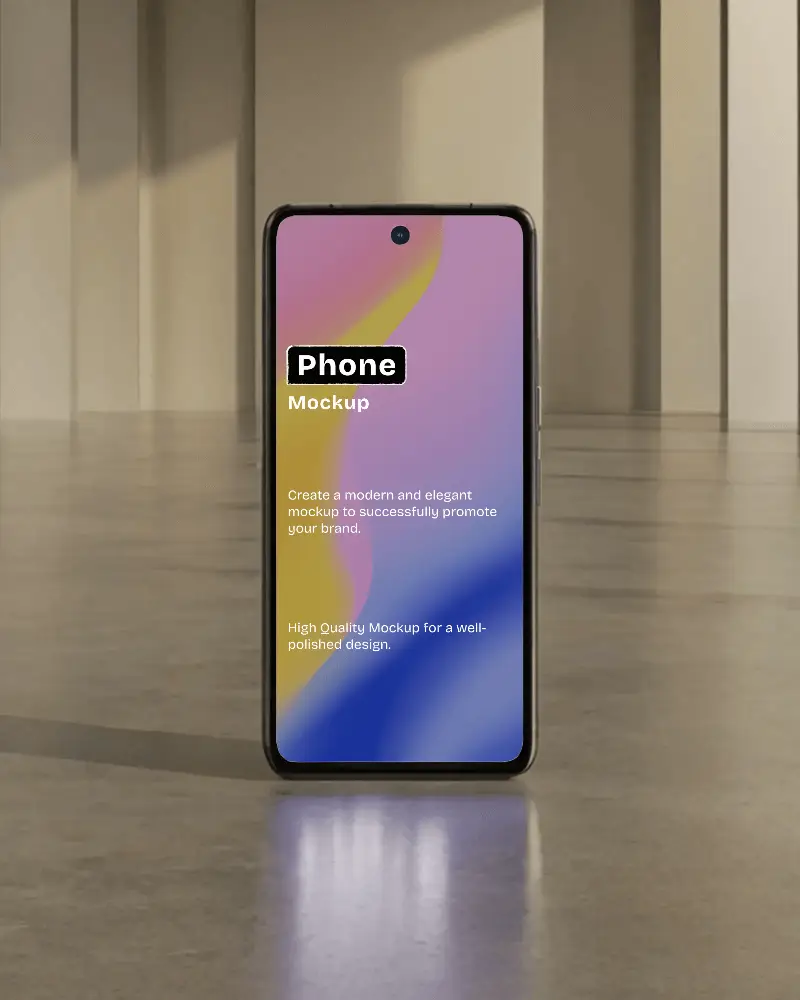
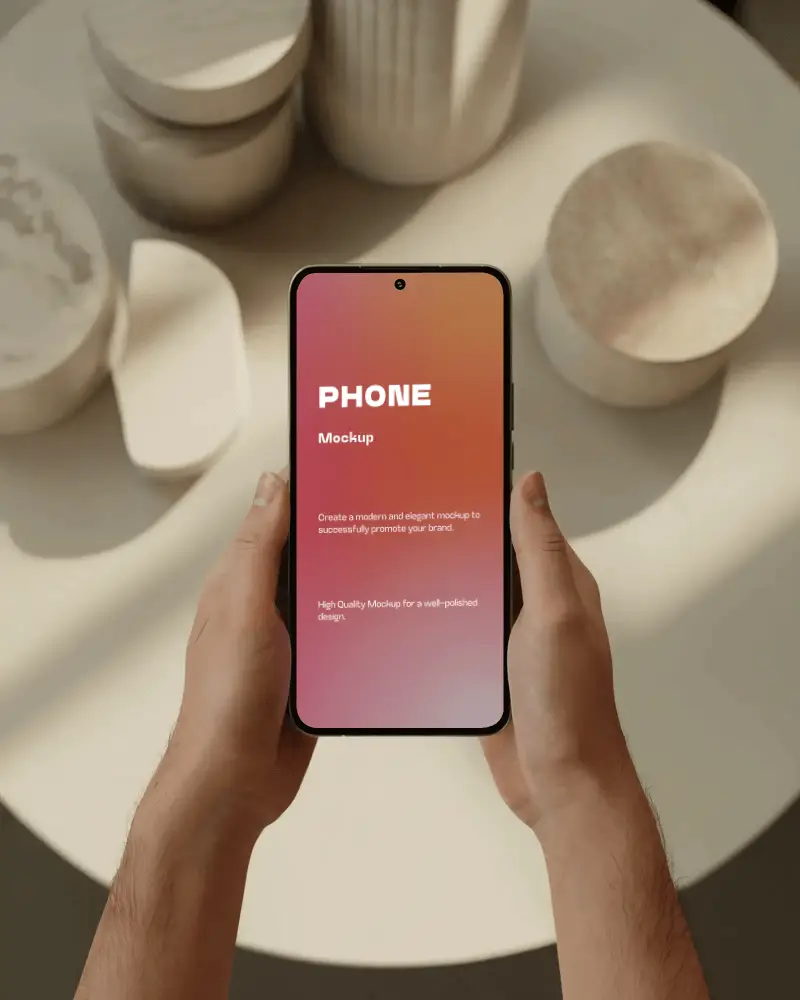
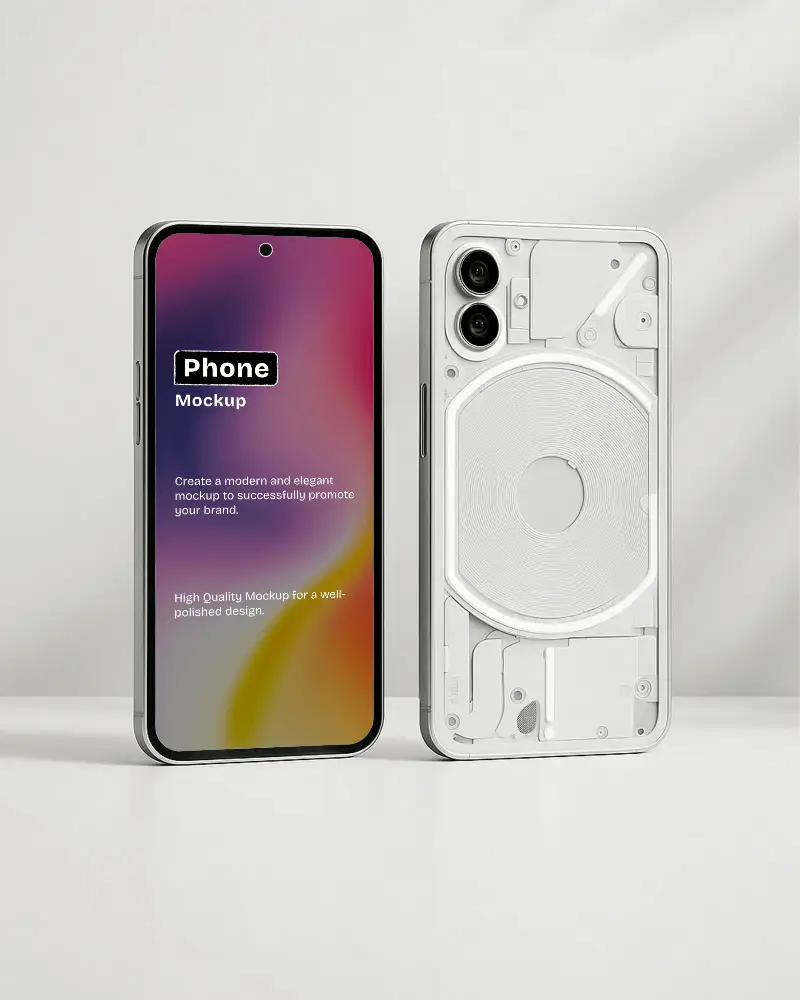
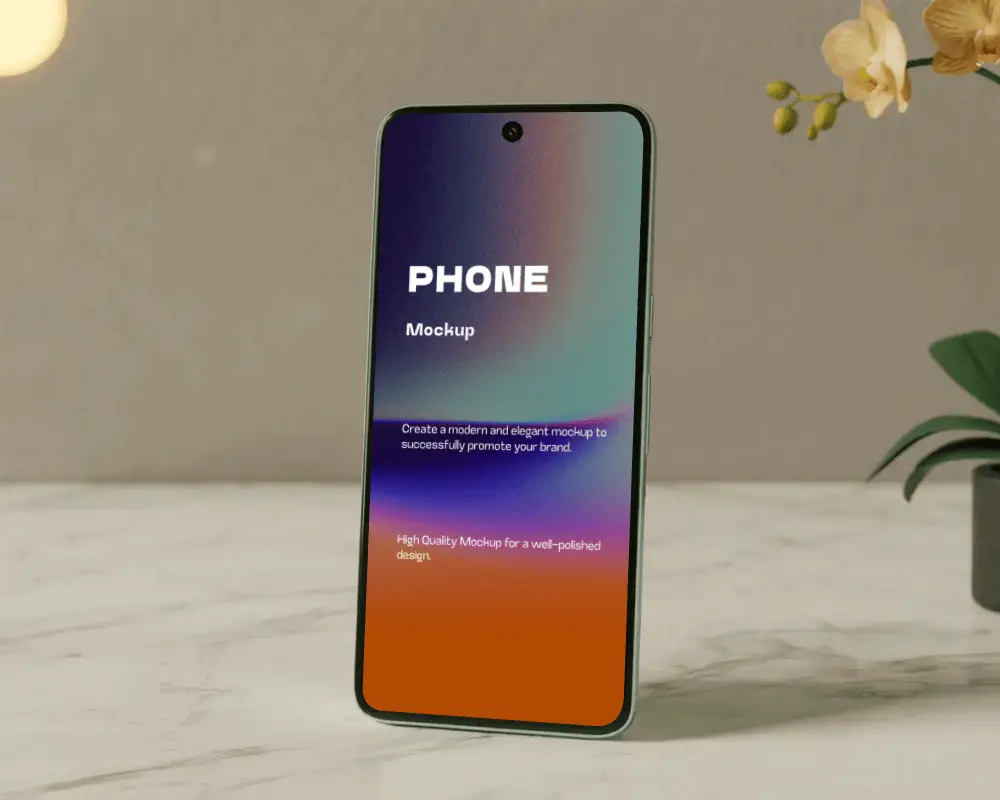
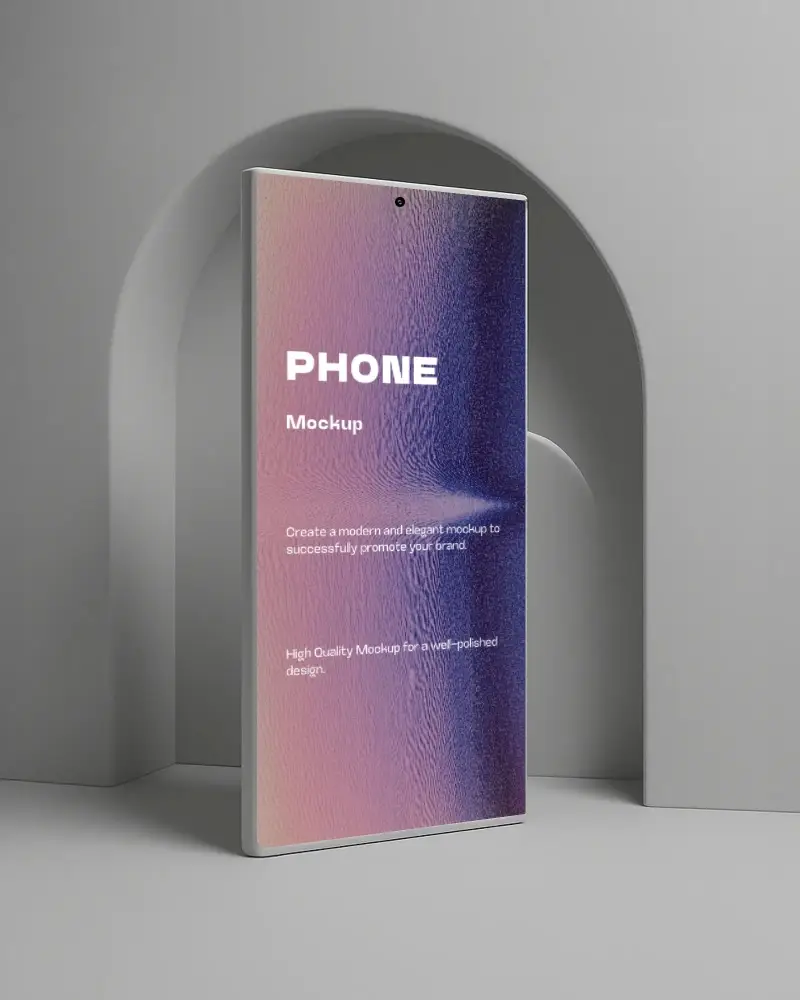
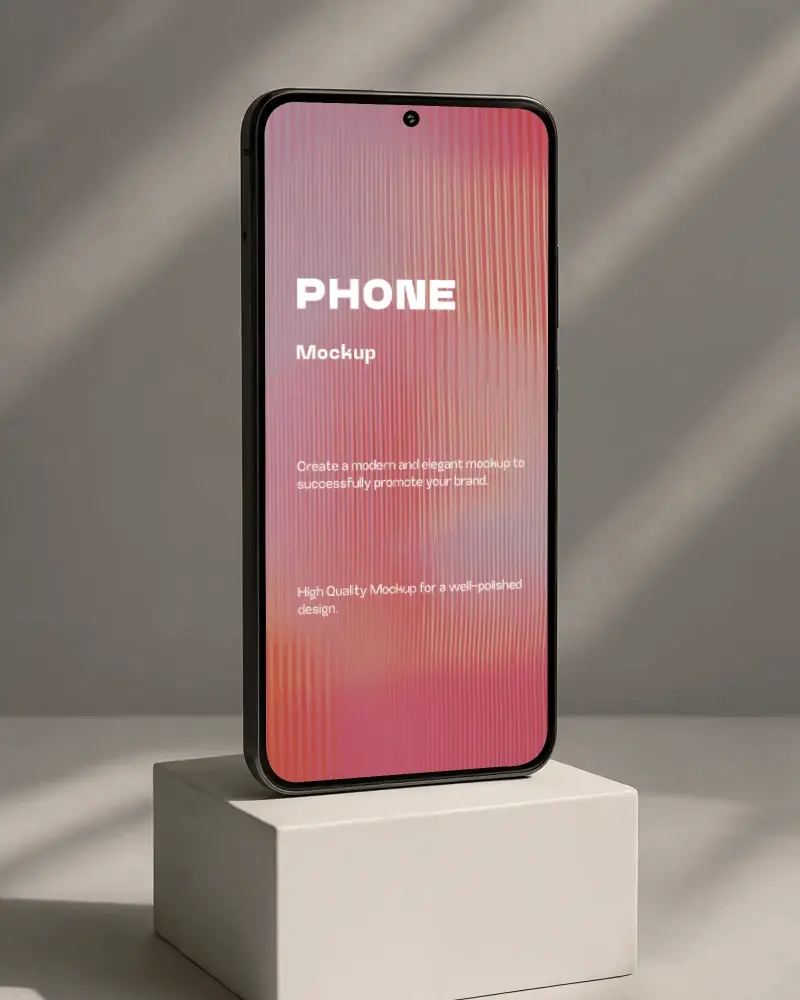
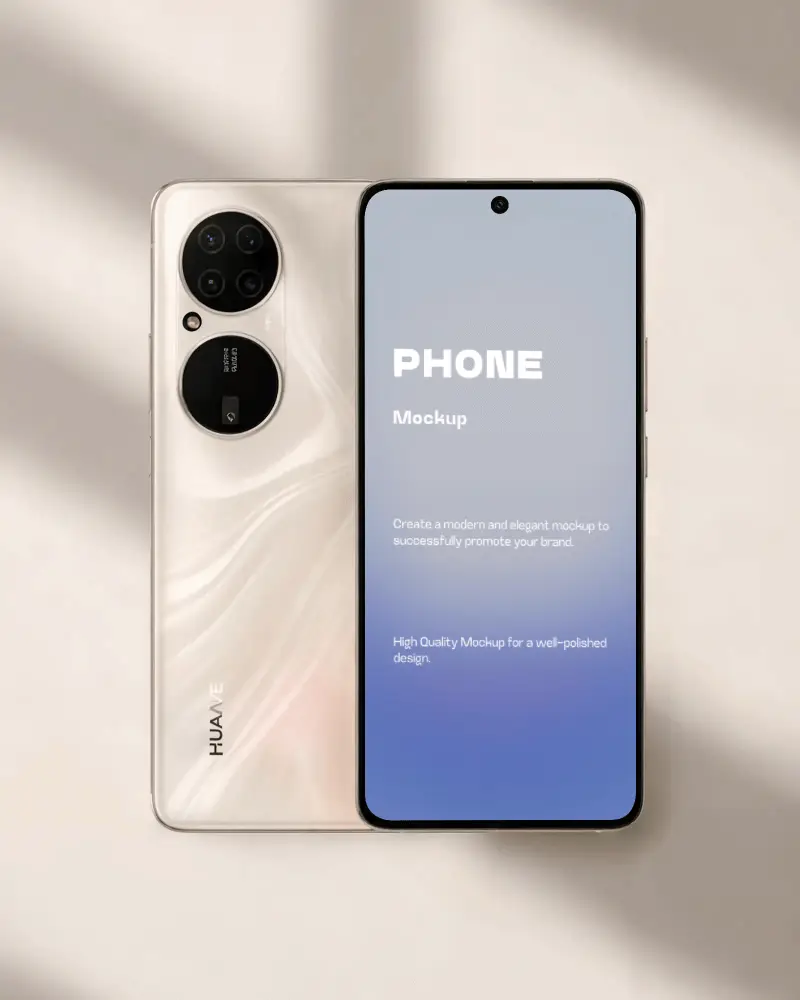
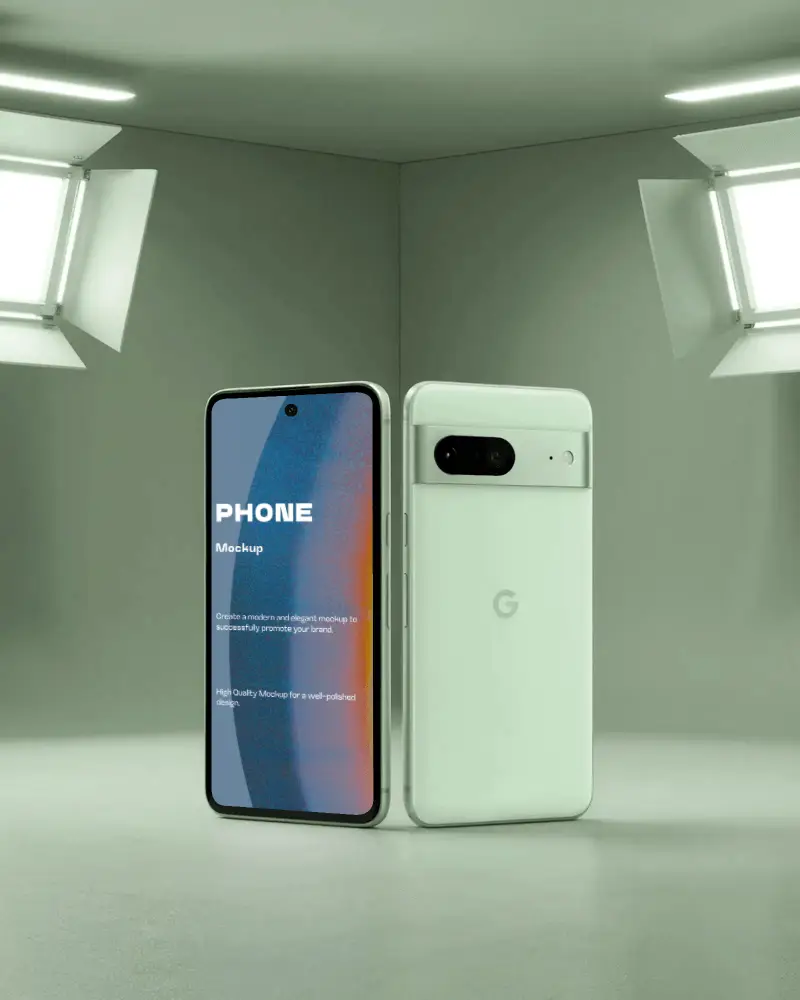
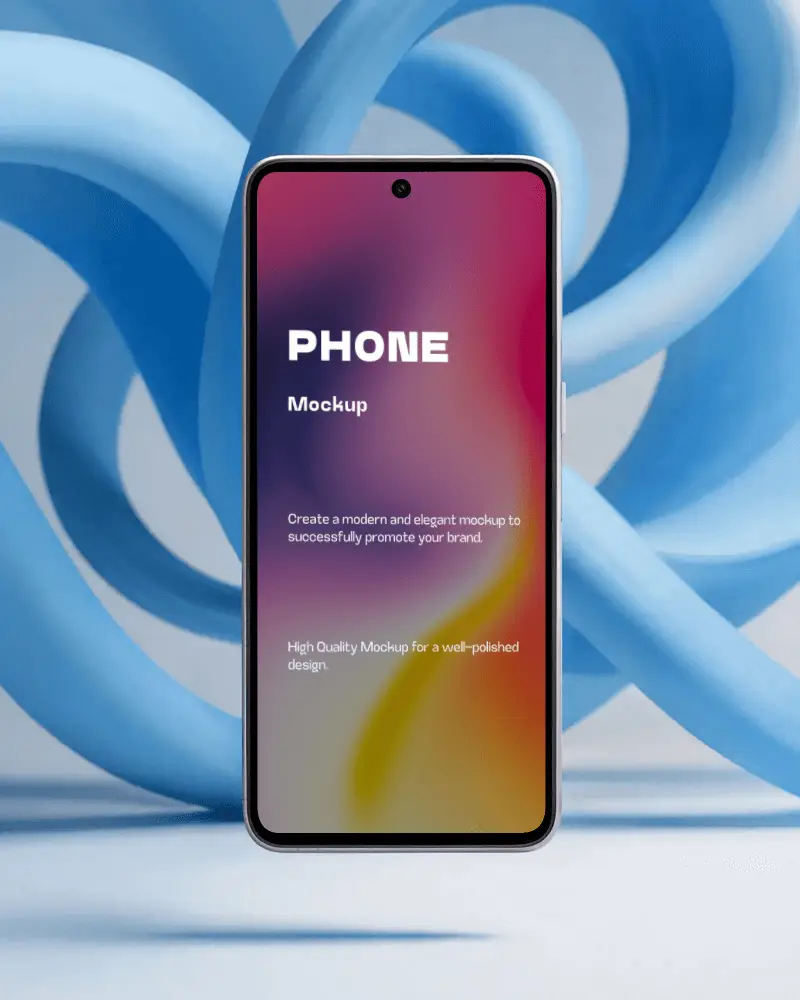
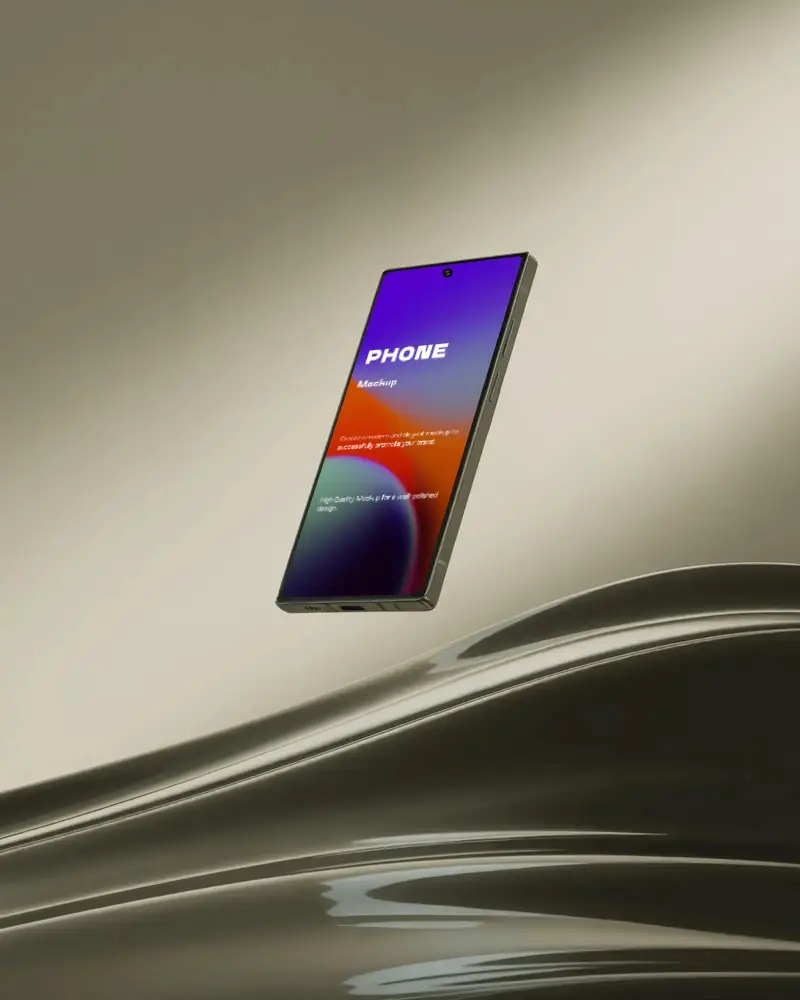
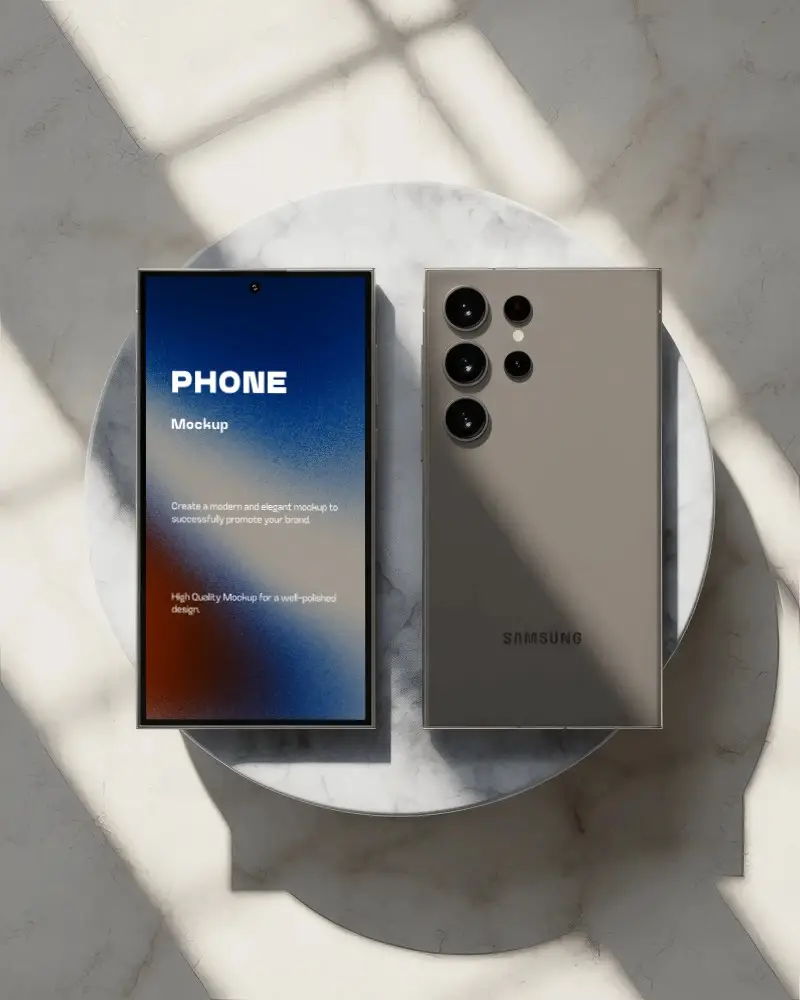
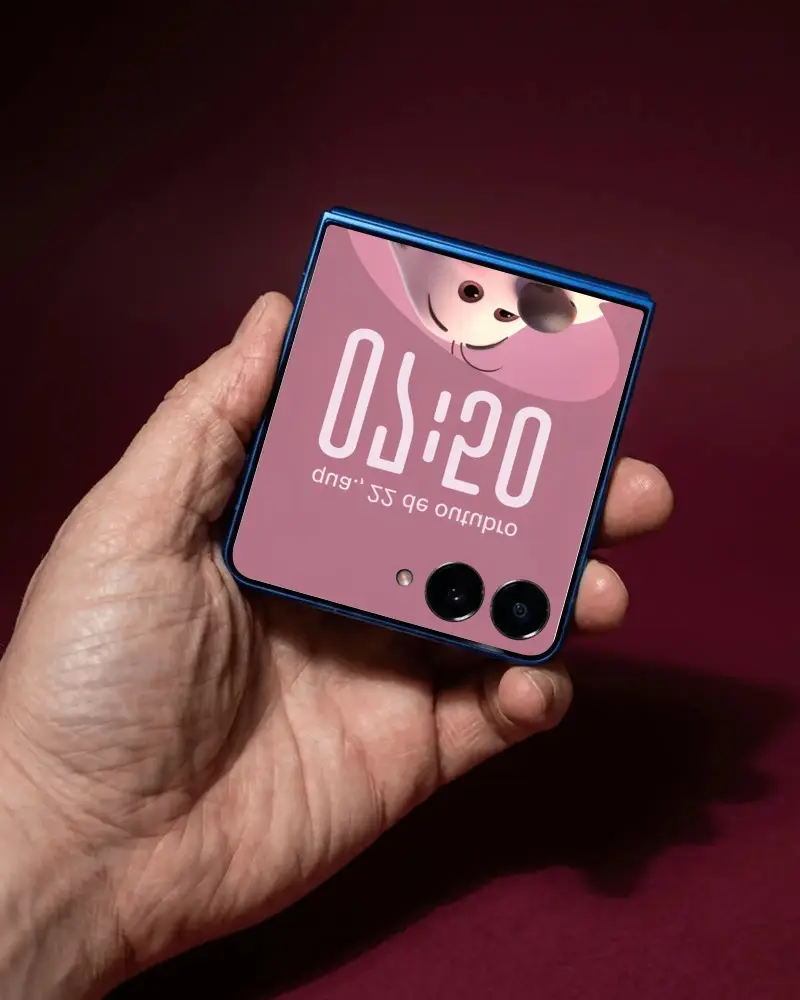
How to Create Flip Phone Mockup with Mockey
Follow the steps to create Flip Phone Mockups in Mockey AI
- Step 1: Click Mockups, then, find the Flip Phone option in the Tech section.
- Step 2: Next, tap Upload Design to add your image and pick the Flip Phone template.
- Step 3: Customize it however you want, and then click Download to save your Flip Phone mockup in high quality without a watermark.


FAQs on Flip Phone Mockups
What is Flip Phone Mockup?
A Flip Phone mockup is like a preview of your design on a mobile device, showing what it will look like before it's fully built. It shows the complete design, like the colors, fonts, pictures, layout, and buttons, so people can give feedback before it's made.
Why make Flip Phone mockups?
Creating Flip Phone mockups is important in app design because they show how the app will look and work, help get early feedback, improve communication, save money, and make development easier.
Why Use Mockey's Flip Phone Mockup?
Mockey's Flip Phone Mockup is an easy-to-use tool for making custom phone templates. It has a huge collection of phone designs to choose from and lets you download them as many times as you want, all without watermarks.
Is this Flip Phone Mockup Free?
Mockey.ai offers free mobile Flip Phone mockups. You can easily create and download high-quality mockup phones with no watermarks or hidden charges.
What types of Flip Phone mockups does Mockey offer?
Mockey AI offers various Flip Phone mockups, including top view, flat, clay, multiple devices, and scene-based styles. Each type gives a different way to display your phone design.
