Horizontal Phone Mockup Free Download
Easily create responsive horizontal phone mockups for apps and UI projects with Mockey. Customize designs and download high-quality visuals fast. Start designing now!
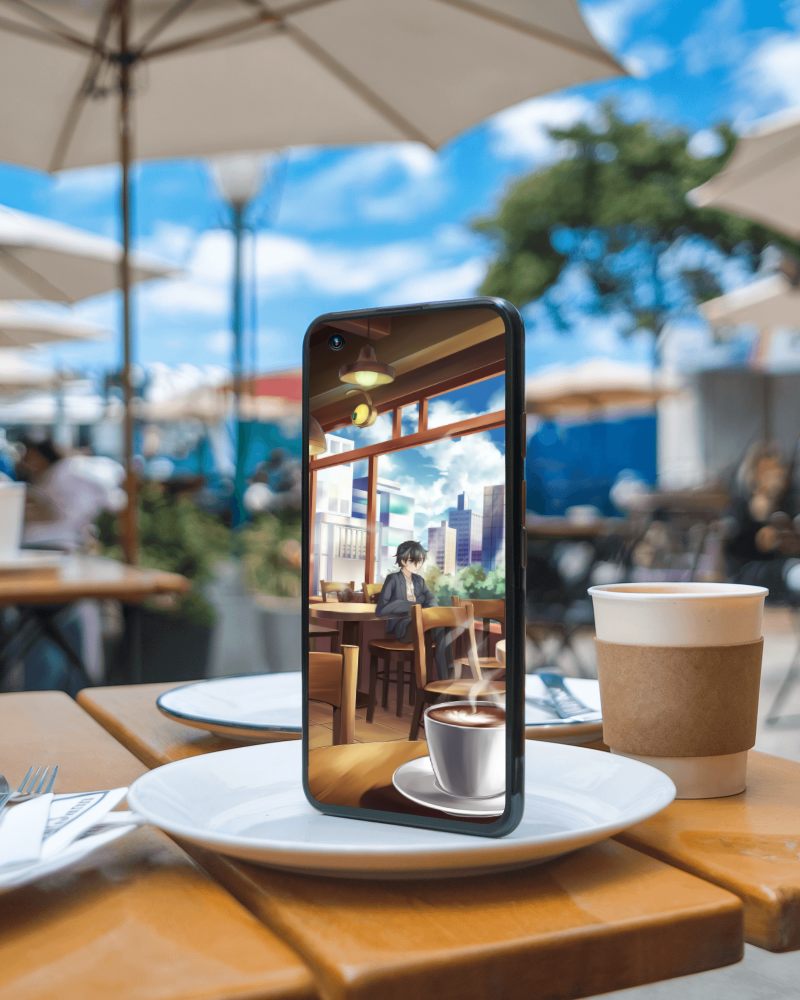
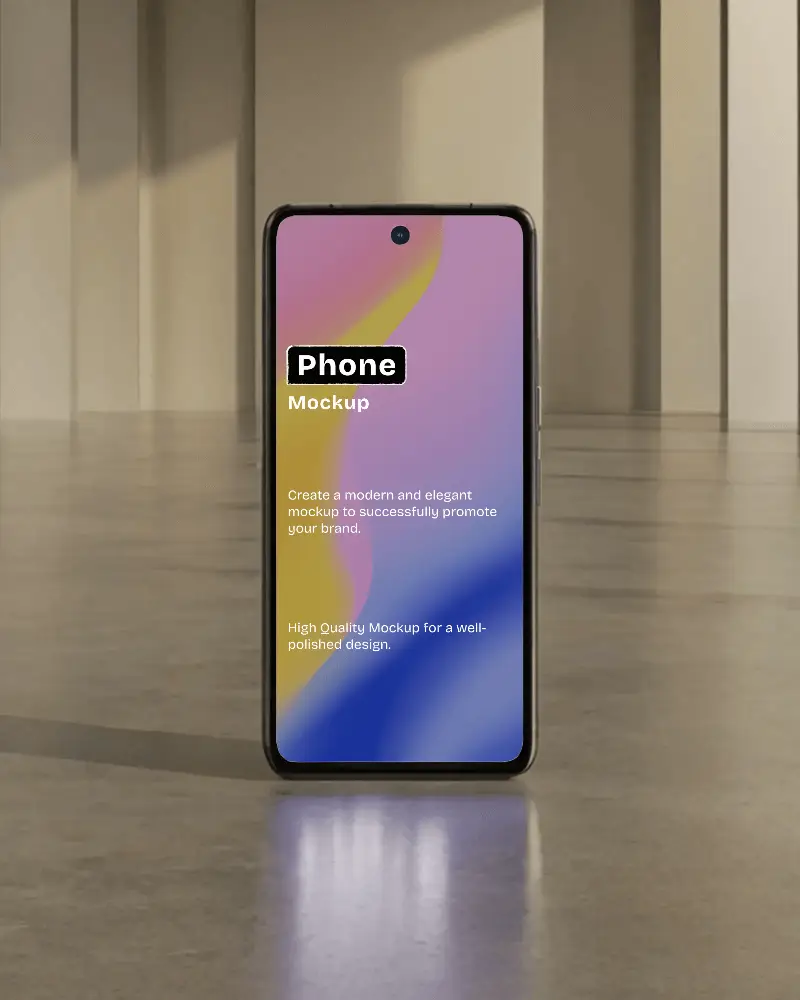
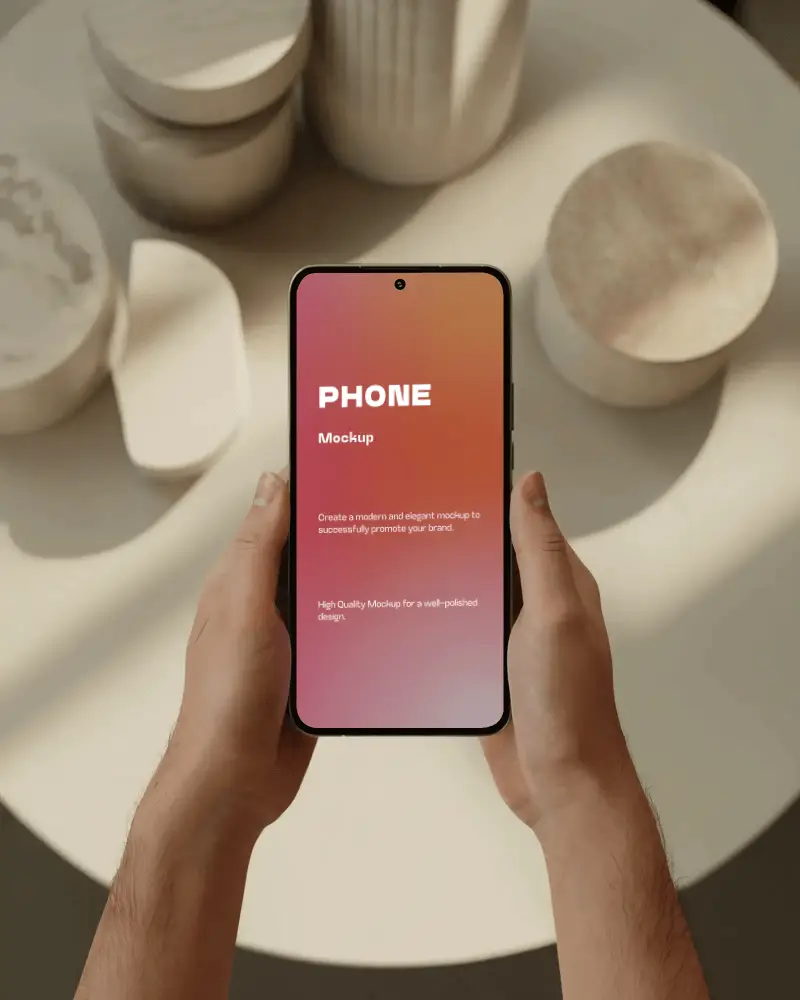
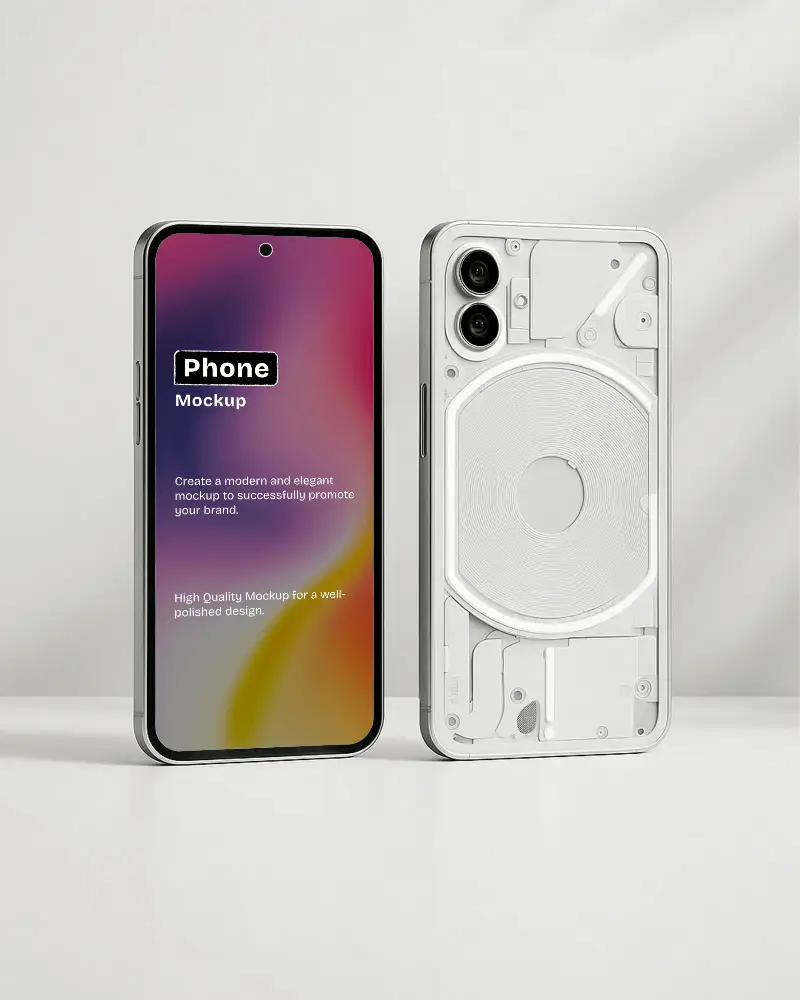
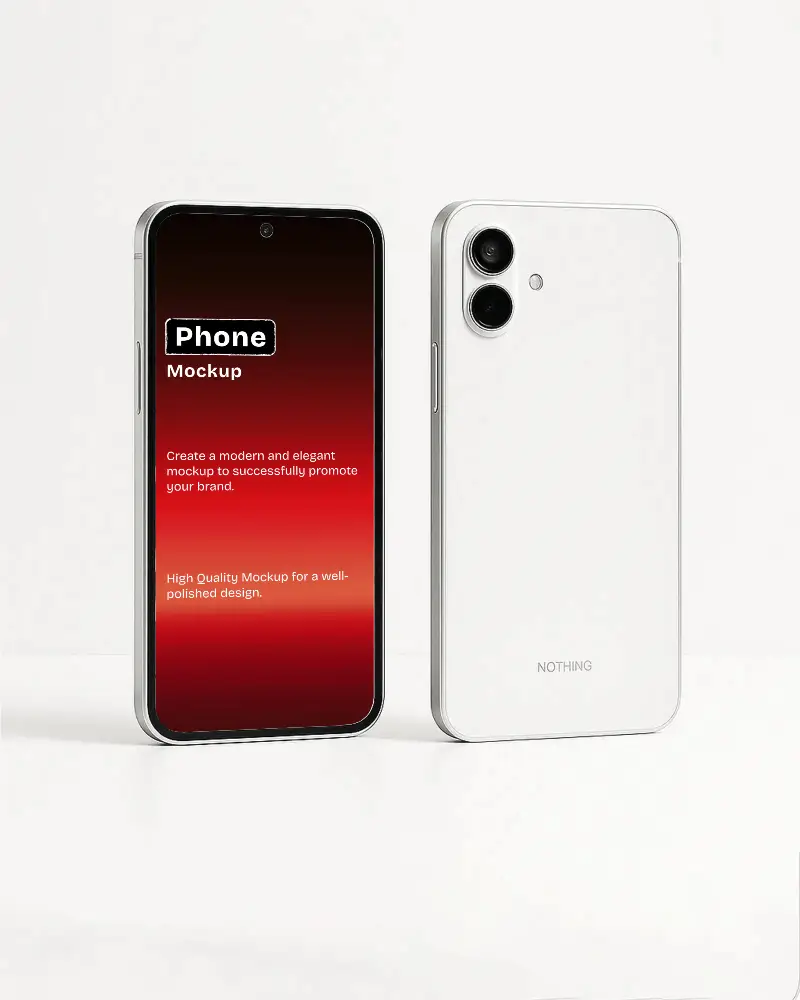
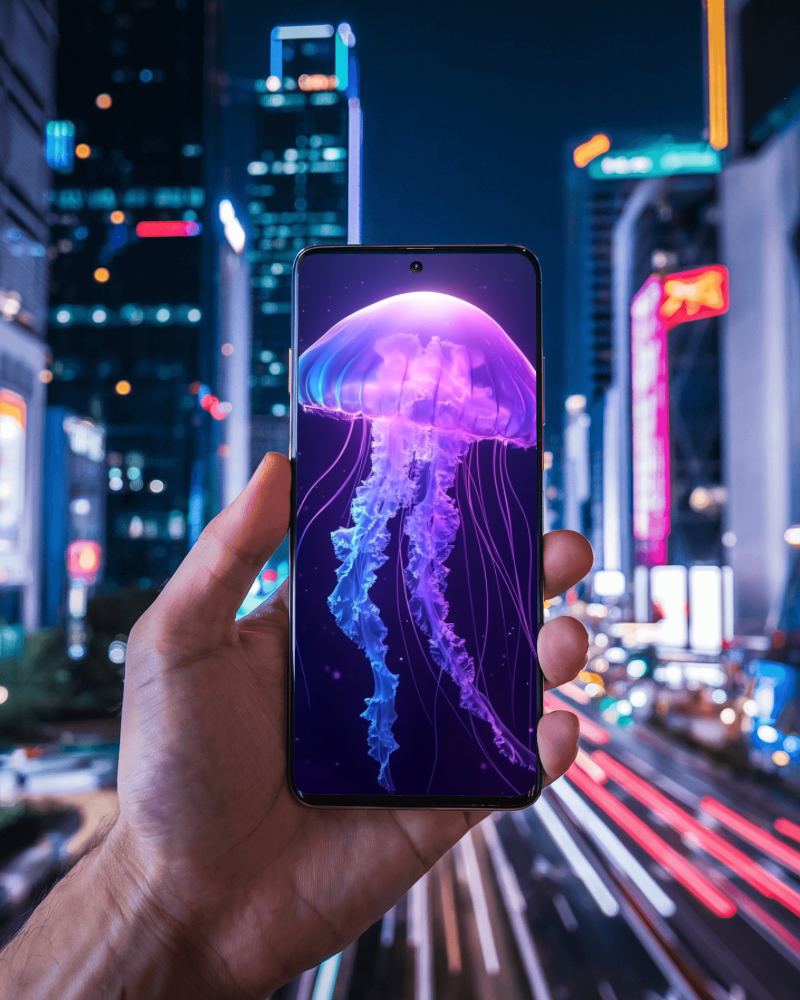
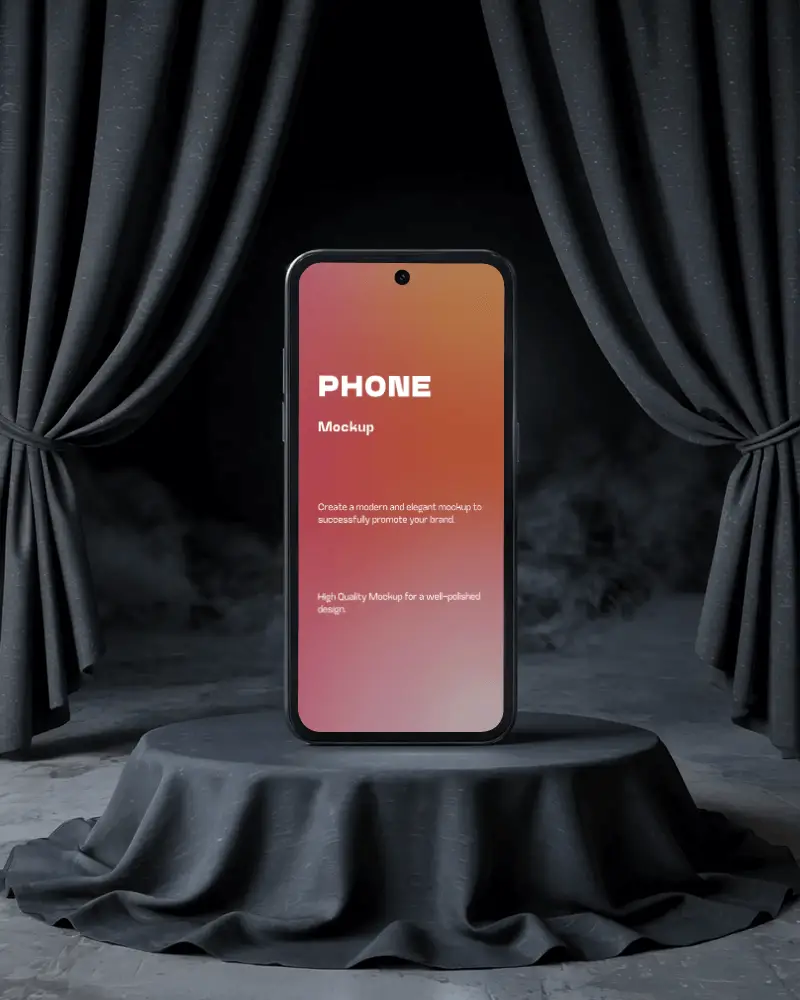
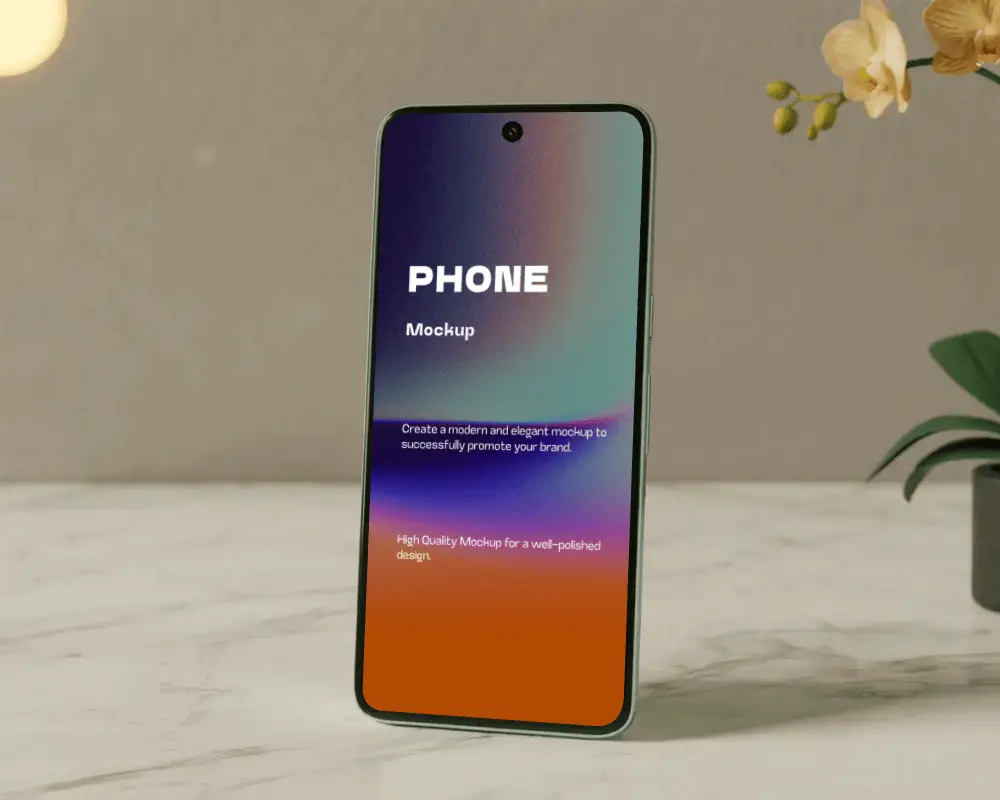
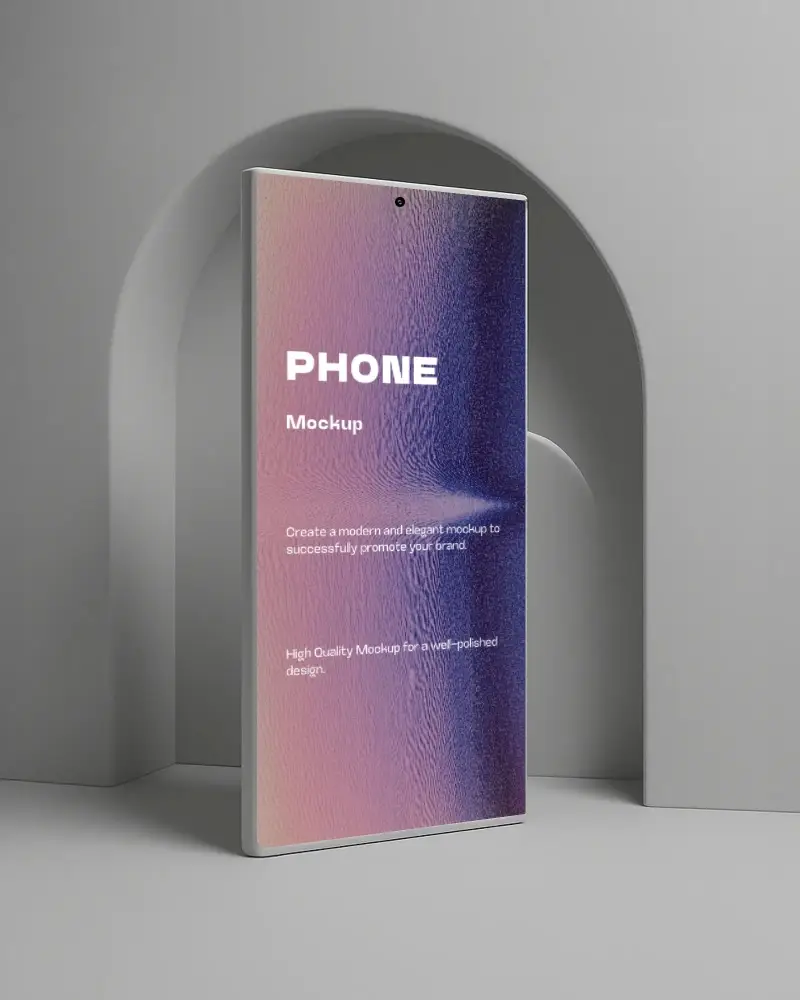
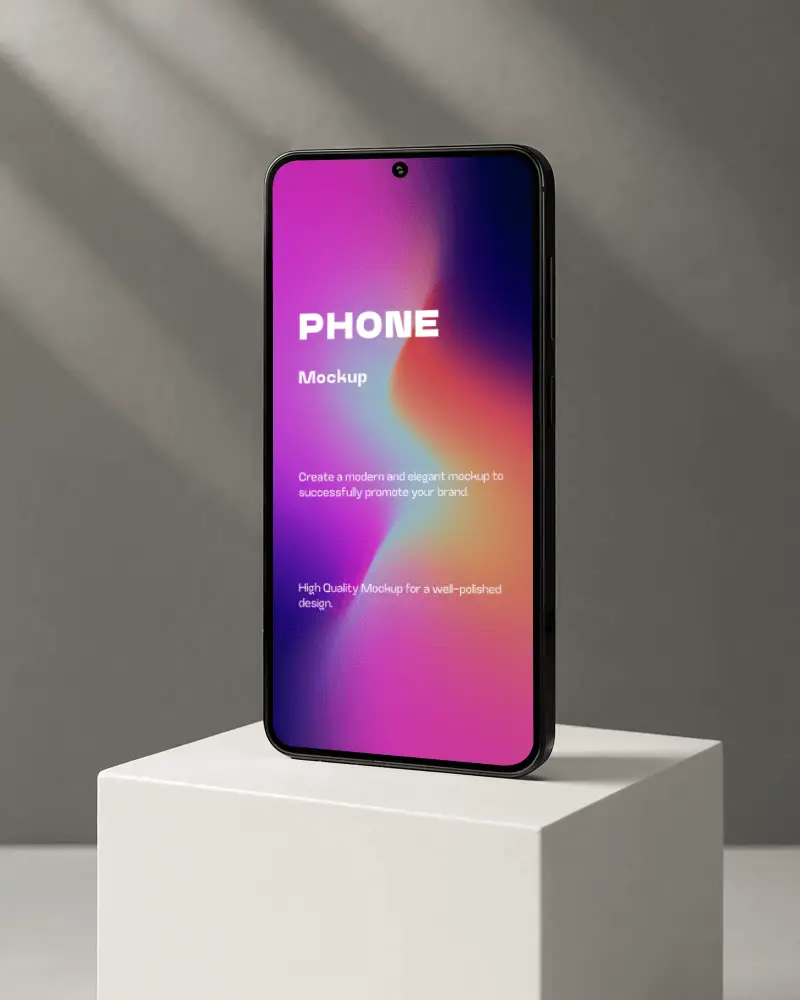
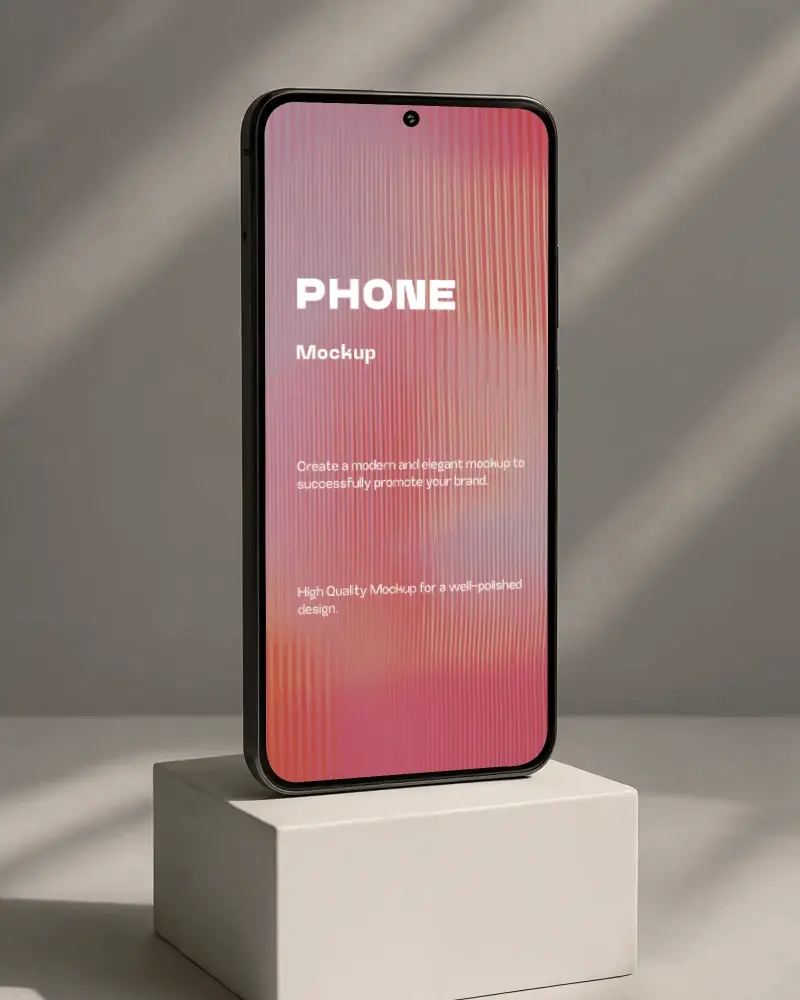
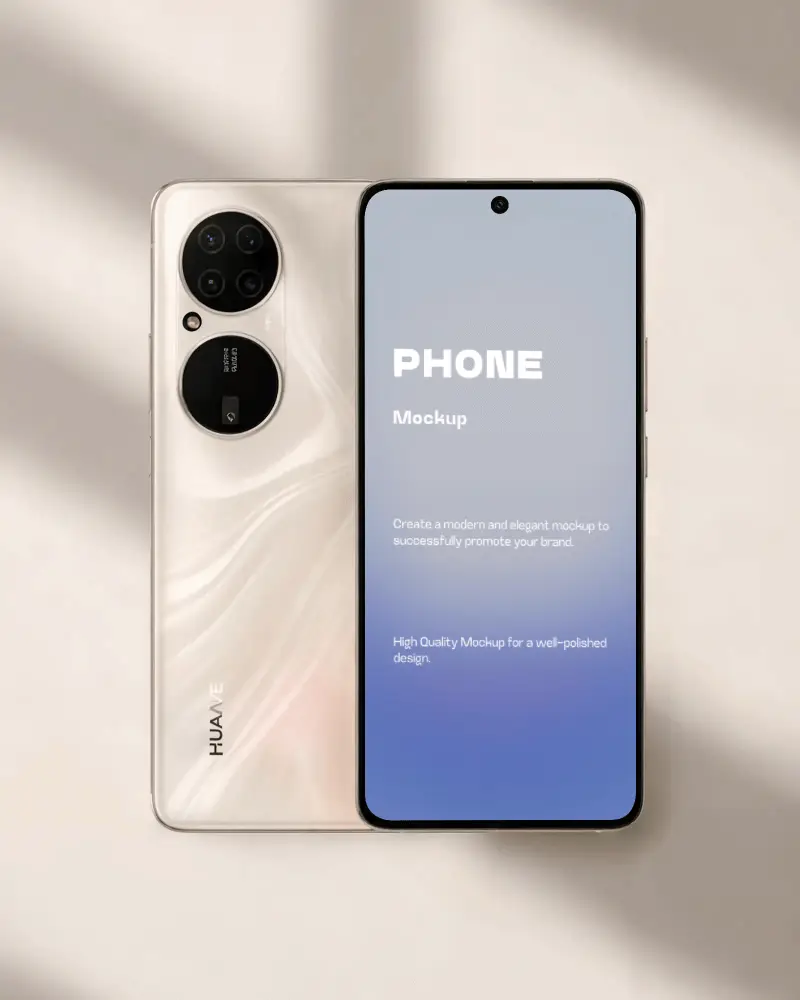
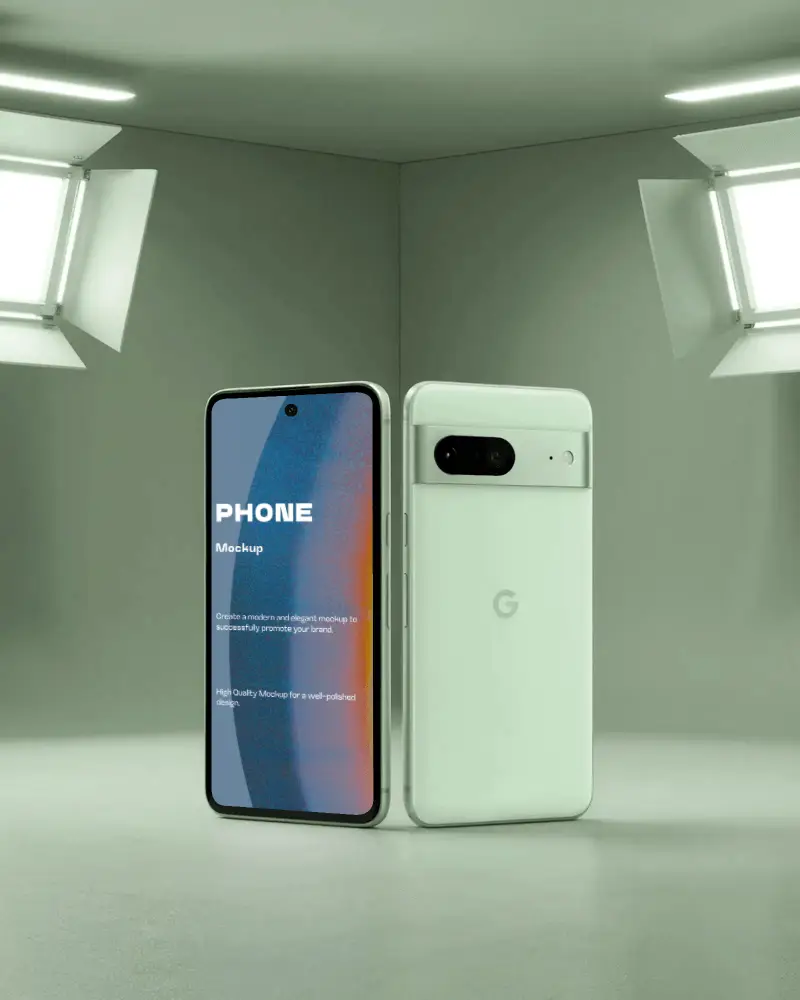
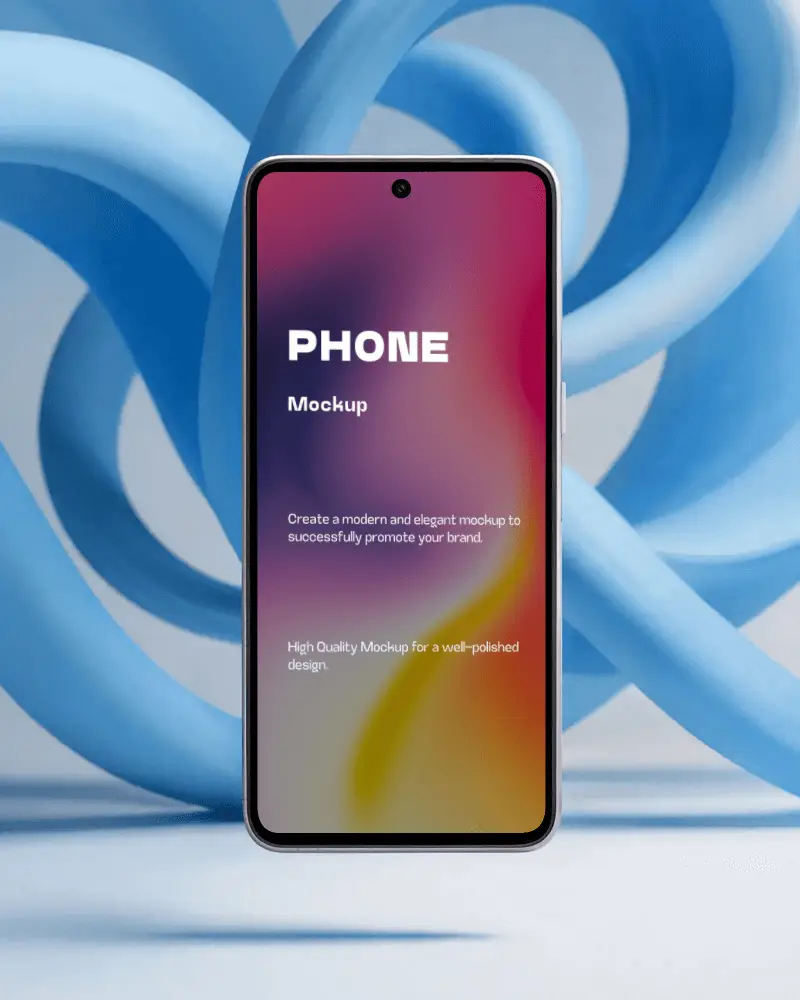
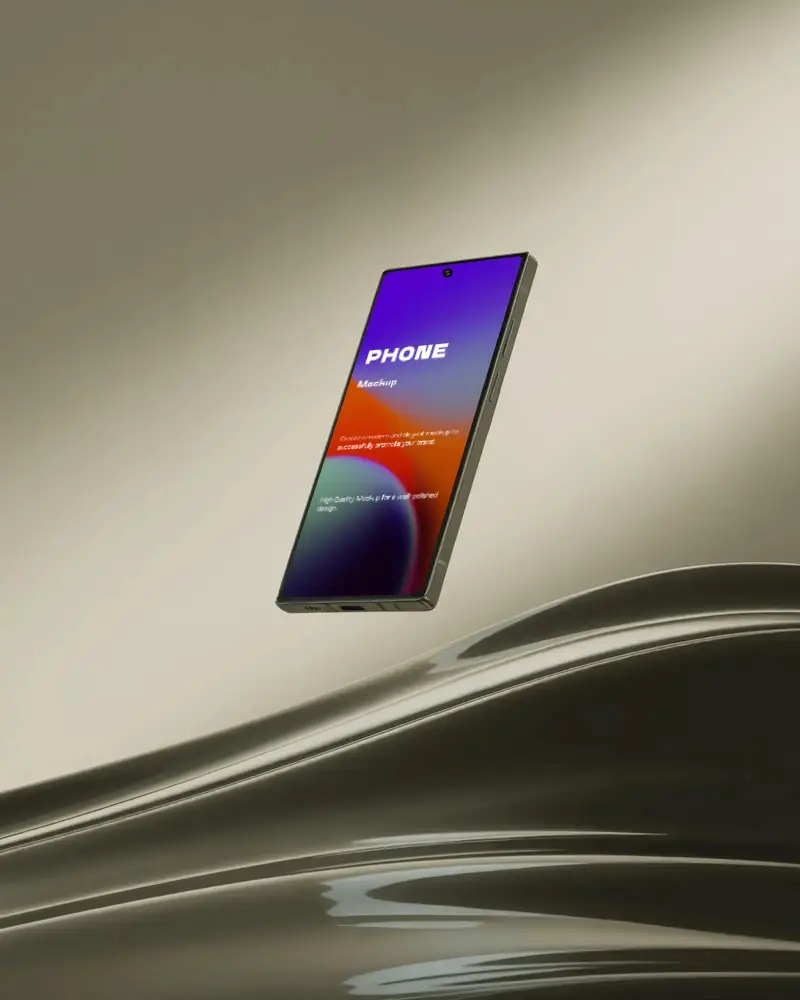
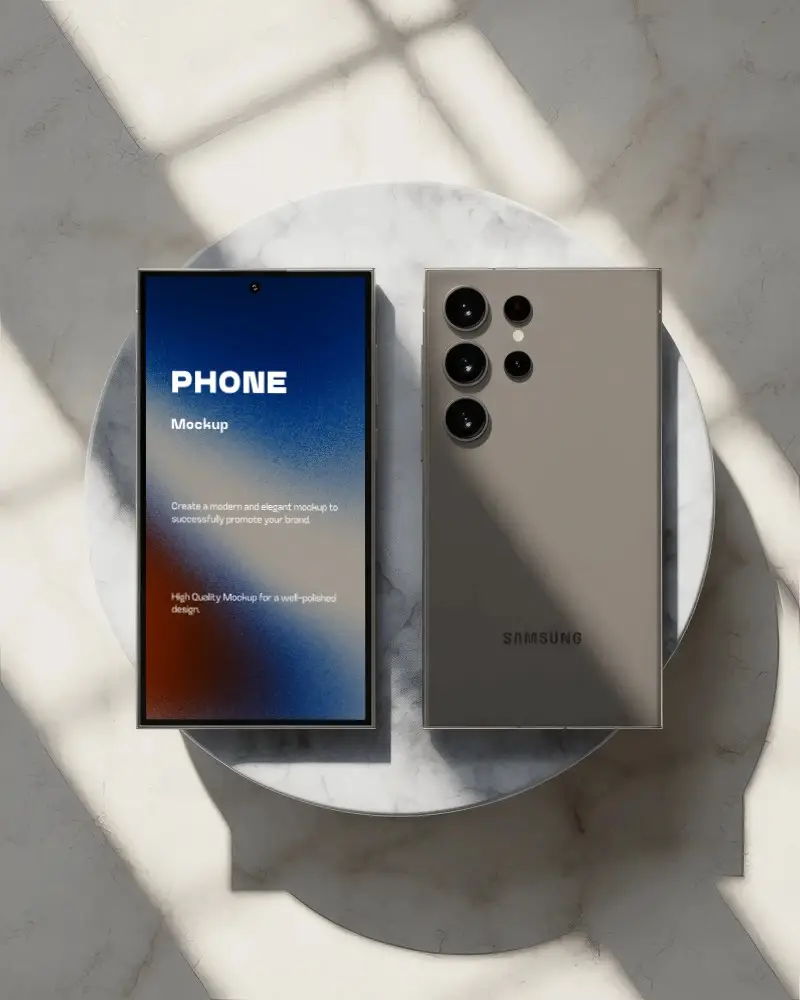
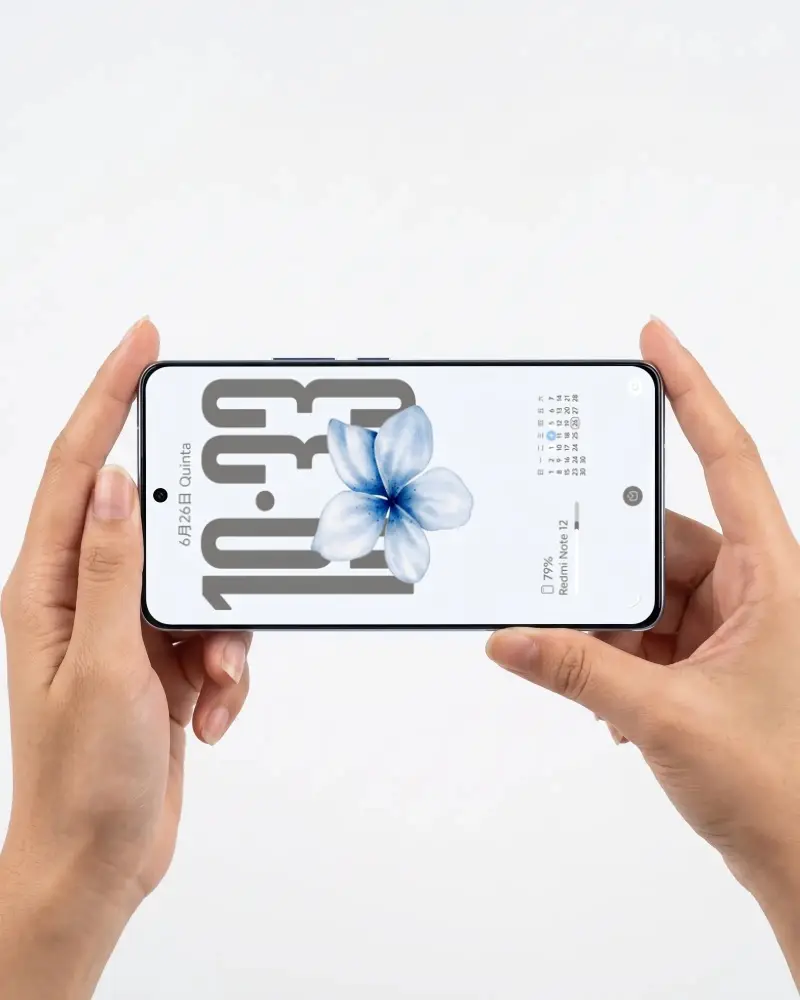
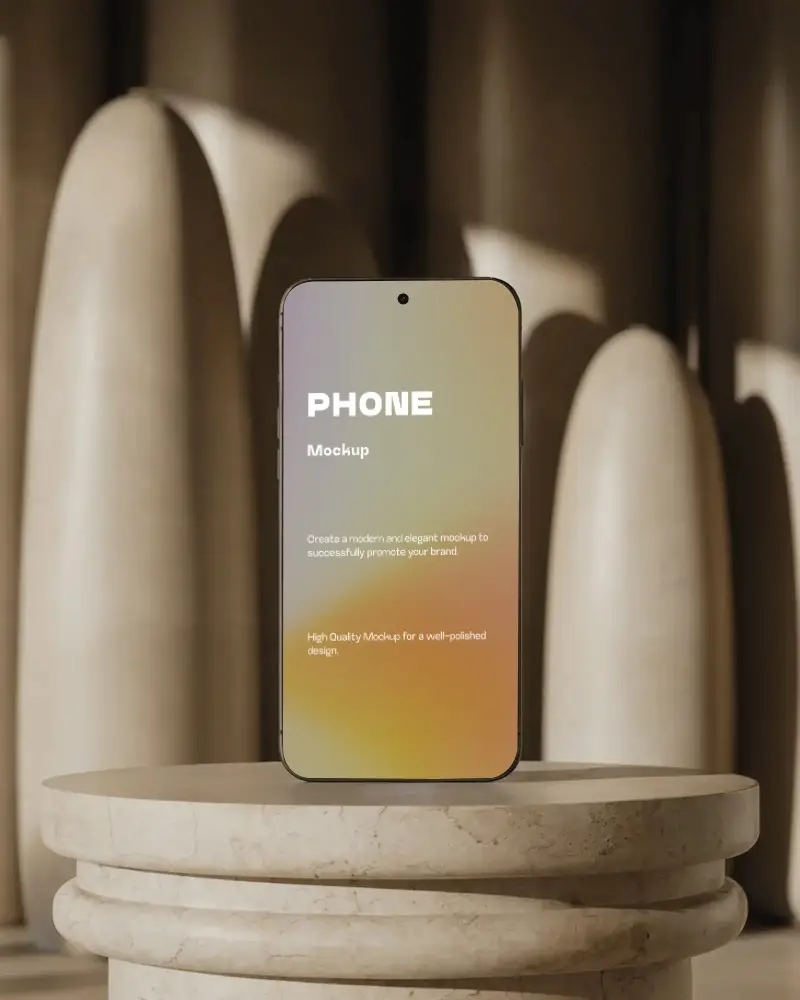
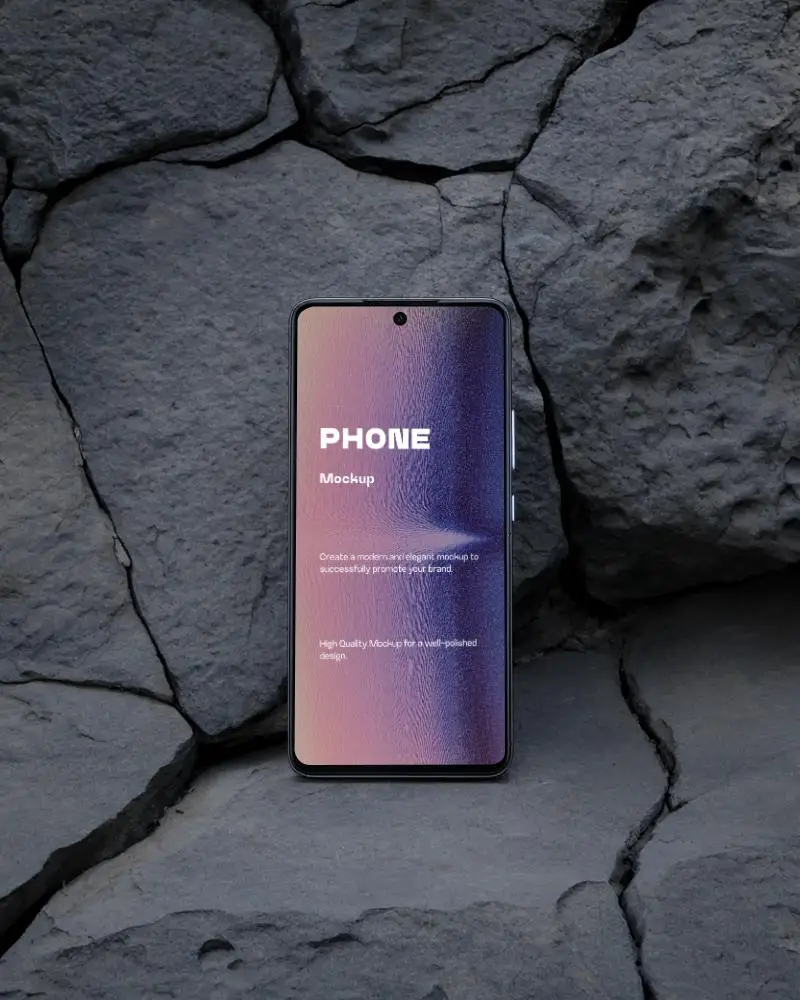
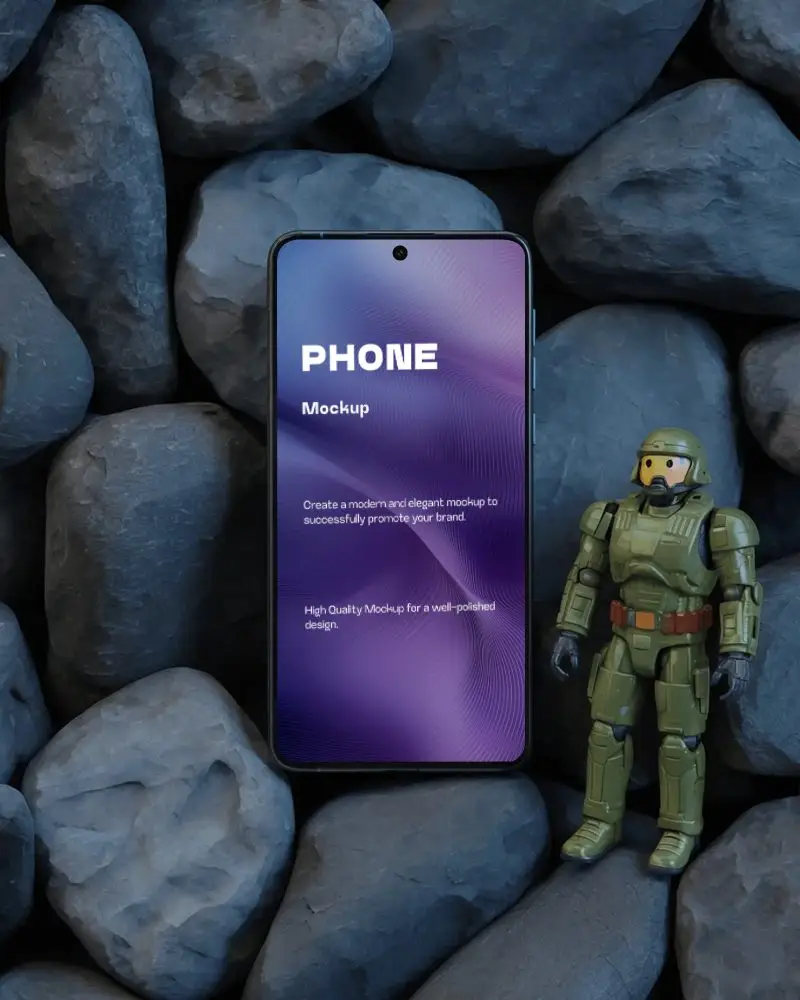

How to Create a Horizontal Phone Mockup with Mockey
Use these steps to generate your horizontal phone mockup quickly using Mockey.ai:
- Step 1: Navigate to 'Mockups' > 'Tech' > 'Phone', and select the 'Horizontal' tag.
- Step 2: Choose your preferred horizontal template (landscape view, flat lay, or 3D angle).
- Step 3: Upload your design (PNG or JPG) and adjust its placement on the screen.
- Step 4: Customize the background, lighting, or shadows using built-in editing tools.
- Step 5: Download your finished mockup in JPG format for free. Upgrade to Pro for PNG and higher resolution.


FAQs on Horizontal Phone Mockups
What is a Horizontal Phone Mockup?
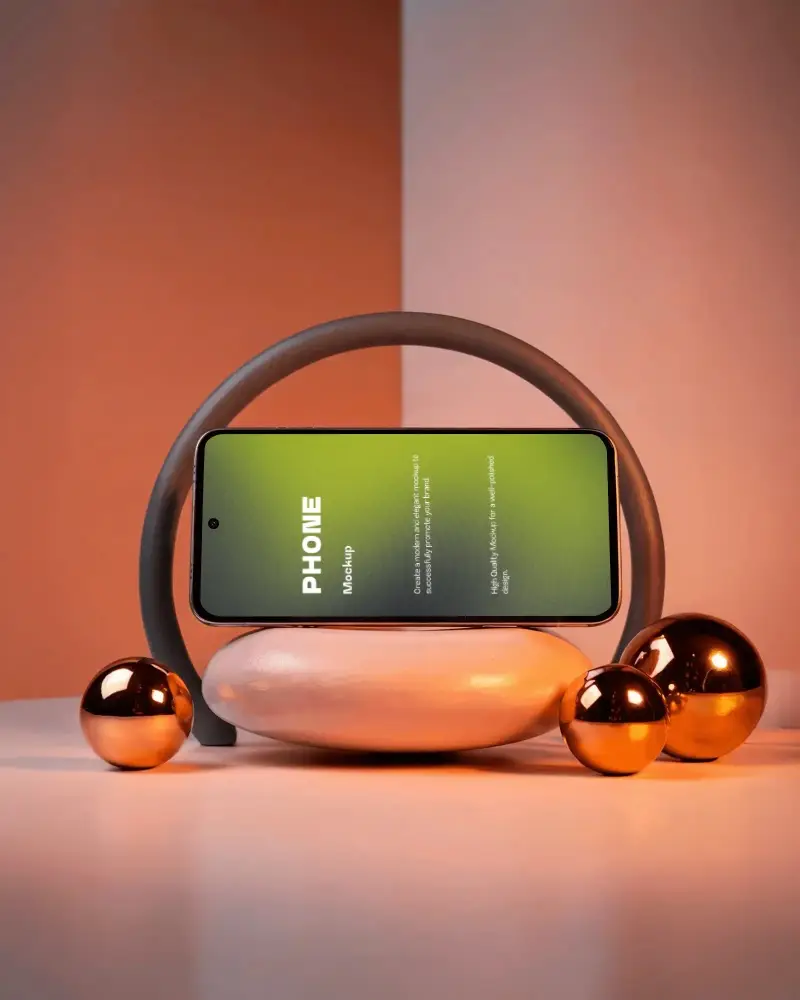
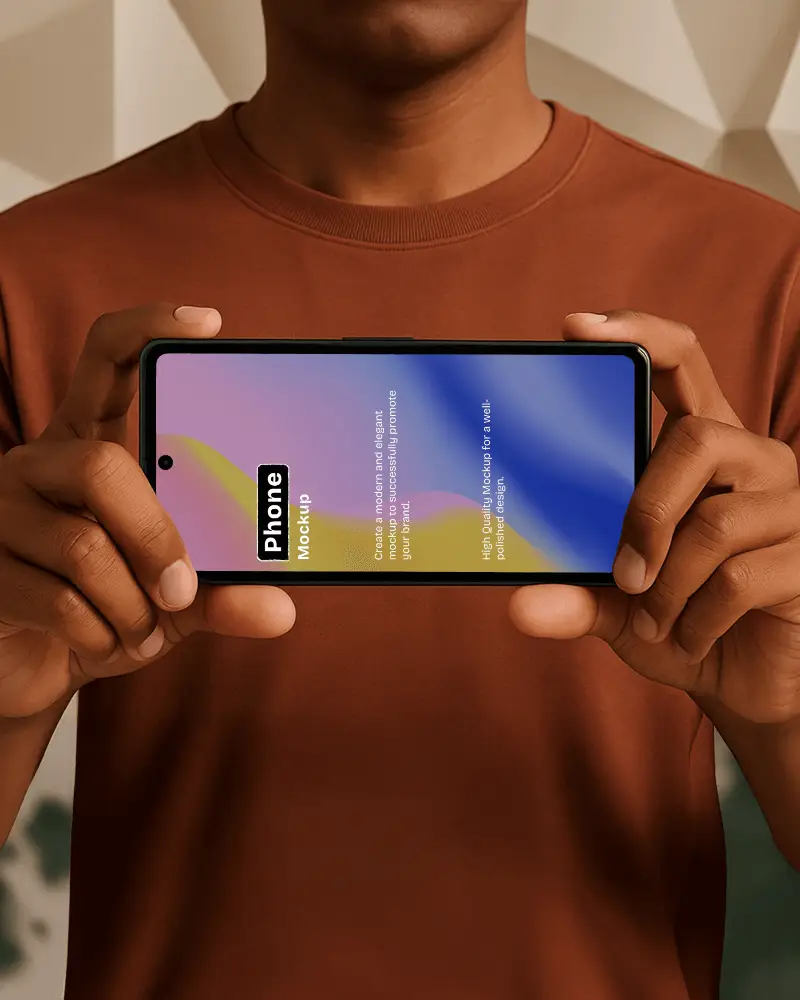
A Horizontal Phone Mockup shows a phone lying sideways. You can see it in landscape mode. It’s a digital or graphic template. Shows your design using a mockup generator.
Why make Horizontal Phone mockups?
Horizontal phone mockups help identify design flaws quickly. Teams can address issues right away. It becomes easier to share ideas and gather feedback. Plus, clients are impressed by a clean preview.
Why Use Mockey’s Horizontal Phone Mockup?
Mockey AI helps you generate free horizontal phone mockups. You get no watermarks. You can also use AI tools to design professional scenes.
Is this Horizontal Phone Mockup Free?
Mockey AI offers free horizontal phone mockups. You can access all customization tools at no cost. However, the free plan does not include PNG downloads or all size options.
