Best Free Trifold Brochure Mockup Templates - No Watermarks
Present your brochure designs with Mockey’s trifold brochure mockup collection. Choose from A4 trifold brochure mockups or 8.5 x 11 trifold brochure mockups free for US Letter size. Upload your artwork, customize quickly, and download high-resolution, watermark-free PNG files.
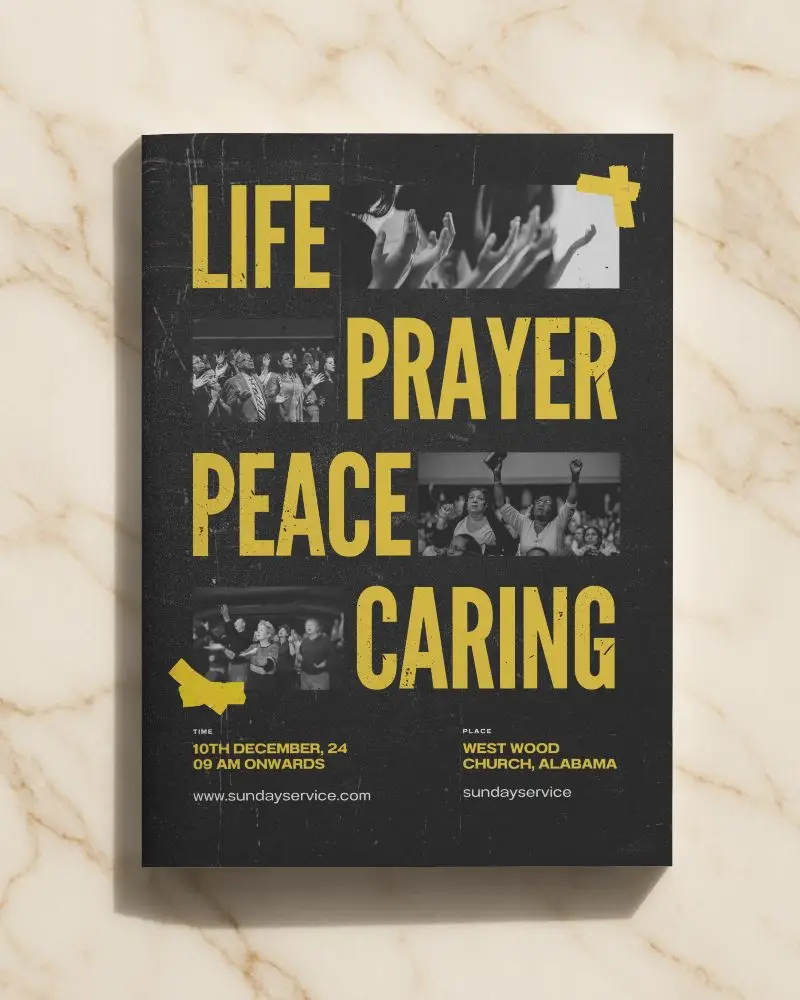
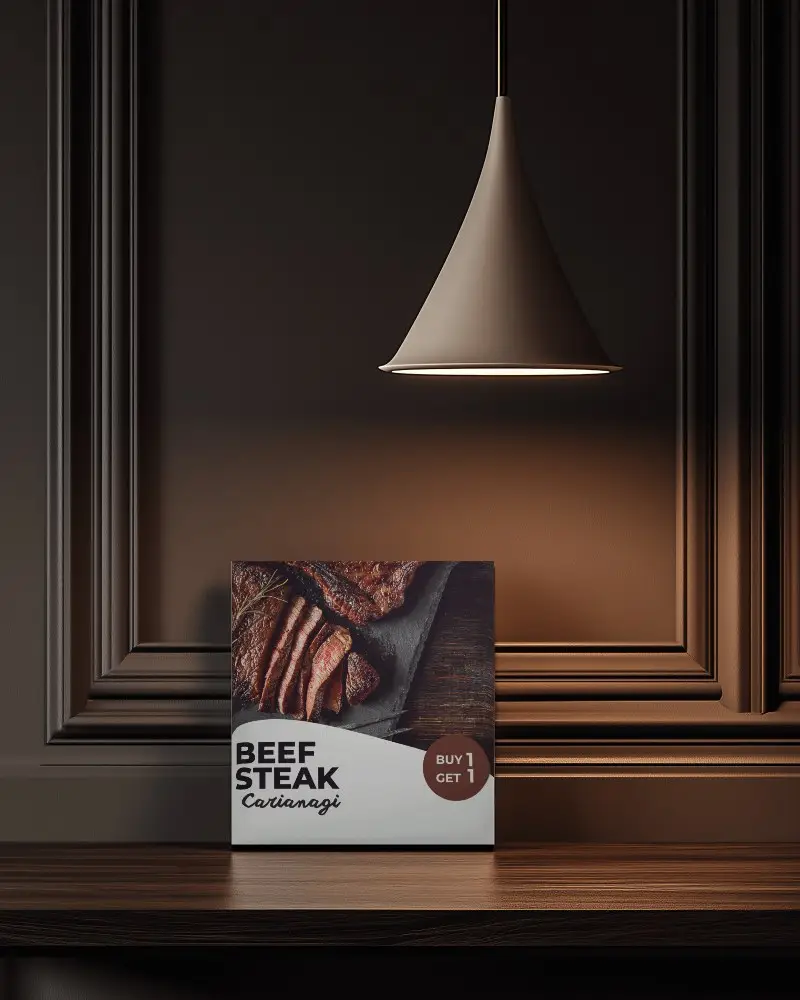
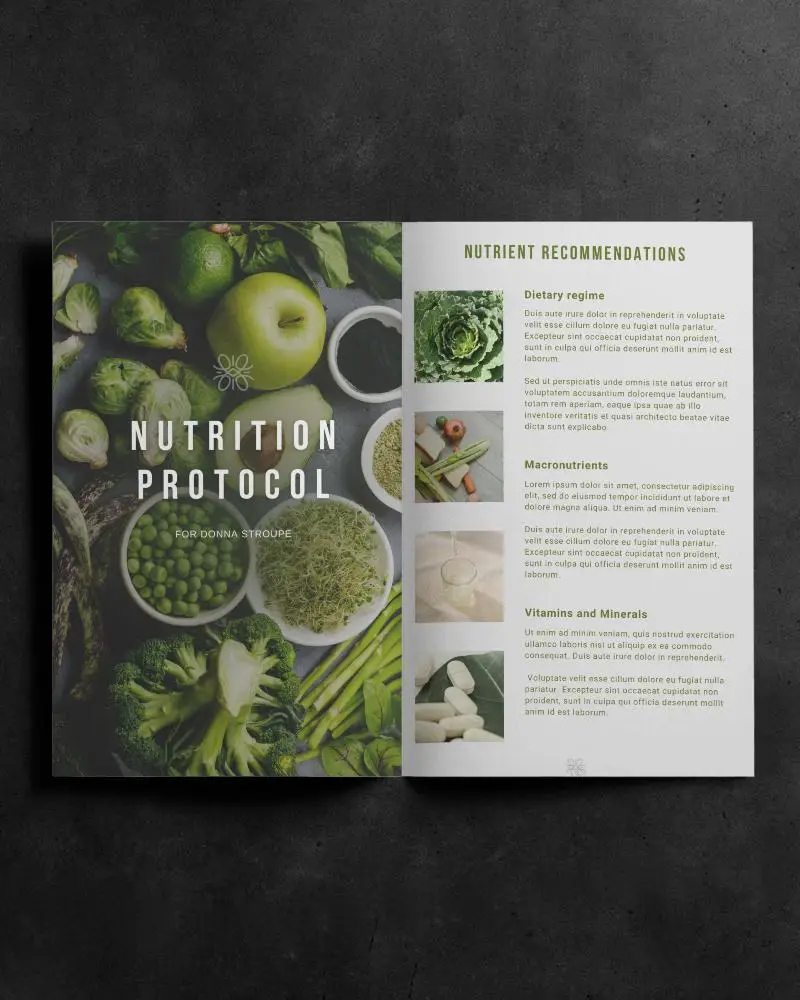
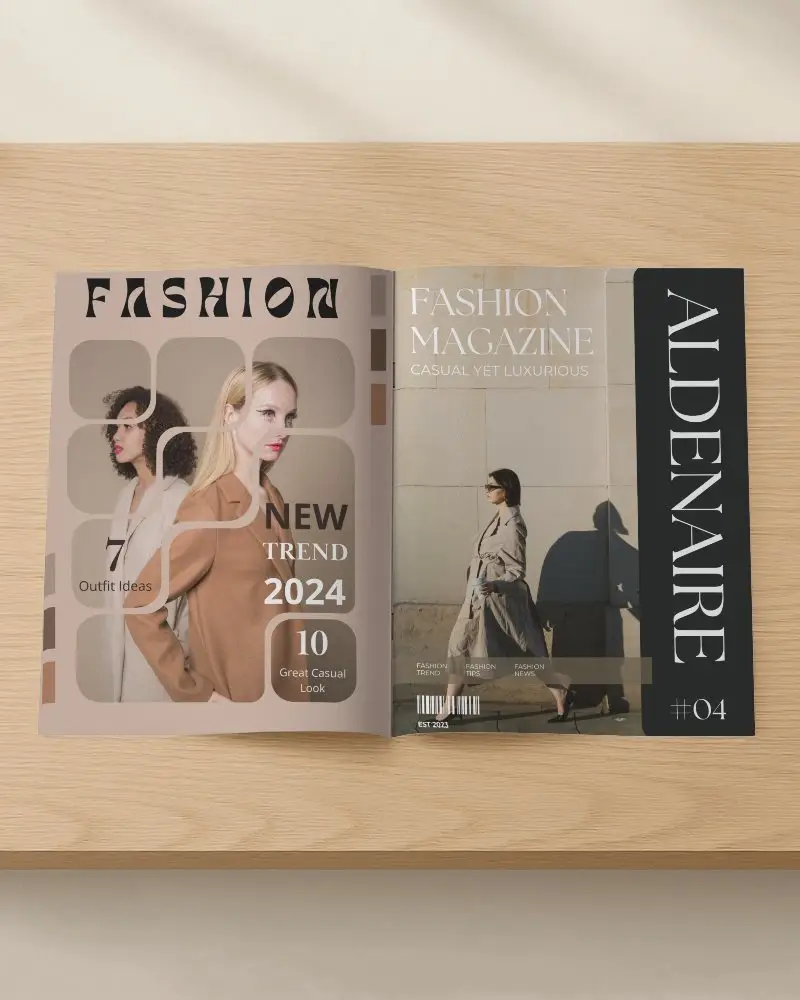

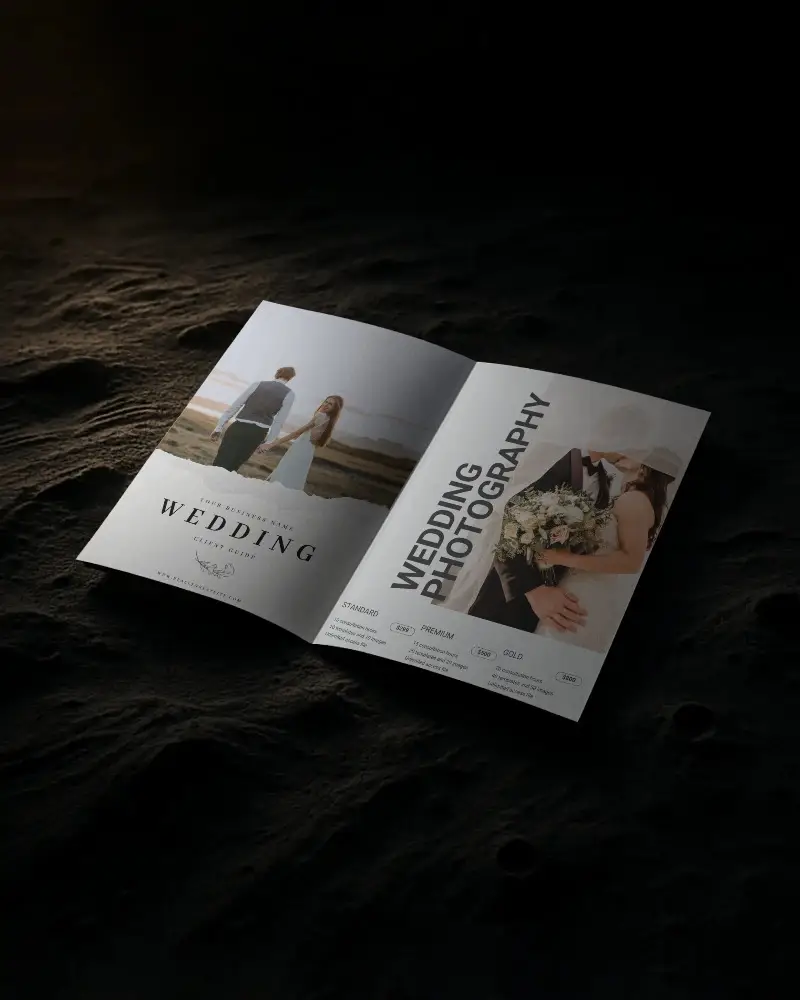
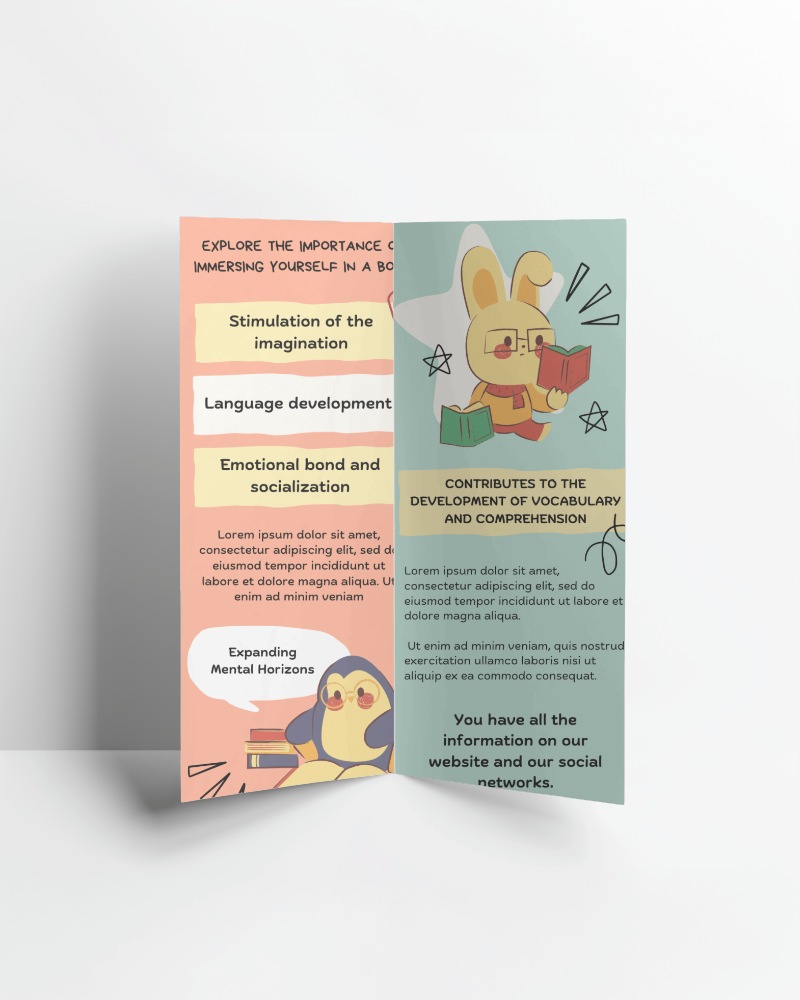
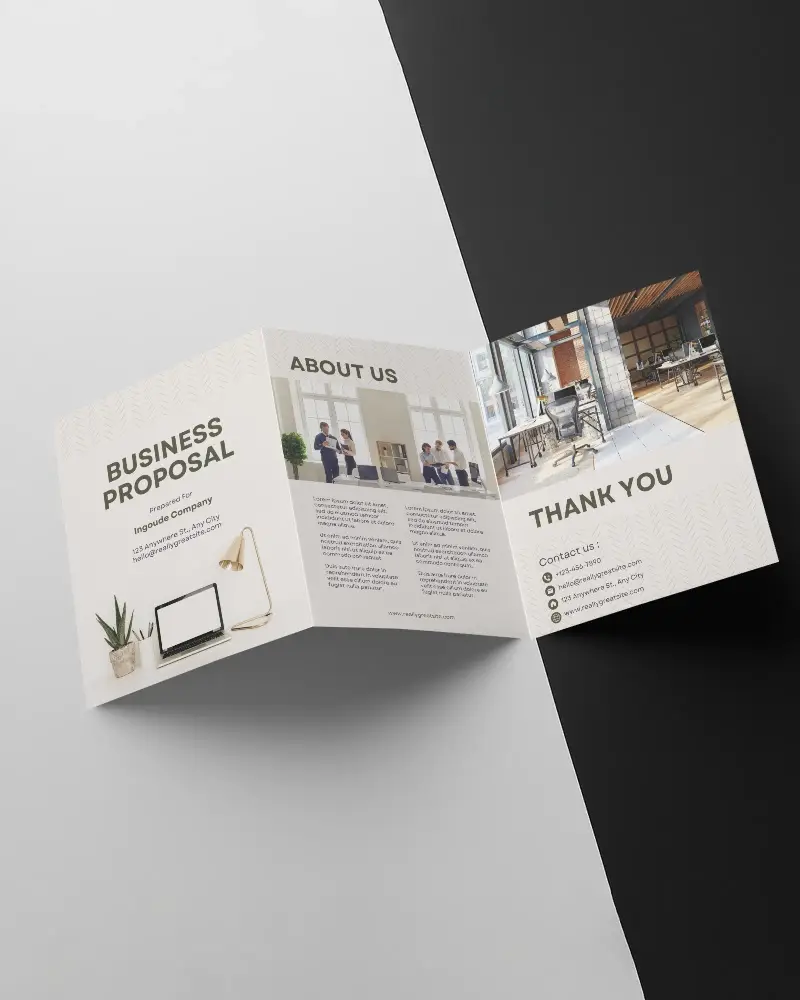
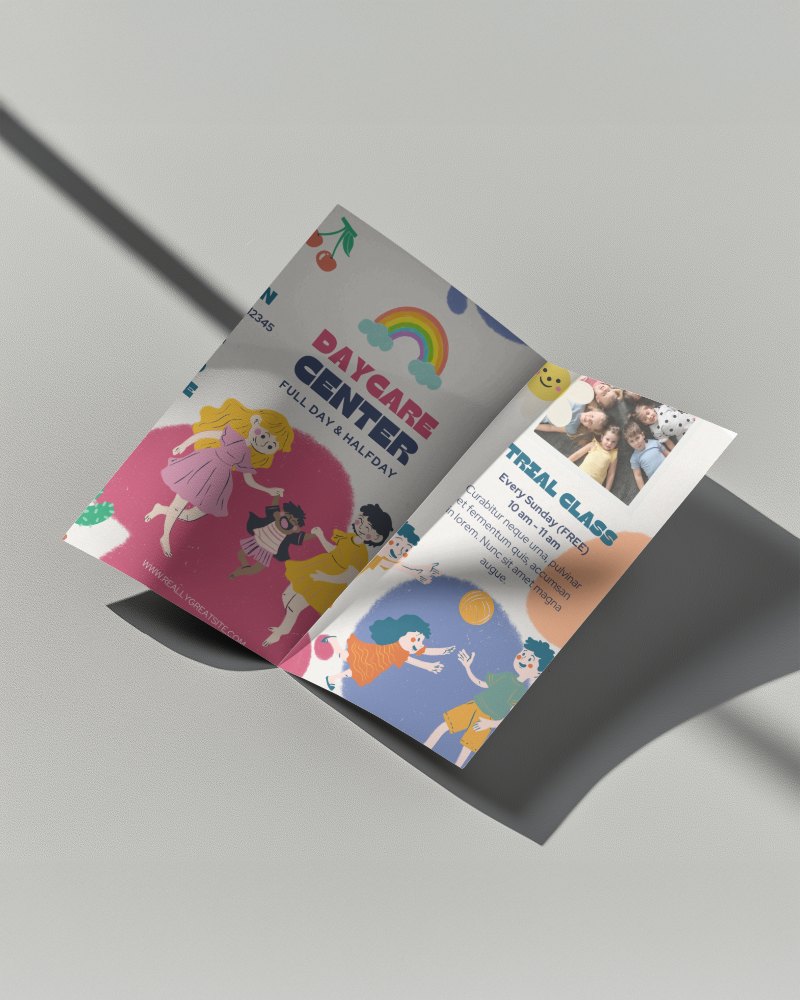
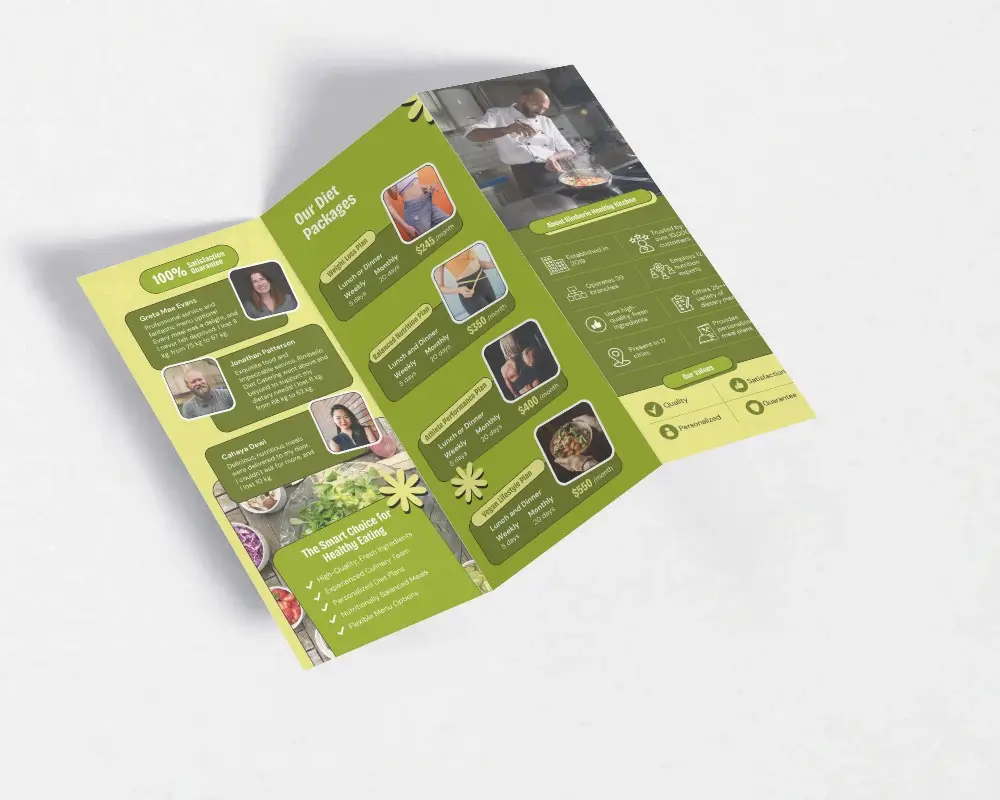
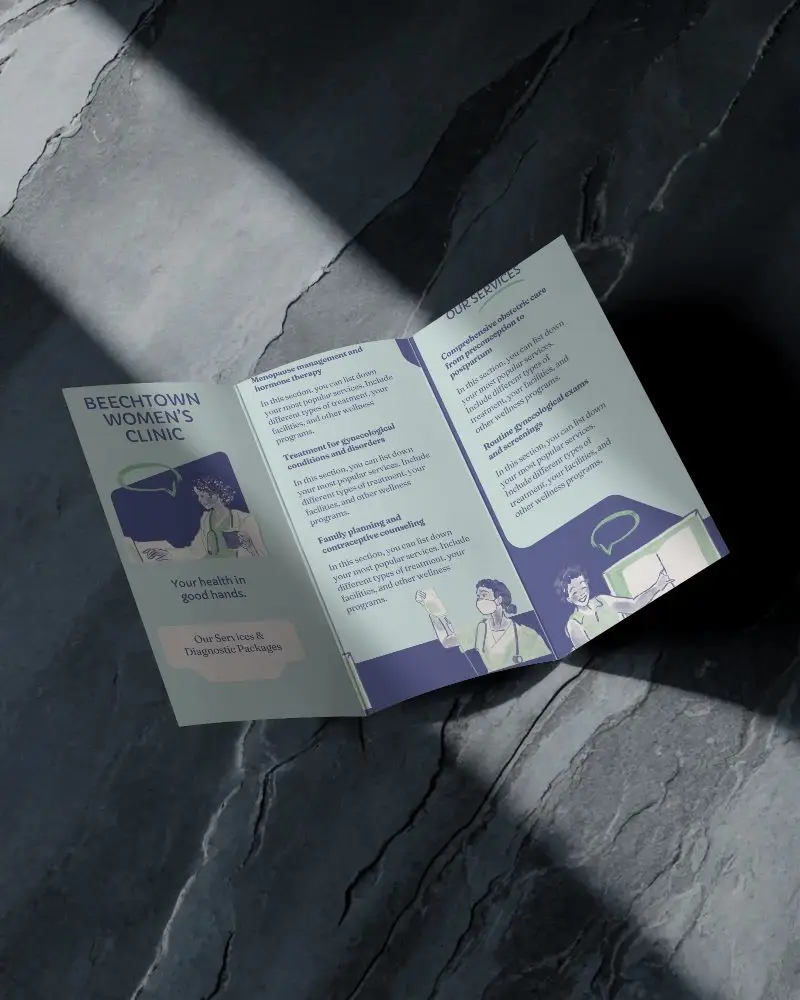
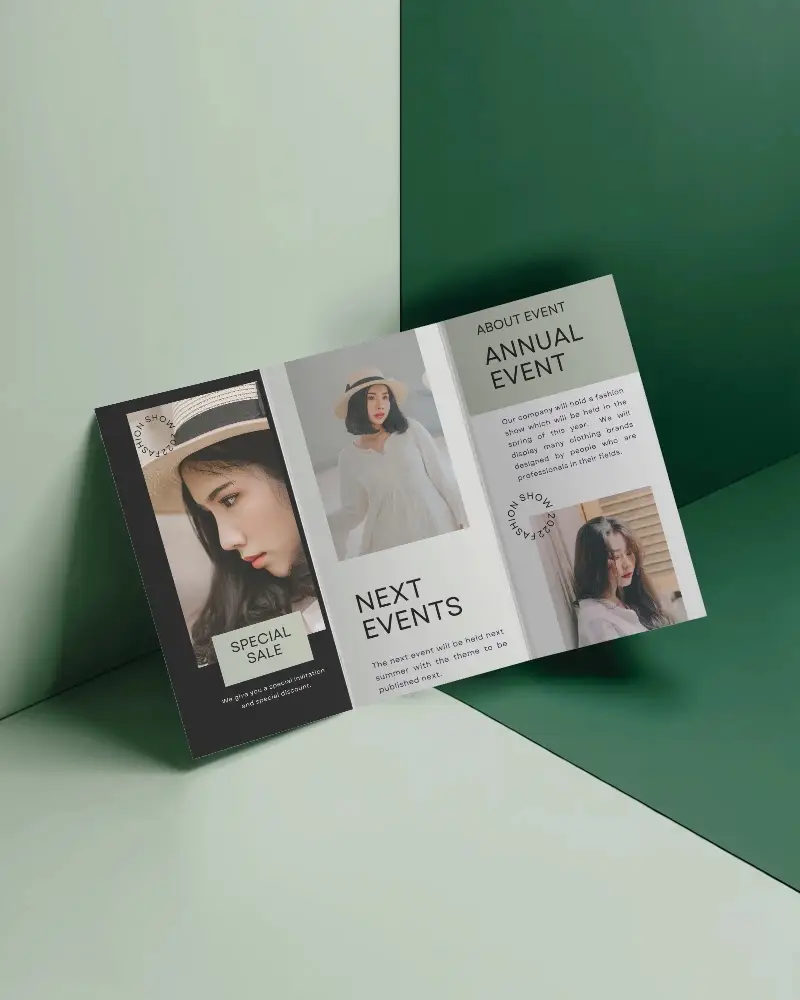
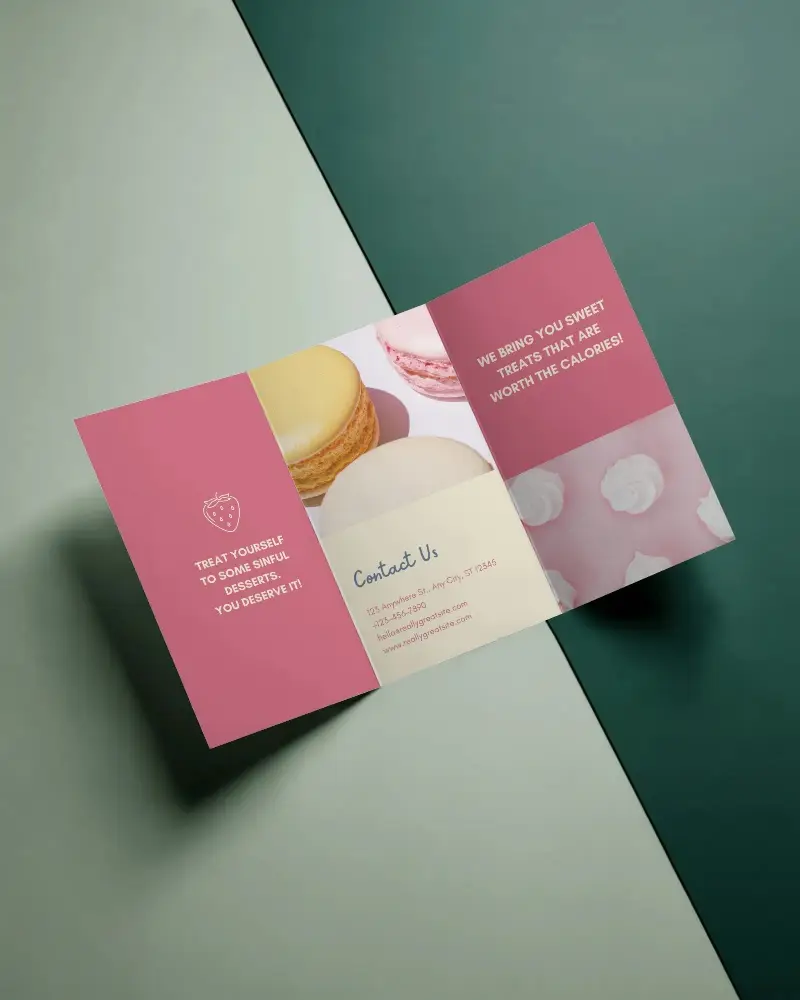
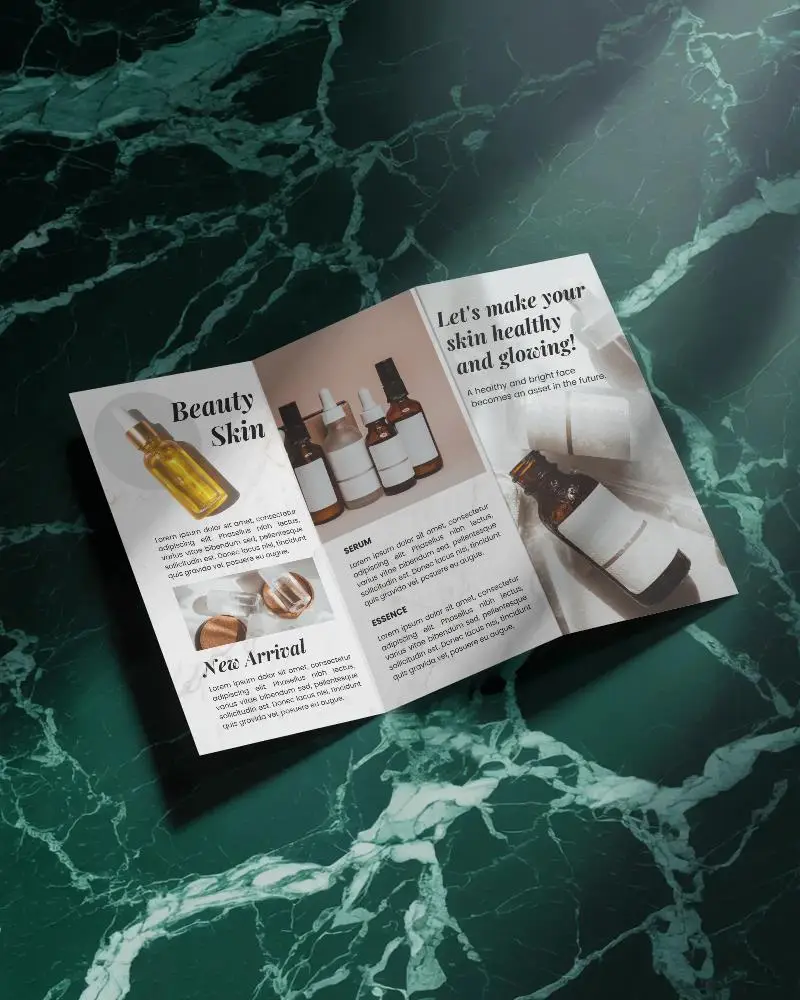
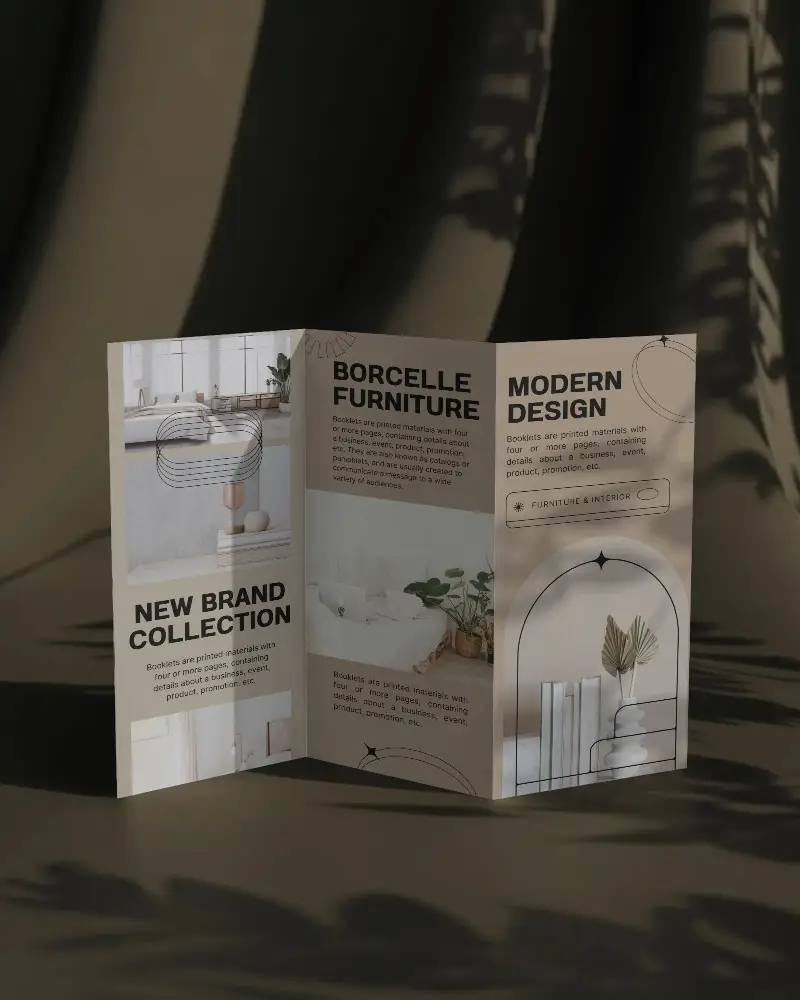
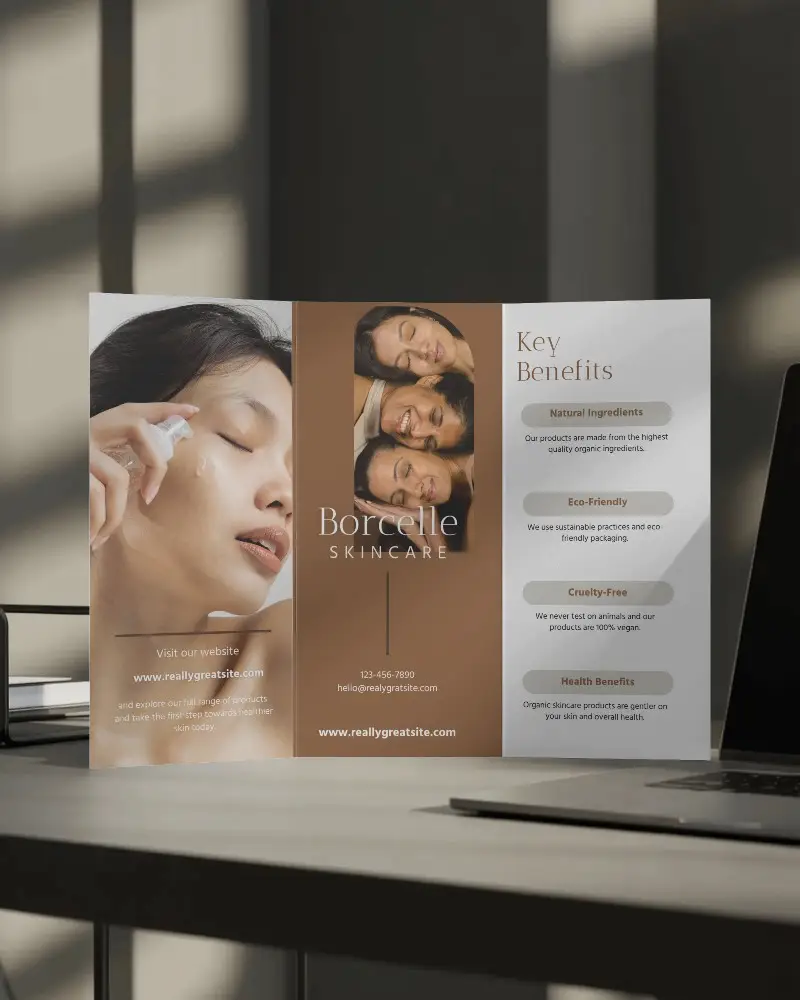
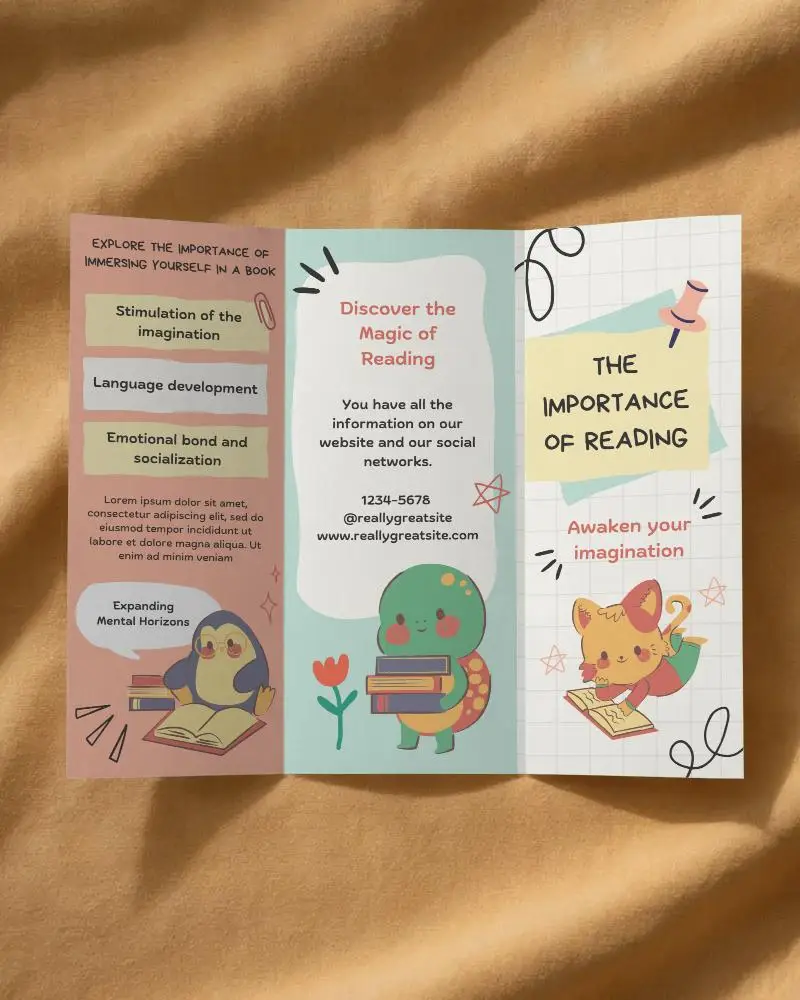
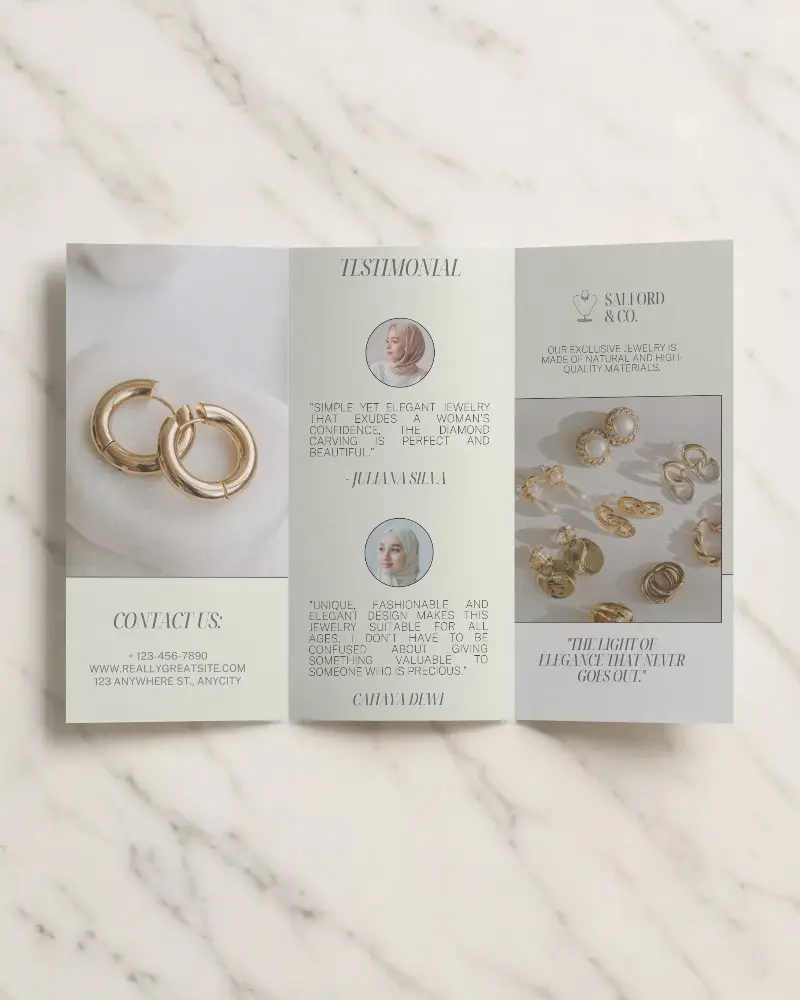
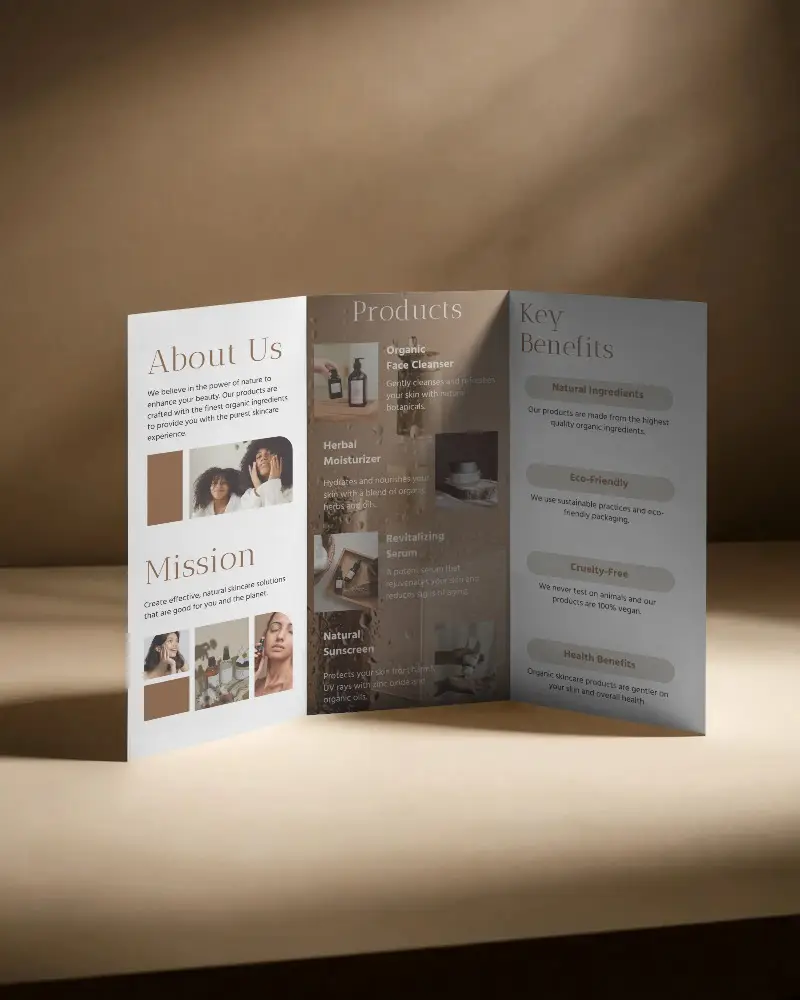
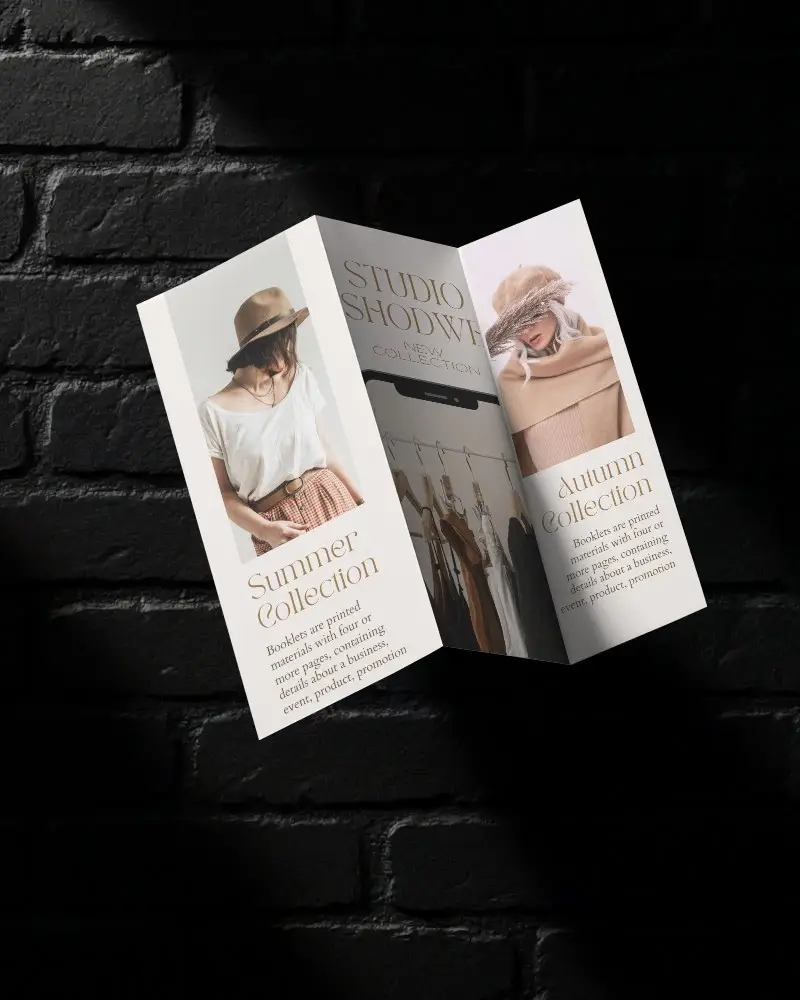
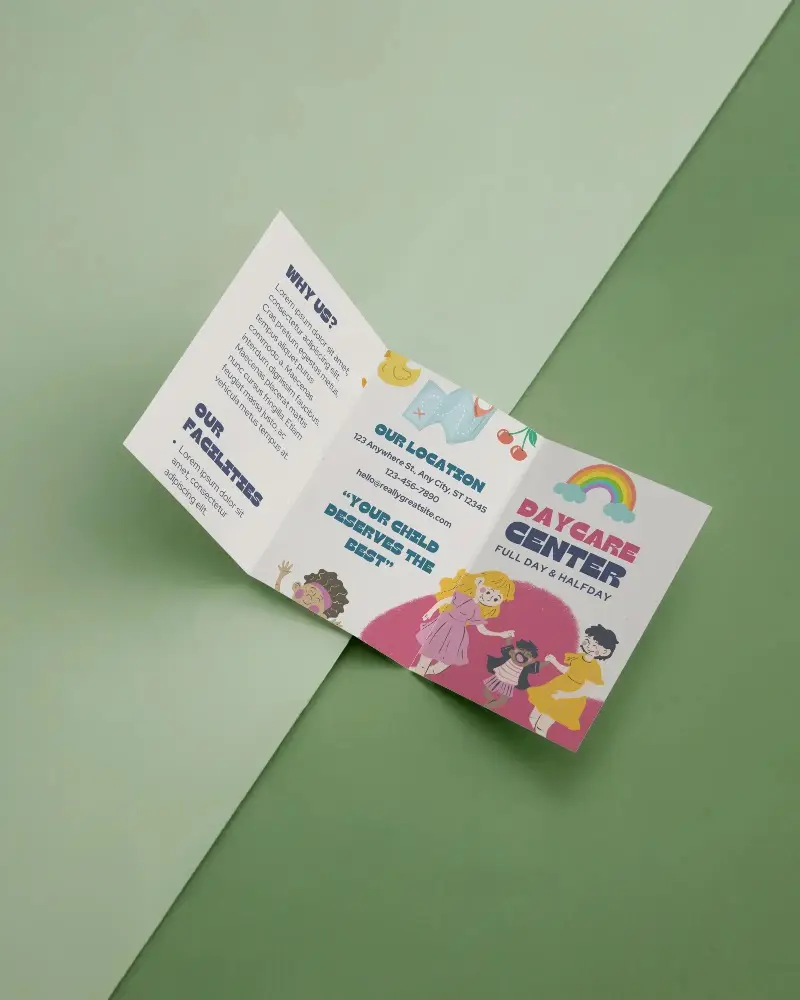
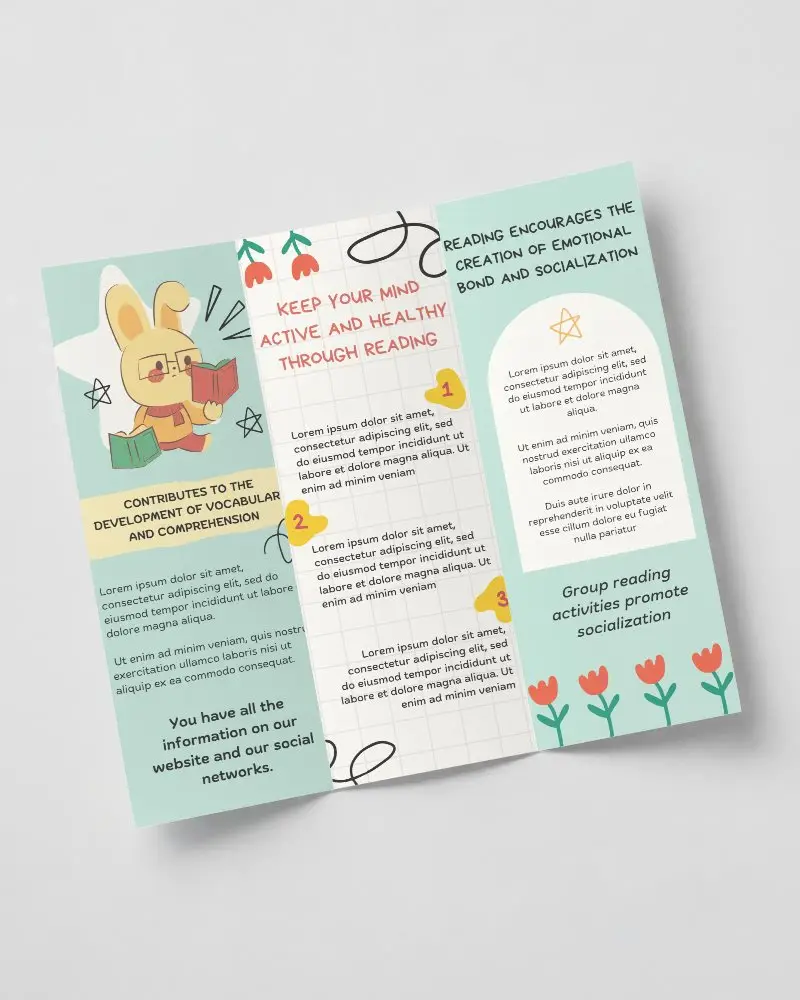
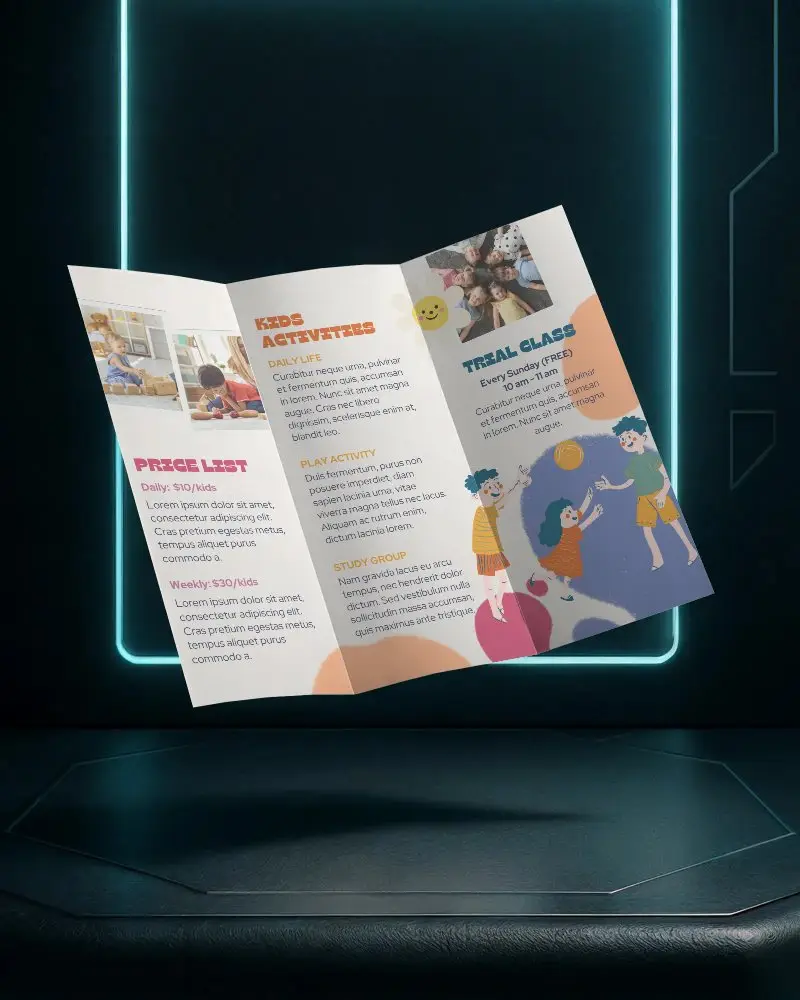
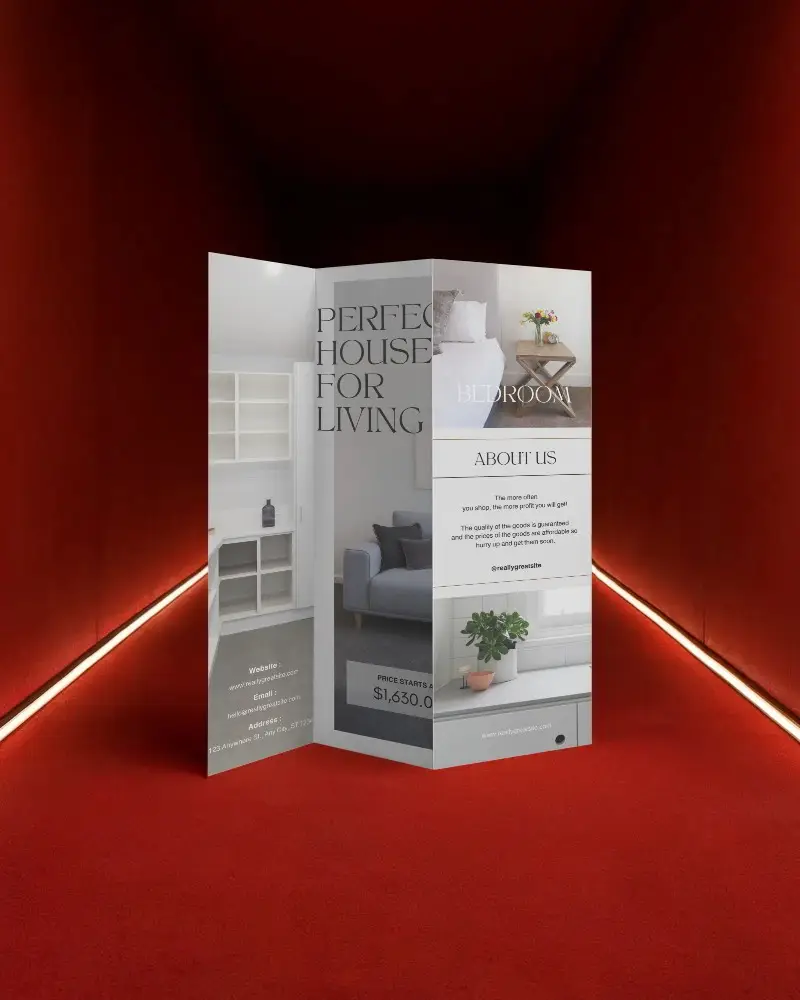
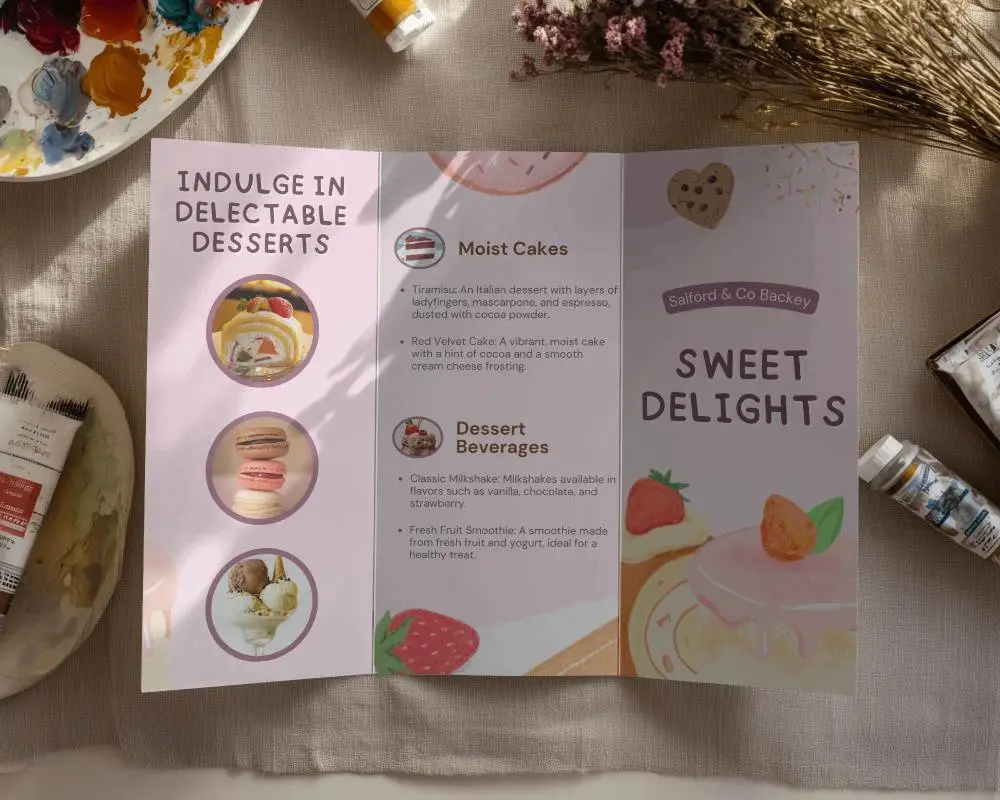
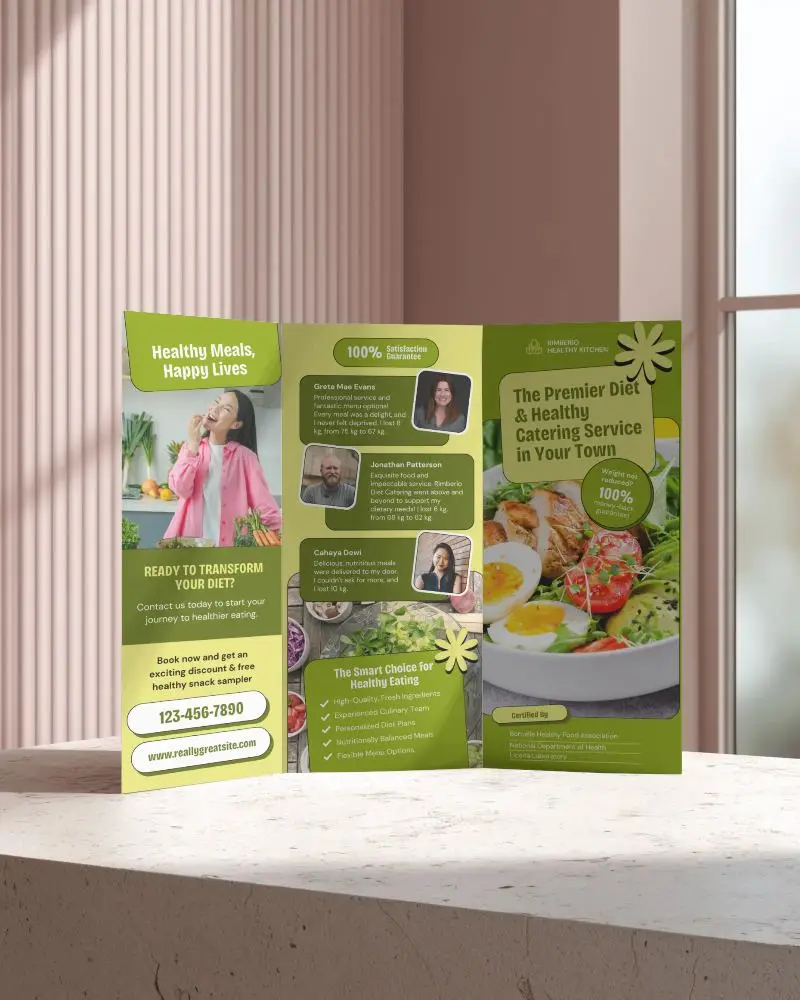
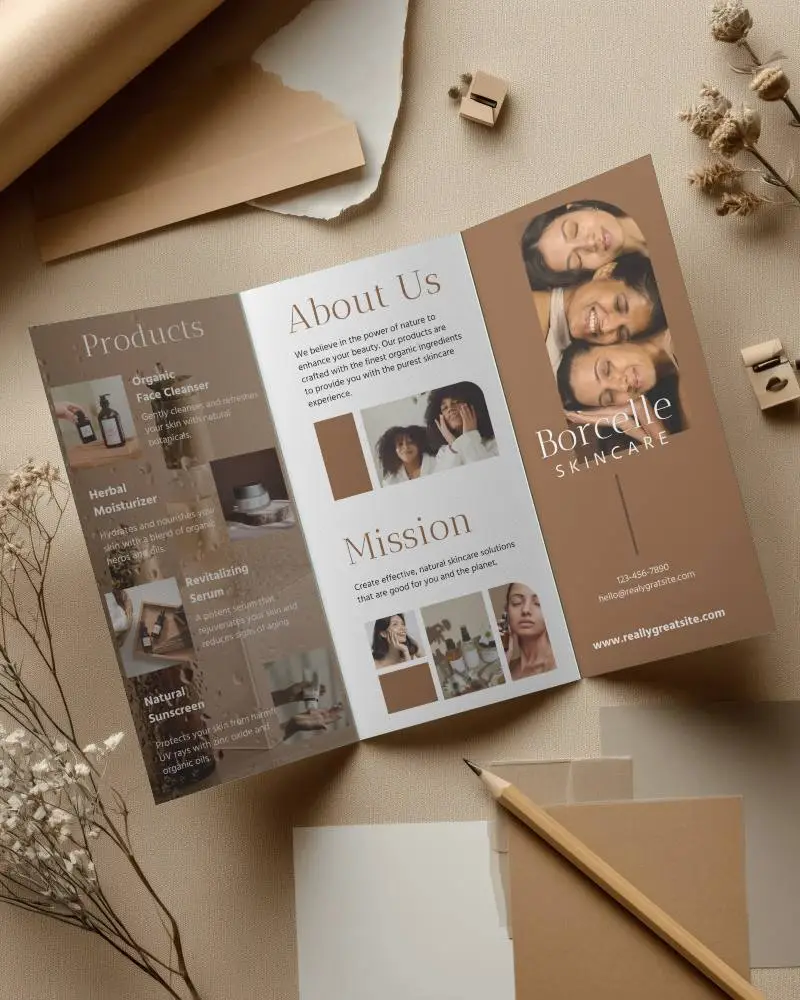
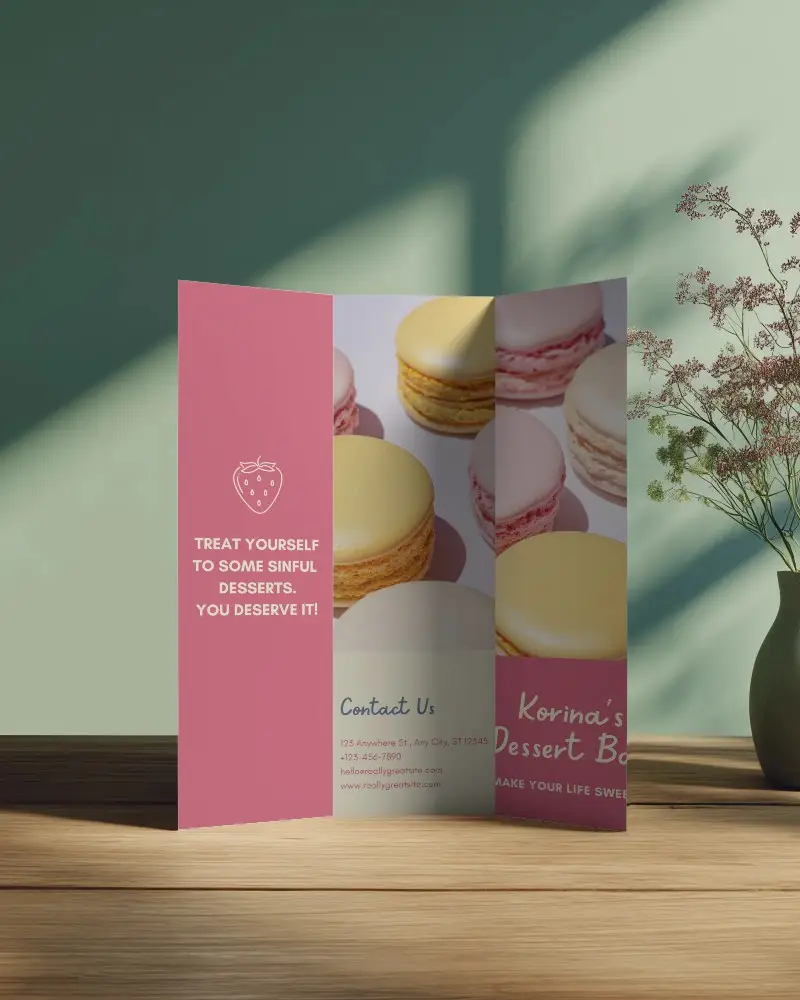
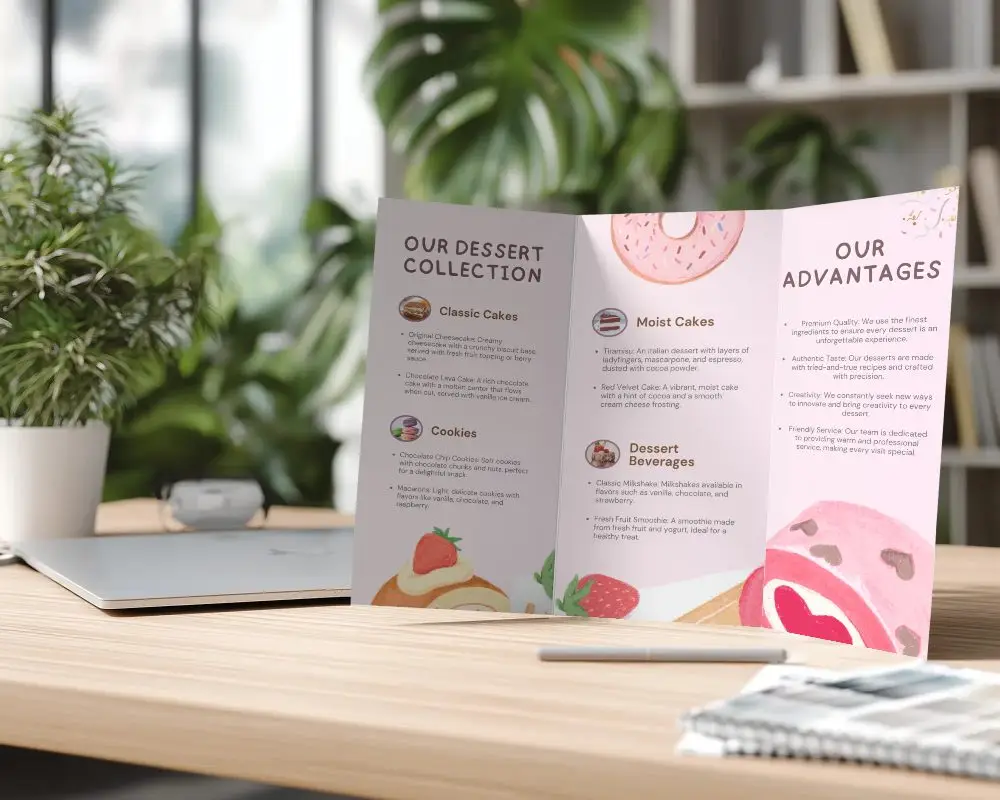
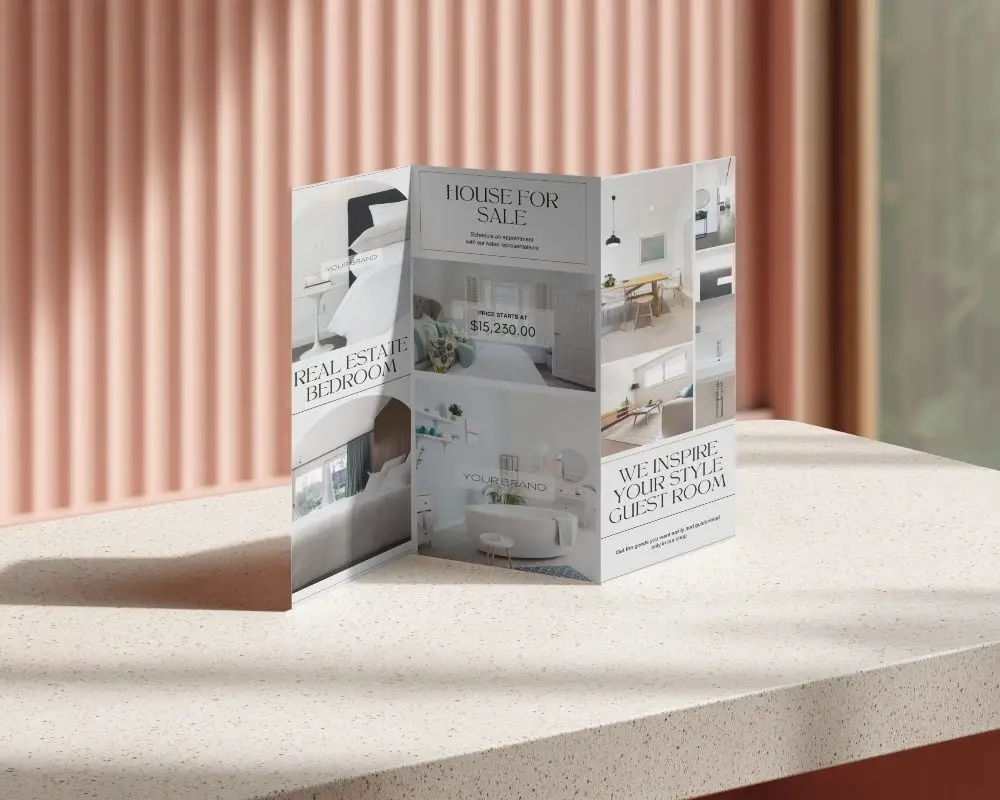
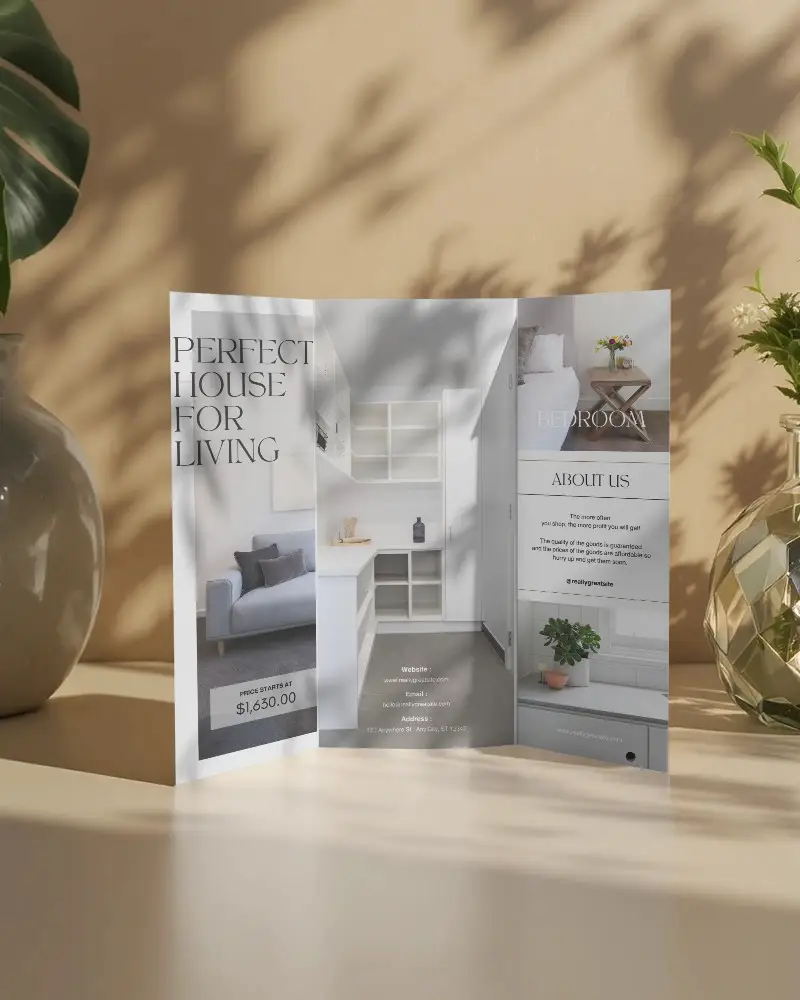
How to Make Trifold Brochure Mockup with Mockey
To create a Trifold brochure mockup in Mockey AI:
- Step 1: Sign up on Mockey, follow Mockups > Print > Brochure > Trifold.
- Step 2: Upload your design, change colors, or use AI tools to make it unique.
- Step 3: When you're happy with it, download your brochure in the file format you like.


FAQs on Trifold Brochure Mockups
How to create a Trifold brochure mockup?
Sign up on Mockey, follow Mockups > Print > Brochure > Trifold. Upload your design, change colors, or use AI tools to make it unique. When you're happy with it, download your brochure in the file format you like.
What is a Trifold brochure mockup?
A trifold brochure mockup shows how a folded brochure will look. It has three parts and is great for ads, information, or events.
Why Use Mockey’s Trifold brochure mockup?
Mockey AI trifold brochure mockup looks real, can be changed easily, and comes in different styles. You can add your design quickly without special skills.
Is this Trifold brochure Mockup Free?
Yes, Mockey AI has free trifold brochure mockups. They are high-quality, including PNG and JPEG files with sizes up to 1600* 2000 pixels.
What is the ideal size for a trifold brochure mockup?
A trifold brochure mockup is usually made from standard paper sizes. The most common are small (8.5” x 11”), medium (8.5” x 14”), large (11” x 17”), and extra-large (11” x 25.5”).
How can I add my logo to a trifold brochure mockup?
When you click the Upload Design button in the editor, your logo will instantly appear on the template, looking natural and realistic.
What file formats are supported for trifold brochure mockups?
With Mockey AI, you can download your trifold brochure mockups as PNG or JPEG files.
