Best Free A4 Brochure Mockup Templates - No Watermarks
Create eye-catching free A4 brochure mockups! Mockey makes it easy to customize and download high-resolution Brochure Mockup designs. Start designing!
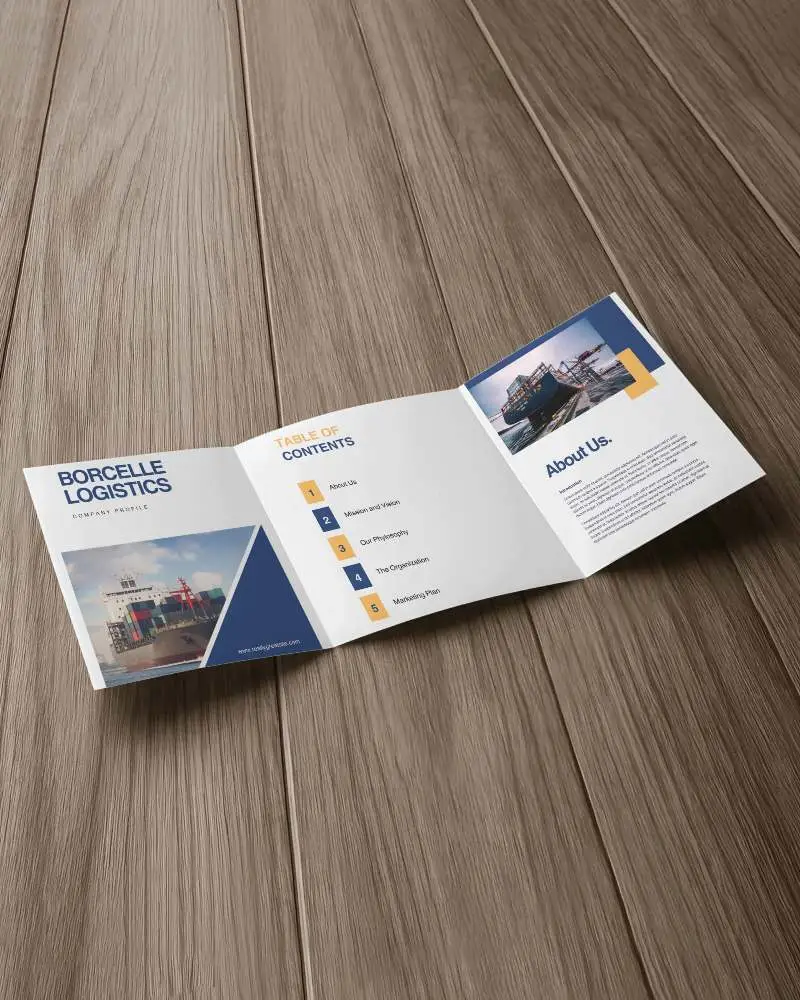
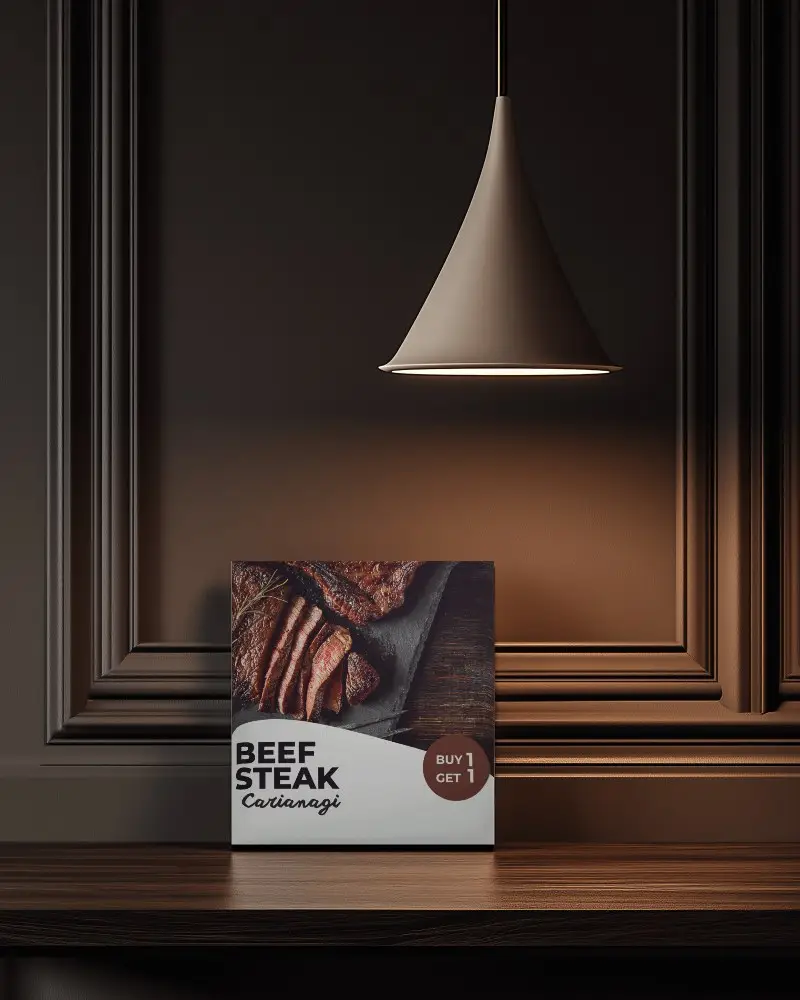
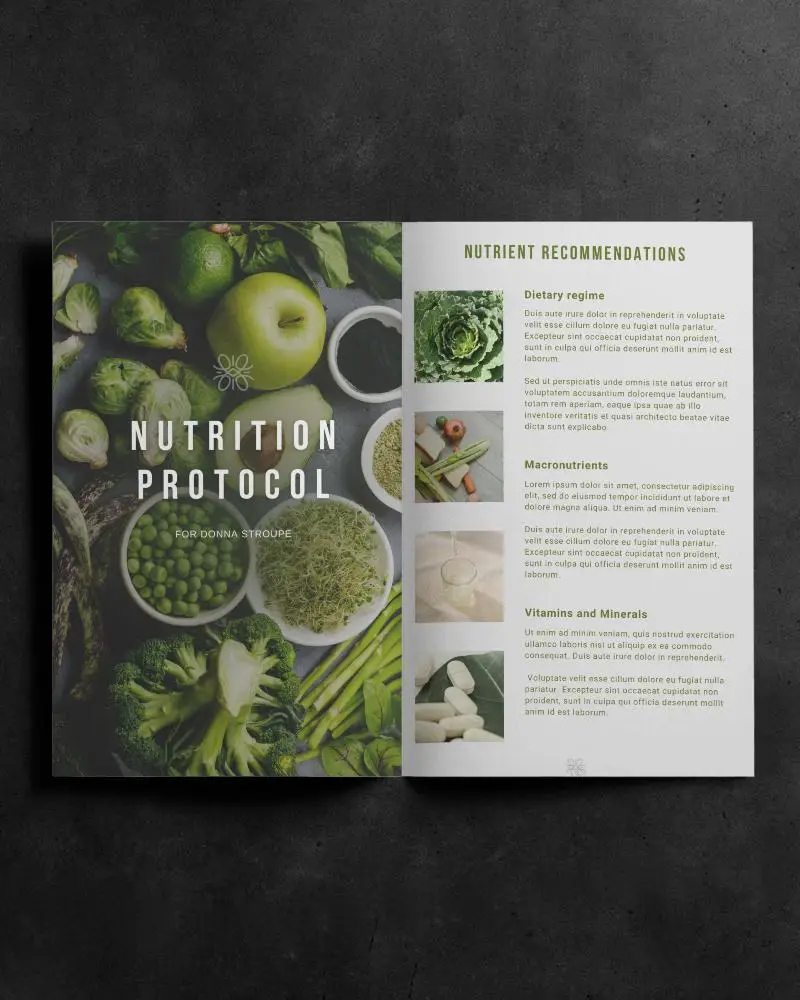
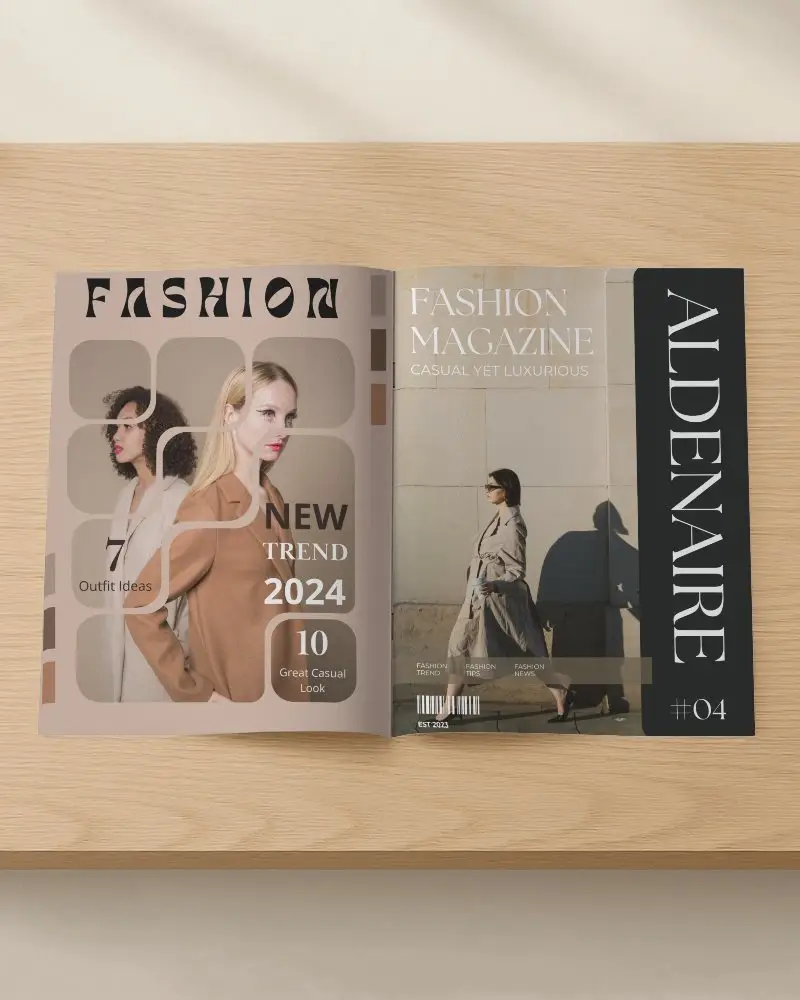
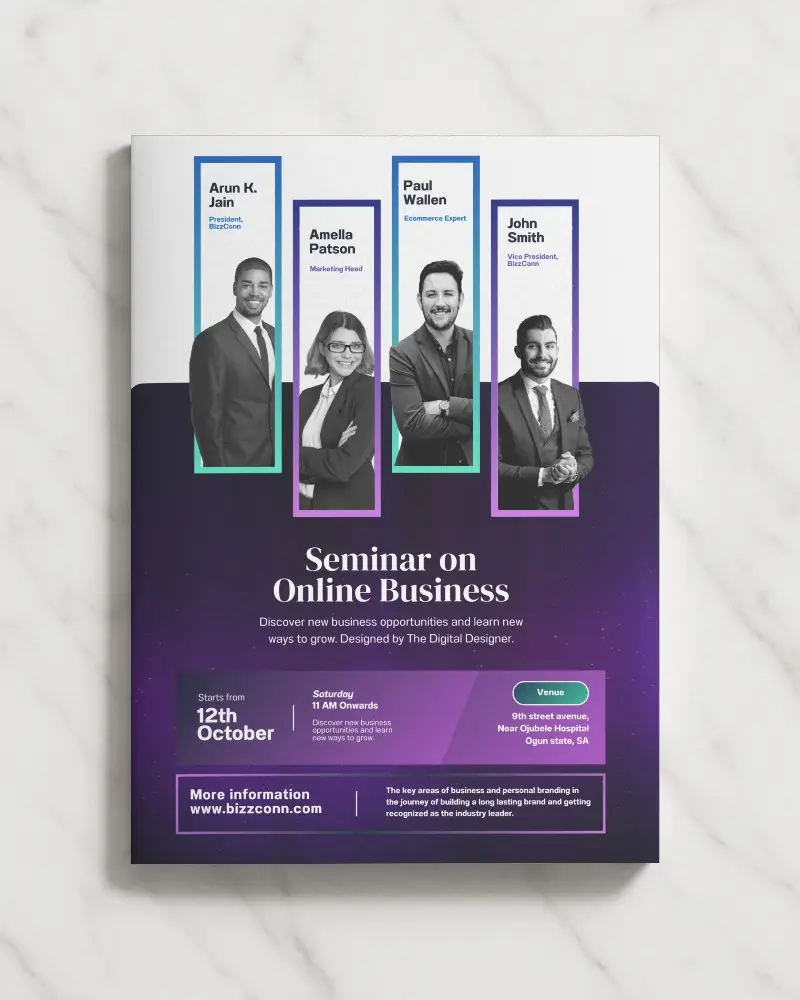
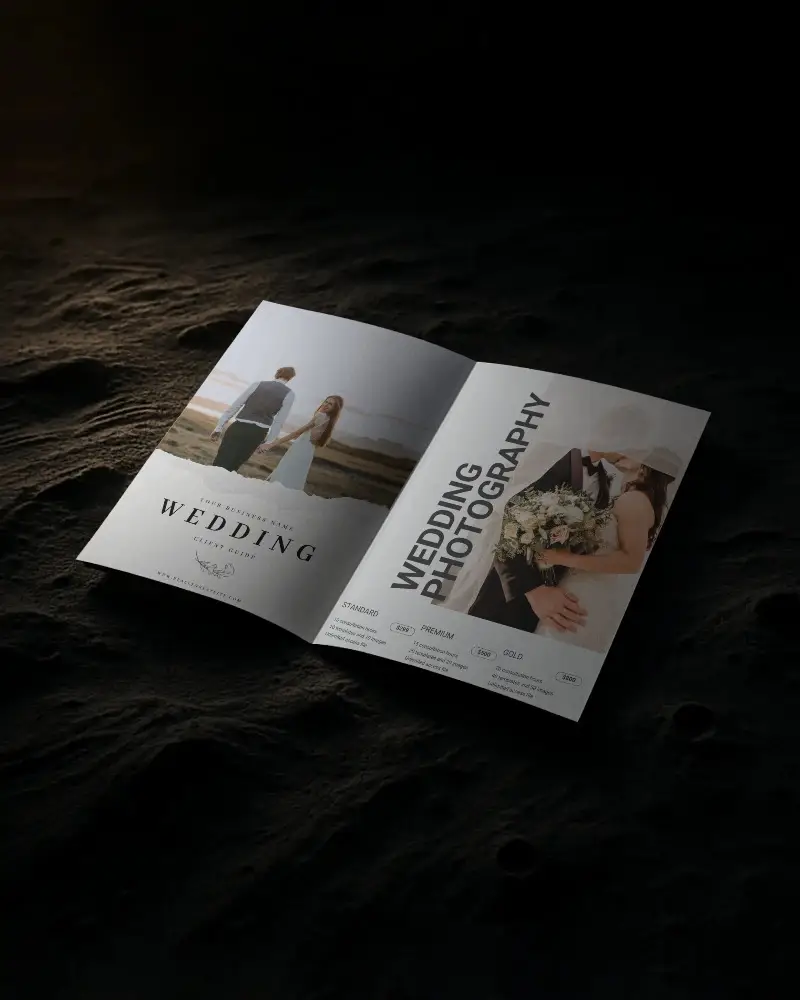
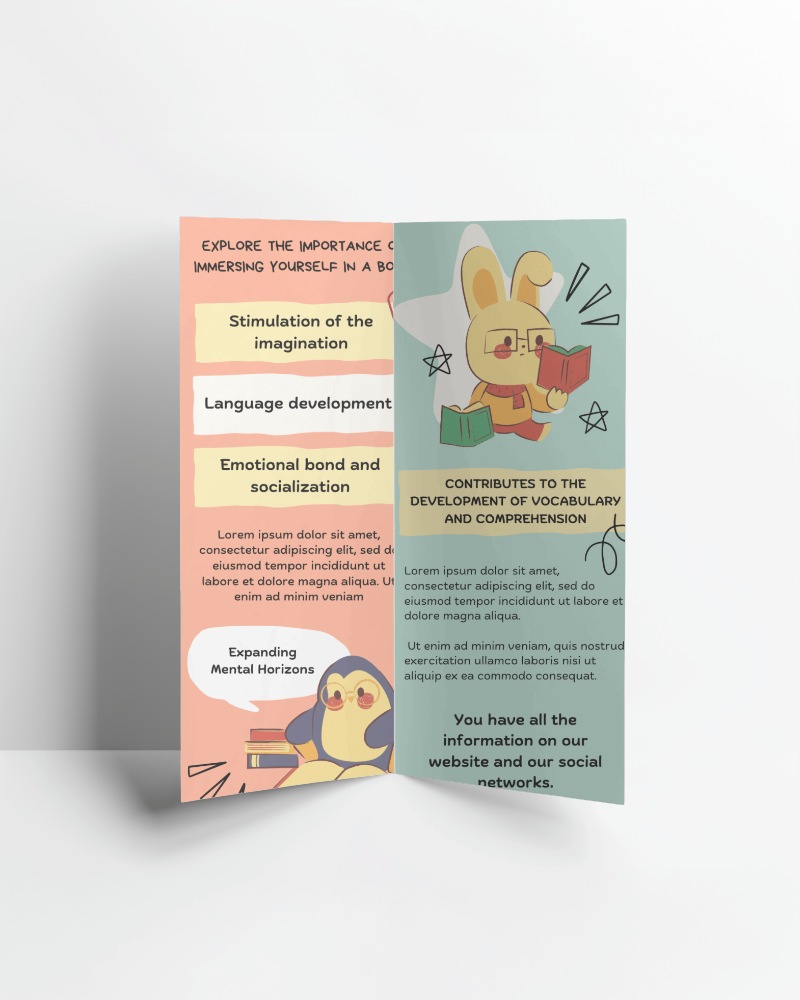
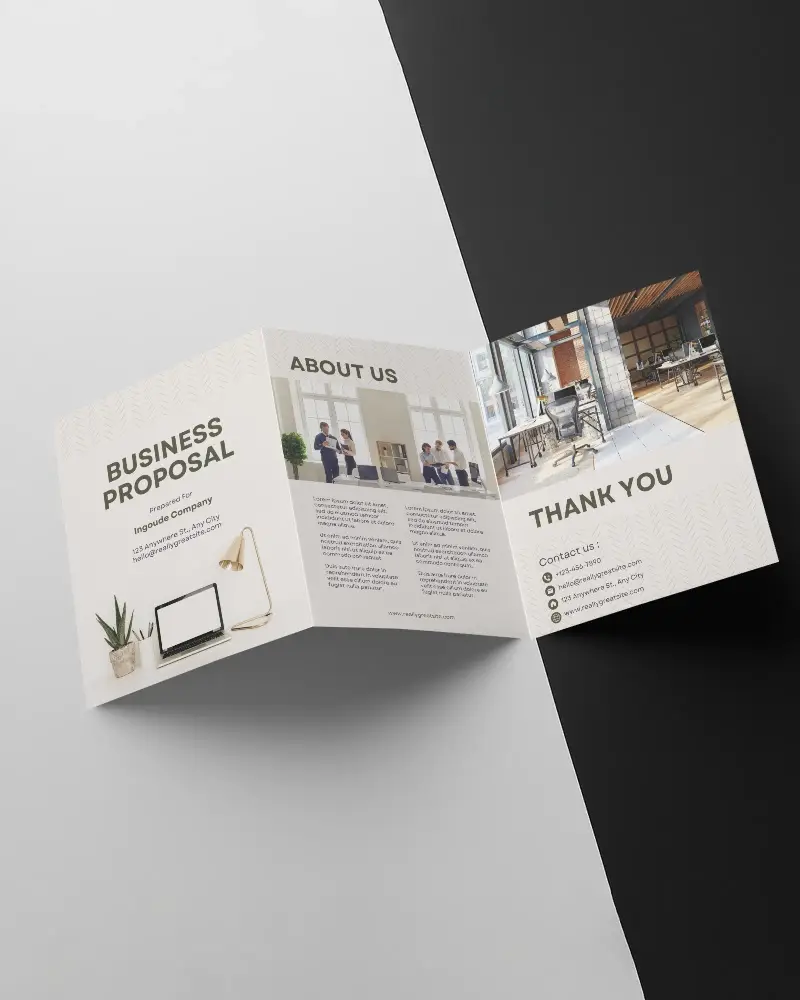
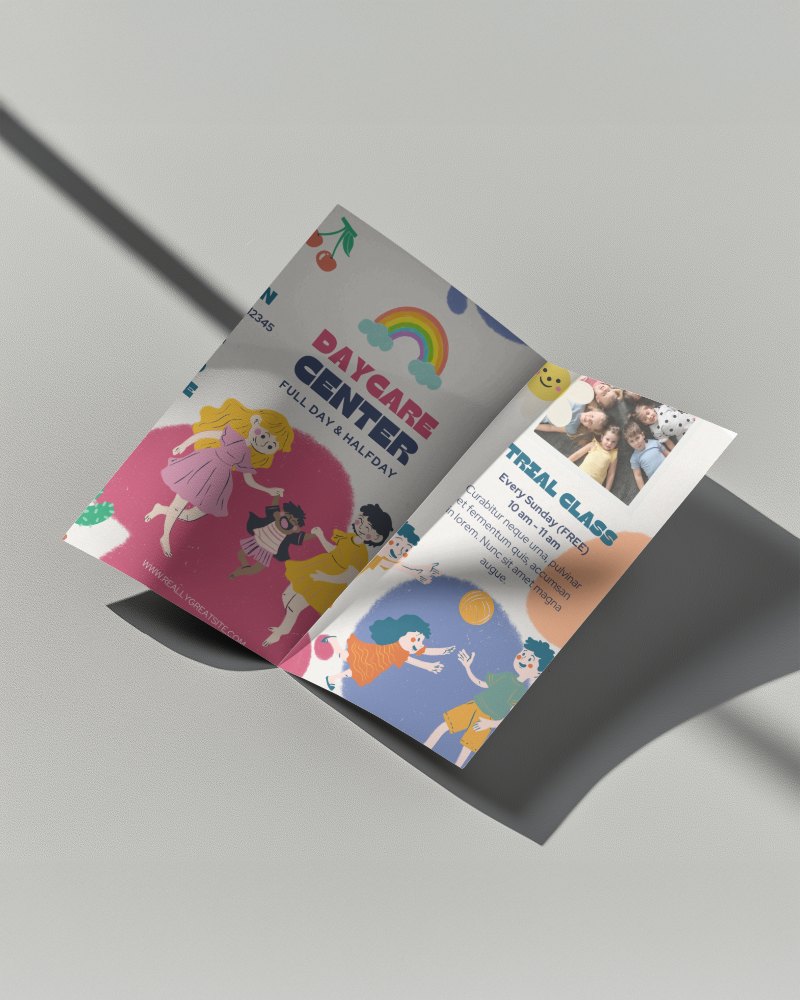
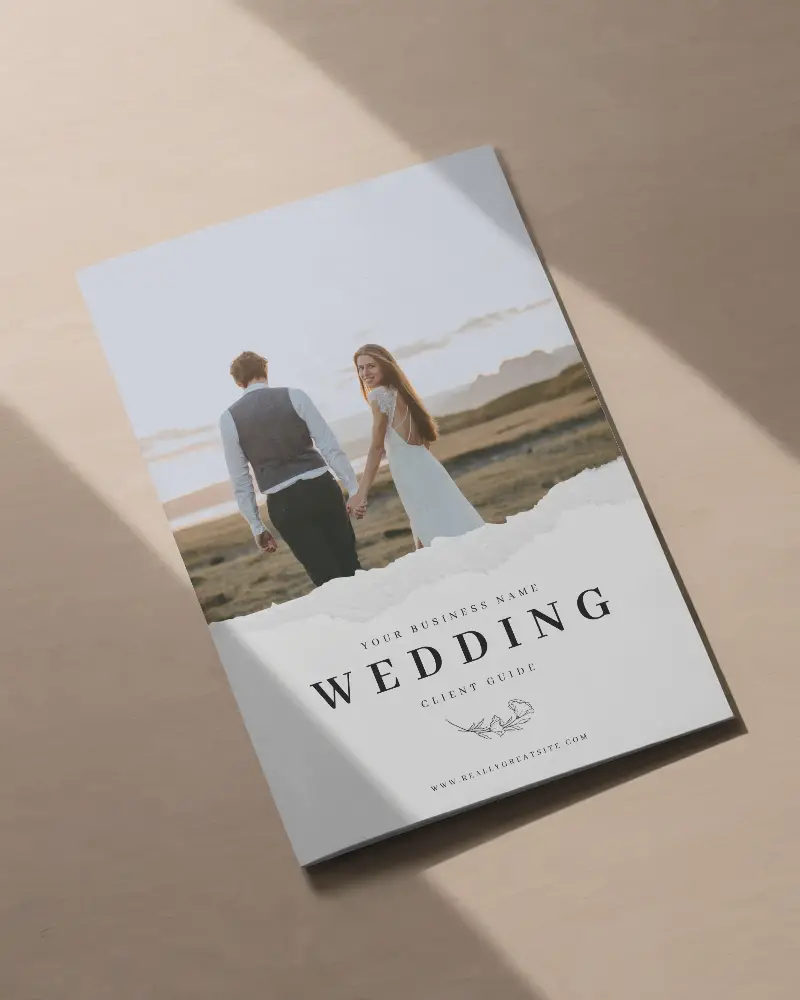
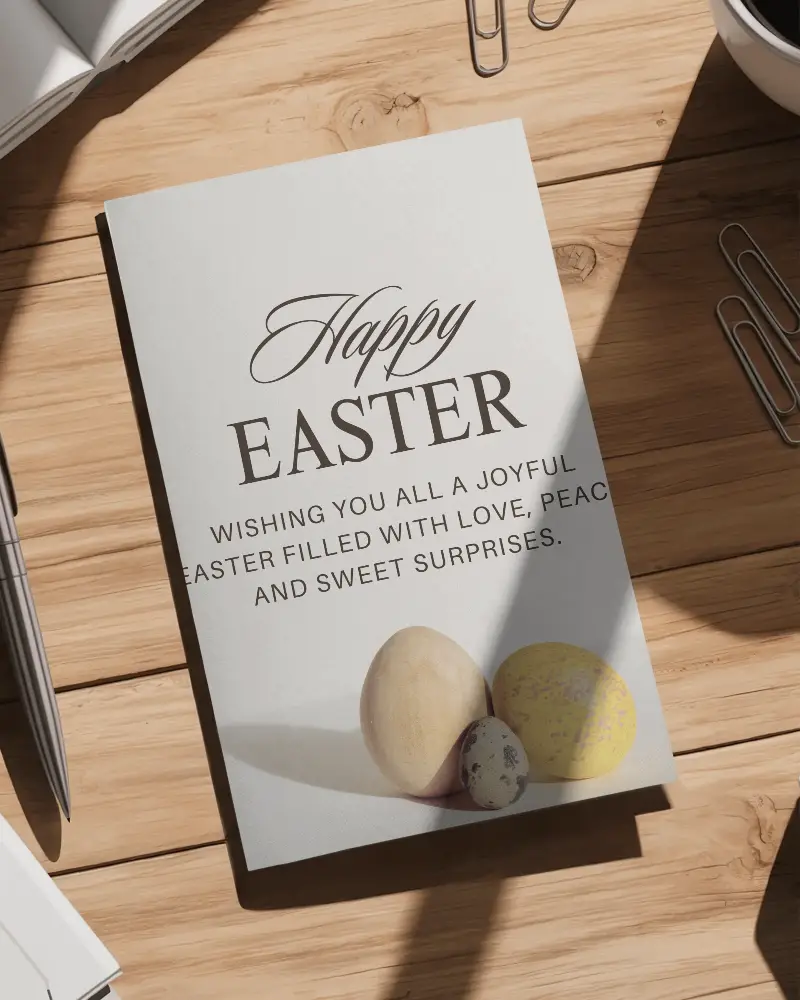
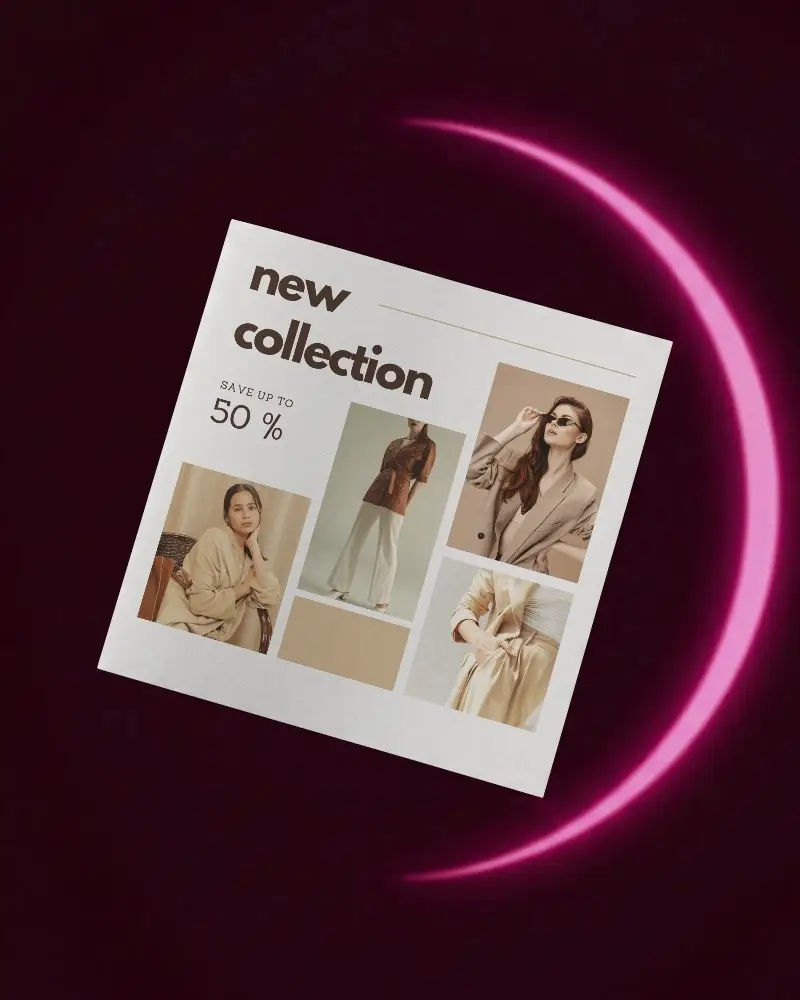
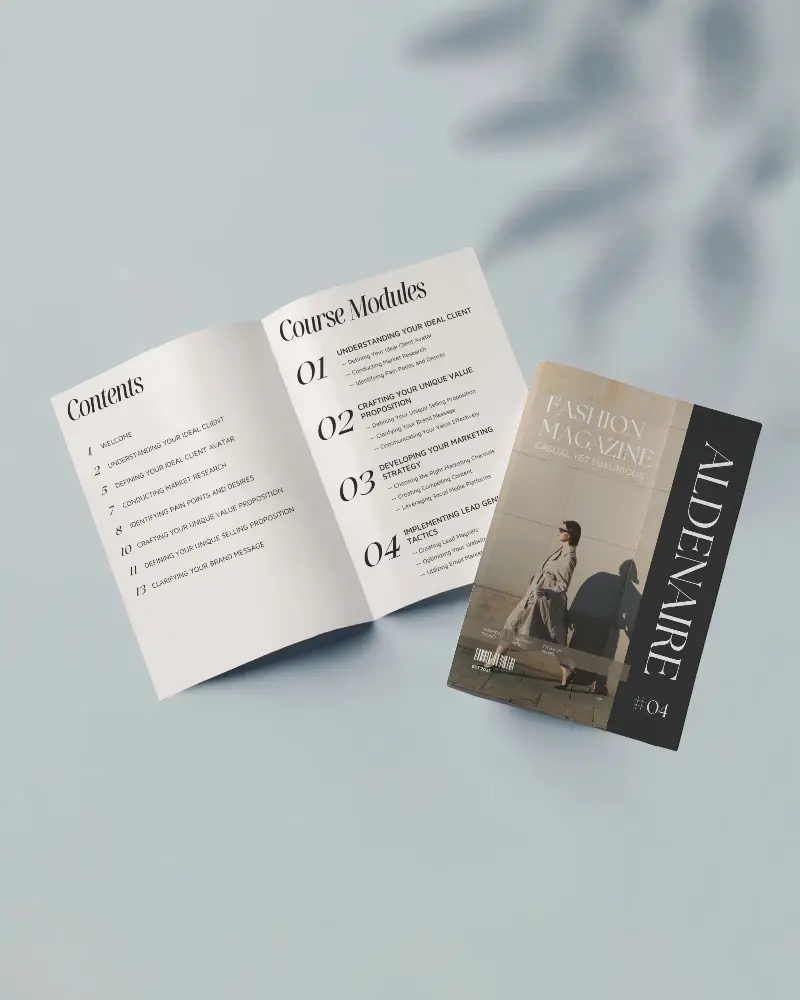
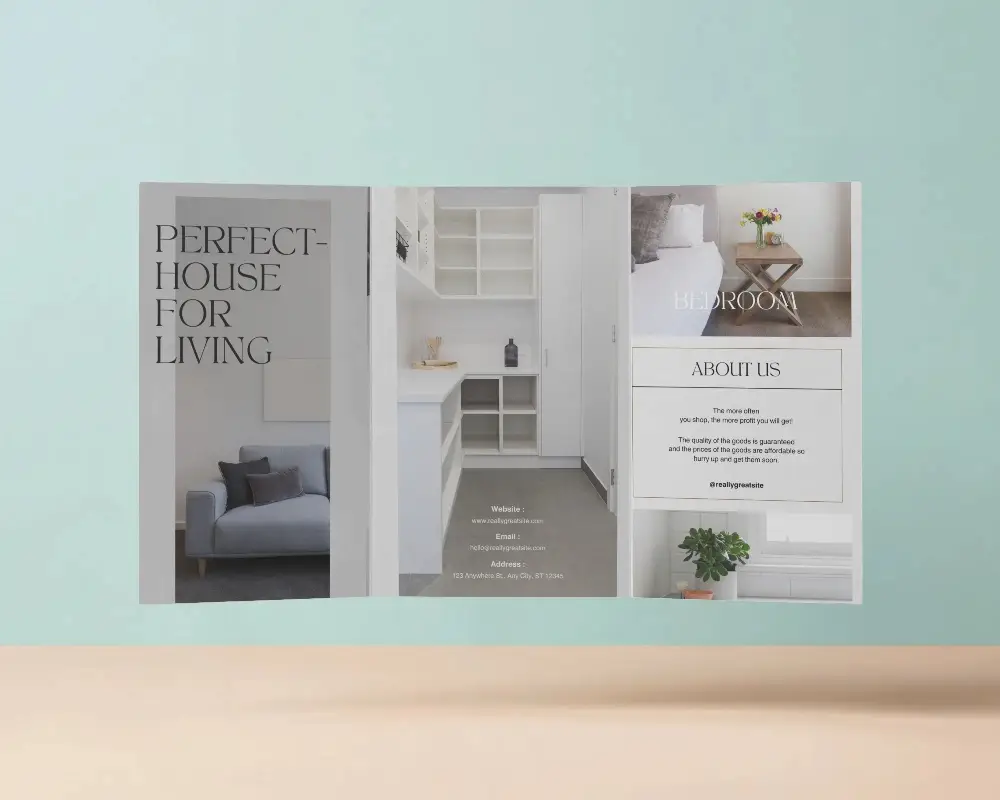
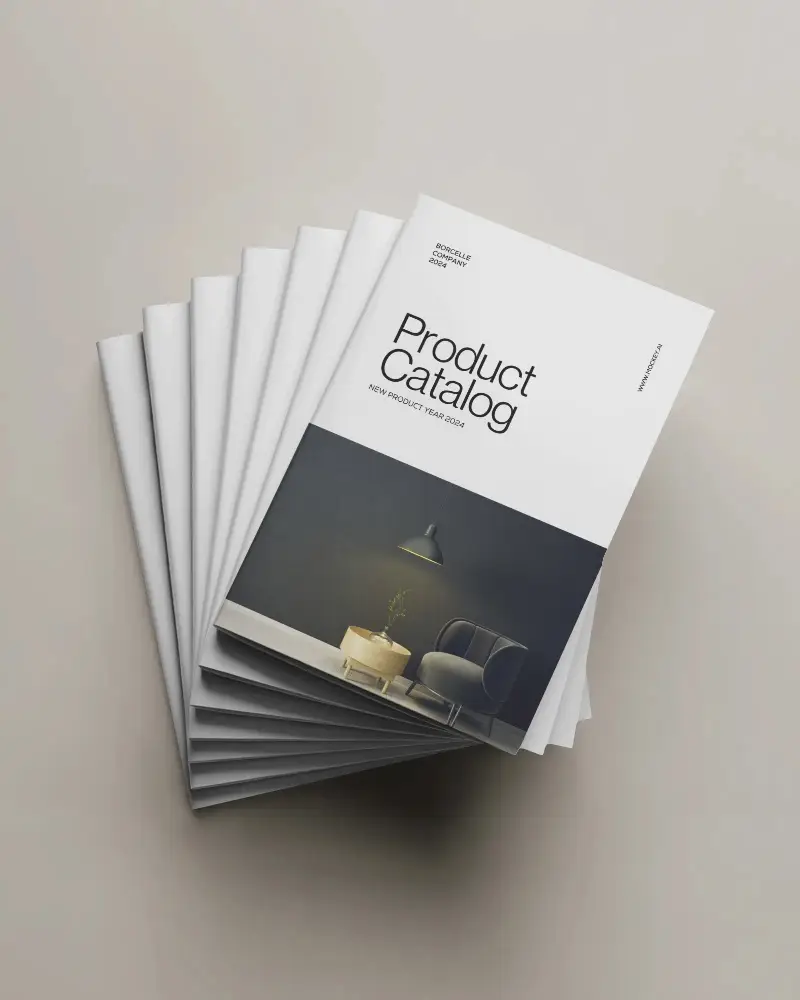
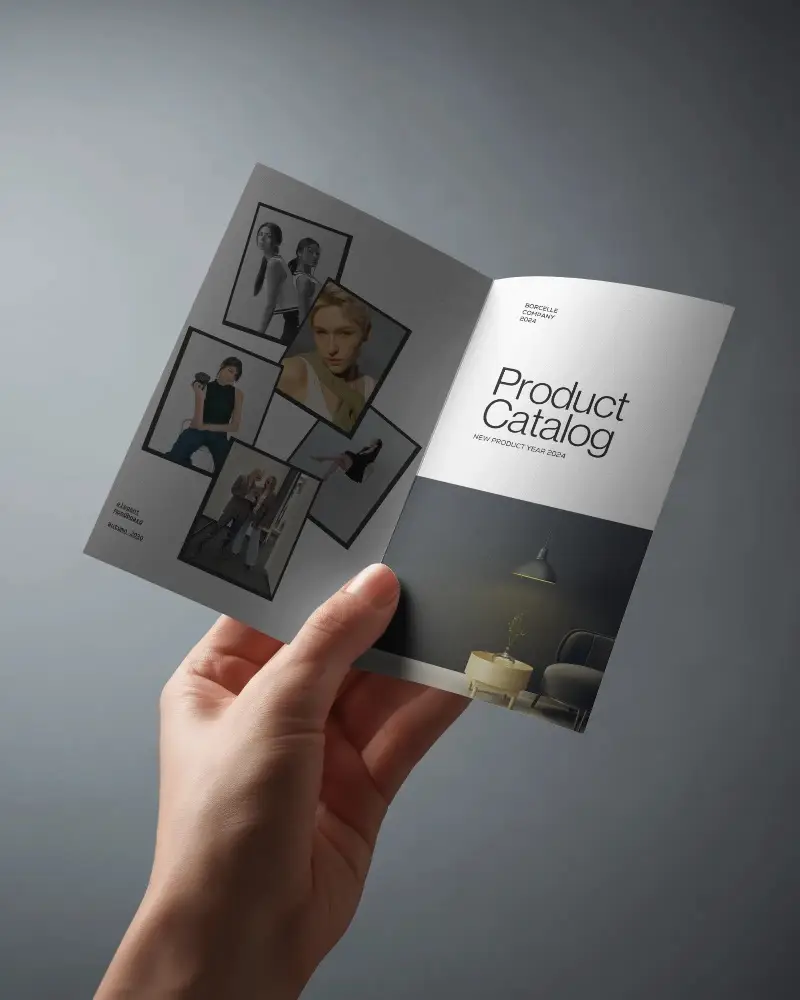
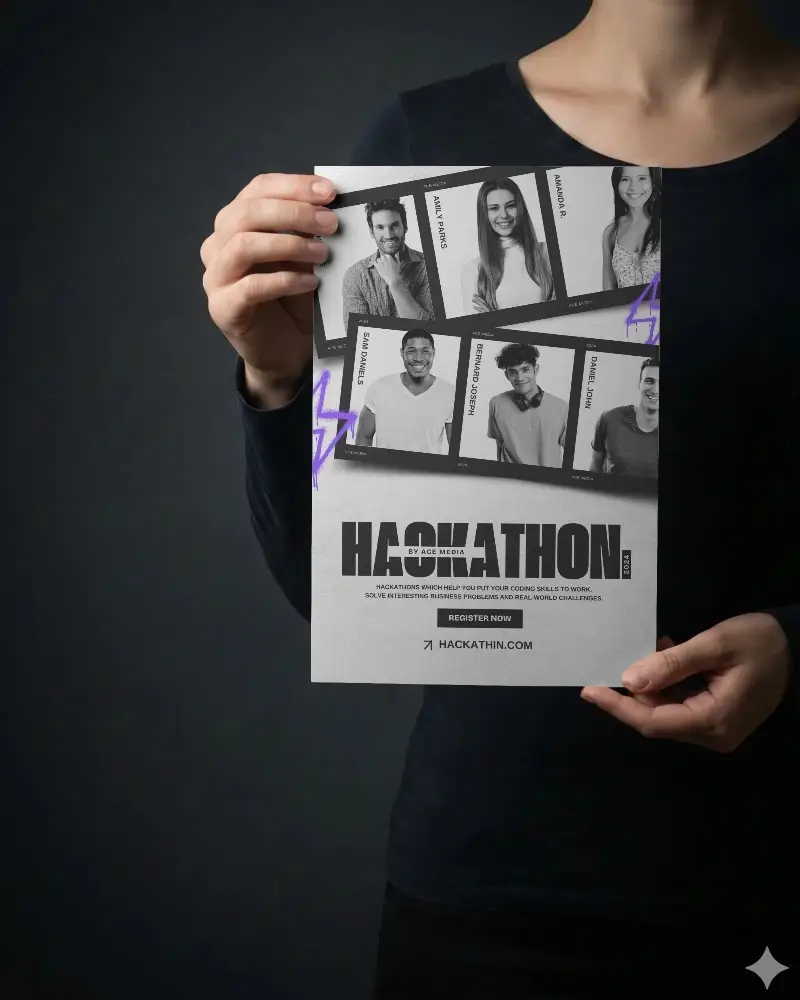
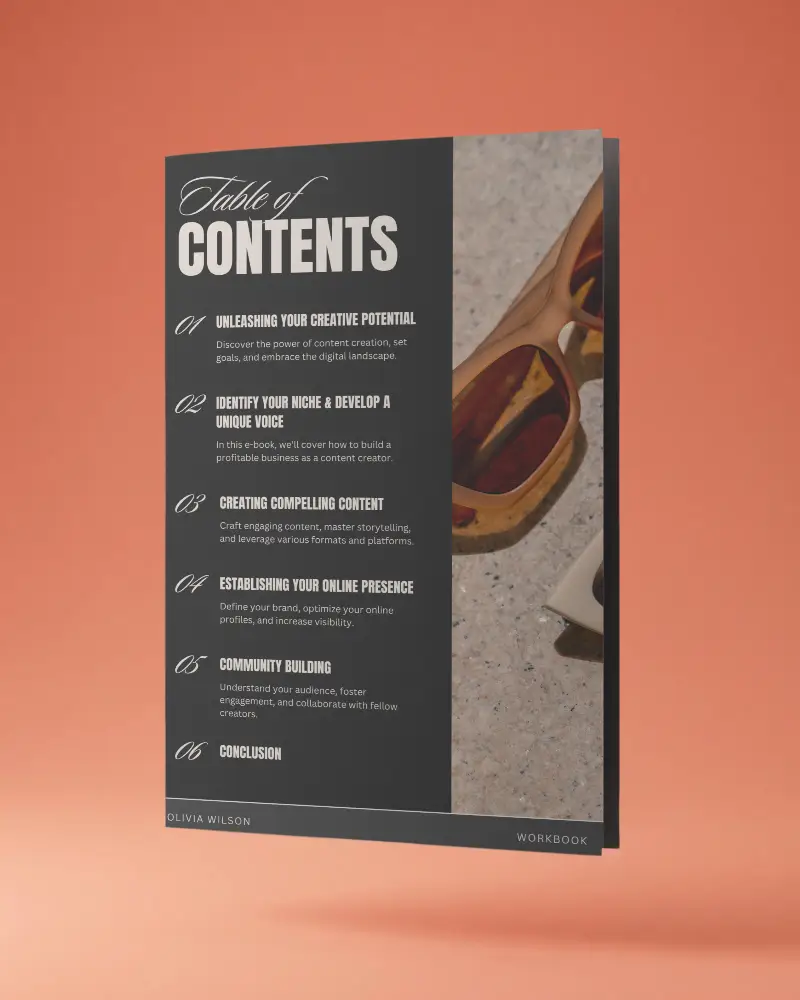
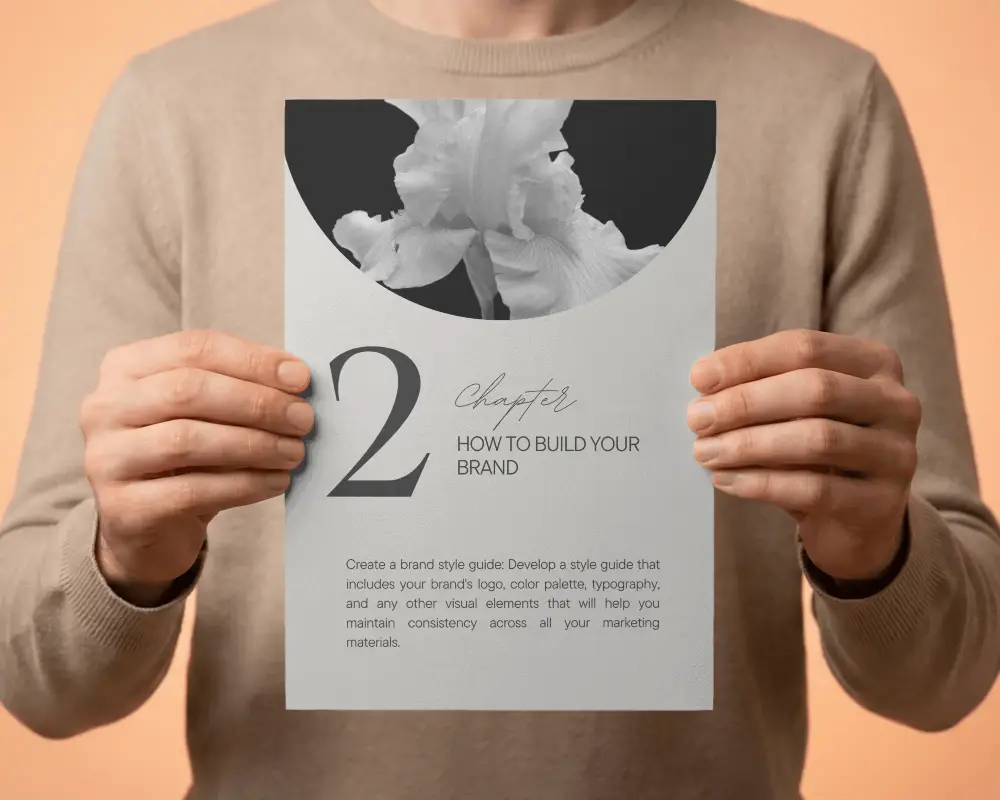
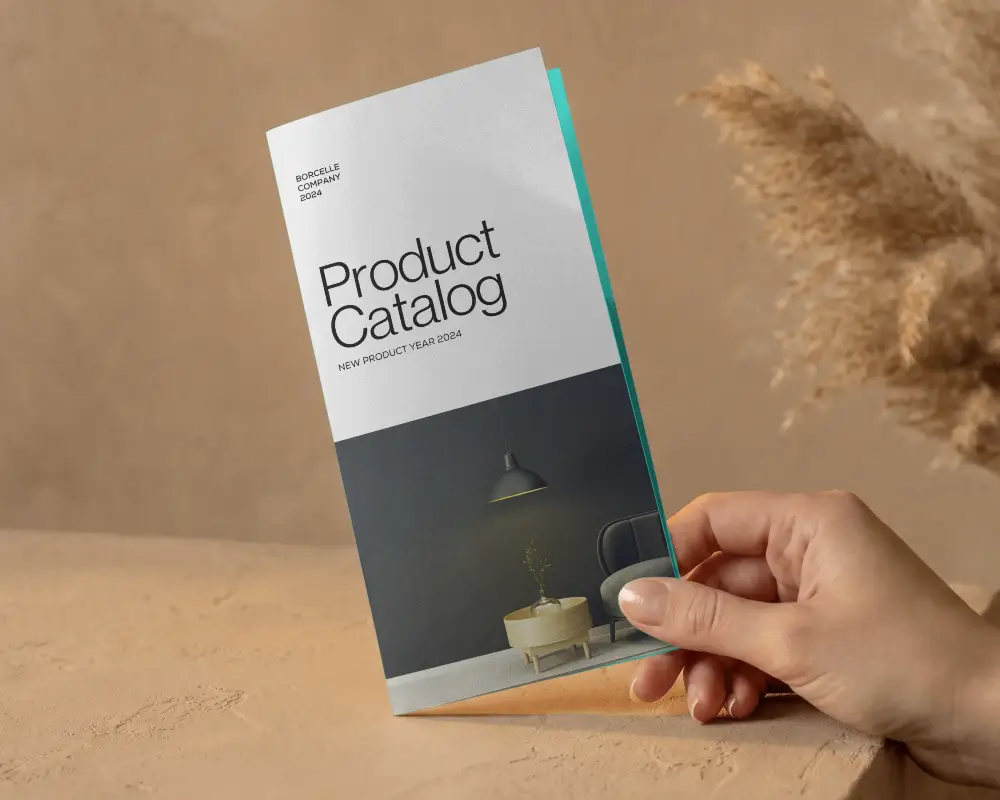
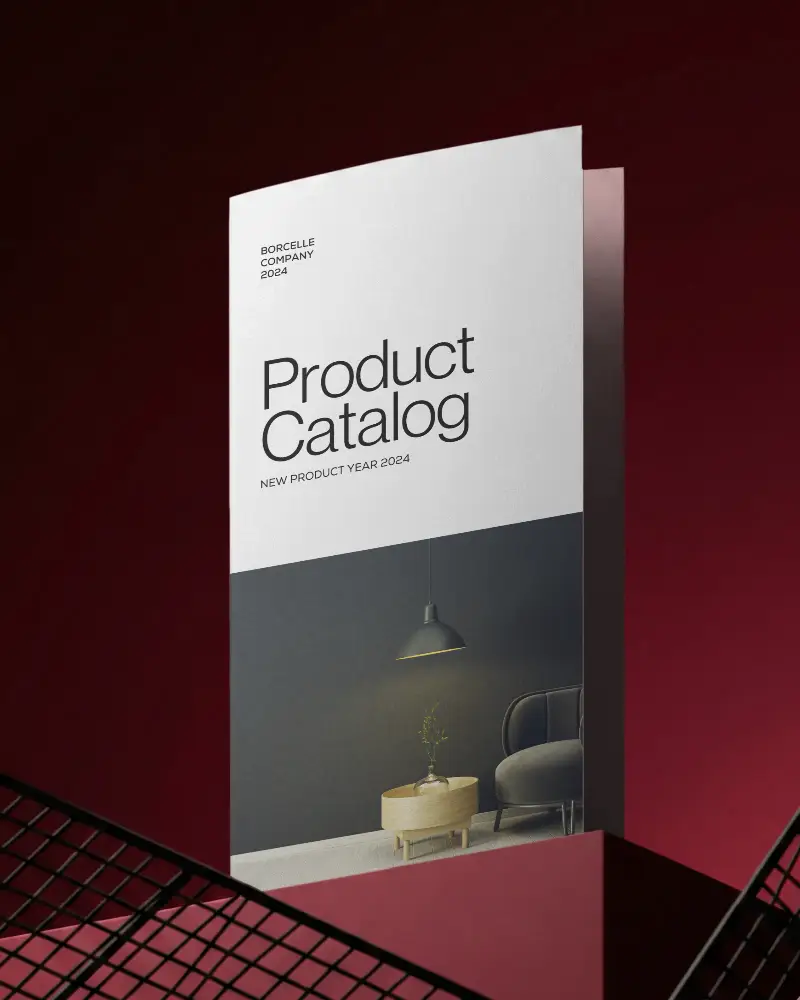
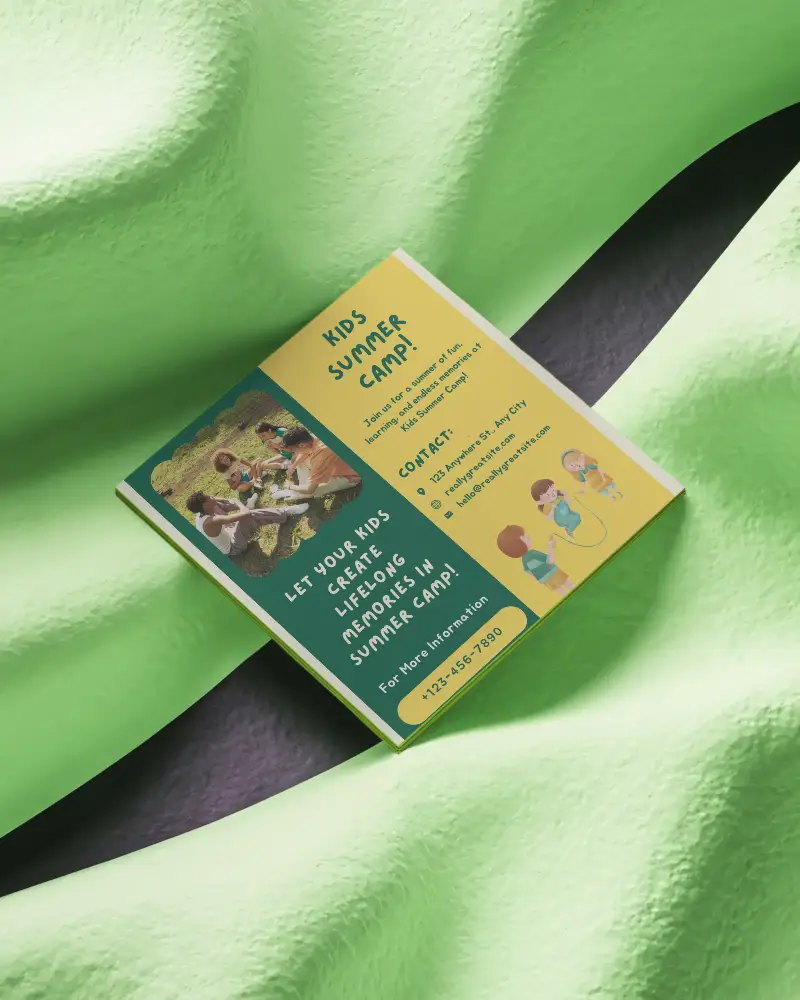
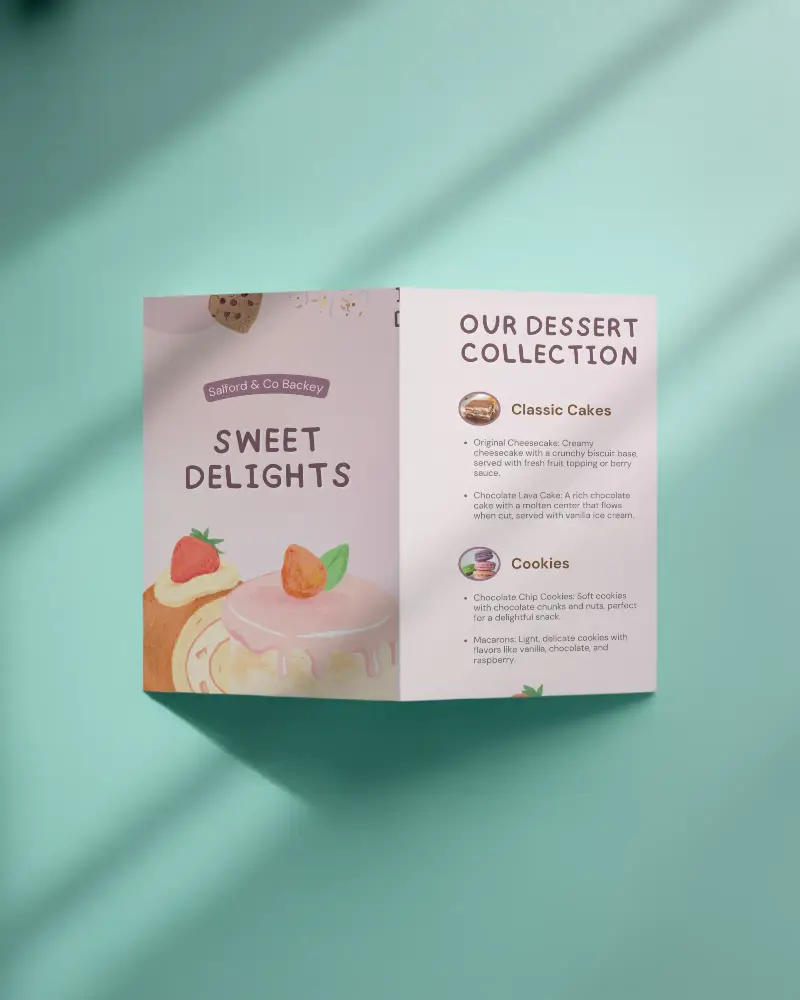

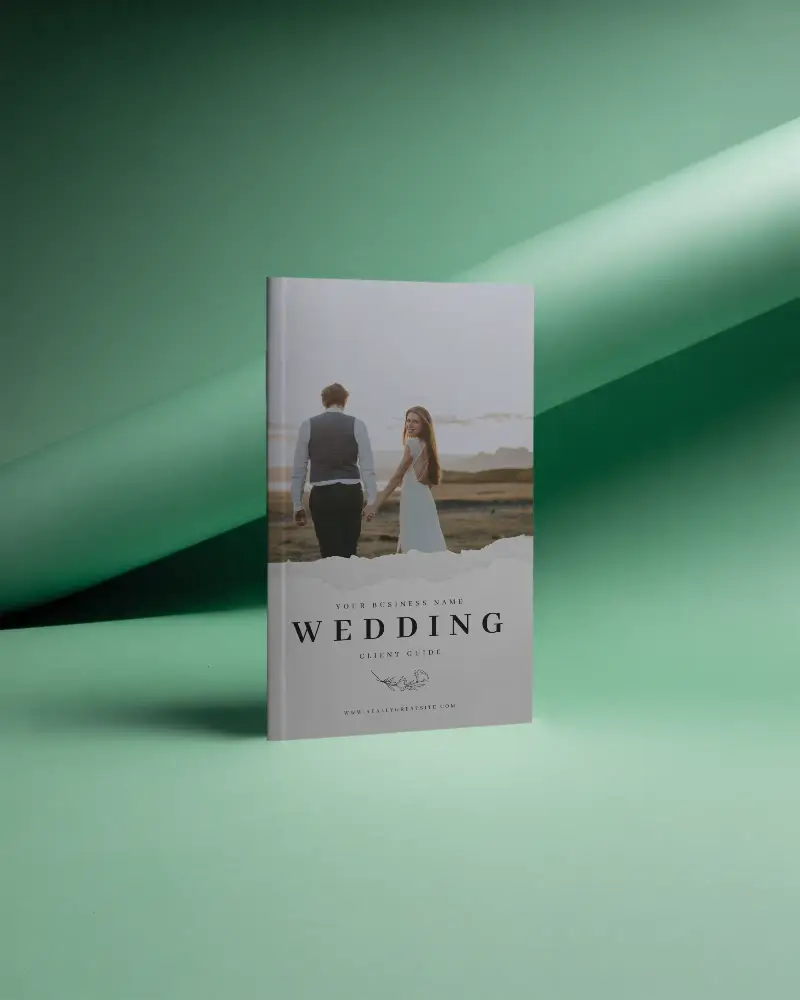
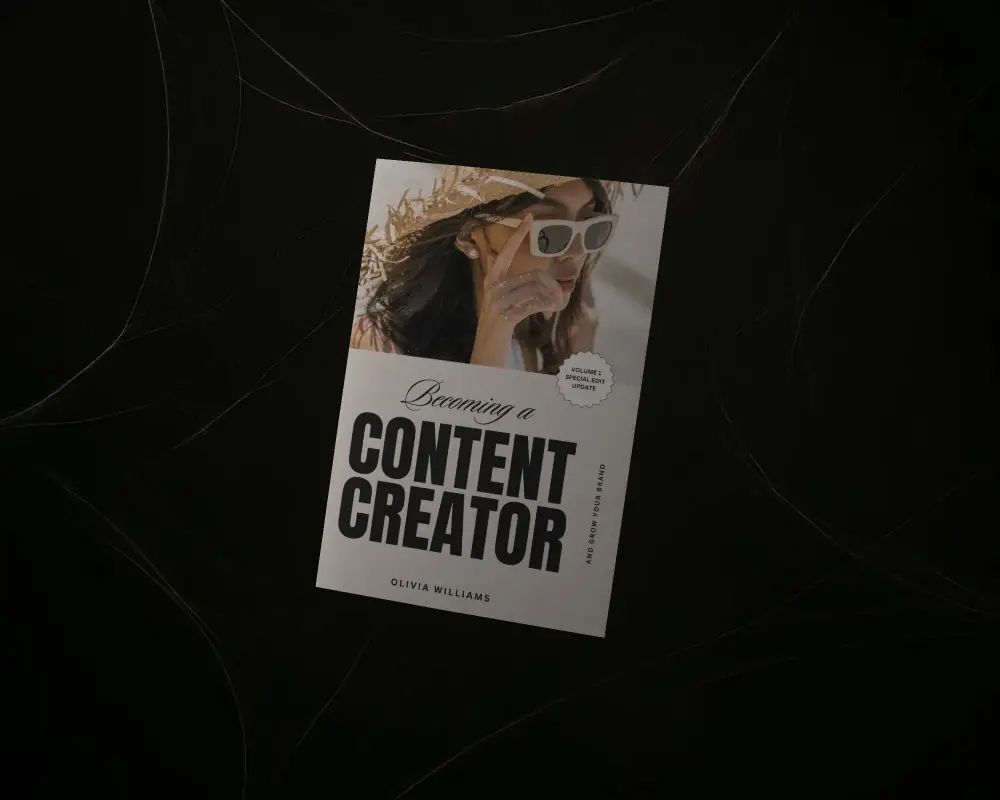
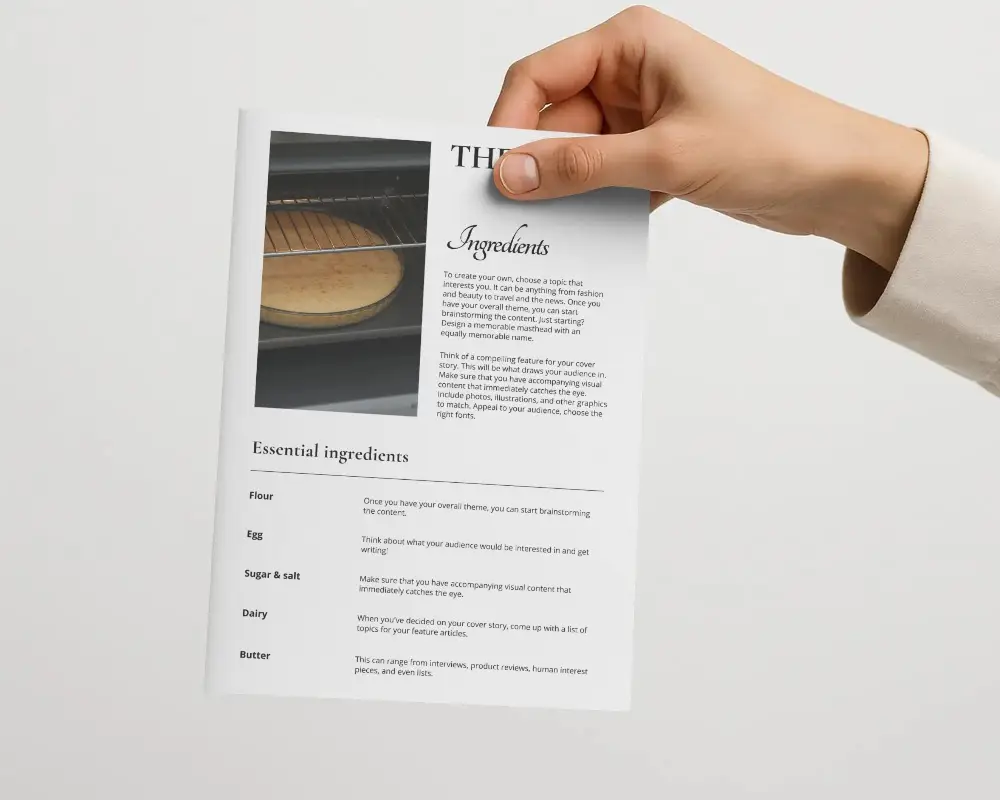
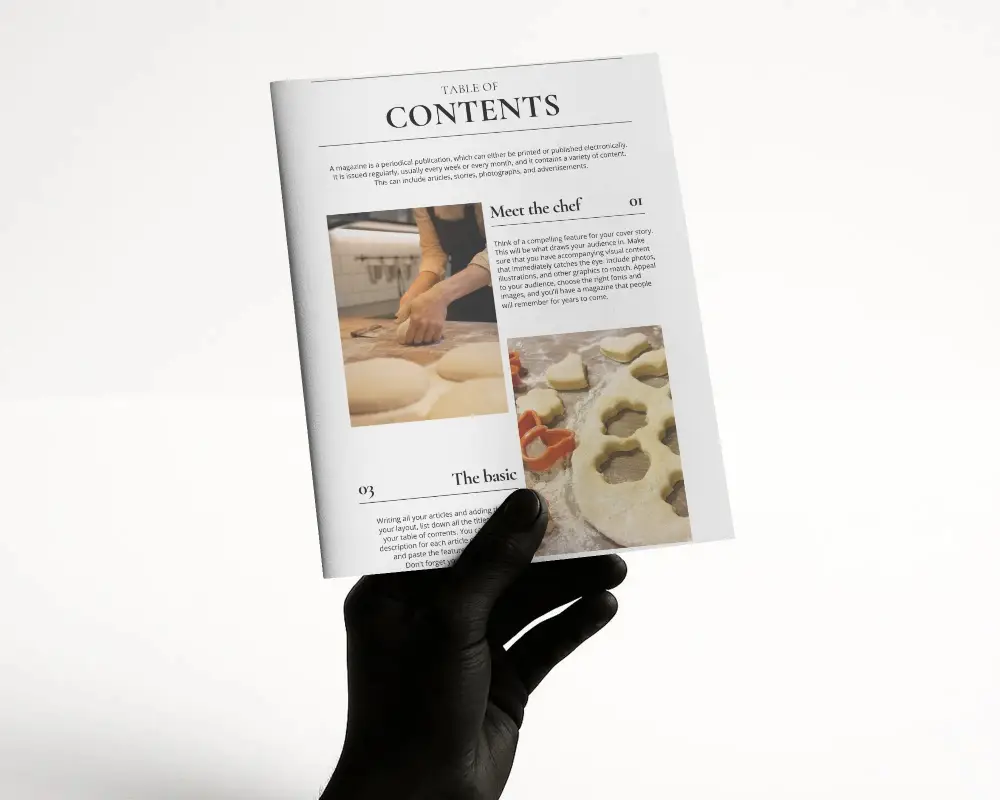
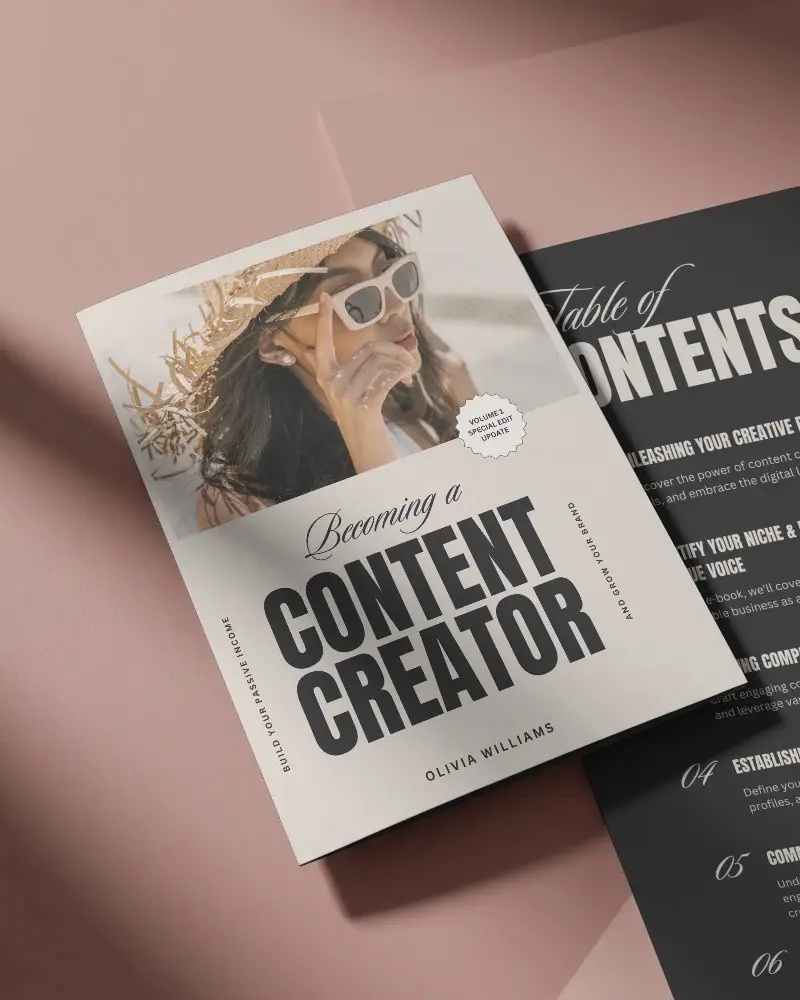
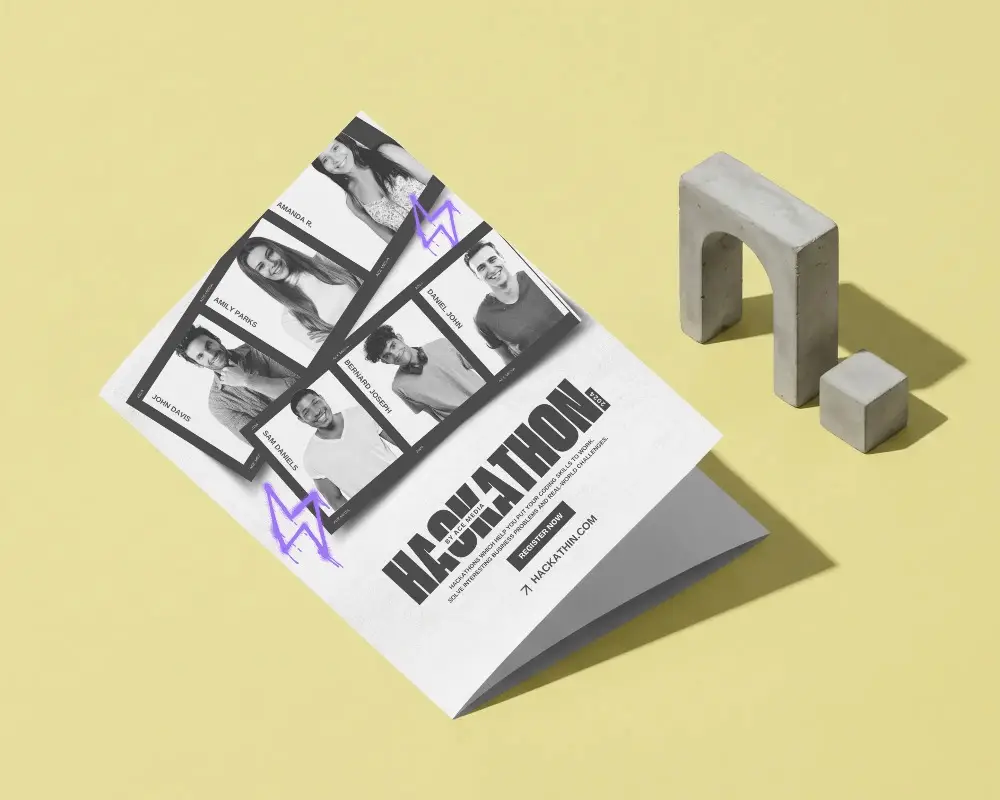
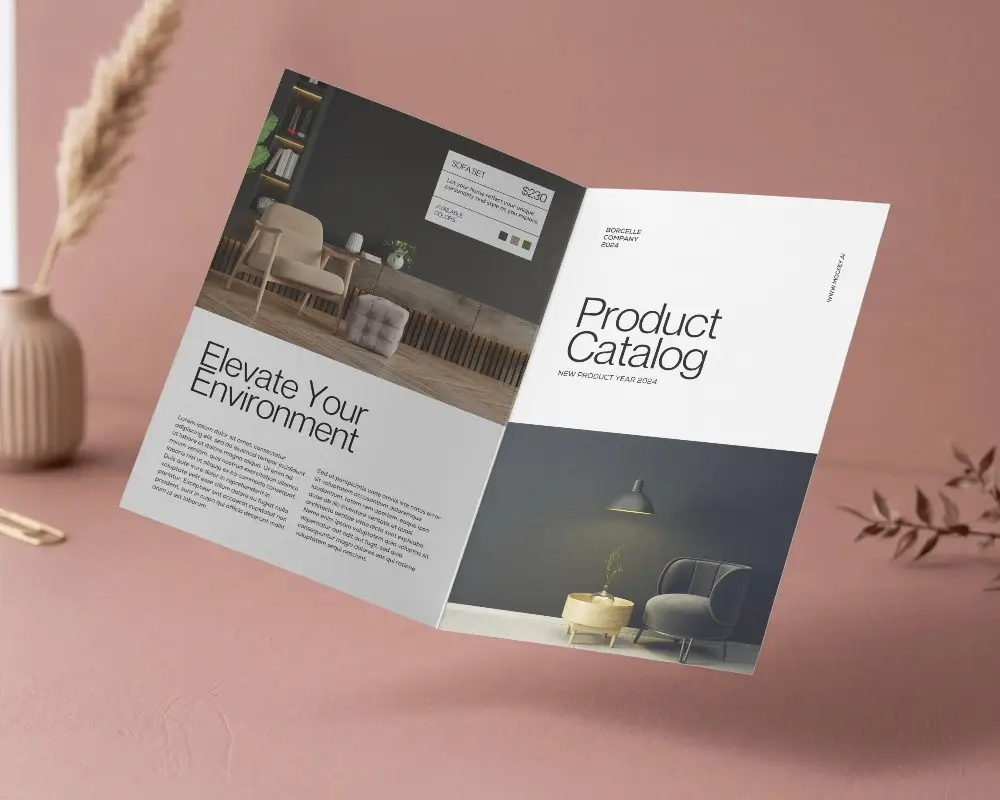
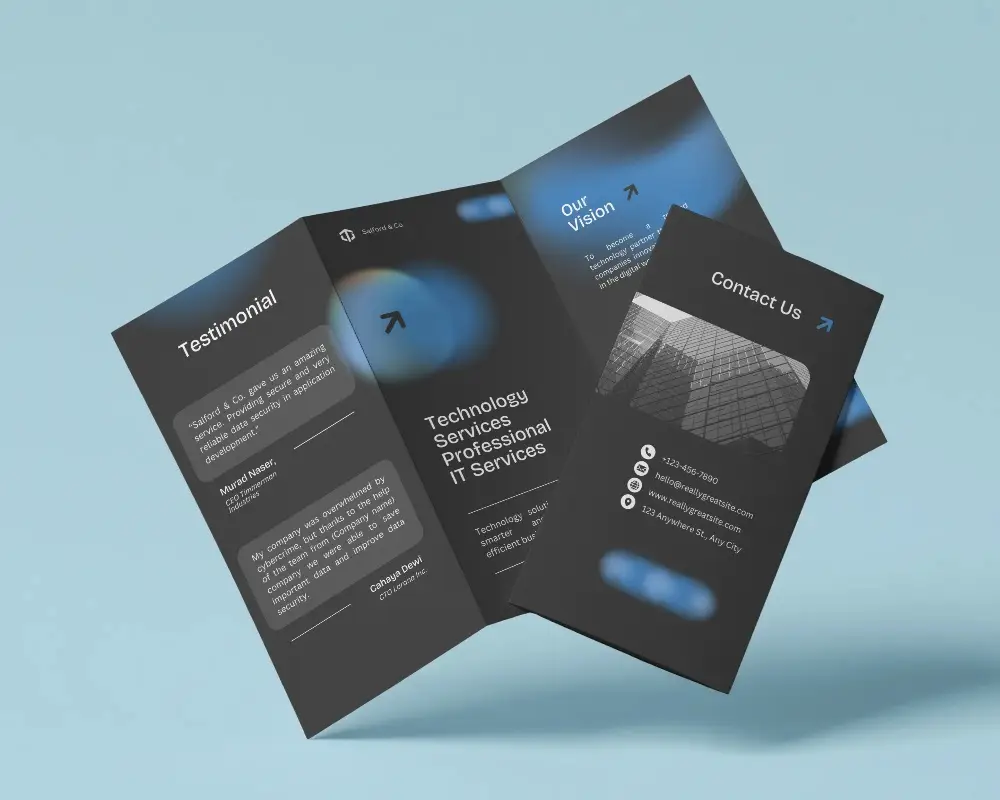
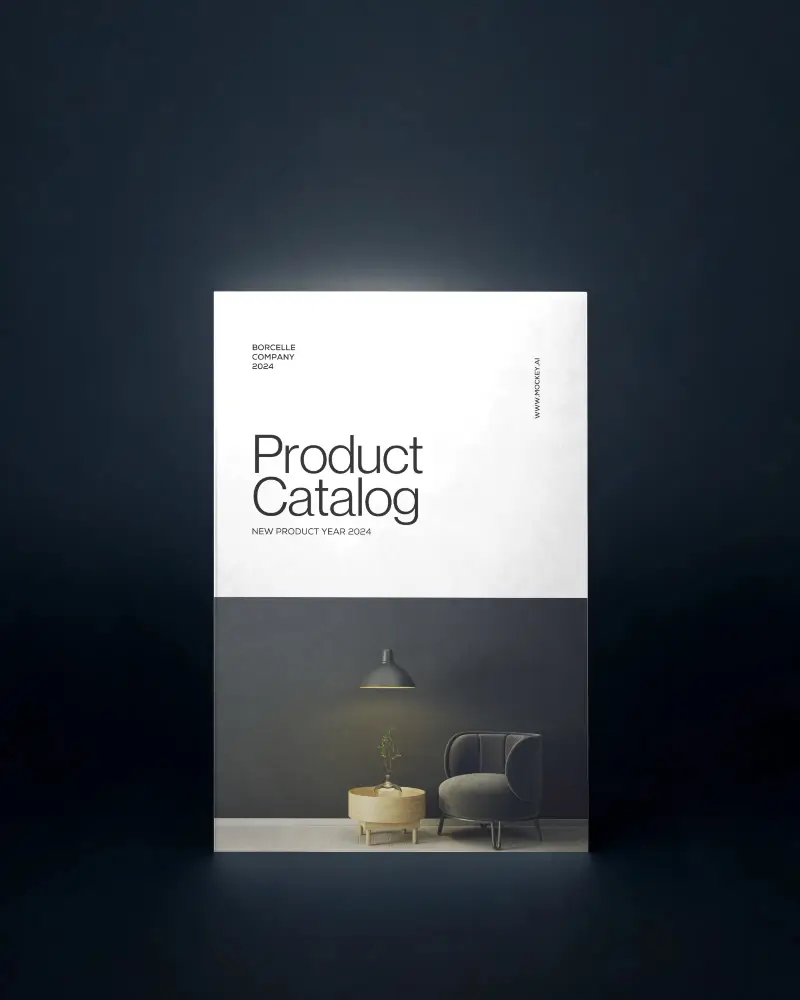
How to Create A4 Brochure Mockup with Mockey
To create an A4 brochure mockup in Mockey AI:
- Step 1: Go to Mockey, sign up, click on mockups, then print, then brochure, and choose A4 tag.
- Step 2: Upload your design, change colors, add a background, and finally, download it as a PNG or JPEG.


FAQs on A4 Brochure Mockups
How to create an A4 brochure mockup?
Go to Mockey, sign up, click on mockups, then print, then brochure, and choose A4 tag. Upload your design, change colors, add a background, and finally, download it as a PNG or JPEG.
What is an A4 brochure mockup?
An A4 brochure mockup is a digital picture that shows how a brochure the size of a school notebook will look when printed or shared.
Why Use Mockey’s A4 brochure mockup?
Mockey AI’s A4 brochure mockups help designers show their work beautifully. They come in many styles, are easy to edit, and don’t need special skills to use.
Is this A4 brochure Mockup Free?
You can get free A4 brochure mockups from Mockey AI with 400*500 pixels. You don’t have to pay, and you can use them for any creative work.
Do I need an account to create a free A4 brochure mockup on Mockey?
To use all A4 brochure templates, first, join Mockey AI. How? Sign up with a Gmail account. It’s free and simple! Just enter your Gmail and start using templates.
Can I create a free A4 brochure mockup on Mockey using my phone?
You can easily use it on your phone to customize an A4 brochure mockup. You can see a quick preview, but AI tools won’t work.
How realistic are the free A4 brochure mockups on Mockey?
Mockey AI has free A4 brochure mockups that look real and are easy to use. They have clear images and can be downloaded in PNG files.
Can I add text and logos to my free A4 brochure mockup on Mockey?
You can put a logo in Mockey AI, but it must be a PNG or JPG picture. There is no button to type text in Mockey AI.
