Landscape Brochure Mockups free Download
Showcase your designs with premium Landscape Brochure Mockups. Download free brochure templates for realistic, customizable presentations in minutes
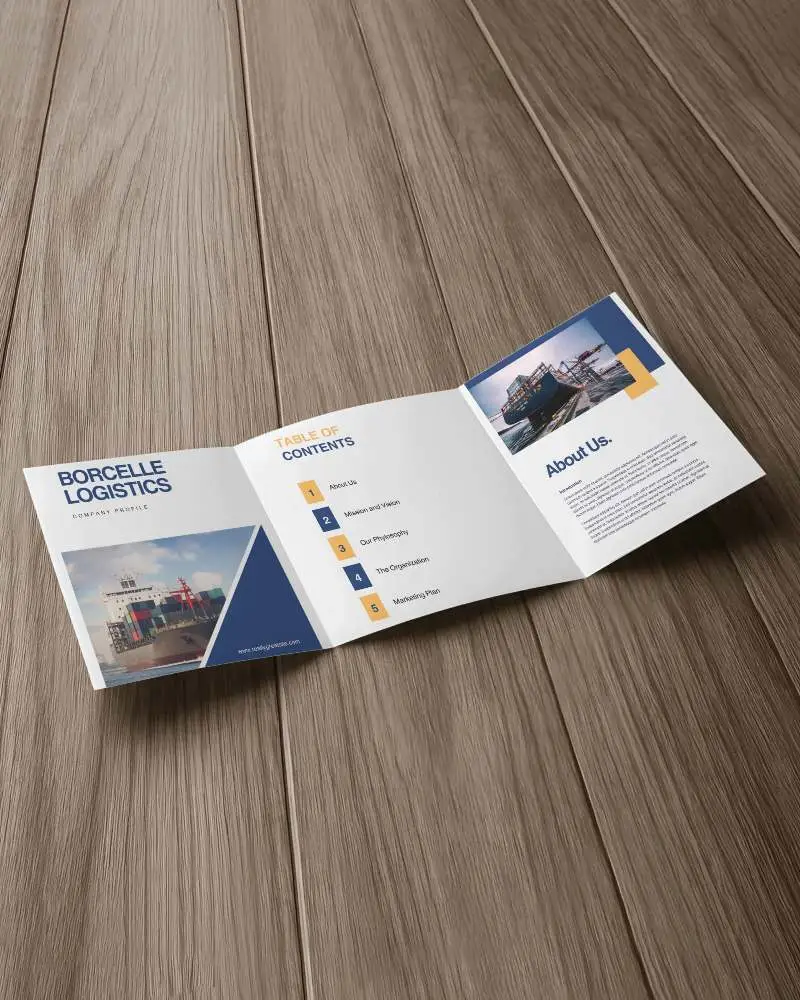

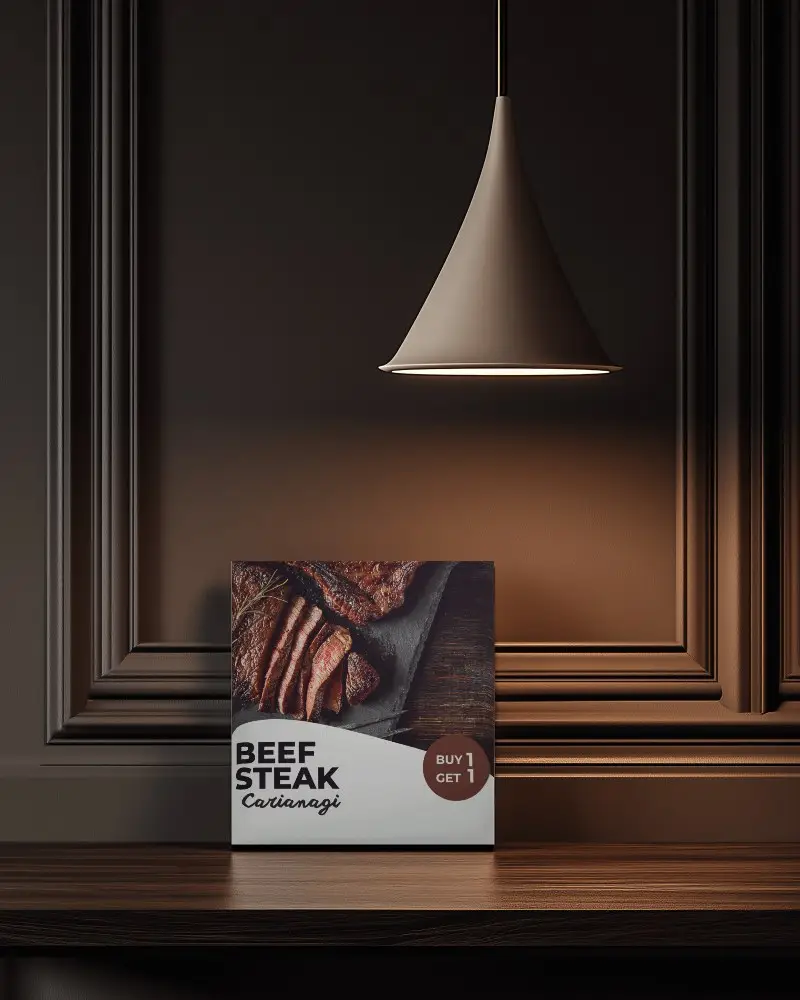
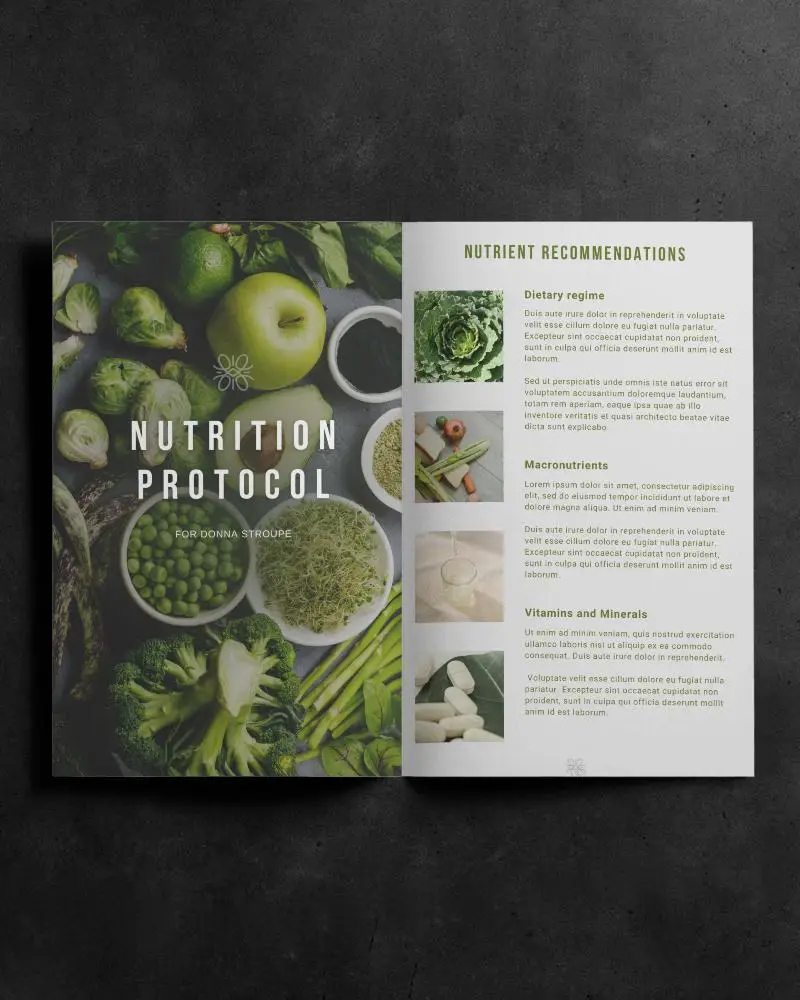
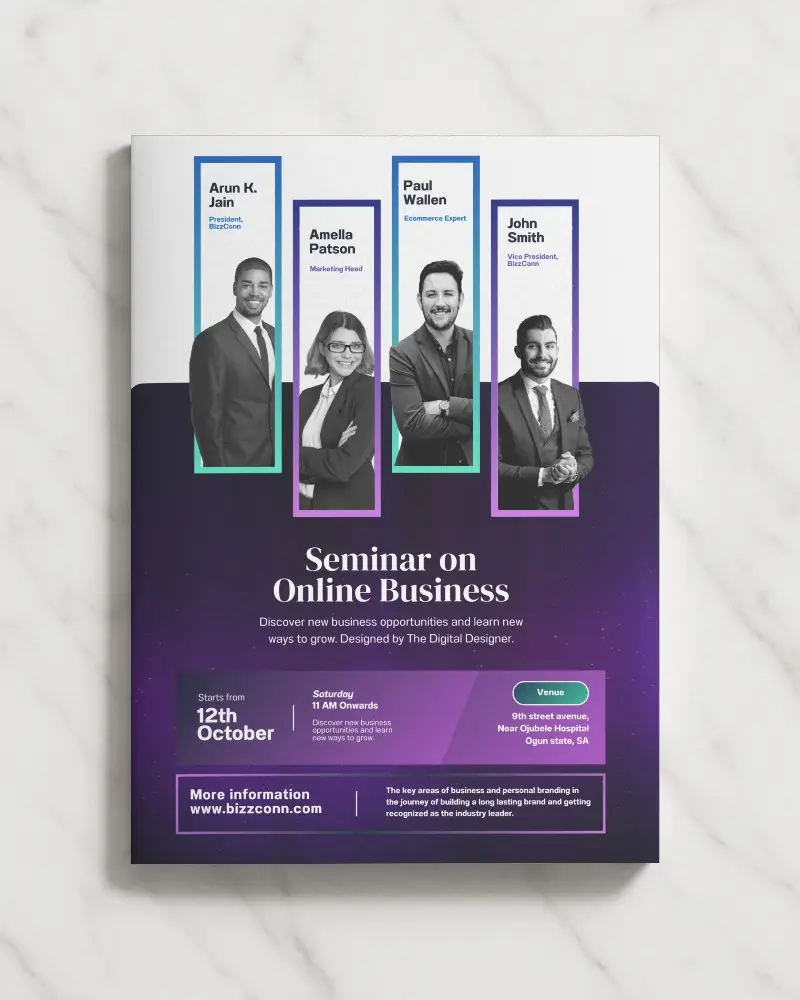


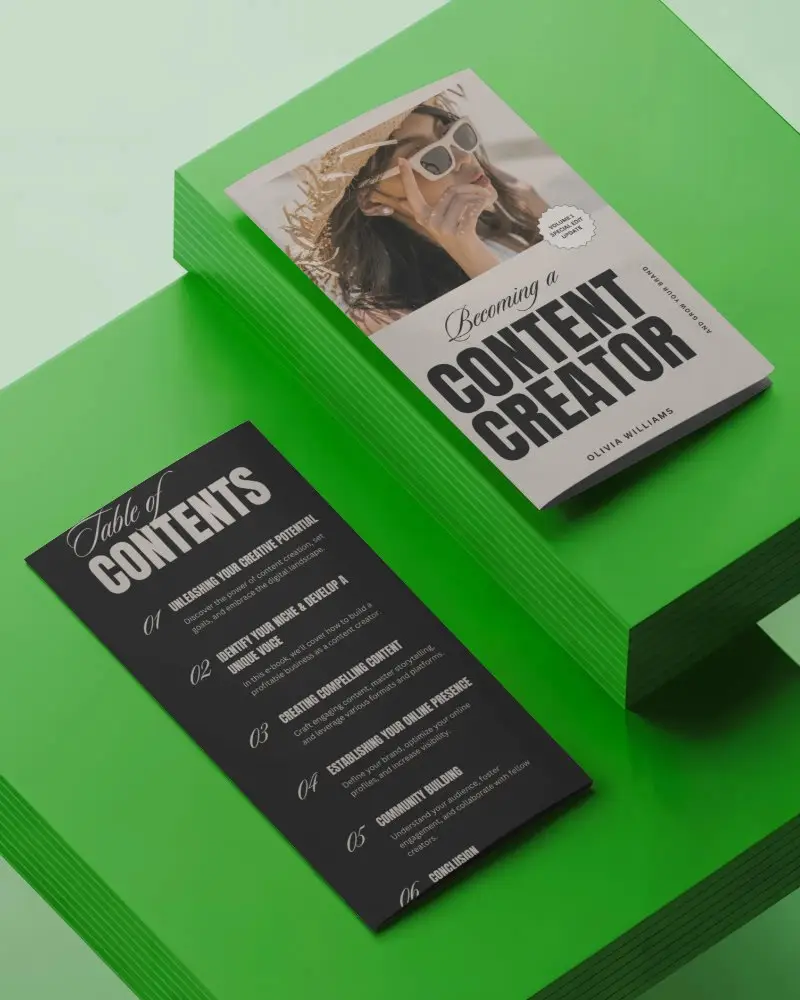
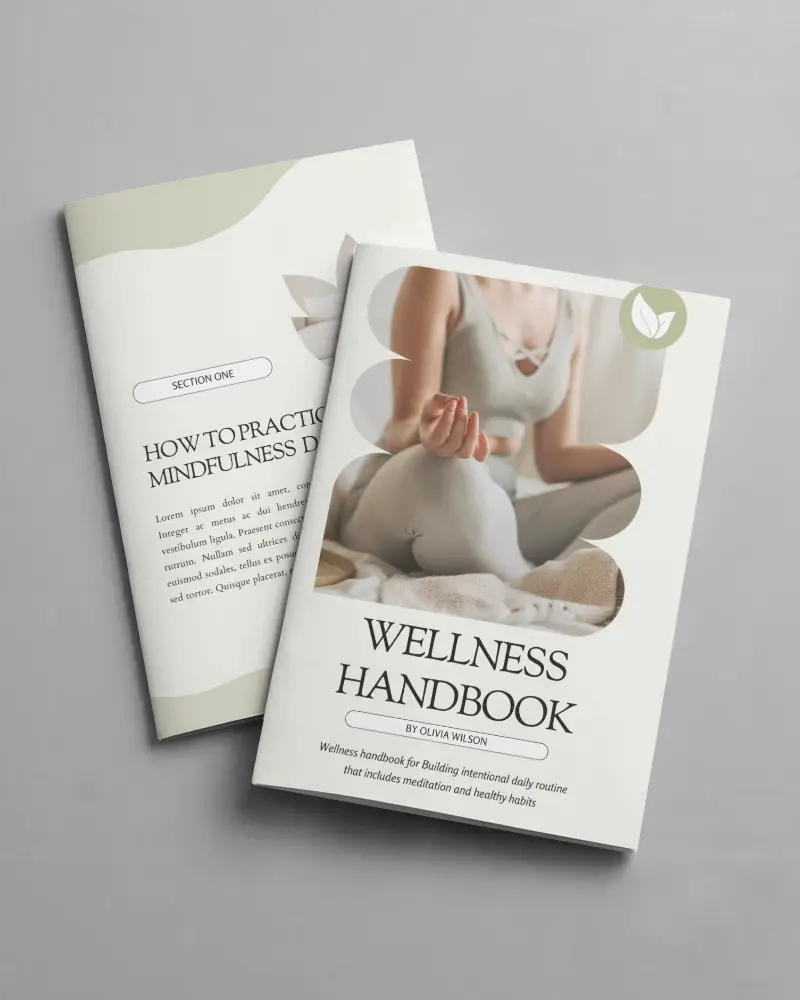

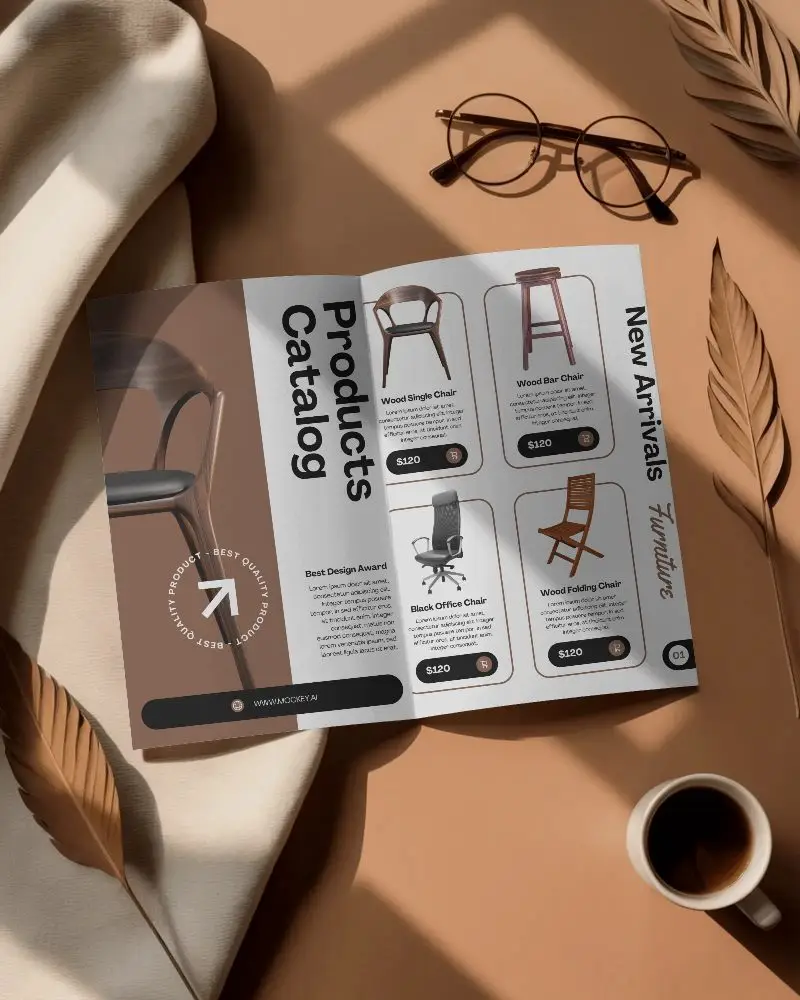
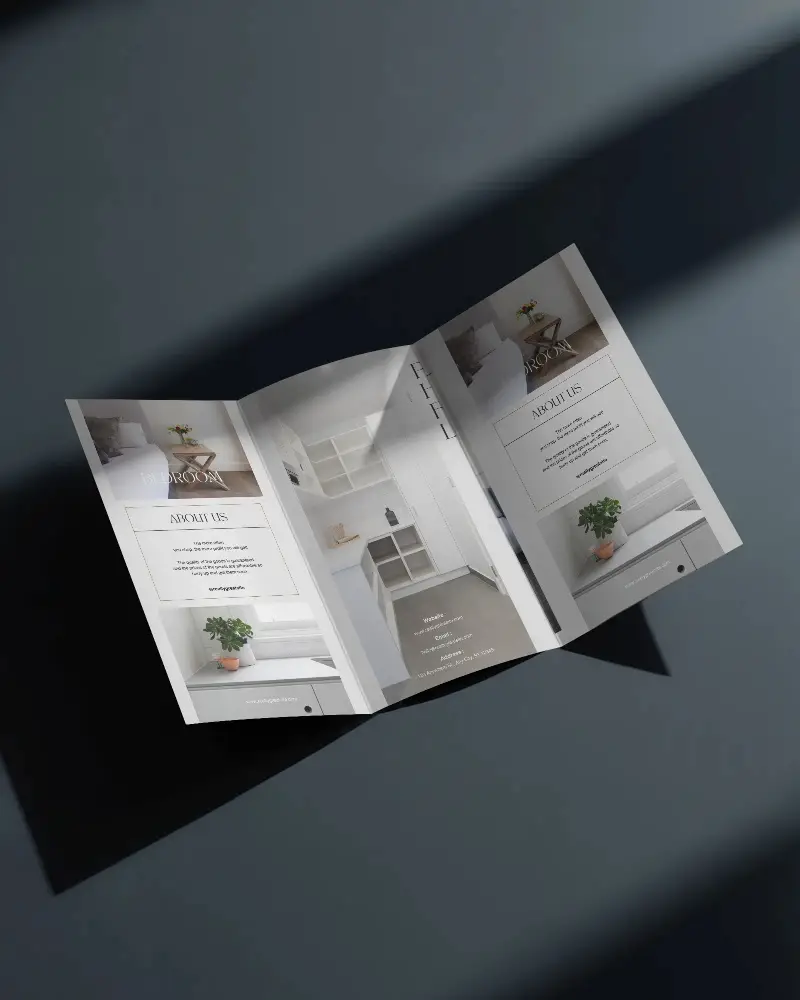
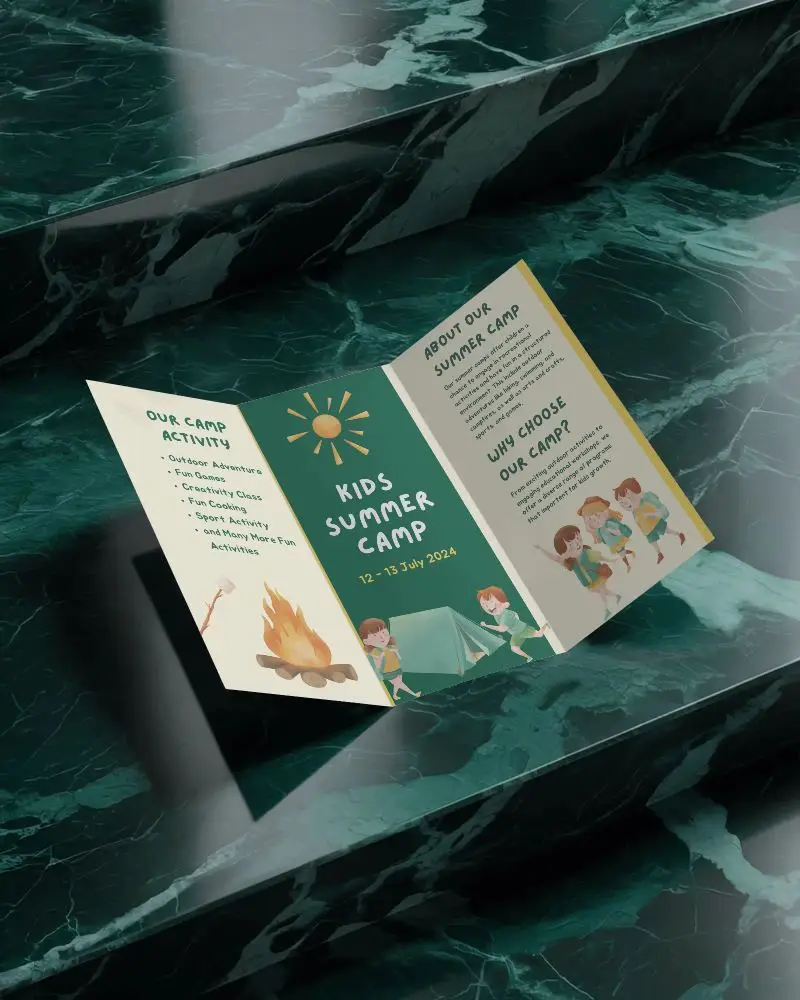
How to Make Landscape Brochure Mockup with Mockey
Follow the steps to create Landscape Brochure Mockups in Mockey AI
- Step 1: Click Mockups, then look for the Landscape Brochure category in the print section
- Step 2: Then click Upload Design and pick your Landscape Brochure template
- Step 3: Customize and export it by hitting the Download button for free without any watermark.


FAQs on Landscape Brochure Mockups
How to create a Landscape Brochure mockup?
To create a Landscape Brochure mockup first, go to the “Mockups” section, find “Print,” and select “Brochure.” Then, pick a brochure style from the options and click “Add Design” to upload your image and start customizing it. When you’re finished, just click “Download” to save your brochure mockup without a watermark.
What is a Landscape Brochure mockup?
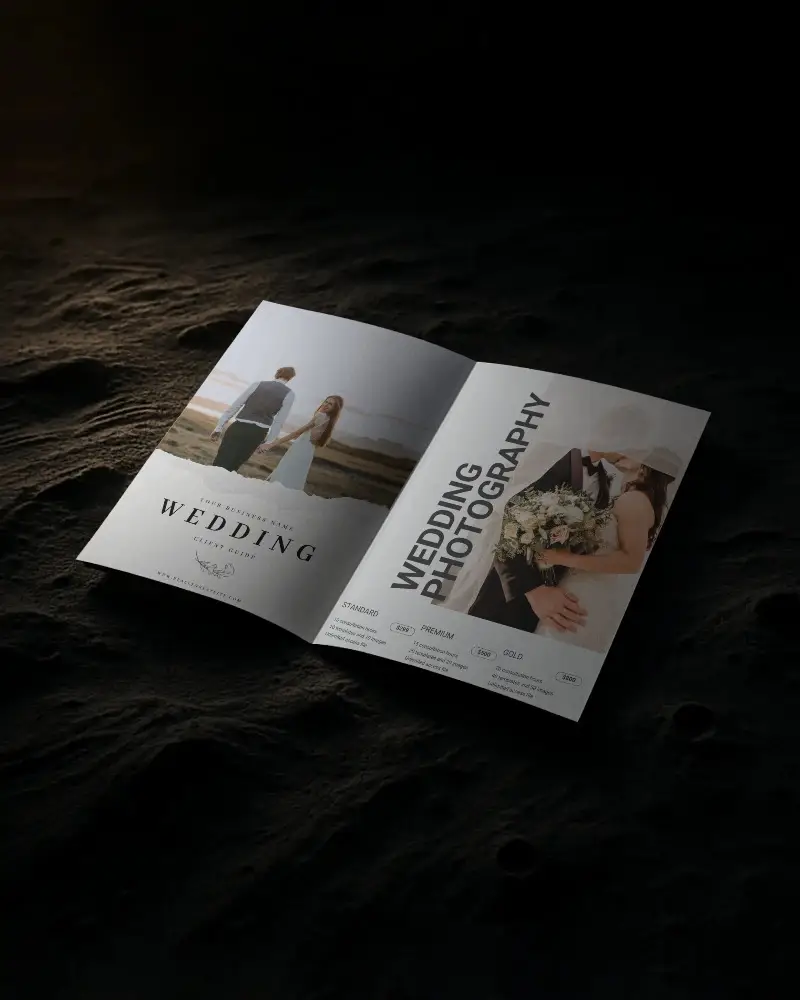
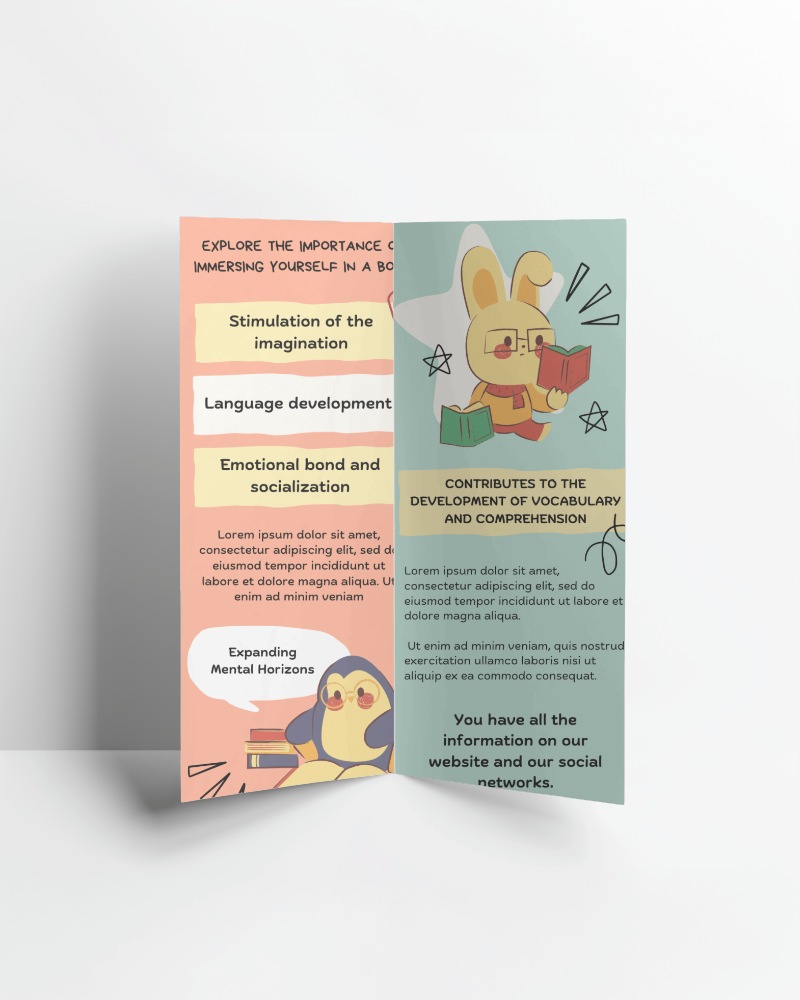
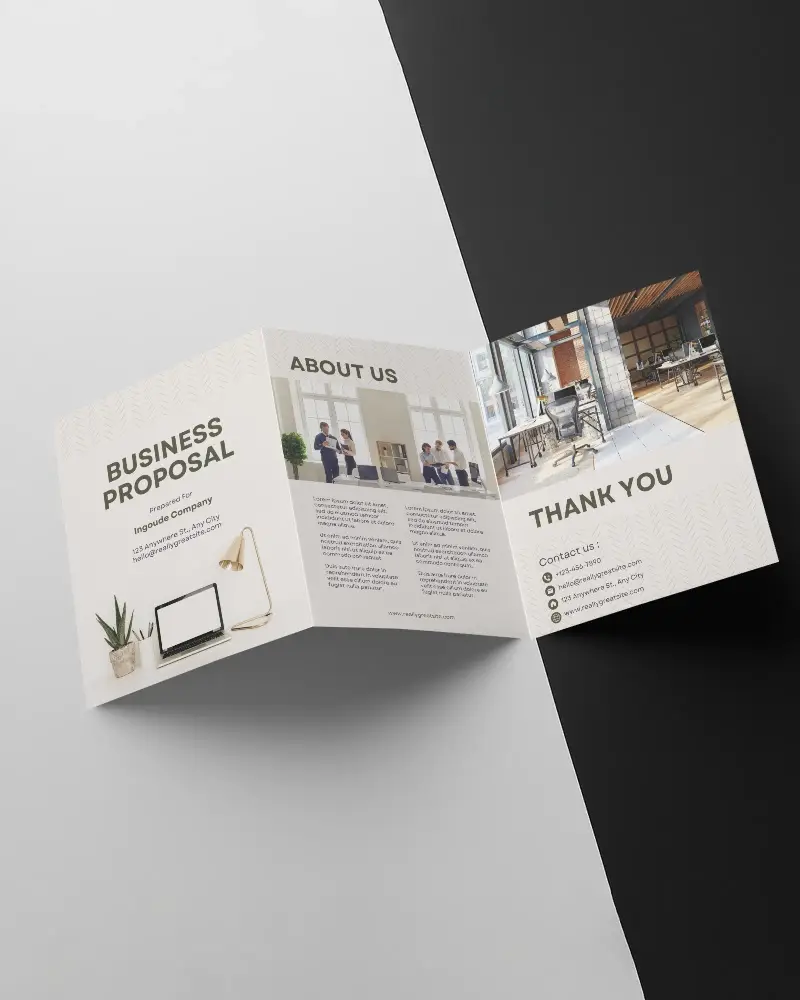
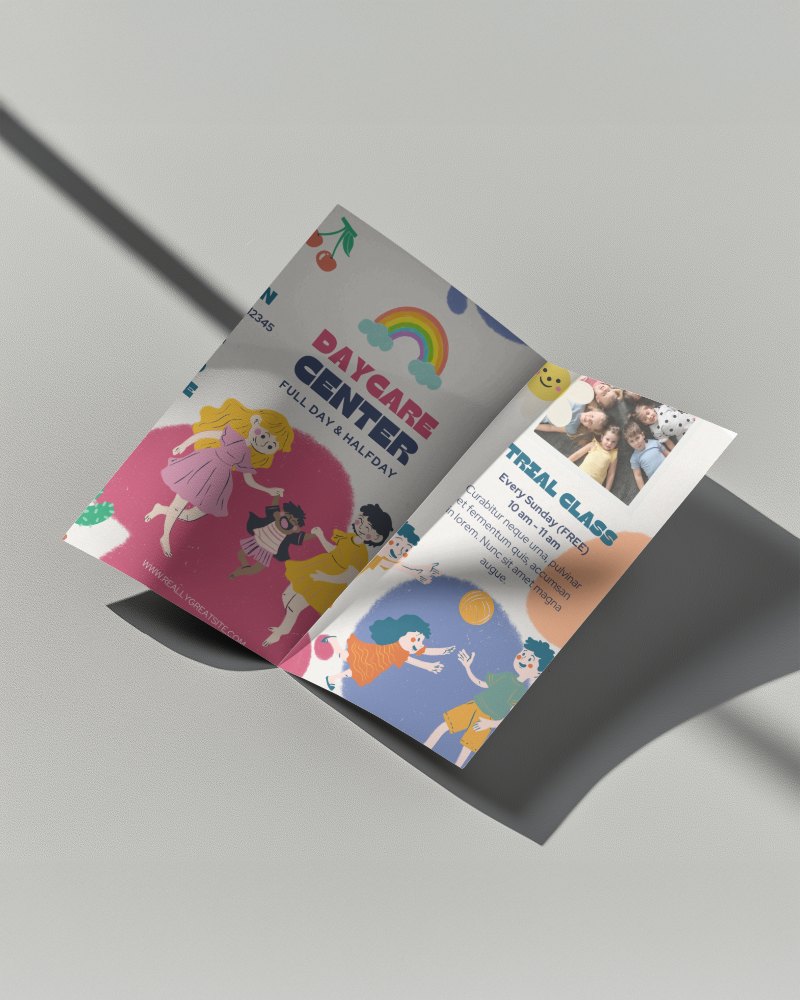
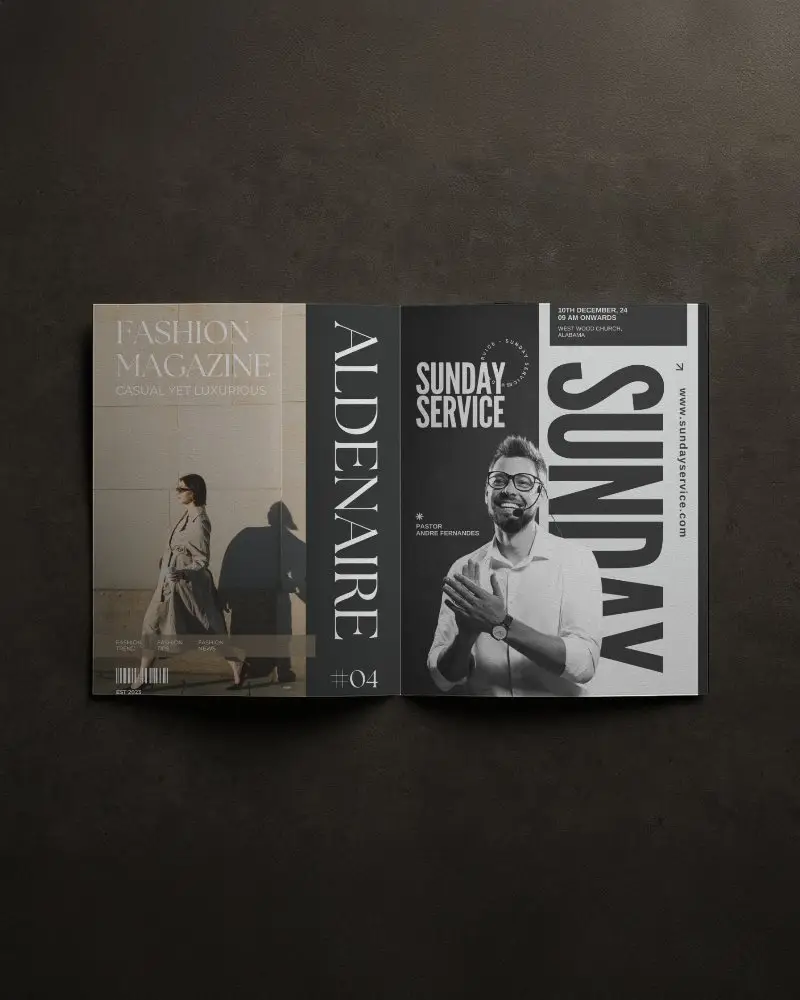
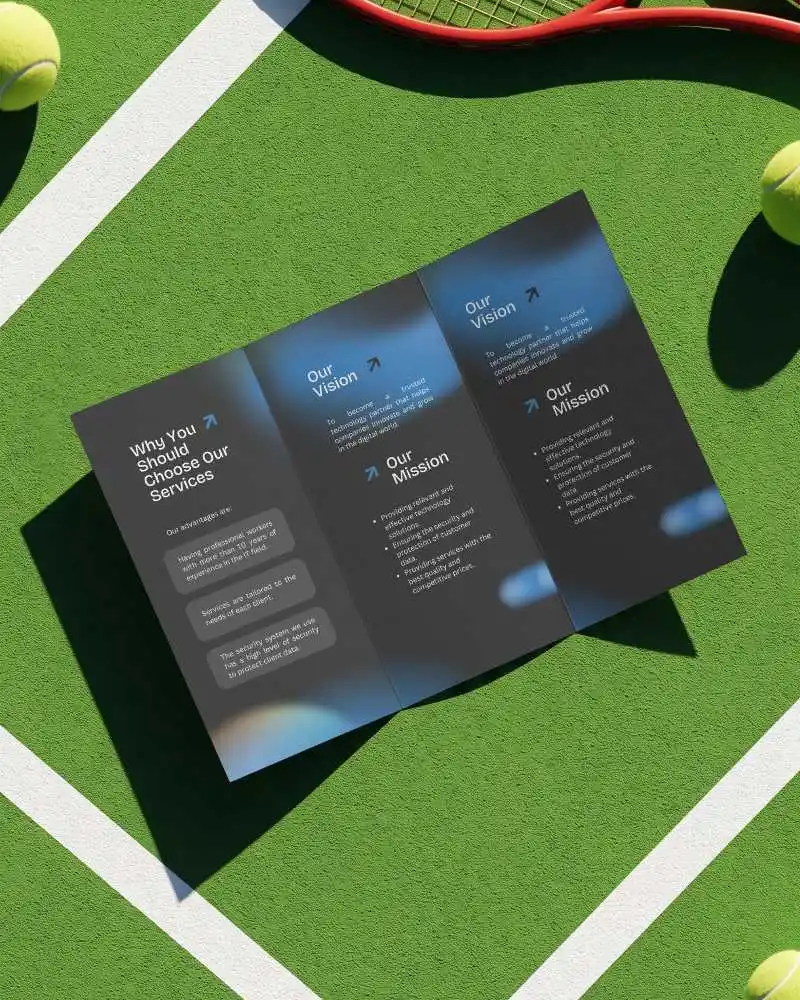
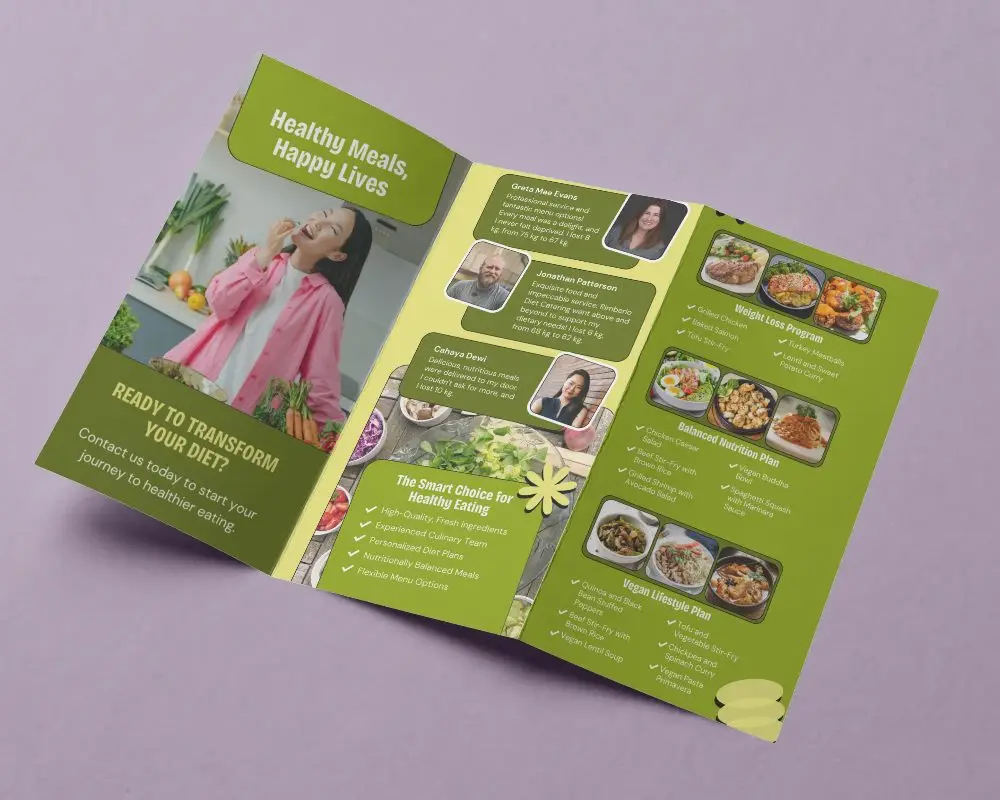
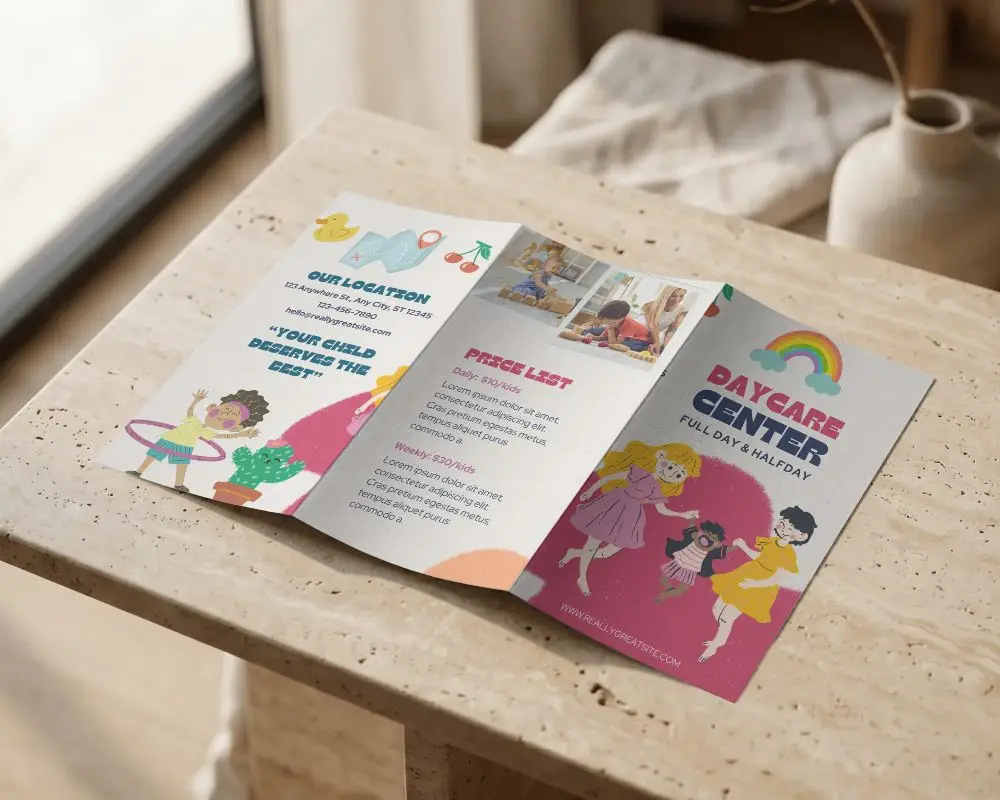
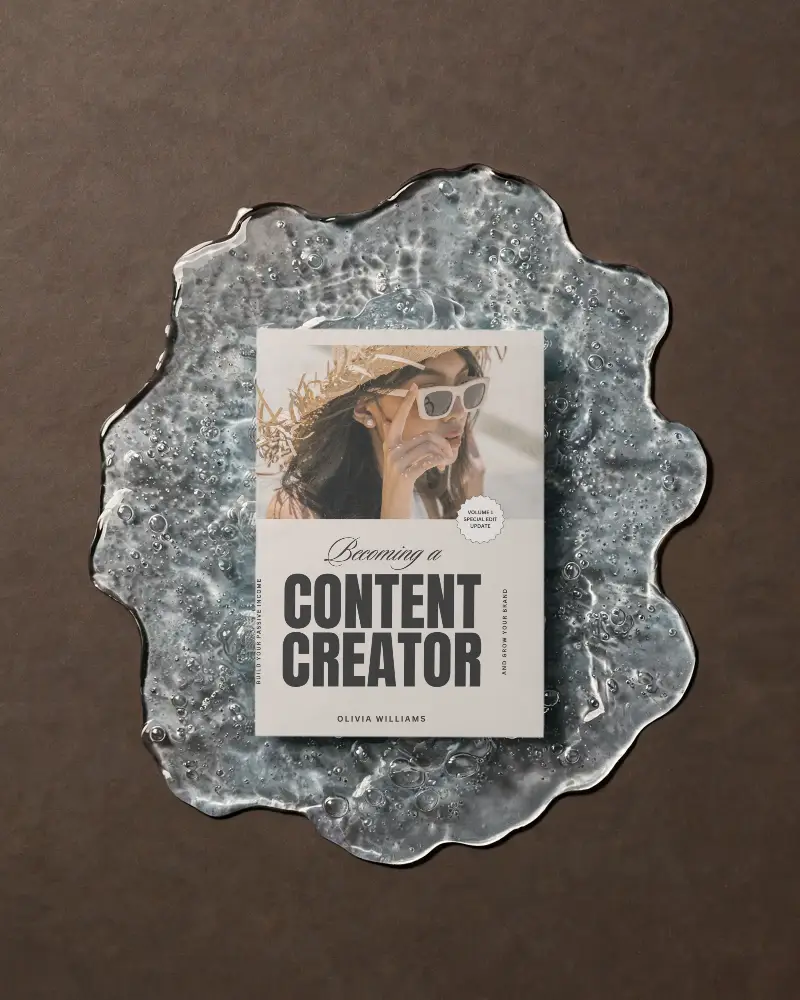
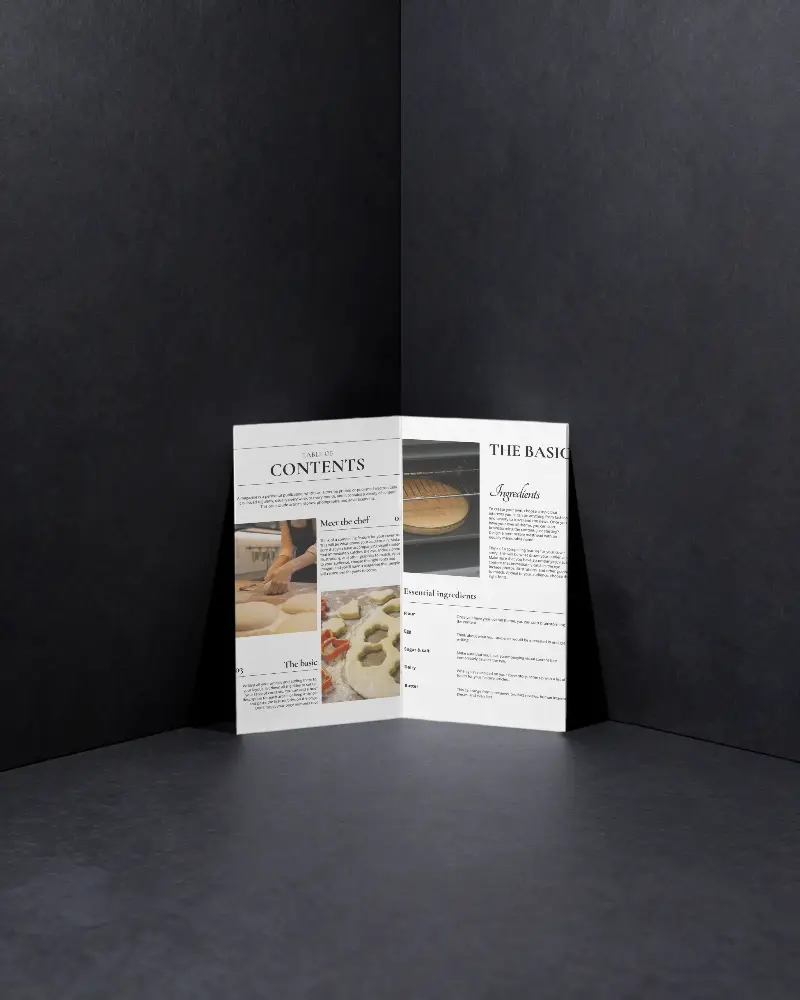
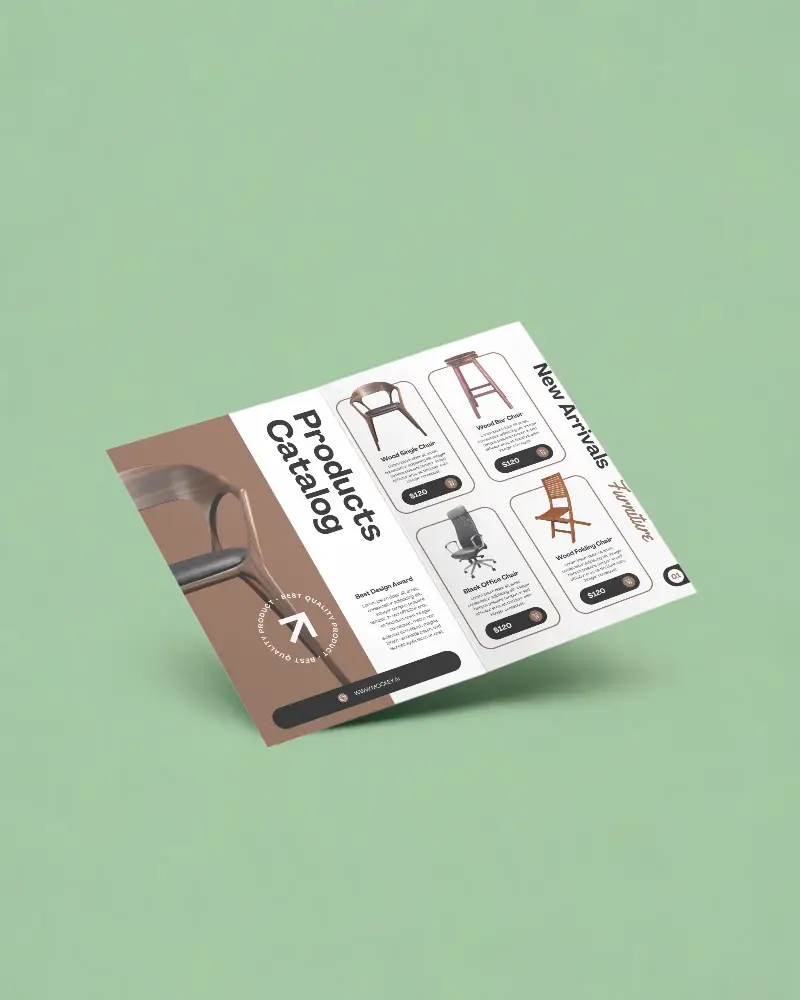
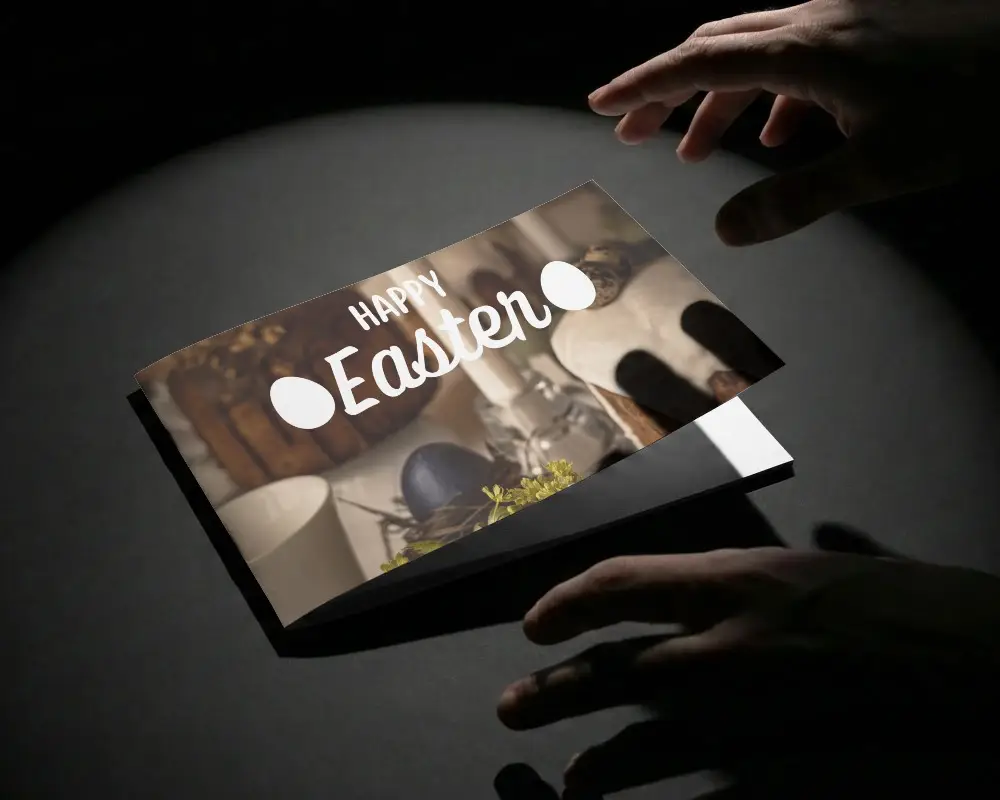
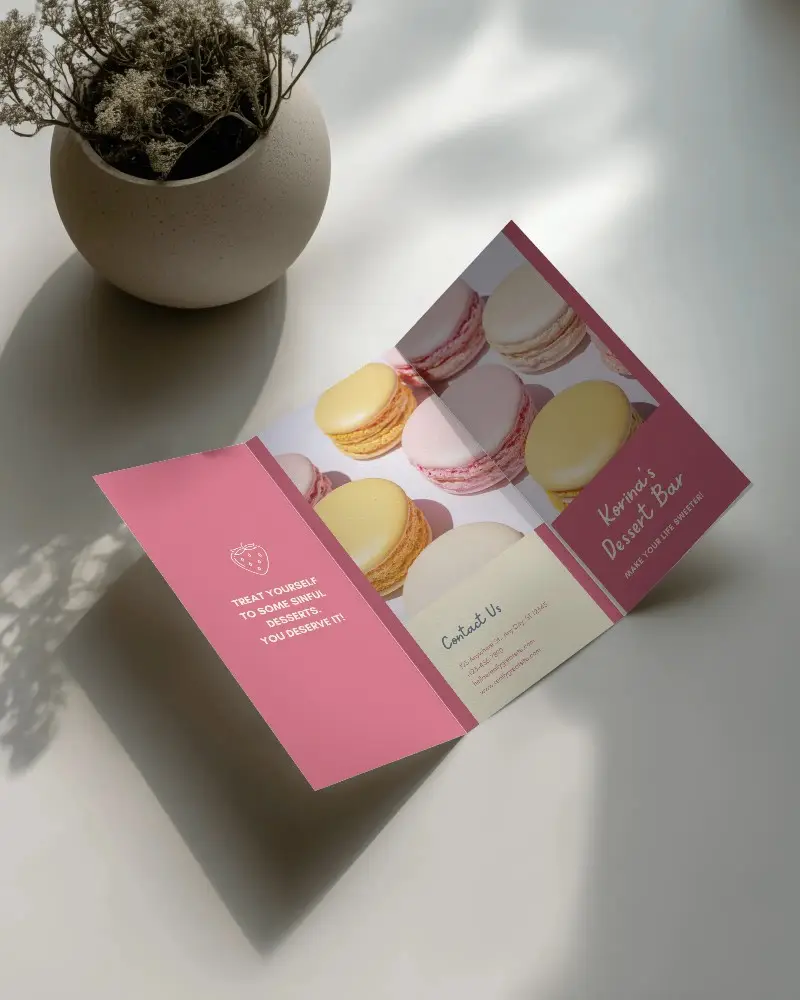
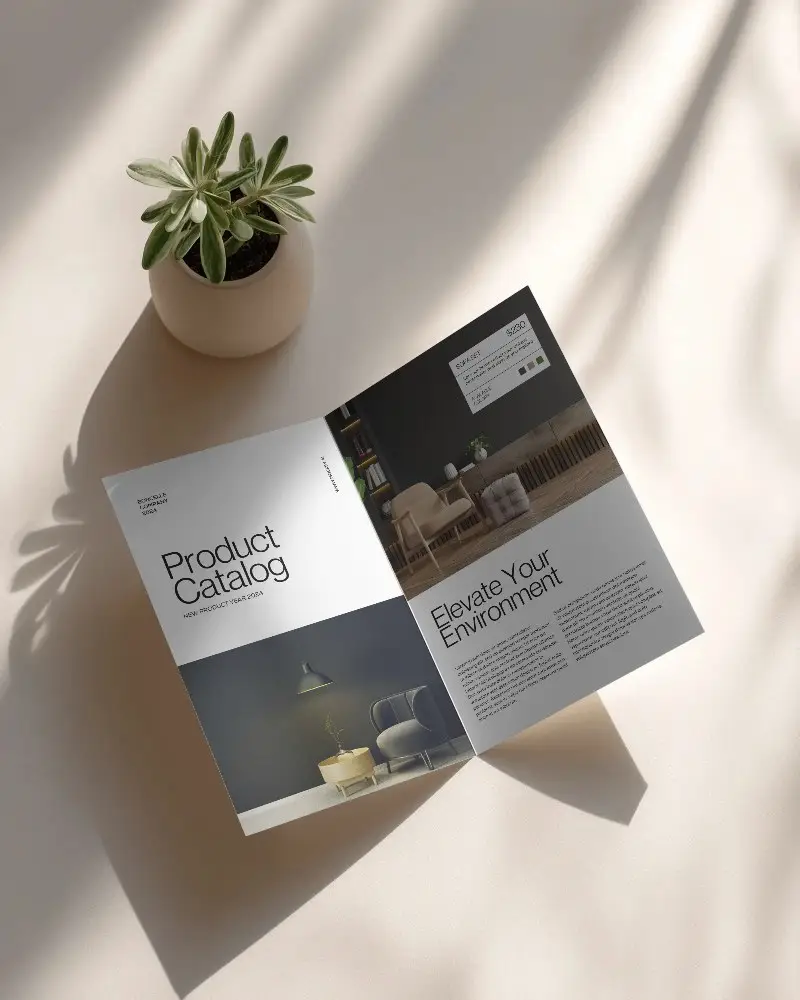
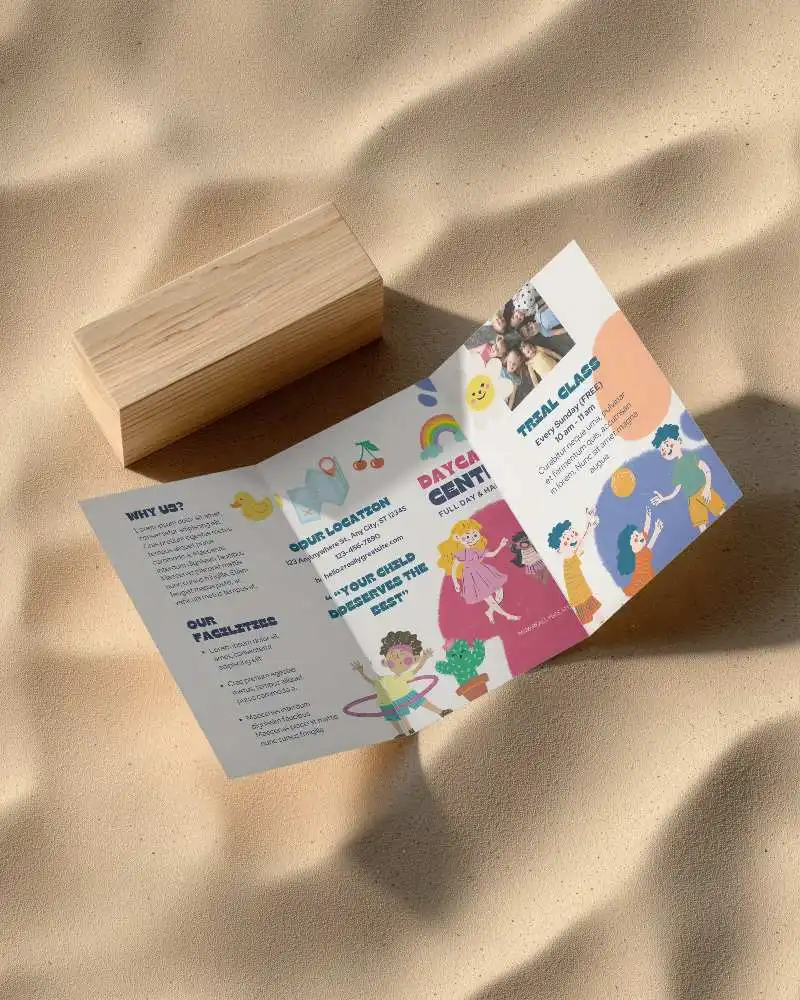
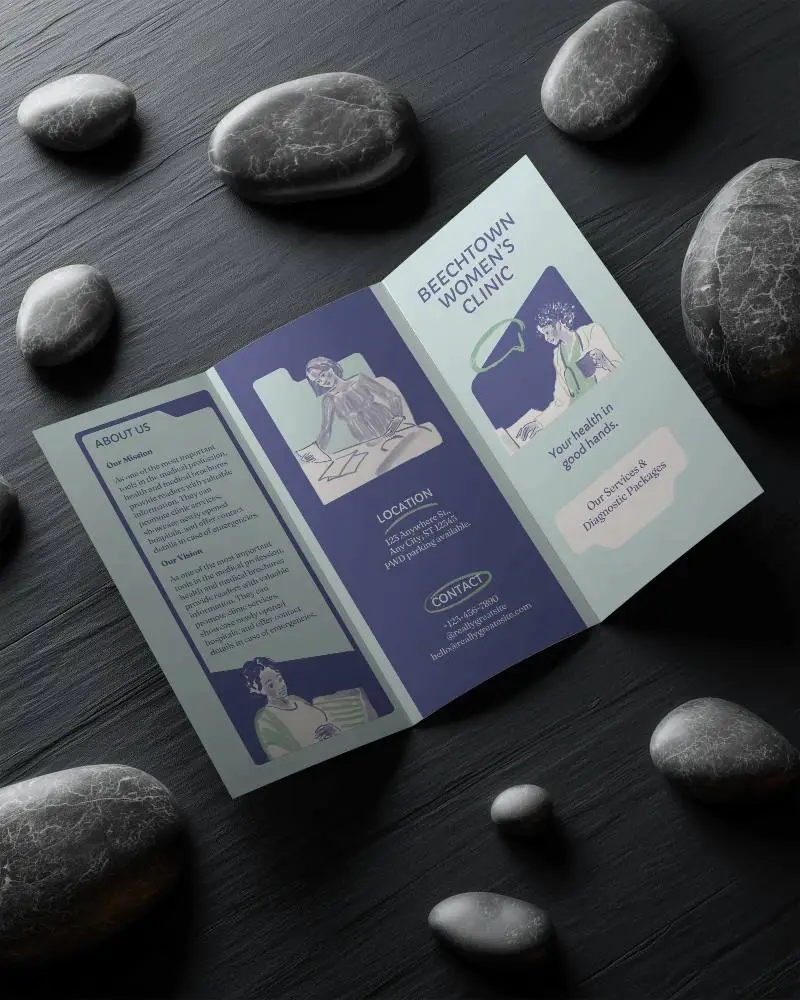
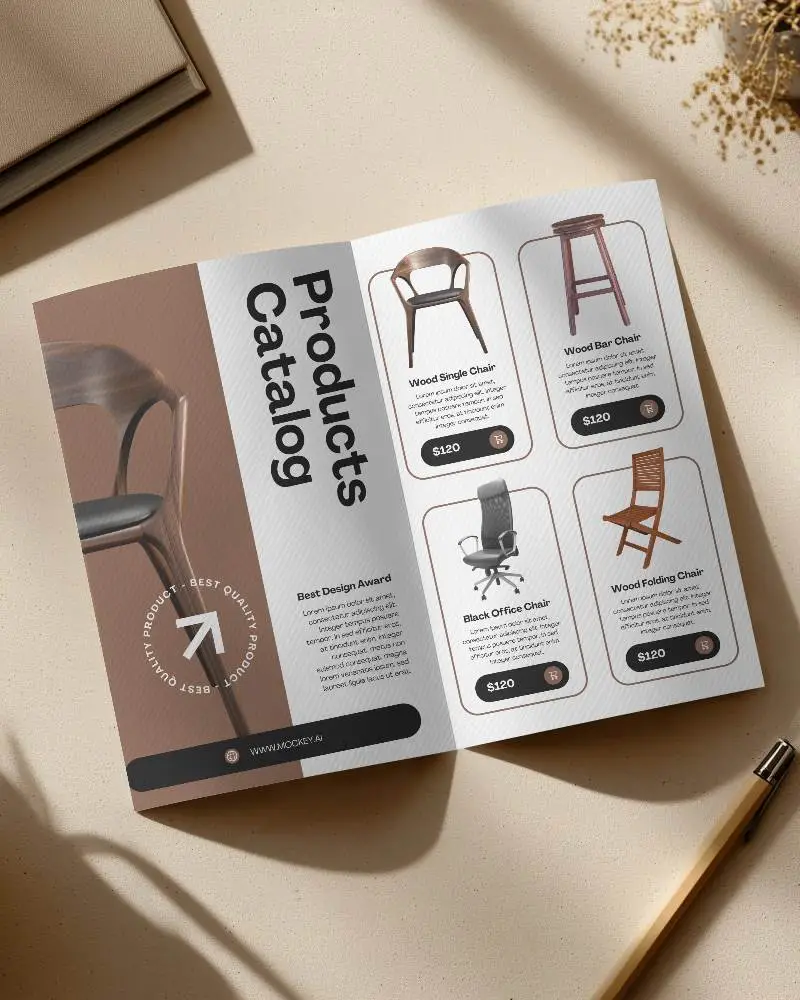
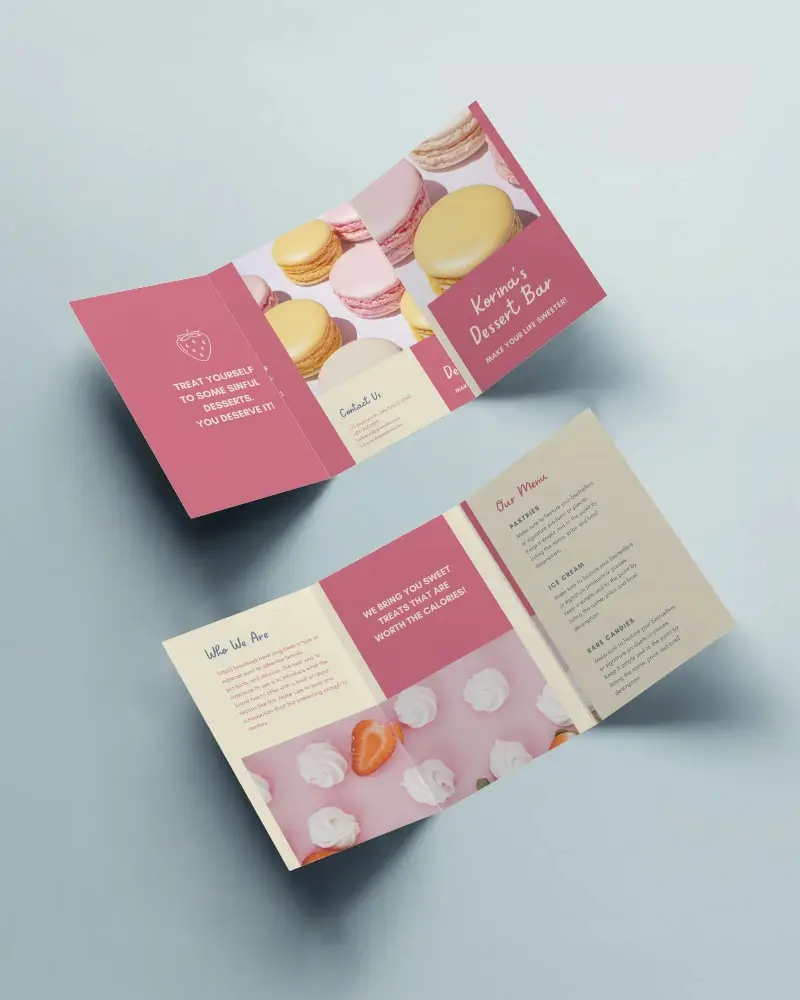
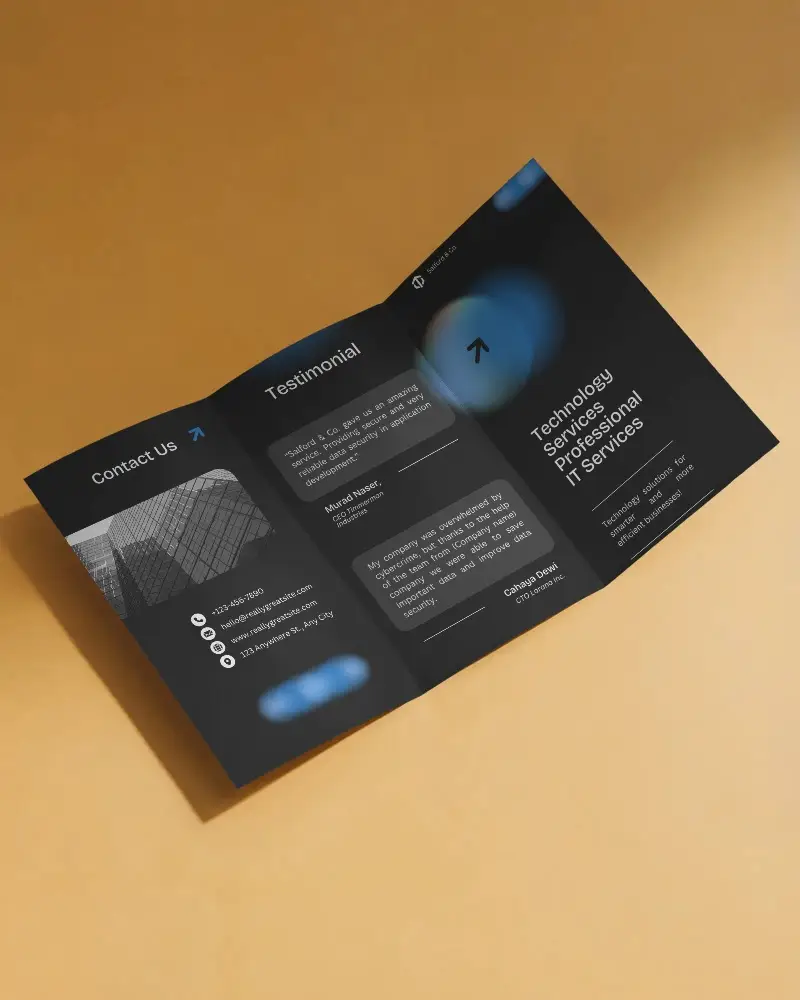
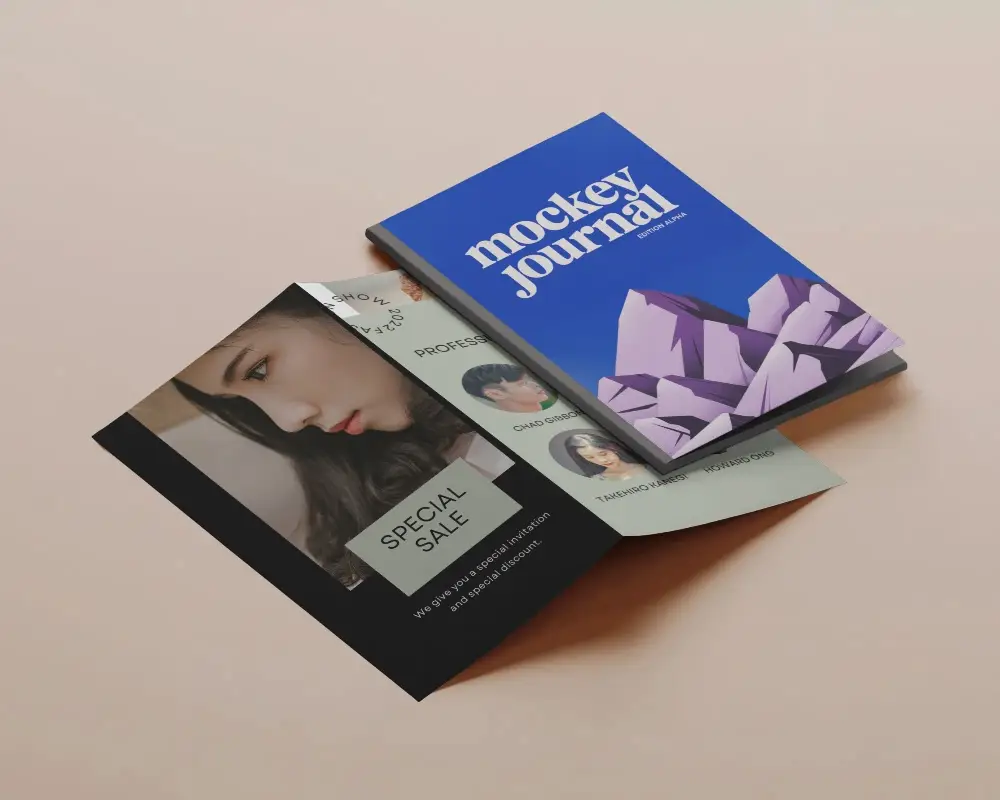
Landscape Brochure mockups are ready-made images that help you show off your brochure designs in a realistic way like they’re already printed. We’ve got a great collection of templates for brochures, including bi-folds, tri-folds, and more.
Why Use Mockey’s Landscape Brochure mockup?
Mocky AI is awesome for creating Landscape Brochures because it has over 500 templates ready to use, a simple interface, and customization features to help you easily make each design your own.
How to make A4 Brochure Mockup?
Mockups > Print > Brochure. Look for A4 in the category bar of the Brochure. After that, pick a template and add your design. Once your A4 Brochure is looking the way you want, just download it in high quality.
