Bifold Brochure Mockup – A4, A5 & 11x17 Brochure Templates
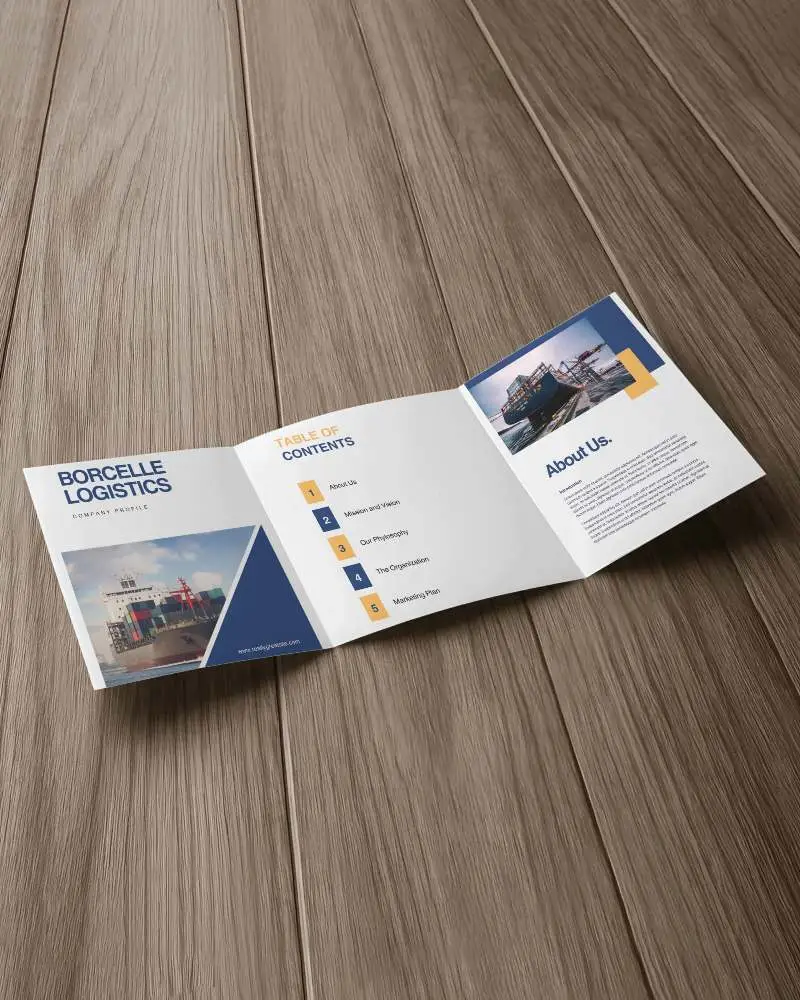
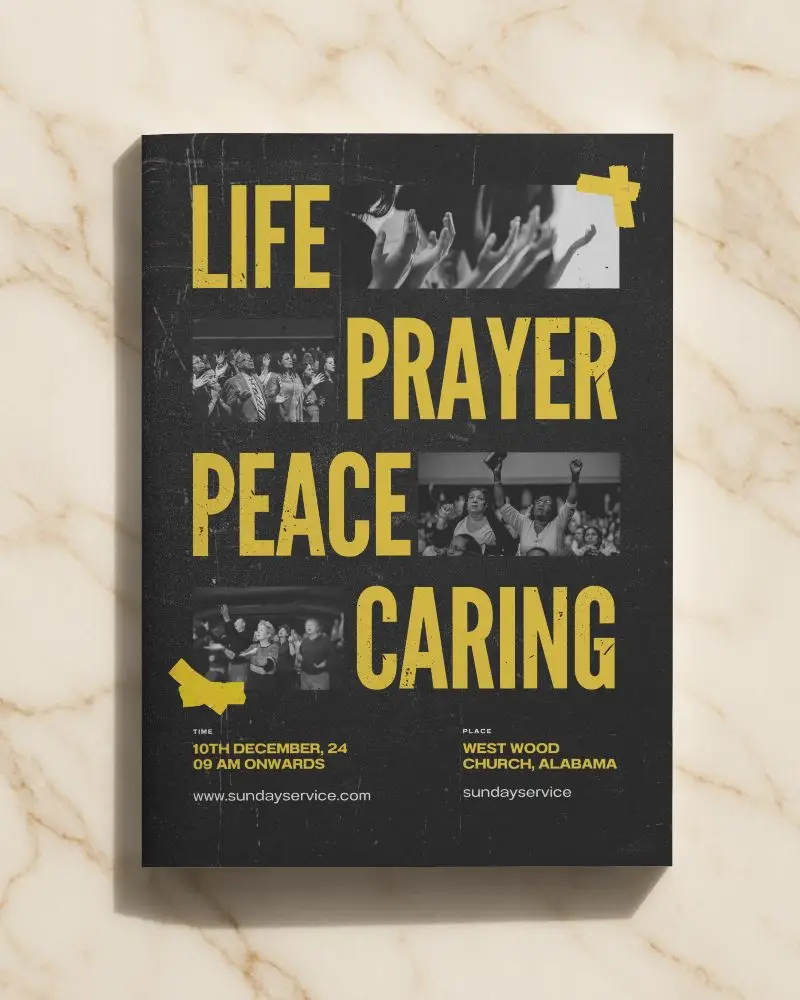
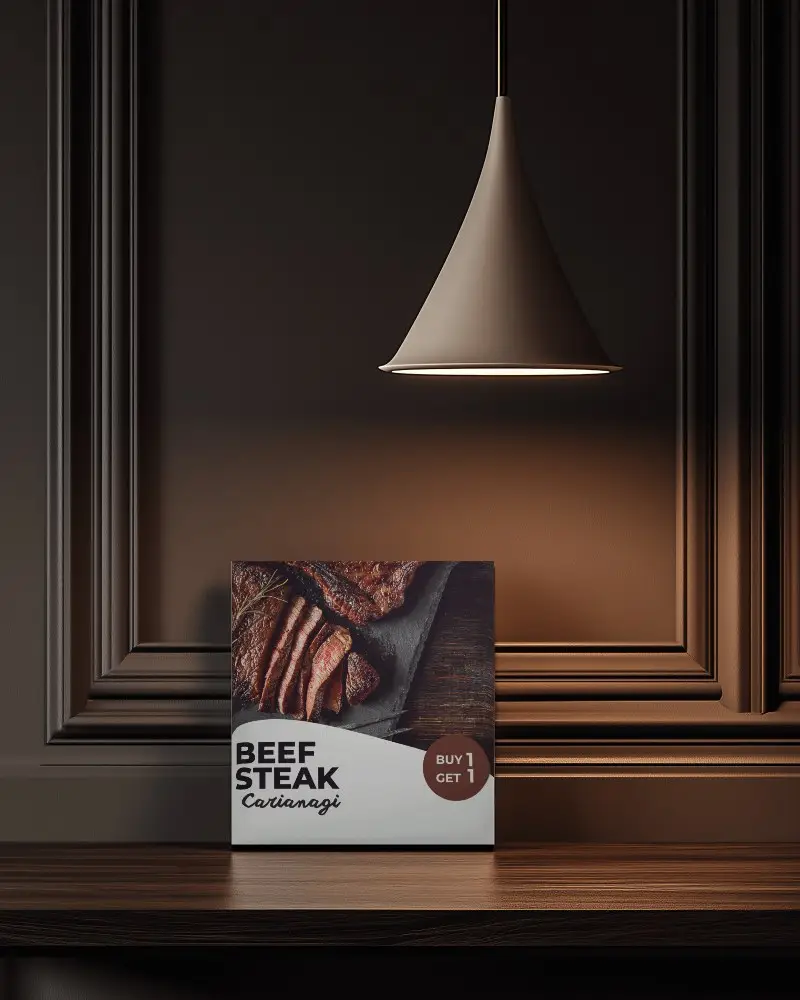
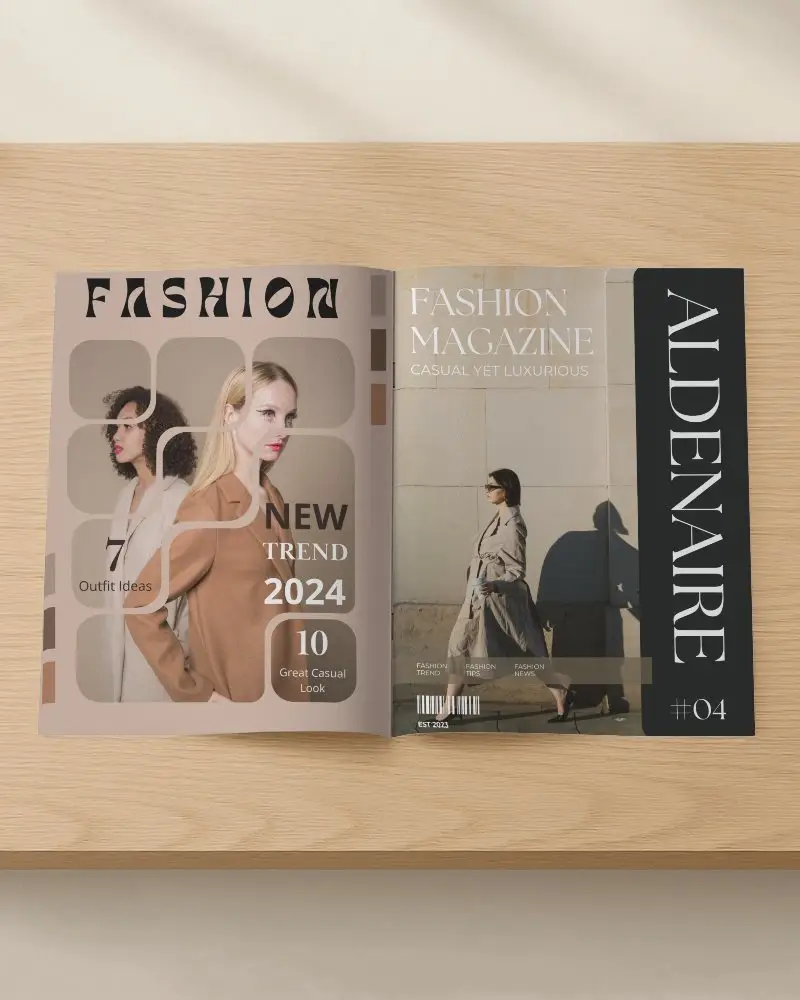
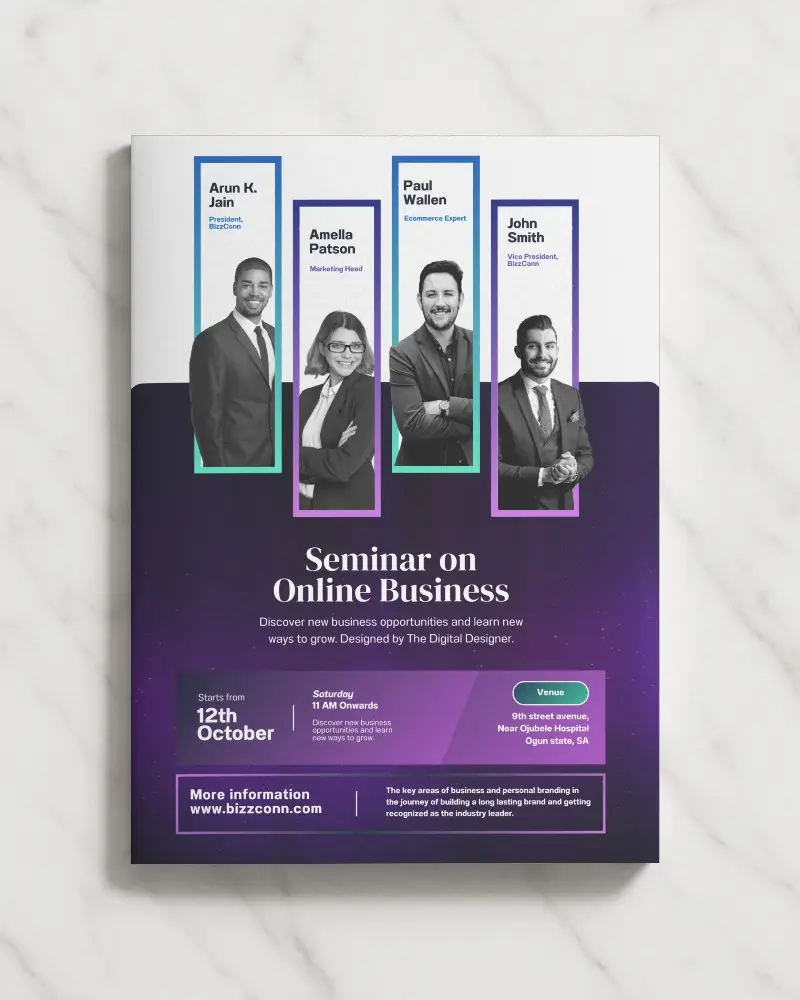
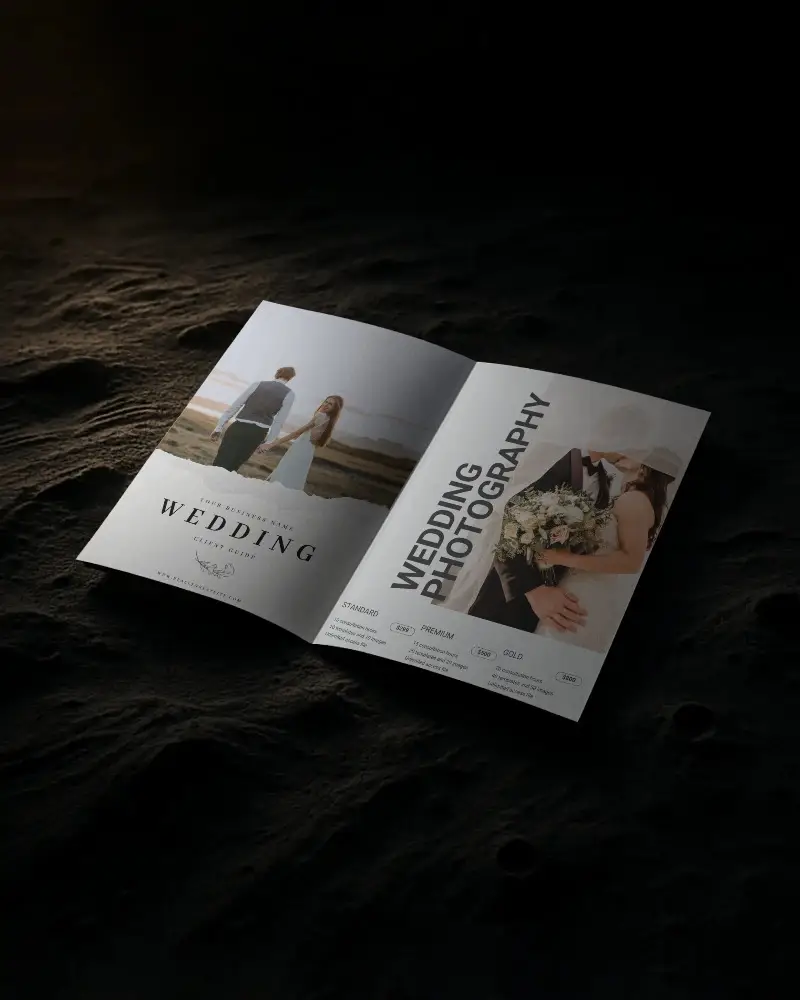
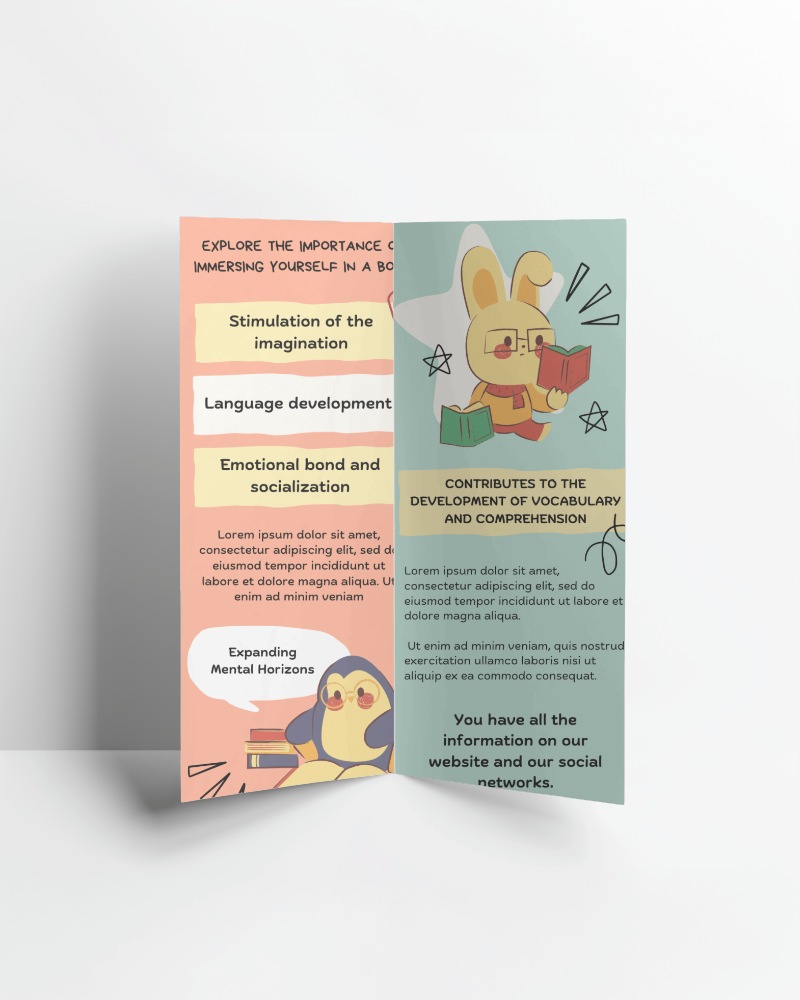
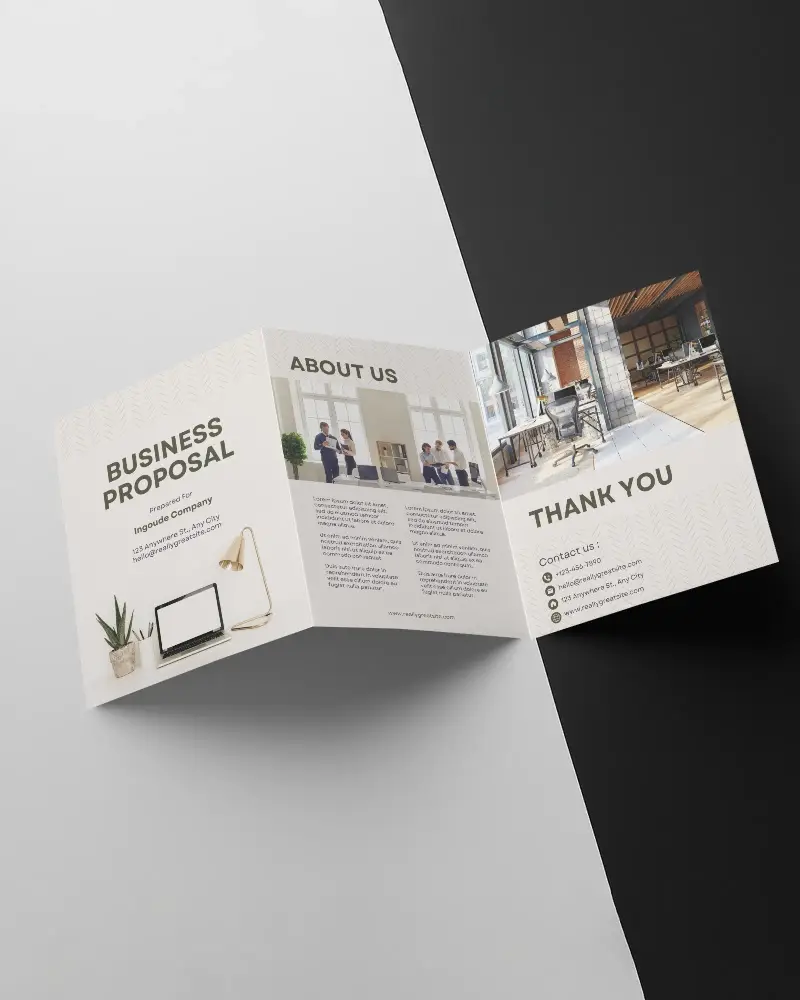
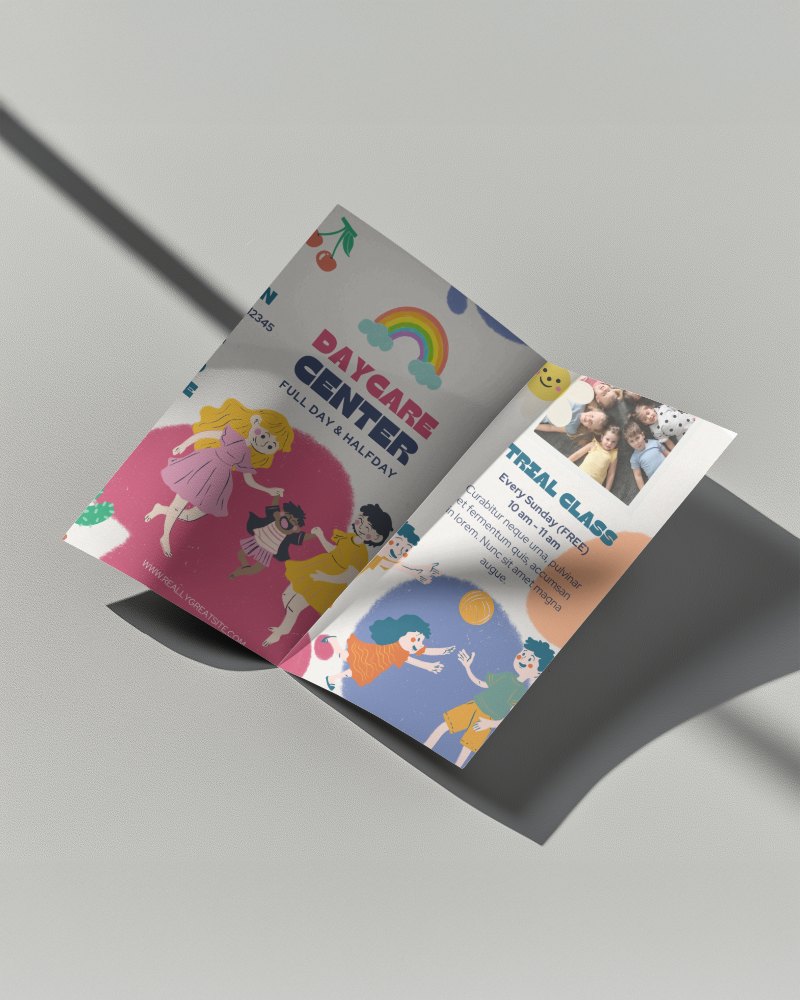
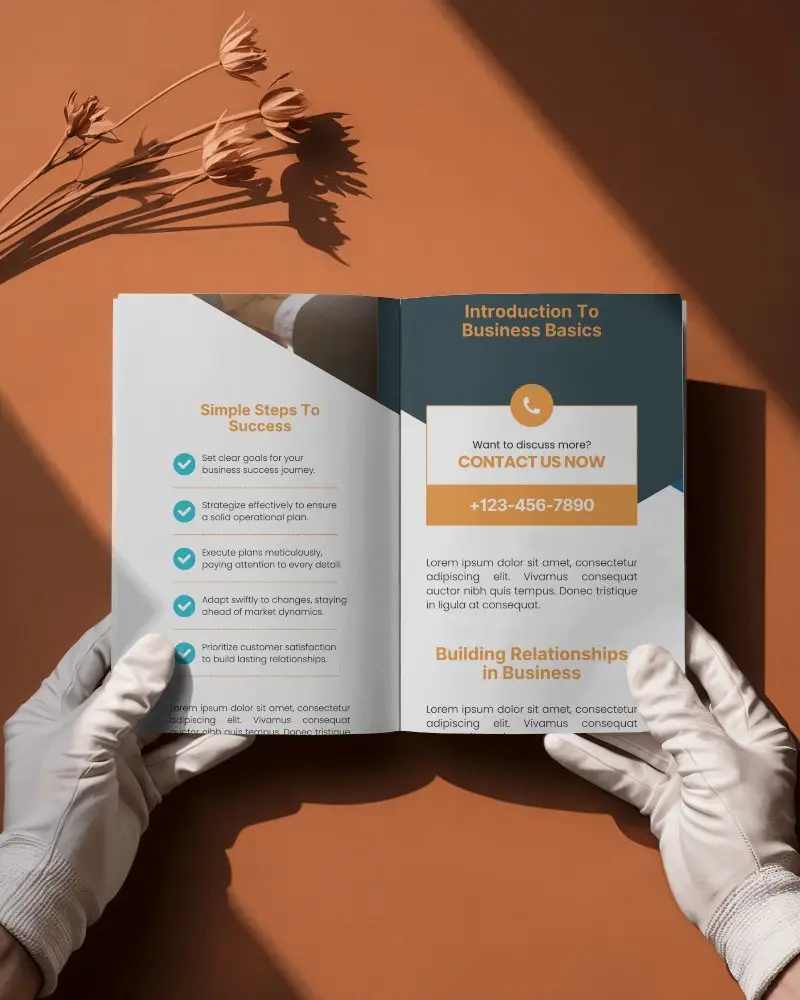
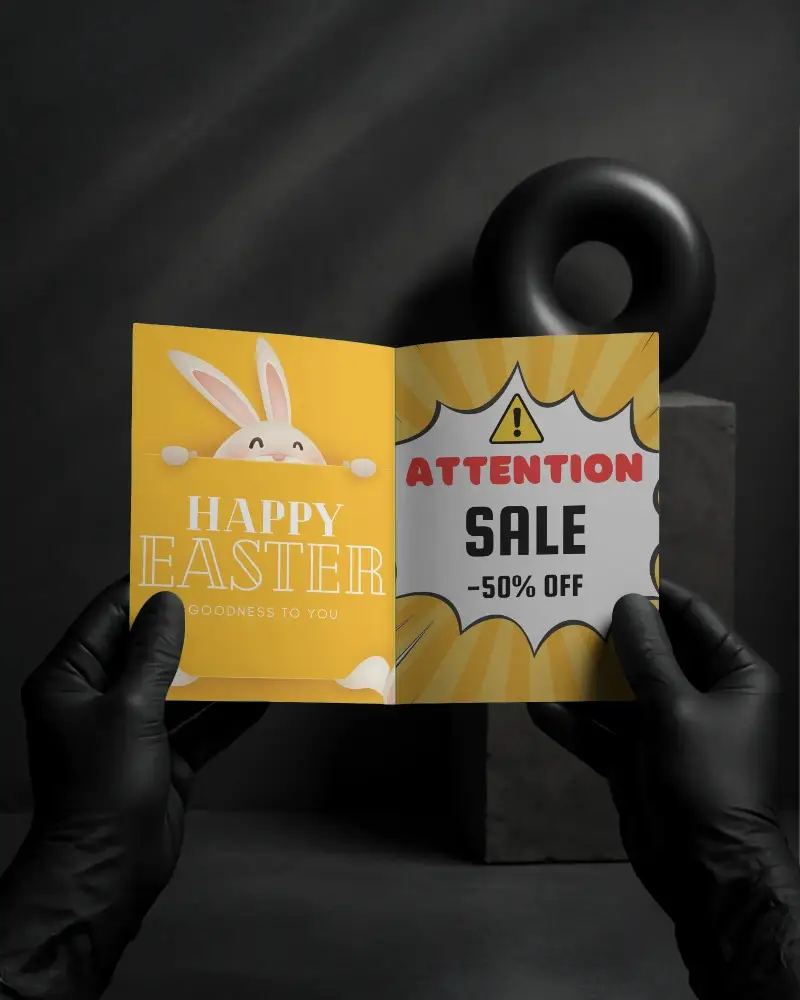
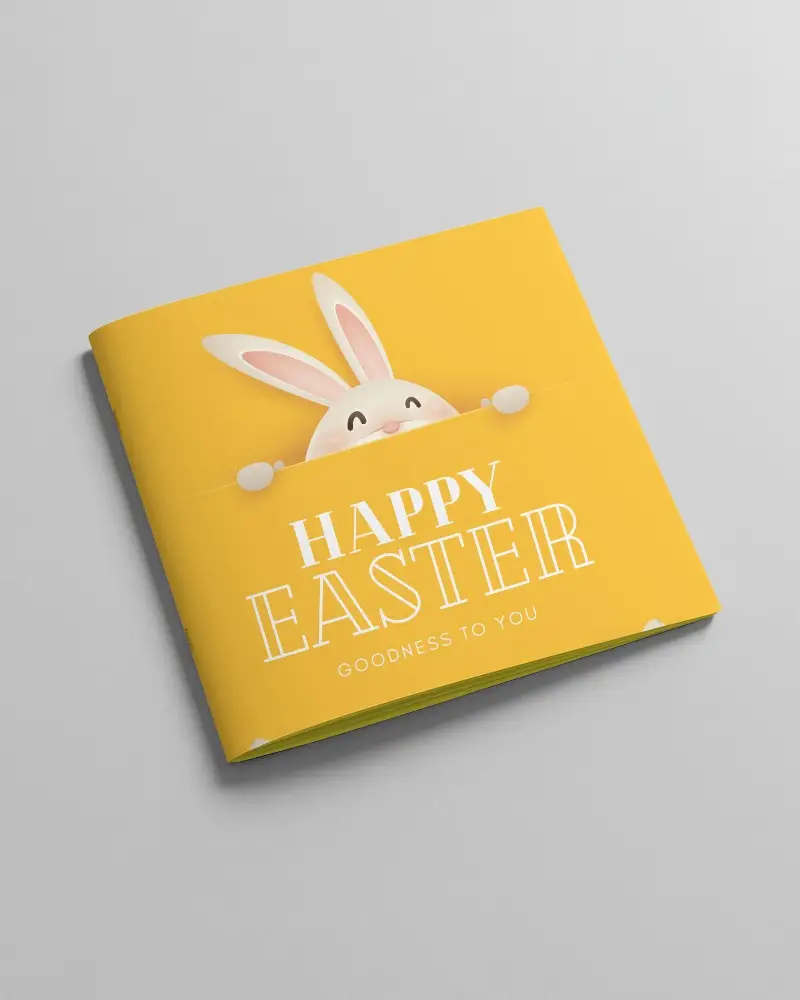
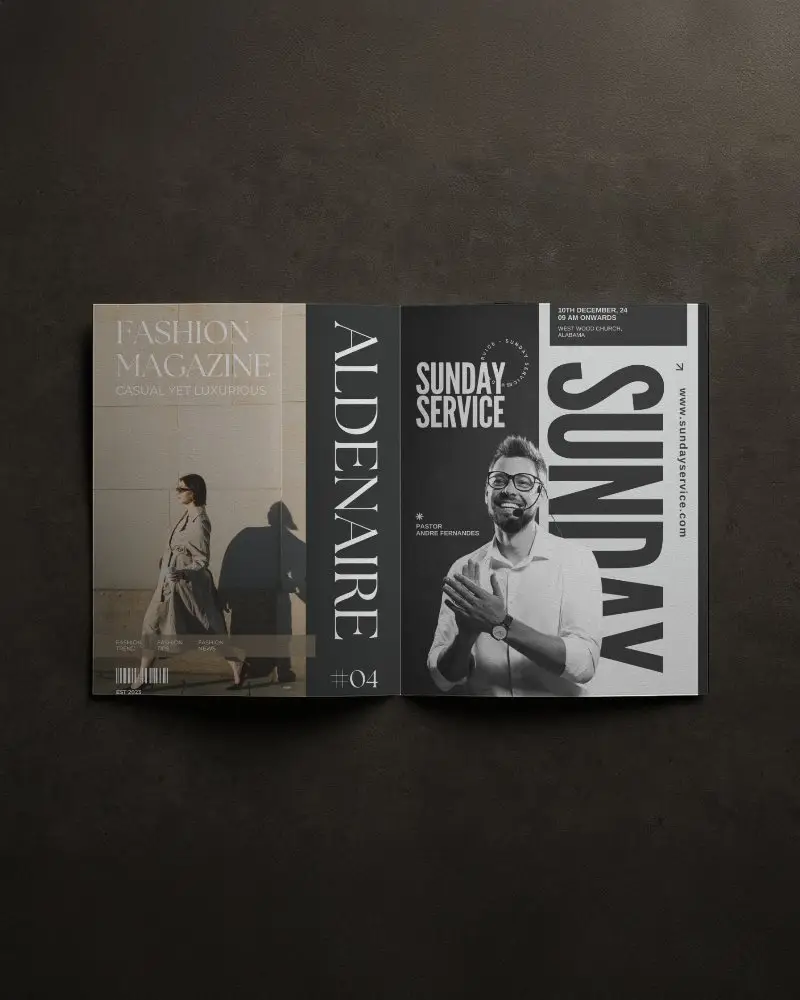
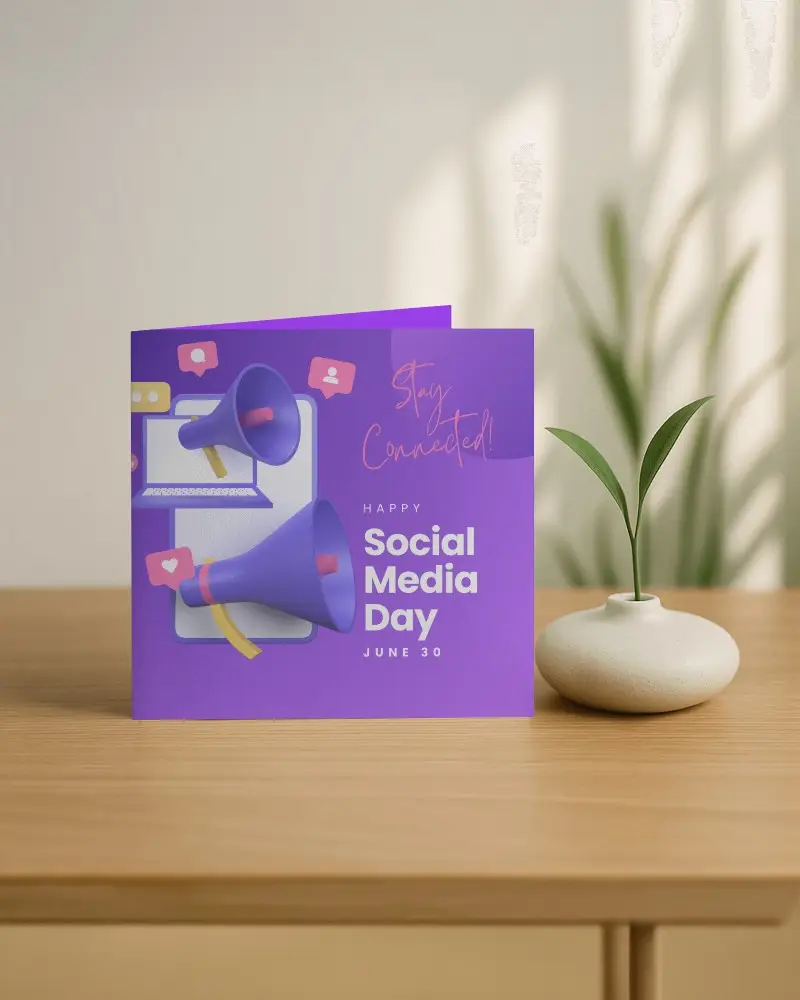
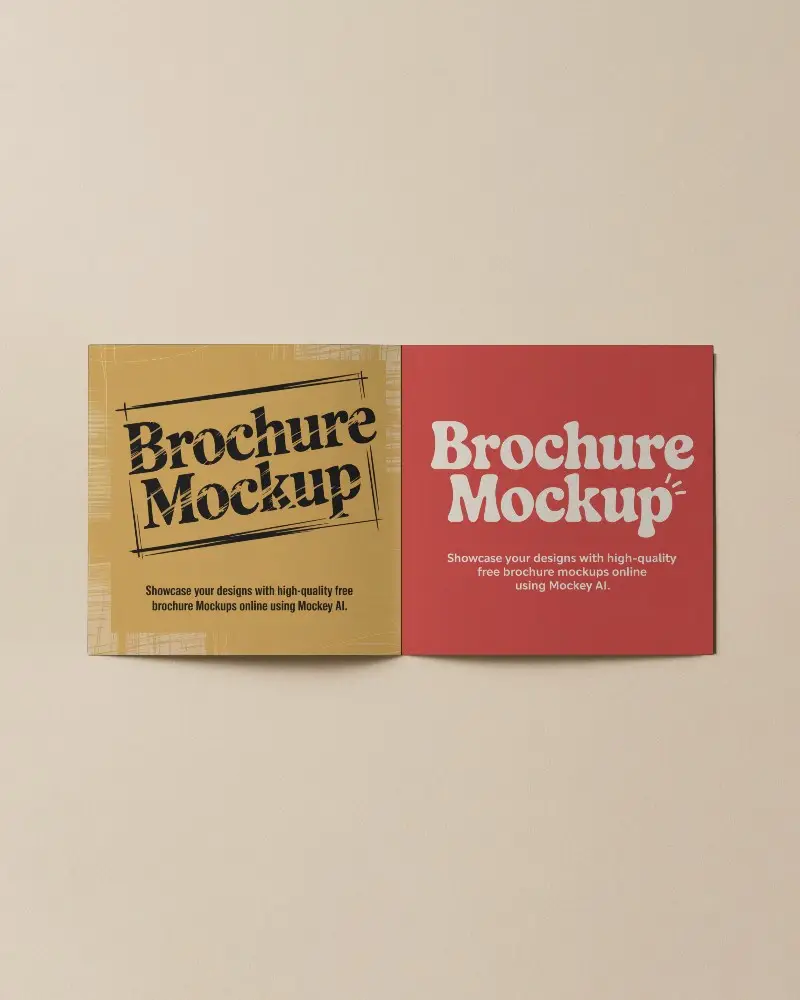
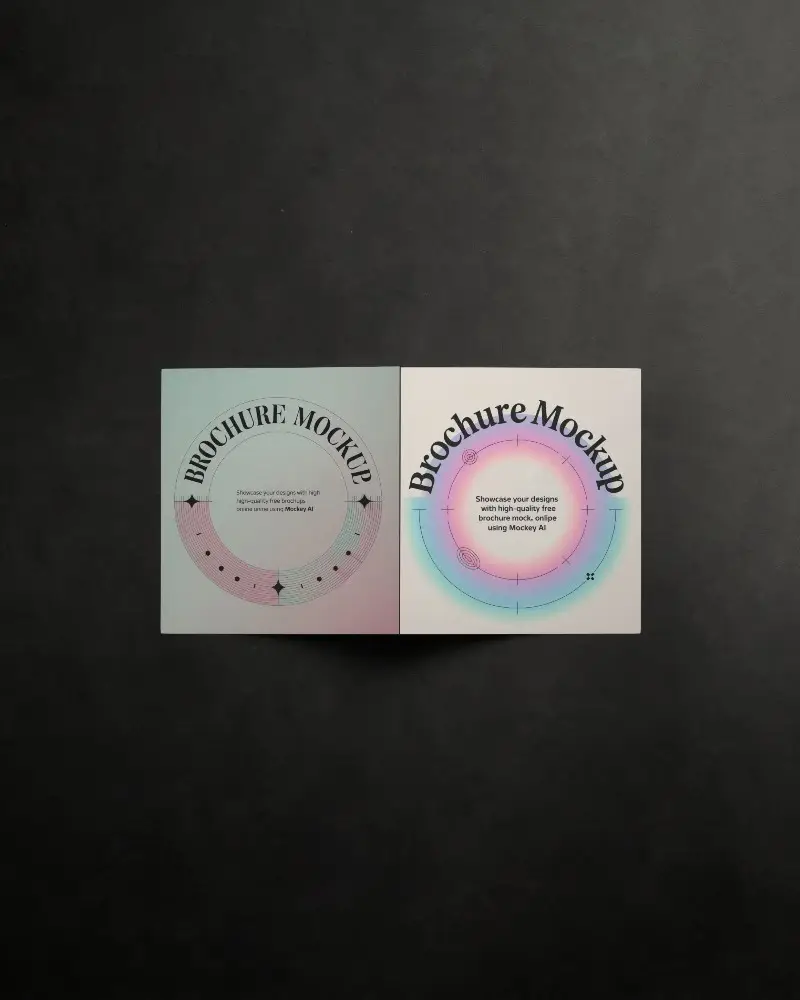
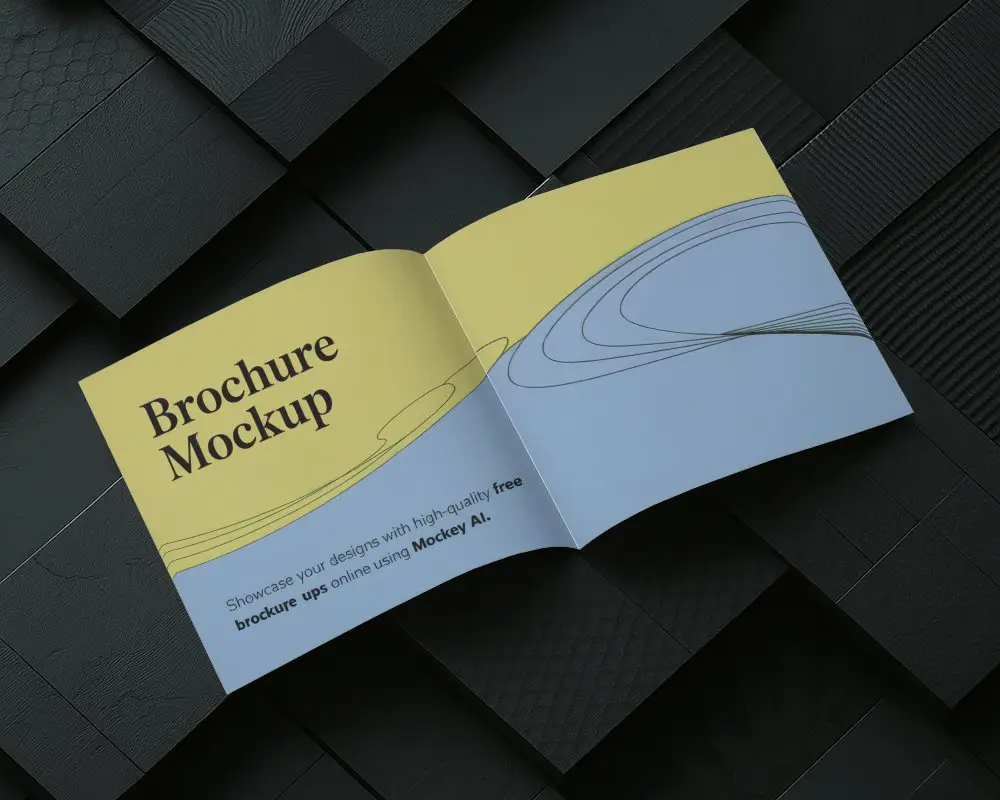
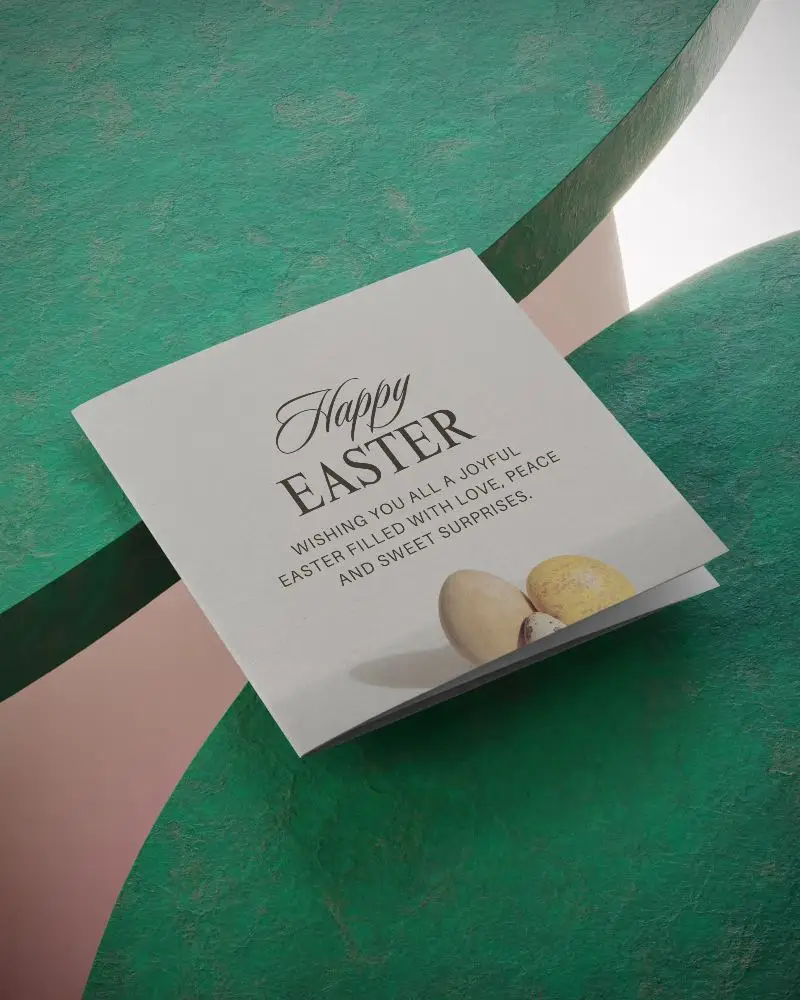
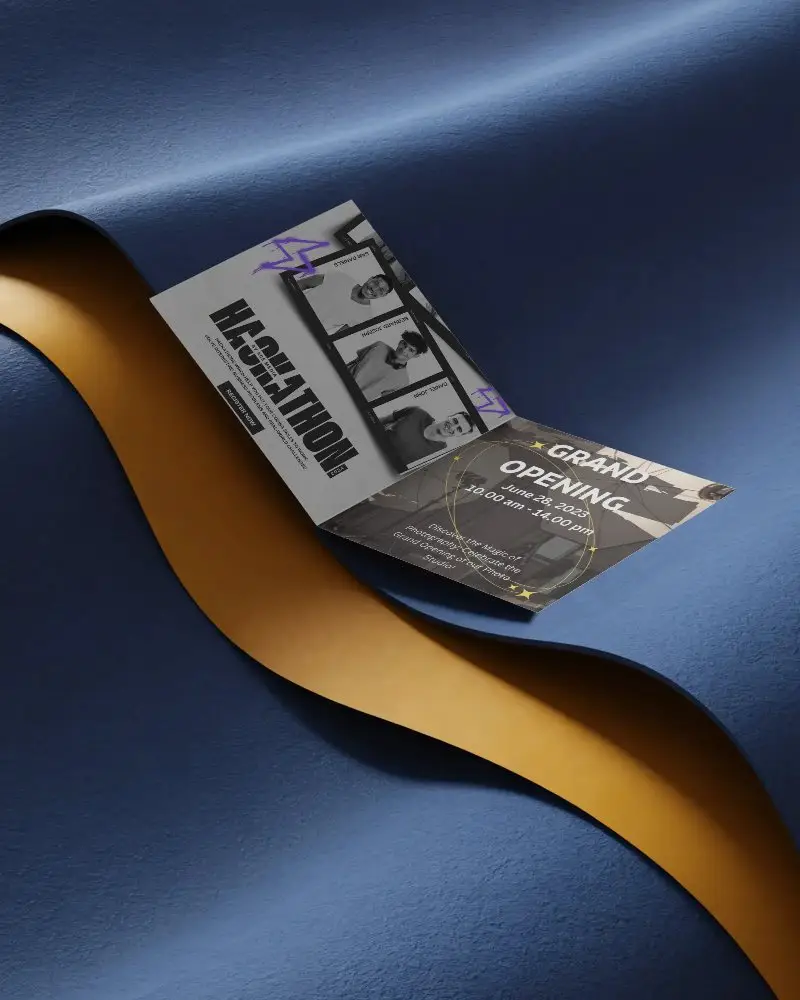
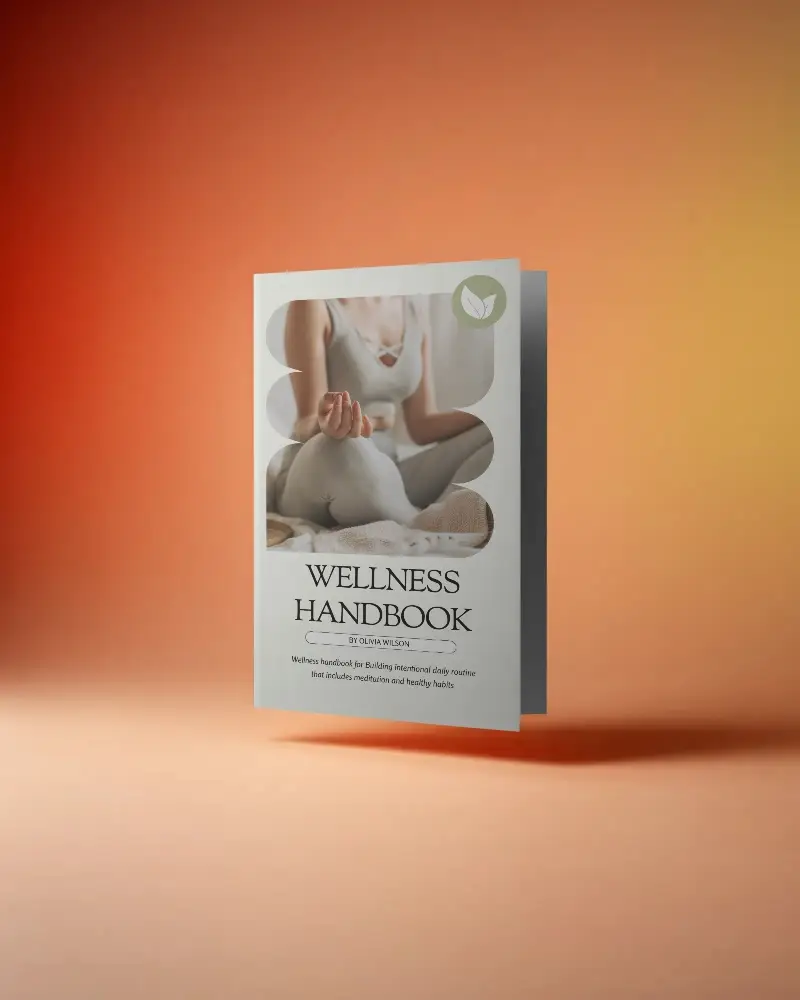
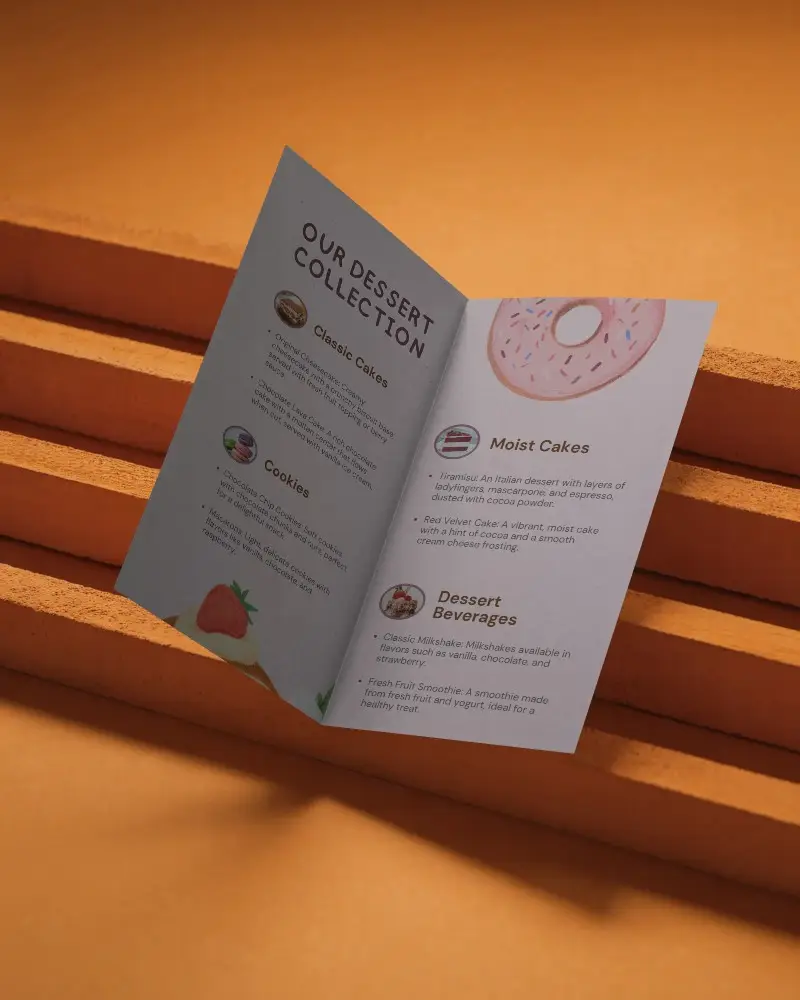
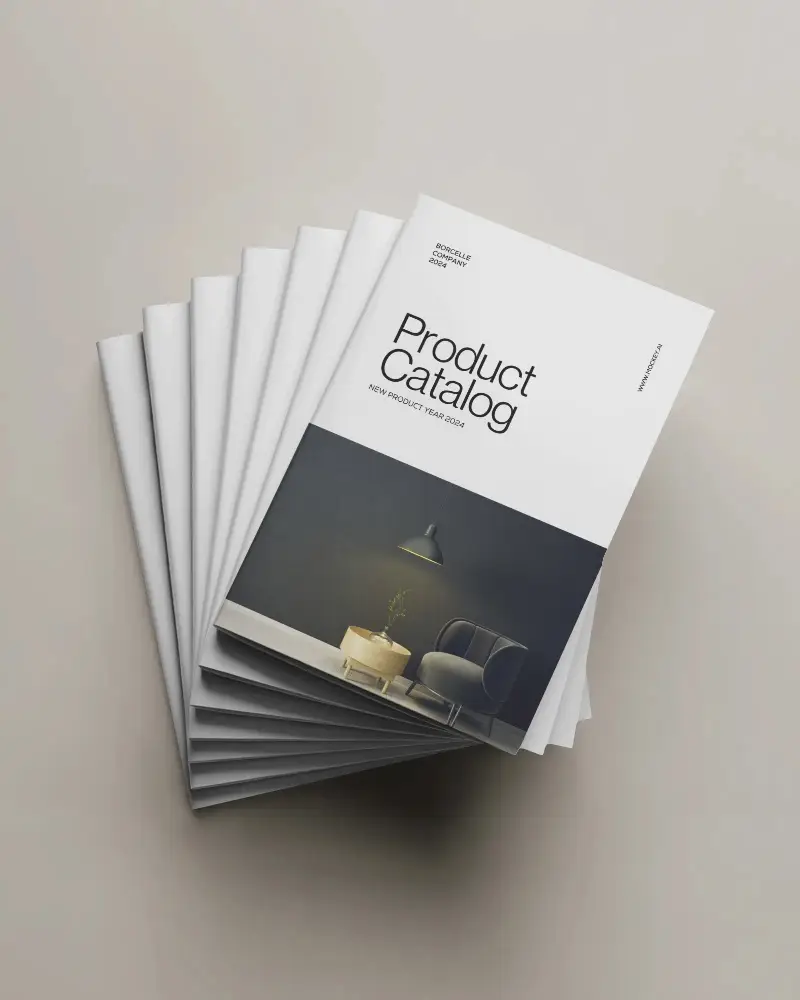
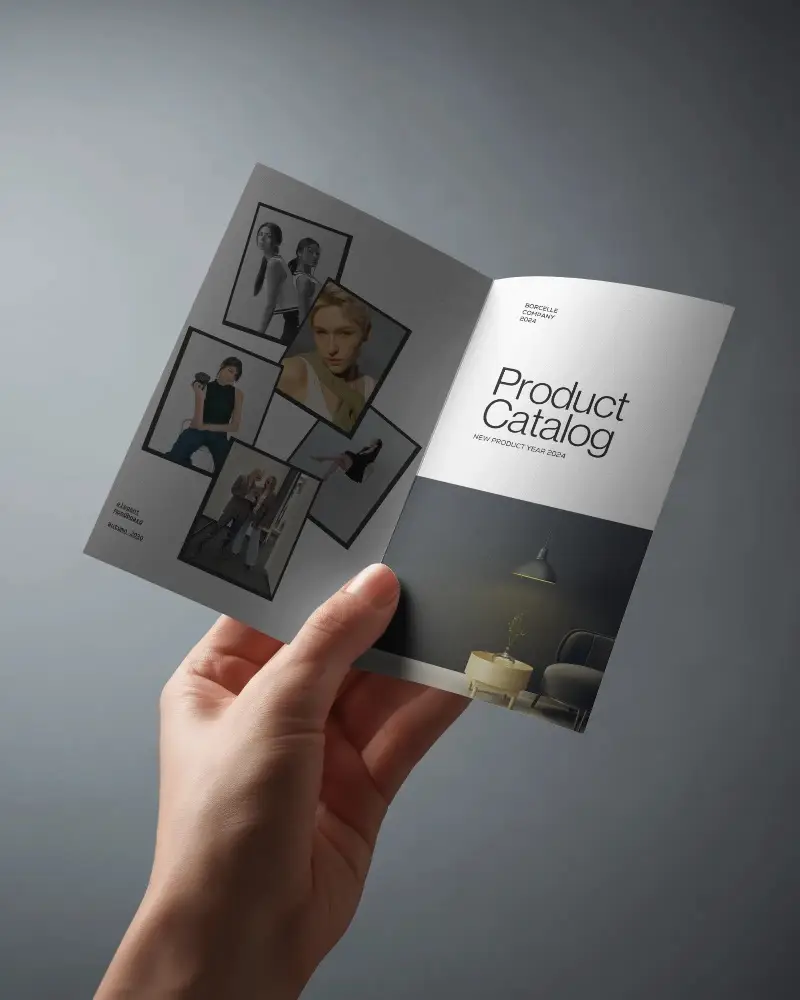
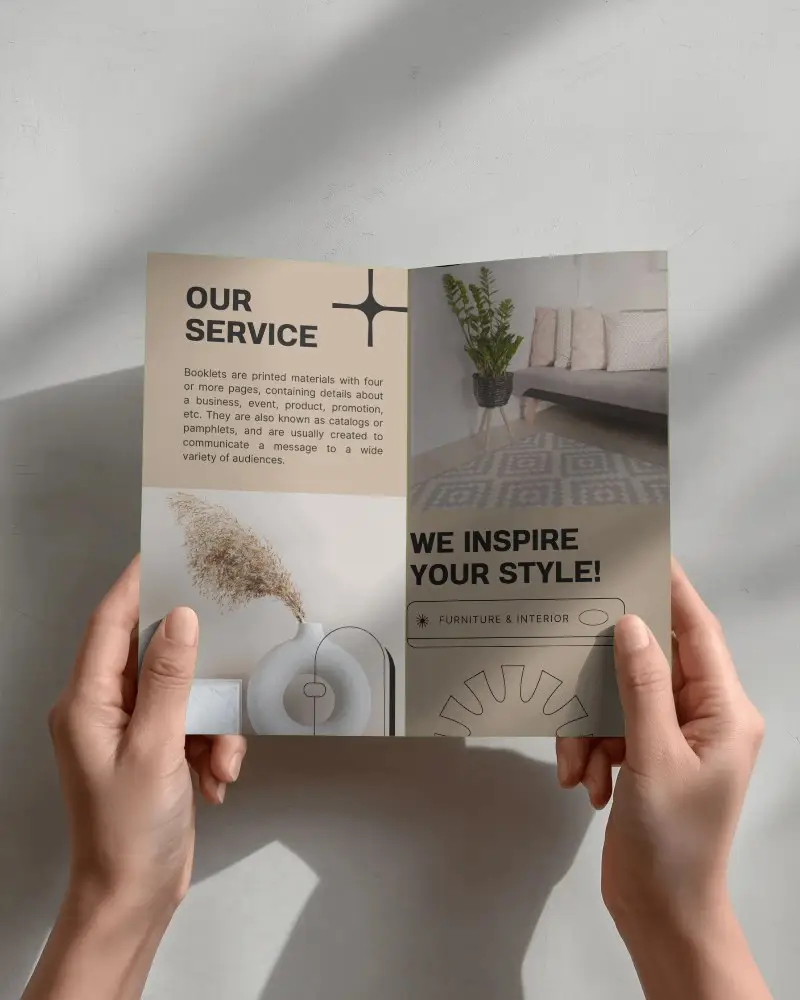
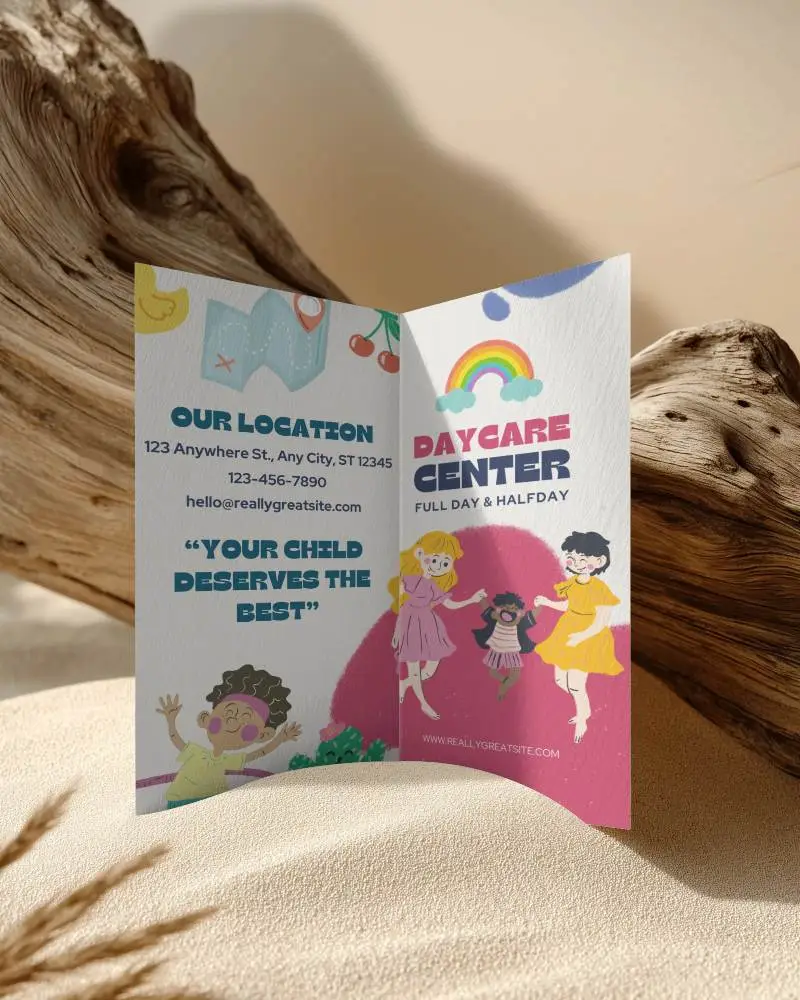
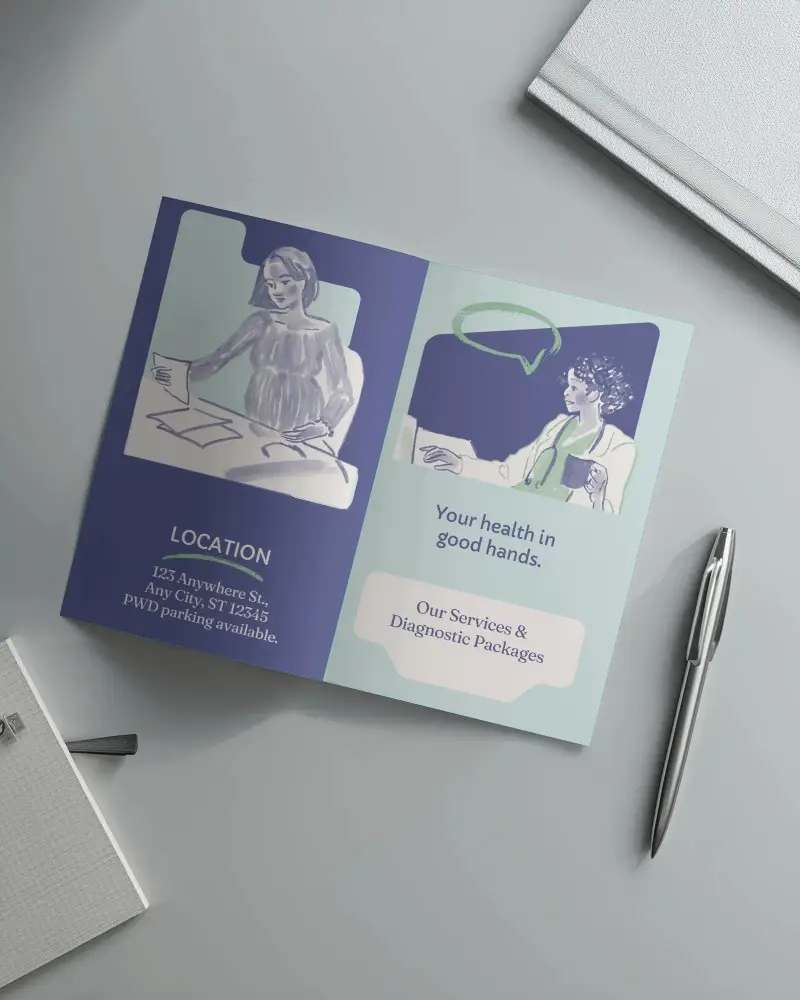
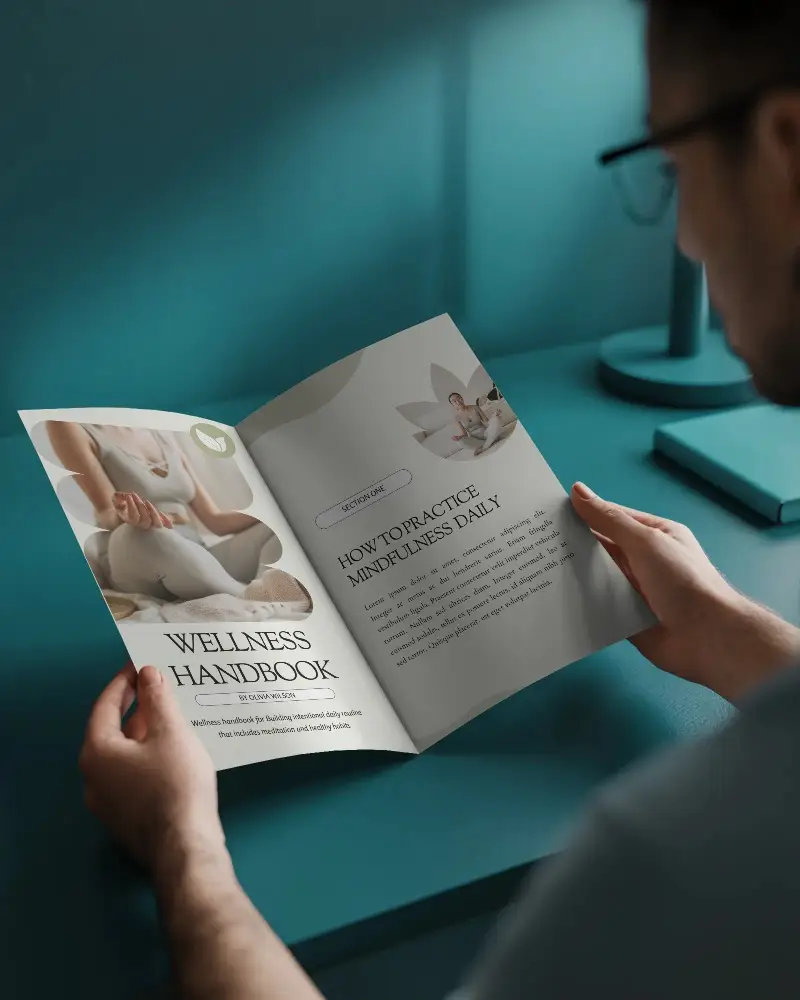
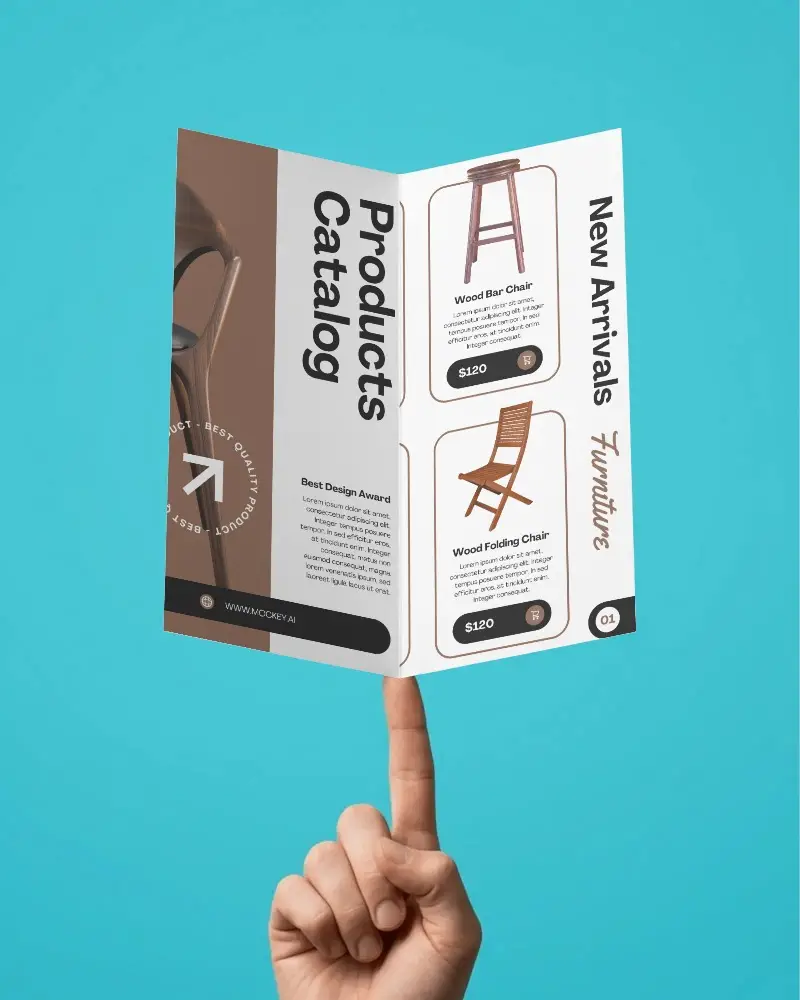
Showcase your brochure designs with our versatile collection of bifold brochure mockups. Whether you need an A4 bifold brochure mockup for standard business branding, an A5 bifold brochure mockup for compact marketing materials, or an 11x17 bifold brochure mockup for large promotional layouts. Mockey helps you preview every detail with high-quality, customizable templates.
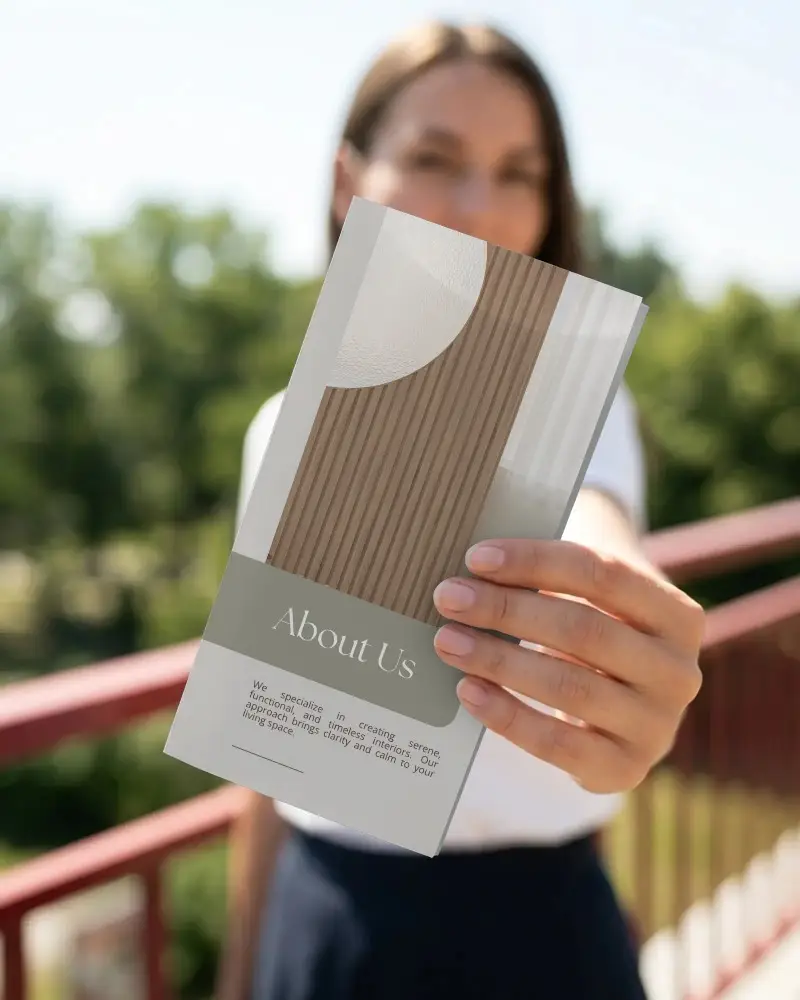
How to Create Bifold Brochure Mockup with Mockey
To create a Bifold brochure mockup in Mockey AI:
- Step 1: Sign up on Mockey, and go to Mockups.
- Step 2: Then in the Print section, pick Brochure and select bifold template.
- Step 3: Upload your design, change colors, add a background, or try AI Anime or Photoshoot.
- Step 4: Download it as a PNG or JPEG (1600×2000 pixels).


FAQs on Bifold Brochure Mockups
How to create a Bifold brochure mockup?
Sign up on Mockey, and go to Mockups. Then in the Print section, pick Brochure and select bifold template. Upload your design, change colors, add a background, or try AI Anime or Photoshoot. Download it as a PNG or JPEG (1600×2000 pixels).
What is a Bifold brochure mockup?
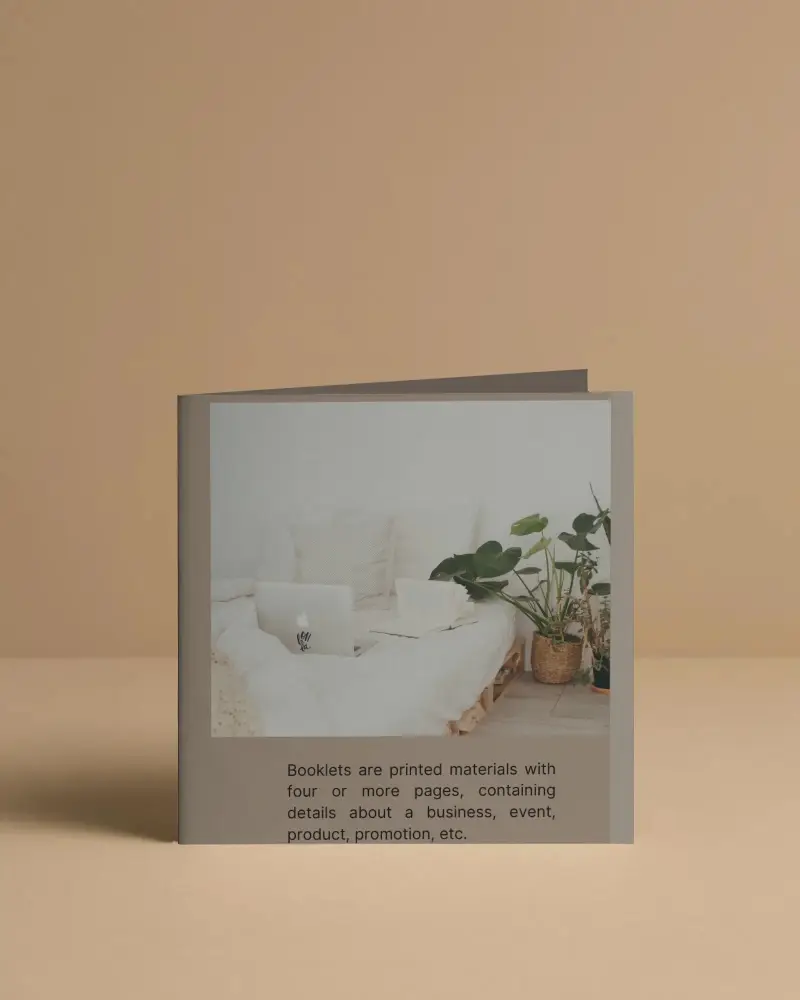
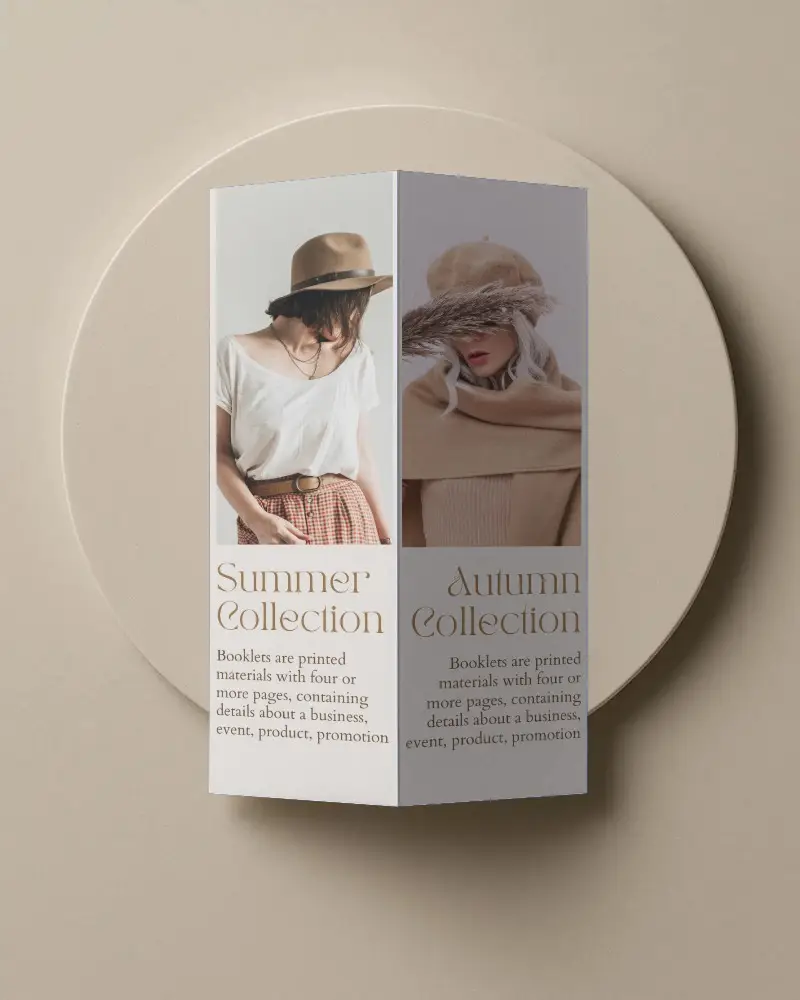
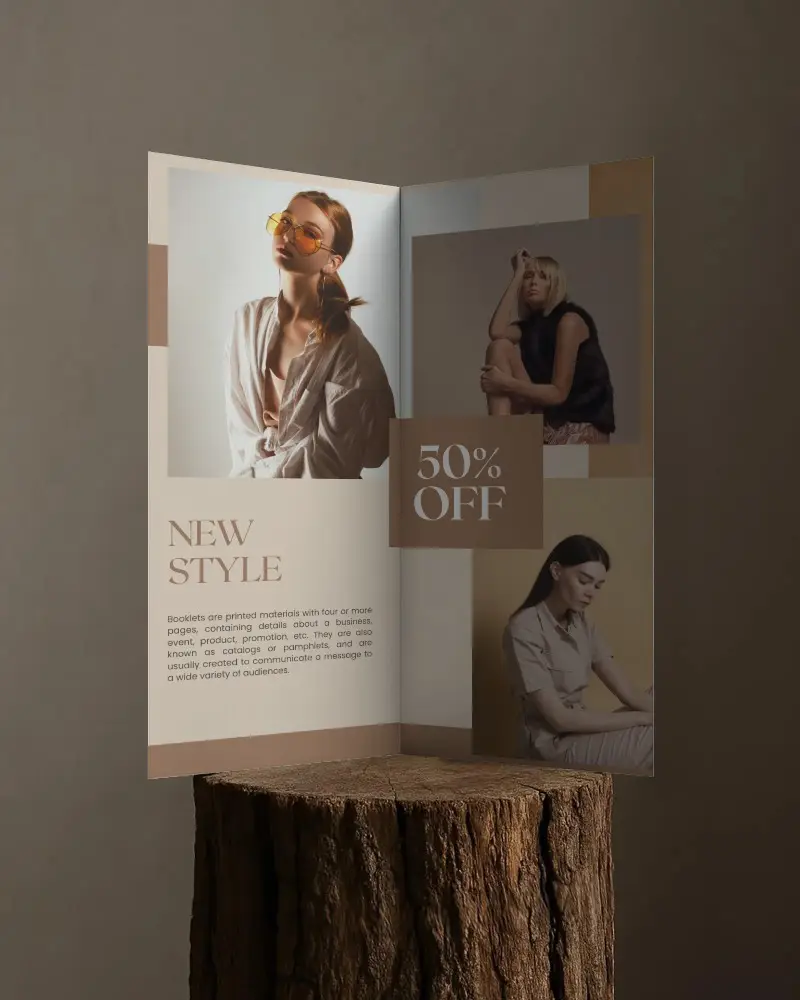
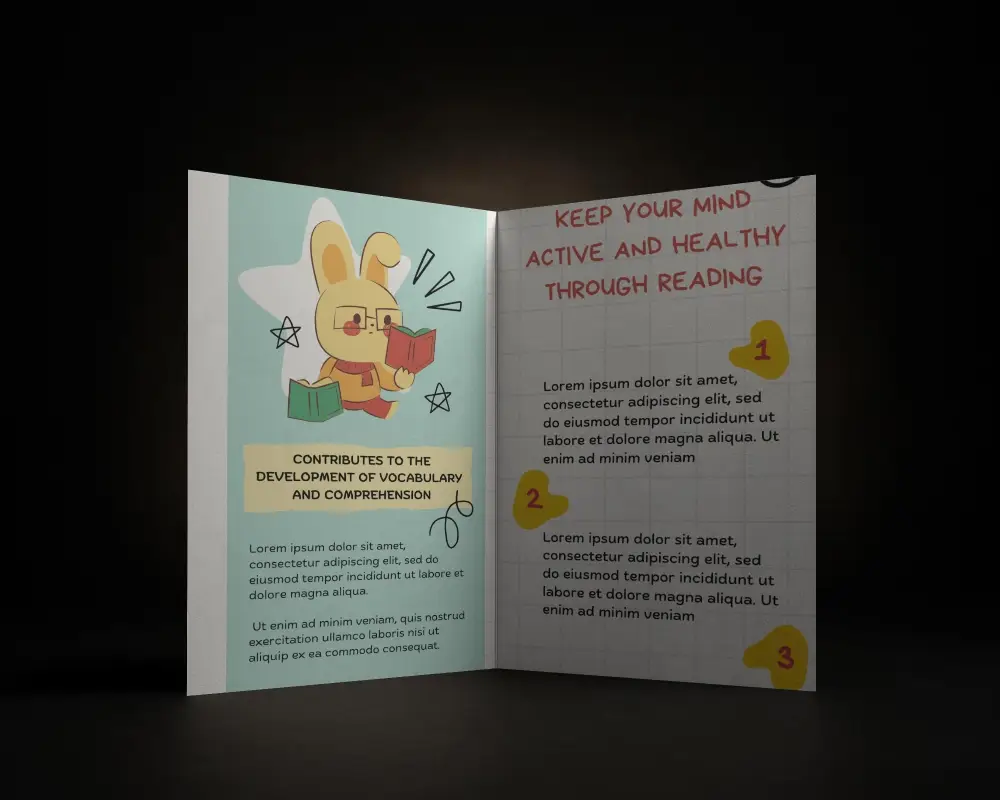
A bifold brochure mockup shows clear details, can be changed easily in the mockup generator, and looks real with shadows and different backgrounds.
Why Use Mockey’s Bifold brochure mockup?
Mockey AI’s bifold brochure mockups are free, high-quality, and easy to use. You can pick different styles, change colors, and add AI animations.
Is this Bifold brochure Mockup Free?
Mockey has many bifold brochure mockups, some free and some paid. You can download high-quality files. However some designs need a subscription, so not everything is free. Premium templates require payment to use.
Are these free bifold brochure mockups high-quality for printing?
Mockey AI has free bifold brochure mockups that look great and are easy to print. They come in PNG format with sizes up to 1600*2000 pixels.
How can I make my bifold brochure mockup look more realistic?
Mockey AI has free bifold brochure mockups that look great and are easy to print. They come in PNG format with sizes up to 1600*2000 pixels.
How do I fit my design into the free bifold brochure mockup?
You don’t need any special technique to make a bifold brochure mockup look realistic. Our templates and design tools make the mockup look very real. If you want it in a realistic video form, you can also explore Mockey AI’s brochure video mockups.
