Best Free Half Fold Brochure Mockup Templates - No Watermarks
Create eye-catching free Half Fold brochure mockups! Mockey makes it easy to customize and download high-resolution Brochure Mockup designs. Start designing!
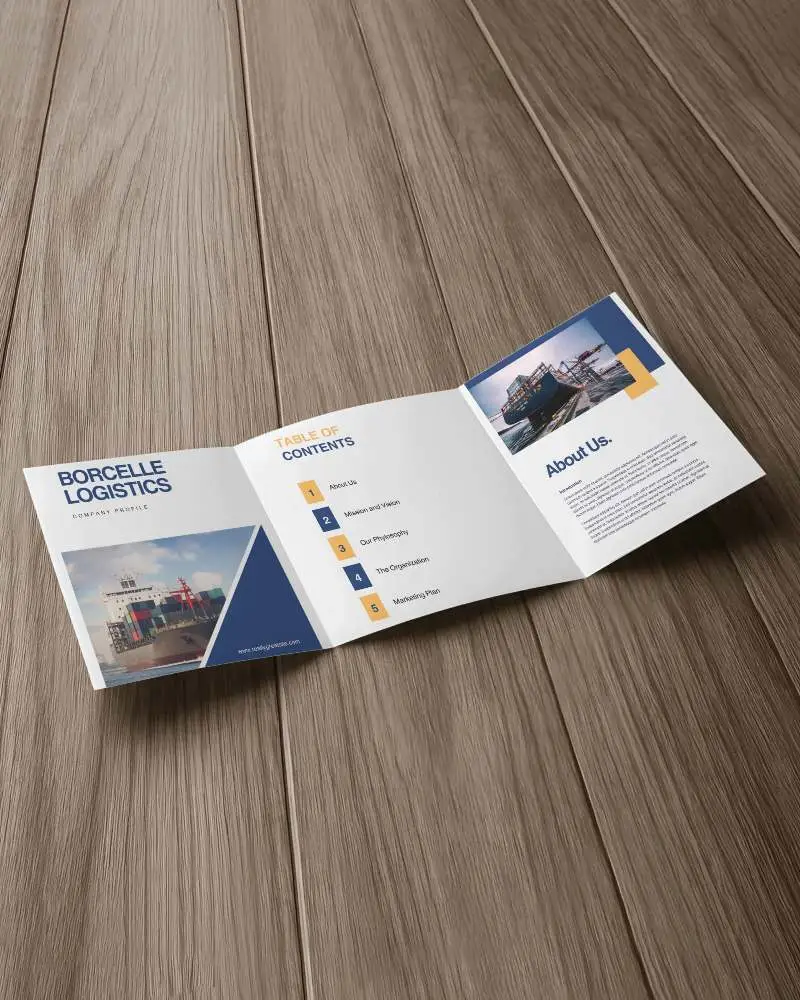
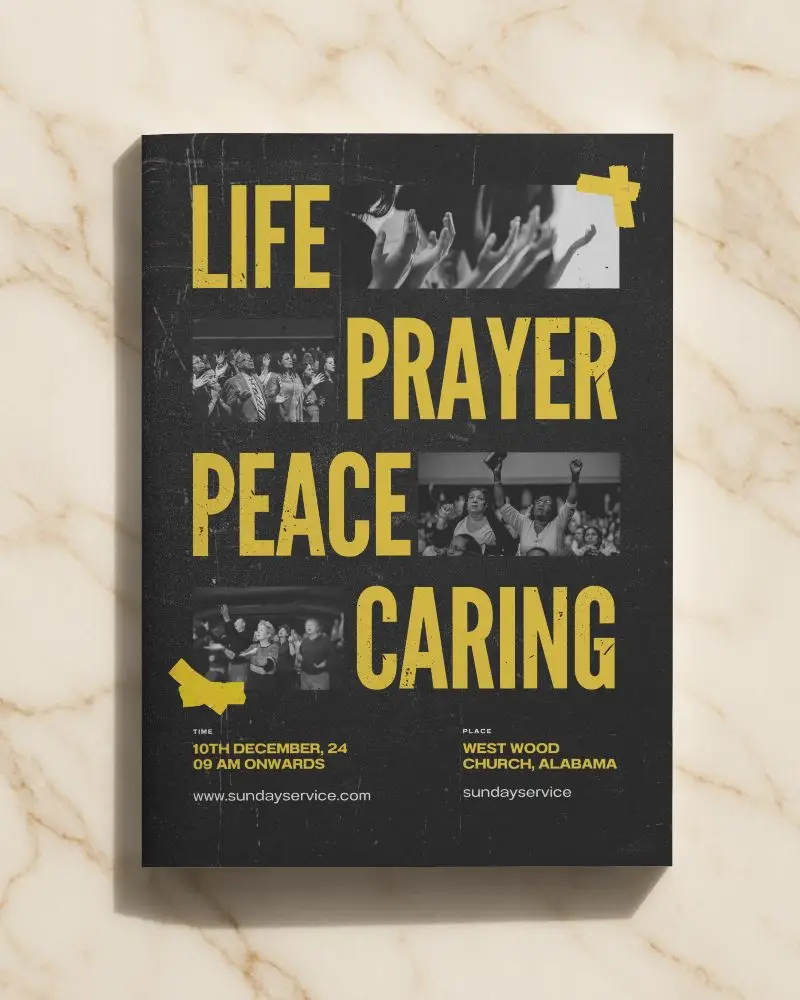
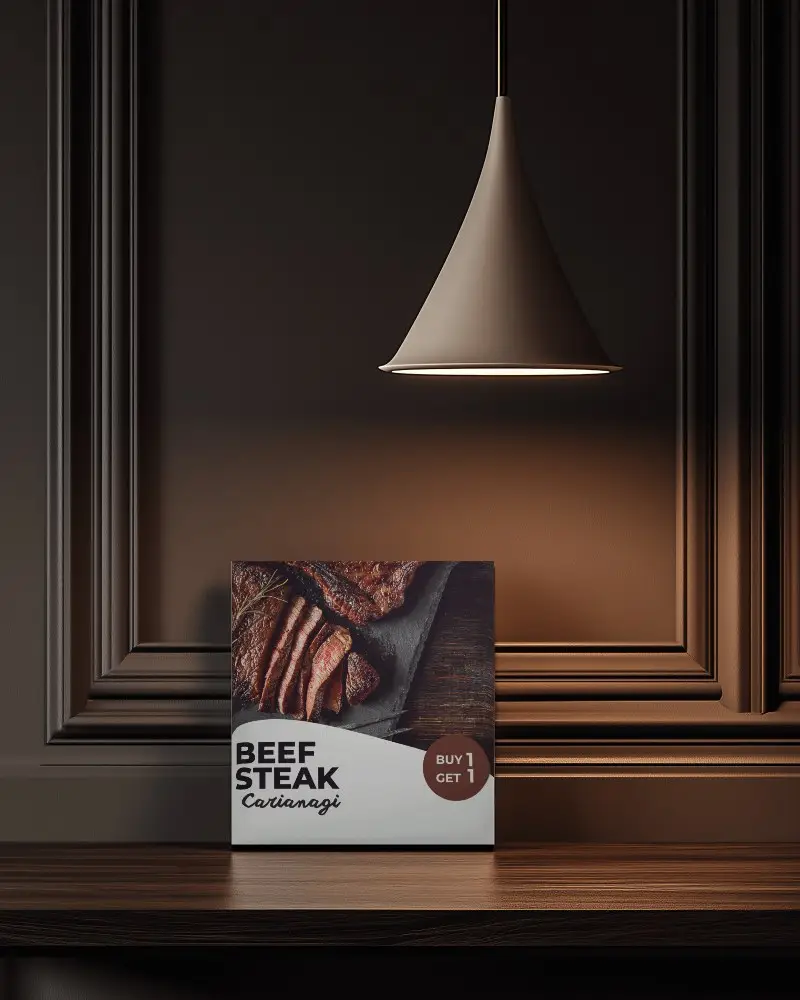
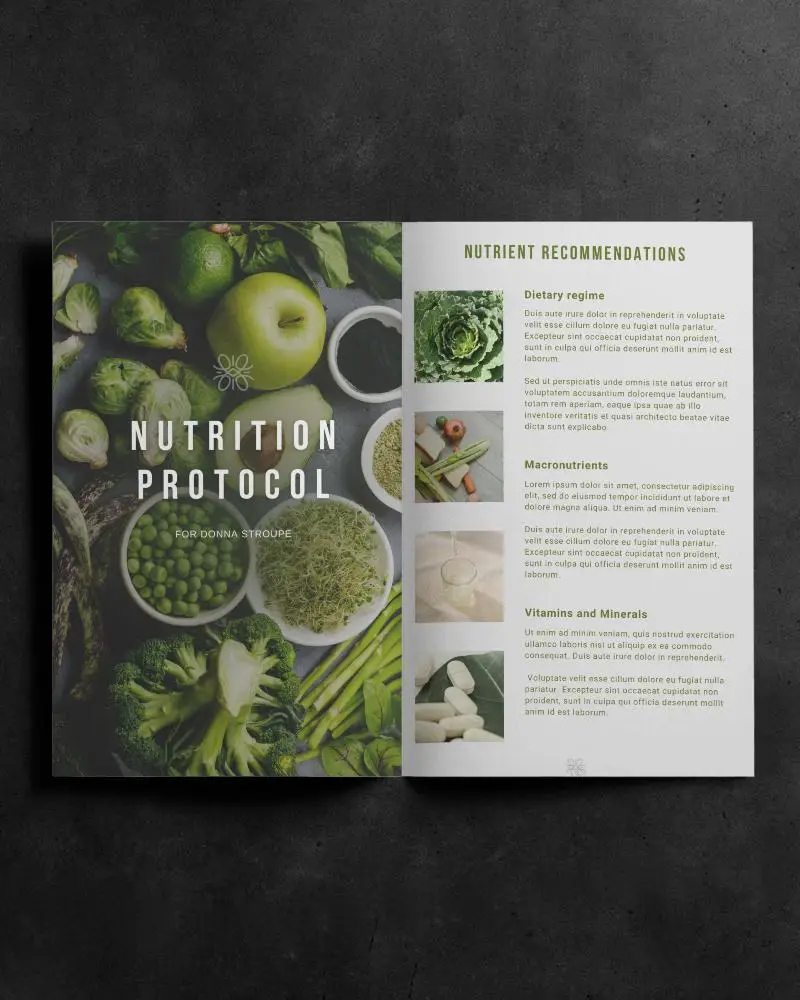
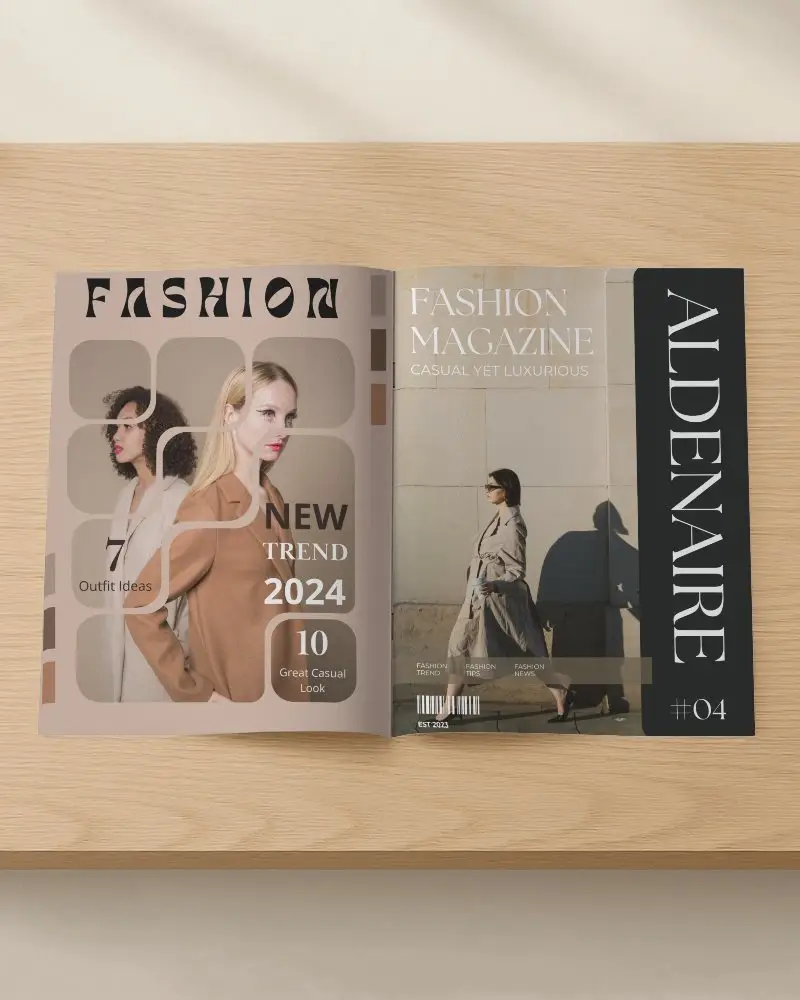
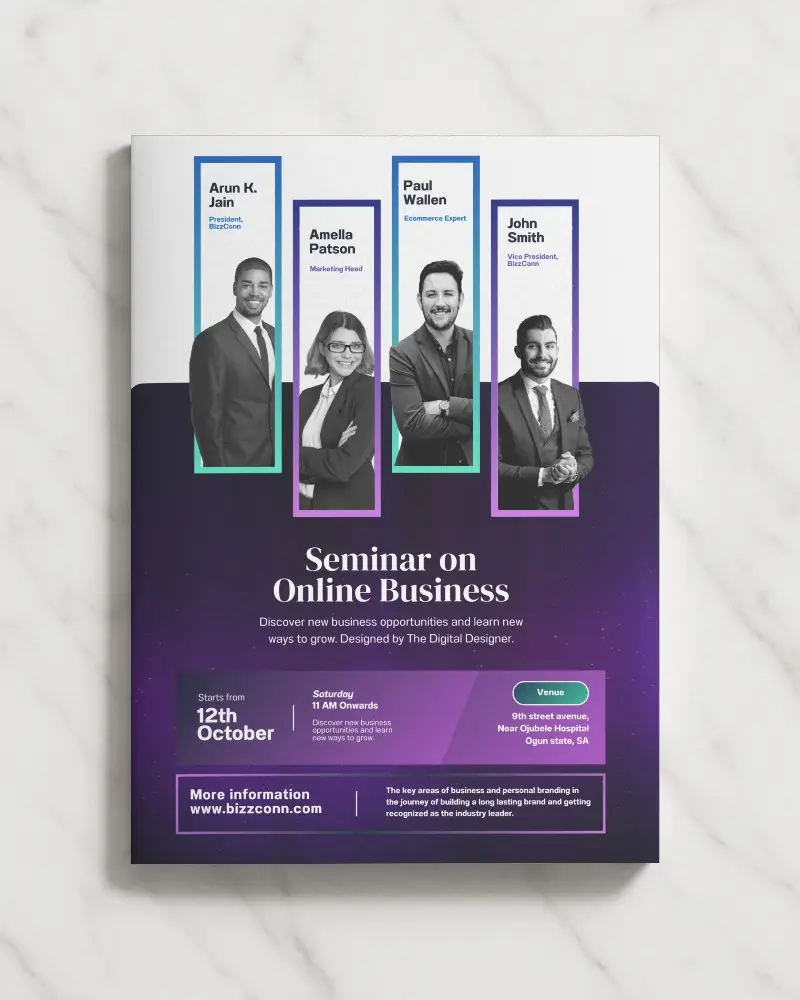
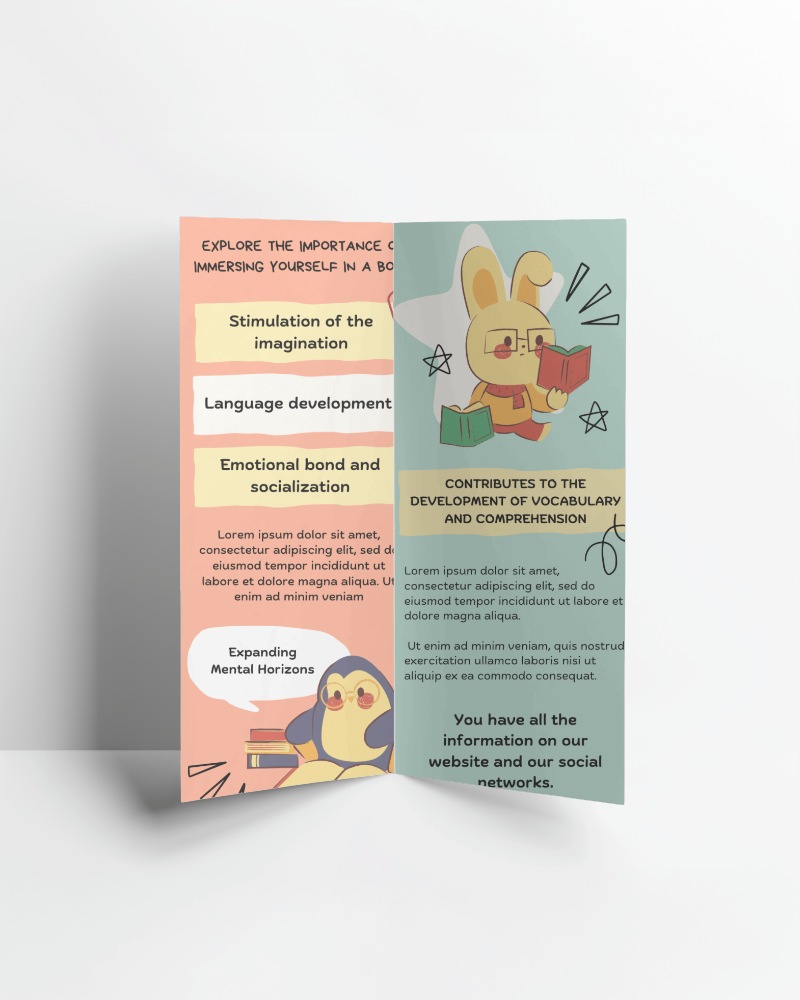
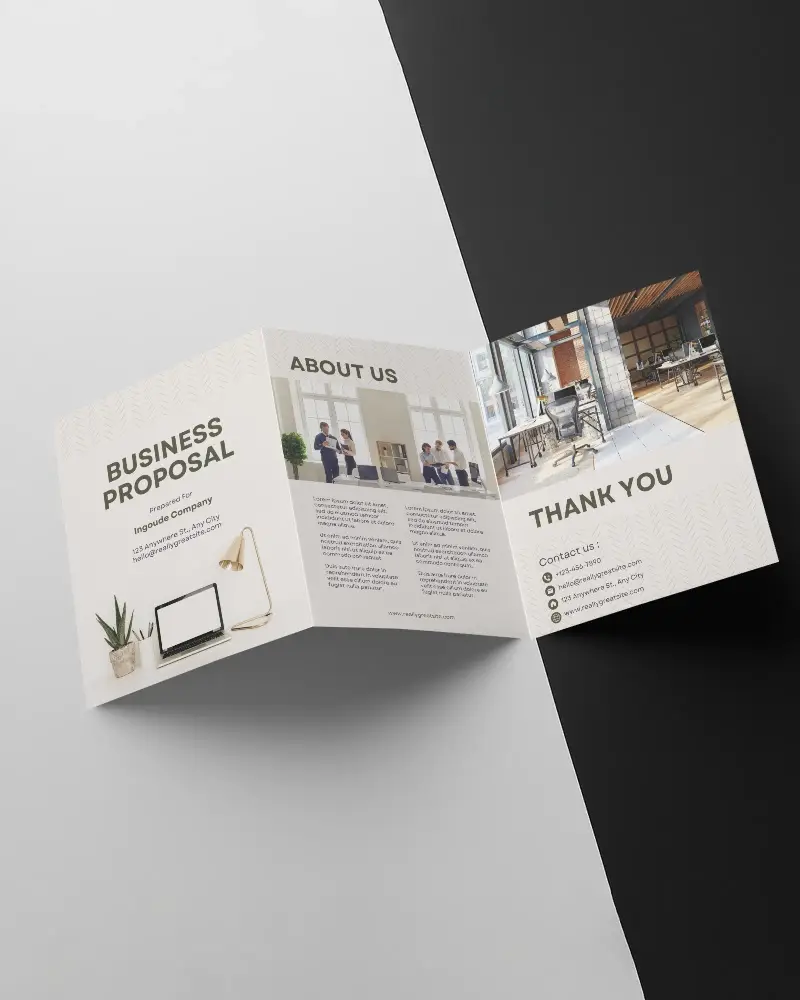
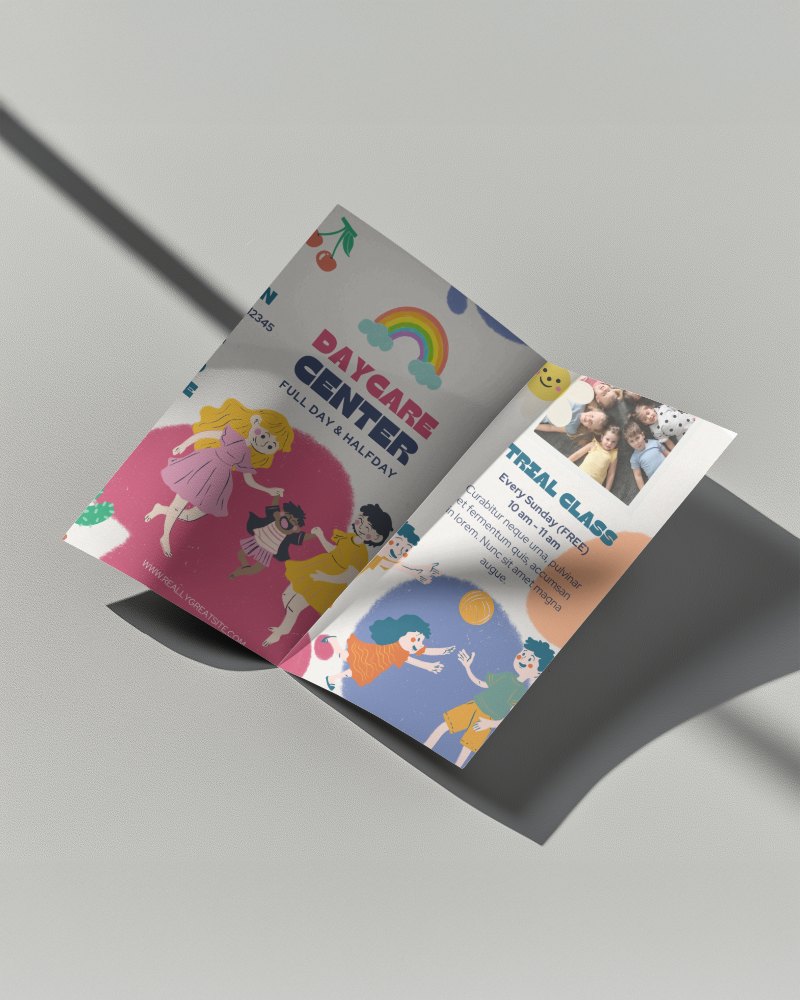
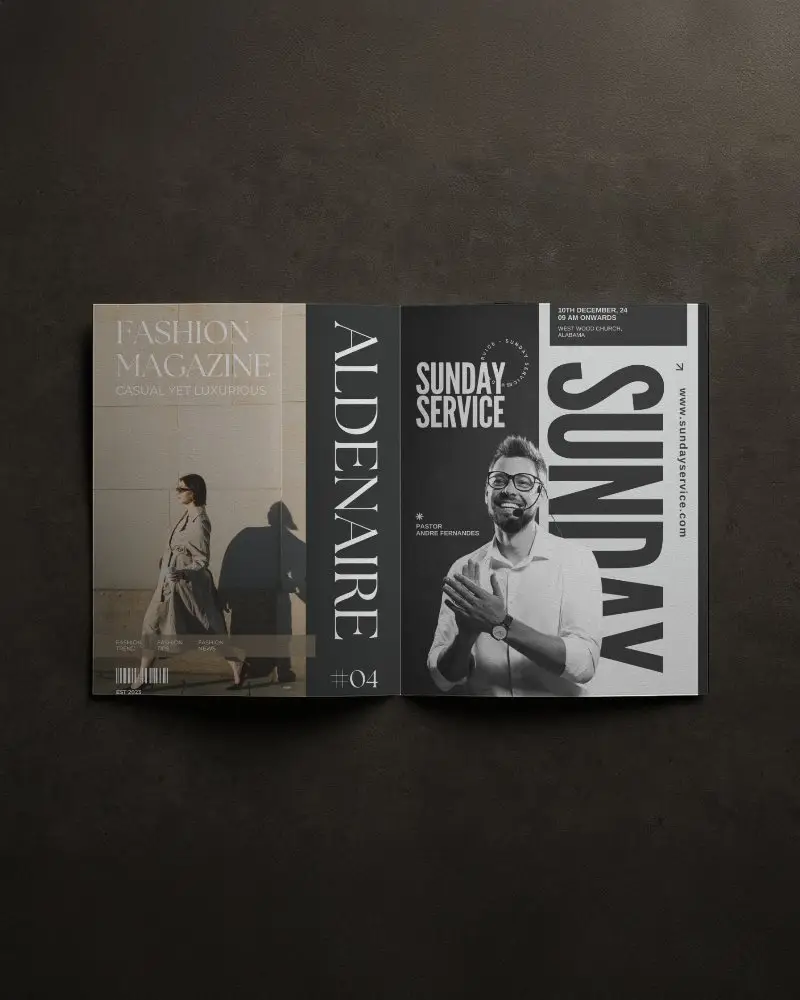
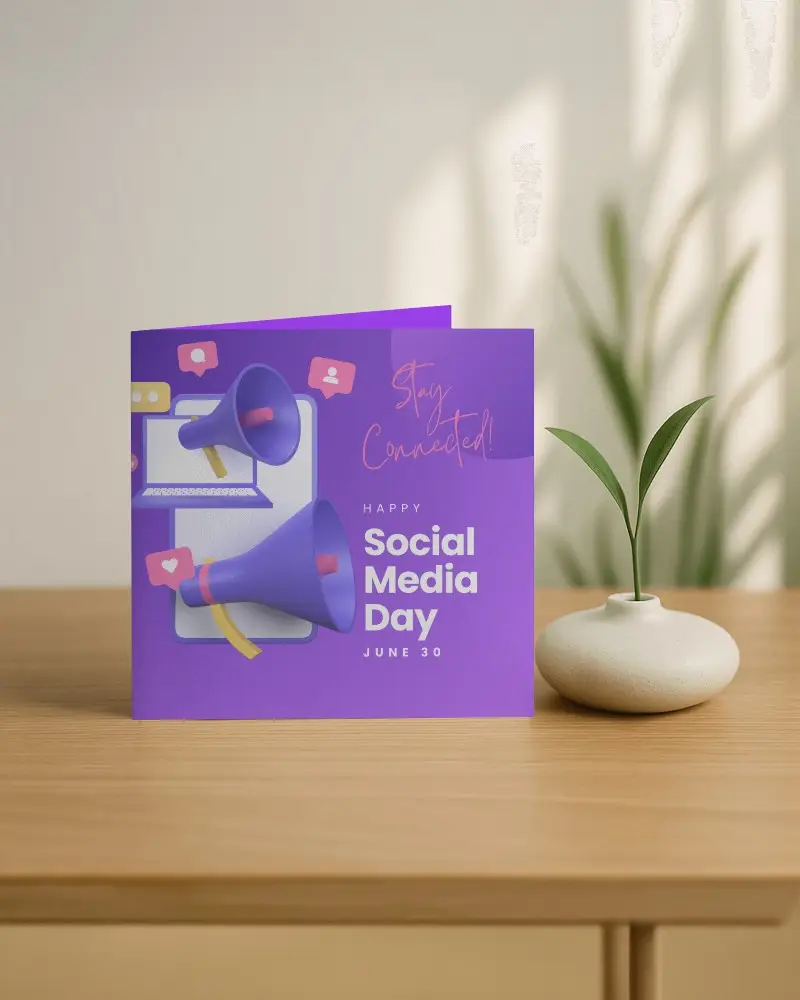
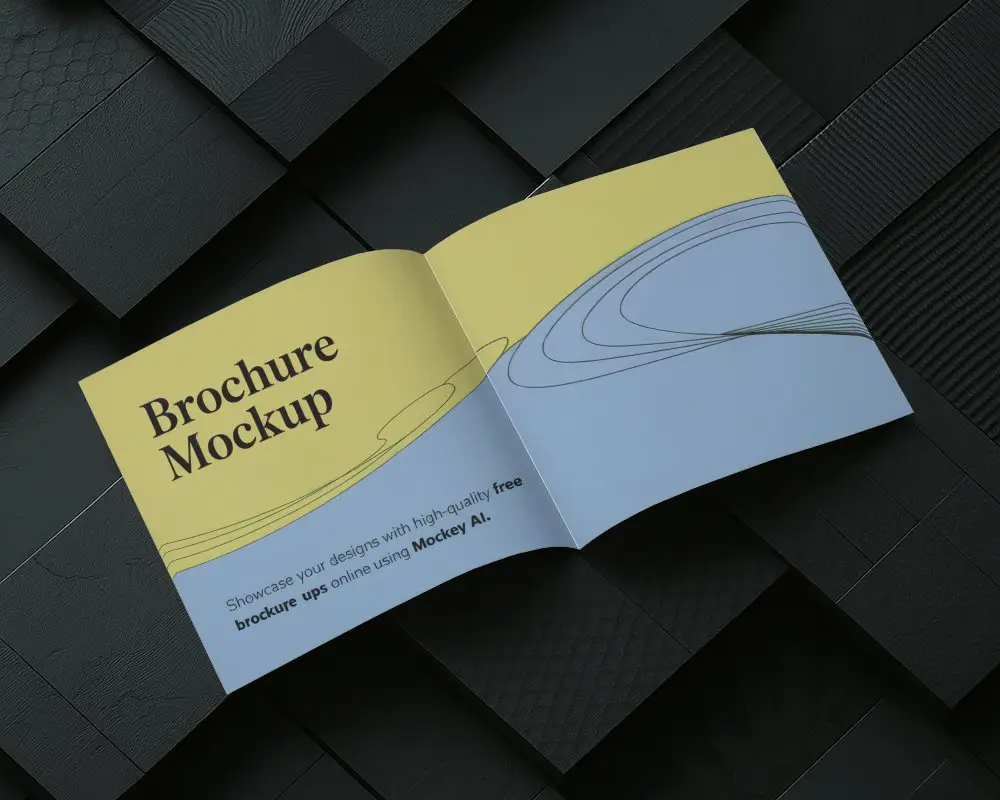
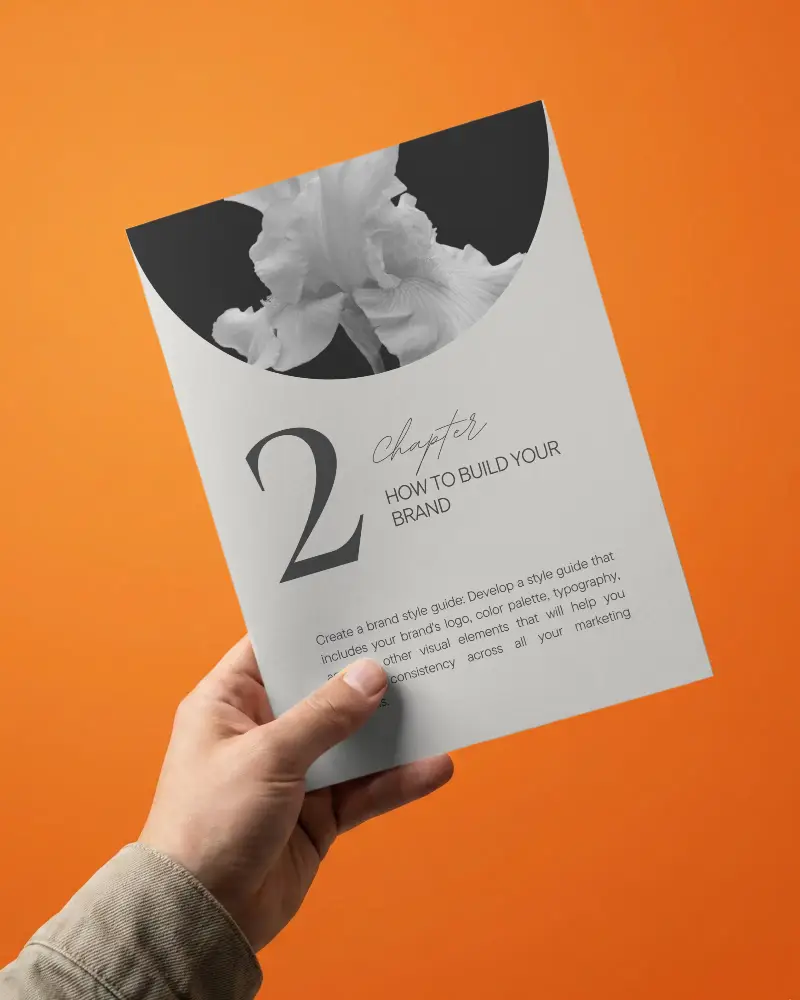
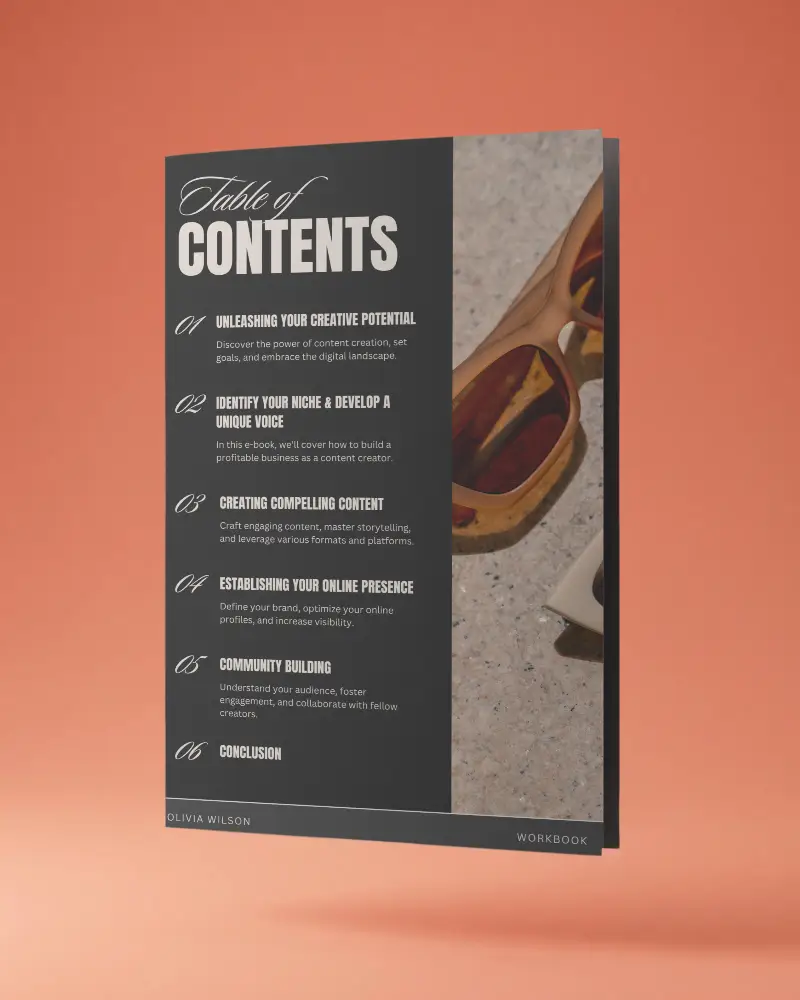
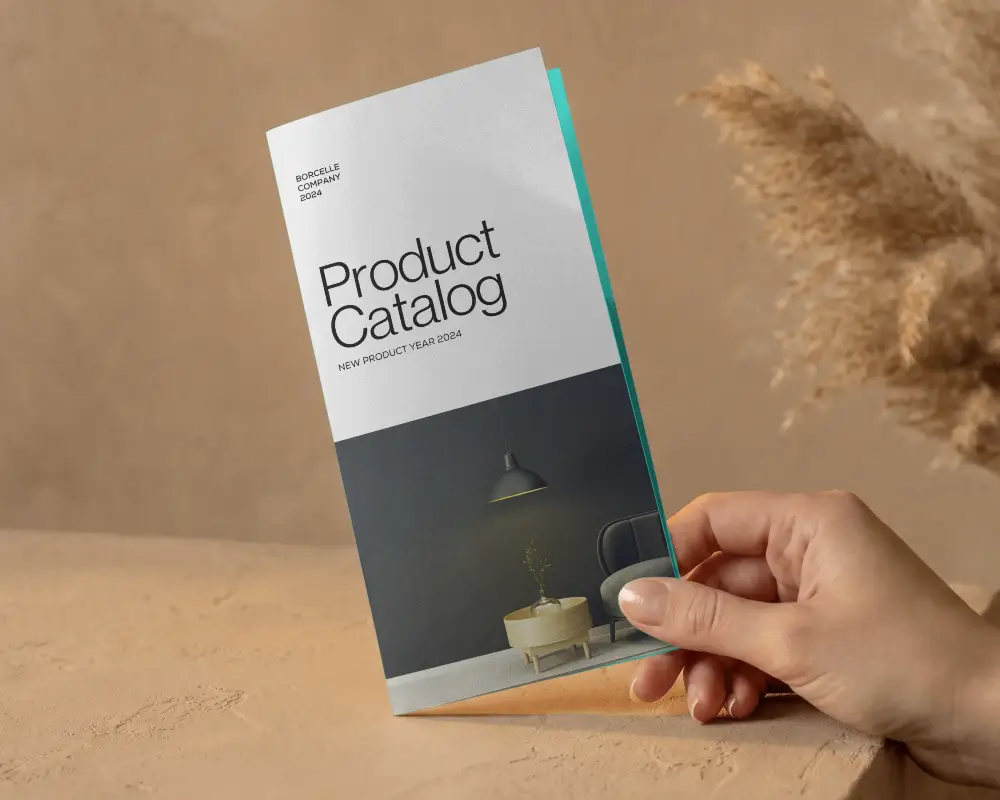
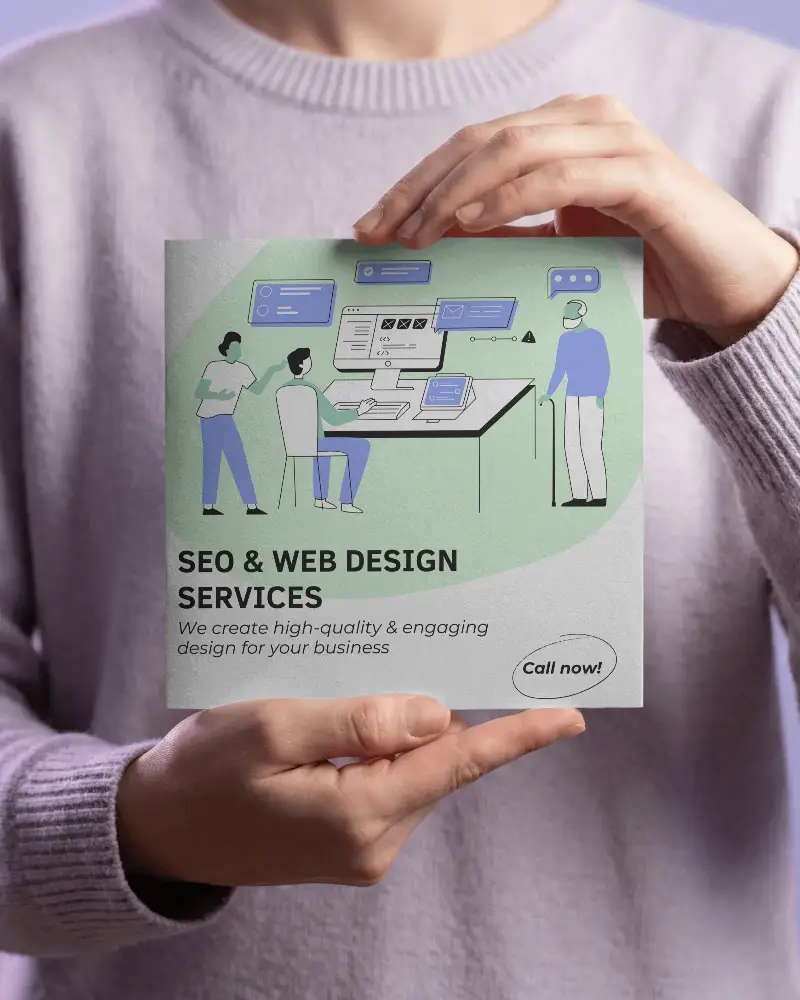
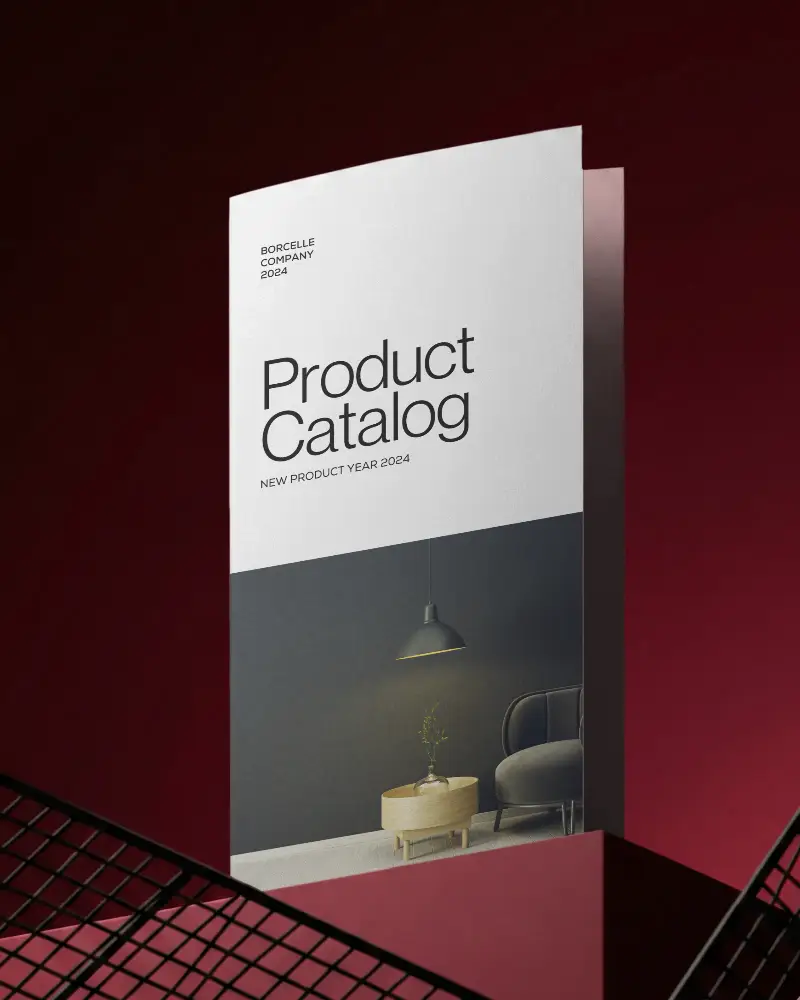
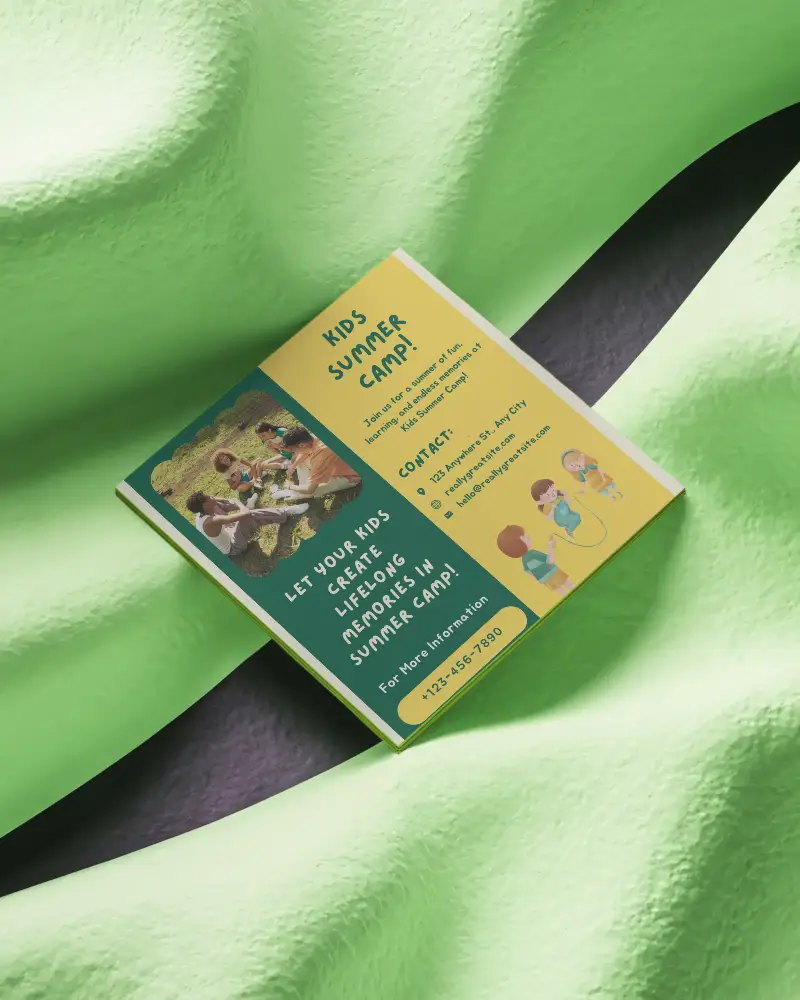
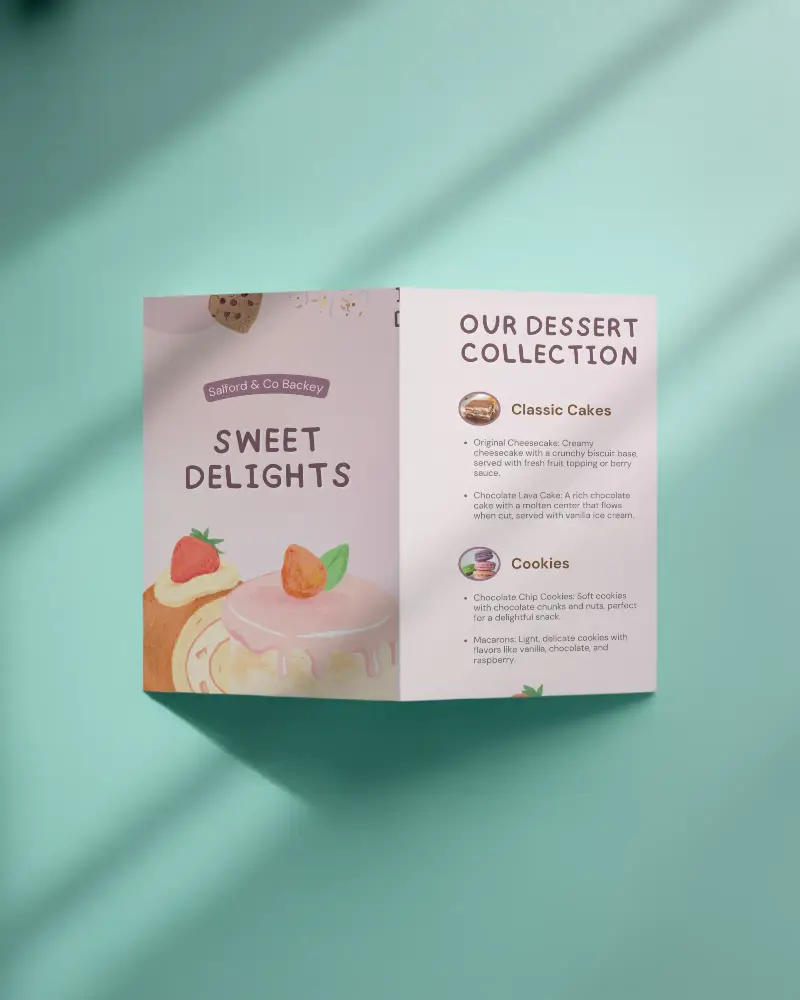

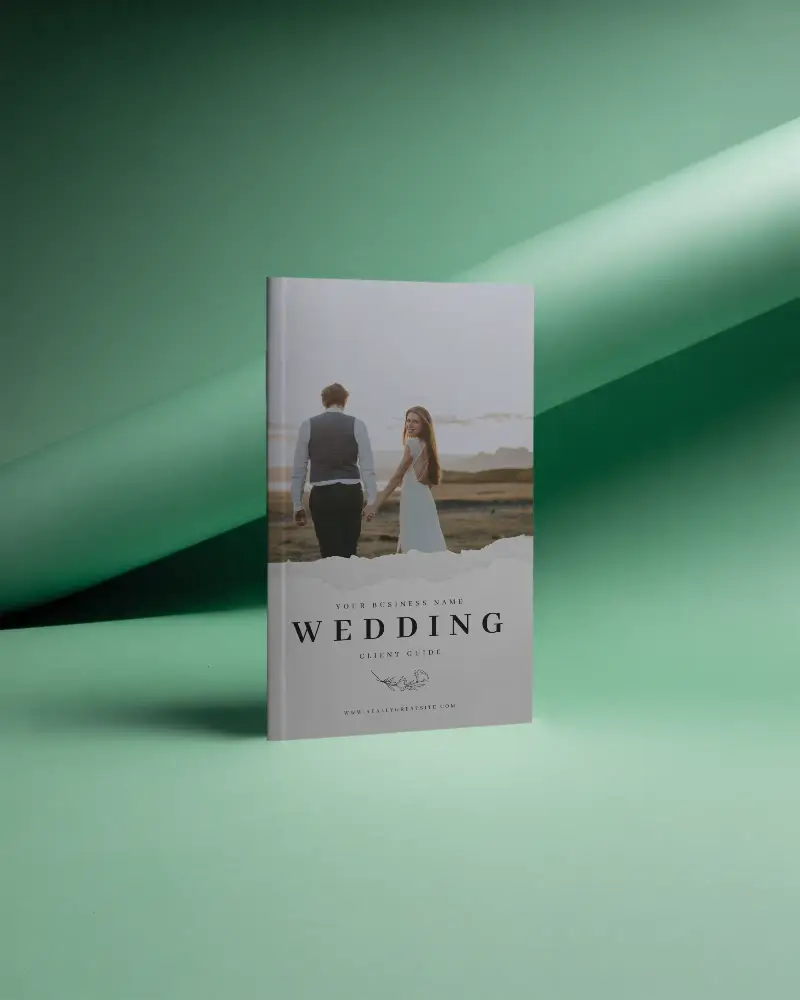
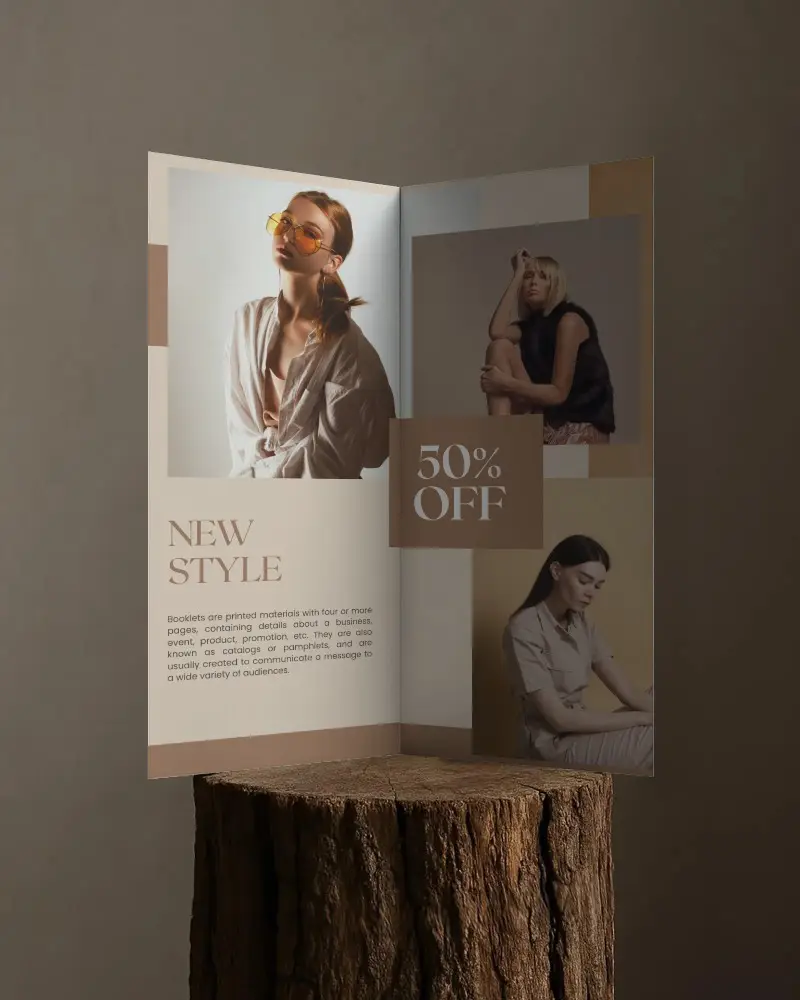
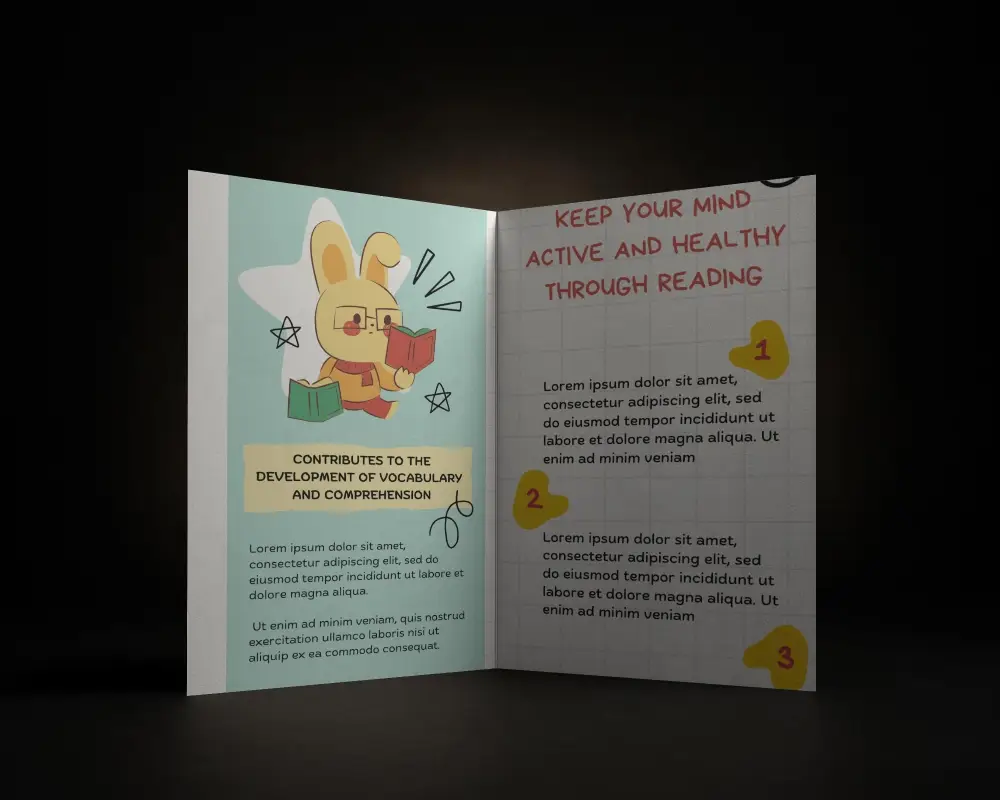
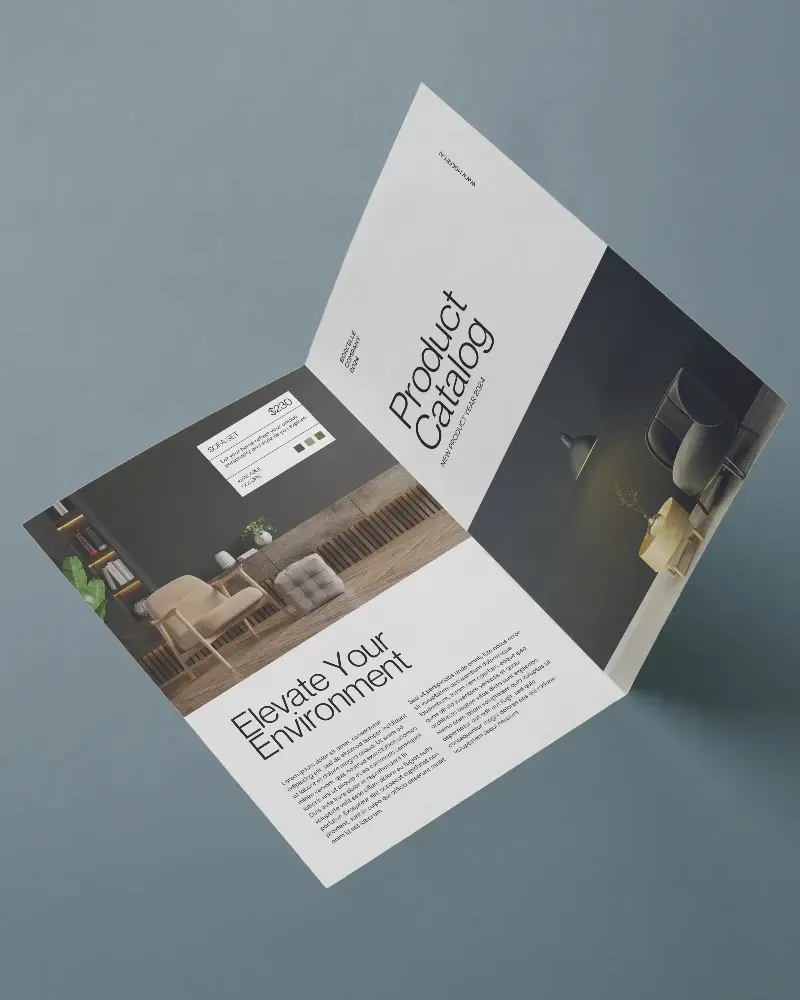
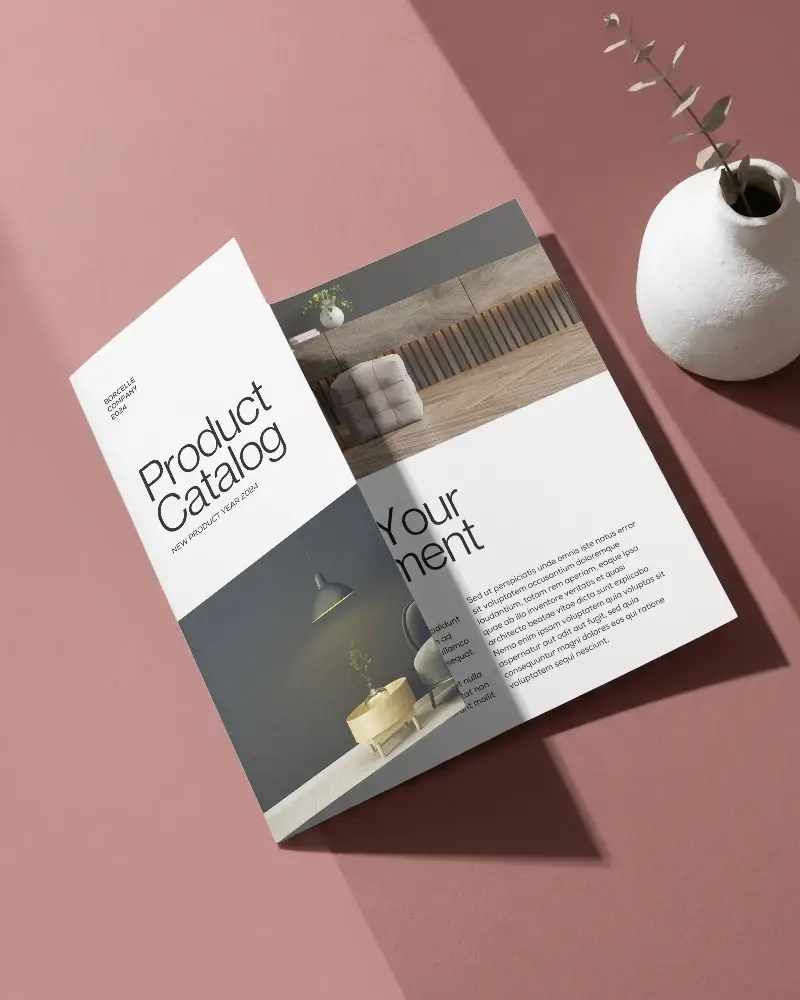
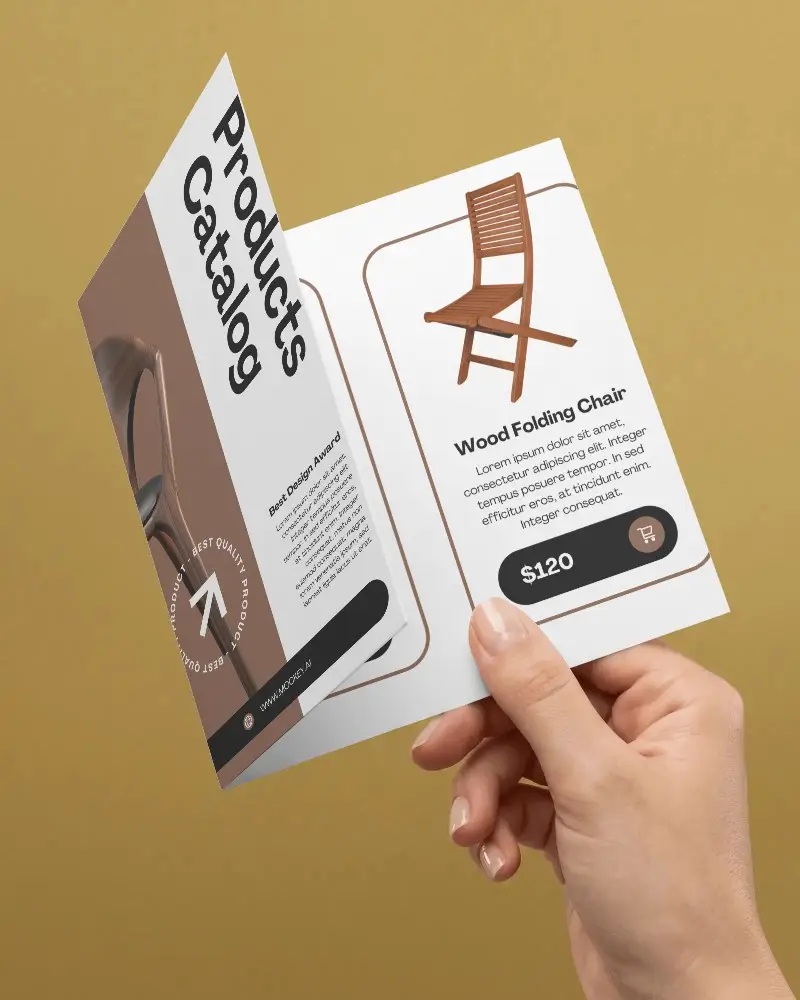
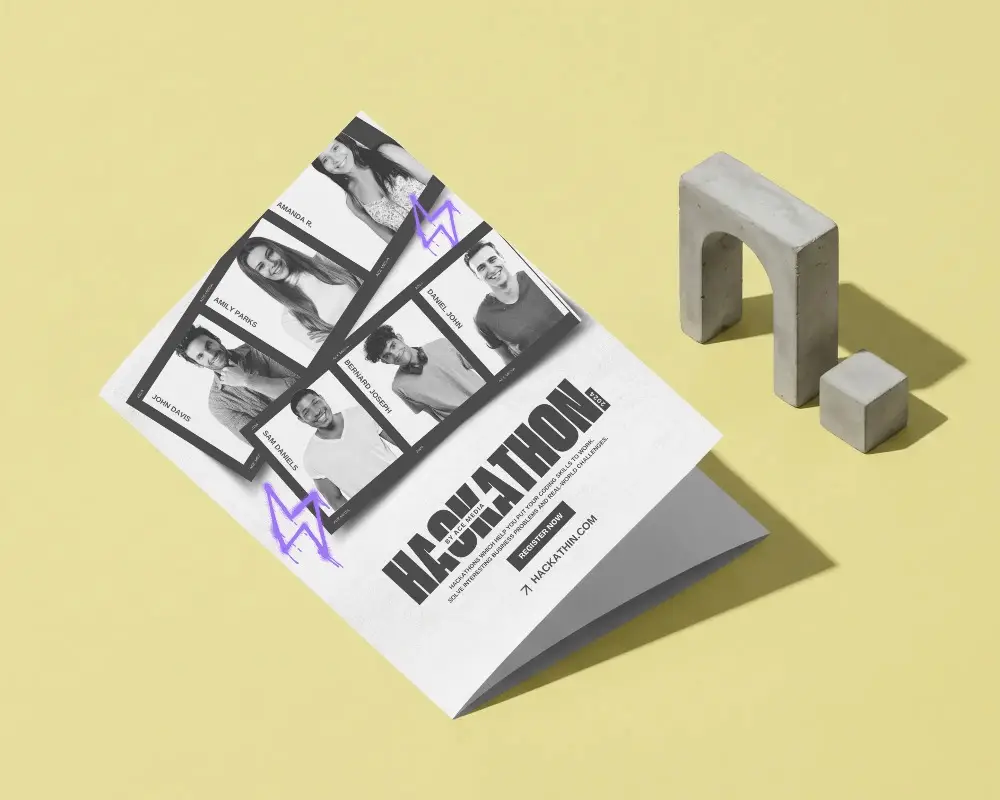


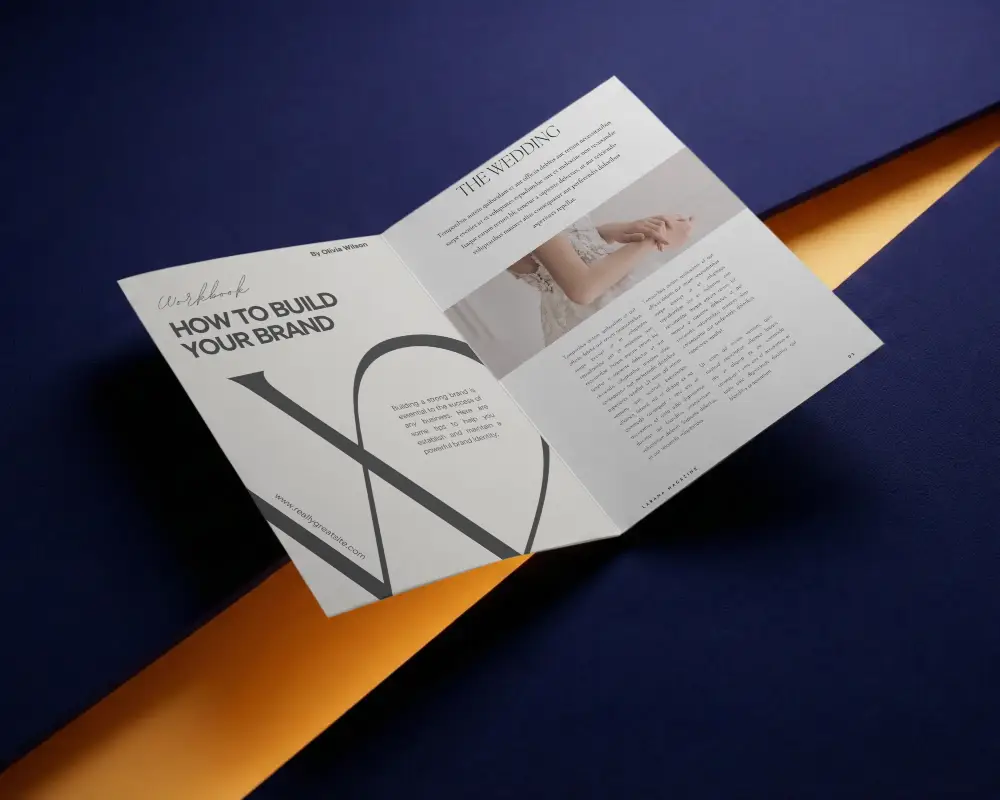
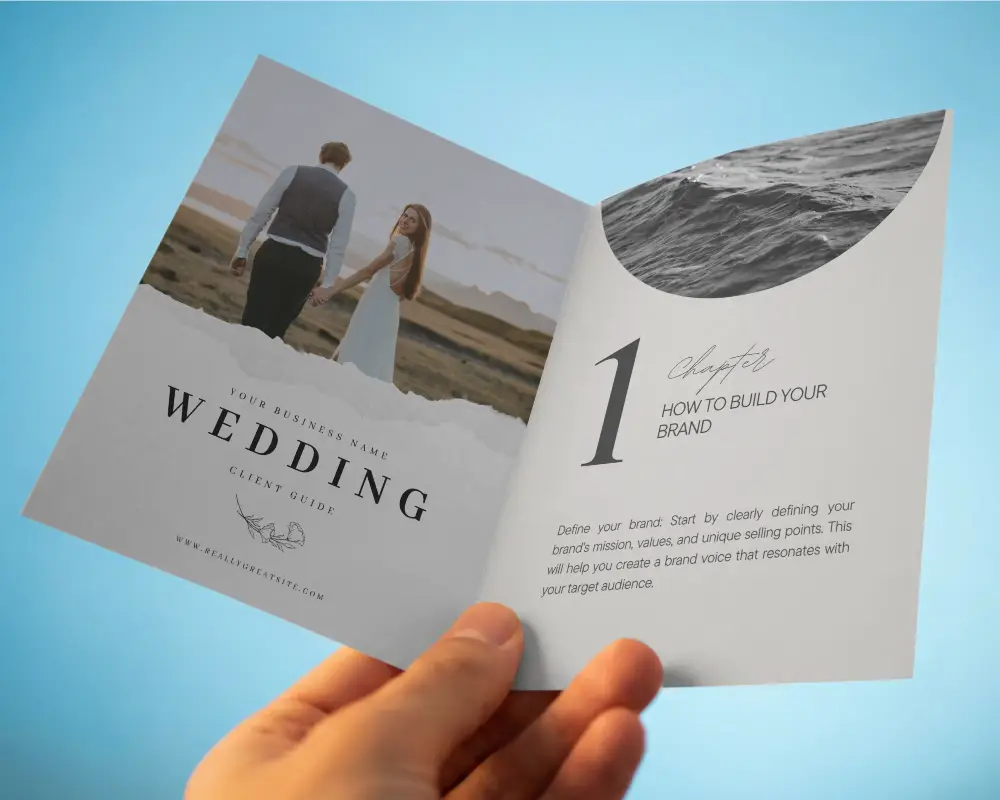
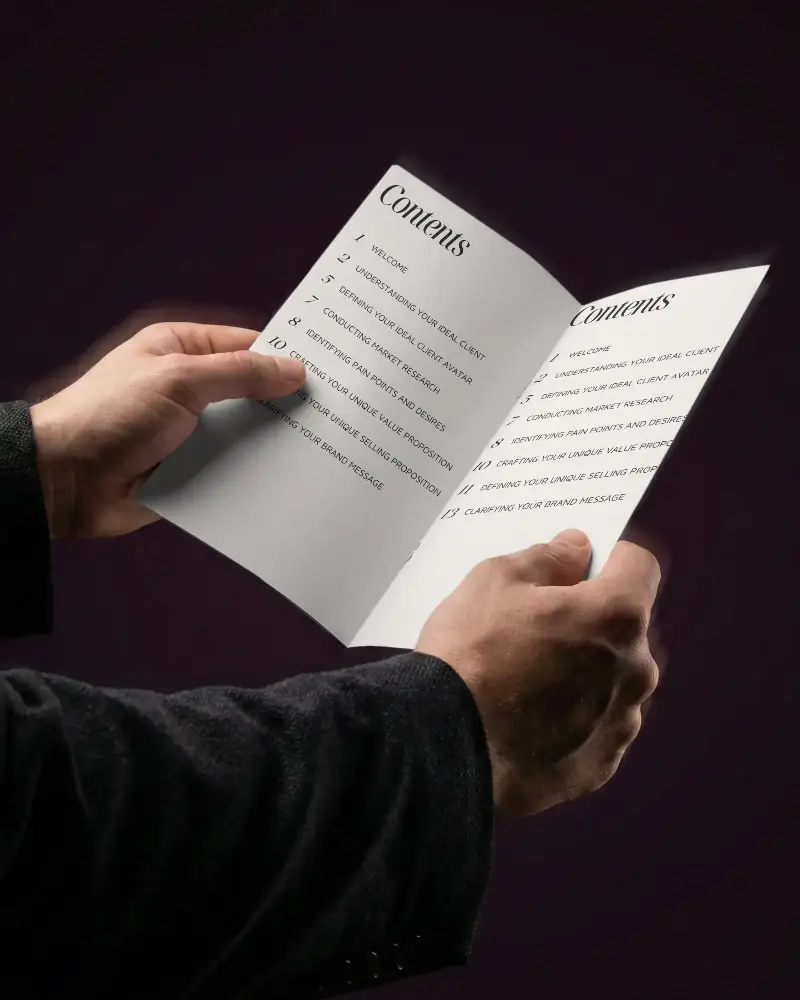
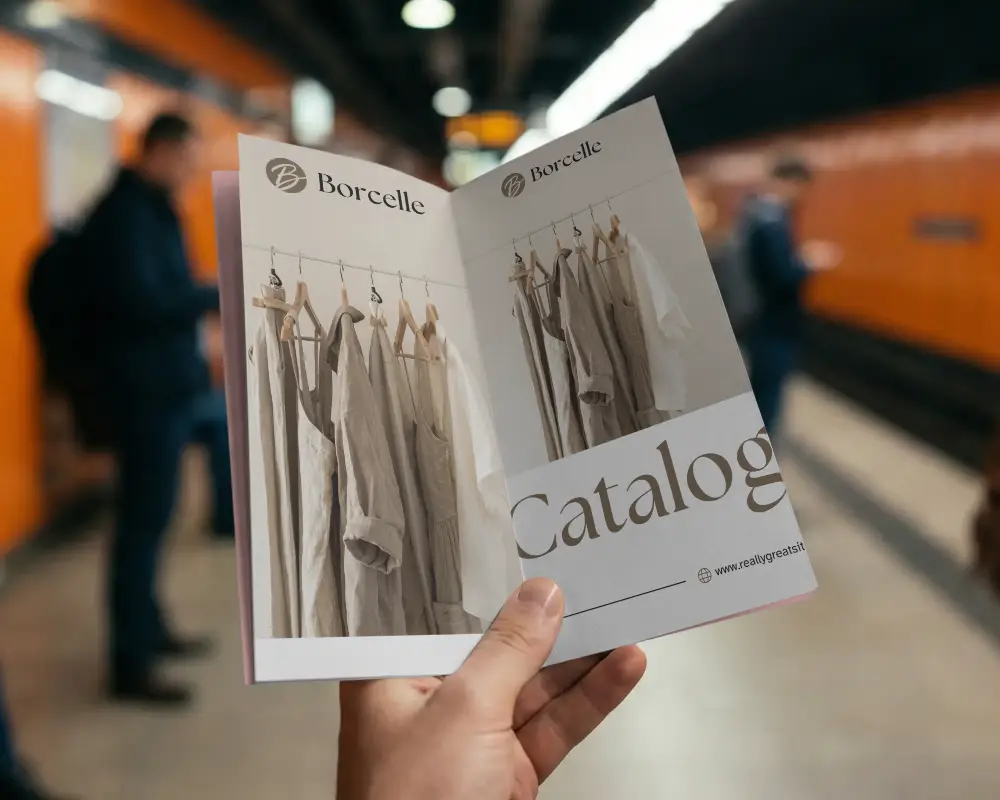
How to Make Half Fold Brochure Mockup with Mockey
To create a Half Fold brochure mockup in Mockey AI:
- Step 1: Join Mockey to make a half-fold brochure mockup. Go to Mockups > Print > Brochure > Half Fold.
- Step 2: Choose a template, upload your design on both sides, and add colors or a background.
- Step 3: Download the design in PNG or JPEG format.


FAQs on Half Fold Brochure Mockups
How to create a Half Fold brochure mockup?
Join Mockey to make a half-fold brochure mockup. Go to Mockups > Print > Brochure > Half Fold. Choose a template, upload your design on both sides, and add colors or a background.
What is a Half Fold brochure mockup?
A half-fold brochure mockup is a digital picture that shows how a folded brochure will look.
Why Use Mockey’s Half Fold brochure mockup?
Mockey AI shows a realistic preview, lets users change colors and background, and is simple to use. The pictures are clear and professional, saving money on expensive design tools or photography.
Is this Half fold brochure Mockup Free?
You can use the Half Fold Brochure Mockup on Mockey AI for free. No need to pay or use a credit card. Just open the tool, pick your brochure template instantly.
Is it possible to edit both sides of a Half Fold brochure mockup on Mockey?
Yes, you can change both sides of the half-fold brochure template. Add logos or pictures, choose any color or background, and design it your way.
Can I adjust the size and color of a Half Fold brochure mockup in Mockey?
You can change the size and color of a Half Fold brochure in Mockey. Pick 1600×2000, 800×1000, and 400×500 pixels to fit your needs. Choose colors or backgrounds while customizing your design.
What file types are supported for Half Fold brochure mockup downloads on Mockey?
You can save your half-fold brochure mockup in only two types: PNG and JPEG. But if you get the Creator Plan, you can use the AI anime feature to turn it into a video with moving visuals instead.
Is Mockey compatible with mobile devices for creating Half Fold brochure mockups?
You can use Mockey on your phone, tablet, or computer to make Half Fold Brochure mockups. It’s easy to use, so anyone can create and edit designs anytime, anywhere.
