iPad Mockup Free Download for App Presentations & Website Designs
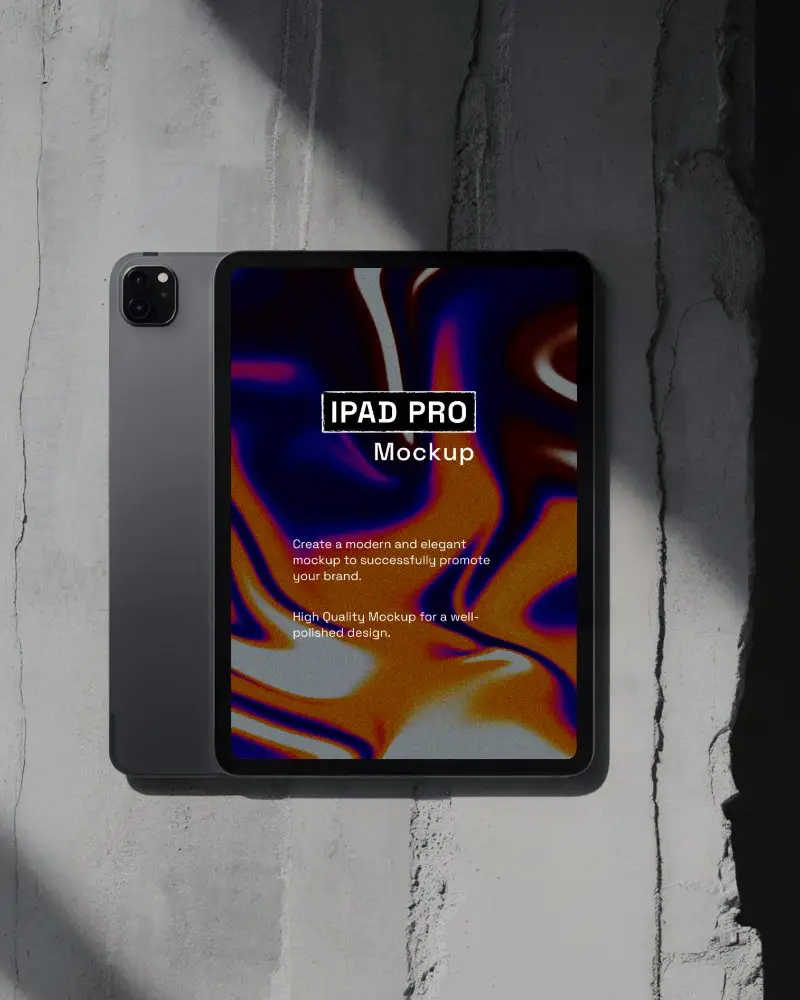
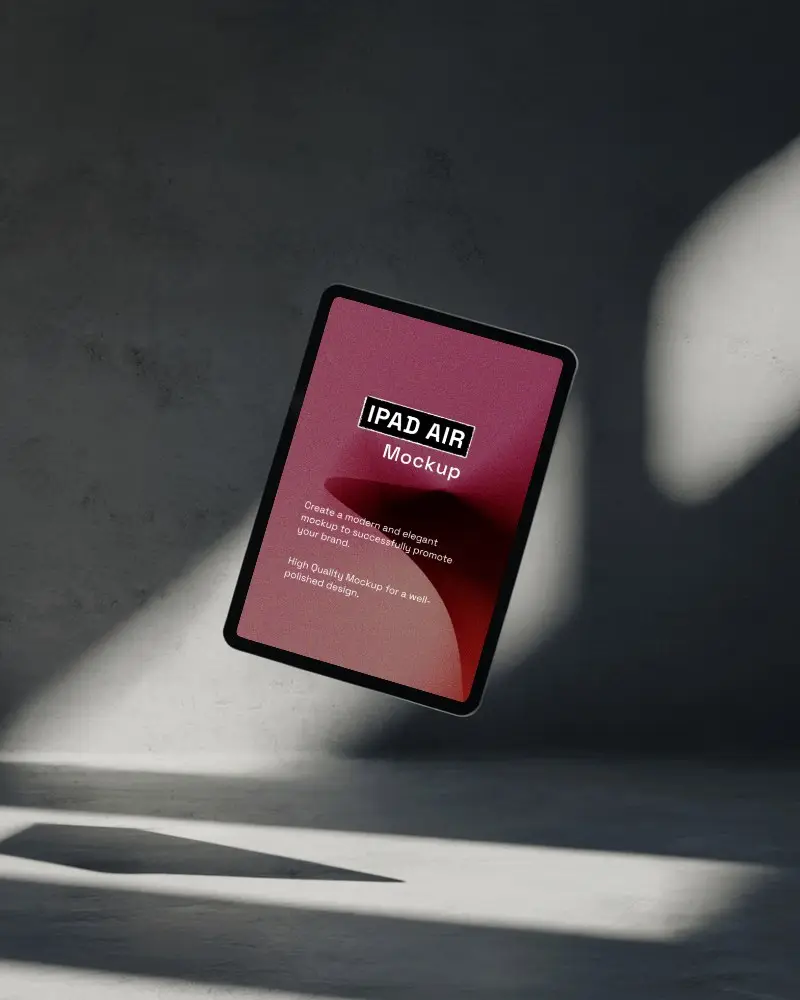
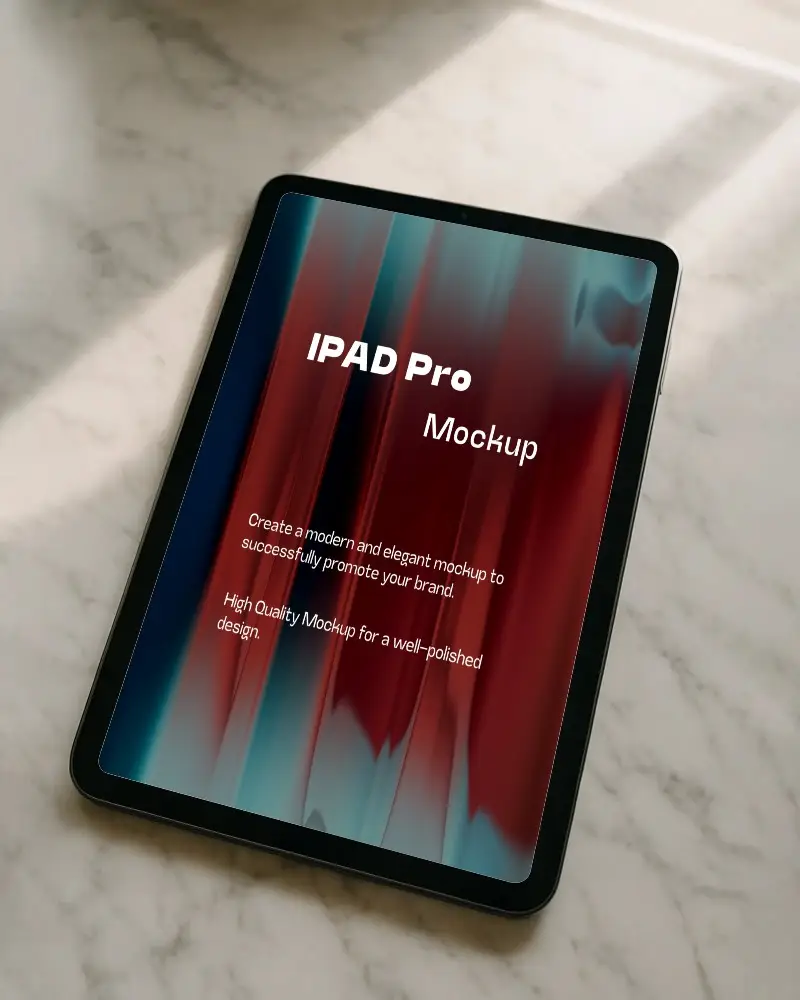
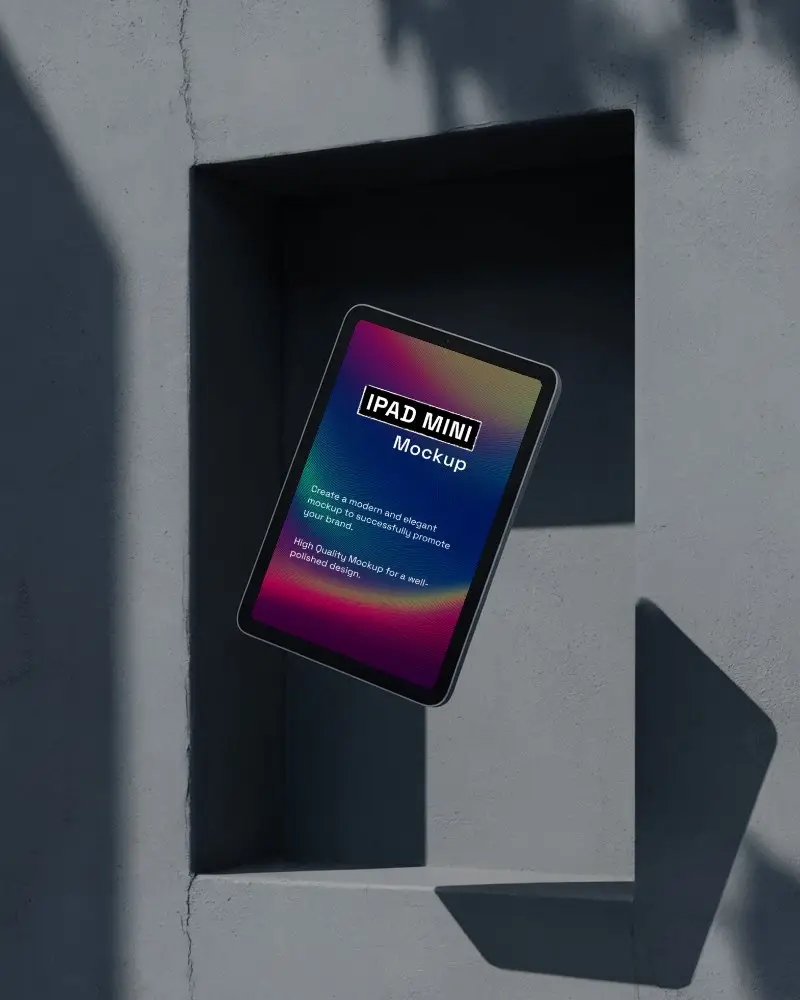
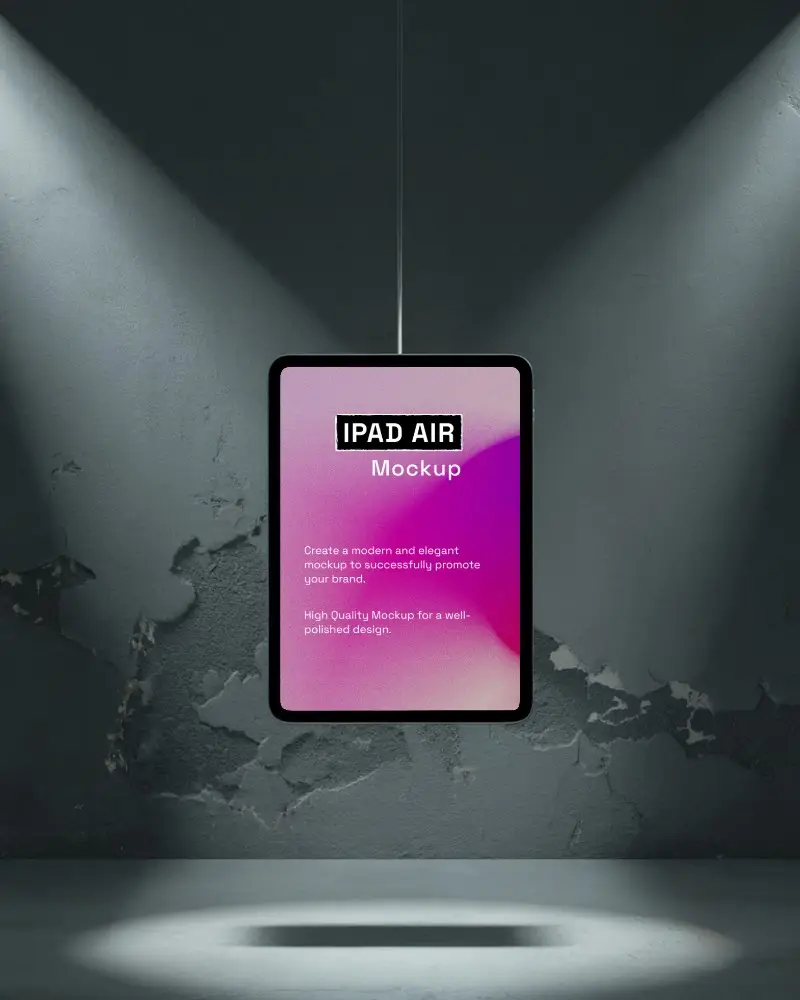
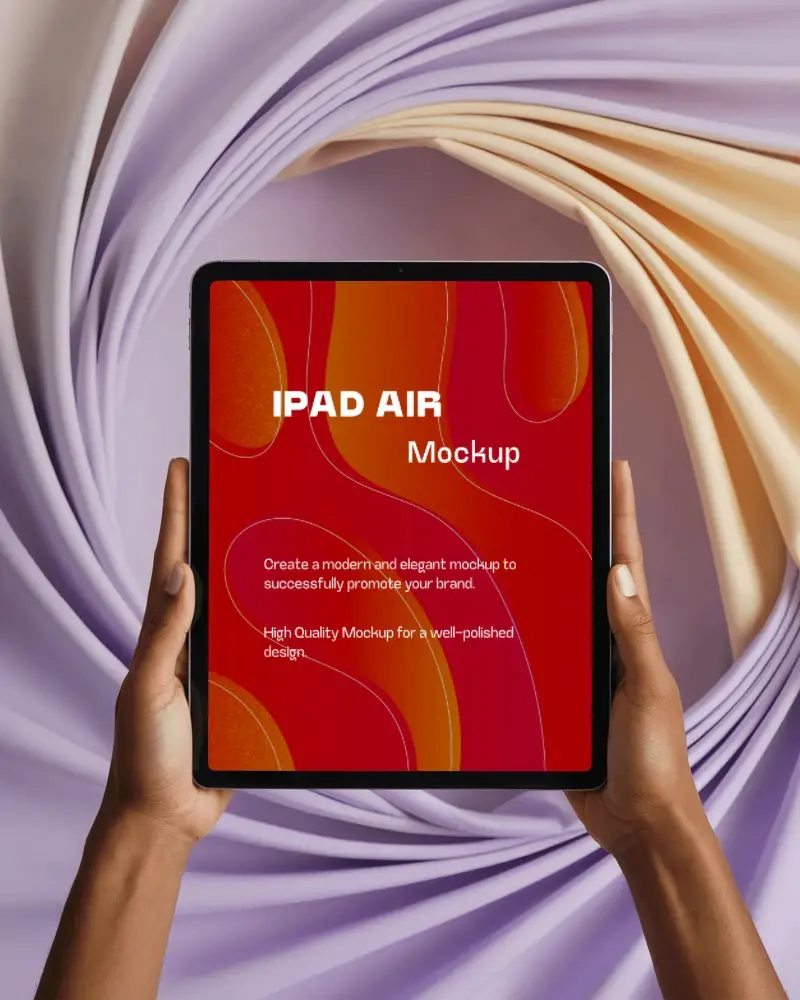
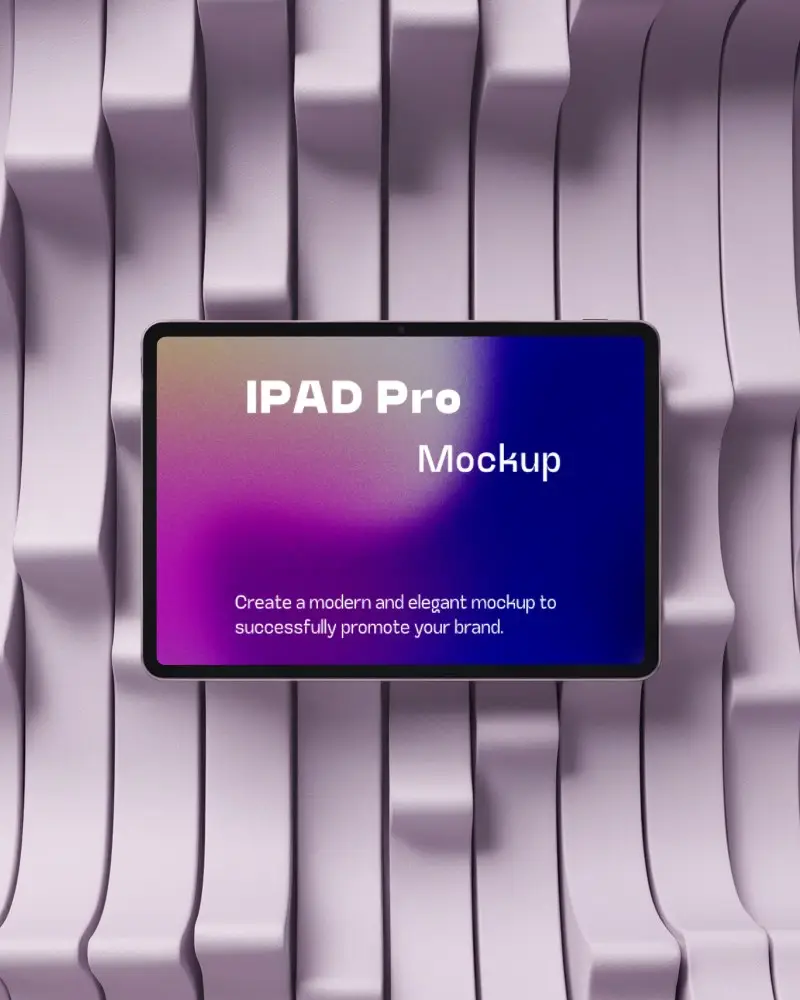
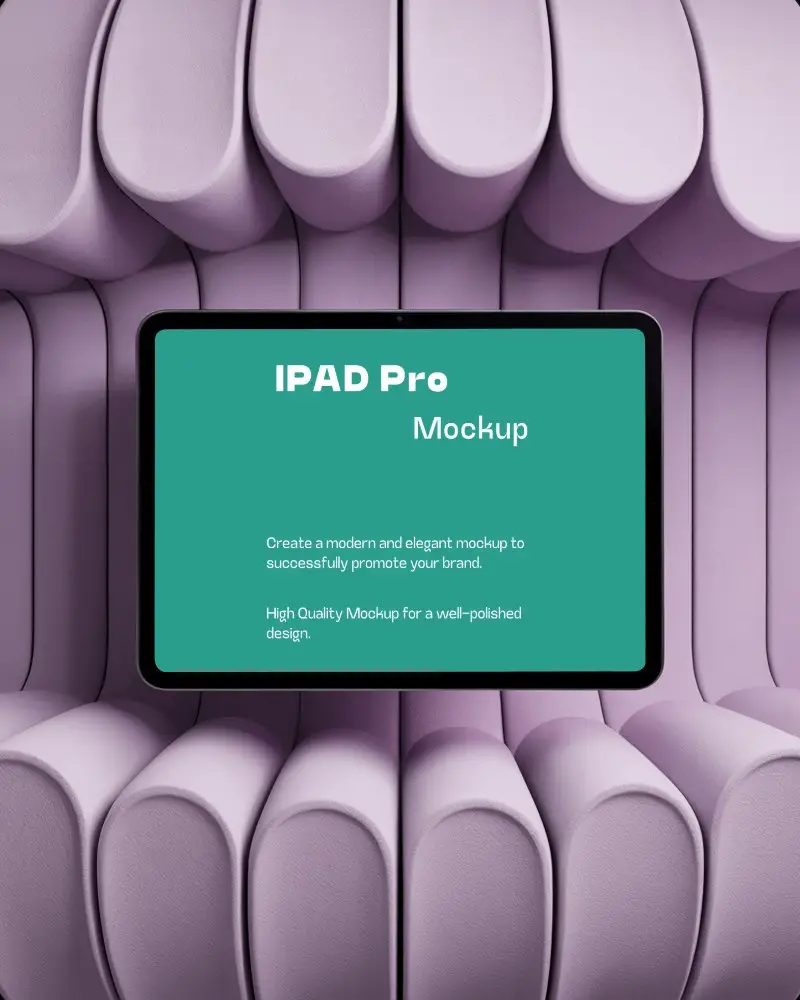
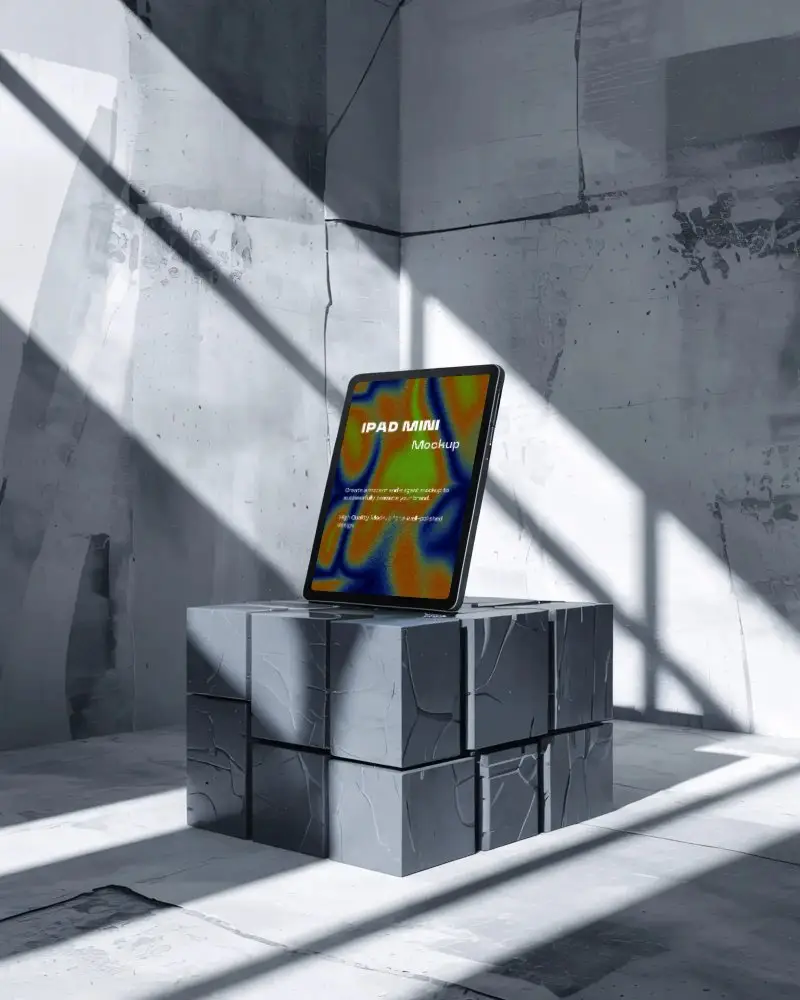
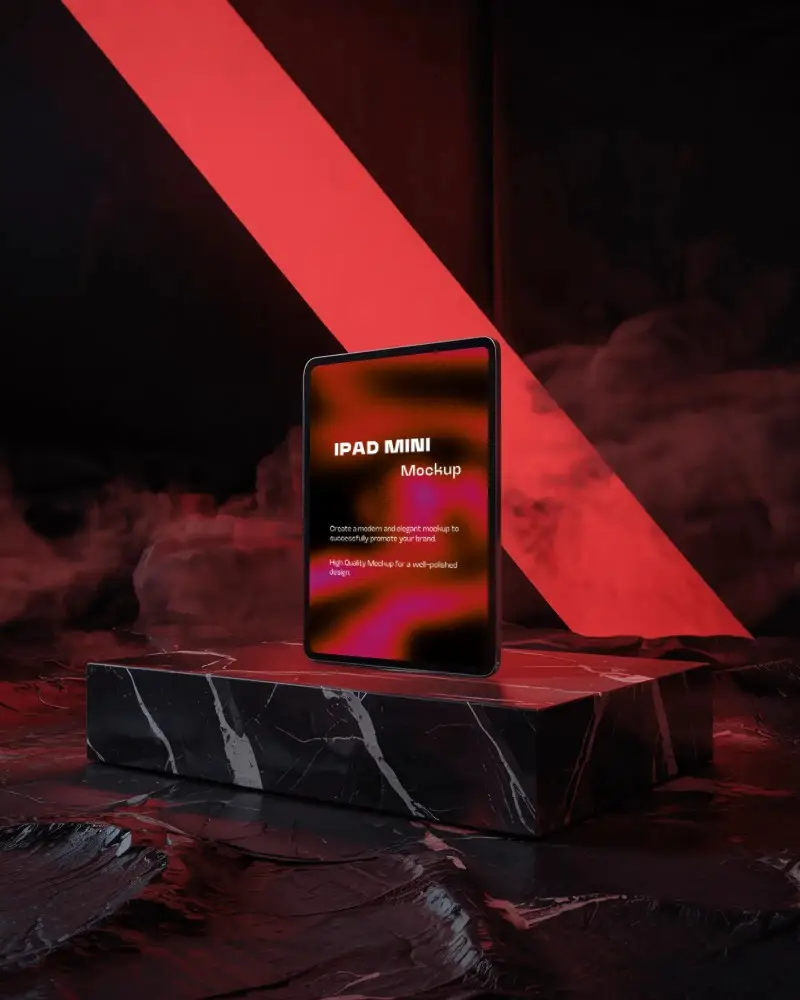
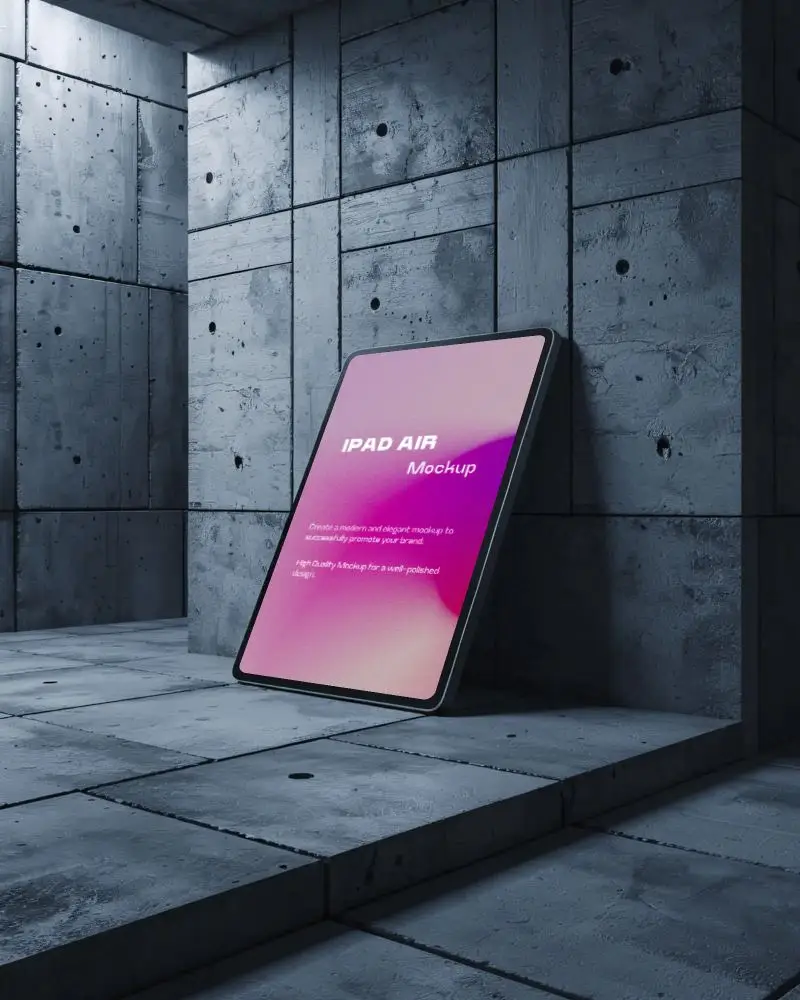
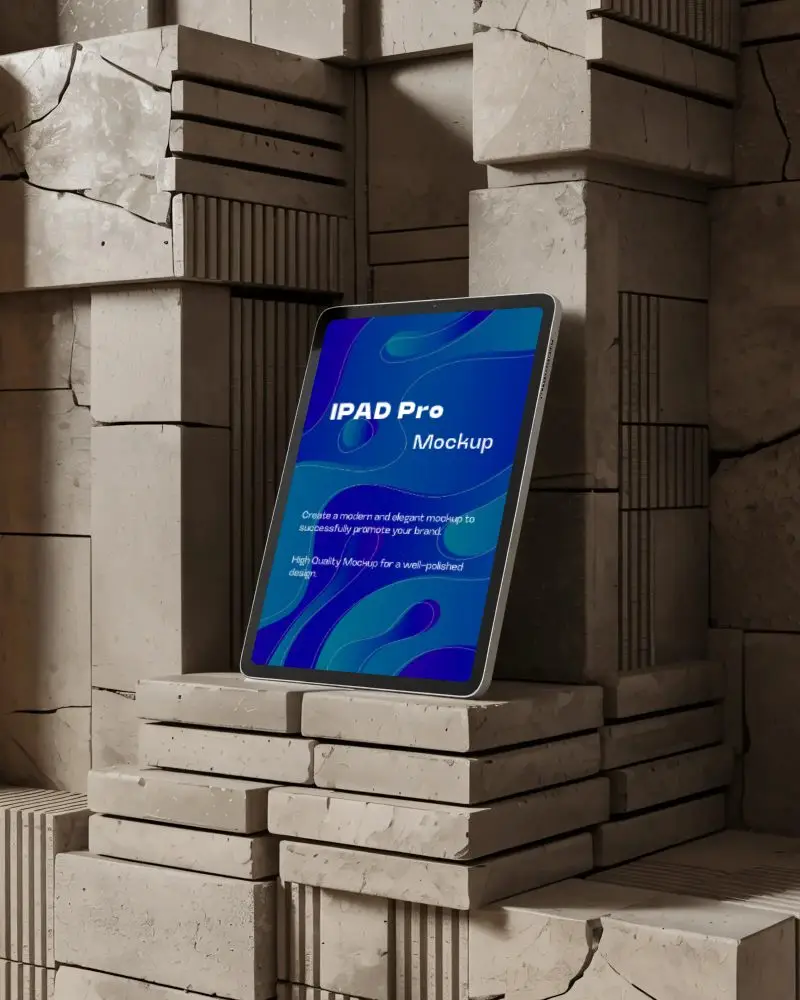
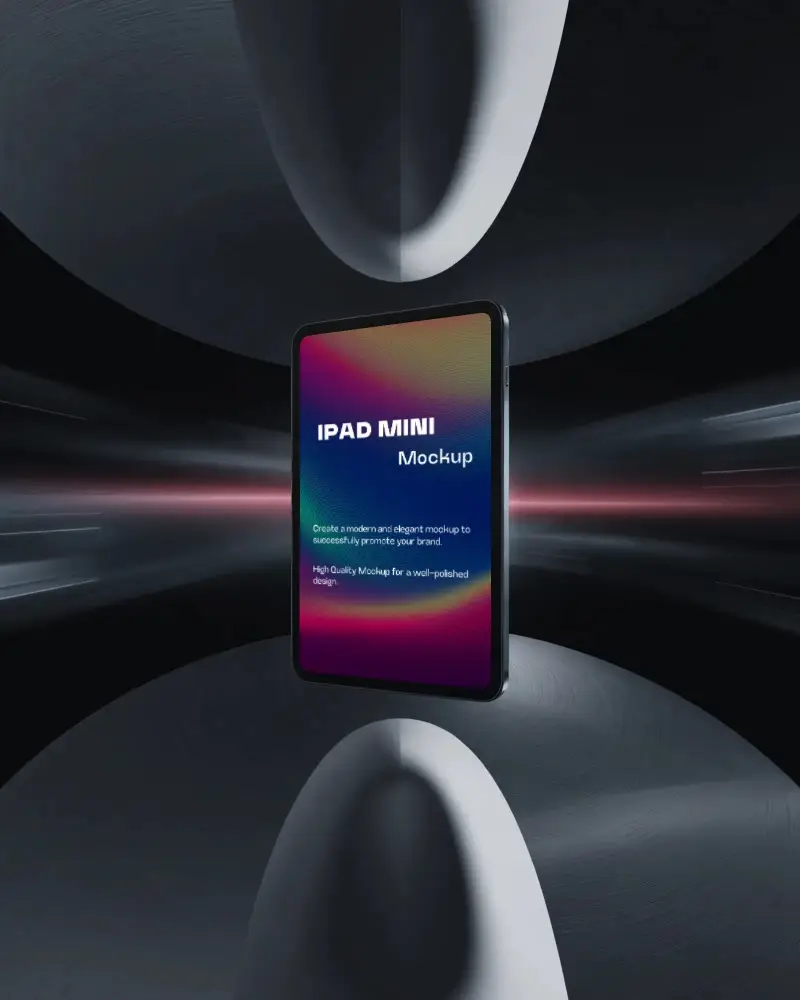
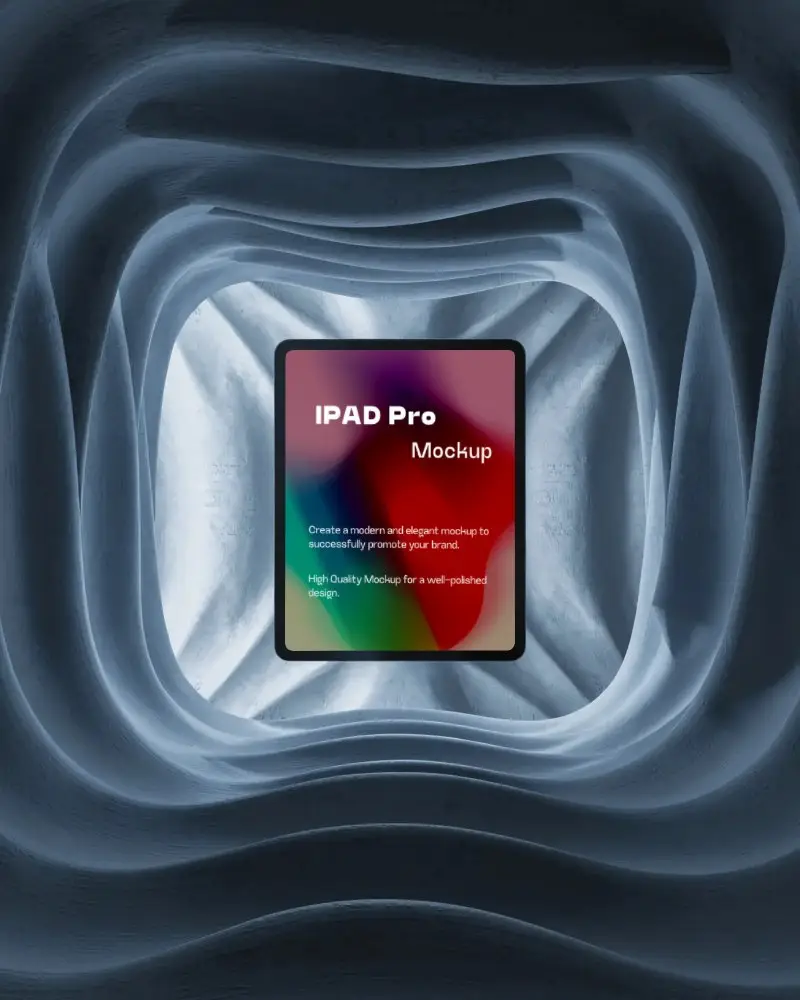
Designers and app creators need more than just flat screens to showcase their work—they need professional, realistic mockups that bring ideas to life. With Mockey AI, you can create free iPad mockups in a variety of styles, including iPad Pro, clay, flat, floating, and more. Our library of 1000+ iPad mockup templates lets you present your UI designs, app demos, or creative projects in minutes. No Photoshop, no watermark—just upload your design, choose your style, and download high-resolution mockups instantly.
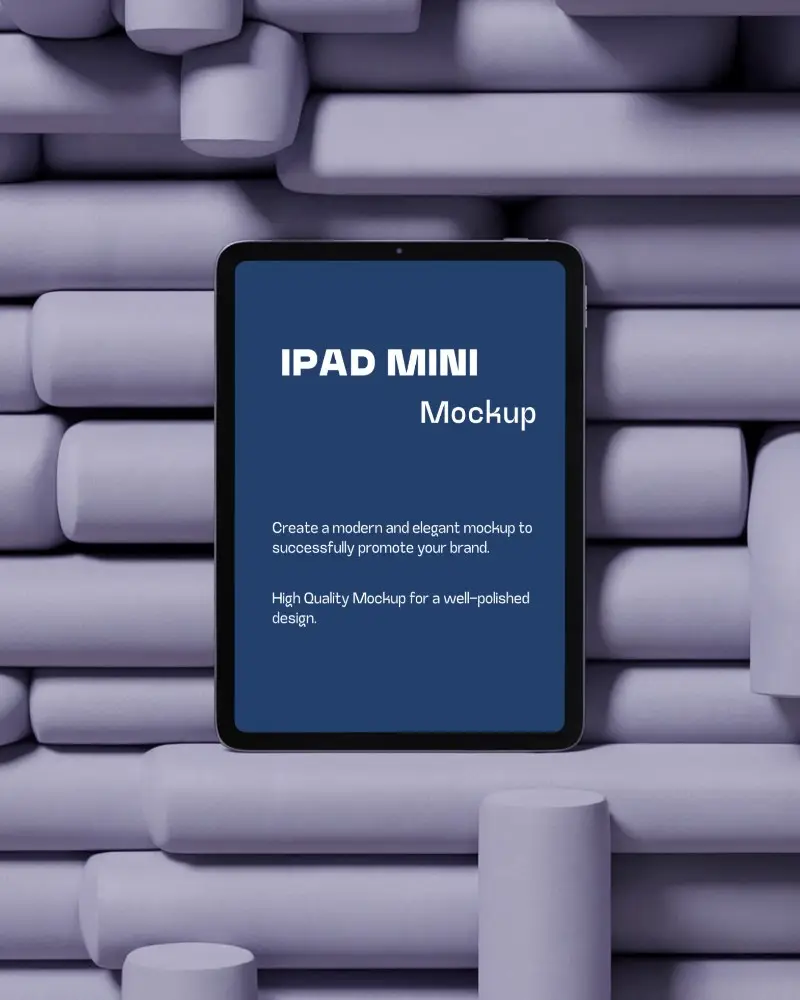


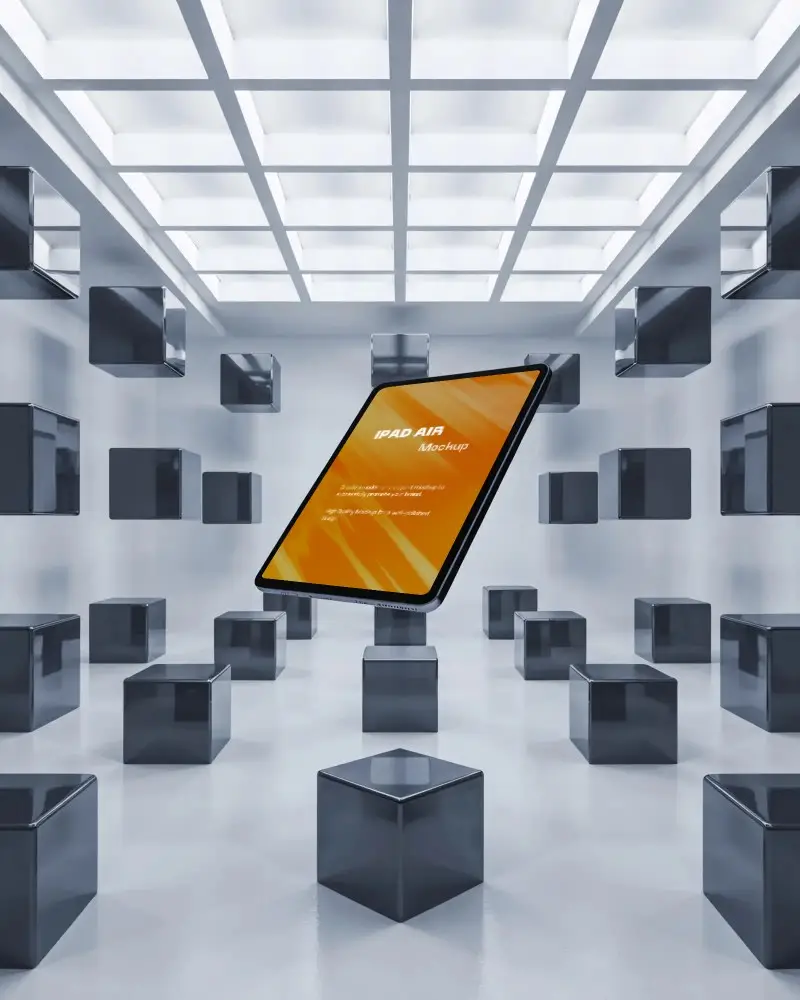

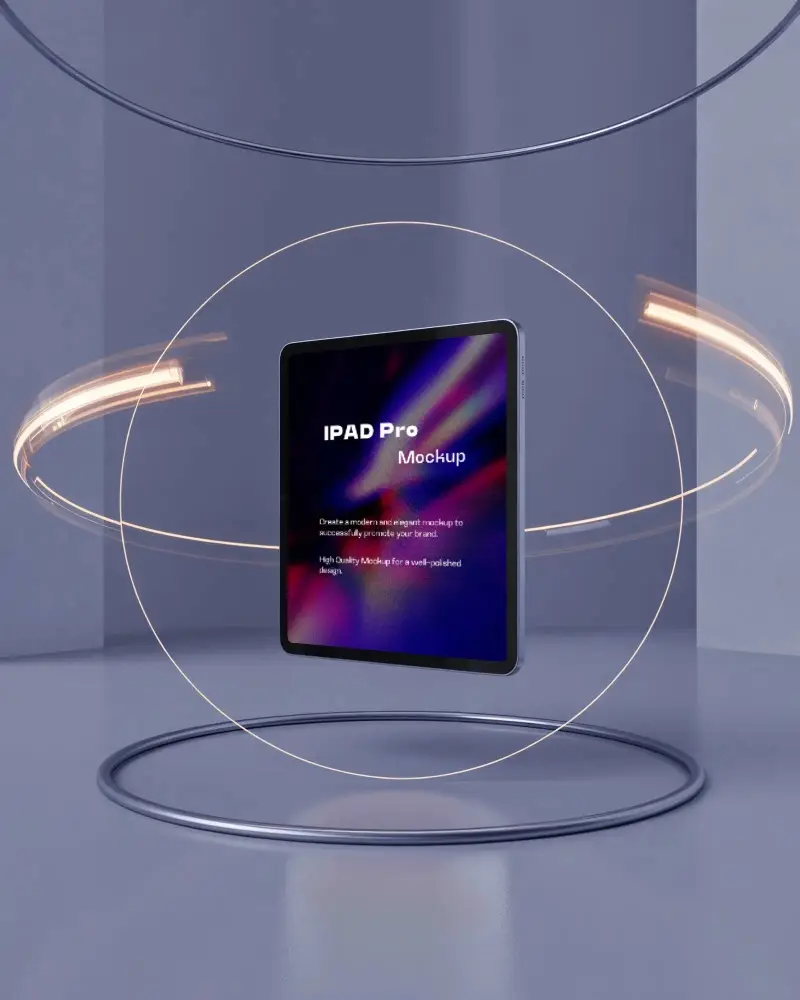
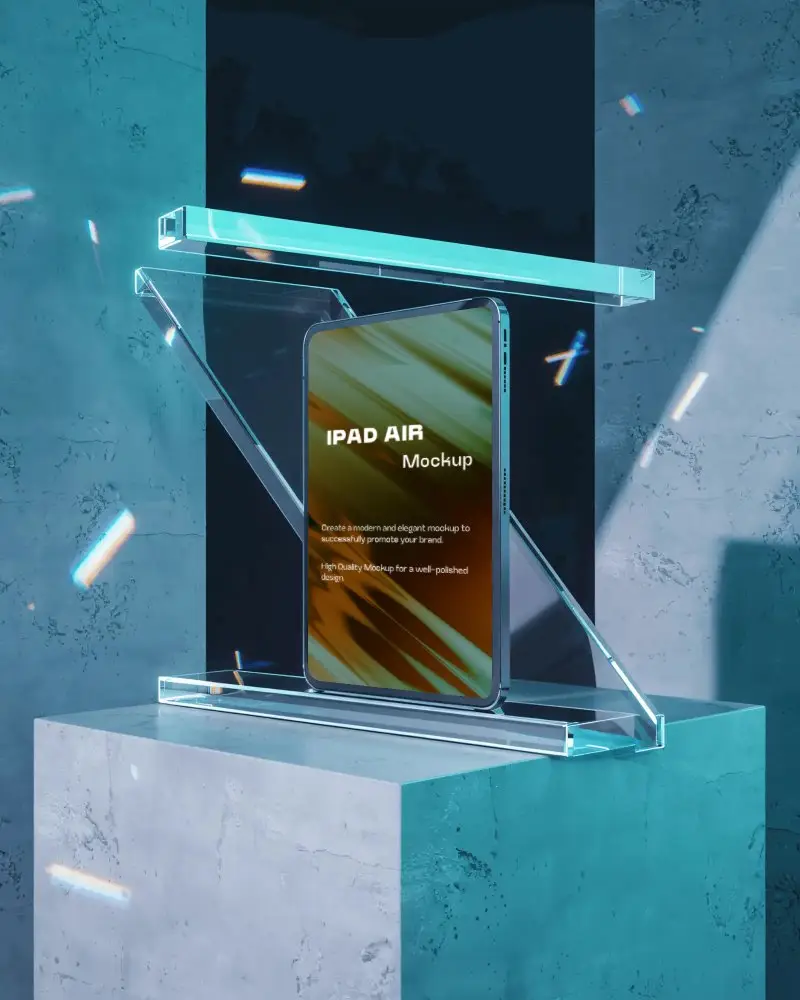
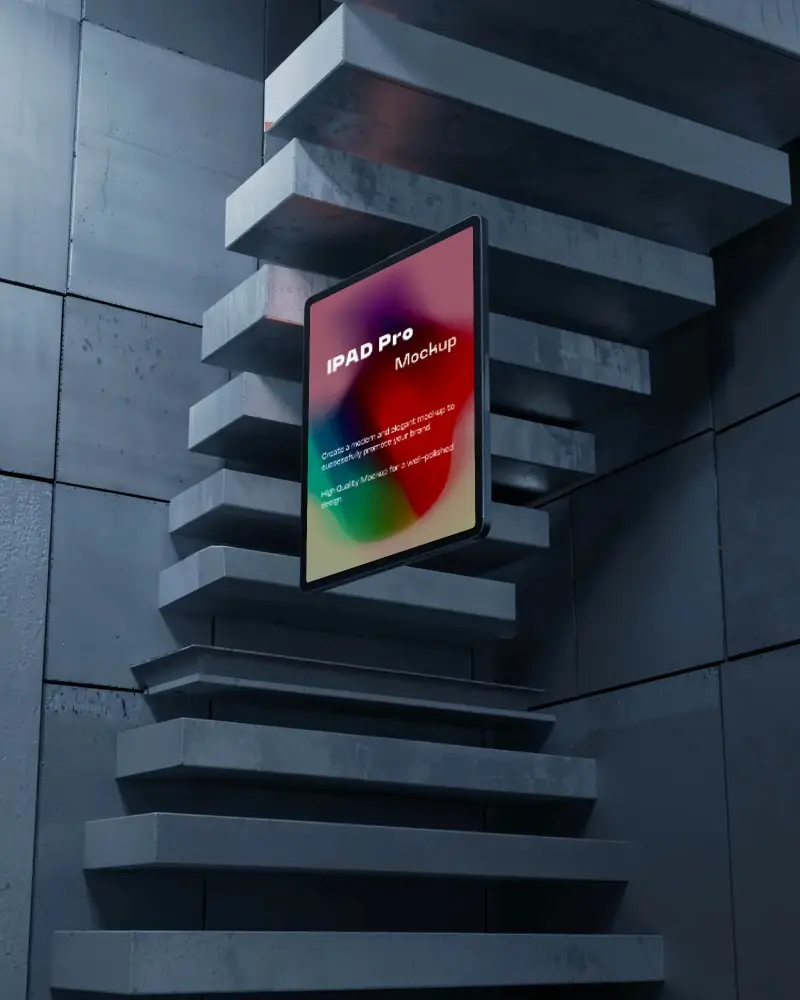
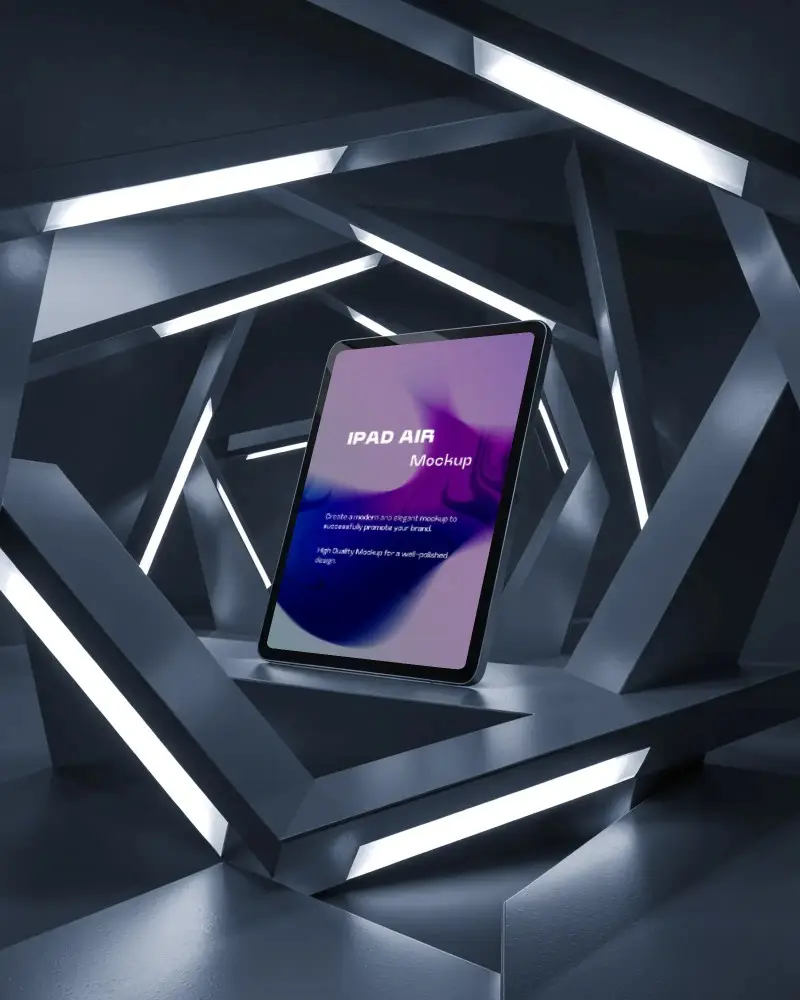
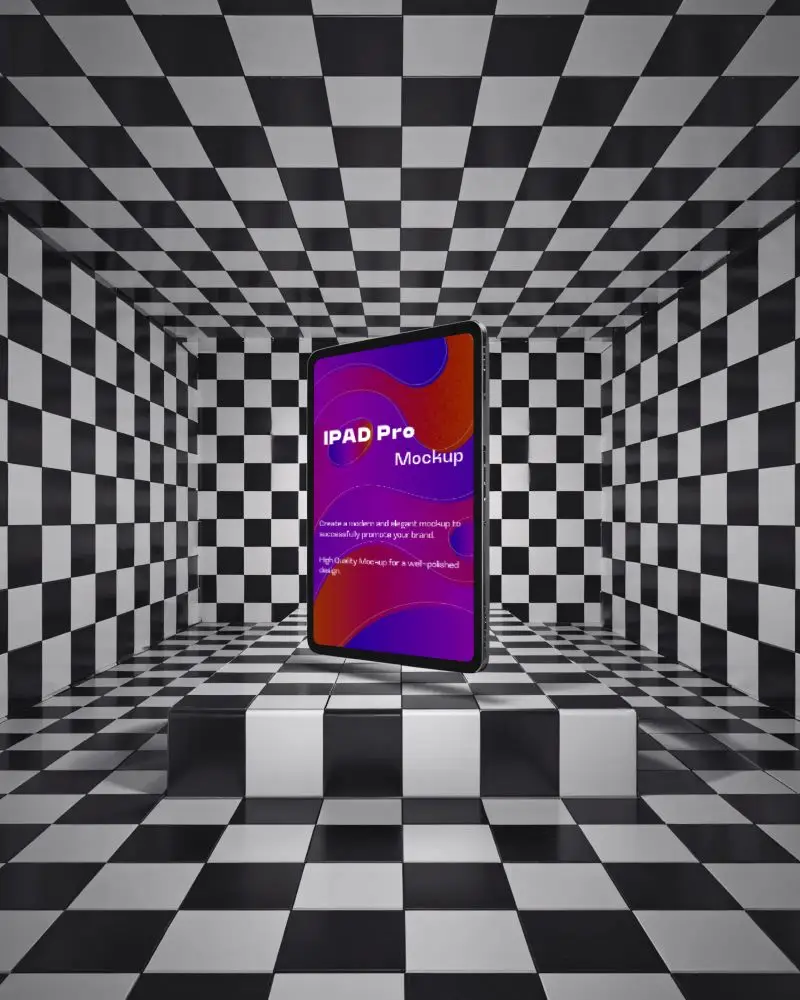
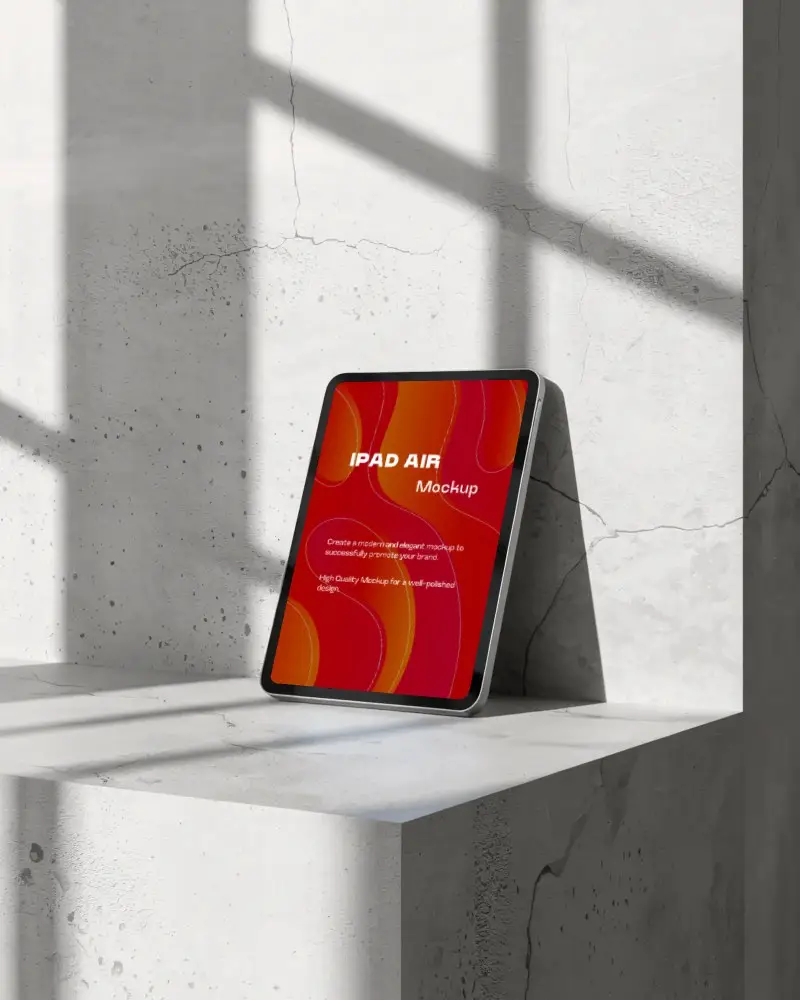
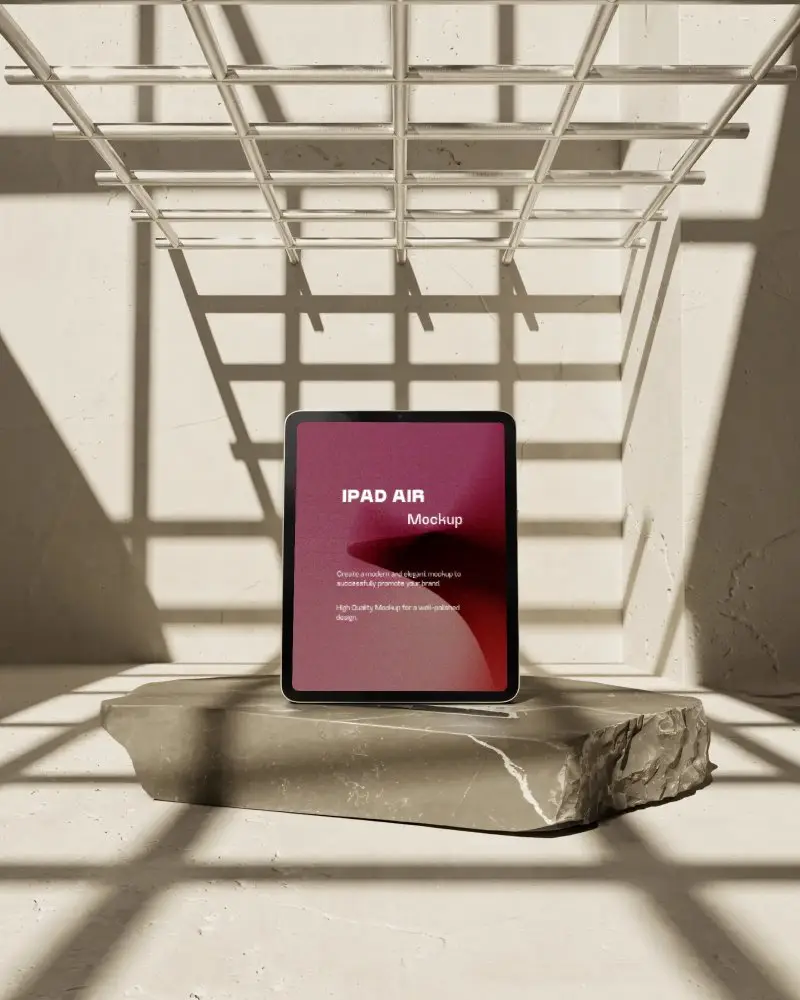
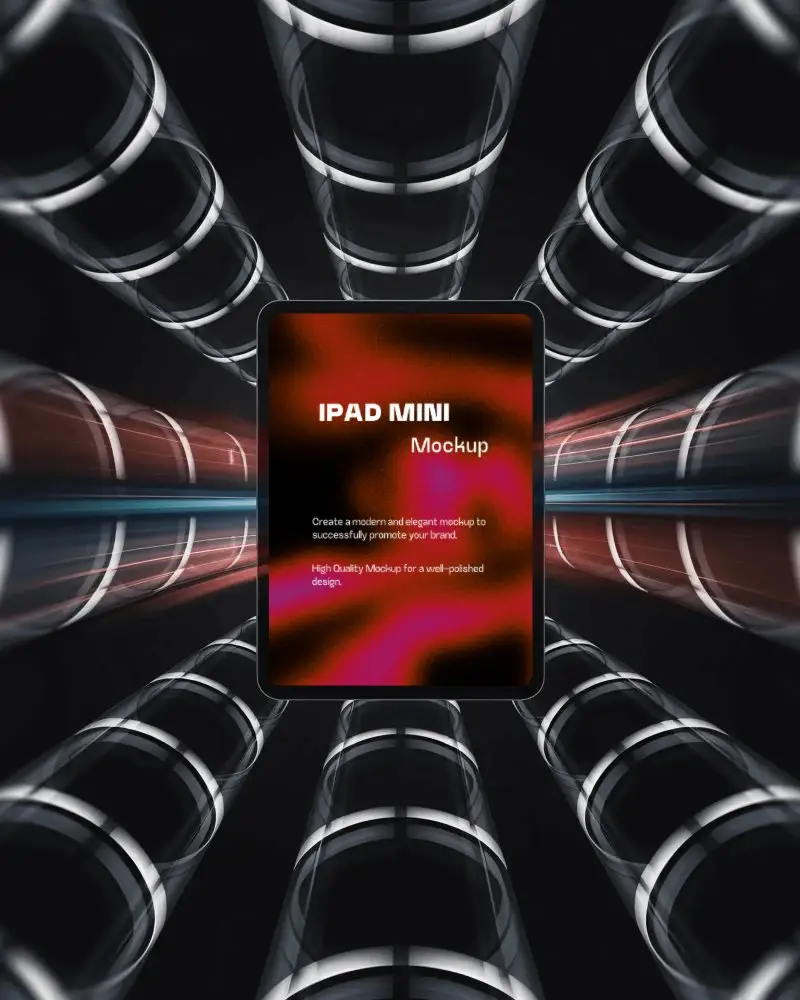
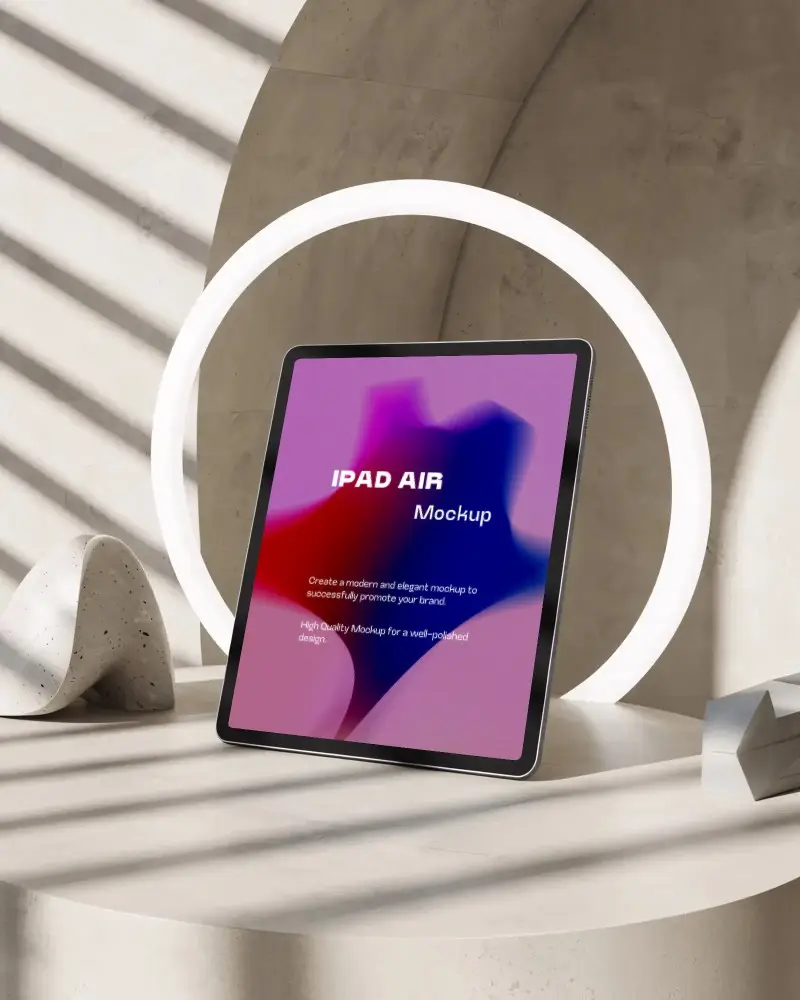
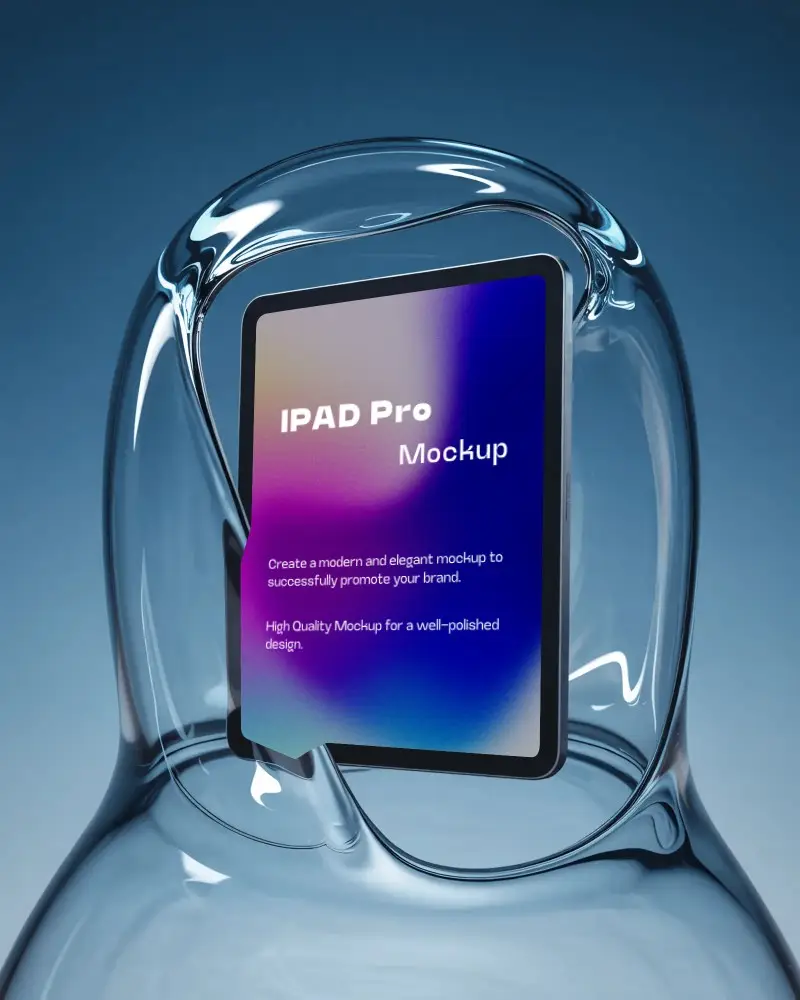

How to Create iPad Mockup with Mockey AI
Follow the steps to create iPad Mockups in Mockey AI
- Step 1: First, click on 'Mockups' in the menu, then select 'Tech,' and choose 'iPad.'
- Step 2: Pick a template and upload your design.
- Step 3: Finally, customize your iPad mockup until you're satisfied, and download it in high quality.


FAQs on ipad Mockups
What is an iPad mockup?
An iPad mockup is a ready-made template of an iPad that allows you to insert a screenshot or design to create a realistic visual presentation. It works like a prototype to display your ideas.
Why create an iPad mockup?
iPad mockups help showcase apps or websites in a way that looks realistic and visually appealing. It’s a great way to get feedback from stakeholders, validate design choices, and improve presentations. Basically, it helps ensure the final product looks professional and polished.
Does Mockey provide different types of iPad mockups?
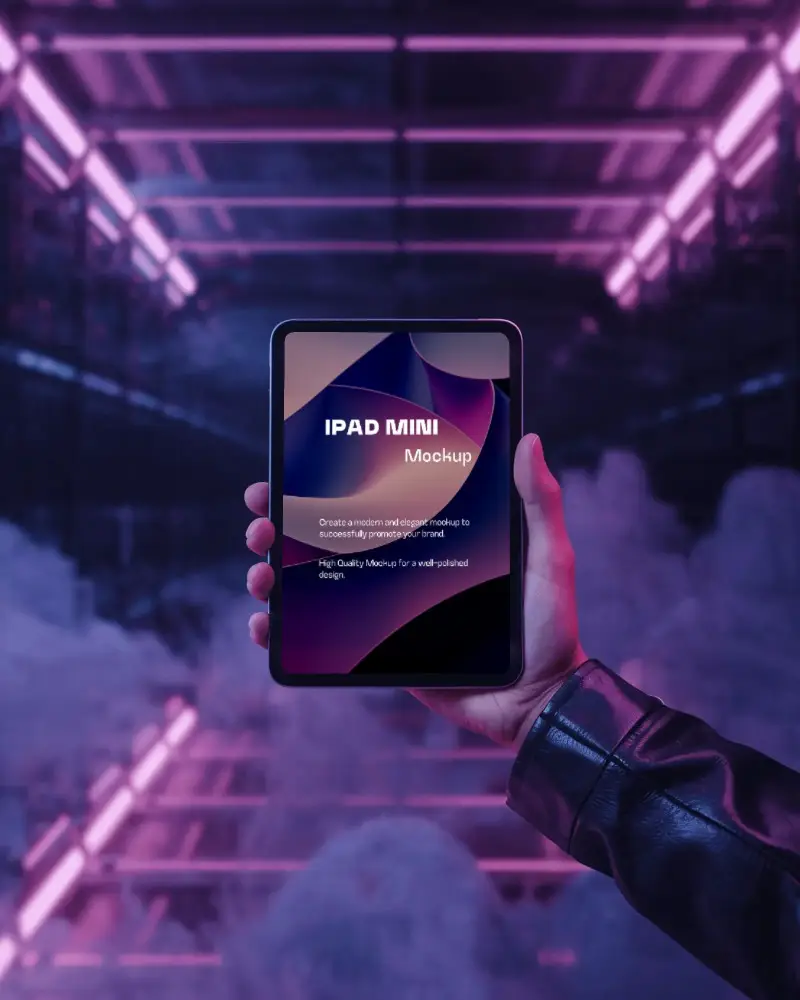
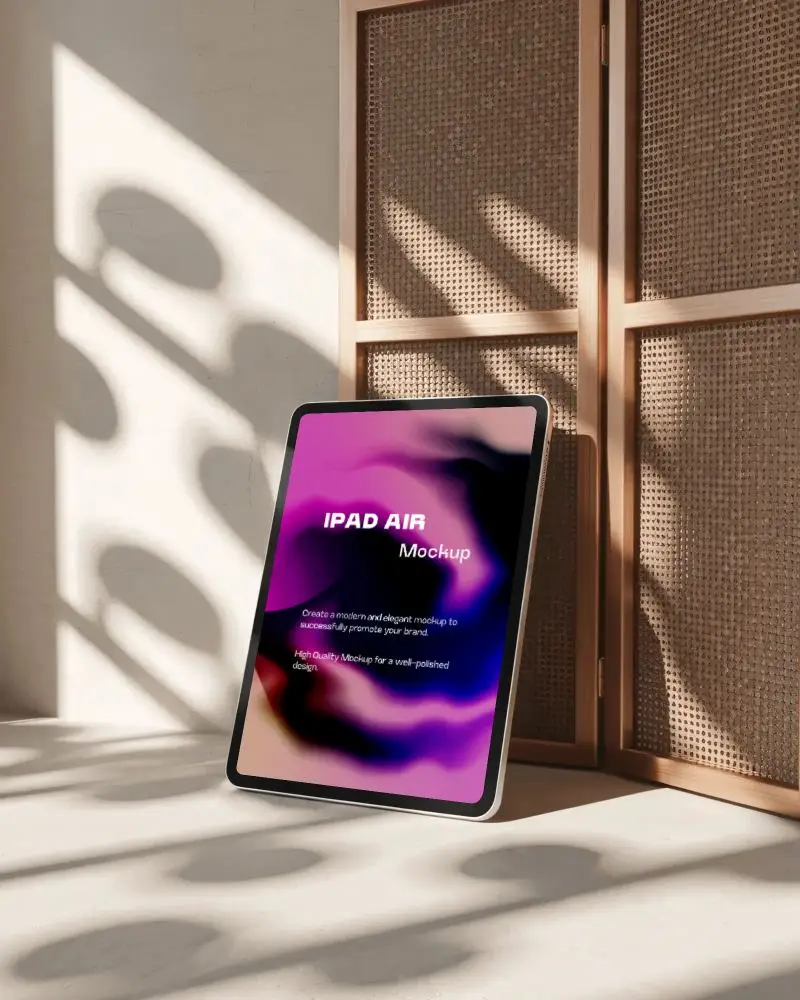
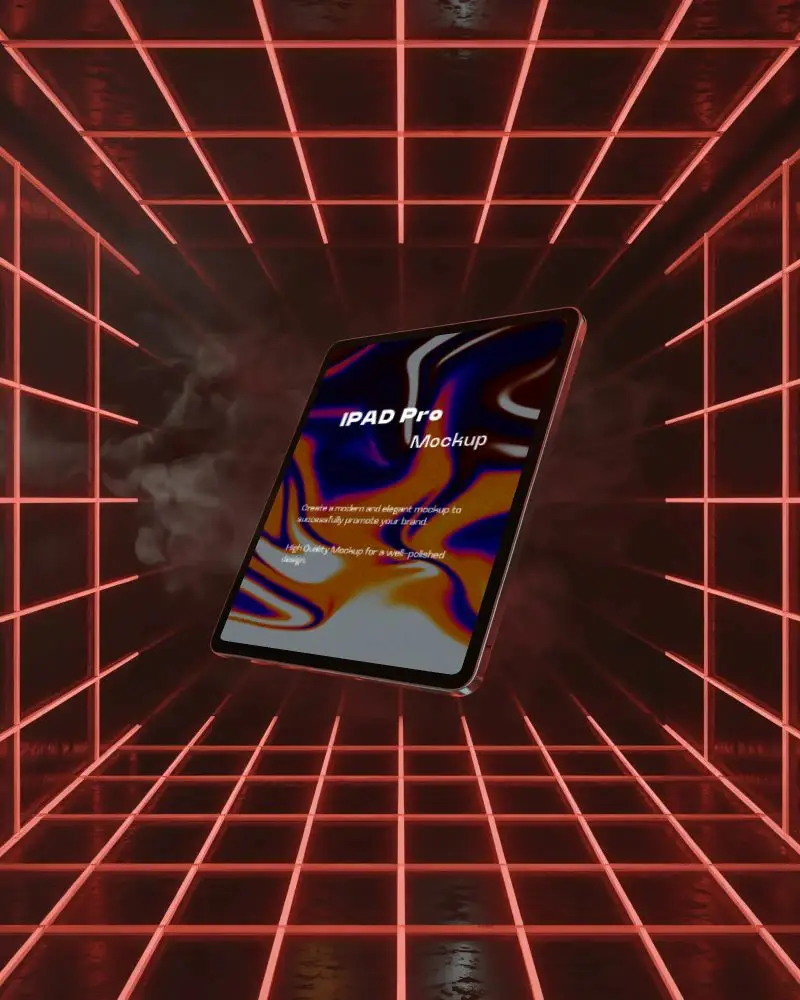
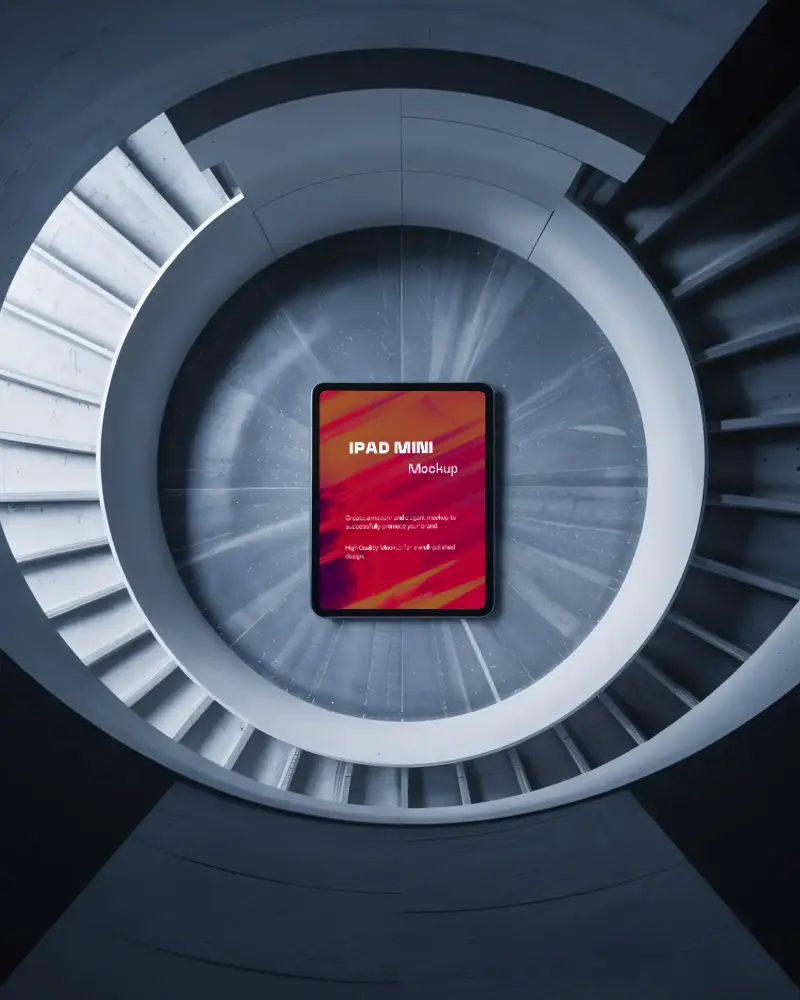
On Mockey AI, you’ll find a wide variety of iPad mockups. The collection includes different models such as iPad Pro, iPad Air, and iPad Mini. Along with the device options, you also get diverse template styles such as angled shots, vertical layouts, landscape positions, or even hand-holding mockups.
Can I create iPad mockups for free on Mockey AI?
Mockey AI’s iPad mockup generator comes with a free plan. It offers free templates that you can choose from. With these templates, you can easily add a screenshot, change colors, and even download your mockups — all within the free plan.
Do I need Photoshop to use Mockey AI?
You don’t need Photoshop to use Mockey AI, because it is a complete app in itself. It comes with built-in editing tools and ready-made templates, so you can handle everything related to your design directly on the platform. Whether you want to create, edit your mockups, Mockey AI allows you to do it all without depending on Photoshop or any other external software.
Can I use Mockey iPad mockups for commercial projects?
Yes, you can use Mockey AI’s iPad mockups not only for commercial projects but also for any kind of personal work. If you want, you can also go through the platform’s privacy policy to get a better understanding of how it works and how your data is handled.
Which platform offers more iPad mockups: Mockey AI or LS Graphics?
If we talk about the number of templates, LS Graphics has 100 more templates compared to Mockey AI. But there’s a catch. With LS Graphics, pricing is a big factor because you have to pay in bundles, and with a large amount. On the other hand, with Mockey AI, you only need to pay $7 per month, which also includes many more features. So overall, Mockey AI is the better option.
