Best iPad Air Mockup Free Download
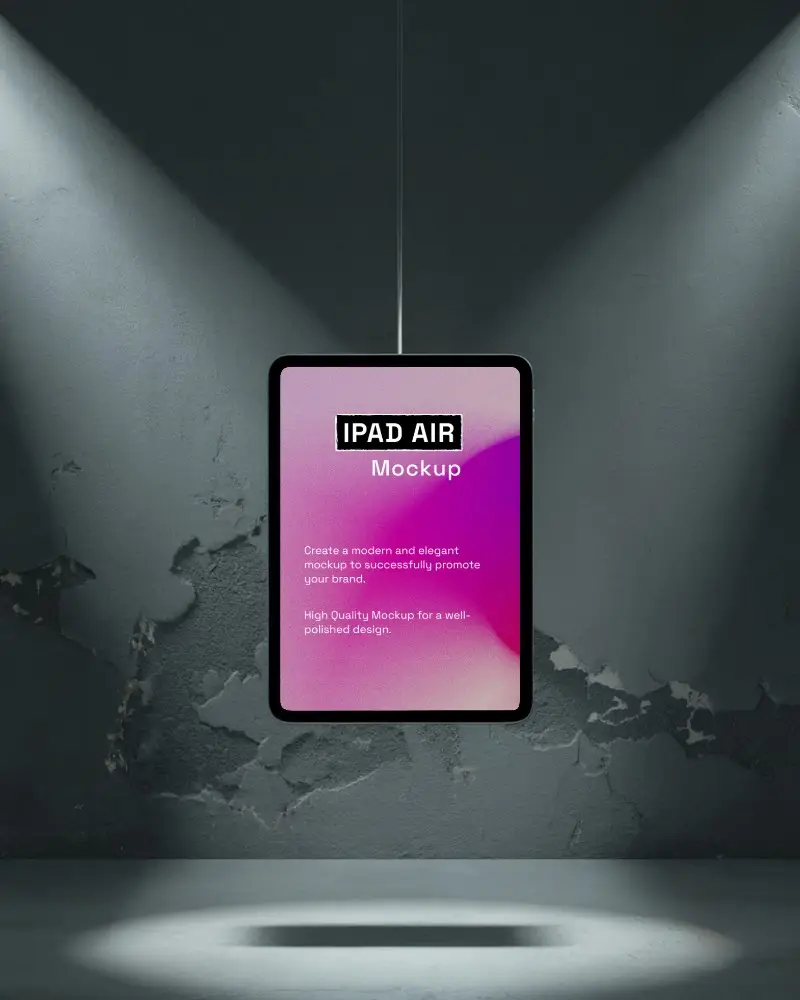
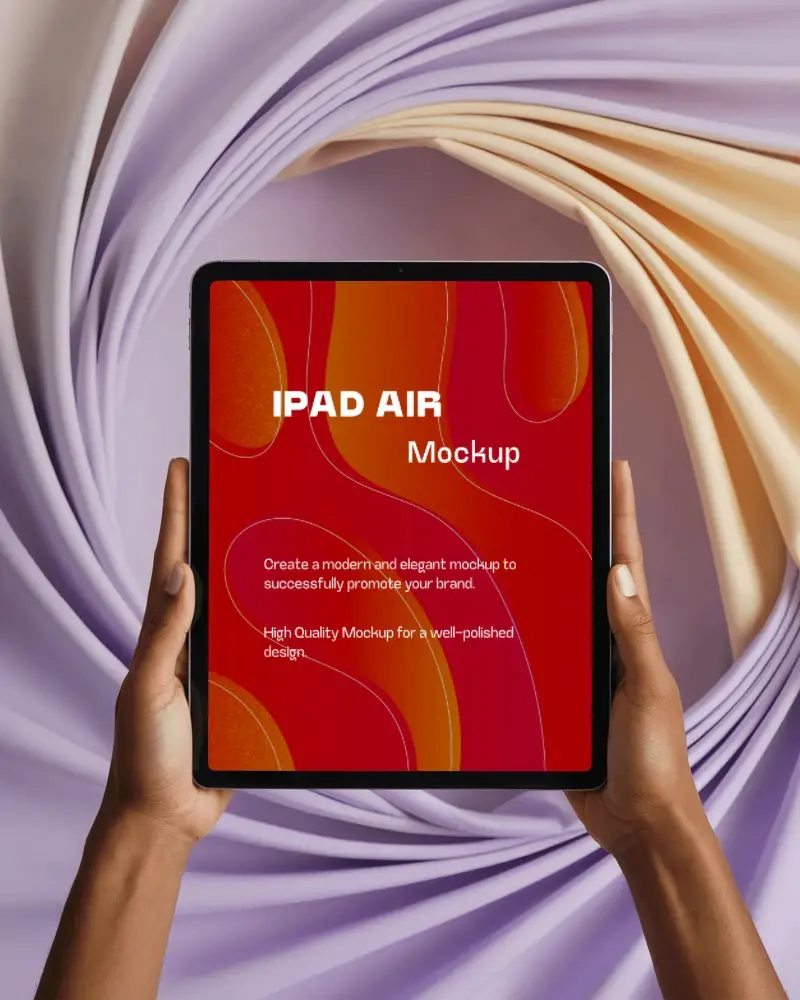
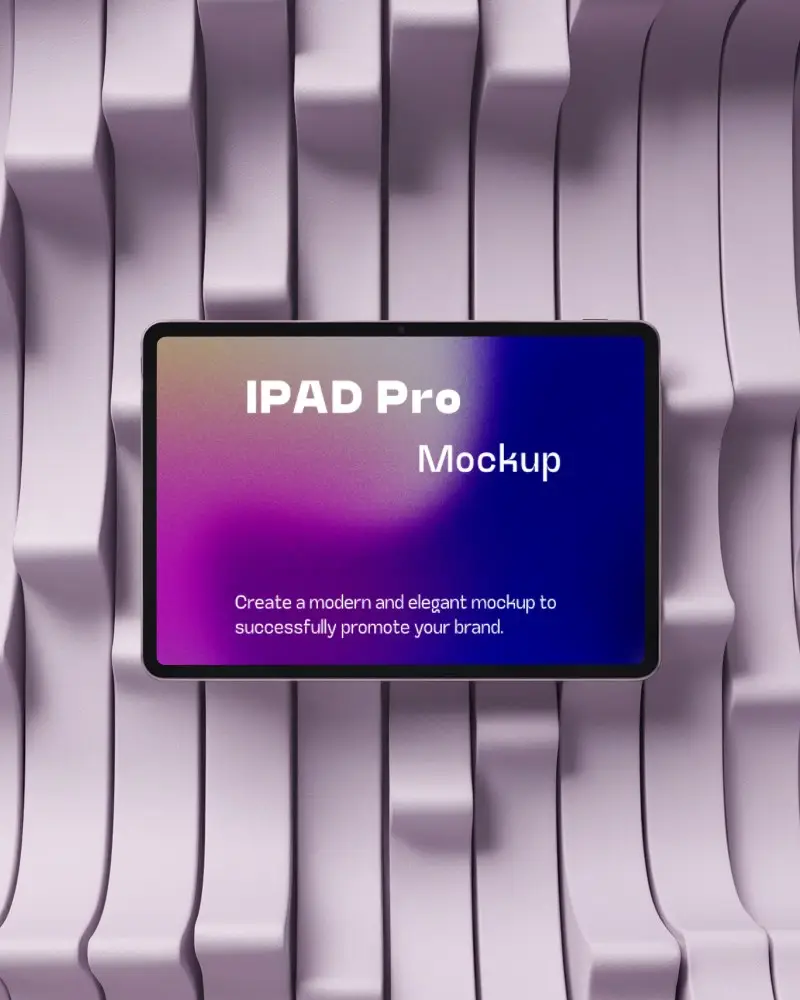
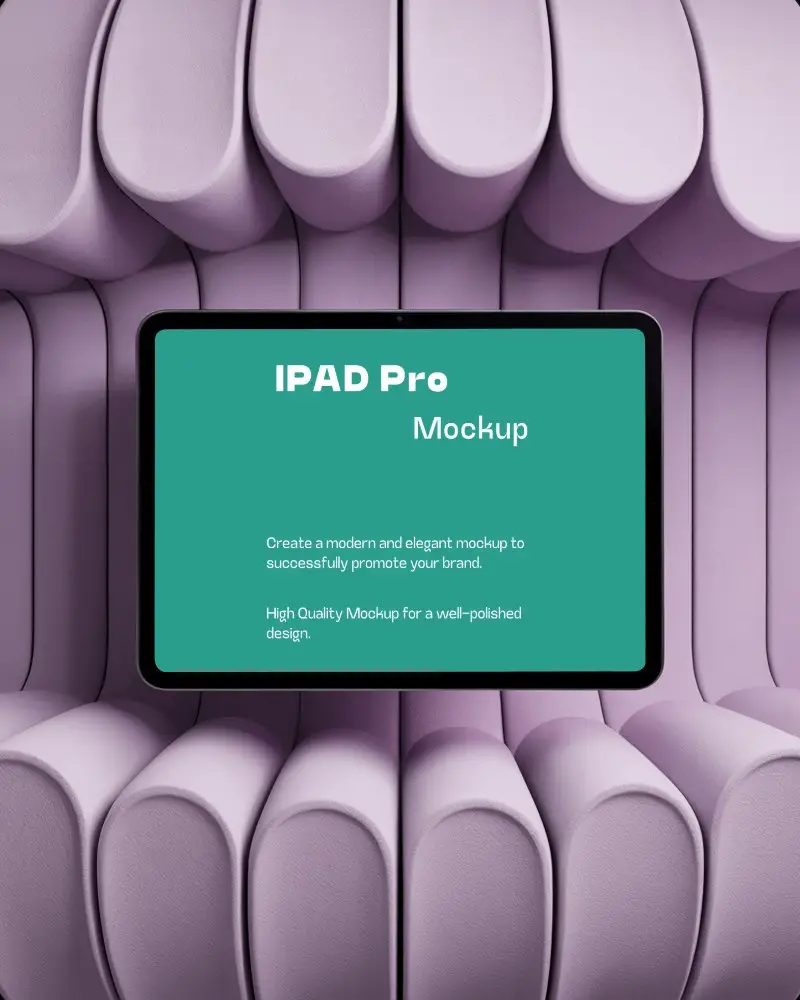
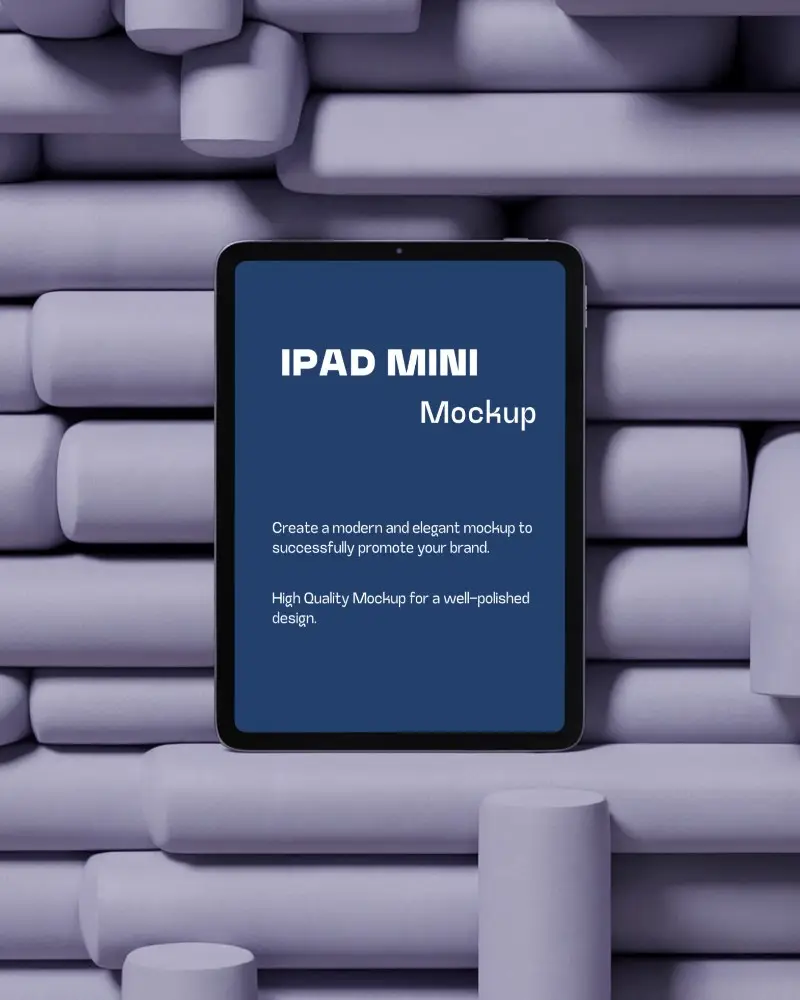
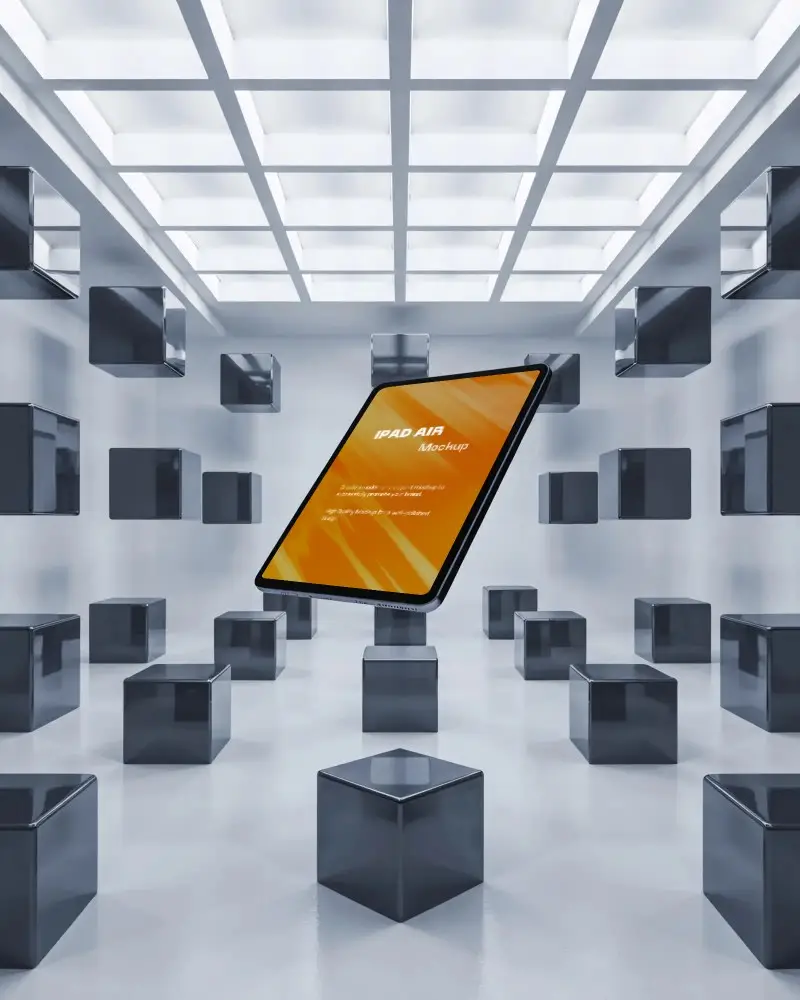
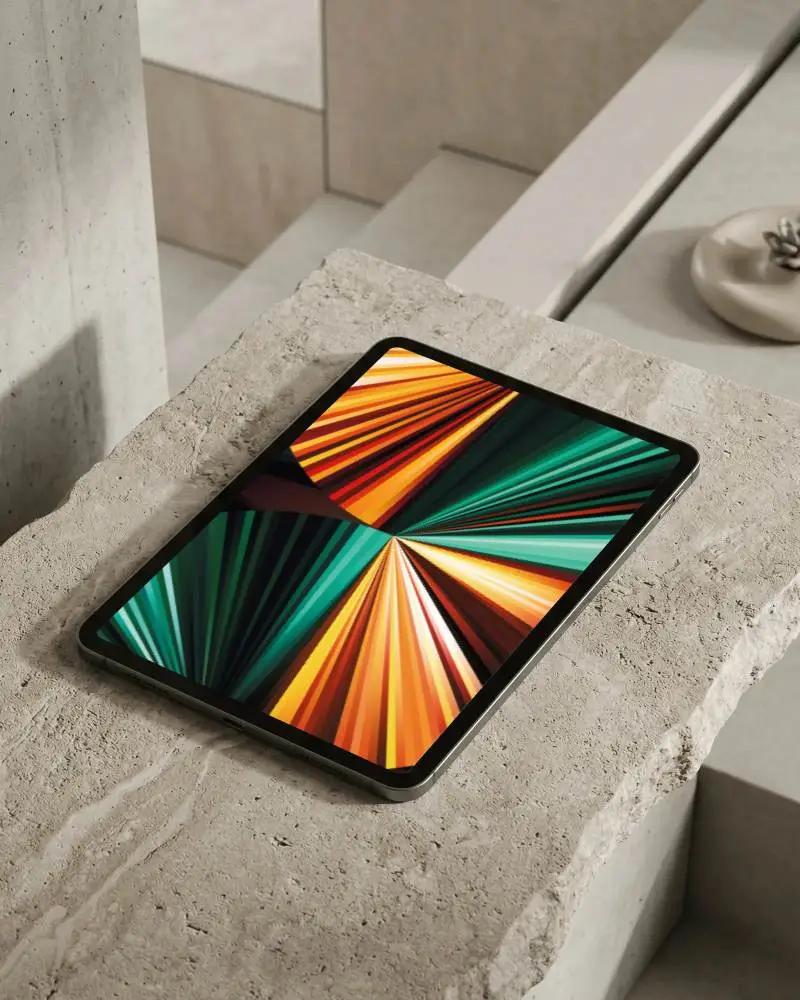
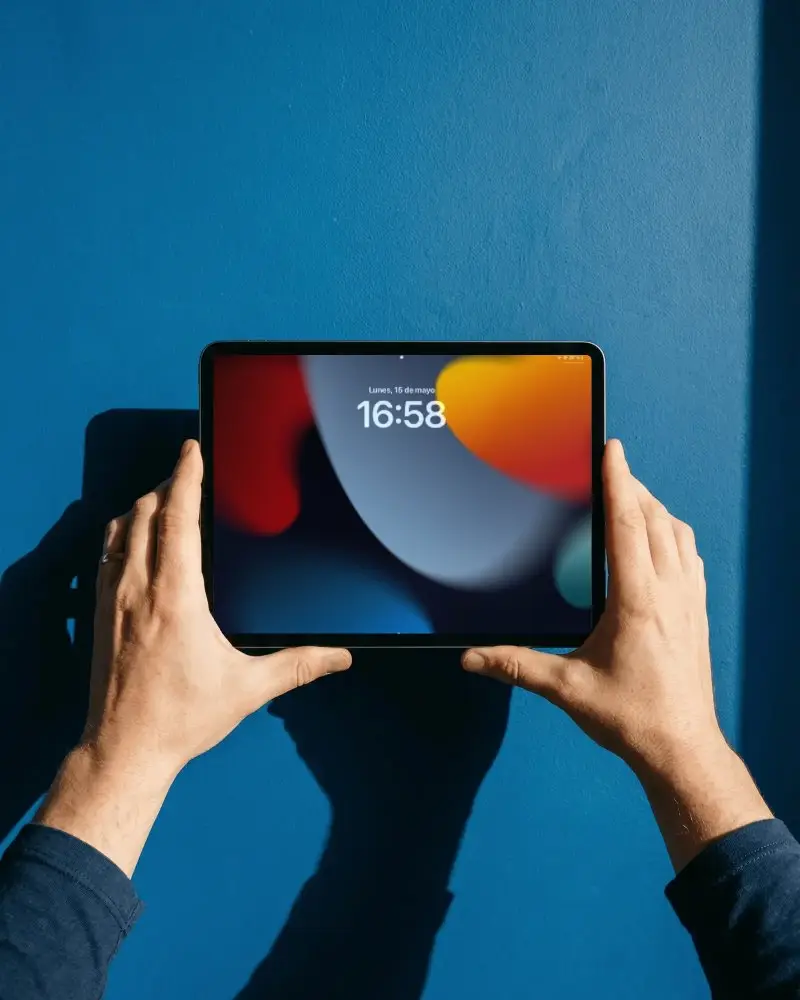
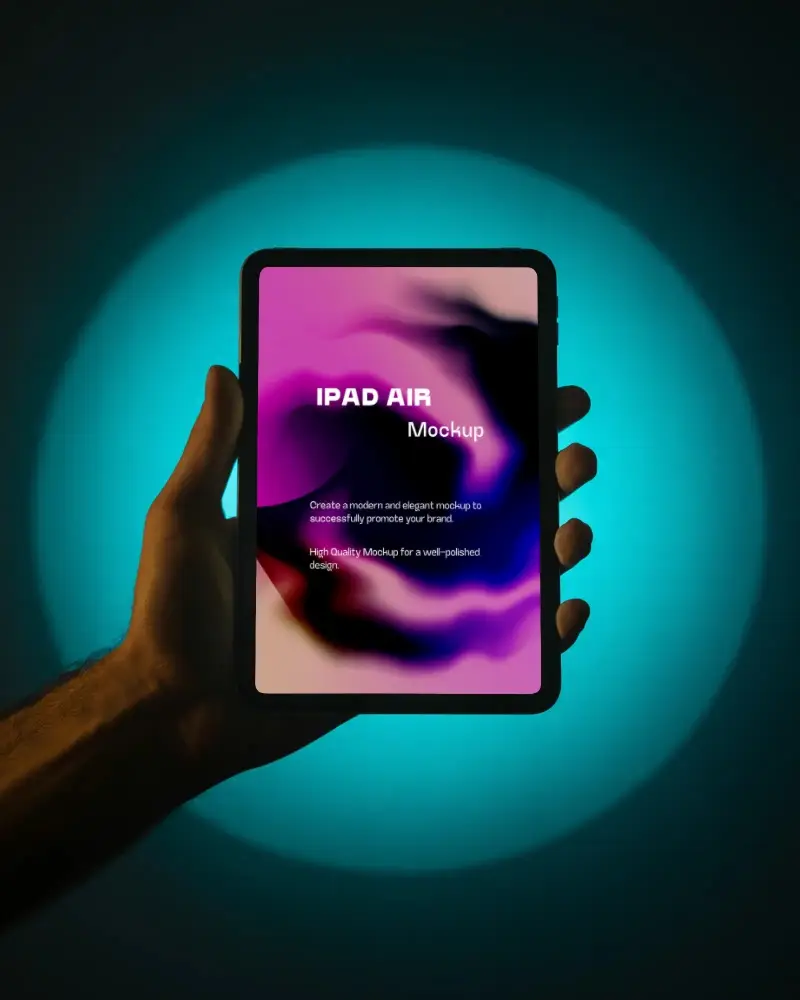
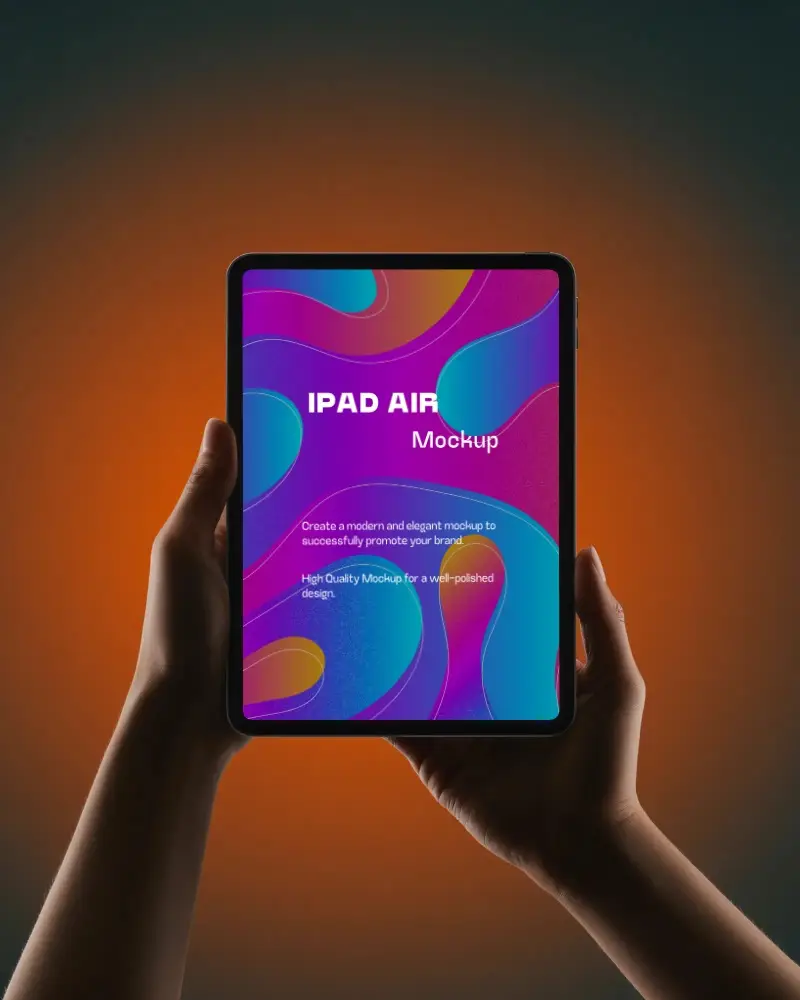
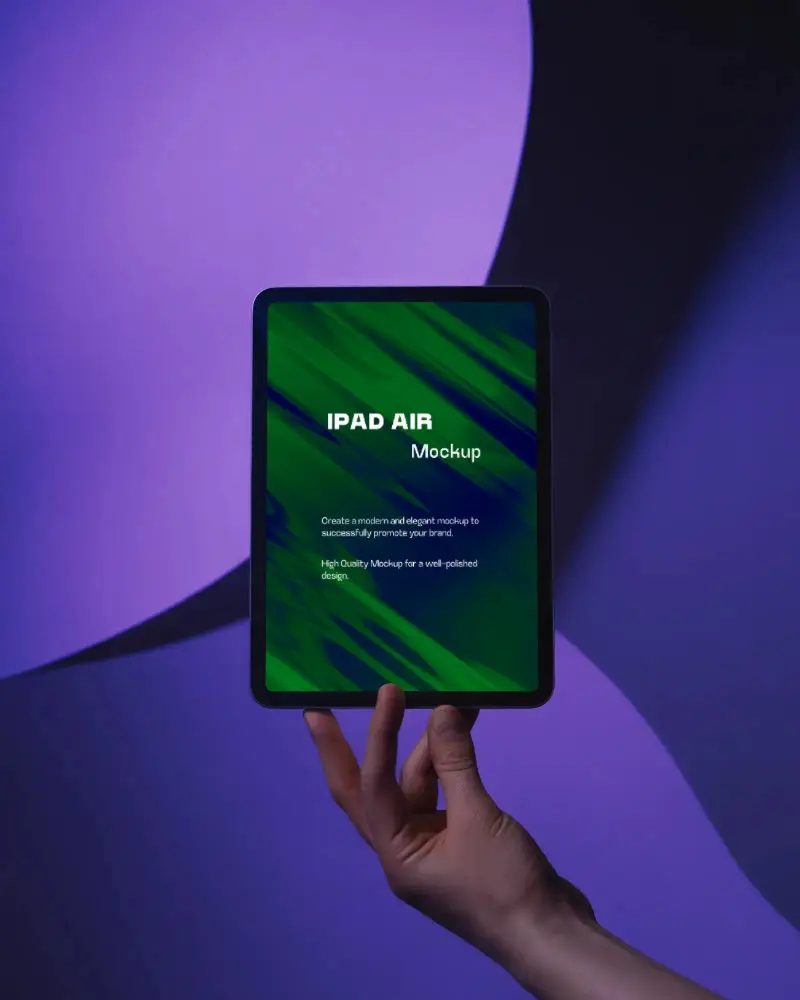
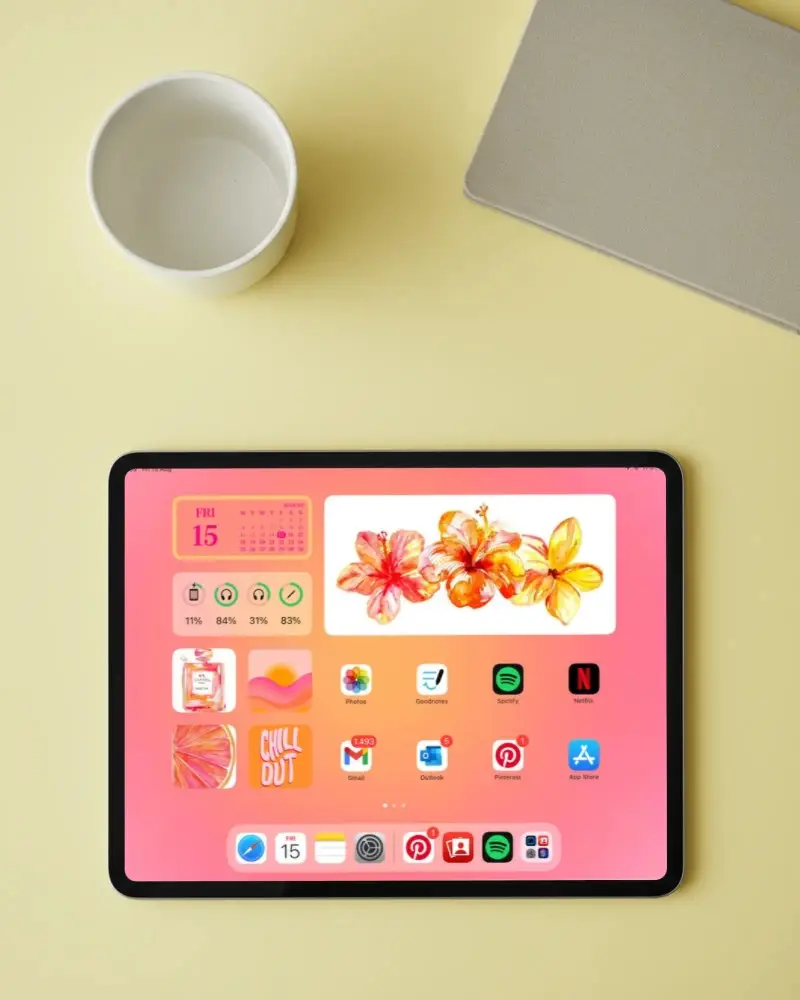
Create iPad Air Mockups and showcase your app screenshots design in just a few clicks.
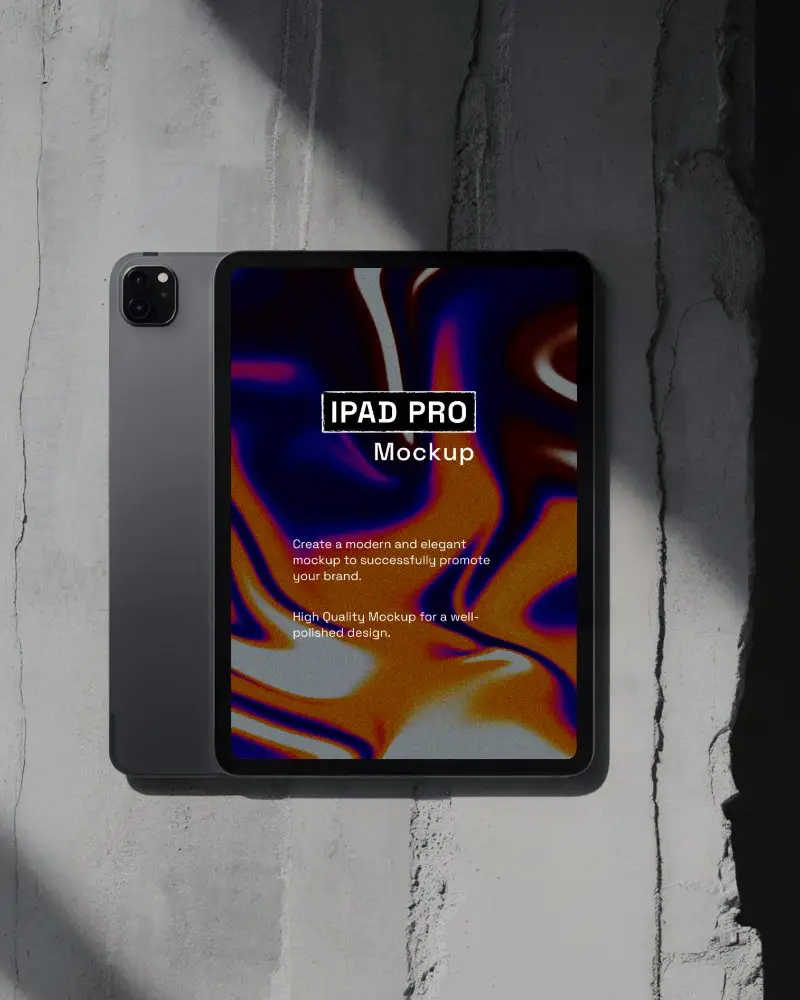
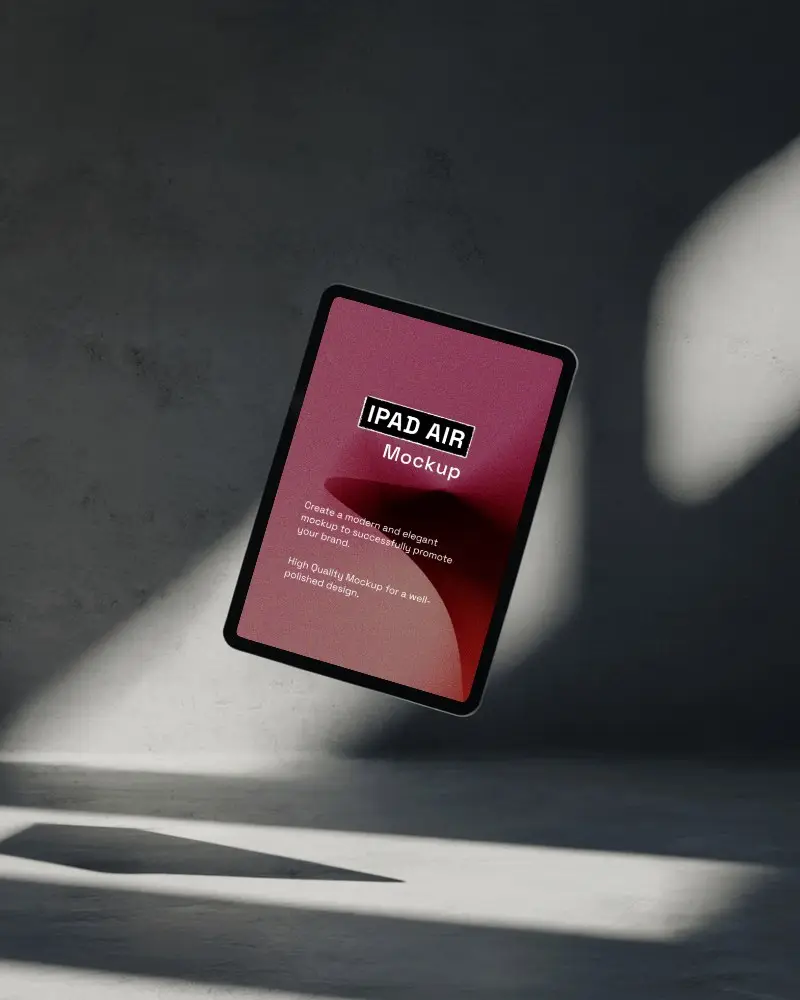
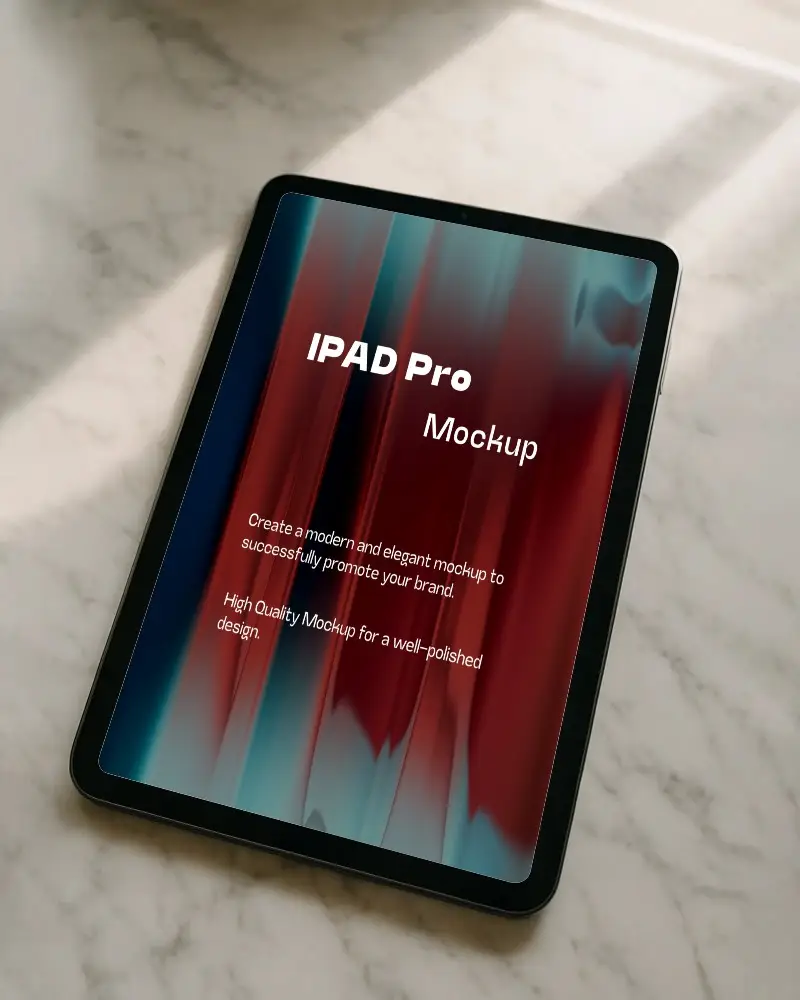
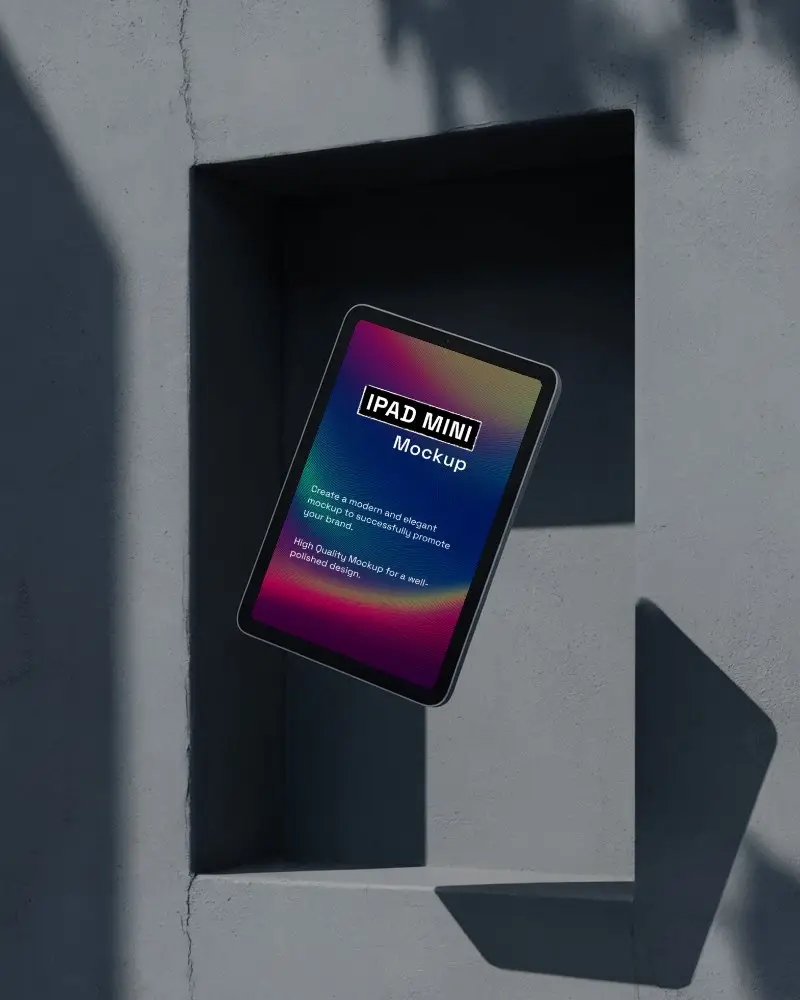

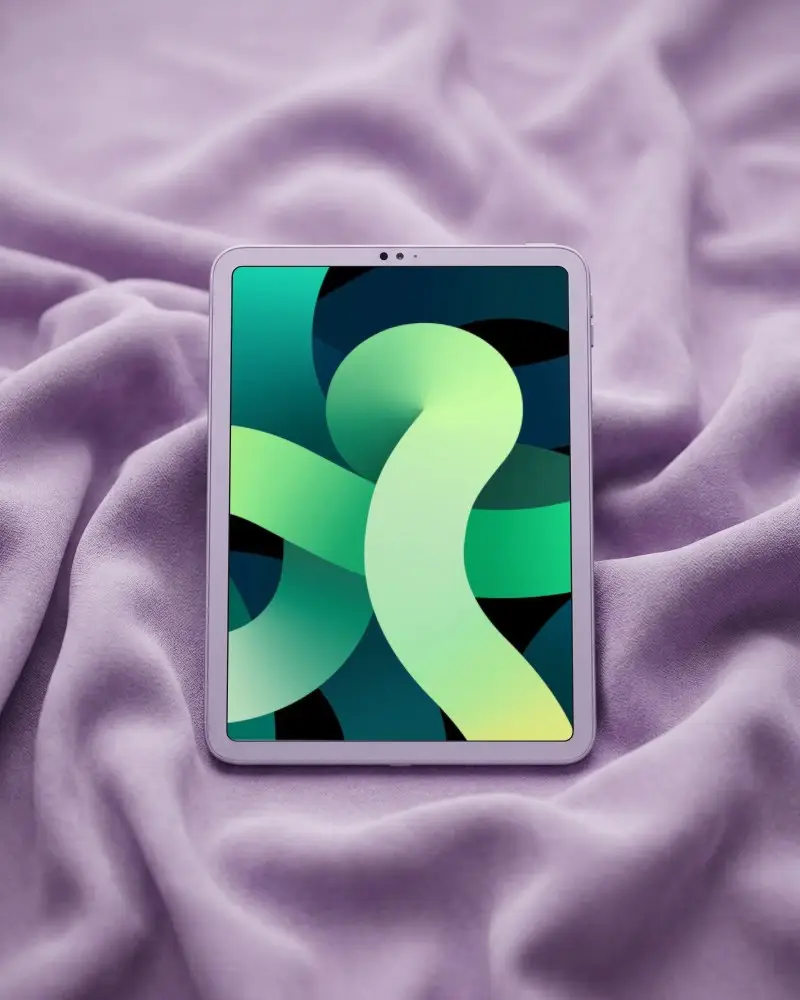
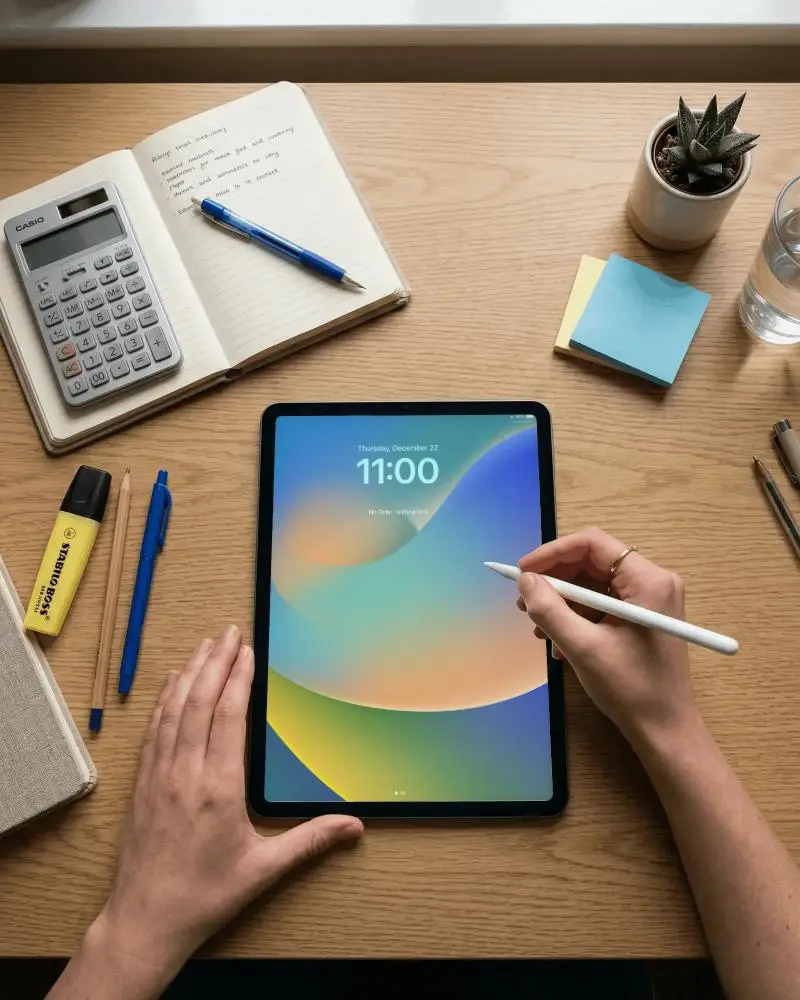
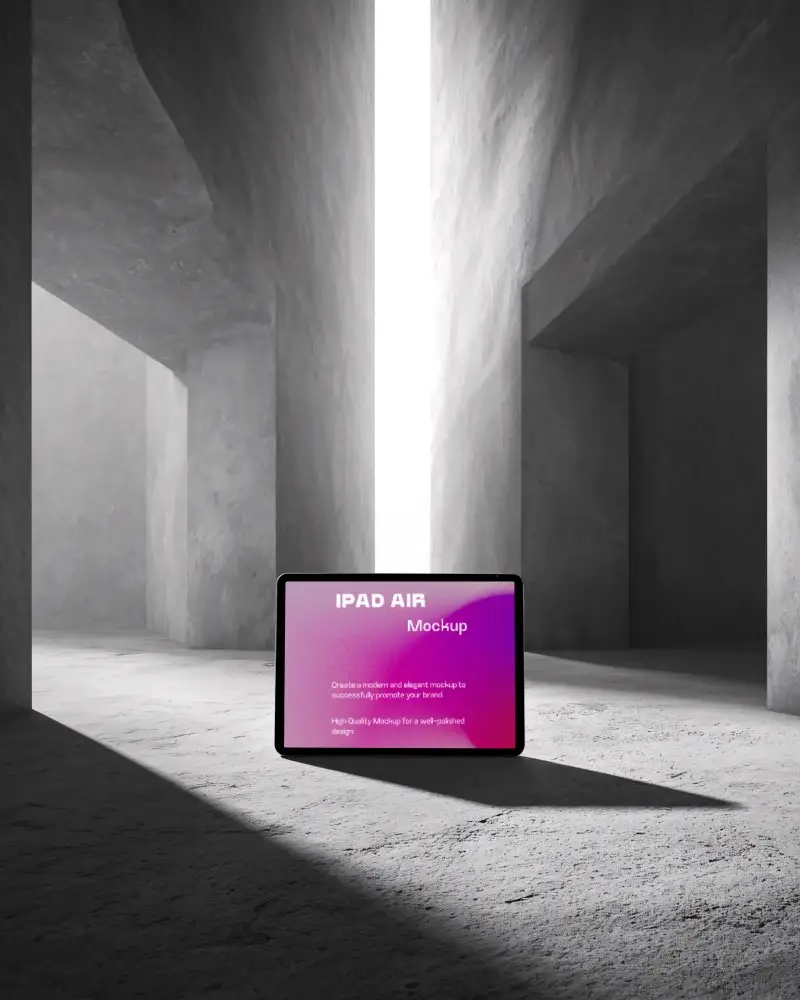
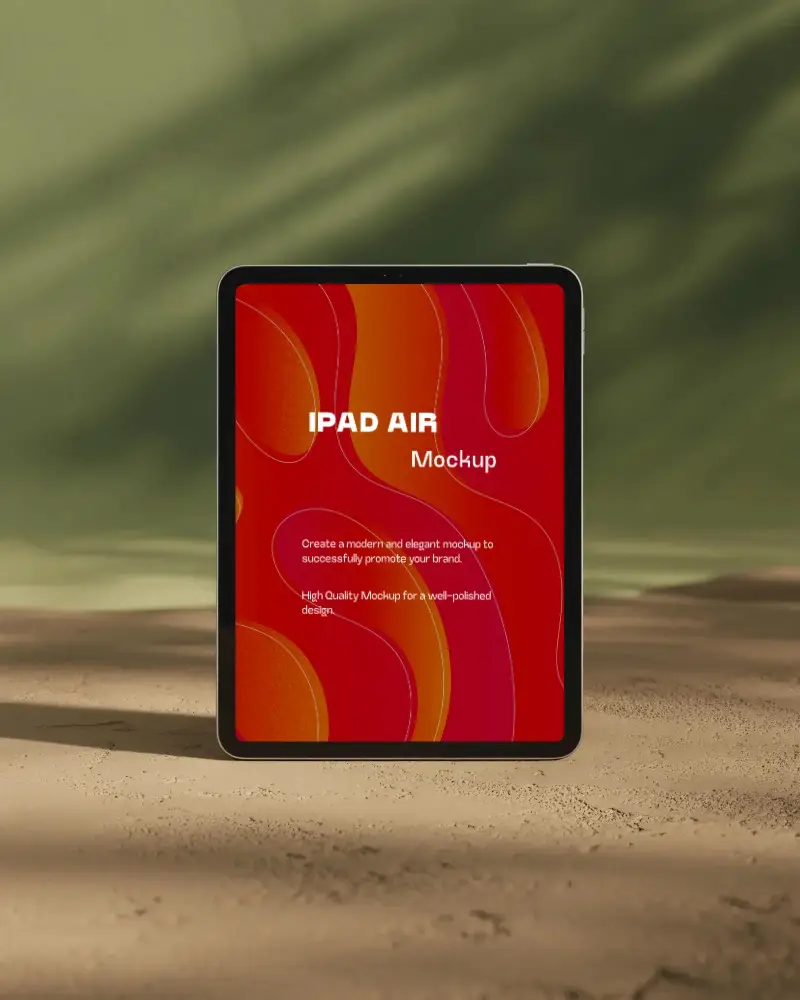
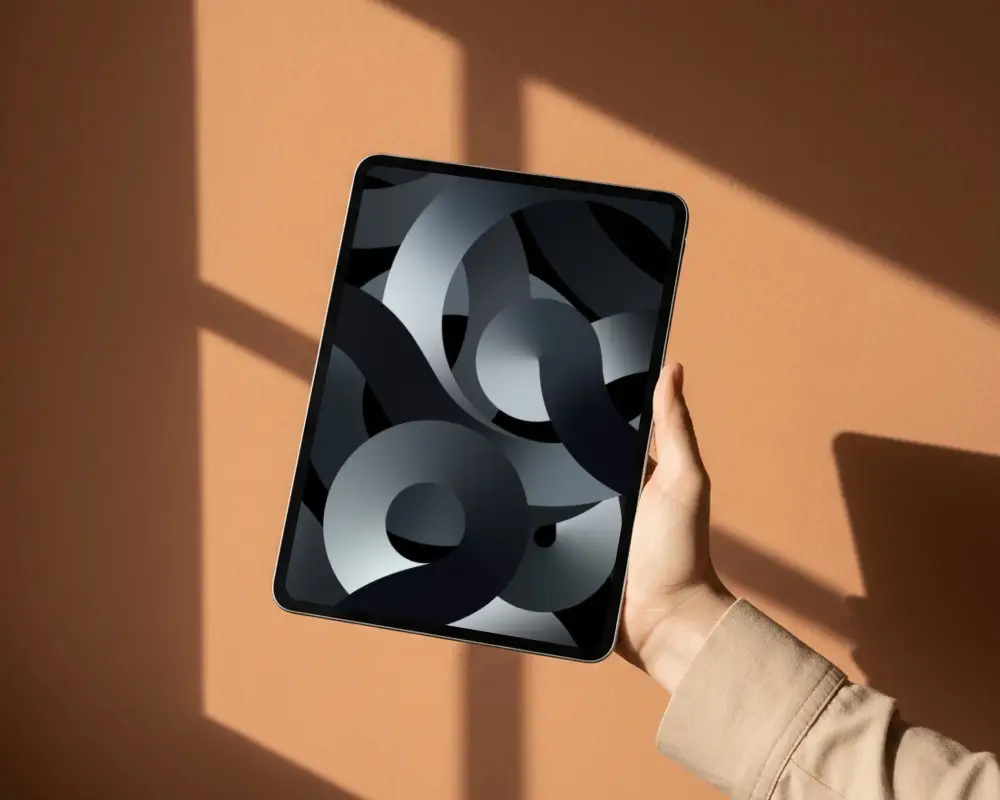
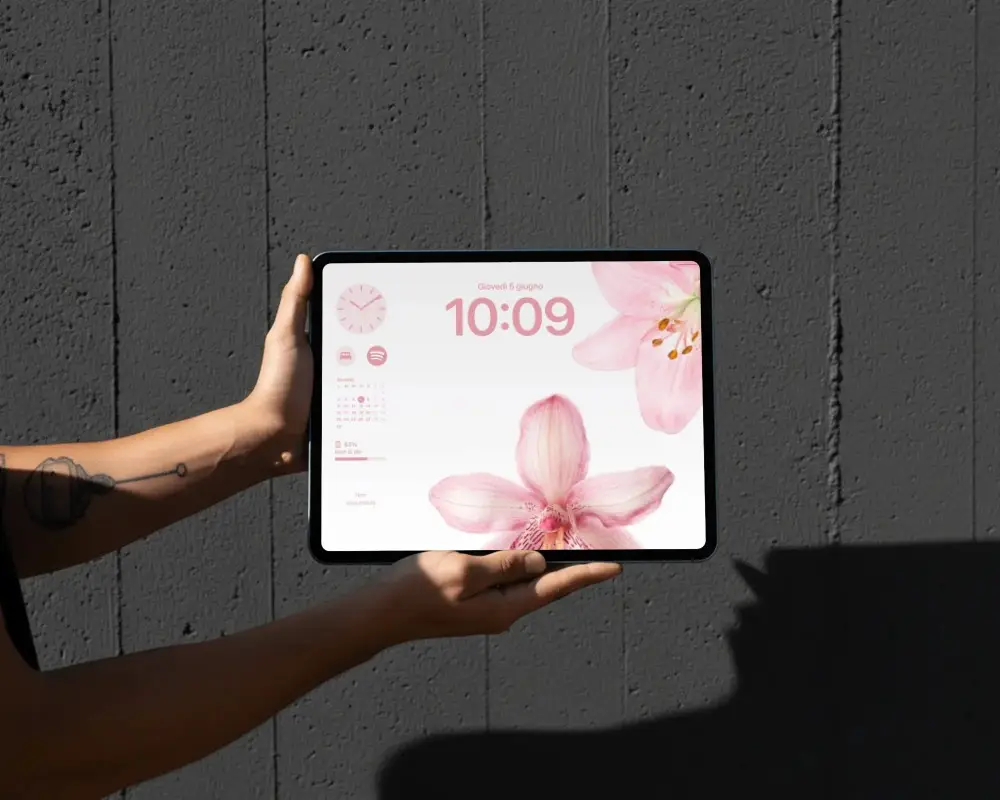
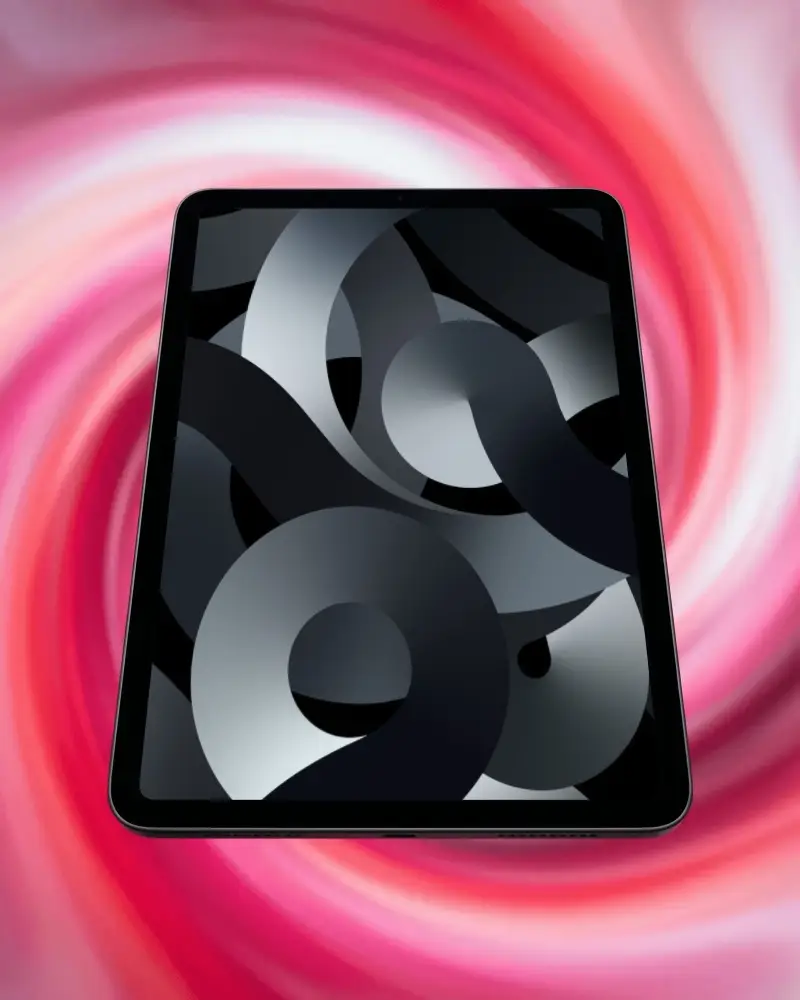
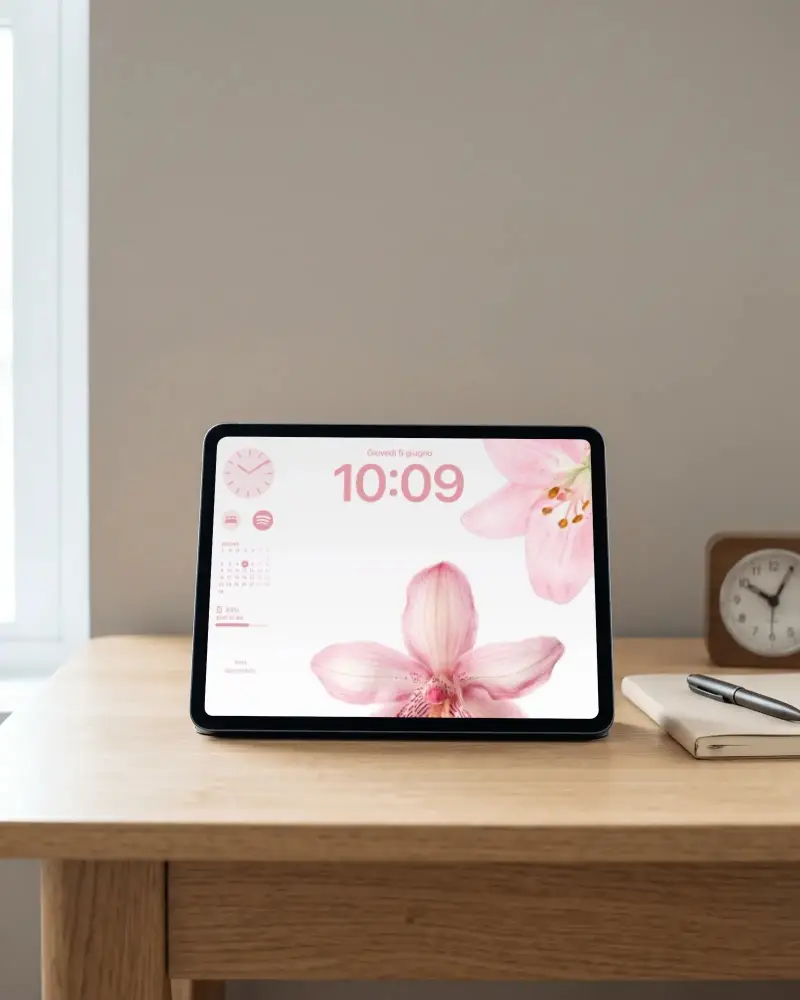
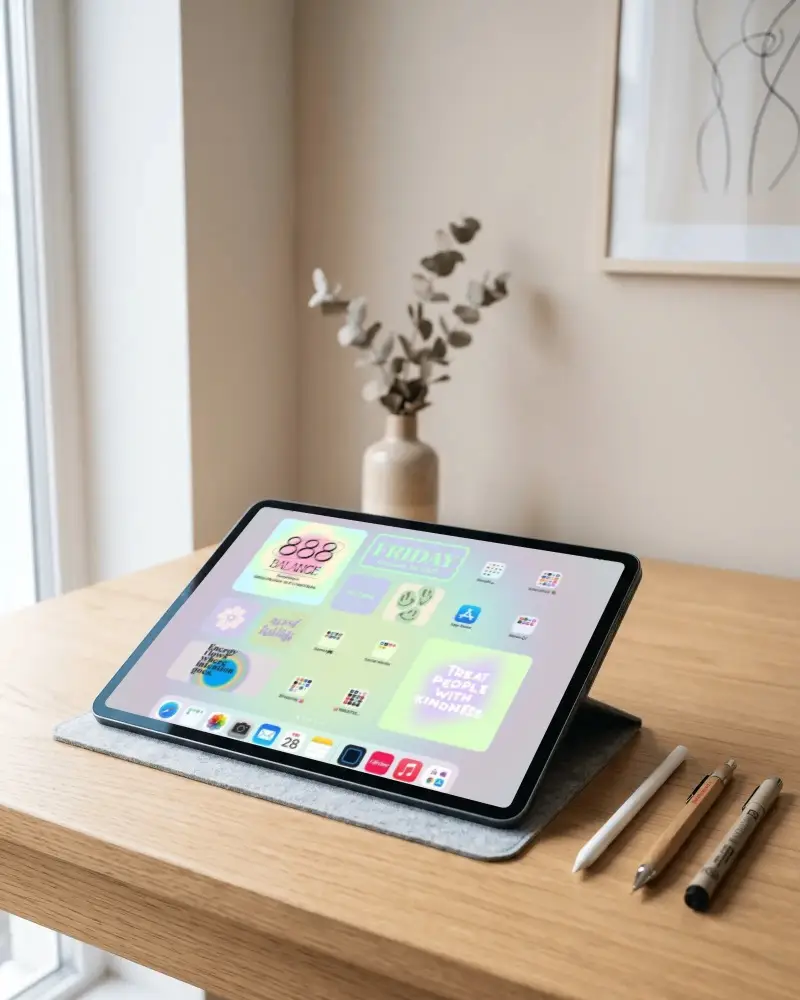
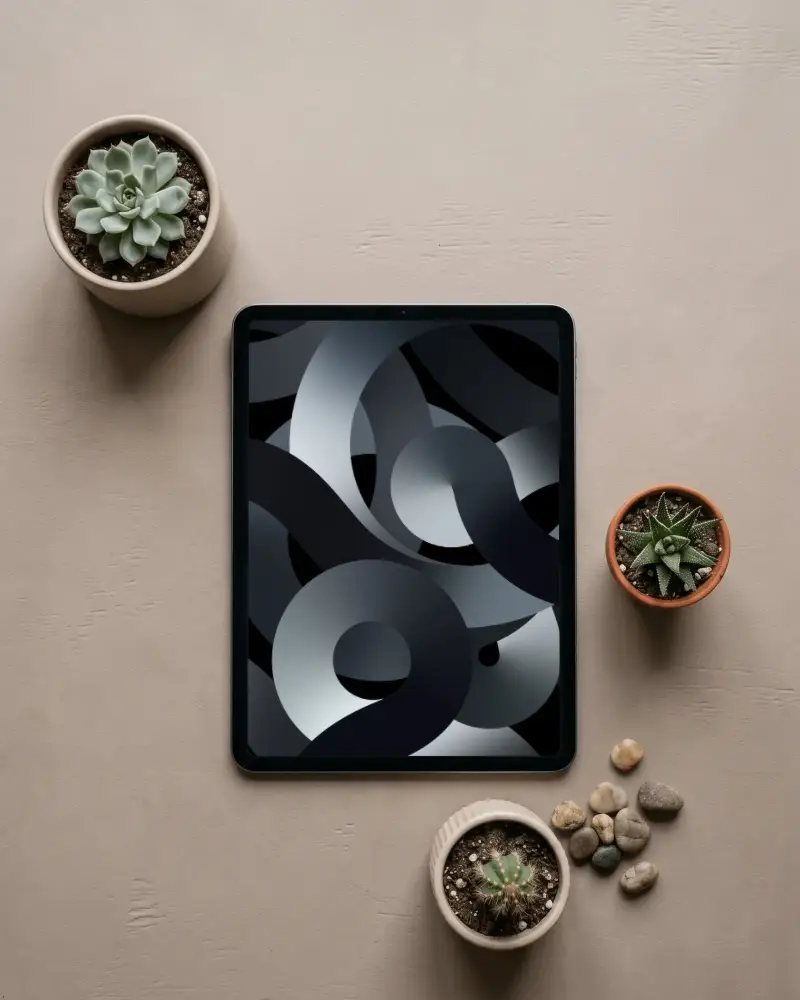
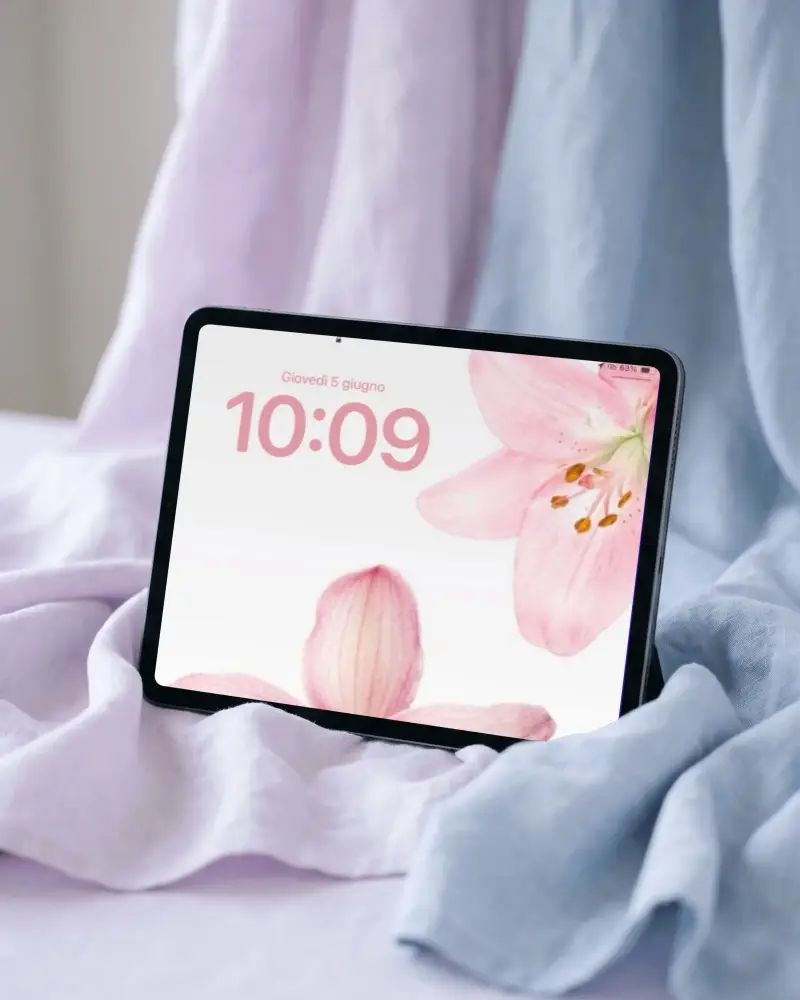
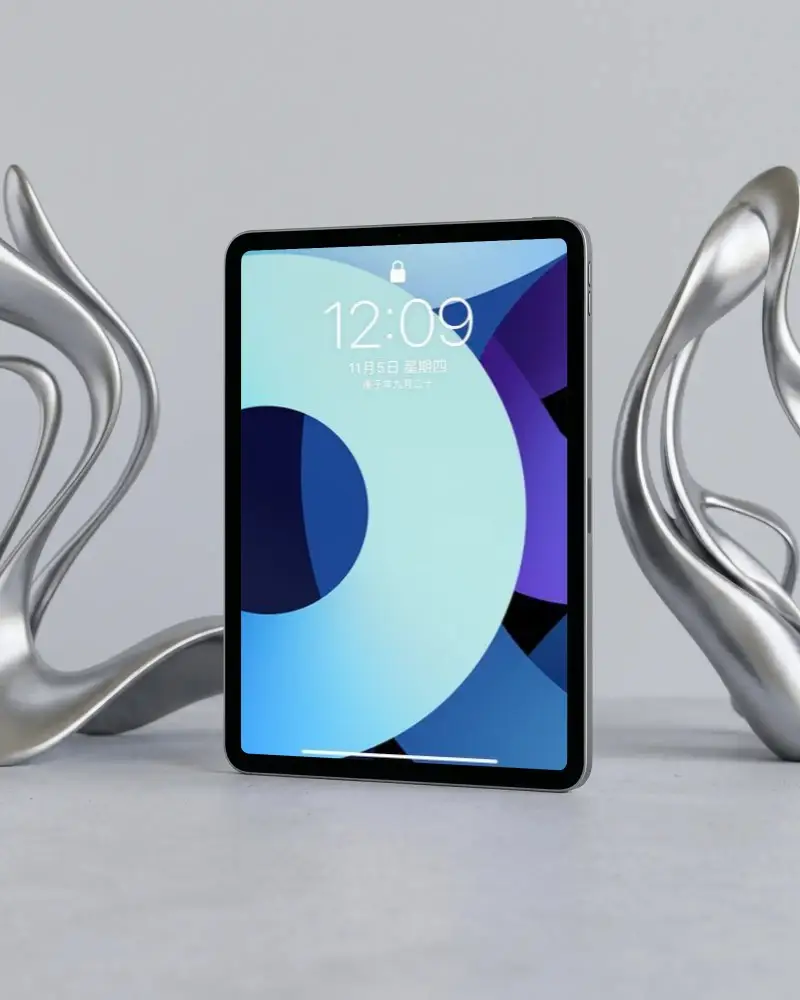
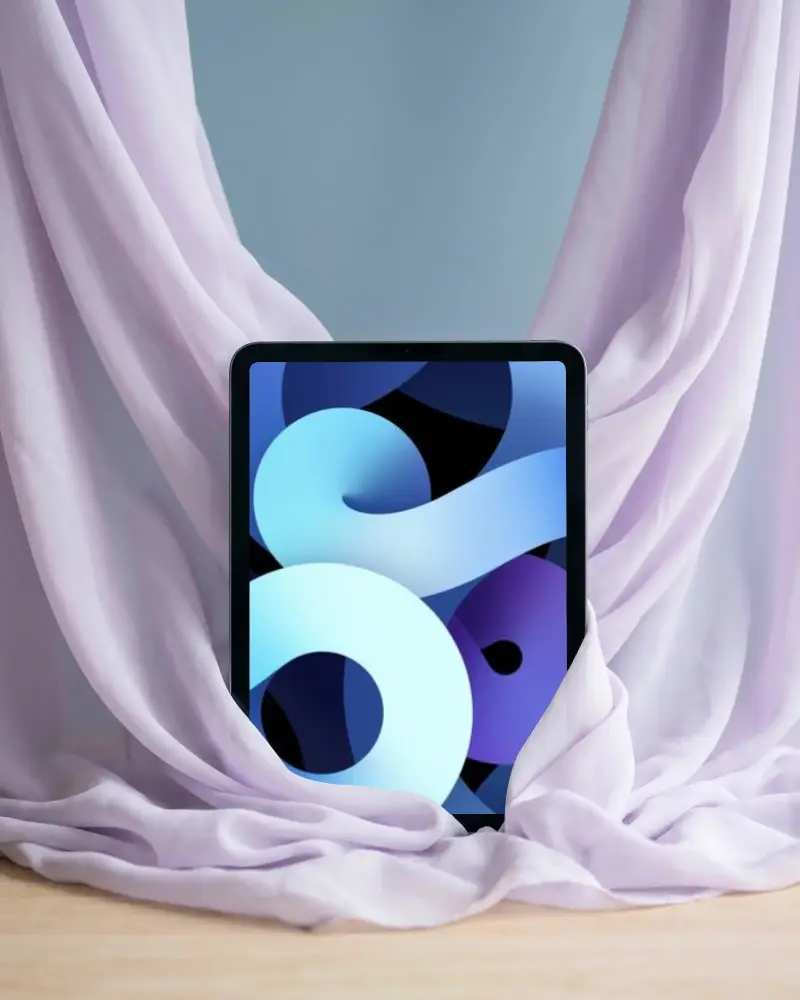
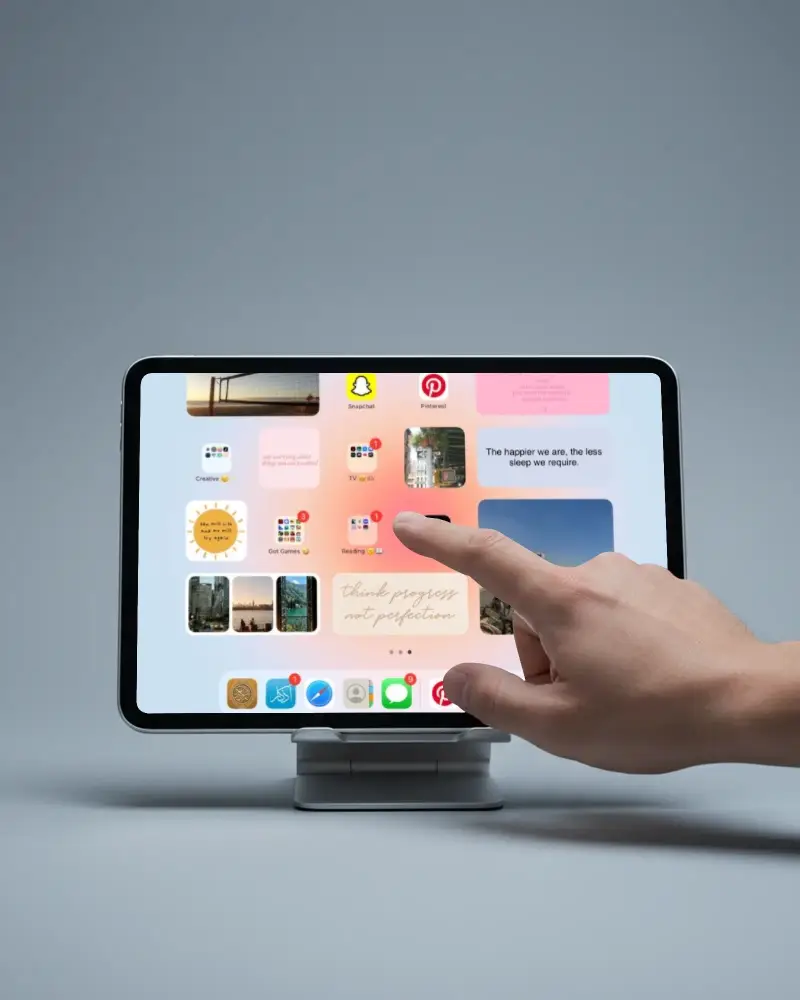
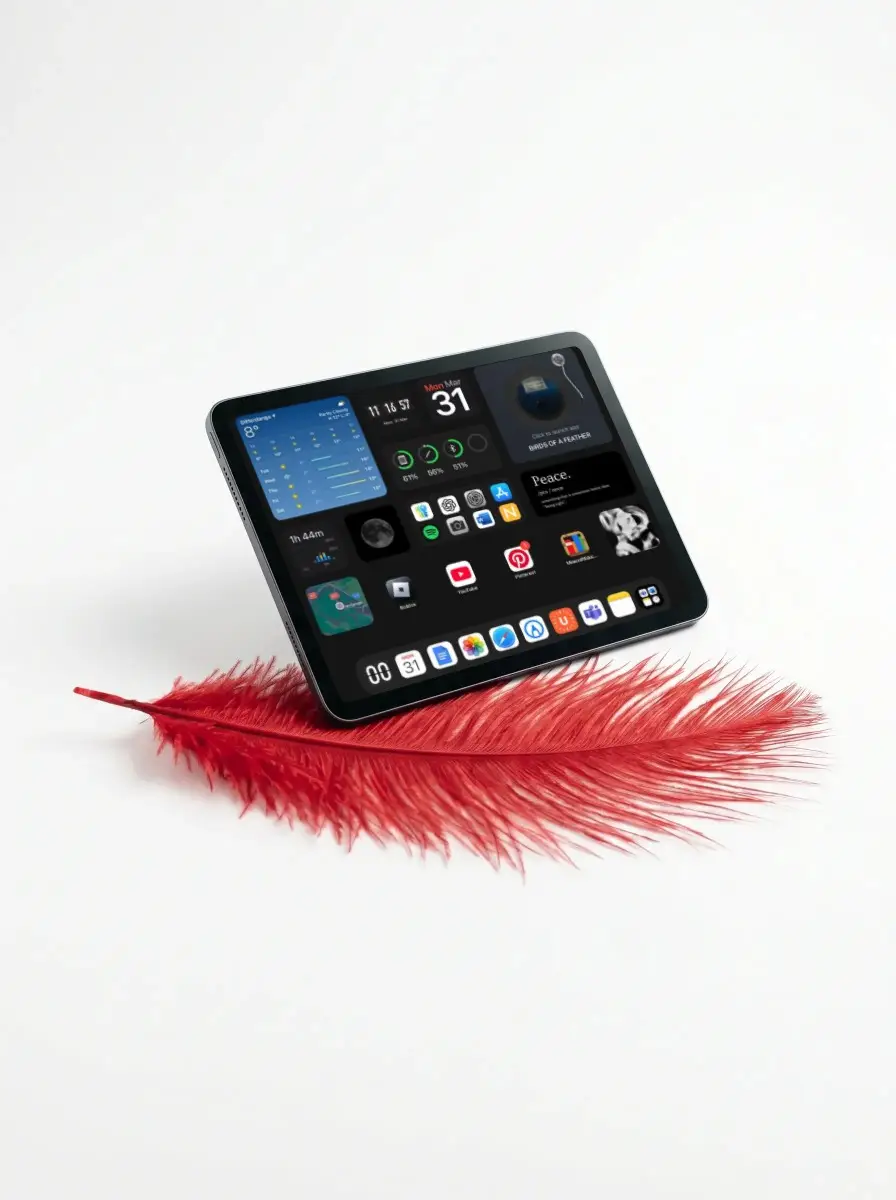
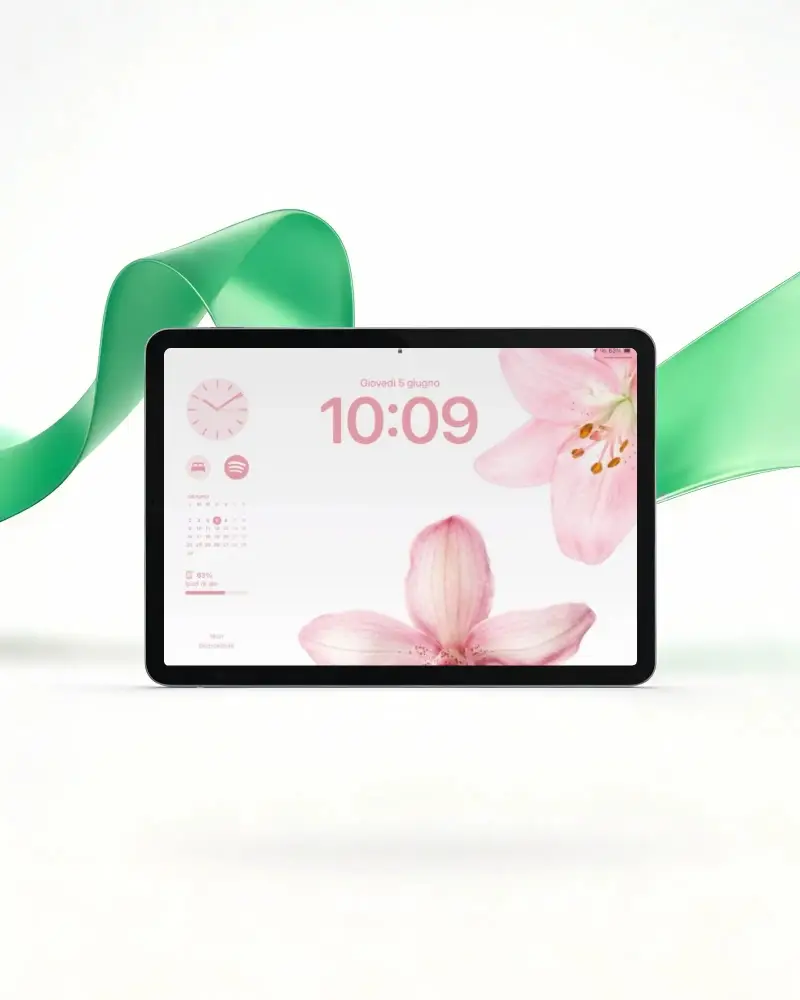
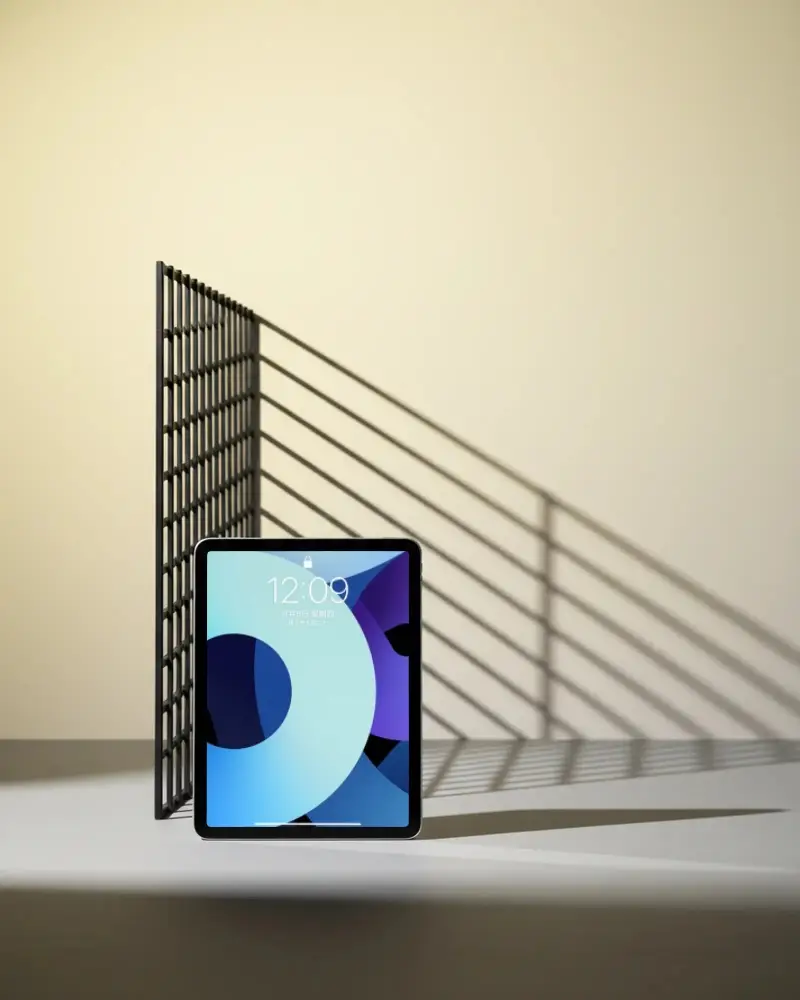
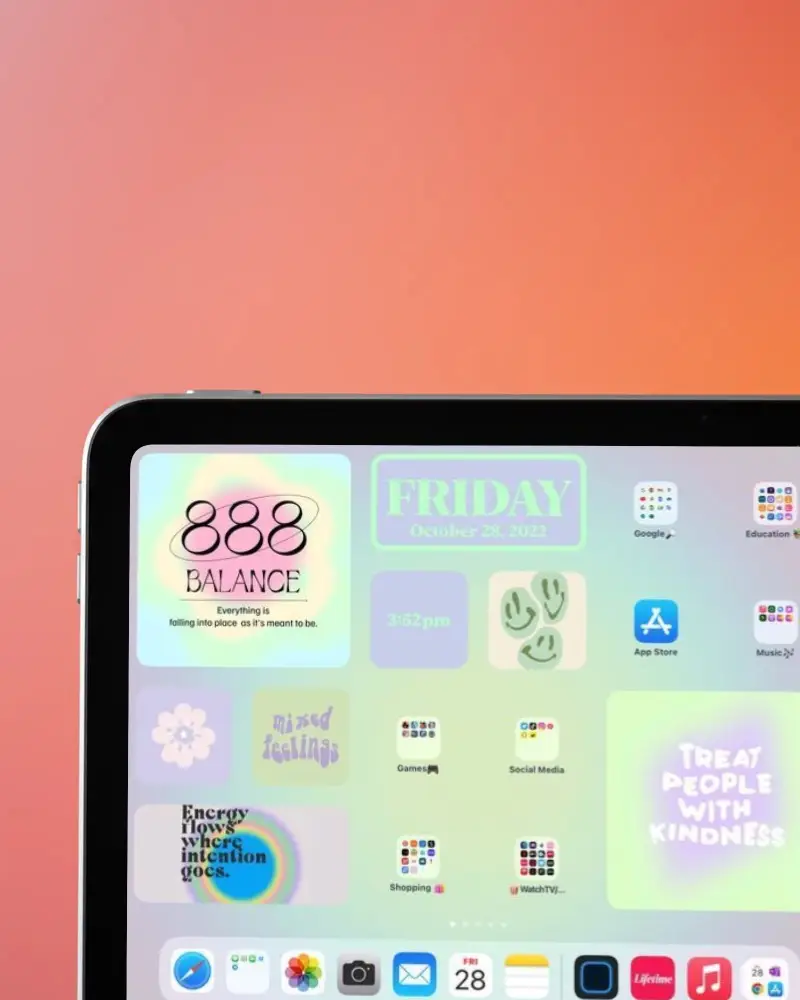
How to Create iPad Air Mockup with Mockey AI
Follow the steps to create iPad Air Mockups in Mockey AI:
- Step 1: First, click on 'Mockups' in the menu, then select 'Tech,' and choose 'iPad' and get 'iPad Air' above tag.
- Step 2: Pick a template and upload your design.
- Step 3: Finally, customize your iPad Air mockup until you're satisfied, and download it in high quality.


FAQs on Ipad Air Mockups
What is an iPad Air mockup, and why is it useful?
A mockup of the iPad Air displays your app on the newest iPad Air screen. Typically, these mockups are available in PNG format. You can personalize the design and color with a mockup tool like Mockey AI. You can upload a design easily.
How can I create an iPad Air mockup without using Photoshop?
Create an iPad Air mockup without Photoshop by using Mockey AI. Simply navigate to the 'Mockups' section, then select 'iPad' in the 'Tech' section. Choose the 'Air' tag to access any template. After uploading your screenshot, you can utilize various tools and download your creation in multiple formats with ease.
What’s the best free tool to generate iPad Air mockups online?
Mockey AI is the top choice for iPad Air mockups, providing the most up-to-date templates featuring various high-quality background locations. Plus, you can easily export and customize them with its free plan.
Are iPad Air mockup templates from Mockey AI free for commercial use?
Yes, use free iPad Air mockups in Mockey AI. They are useful for personal as well as business needs. No credit is needed. The downloads come without any watermark.
Can I upload my own design and customize an iPad Air mockup?
Once you've uploaded your design, crop and resize it to fit the iPad Air screen. The background can then be altered based on the template. Additionally, customize the iPad Air color easily.
Is it really free to generate iPad Air mockups on Mockey.ai?
You can create free iPad Air mockups, but you're limited to three per day. Additionally, there's an option for a 400 x 500 pixel size. For more variety in sizes and unlimited downloads, consider upgrading.
