3D iPad Mockup Free Download On Mockey AI
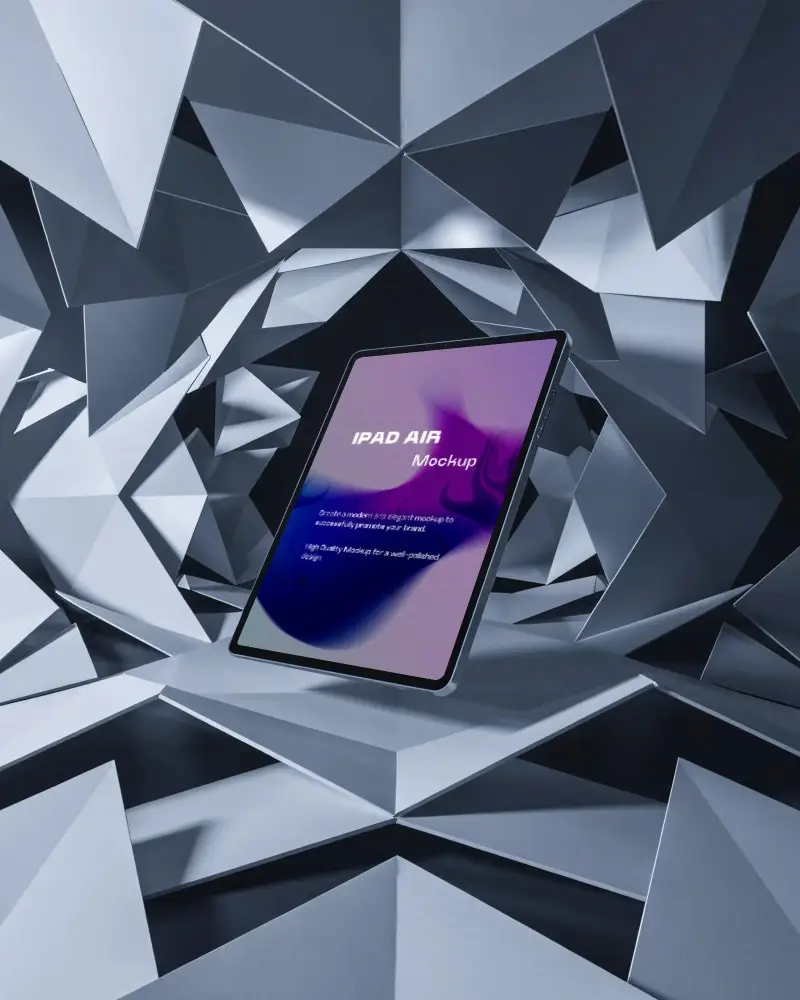
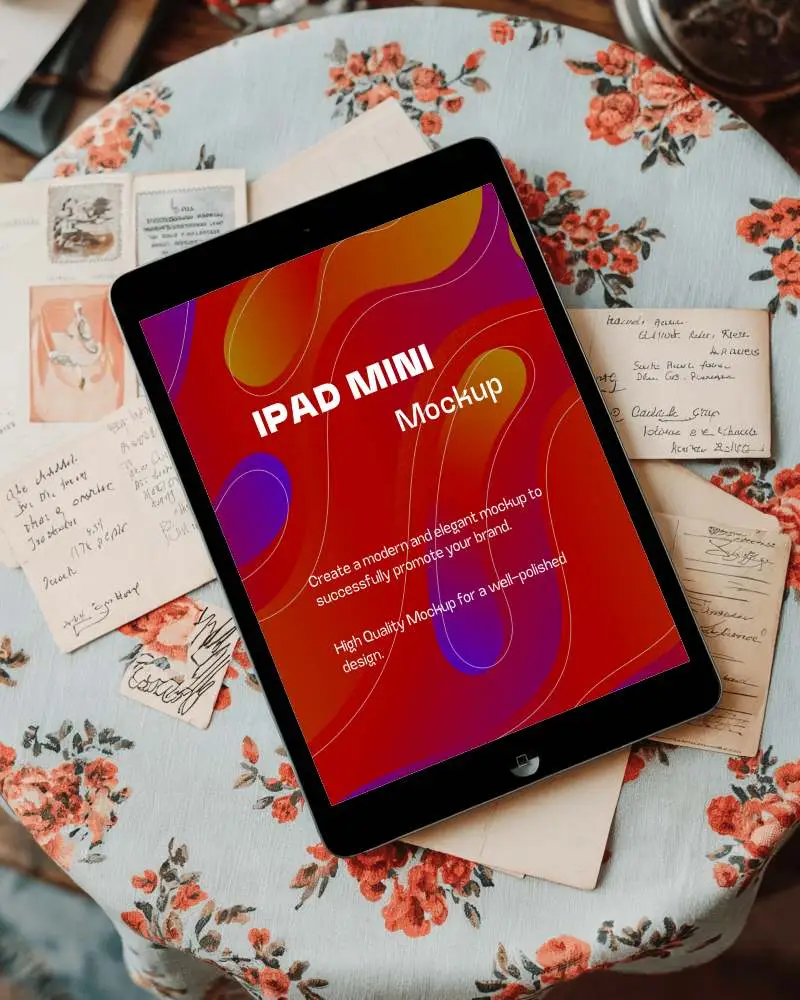
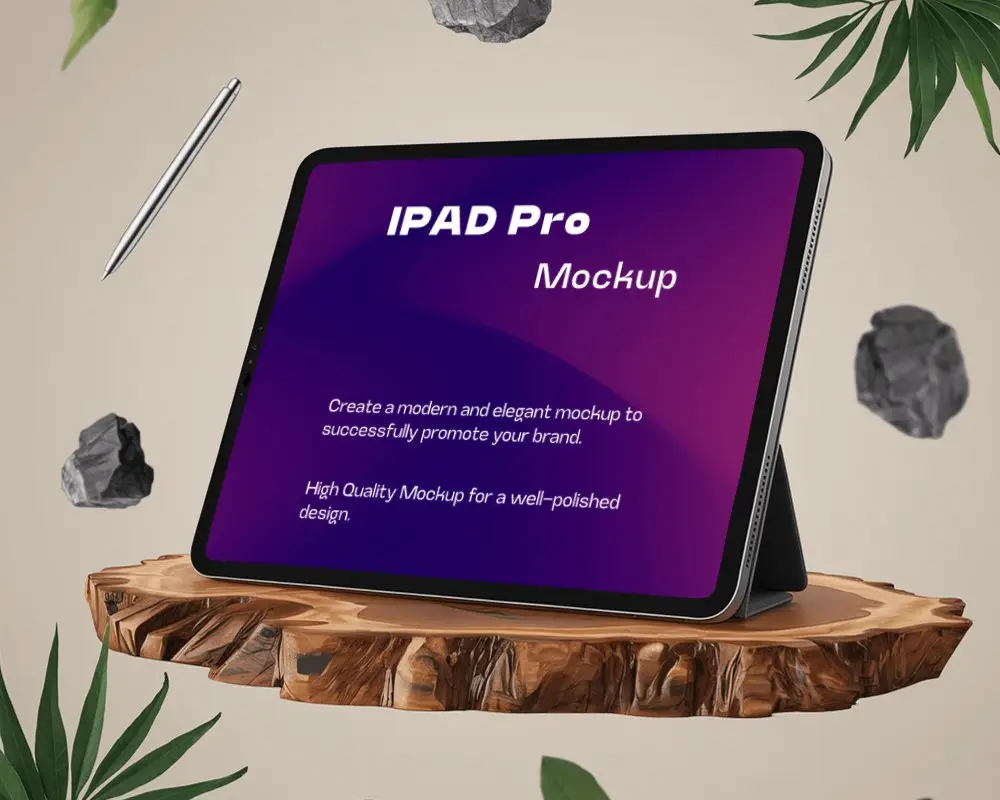
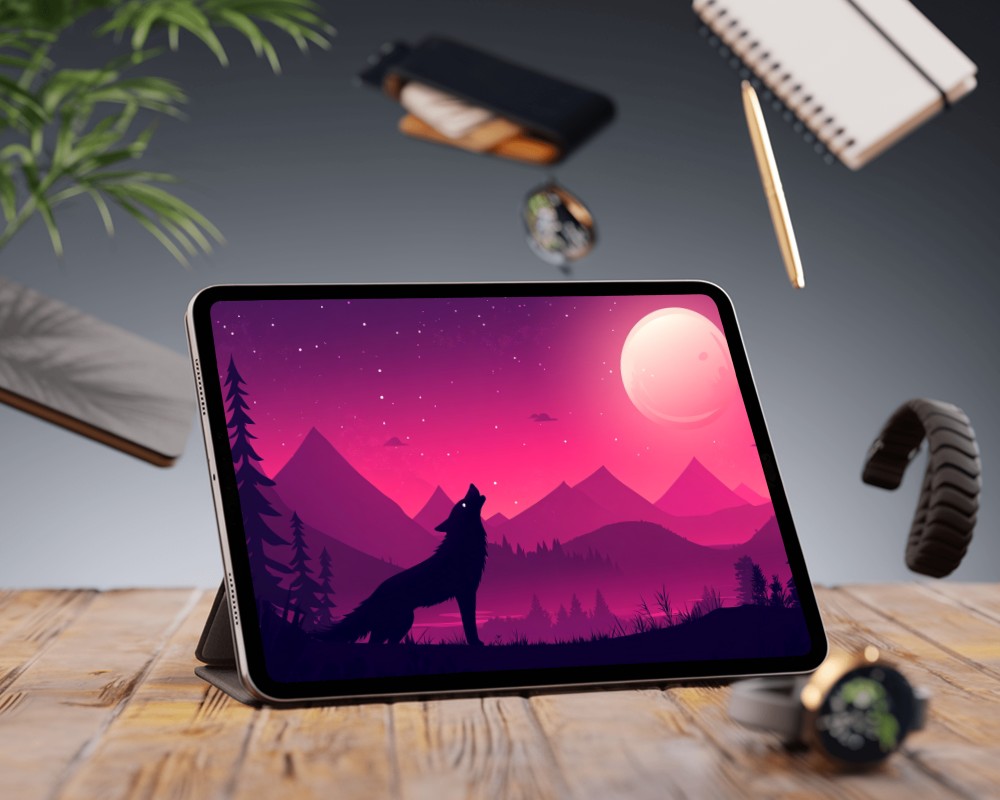
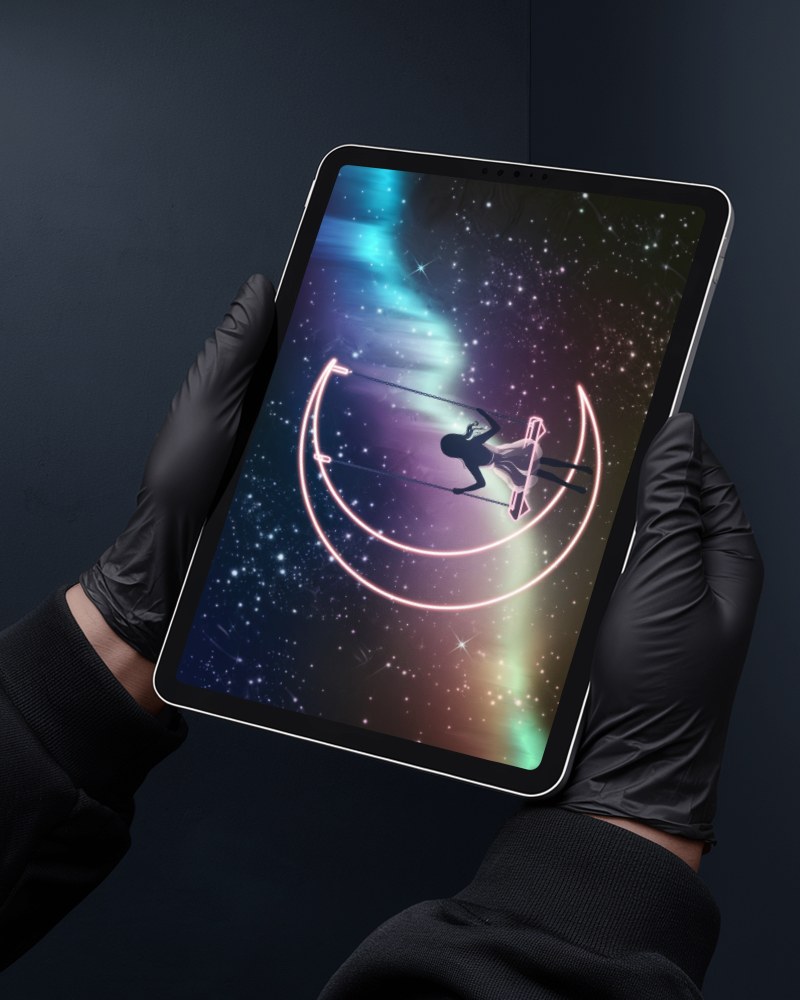
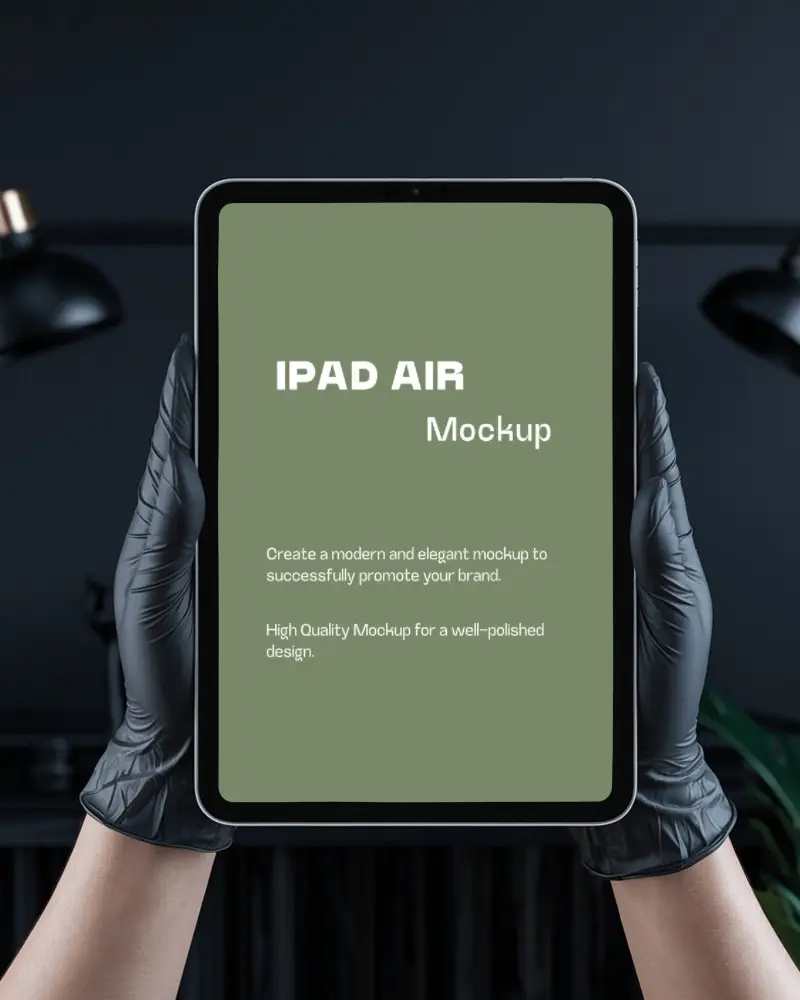
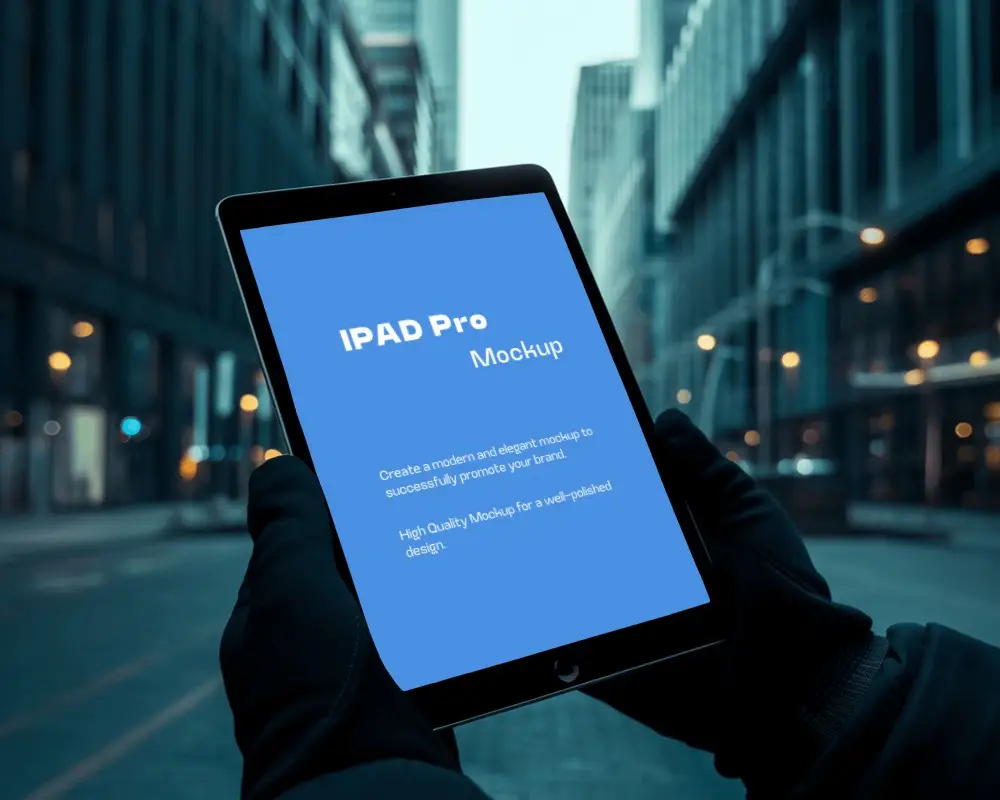
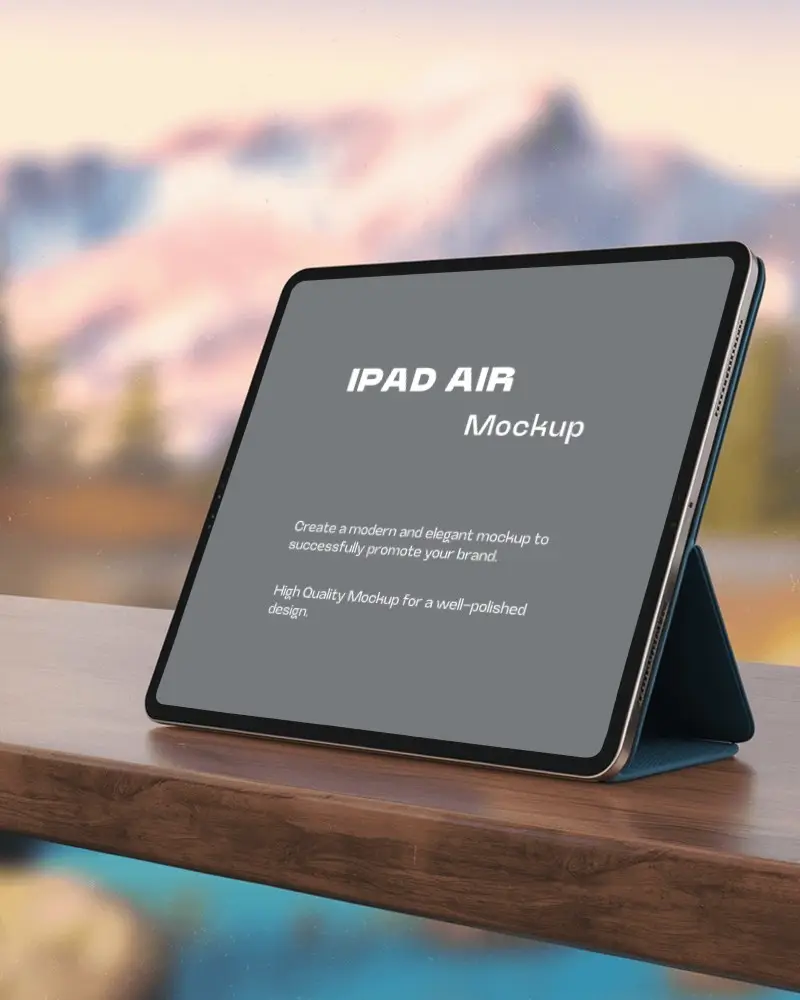
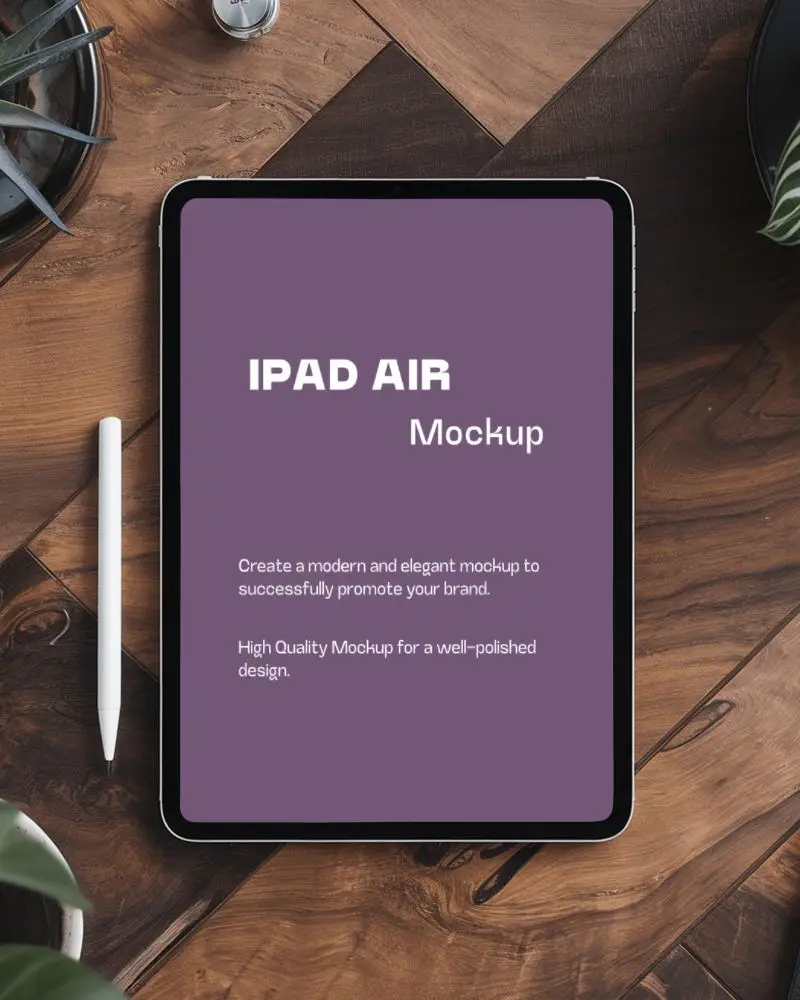
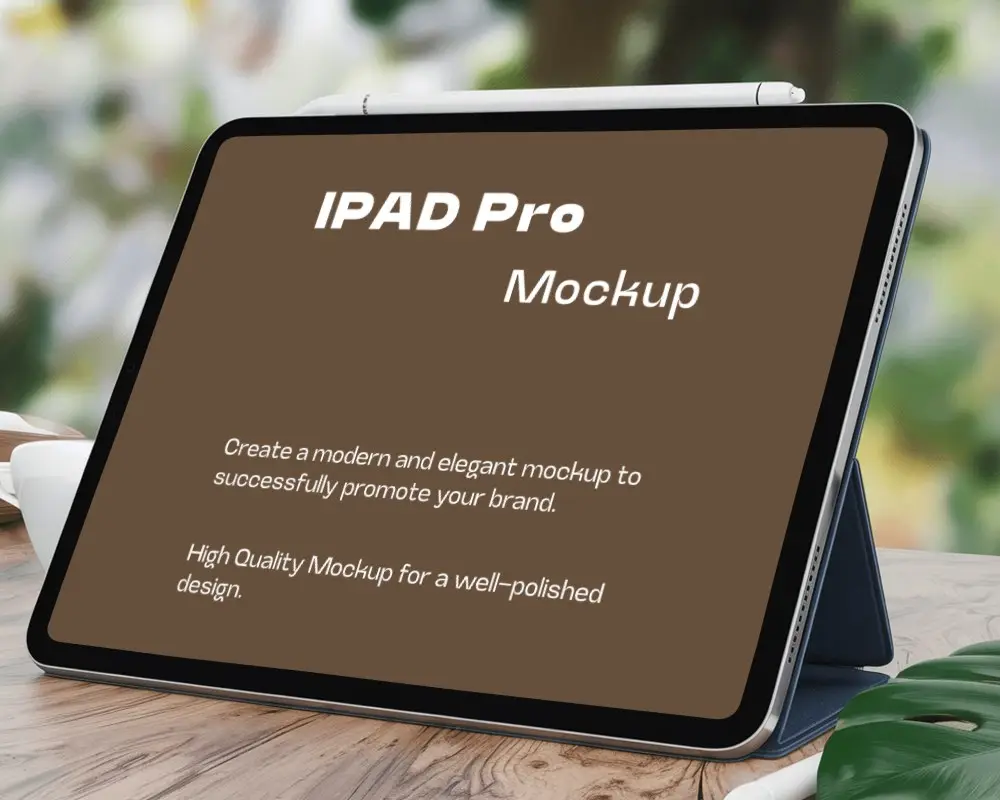
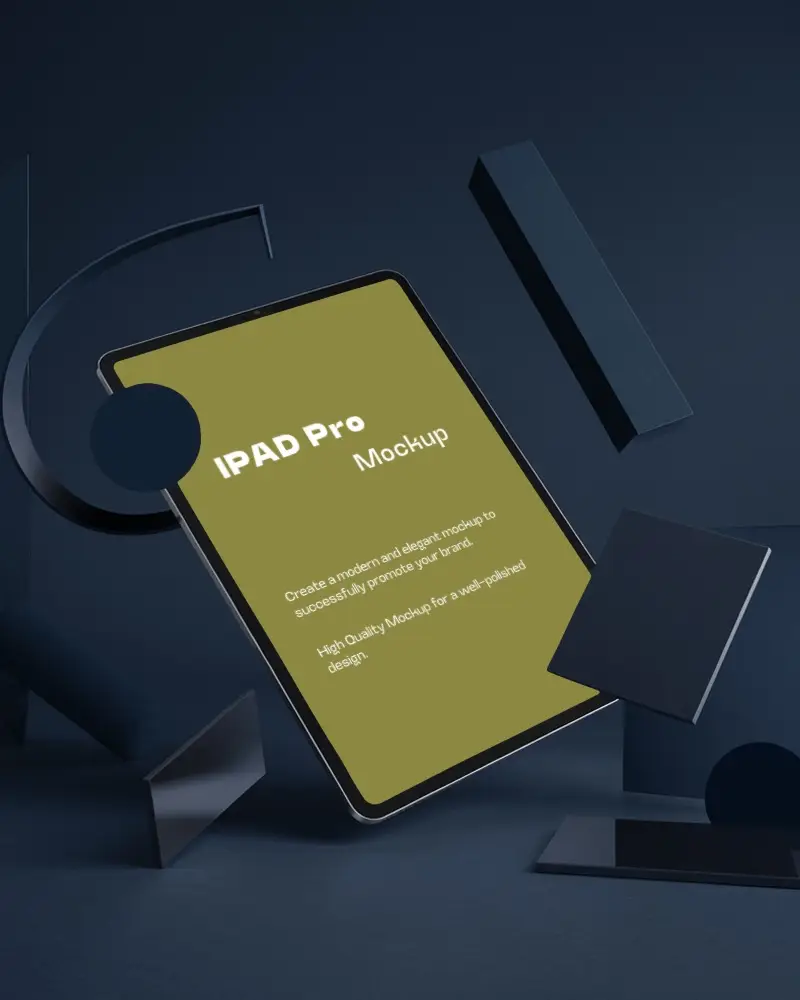
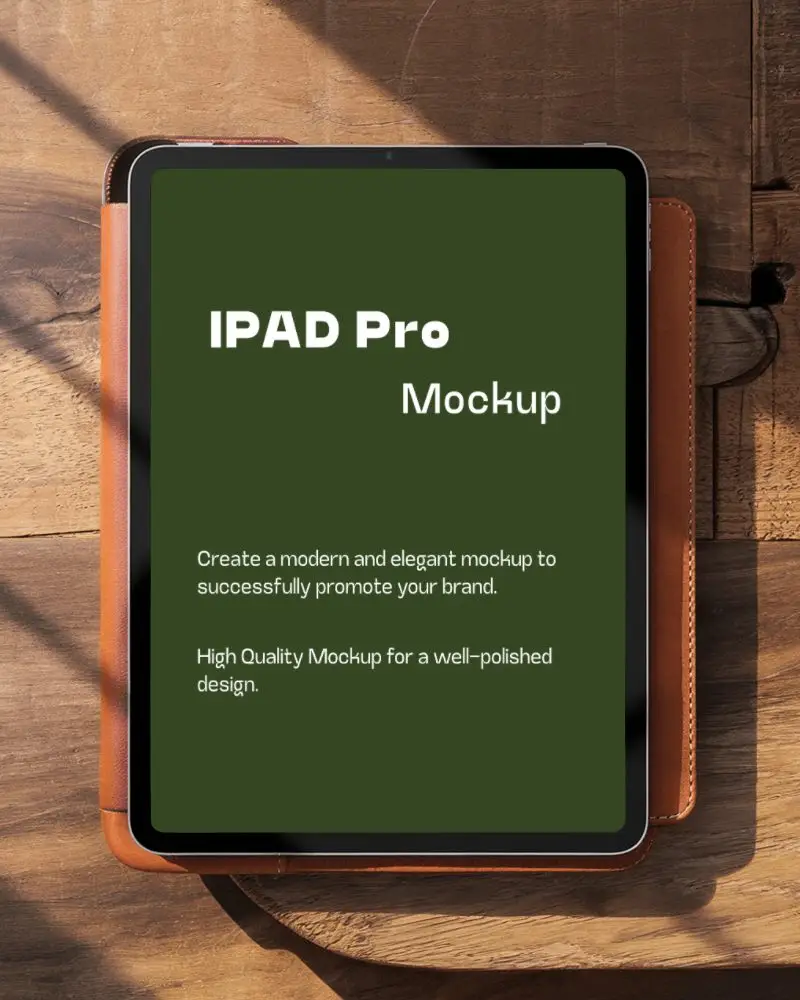
Mockey AI offers free 3D iPad mockups to help you display app designs in a clean and realistic style. Customize backgrounds and angles to fit your creative needs easily. Create beautiful 3D iPad mockups for free with Mockey ai. Add your screen design and adjust the scene in seconds to make your presentation look polished and modern.
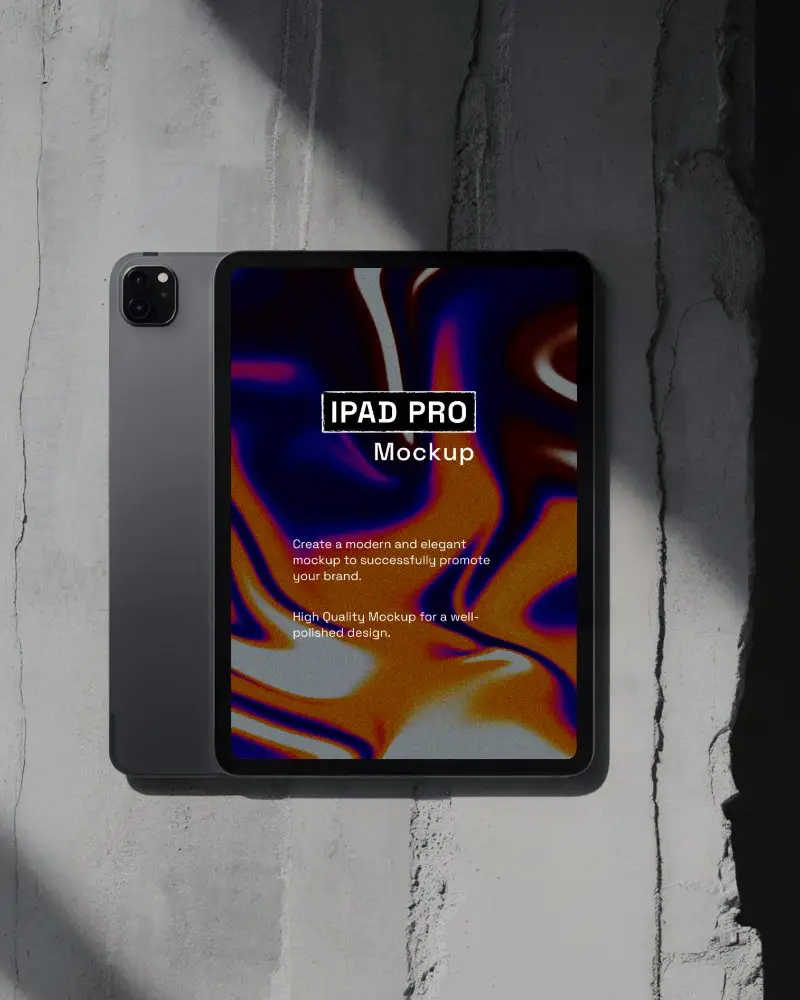
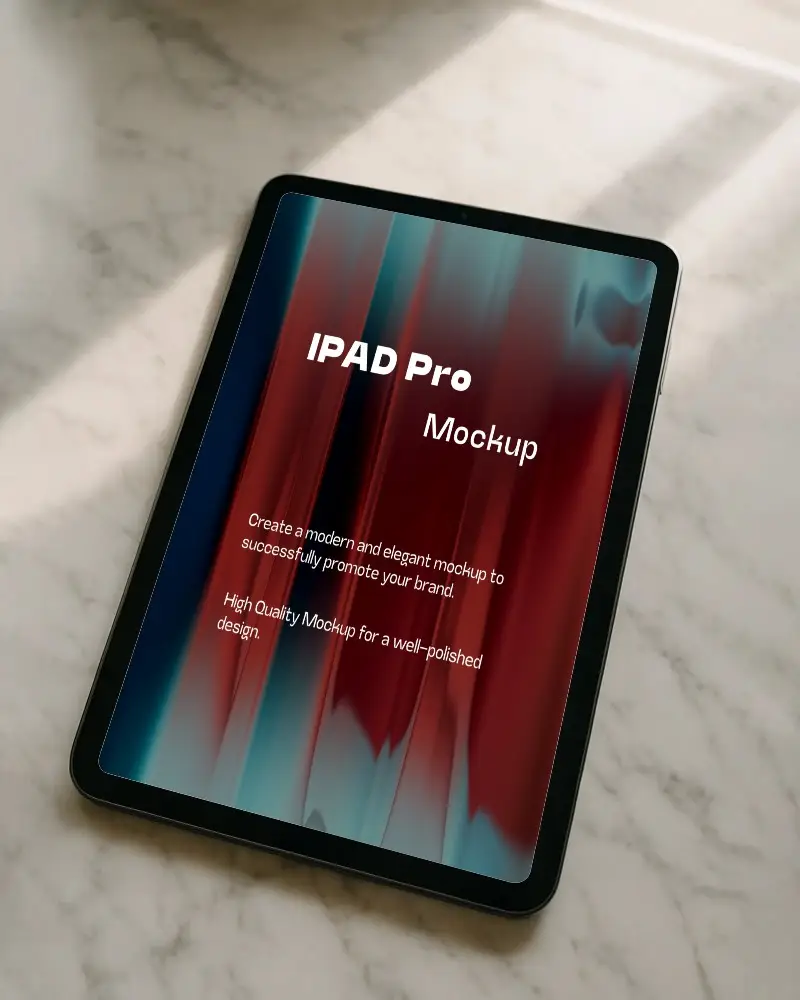
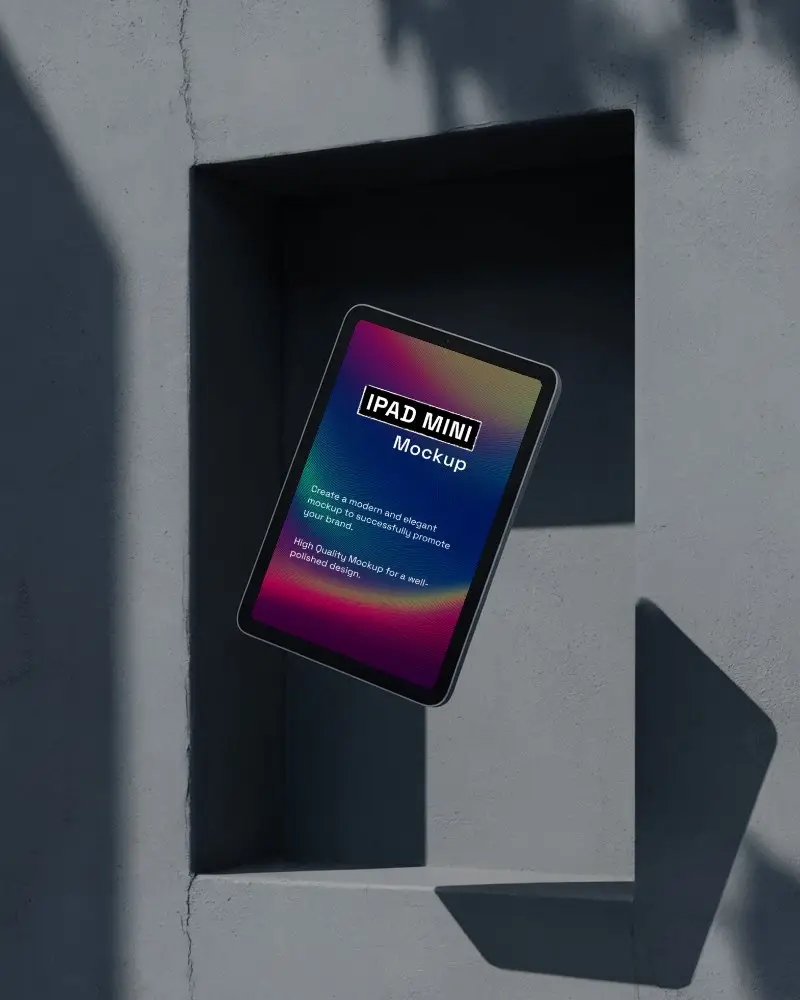
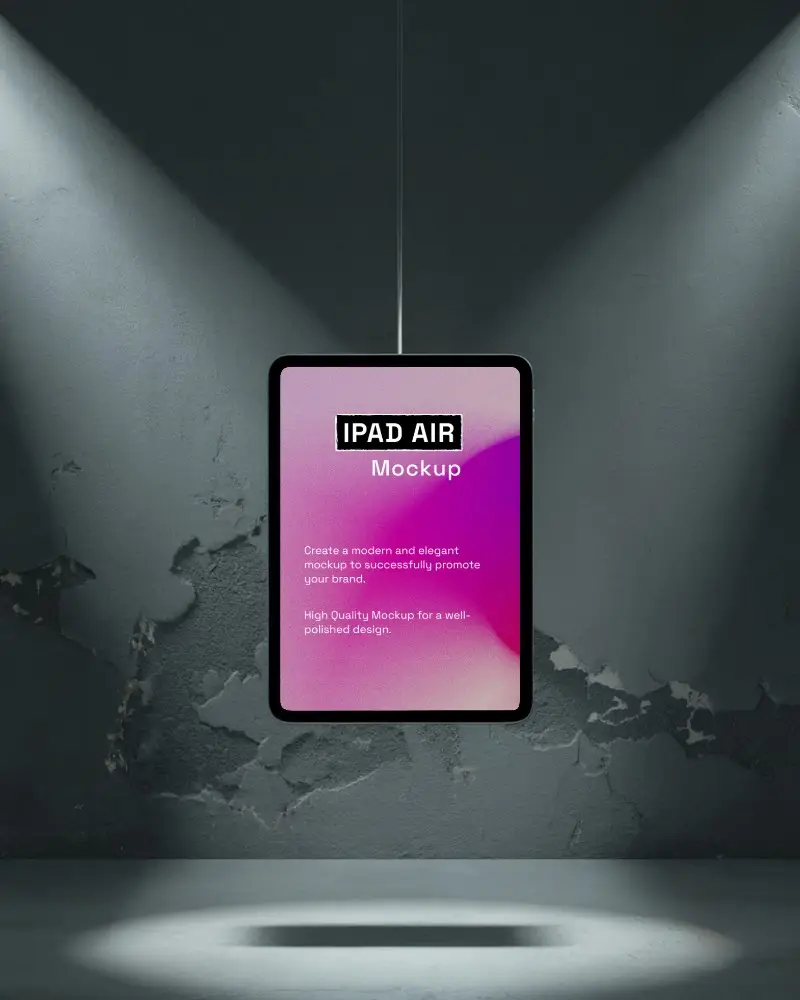
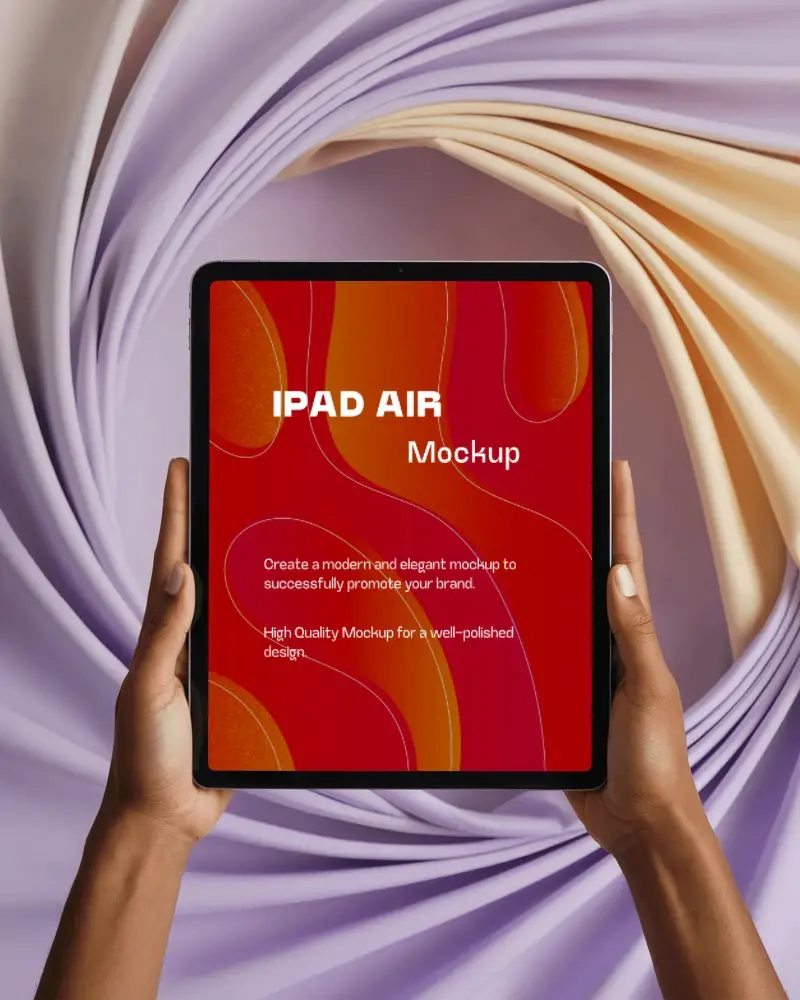
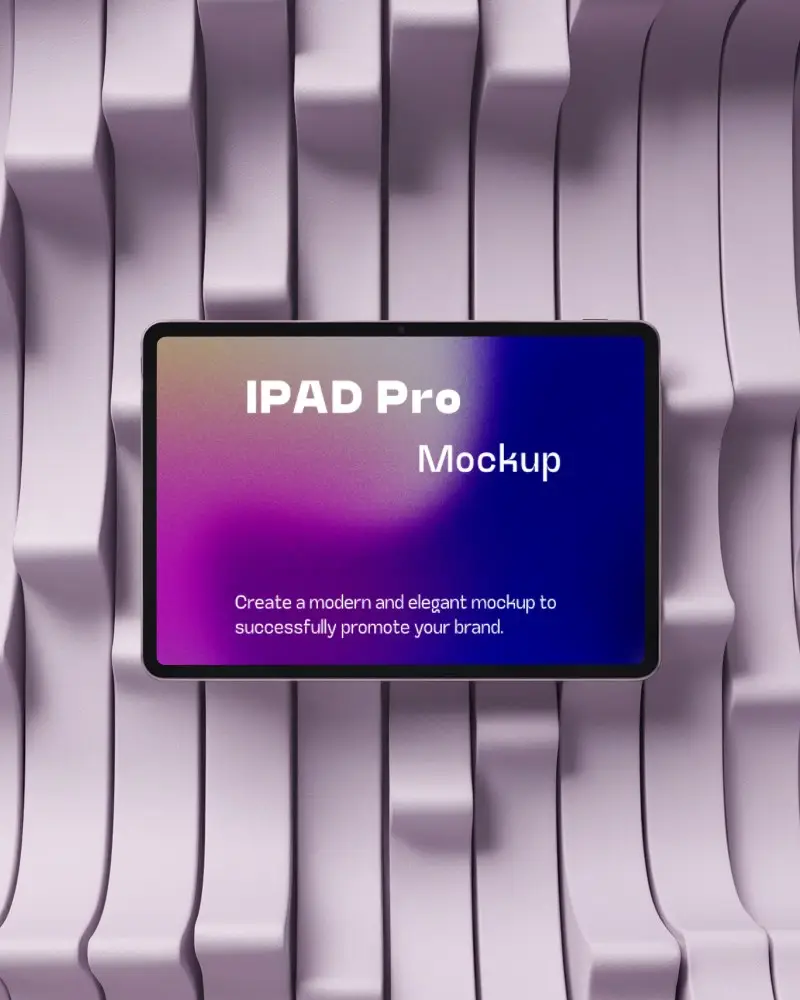
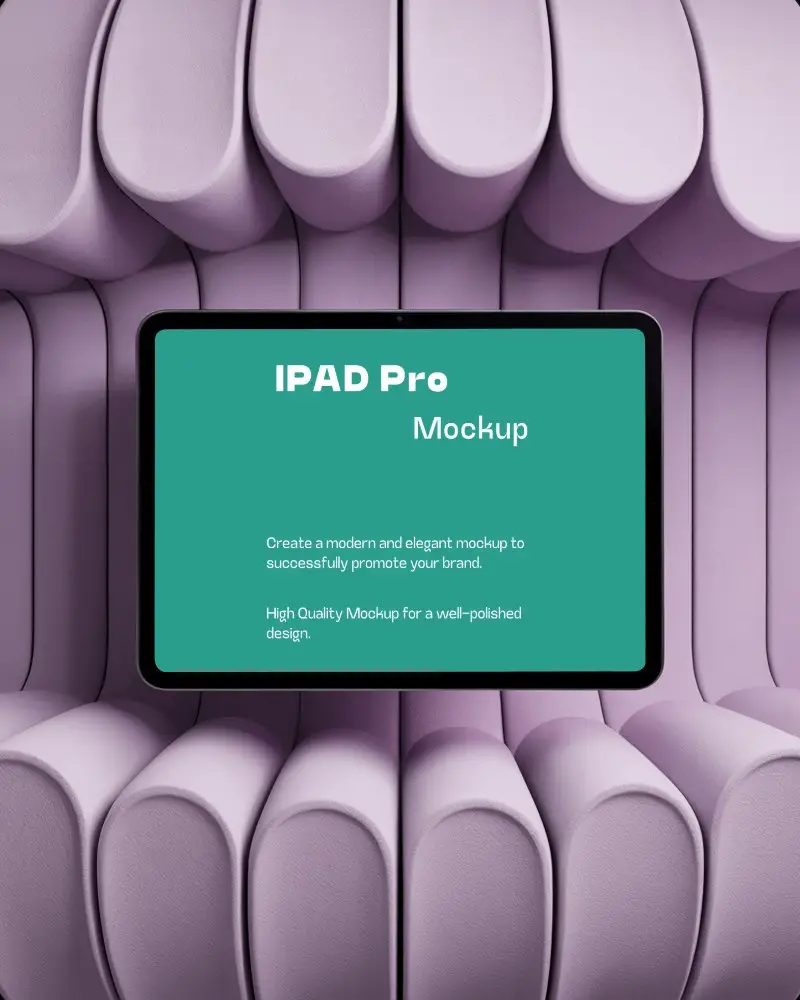
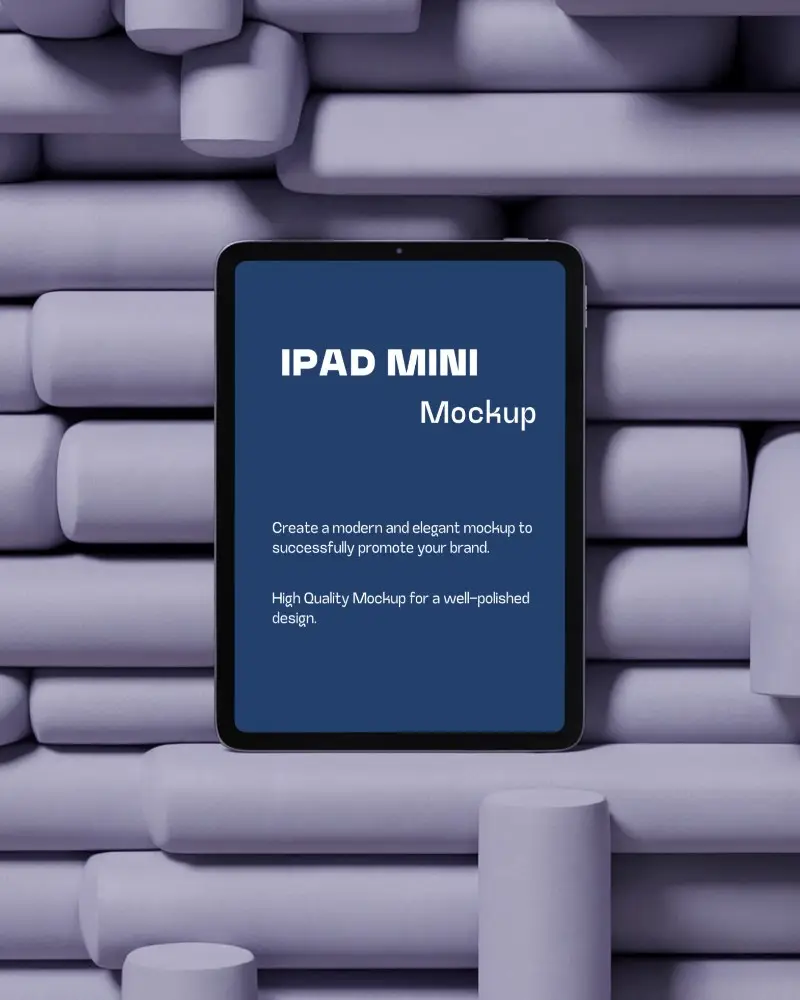



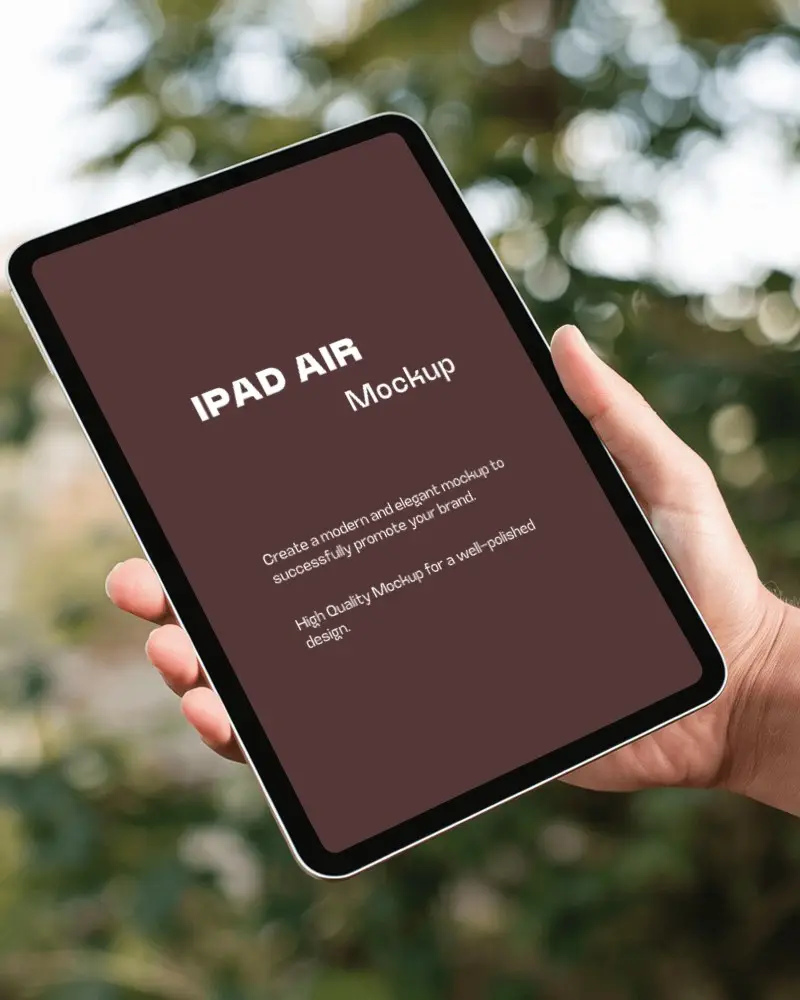
How to Create 3D iPad Mockup with Mockey AI
Follow the steps to create 3D iPad Mockups in Mockey AI:
- Step 1: First, click on 'Mockups' in the menu, then select 'Tech,' and choose 'iPad' and get '3D iPad' above tag.
- Step 2: Pick a template and upload your design.
- Step 3: Finally, customize your 3D iPad mockup until you're satisfied, and download it in high quality.


FAQs on 3d Ipad Mockups
What is an 3D iPad mockup, and how is it used?
An 3D iPad mockup shows your app or website on the latest 3D iPad screen. It looks real. Most mockups come as PNG files. You can edit the design and color using the Mockey AI mockup generator.
Can I use free 3D iPad mockup templates for commercial use?
Yes, you can use 3D iPad mockups from Mockey AI for your commercial use. Even for your personaljects, this platform will be best for you.
How do I customize an 3D iPad mockup with my own design?
After you add the image/design, crop it and adjust it to the 3D iPad screen. After that, you can change the background if the template allows. Also, the 3D iPad's color can be modified.
Can I create 3D iPad mockups in video format, too?
In Mockey AI’s video mockup generator, you’ll get many 3D iPad video templates. You can upload your design to them and generate mockups in the form of video clips.
