Free Notebook Mockups – Spiral, Hardcover & Open Notebook Templates
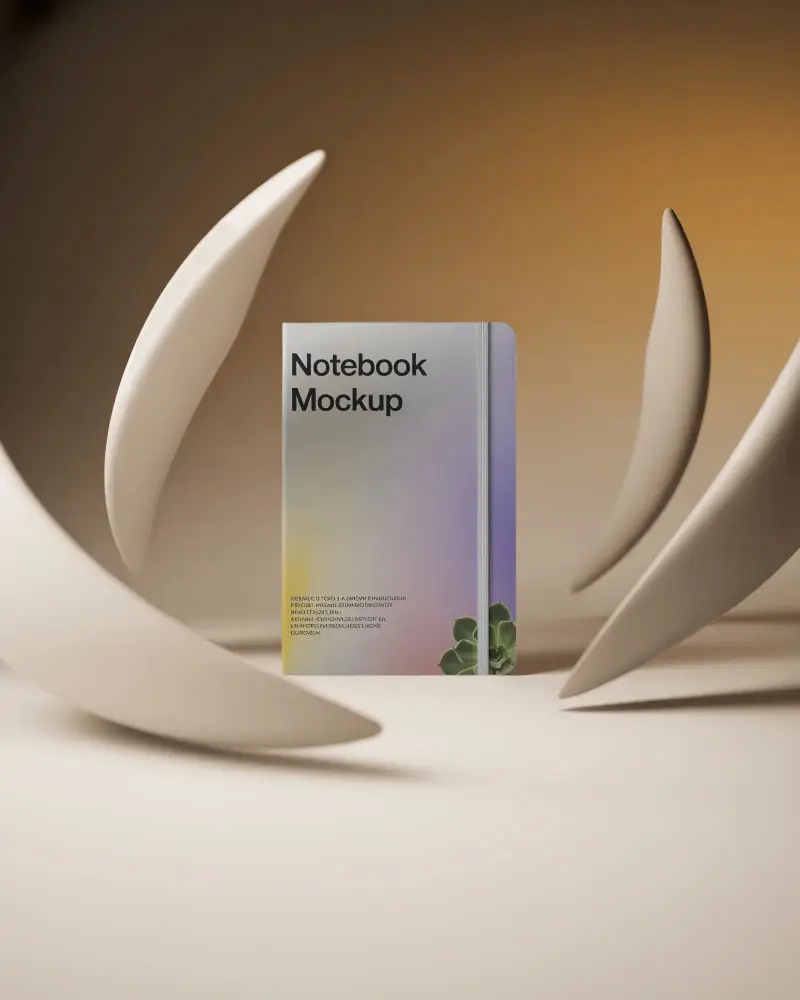
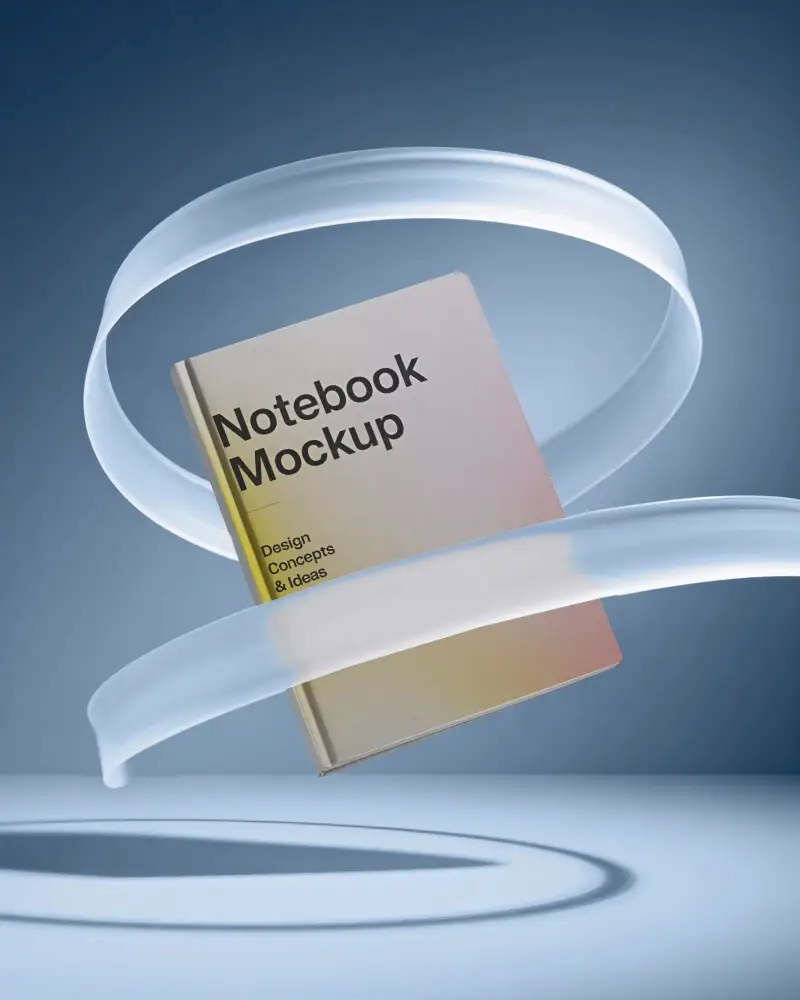
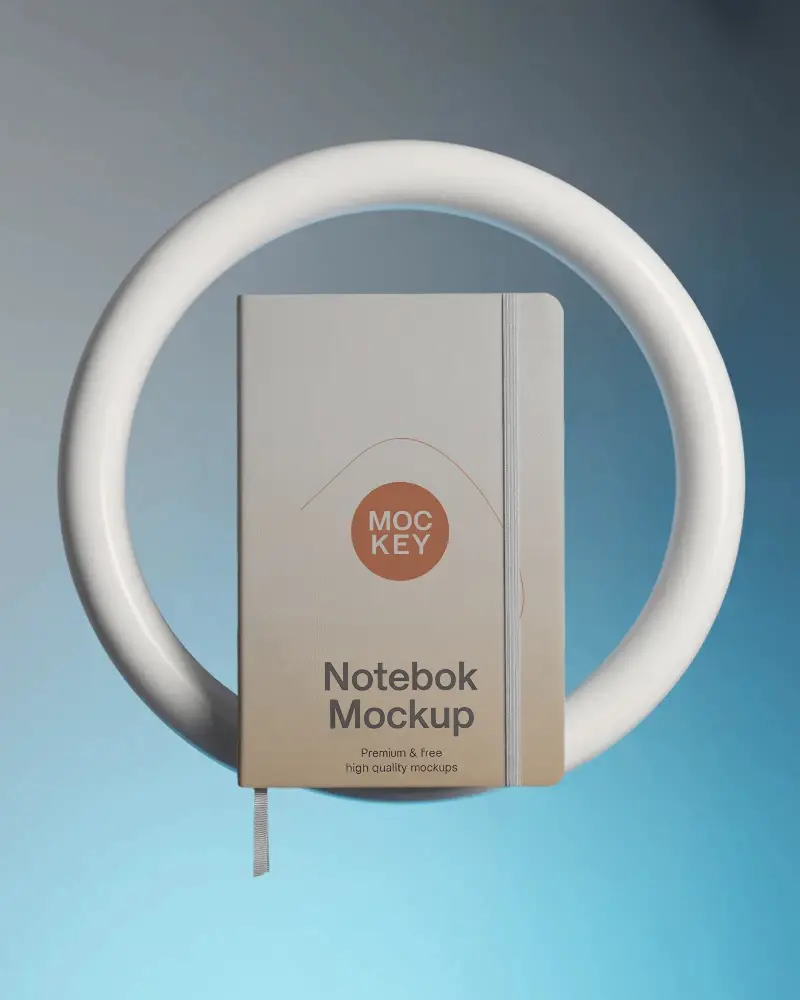
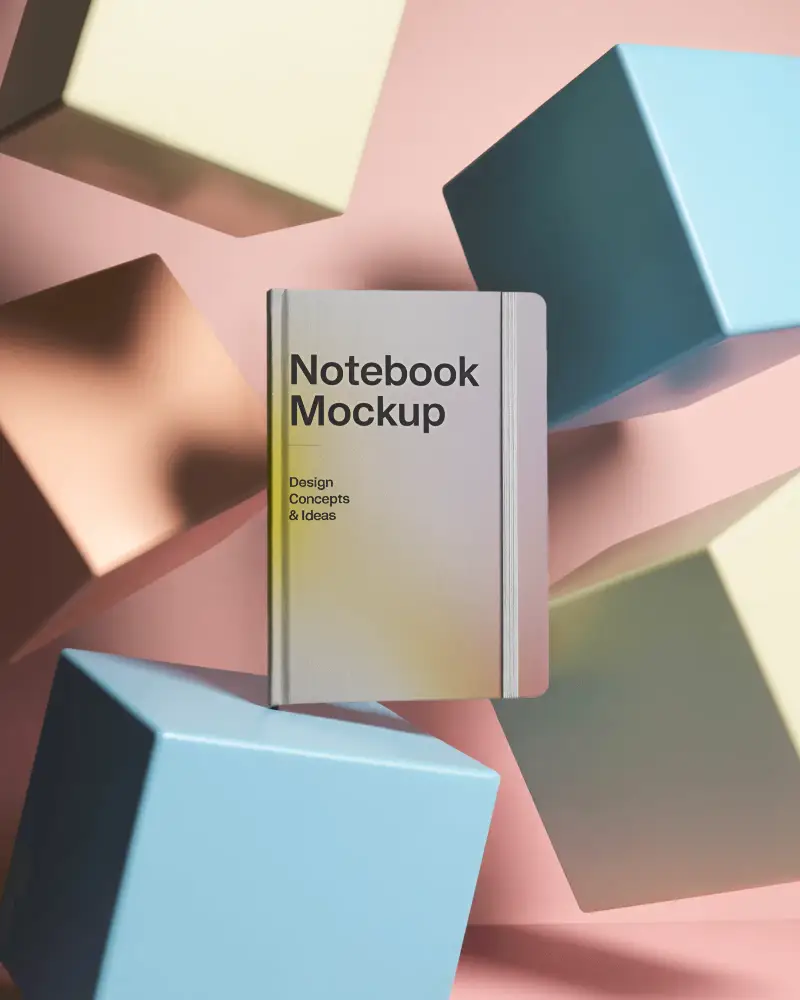
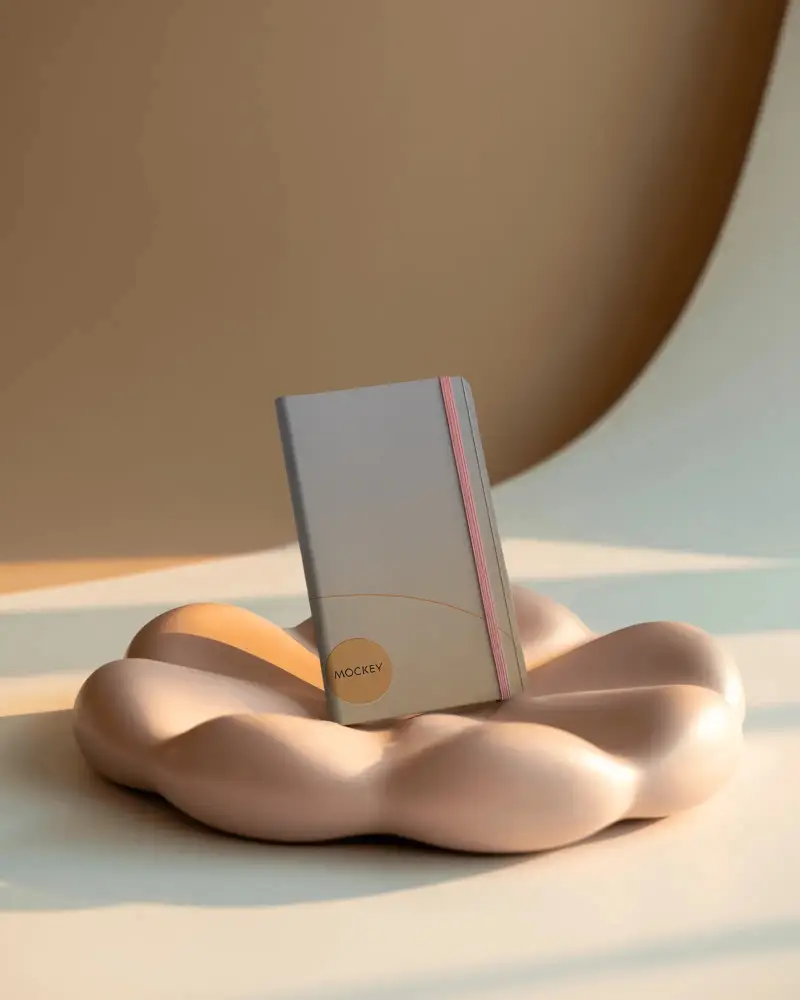
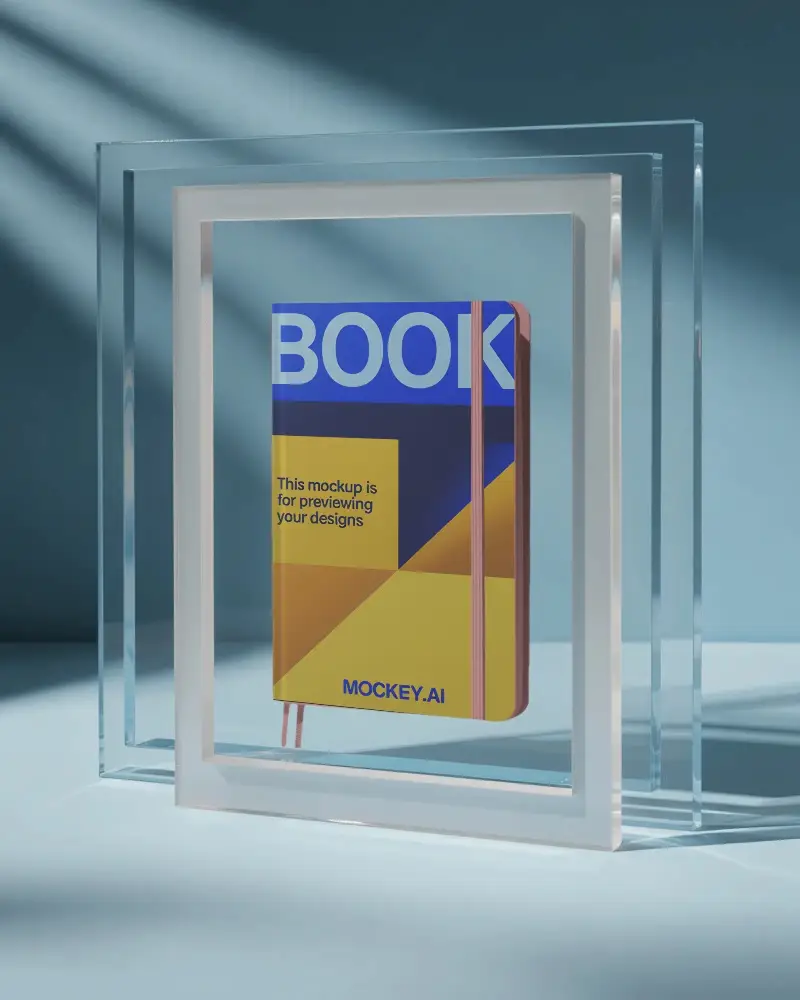
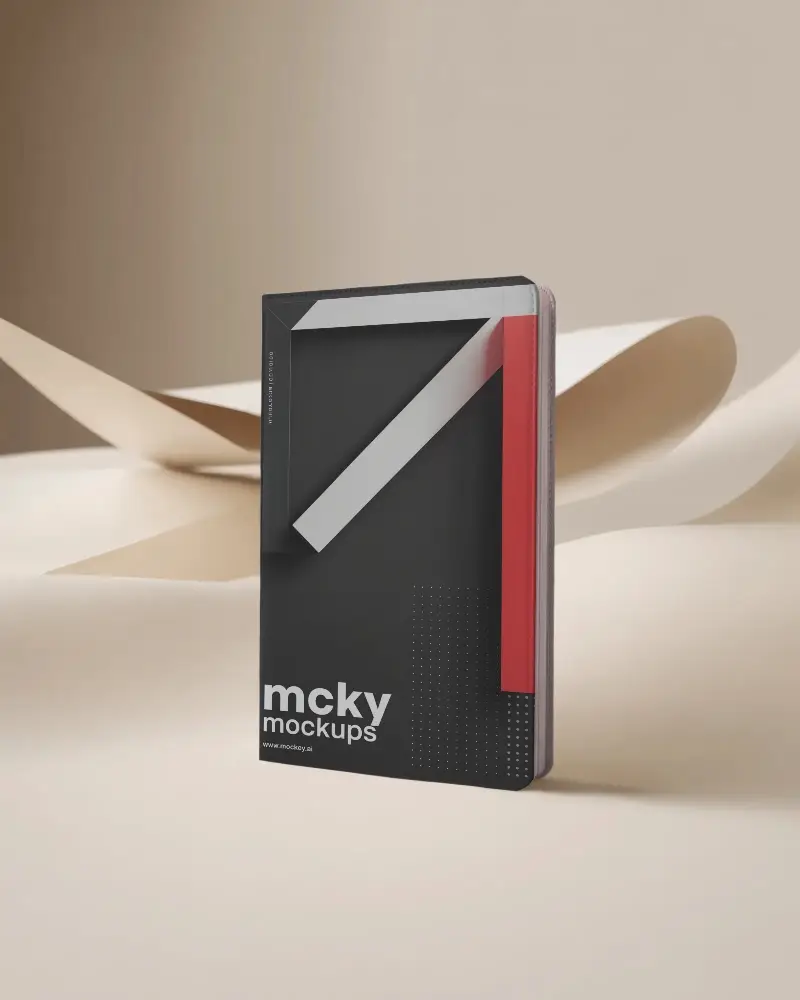
Create a realistic notebook mockup in seconds, right in your browser. Choose from 270+ notebook mockup templates, 180+ of them free: spiral, hardcover, leather, open and A4 notebooks, shown in hand, on a desk or as a flat lay. Upload your cover design, adjust the fit, and download a JPG for free, or a PNG on Pro. No Photoshop or PSD files needed. Ideal for Etsy and KDP listings, stationery brands and client presentations.

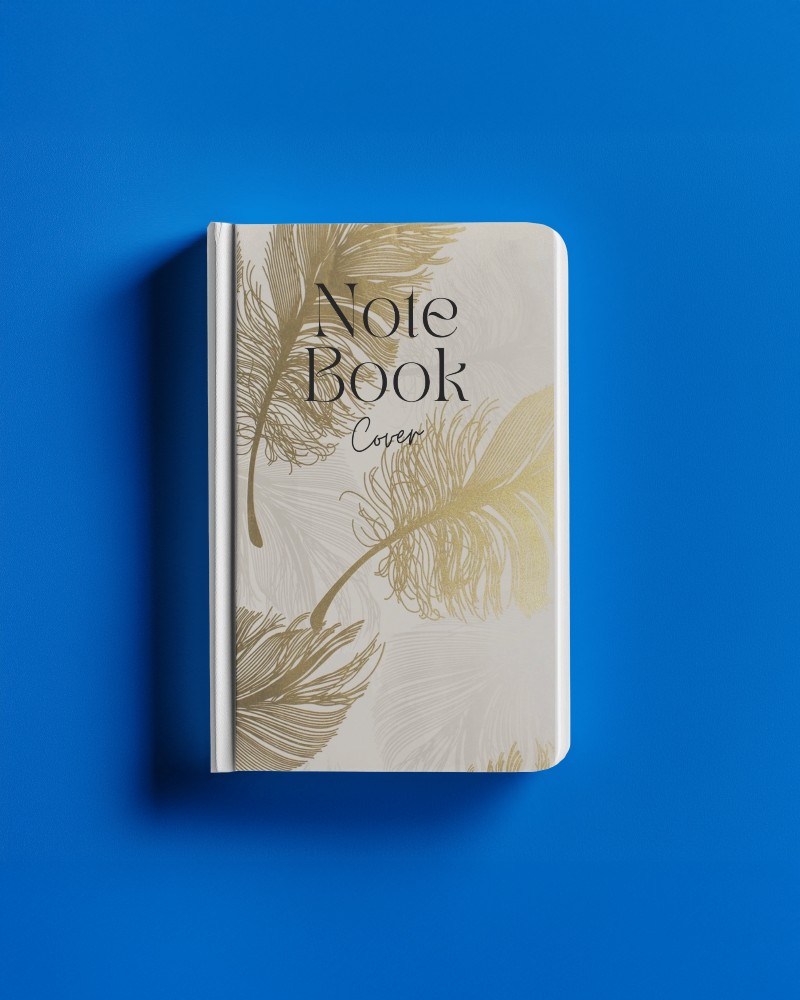
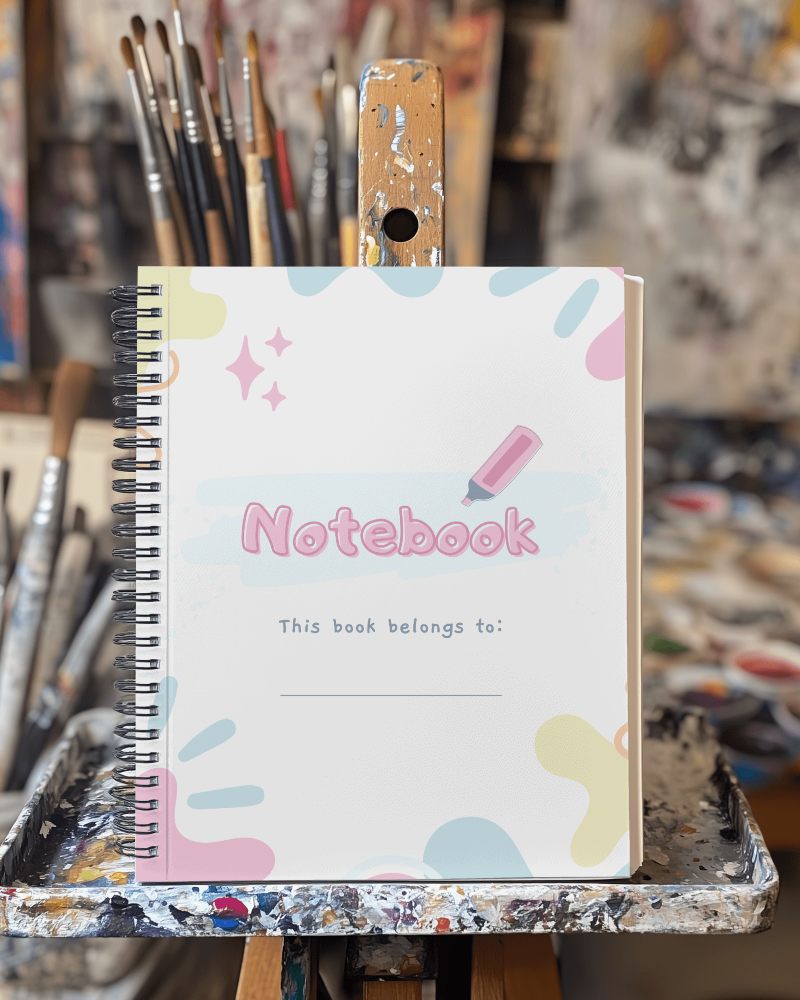
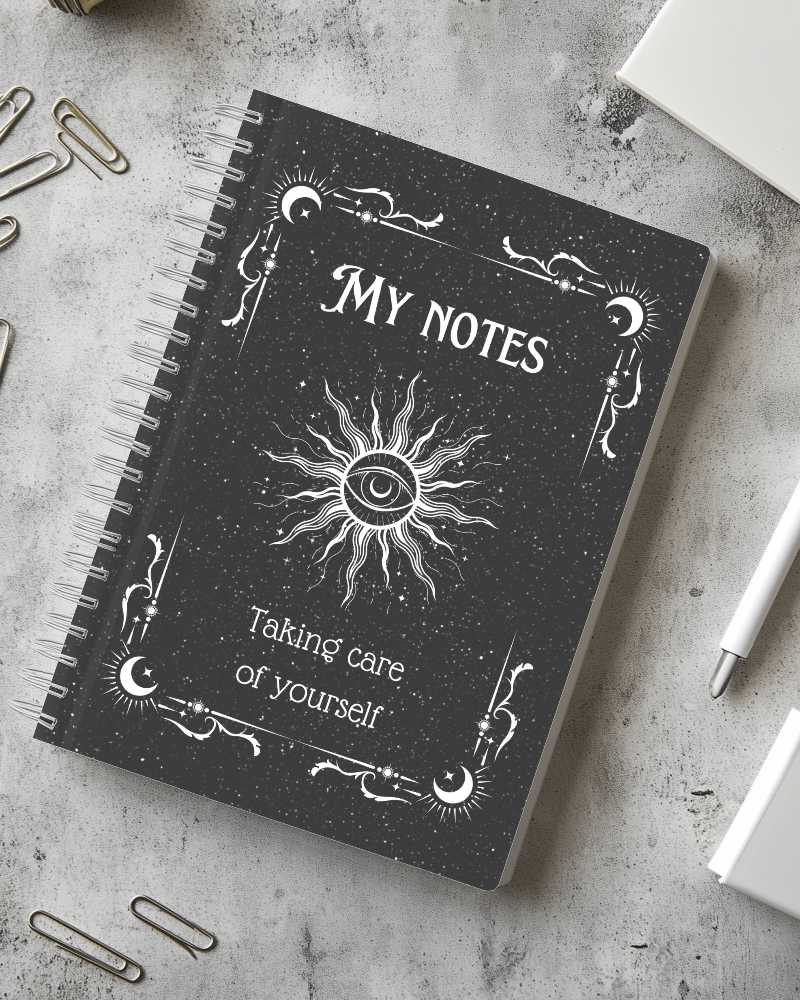
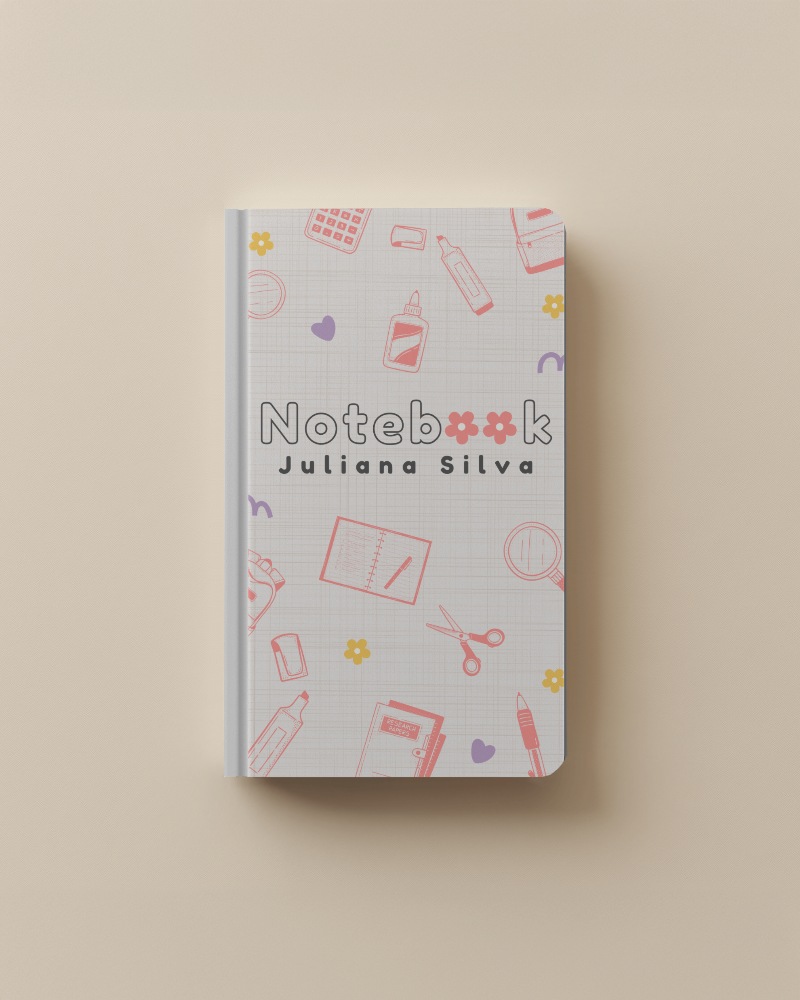
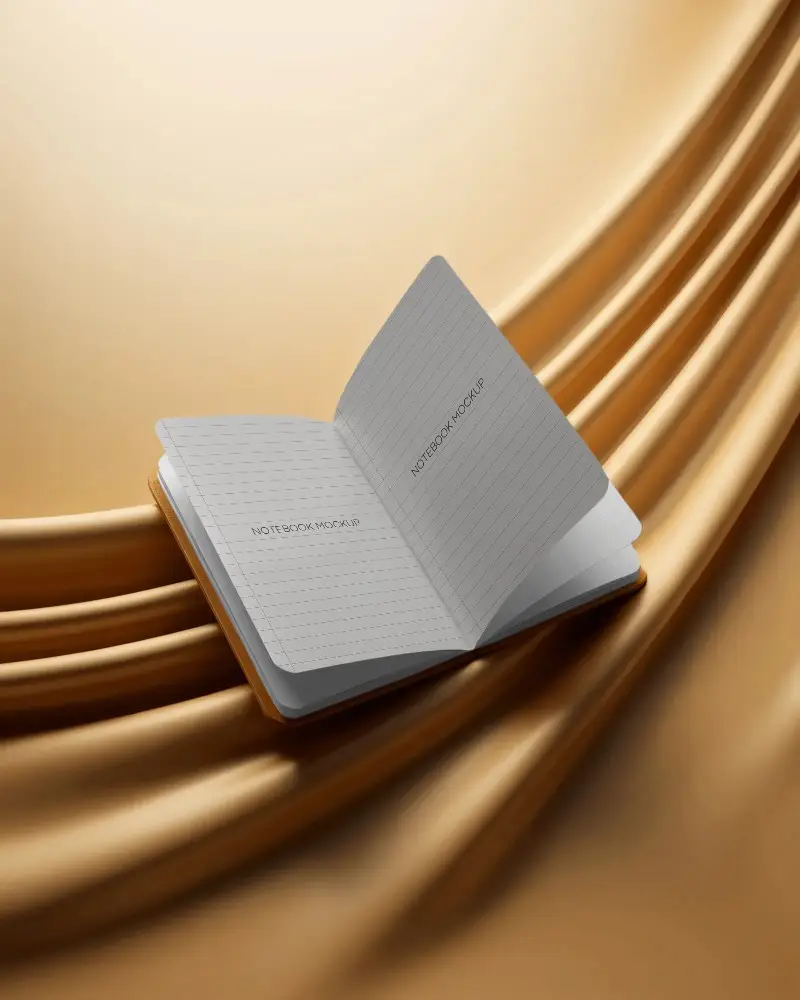
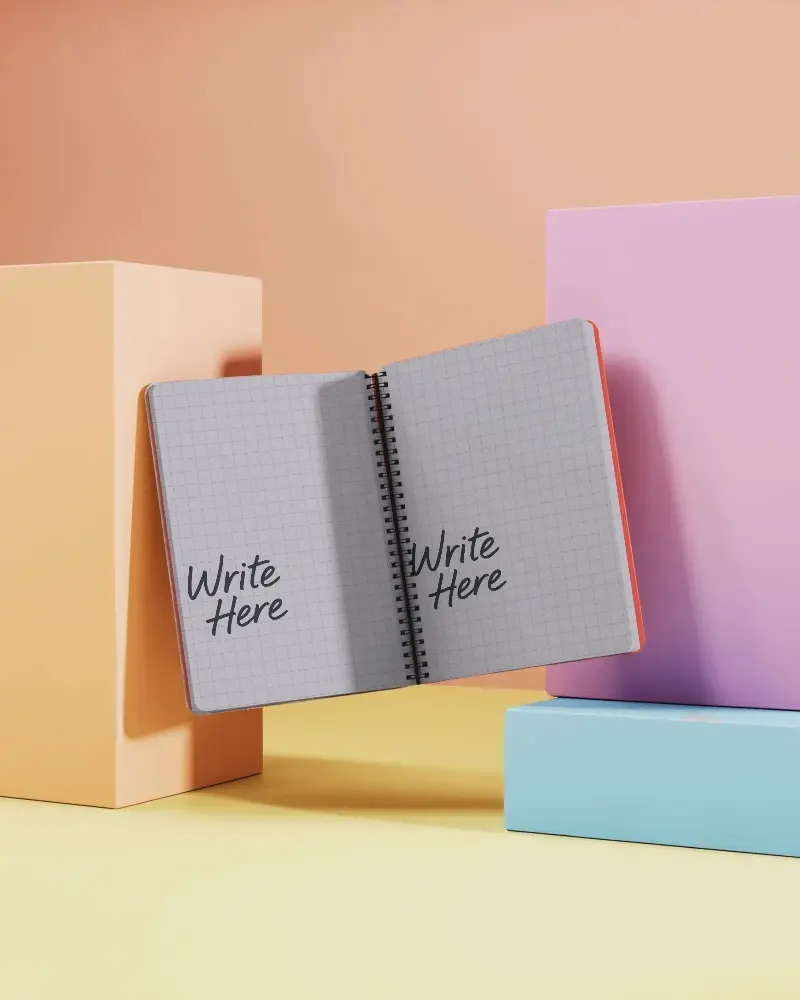
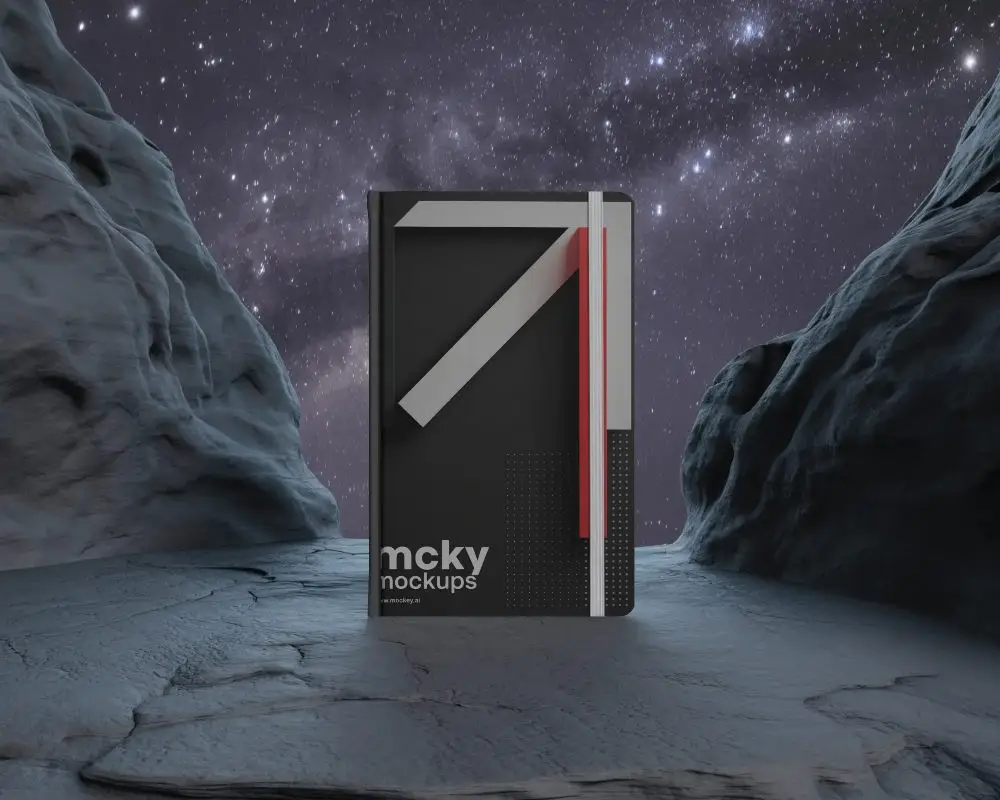
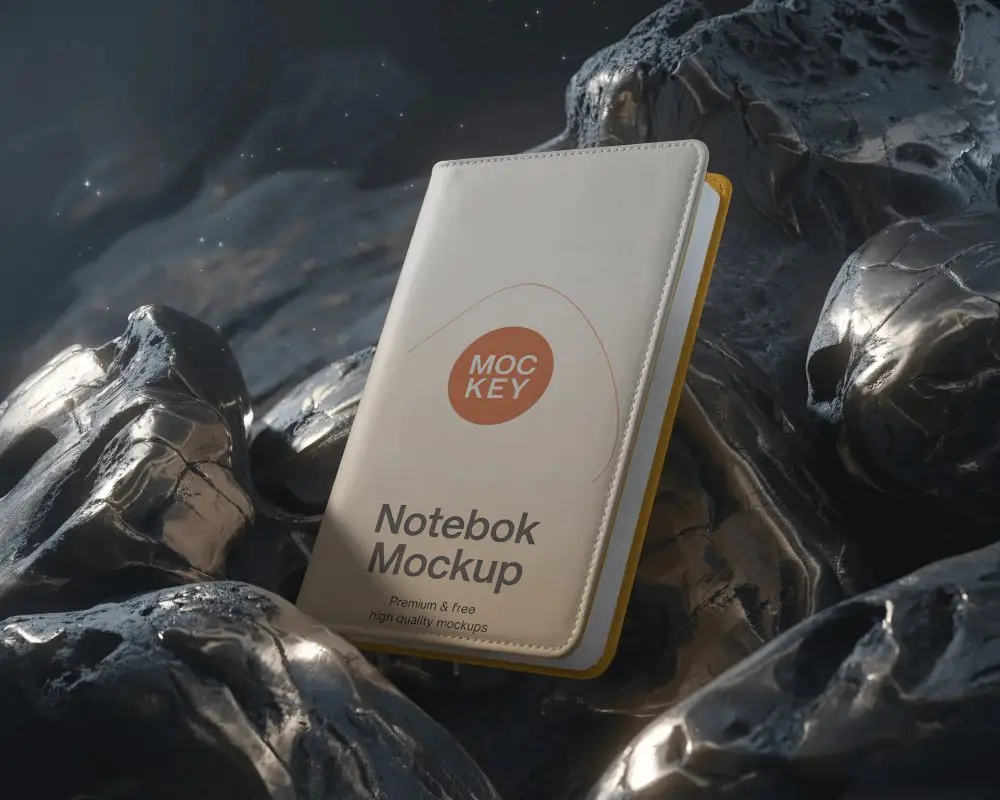

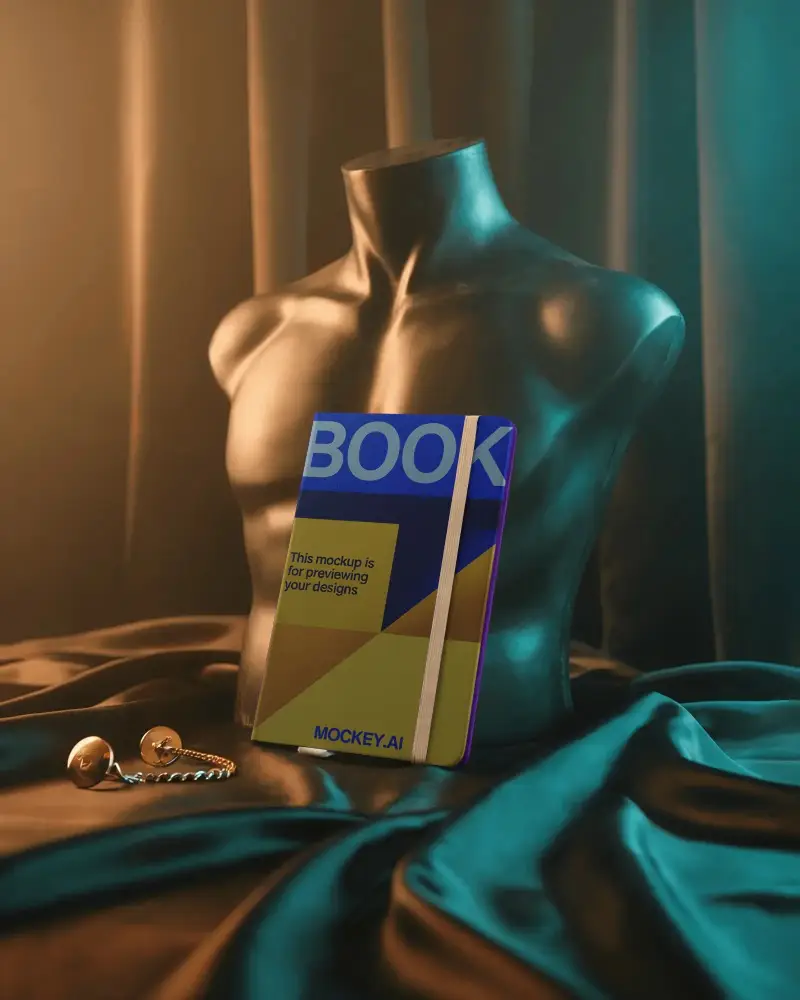
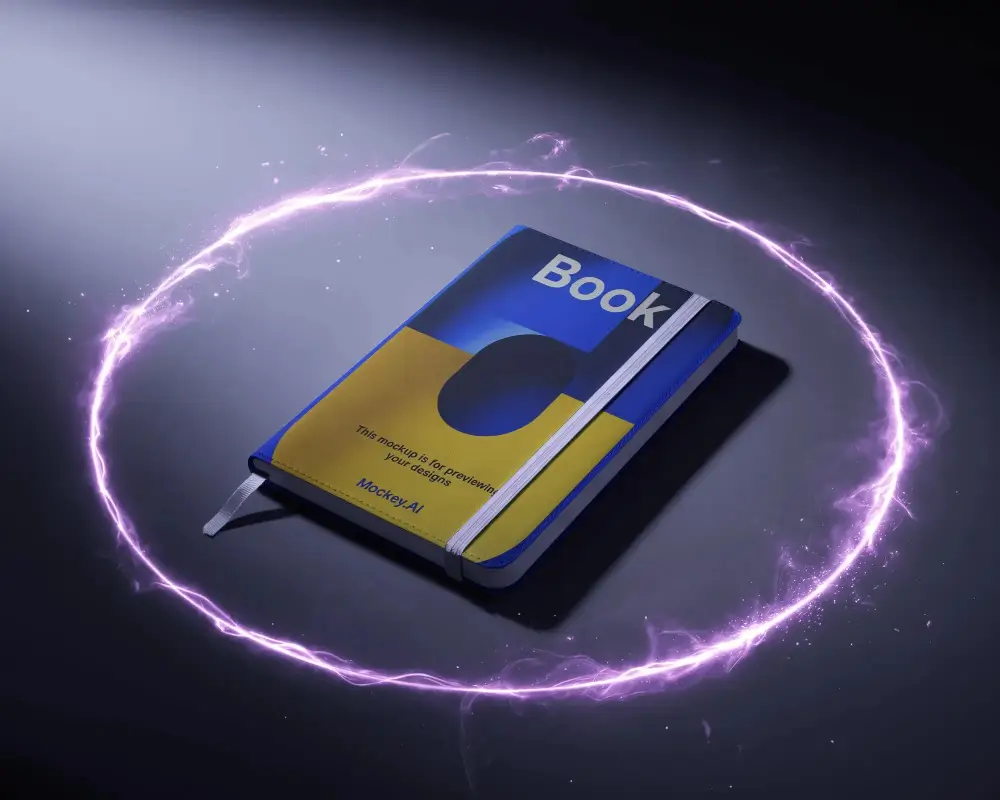
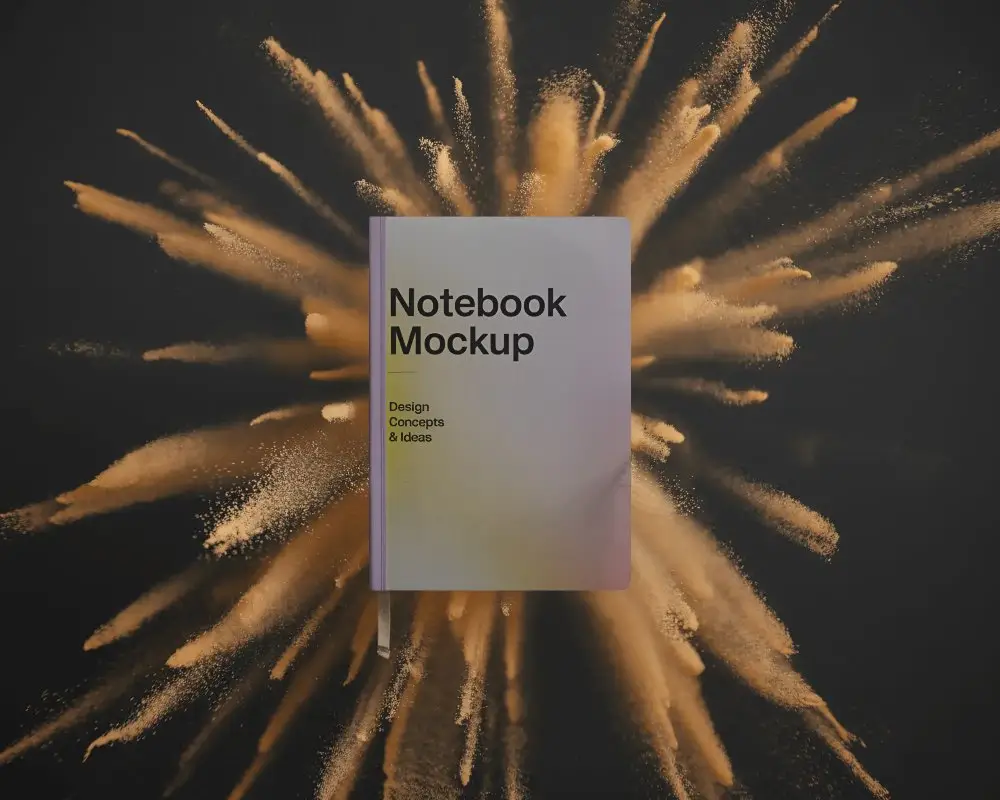
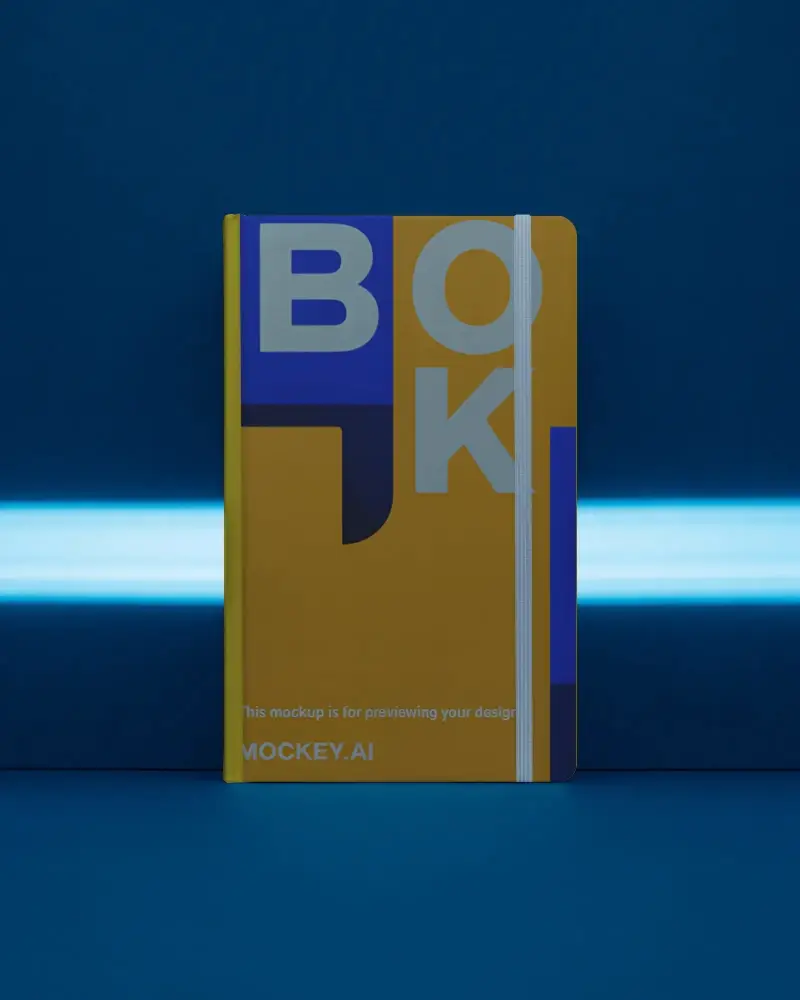
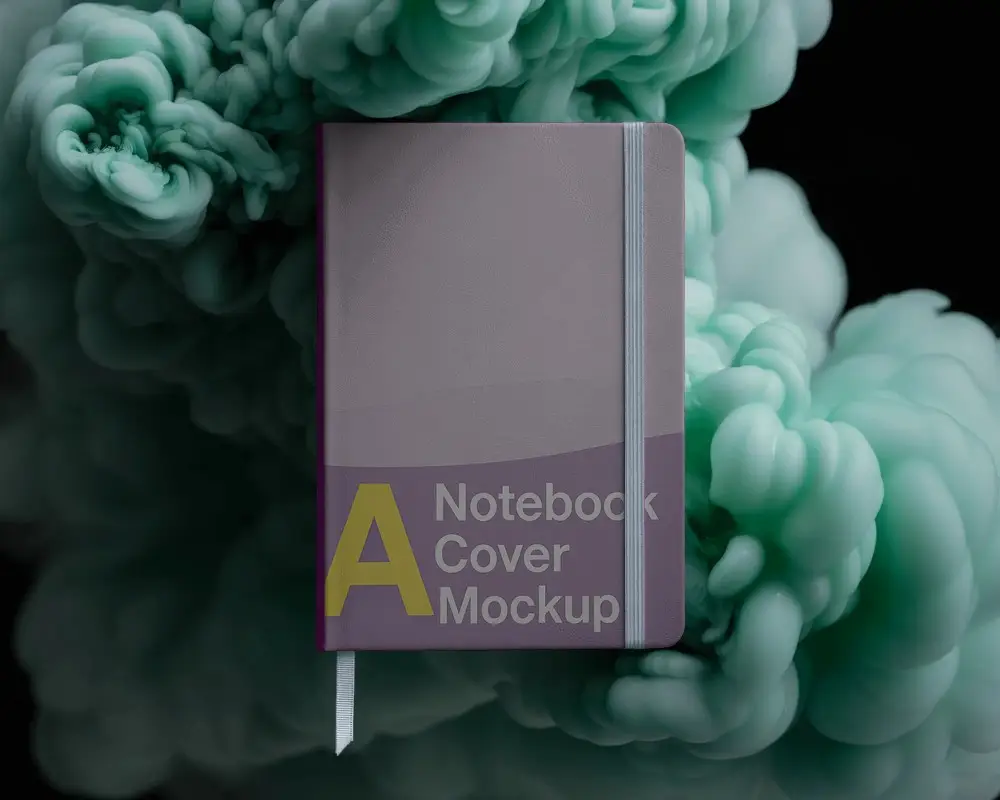
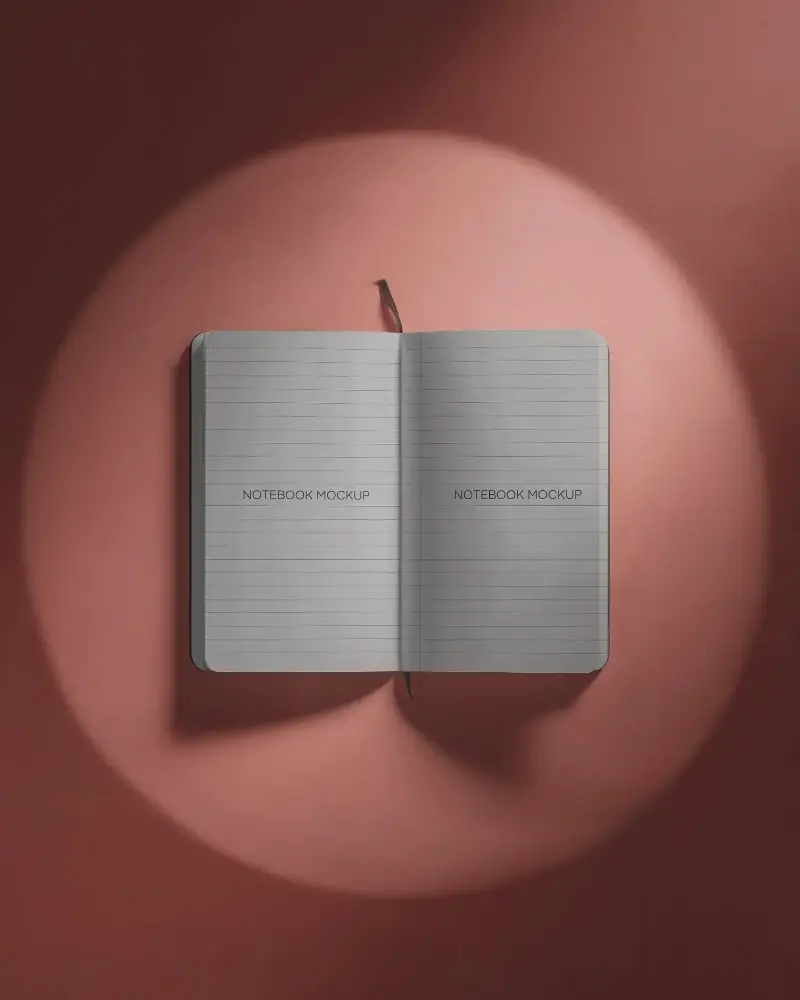
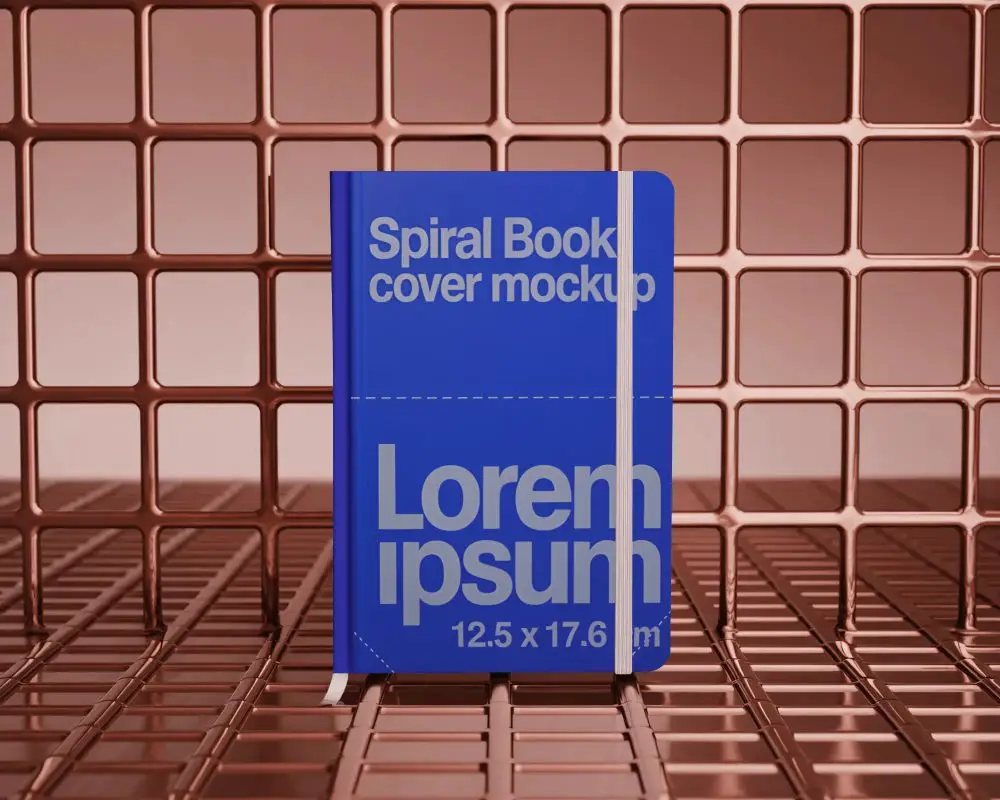
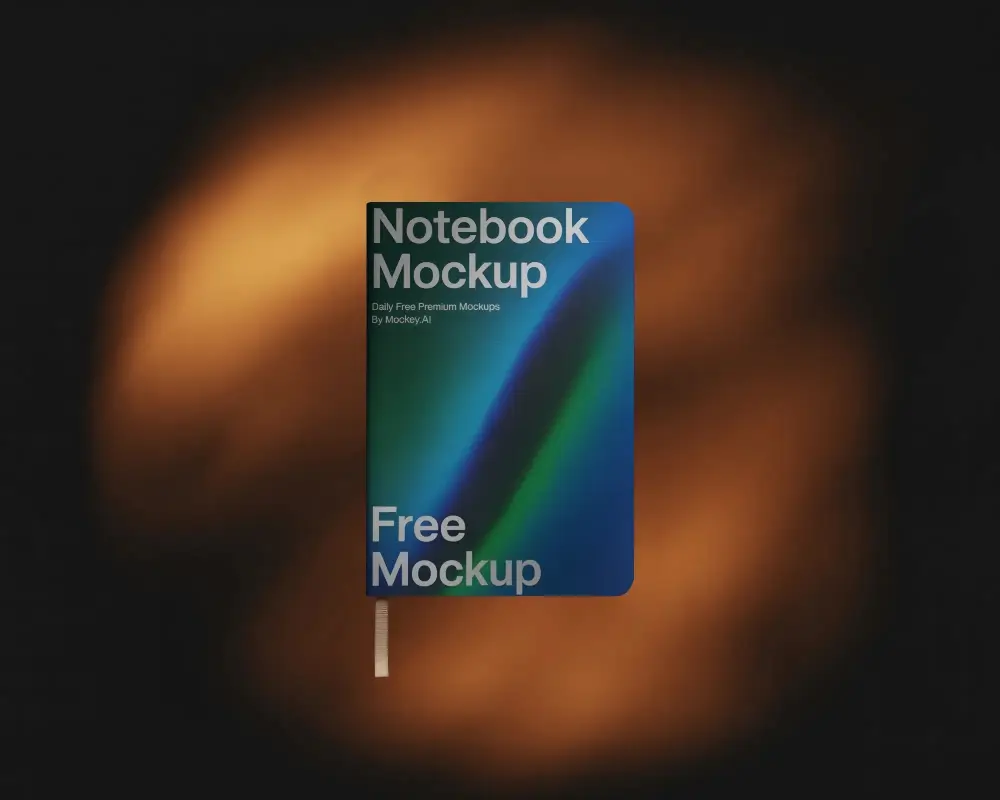
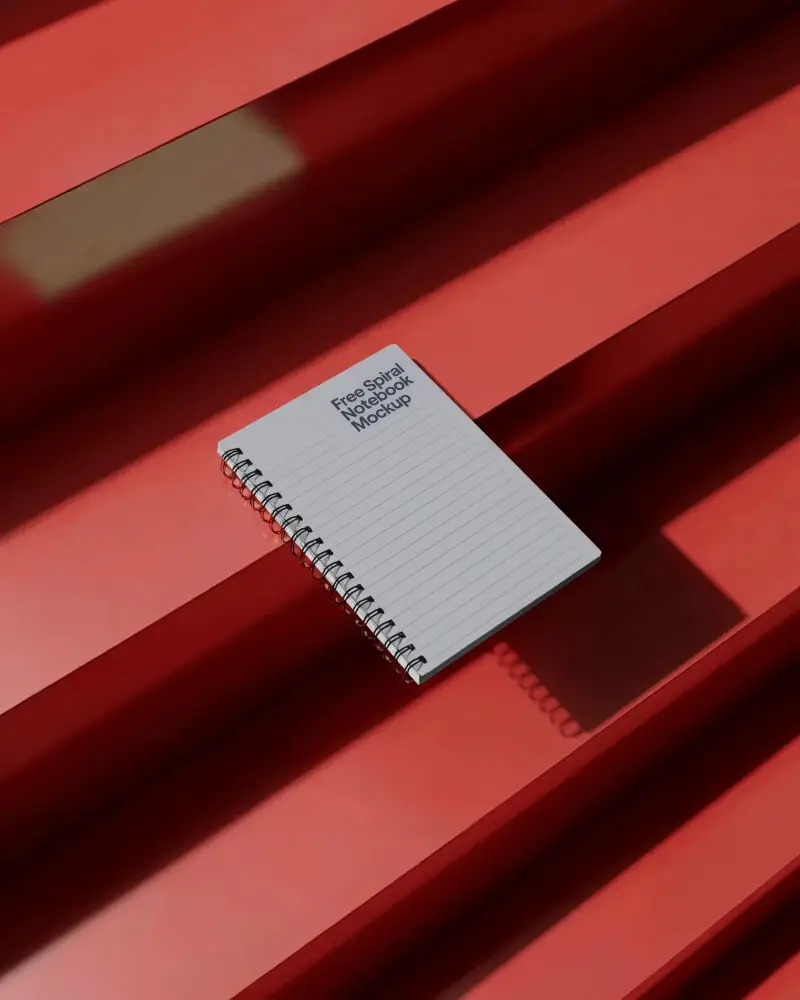
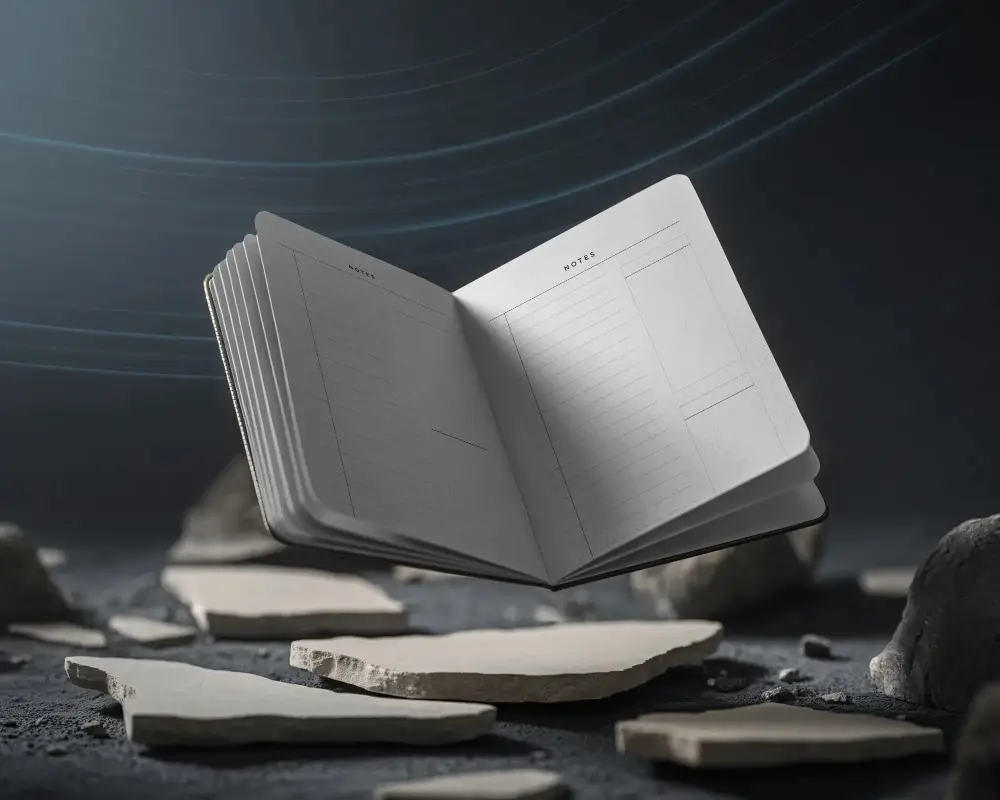
How to Make a Notebook Mockup with Mockey
Follow these 3 steps to create a notebook mockup in Mockey AI.
- Step 1: Go to Mockups > Print > Notebook and pick a template that suits your project: spiral, hardcover, leather or open.
- Step 2: Click Upload Design and add your cover artwork. Adjust the fit so it sits right on the cover.
- Step 3: When you're happy with it, click Export and download a JPG for free. Paid plans add PNG files and high-quality downloads up to 1600 × 2000 px (2000 × 1600 px for landscape templates).


FAQs on notebook Mockups
What is a Notebook Mockup?
A notebook mockup is a digital picture that shows a notebook looking like a real one, placed in a real-world scene, such as on a table, a shelf, or held by someone.
Why create a Notebook mockup?
A notebook mockup helps you show clients how their designs would look in real life, making it effortless to impress them with a realistic preview of the final notebook design.
Why Use Mockey’s Notebook Mockup?
Mockey is an online notebook mockup generator, so there's no Photoshop or PSD file to open. Pick one of 270+ notebook templates, upload your cover design, adjust the fit and download a realistic mockup in seconds.
Is this Notebook Mockup Free?
Yes. 180+ of the 270+ notebook templates are free. The free plan gives you JPG downloads for personal use, up to 3 a day. Paid plans, starting with Starter, add PNG files, high-quality downloads up to 1600 × 2000 px, unlimited downloads, PRO templates and commercial use.
What is the best tool for creating a Notebook Mockup Online?
If you'd rather skip Photoshop, an online generator like Mockey is the quickest route. It has 270+ notebook templates, including spiral, hardcover, leather and open notebooks. Upload your design and download the finished mockup in seconds.
Are Mockey's Free Notebook Mockups suitable for commercial use?
Free downloads are for personal use only. To use a mockup commercially, for example in an Etsy or Amazon listing, an ad or client work, you need a paid plan: commercial use is included from the Starter plan up. See the pricing page for details.
What types of Notebook Mockup Templates are available on Mockey AI?
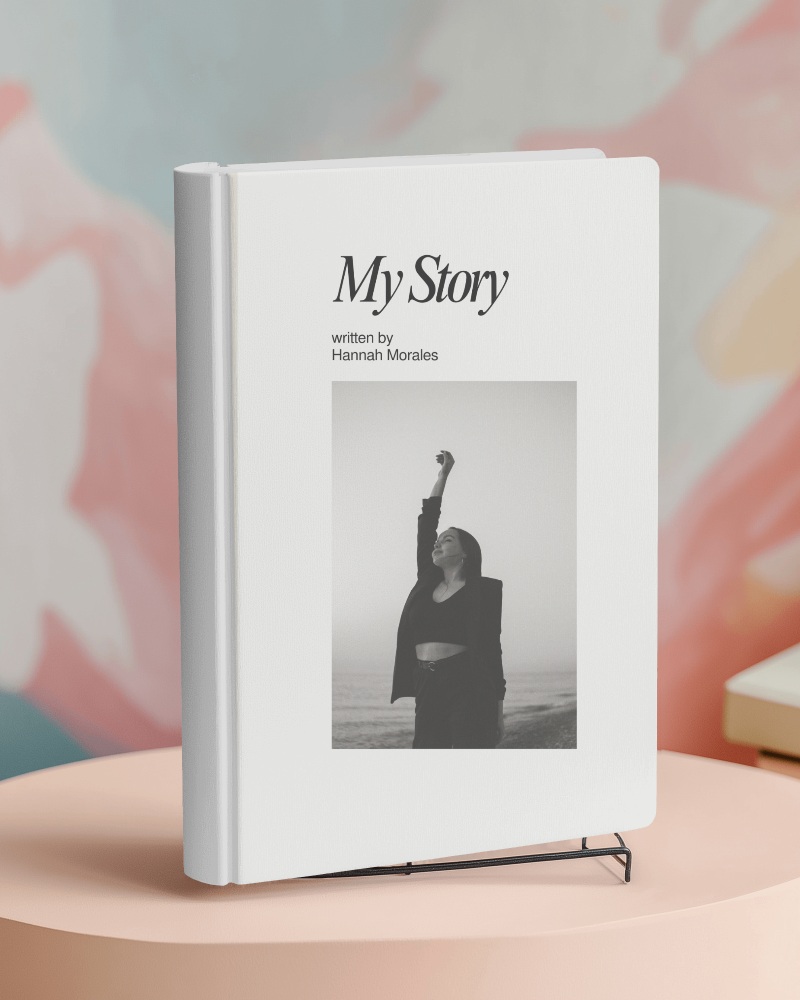
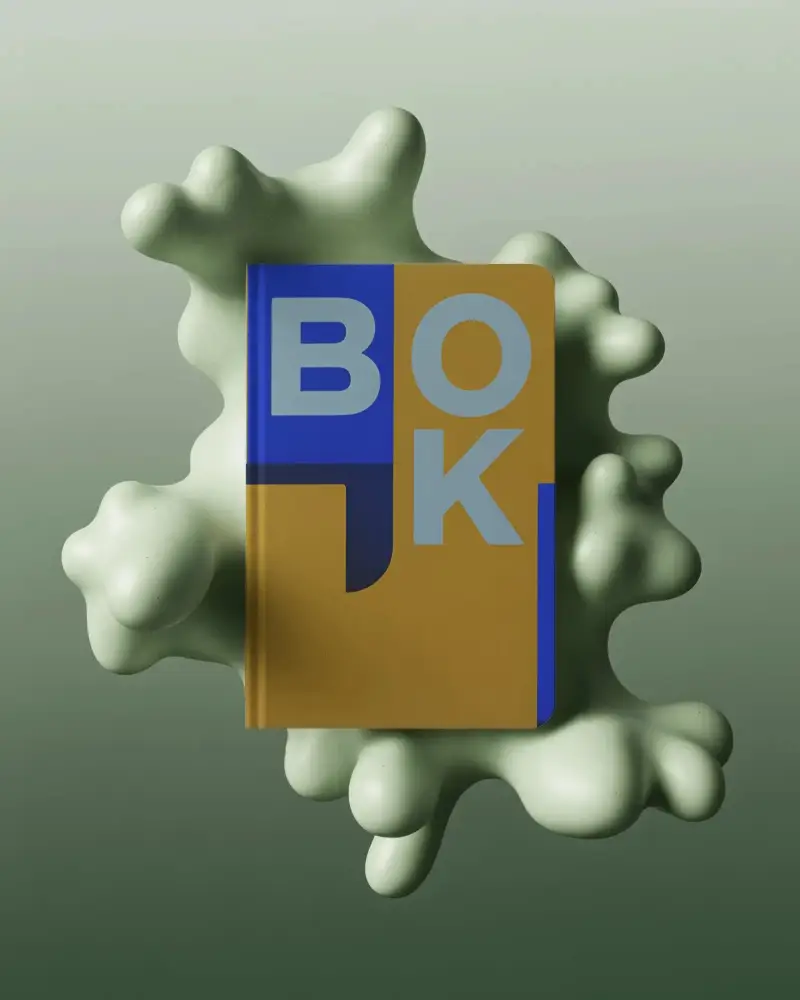
There are 270+ notebook templates: spiral, hardcover, leather, open, A4 and square notebooks, plus journals and sketchbooks. Scenes include handheld shots with models, desk setups with pens and stationery, and flat lays.
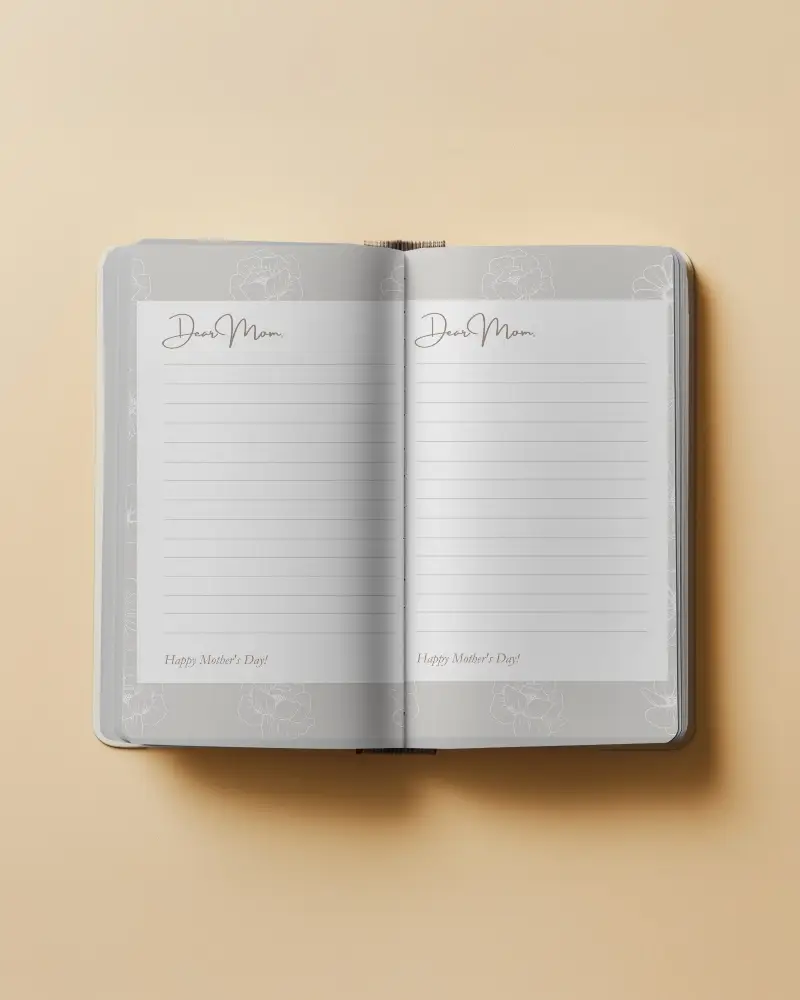
Can I design an Open Notebook Mockup using Mockey's tools?
You can use Mockey to make an Open Notebook Mockup. Just pick an open notebook template, upload your design, and customize it. It’s super easy and helps you create professional-looking open notebook mockups fast!
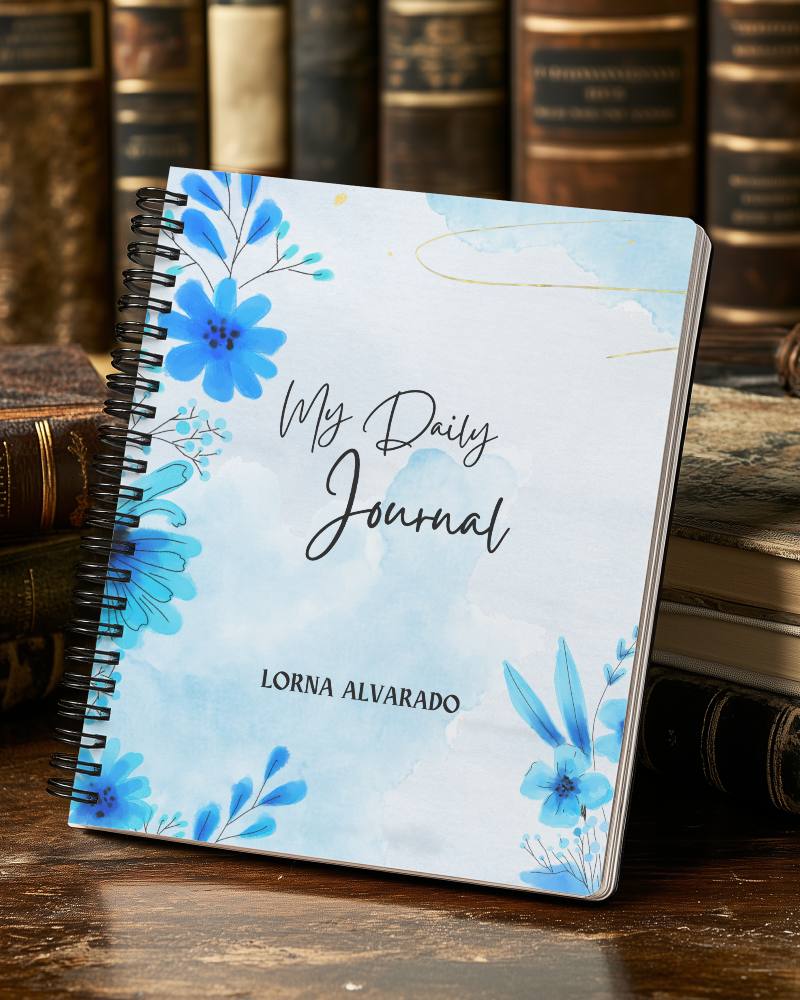
Does Mockey provide spiral notebook mockups?
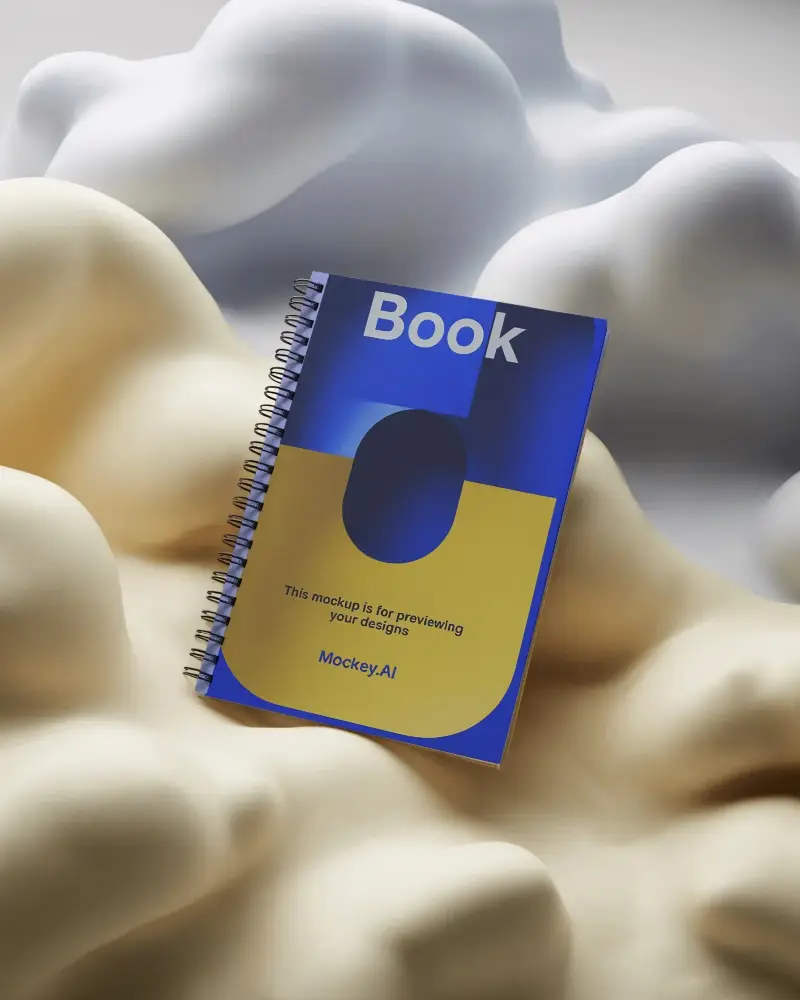
Yes. There are 40+ spiral notebook mockups, 20+ of them free, from handheld shots to desk scenes and flat lays. You'll find them all on the spiral notebook mockups page.
Where can I download a Notebook Mockup Free for my designs?
Right on this page. Pick any of the 180+ free notebook templates, upload your design and download it as a JPG. The free plan doesn't need a card.
