Open Notebook Mockups free Download - Notebook Mockup Designs
Get 100+ free Open Notebook Mockups. Explore a variety of premium and free Open Notebook mockup bundles for your next creative project. Quickly create beautiful and realistic mockups of your Notebook design in just a few minutes.


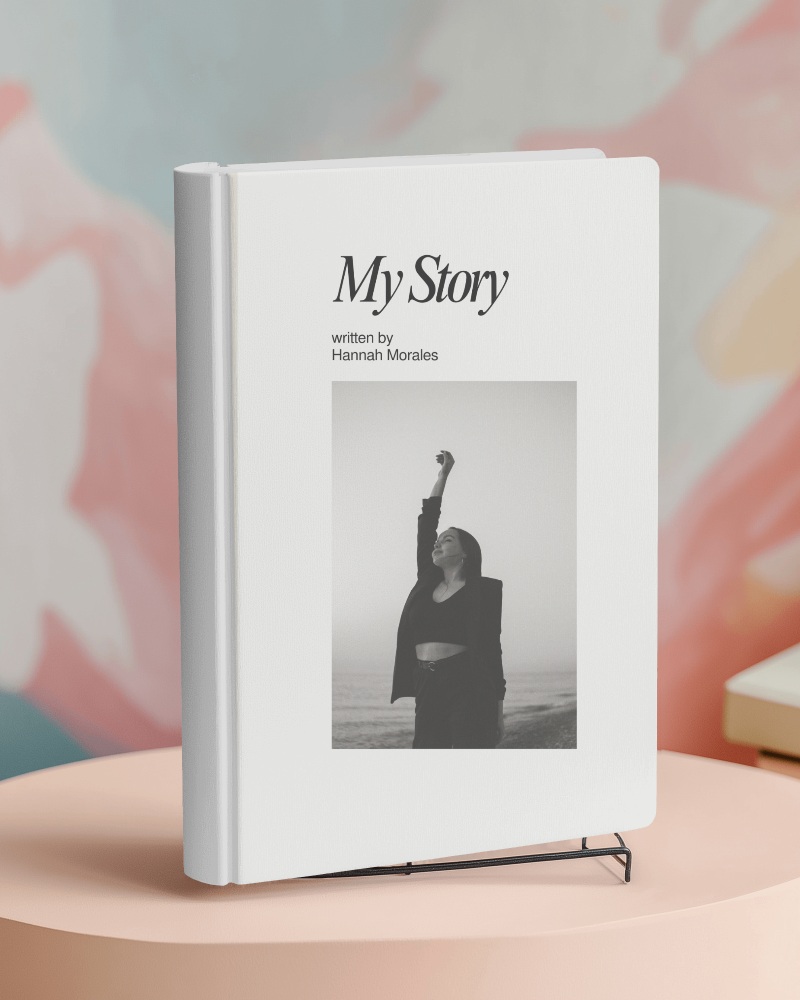
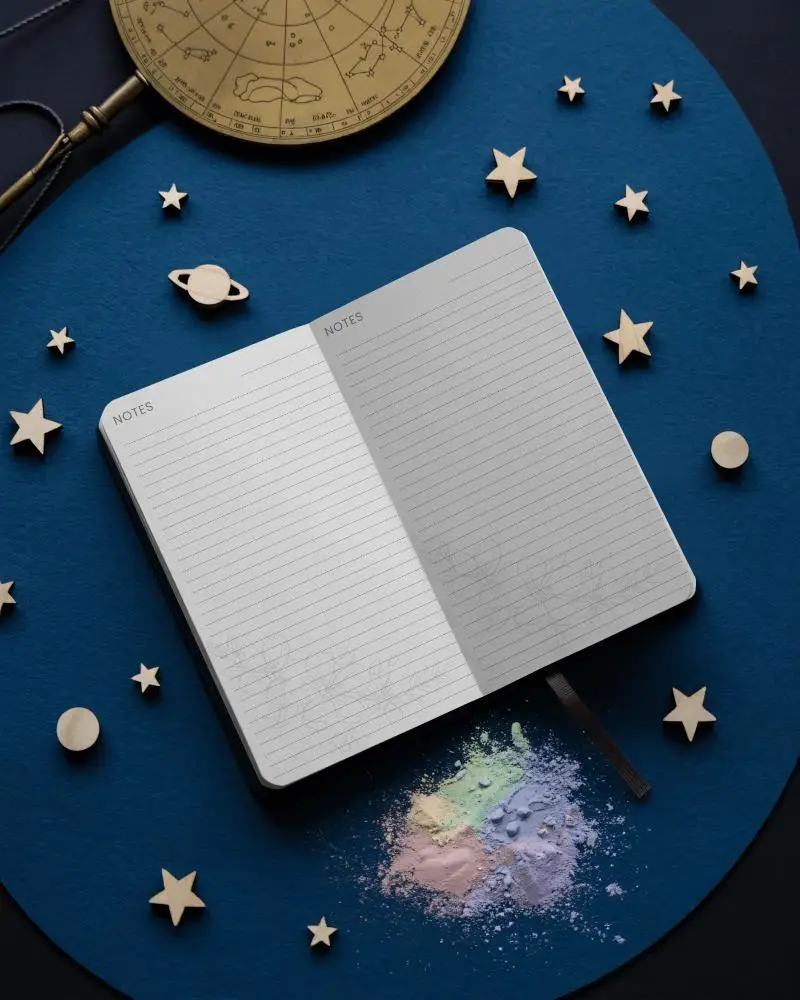
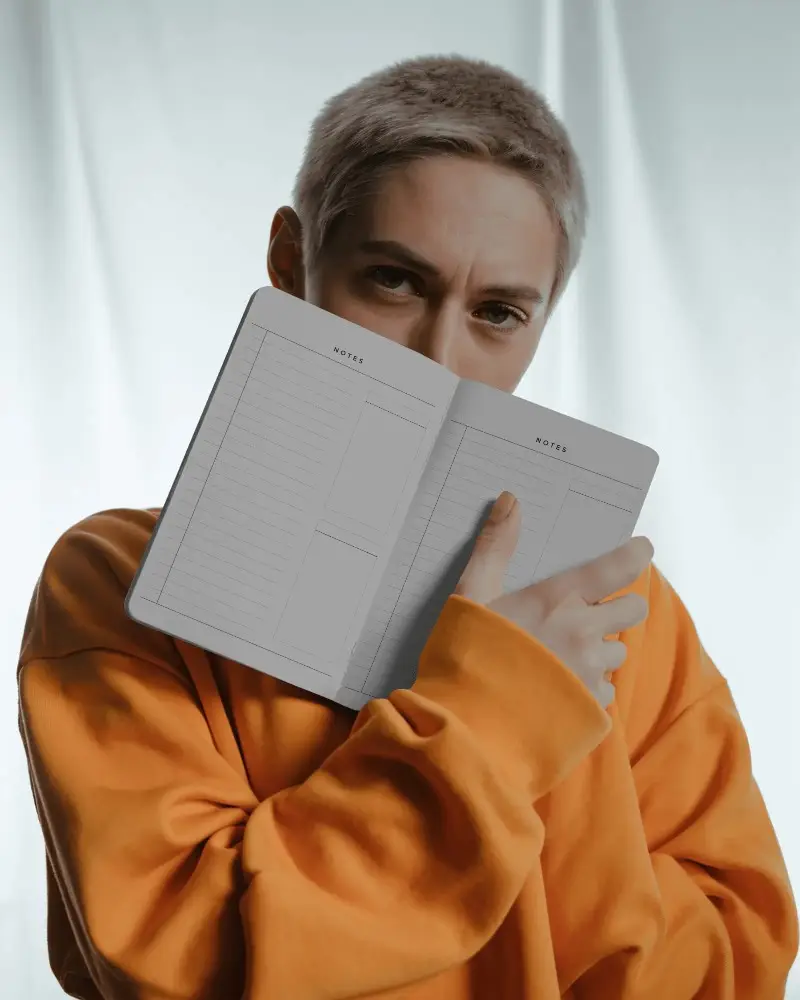
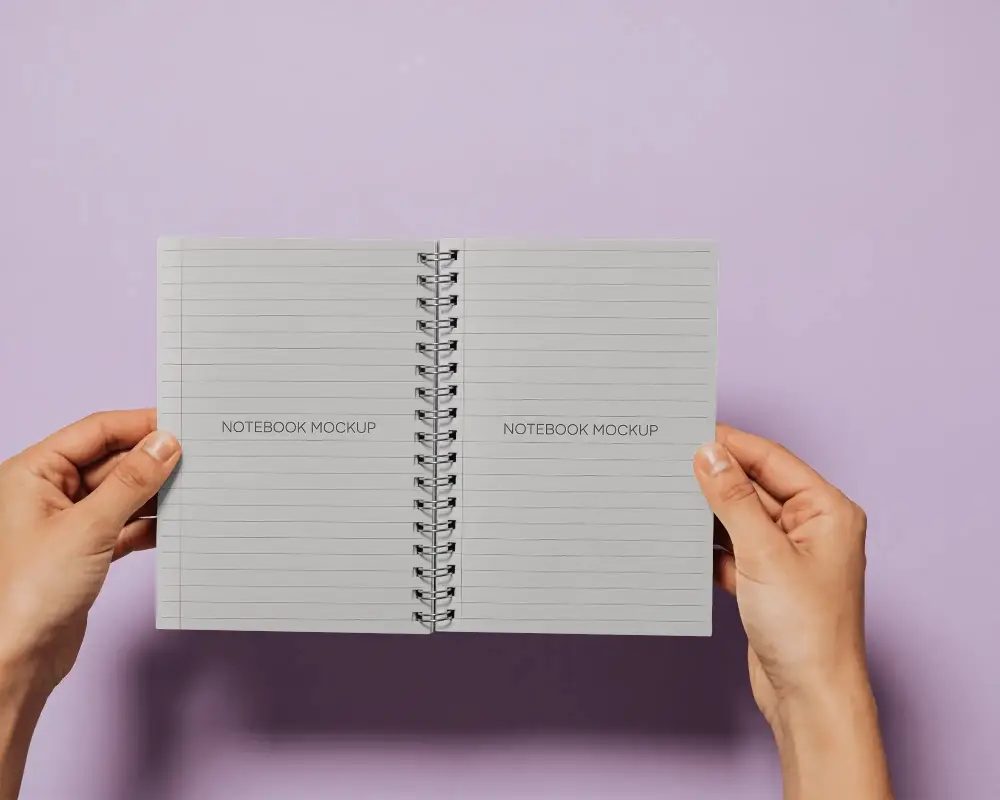


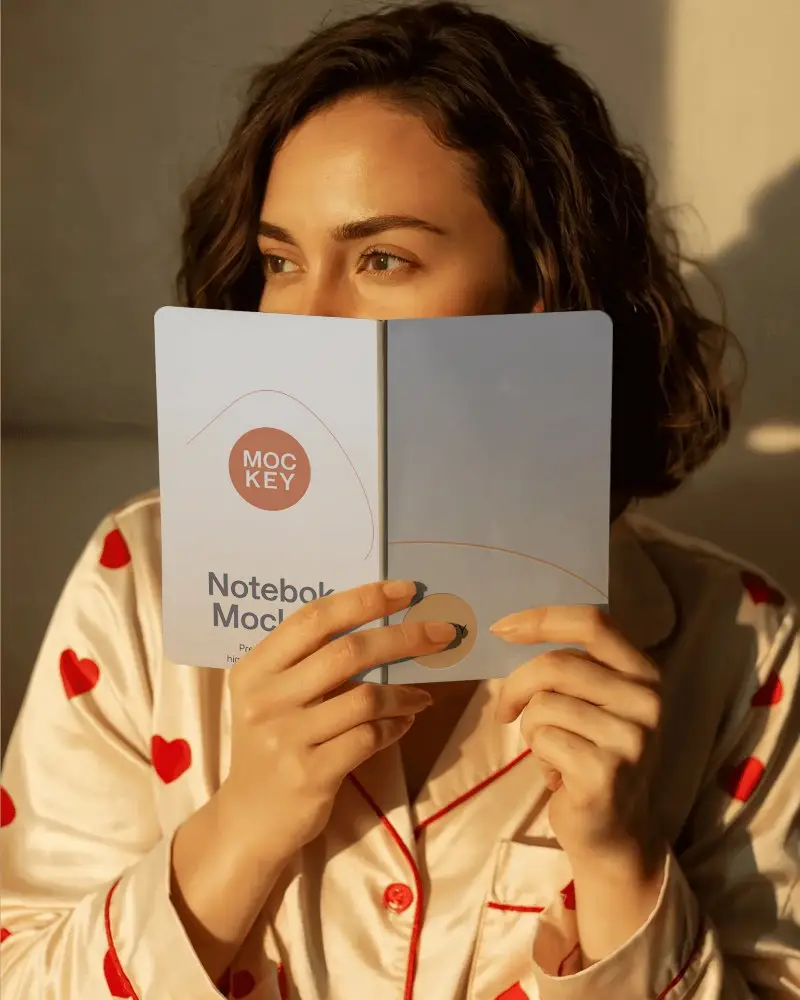
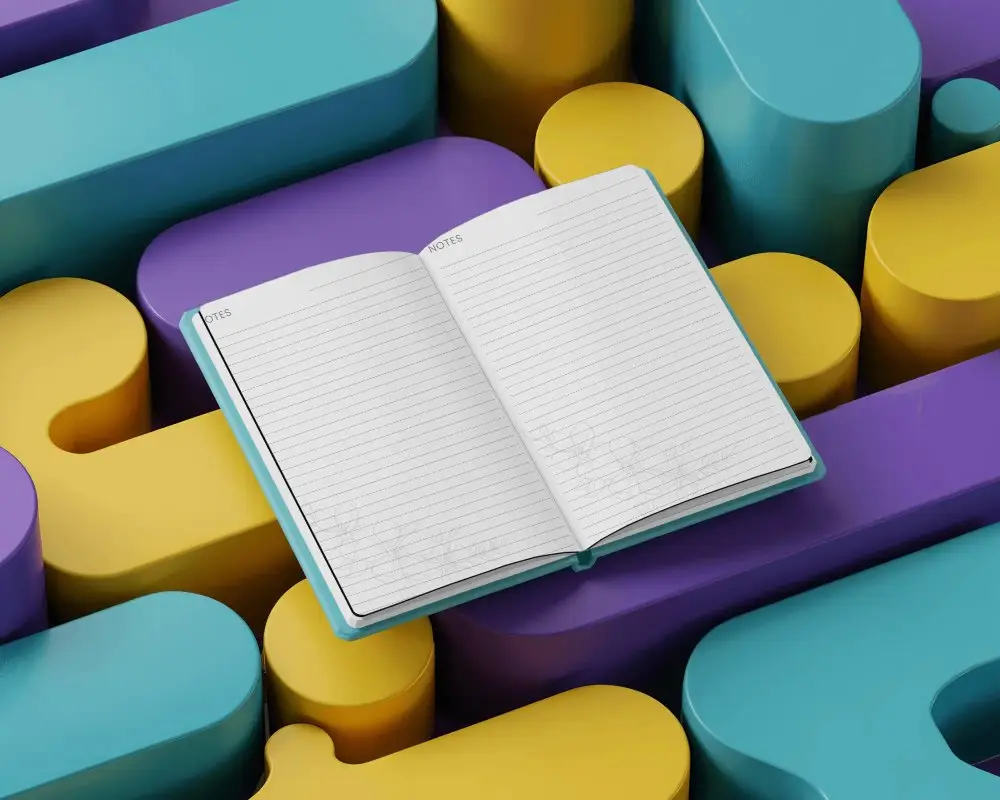
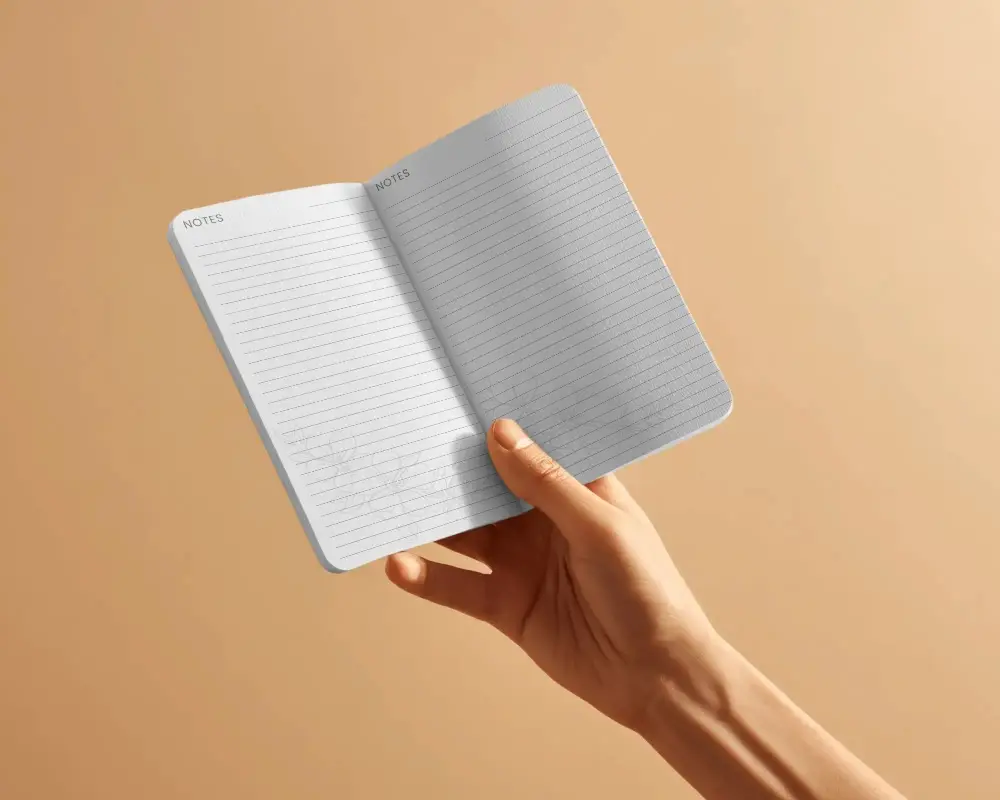
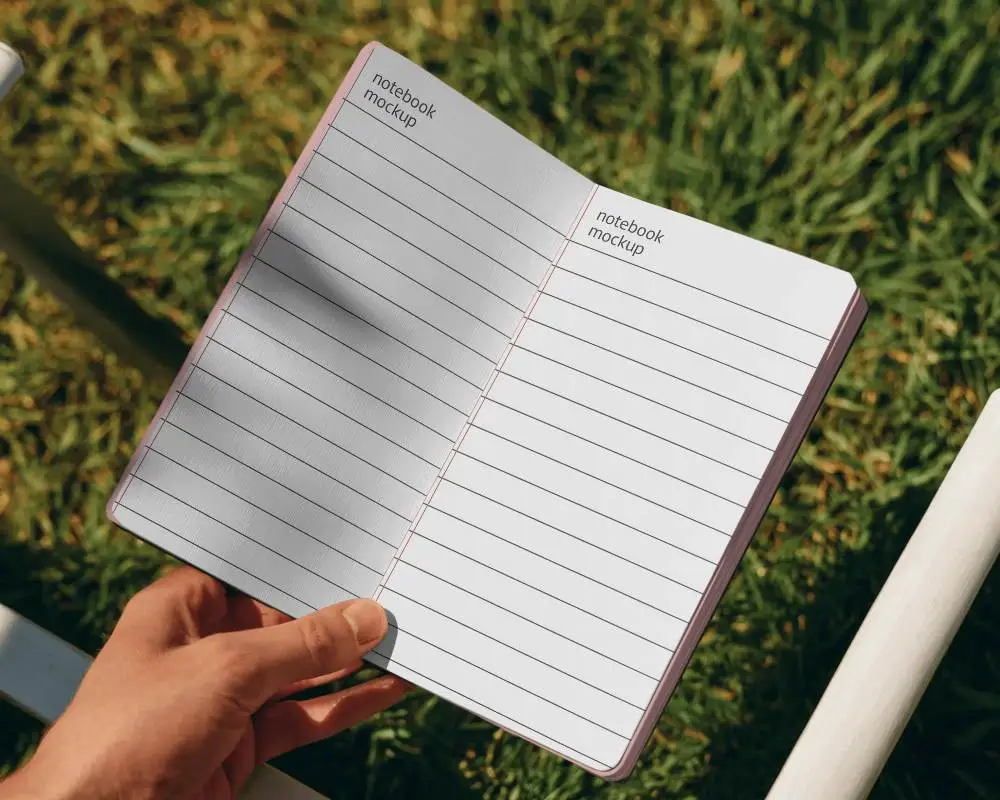

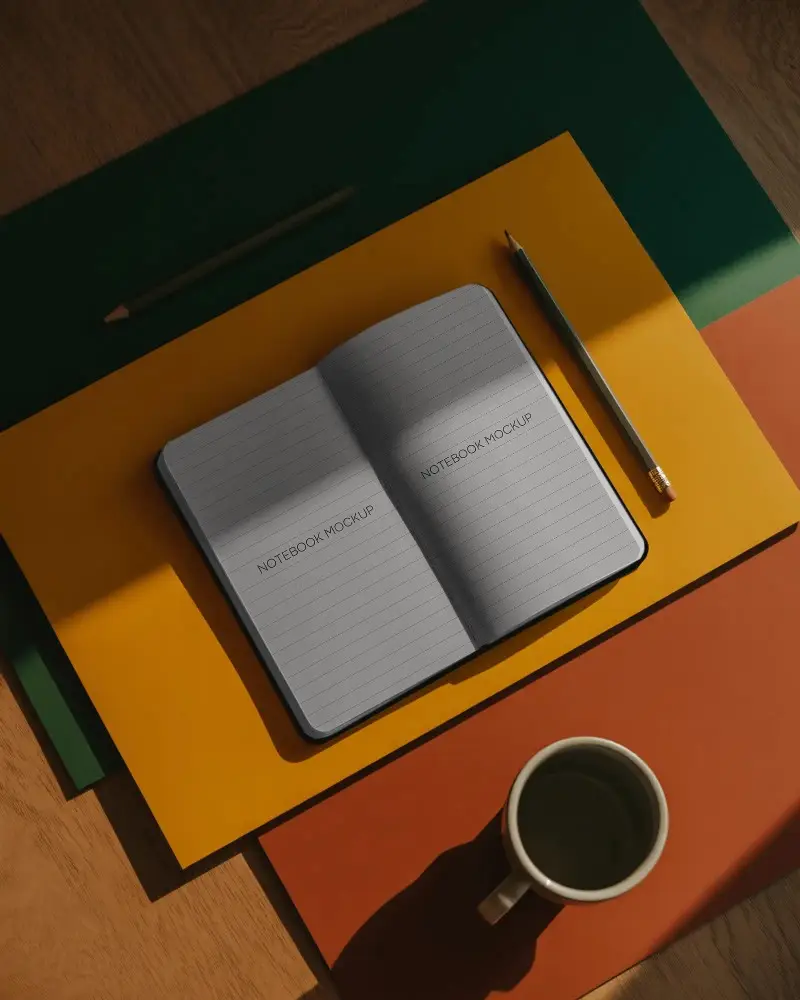
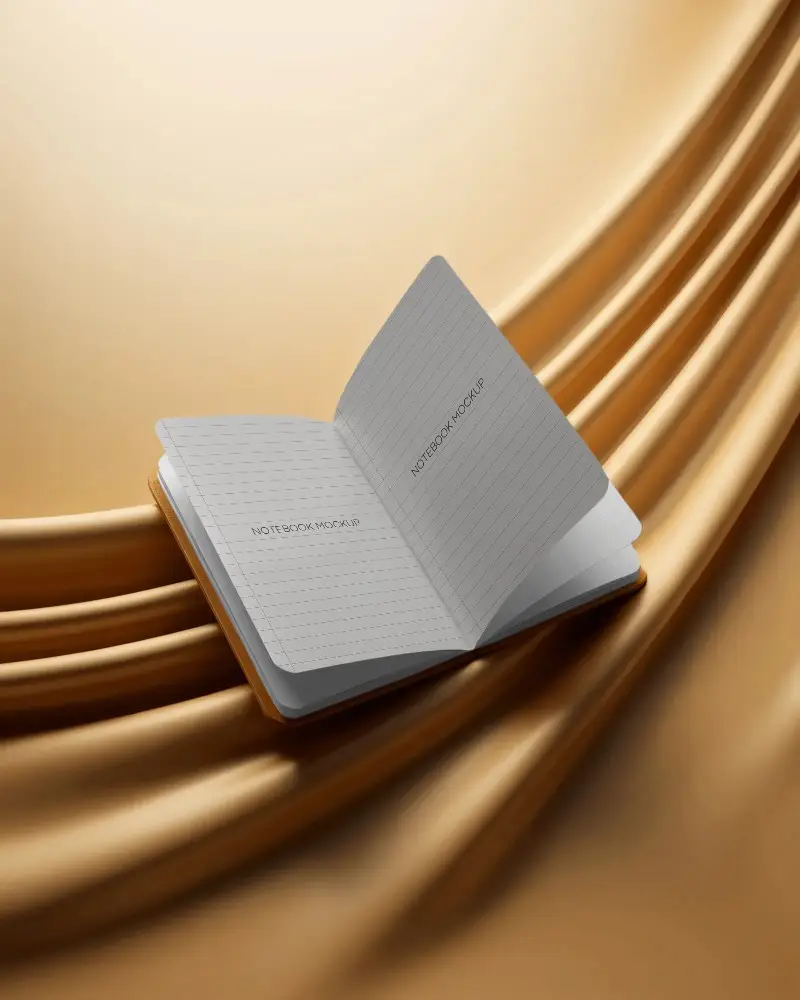
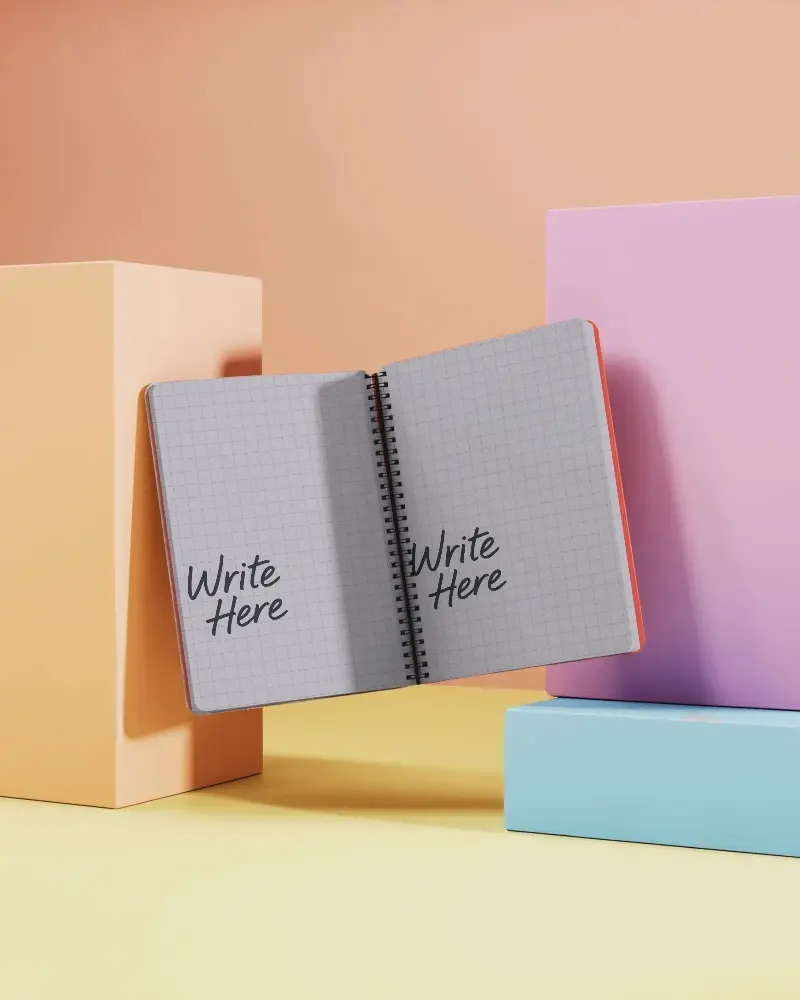

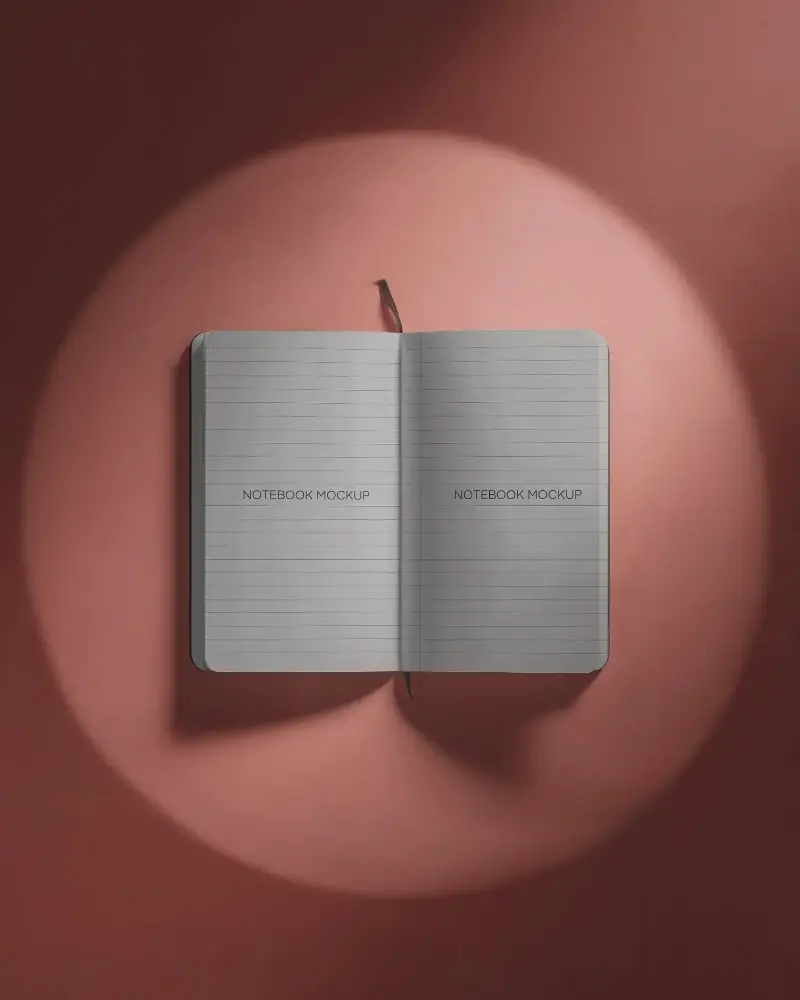
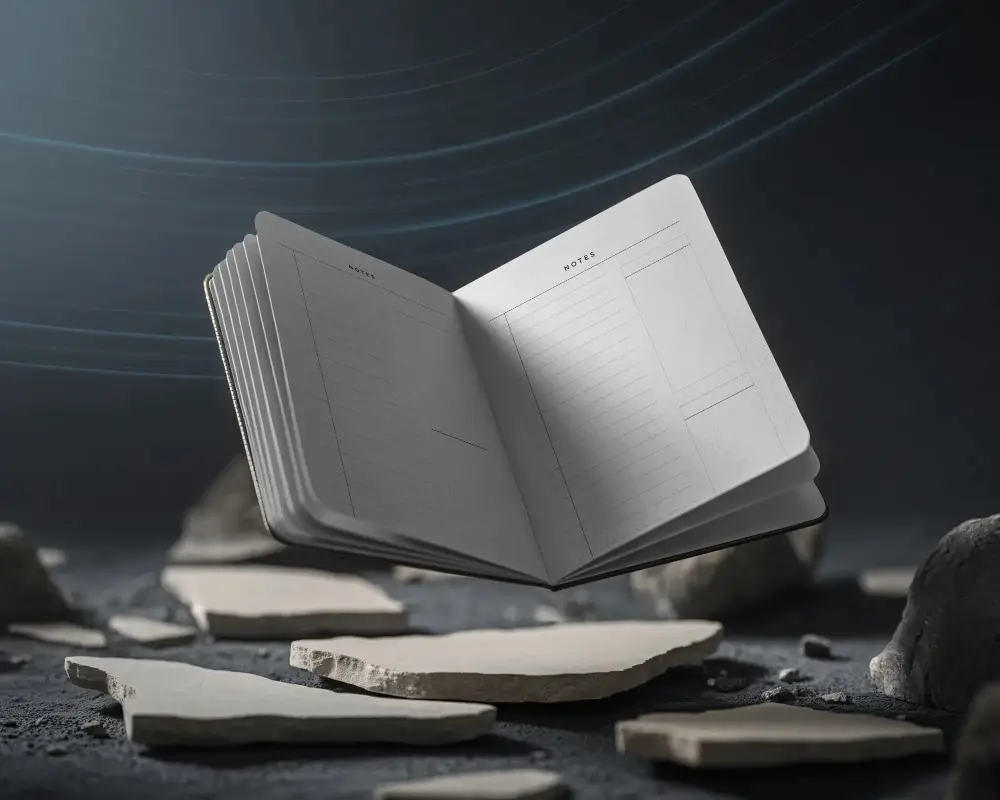
How to Make Open Notebook Mockup with Mockey
Follow the steps to create Open Notebook Mockups in Mockey AI
- Step 1: On the homepage, go to Mockups > Print > Open Notebook and pick a small or big design that suits your project.
- Step 2: Next, upload your photo by clicking Upload Design for your Open Notebook. You can easily customize it.
- Step 3: Once you're happy with it, download your finished Open Notebook mockup for free, without any watermark, in high quality (up to 2000 x 1600 pixels)


FAQs on Open Notebook Mockups
What is a Open Notebook Mockup?
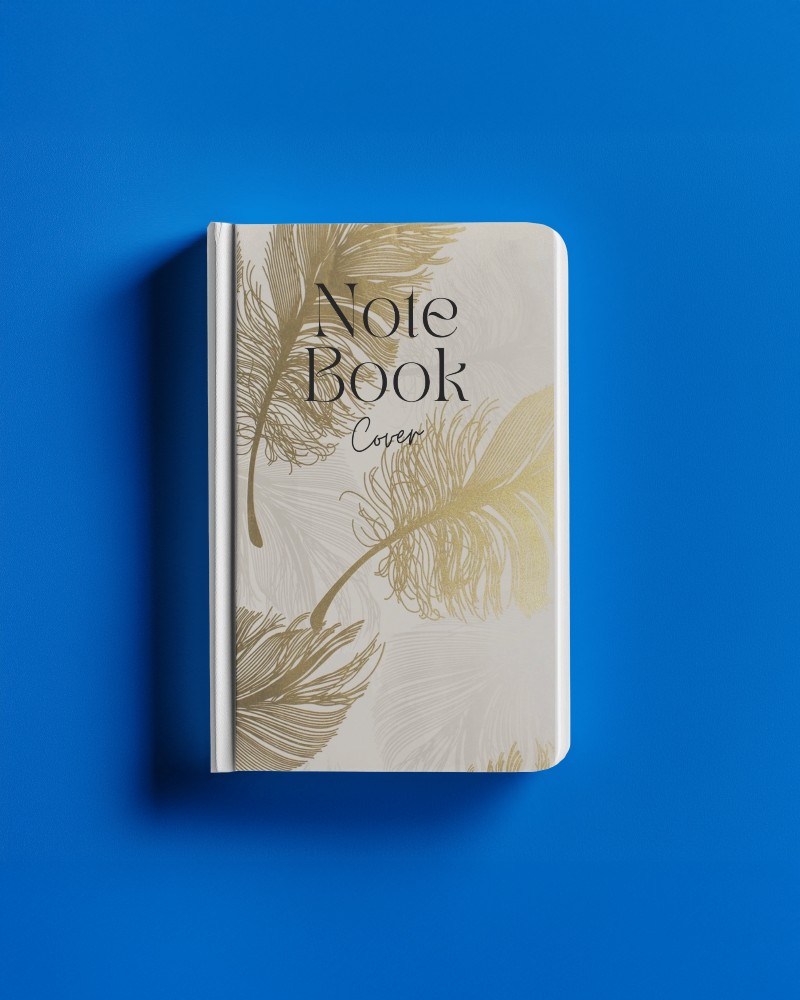
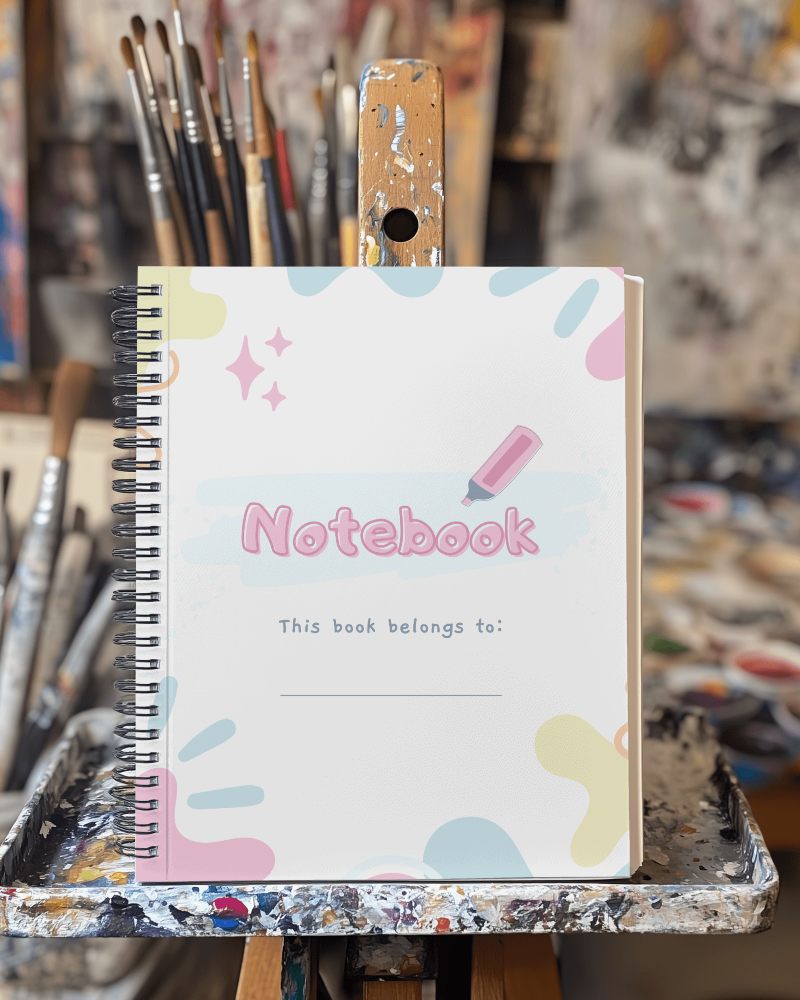
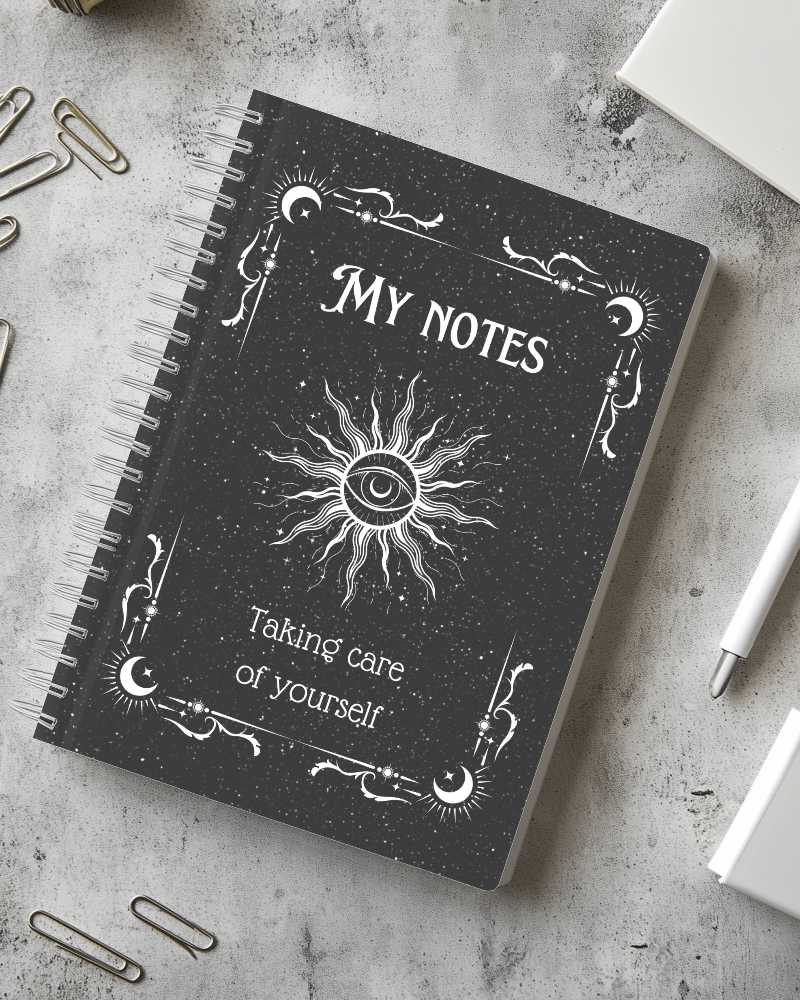
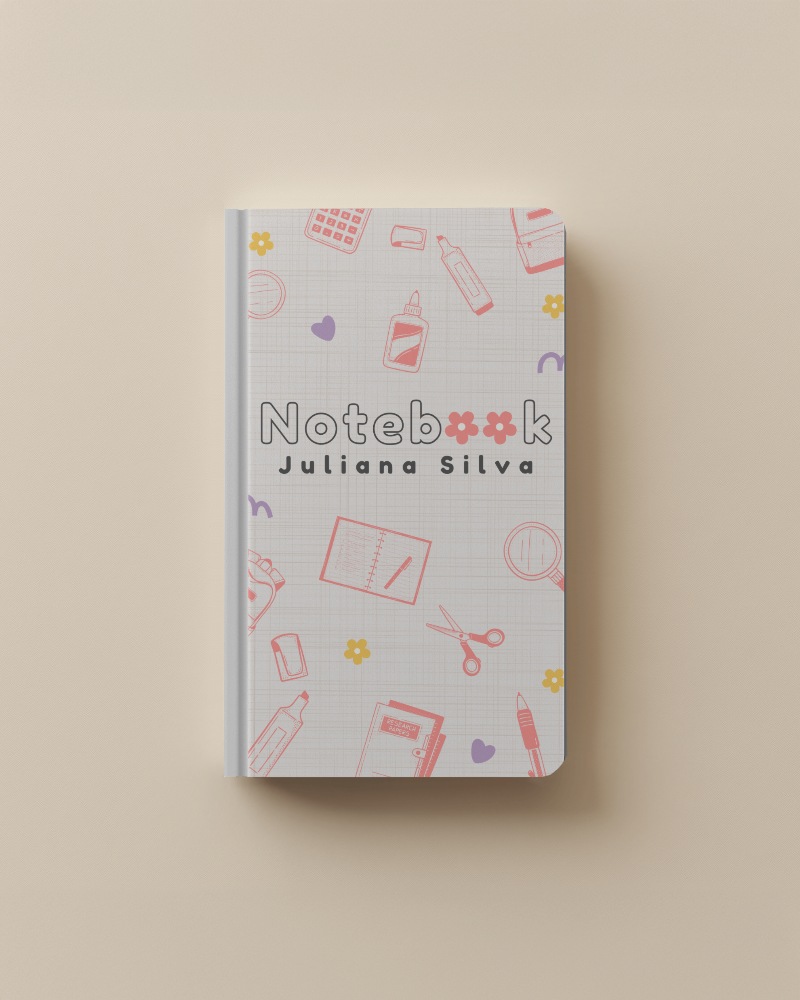
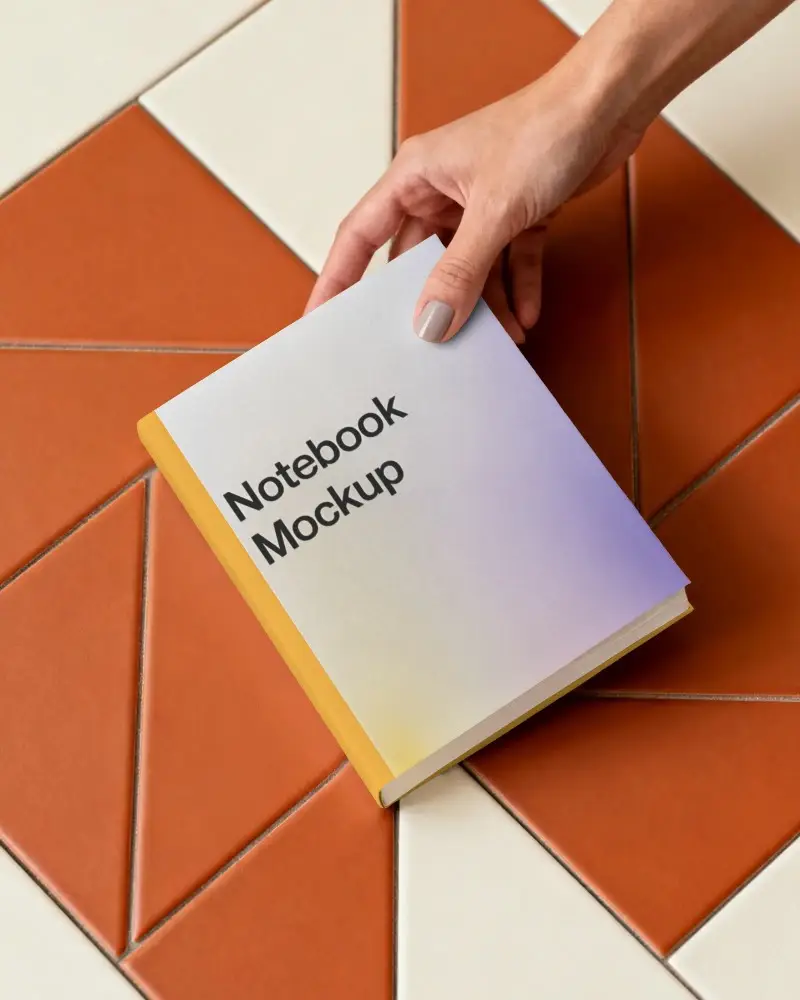
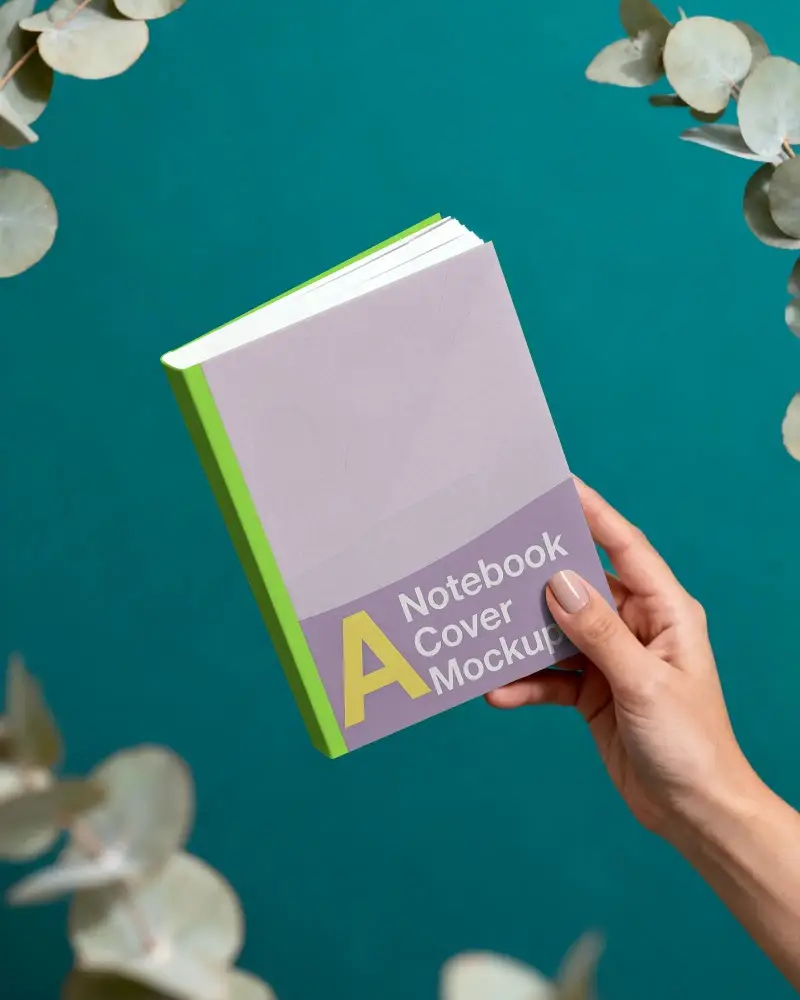
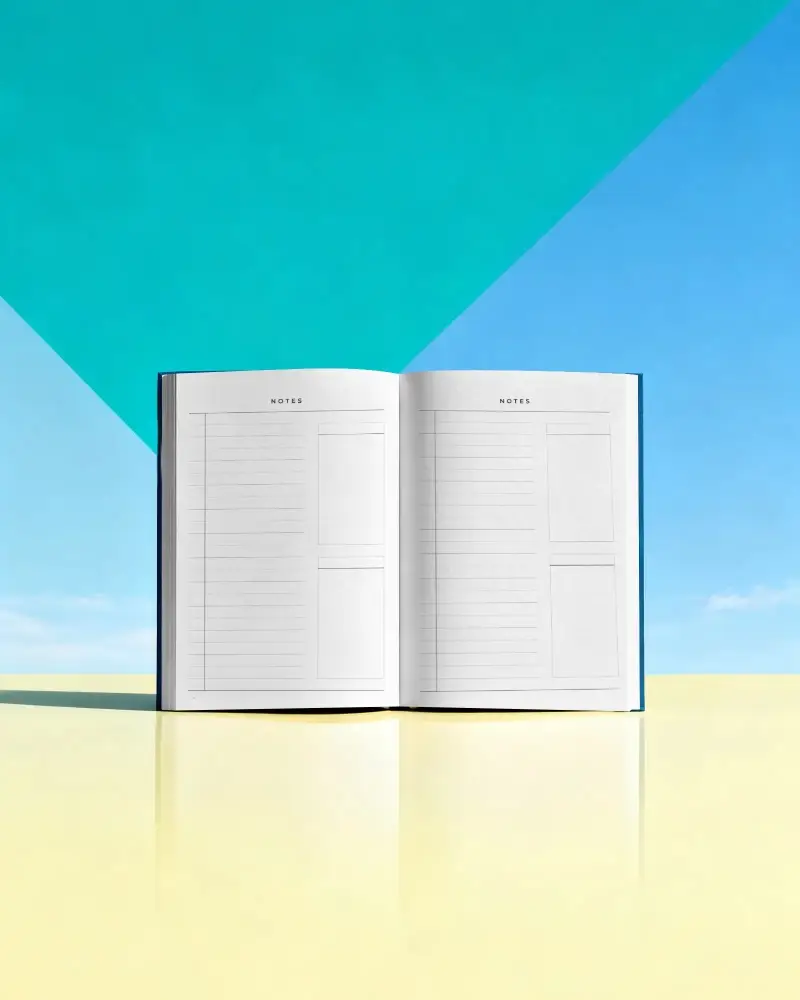
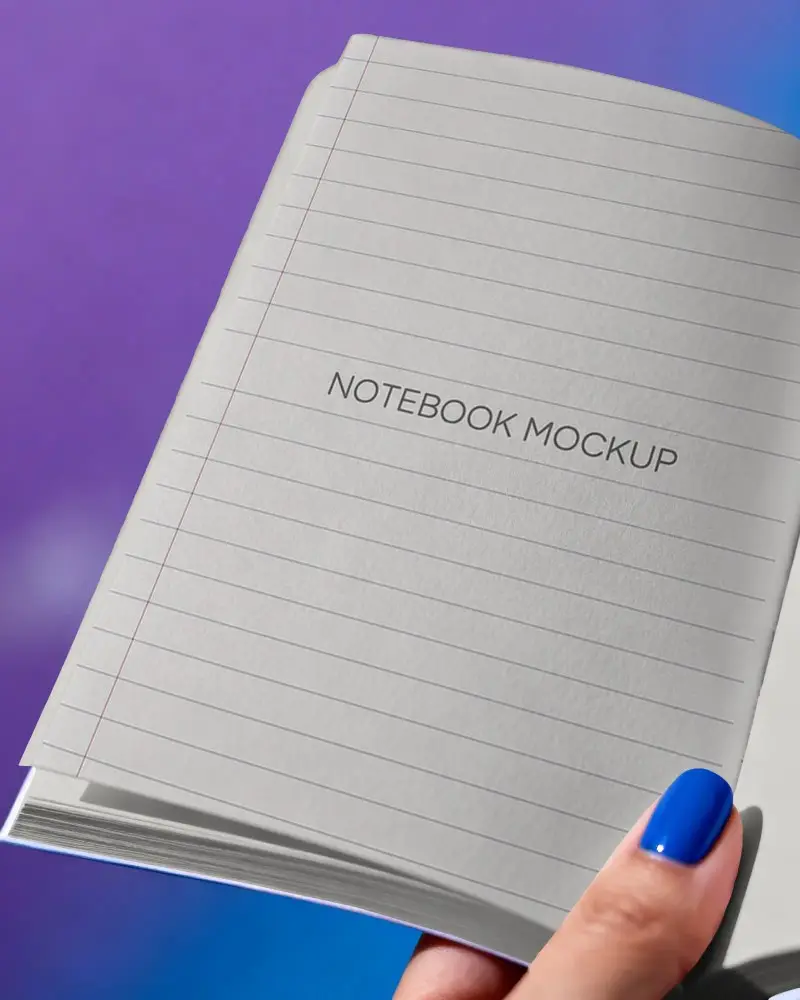
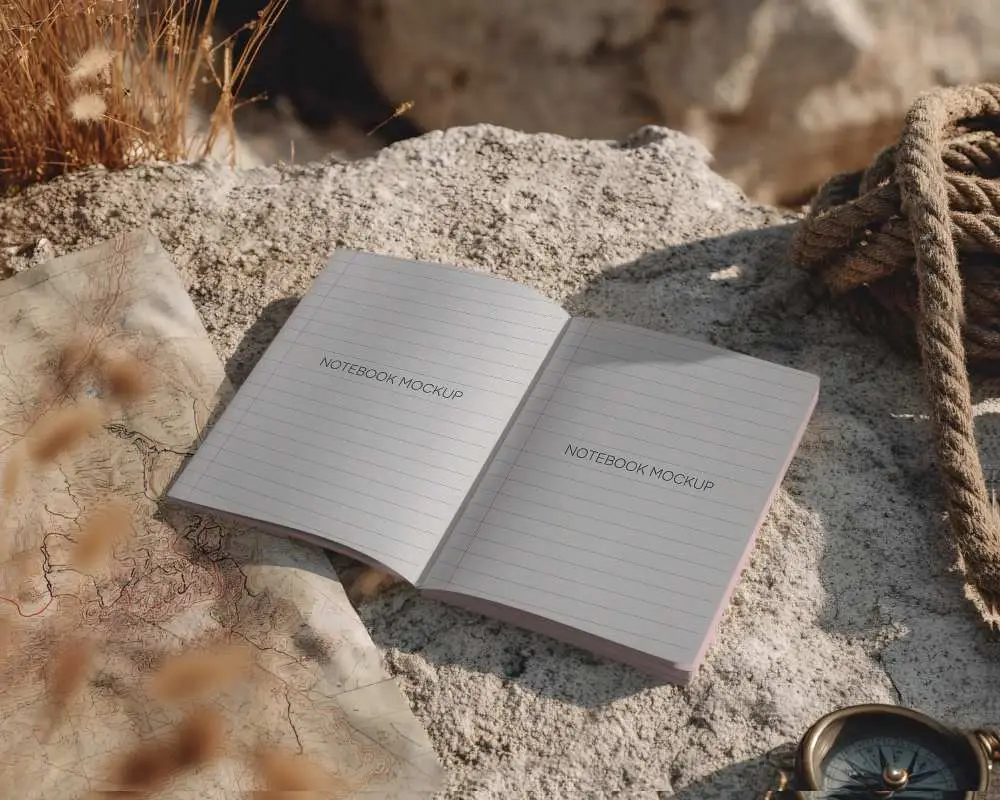
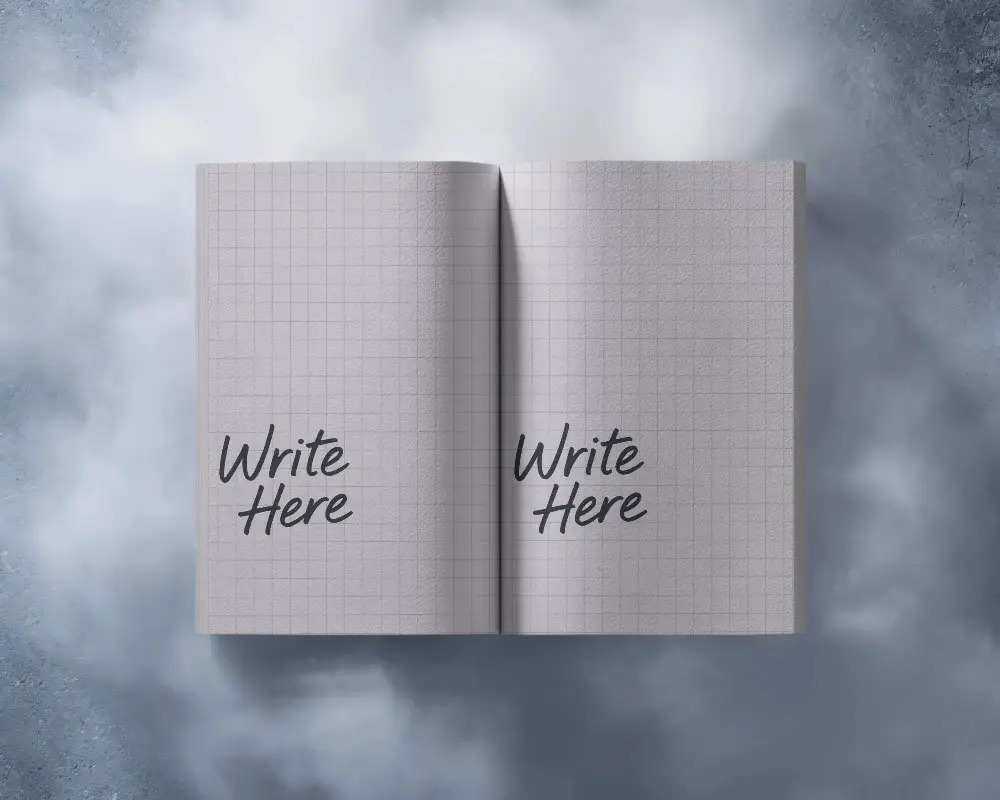
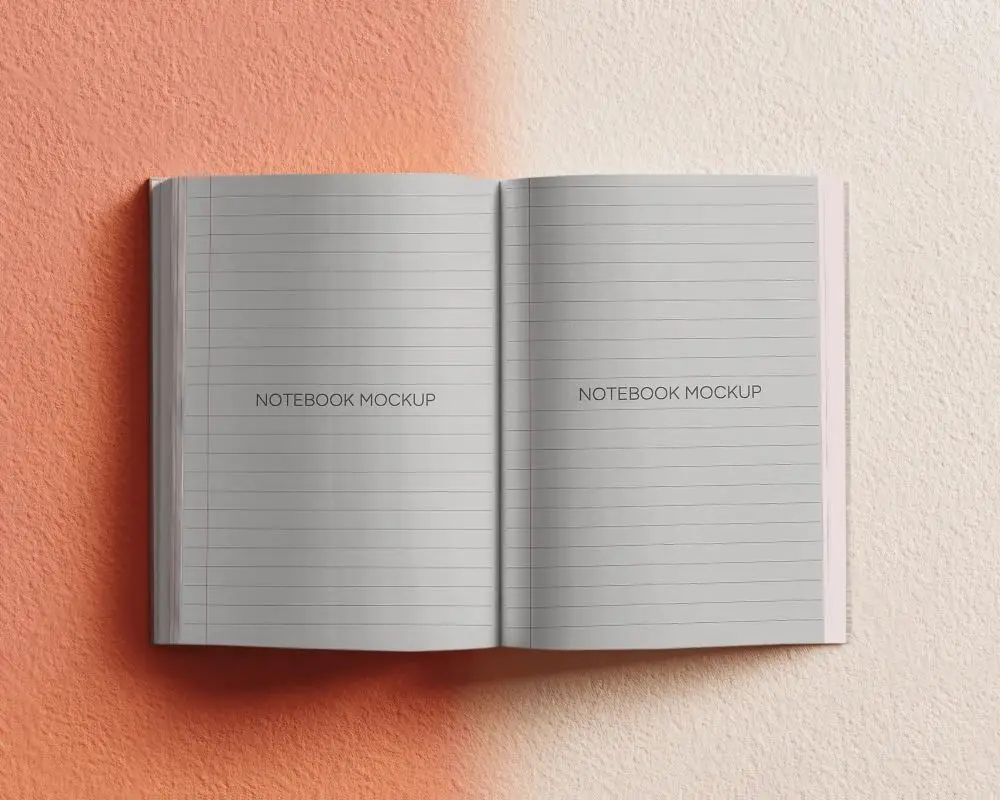
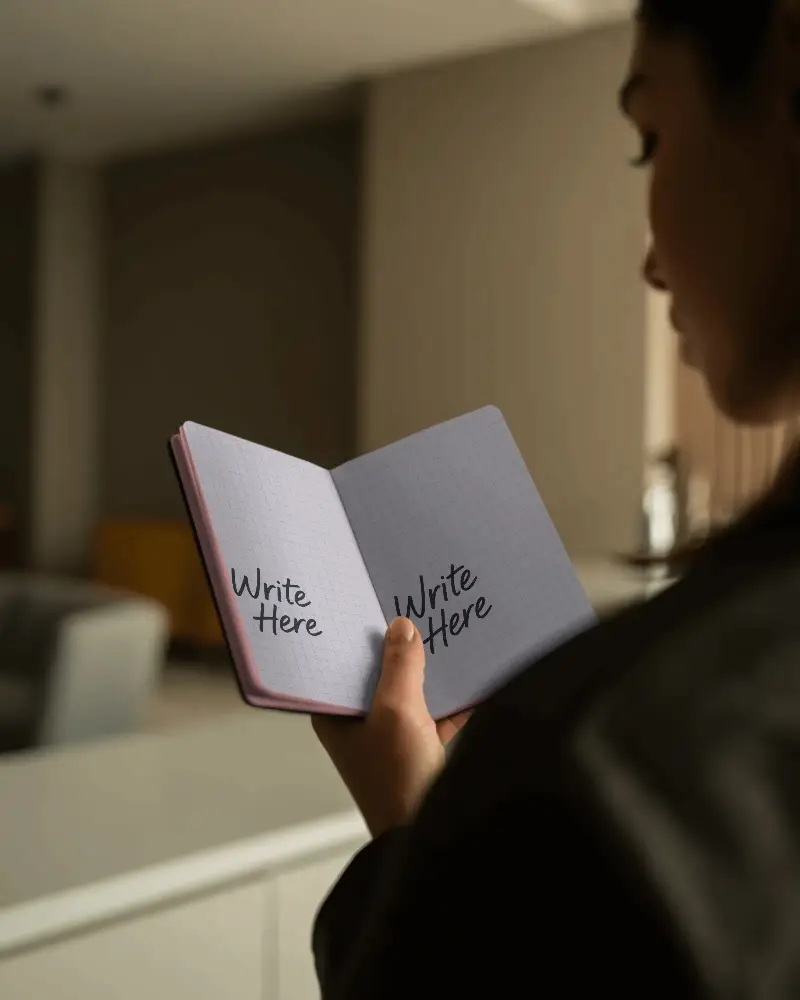
A Open Notebook mockup is a digital picture that shows a notebook looking like a real one, placed in a real-world scene, such as on a table, a shelf, or held by someone.
Why create a Open Notebook mockup?
A Open Notebook mockup helps you show clients how their designs would look in real life, making it effortless to impress them with a realistic preview of the final notebook design.
Why Use Mockey’s Open Notebook Mockup?
Mockey is a free Open Notebook mockup generator that helps you customize their unique notebook templates and make realistic notebook mockups without watermarks.
Is this Open Notebook Mockup Free?
Mockey AI lets you create free, high-quality Open Notebook mockups quickly. Download them in PNG format with sharp details, sized up to 1600 x 2000 pixels.
