A4 Notebook Mockups free Download - Notebook Mockup Designs
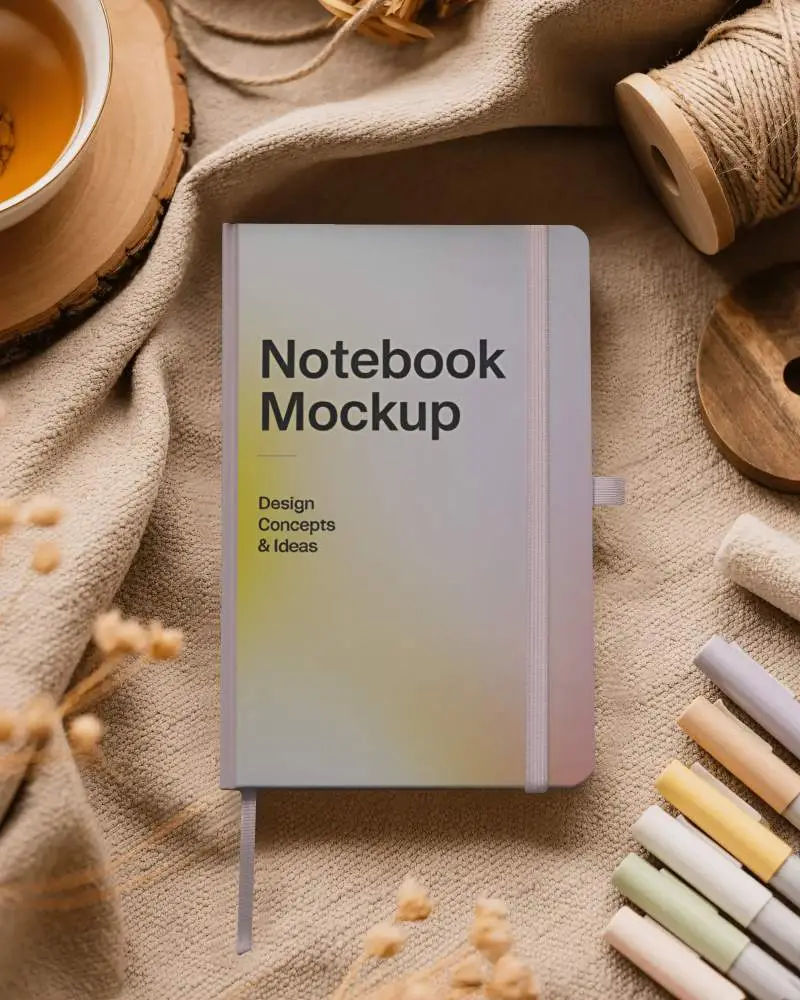
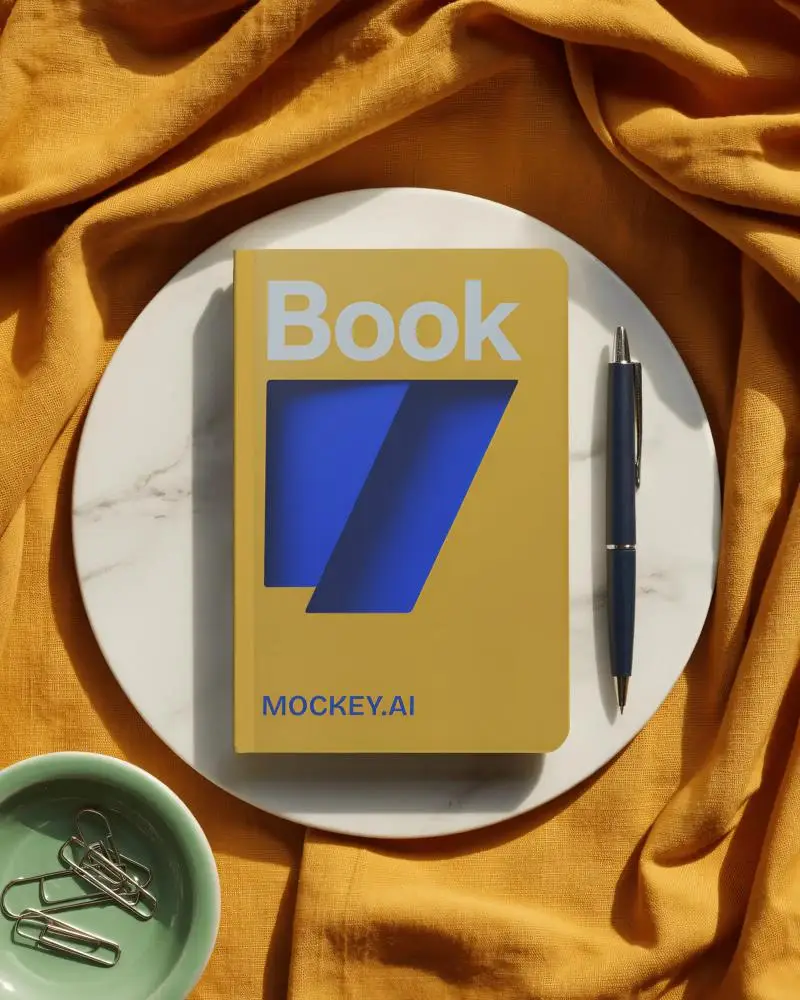
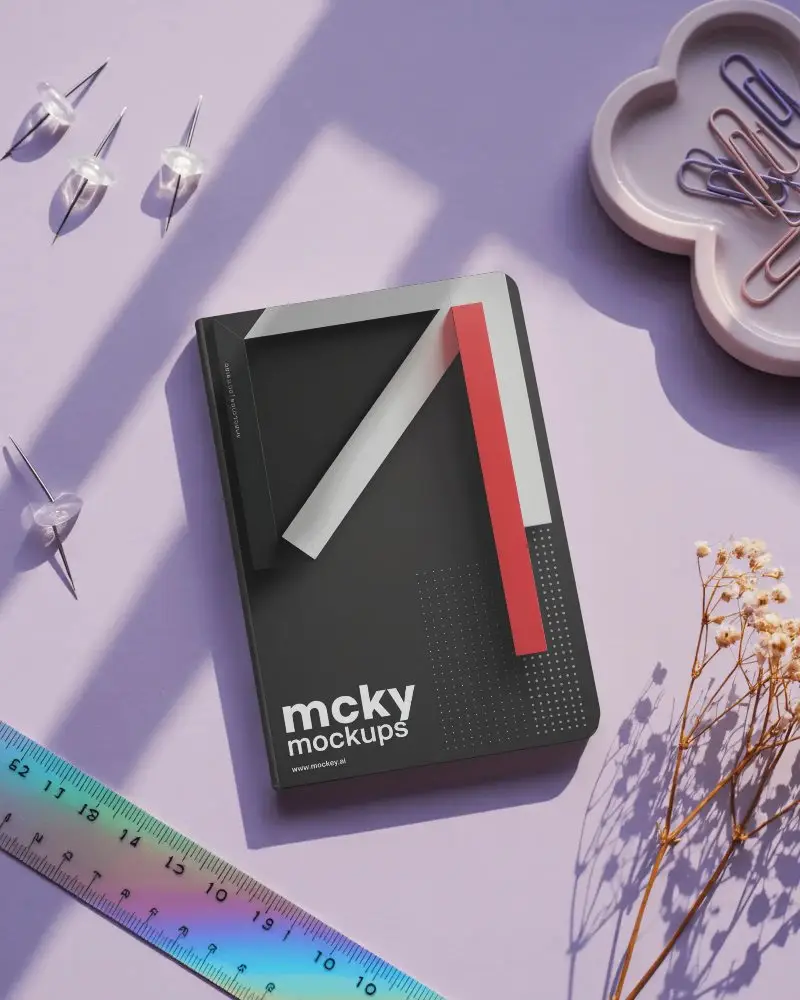
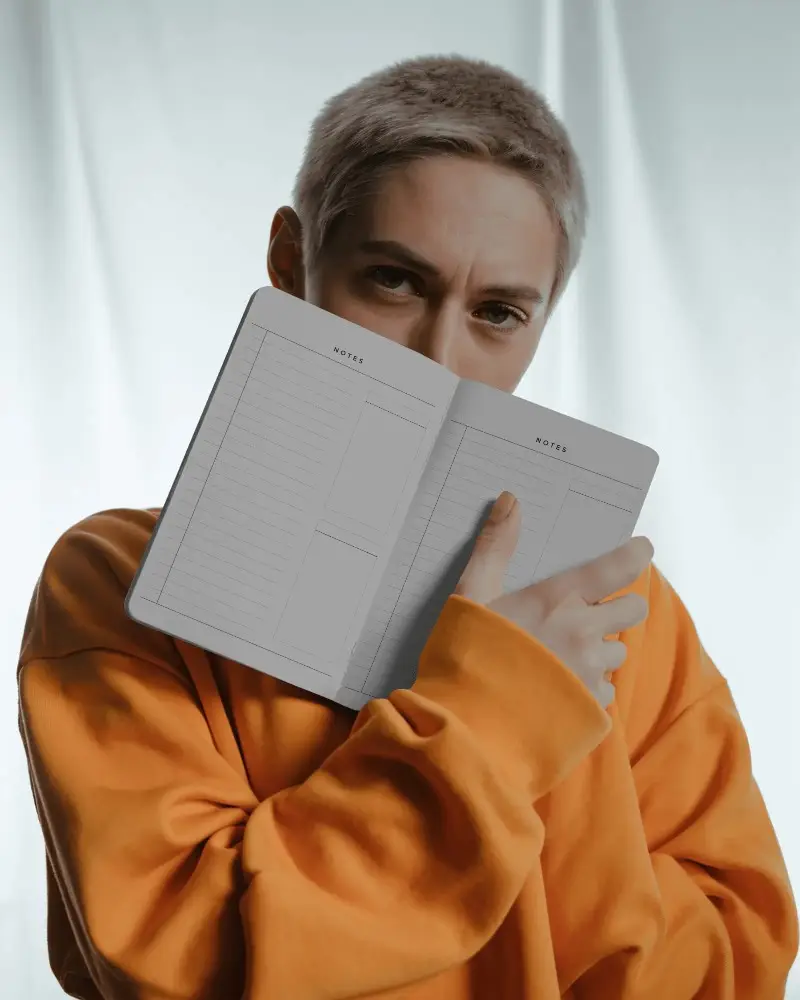
Mockey makes it easy to create free A4 notebook mockups. Design high-quality A4 Notebook mockups and download them without watermarks in just a few clicks.

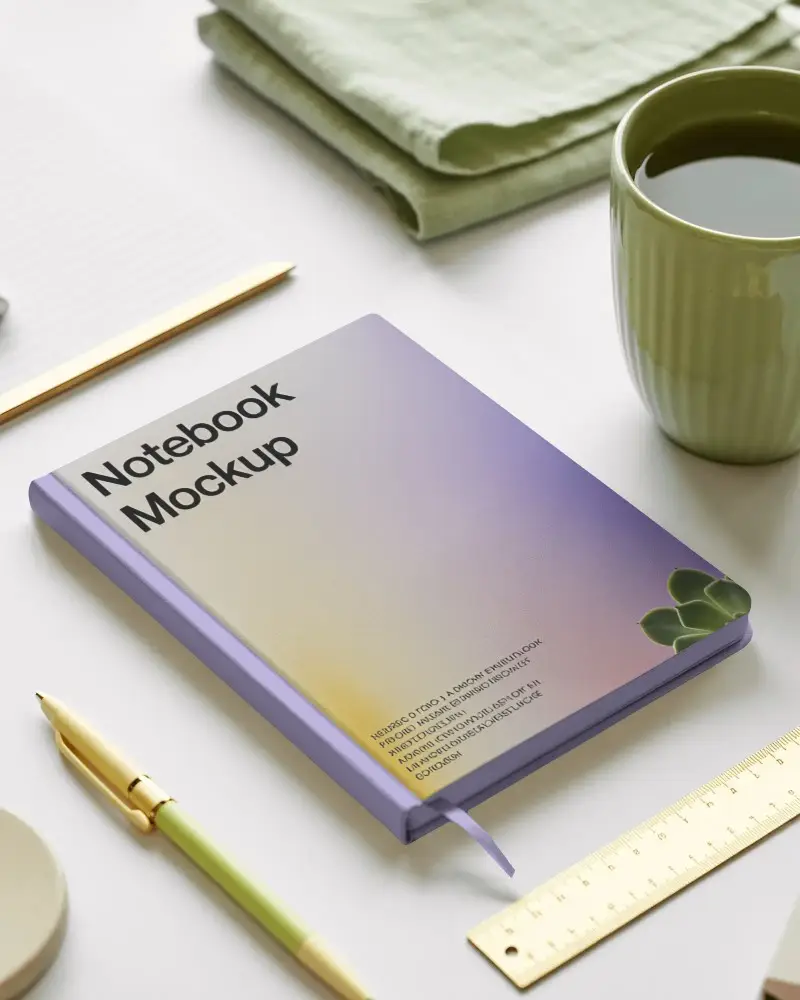
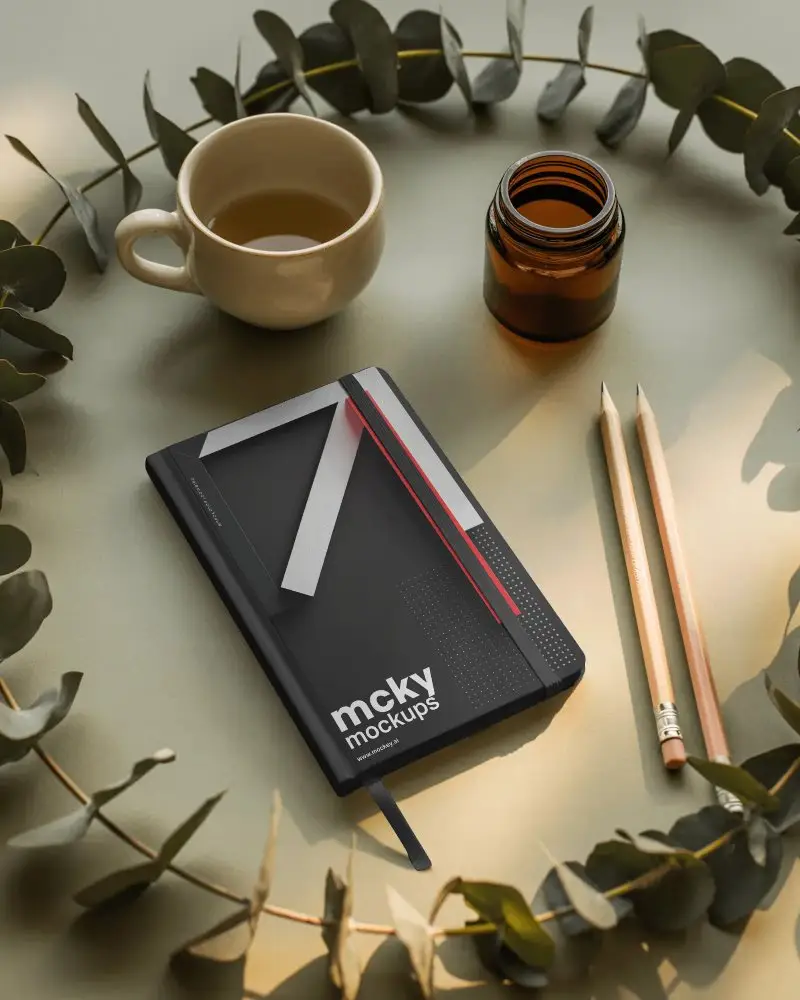
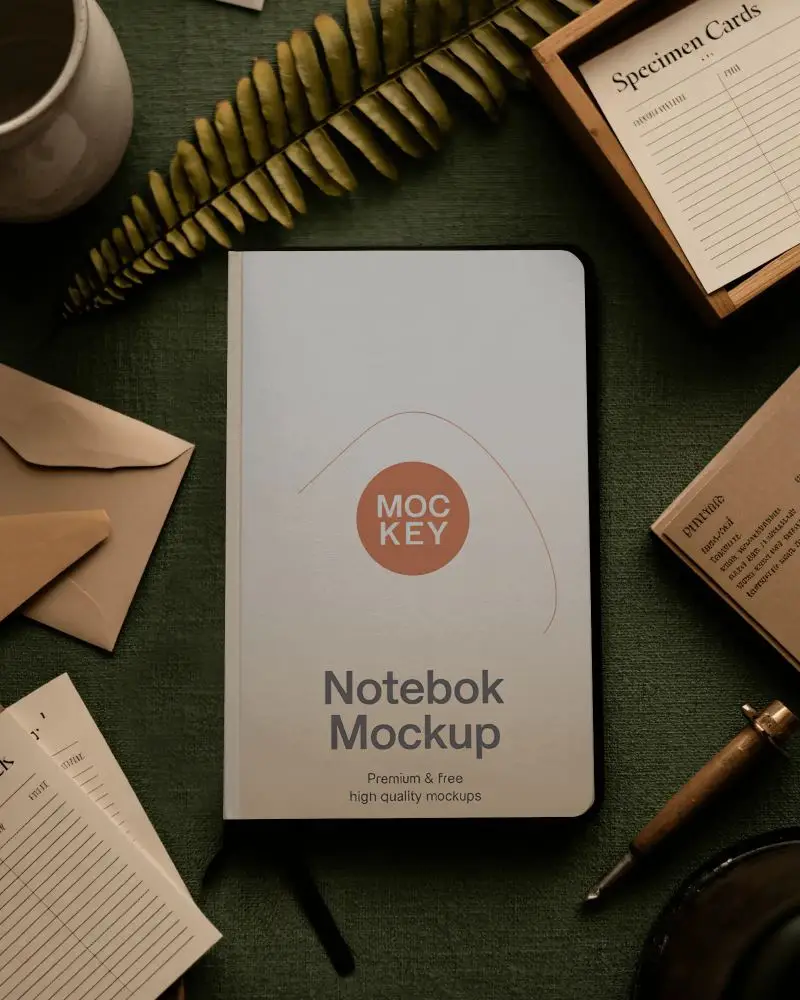
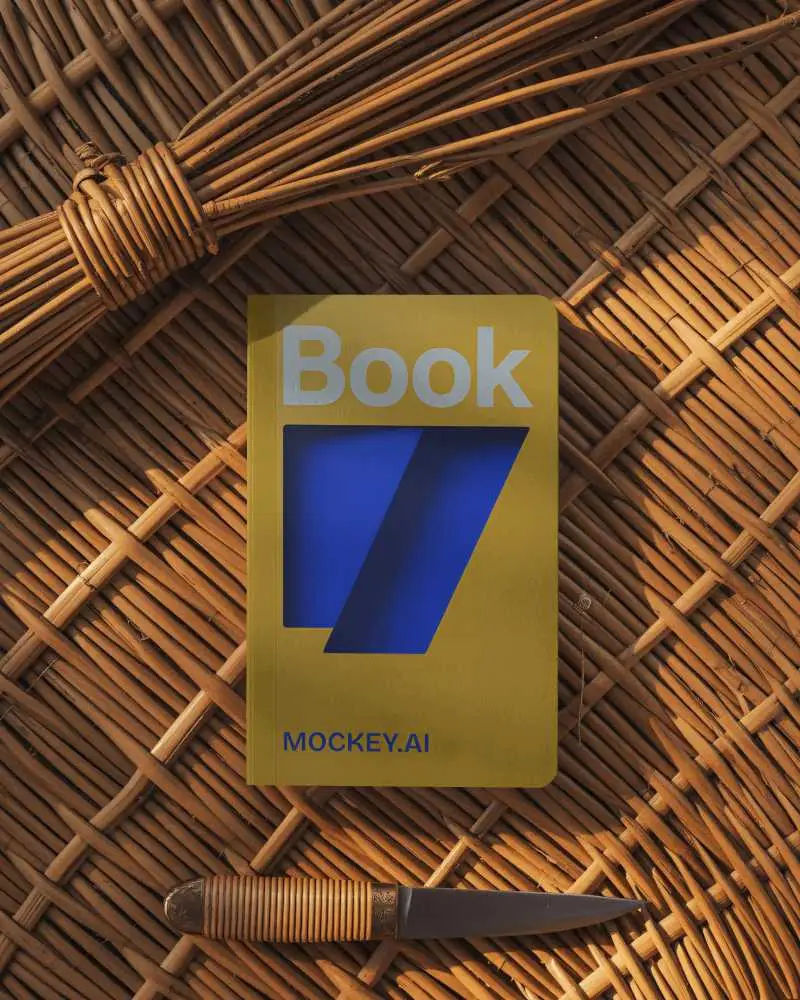

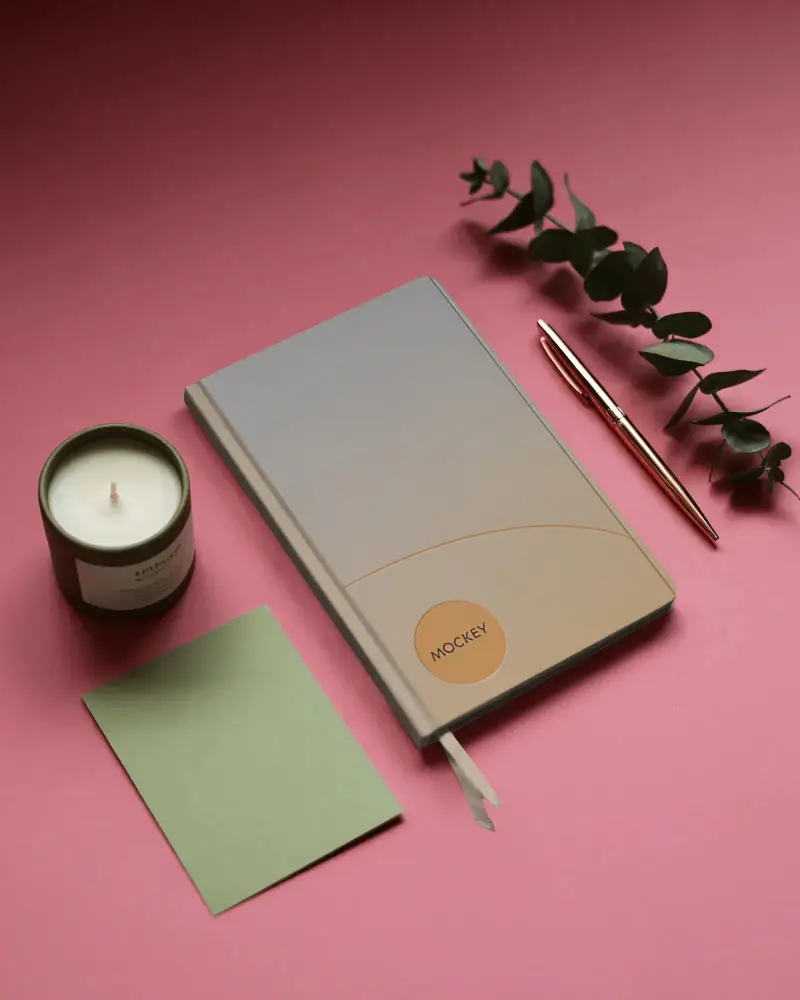
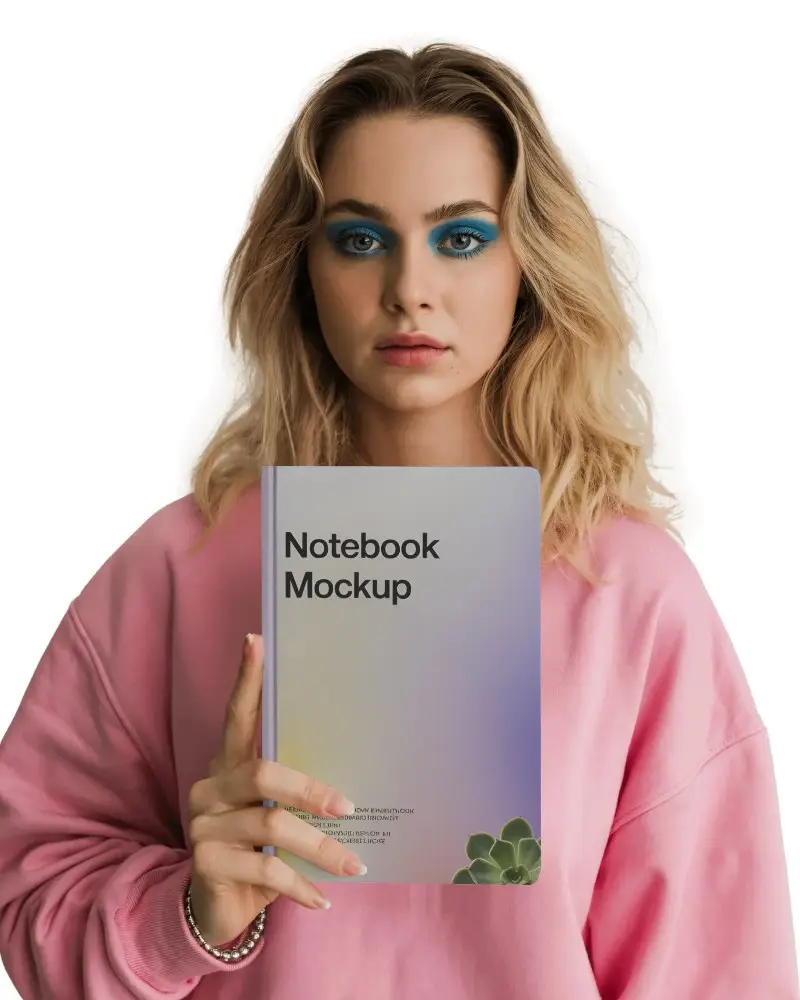
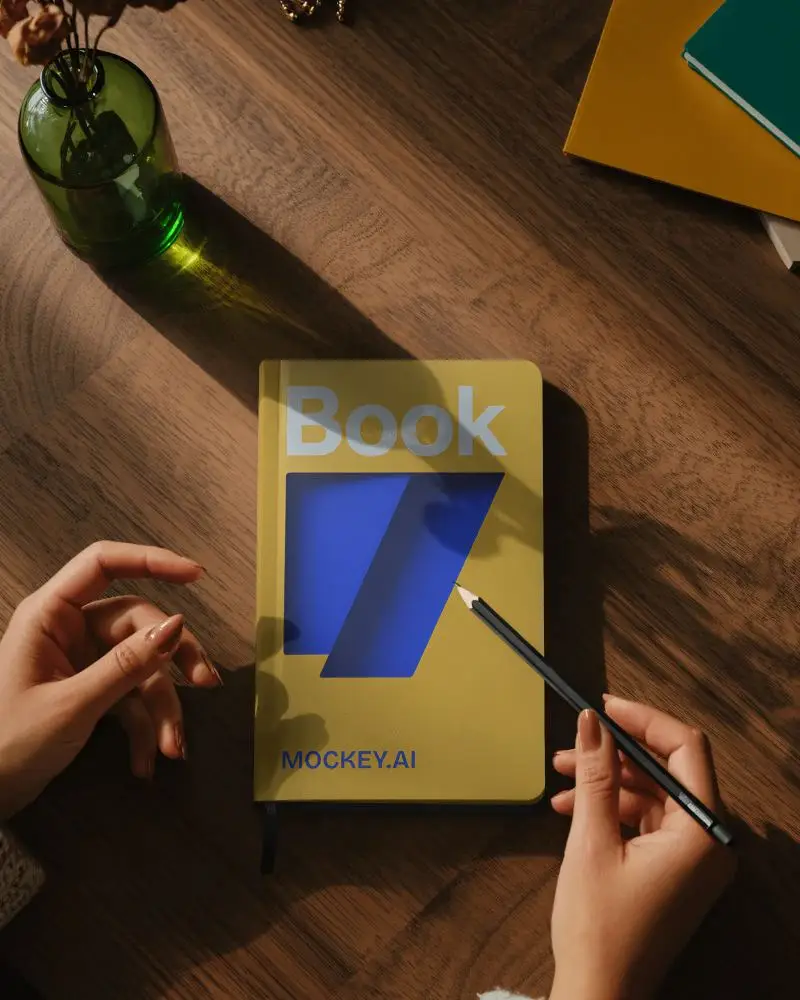
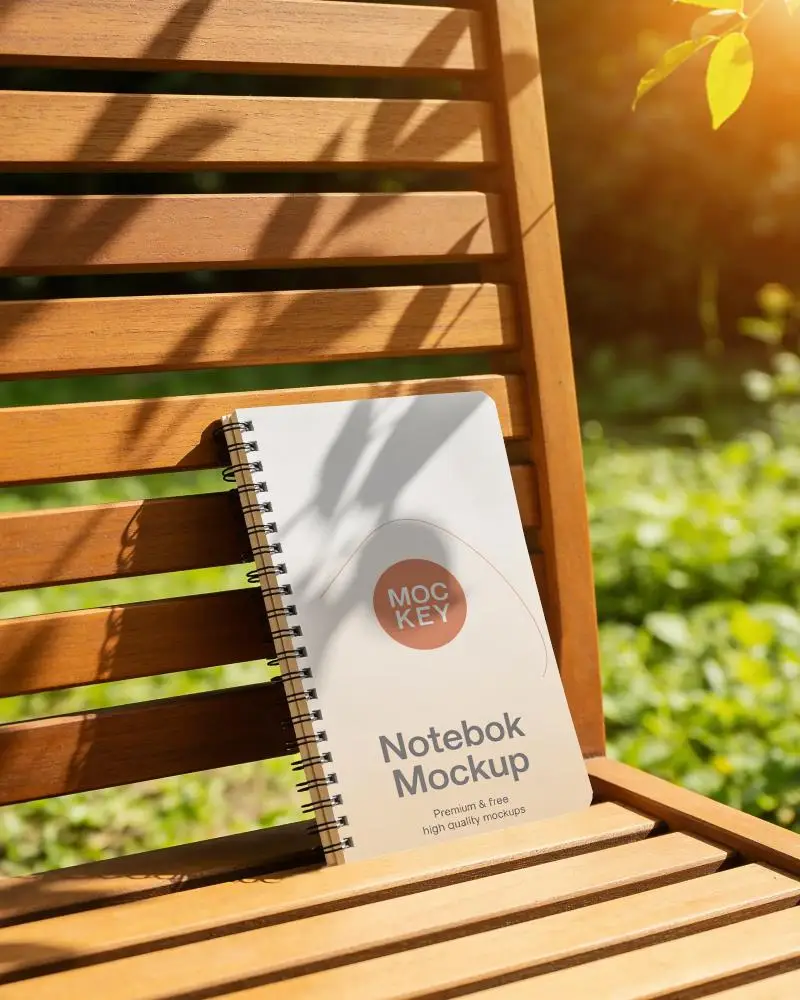
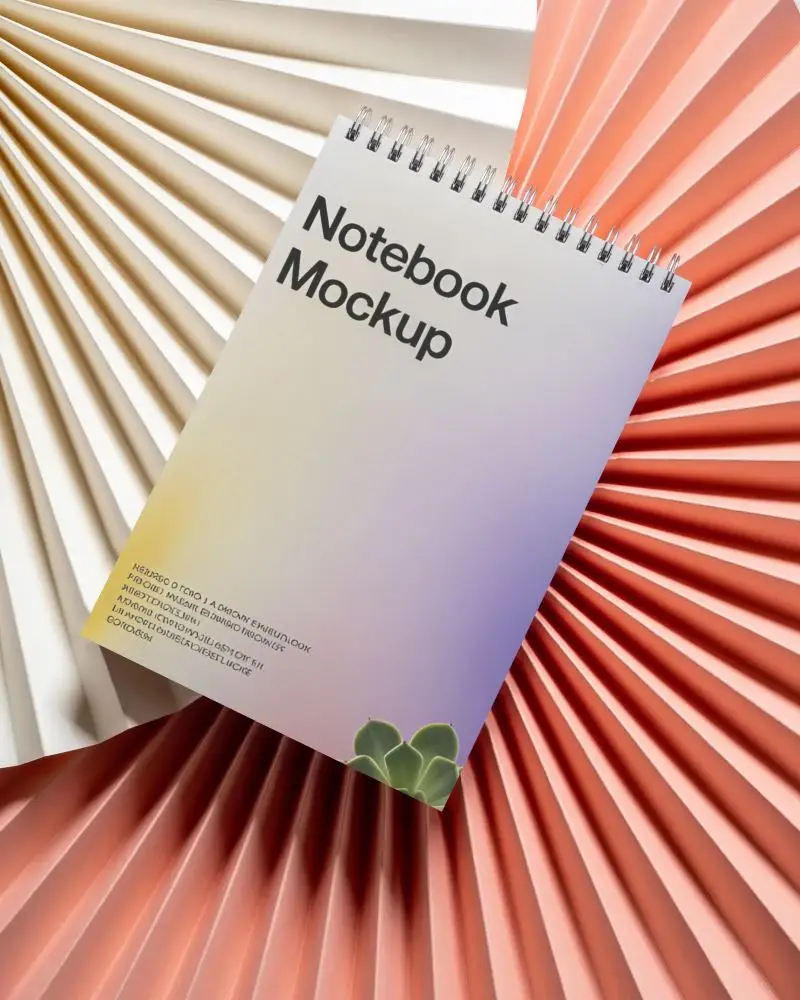
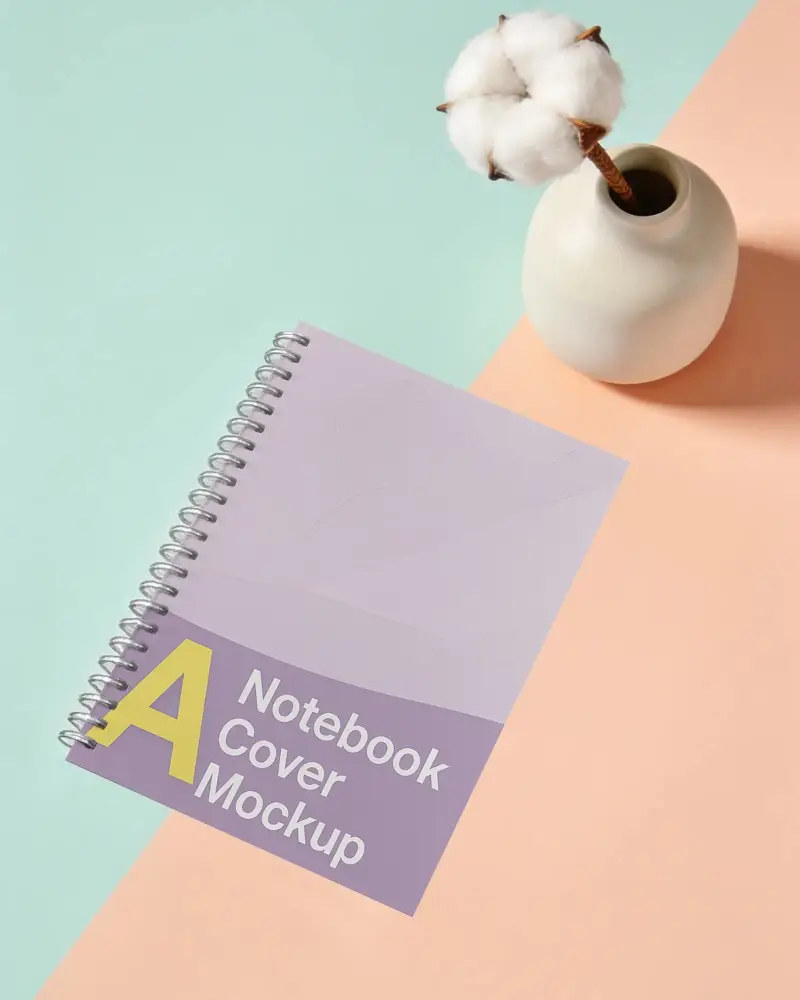
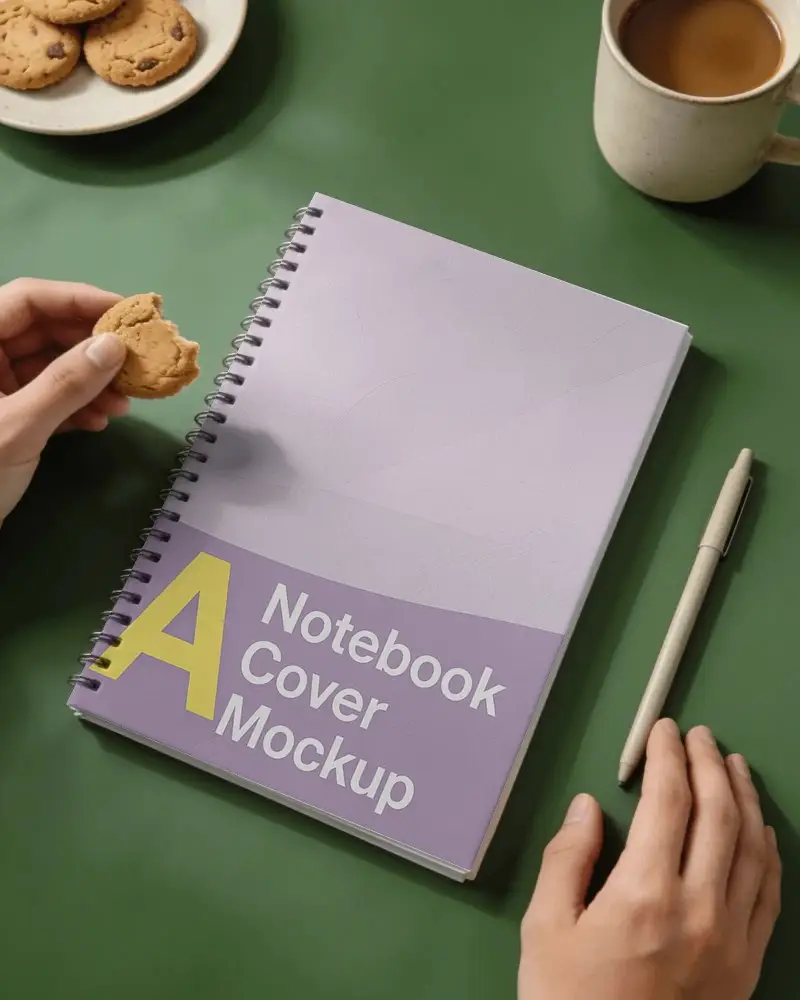
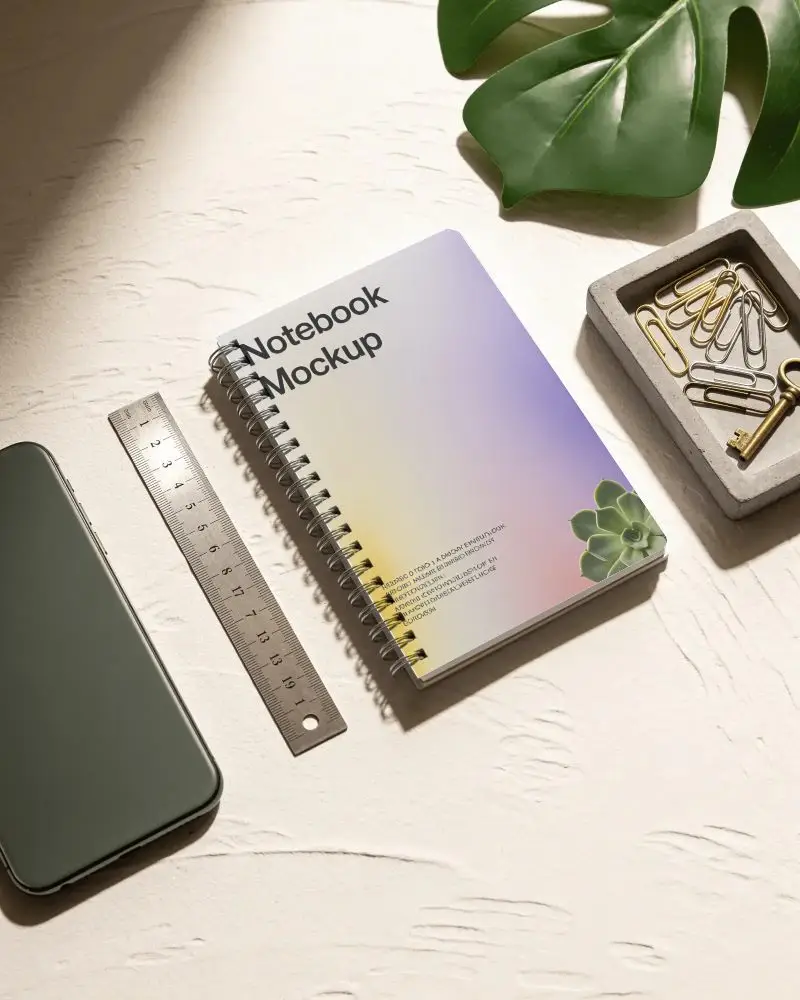
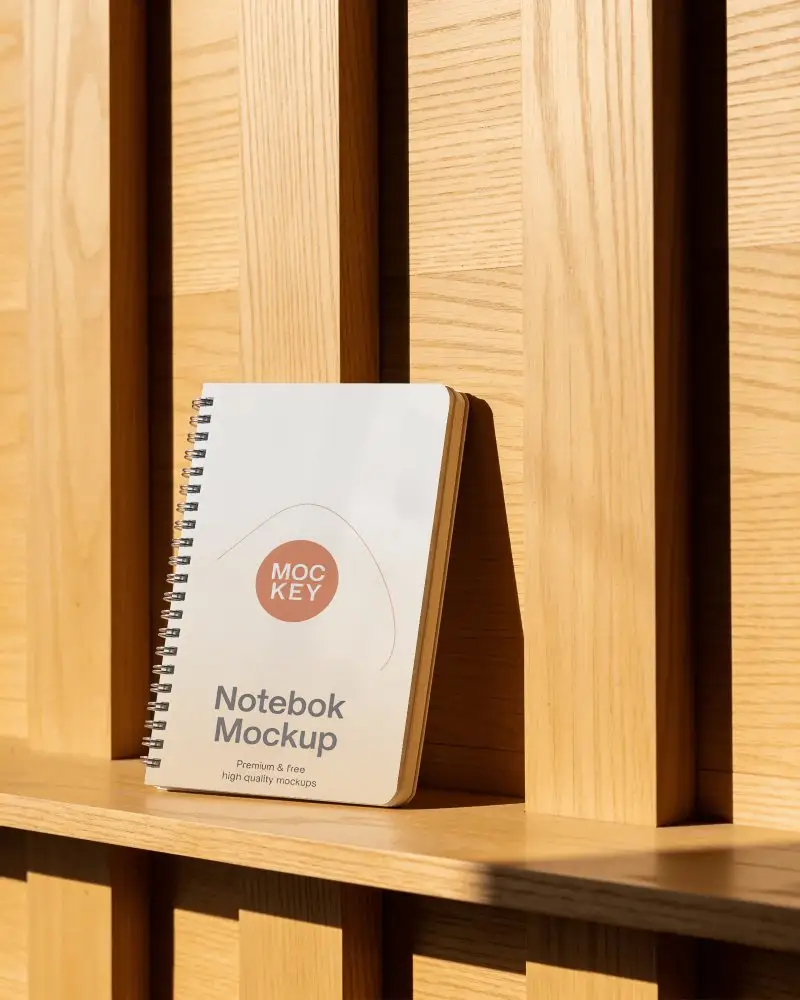
How to Make A4 Notebook Mockup with Mockey
To create an A4 notebook mockup in Mockey AI:
- Step 1: Go to Mockey and follow: Mockups > Print > Stationery > A4 Notebook.
- Step 2: Select a notebook template and upload your design in PNG or JPEG format.
- Step 3: Customize the mockup, then download it in high resolution without watermarks.


FAQs on A4 Notebook Mockups
What is an A4 Notebook Mockup?
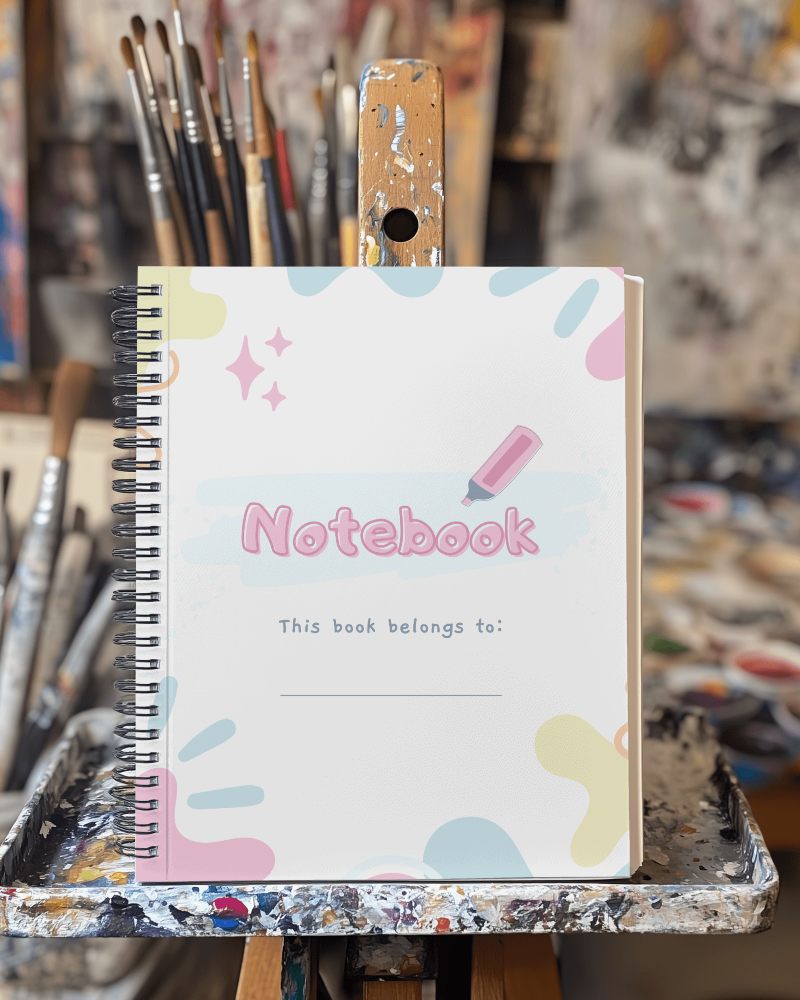
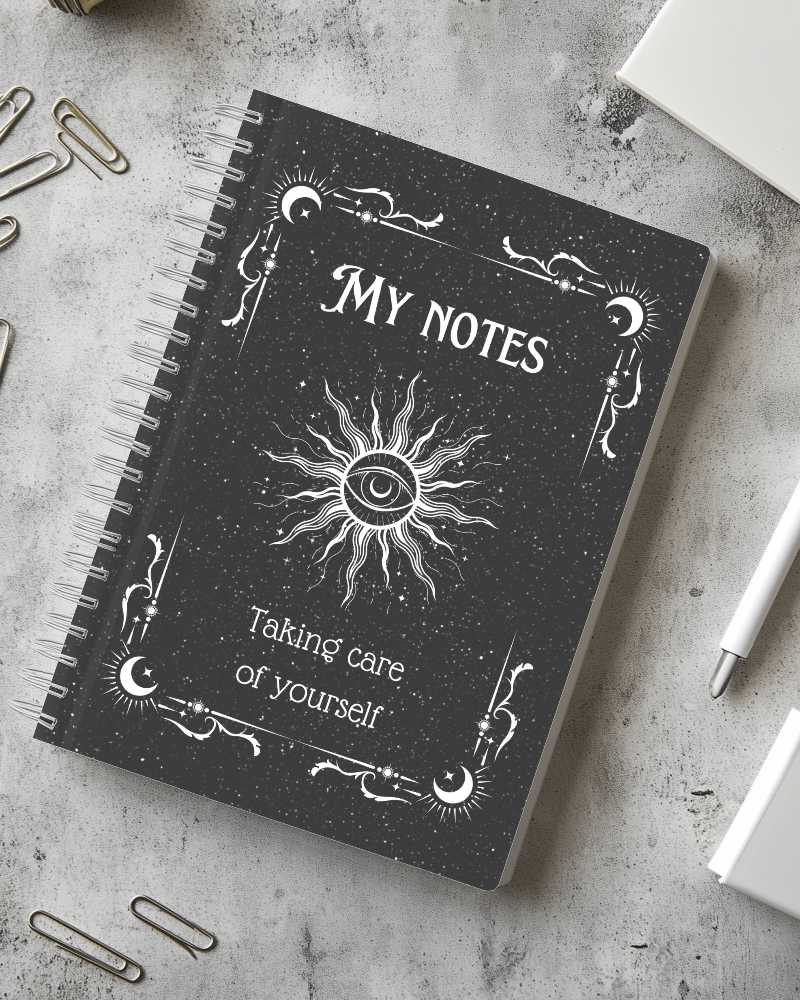
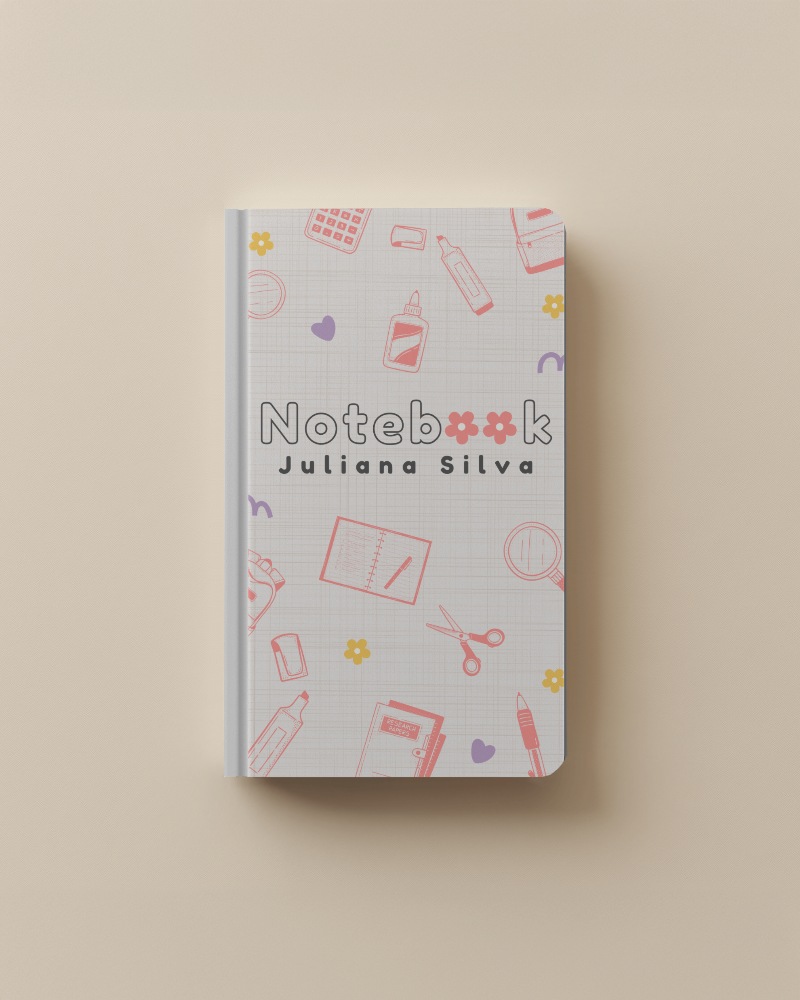
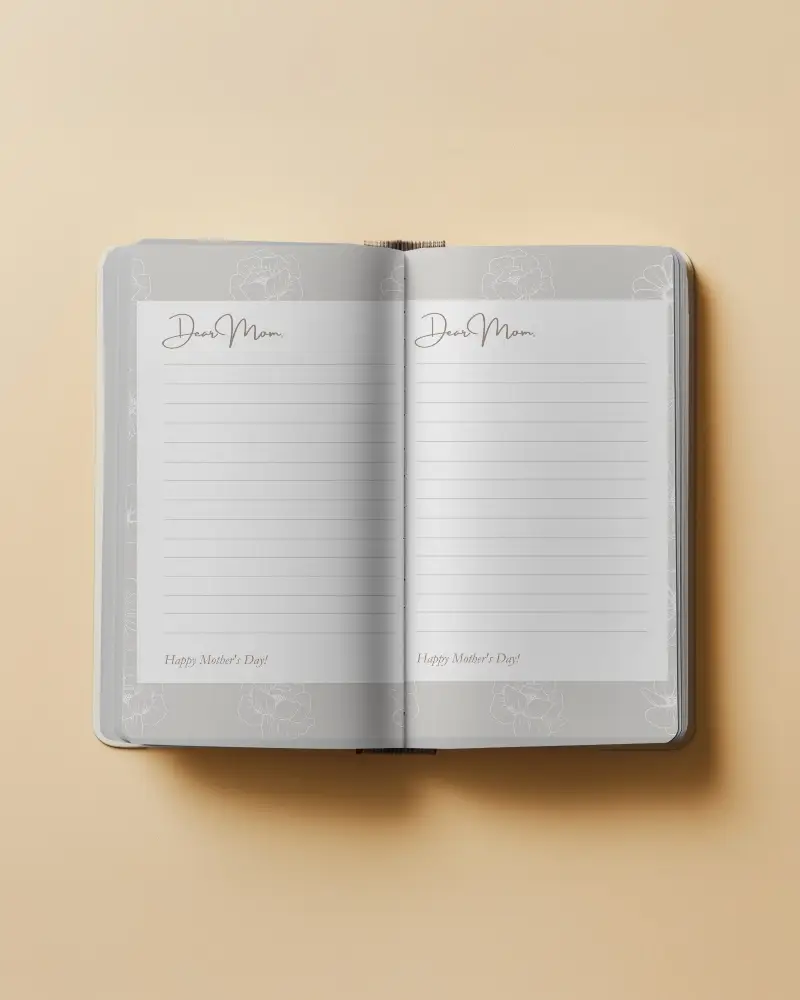
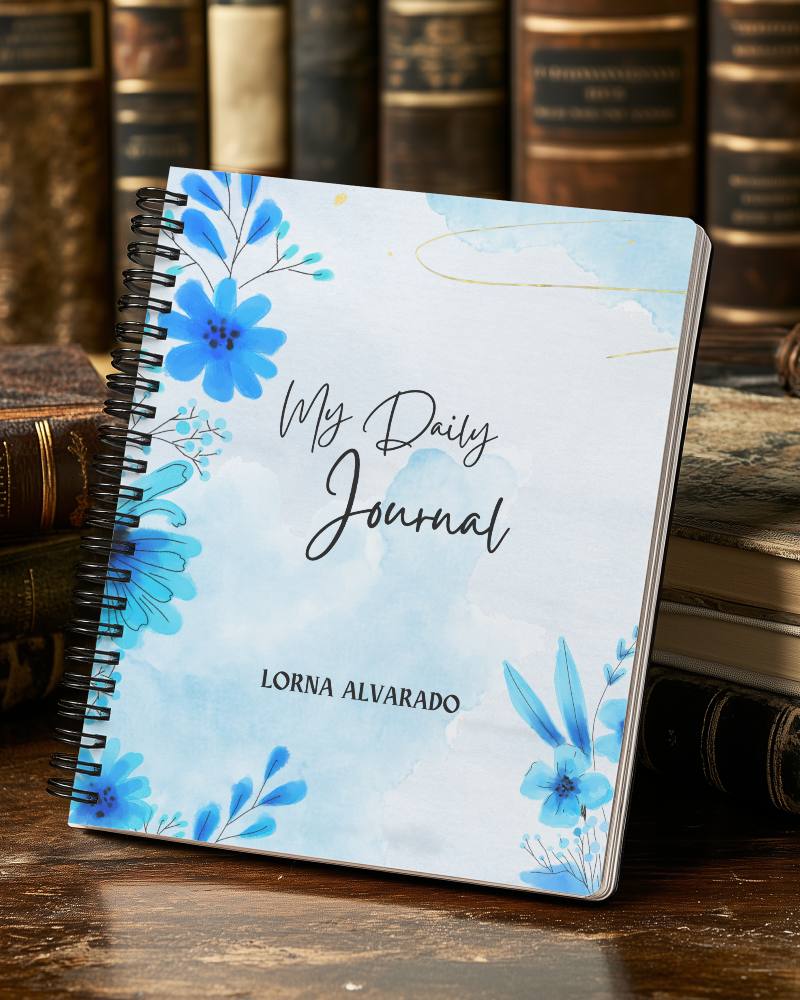
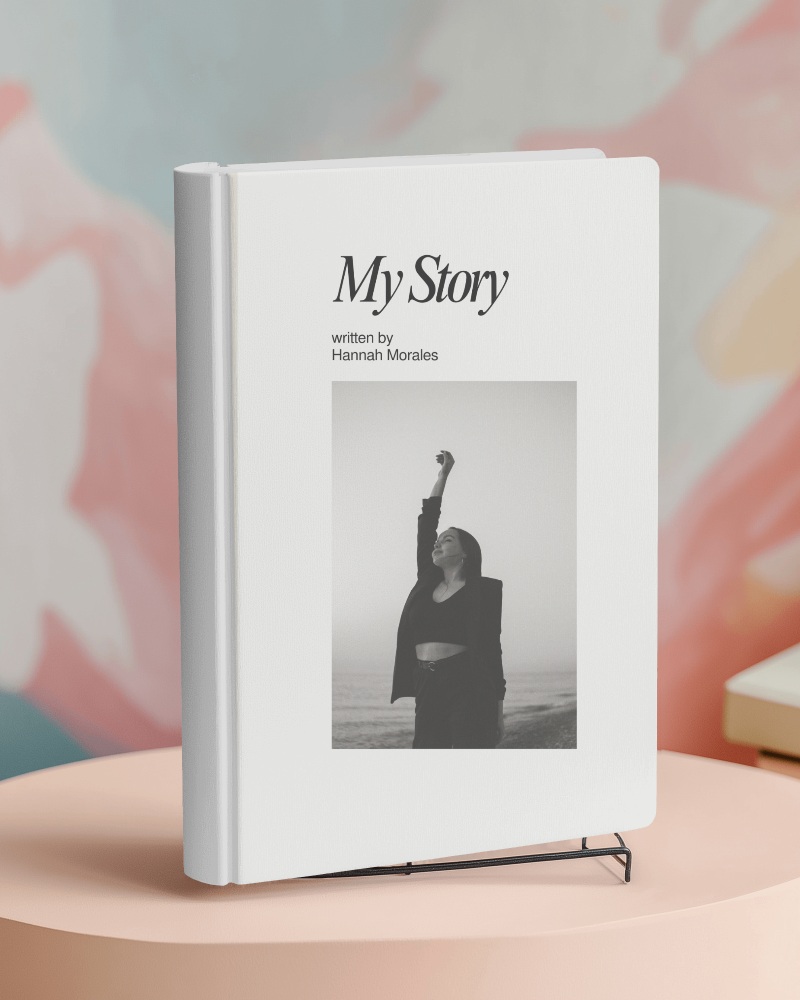
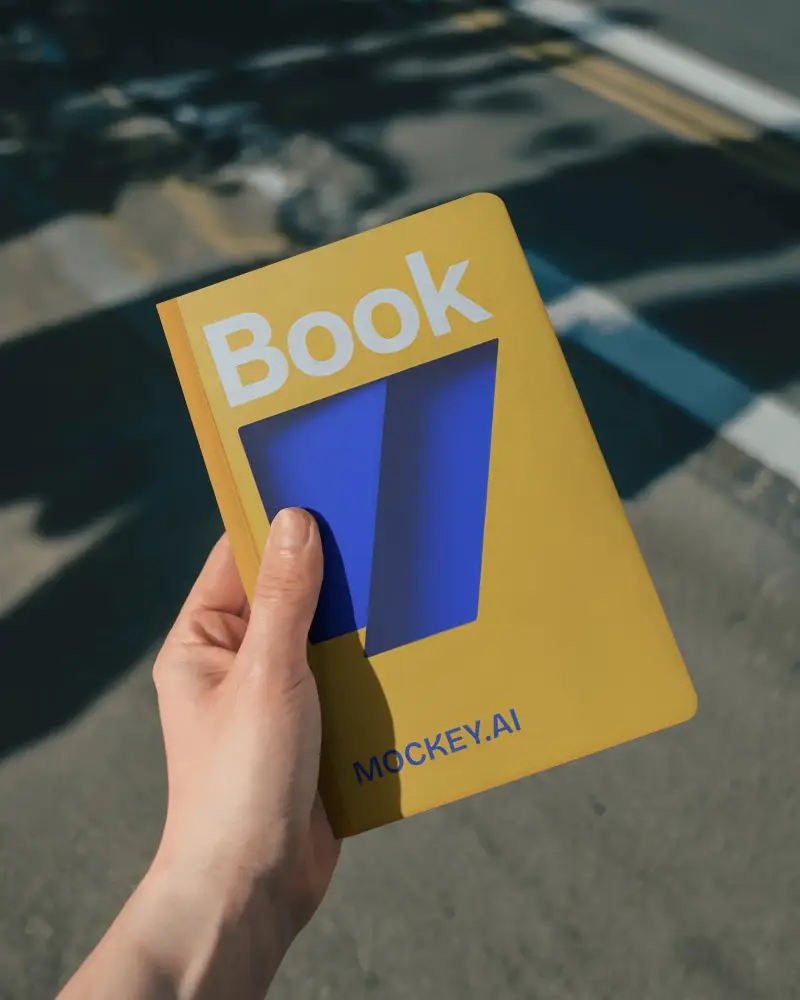
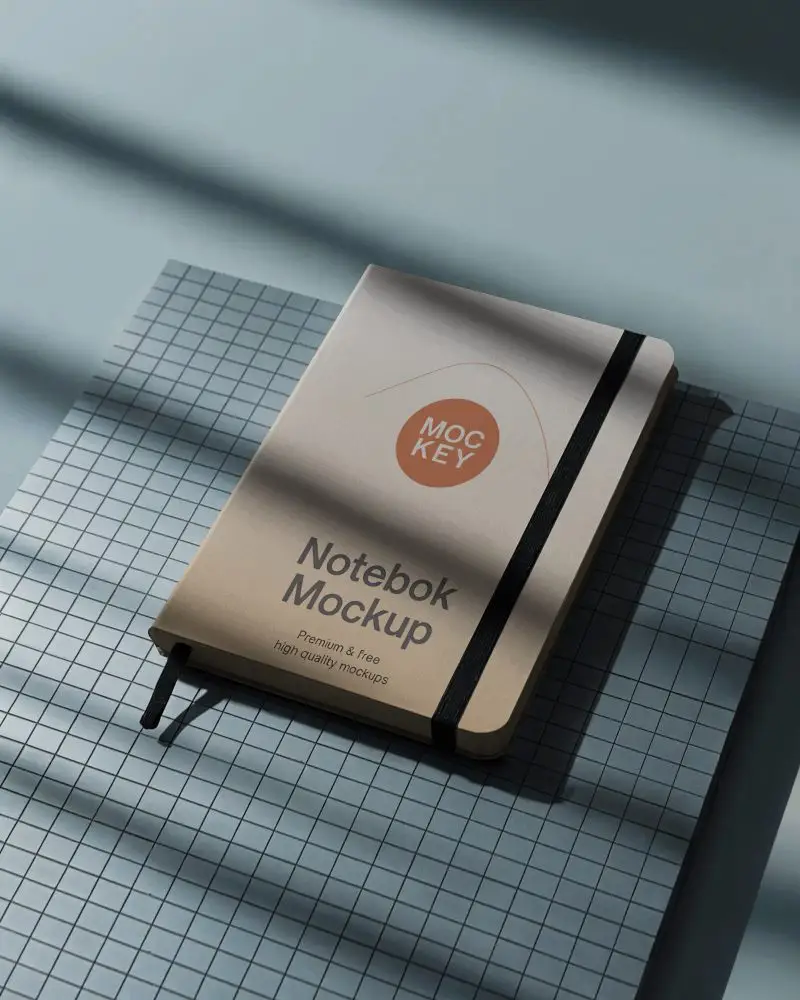
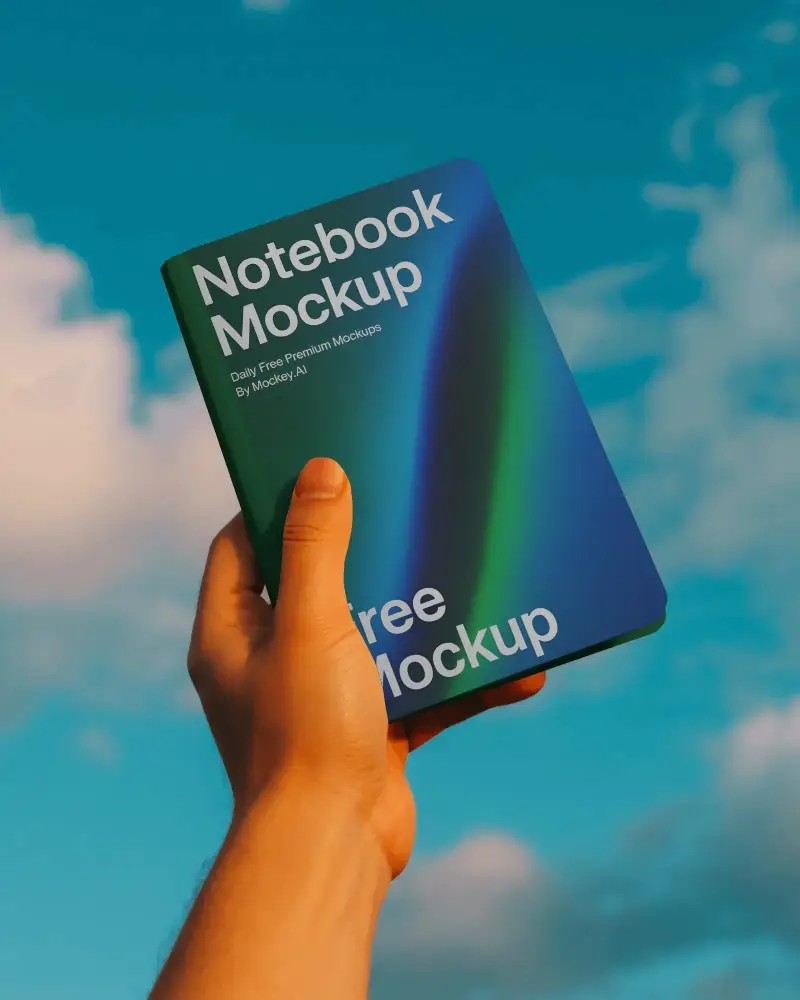
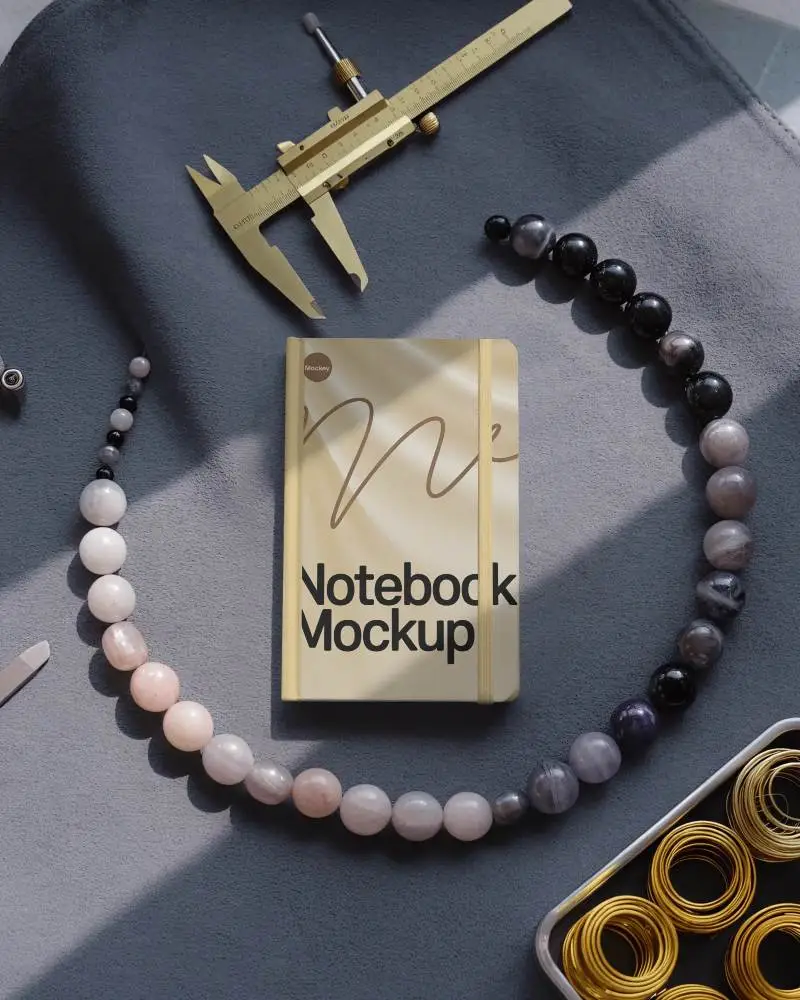
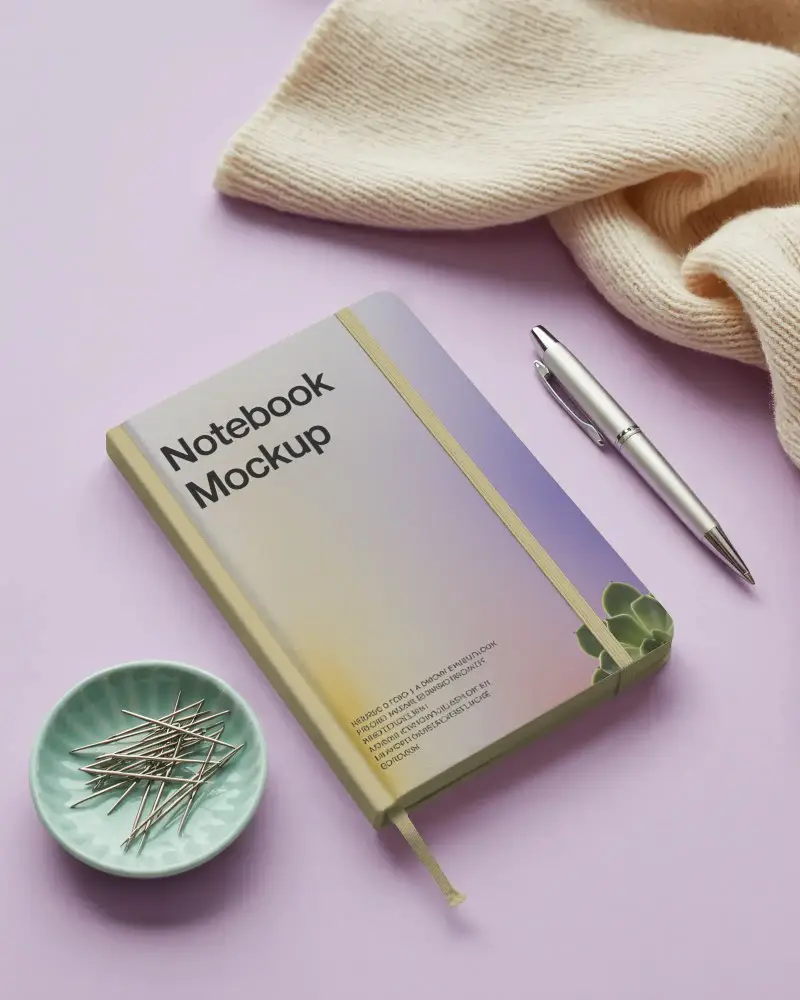
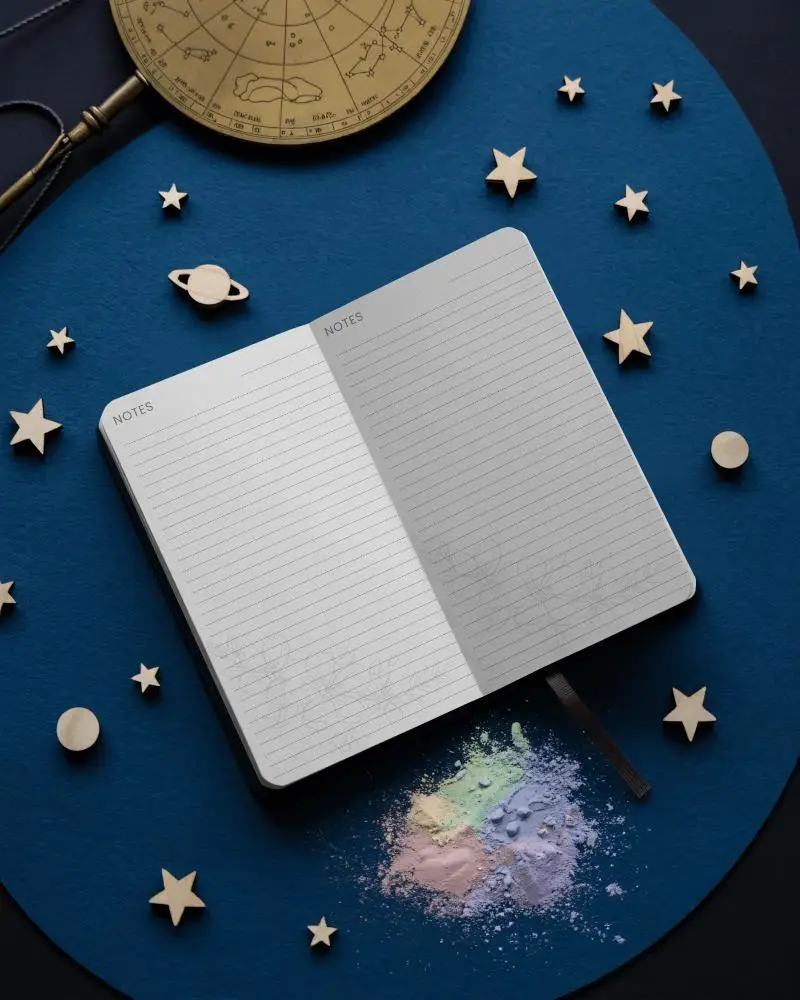
An A4 notebook mockup shows what an A4 notebook looks like with your design on it. You can change the cover color and background using a mockup generator.
Why create an A4 Notebook mockup?
Creating an A4 notebook mockup attracts customers, makes changes easily, gets feedback, and saves money by avoiding printing real copies.
Why Use Mockey’s A4 Notebook Mockup?
Mockey AI has many free A4 notebook mockups with clear, professional pictures. You can easily change them to match your project’s style, whether it’s for print or online use.
Is this A4 Notebook Mockup Free?
Mockey AI lets you make free notebook mockups, like A4 ones, without watermarks. You can add your own designs and choose from over 1000 options.
Do Mockey's A4 notebook mockups come in high resolution?
Mockey offers high-resolution A4 notebook templates that you can edit. You can also download them in a PNG file, with sizes up to 1600x2000 pixels.
Do I need to sign up to download free A4 notebook mockups?
To access the A4 notebook mockup in Mockey AI, you need to sign up using your Gmail account for free.
What file formats are available for A4 notebook mockups on Mockey?
In Mockey AI, you can save your A4 notebook mockup in both PNG and JPEG file formats.
Can I upload my own design to the A4 notebook mockup?
In Mockey AI, click Upload Design to add your custom design in PNG or JPEG format and customize your A4 notebook mockup.
