Free Spiral Notebook Mockups – 40+ Spiral Bound Templates
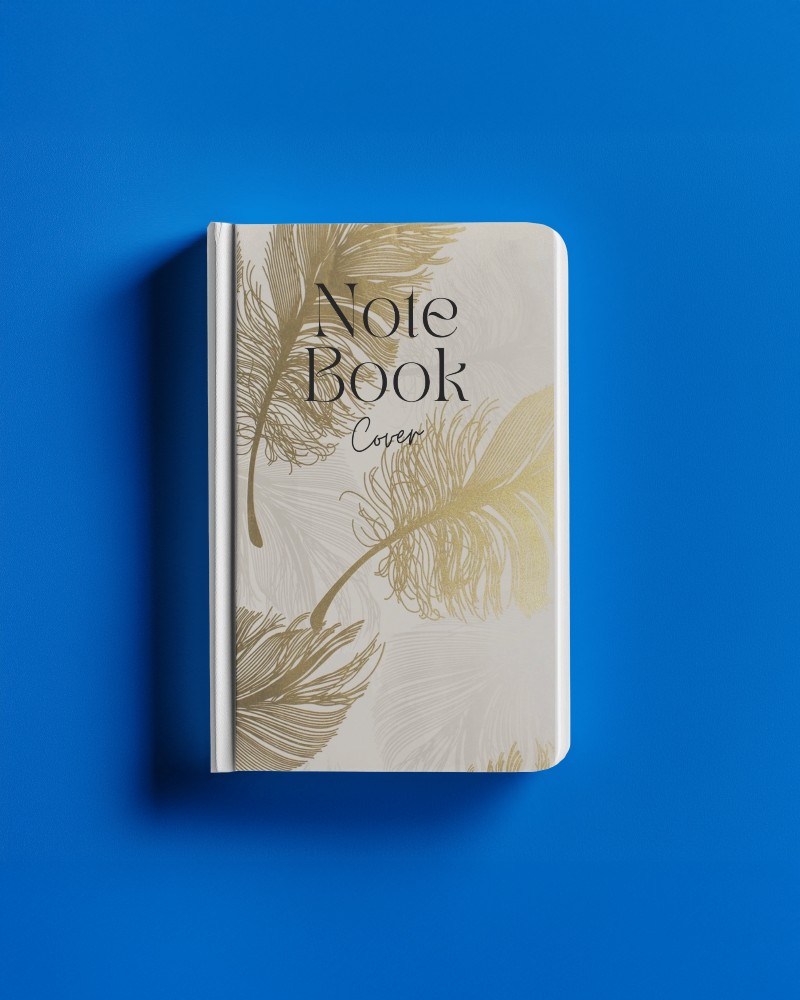
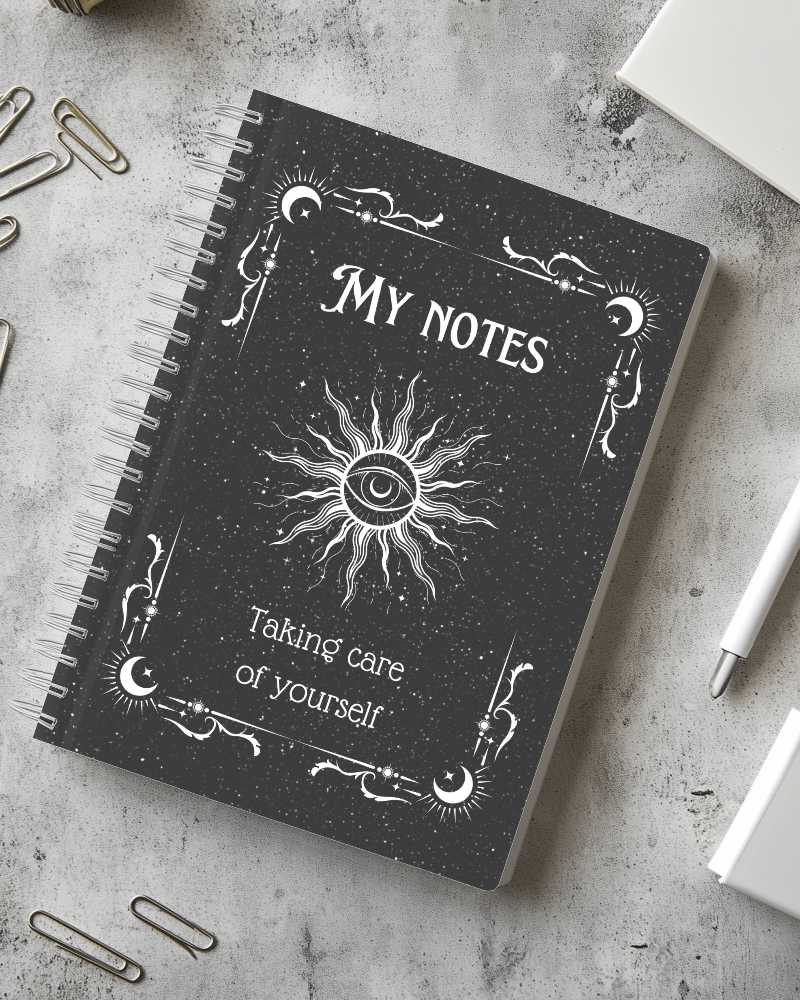
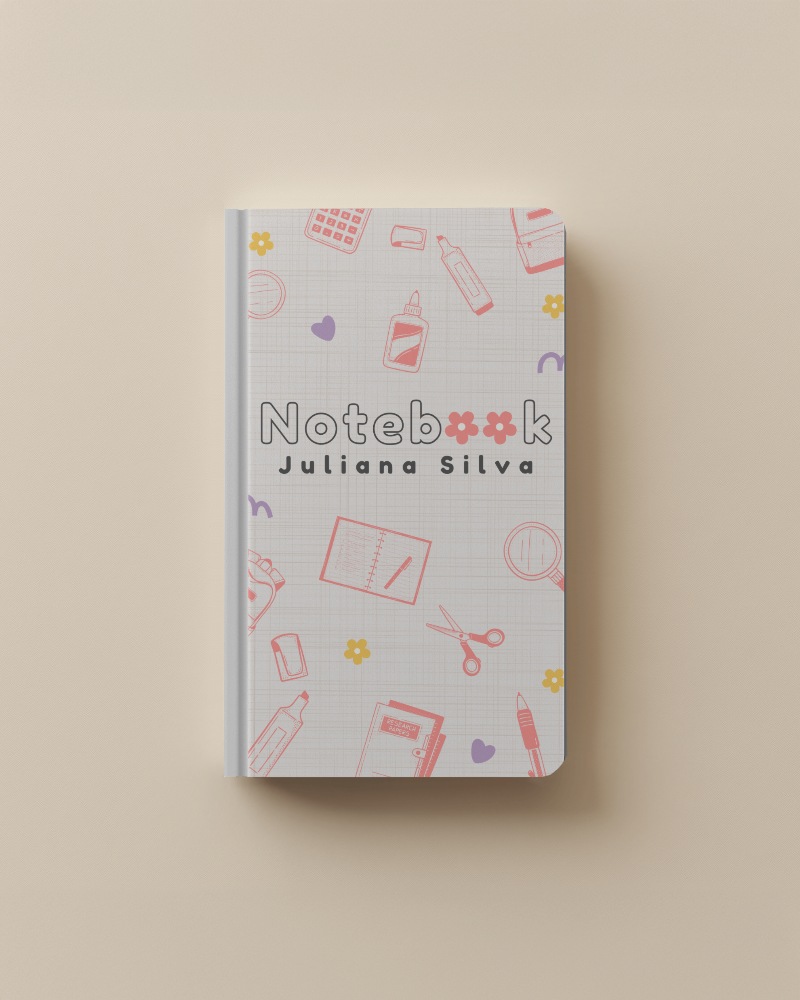
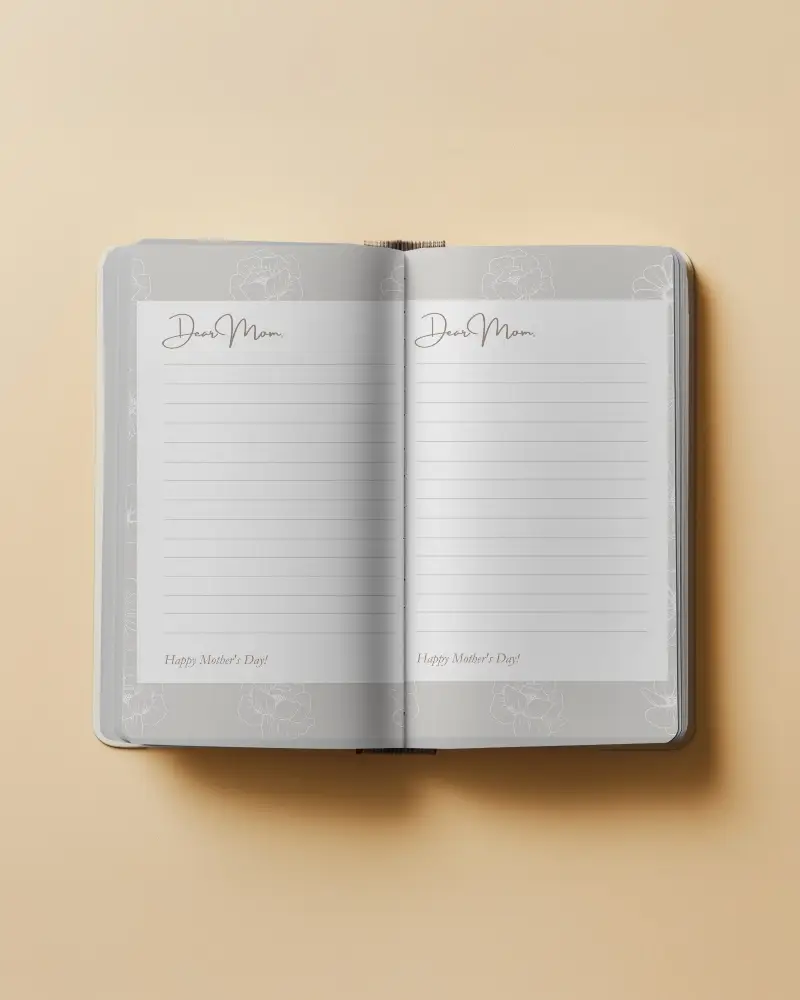
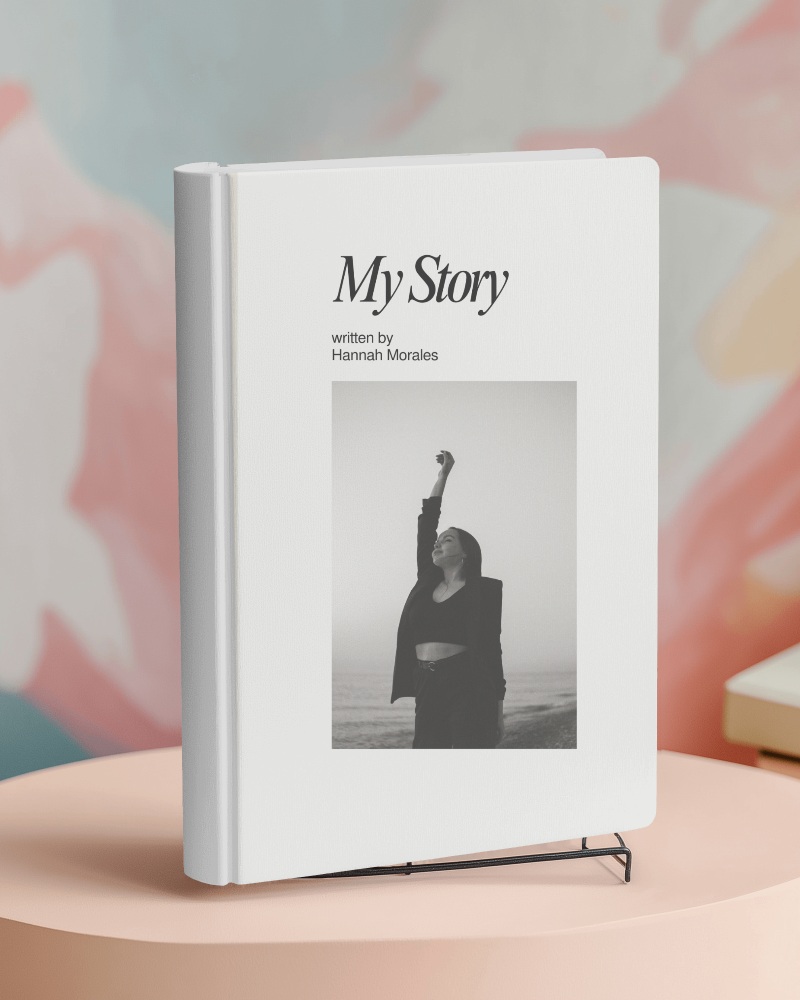
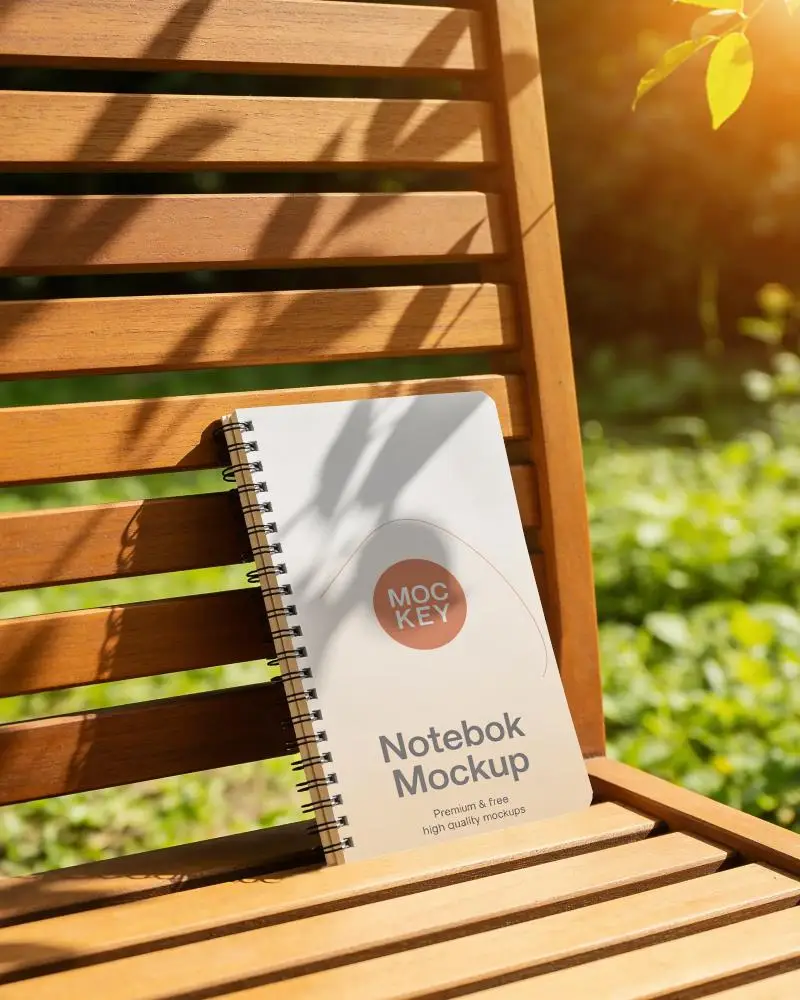
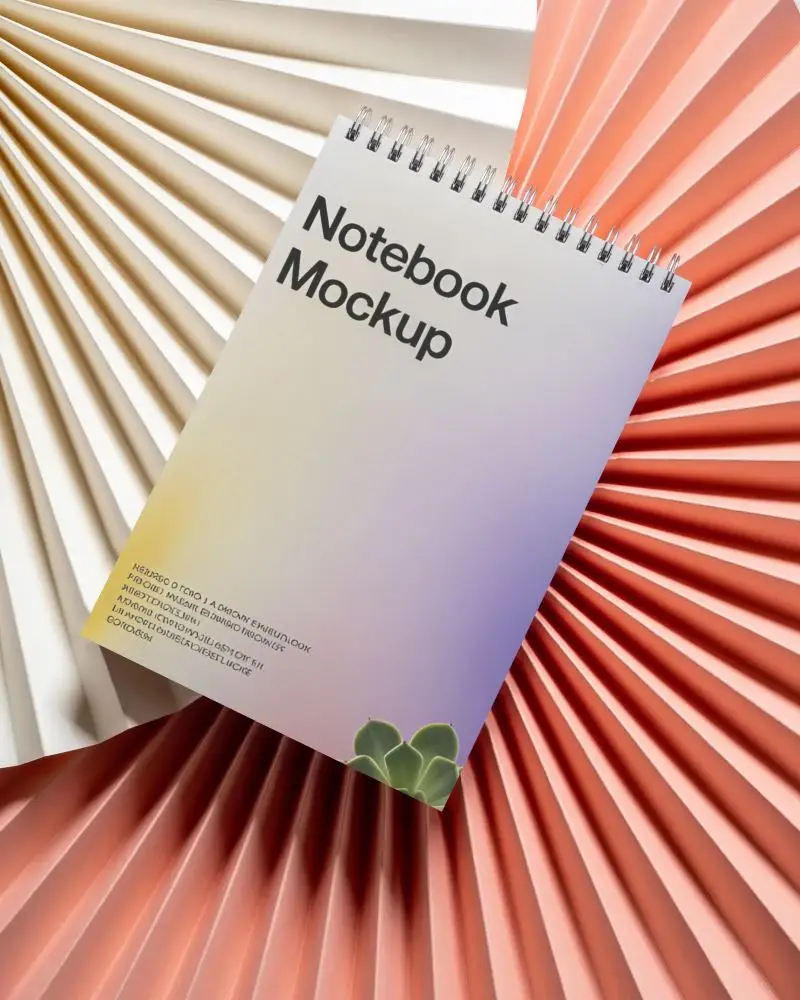
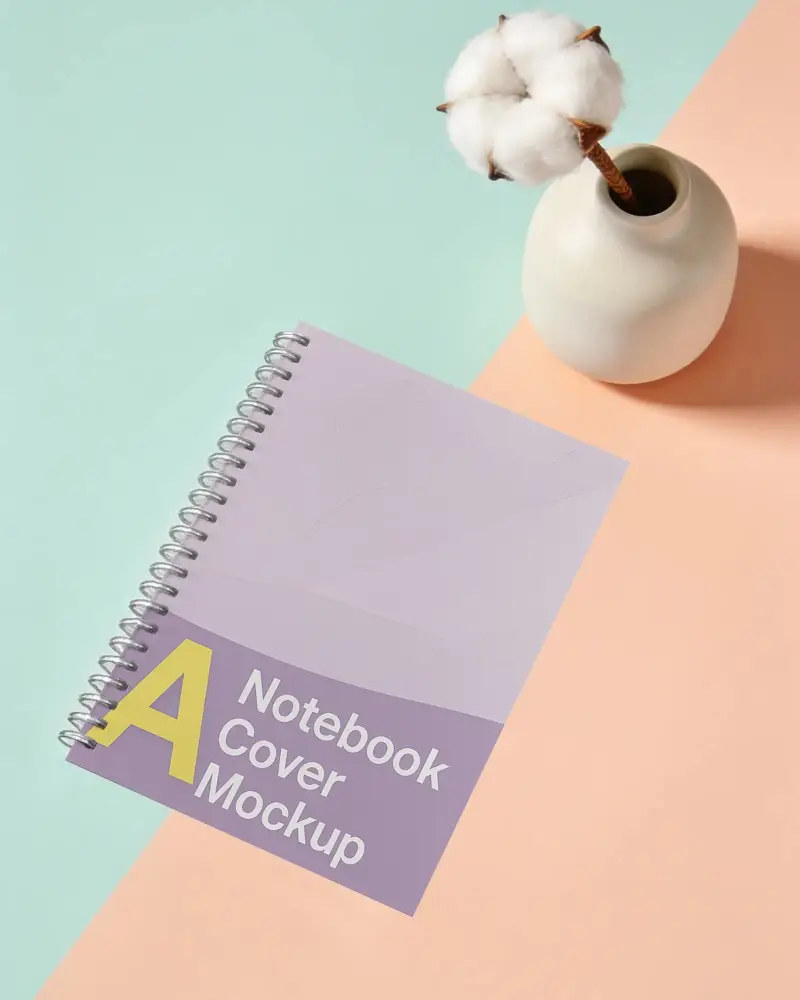
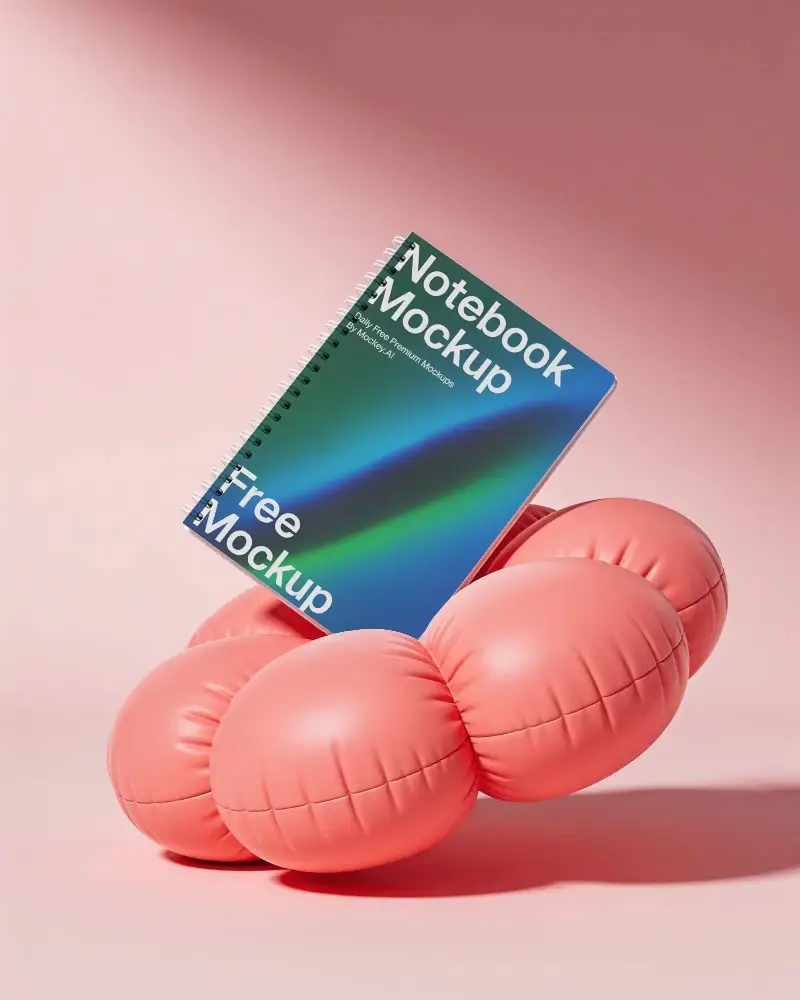
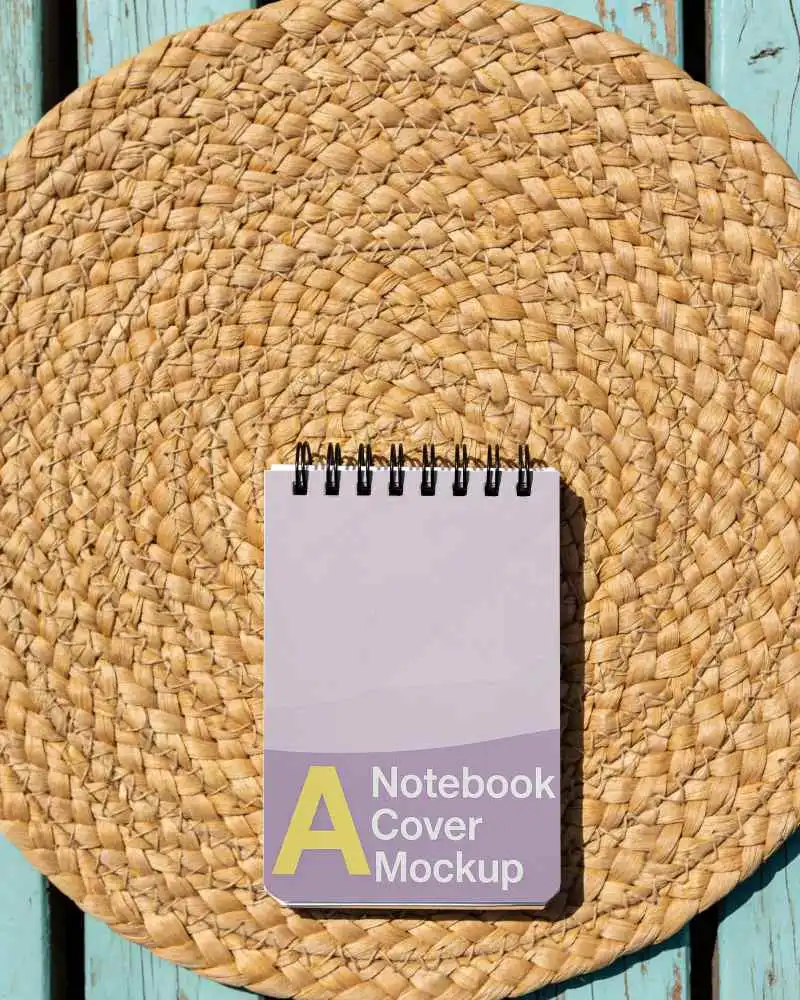
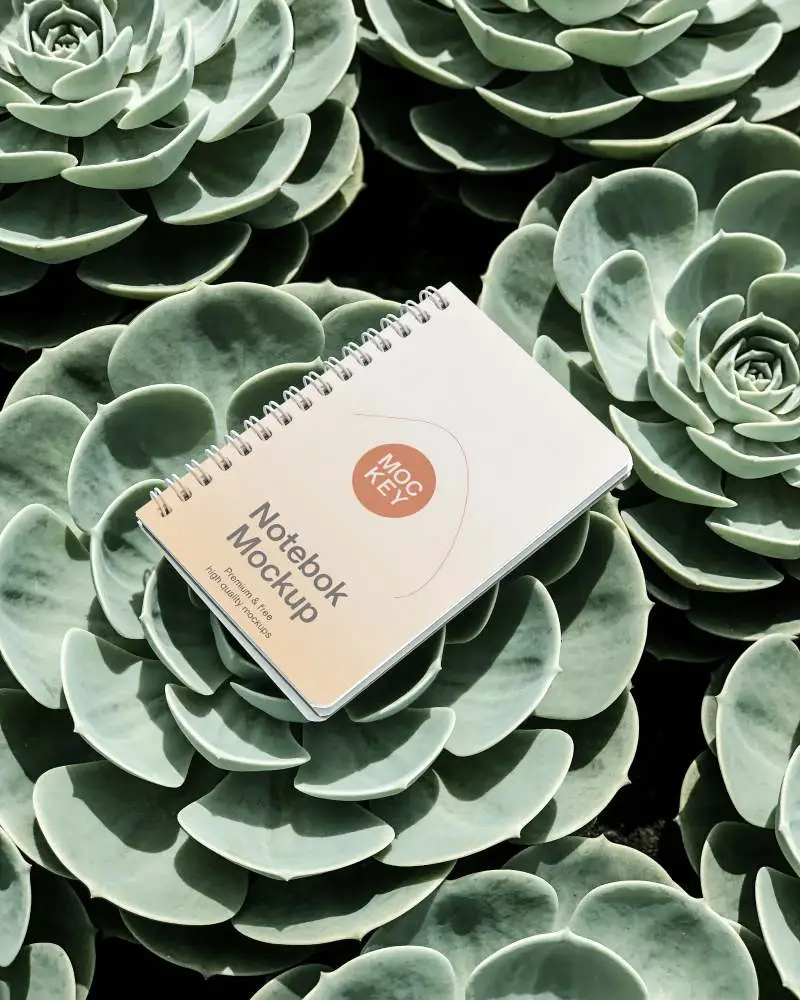
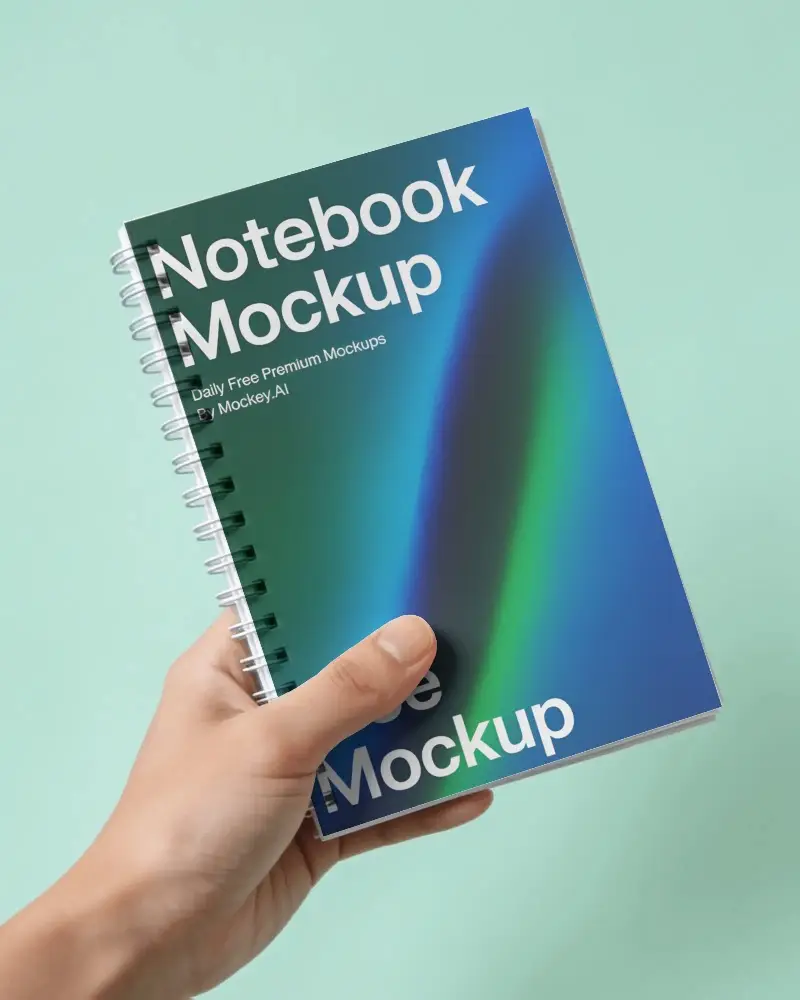
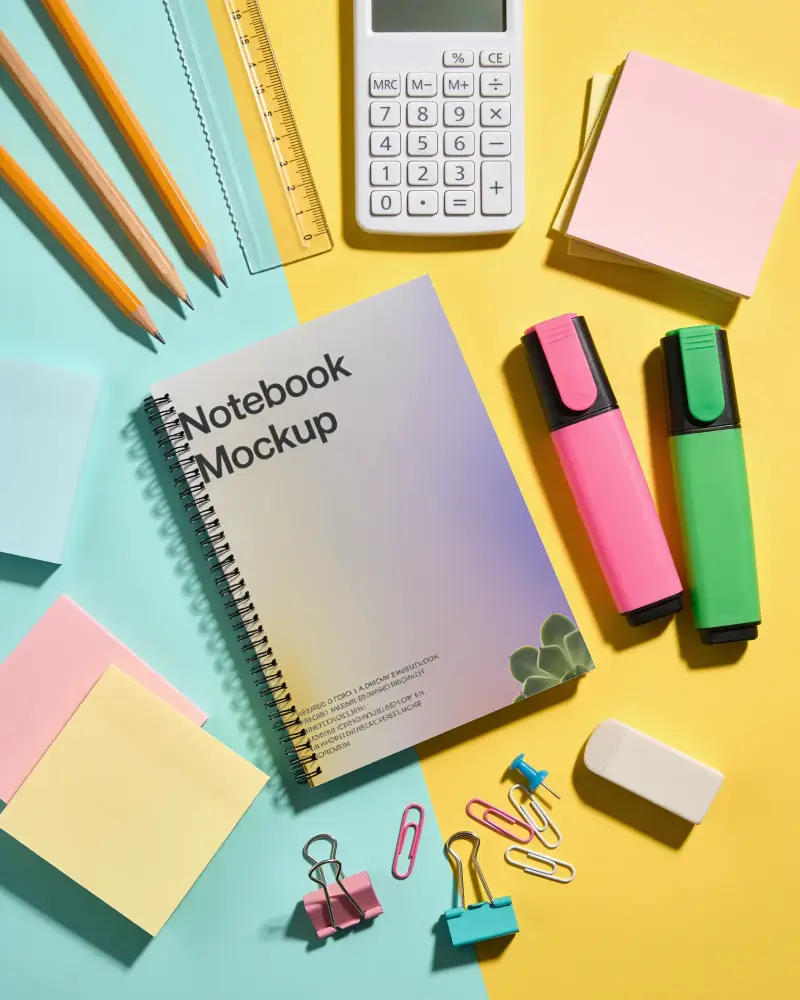
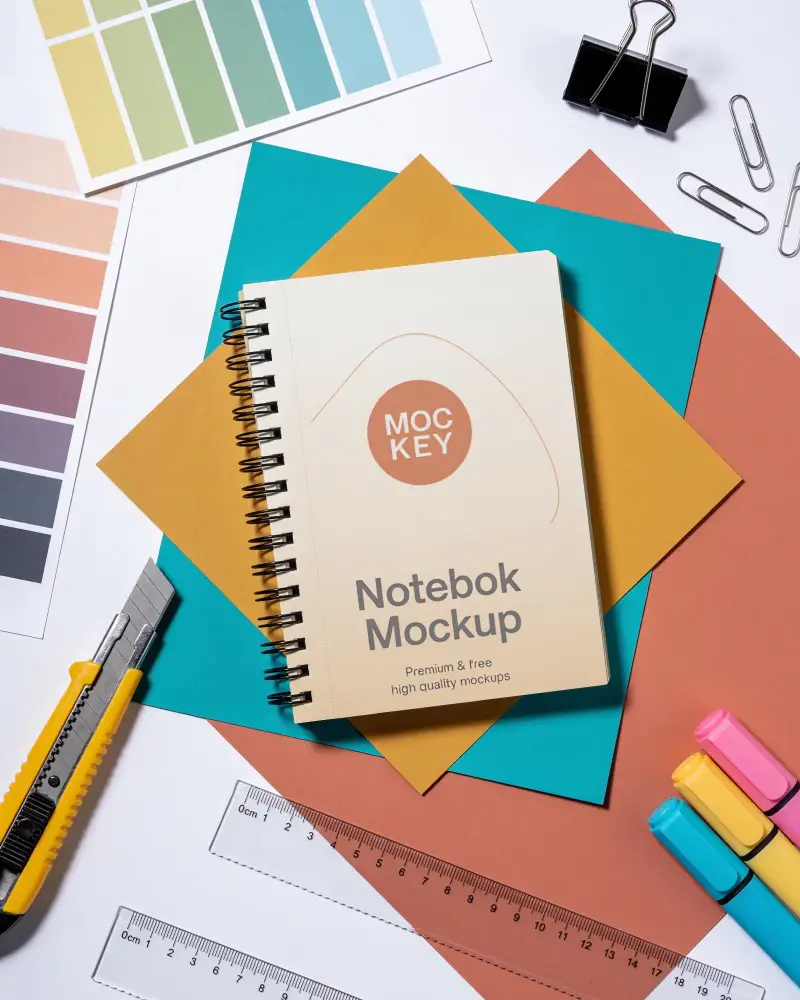
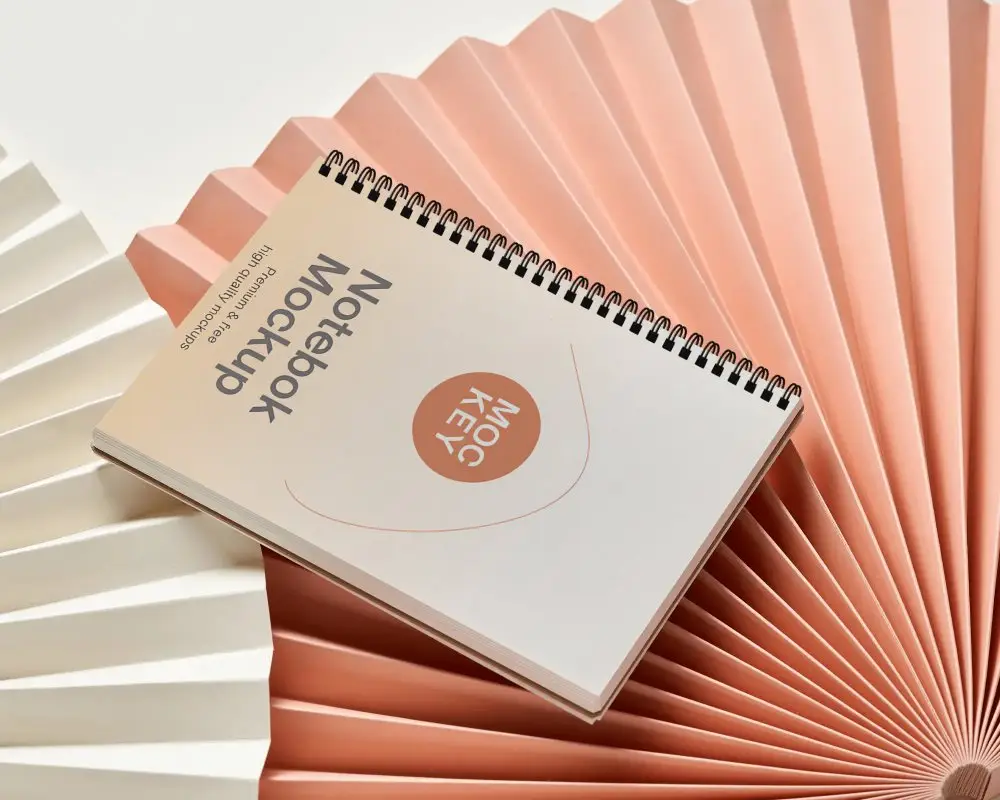
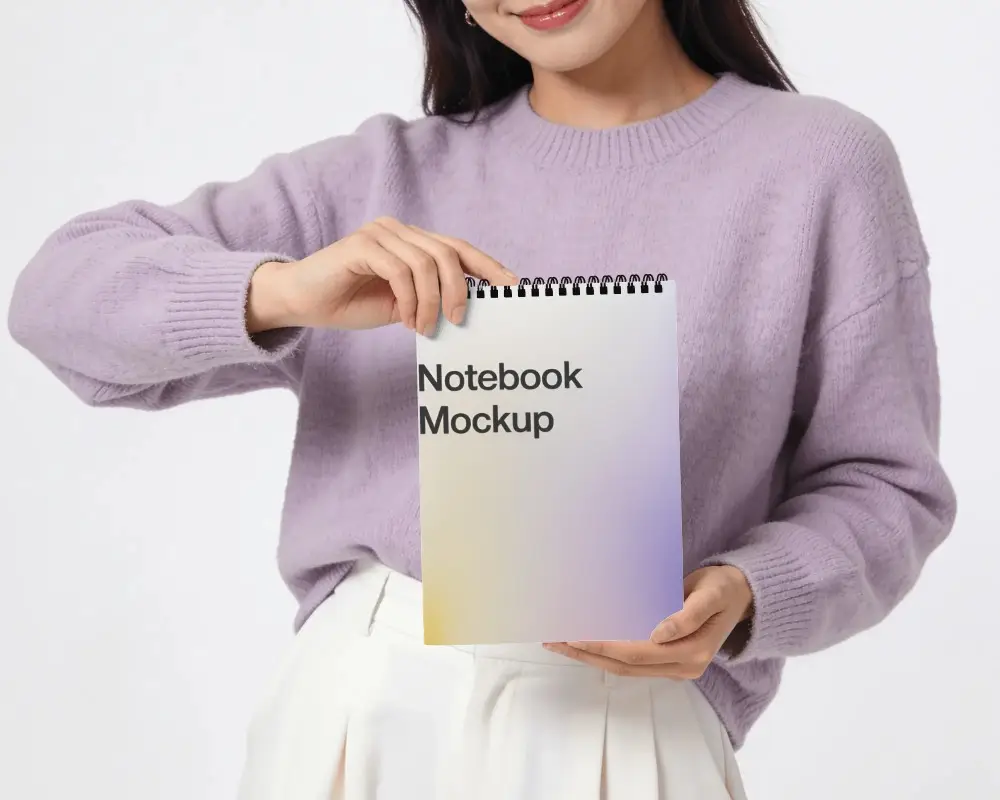
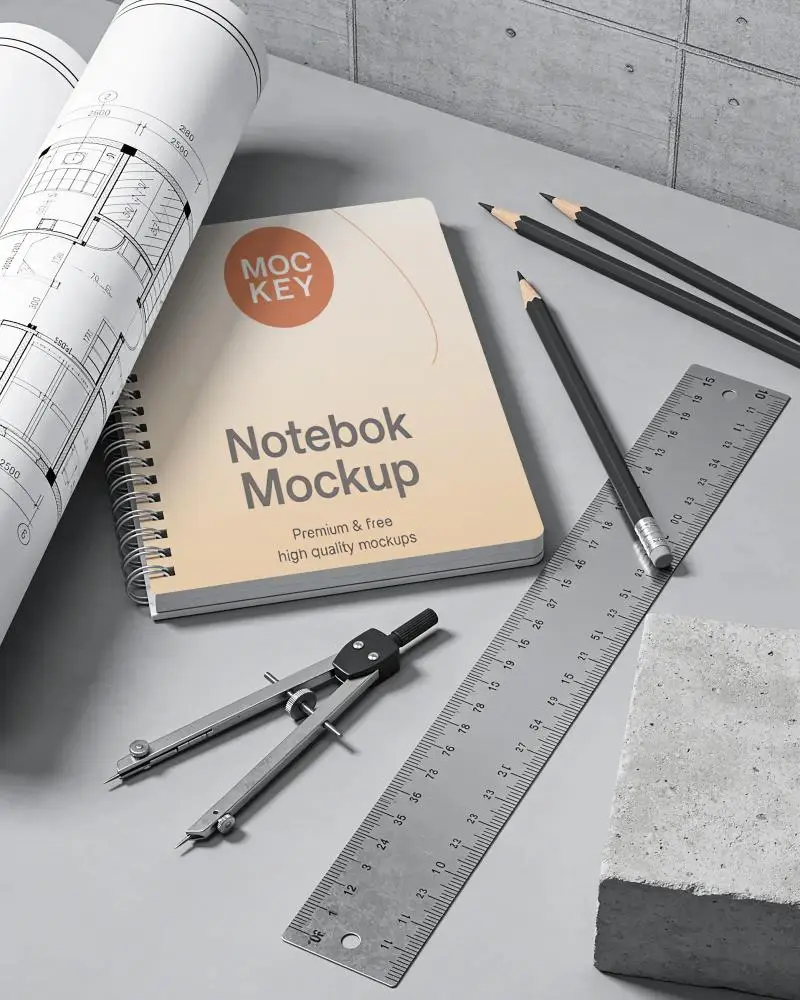
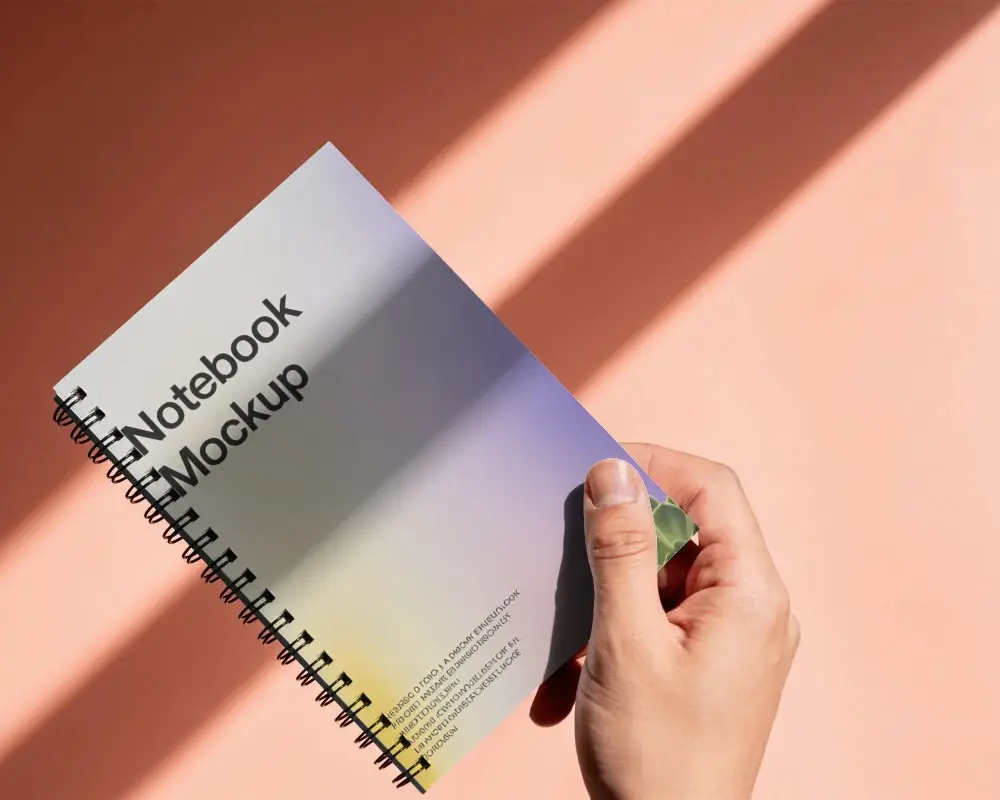
Show your cover design on a realistic spiral notebook mockup, no photoshoot needed. Pick from 40+ spiral bound notebook templates, 20+ of them free: handheld shots with models, desk scenes with stationery, flat lays and clean studio backgrounds. Upload your design, fit it to the cover, and download a JPG for free, or a high-quality PNG on any paid plan. It all runs in your browser, so there's no Photoshop or PSD file to open.


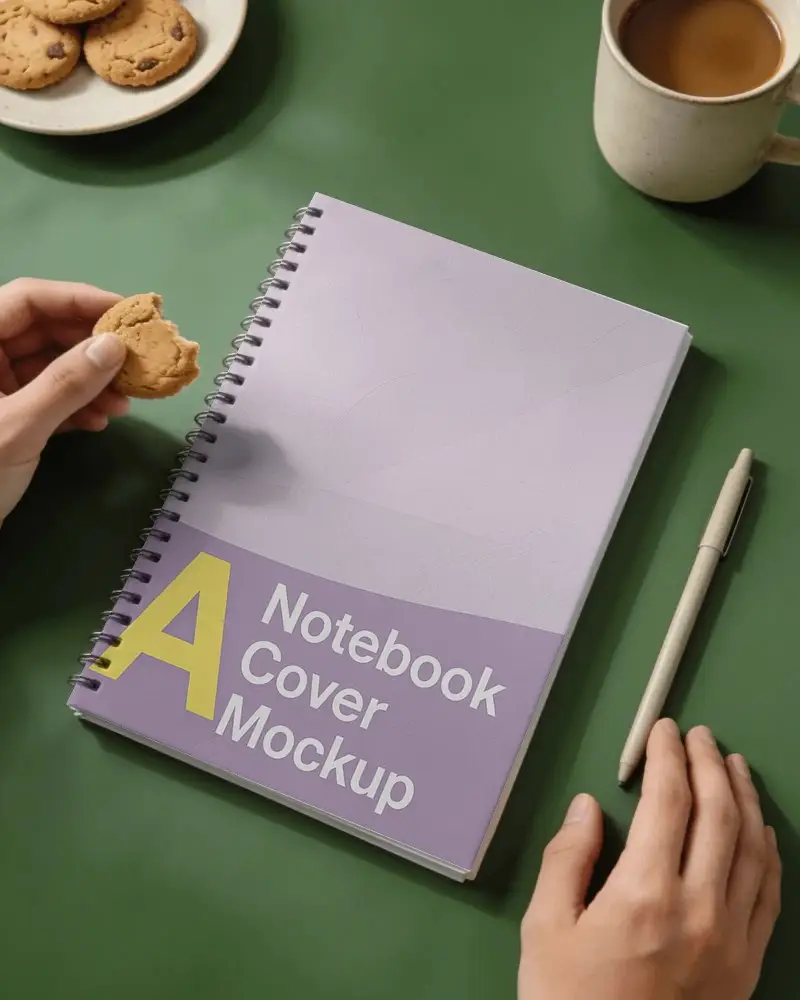
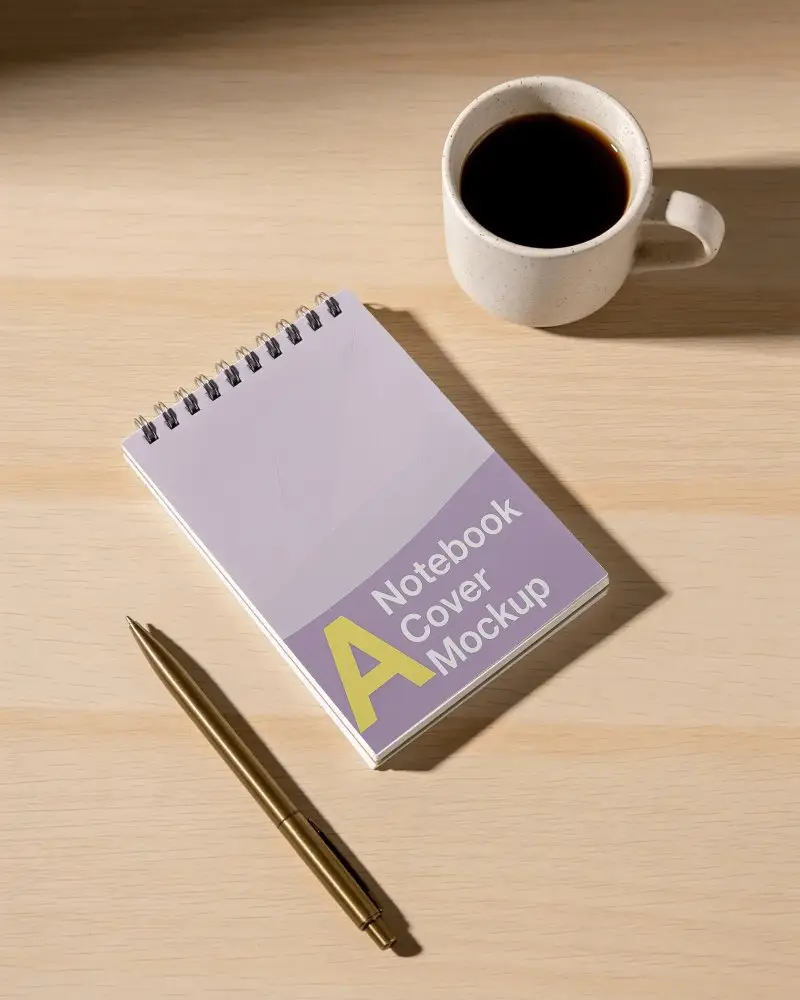
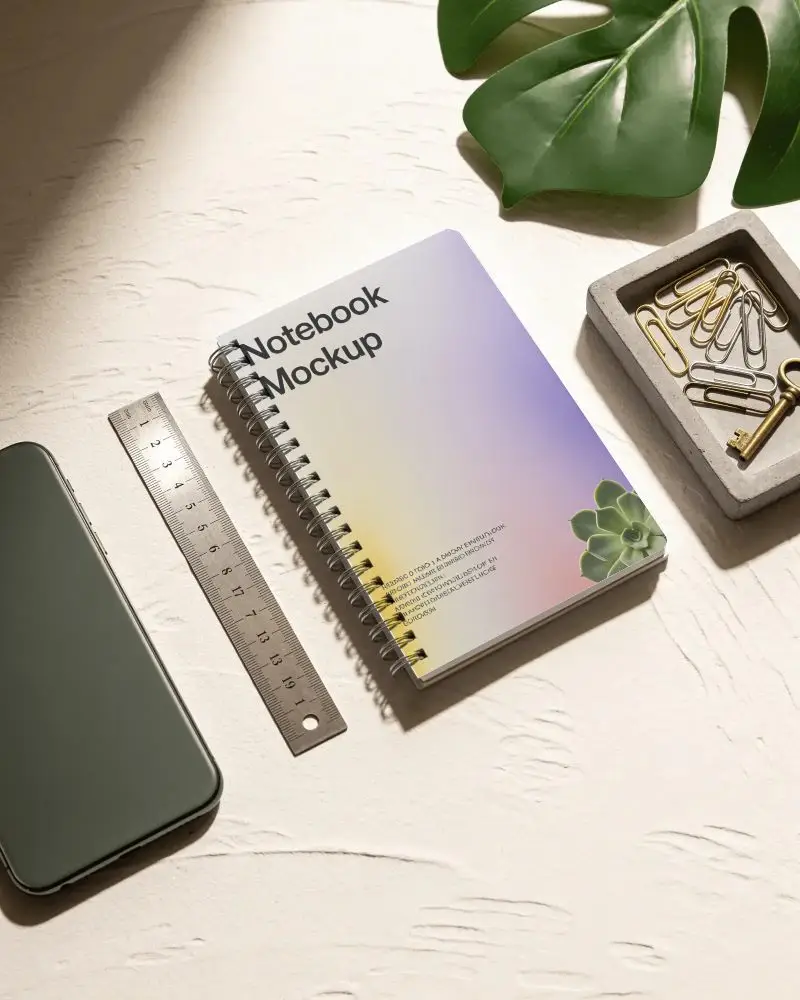
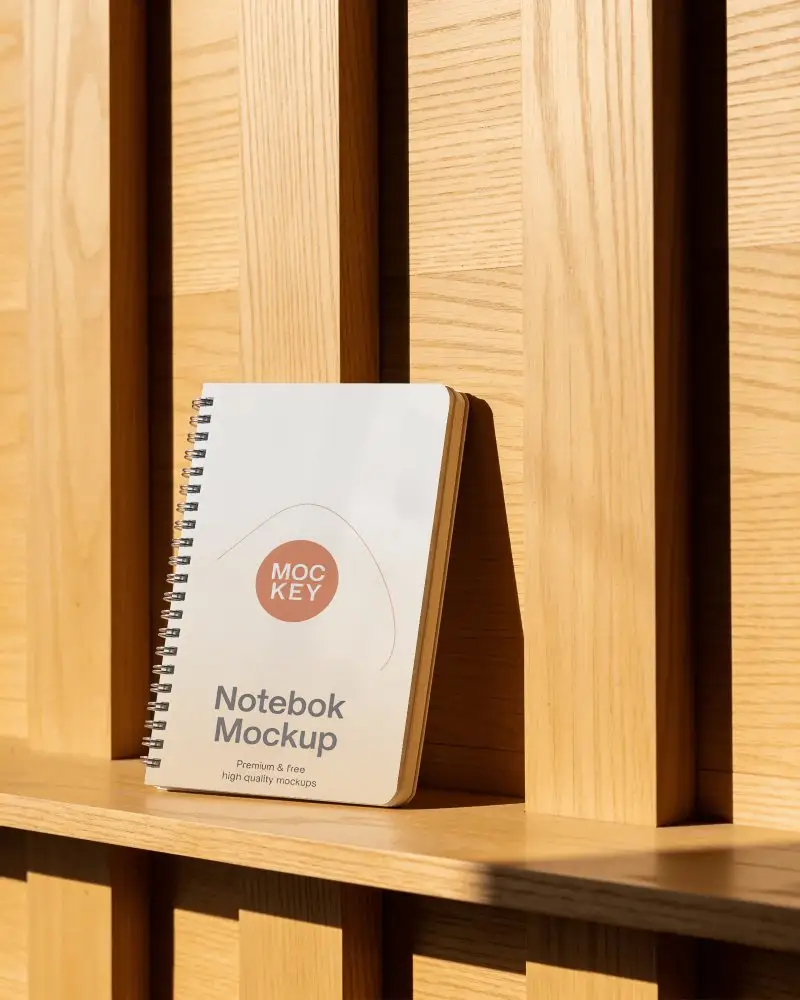
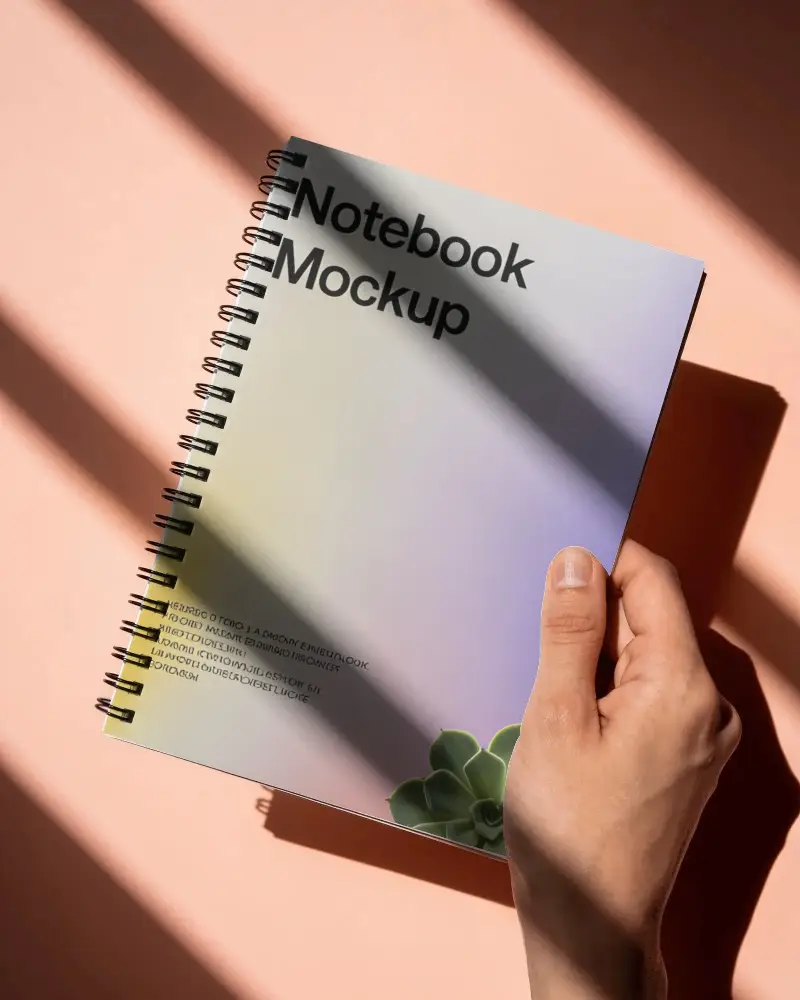
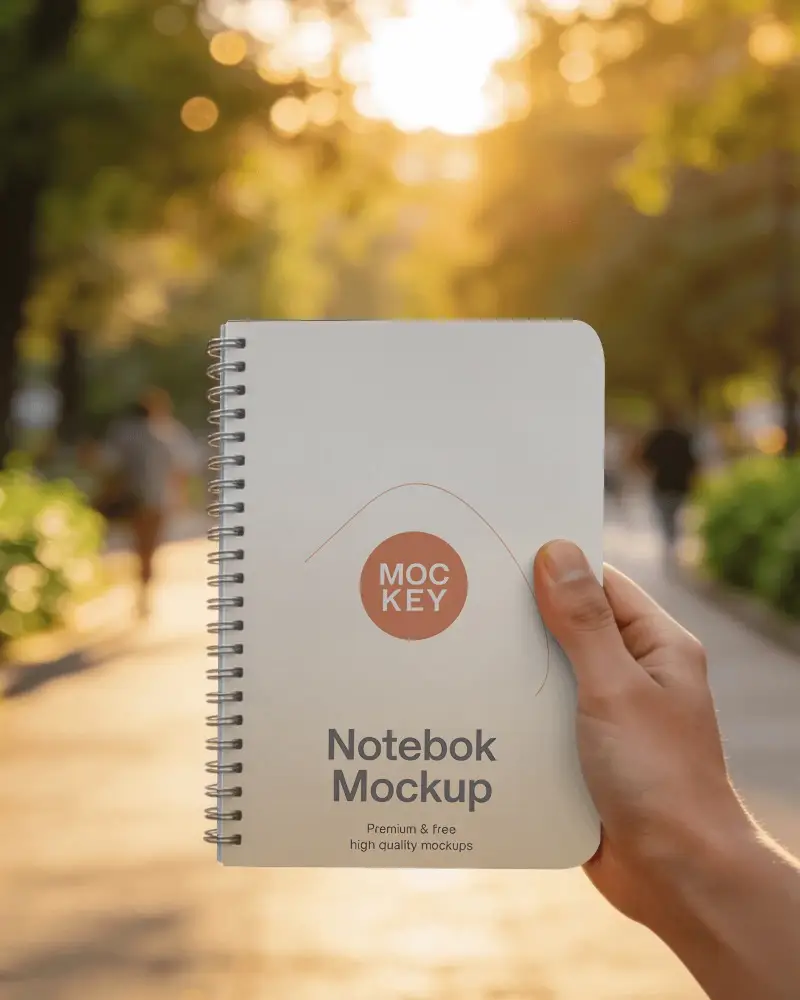

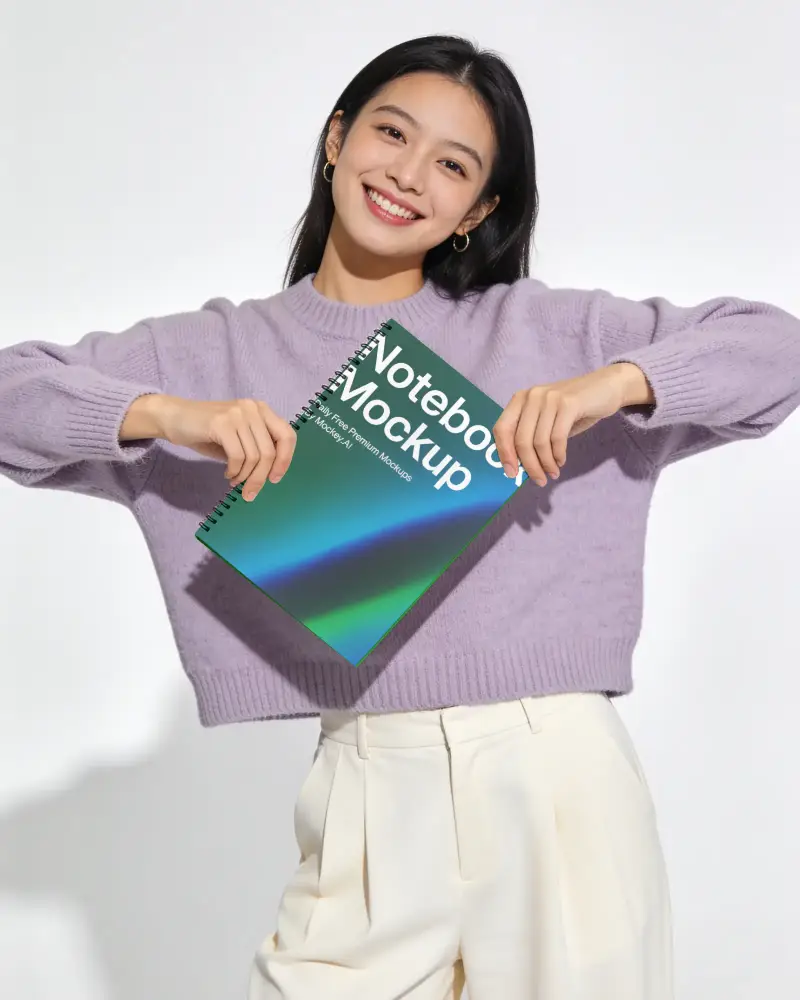
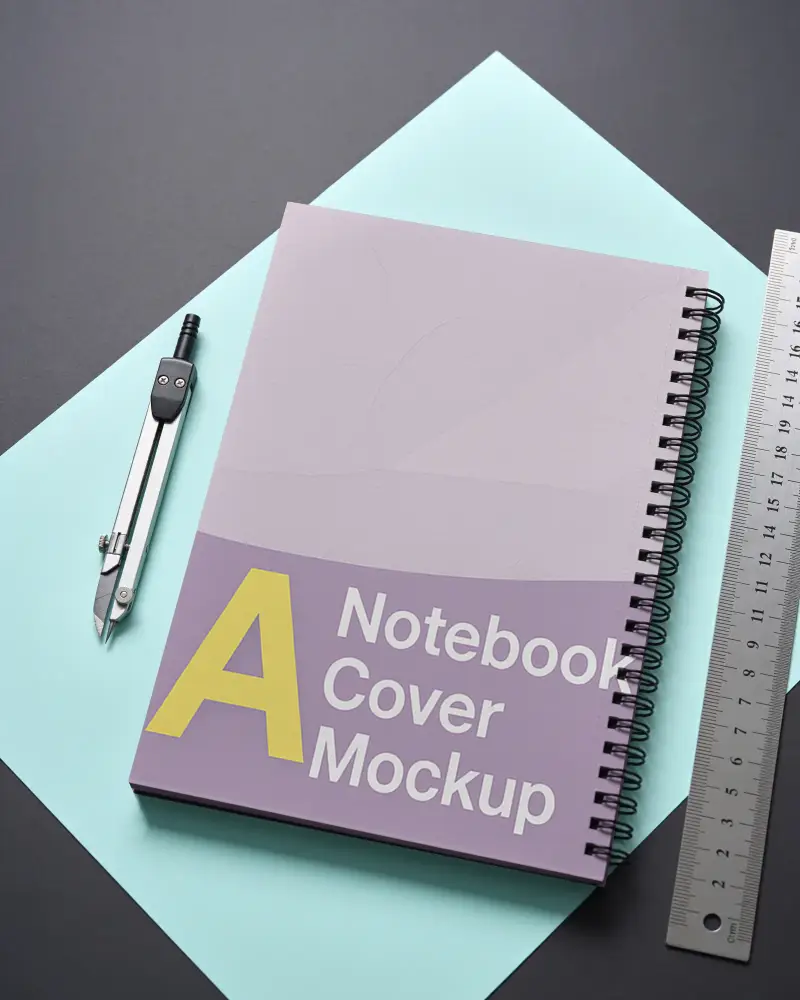


How to Make a Spiral Notebook Mockup with Mockey
Follow these 3 steps to create a spiral notebook mockup in Mockey AI.
- Step 1: Sign up for a free Mockey account, then go to Mockups > Print > Notebook > Spiral and pick a template.
- Step 2: Click Upload Design to add your cover artwork, adjust the fit and change the color if you like. Creator and Forever plans also unlock AI edits like Change Background and Multi Shot.
- Step 3: Click Export, choose JPG or PNG and pick a size. JPG is free; PNG and high-quality downloads up to 1600 × 2000 px (2000 × 1600 px for landscape templates) come with paid plans from Starter up.


FAQs on Spiral Notebook Mockups
What is a Spiral Notebook Mockup?
A spiral notebook mockup is a digital picture that shows how a spiral notebook design will look. People use it to change colors, covers, and backgrounds to make their notebooks look real.
Why create a Spiral Notebook mockup?
A spiral notebook mockup makes marketing easy, saves time and money, and lets designers quickly change colors, backgrounds, and styles.
Why Use Mockey’s Spiral Notebook Mockup?
Mockey’s Spiral Notebook Mockup is easy to use. Just upload your design, change colors, and pick a style. It saves time, looks real, and costs less than hiring models or photoshoots.
Is this Spiral Notebook Mockup Free?
Yes. 20+ of the 40+ spiral notebook templates are free. Add your design and download a JPG on the free plan, for personal use. Paid plans, from Starter up, add PNG files, PRO templates and commercial use.
Where can I find a free spiral notebook mockup?
Right on this page. Pick any of the 20+ free spiral notebook templates, upload your design and download it as a JPG. The free plan doesn't need a card.
Are Mockey’s spiral notebook mockups compatible with Photoshop?
You don't need Photoshop. Mockey's spiral notebook mockups are edited online: upload your design, adjust it and download a JPG, or a PNG on a paid plan. There are no PSD files to install and no smart objects to edit.
What file formats are available for Mockey’s spiral notebook mockups?
Mockey offers spiral notebook mockups in PNG and JPEG formats. You can get JPEG files for free. PNG files and high-quality downloads up to 1600 × 2000 px come with the Starter plan or higher.
