Free Billboard Mockups & Outdoor Hoarding Templates
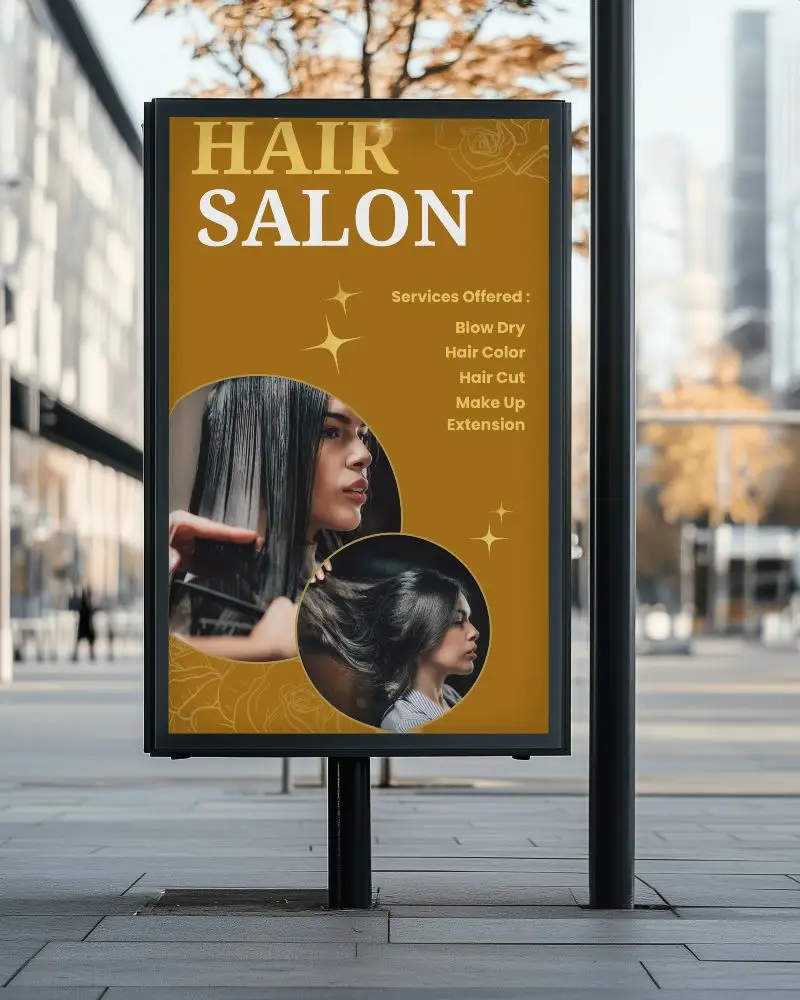
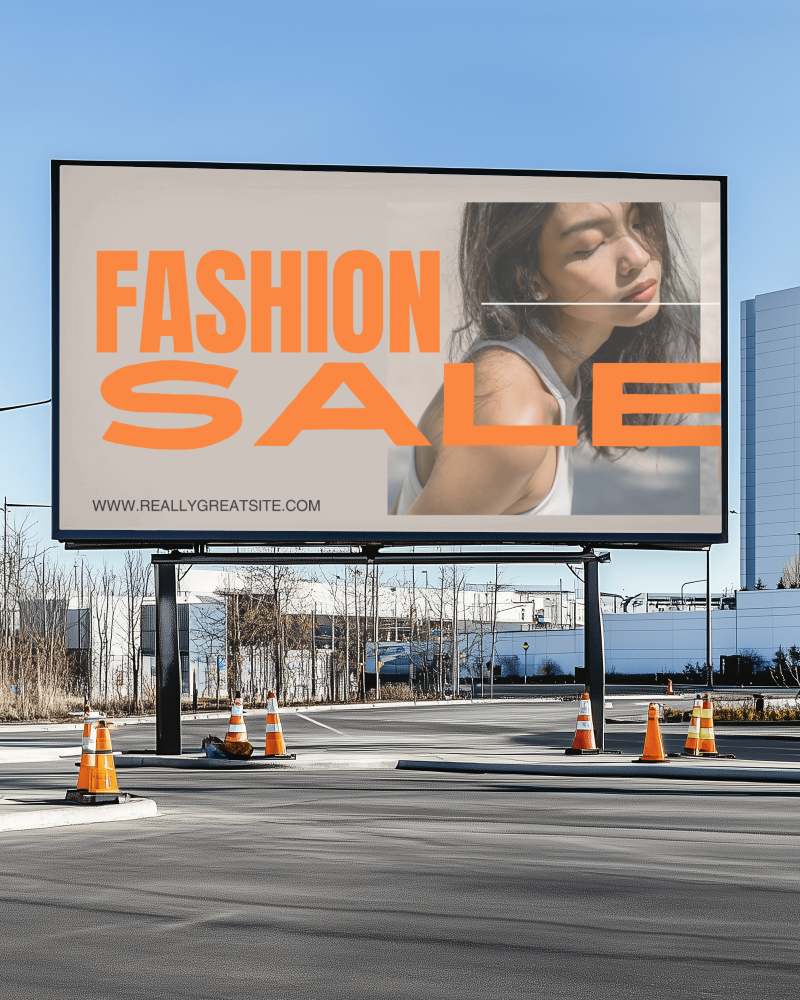
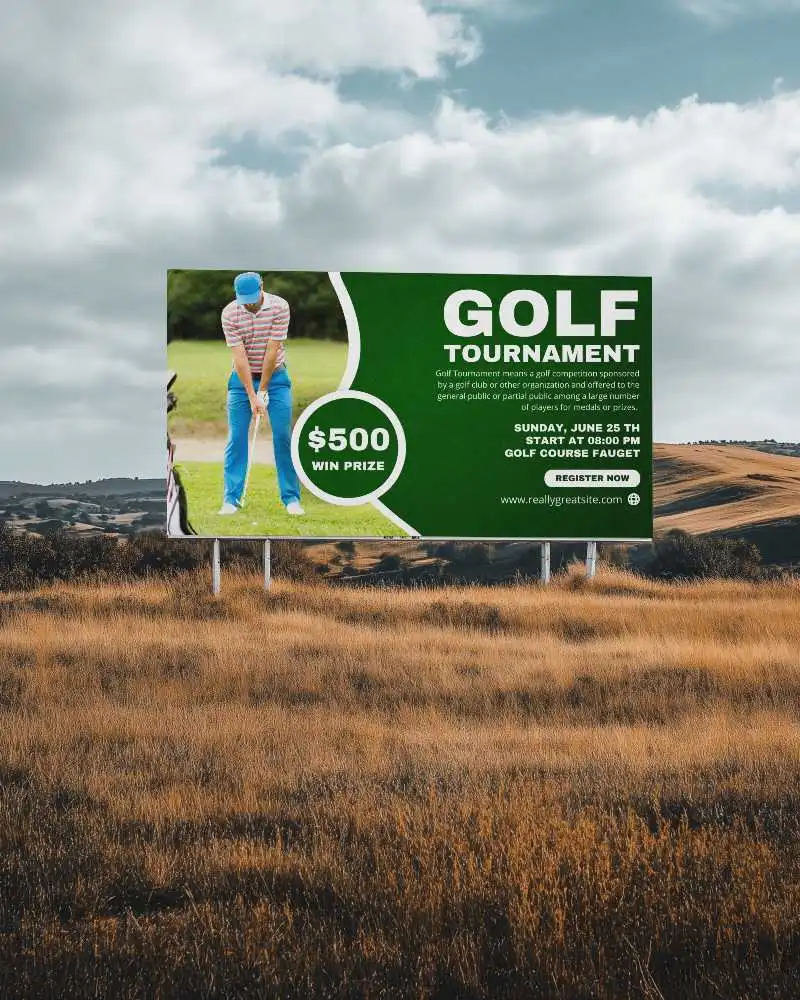
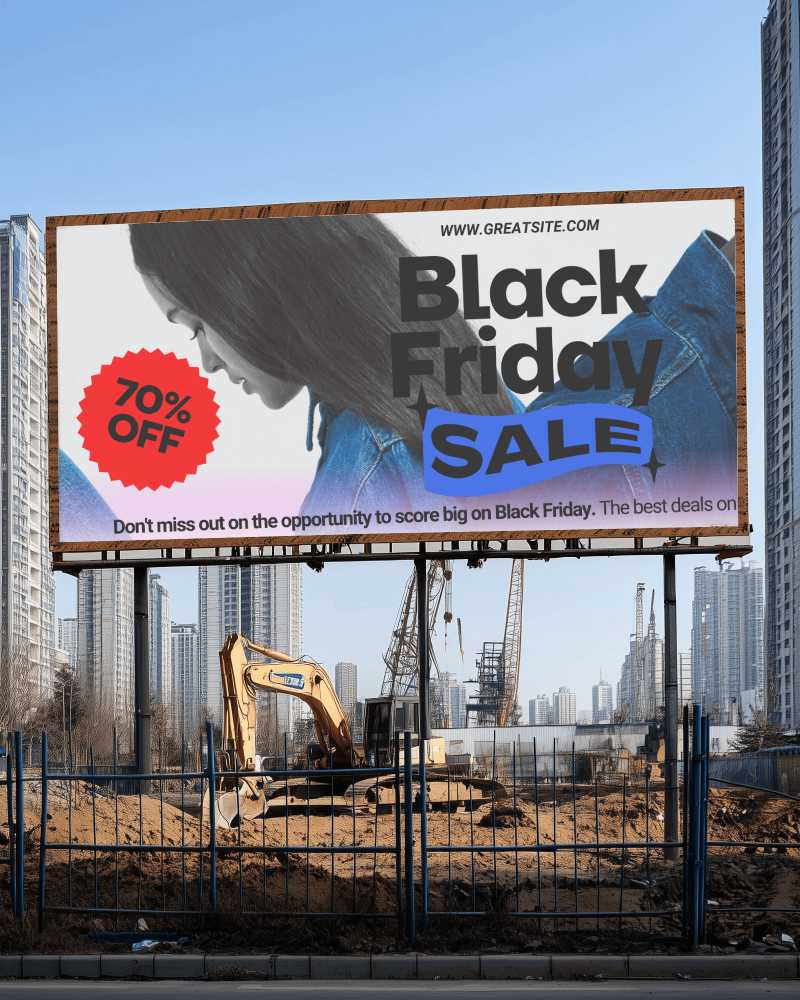
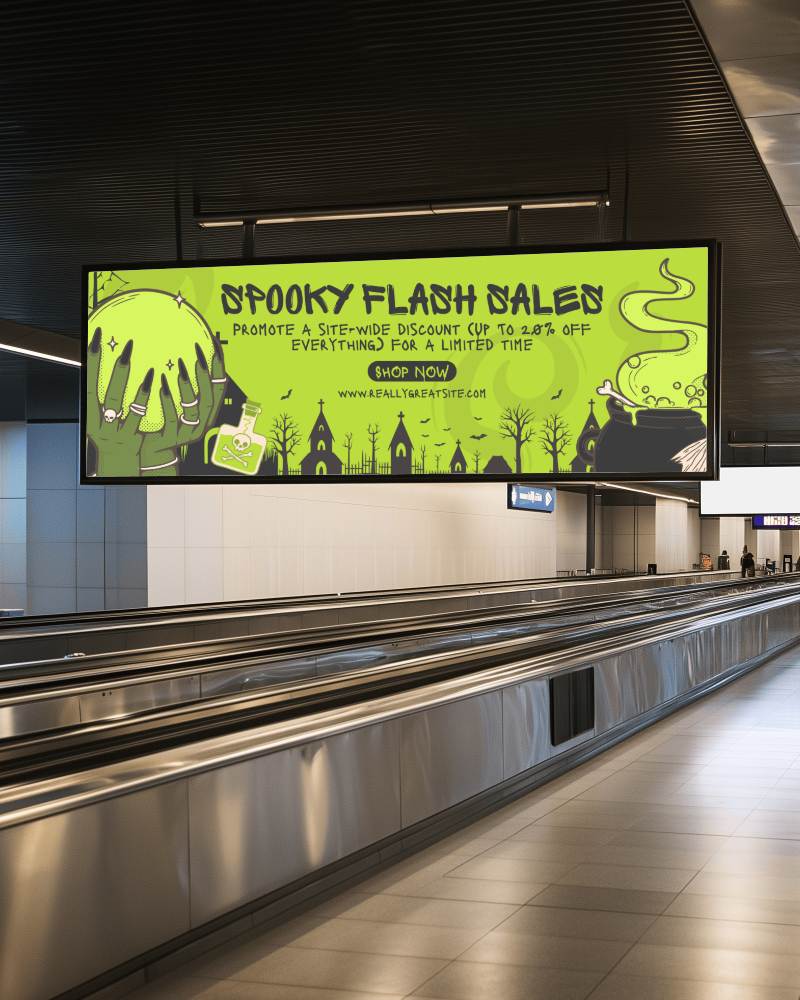
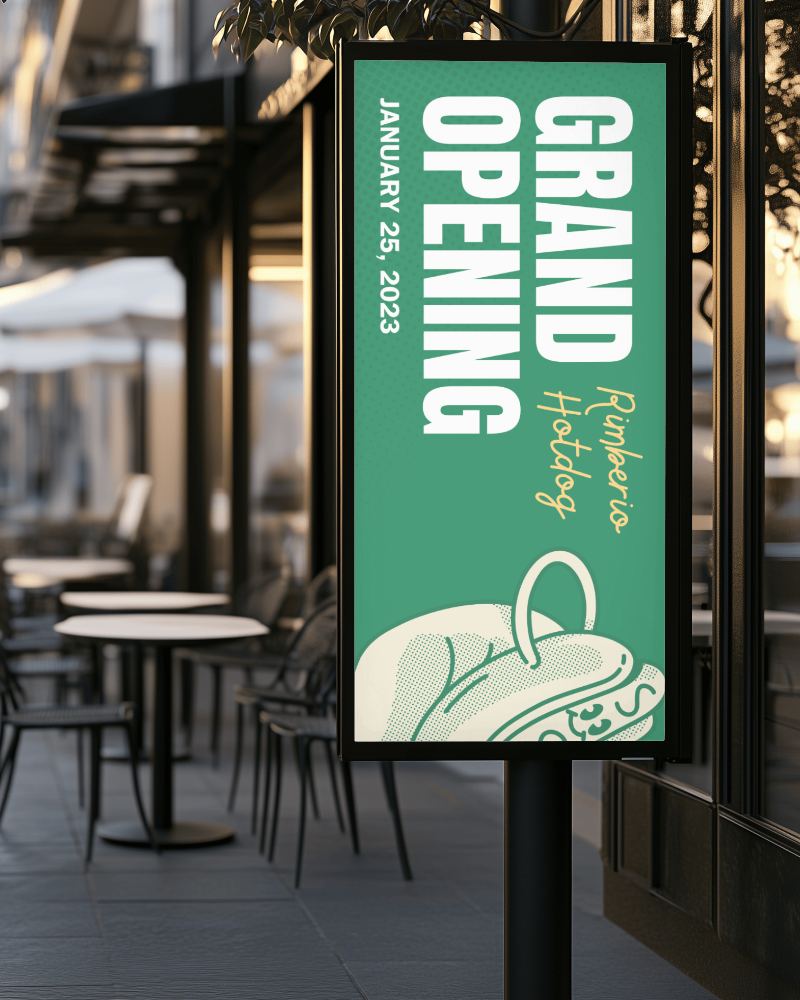
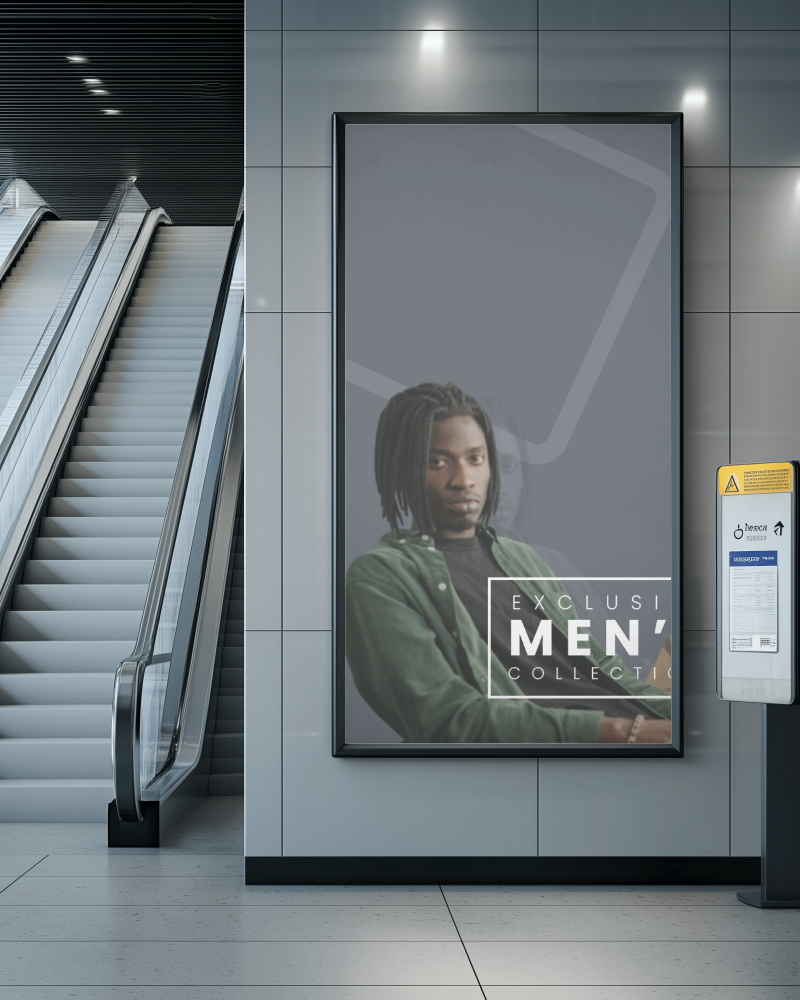
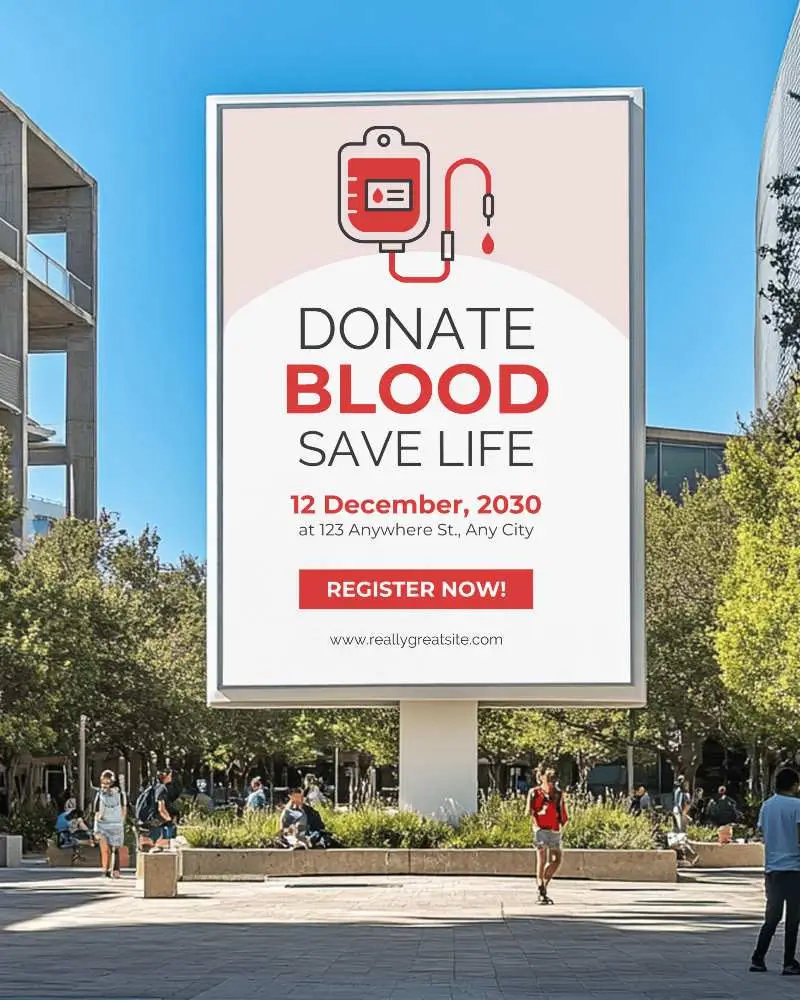
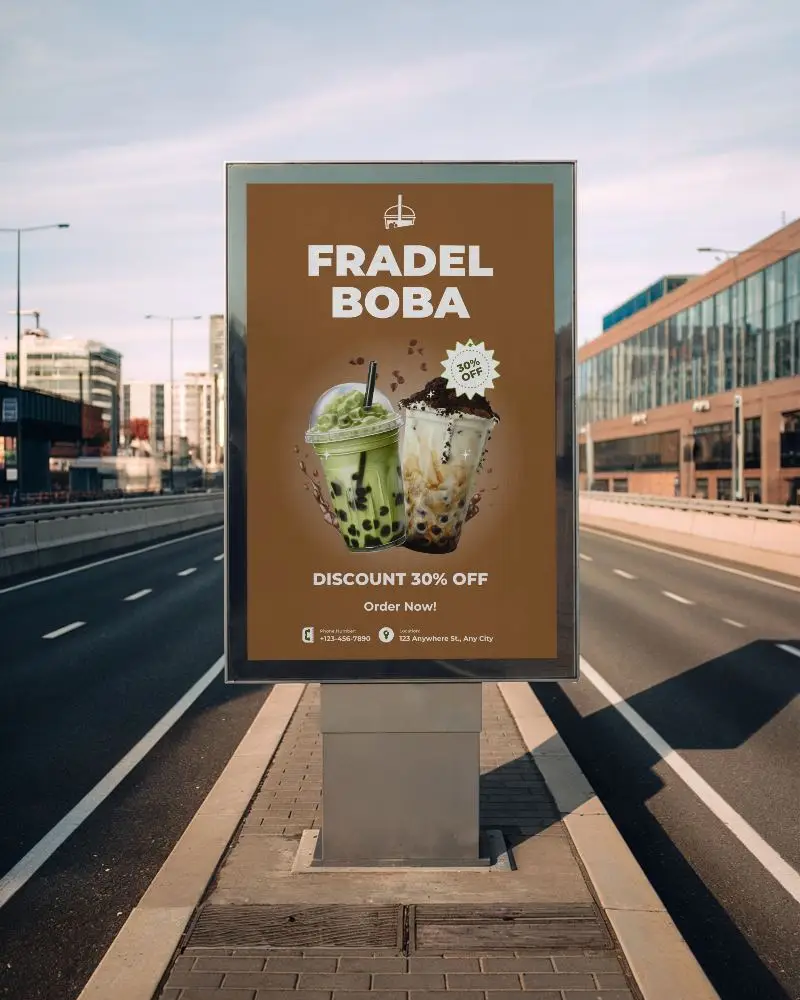
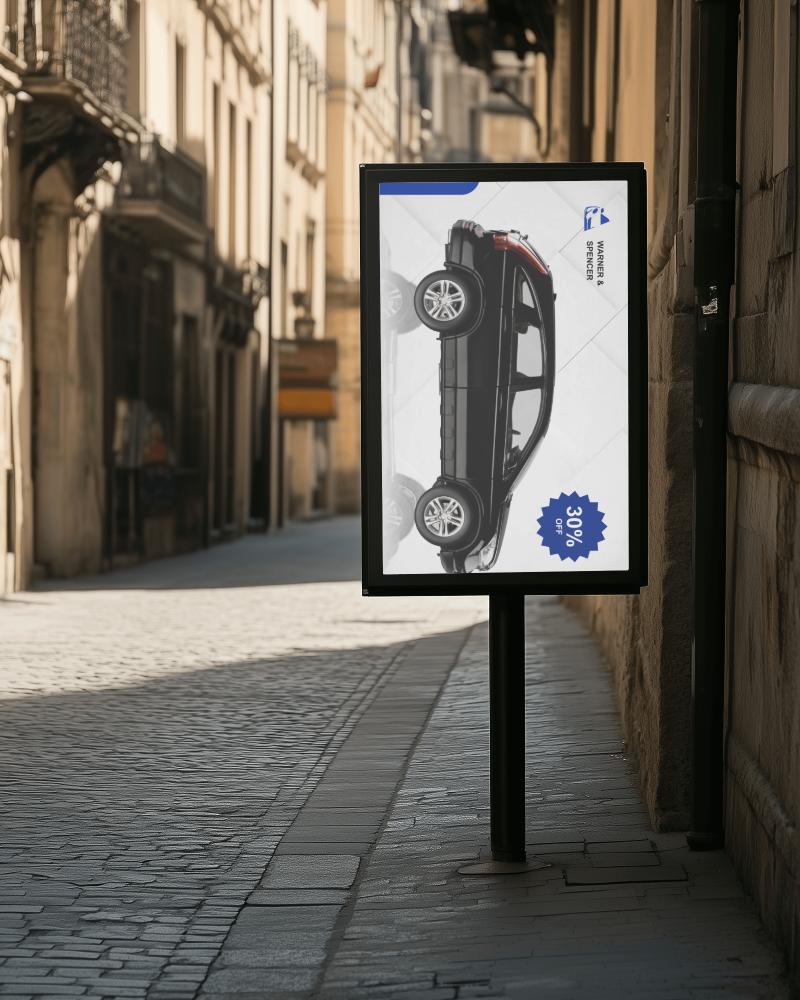
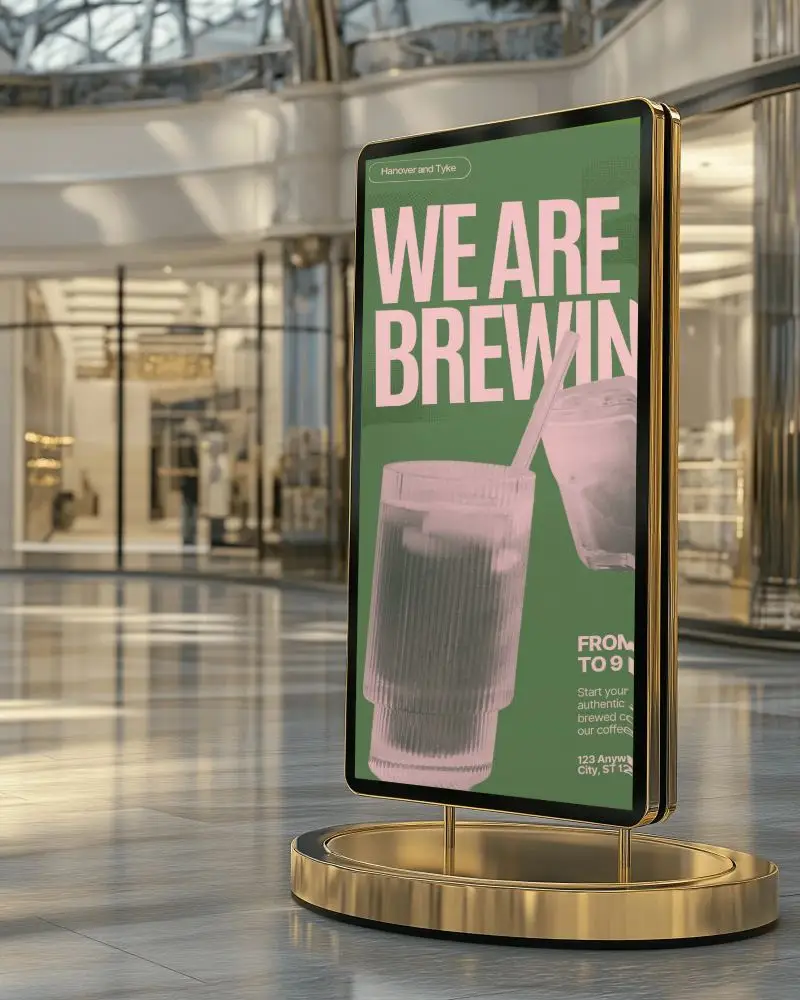
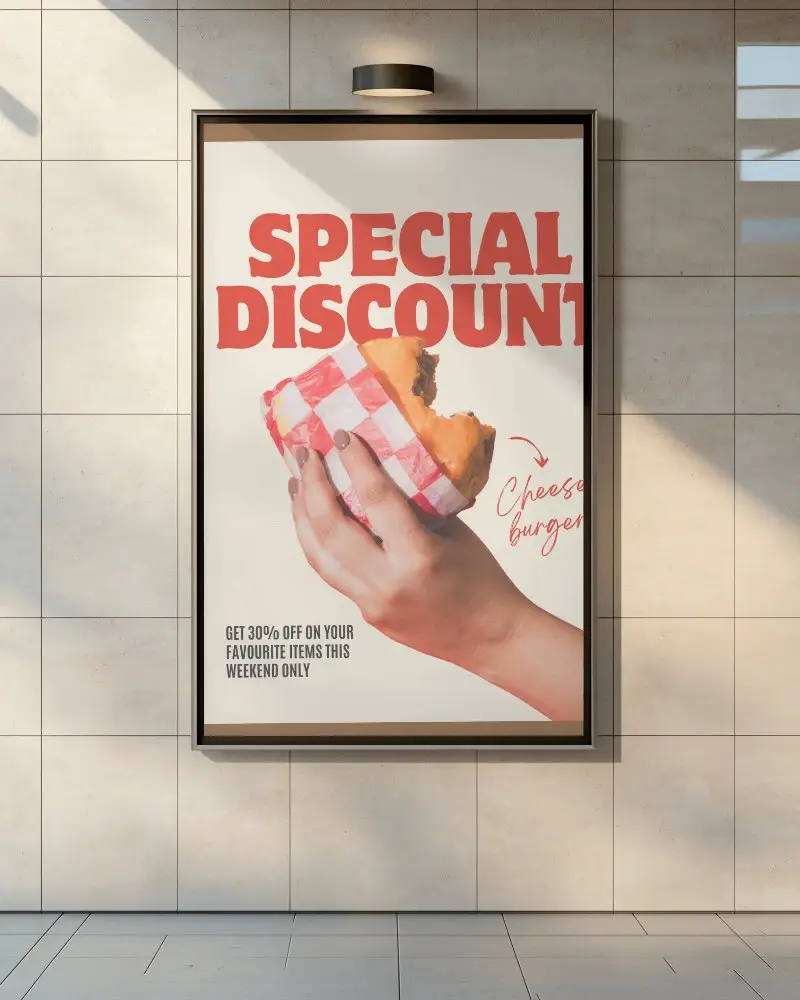
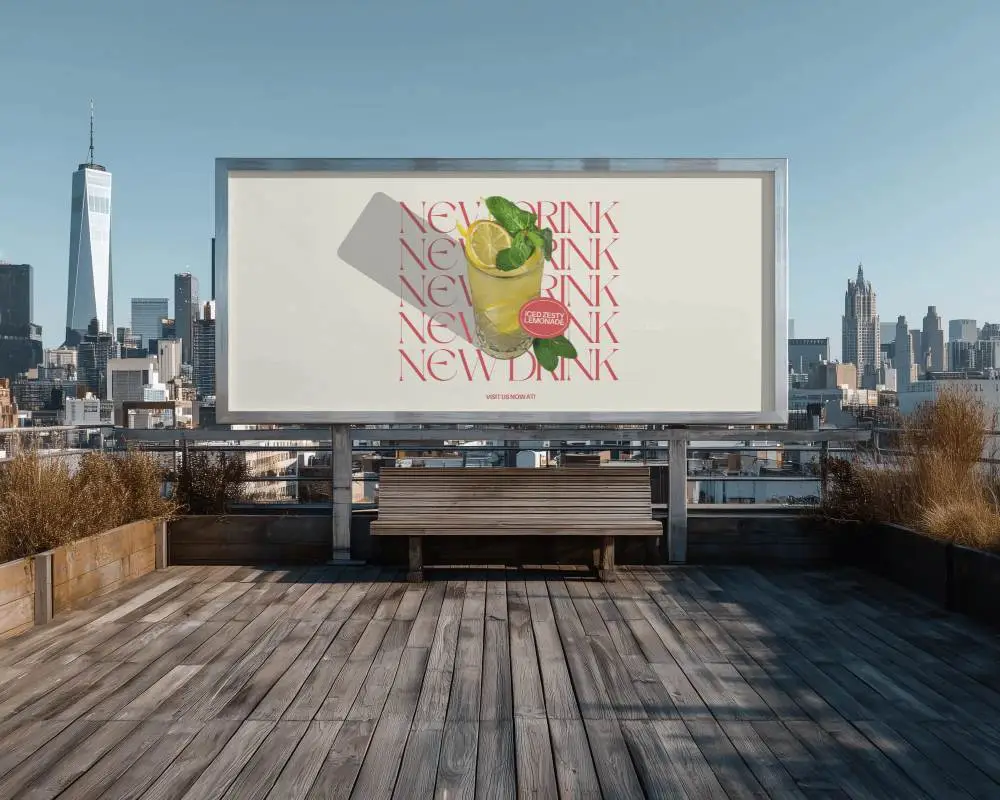
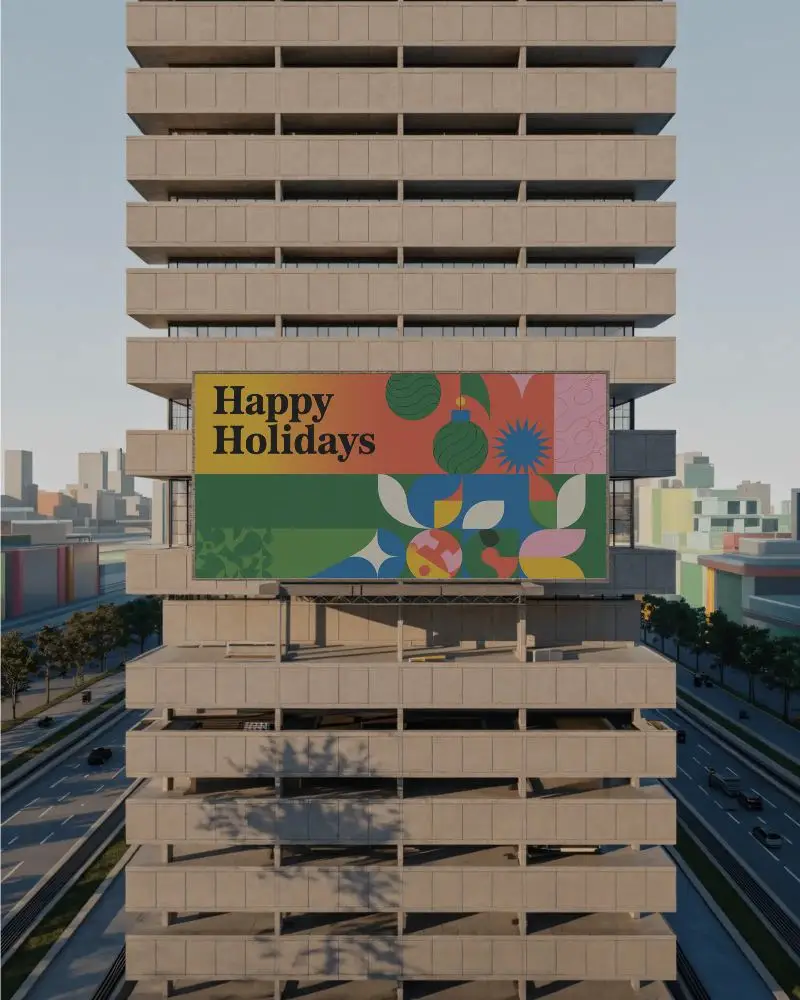
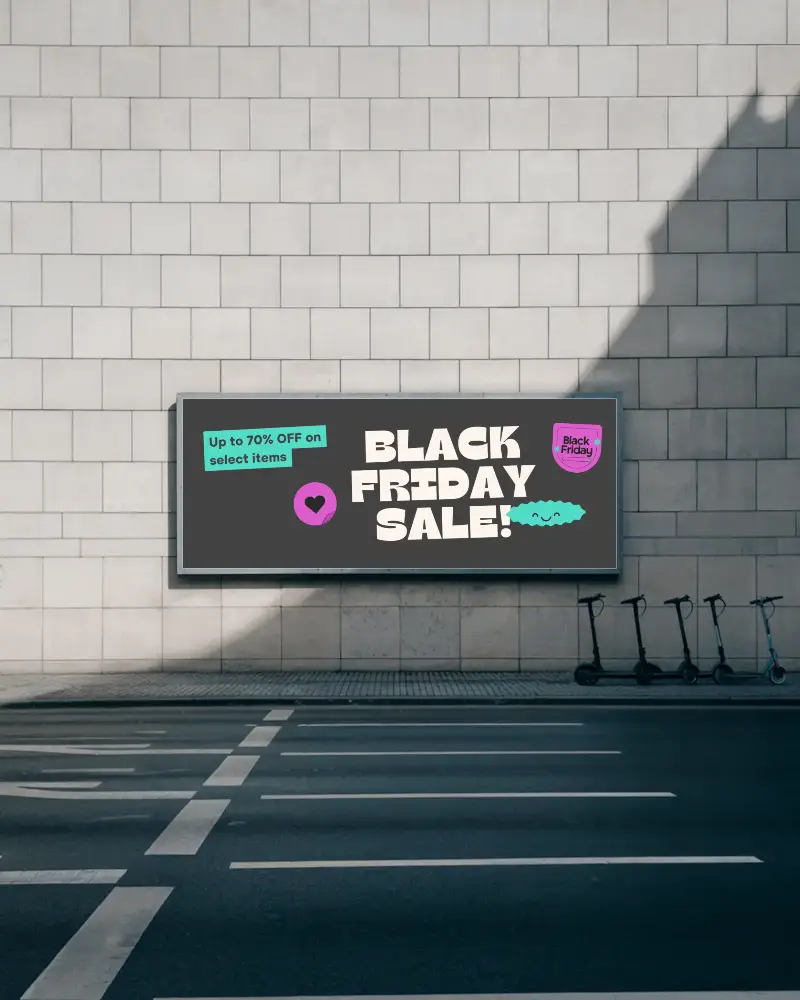
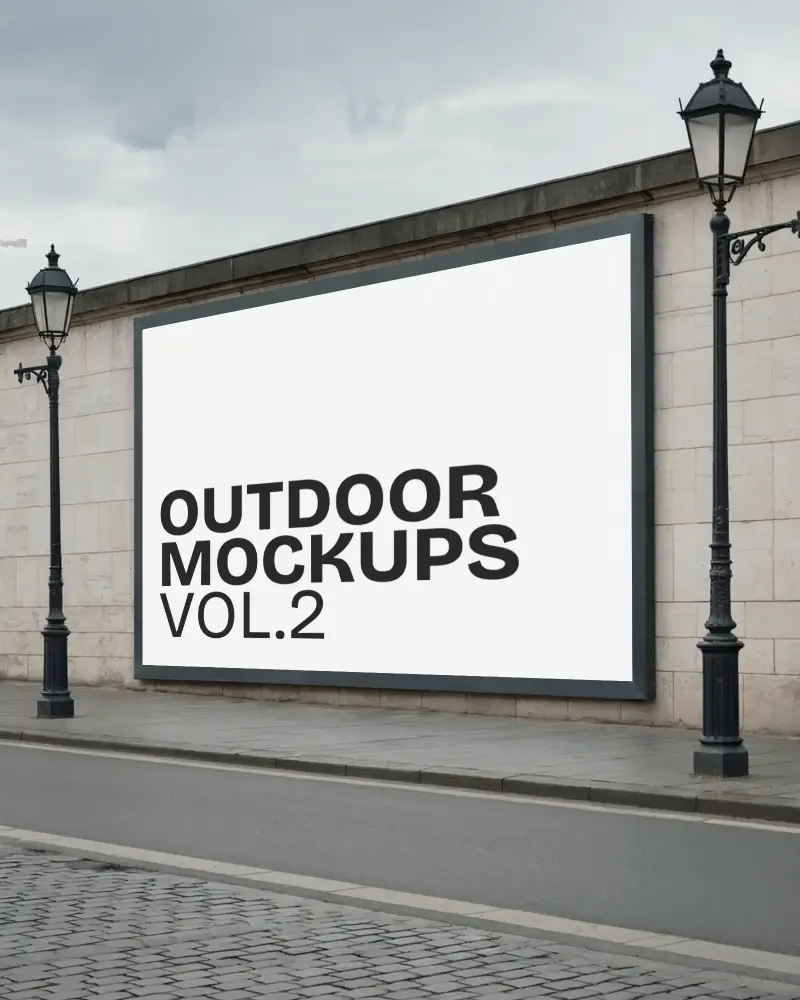
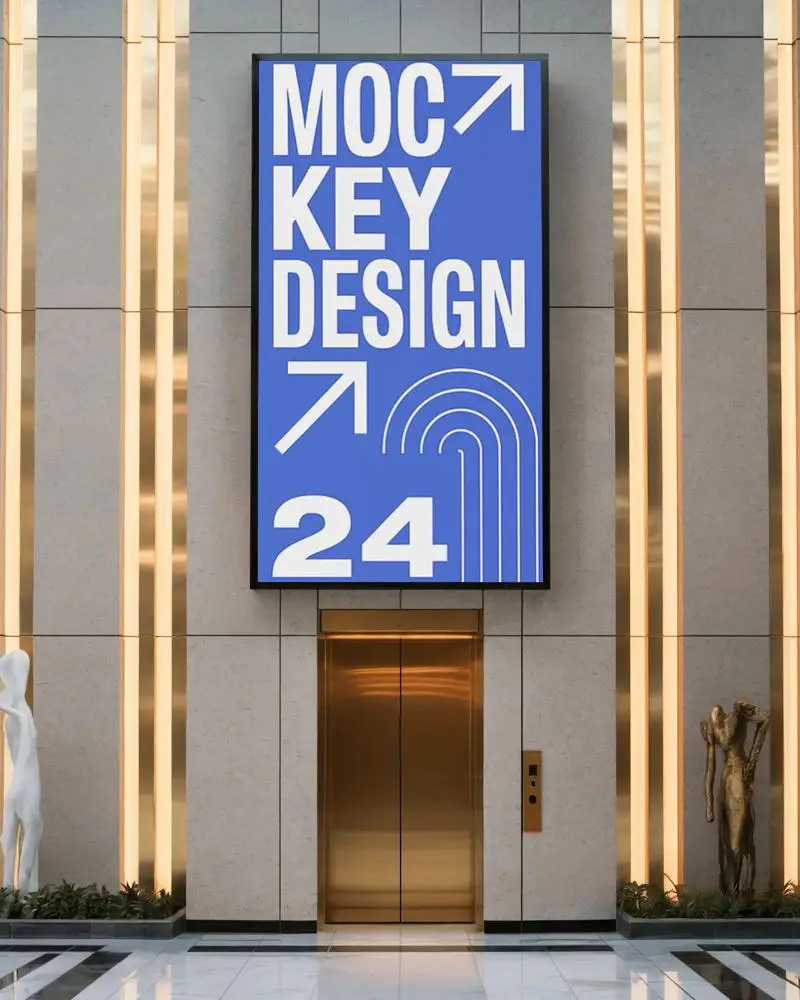
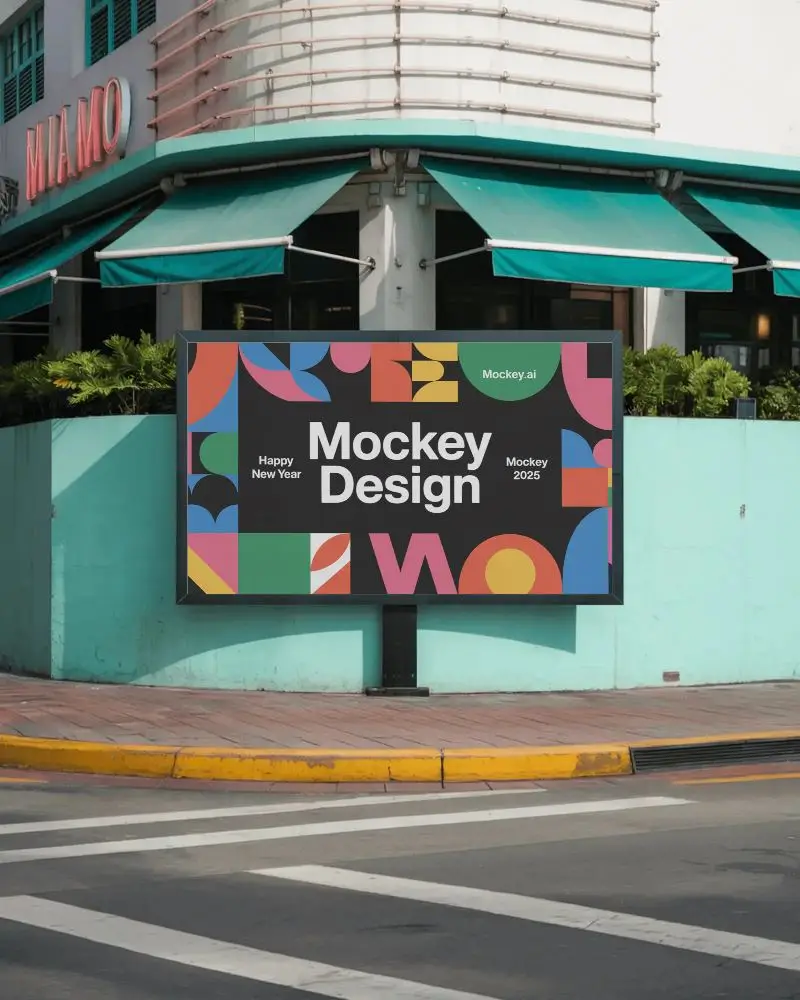
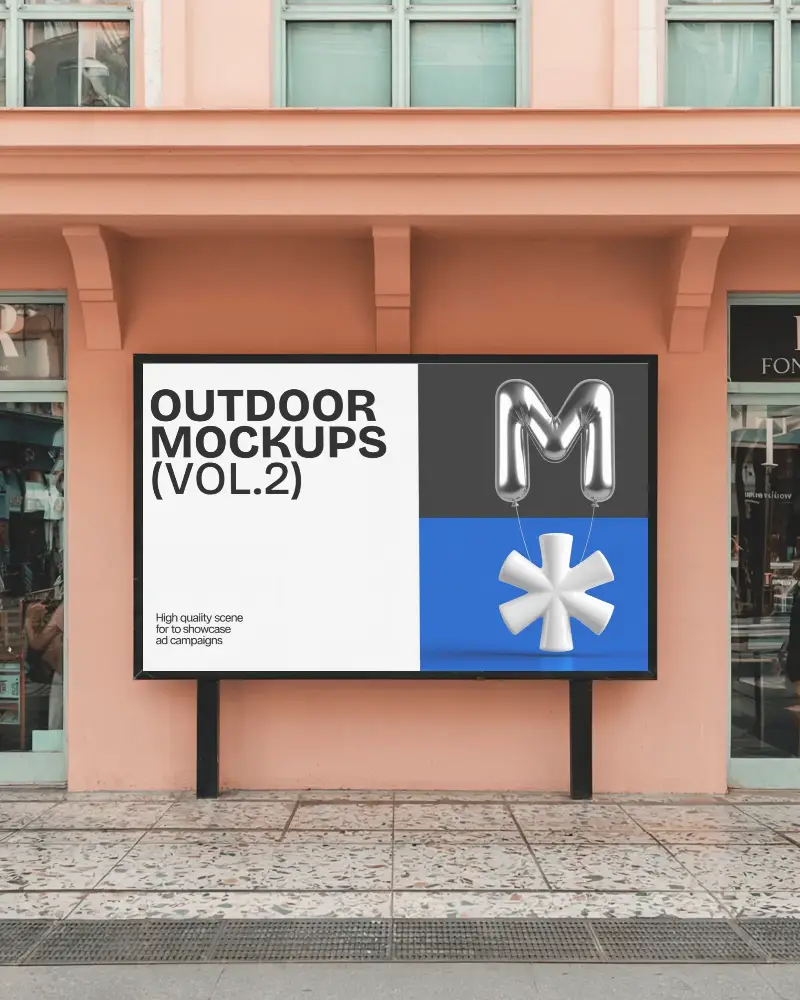
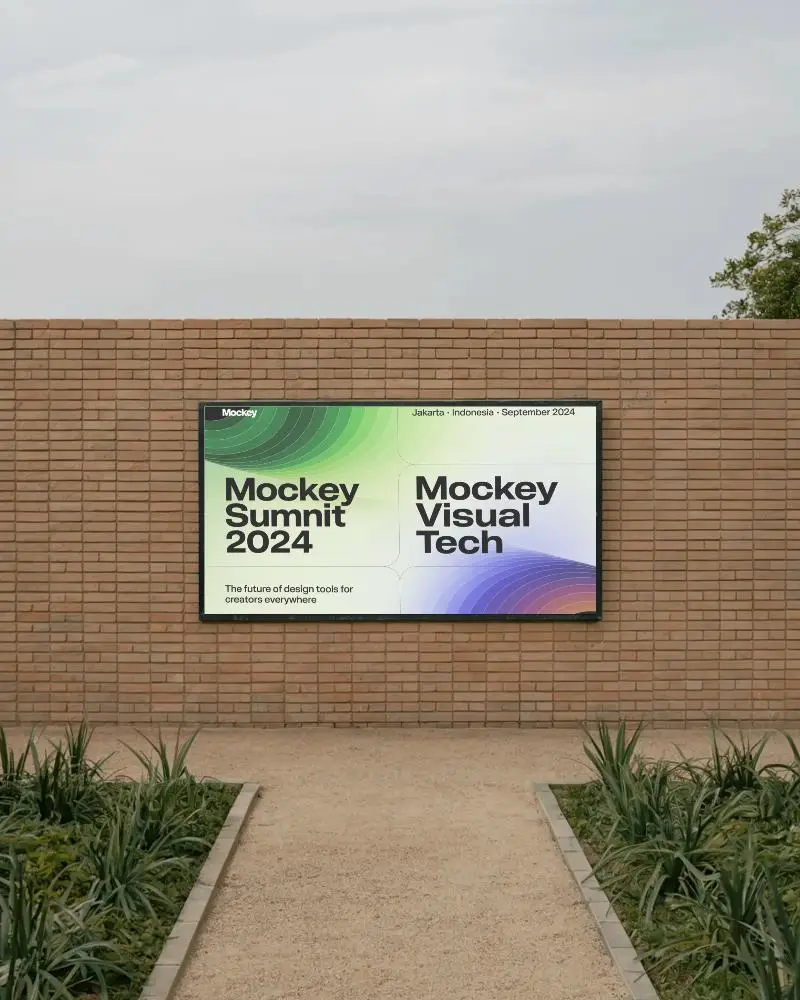
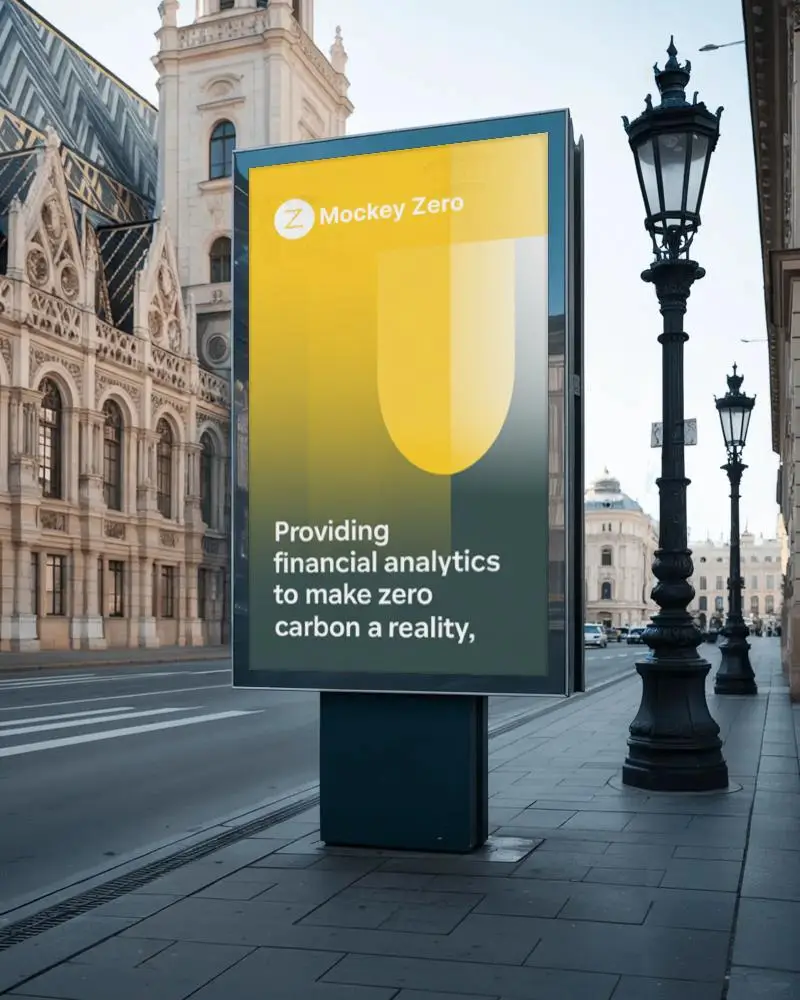
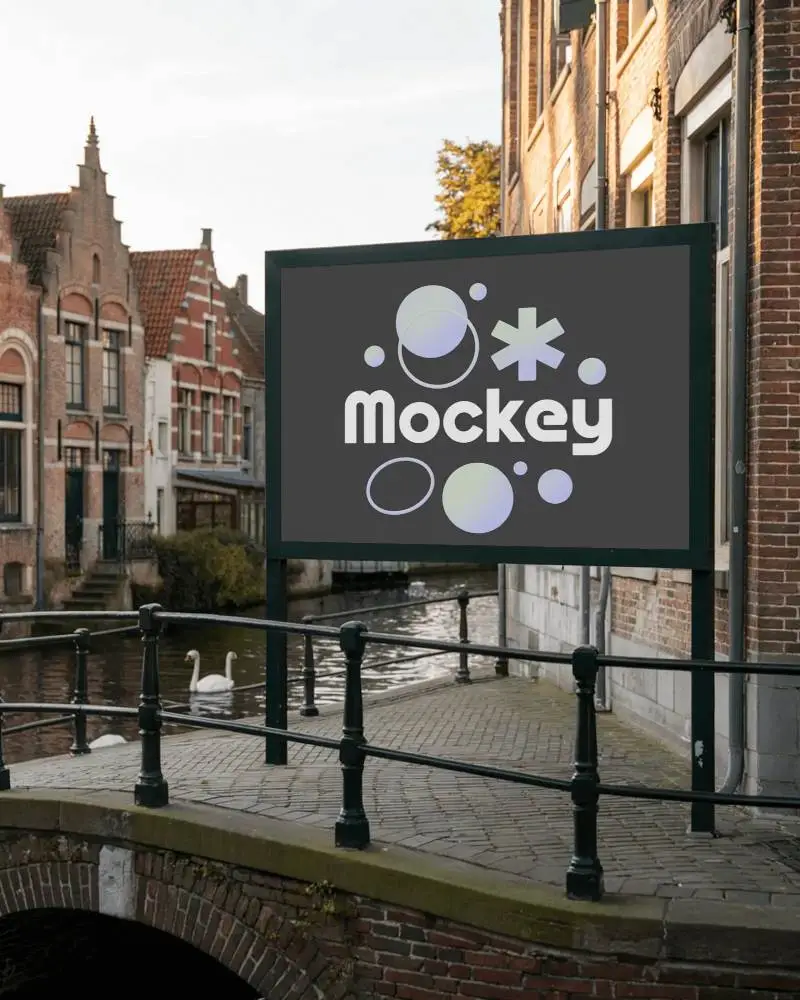
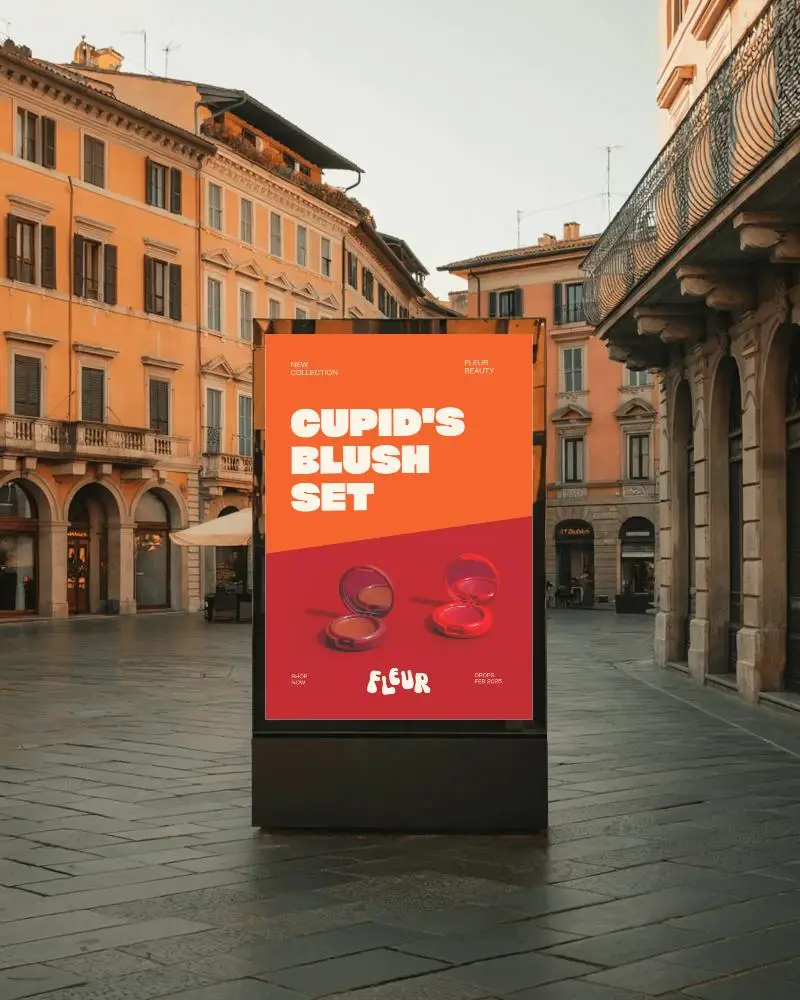
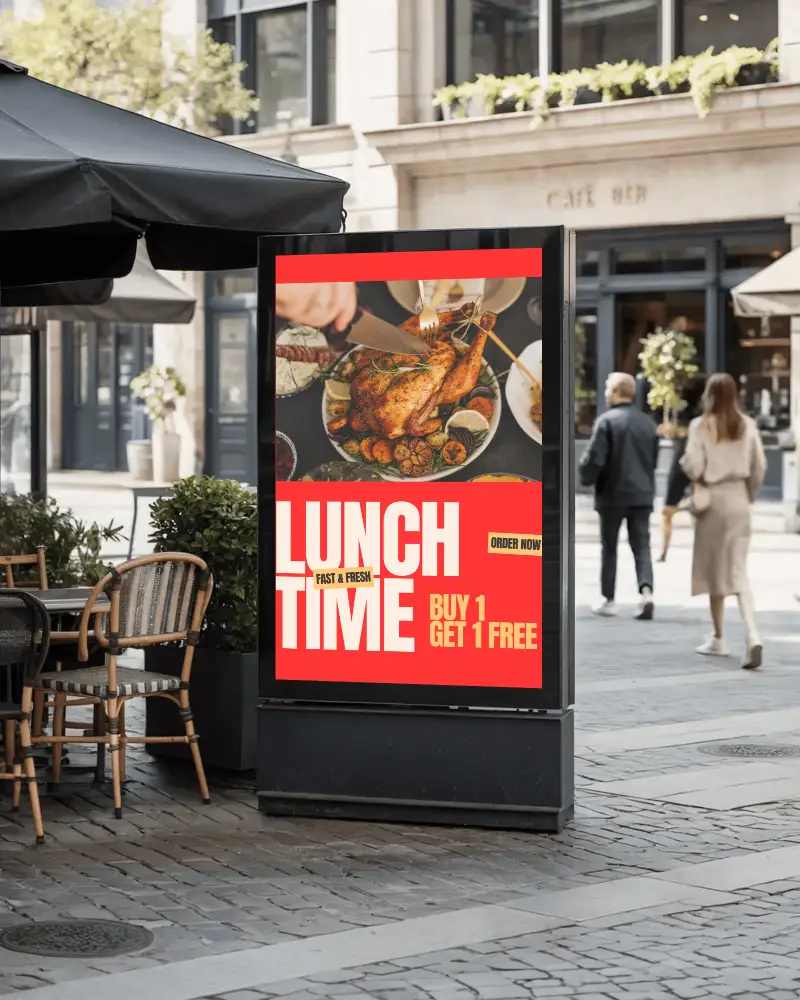
A billboard mockup shows your ad design placed on a real billboard photo, so you know how it'll look before it's printed. Agencies and marketing teams use these to get client sign-off without renting an actual billboard or shooting new photos. Mockey AI's collection covers street corners, highways, city rooftops, and indoor lightboxes. Upload your artwork, adjust it, and download the result without a watermark.
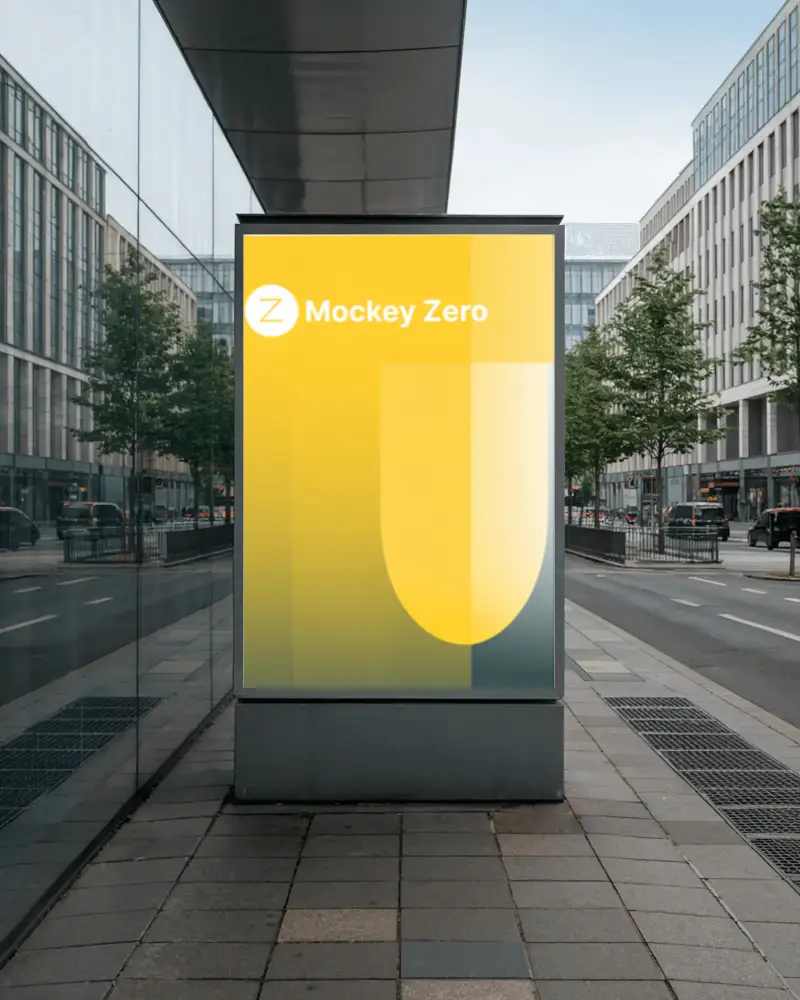
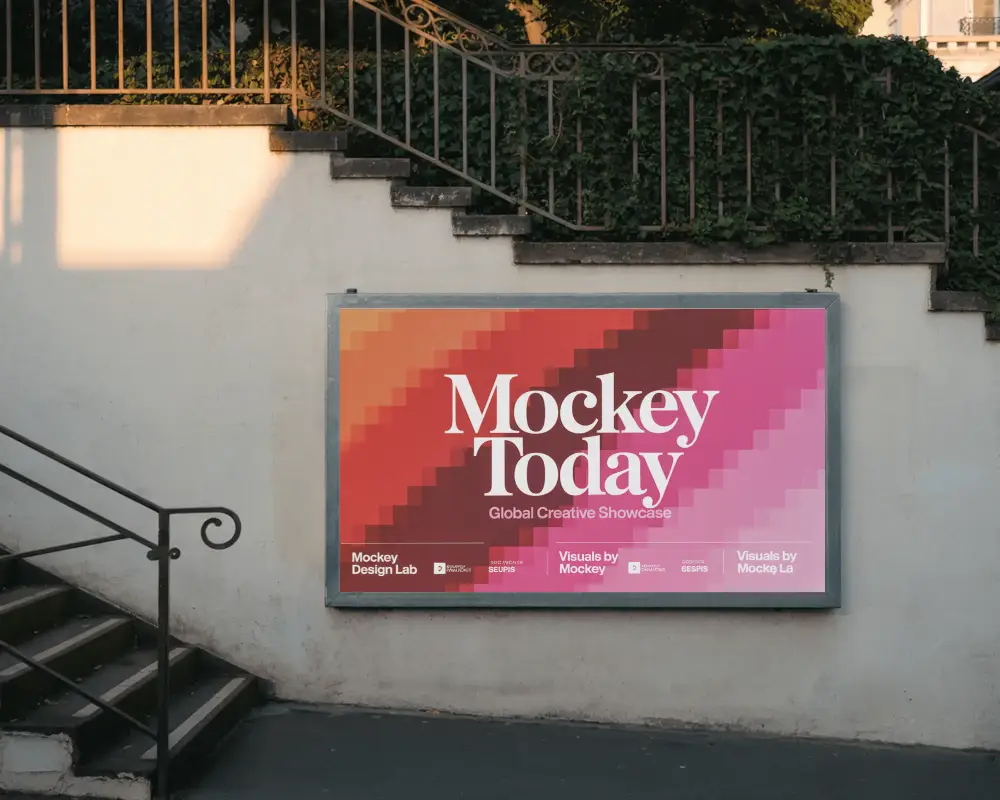
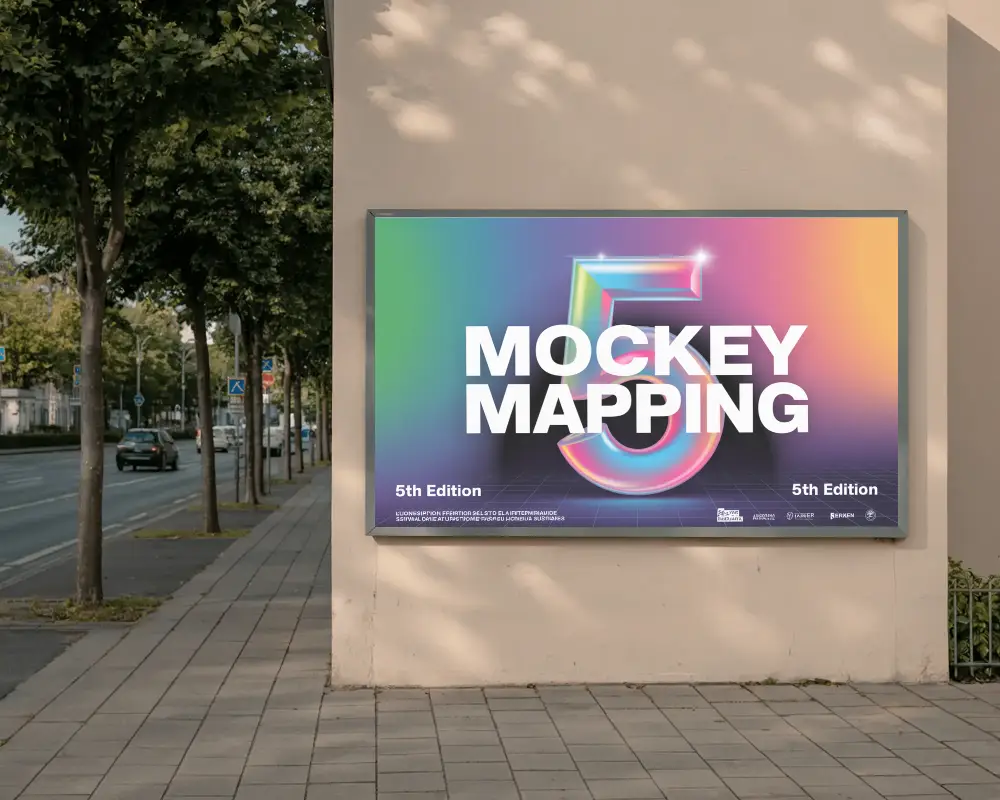
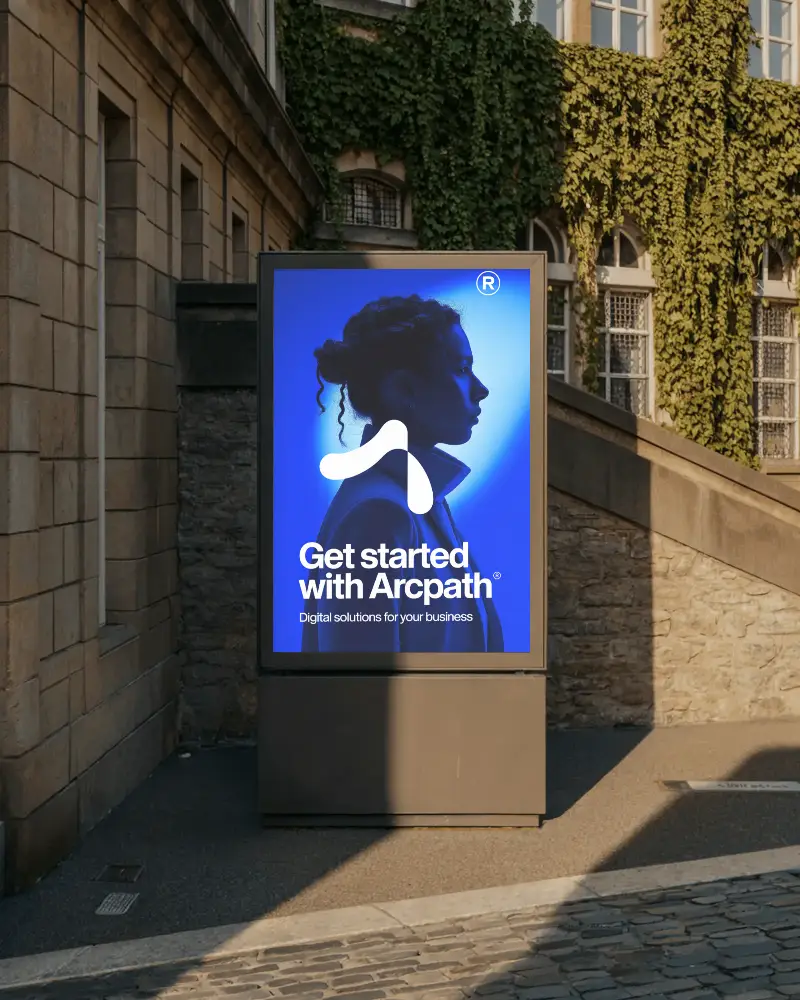
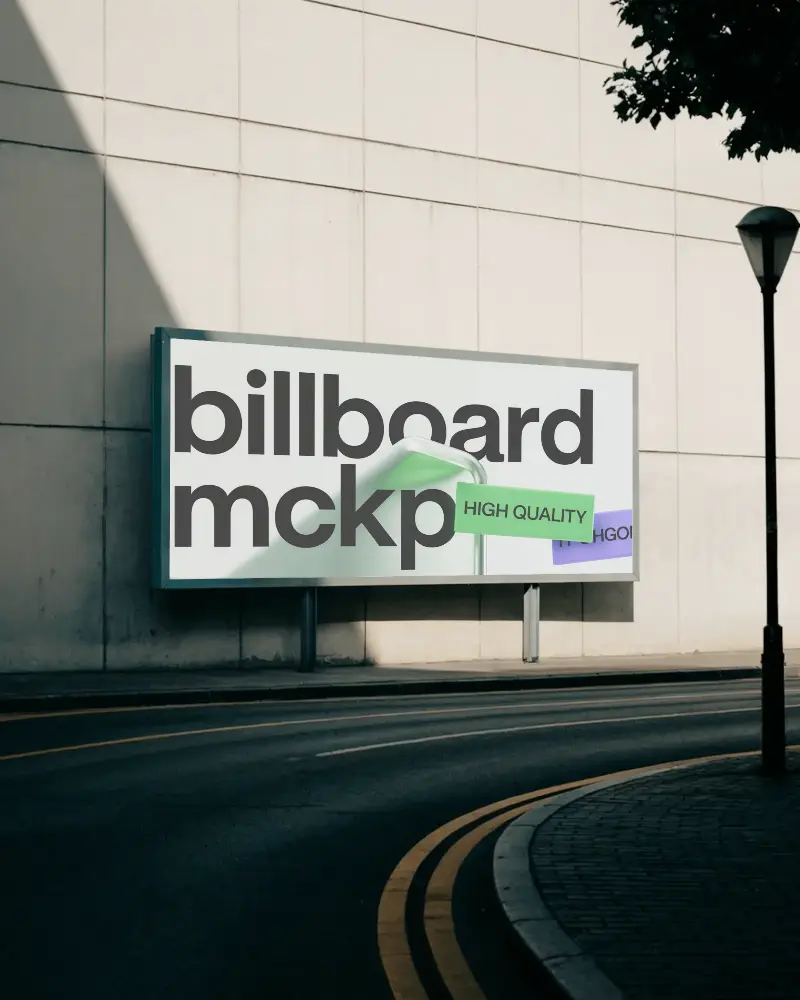
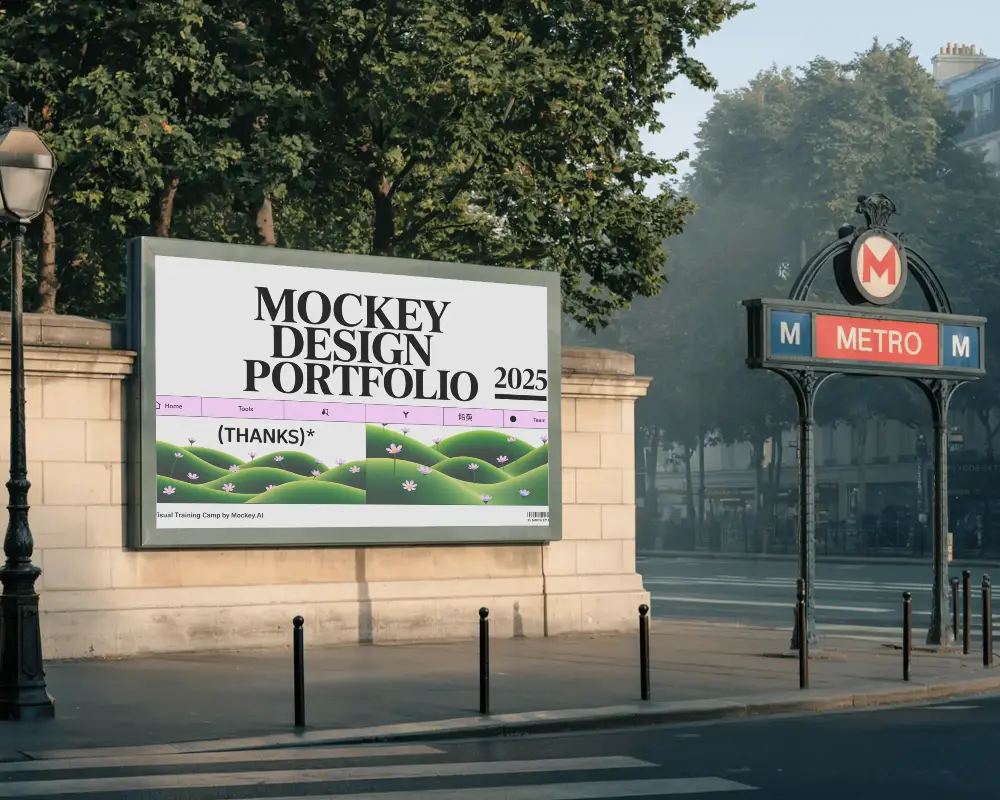
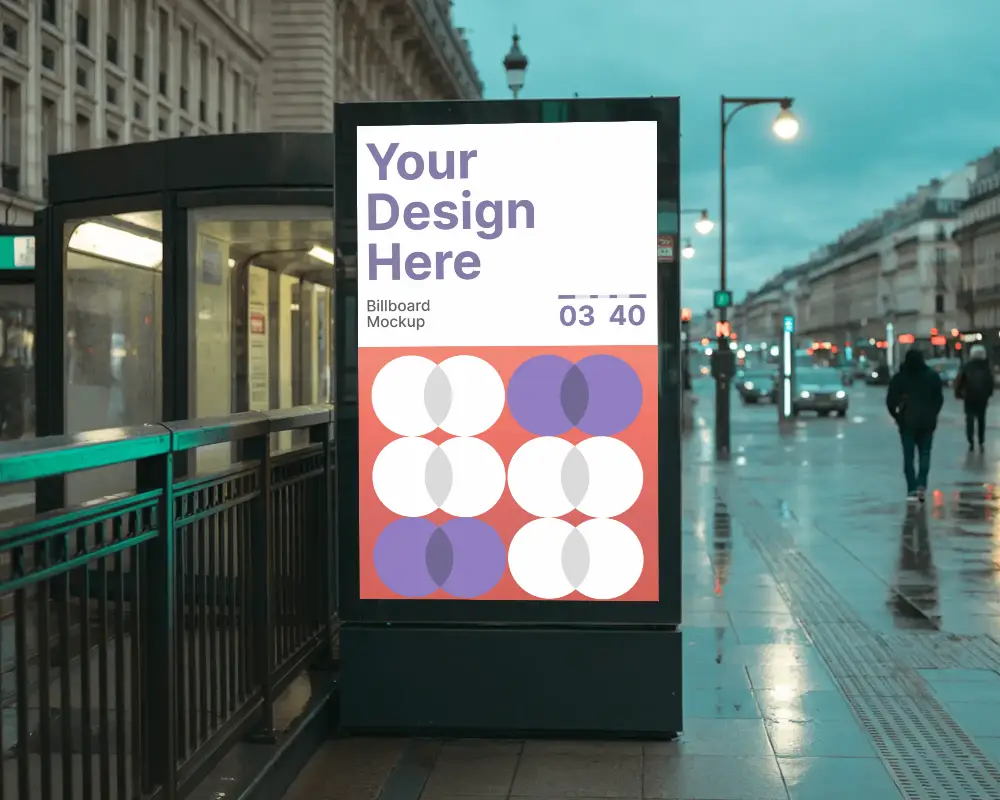
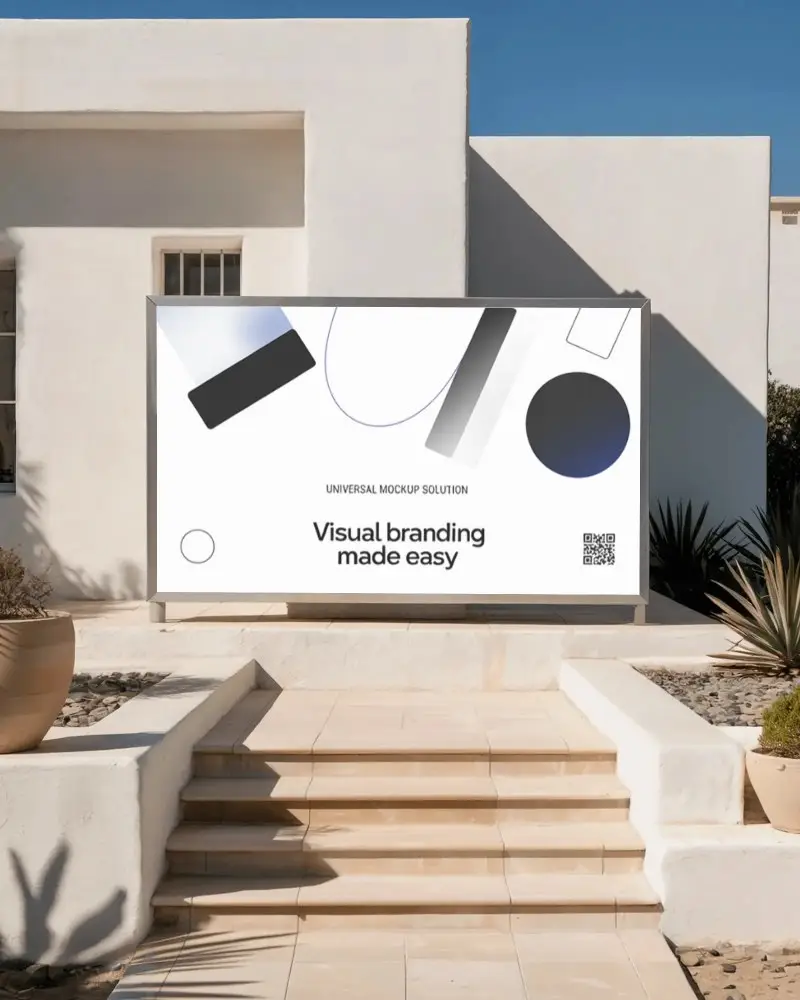
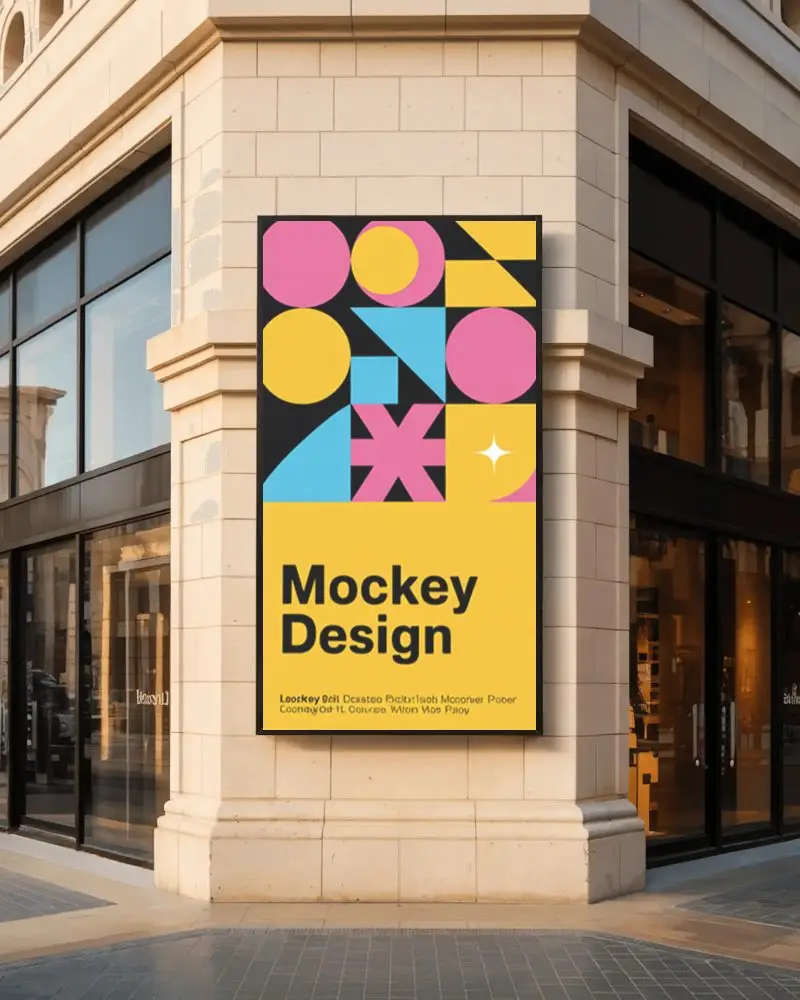
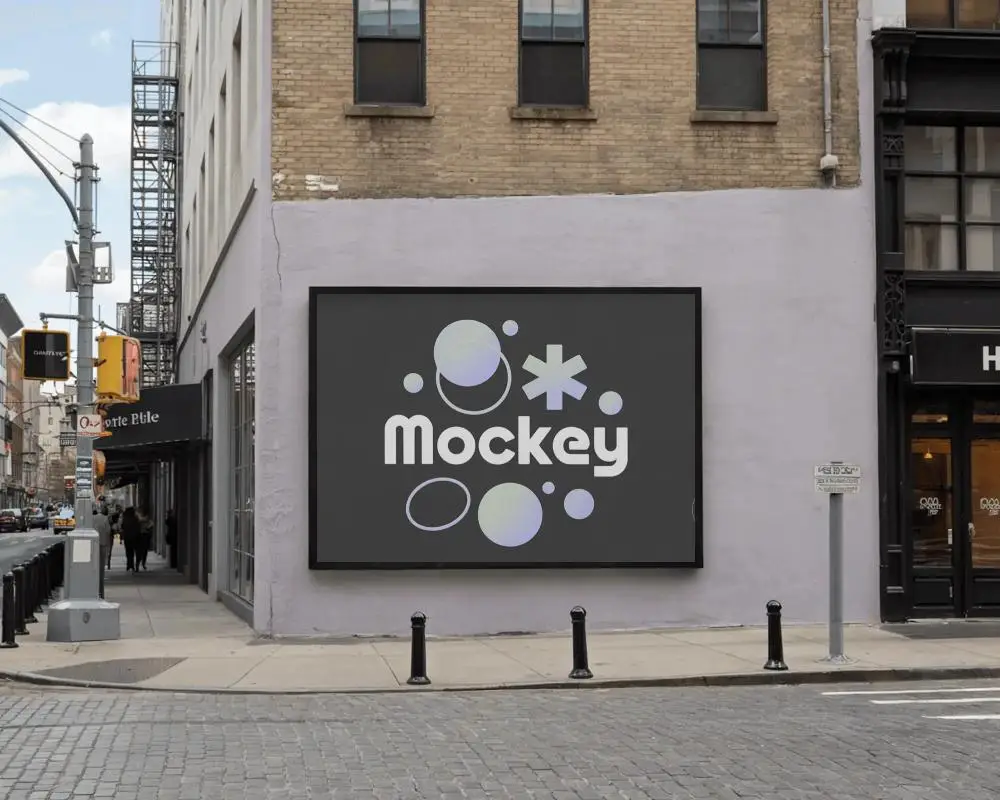
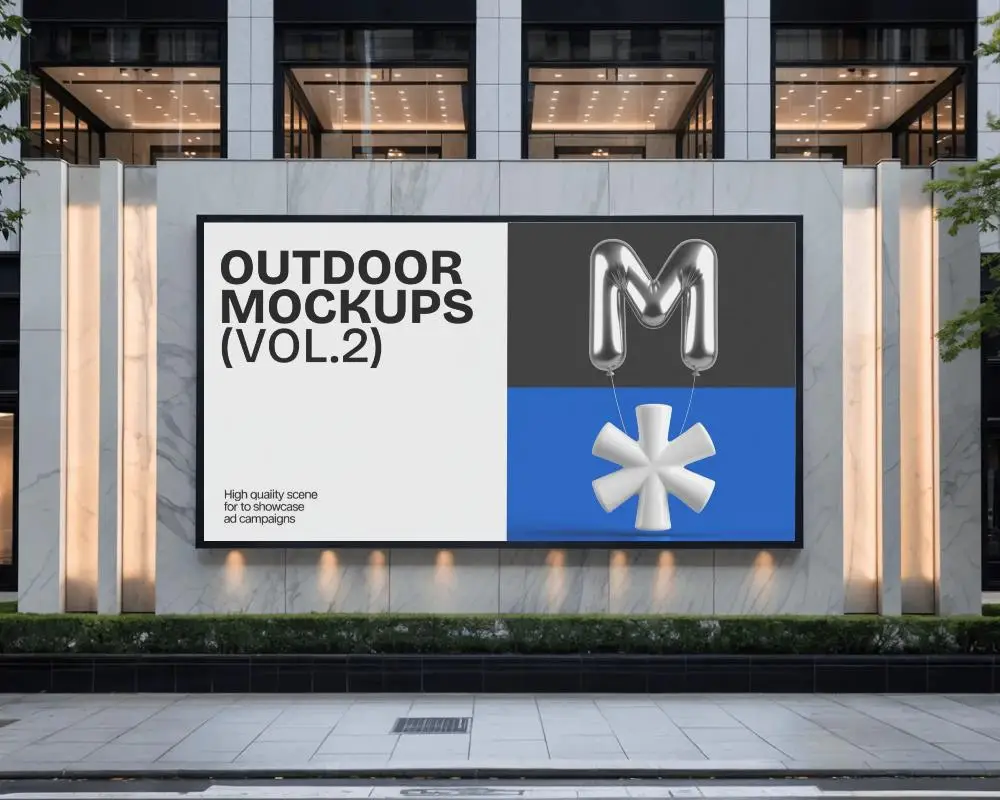
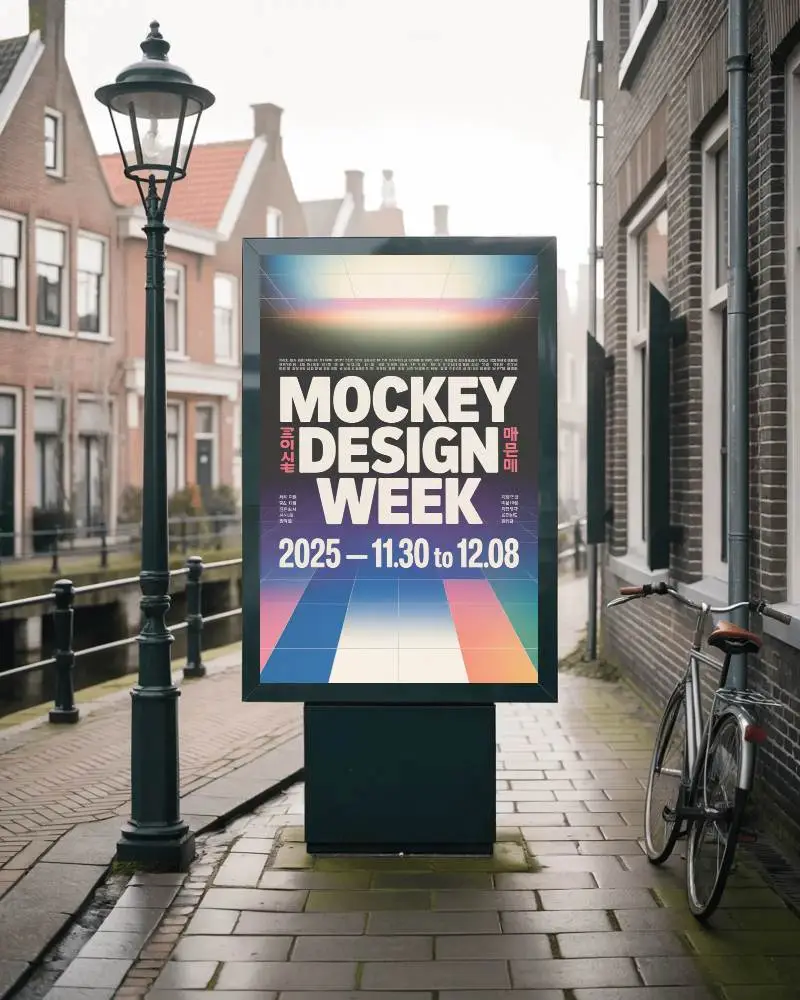

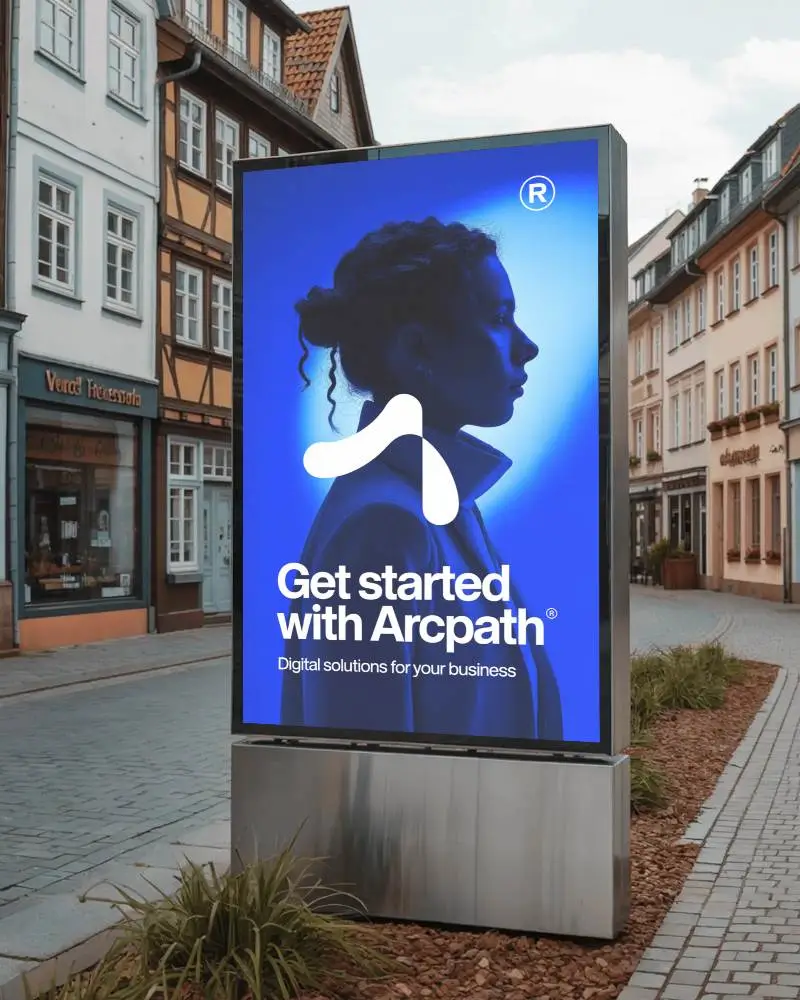
How to Customize Billboard Mockups in Mockey AI
To customize billboard mockups:
- Step 1: Choose a billboard mockup style.
- Step 2: Upload your design and crop it to fit.
- Step 3: Align, scale, and place it on the billboard.
- Step 4: Adjust the color if needed.
- Step 5: Try Multi Shot or Animate for variations.
- Step 6: Download as an image or Mp4.


FAQs on billboard Mockups
What is a billboard mockup used for?
A billboard mockup shows your advertisement design on a realistic billboard. It helps you check colors, fonts, and how your design looks in an outdoor setting. You can also easily spot and fix any errors before publishing.
Who should use billboard mockups?
Advertising agencies, brand marketers, freelance designers, and businesses planning outdoor advertising campaigns should use billboard mockups.
Can I use billboard mockups for commercial projects?
Billboard mockups are used for commercial projects such as client presentations, portfolios, and advertising pitches.
Are billboard mockups useful for outdoor advertising campaigns?
Billboard mockups are useful for outdoor advertising campaigns as they help test how a design looks in different lighting and locations before the campaign goes live.
What type of billboard mockups are best for advertising agencies?
Billboard mockups such as street corners, highways, urban, and vertical billboard mockups work best for advertising agencies.
