Free Street Billboard Mockup – Showcase Your Ads Like a Pro!
Design your perfect street billboard mockup using Mockey. Customize every detail and download high-quality, watermark-free billboard mockups in just a few minutes!
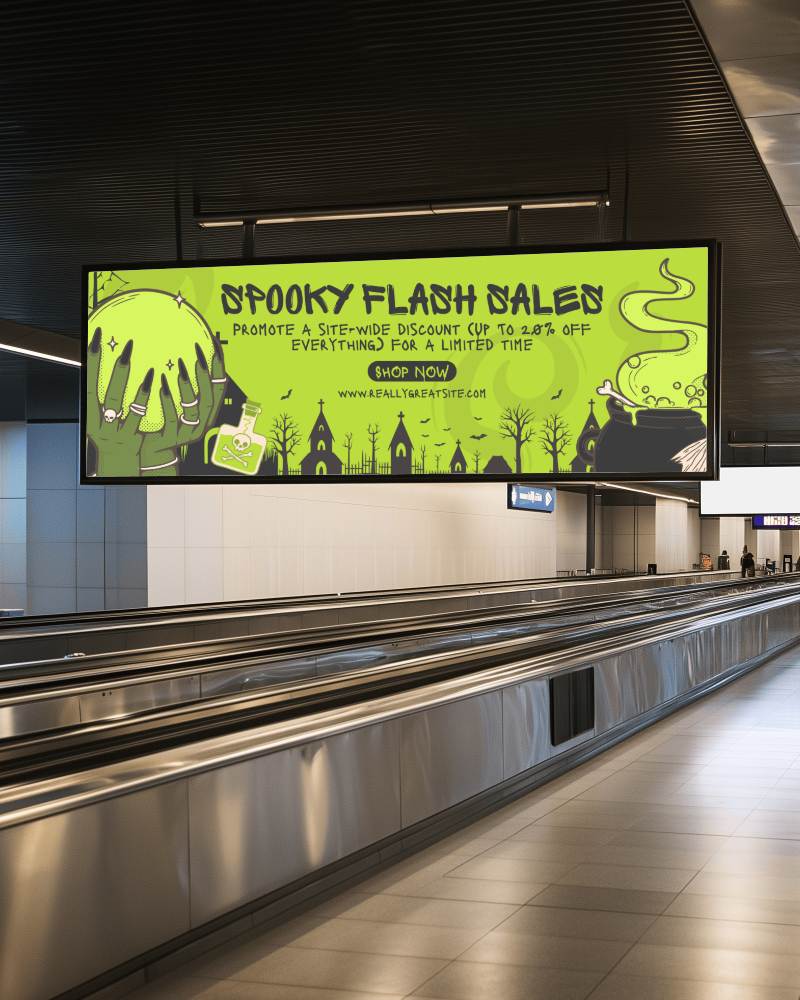
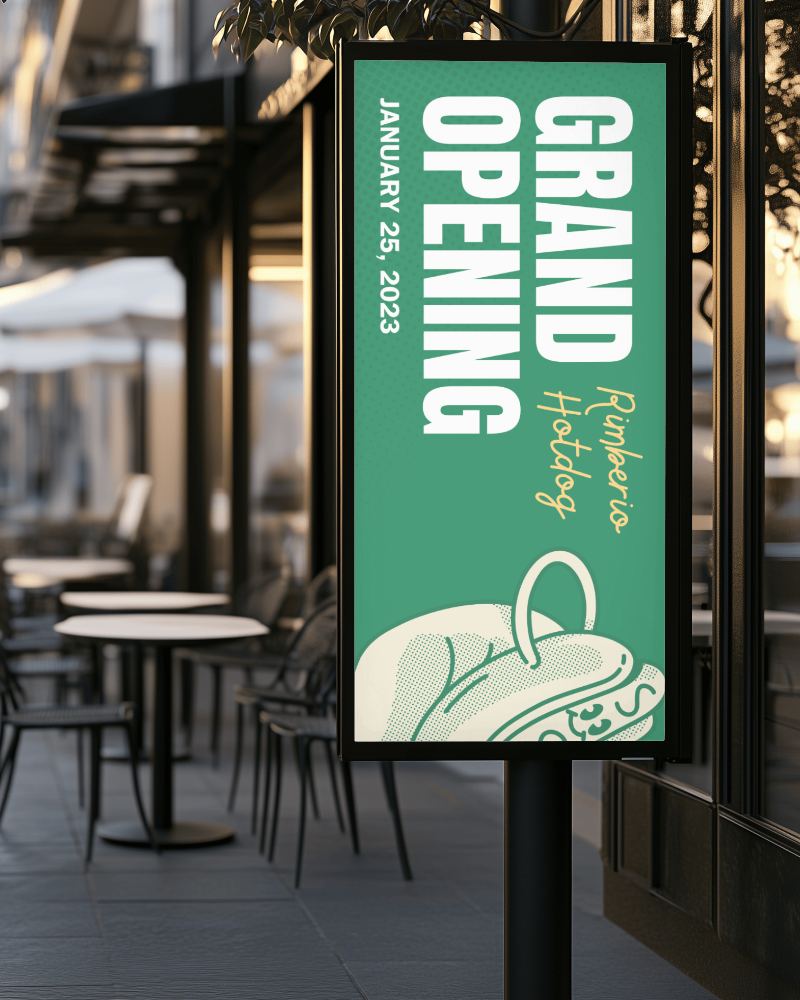
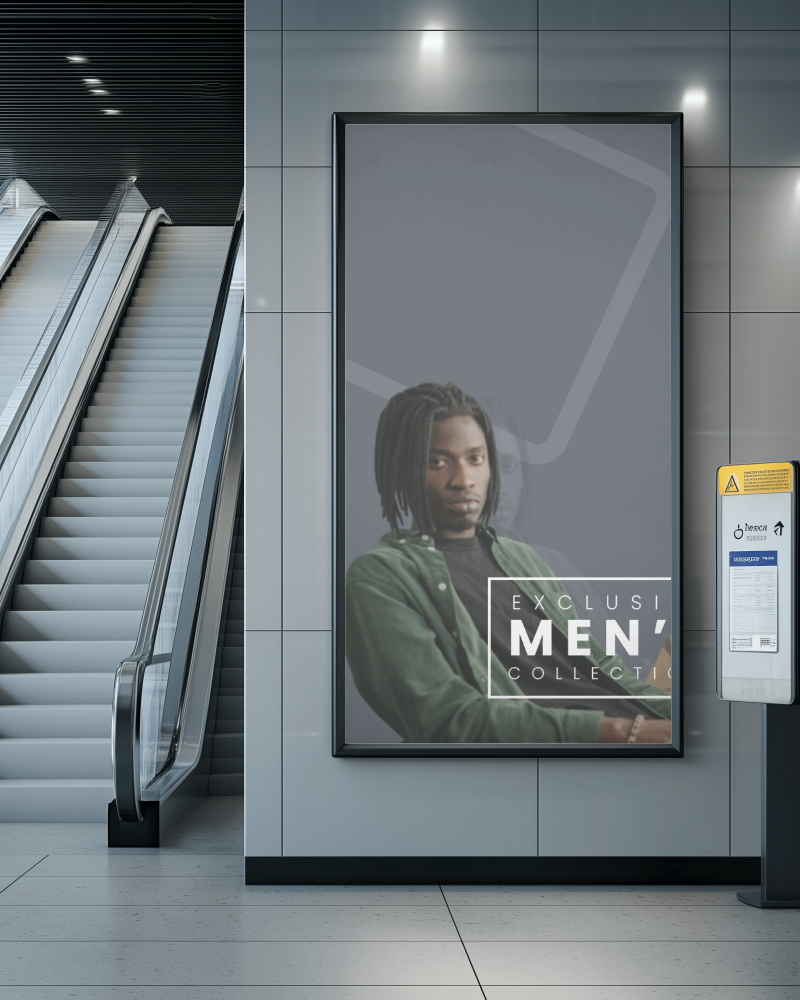
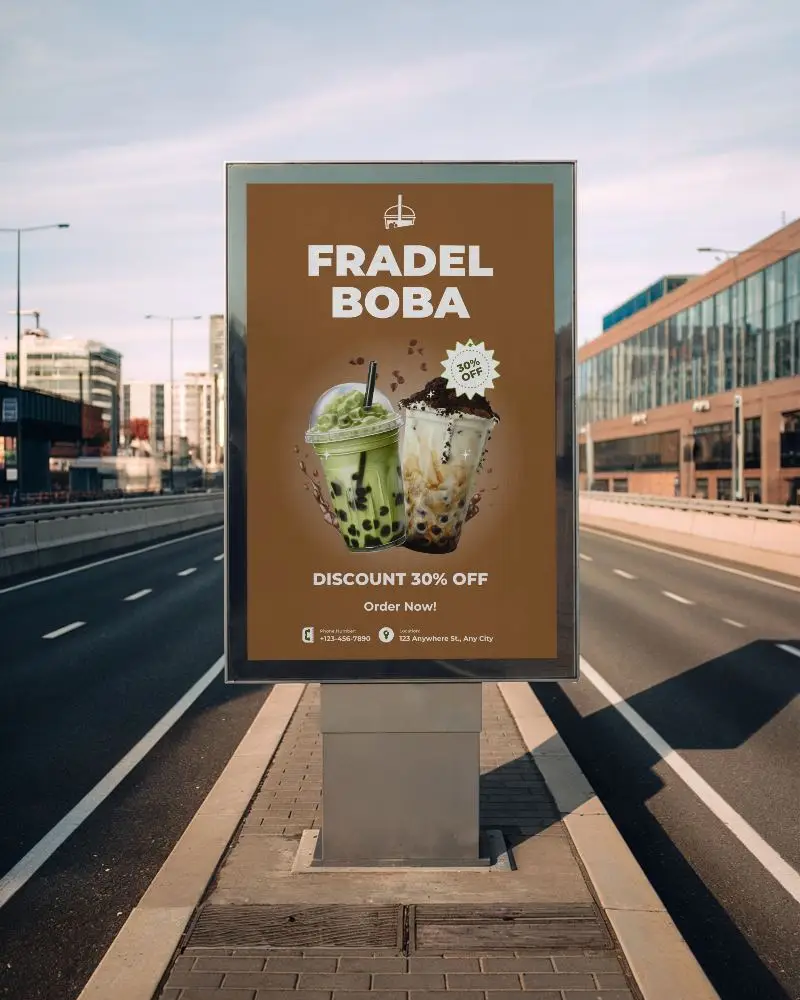
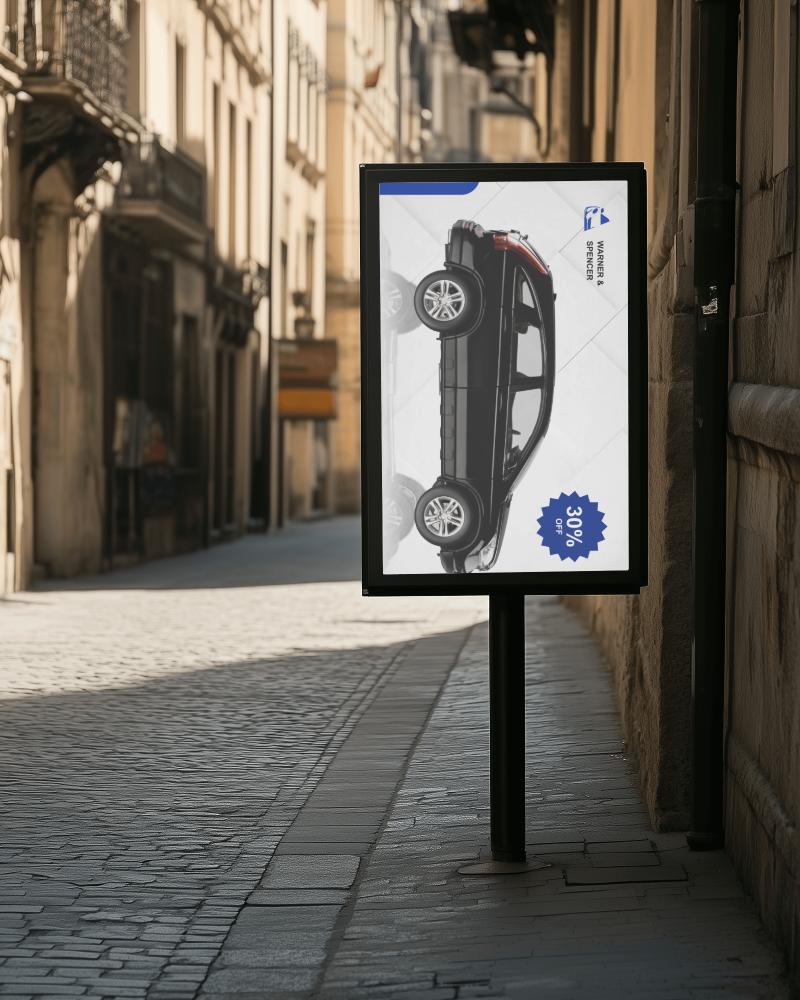
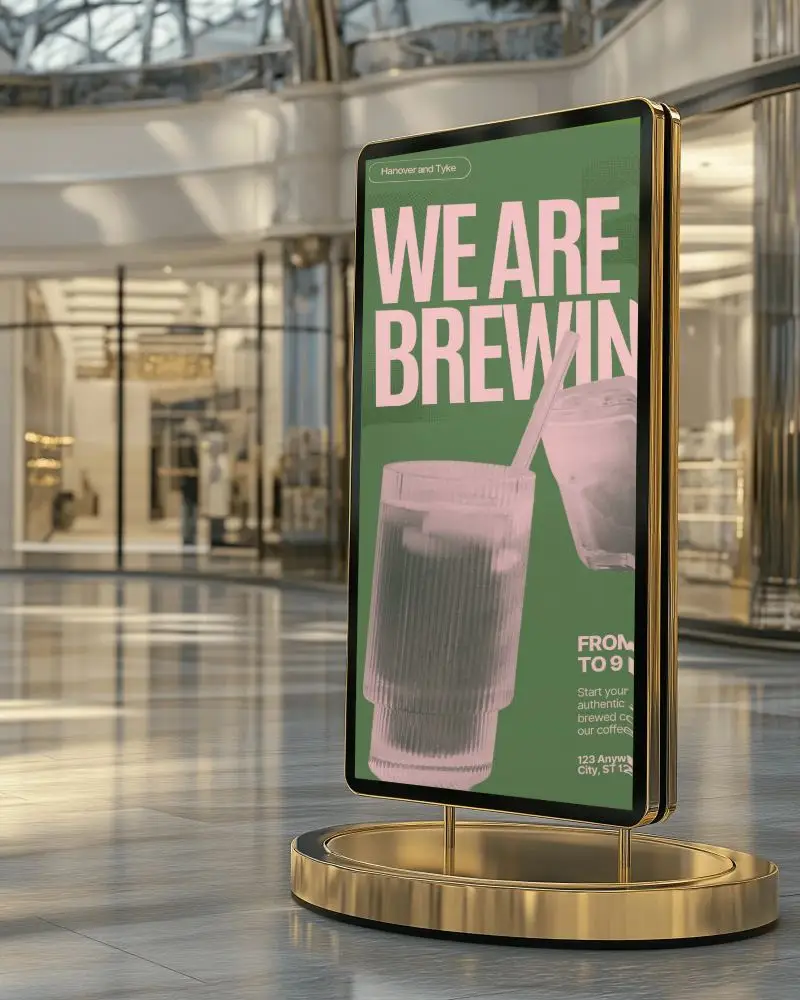
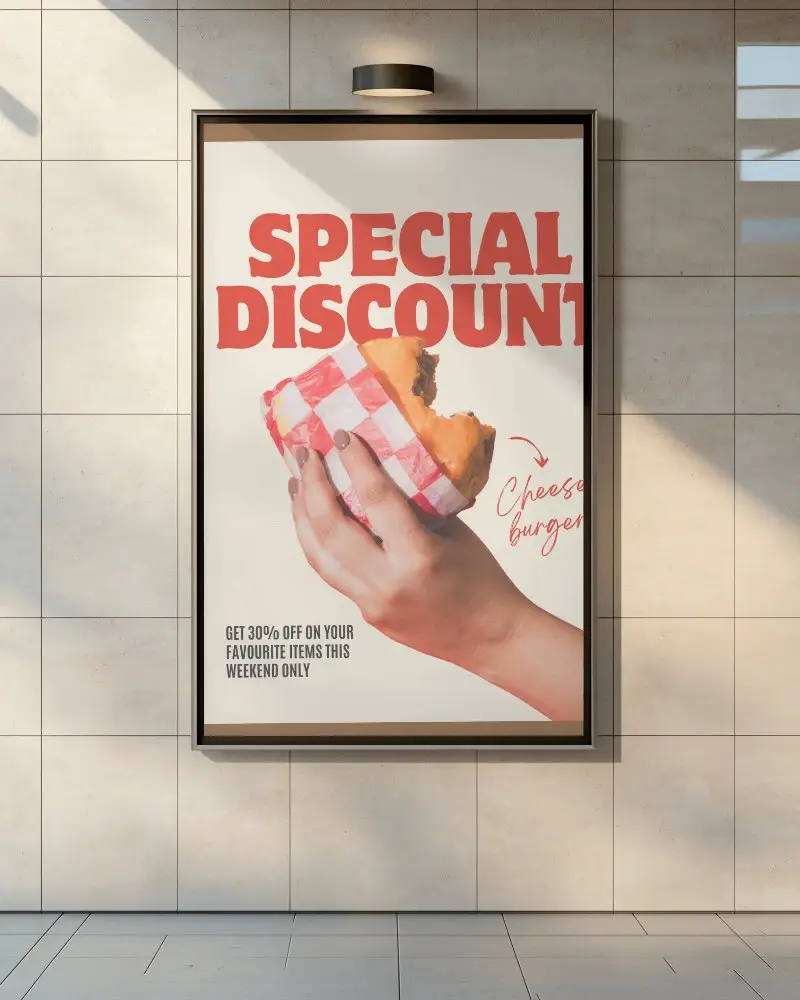
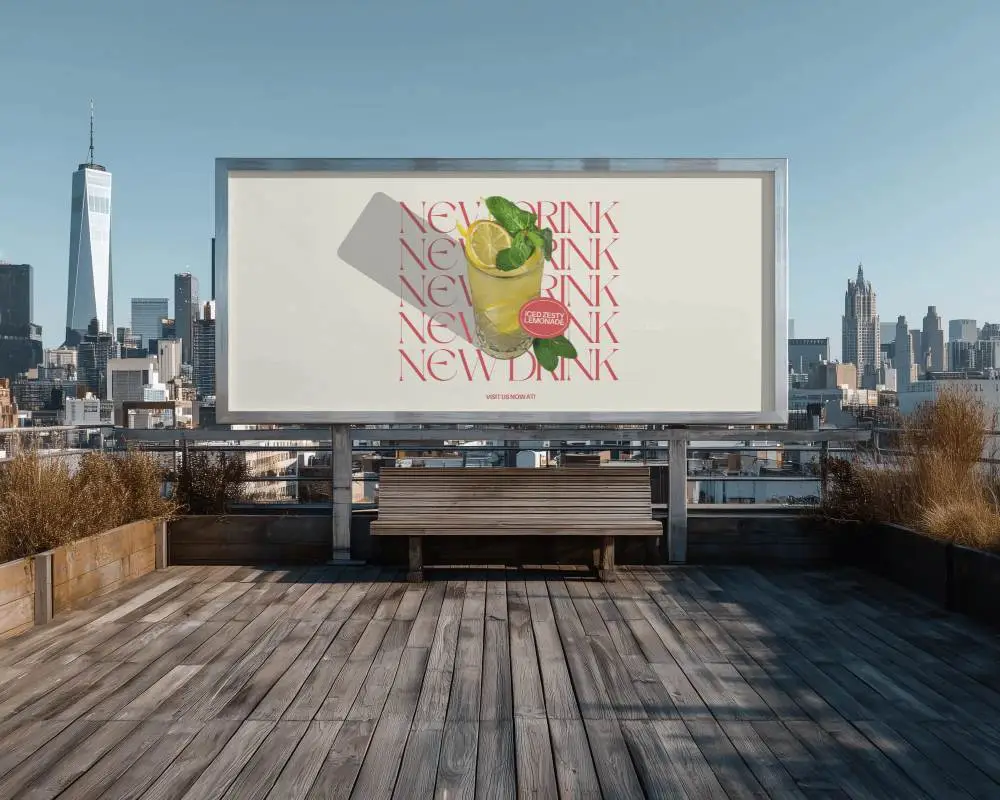
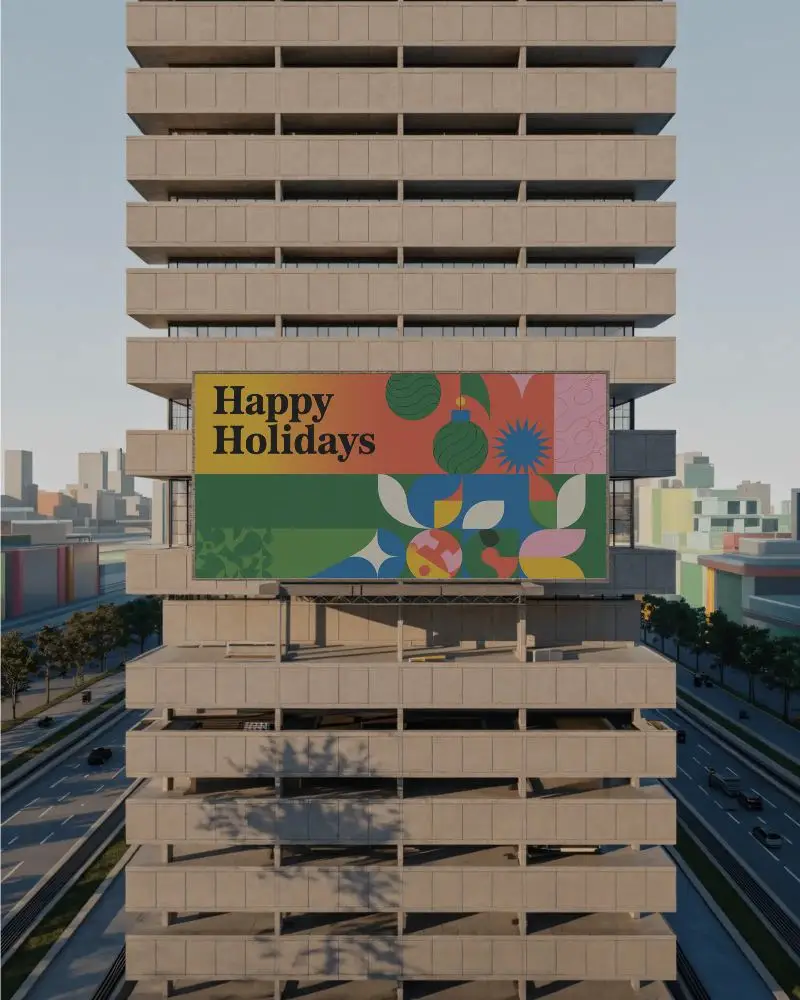
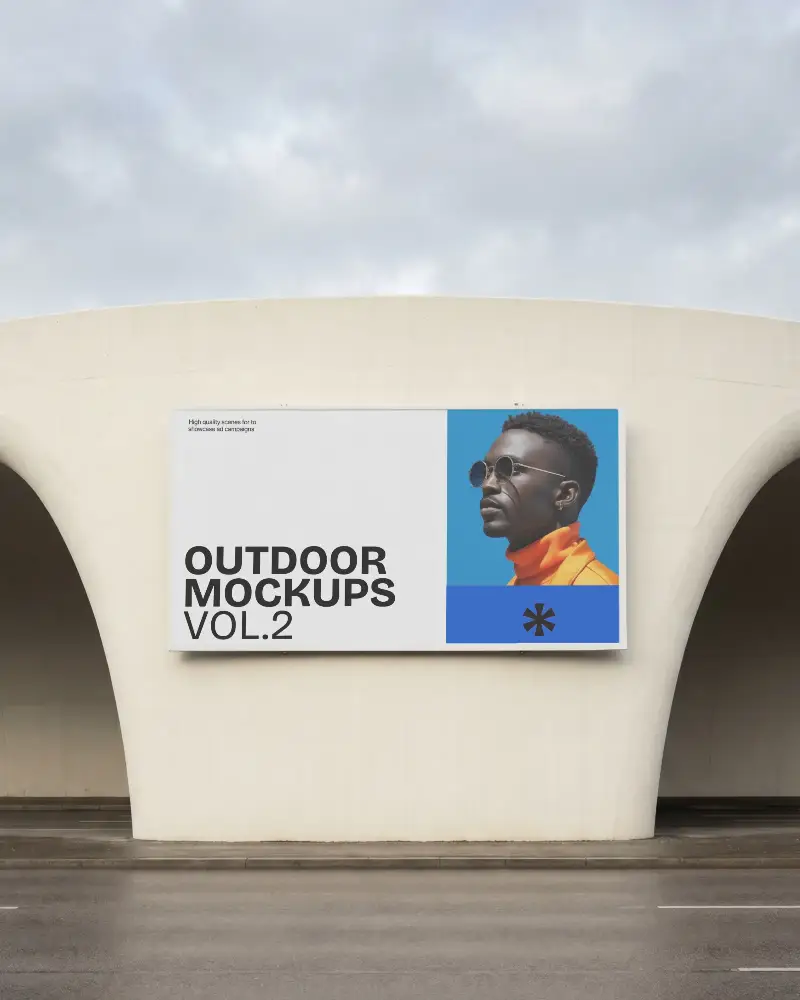
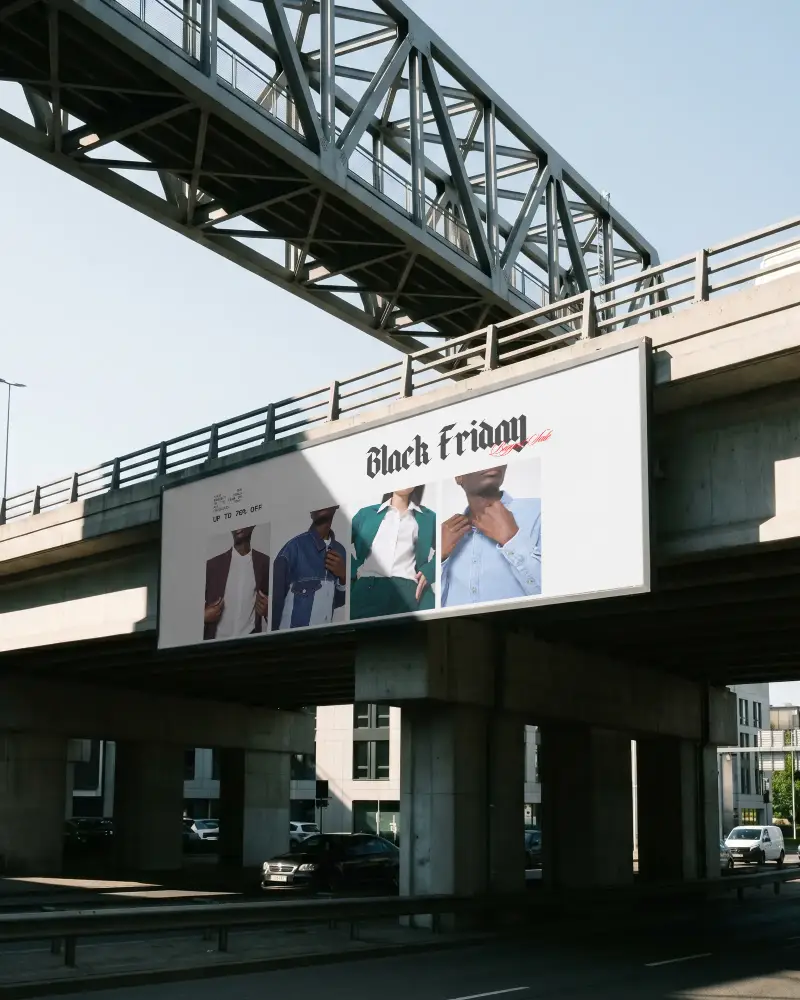
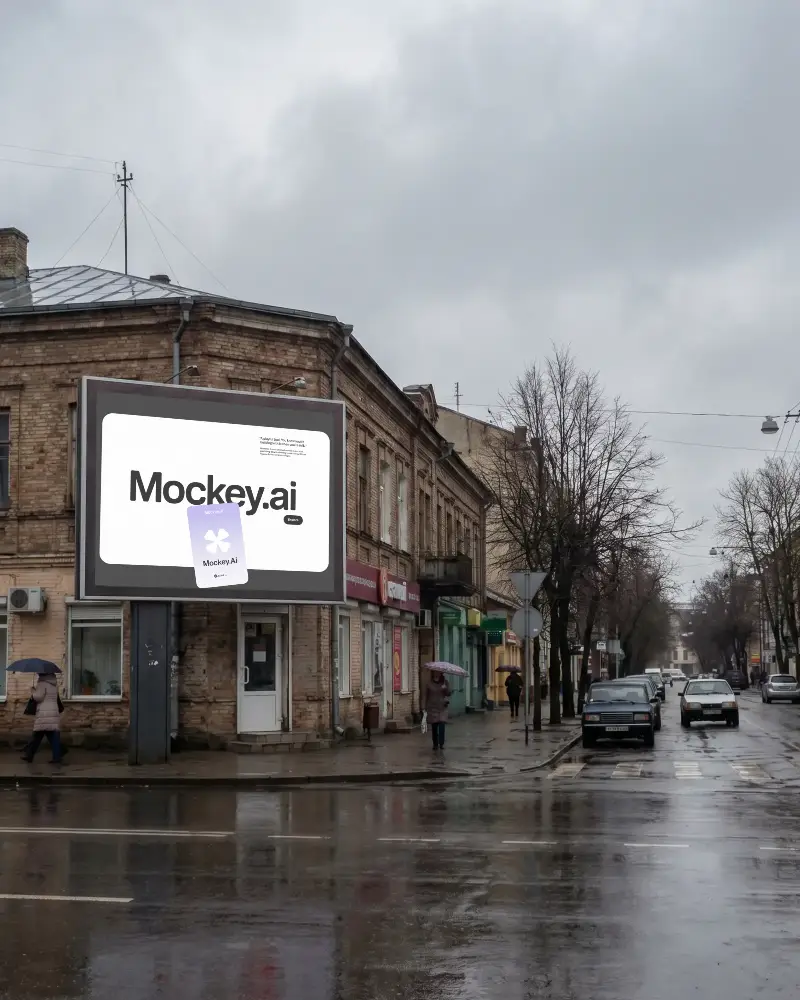
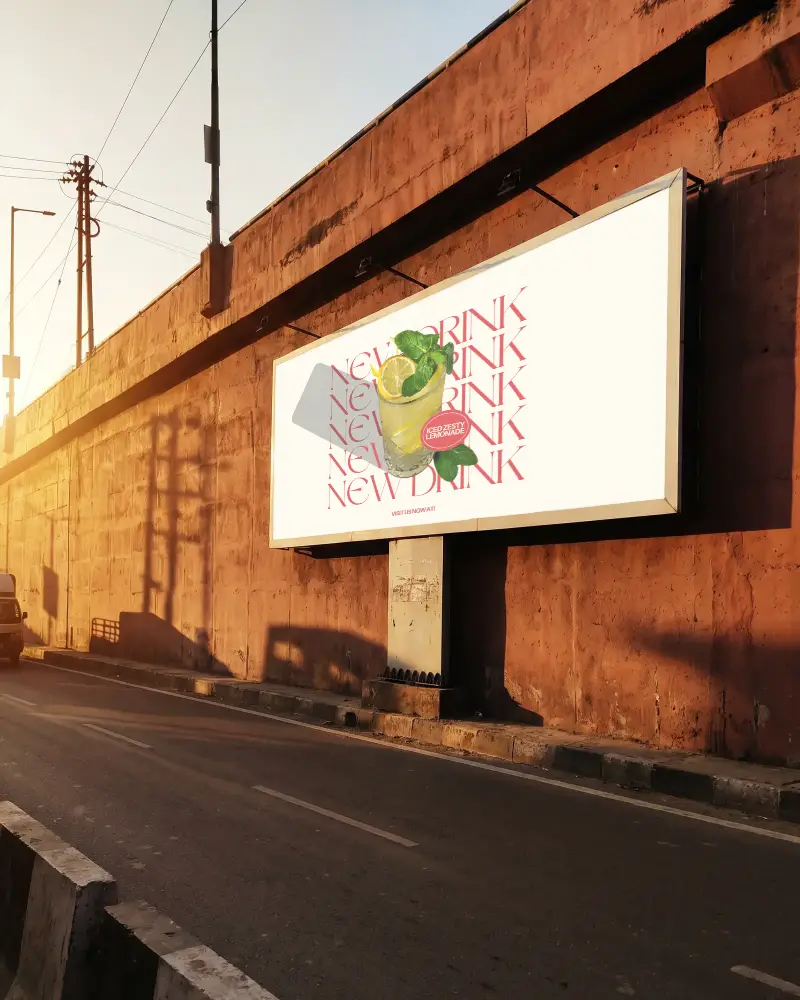
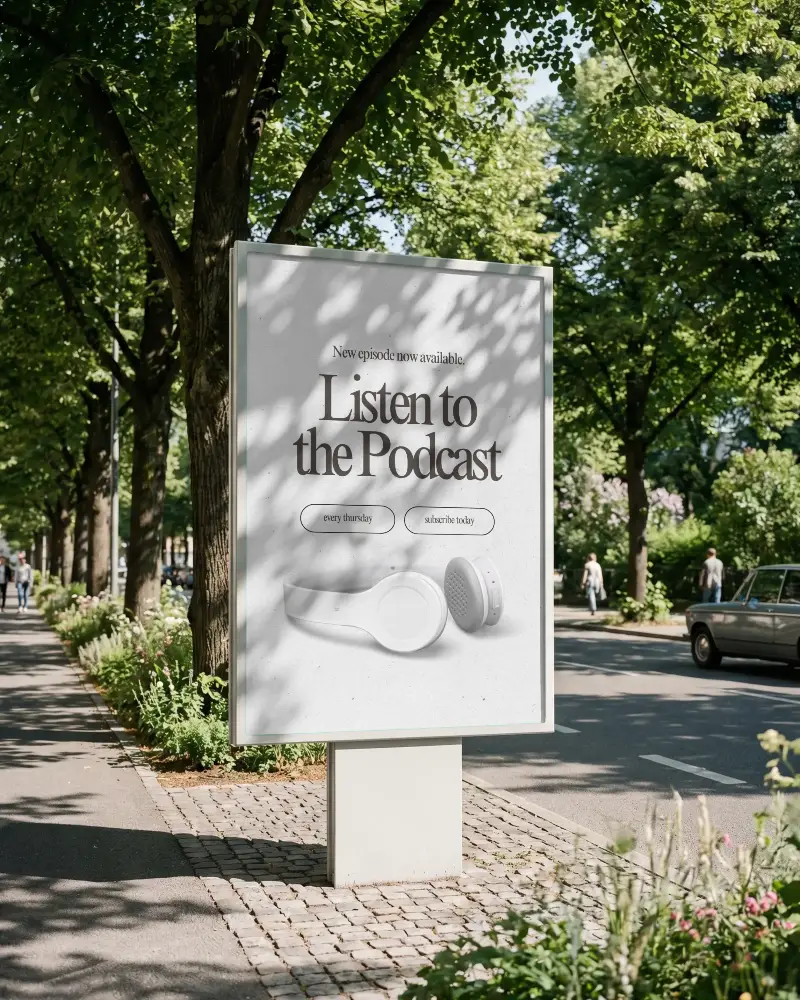
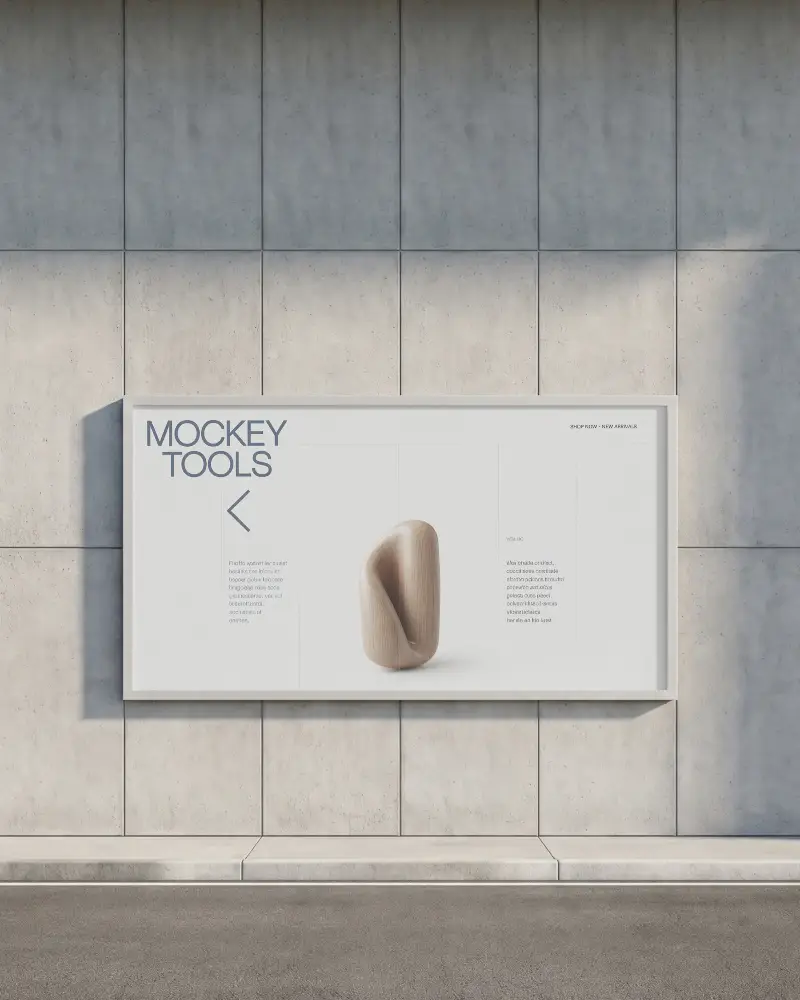
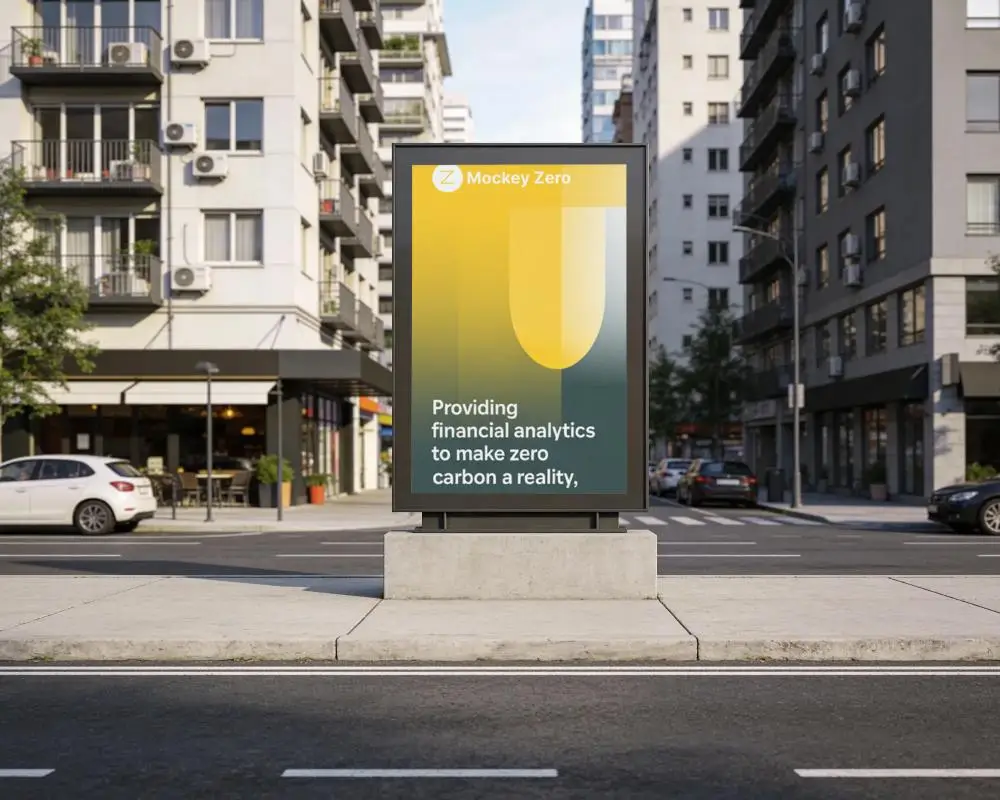
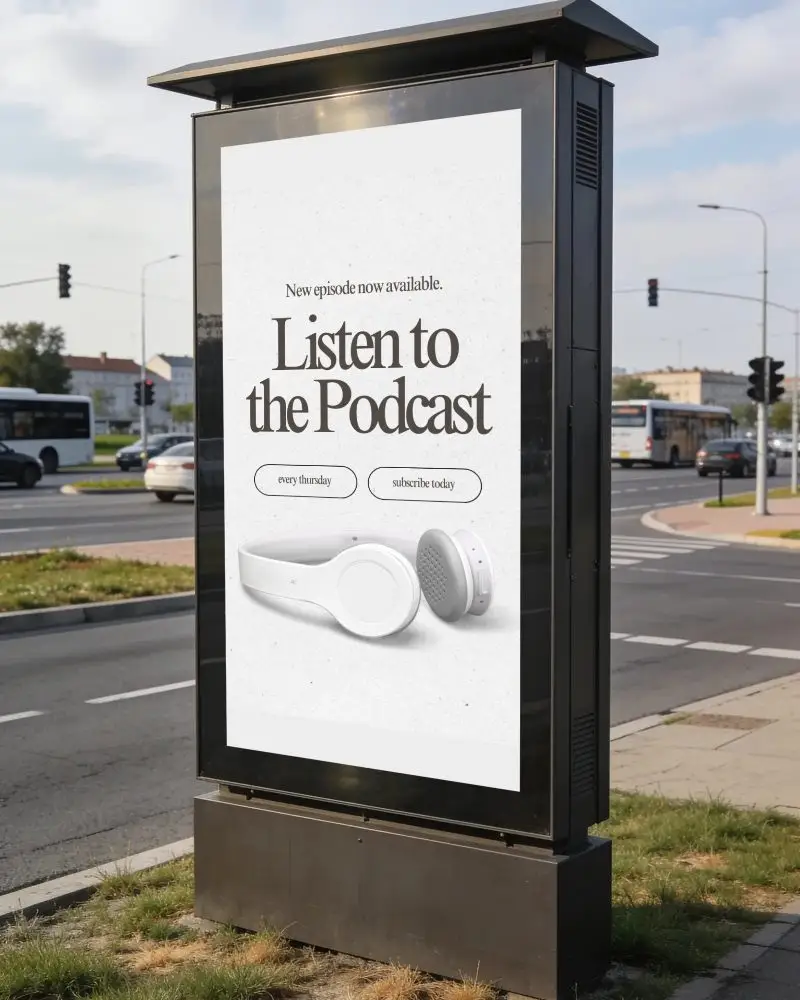
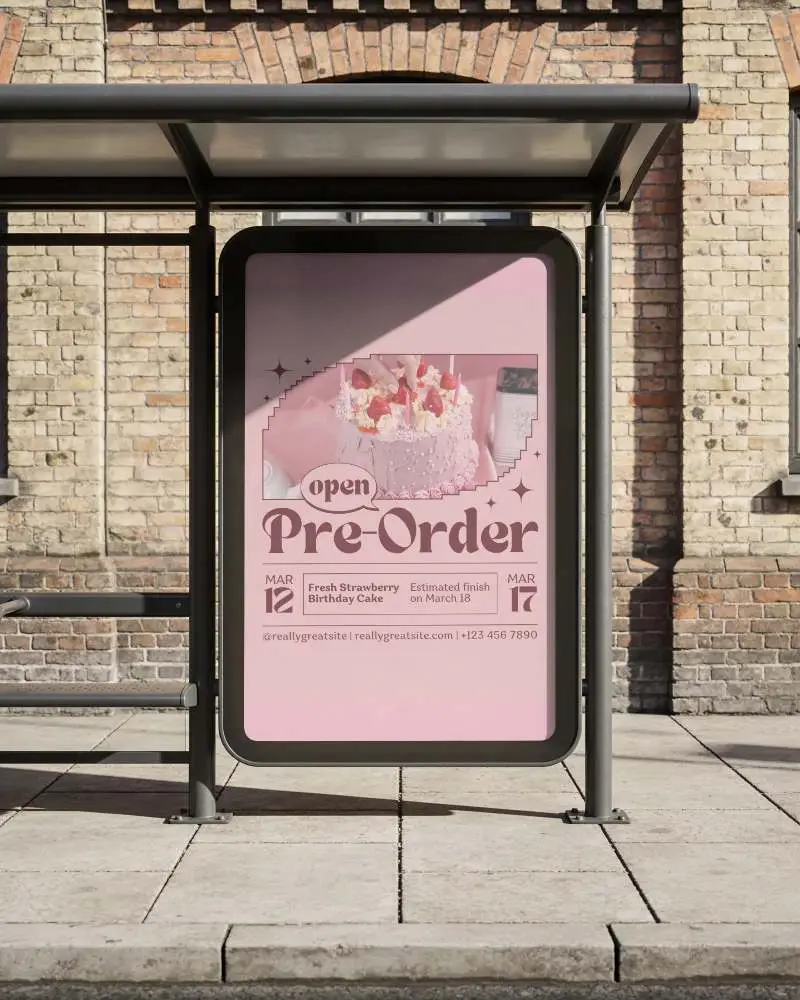
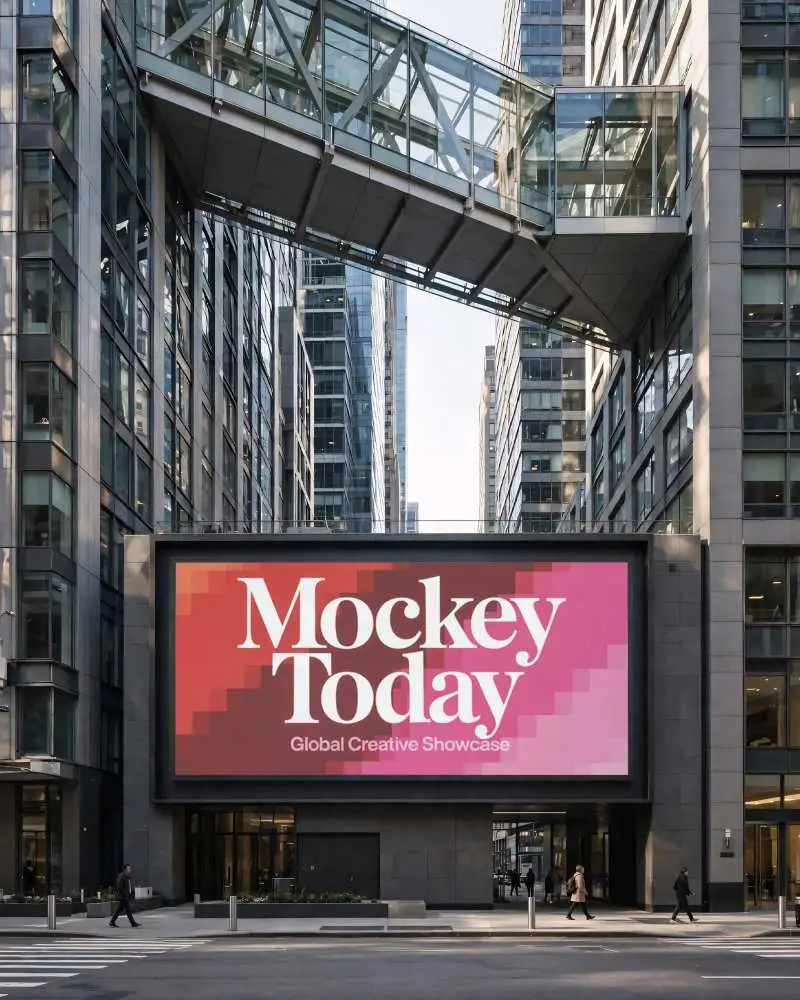
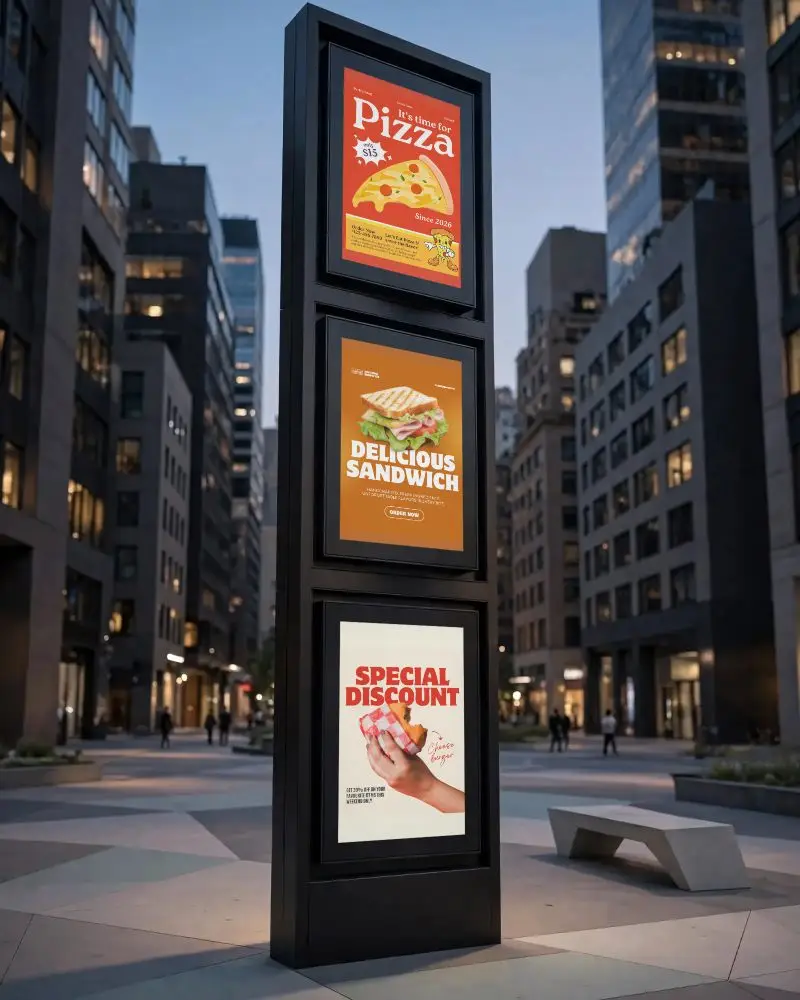
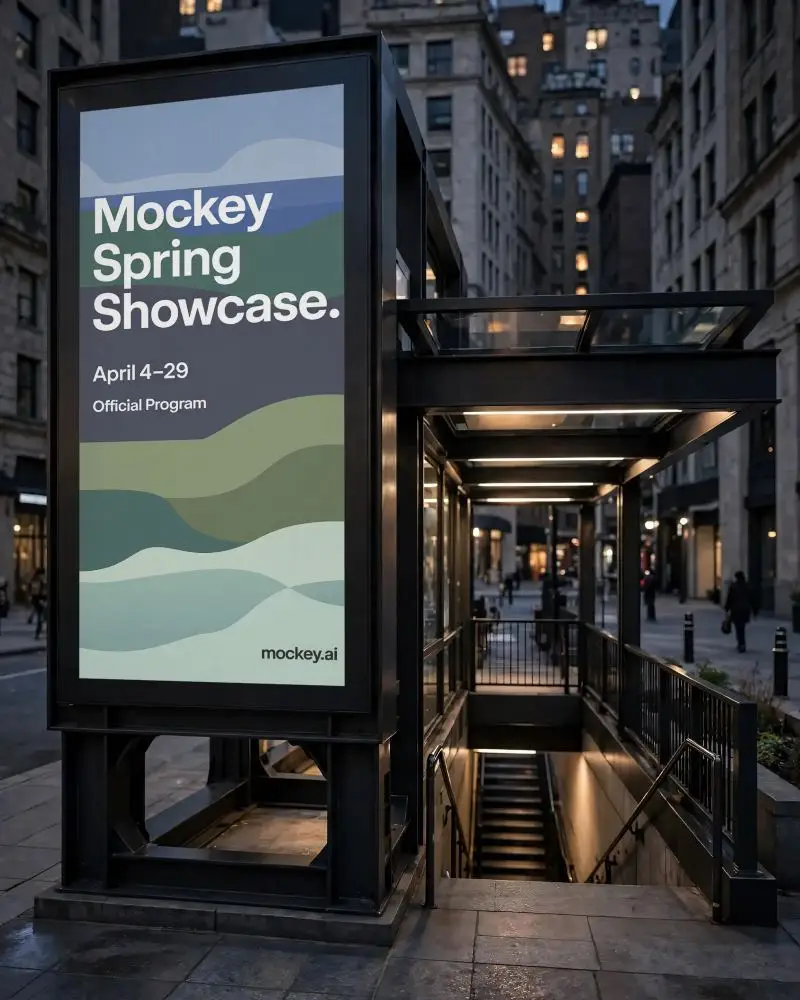
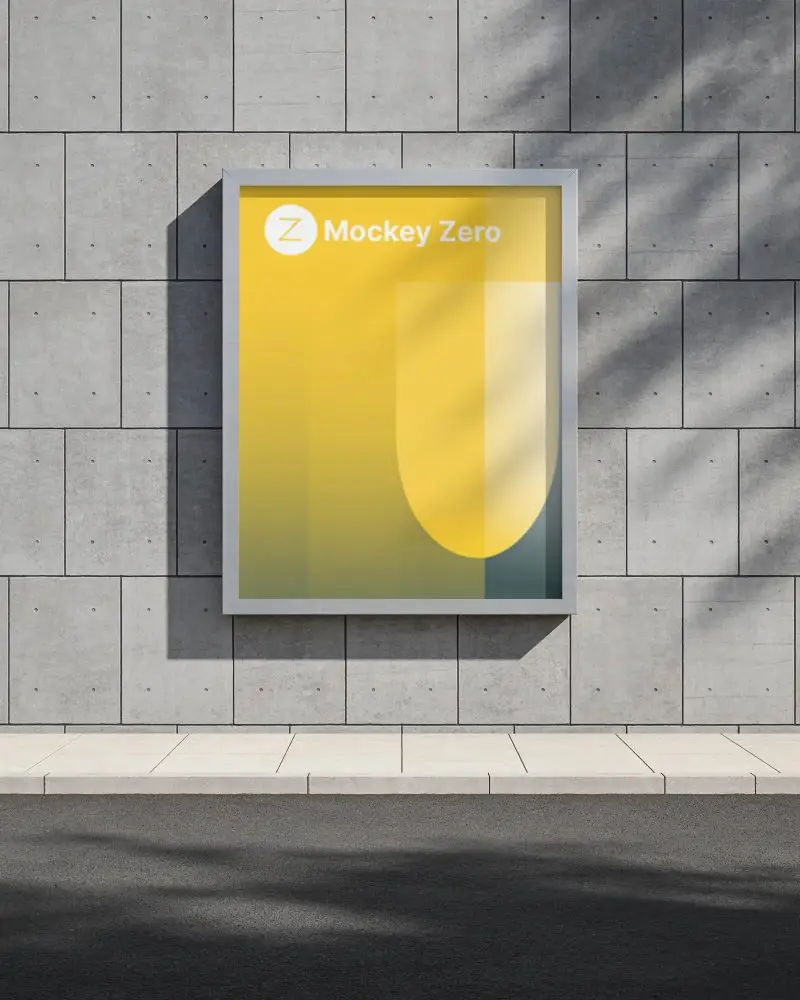
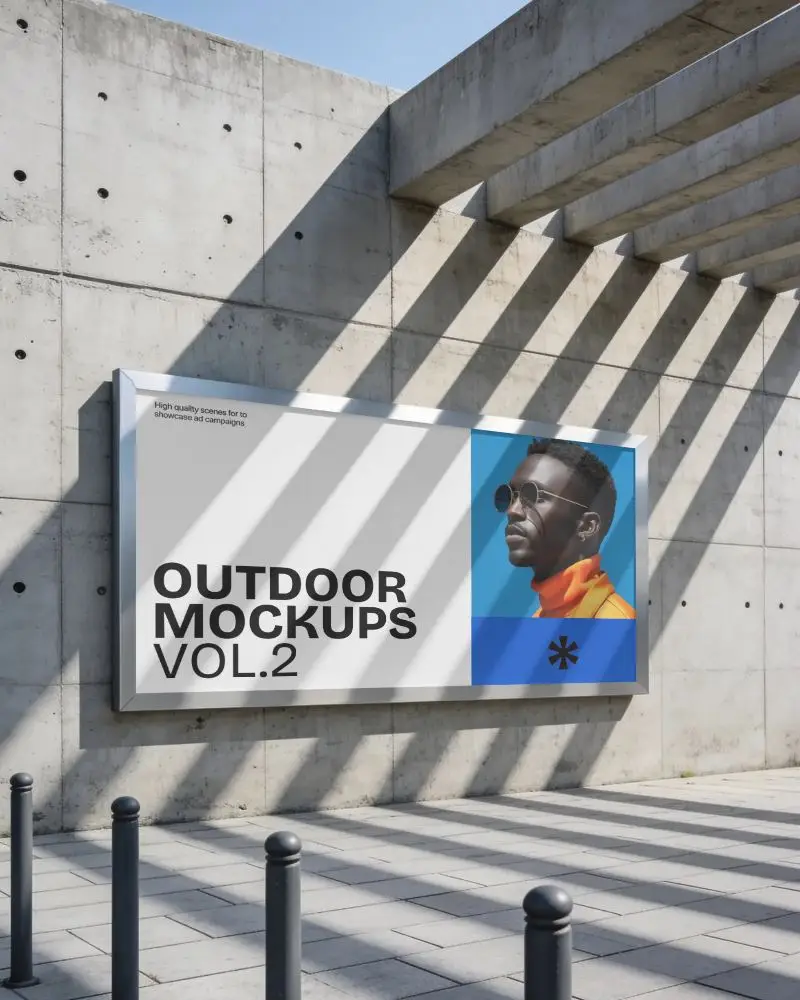
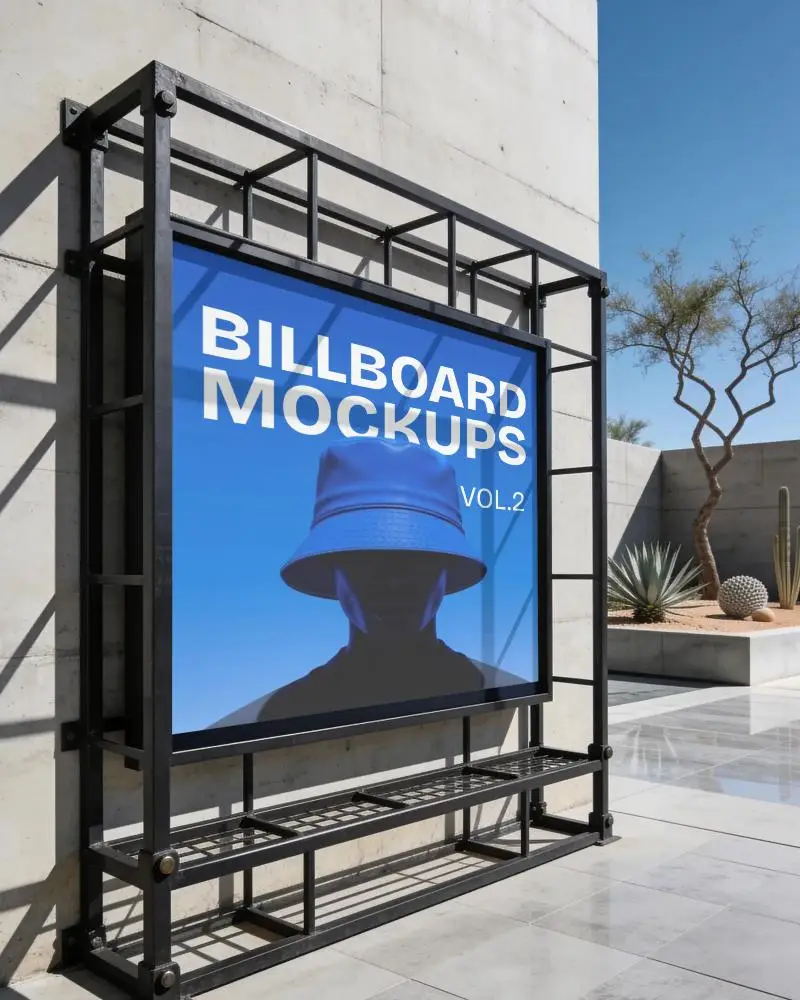
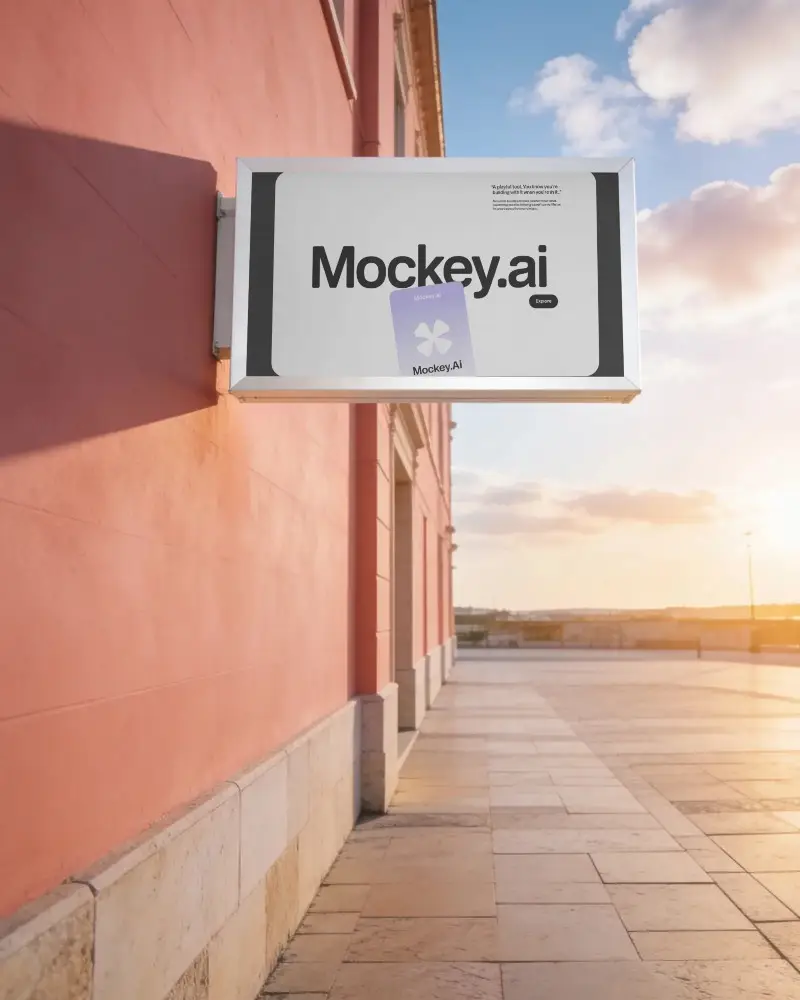
How to Create Street Billboard Mockup with Mockey
To create a street billboard mockup in Mockey AI:
- Step 1: Navigate to Mockups > Print > Billboard > Street and choose a template from the library.
- Step 2: On the following page, you'll find the option to upload your design and adjust the template's colors in the Edit section. If you upgrade to the Creator Plan, you can also access AI tools.
- Step 3: Finally, click the Download button to save your Street Billboard mockup in either PNG or JPEG format, available in various sizes.


FAQs on Street Billboard Mockups
What is Street Billboard Mockup?
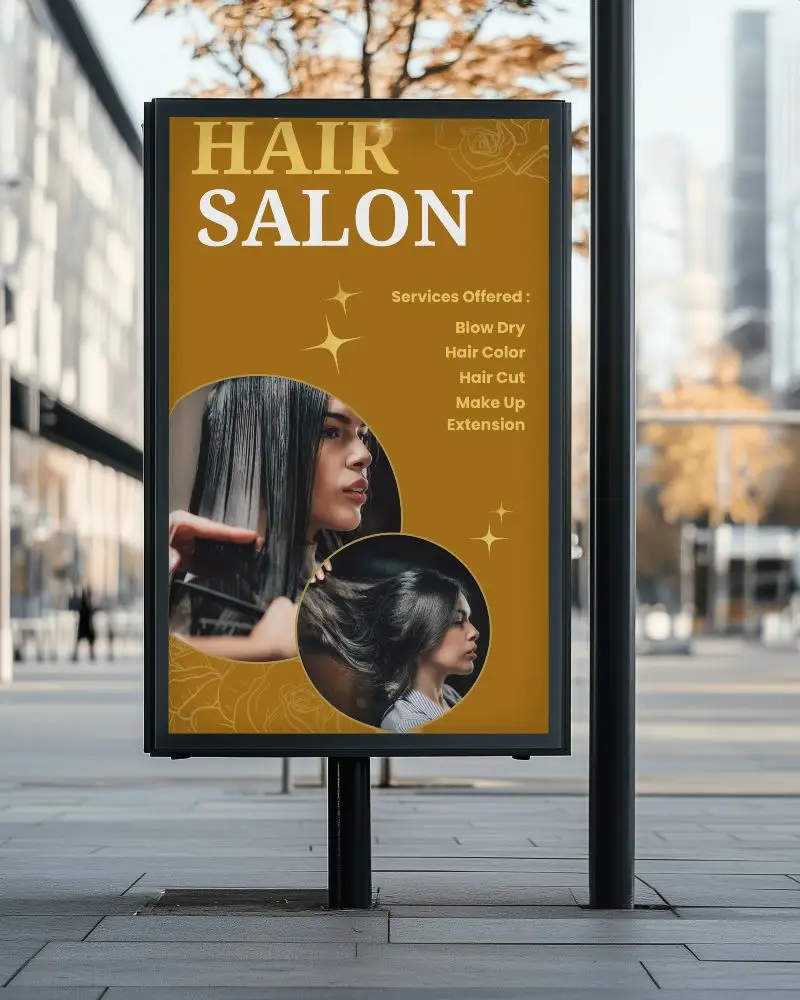
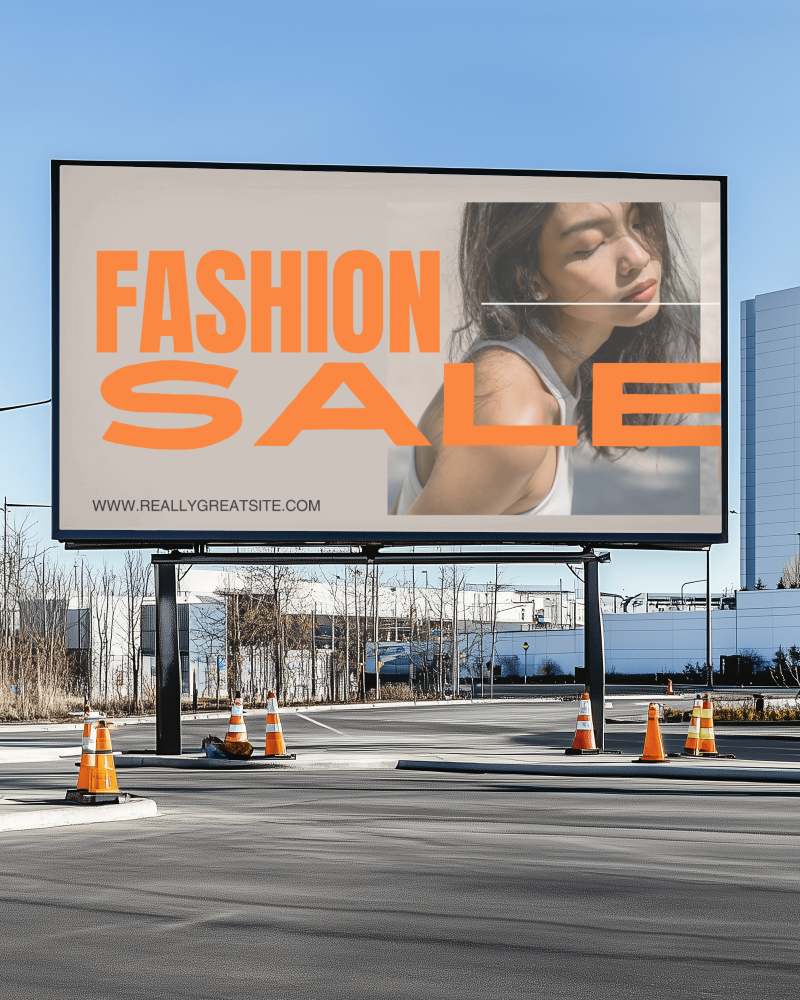
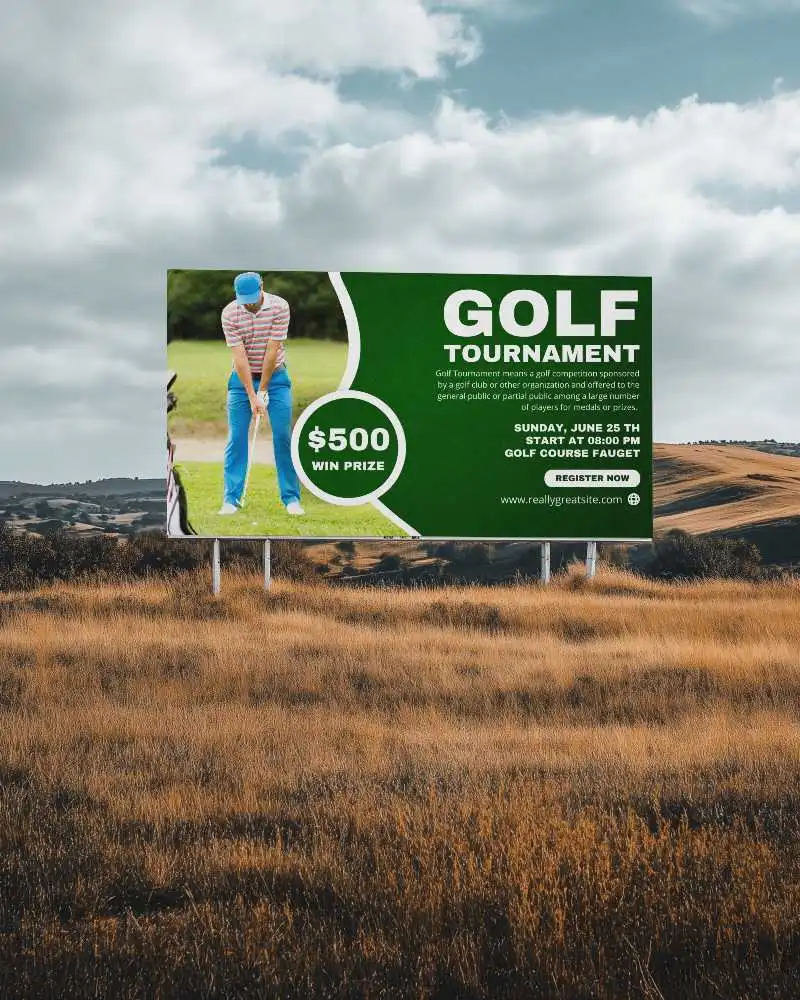
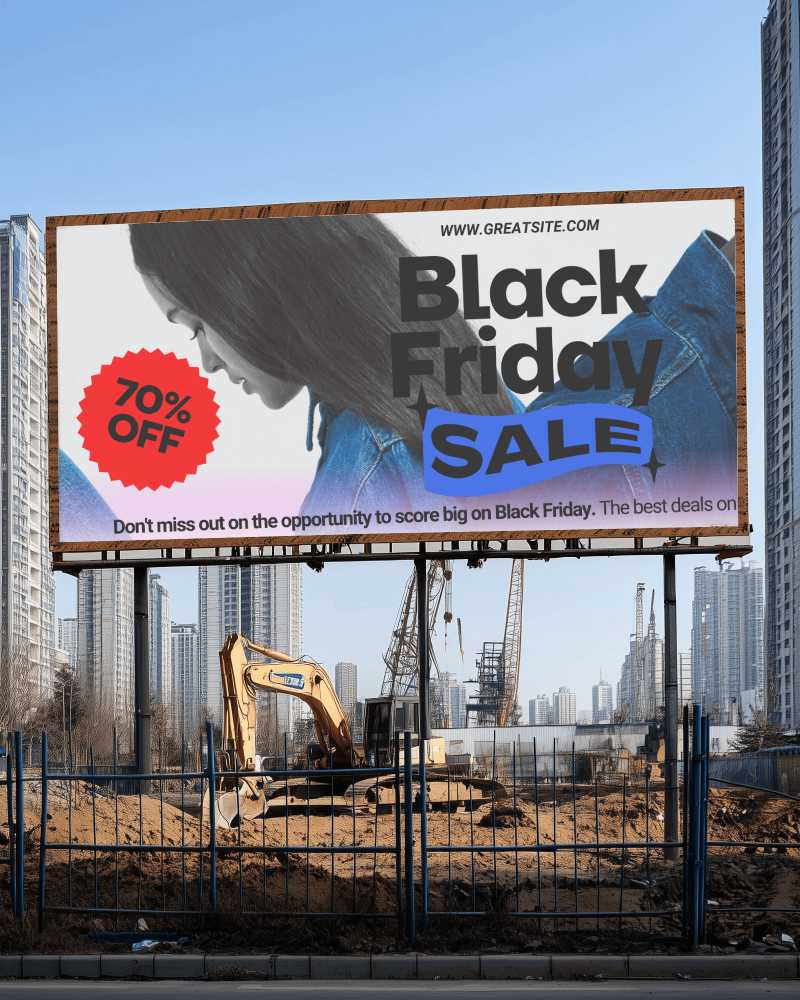
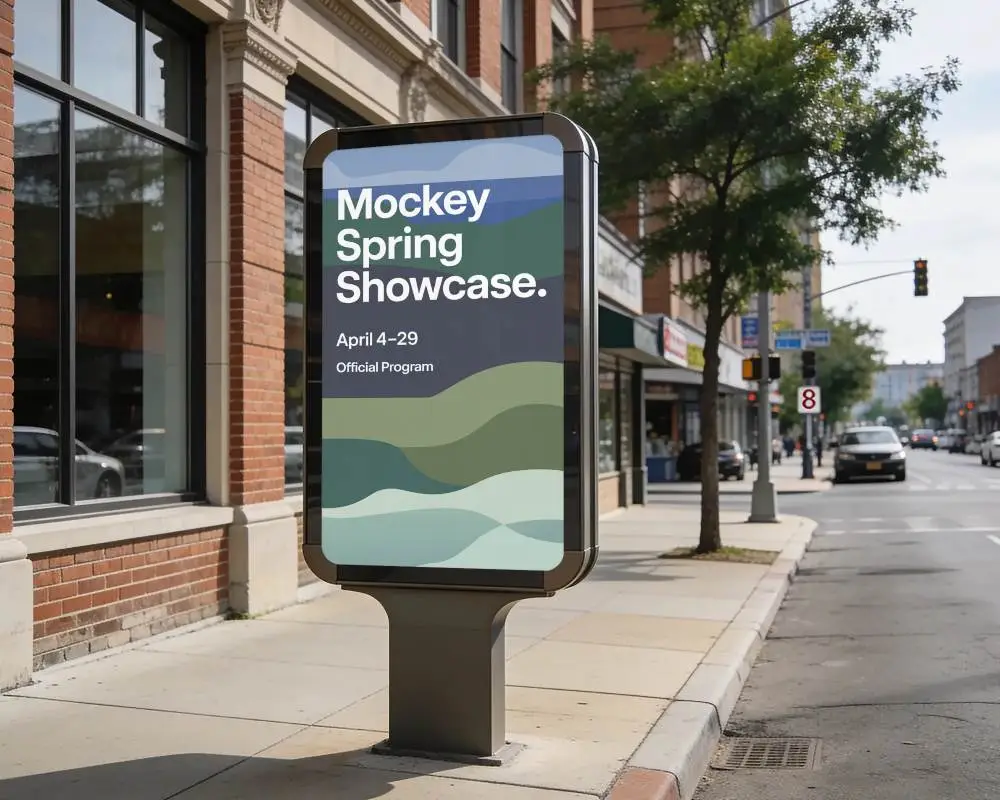
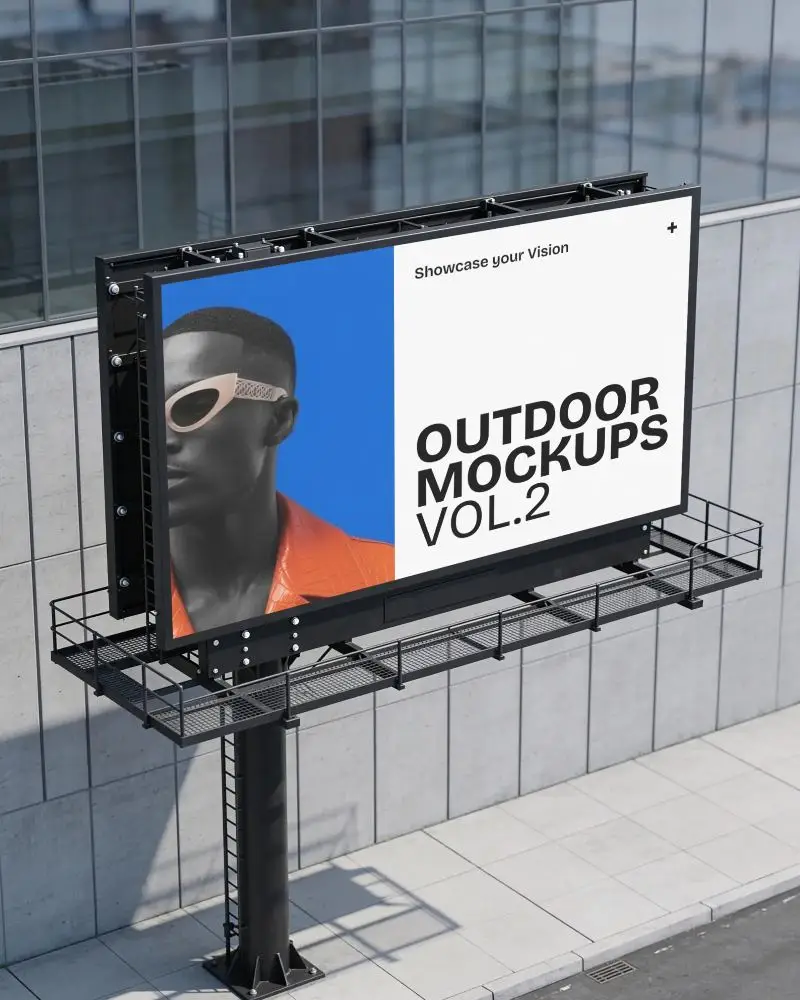
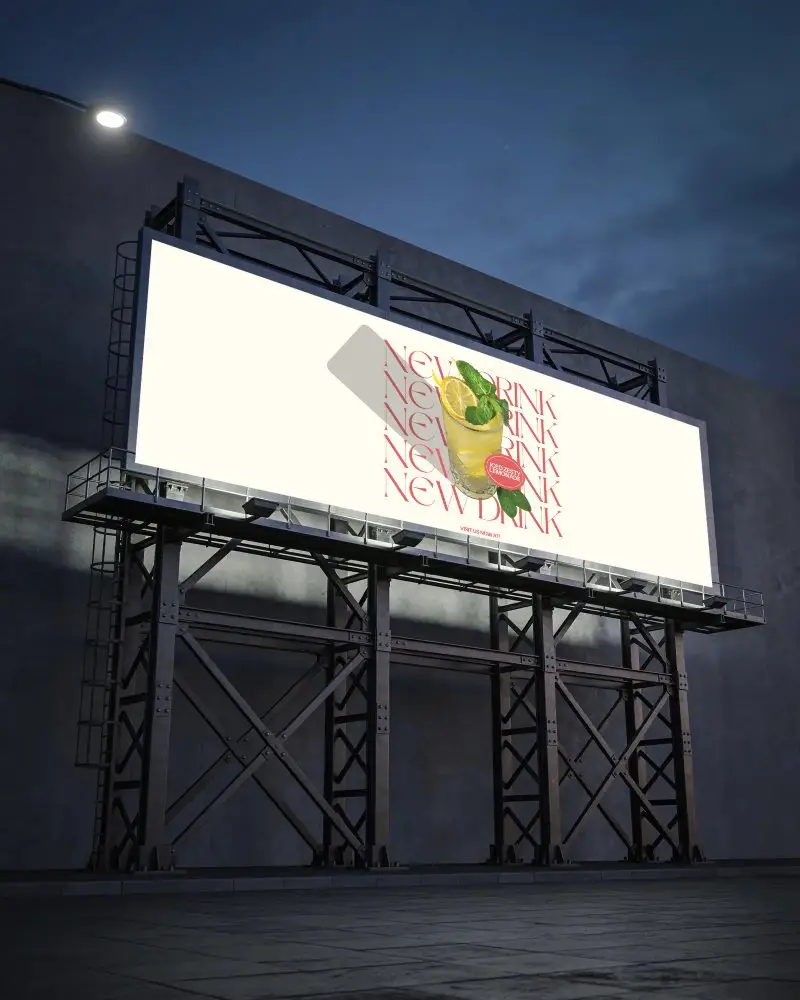
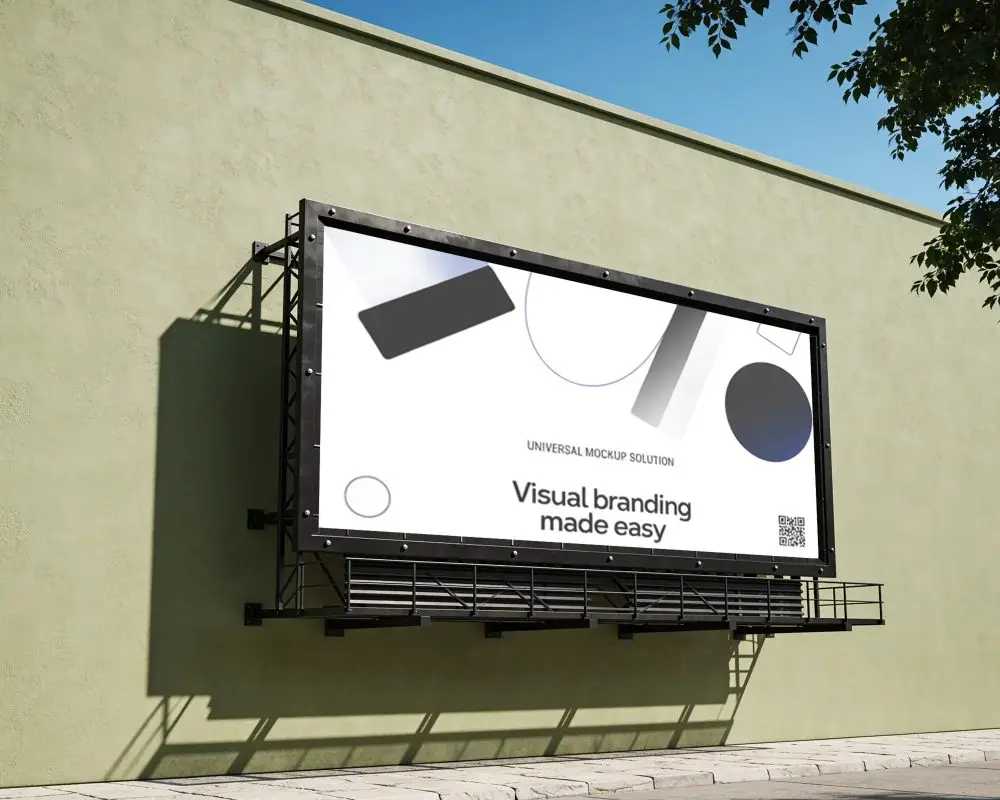
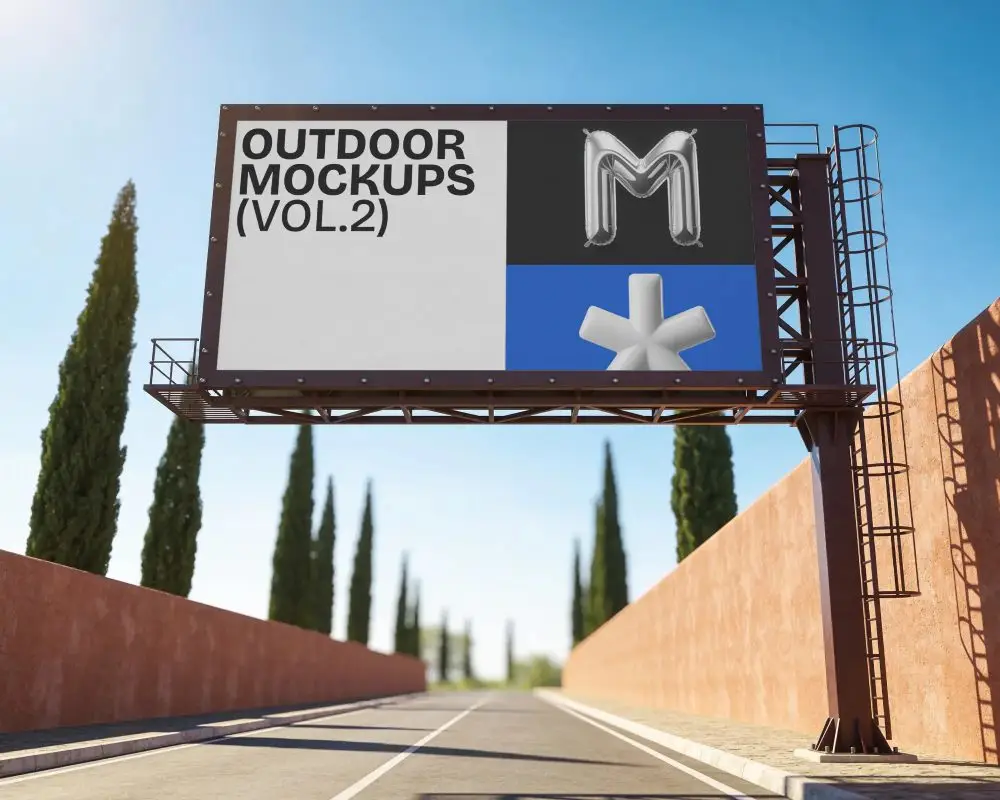
A street billboard mockup is used to represent how an advertisement would appear on a billboard in an actual urban environment.
Why create a Street Billboard mockup?
A street billboard mockup helps test colors, fonts, and layout, improves teamwork, saves time and money, and makes ads clear and eye-catching.
Why Use Mockey’s Street Billboard Mockup?
Mockey AI’s Street Billboard Mockup lets designers display street ads in real-world settings. It’s free, easier than Photoshop, high-quality, and works for any project without limits.
Is this Street Billboard Mockup Free?
Yes, Mockey AI gives free street billboard mockups to download them and use them for any project.
Do I need Photoshop to use Mockey’s street billboard mockups?
You don’t need Photoshop for Mockey’s billboard mockups. Just insert your design, edit it online with AI tools, and download the final image. Everything happens on Mockey’s website.
Does Mockey offer different styles of street billboard mockups?
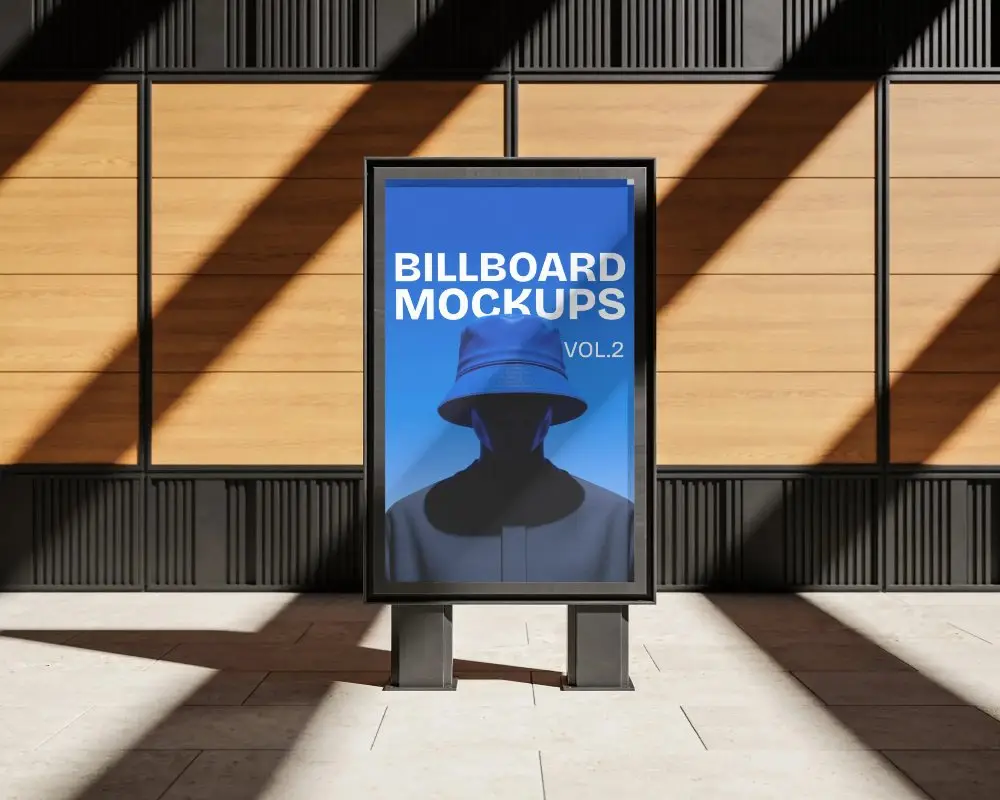
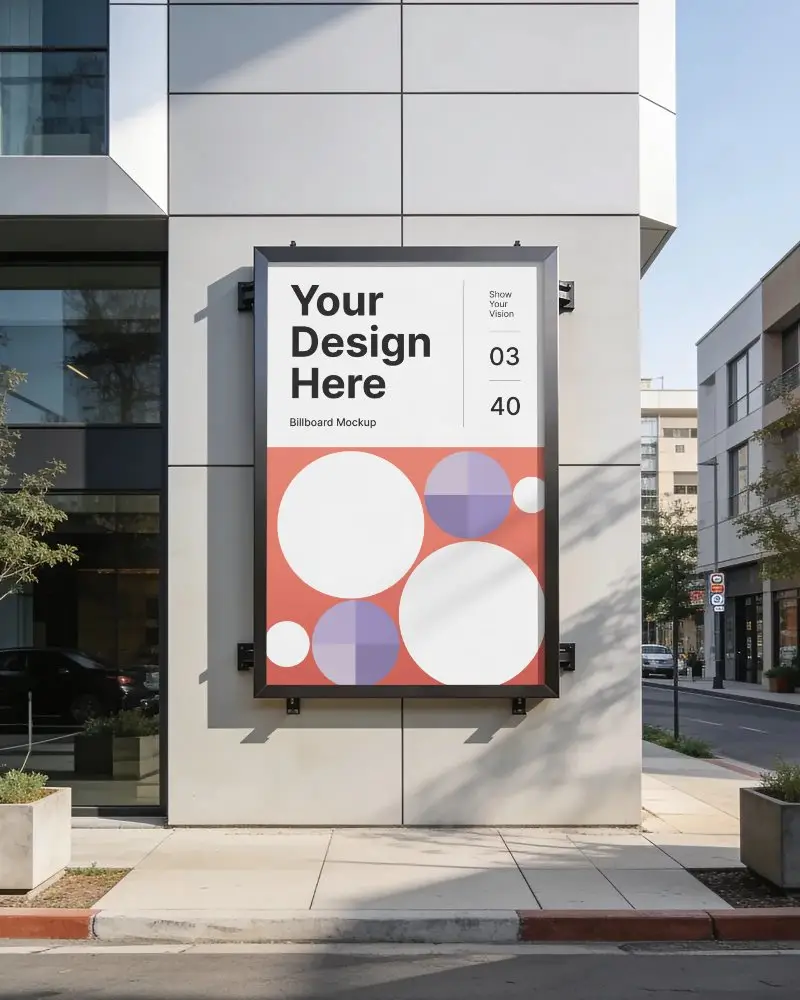
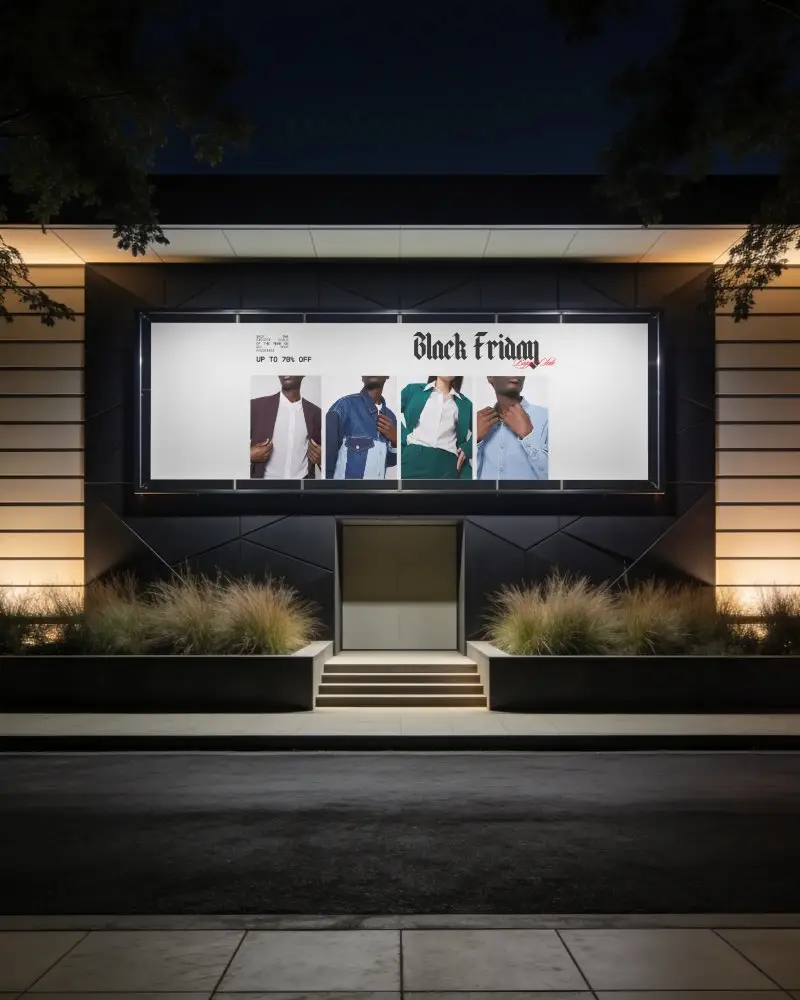
Yes, Mockey AI has different street billboard mockups. Some show city scenes, others have shadows or square designs.
What file formats are available for street billboard mockups on Mockey?
Mockey AI lets you save street billboard mockups as PNG or JPEG. It can also create animated anime videos using AI.
