Free Times Square Billboard Mockups
Create the perfect times square billboard mockup to showcase your ad in seconds. Our free mockup generator makes stunning billboard designs in just a few clicks.
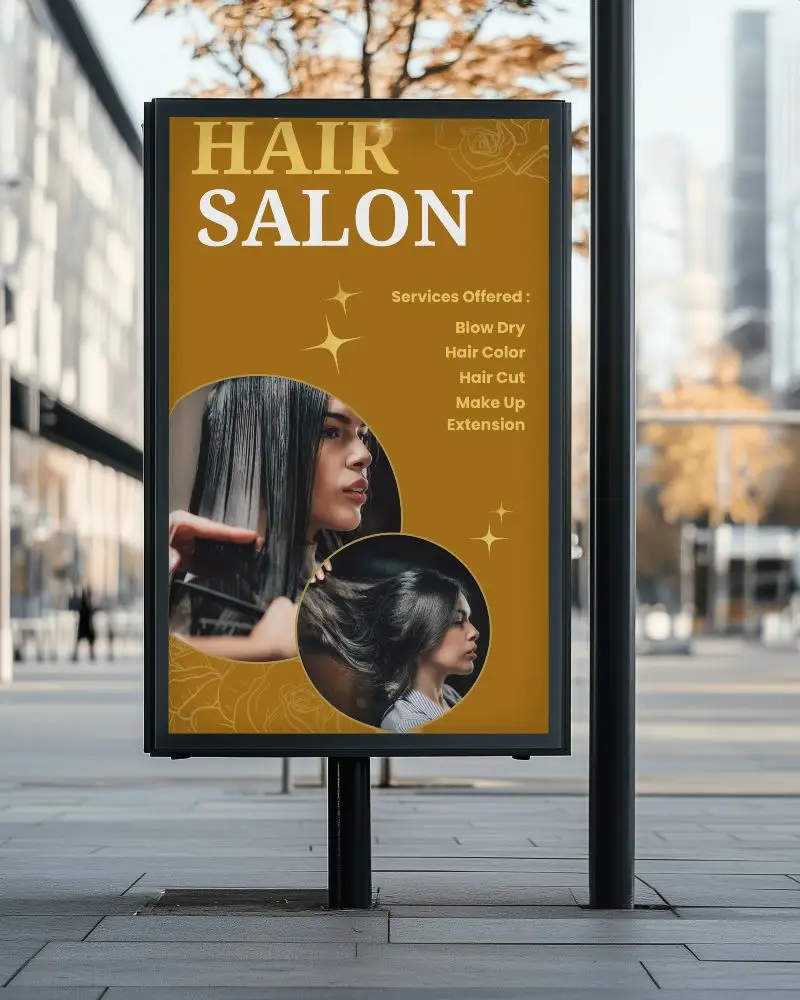


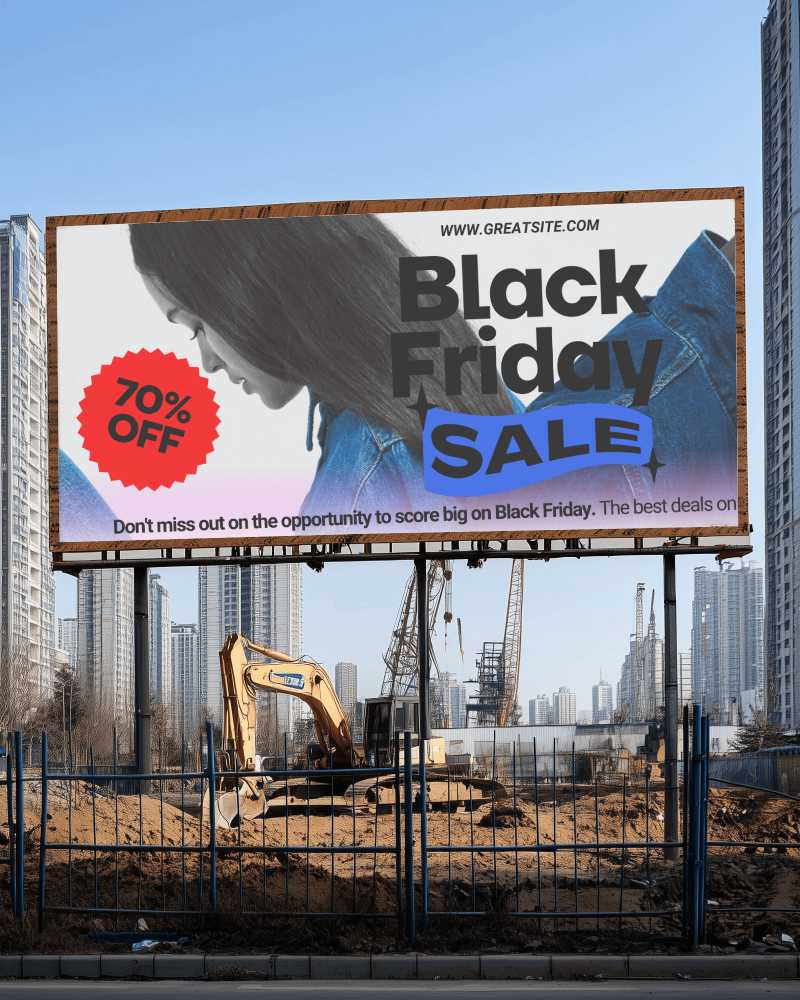
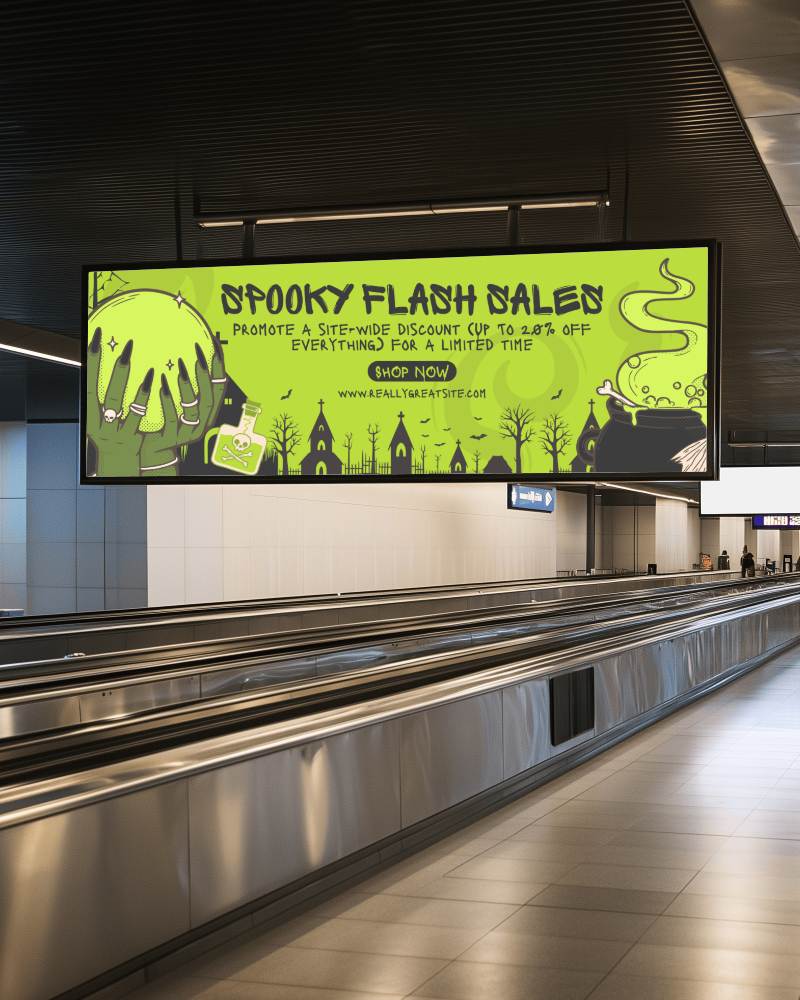
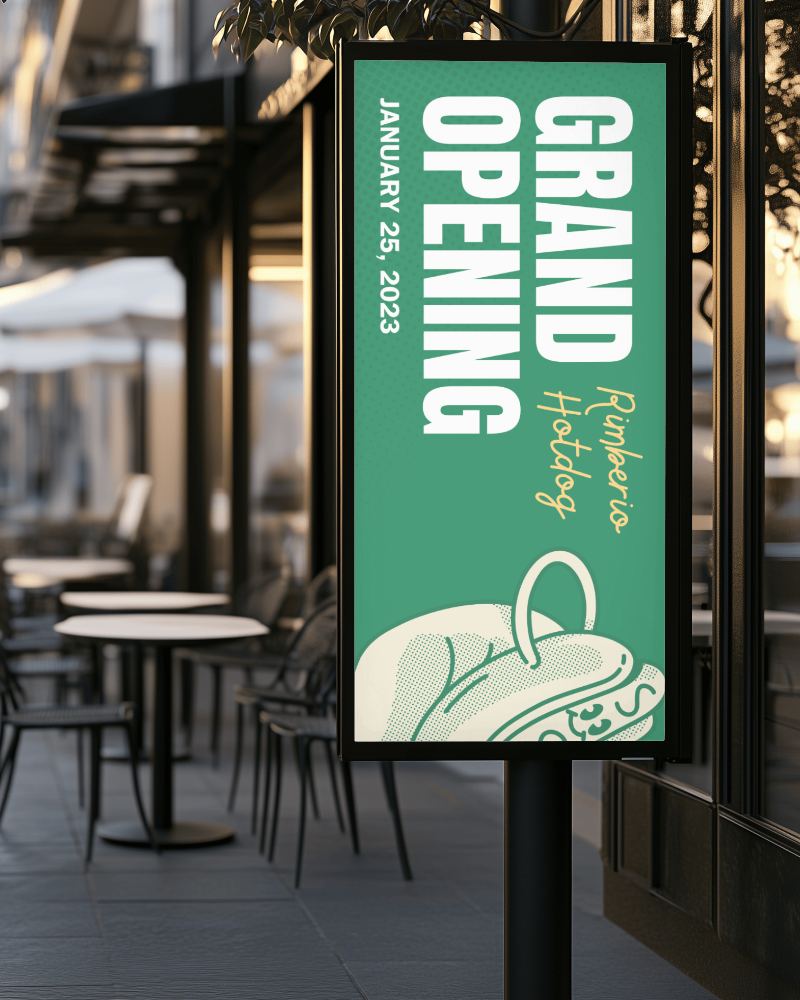
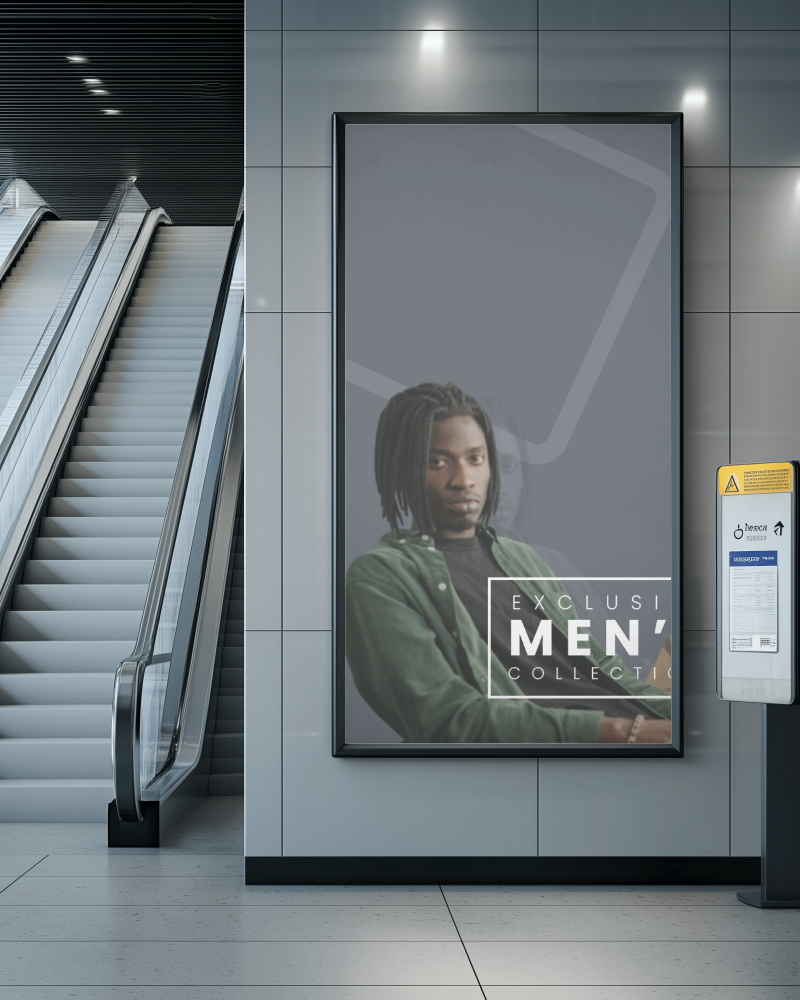
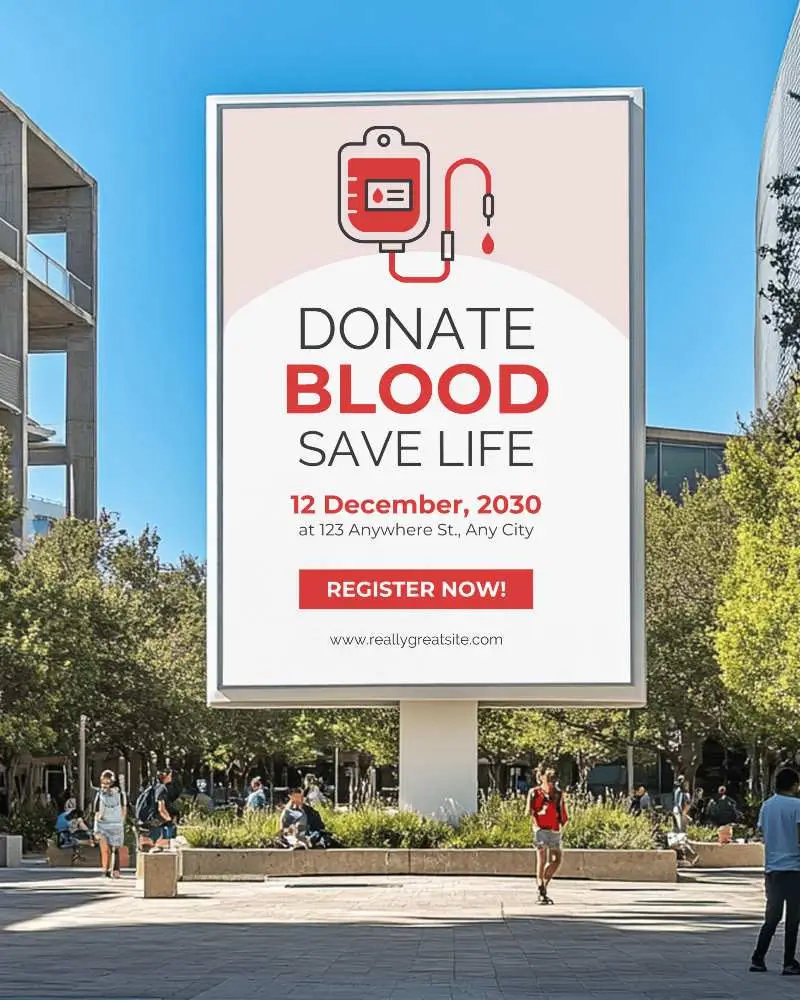
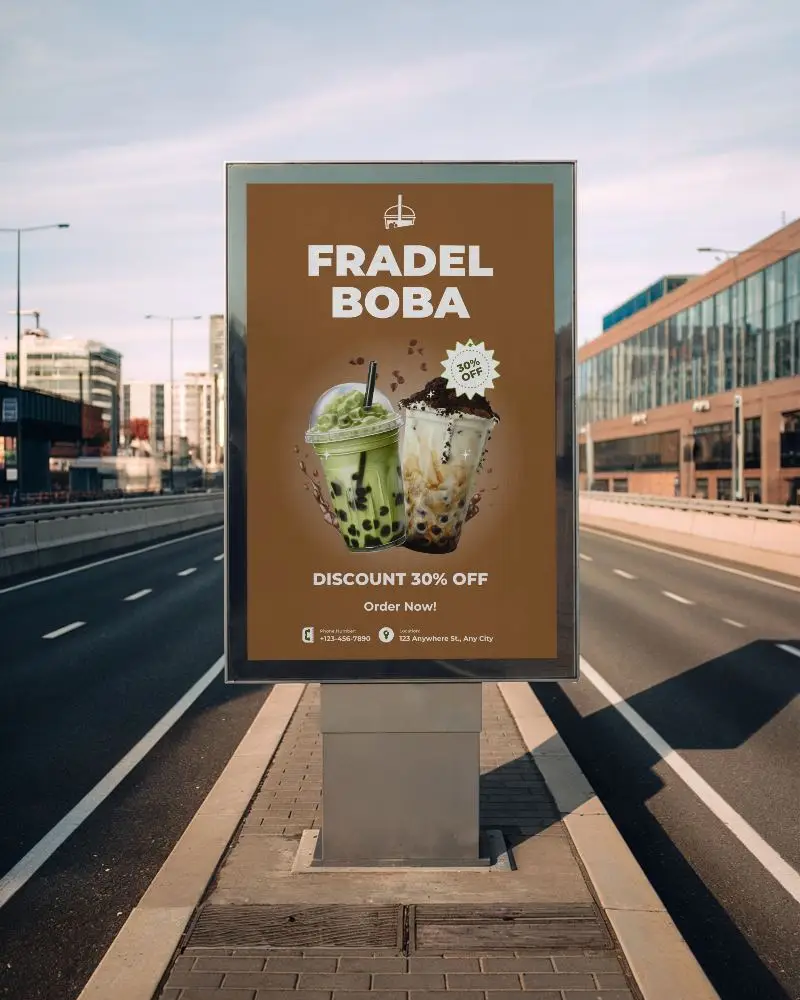
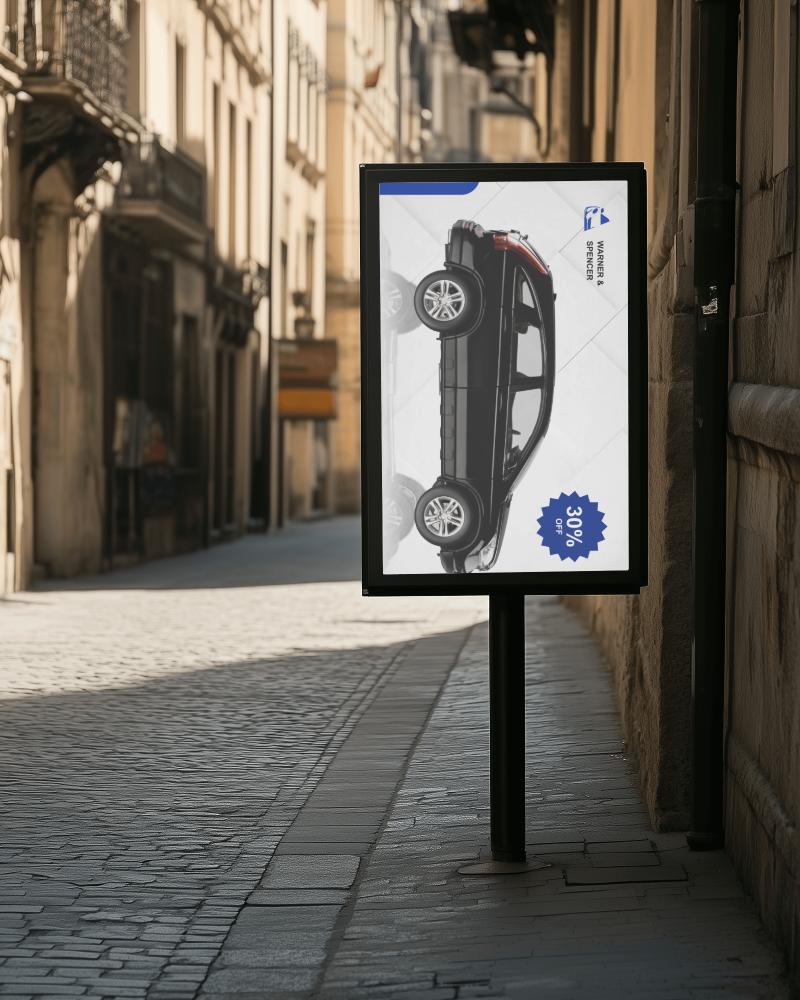
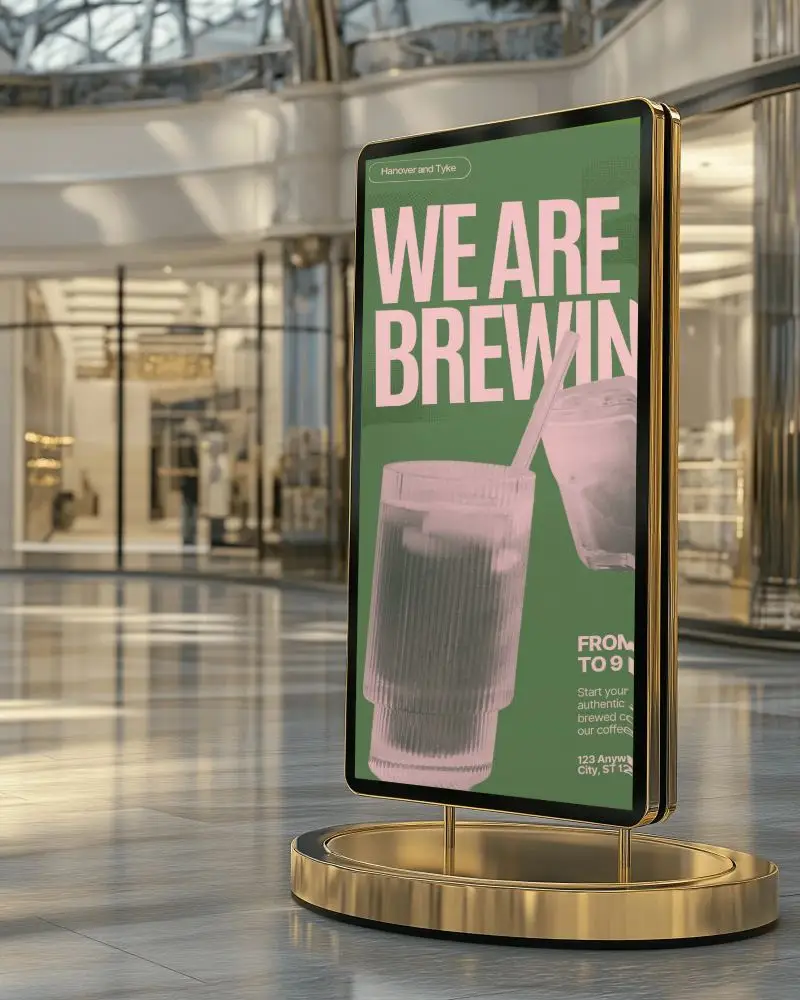
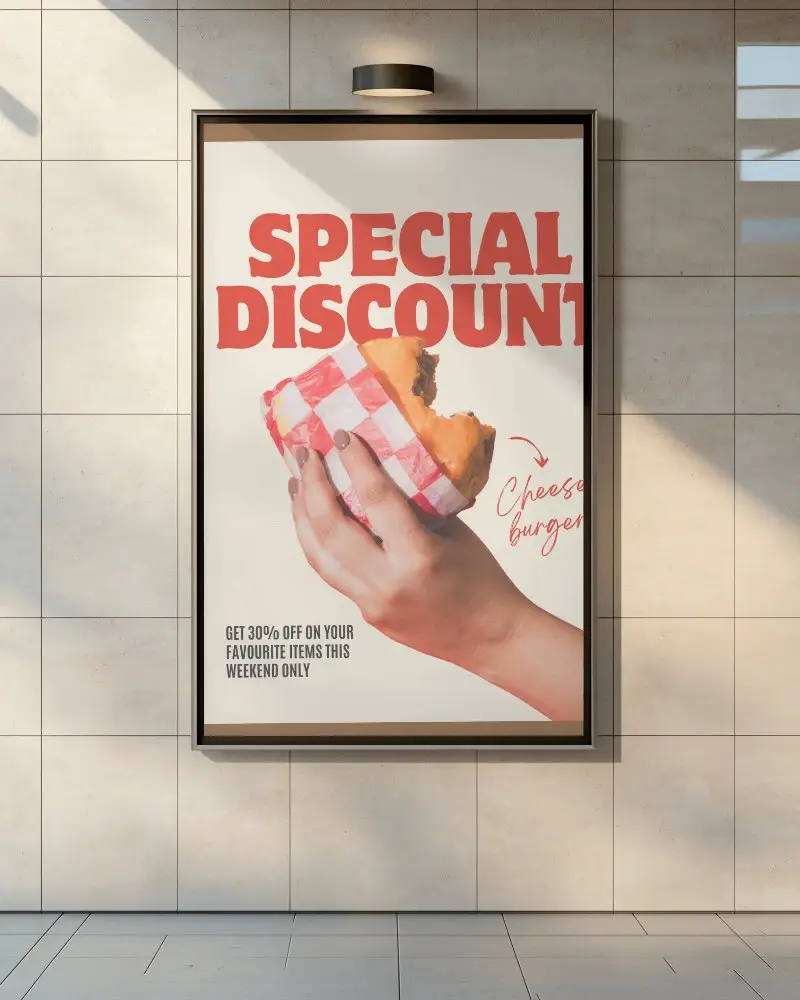
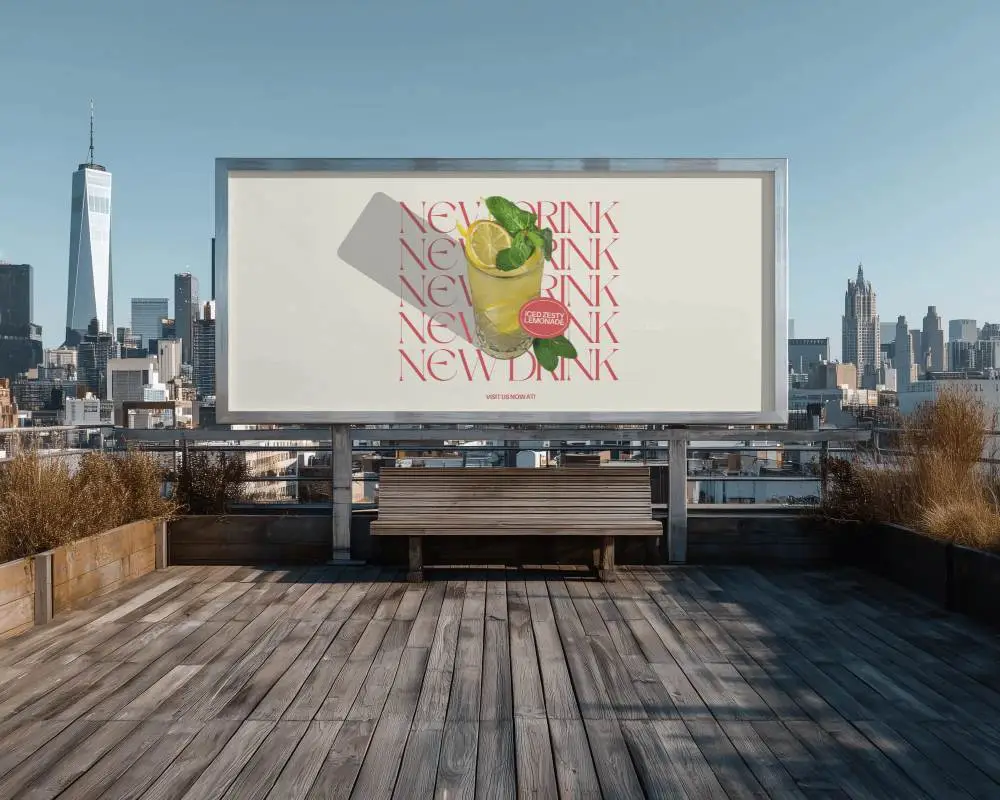
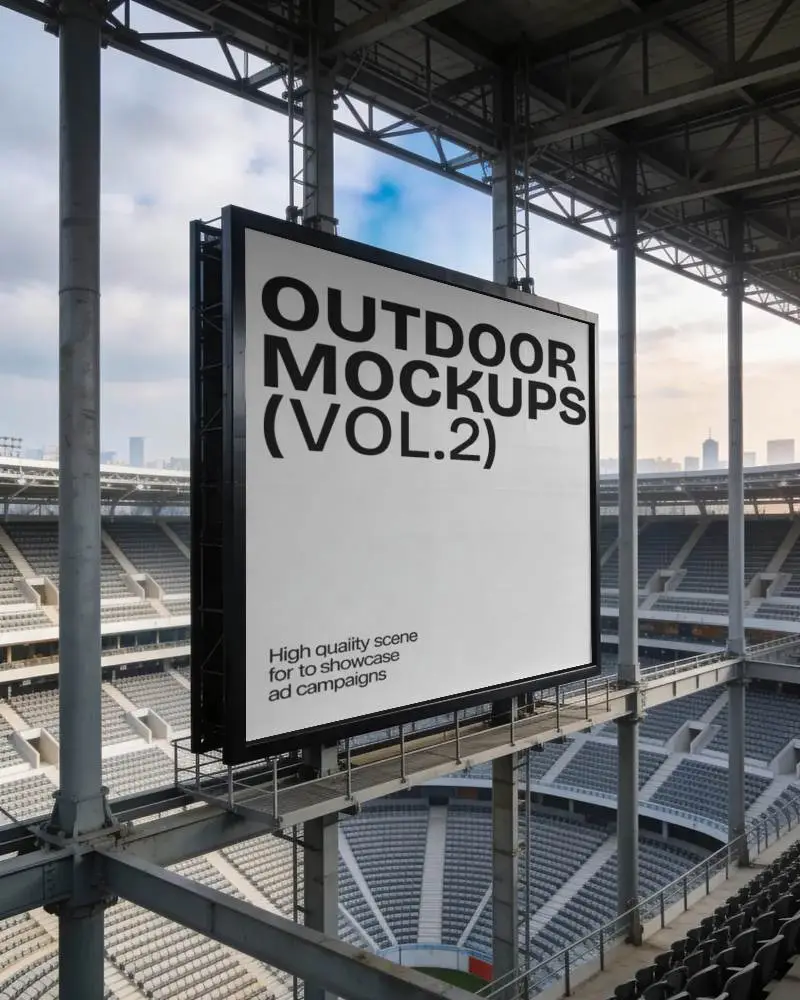
How to Create a Times Square Billboard Mockup with Mockey
- Step 1: Sign up and click the “Mockups” on the next page. In the Categories, follow “Print > Billboard”.
- Step 2: Look for the “Times Square” tag and select a template.
- Step 3: Upload a design, edit, and press “Download” to save the Times Square billboard mockup.


FAQs on Times Square Billboard Mockups
What is a Times Square billboard mockup?
A Times Square billboard mockup is a template where you can add your design to a billboard and show it to your client as if it’s displayed in Times Square, New York. Mockey AI’s billboard mockup generator helps you do this easily by offering many ready-made templates.
Is this mockup good for presentations and social media?
Times Square billboard mockups are excellent for presentations and social media platforms like Instagram or Snapchat. You can use these mockups to present your ad campaigns or branding ideas to your clients.
Can I use animated or video mockups of Times Square billboards?
On Mockey AI, you can also generate billboard video mockups, including Times Square scenes. You’ll find many video templates you can use to add your design and create a video clip of your ad in motion.
Can I use this mockup for a fake ad concept or brand teaser?
You can use the Times Square mockup to create a fake ad or a brand teaser. It’s fine if it’s for presentation or portfolio use. However, avoid using the mockup in any way that copies the real Times Square logos. Do not use it for commercial work or anything that could break intellectual property rules, including selling the mockup on its own.
Does Mockey AI offer other billboard mockups, too?
Besides Times Square, Mockey AI also offers customizable mockups for street, roadside, horizontal, indoor, and many other billboard mockups.
