Free Digital Billboard Mockup Templates
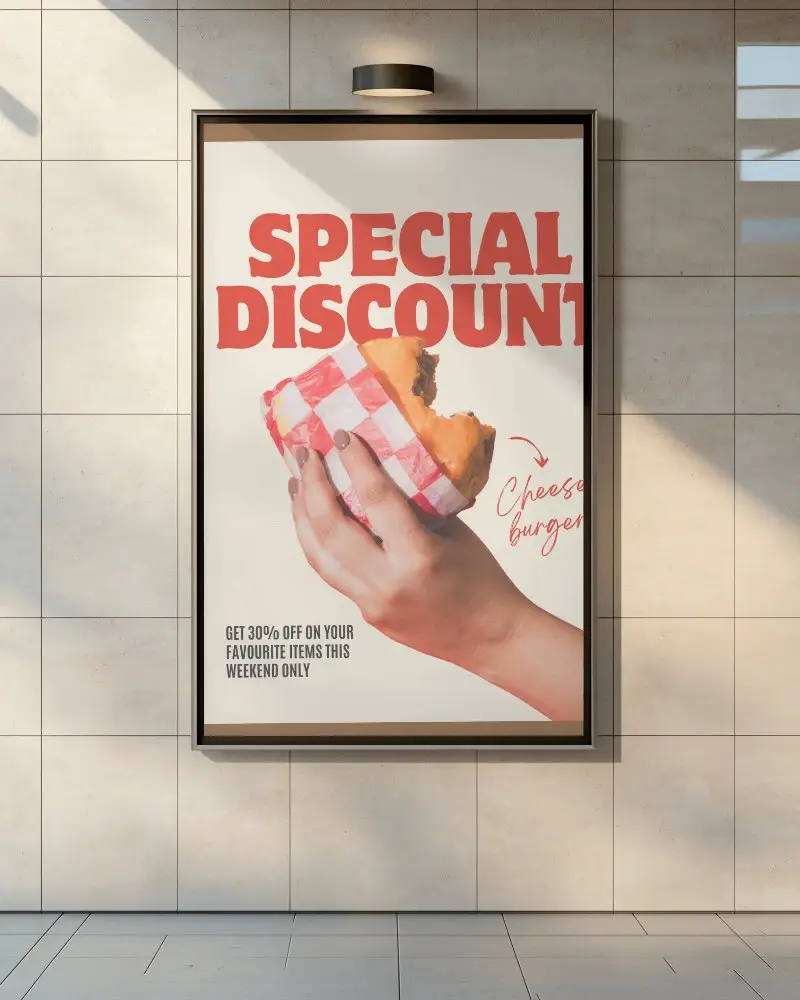
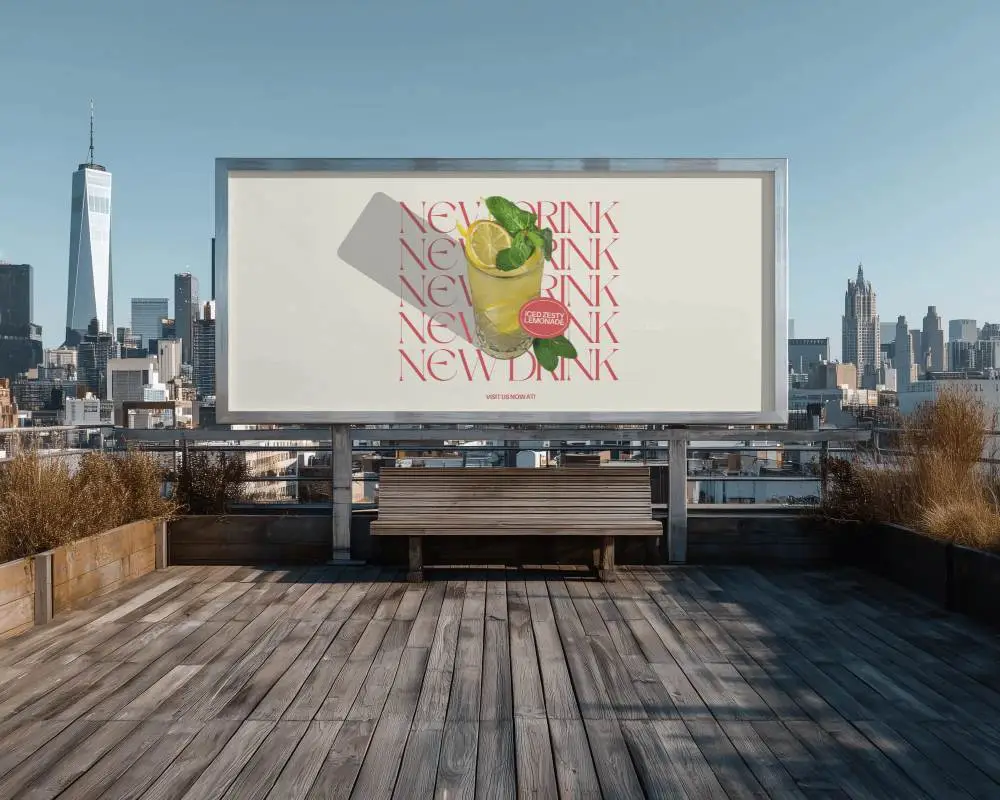
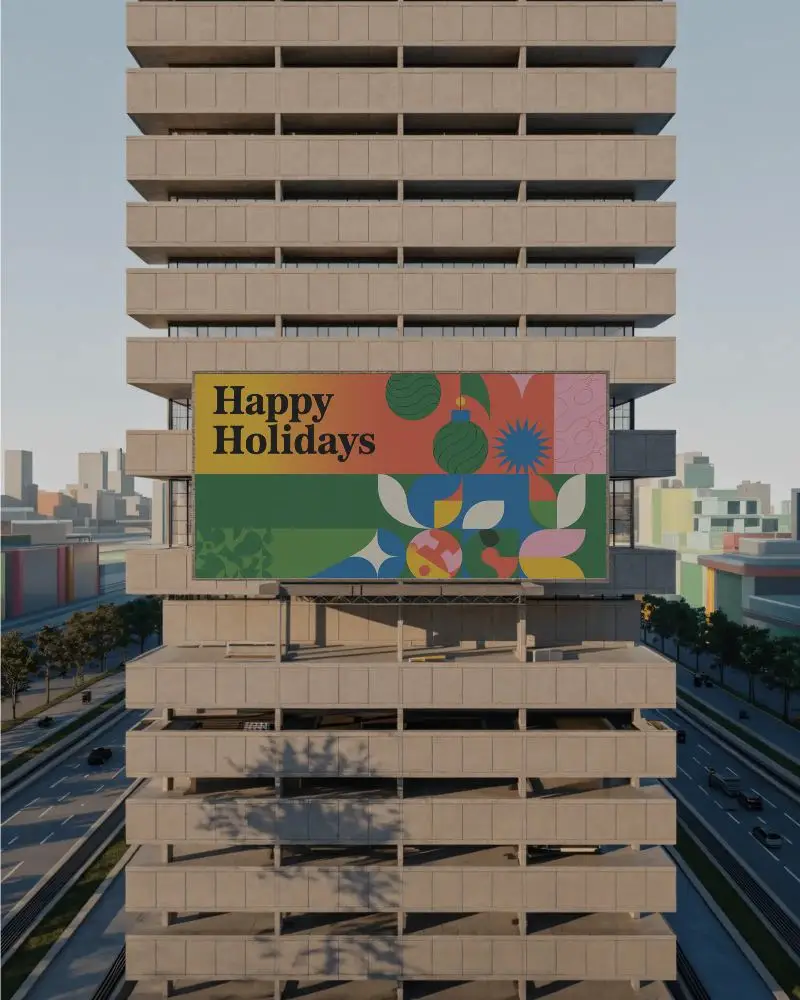
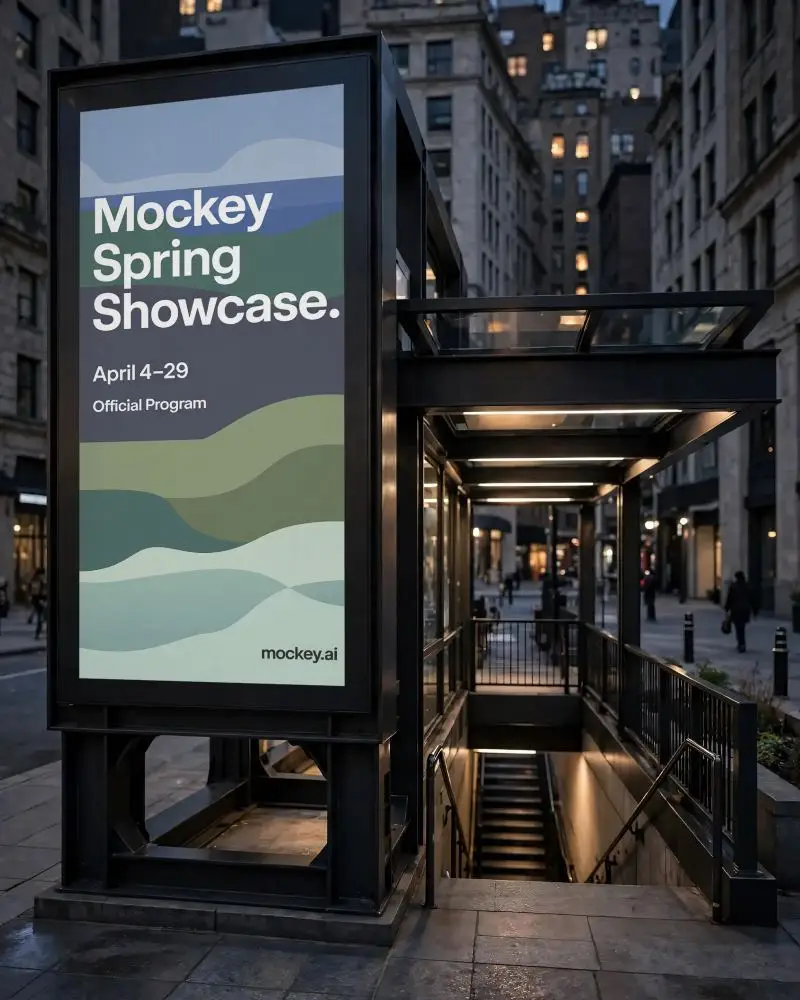
Create eye catching digital billboard mockups online using Mockey AI. Display your ads in real street environments and make your campaigns look professional with free easy to use billboard templates.
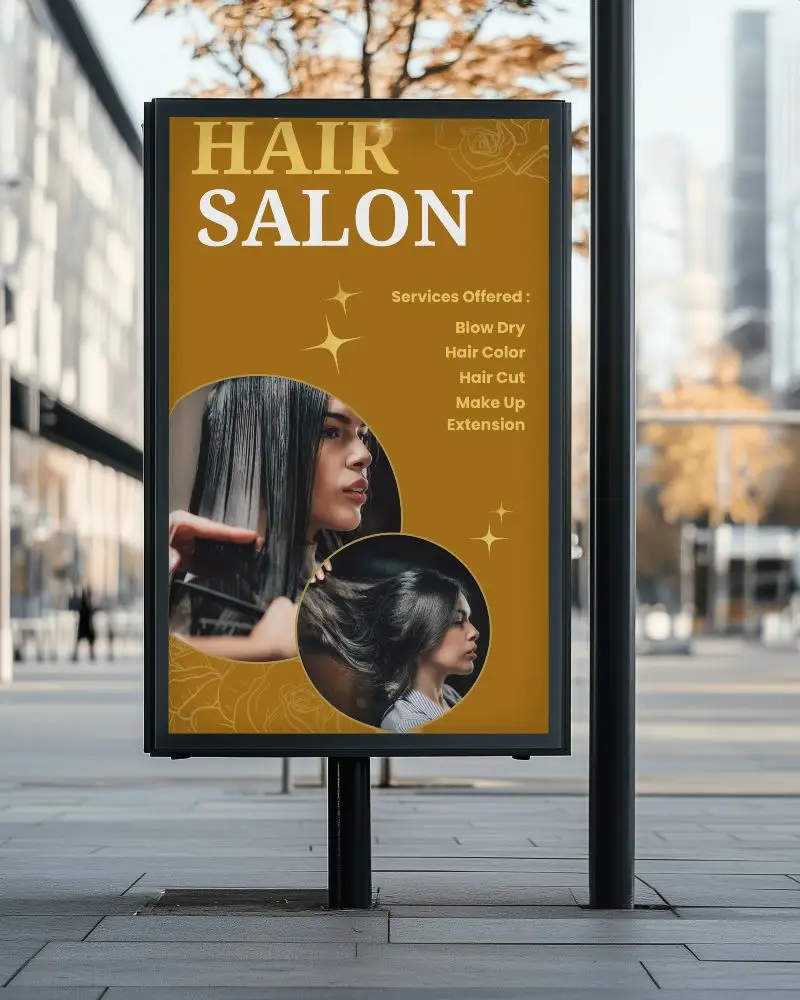


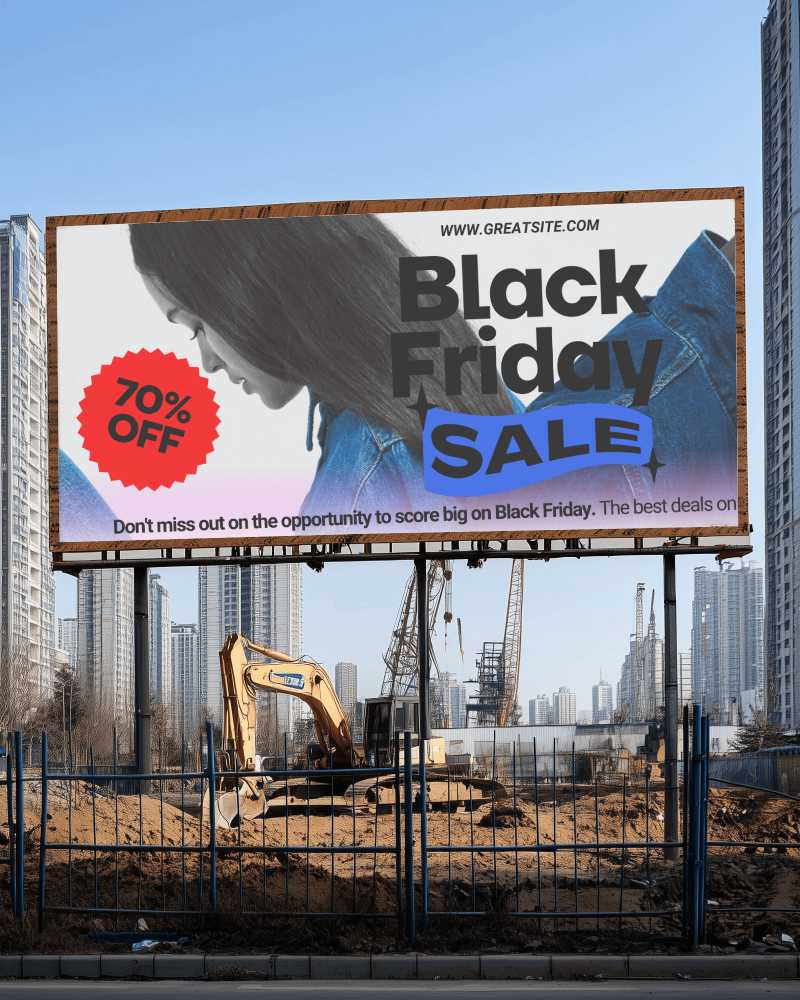
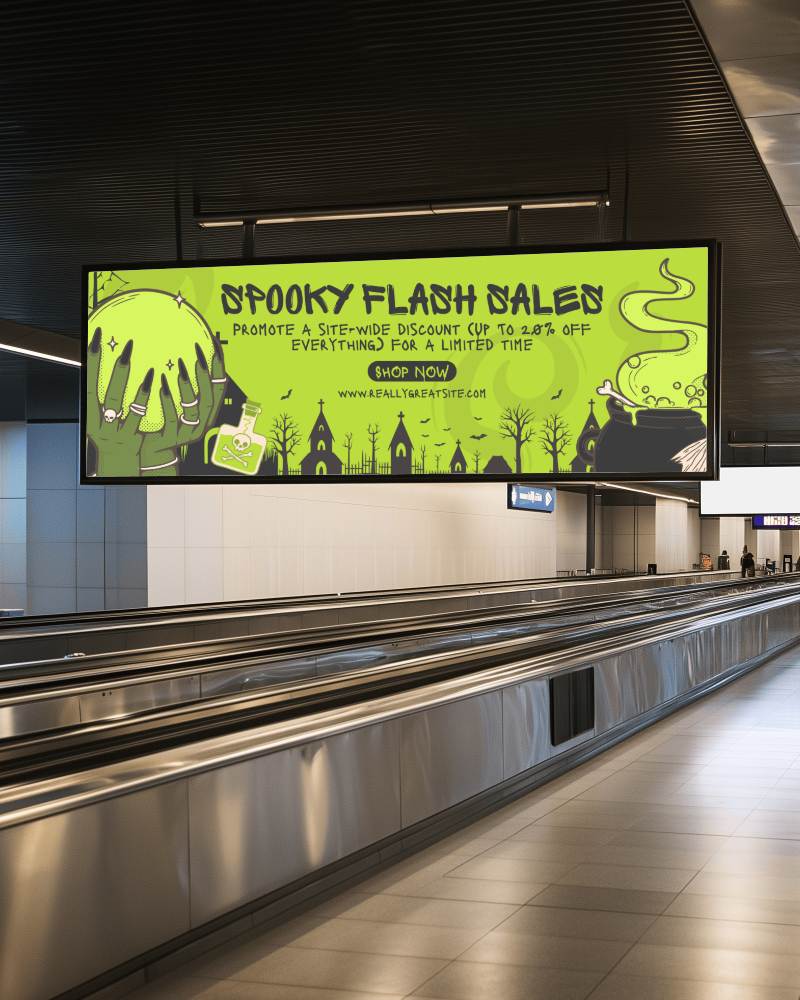
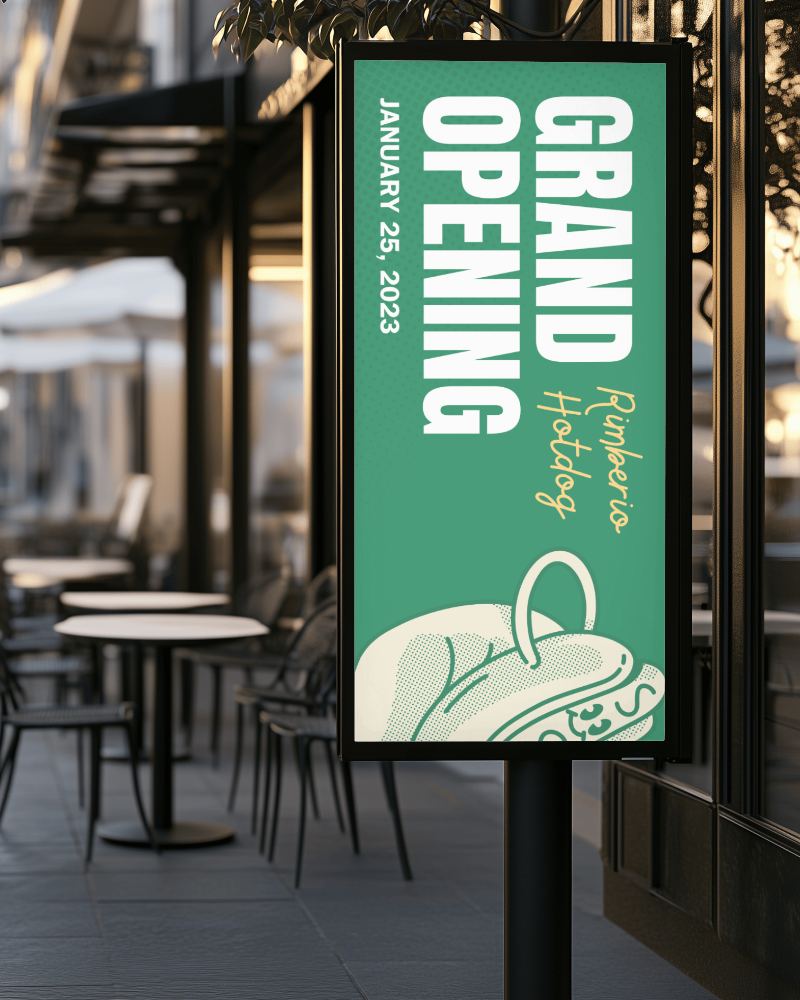
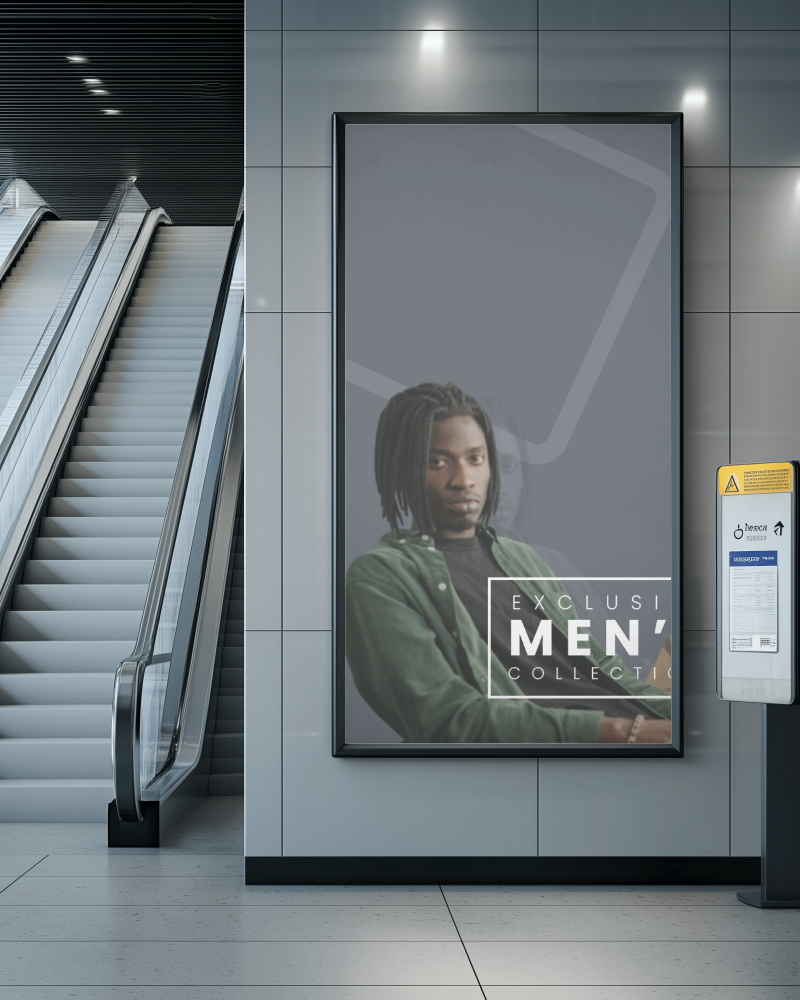
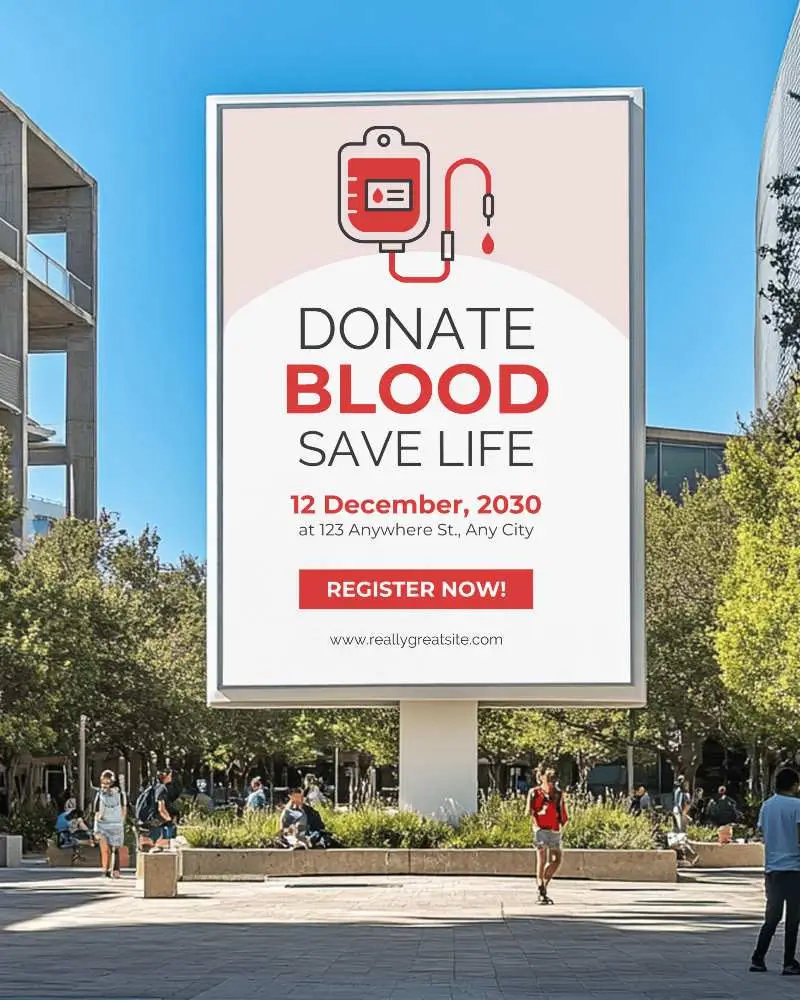
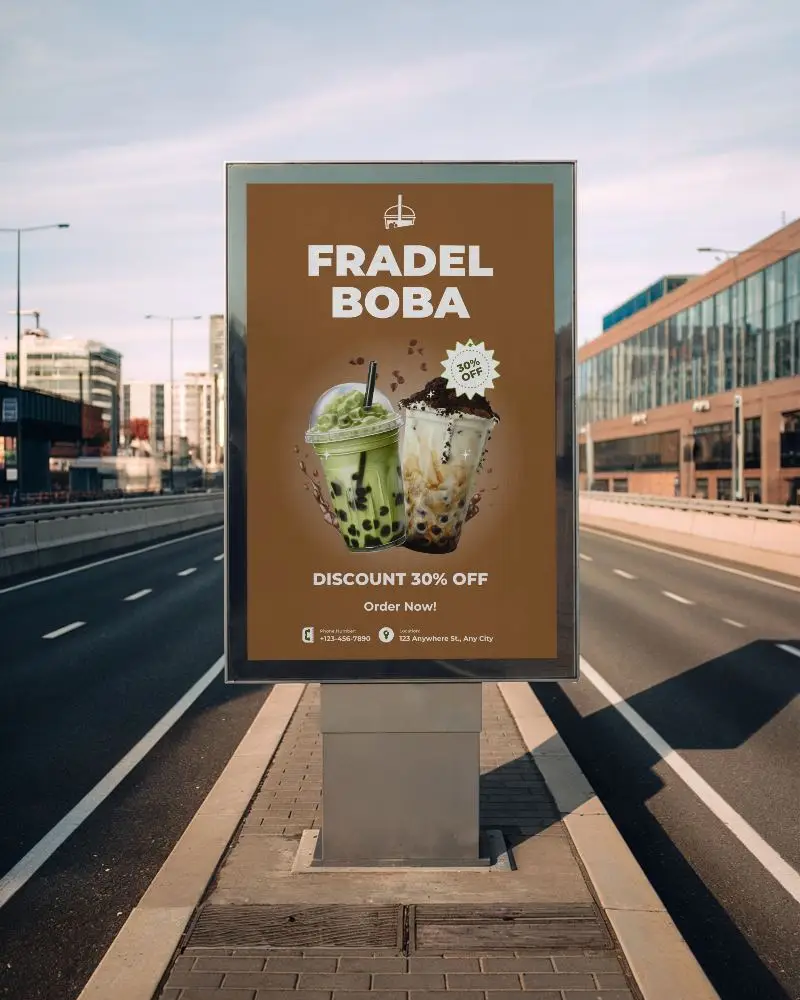
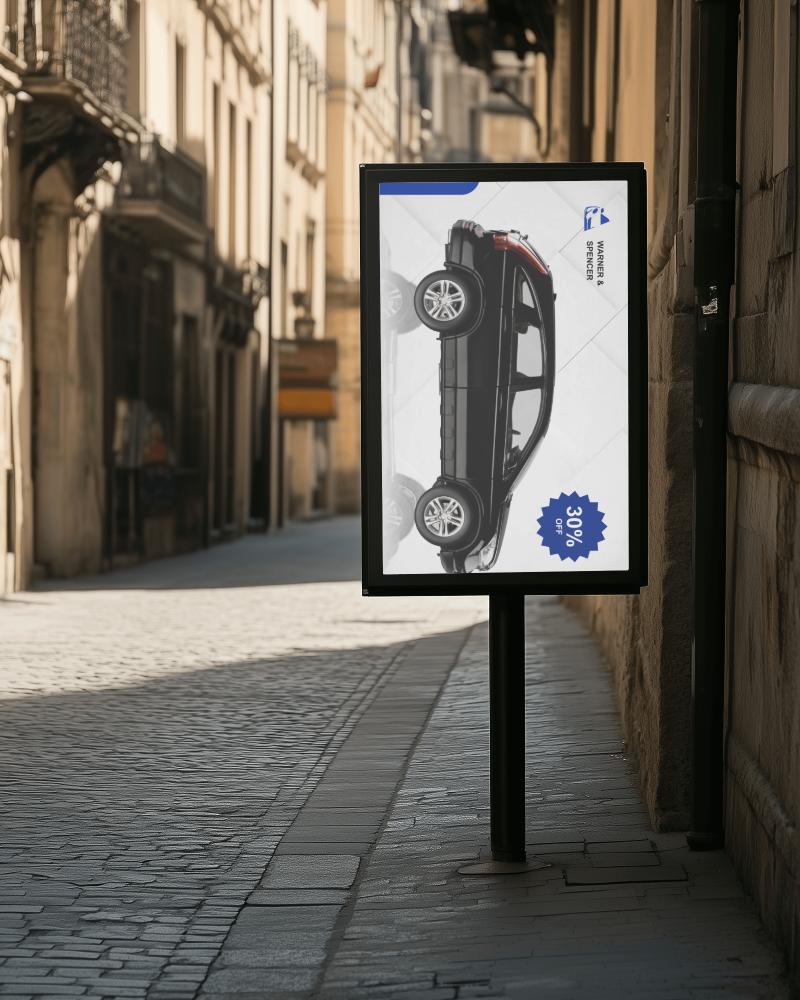
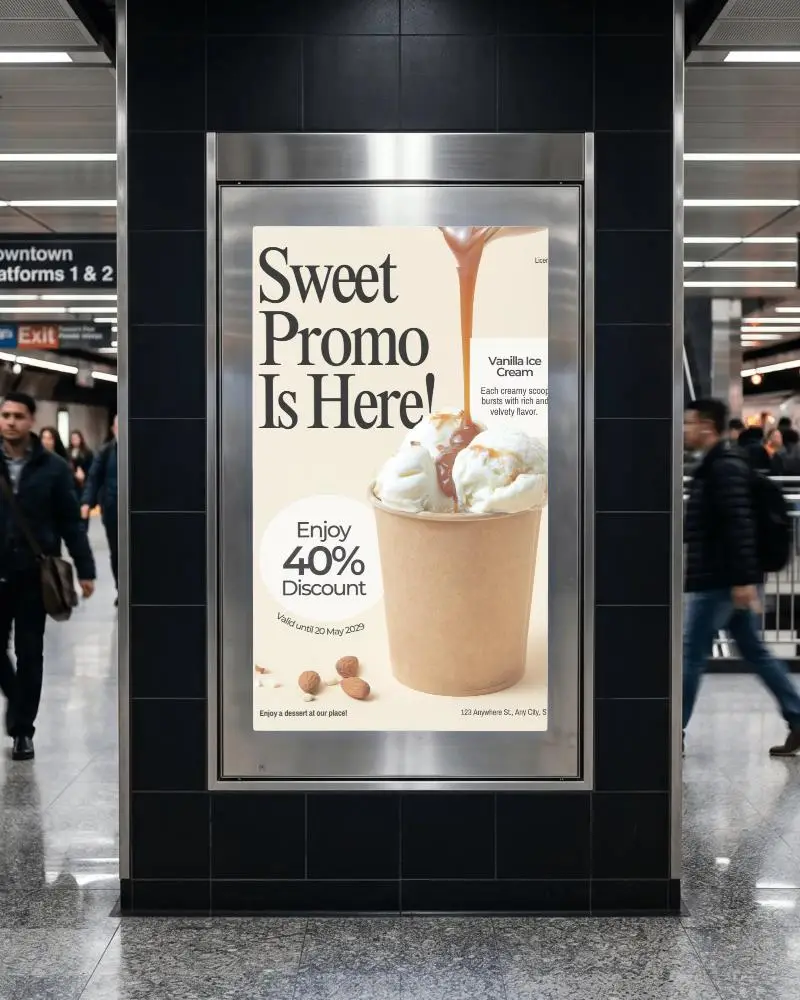
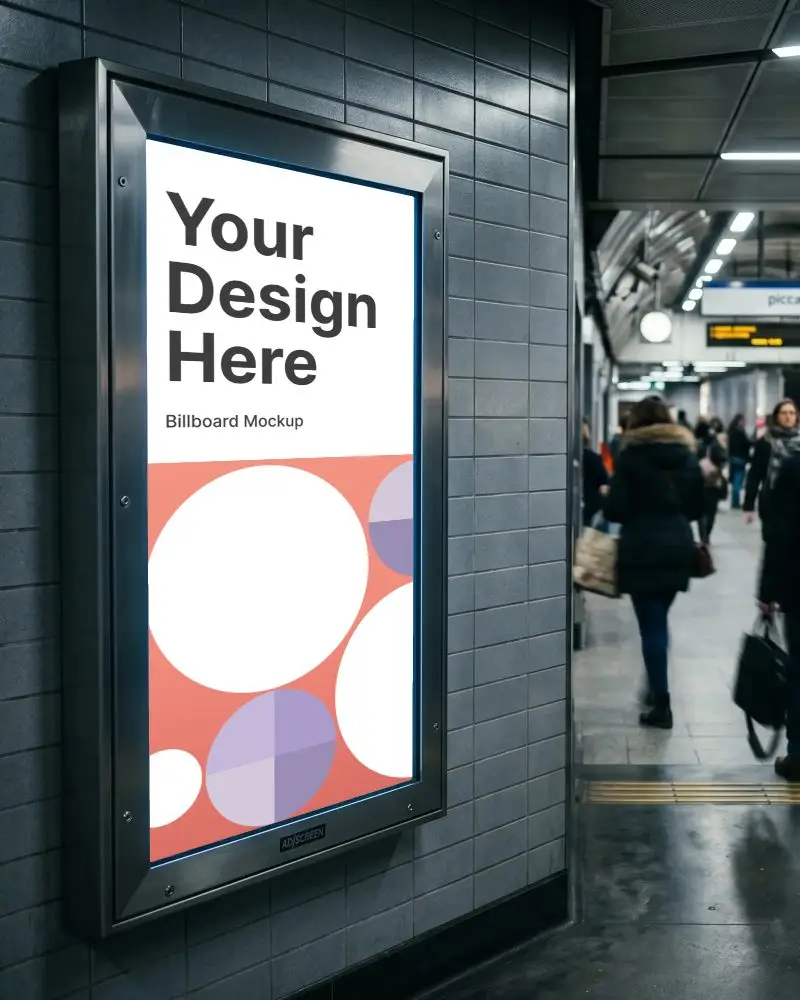
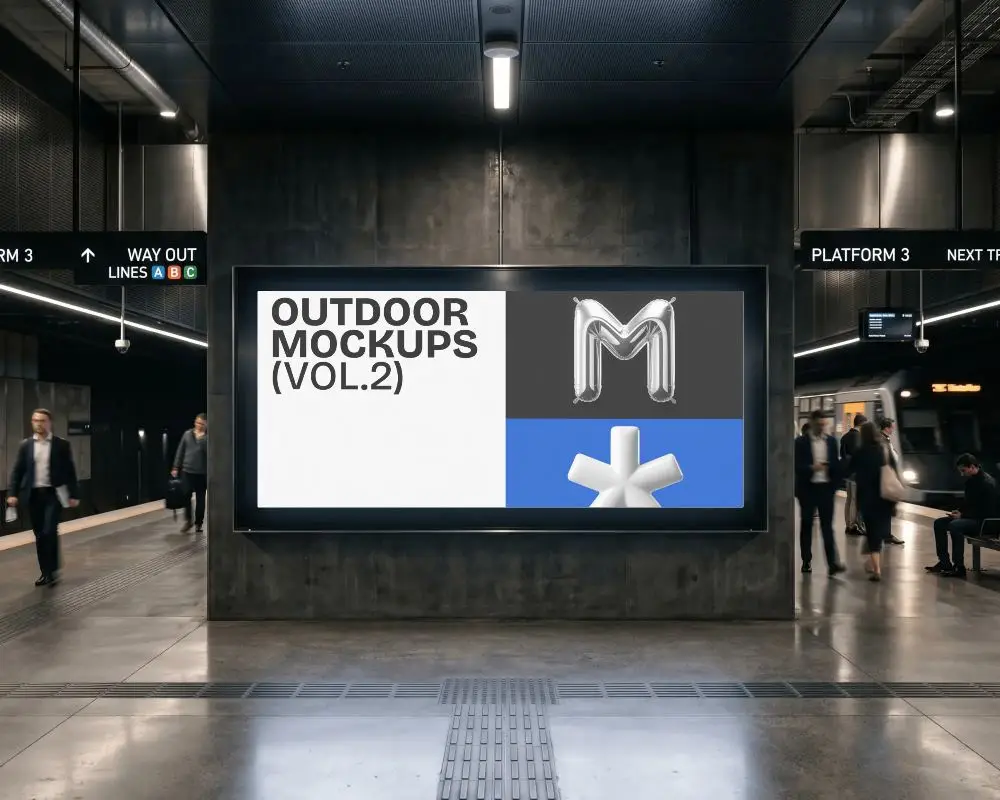
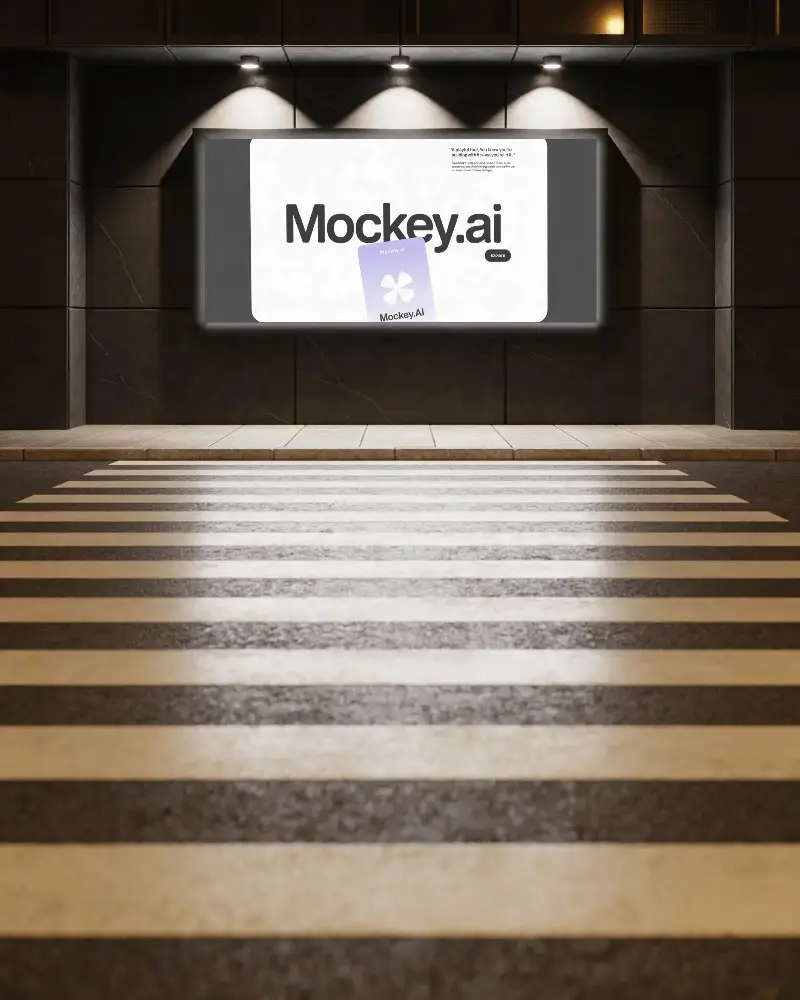
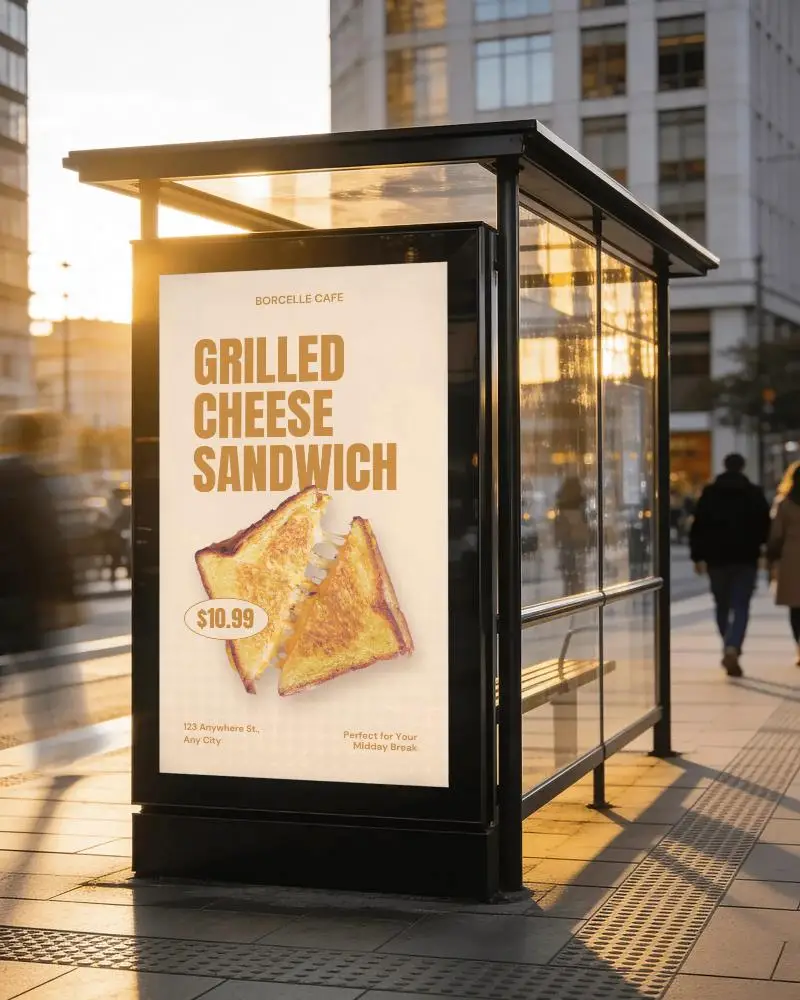
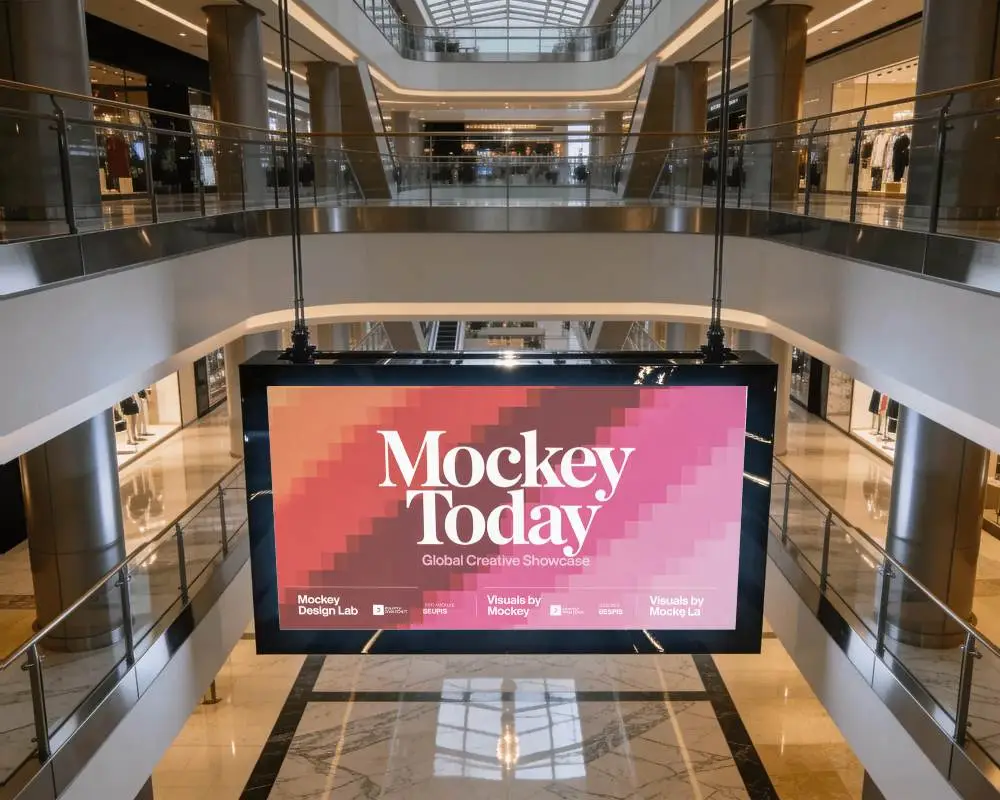
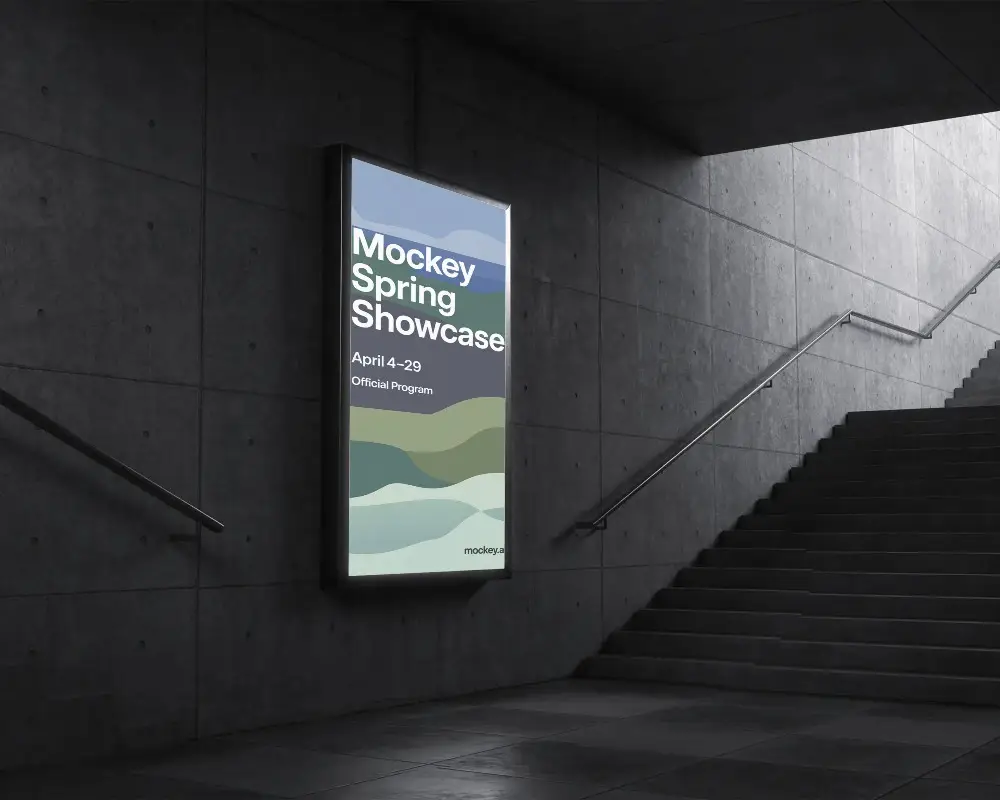
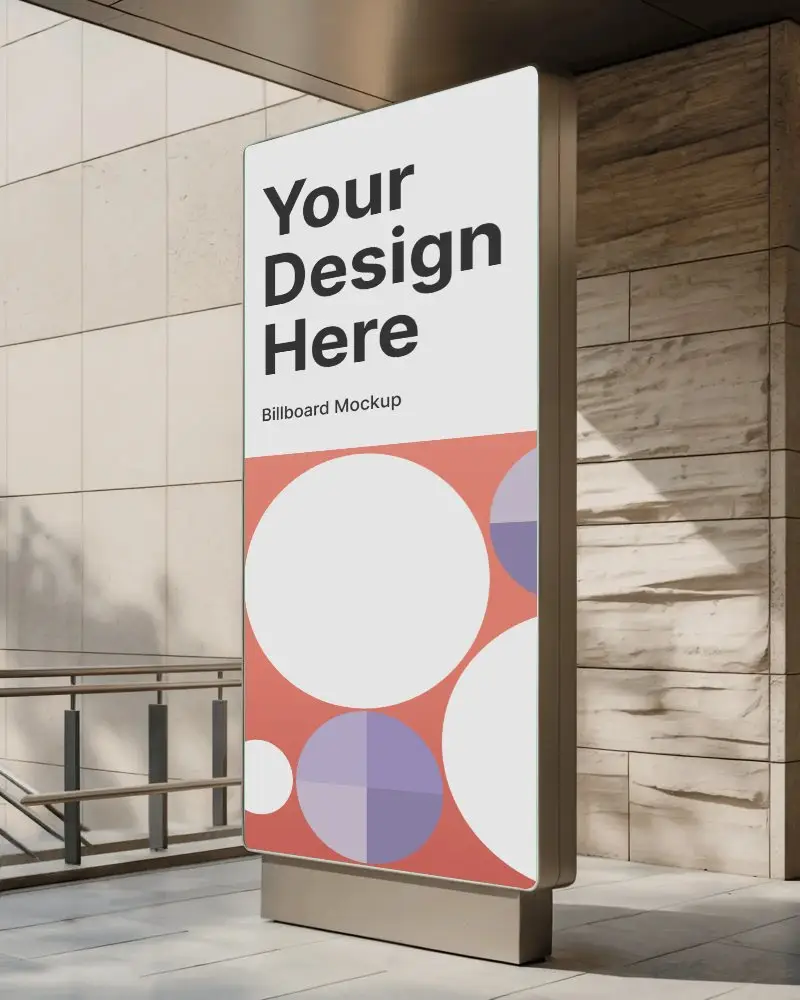
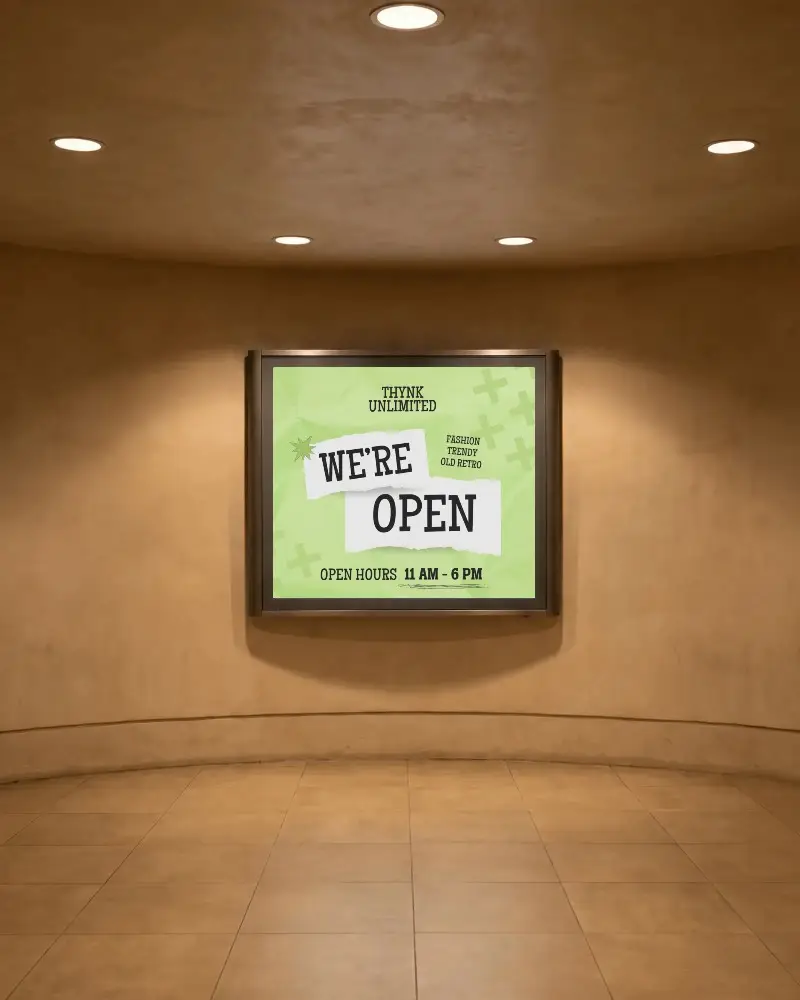
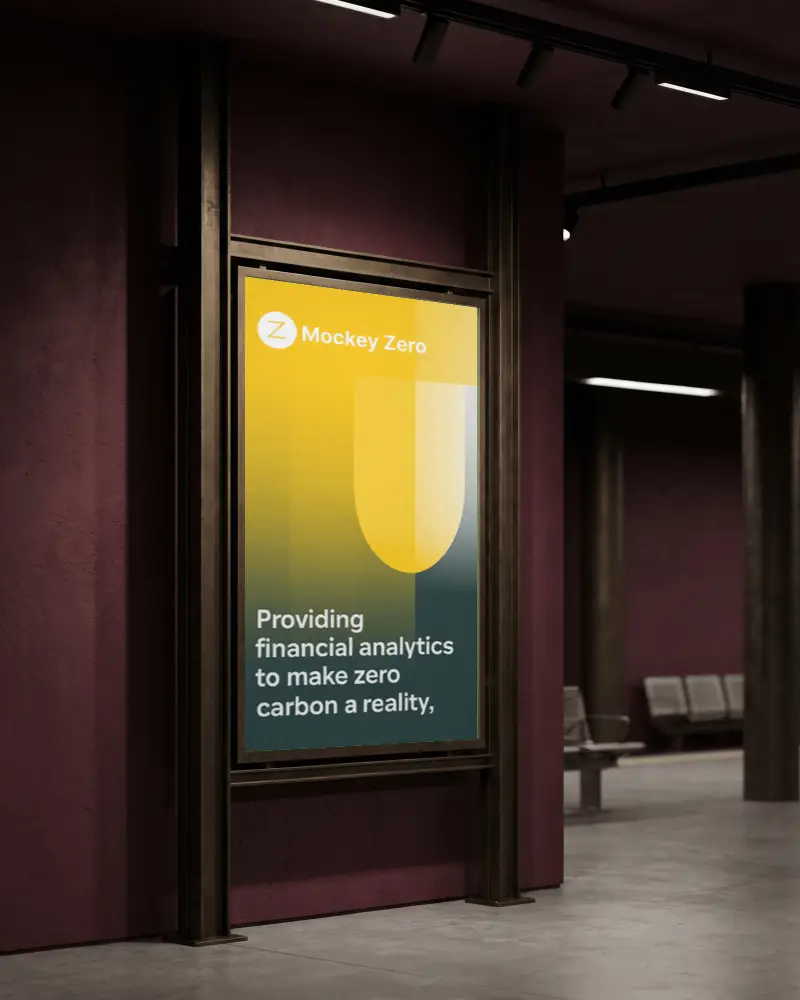
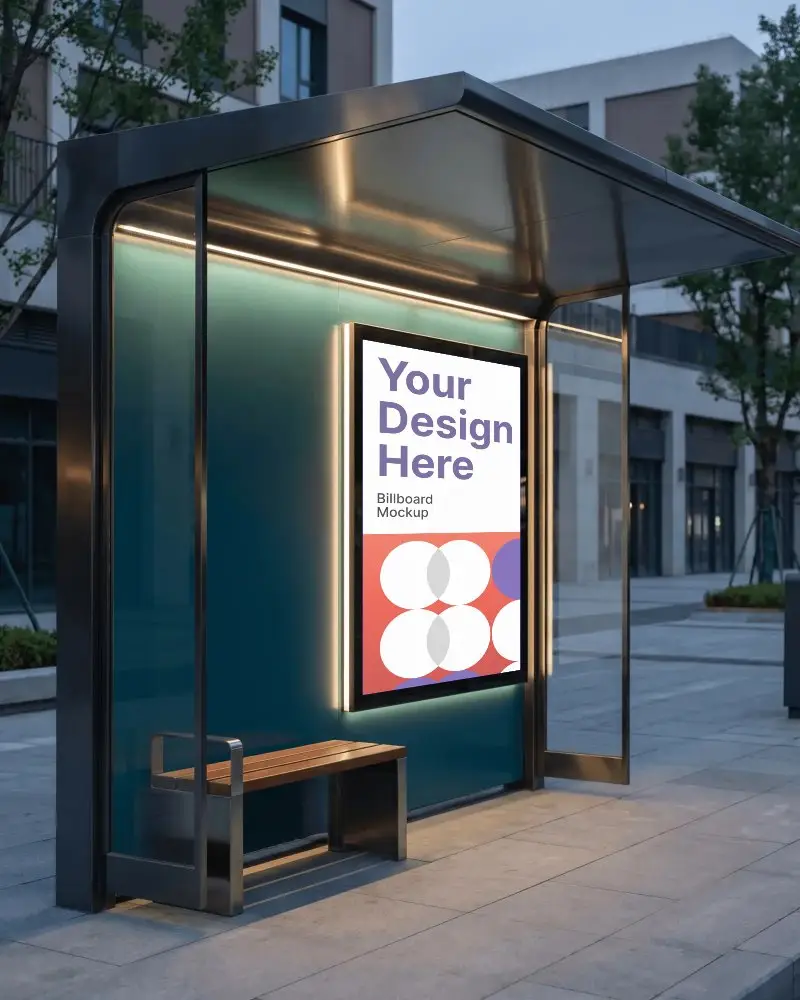
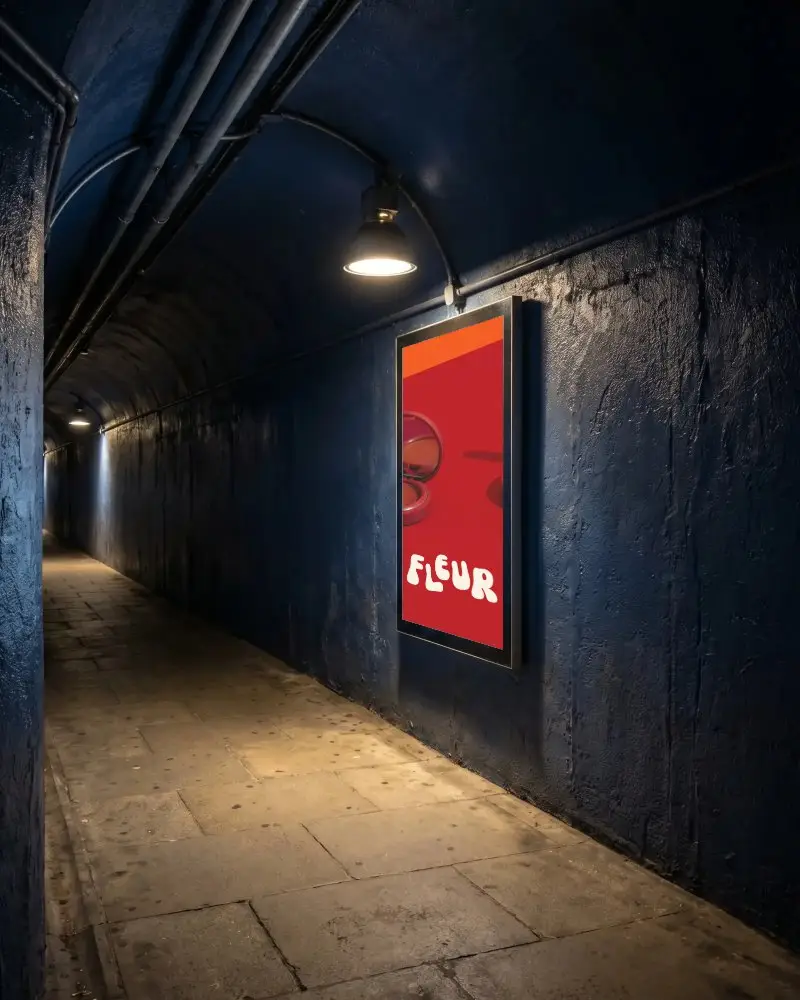
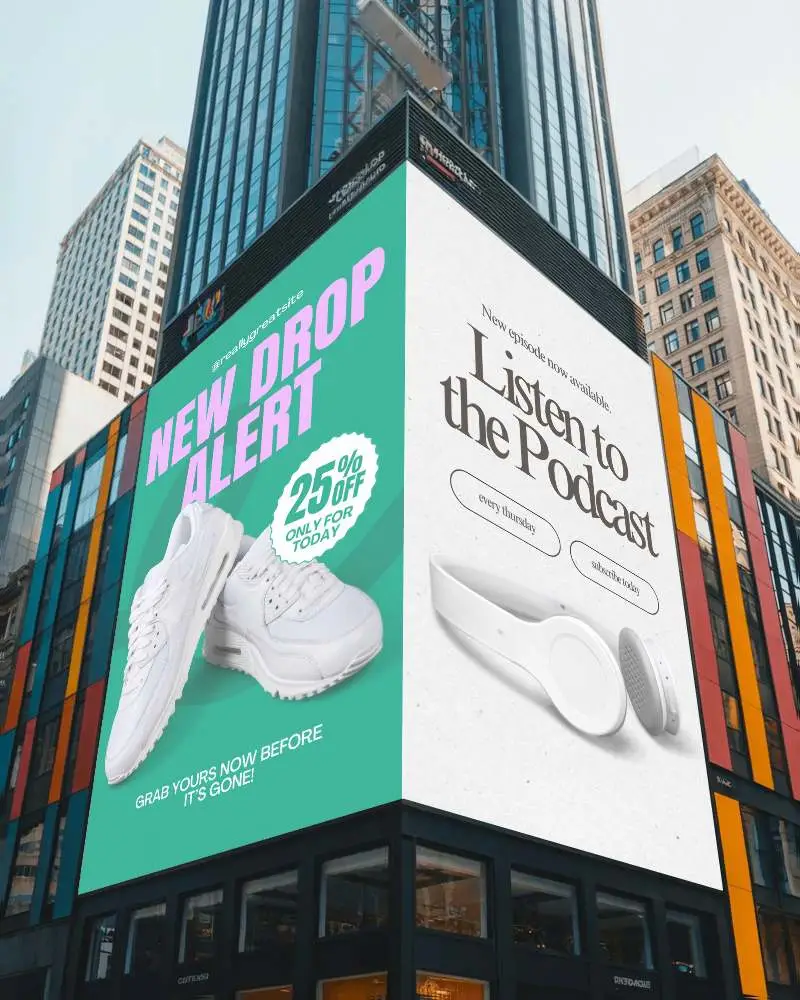
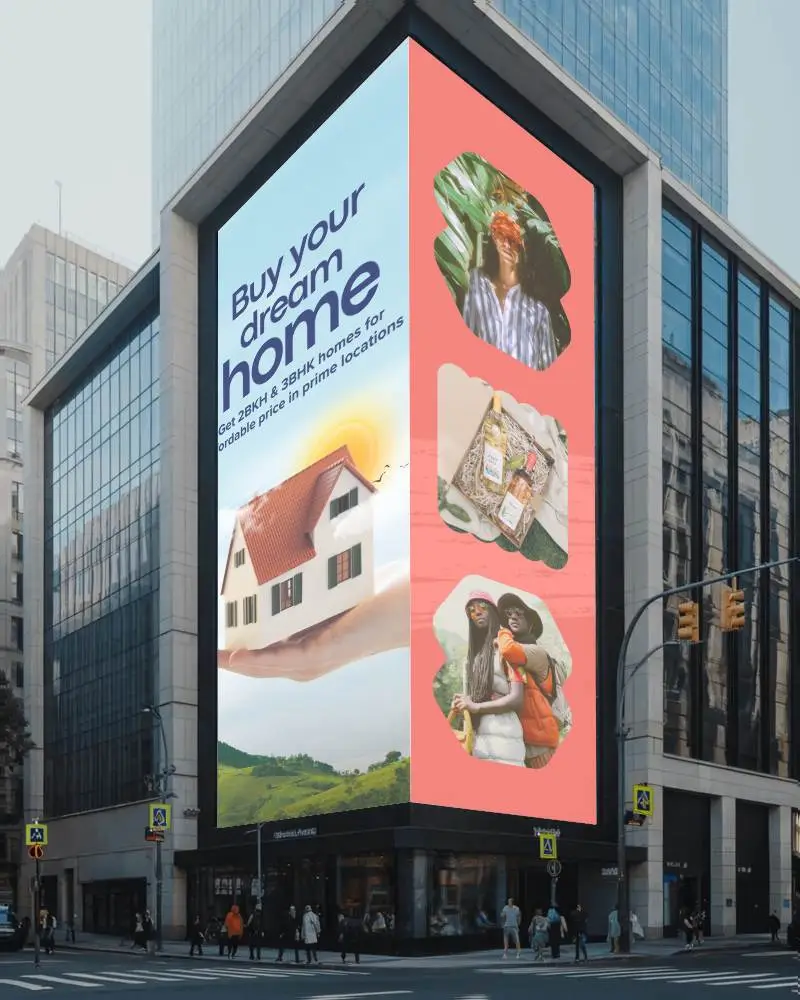
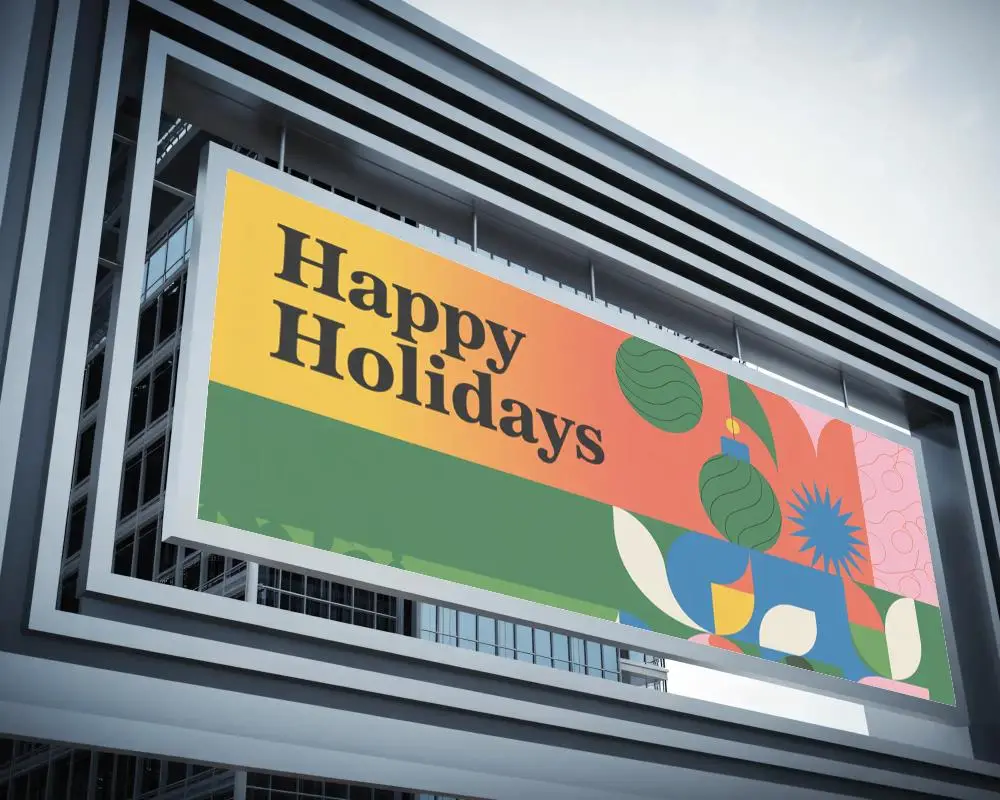
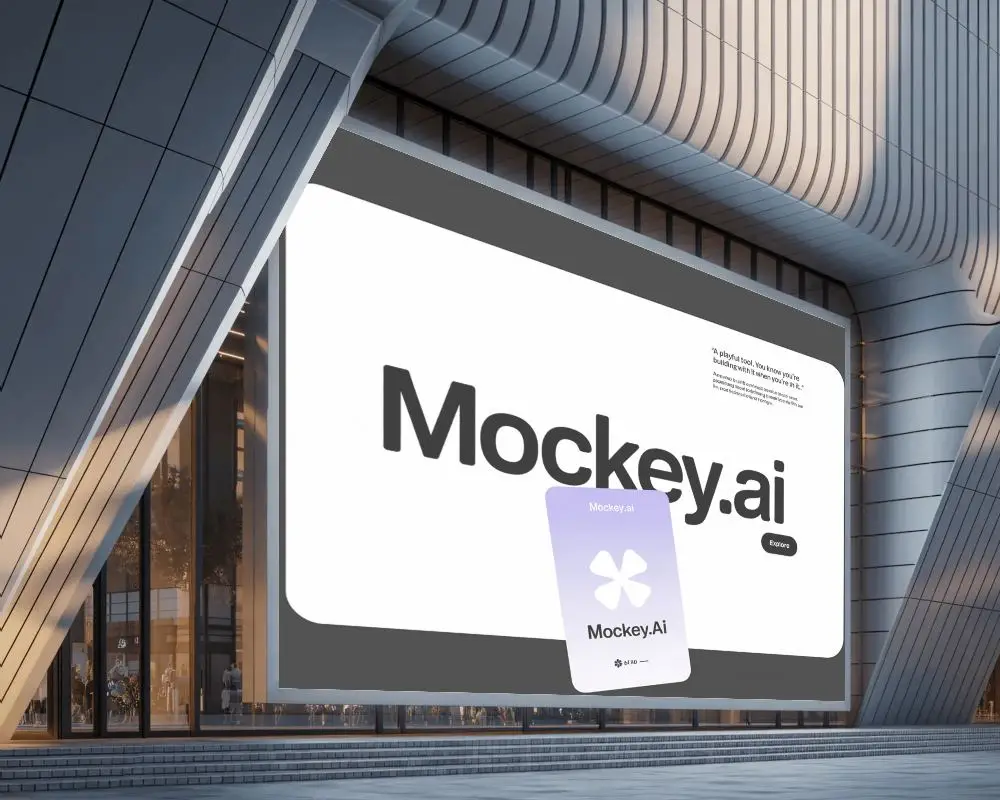
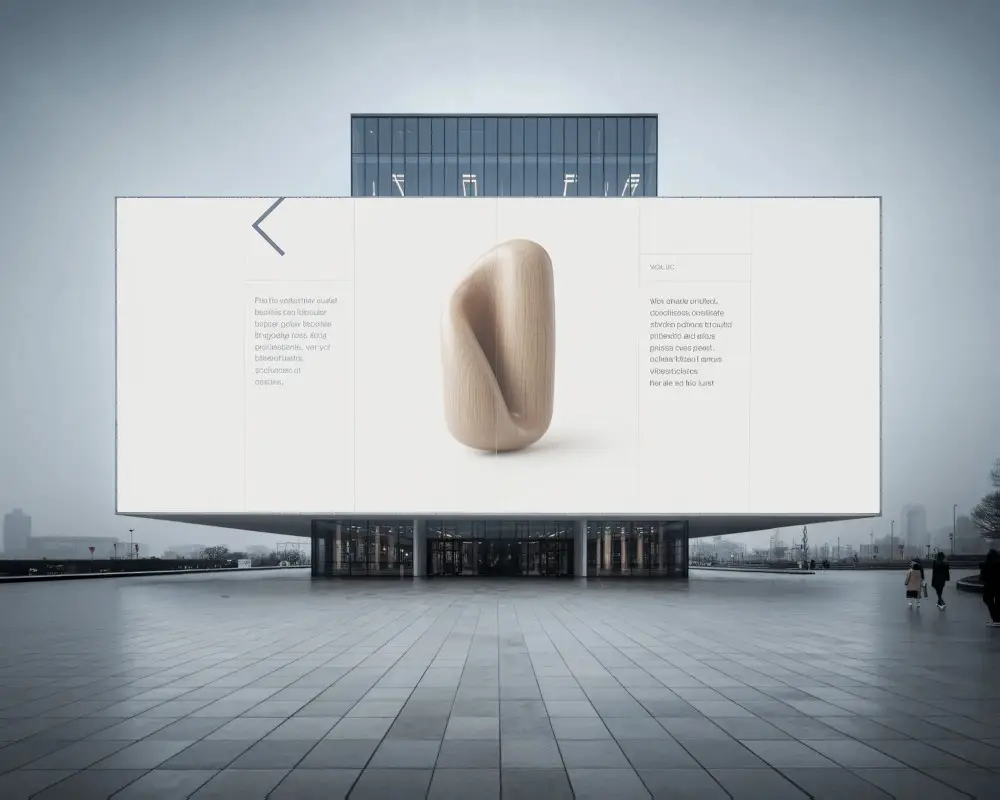
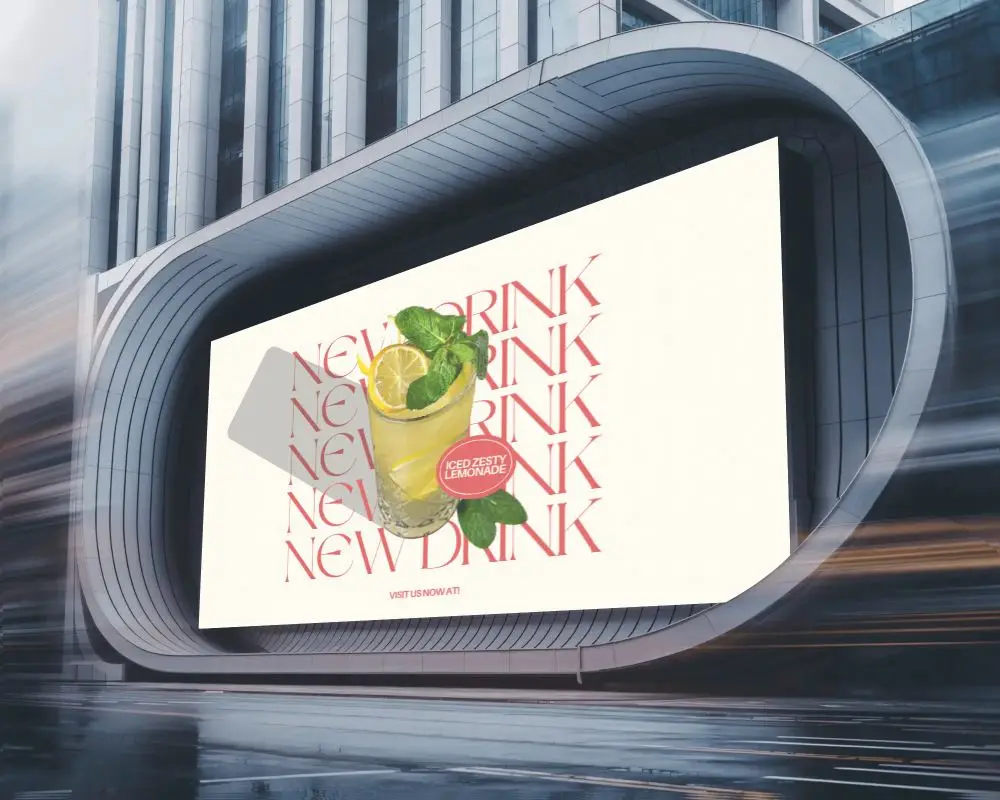
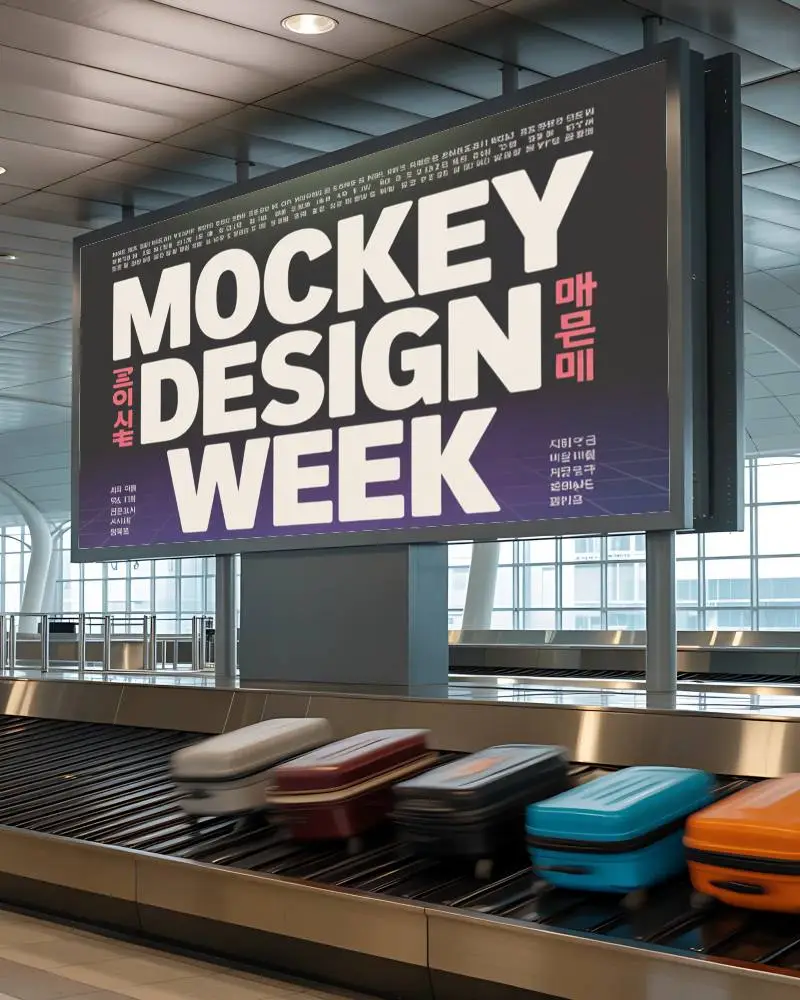
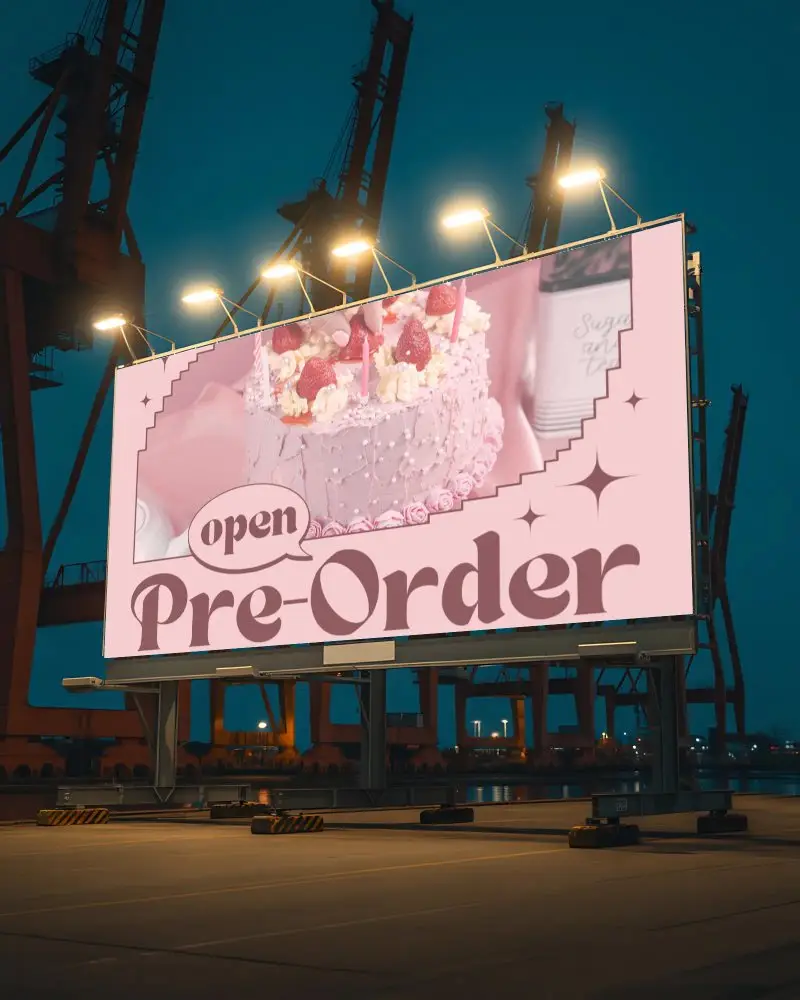
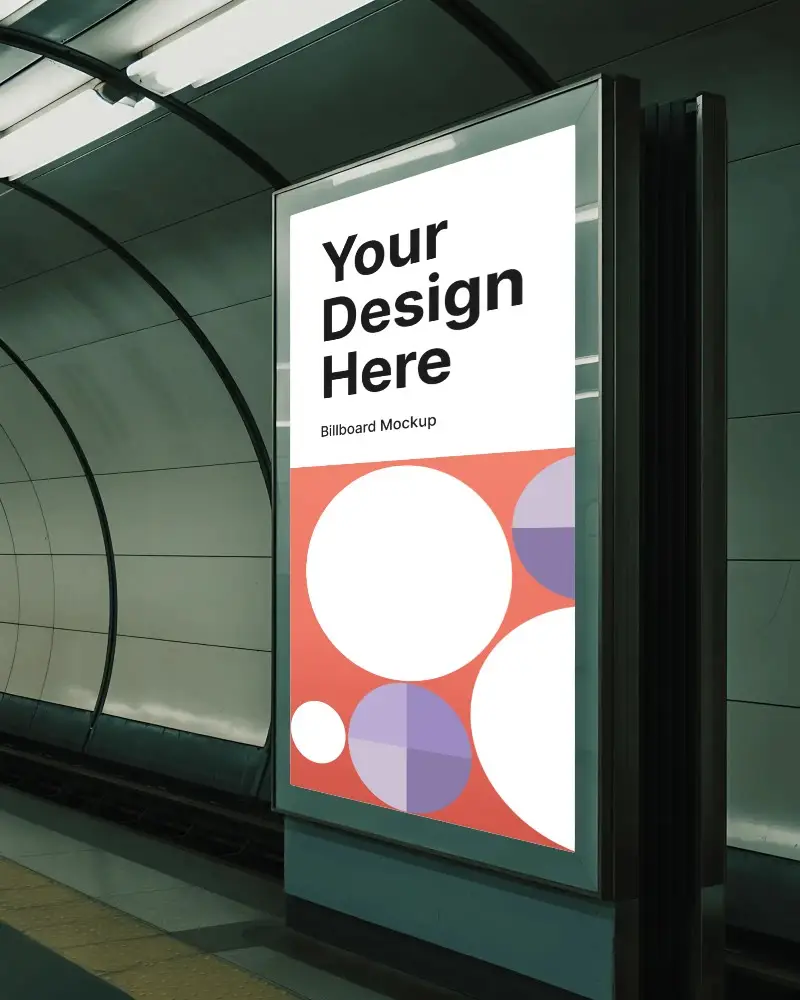
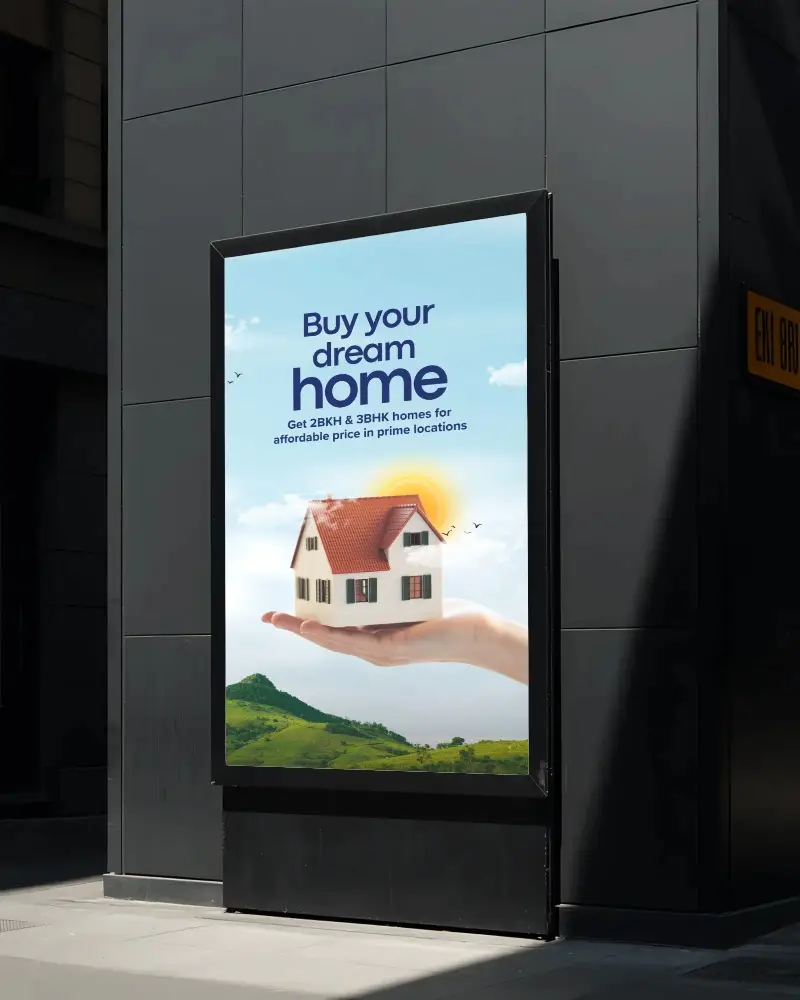
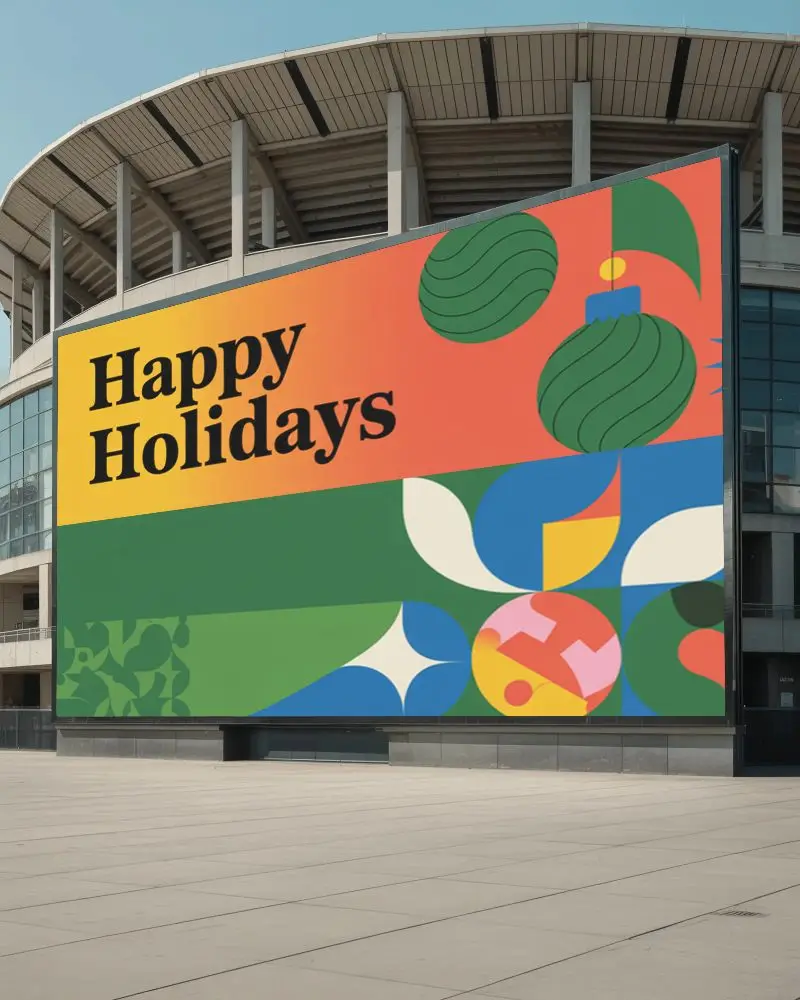
How to Create Digital Billboard Mockups in Mockey
- Step 1: Sign in and go to Mockups > Print > Billboard.
- Step 2: Select the Digital tag to choose a template and upload your ad design.
- Step 3: Customize your mockup and download it in JPG or PNG format.


FAQs on Digital Billboard Mockups
Can I use these digital billboard mockups for my ad presentations?
Digital billboard mockups are created for ad presentations, online ecommerce, and social media. There’s no better way to show your design to buyers or clients than with mockups.
Where can I find more free mockups for my brand designs?
If you’re looking for free mockups for brand designs, nothing beats the Mockey AI mockup generator. Most templates here are free to use and download, and your final output won’t have any watermarks.
Can I use this mockup for animated or video billboard previews?
If you want to turn a digital billboard into an animation, use the Bring to Life feature and for video format, try the video mockups. Just choose the CREATOR or ELITE plan from the Pricing page.
Are there other billboard mockups besides digital ones?
Along with digital options, our billboard mockups also include Times Square, street, landscape, vertical, and many more templates.
