Free Box Mockup Templates
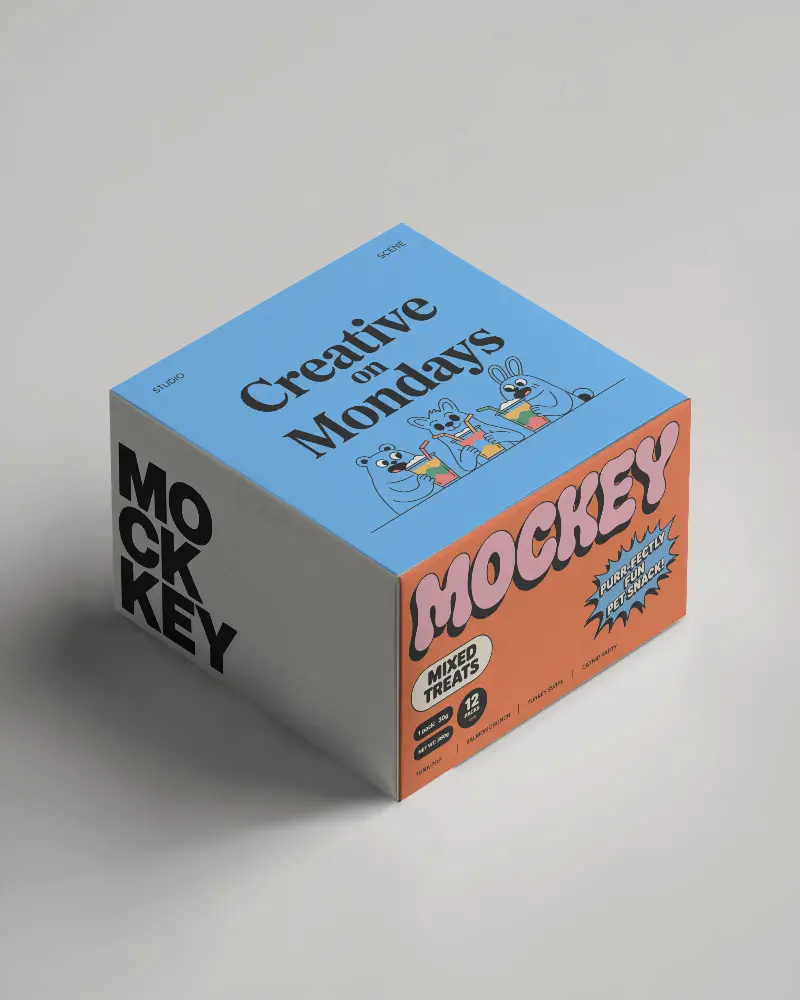
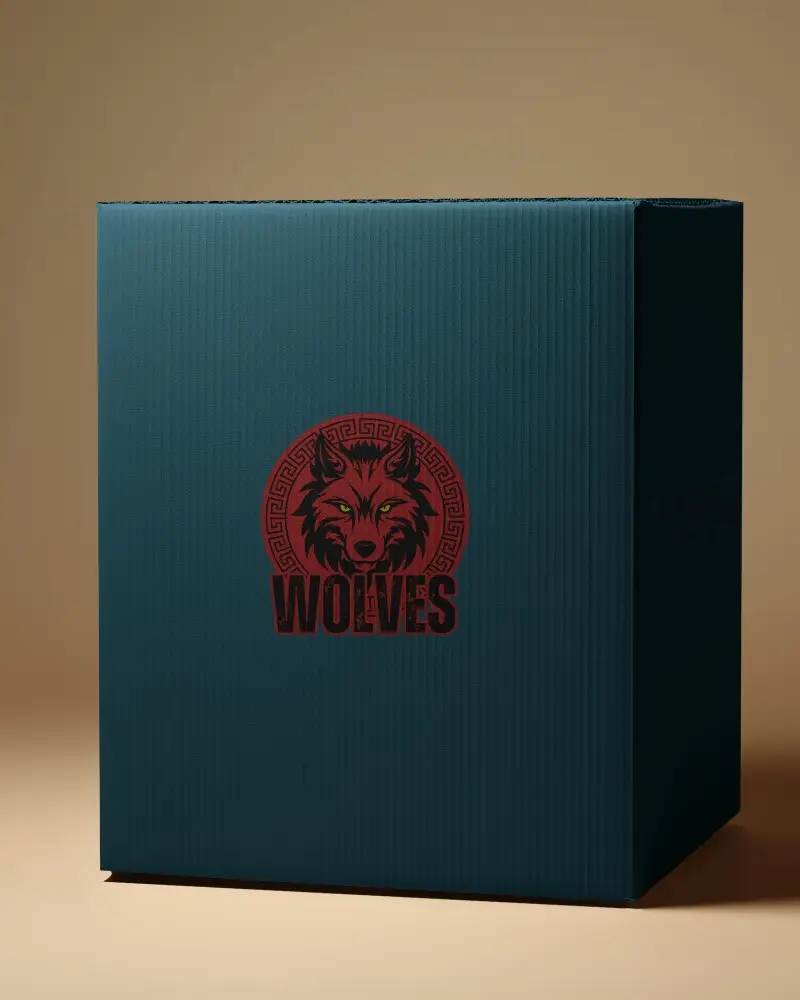
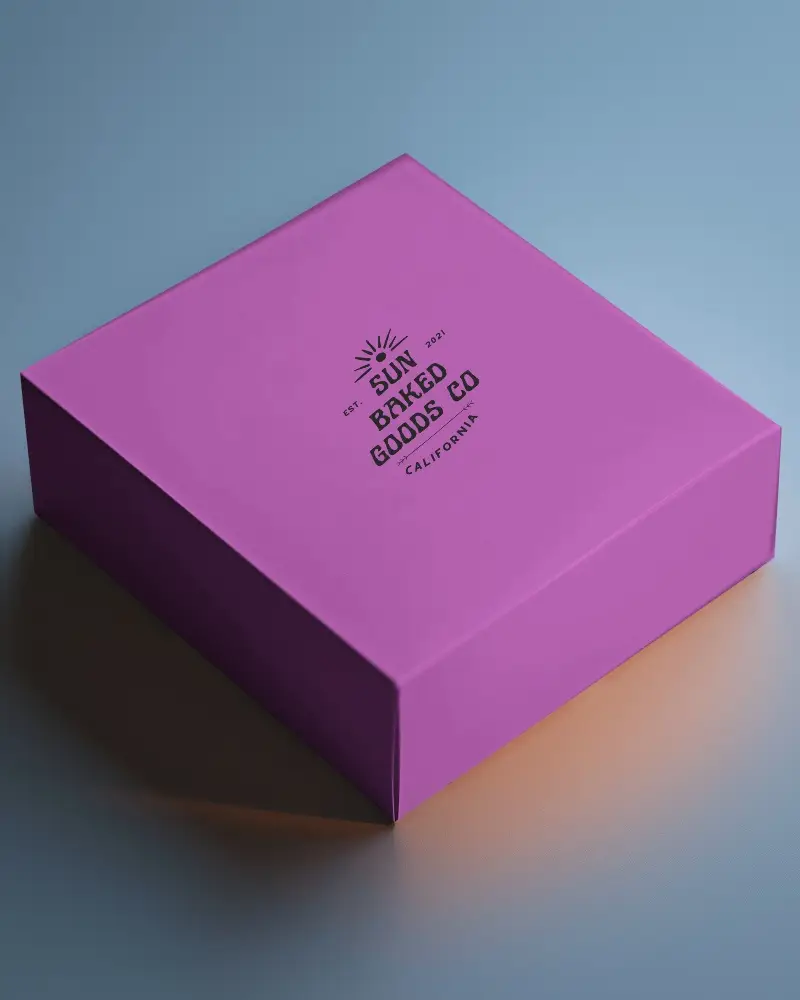
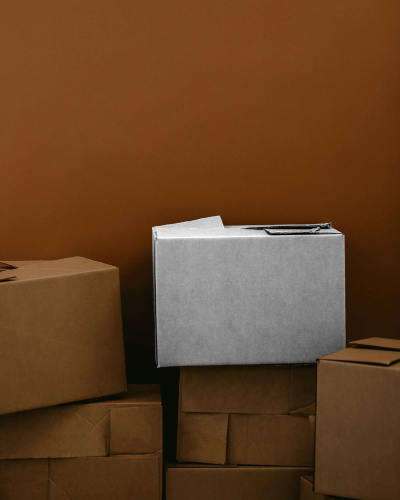
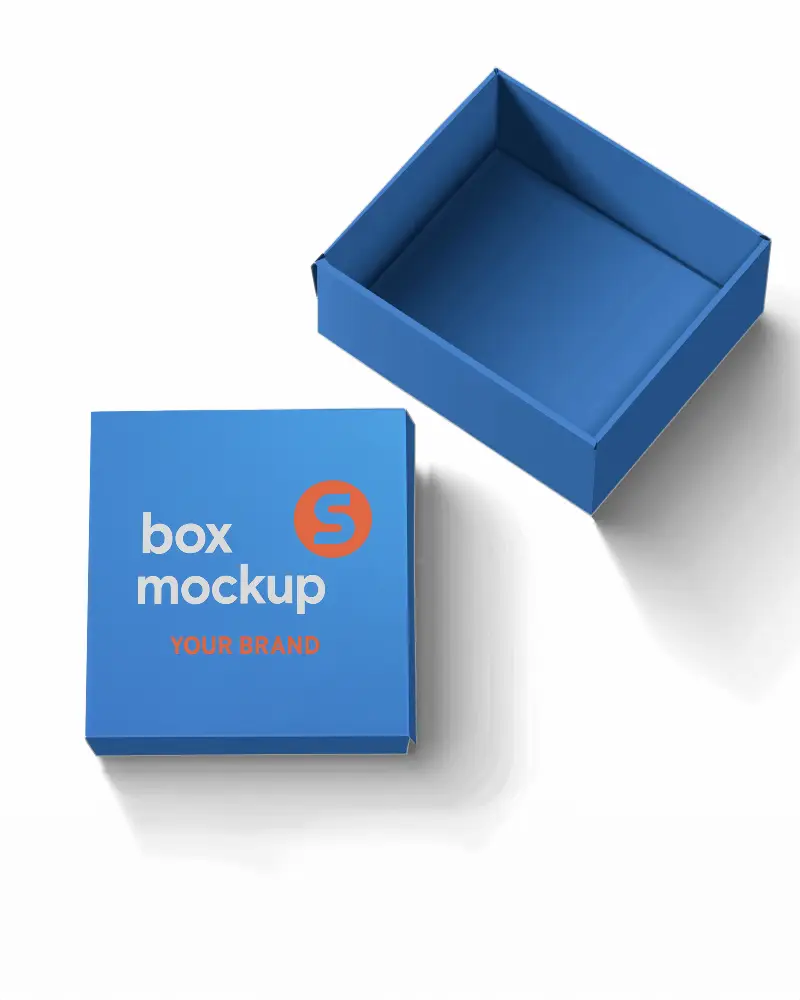
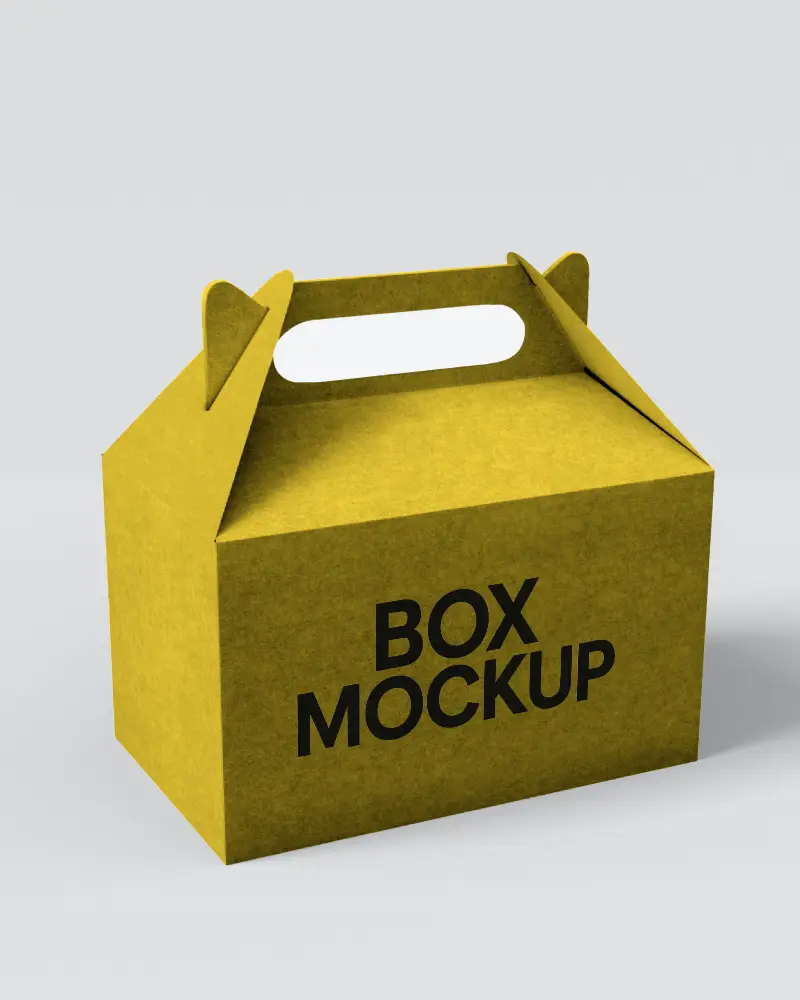
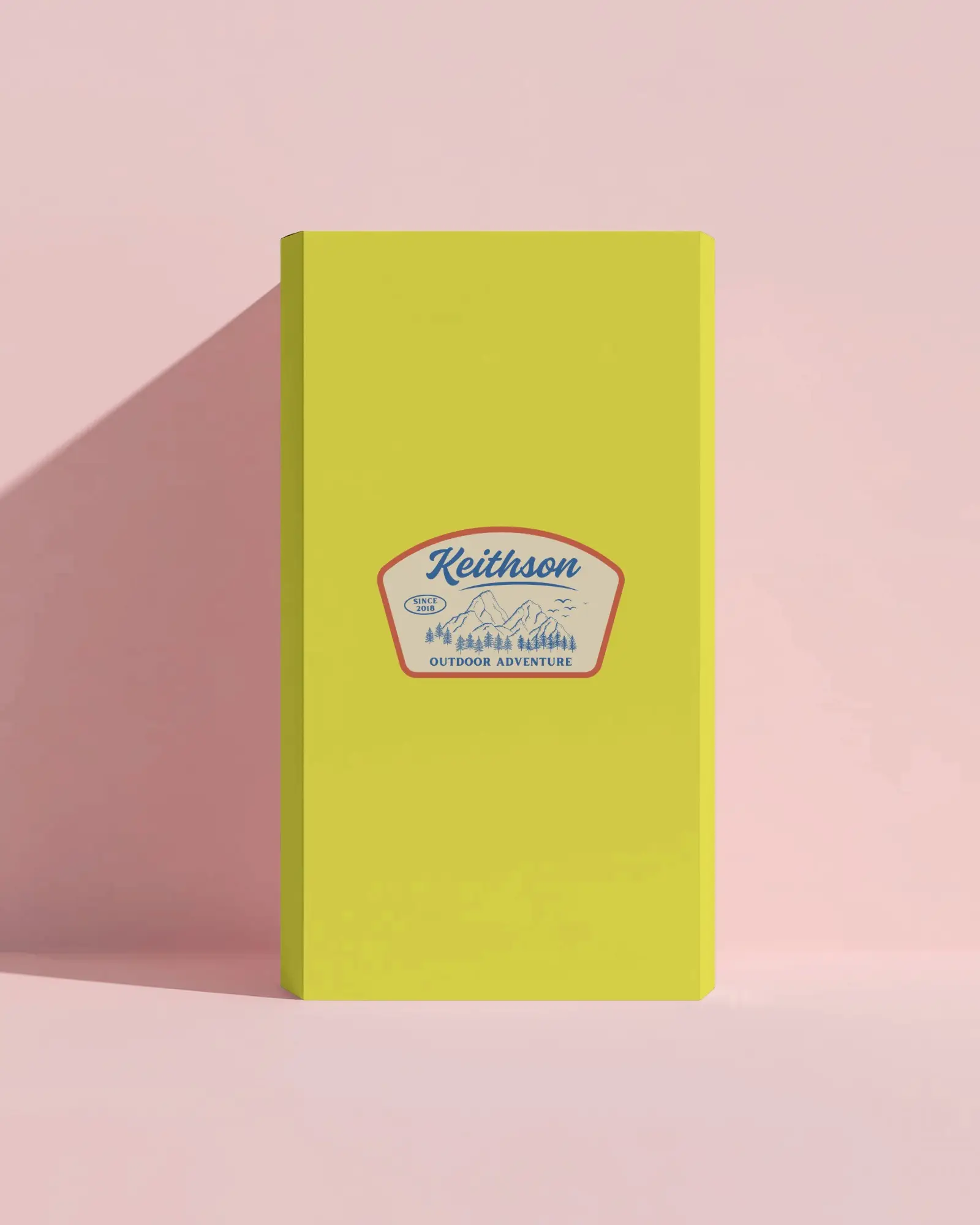
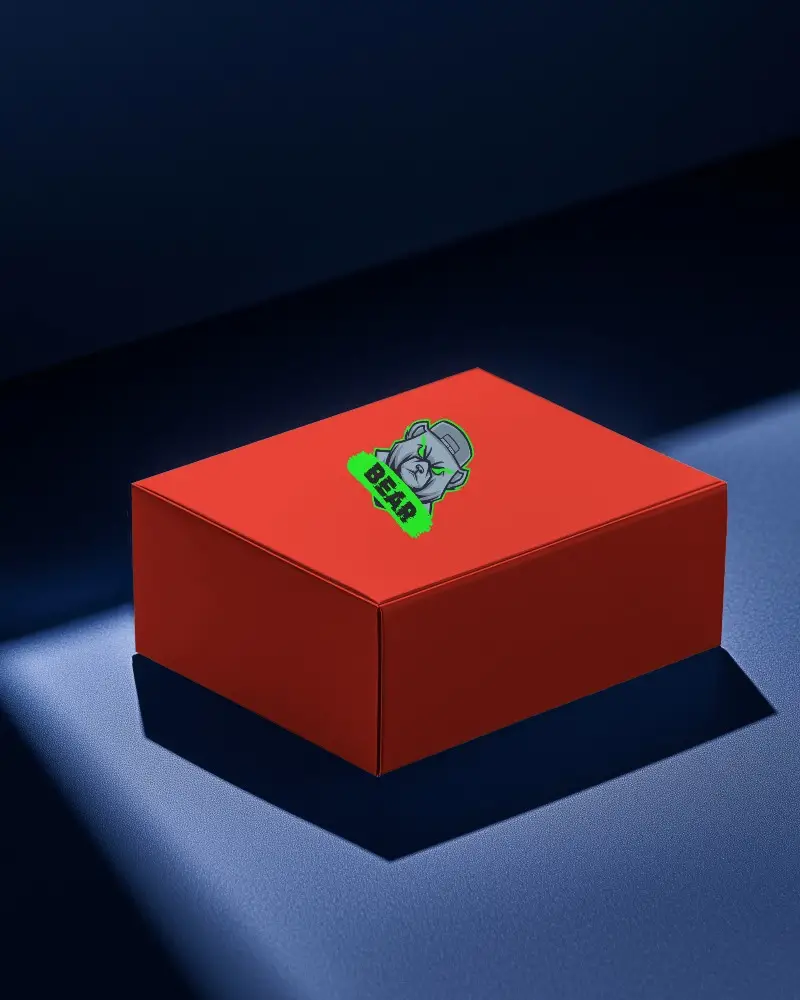
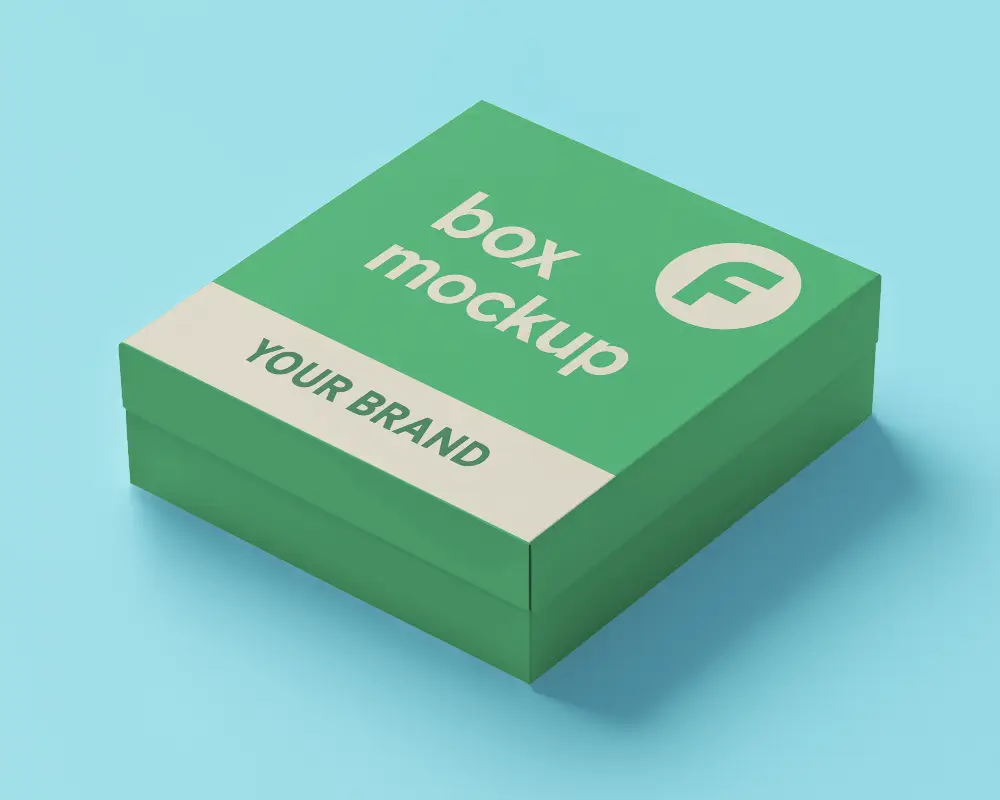
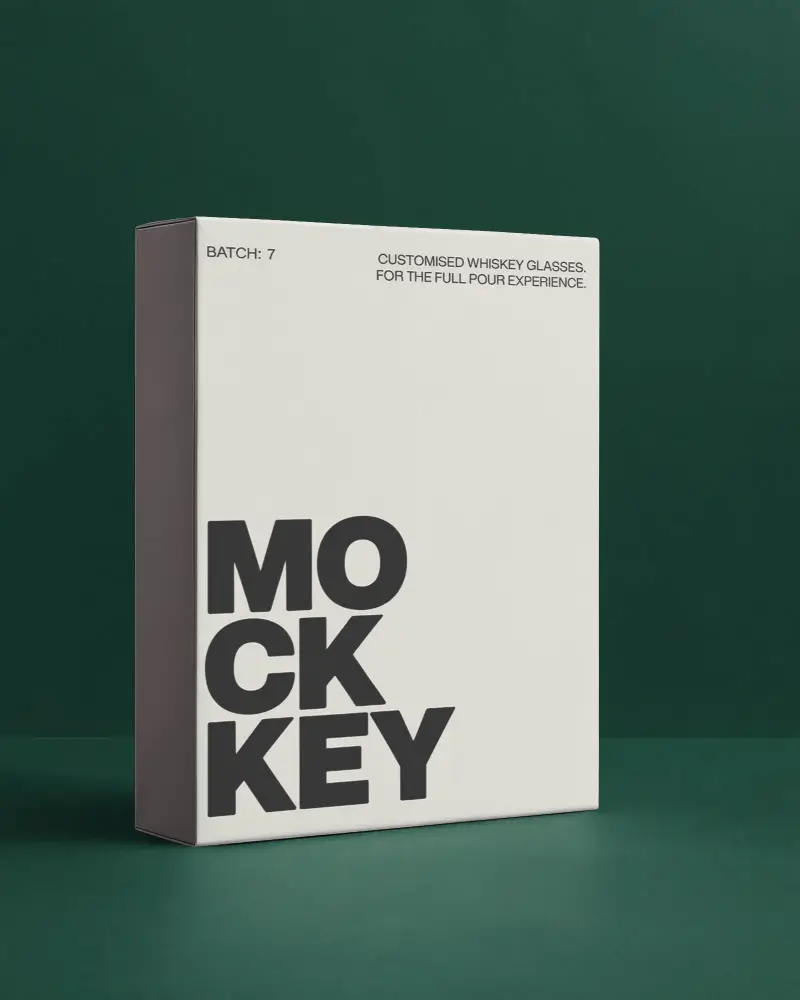
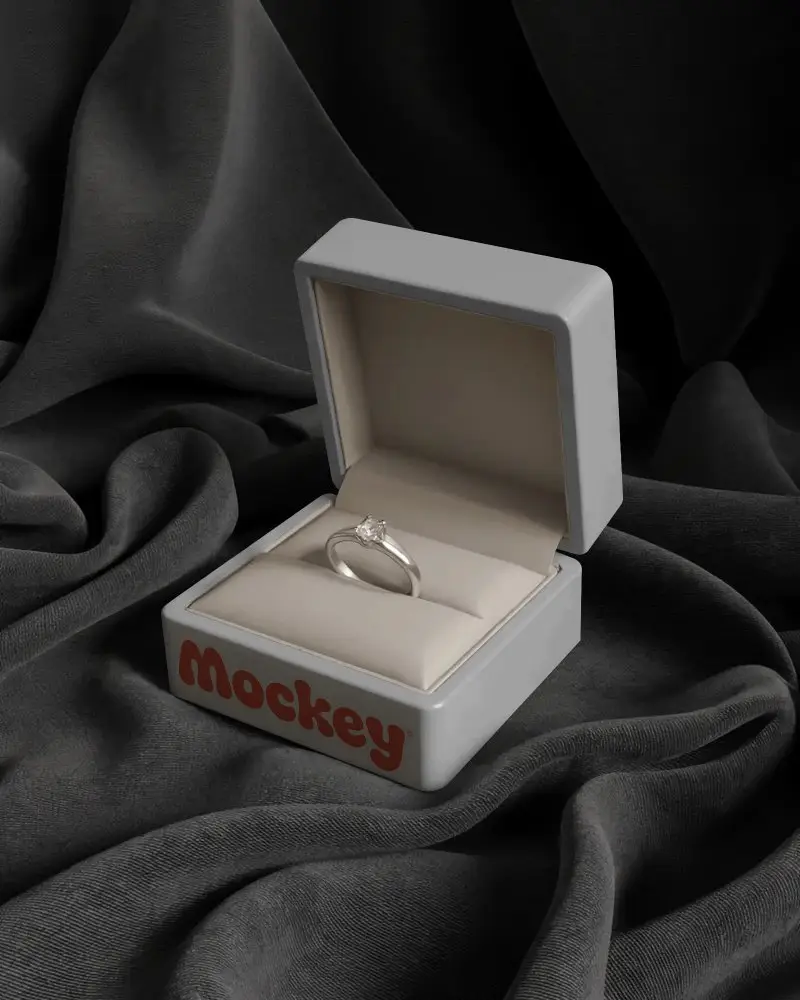
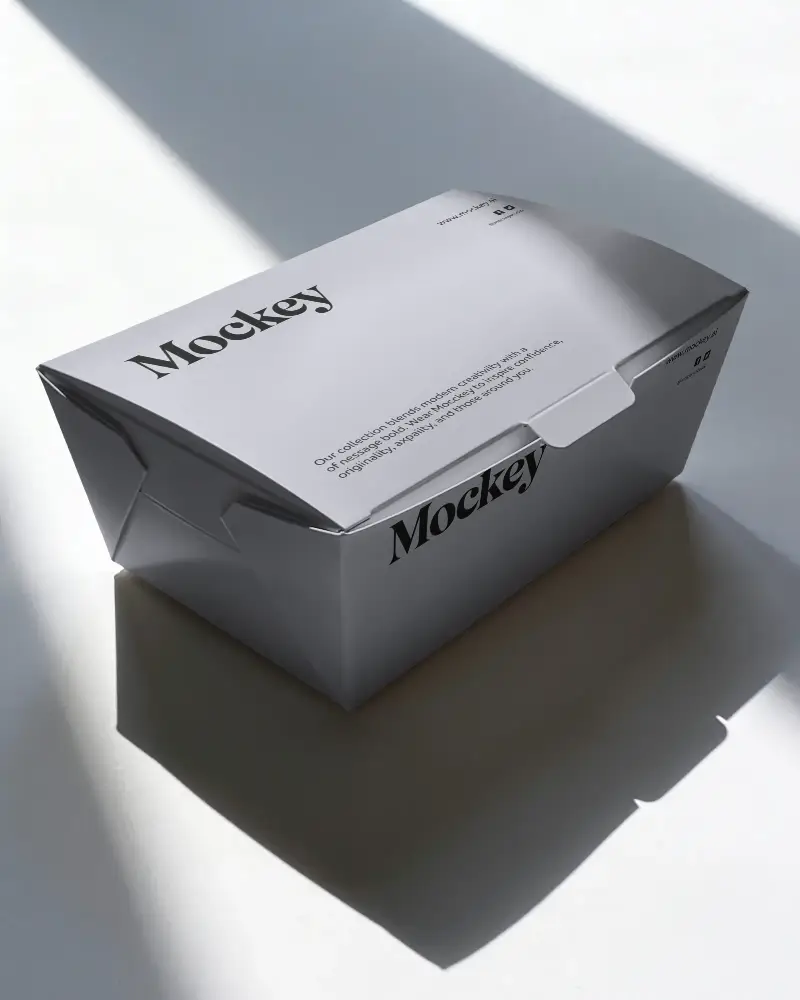
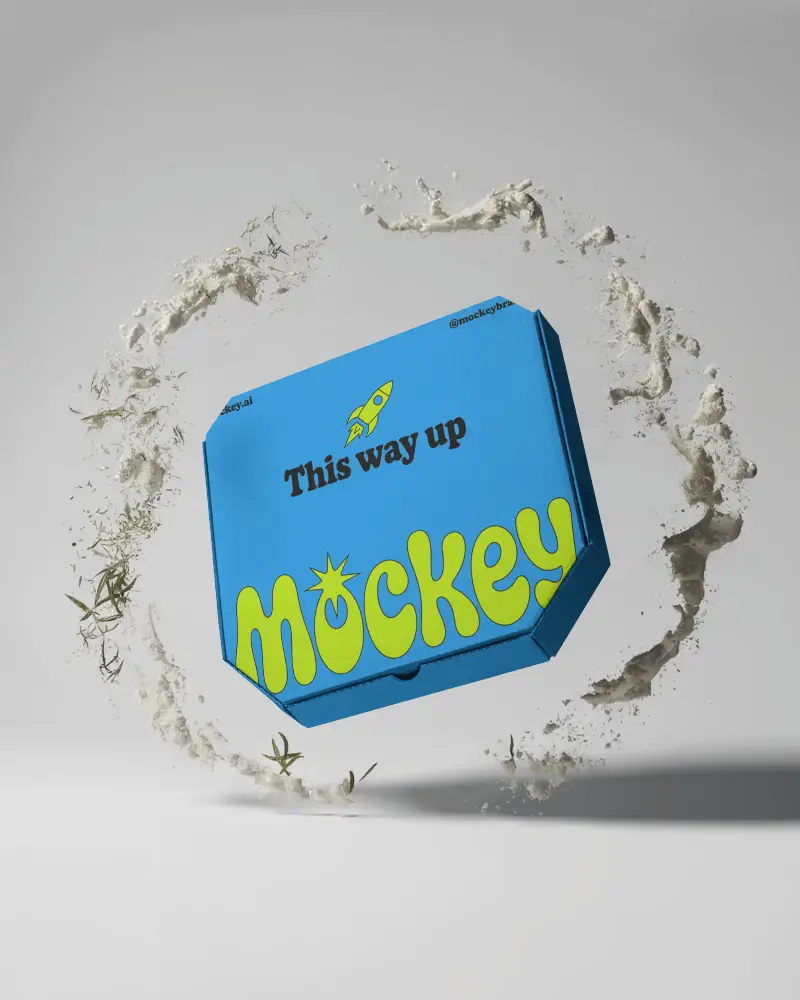
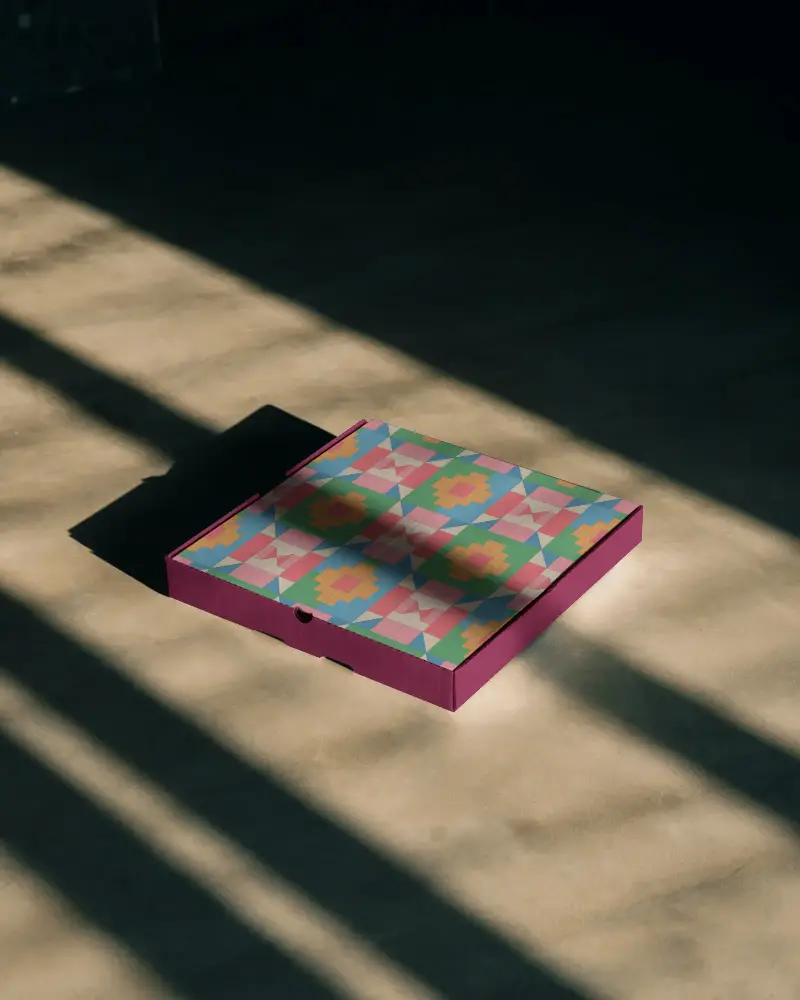
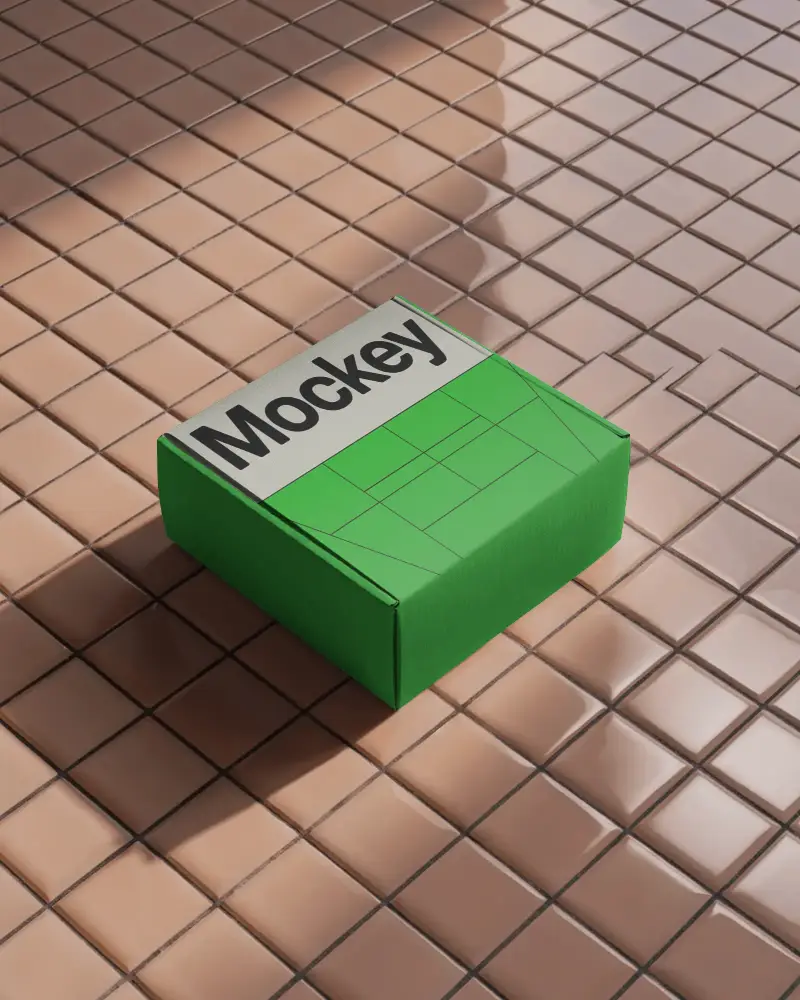
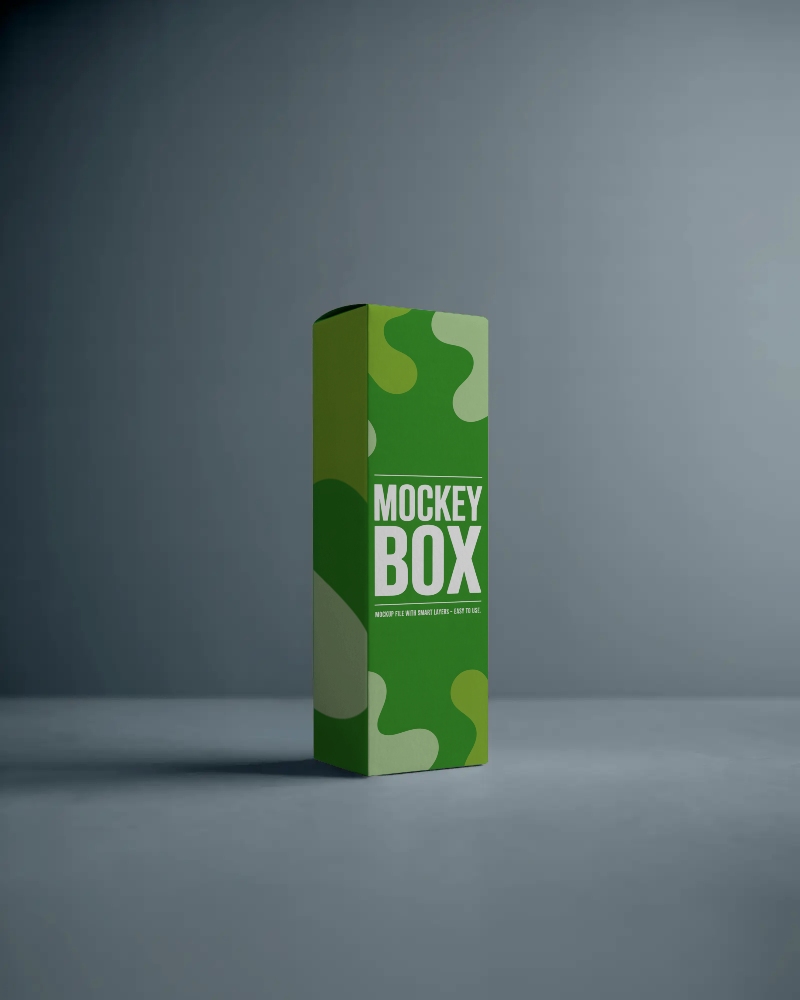
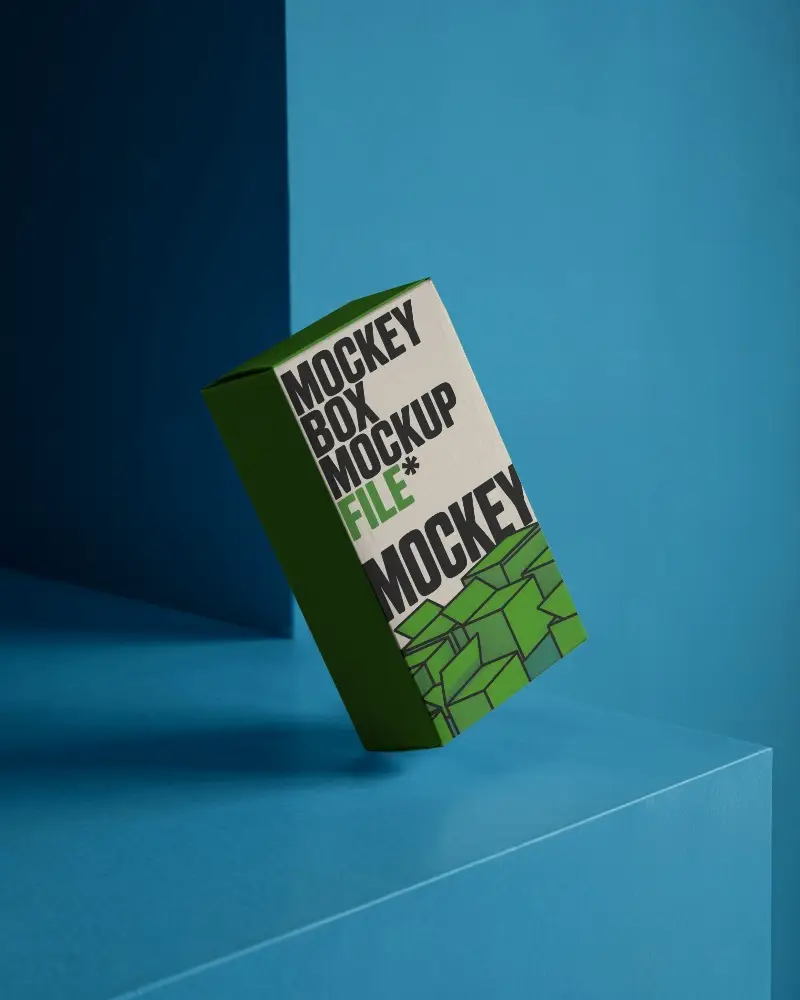
A box mockup shows your packaging design on a realistic box before you print it. Browse free box mockup templates for cardboard, carton, corrugated, gift, shipping and open boxes, in square and rectangular shapes. Customize a template online with your own artwork, and download it without a watermark.
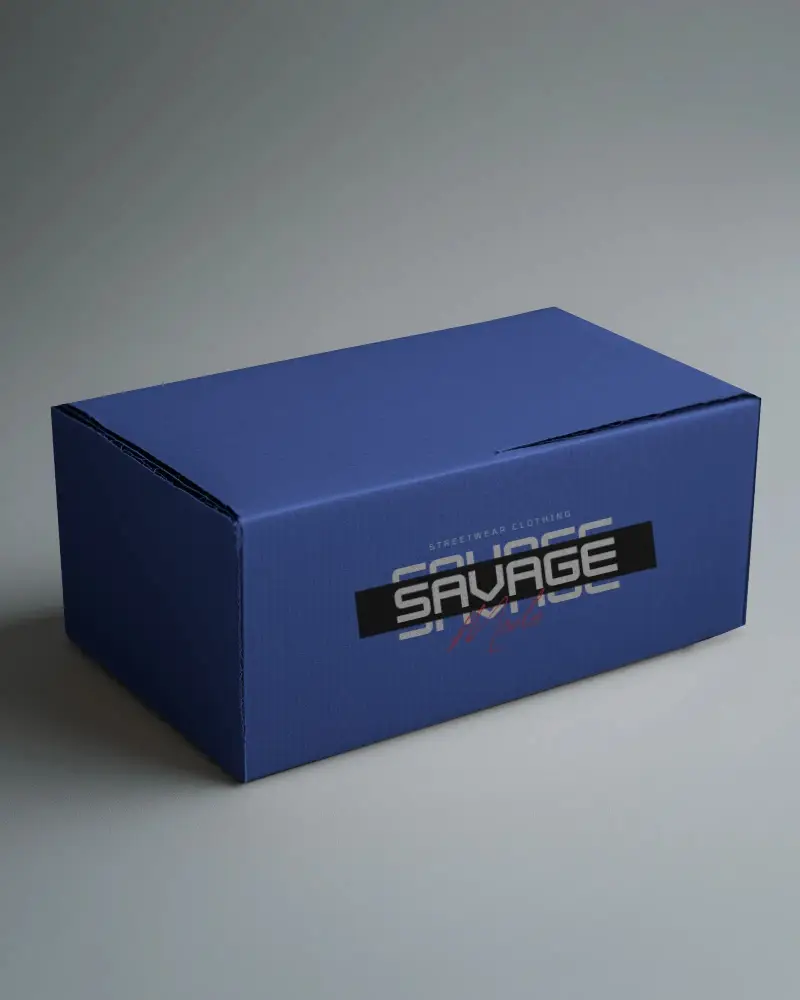
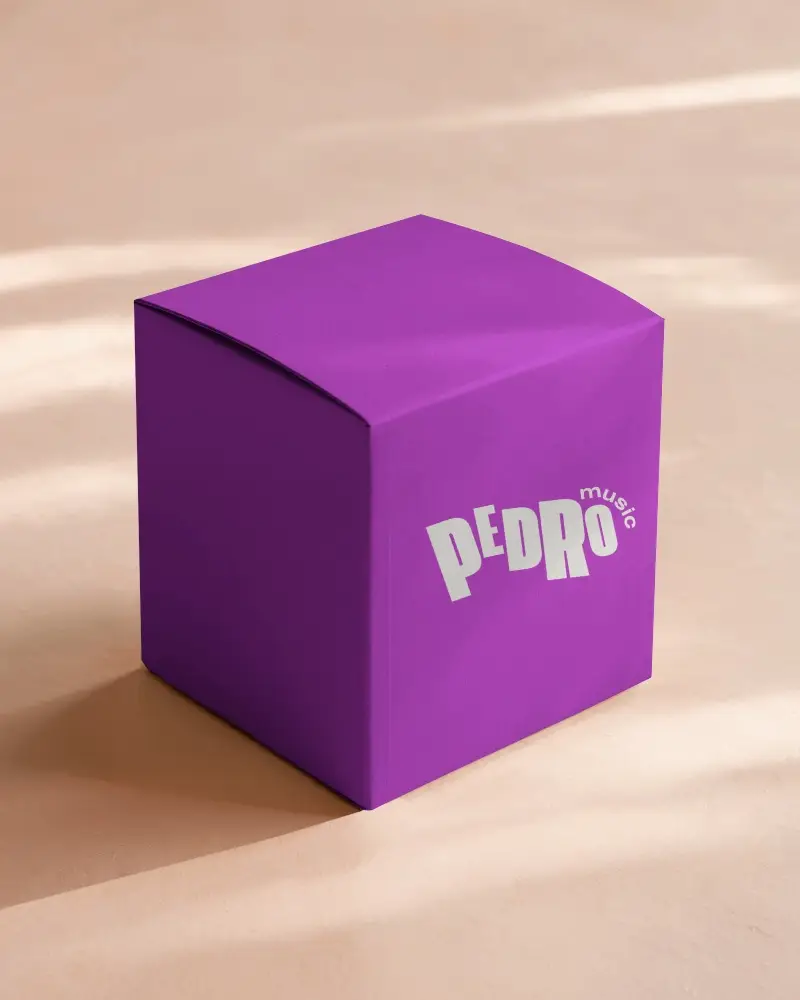
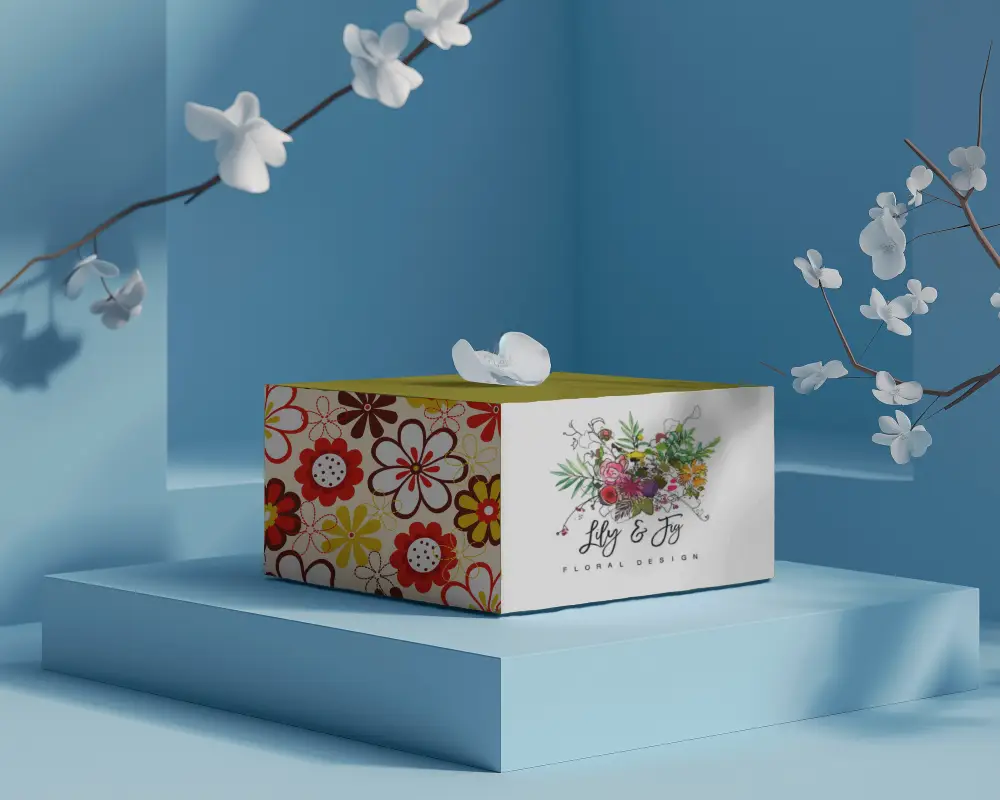

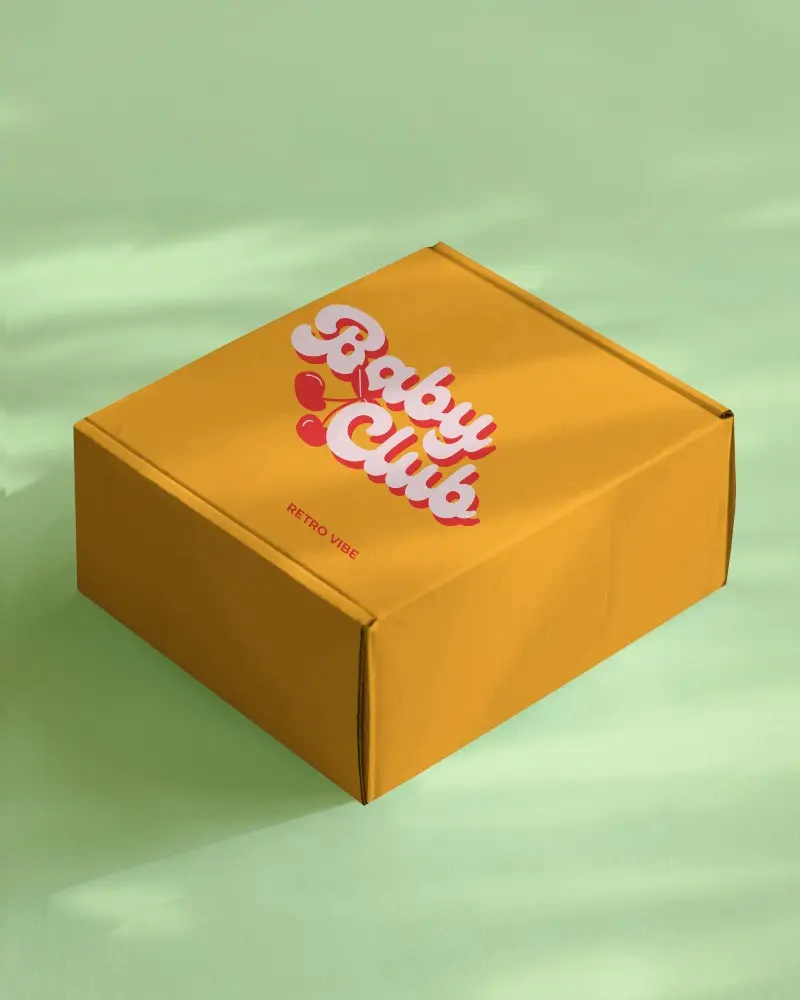











How to Create a Box Mockup
Follow the steps to create Box Mockups in Mockey AI
- Step 1: Go to 'Mockups' in the menu, choose 'Packaging,' and click 'Box.'
- Step 2: Pick a template and upload your design.
- Step 3: Customize your Box mockup, get it how you like, and download it in high quality.
Box Mockup FAQs
What is a Box Mockup?
A box mockup, also called a packaging box mockup, is a realistic preview of your design on a box. It helps you check how the packaging will look before it's produced.
Why create a Box Mockup?
Creating a box mockup helps you review how your packaging design looks, test different options, and ensure it aligns with your brand and functions well, all before producing physical prototypes.
Why Use Mockey’s Box Mockup?
In Photoshop, box mockups are too time-consuming and complex. You can use Mockey AI to create a realistic box mockup without dealing with smart objects, lighting, or perspective tools.
How to make a box mockup?
To create a custom box mockup using Mockey AI, navigate to the homepage and select Mockups > Packaging > Box. Choose a box template from various categories and personalize it by adjusting colors, and backgrounds, and uploading your design. Once done, click the Download button to save your box mockup.
Can I use box mockups for commercial use?
The Free plan covers personal use. For a business, client work or a paid listing, you need a paid plan such as Starter, which includes commercial use. No attribution is required on any plan.
Do I need special software to edit the box mockups?
To customize box mockups effortlessly, use the Mockey AI platform. It offers a browser-based solution where you can upload your designs and make real-time edits to mockups with ease.
Are both 2D and 3D box mockups available?
Mockey AI helps you generate both 2D and 3D Box Mockups, enabling users to design highly realistic mockups in either format.
Can I find box mockup templates online for free?
Yes. Mockey has 1,000+ box mockup templates, and many are free to customize online. Templates marked PRO need a paid plan.
What types of box mockup templates can I customize?
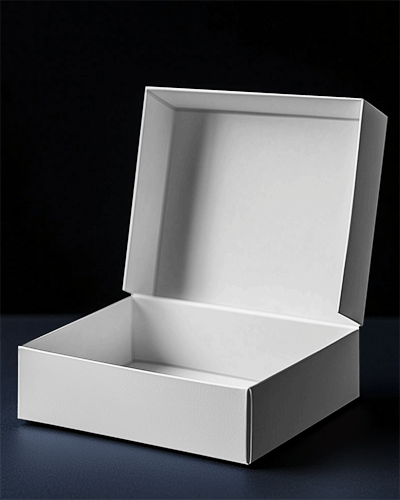
You can customize cardboard, carton, corrugated, gift, product, shipping and mailing box mockups, in open and closed views. See our square box mockups and pizza box mockups.
Can I create a box mockup online using my own design?
Create a professional box mockup online with your custom design using Mockey.ai. Select a box template, upload your artwork, and quickly tailor the box mockup to your needs for a polished, realistic presentation.
What is the difference between a box mockup and a dieline?
A box mockup is a realistic image of the finished box. A dieline is the flat template your printer uses to cut and fold it. Use a mockup to approve the look, then get the dieline from your printer for production.
