Best Long Box Mockup Free to Download
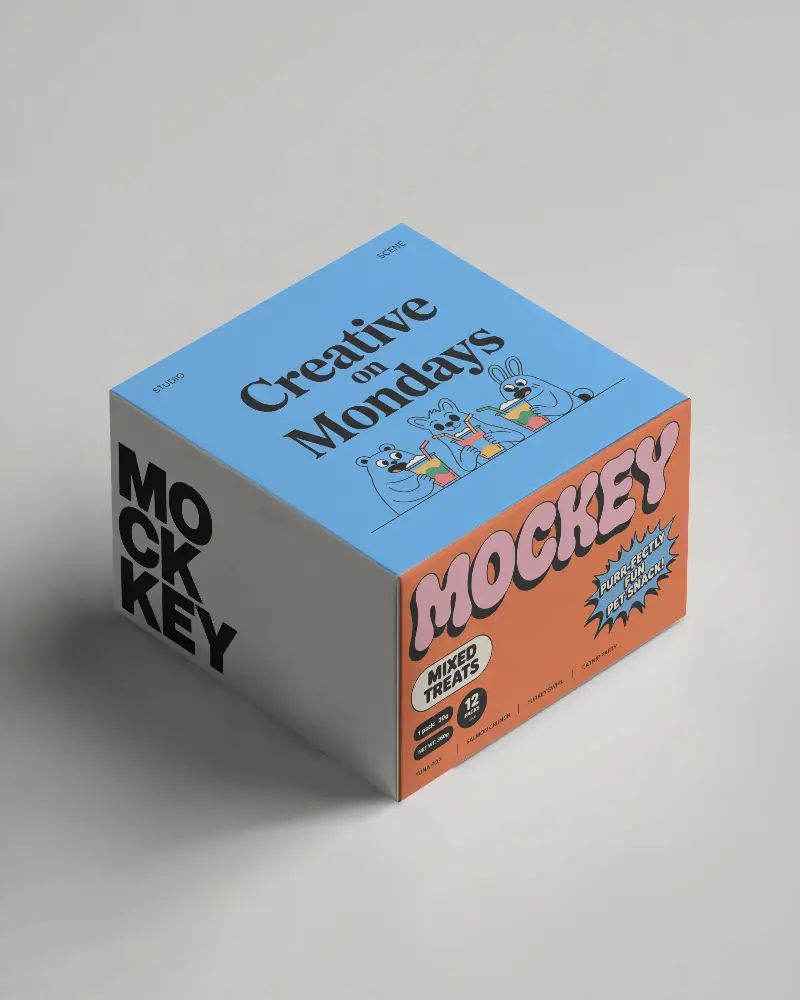
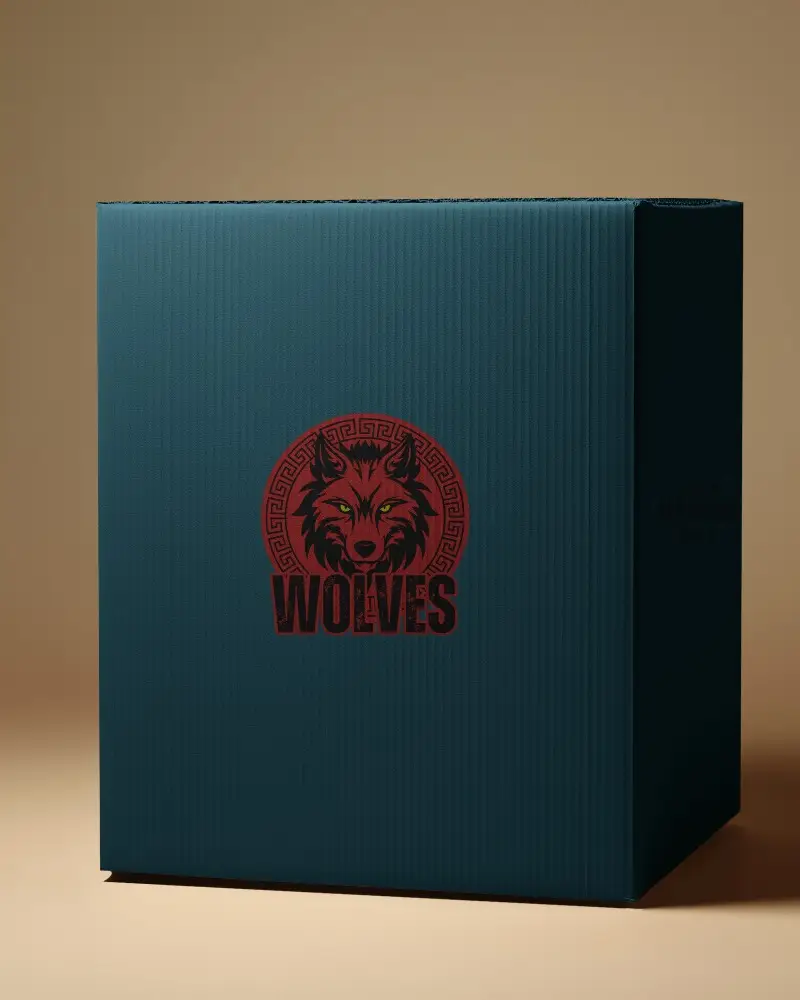
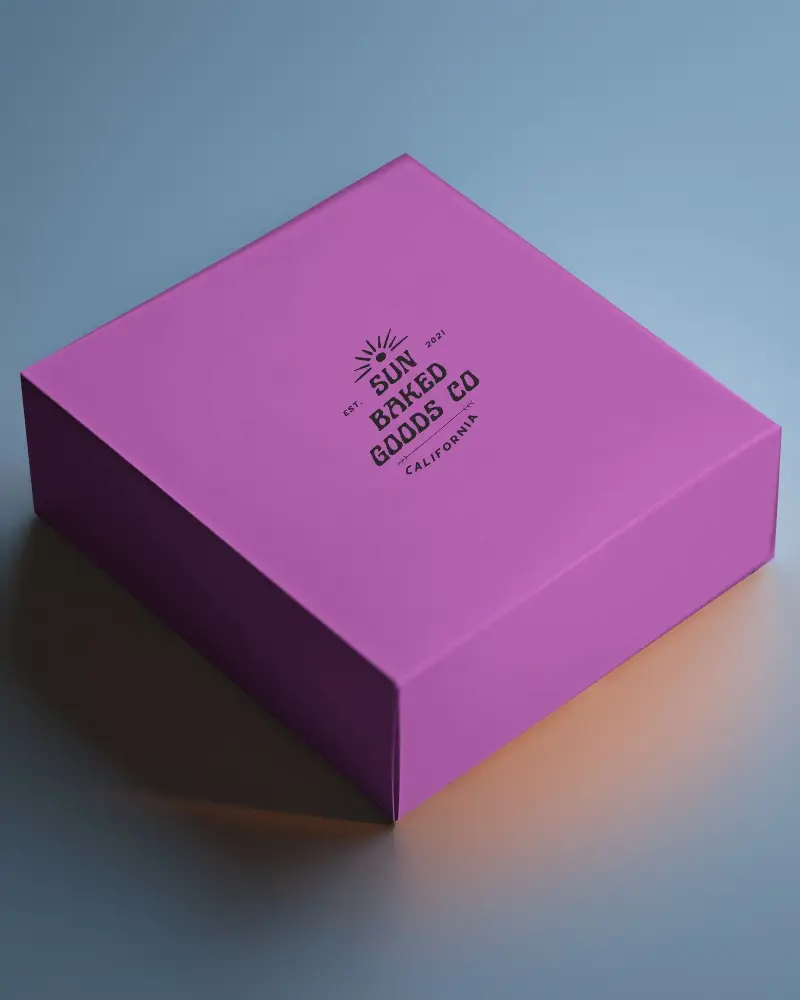
Showcase your packaging designs with stunning long box mockups. Customize effortlessly with Mockey.ai for a realistic and professional presentation.
.png)
.png)
.png)
(1).png)
.png)
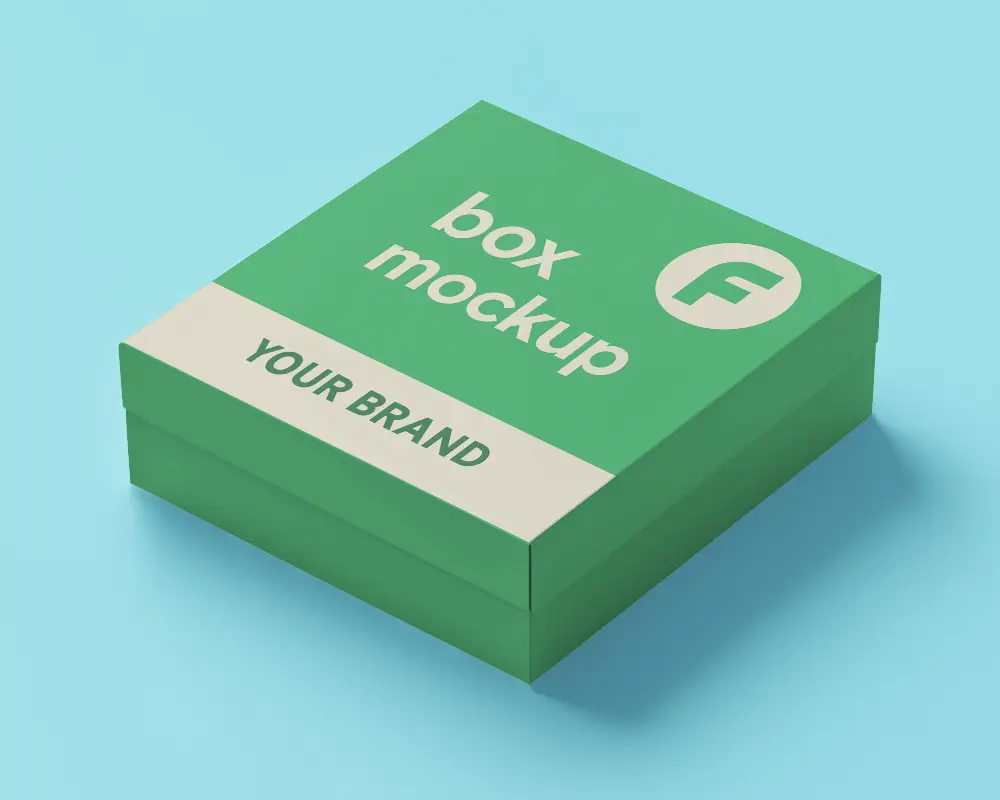
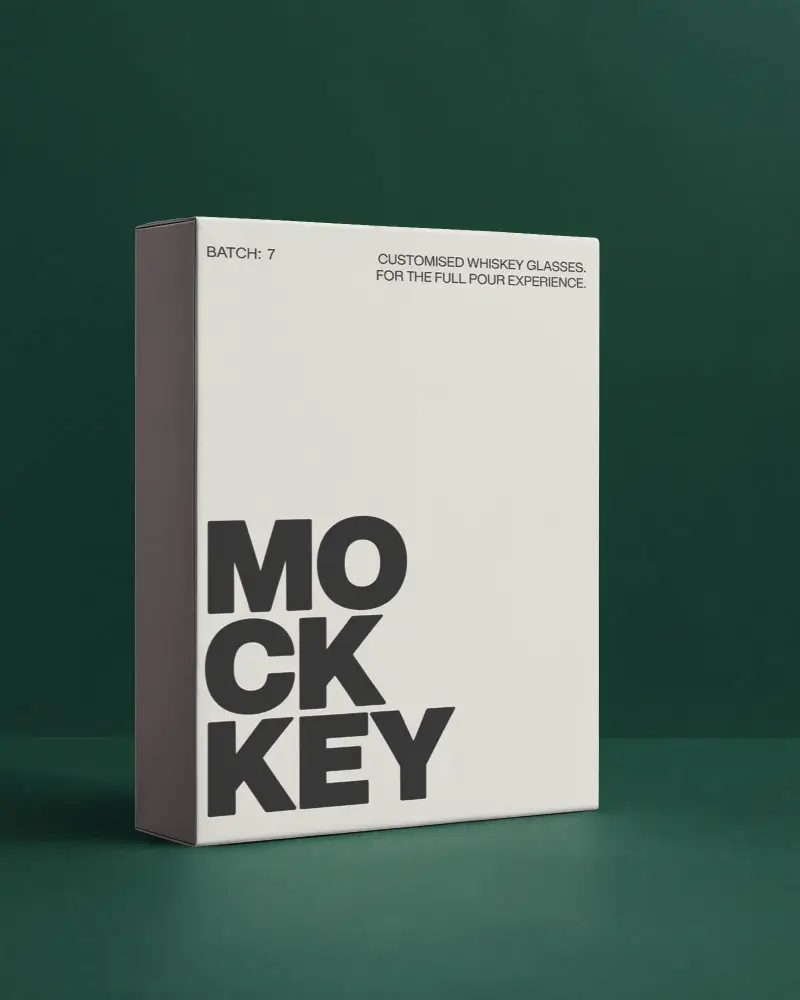
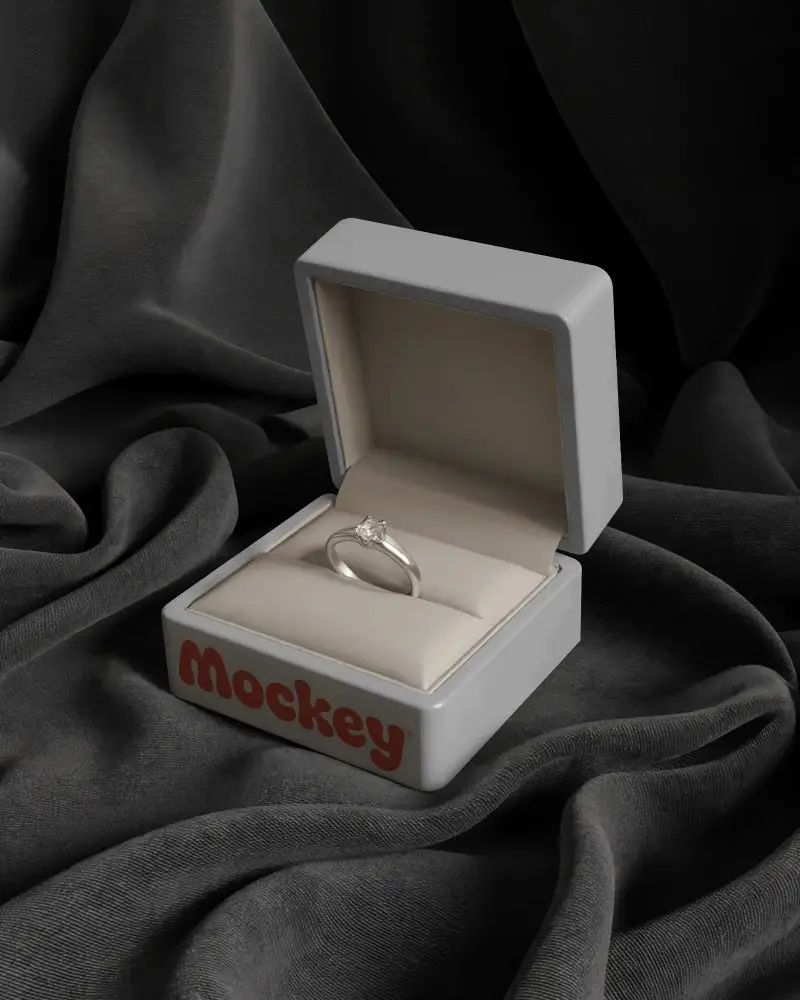
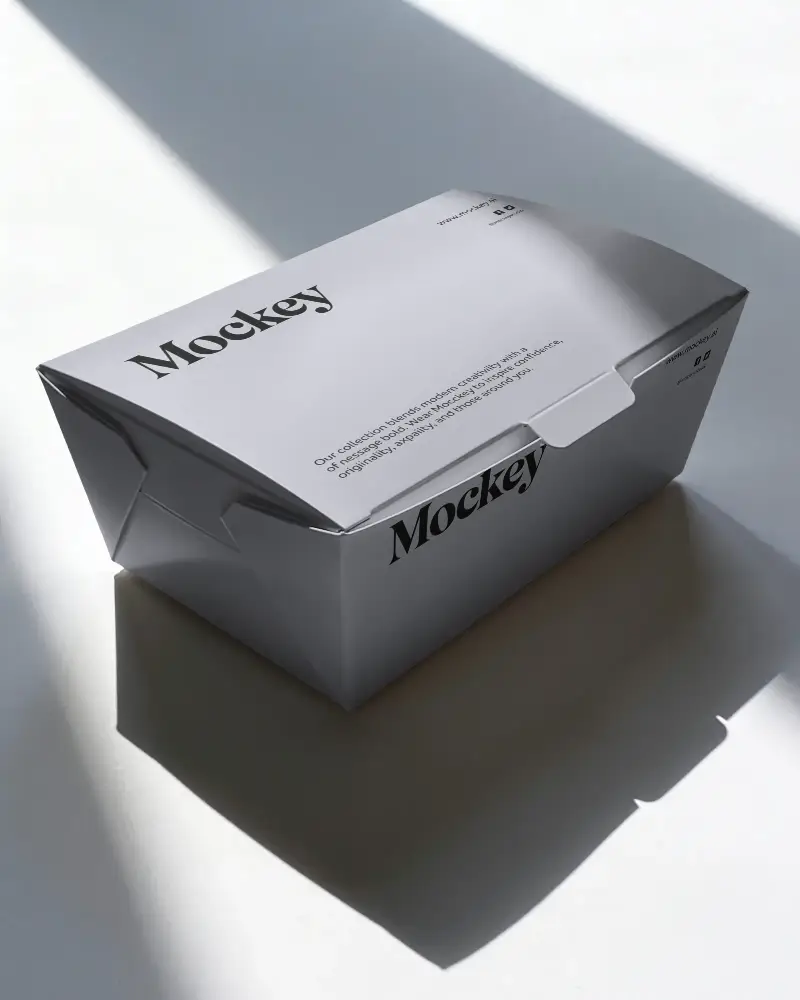
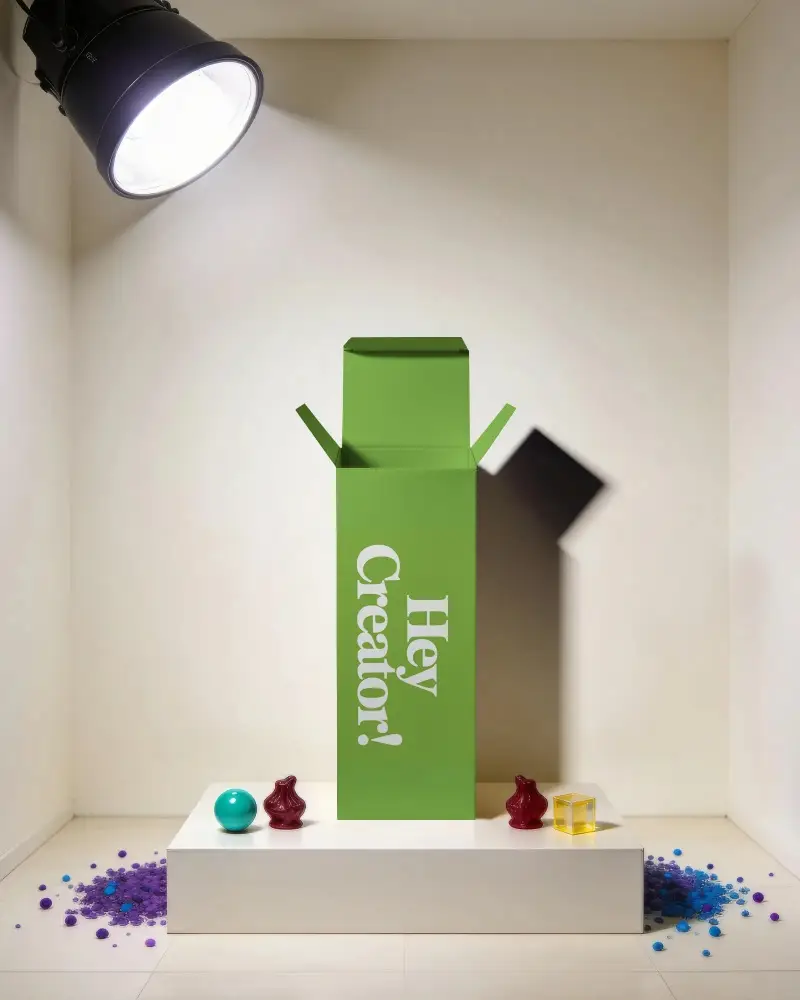
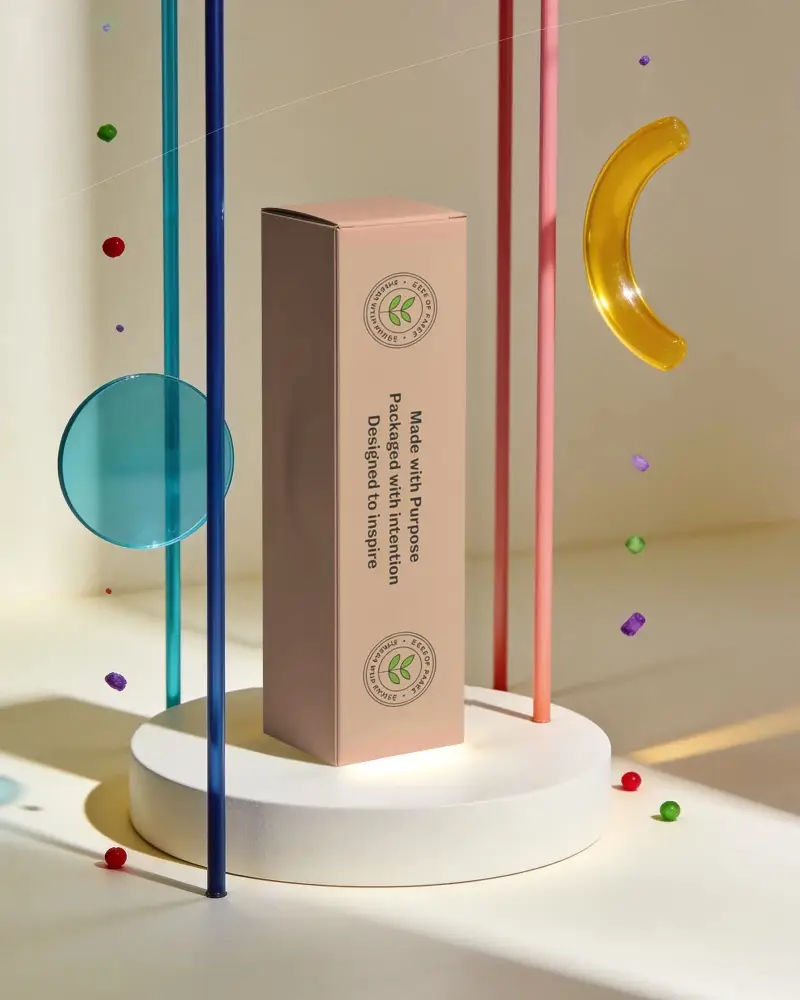
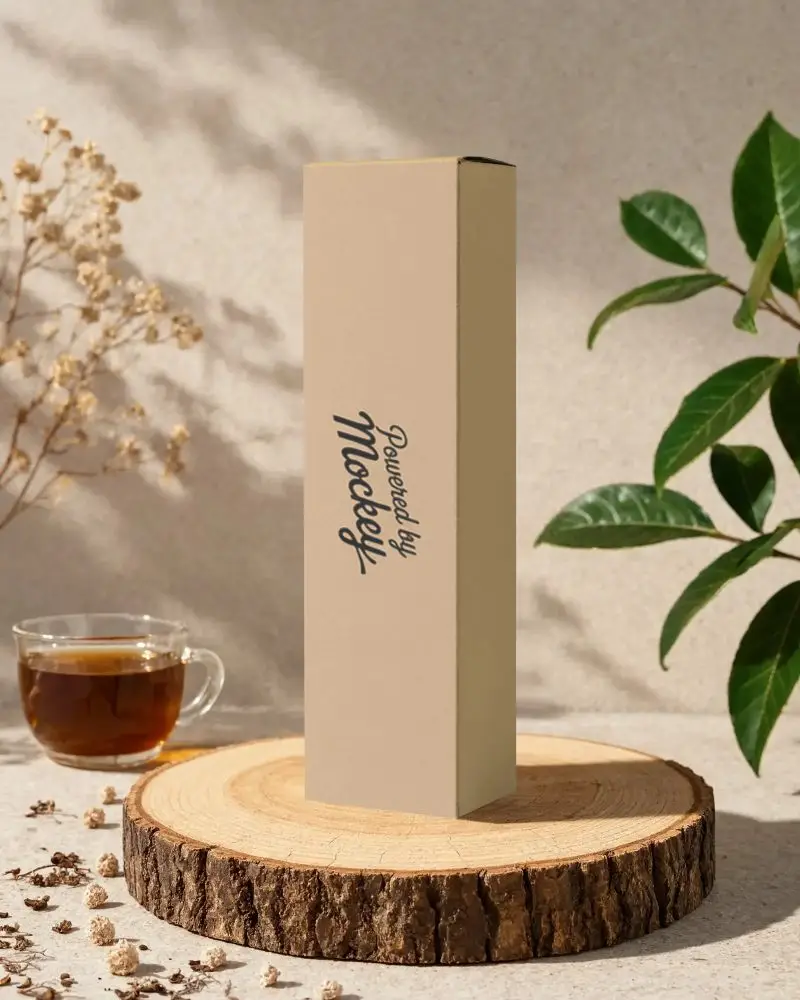
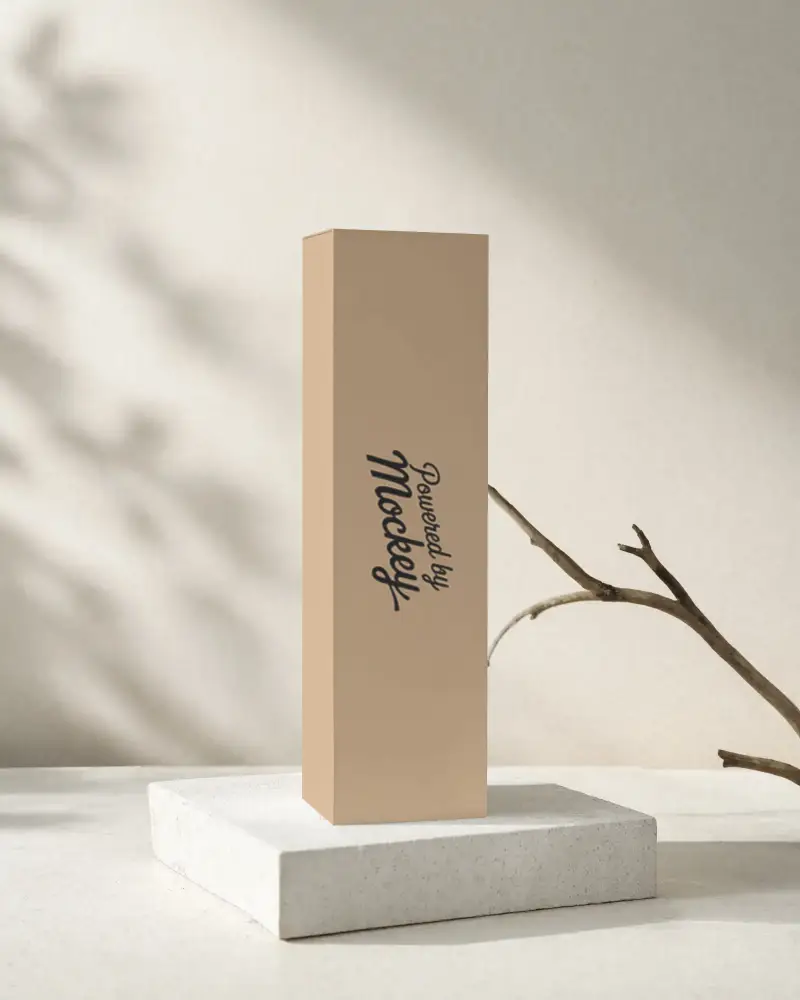
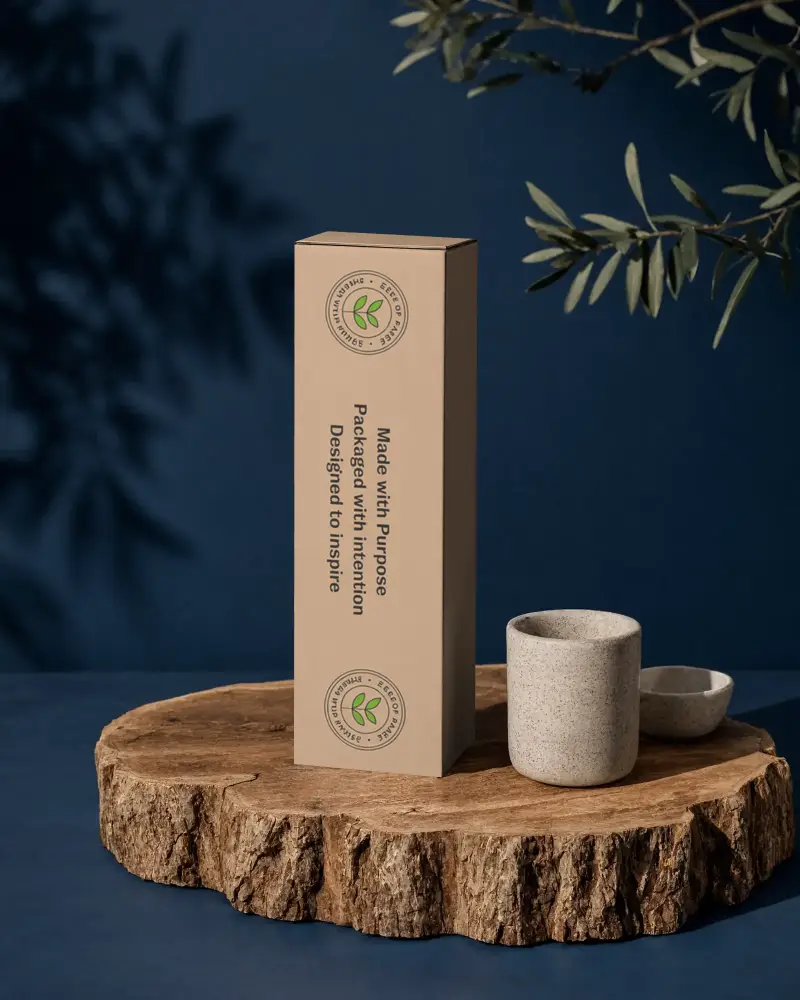
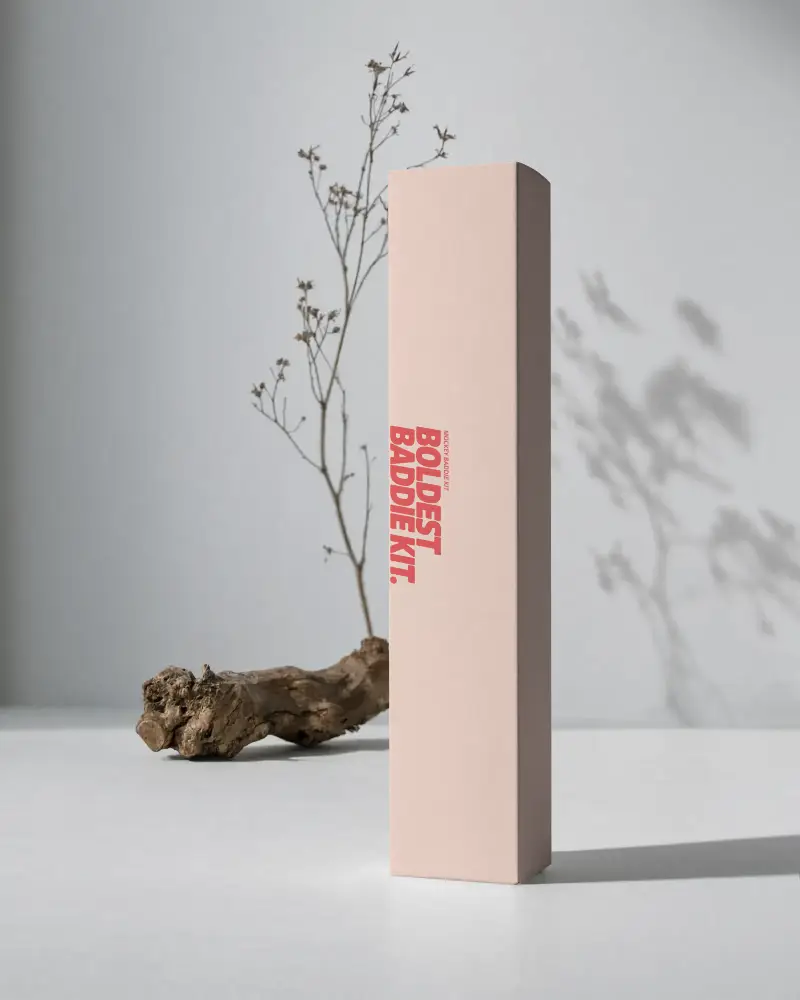
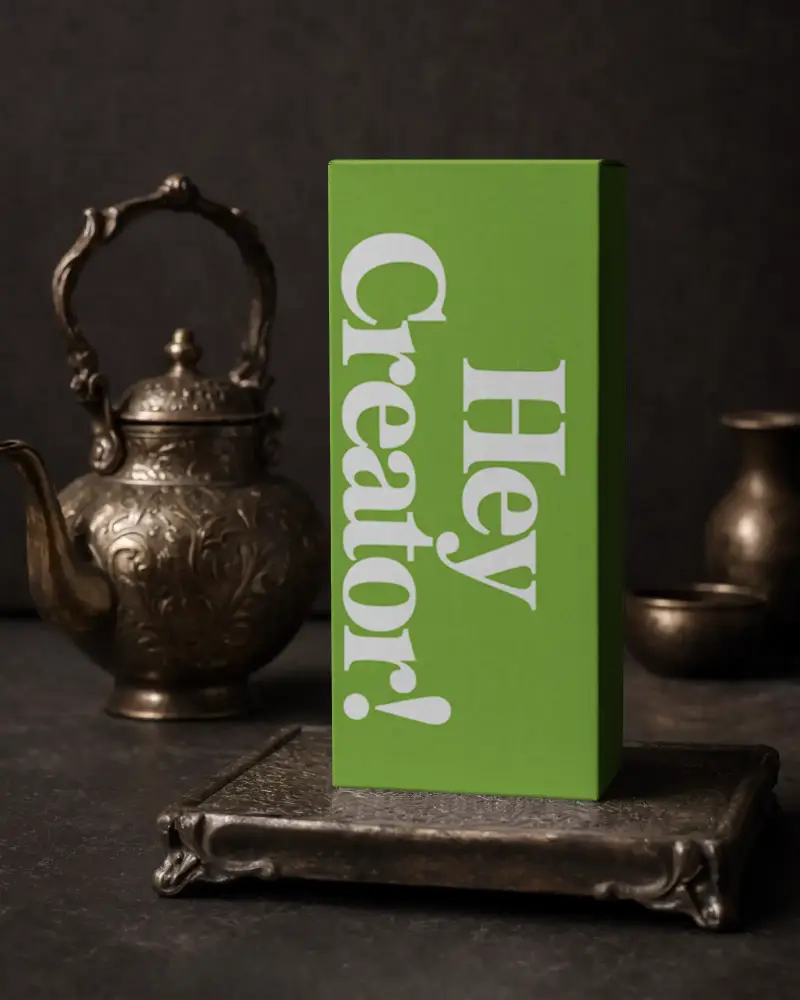
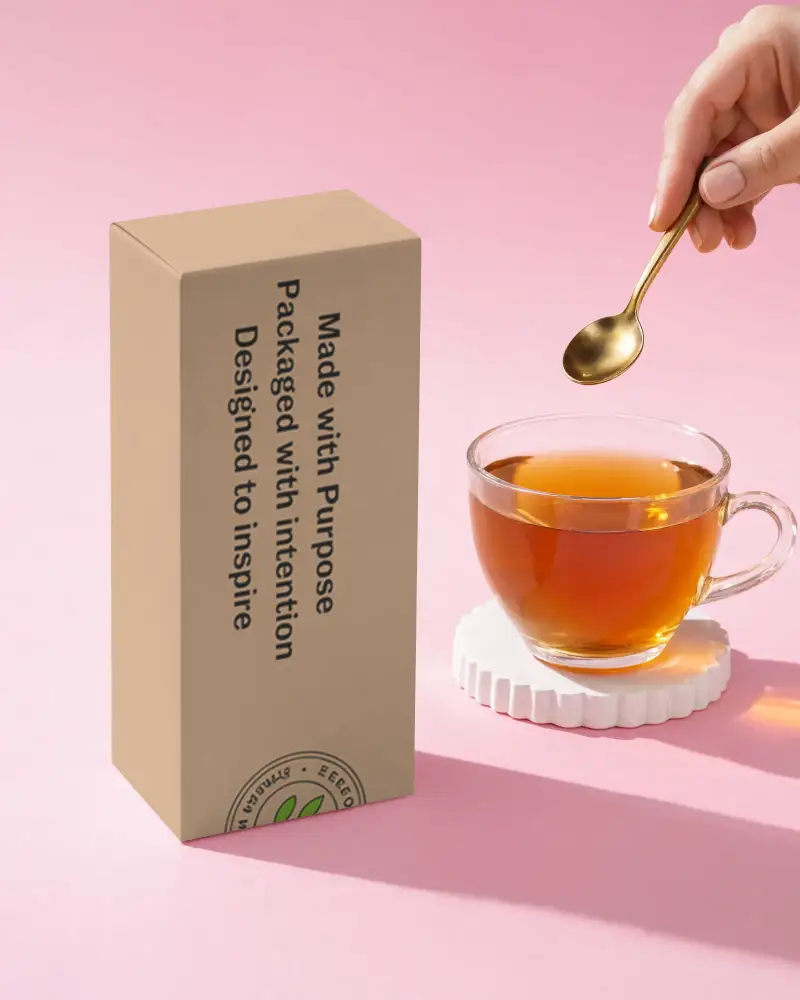
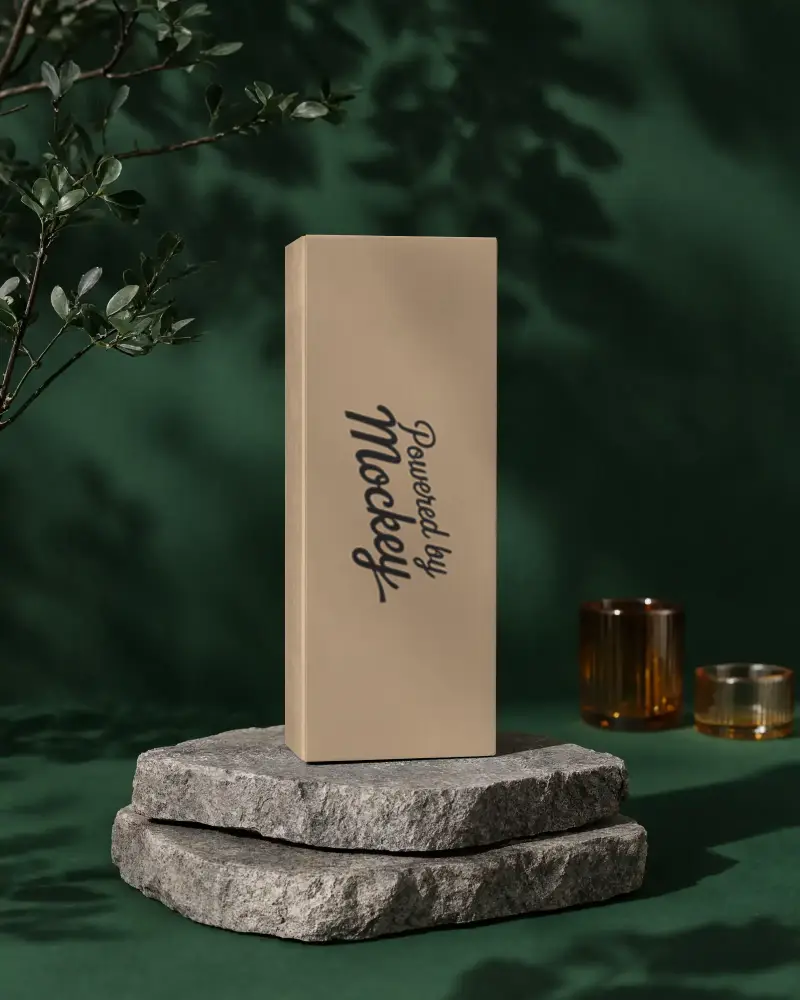
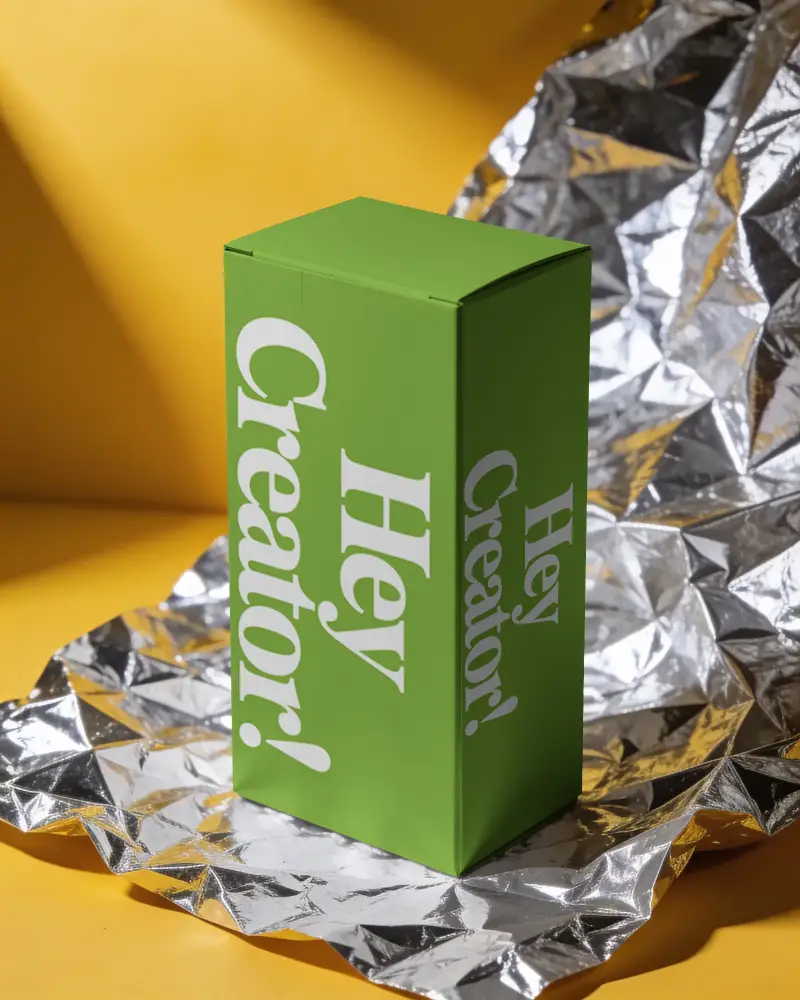
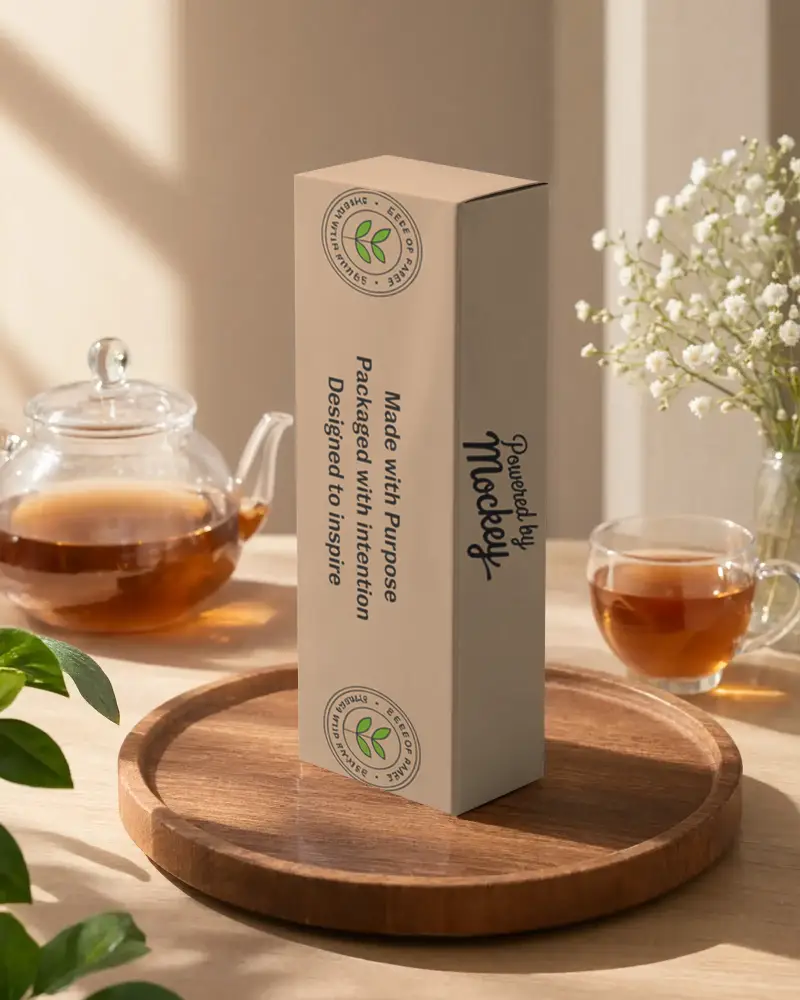
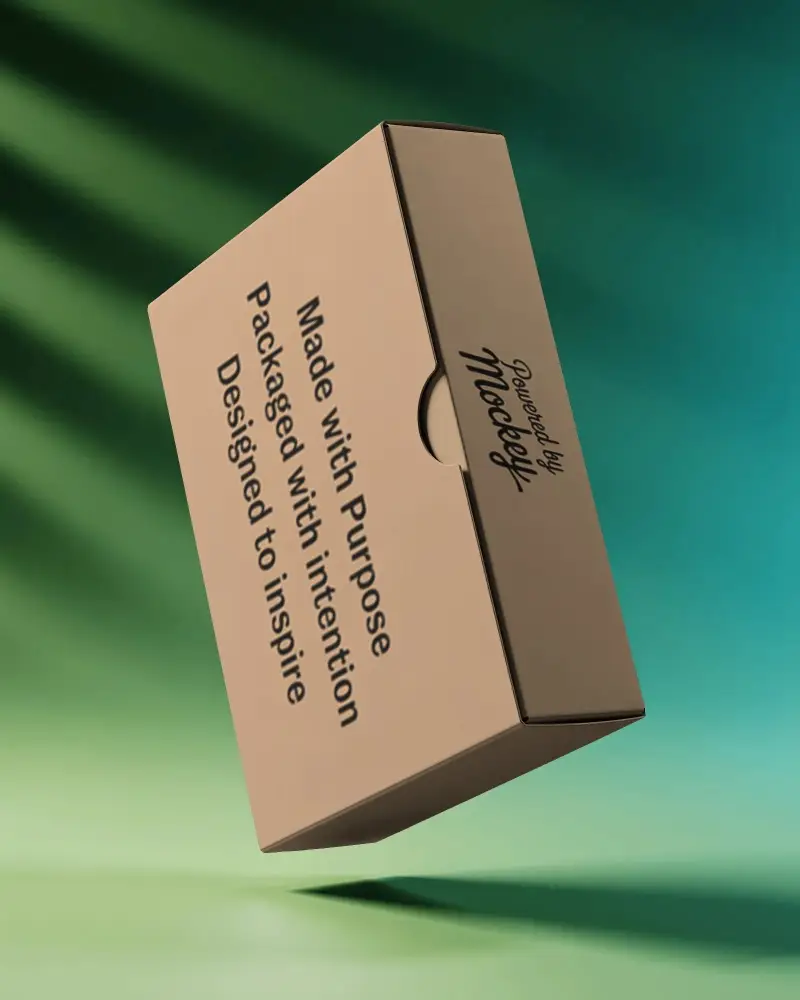
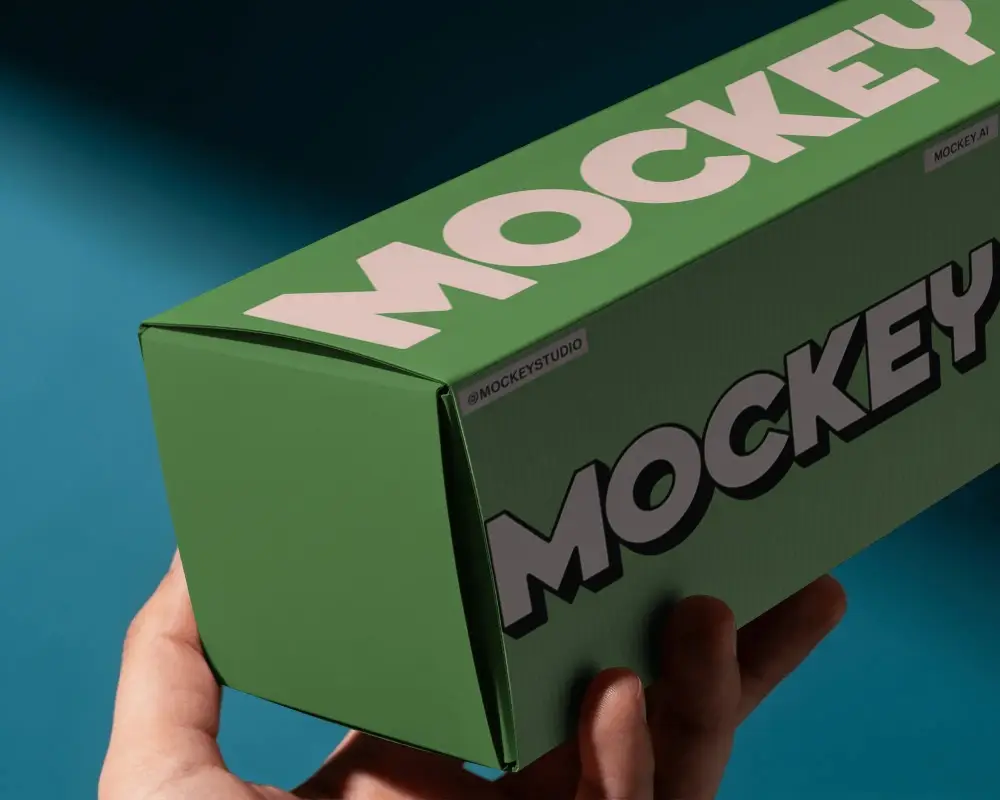
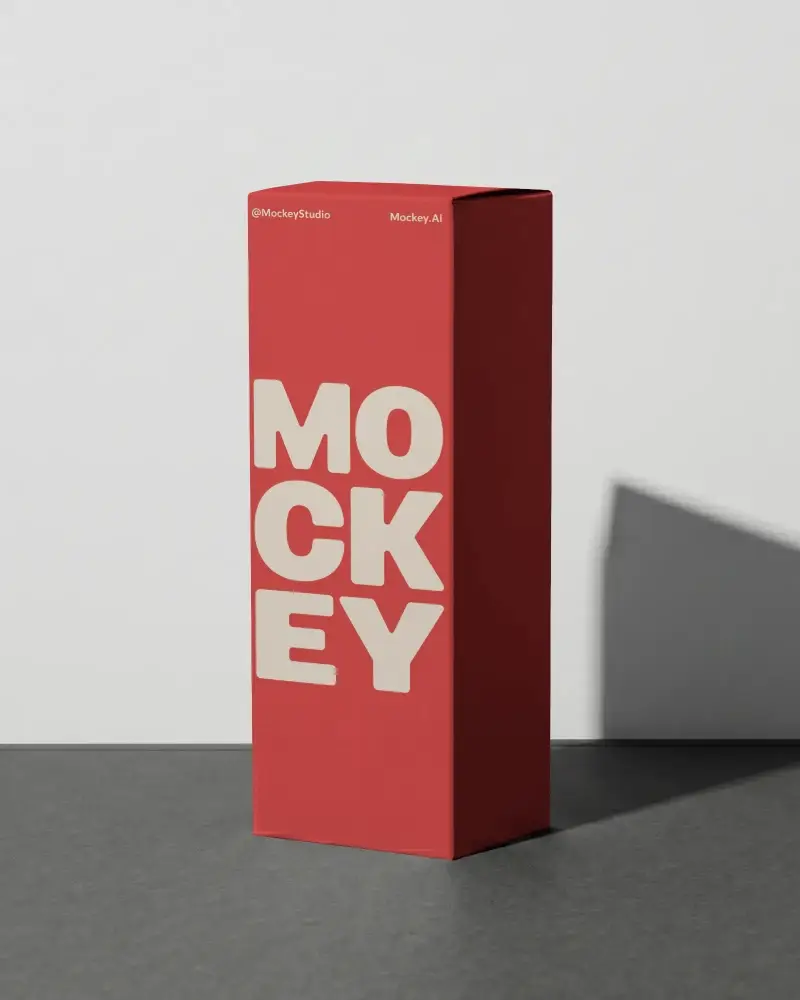
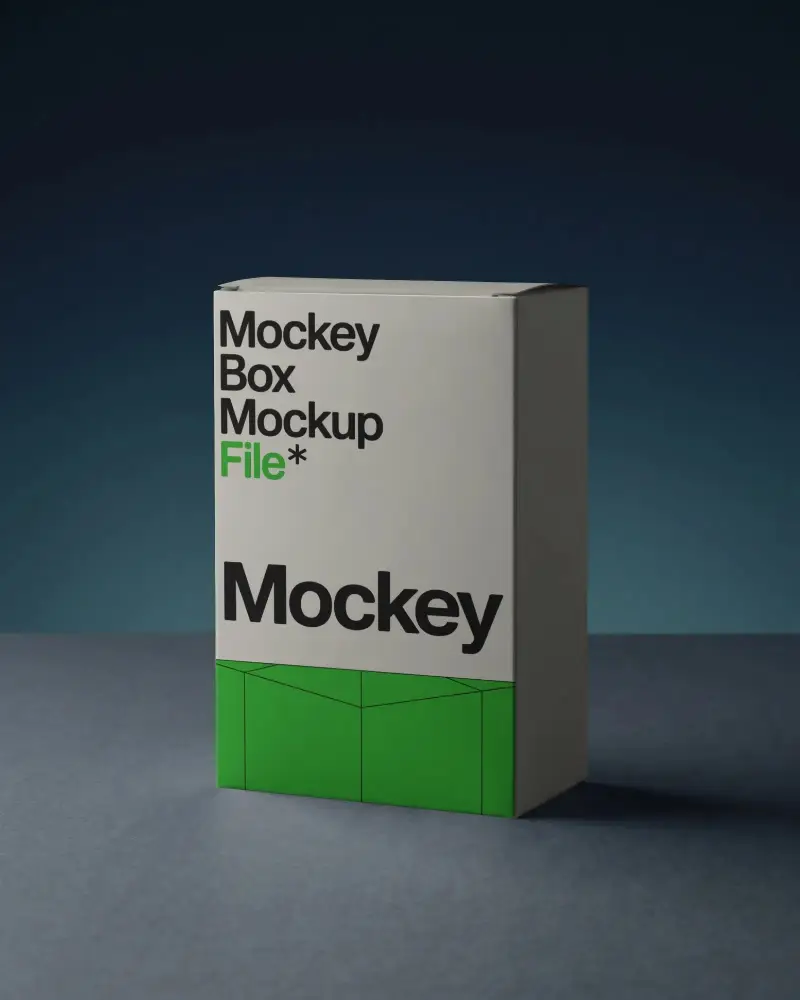
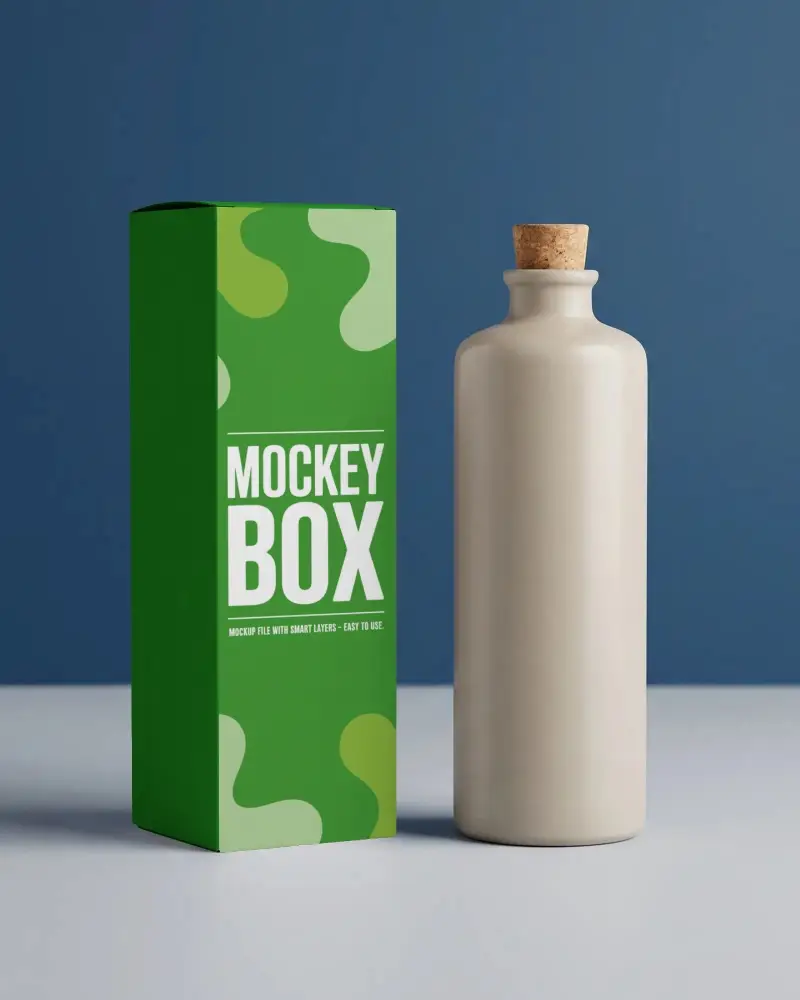
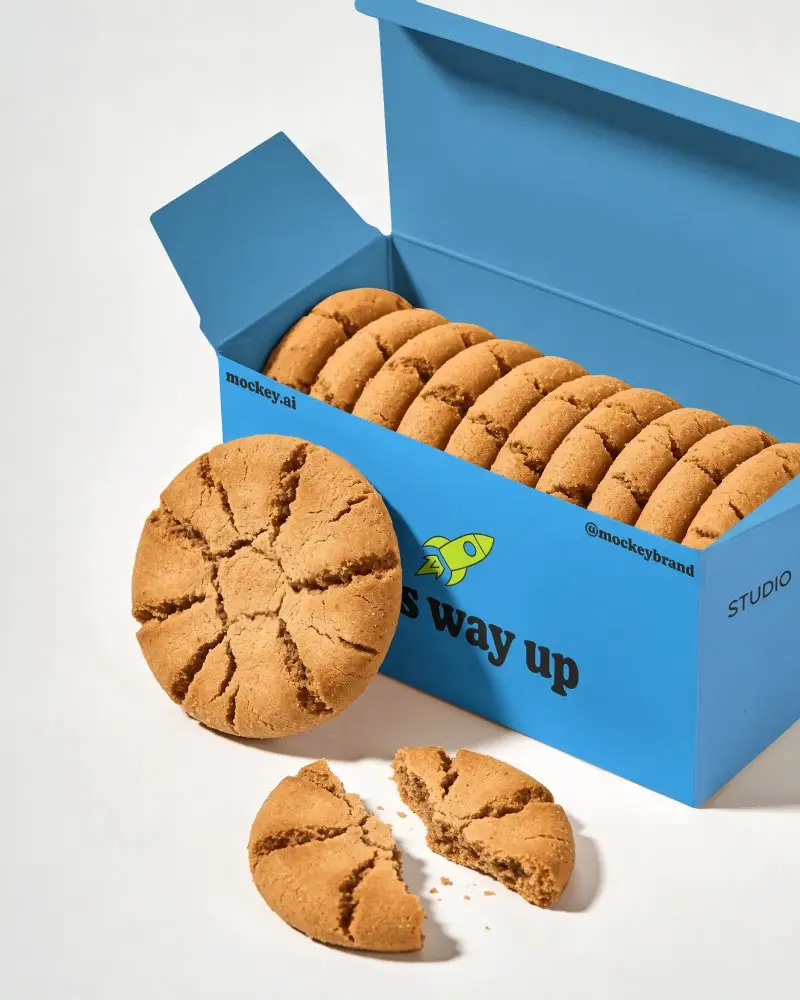
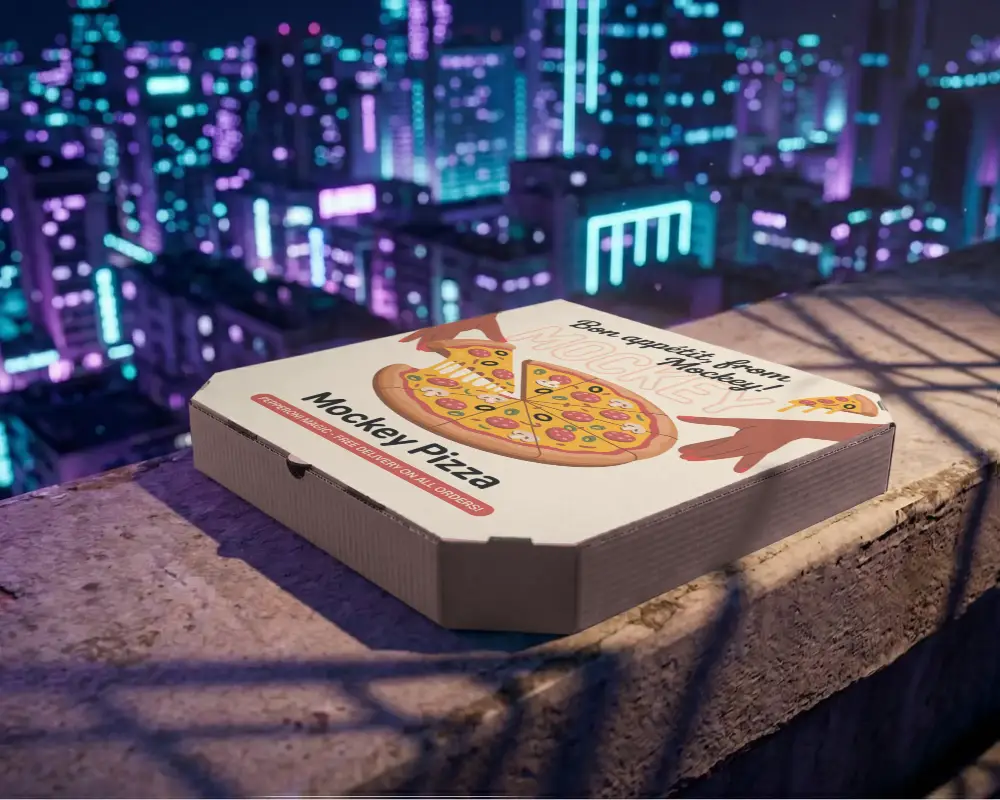
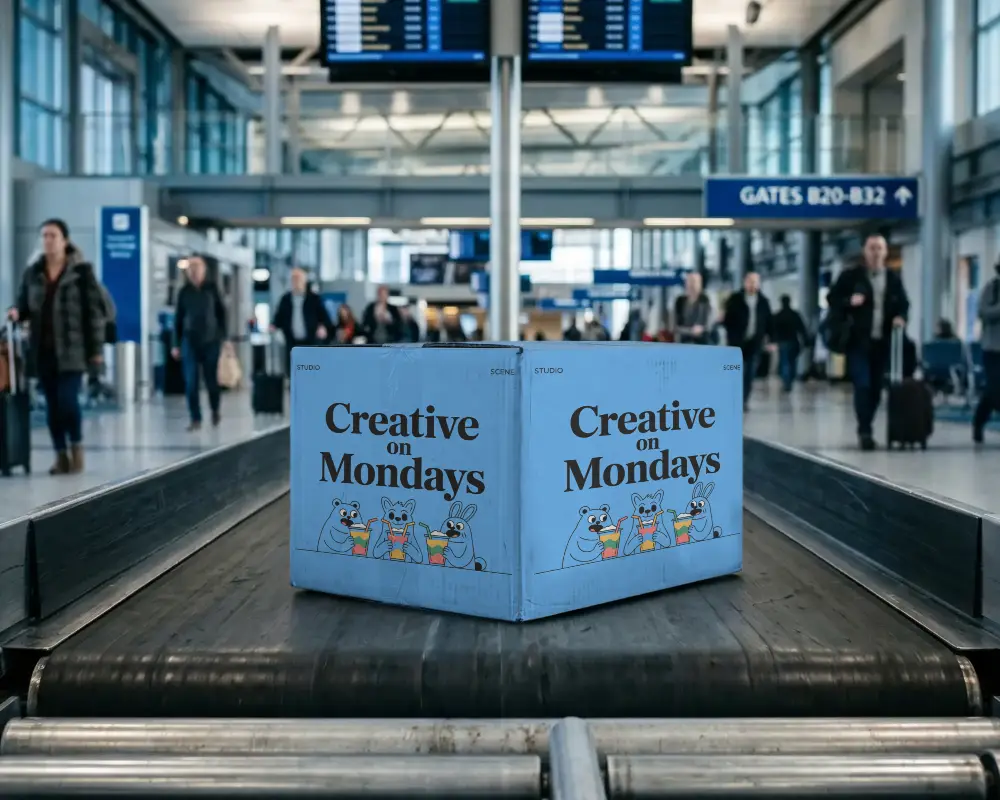
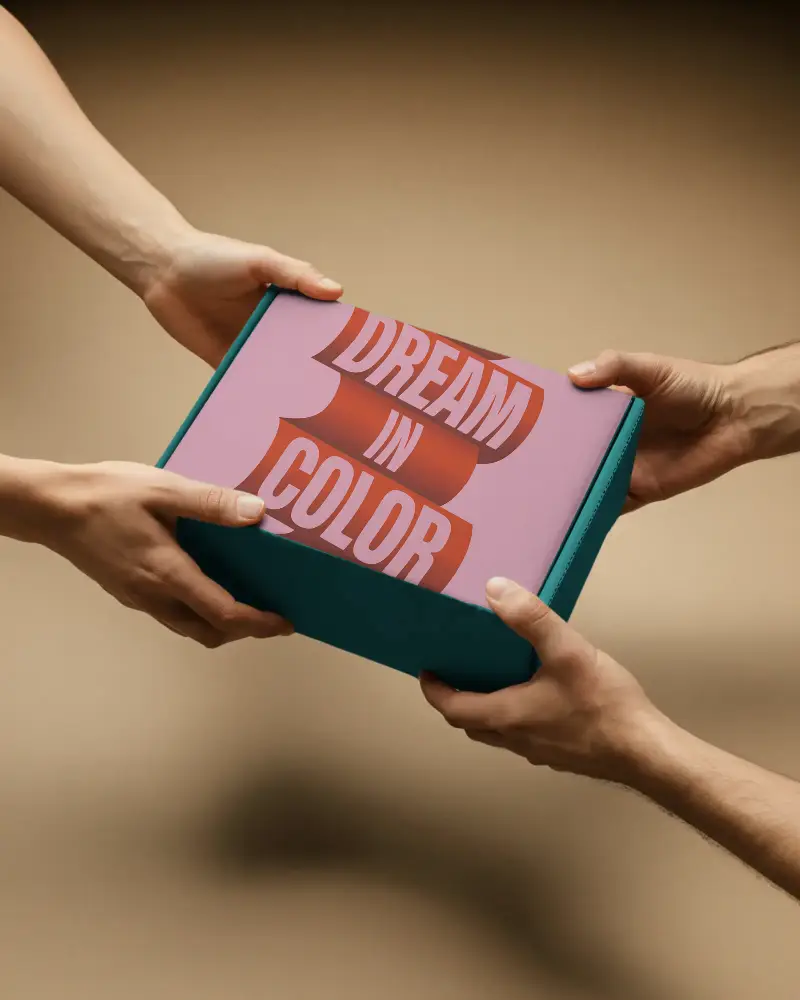
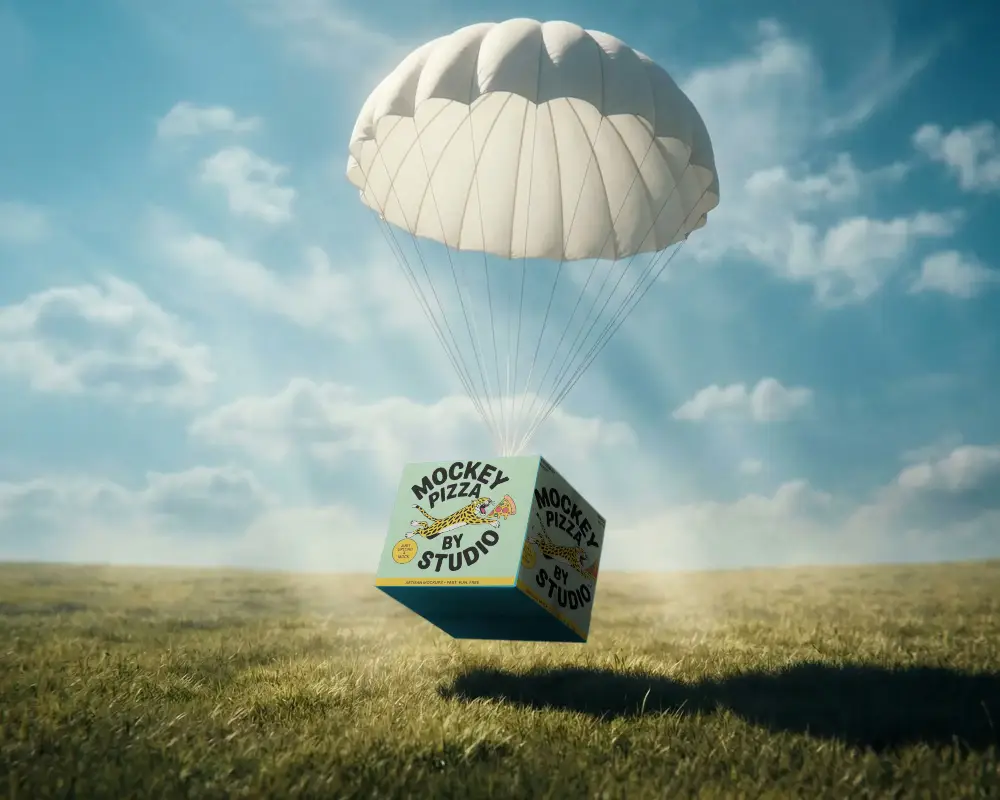
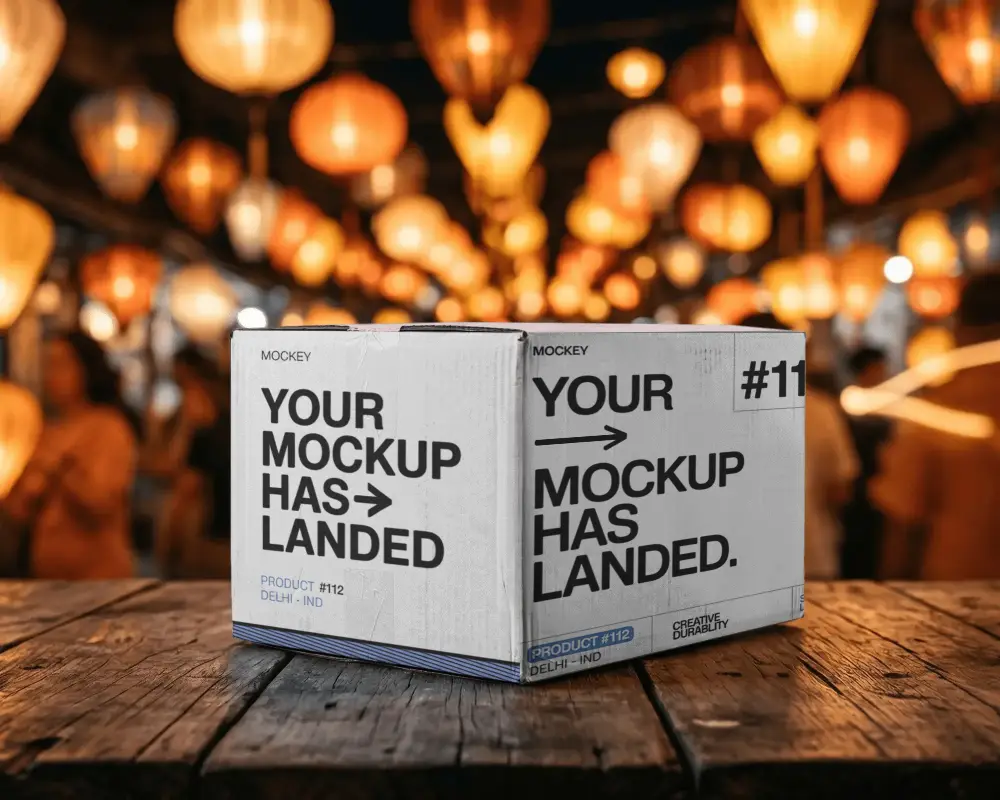
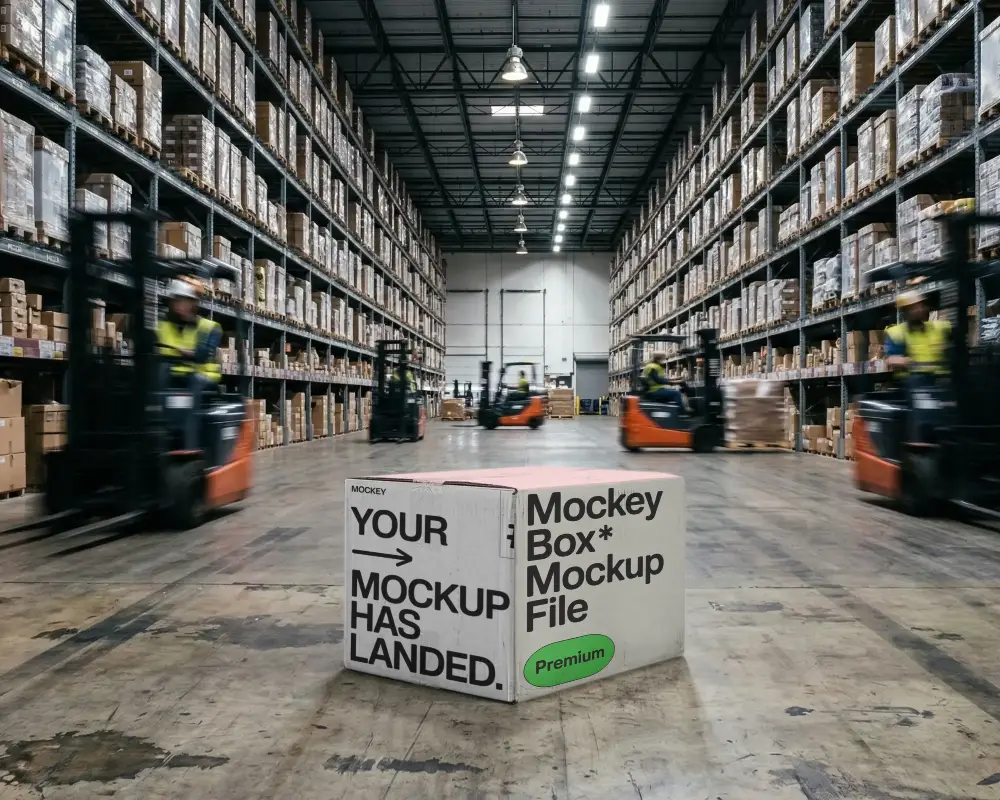
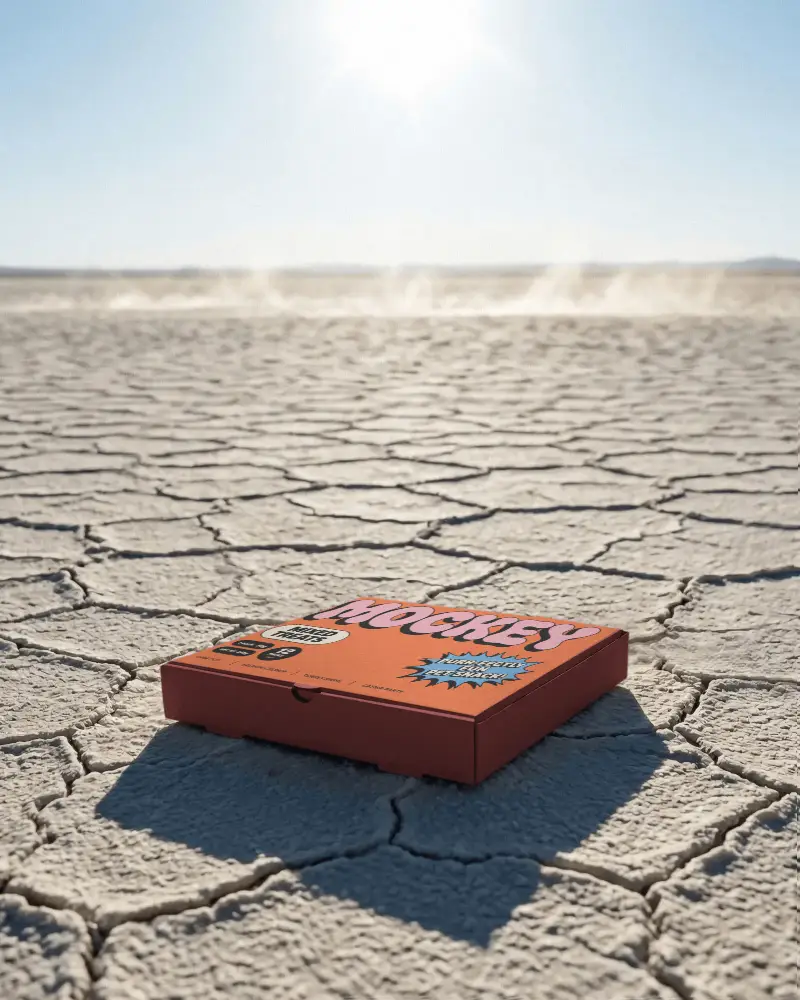
How to Create Long Box Mockup with Mockey
To create a long box mockup in Mockey AI:
- Step 1: Navigate to Mockups > Packaging > Box > Long and choose a template from the library.
- Step 2: On the following page, you'll find the option to upload your design and adjust the template's colors in the Edit section. If you upgrade to the Creator Plan, you can also access AI tools.
- Step 3: Finally, click the Download button to save your Long Box mockup in either PNG or JPEG format, available in various sizes.


FAQs on Long Box Mockups
What is a Long Box Mockup?
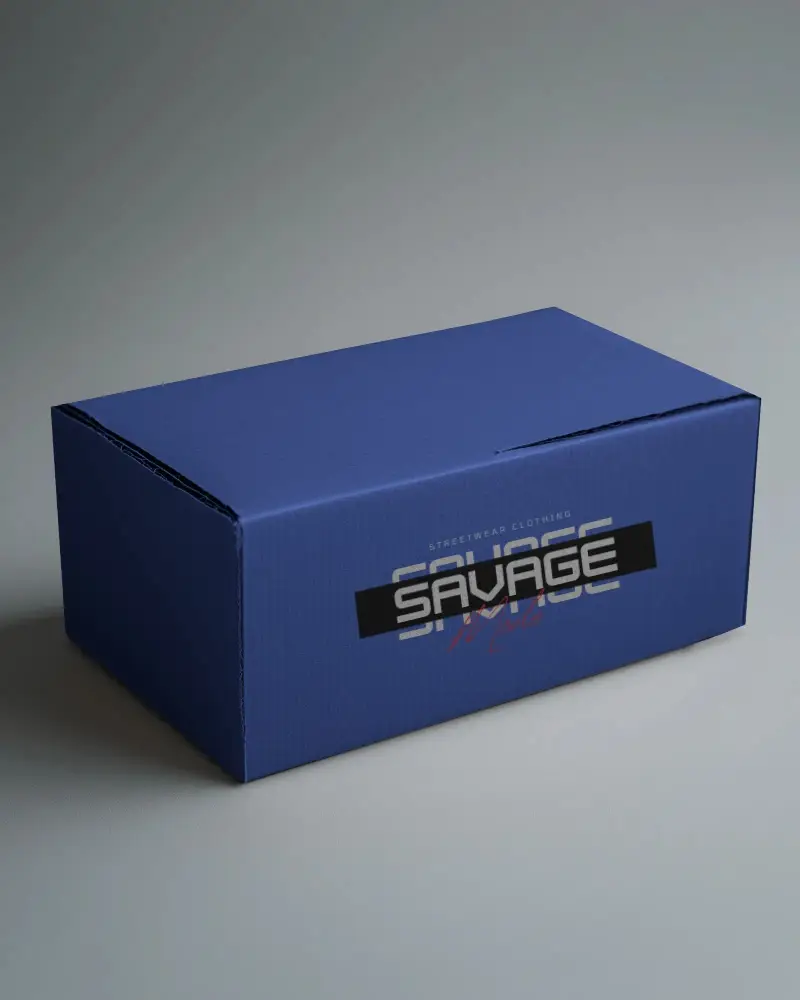
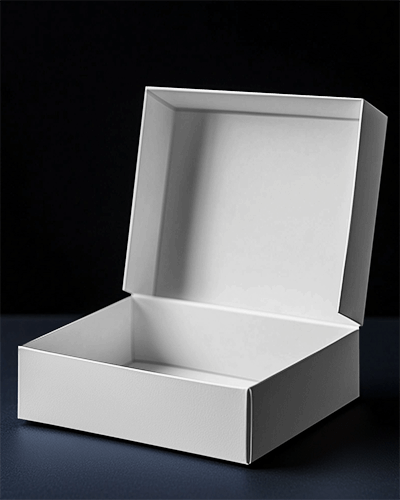
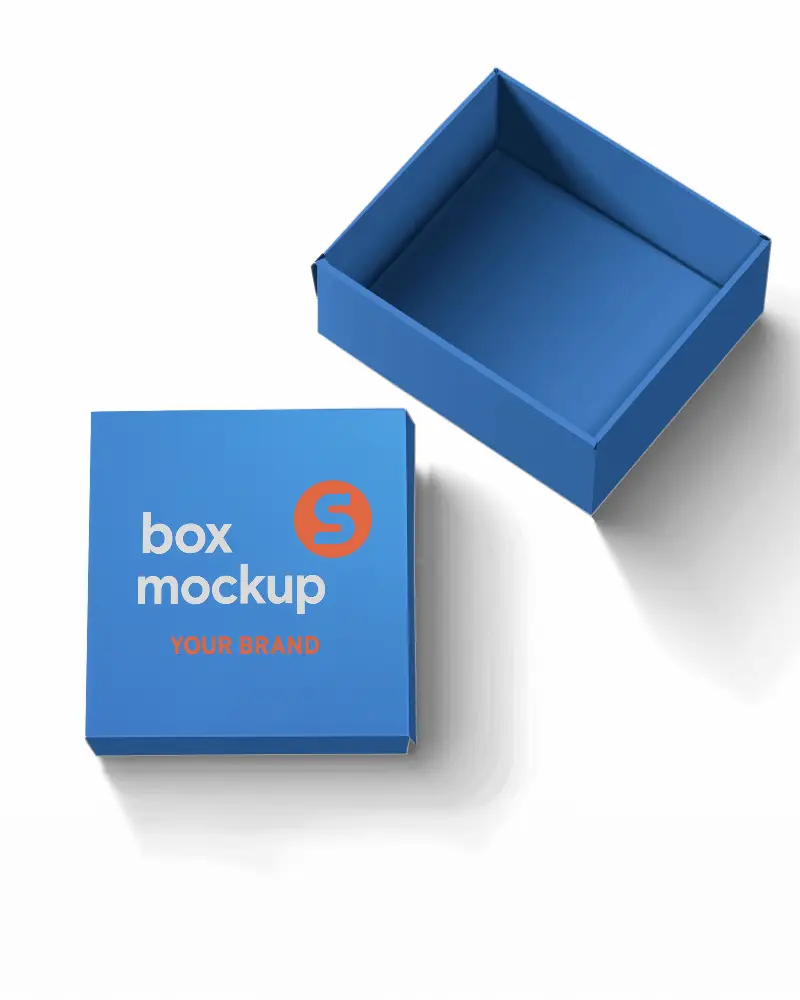
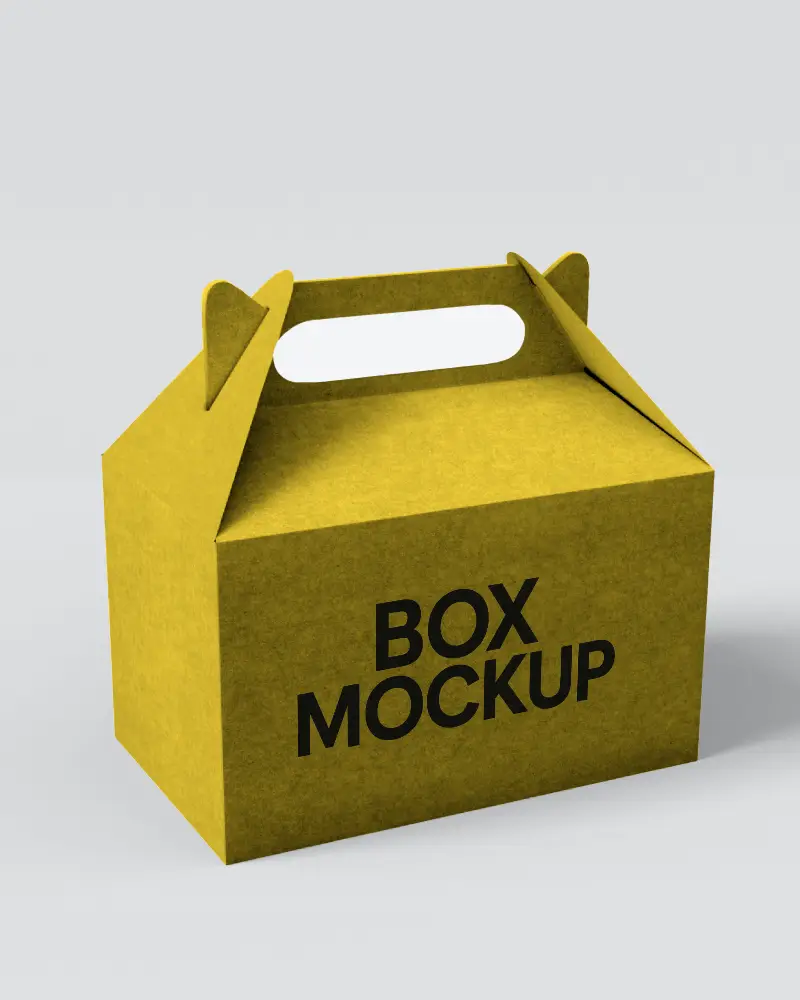
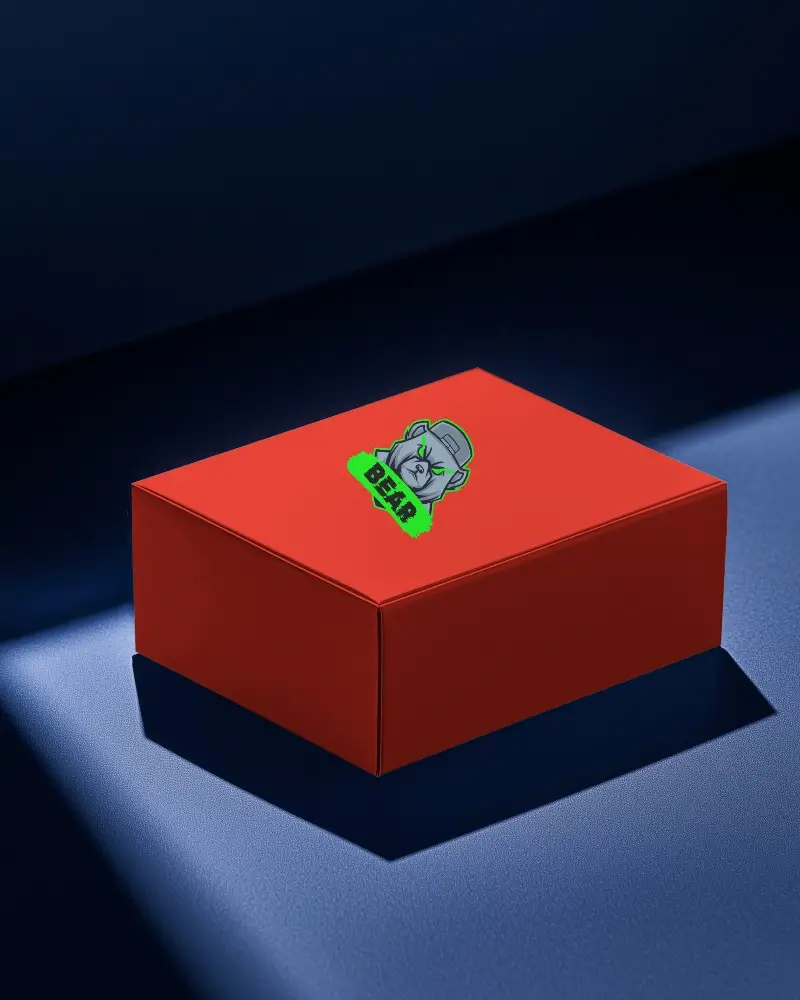
A long box mockup is a digital design template that displays product artwork on a rectangular packaging box.
How can I customize a Long Box Mockup?
To edit, follow Mockups > Packaging > Box and pick Long box template. Adjust colors and backgrounds. Upgrade to Creator Plan for AI-generated anime and photoshoot effects. Lastly, preview it and download it in your preferred file format using the Mockey AI mockup generator.
What file formats are available for Long Box Mockups?
Long box mockups come in JPEG, PNG, and animated video formats, with AI-powered editing options for easy customization.
Can I use Long Box Mockups for commercial projects?
Mockey AI provides premium long box mockups for commercial use, backed by clear and transparent licensing terms.
Are Long Box Mockups available in high resolution?
High-resolution long box mockups are accessible, offering customizable PNG files improved by AI tools for precise and professional design presentations.
Do Long Box Mockups include smart objects for easy editing?
If you use Photoshop, you can edit long box mockups or any other mockups easily with the Smart Object feature.
How do I change the design on a Long Box Mockup?
After you upload your design, you can warp it or remove the background for a transparent look. To get photoshoots or anime-style previews, you can upgrade to the Creator Plan.
Are free Long Box Mockups available?
You can find free long box mockups on platforms like Mockey AI, providing high-quality PNG or JPEG files appropriate for commercial use.
Where can I download Long Box Mockups?
Get free long box mockups from Mockey AI, including PNG files and video animations, ready for commercial use.
