Bracelet Mockup Free Download - Bracelet Mockup Templates
Showcase your bracelet designs like a pro with Mockey! Find high-quality bracelet mockups to create professional presentations for your jewelry brand or store.
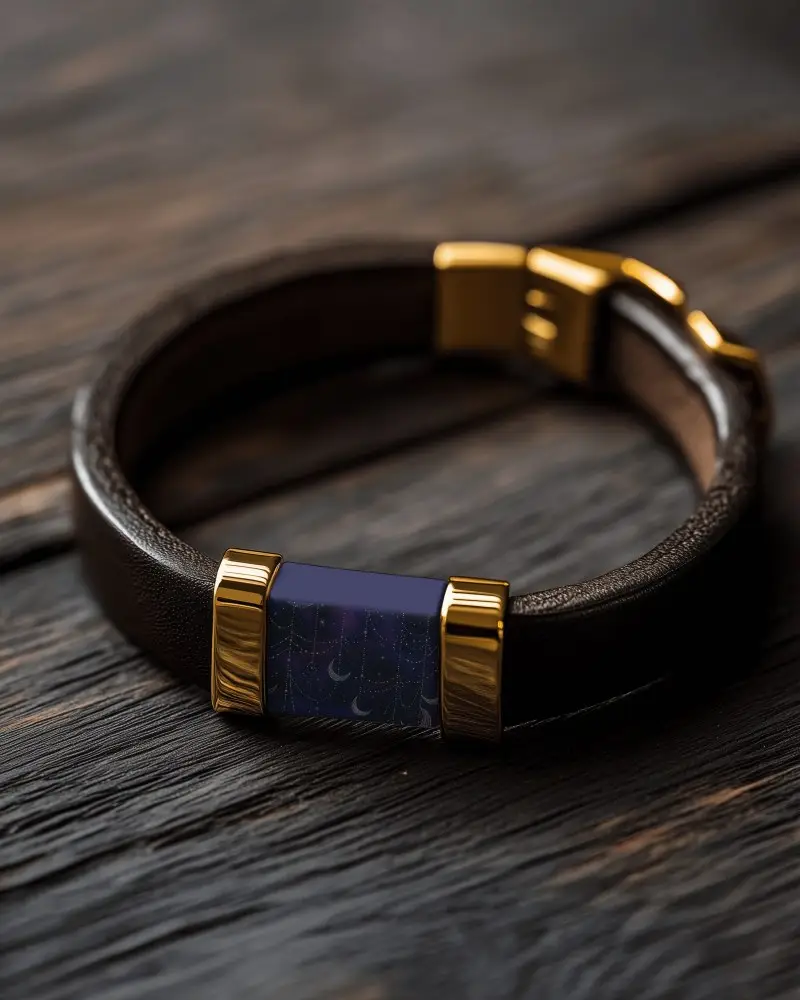
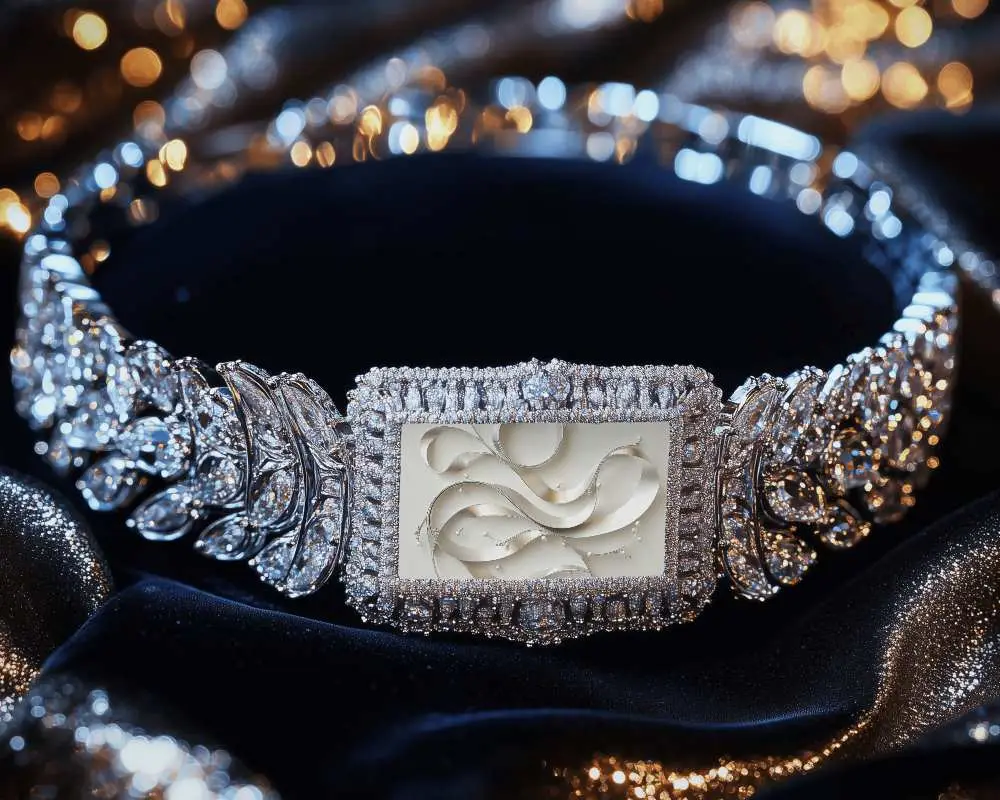
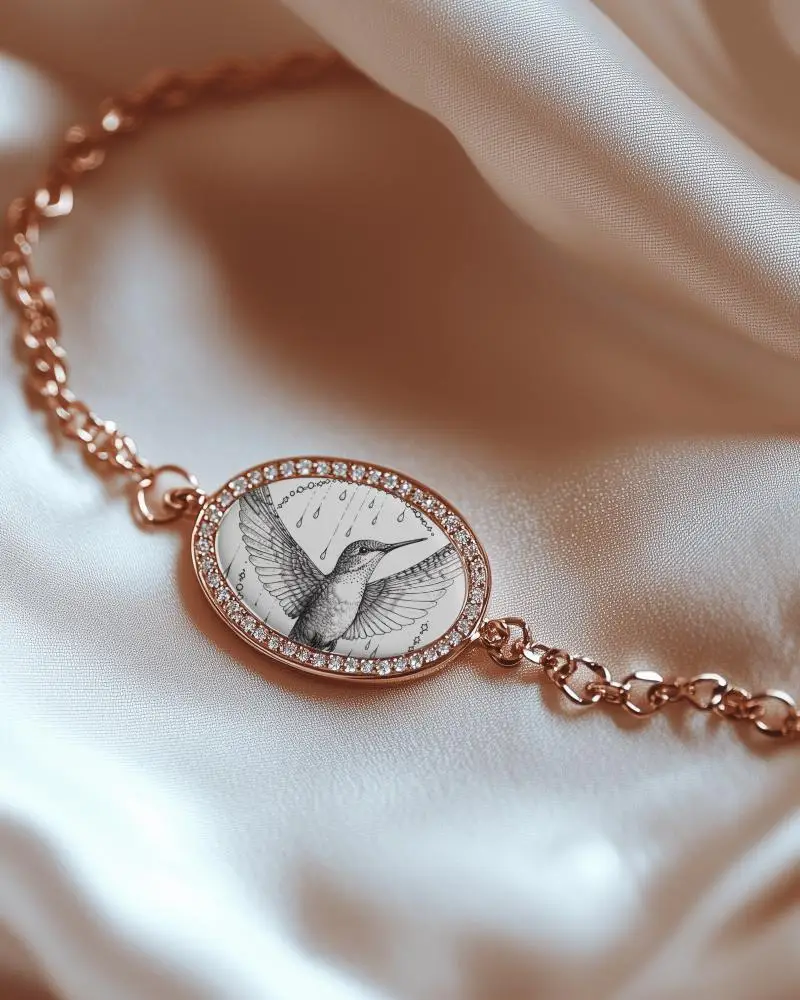
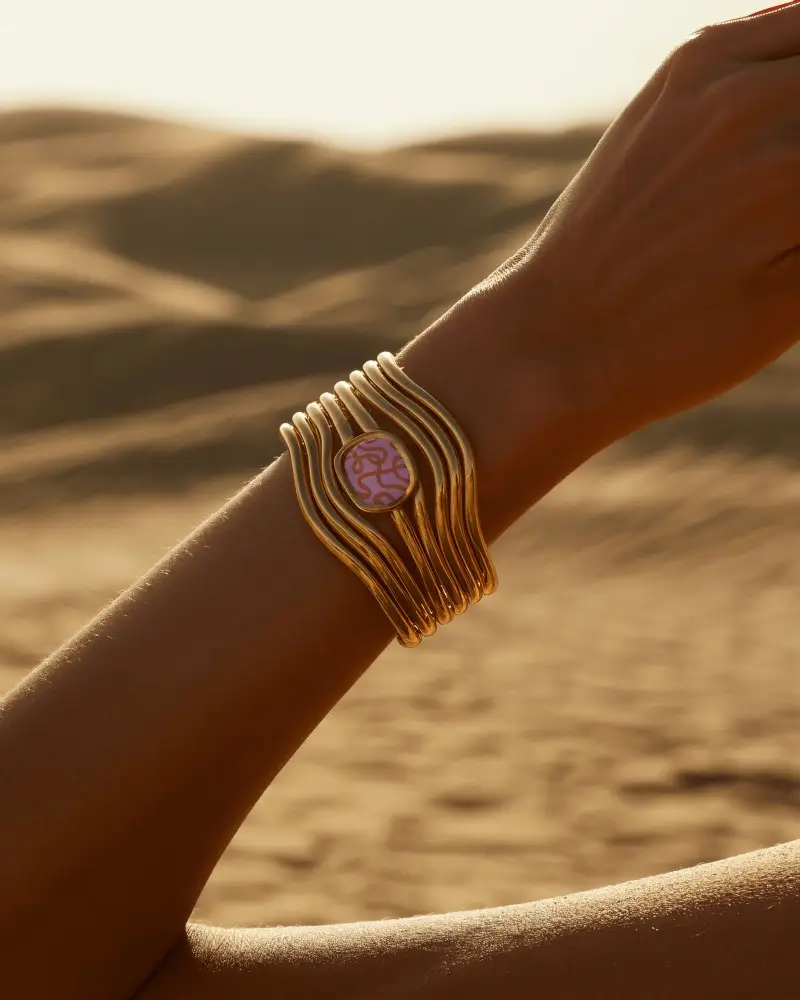
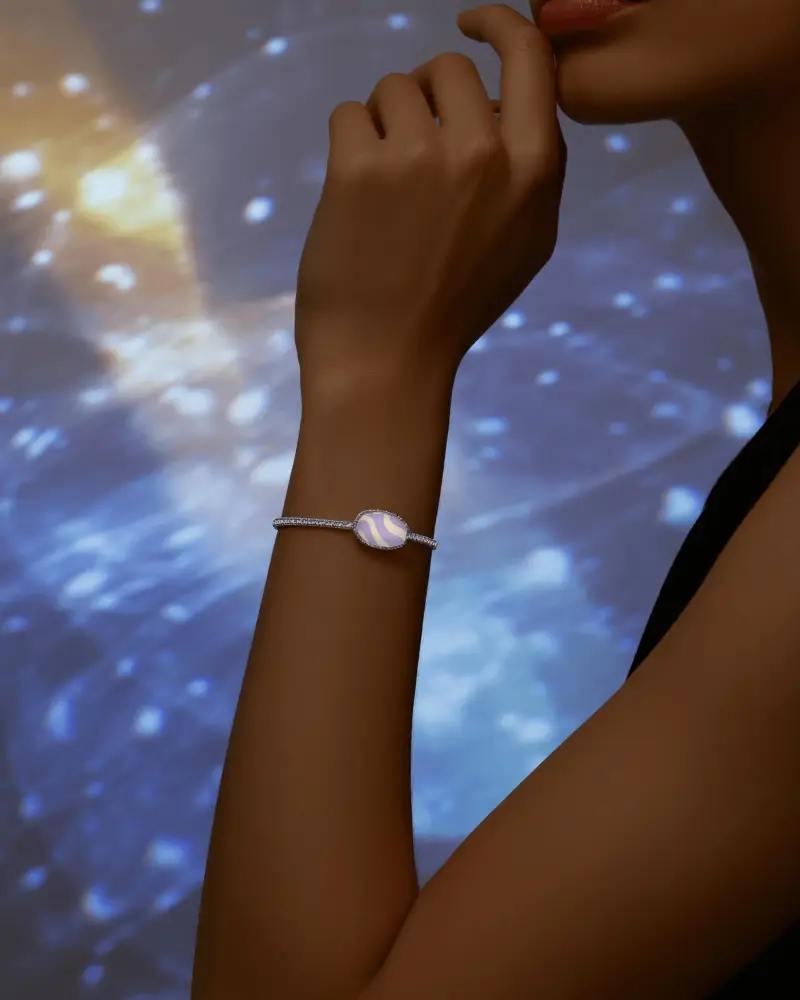
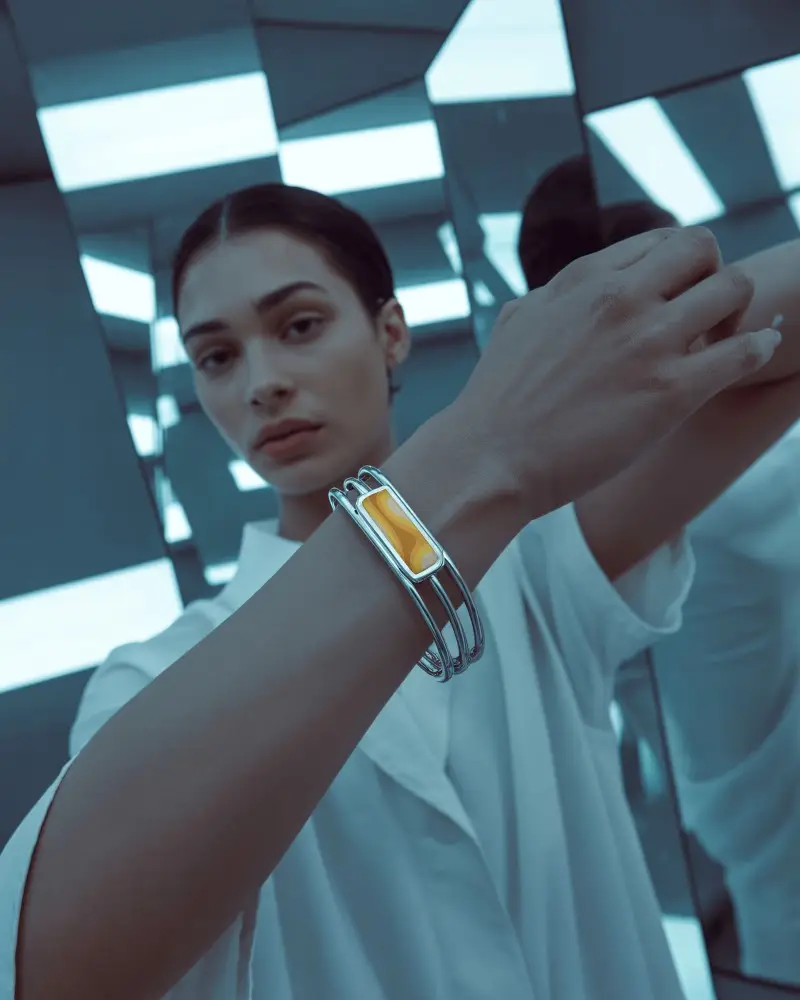
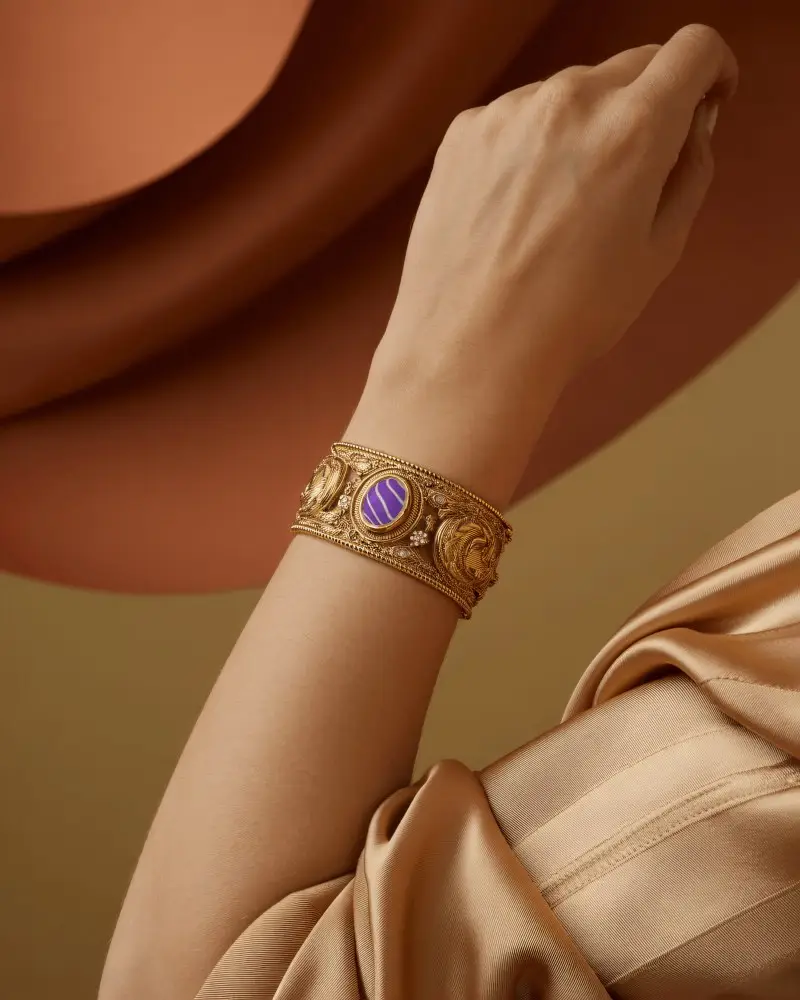
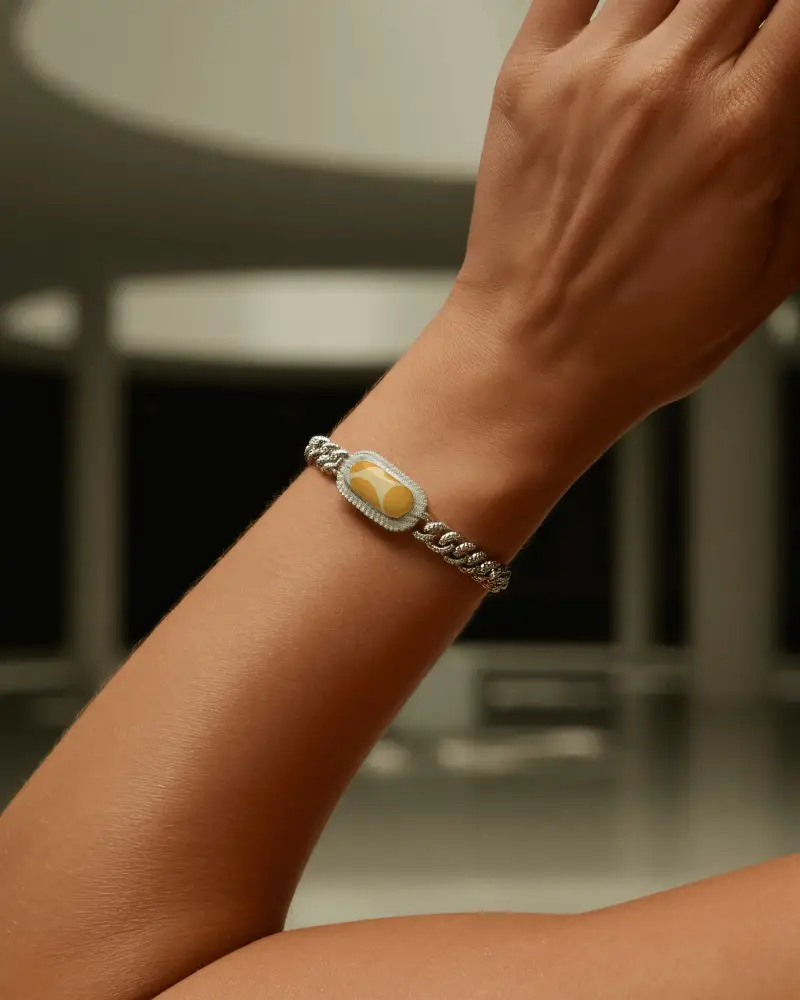
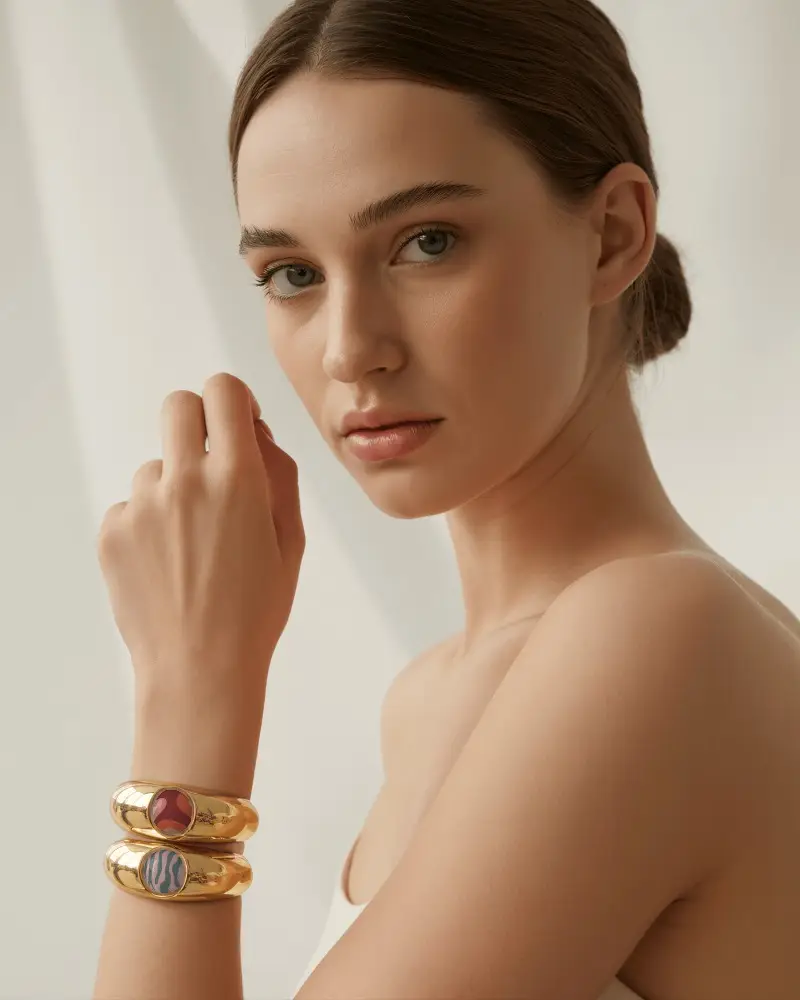
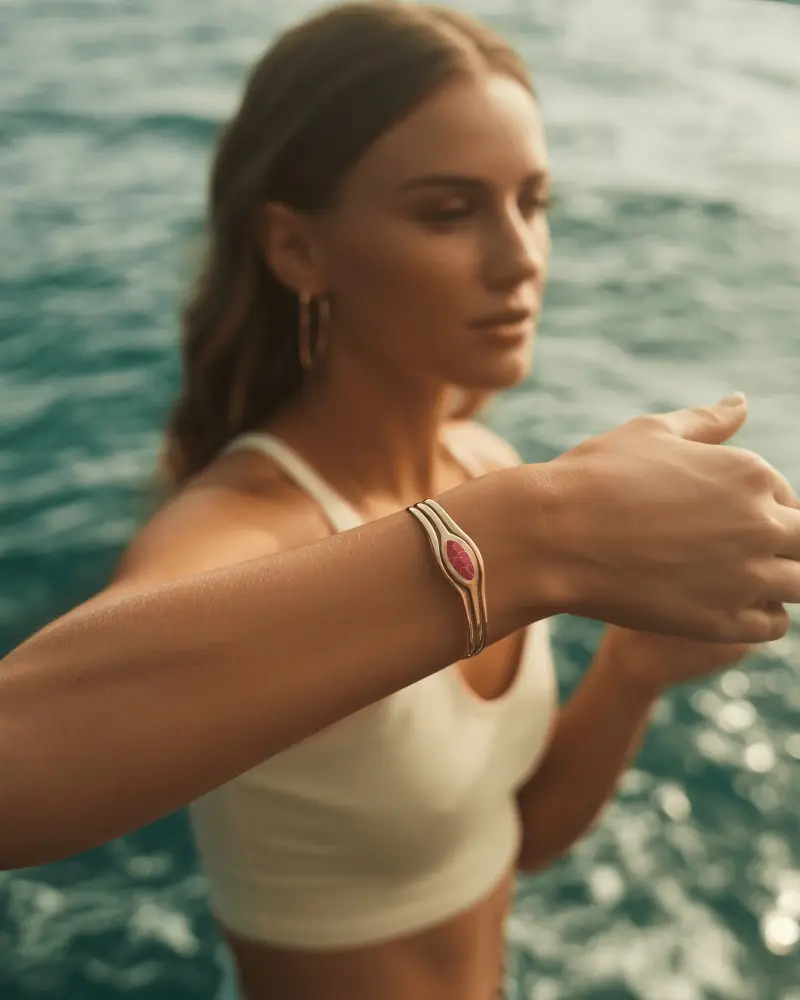
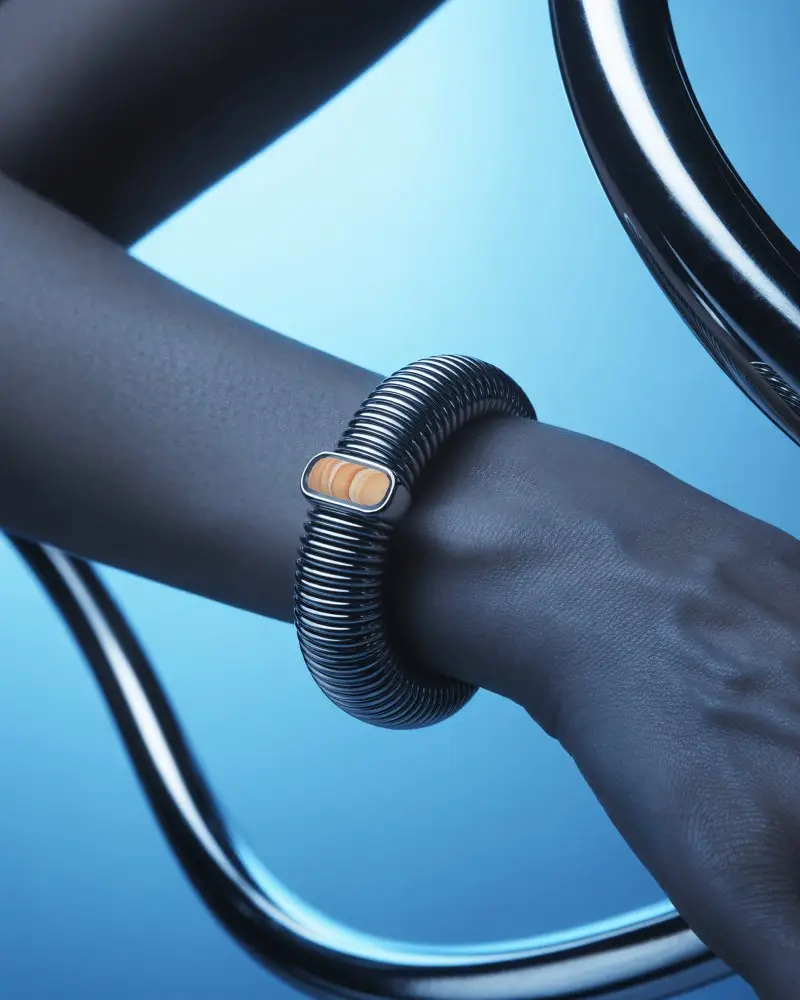
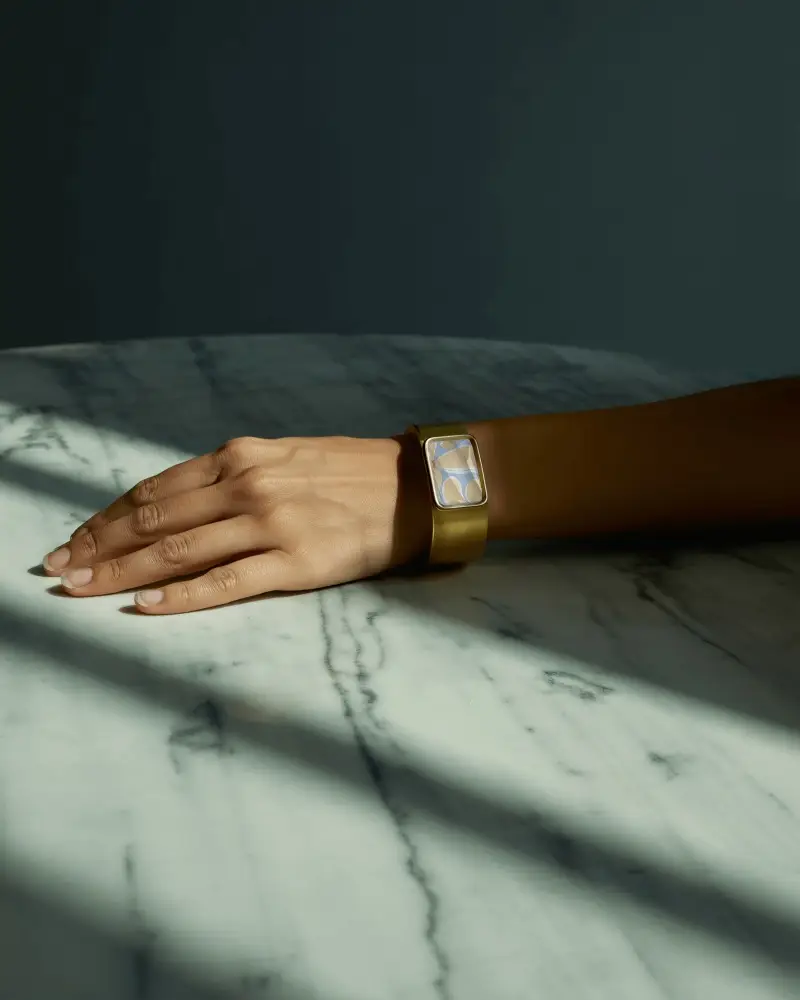
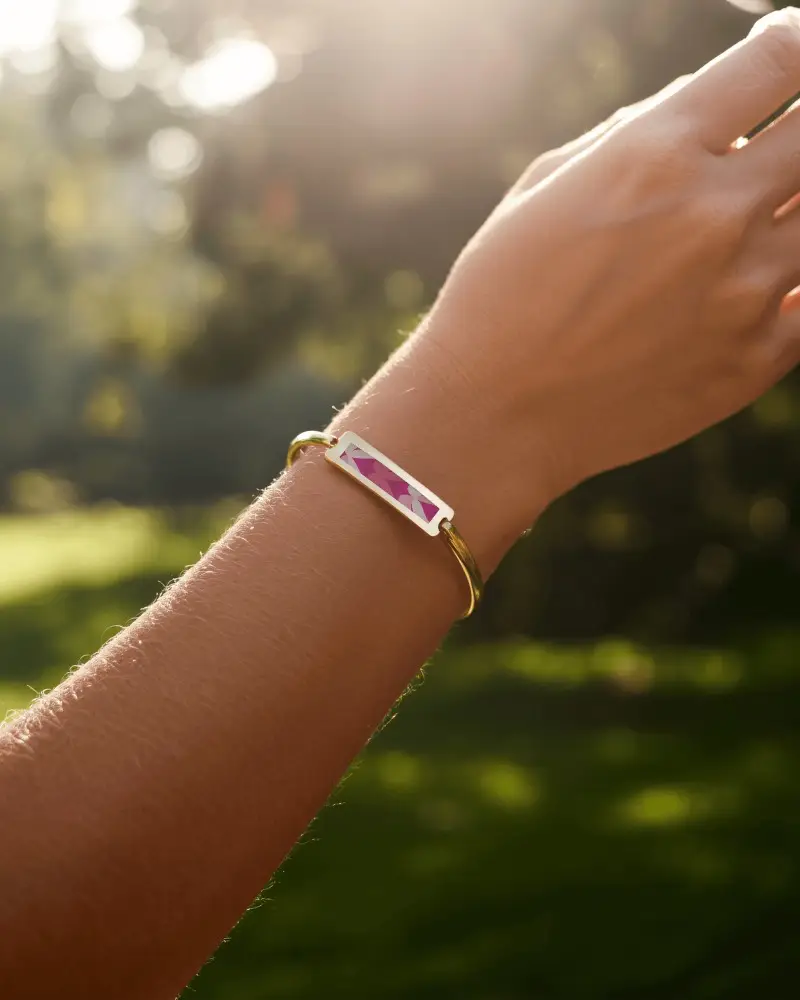
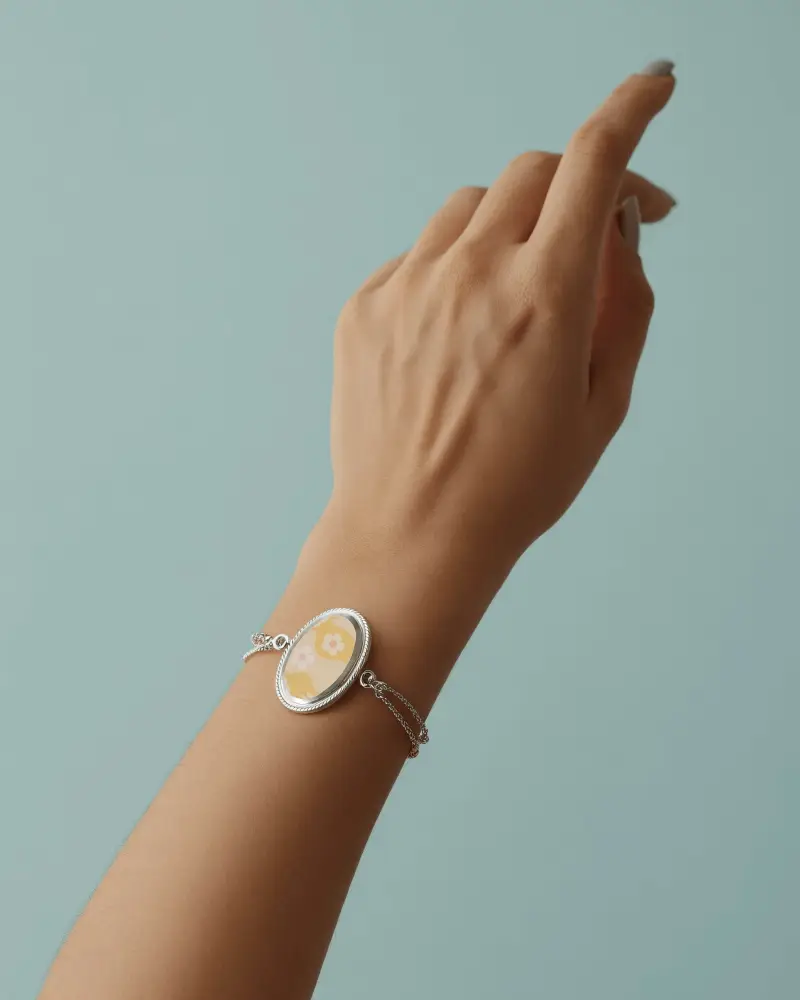
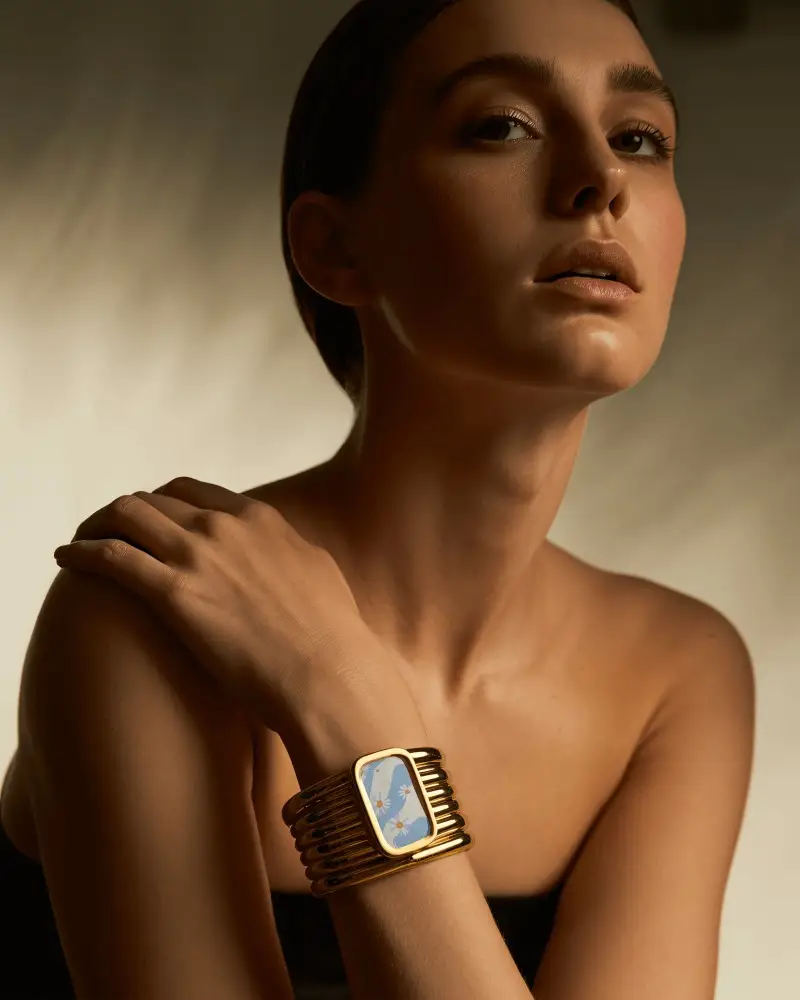
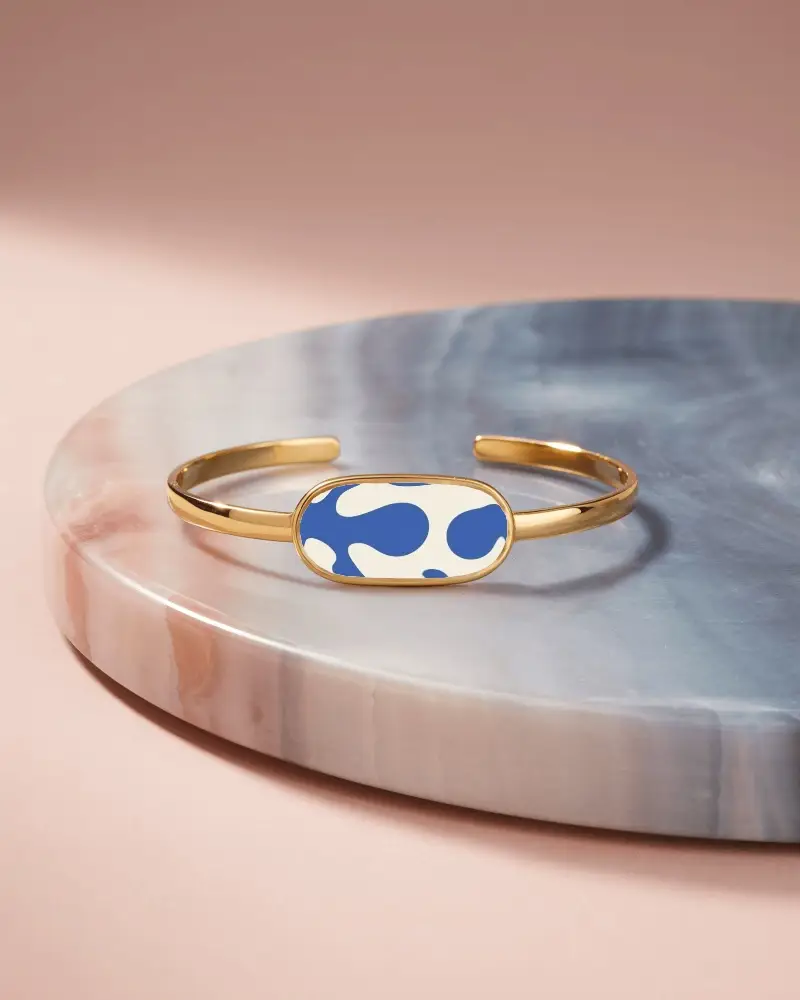
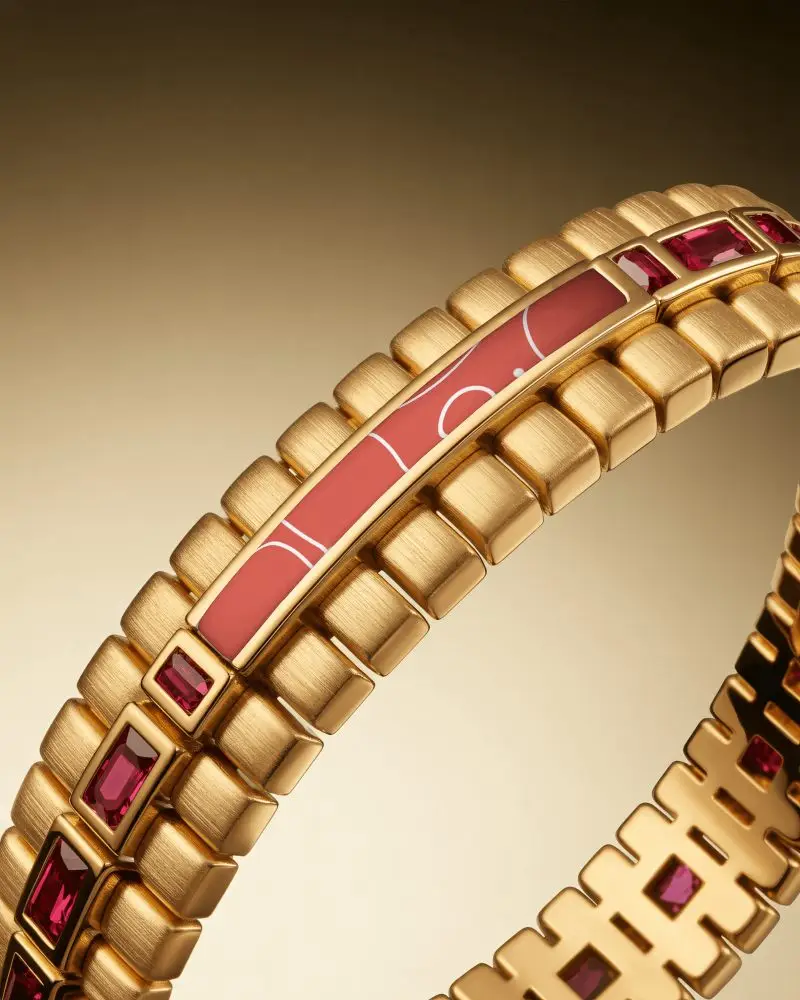
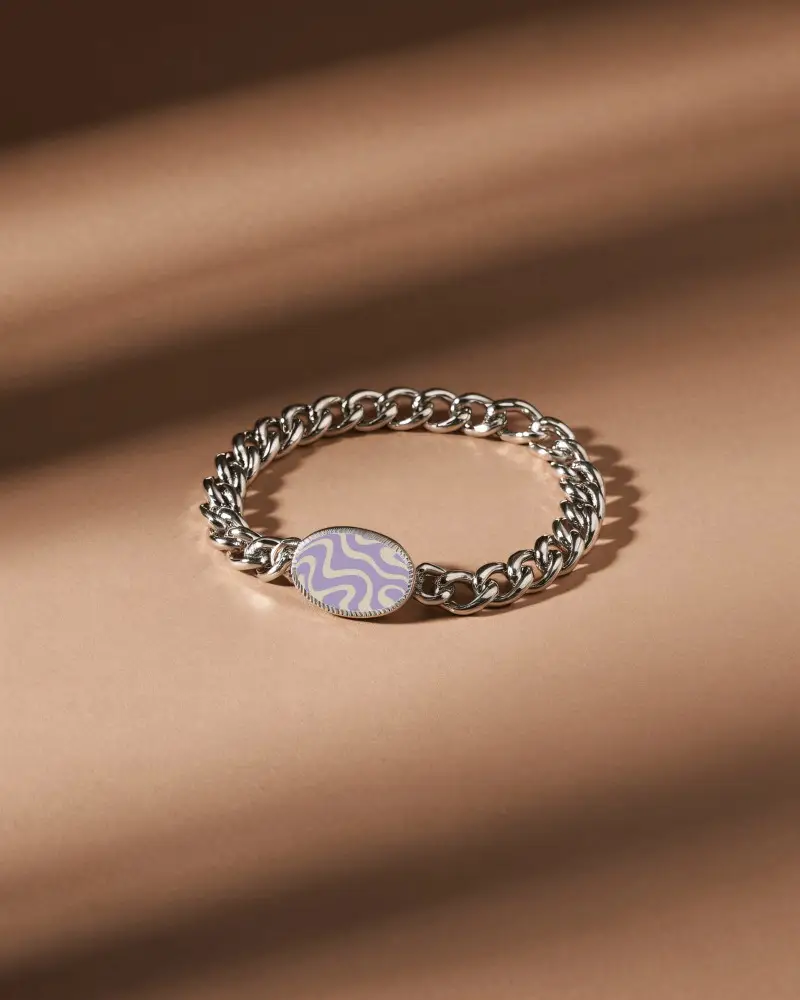
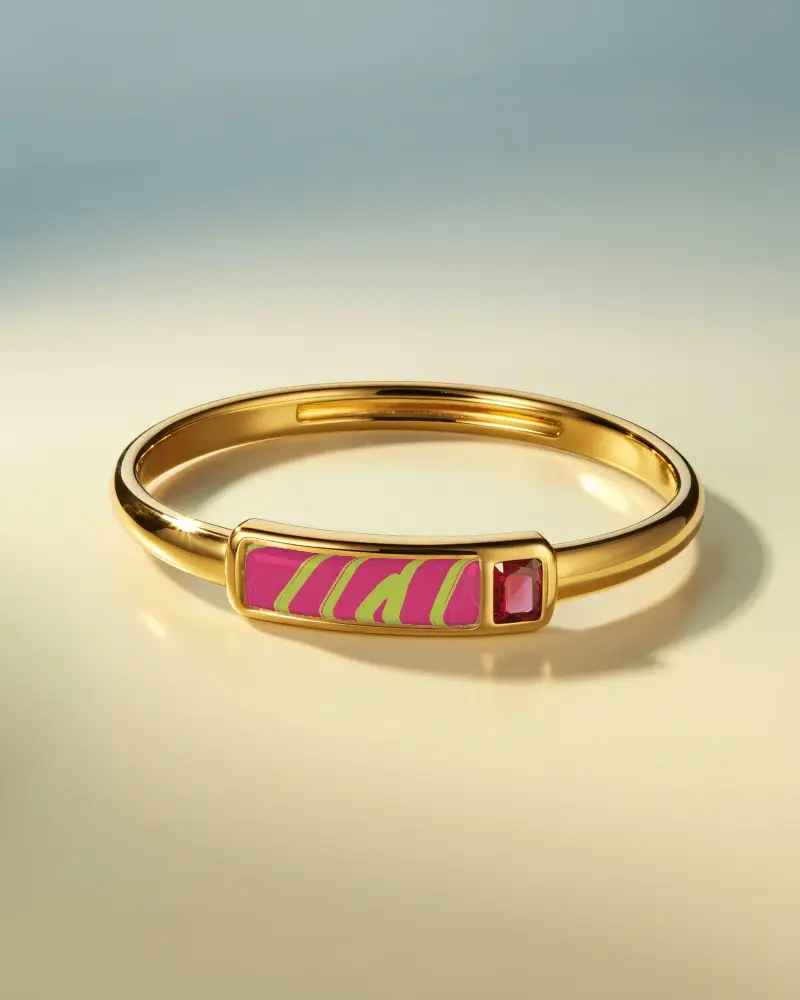
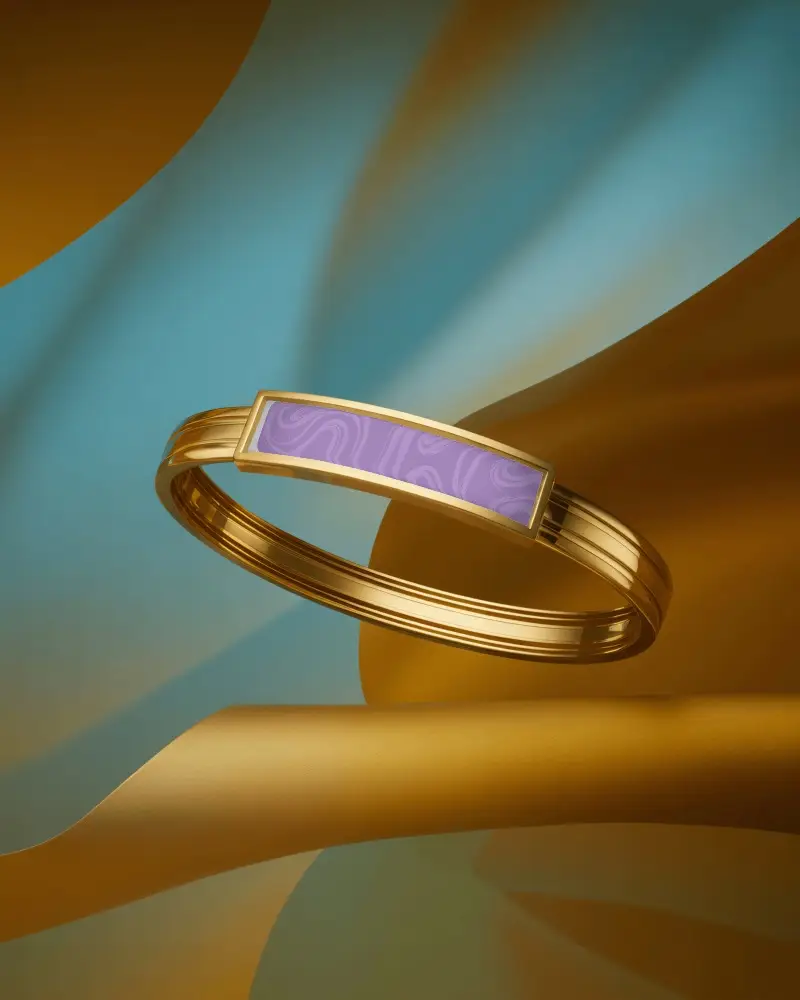
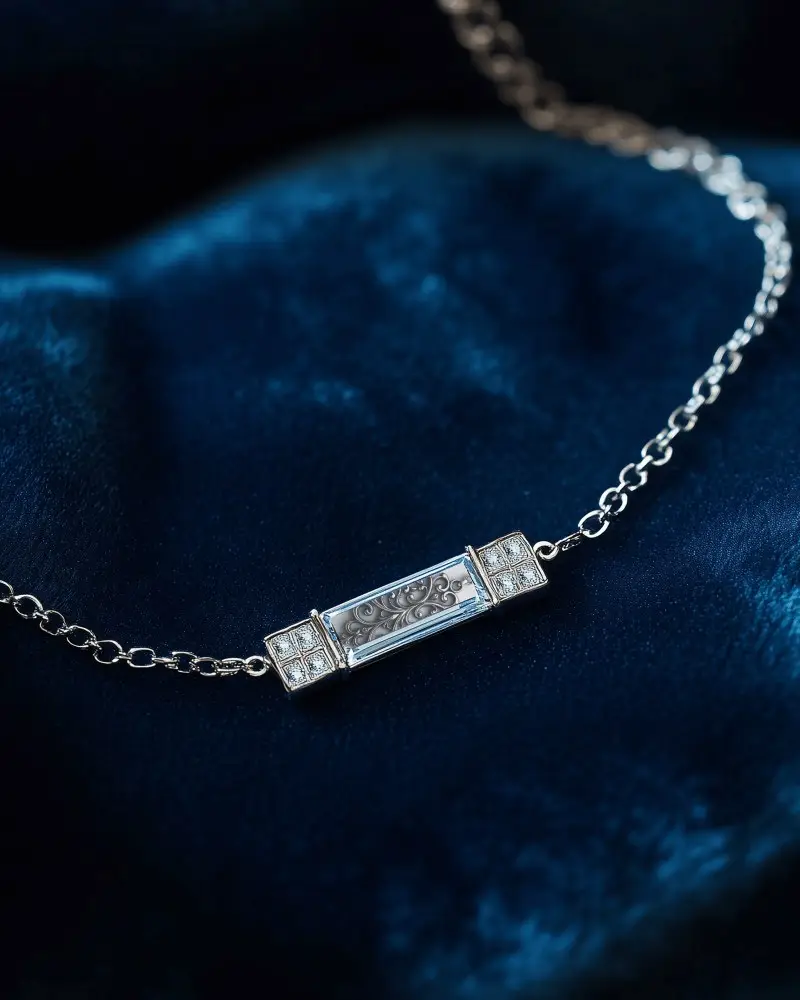
How to Create a Bracelet Mockup with Mockey AI
To create bracelet mockups:
- Step 1: Create an account on Mockey AI and choose the option 'Upload Design.'
- Step 2: Find the category 'Jewelry' and pick 'Bracelet.' You can use a template and change the colors, background, or take advantage of AI tools.
- Step 3: Press 'Download' to save your bracelet mockup.


FAQs on bracelet Mockups
What is a Bracelet mockup?
A bracelet mockup is an image that shows how a bracelet will look with your design. You don’t need to make the real bracelet—just add your design and see how it will appear.
Why create a Bracelet mockup?
A bracelet mockup helps people choose colors, designs and share them with others without spending much money or time.
Why Use Mockey’s Bracelet Mockup?
Mockey AI’s bracelet mockup can add your logo, change colors, use AI features for high-quality visuals and make it look fancy. It saves time and money, looks professional, and is easy for anyone to use.
Is this Bracelet mockup Free?
Yes, Mockey AI has free bracelet mockups. They give templates with your designs that are easy to personalize and don’t cost money.
Do I need Photoshop to edit a bracelet mockup on Mockey?
You don’t need Photoshop to edit a bracelet mockup on Mockey AI. Just go to the website, choose a bracelet in the Jewelry, add your design or logo, move it around as you like, then download your mockup.
What file formats does Mockey provide for bracelet mockups?
With Mockey AI, you can upload and download your bracelet mockups in PNG and JPEG files. If you want, you can also ask for a PSD file.
How do I download a bracelet mockup from Mockey?
Click the Download button to save your bracelet mockup in Mockey AI. Free users can get the JPEG file only.
