Cuff Bracelet Mockup Free Download - Cuff Bracelet Mockup Templates
Design your Cuff bracelet mockup instantly with Mockey! No design skills needed. Just upload your artwork and download a realistic bracelet mockup. Start now!
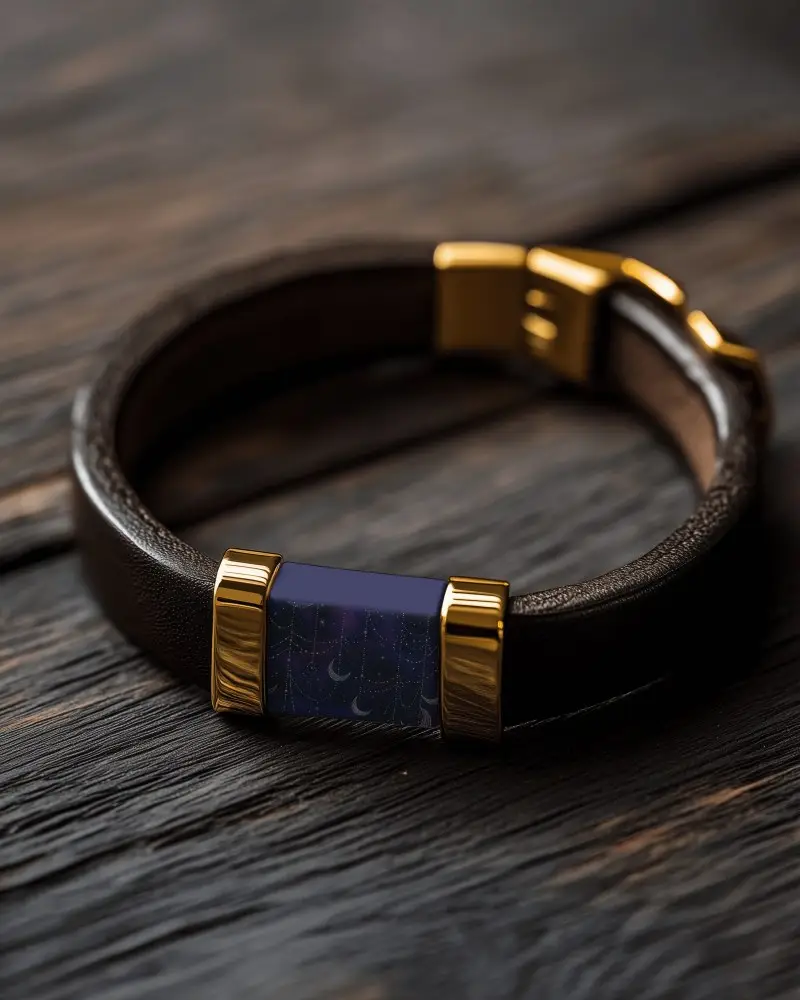
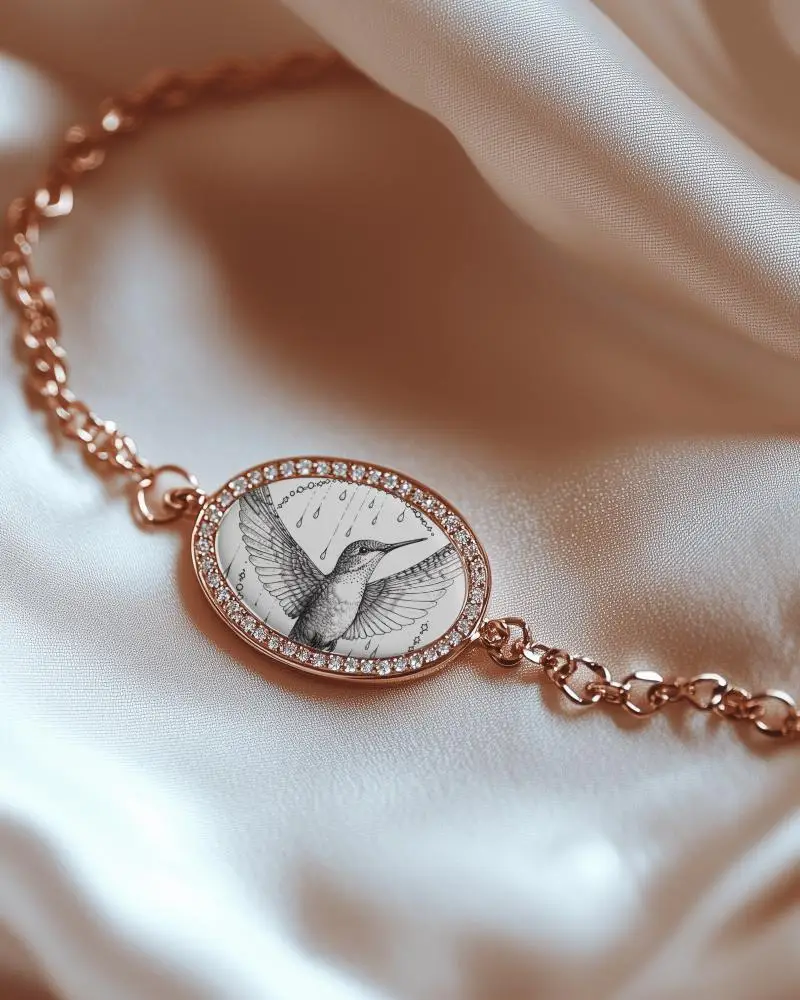
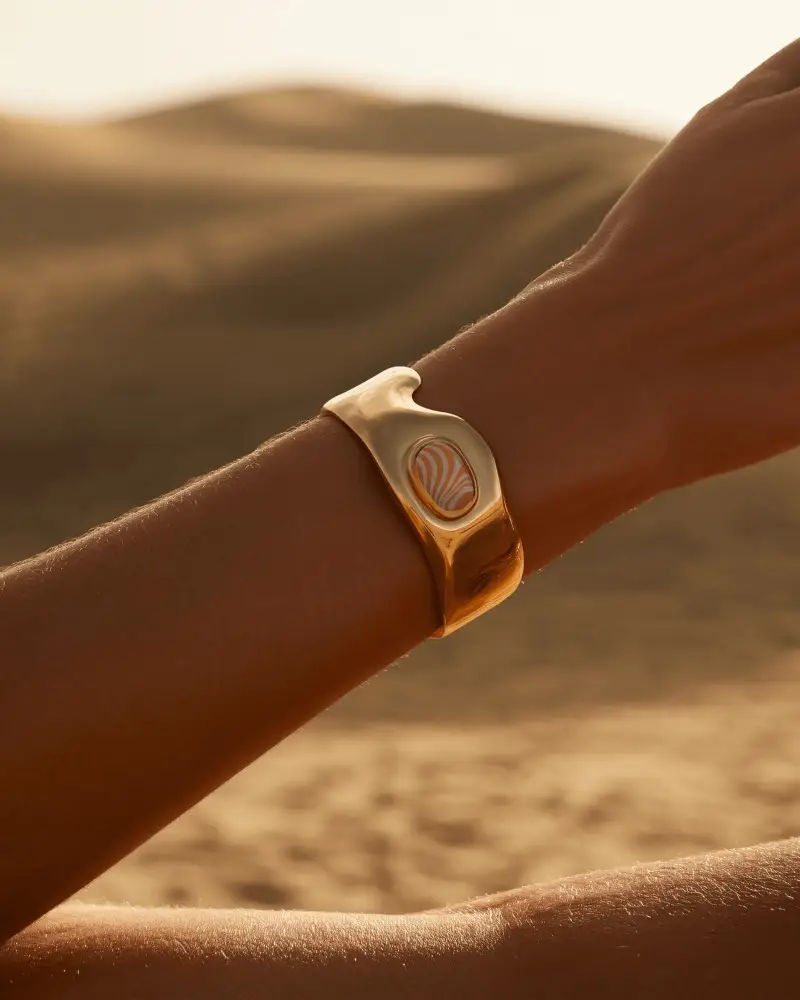

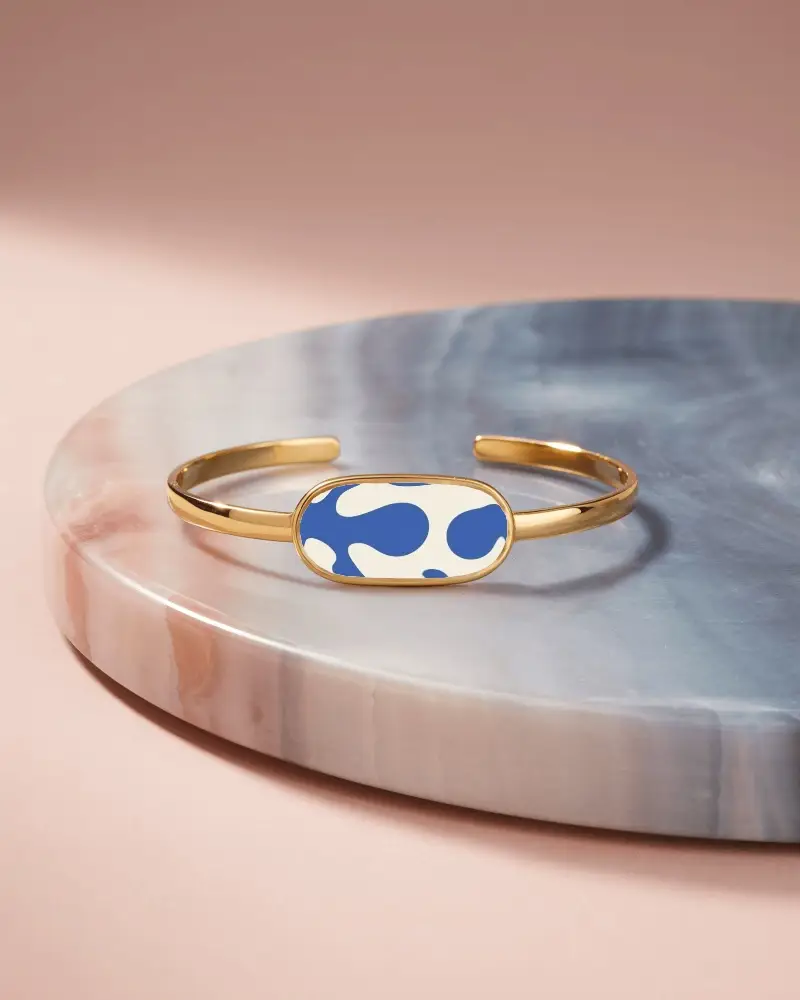
How to Create a Cuff Bracelet Mockup with Mockey AI
To create cuff bracelet mockups:
- Step 1: Go to the Mockey AI website and set up your account. Then, select 'Upload Design.'
- Step 2: Look for the 'Jewelry' section and click on 'Bracelet.' Pick a cuff tag for your design, then change the color and background, or let the AI help you.
- Step 3: Click 'Download' to save your cuff bracelet mockup.


FAQs on Cuff Bracelet Mockups
What is a Cuff Bracelet mockup?
A cuff bracelet mockup is an image showing what a cuff bracelet will look like. Before creating the actual cuff bracelet, it helps designers display their concepts.
Why create a Cuff Bracelet mockup?
Creating a cuff bracelet mockup helps sell products online and on social media by showing how they will look, and lets designers try new ideas.
Why Use Mockey’s Cuff Bracelet Mockup?
Mockey.ai lets you make mockups of cuff jewelry with logos, colors, and designs. You can try out different ideas without creating a real cuff bracelet, so you don’t have to spend money.
Is this Cuff Bracelet mockup Free?
Mockey AI has free, high-quality Cuff Bracelet mockups in PNG and JPEG format for commercial use. You can download them to display in the online store.
