Chain Bracelet Mockup Free Download - Chain Bracelet Mockup Templates
Design your Chain Bracelet mockup instantly with Mockey! No design skills needed. Just upload your artwork and download a realistic bracelet mockup. Start now!
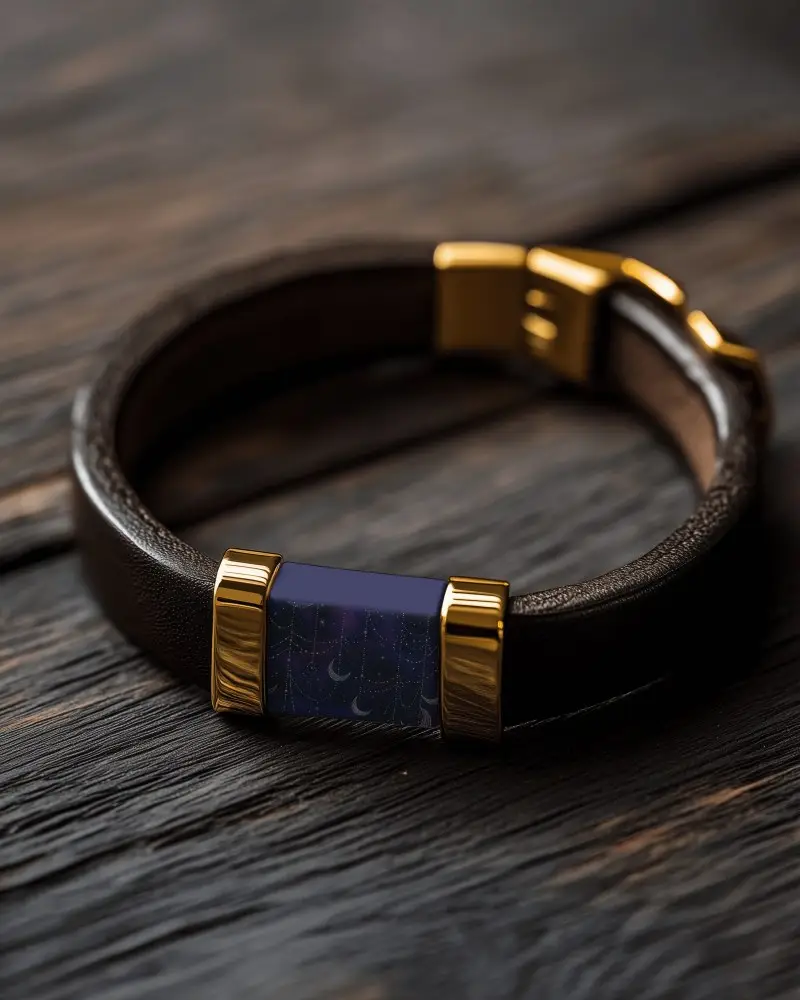
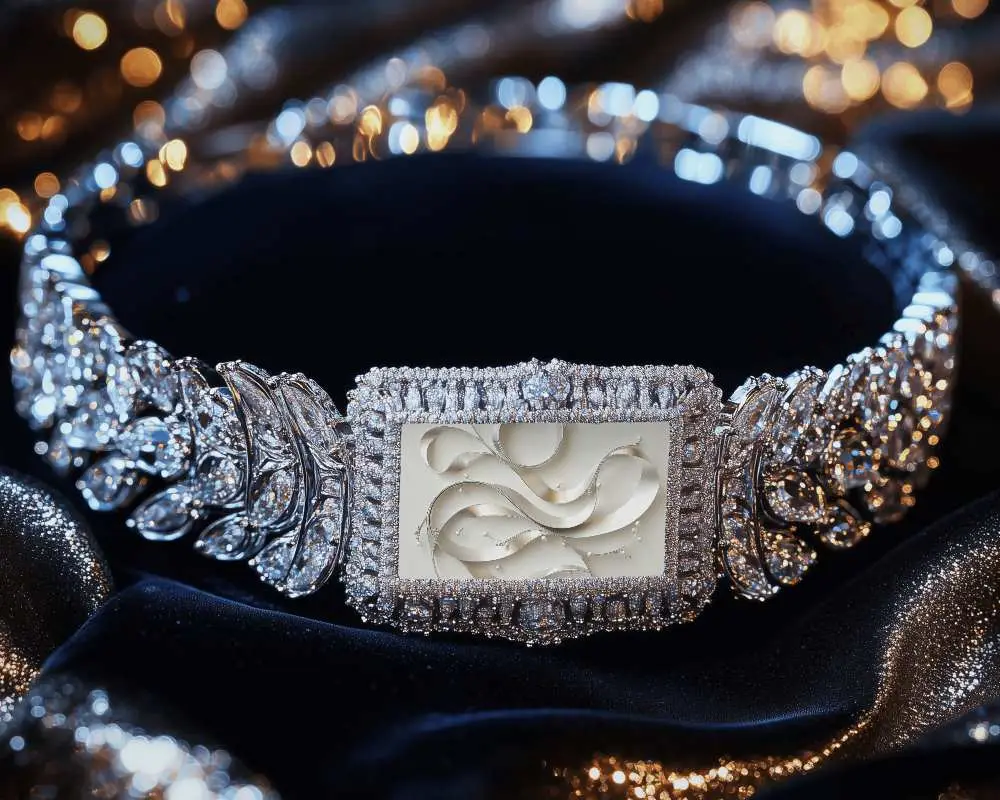
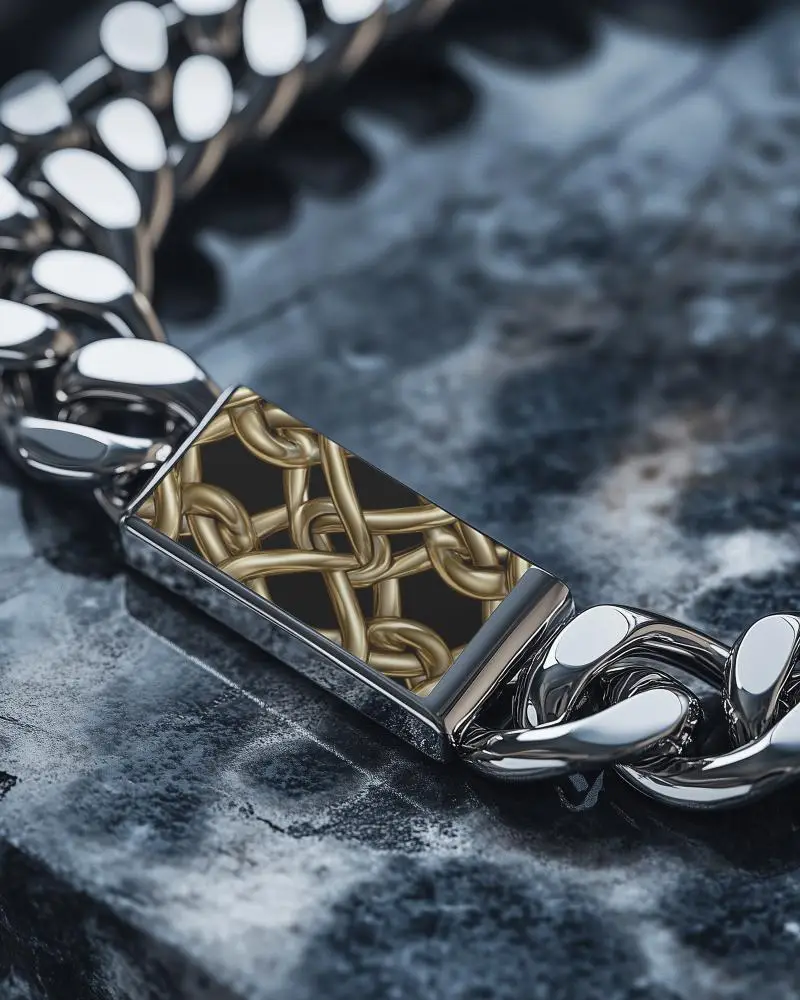
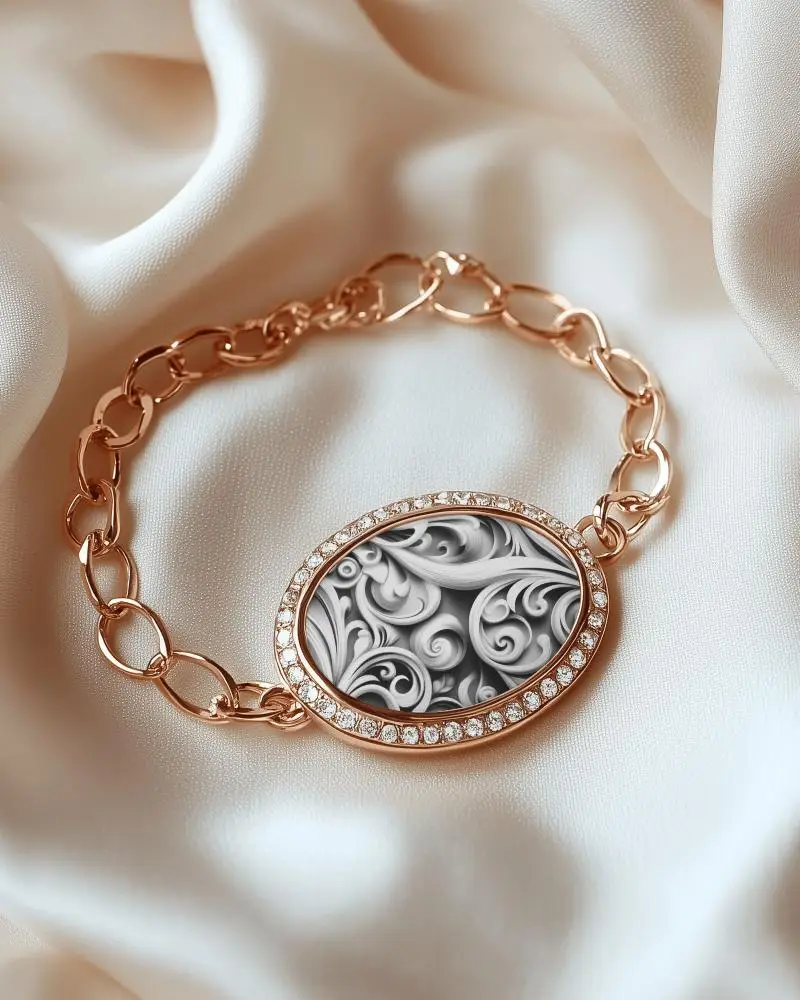
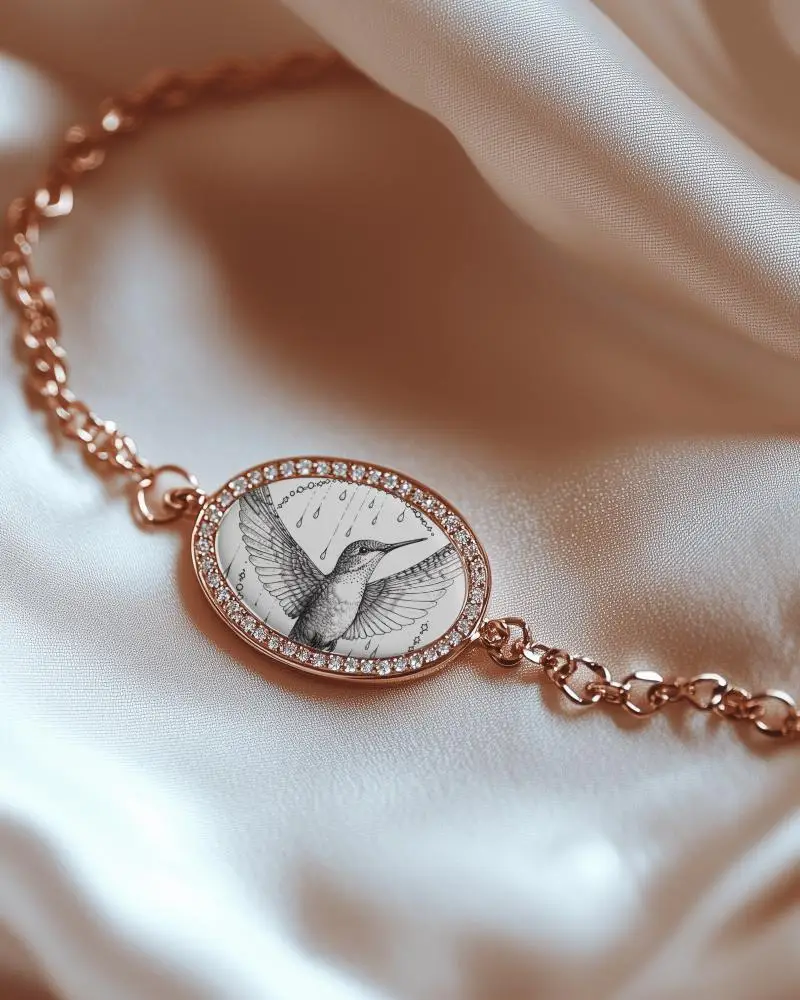
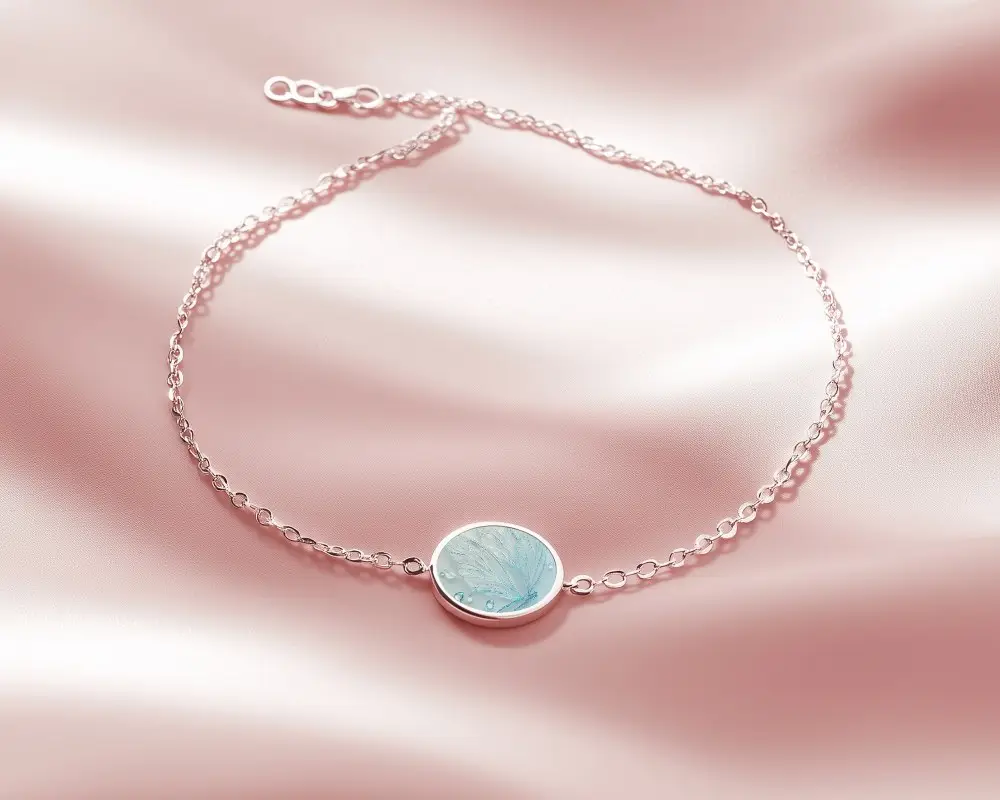
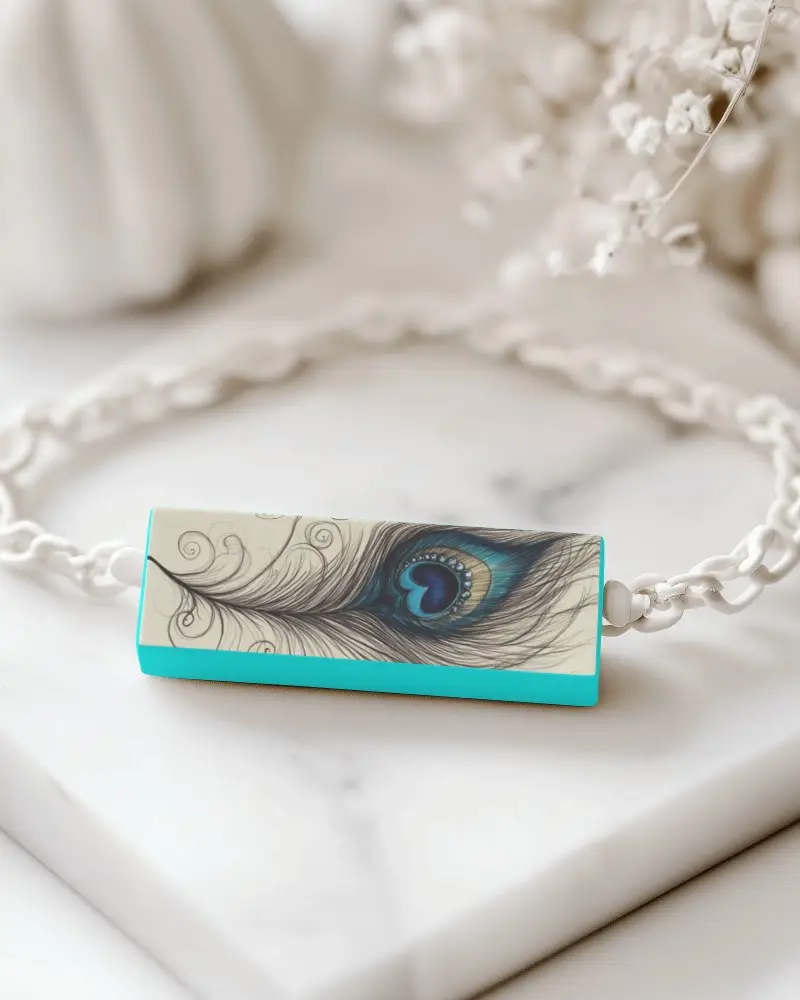

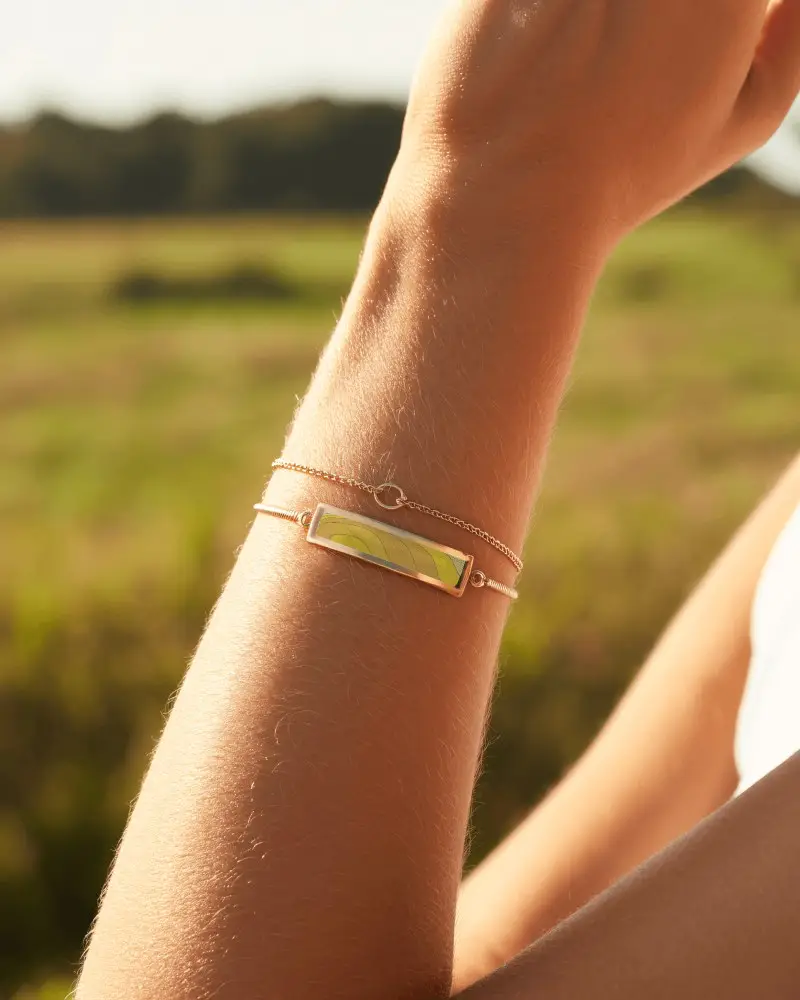
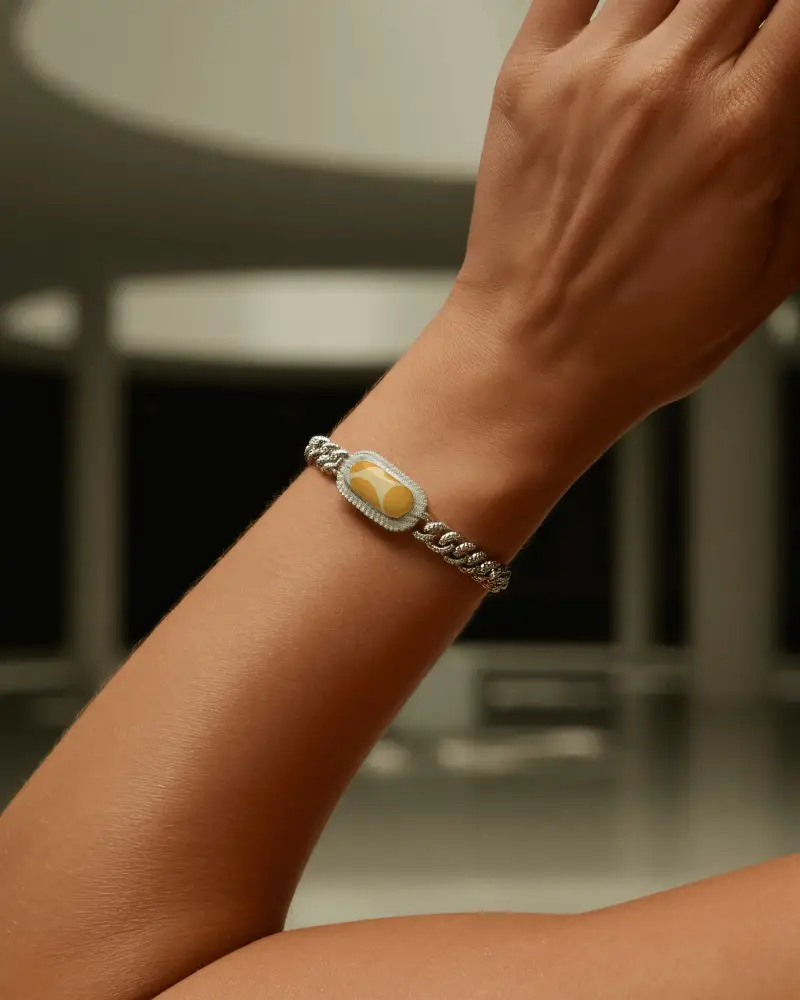
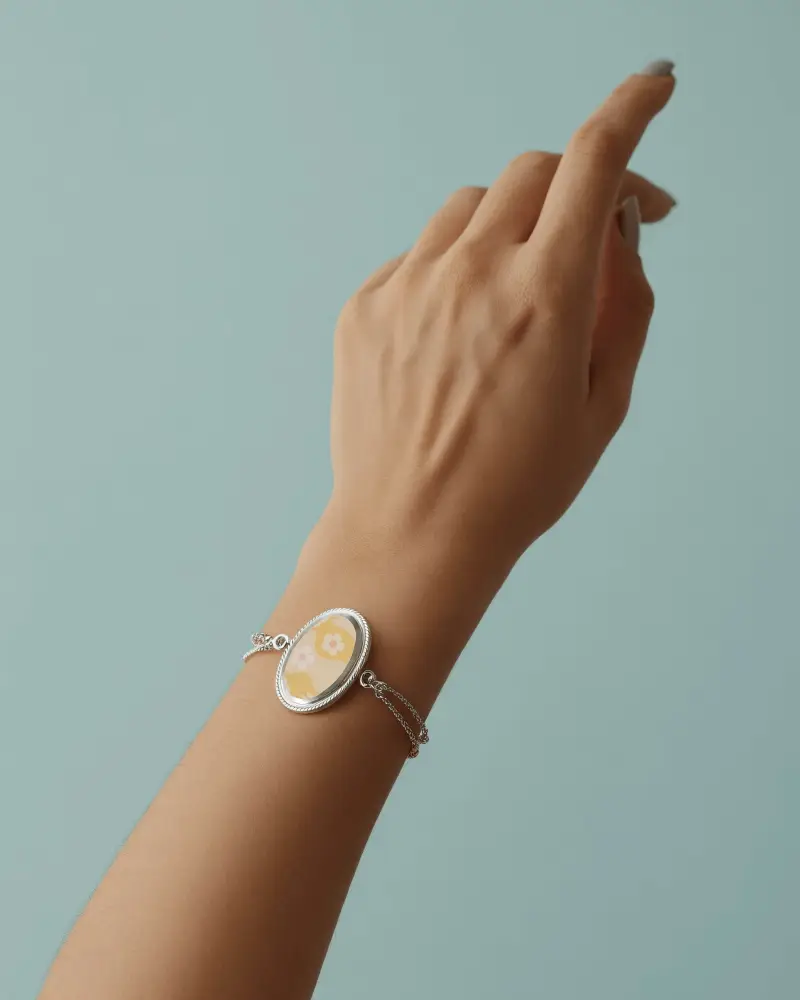
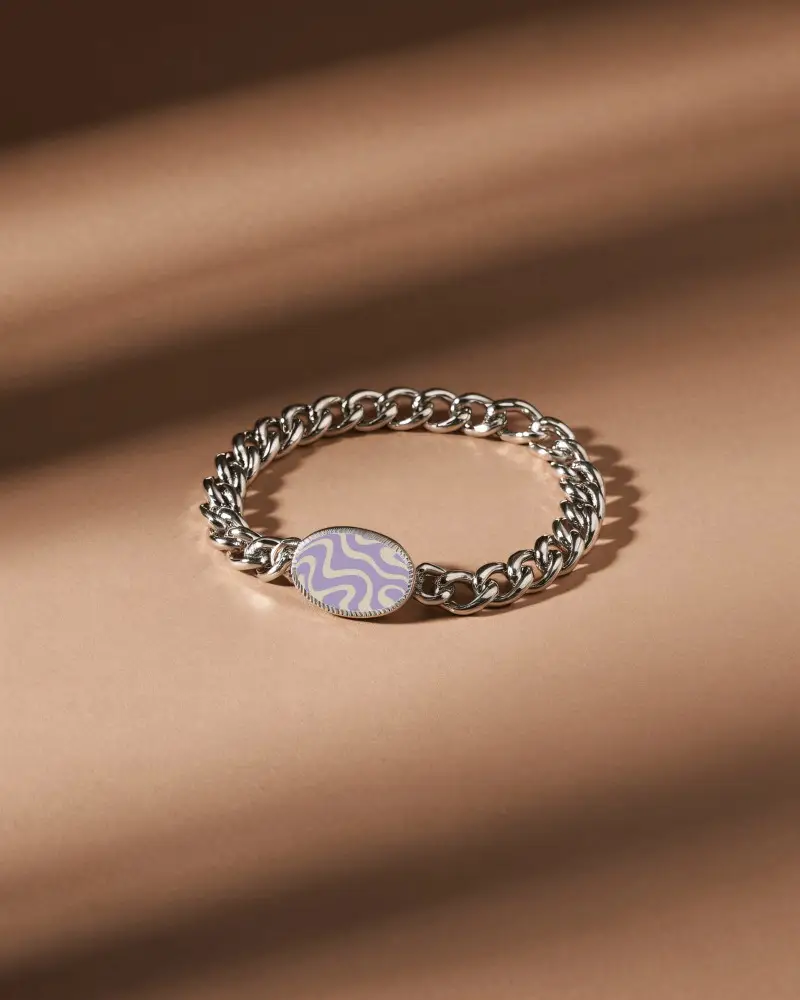
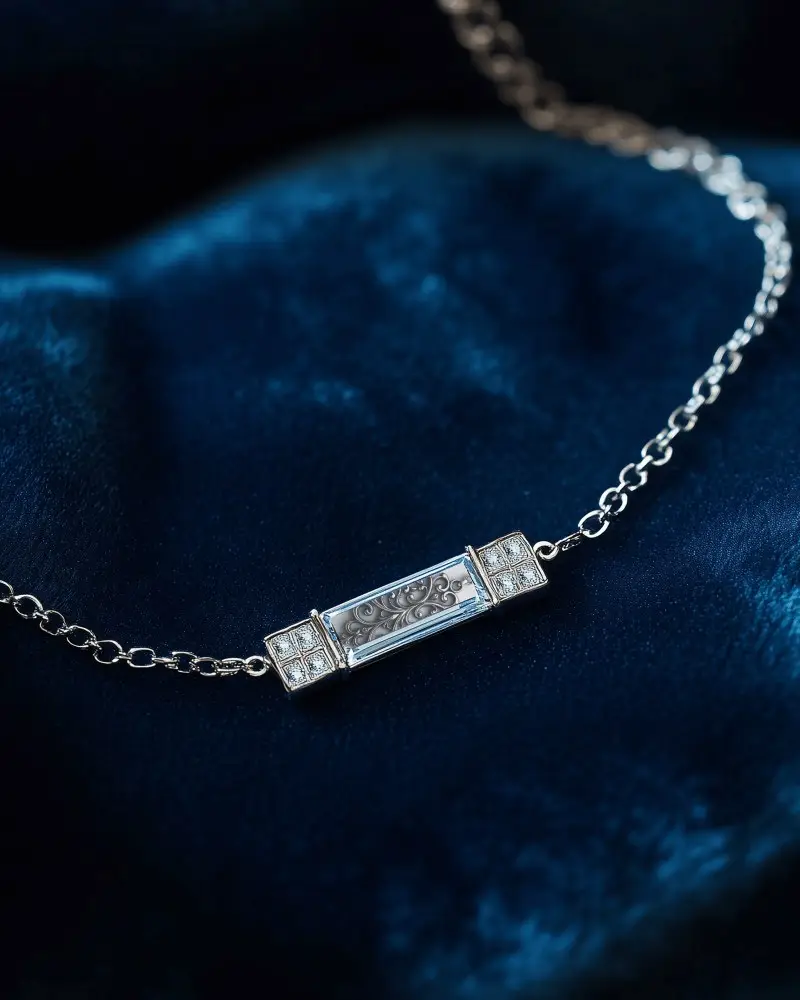
How to Create a Chain Bracelet Mockup with Mockey AI
To create Chain Bracelet mockups:
- Step 1: Visit Mockey AI. Sign up and click 'Upload Design.'
- Step 2: Go to 'Jewelry' and tap 'Bracelet.' Pick a Chain Bracelet tag. Then change color, background, or use AI to make it yours.
- Step 3: Click 'Download' to save your Chain Bracelet mockup.


FAQs on Chain Bracelet Mockups
What is a Chain Bracelet mockup?
A Chain Bracelet mockup is a photo that shows what your Chain Bracelet will look like with your design on it. You can see it before making the real one.
Why create a Chain Bracelet mockup?
A Chain Bracelet mockup is like a photo with or without a model where you can add your name or logo, see how it looks, customize it, and share it online. You don’t need to print it first, so it saves time and money.
Why Use Mockey’s Chain Bracelet Mockup?
Mockey AI’s Chain Bracelet mockup gives you a simple and fun way to add your design to various ready-made templates, even with models. You can easily change the colors or background using easy tools.
Is this Chain Bracelet mockup Free?
Many Chain Bracelet mockups on Mockey AI are free. But if you want to use all the templates and editing features, you'll need to get the Mockey Starter plan.
