Bangle Mockup Free Download - Bangle Mockup Templates
Make your jewelry designs shine with a bangle mockup! Create stunning, realistic bangle mockups with Mockey’s easy-to-use tool. Start for free today!
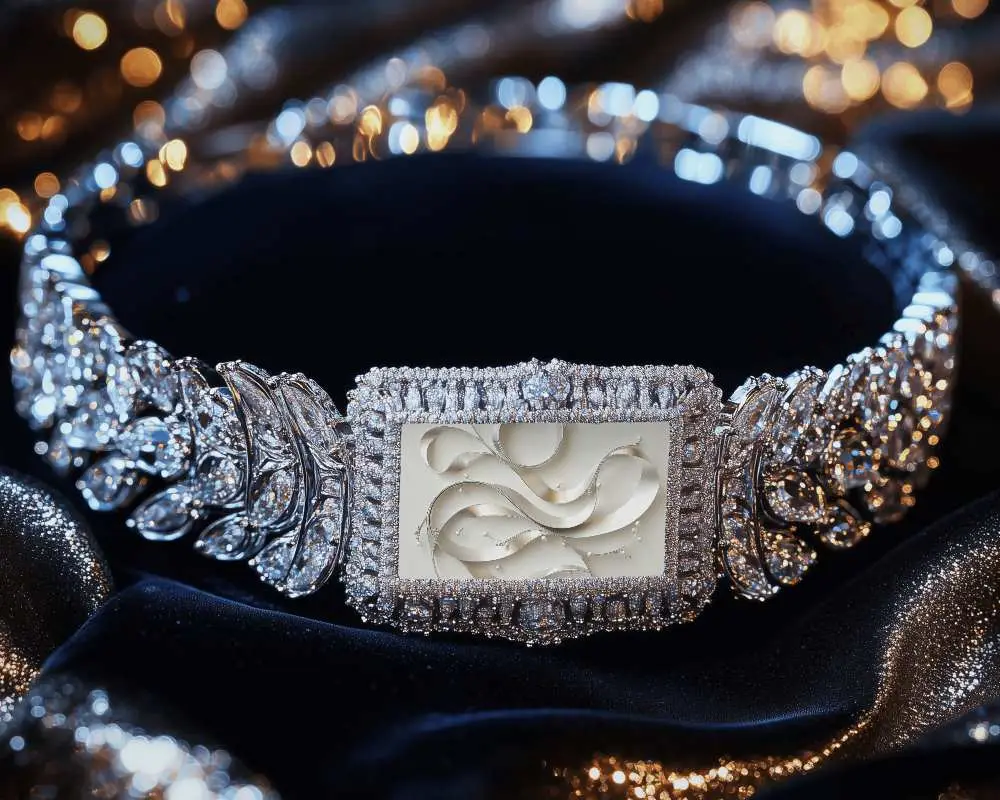
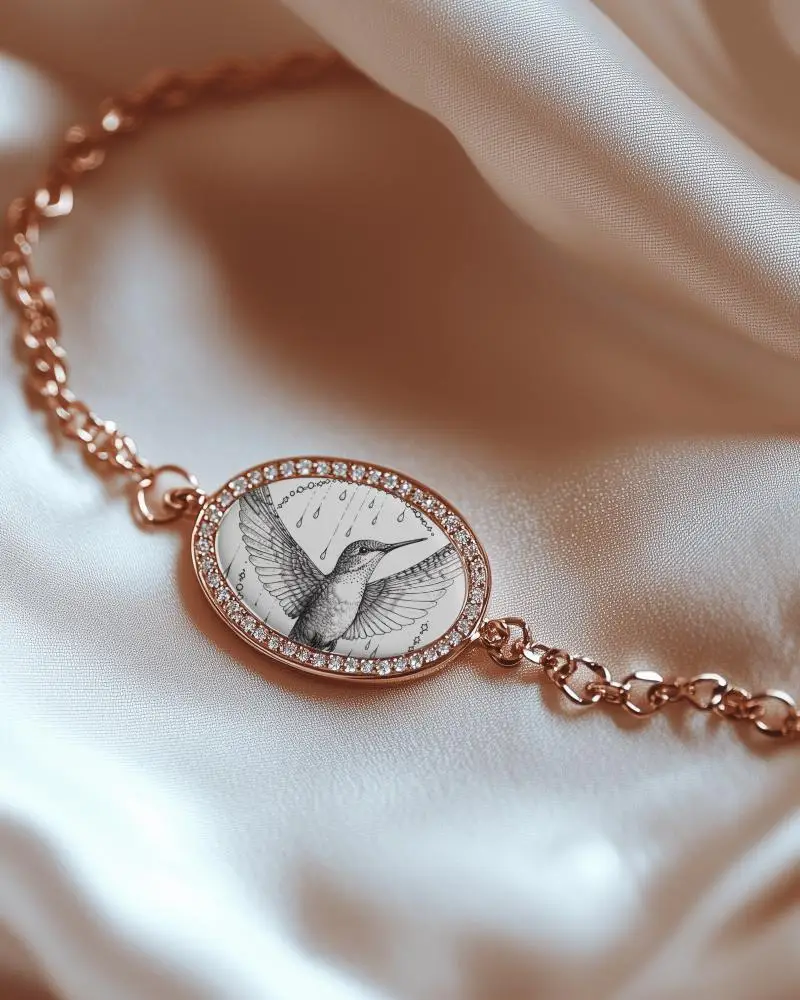
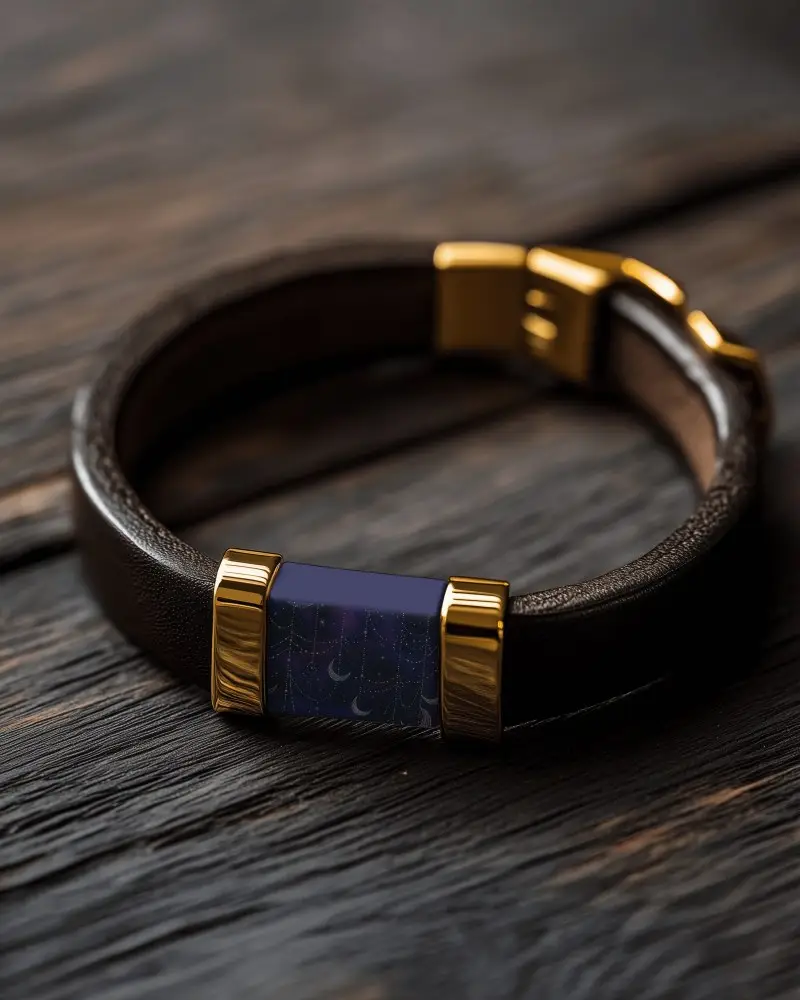
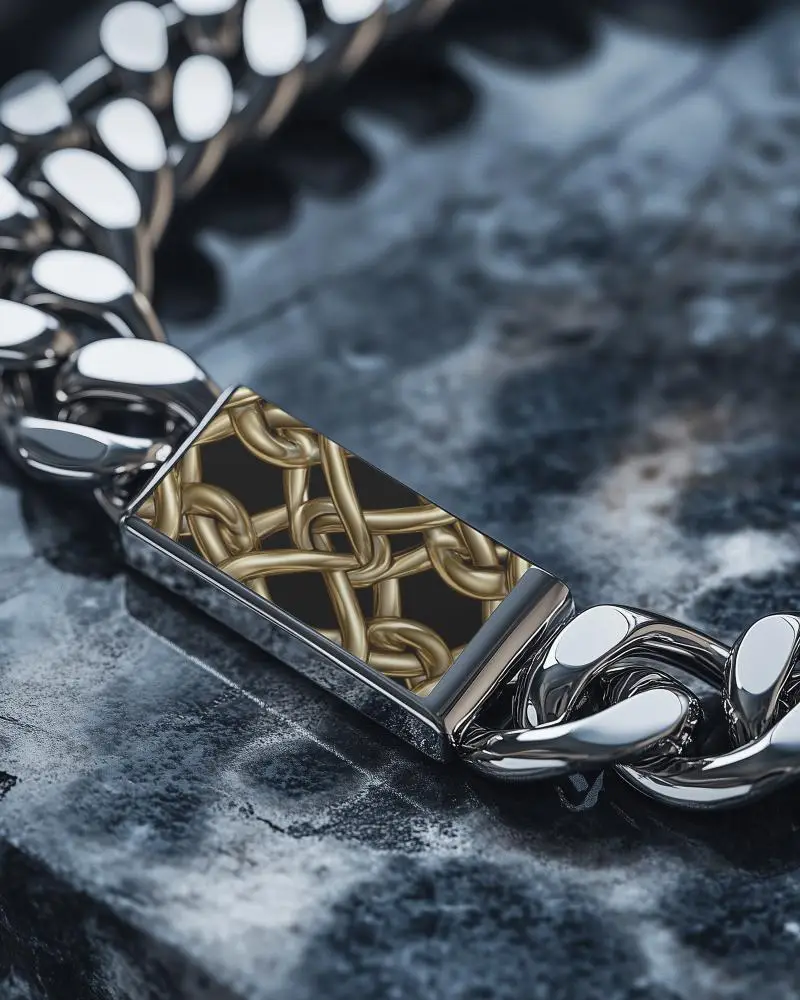
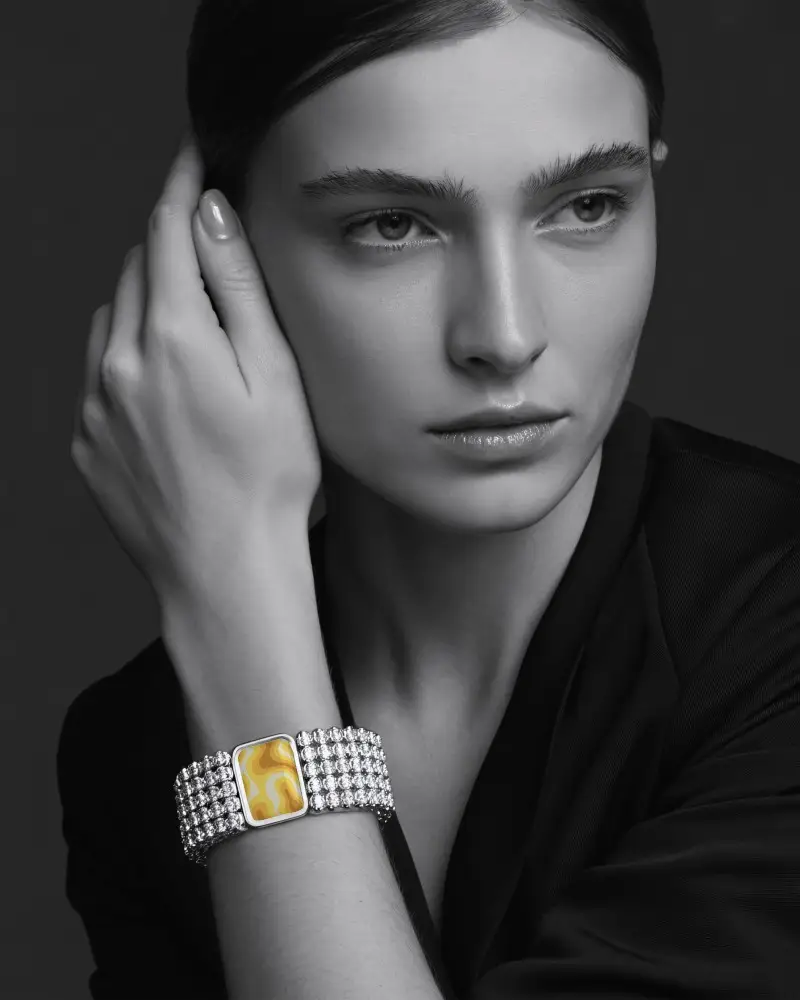
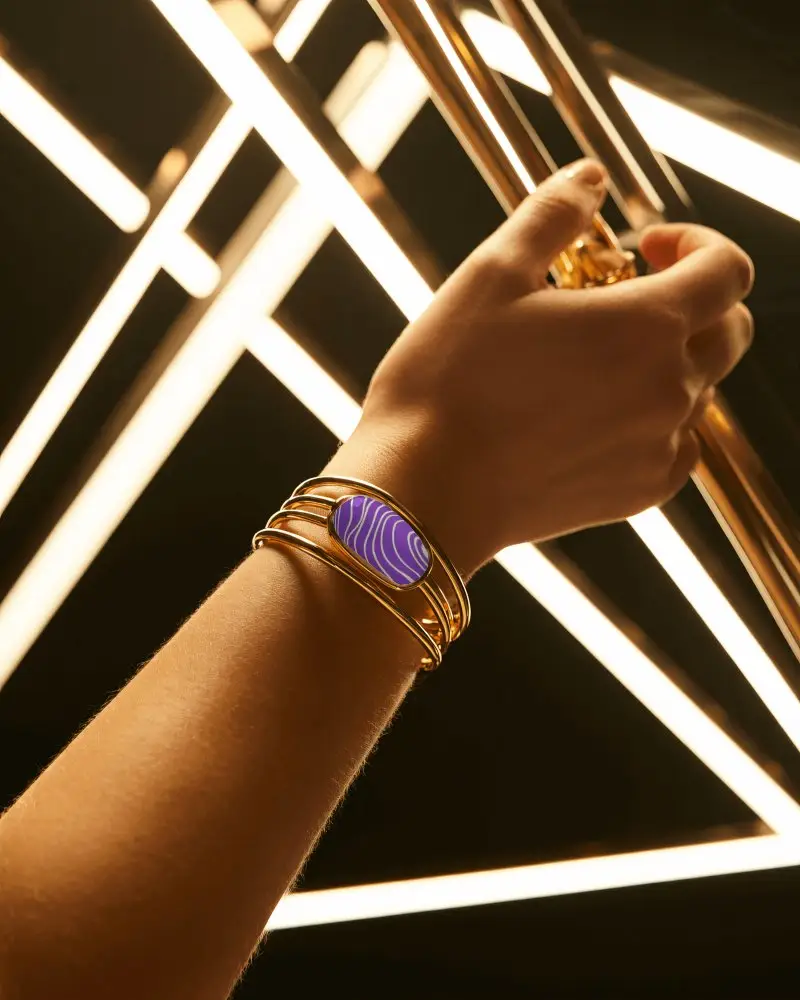

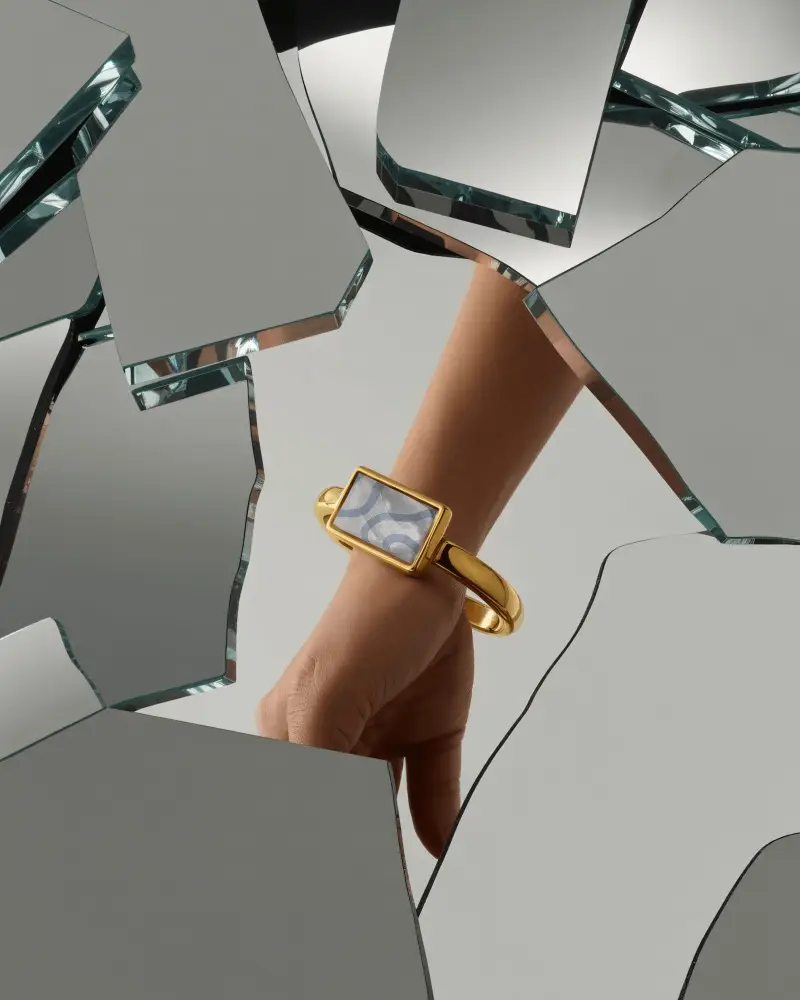
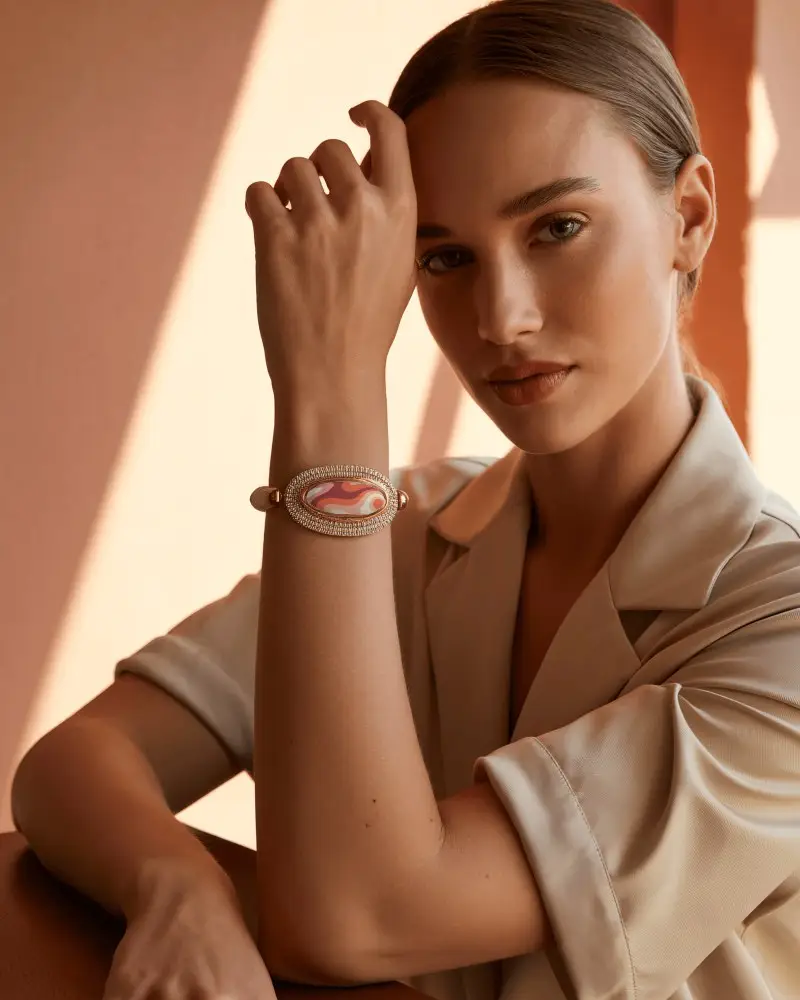
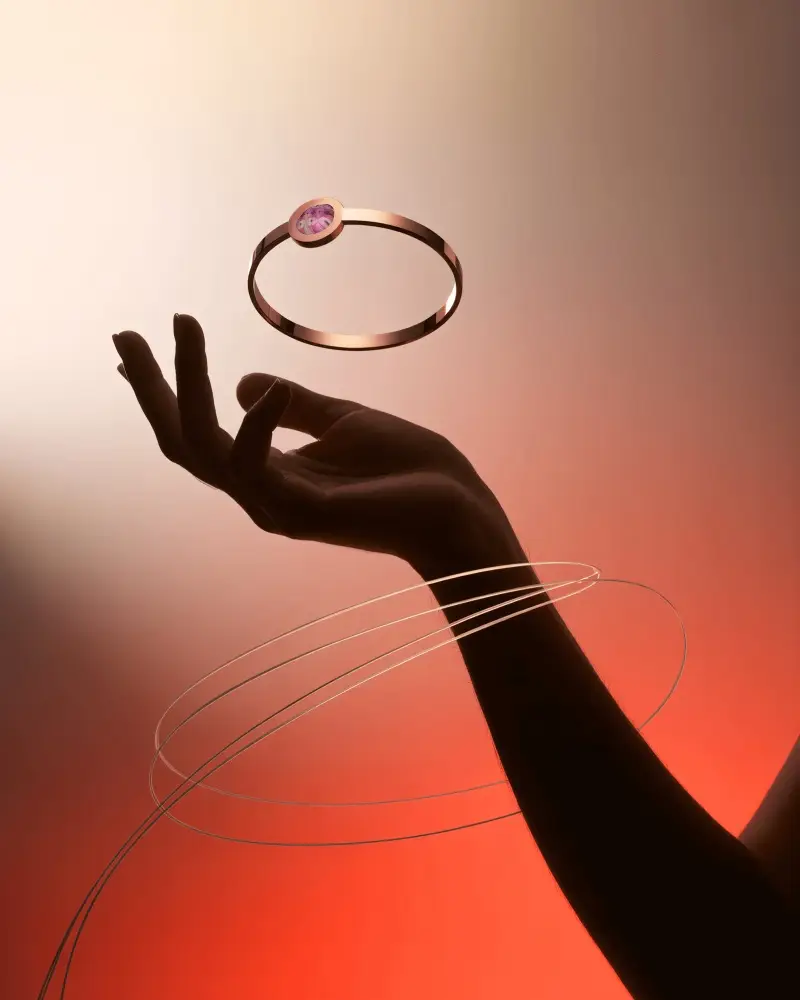
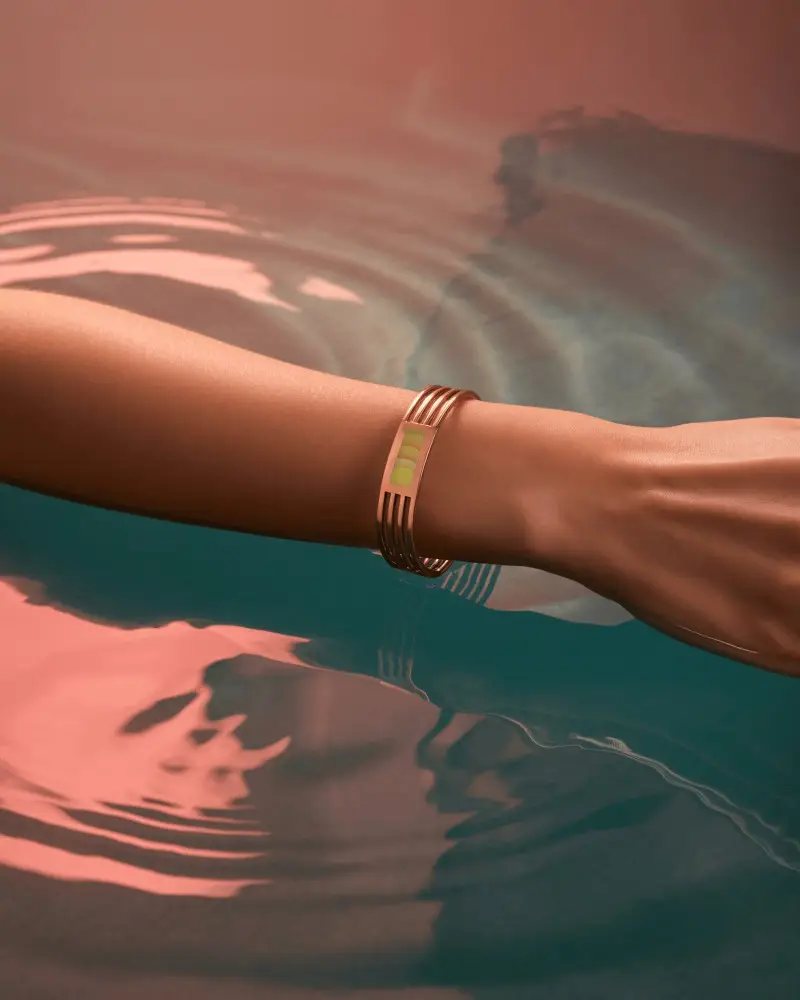
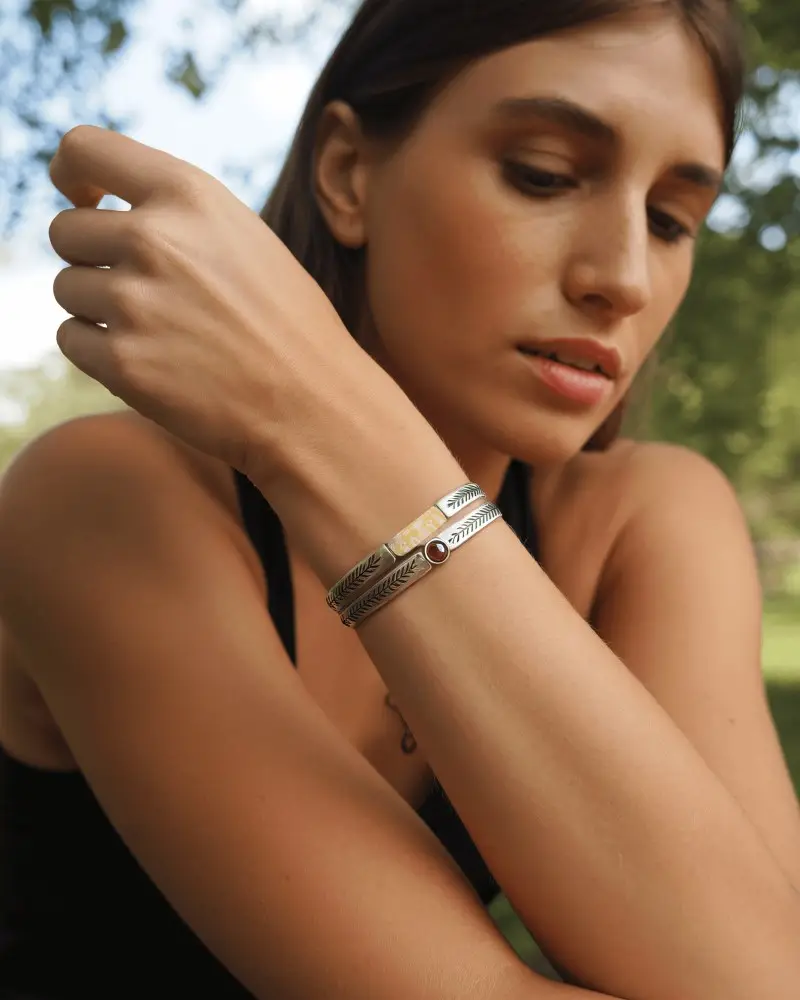
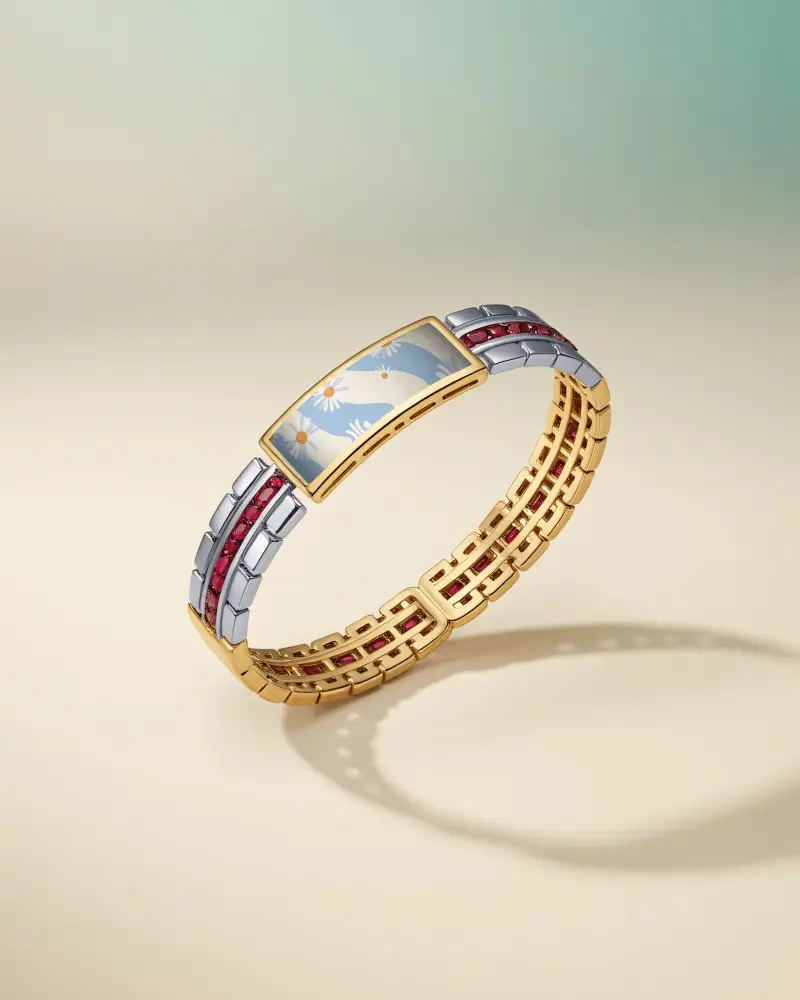
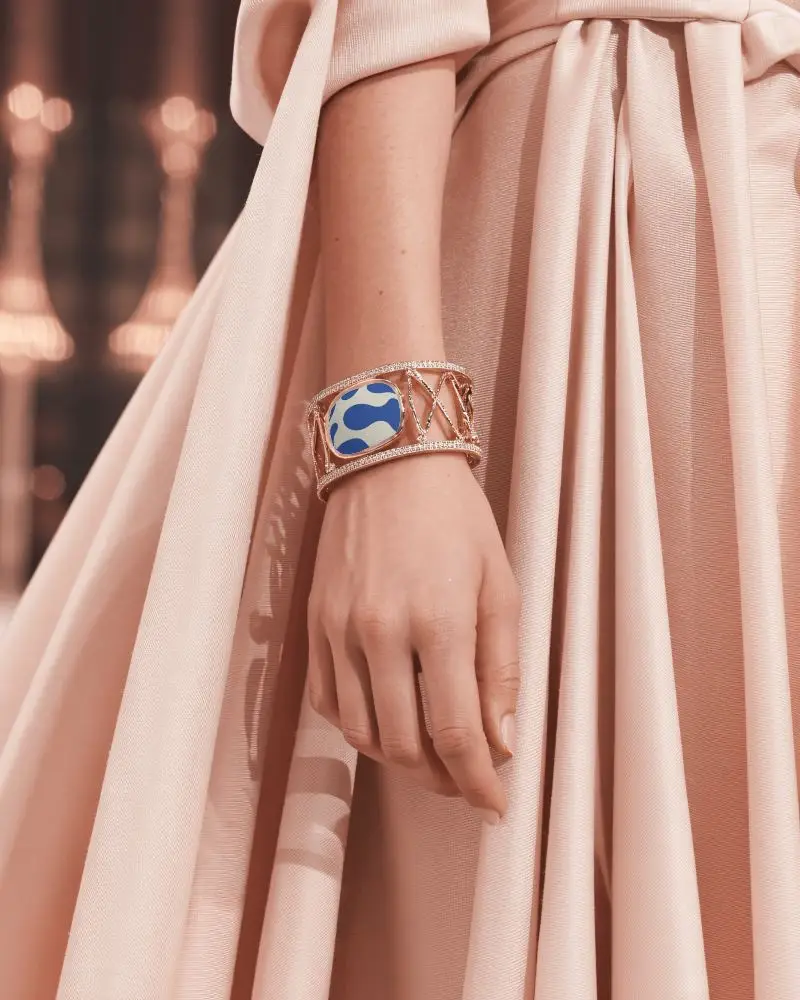
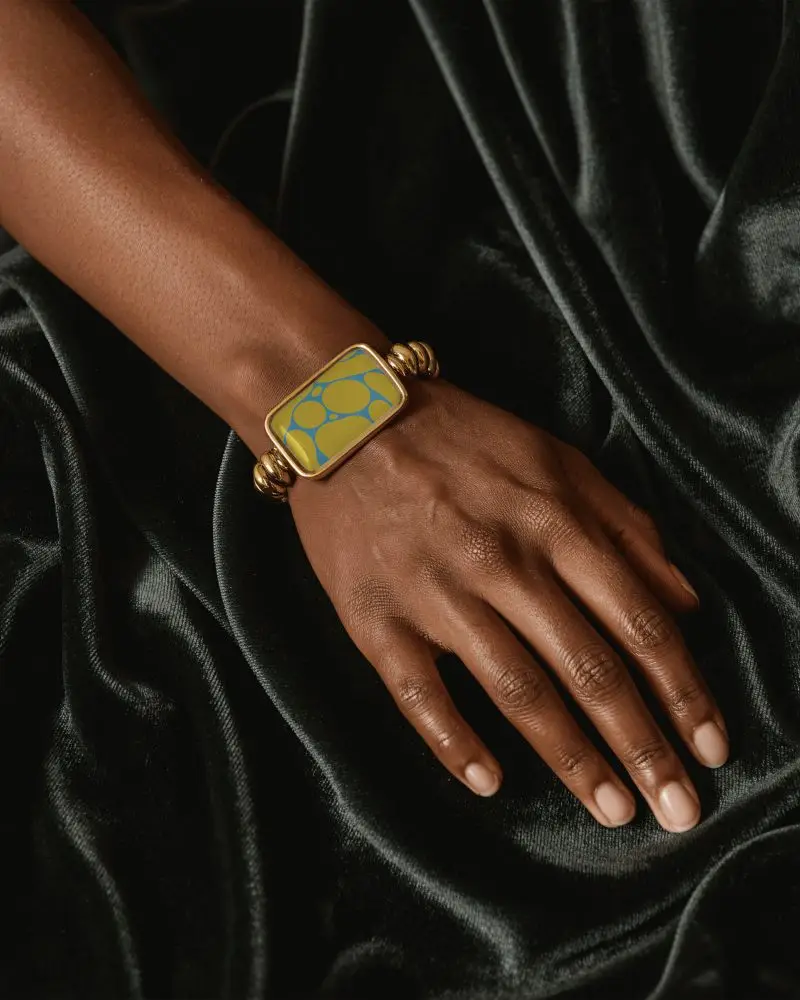
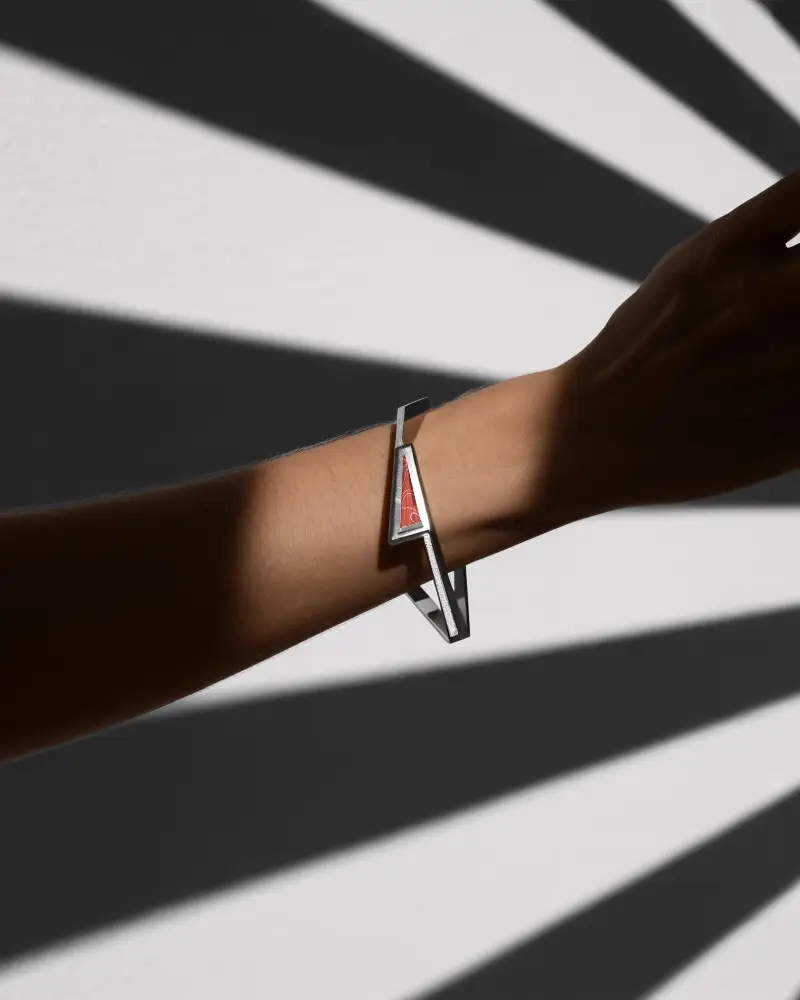
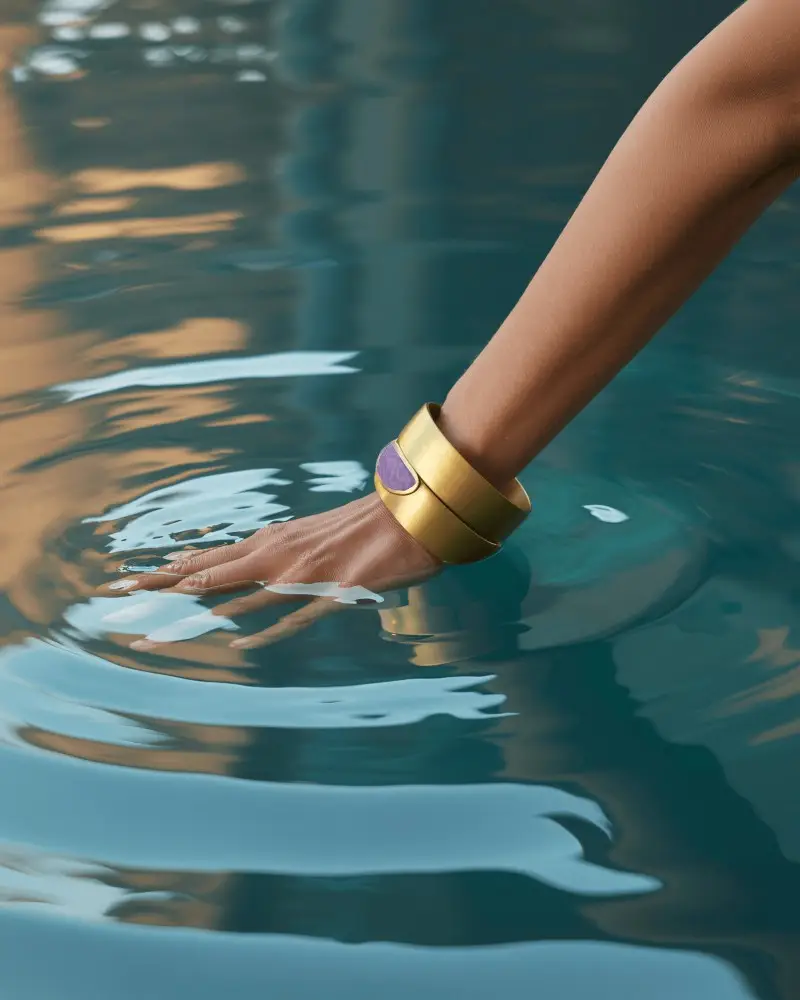
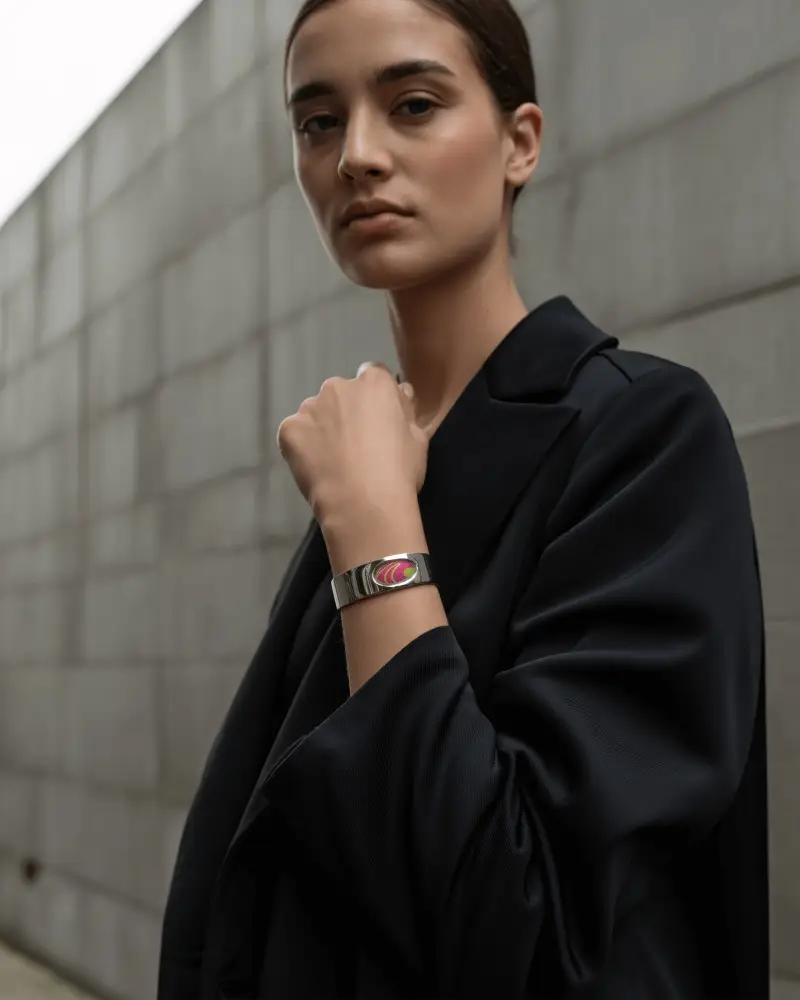
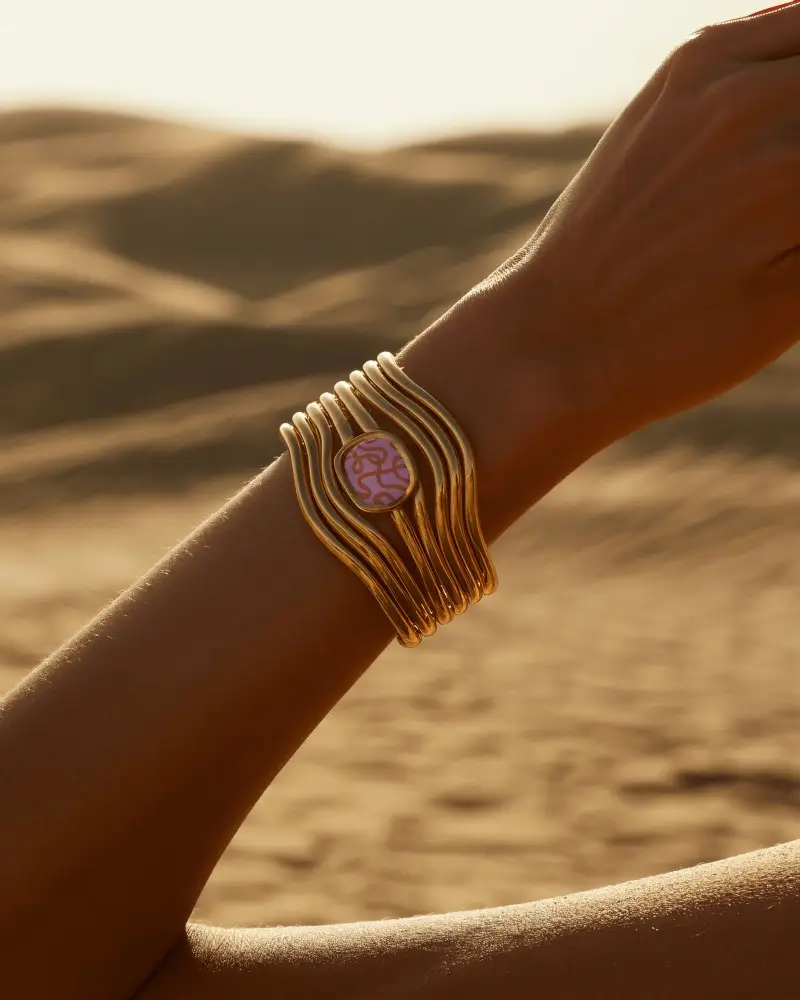
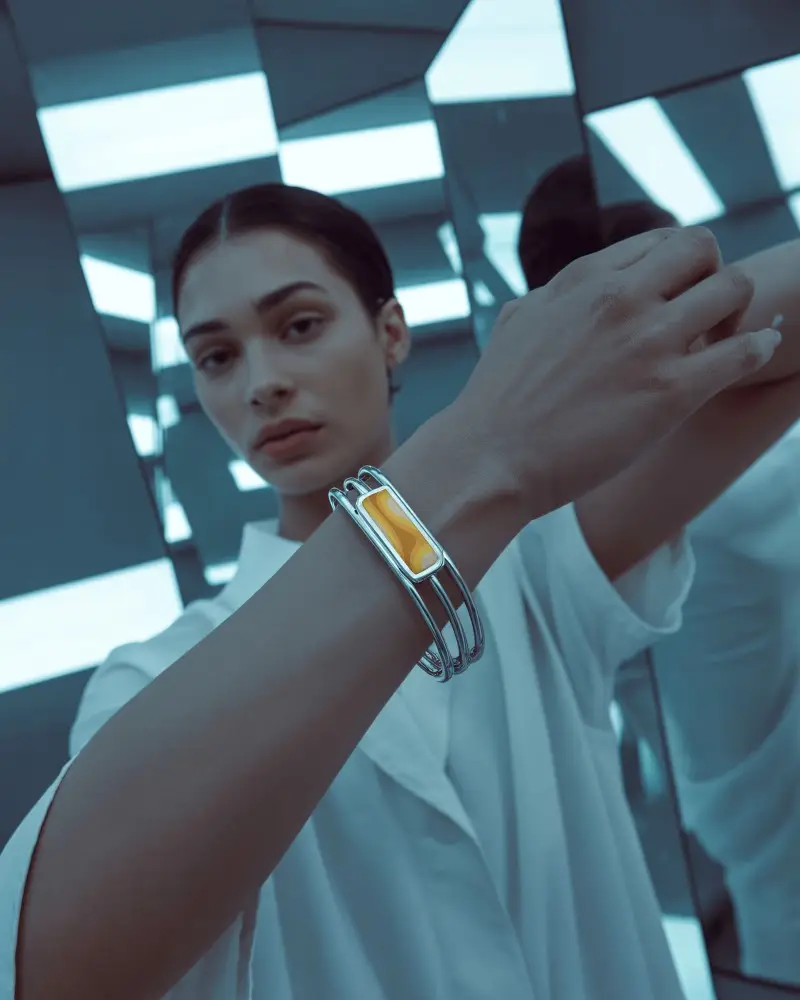
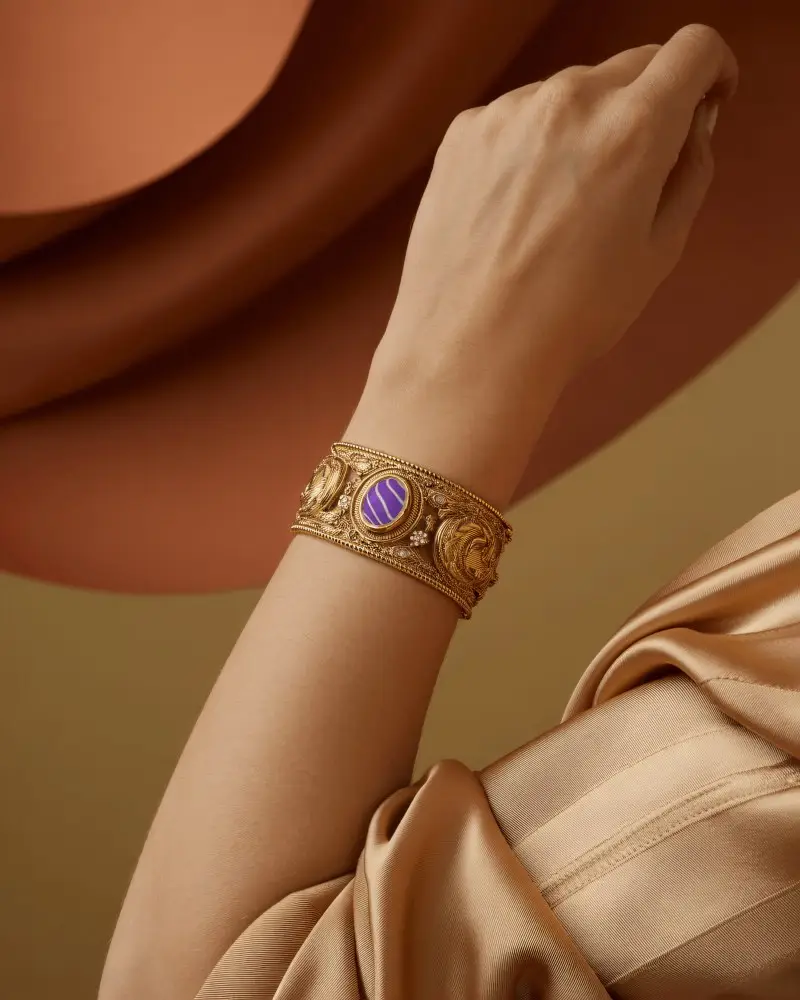
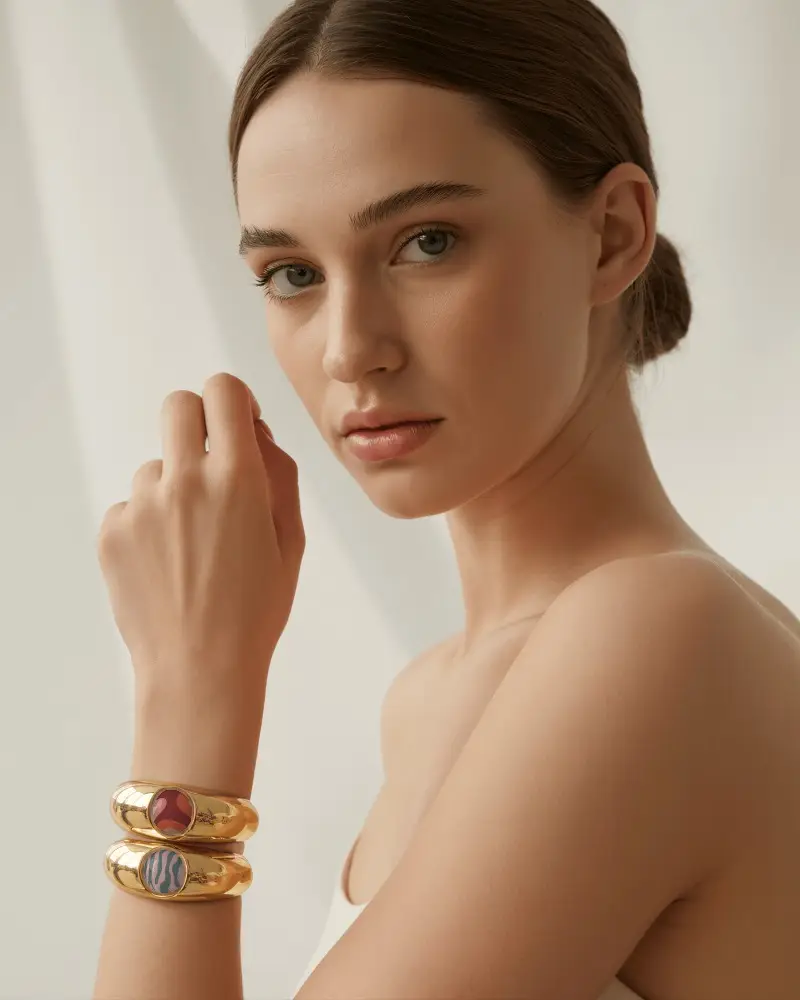
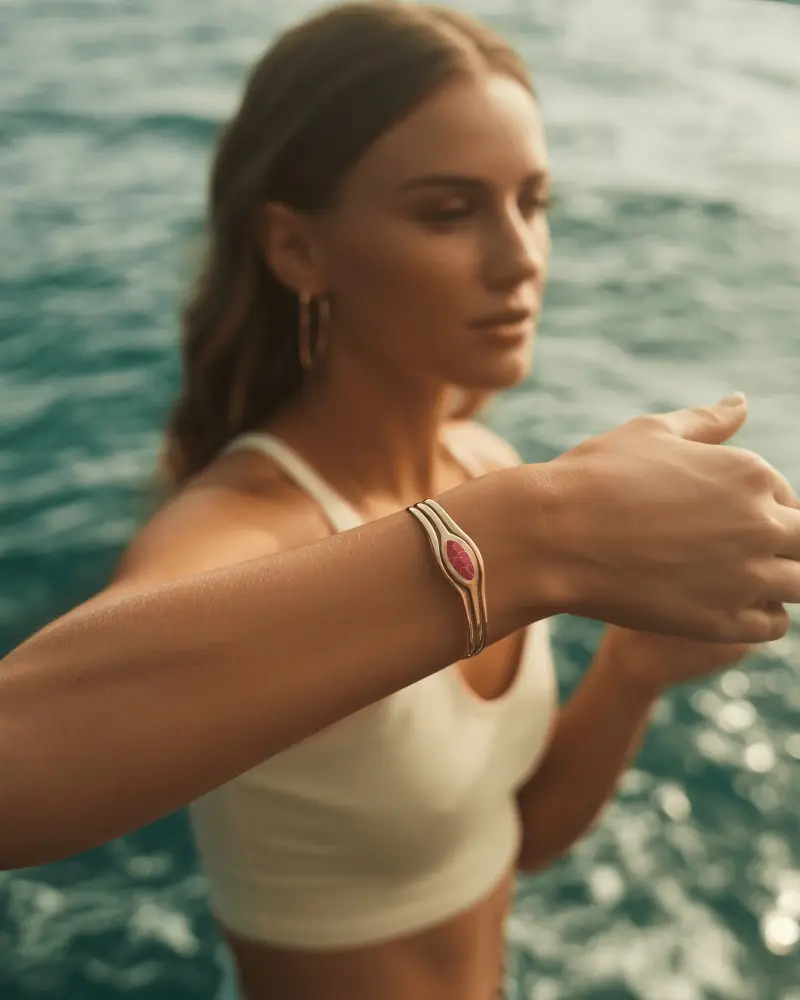
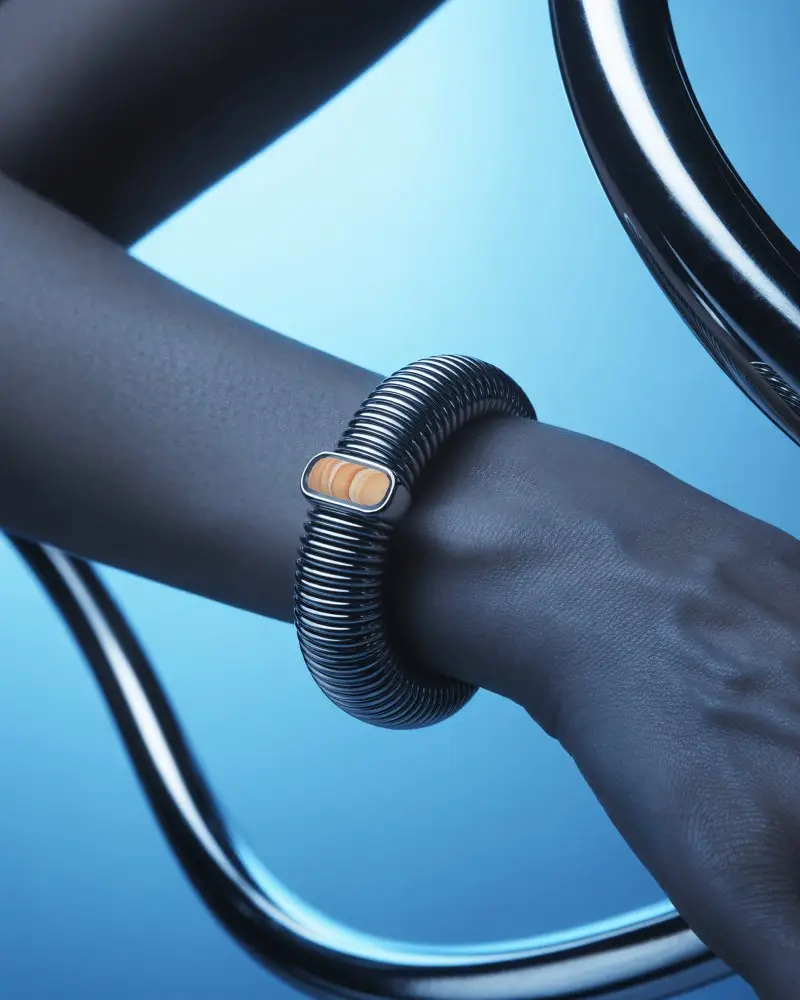
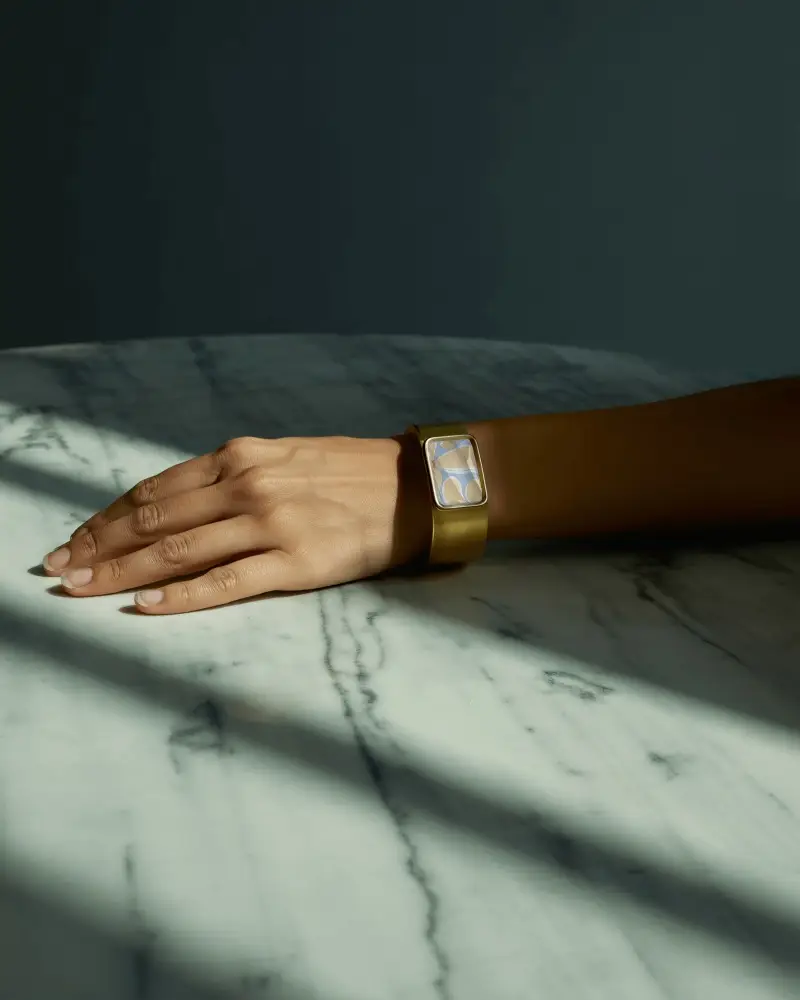
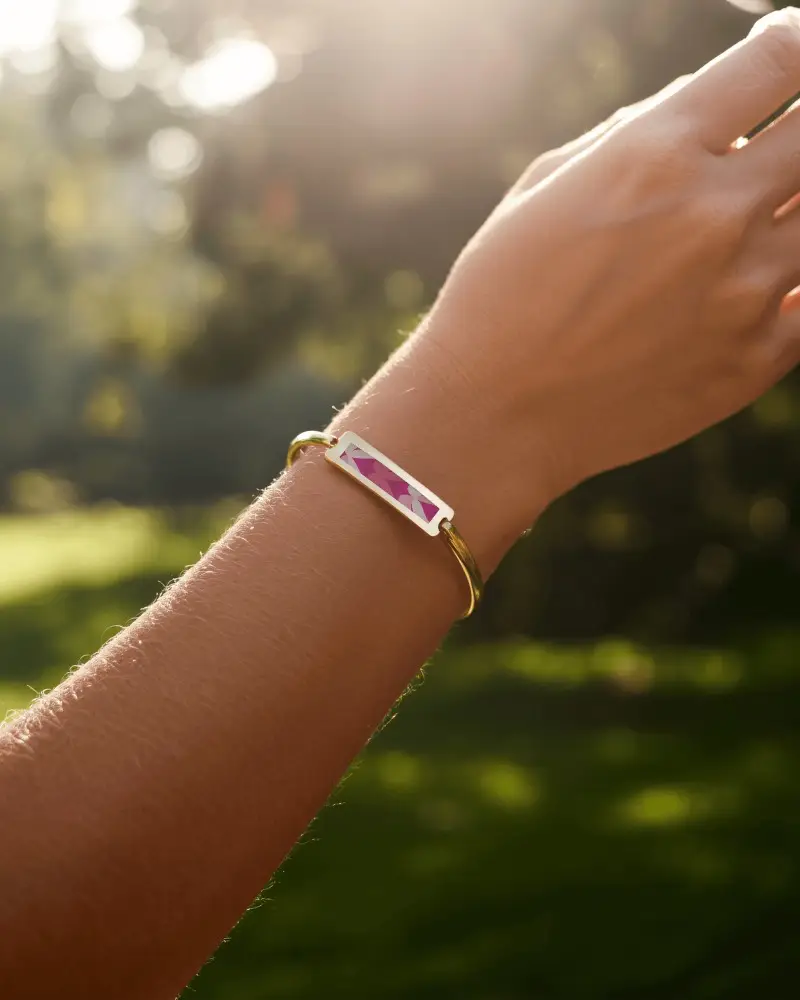
How to Create a Bangle Mockup with Mockey AI
To create bangle bracelet mockups:
- Step 1: Once you're on the homepage, tap 'Upload Design.'
- Step 2: Navigate to the 'Jewelry' category and select 'Bracelet.' Choose a bangle tag for your template, then modify it with different colors, backgrounds, or AI features.
- Step 3: Press 'Download' to get your bangle mockup.


FAQs on Bangles Bracelet Mockups
What is a Bangle mockup?
A bangle mockup is a digital image showing what a bangle (bracelet) will look like. You can put your own designs on it, so you can see how the final bangle will appear before making or selling it.
Why create a Bangle mockup?
Creating a bangle mockup lets you add logos and colors, saves time and money, and helps sell the bangle online. It’s a way to try different designs easily.
Why Use Mockey’s Bangle Mockup?
Mockey.ai helps you easily create mockups of jewelry, like bangles, with logos, colors, and designs. You can try different ideas without making real bangles, saving money.
Is this Bangle mockup Free?
Mockey AI has both free and paid bangle mockups. You can download free ones, but you must give credit. Some better ones cost money and don't need credit. Always check if the mockup is free or paid before downloading.
