Free Hardcover Notebook Mockup – Perfect for Any Project
Get access to 100+ free hardcover notebook mockups. Discover a range of premium and free notebook bundles for your next project. Create realistic hardcover notebook mockups in just a few minutes.
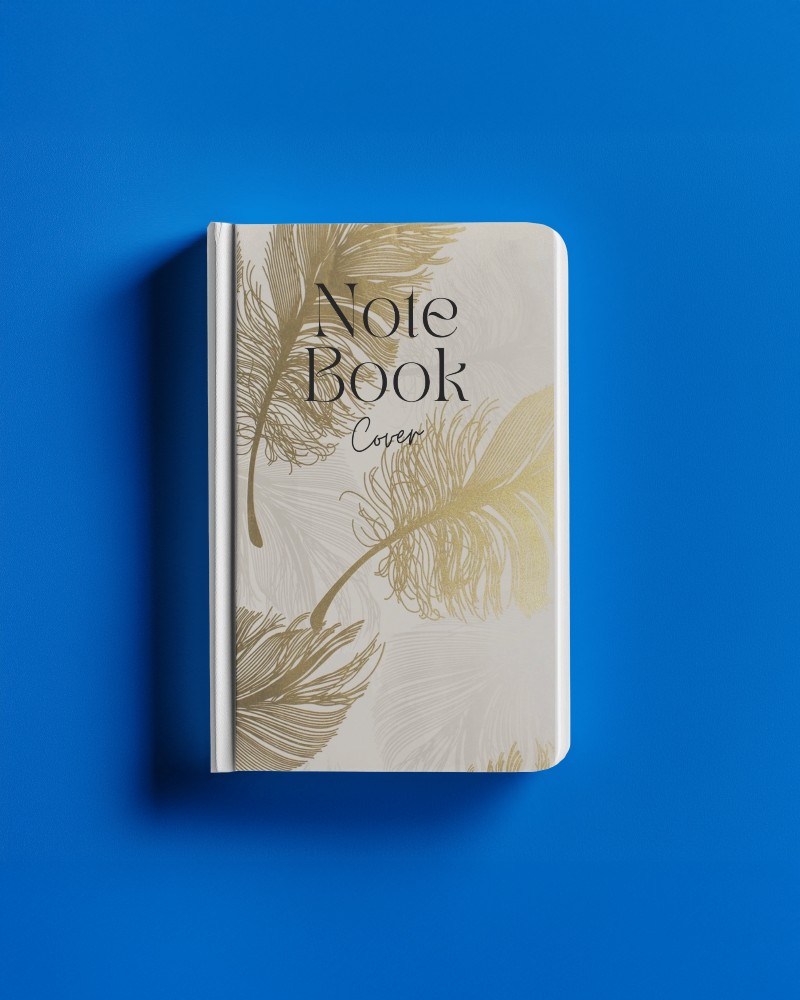
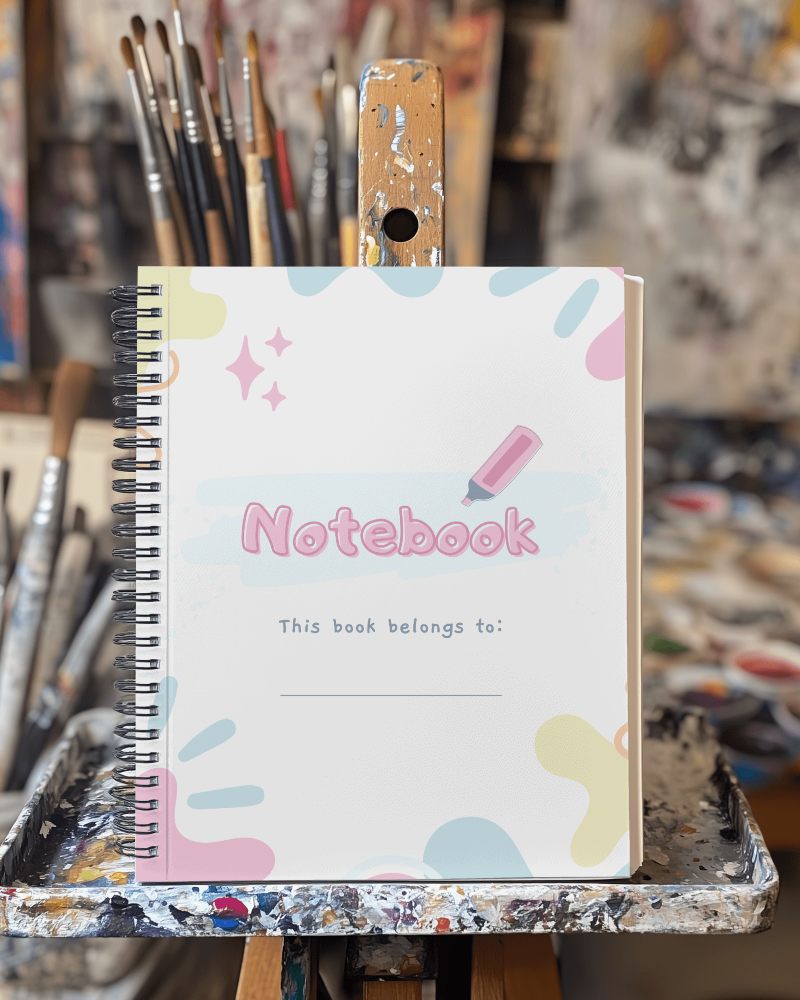
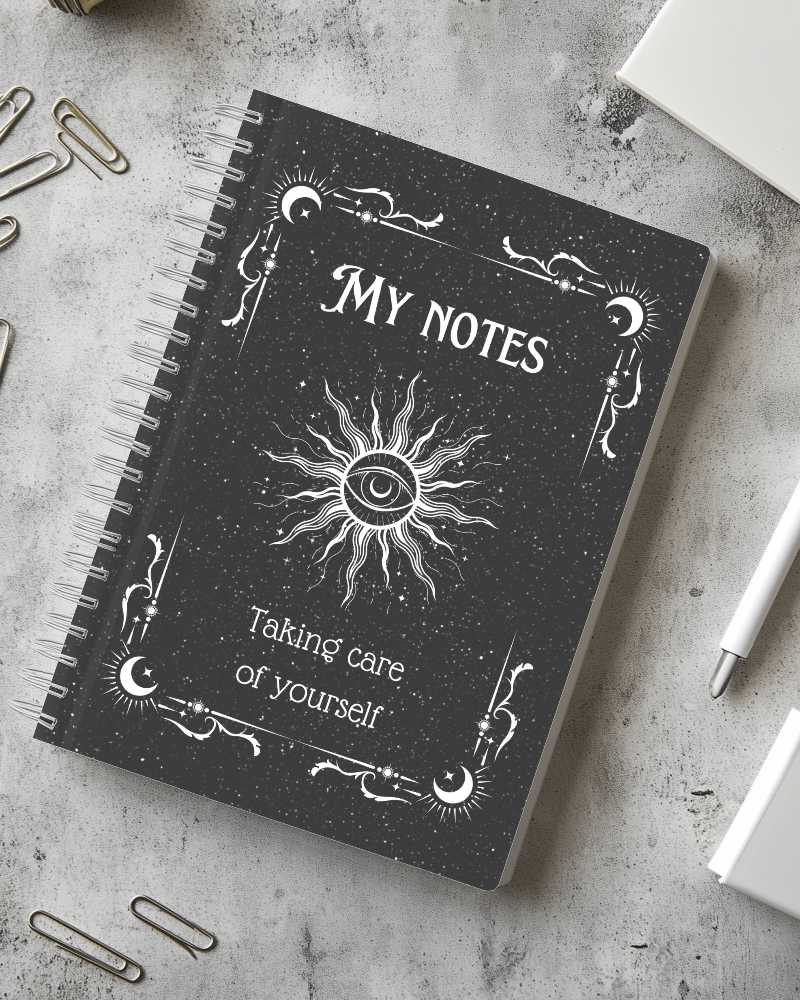
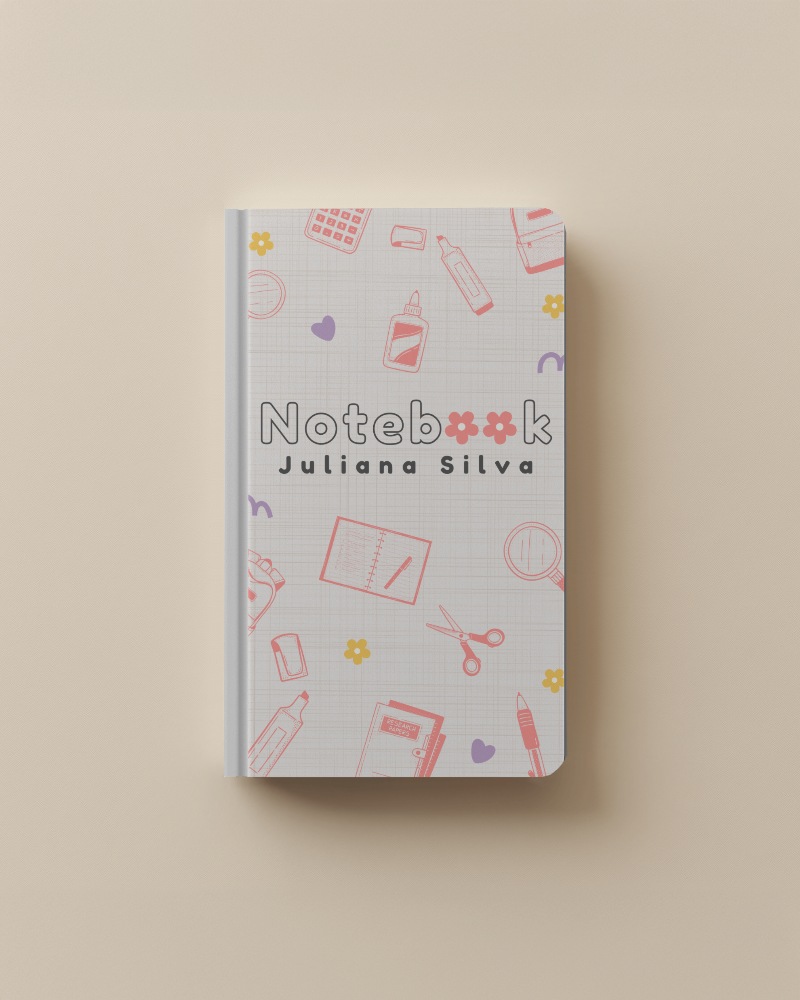
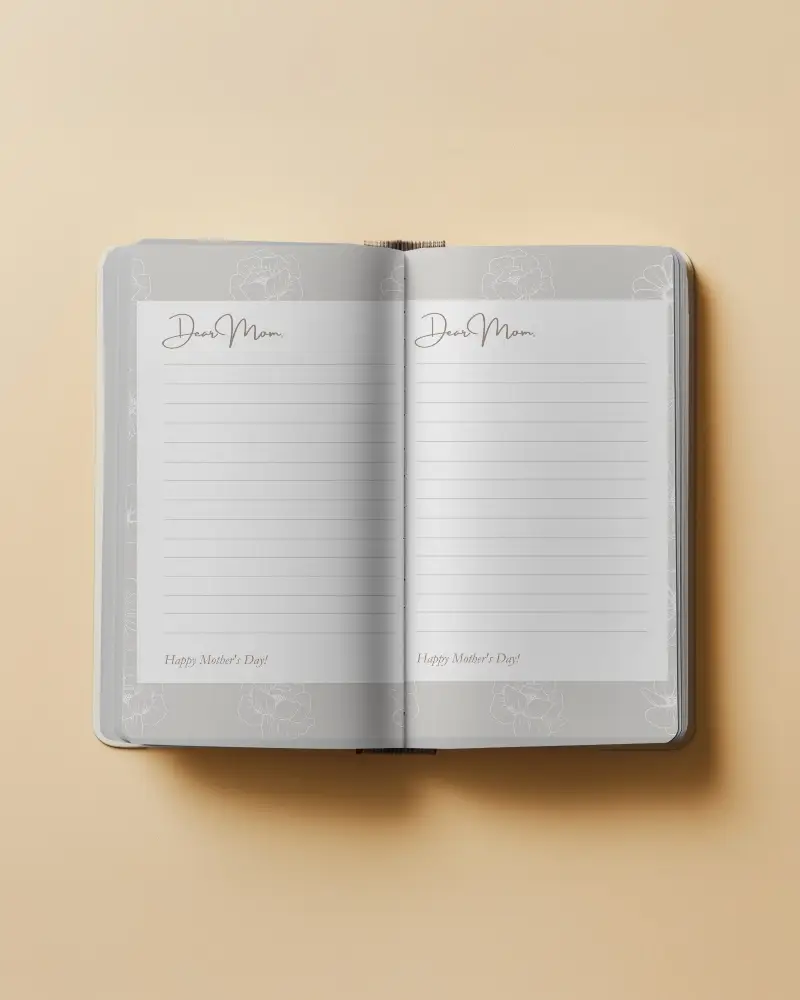
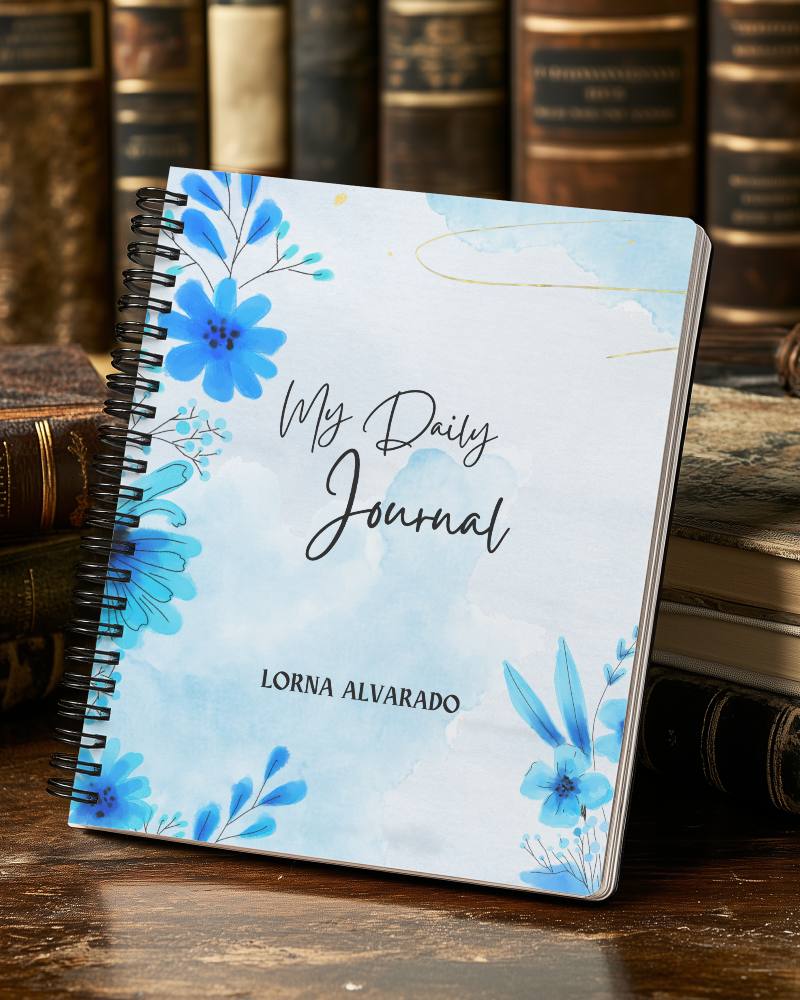
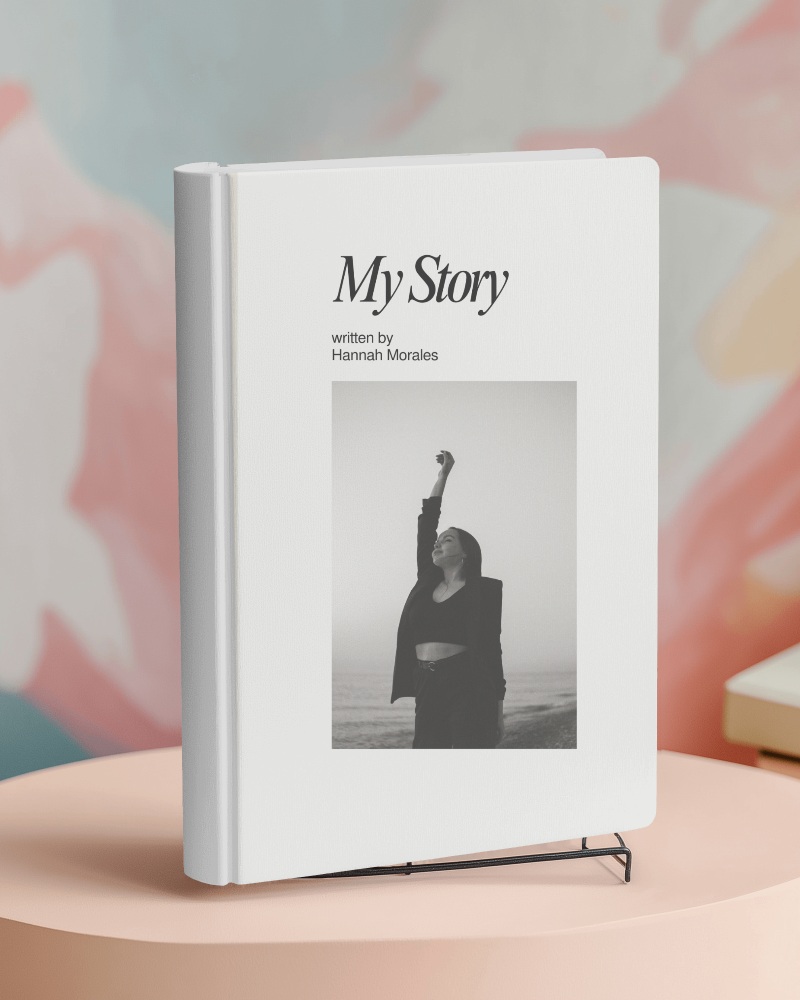


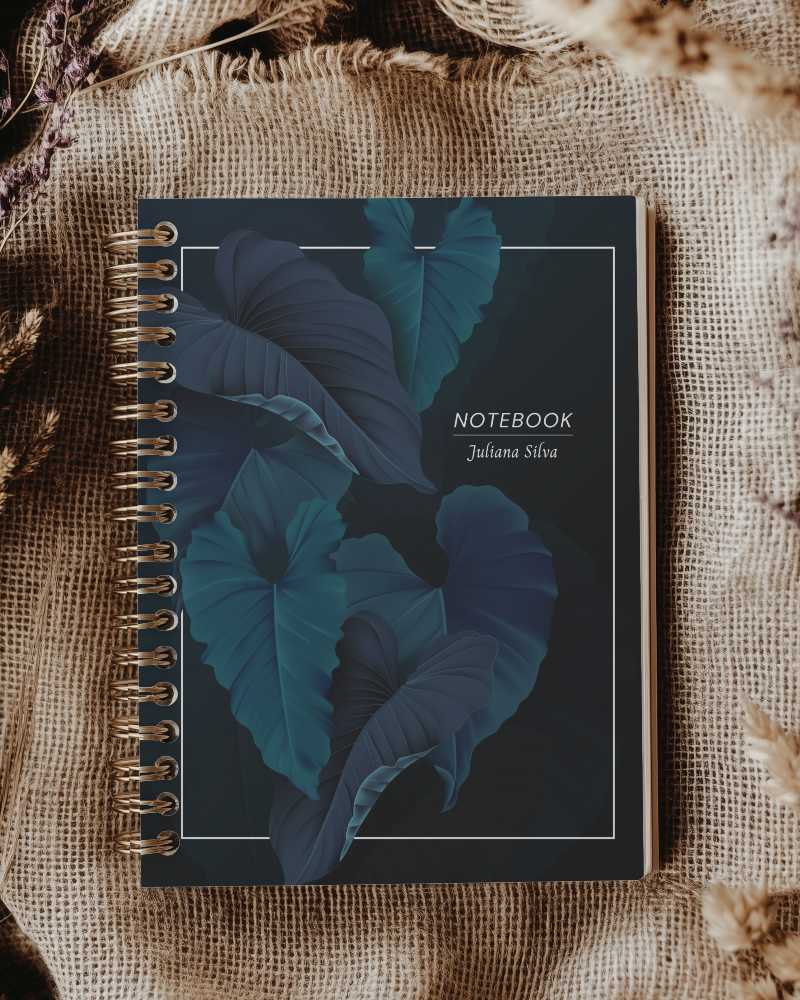
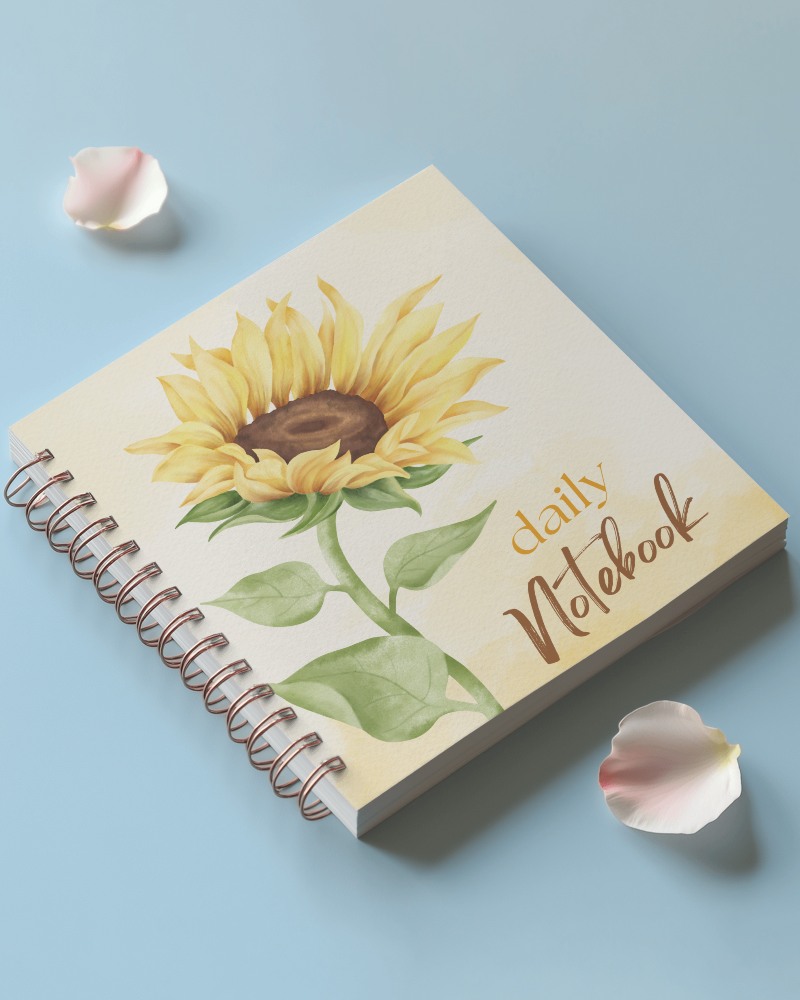

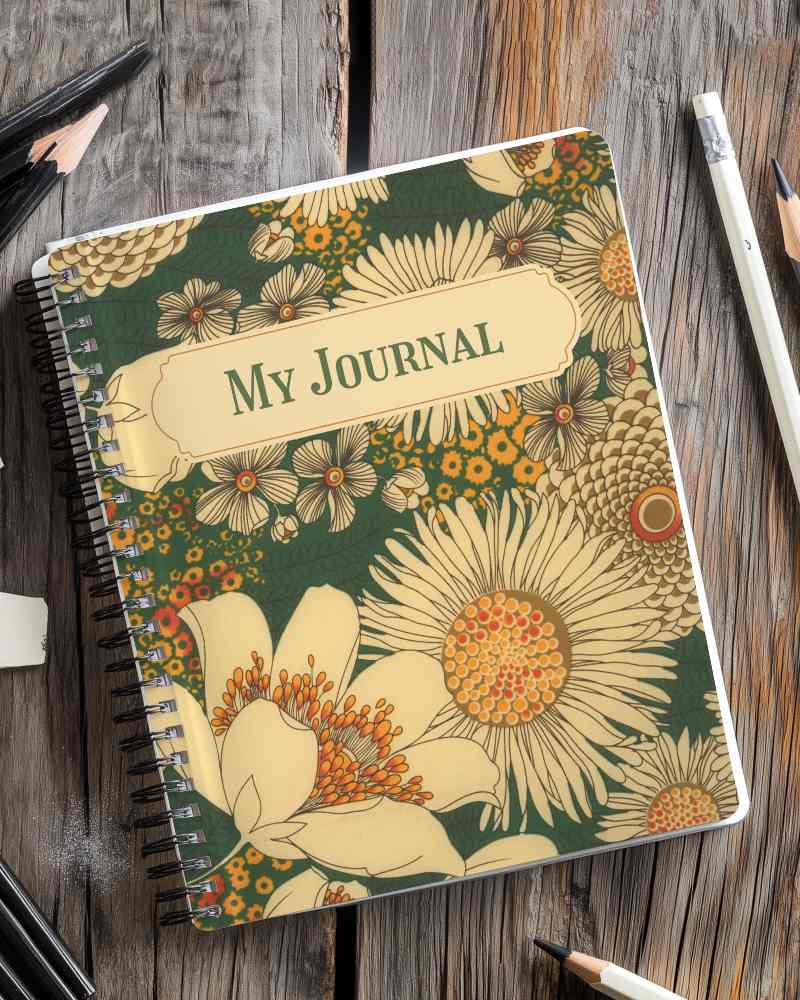
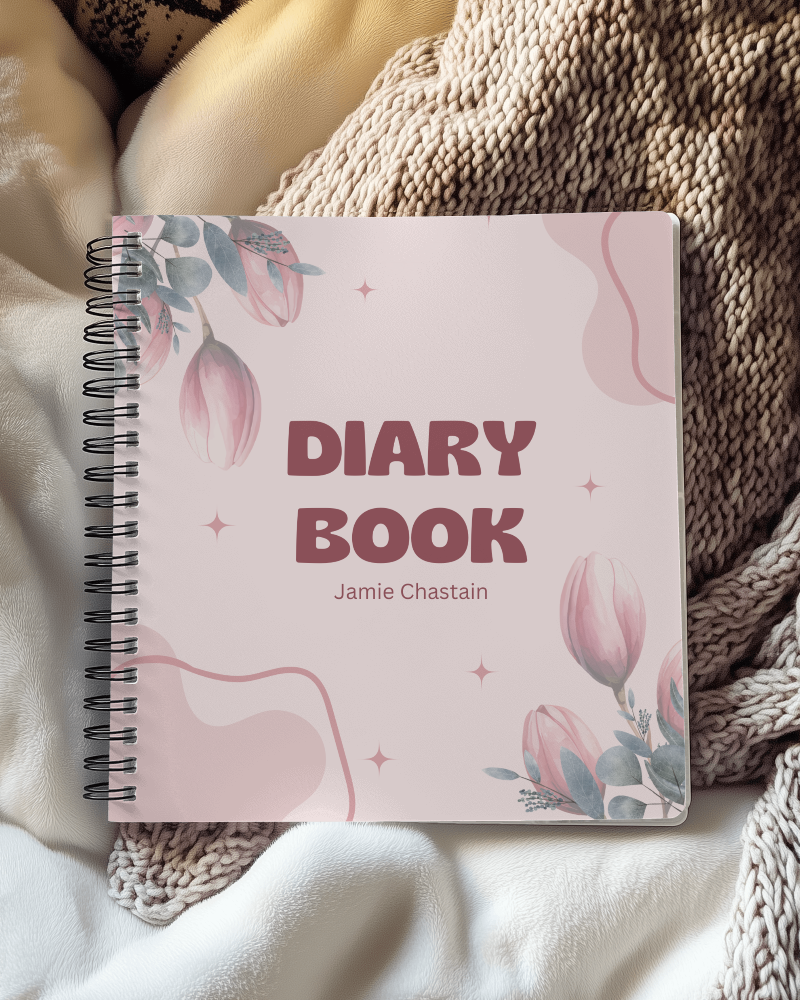
How to Make Hardcover Notebook Mockup with Mockey
To create a hardcover notebook mockup in Mockey AI:
- Step 1: Go to Mockey and follow: Mockups > Print > Notebook > Hardcover Notebook.
- Step 2: Click on a template, upload your design (PNG or JPG), and use customization tools.
- Step 3: Download the final mockup in your preferred resolution without watermarks.


FAQs on Hardcover Notebook Mockups
What is a Hardcover Notebook Mockup?
A hardcover notebook mockup is a digital picture of a strong notebook with a hard cover. The cover is made of thick cardboard and wrapped in cloth or other materials to look nice.
Why create a Hardcover Notebook mockup?
Creating a hardcover notebook mockup makes designs look real, attracts people’s attention, and helps sell the book better.
Why Use Mockey’s Hardcover Notebook Mockup?
Mockey’s Hardcover Notebook Mockup shows your design on a real-looking notebook. It has many styles, is budget-friendly, and makes your design stand out.
Is this Hardcover Notebook Mockup Free?
Mockey AI has free hardcover notebook mockups. You can use them for business. They are high quality.
What makes Mockey's hardcover notebook mockups unique?
Mockey's templates make it special. The customization tools are unique and super easy to use.
Can I find both free and premium hardcover notebook mockups on Mockey?
Mockey has free and premium hardcover notebook mockups. You get 100+ free templates with no watermarks. Paid plans start at $7/month for better quality and more features.
Can I upload my own design to a hardcover notebook mockup?
Tap Upload Design to put your picture on the hardcover notebook mockup. Your picture should be in PNG or JPEG format to look nice.
Do I need to create an account to download hardcover notebook mockups on Mockey?
You need to create an account to use all the templates, change colors, and download hardcover notebook mockups.
