Animated Hand Holding Phone Mockup – Perfect for UI & App Demos
Mockey’s Hand Holding phone video mockup turns static screens into vivid visual stories. With smooth motion, clean framing, and a polished display style, your UI or app concept looks more engaging and professional.
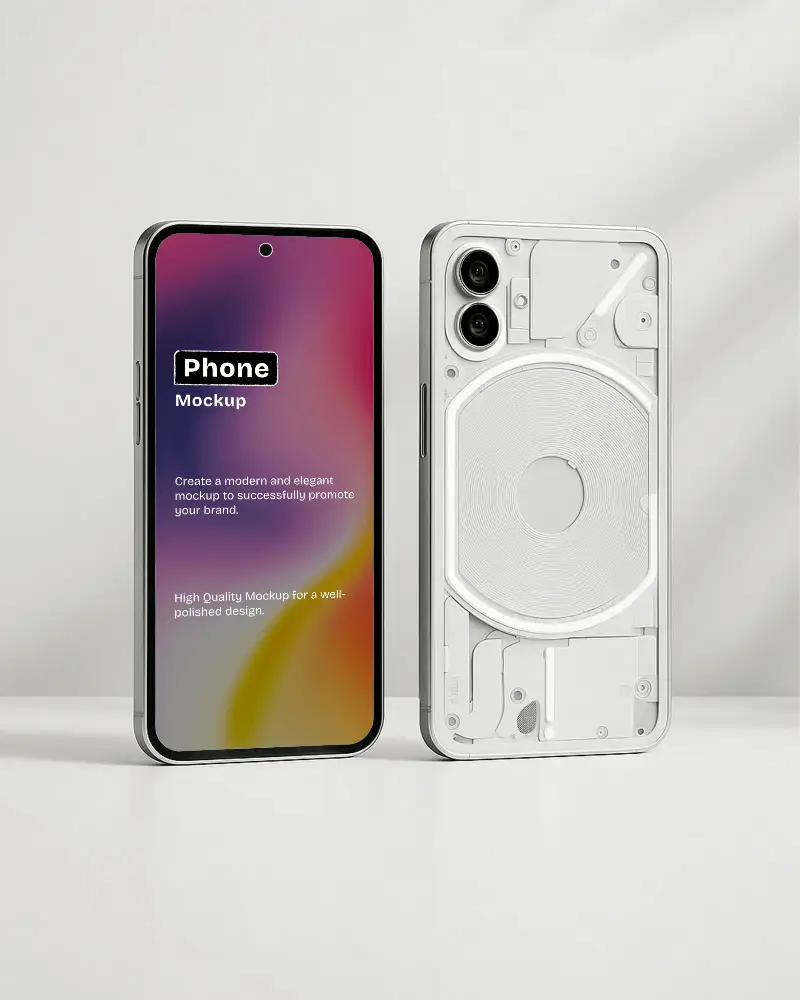
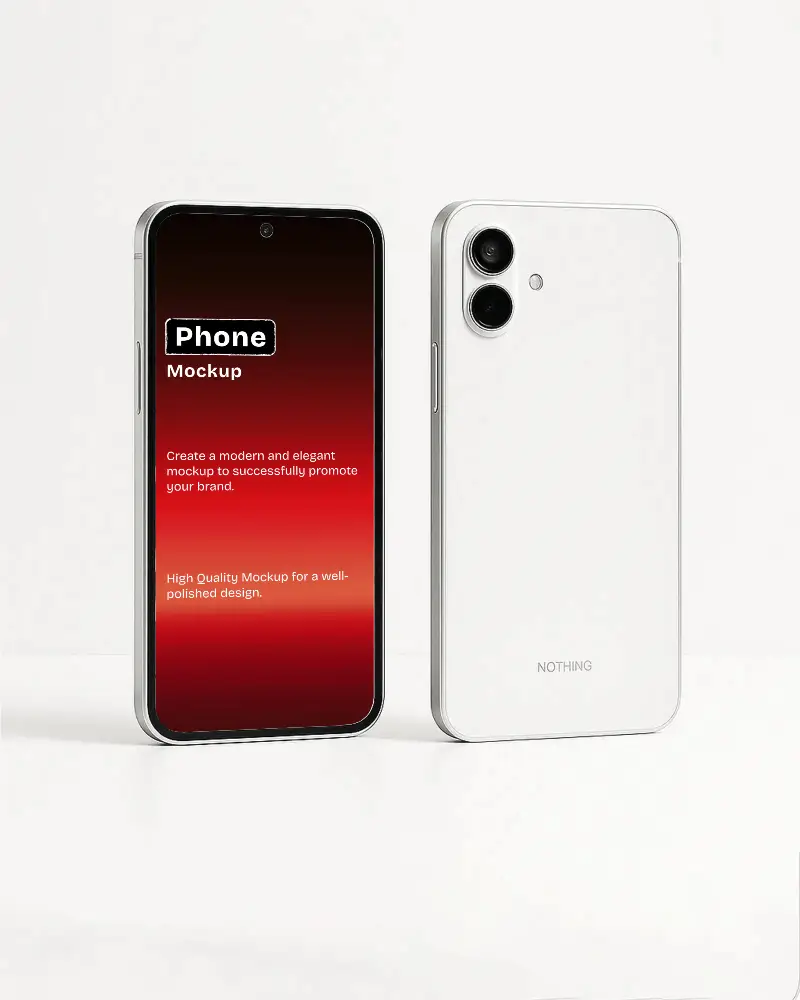
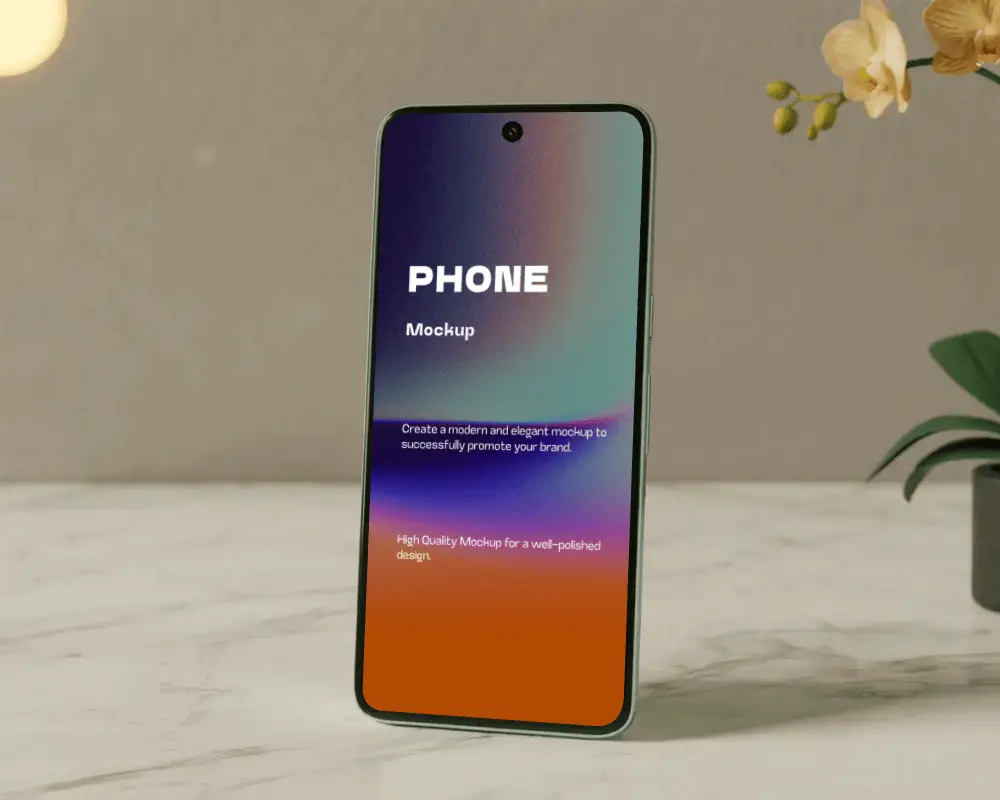
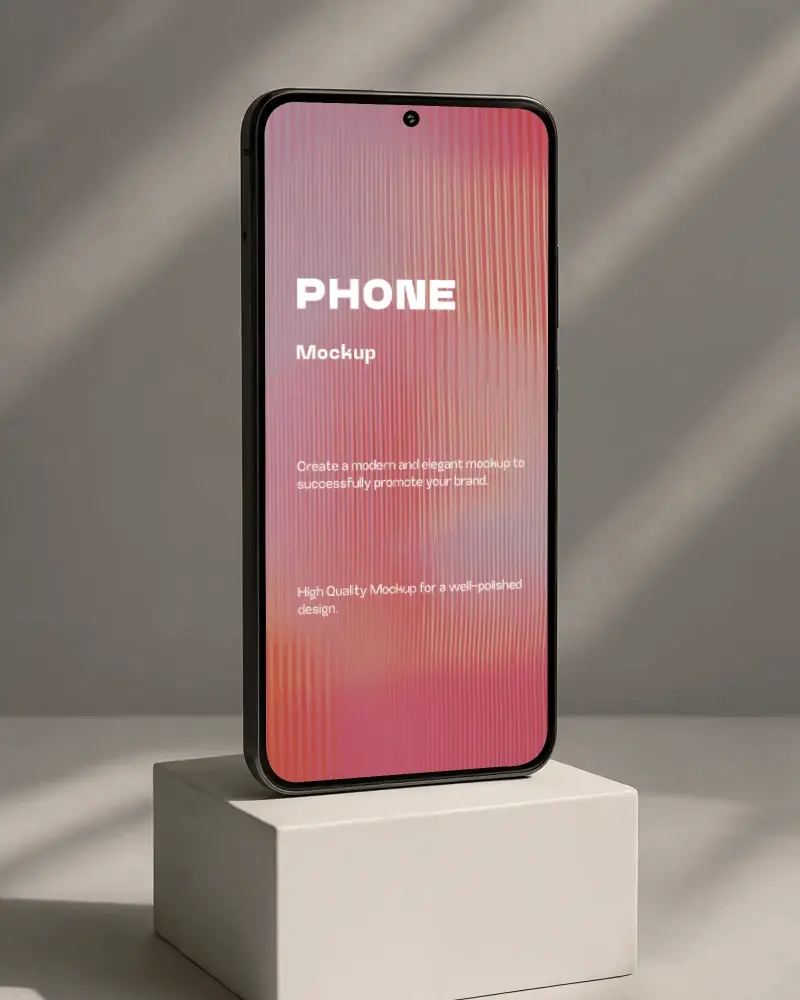
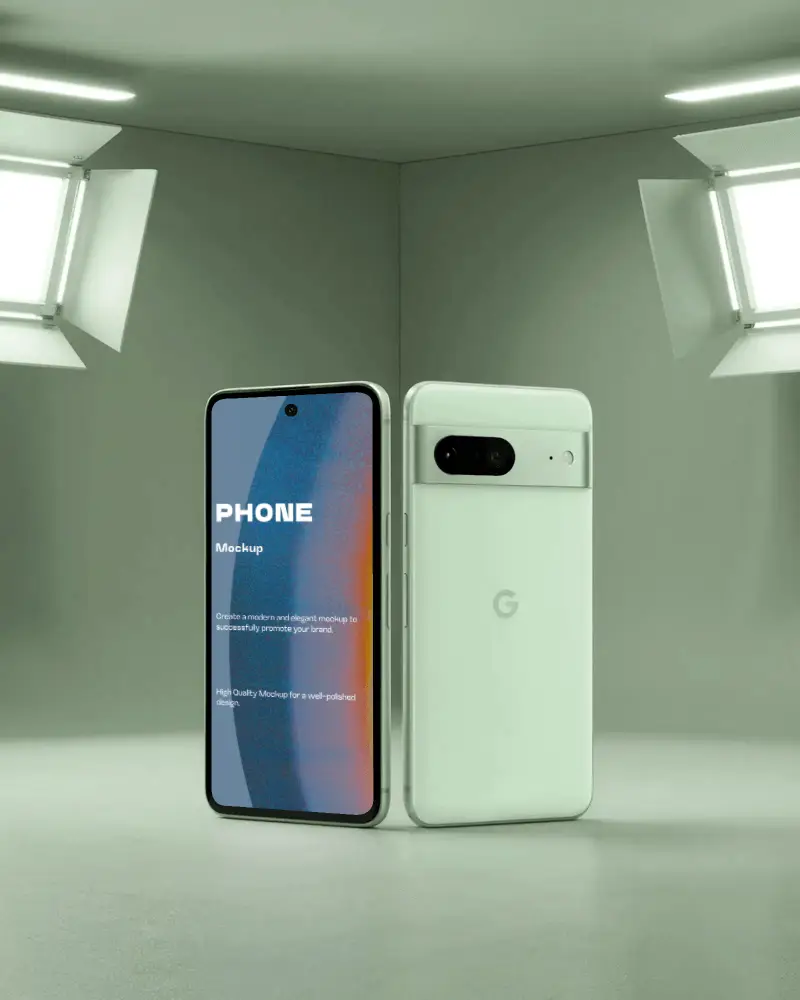
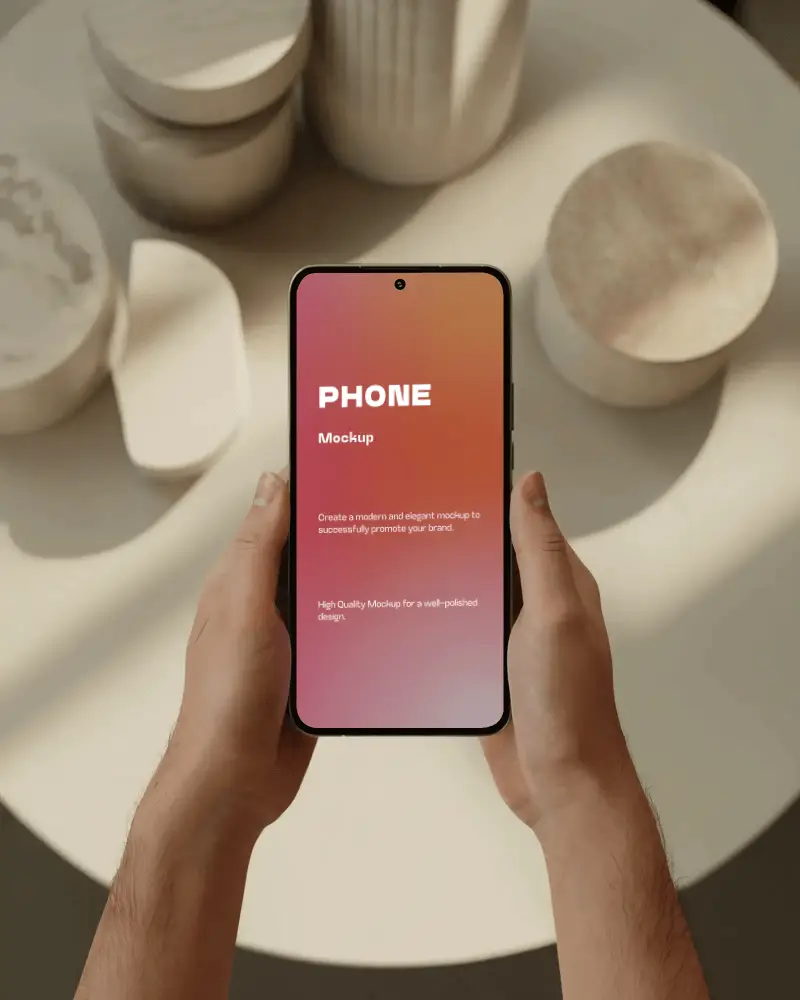
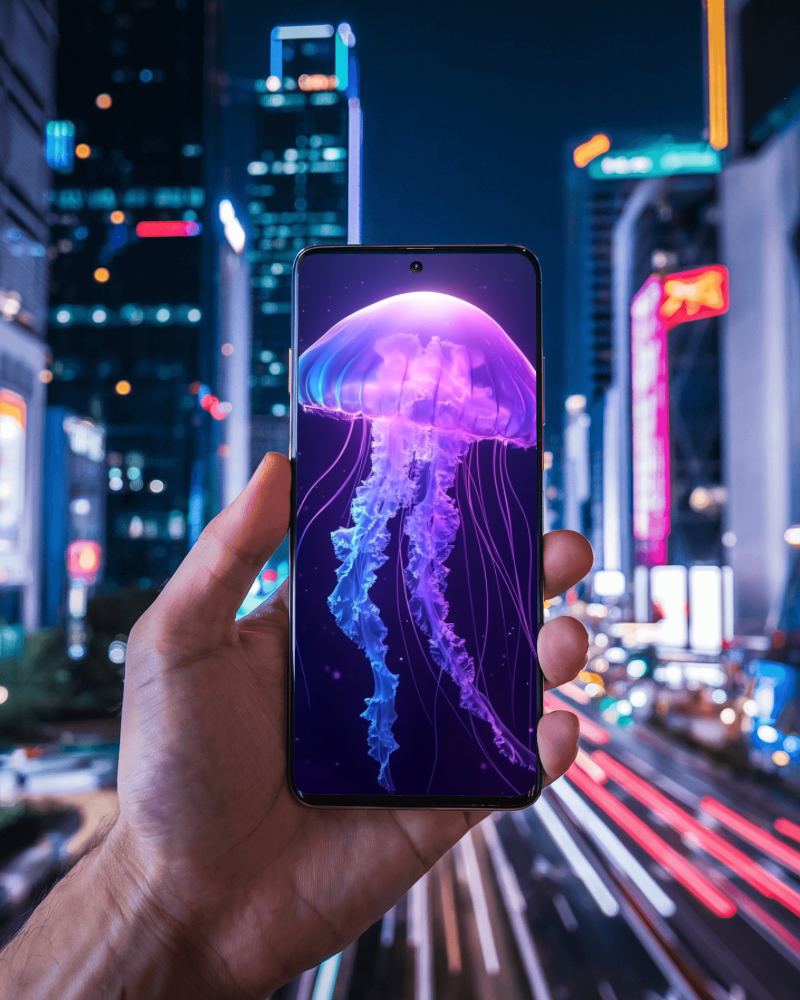
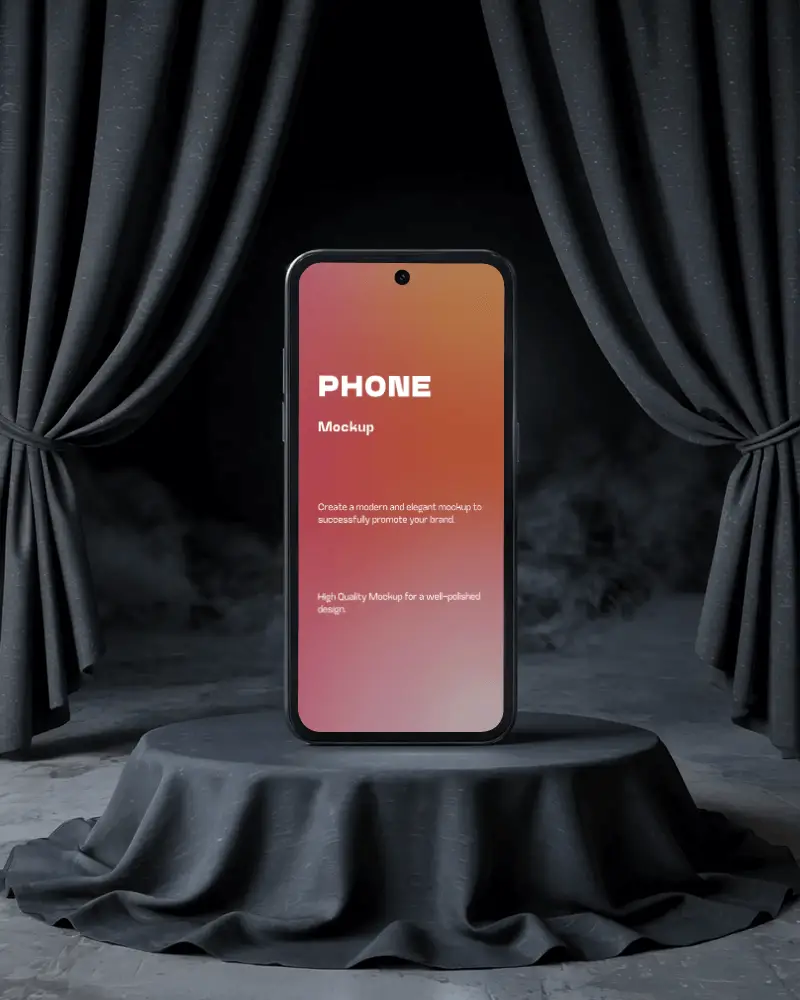
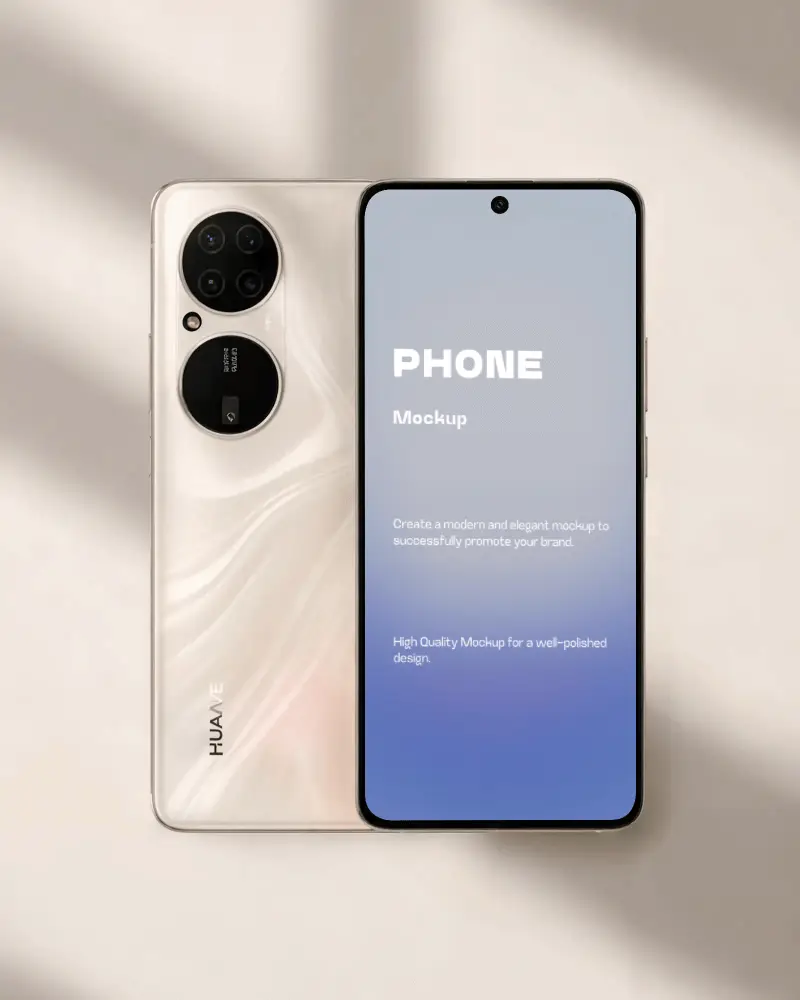
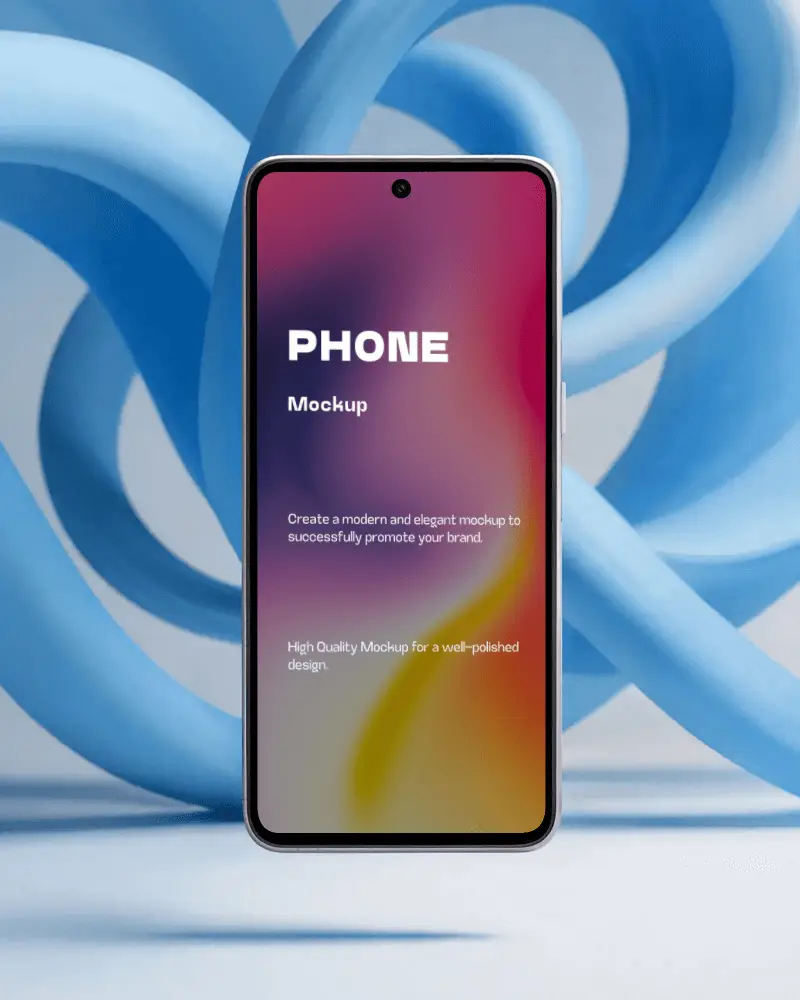
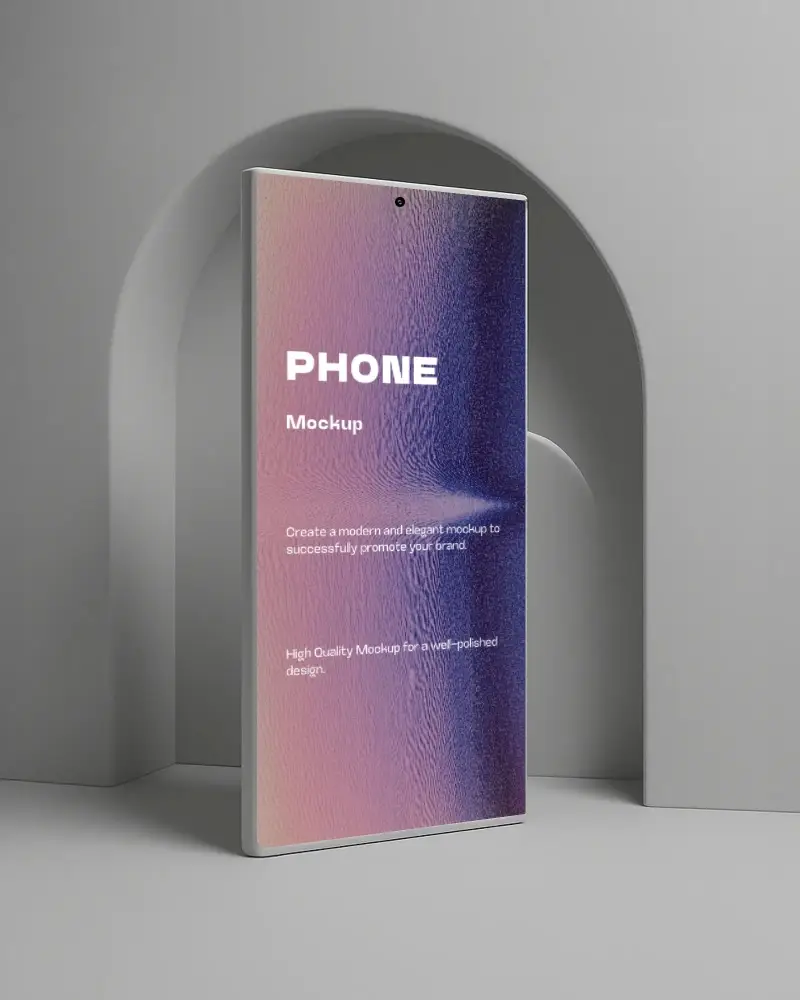
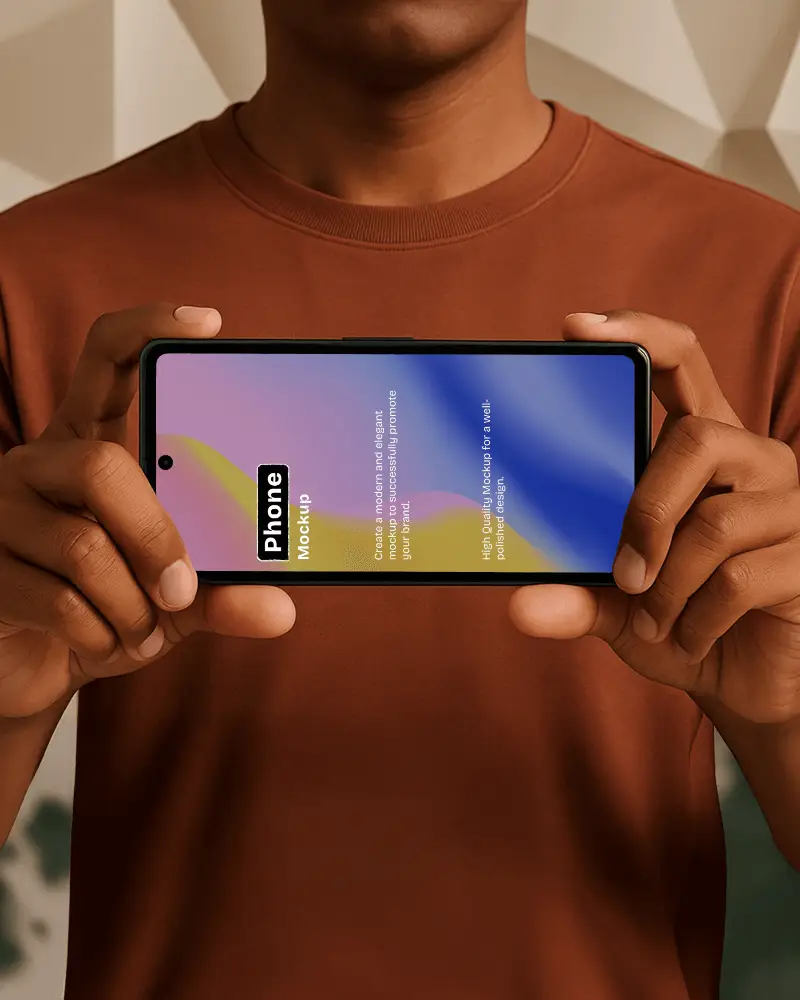
How to Create a Hand Holding Phone Video Mockup
To create a Hand Holding phone video mockup:
- Step 1: Choose Pricing and upgrade to the CREATOR or ELITE plan. Open Video Mockups and select Phone under the Tech category.
- Step 2: Pick a video template, upload your design, crop it, and adjust it as needed.
- Step 3: Click Generate Video to create and save the Hand Holding phone video mockup.


FAQs on Hand Holding Phone Video Mockups
What is a Hand Holding phone video mockup?
A Hand Holding phone video mockup is an animated preview that shows an app or website design within a smartphone frame. Unlike static screenshots, it shows interactions, transitions, and user flow.
Does the Hand Holding phone video mockup maintain the original clarity of my UI?
Yes, Mockey AI preserves the original clarity of your UI. The exported Hand Holding phone video mockup keeps sharp details and high visual quality.
Can I use the Hand Holding phone video mockup for promotional ads or social posts?
You can use Hand Holding phone video mockups for ads and social media. Mockey AI provides templates suitable for commercial use, as long as you follow the platform’s licence terms.
Will the Hand Holding phone video mockup download have a watermark?
No watermark appears on the Hand Holding phone video mockup when downloaded with a paid plan such as CREATOR or ELITE.
