Phone Video Mockups
Mockey AI offers a wide range of customizable phone video mockups, perfect for showcasing apps, ads, and product demos in motion. You can easily edit and download them in minutes.
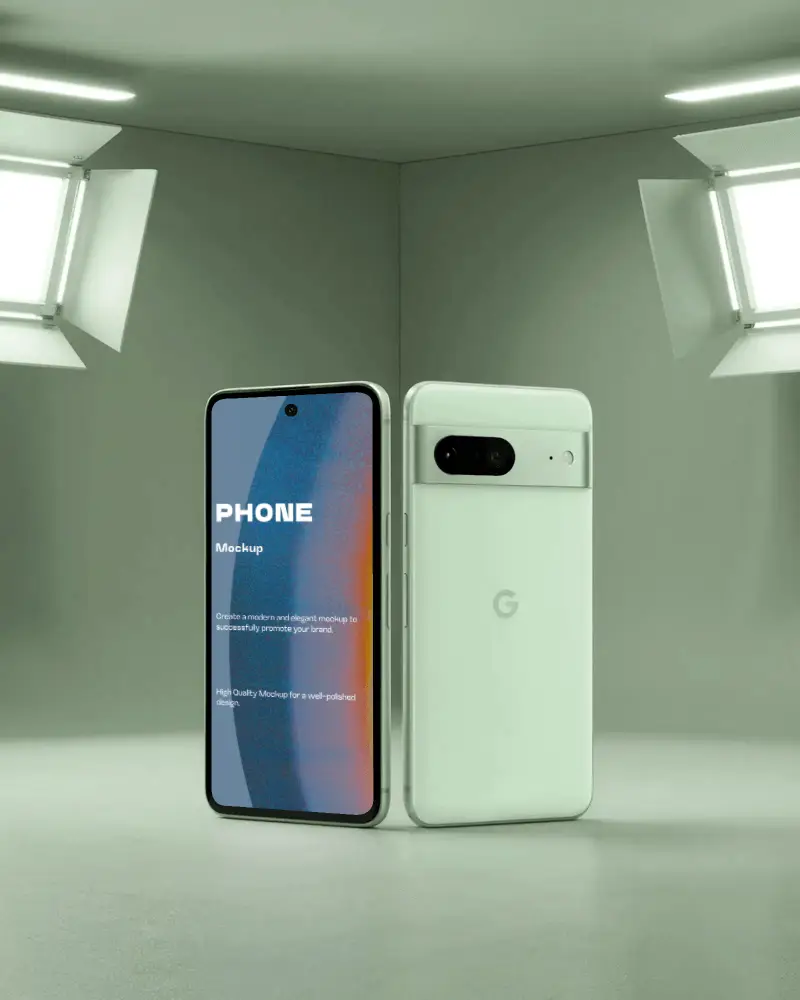
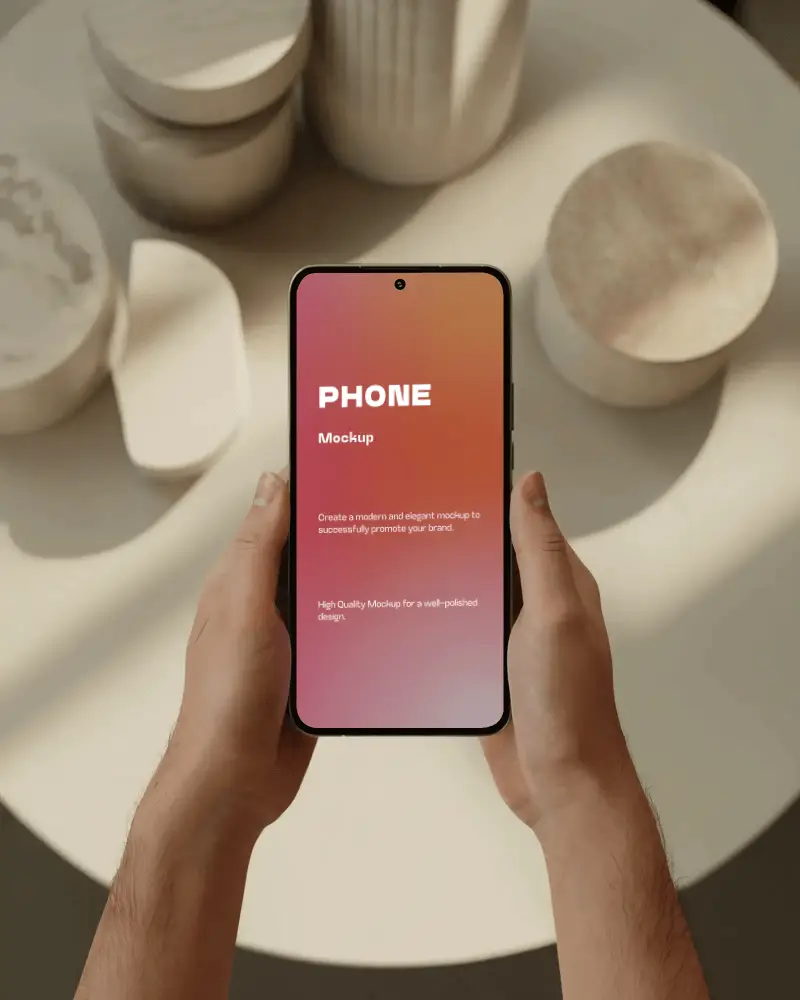
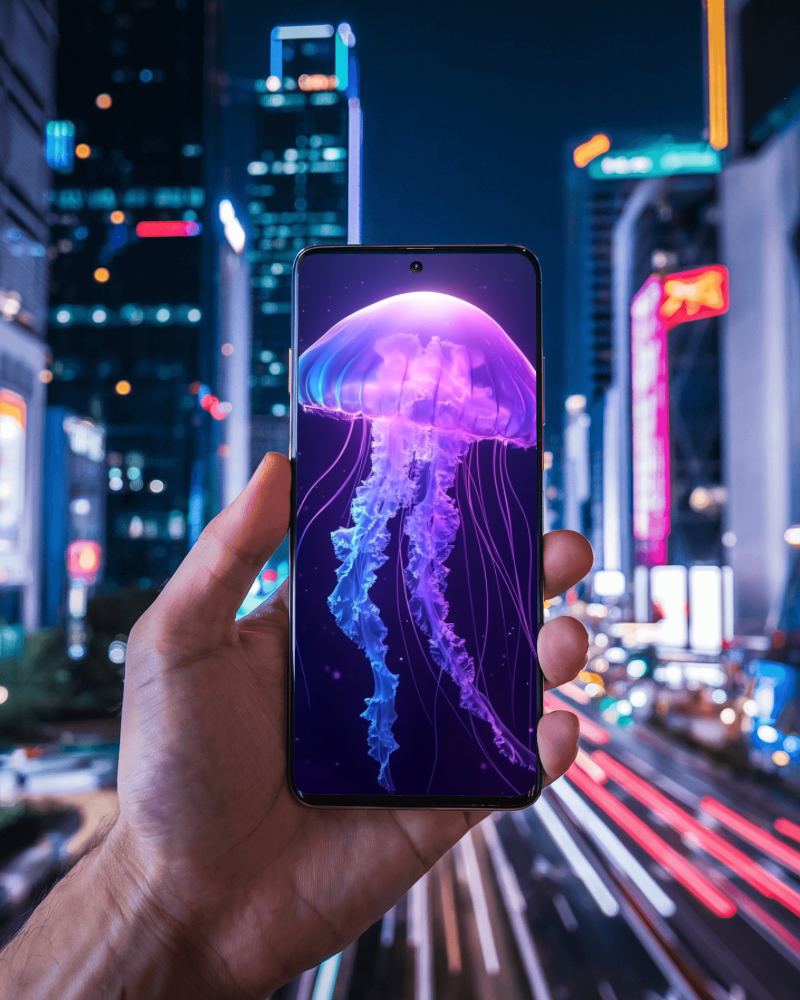
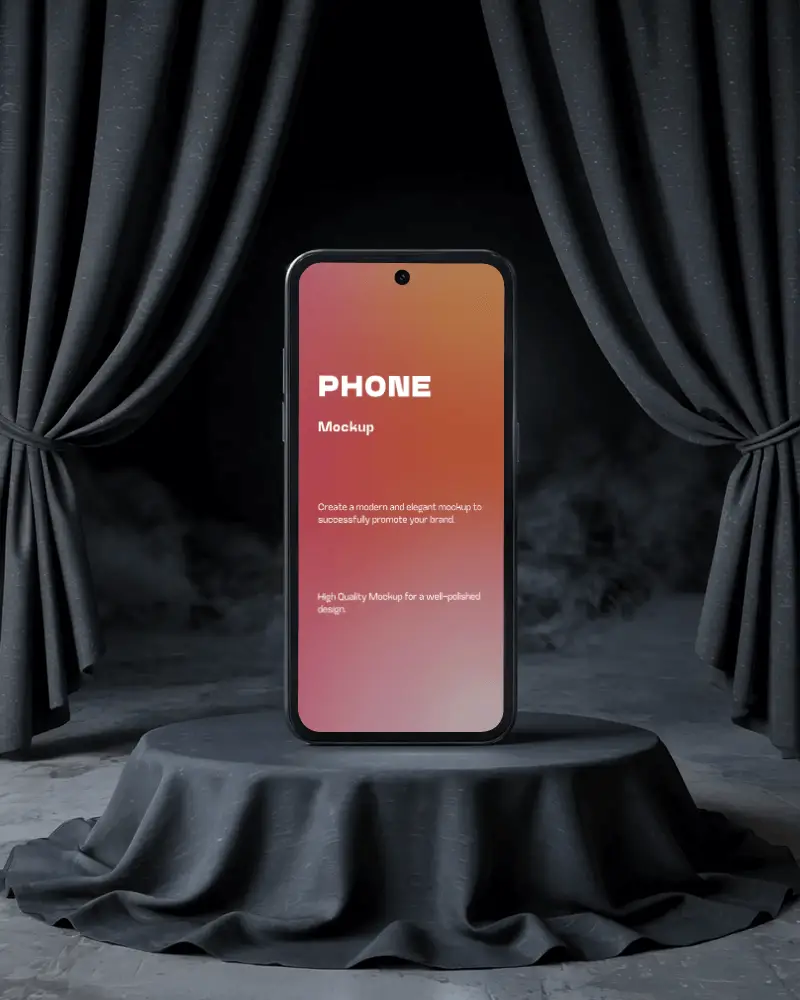
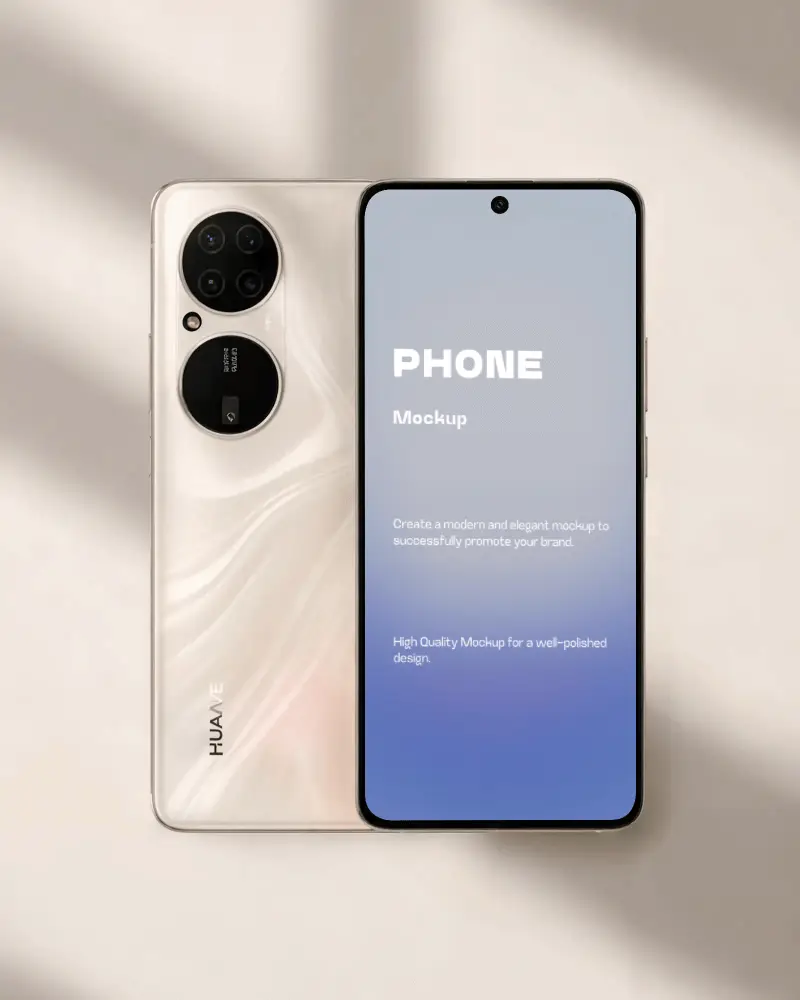
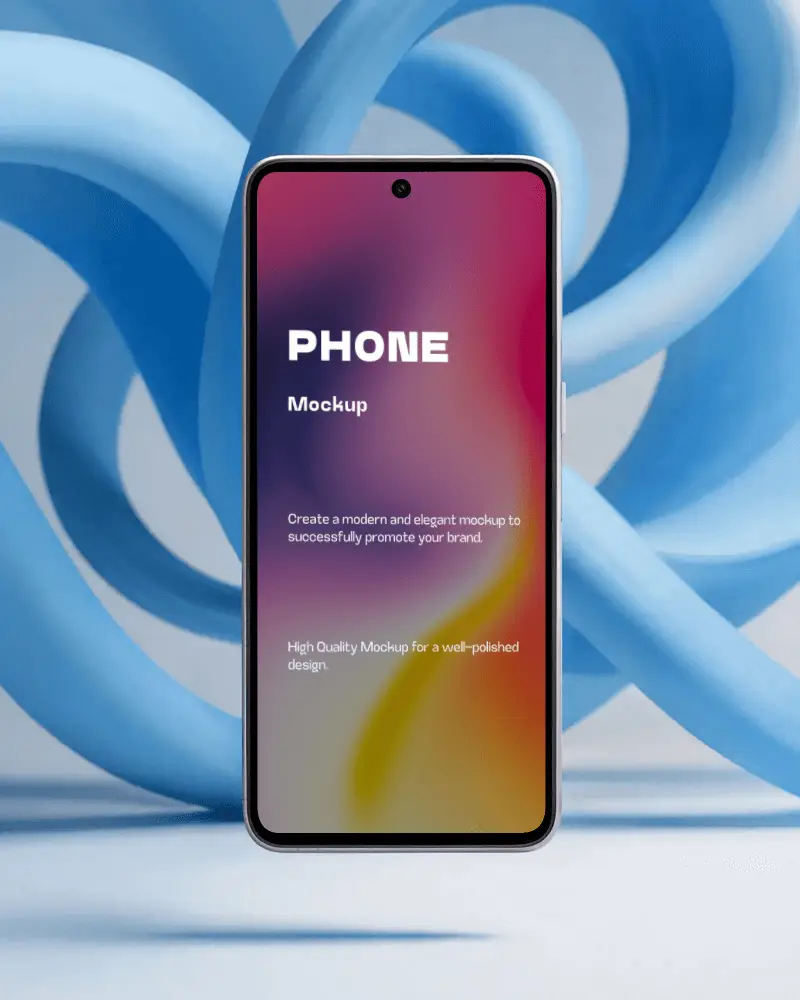
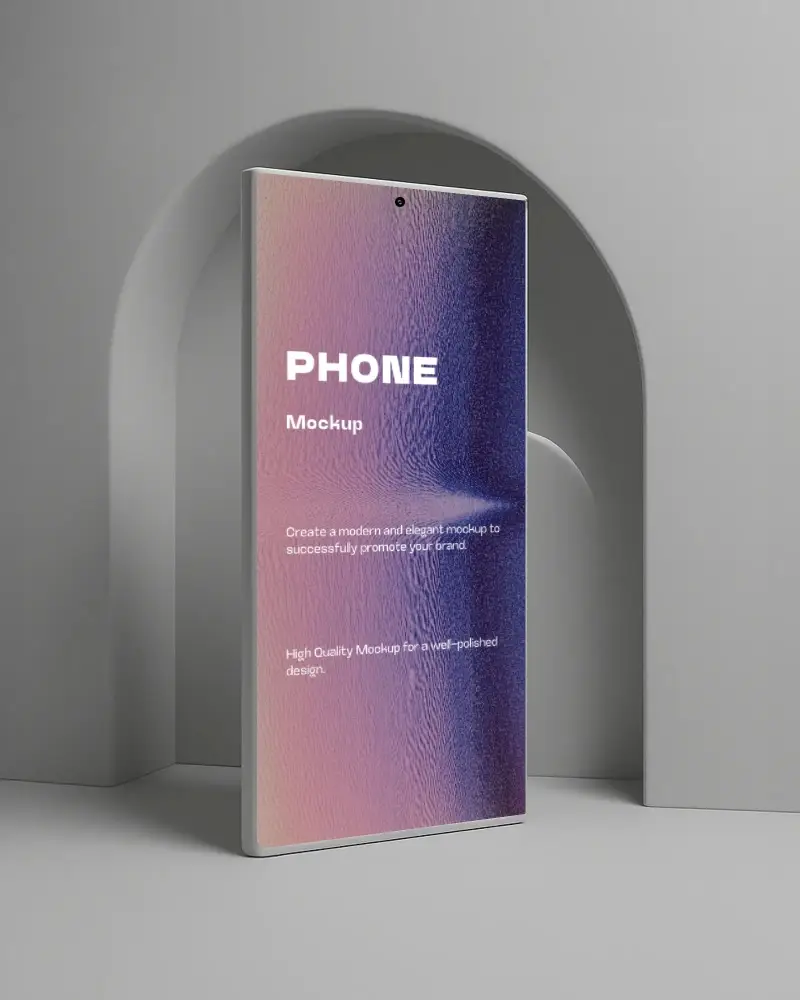
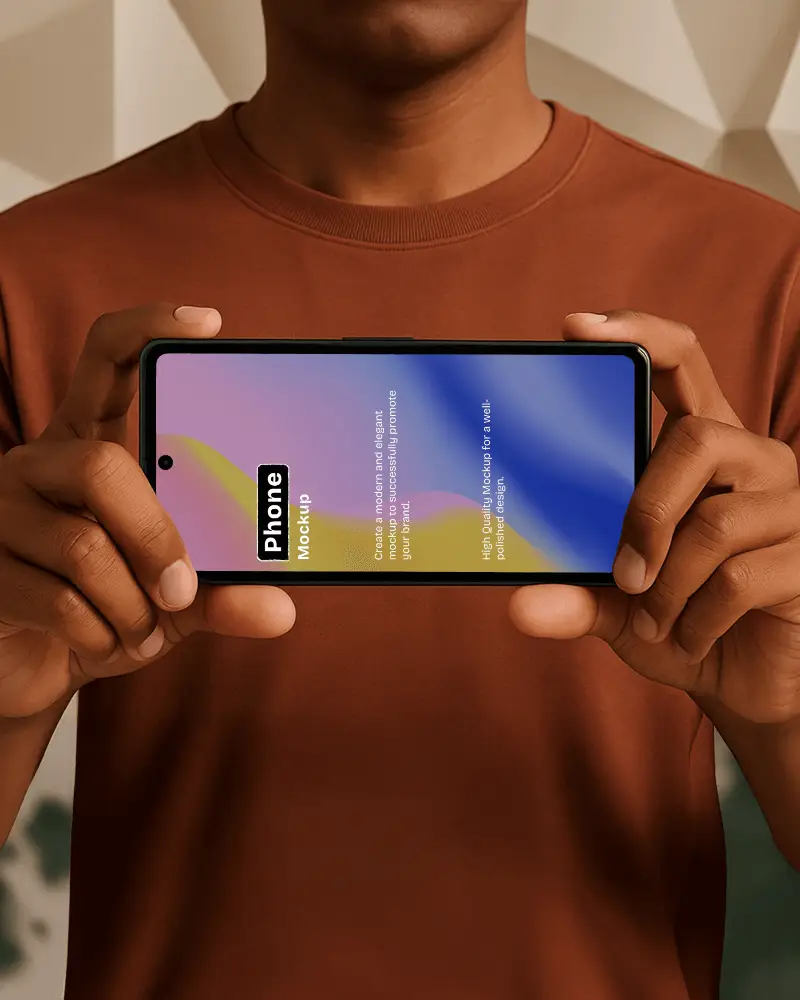
How to Create a Phone Video Mockup in Mockey AI
To create phone video mockups:
- Step 1: To get started, opt for 'Pricing' and the MAX plan. Proceed to the 'Video Mockups' section and locate the Phone option within Tech.
- Step 2: Choose a template that aligns with your design preferences. Upload the image and modify it according to your requirements.
- Step 3: Click on 'Generate Video.' The Phone video mockup will be created and saved.


FAQs on phone Video Mockups
What is a phone video mockup?
Using a phone video mockup, you can see how an application or website will look on a real handset. These mockups make apps and designs easy to understand.
Why should I use a phone video mockup?
Make your app or website look polished by using a phone video mockup. Your social media and portfolio content will be more engaging when you show the screenshots in a video style. A static screenshot feels flat, but a phone video mockup is more engaging. They show movement and how the product works in real hands.
What can I showcase with a phone video mockup?
Phone video mockups are useful for showing apps, websites, designs, and features. As a result, viewers will be able to follow your design more easily, and it will be more appealing to them.
How are phone video mockups different from static mockups?
Phone video mockups feel more lively and engaging. Static mockups, in contrast, show only one still image. Video mockups help people see how the product works and feels. Static mockups are simpler.
