Round Sticker Video Mockups
Explore high-quality Round sticker video mockups powered by Mockey’s video mockup generator. Customize animations, add your design, and create engaging visual previews that help your brand stand out across marketing and social platforms.
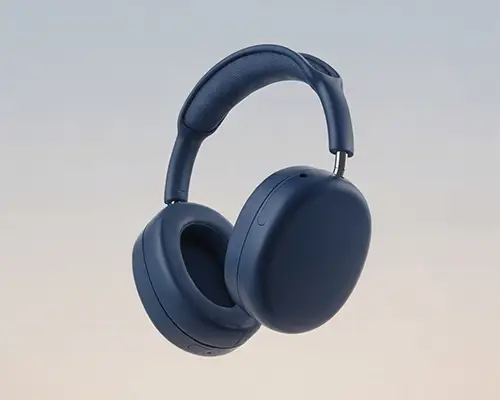
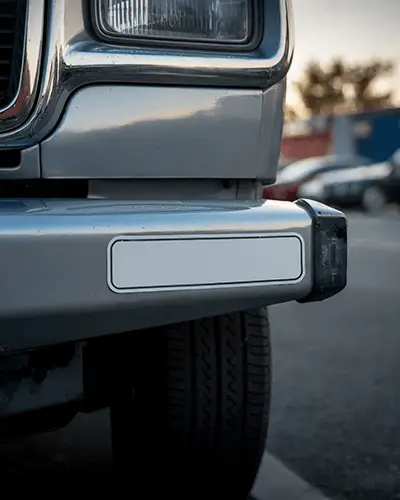
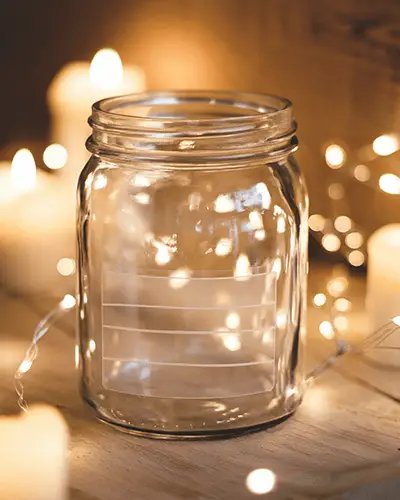
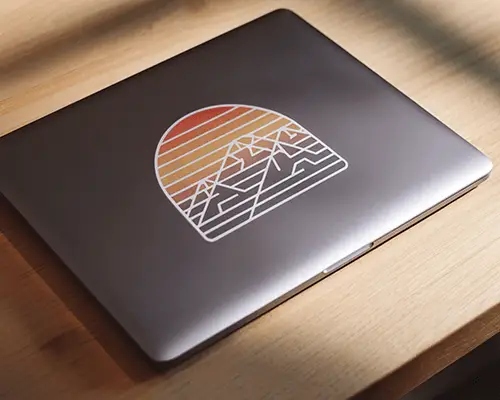



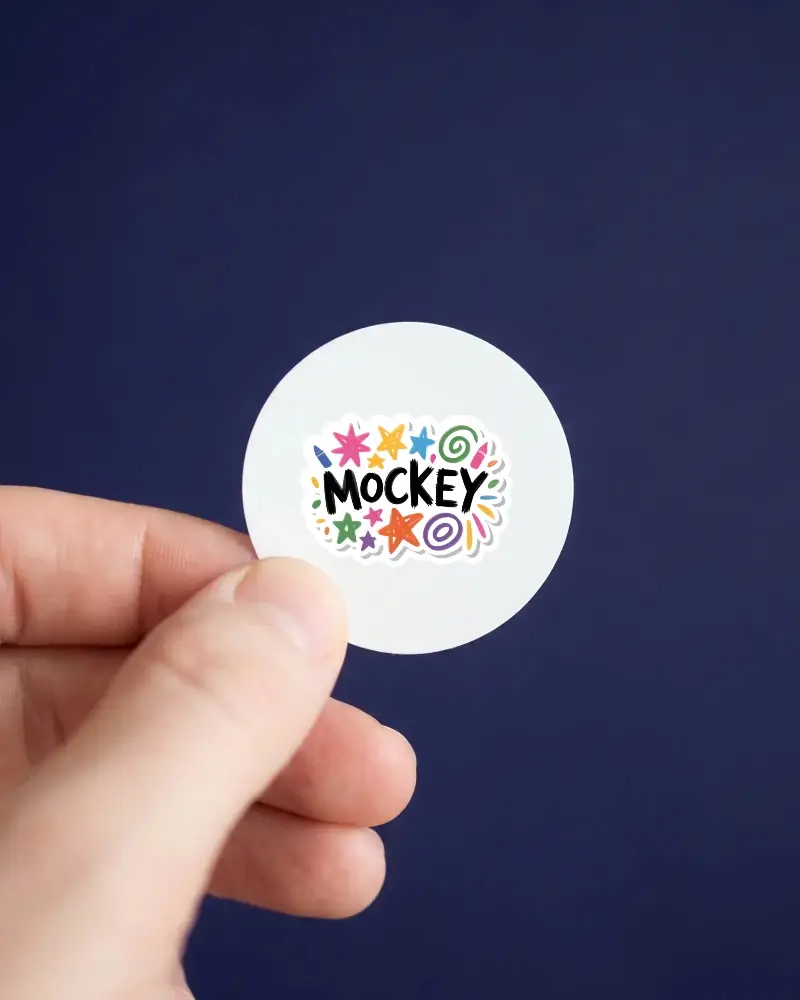
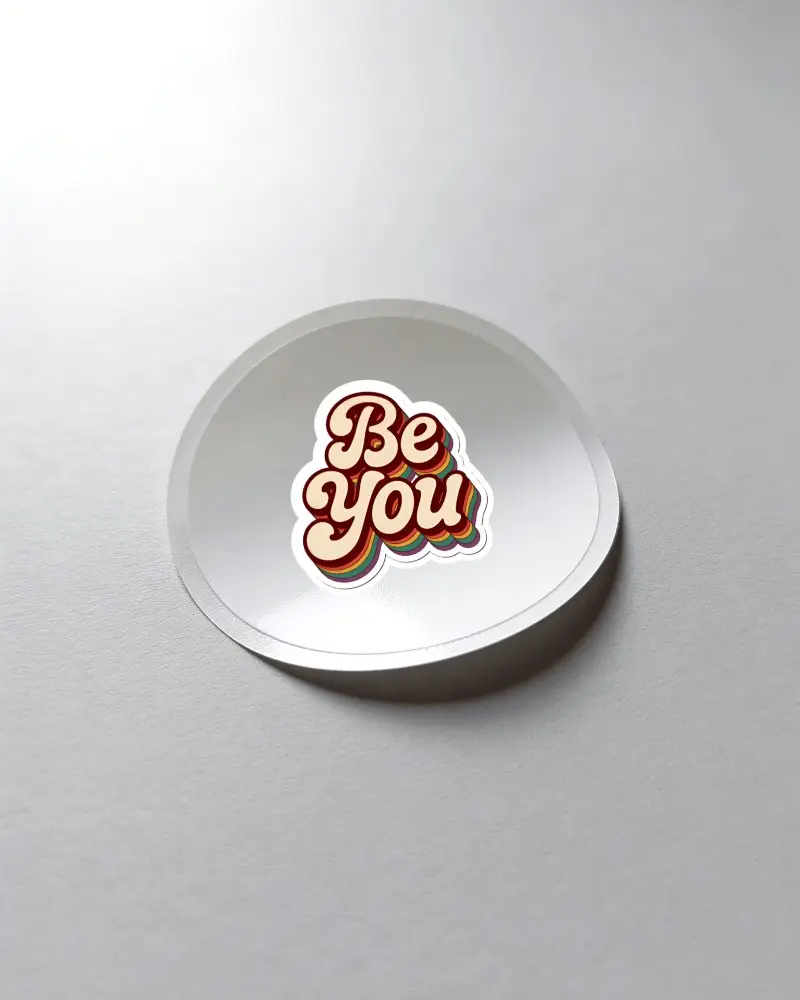
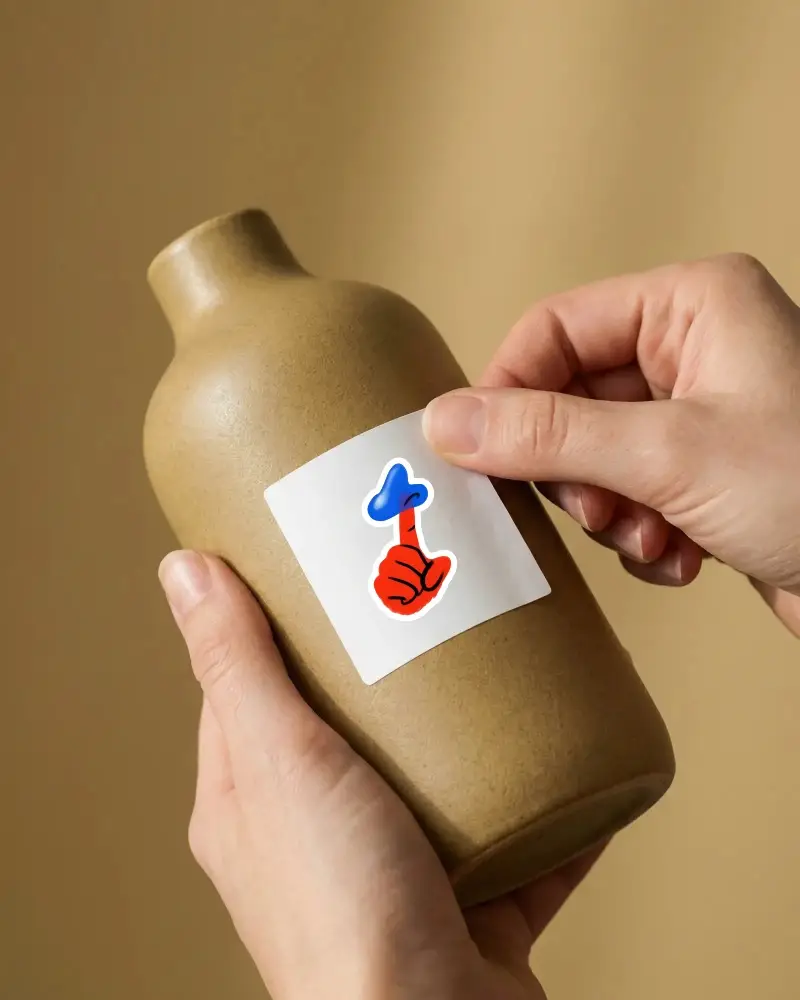
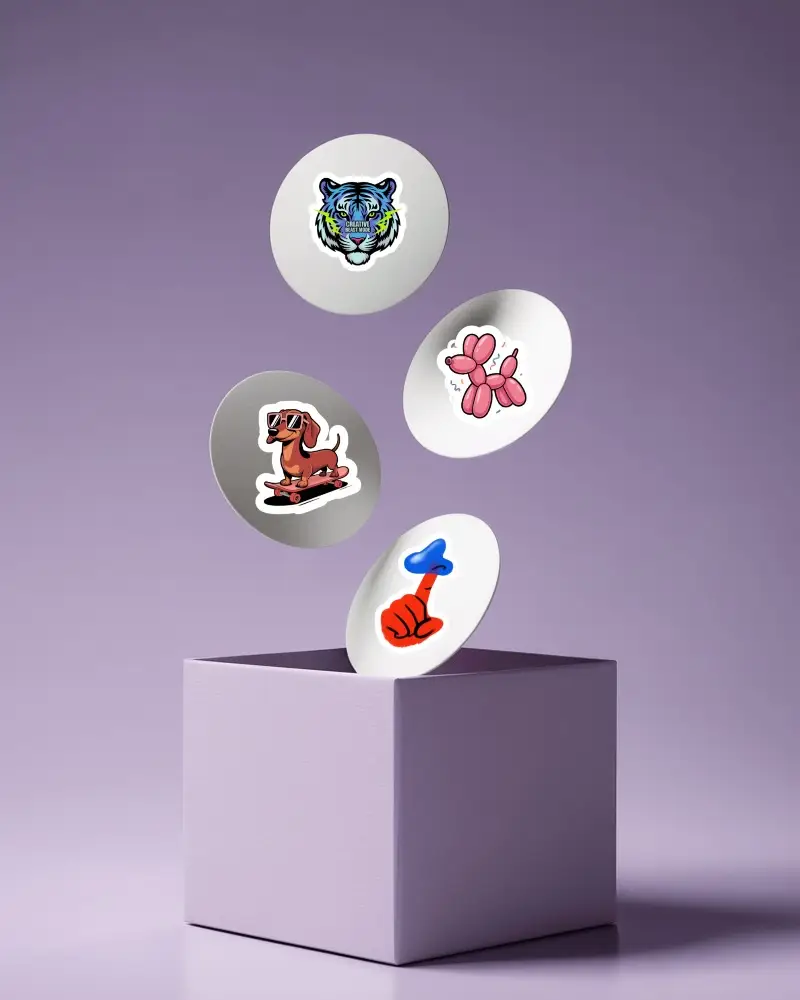
How to Create a Round Sticker Video Mockup with Mockey AI
To create Round sticker video mockups:
- Step 1: Select the CREATOR or ELITE plan from the Pricing page to unlock video mockups.
- Step 2: Go to Video Mockups, choose Sticker from the Print category, and select a video template.
- Step 3: Upload your design, make basic adjustments, and click Generate Video to save the Round sticker video mockup.


FAQs on Round Sticker Video Mockups
How can Round sticker video mockups improve brand presentation?
Round sticker video mockups present your design in motion, making it more engaging and memorable. This visual movement helps create a quick emotional connection and strengthens brand recall.
What customization options are available in Round sticker video mockups?
When creating Round sticker video mockups, you can adjust outline thickness and use the unclip feature to refine how your design appears on the sticker.
Are Round sticker video mockups suitable for social media promotions?
Round sticker video mockups work отлично for social media promotions. Mockey AI templates are ideal for platforms like Instagram, Facebook, and Snapchat, where video content performs better than static images.
Can I adjust animation styles in a Round sticker video mockup?
Animation styles cannot be changed. The final video follows the same animation shown in the preview. After uploading your design, only basic design adjustments are available.
