sticker
Sticker Video Mockups
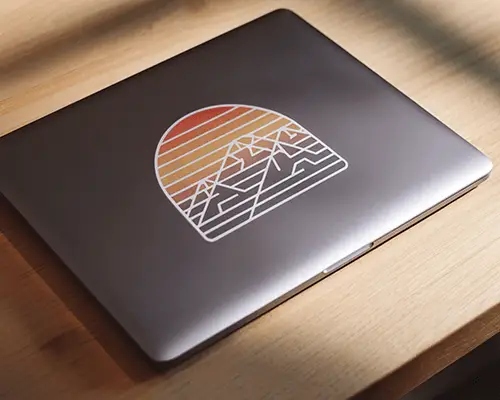
Explore high quality sticker video mockups on Mockey AI. Customize with ease and create dynamic visuals to showcase your brand in the most engaging way.


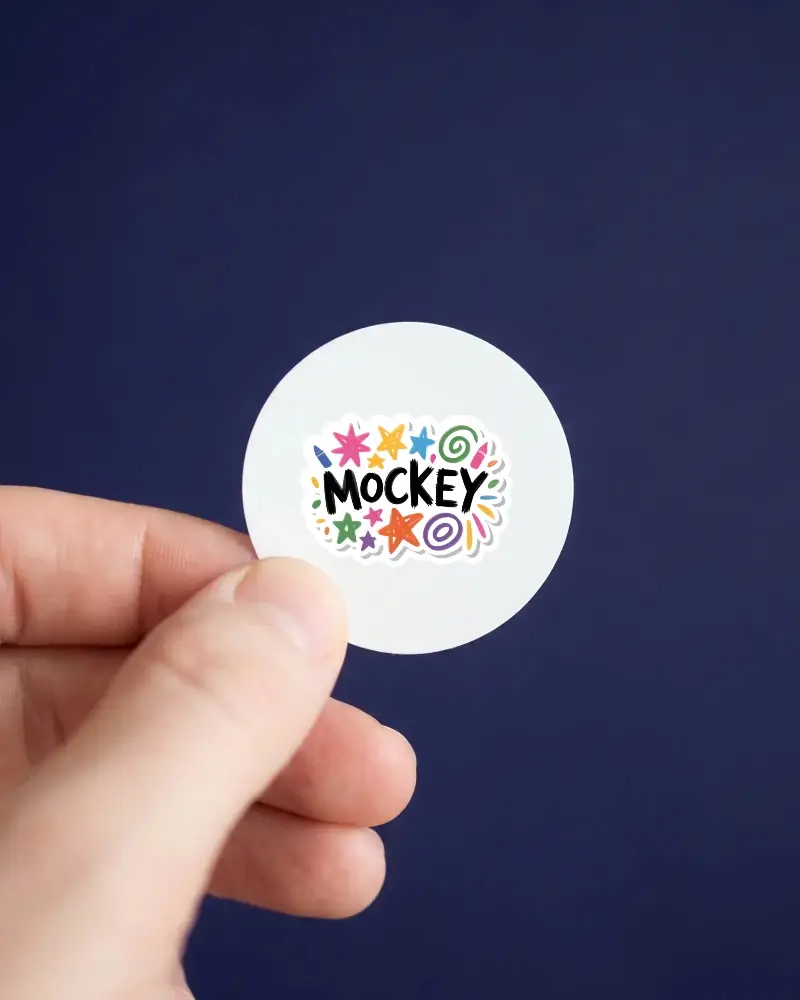
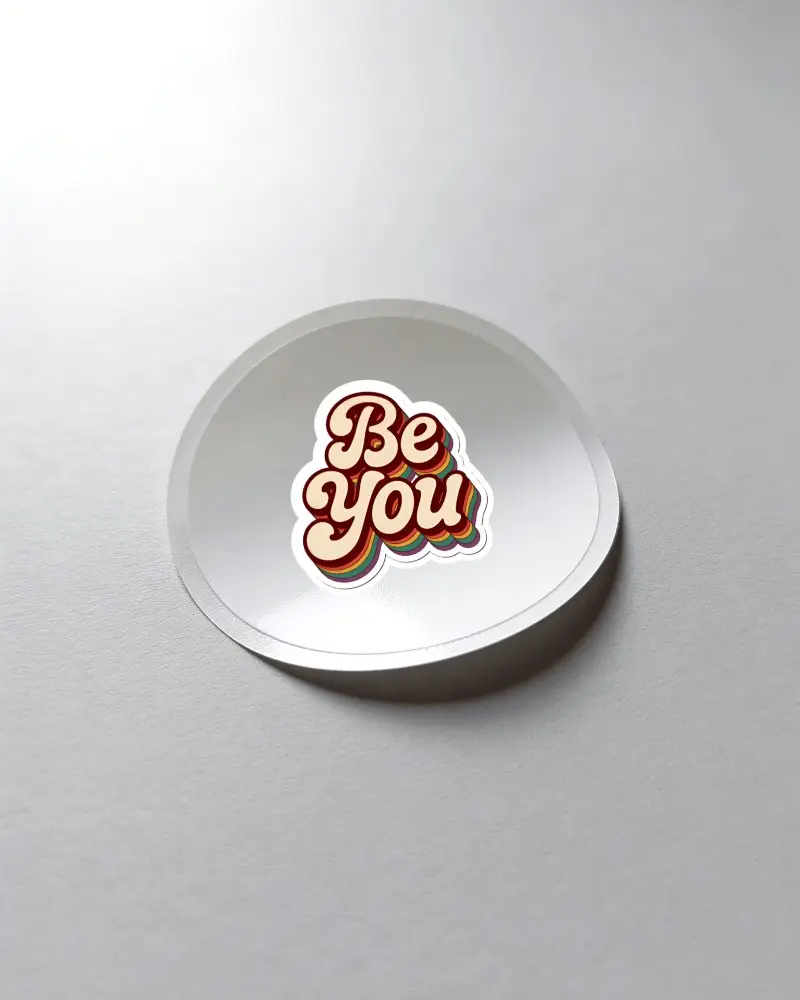
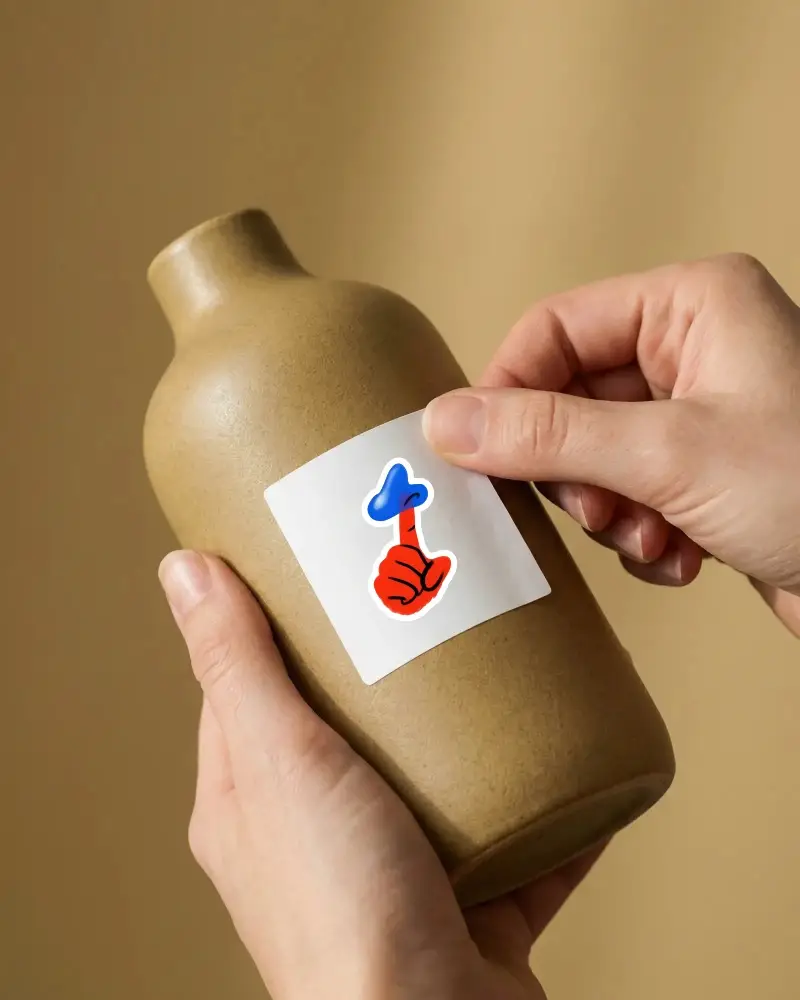
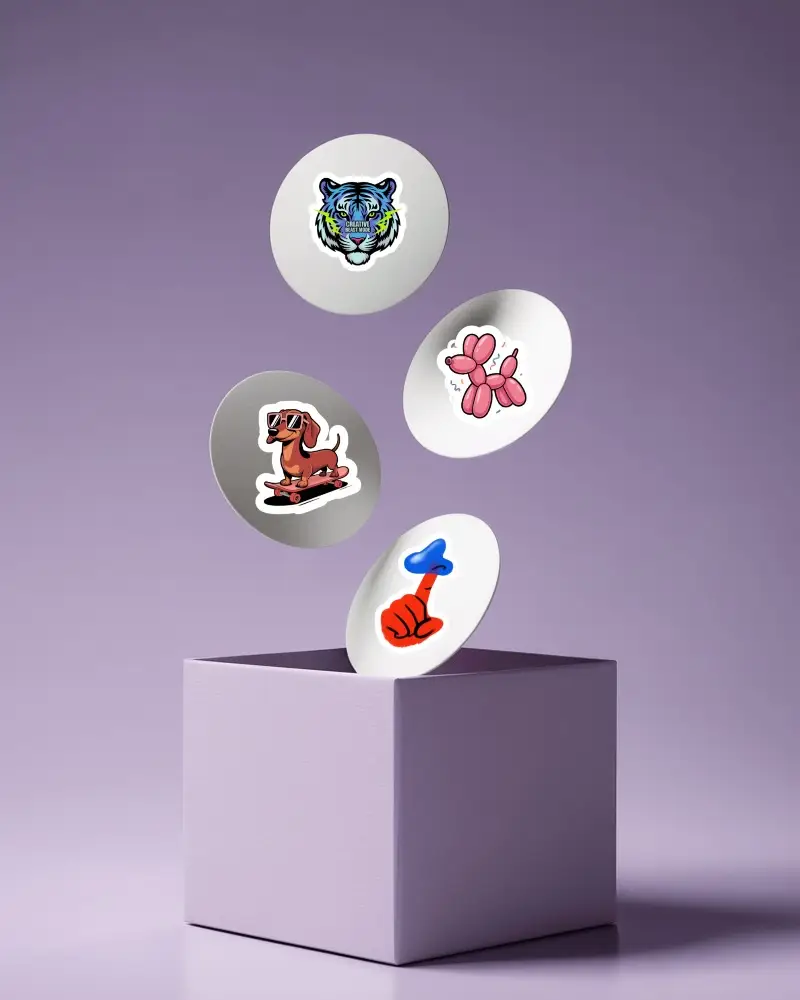
How to Create a Sticker Video Mockup with Mockey AI
To create sticker video mockups:
- Step 1: First, get the MAX plan. Go to 'Video Mockups' and choose 'Sticker' under the 'Print' section.
- Step 2: Select a video template and upload a design. Make changes if required.
- Step 3: Hit 'Generate Video' to create and save the sticker video mockup.


FAQs on sticker Video Mockups
How can I use a sticker video mockup?
Upload a design to the sticker video mockup template. Resize or add color if needed. Once it looks right, export the final video. Whether you're creating promos or pitches, you'll be able to present your design in a more real, eye-catching style.
What formats can I download sticker video mockups in?
When you download the sticker video mockup, it will be saved on your device in only one format – as an MP4 file.
