notebook
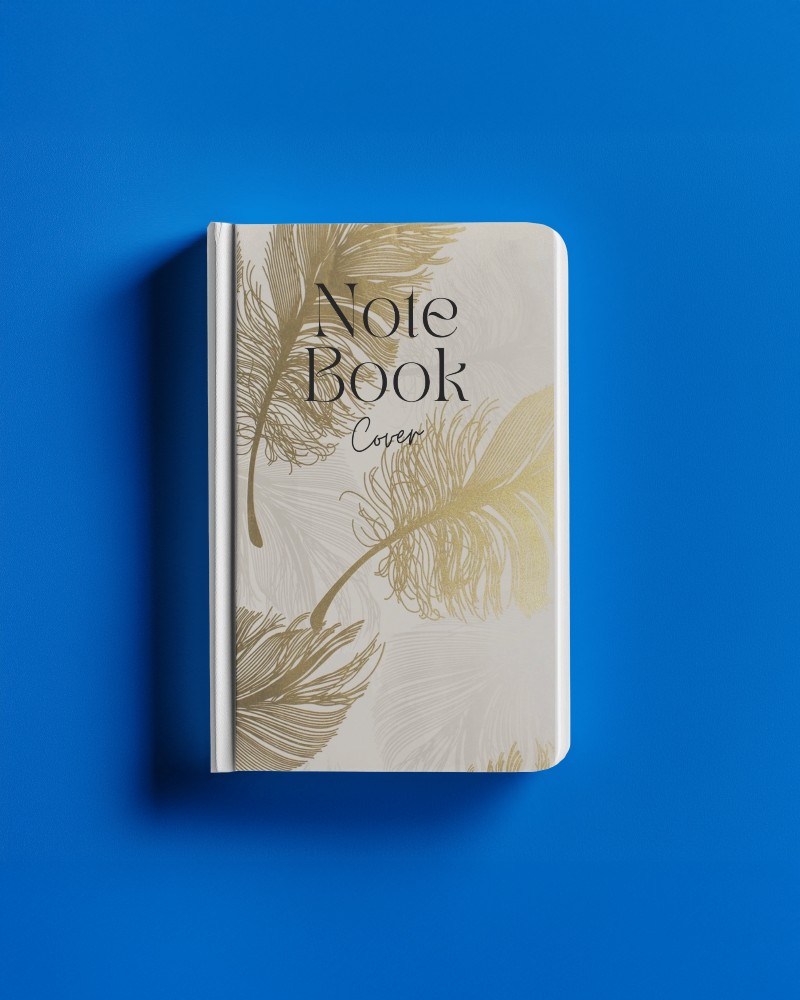
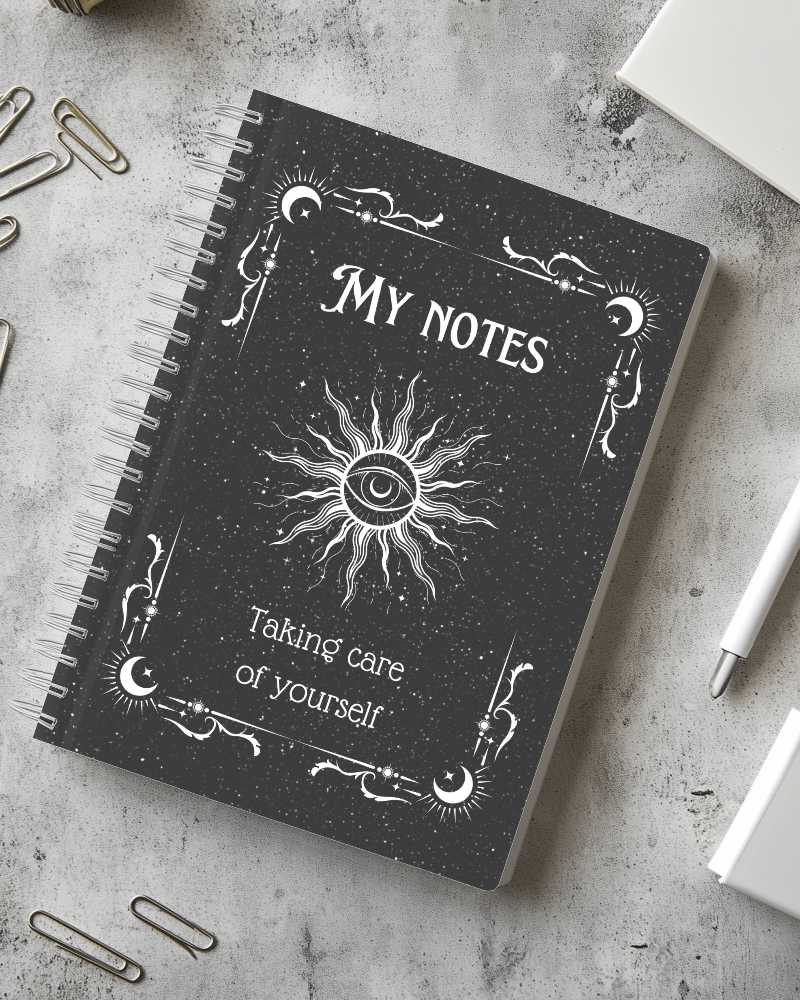
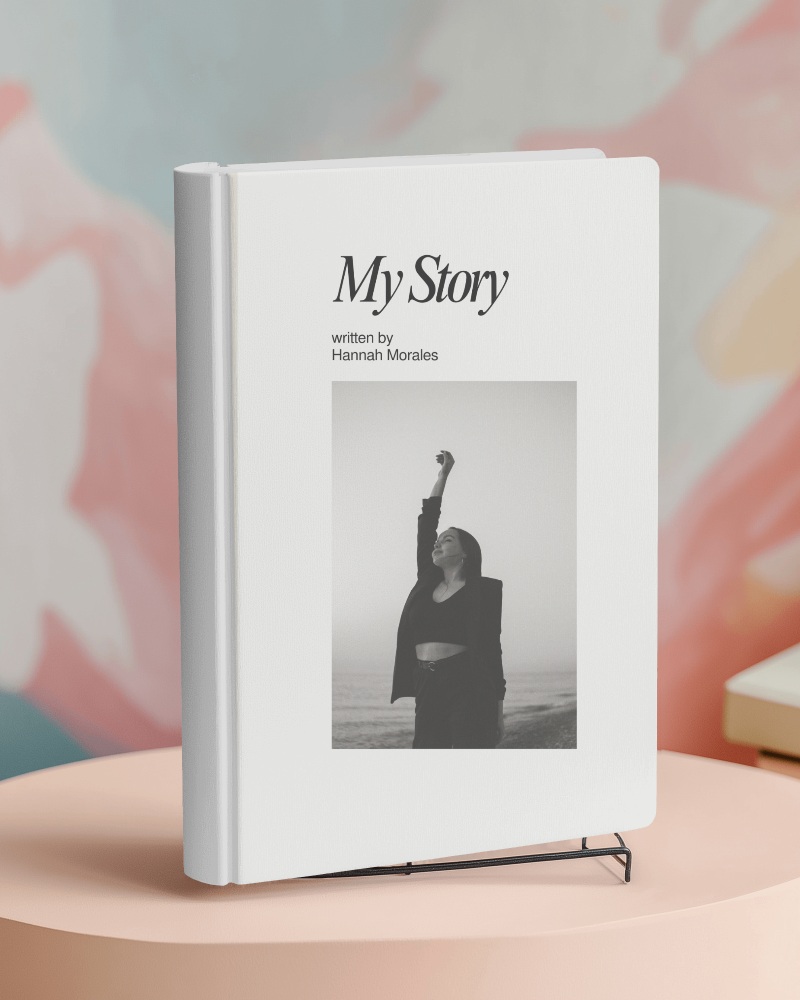
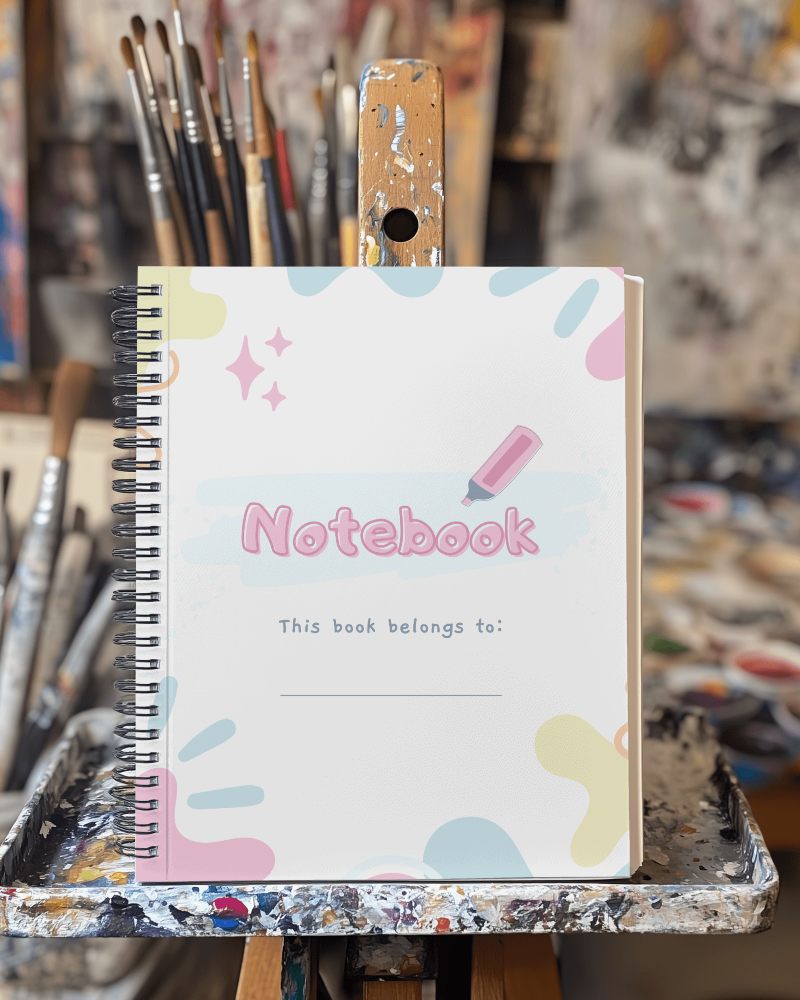
Black Notebook Video Mockups
Mockey AI offers engaging Black notebook video mockups with realistic angles and smooth motion. Perfect for branding, stationery promotion, and product previews.

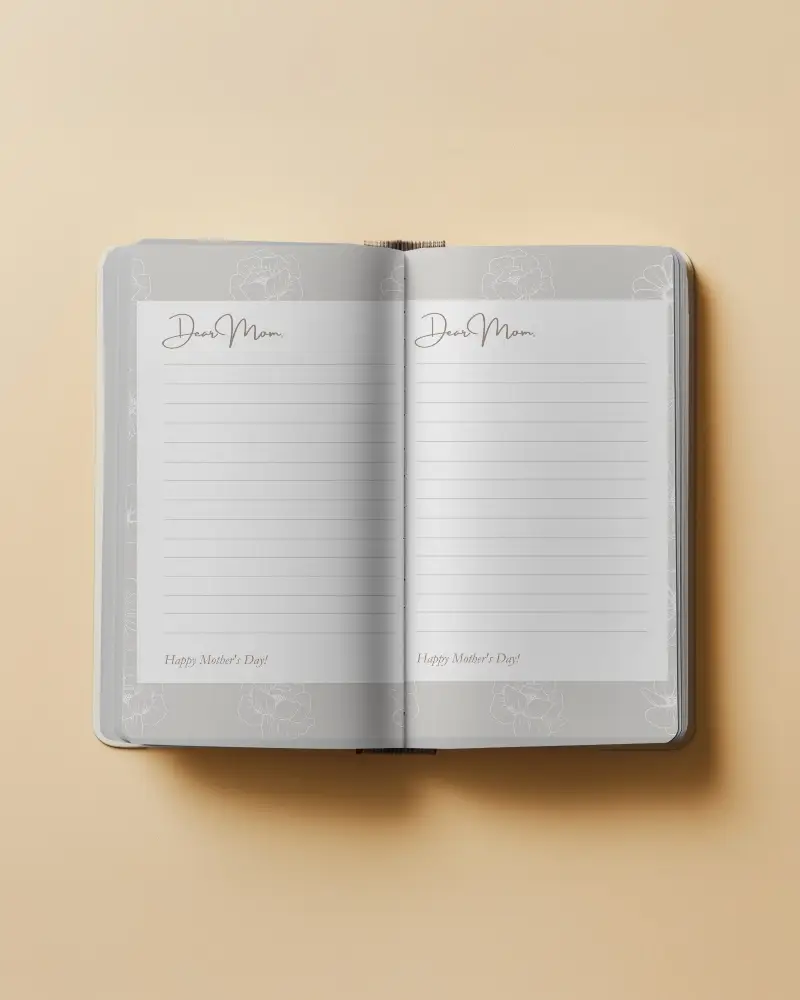
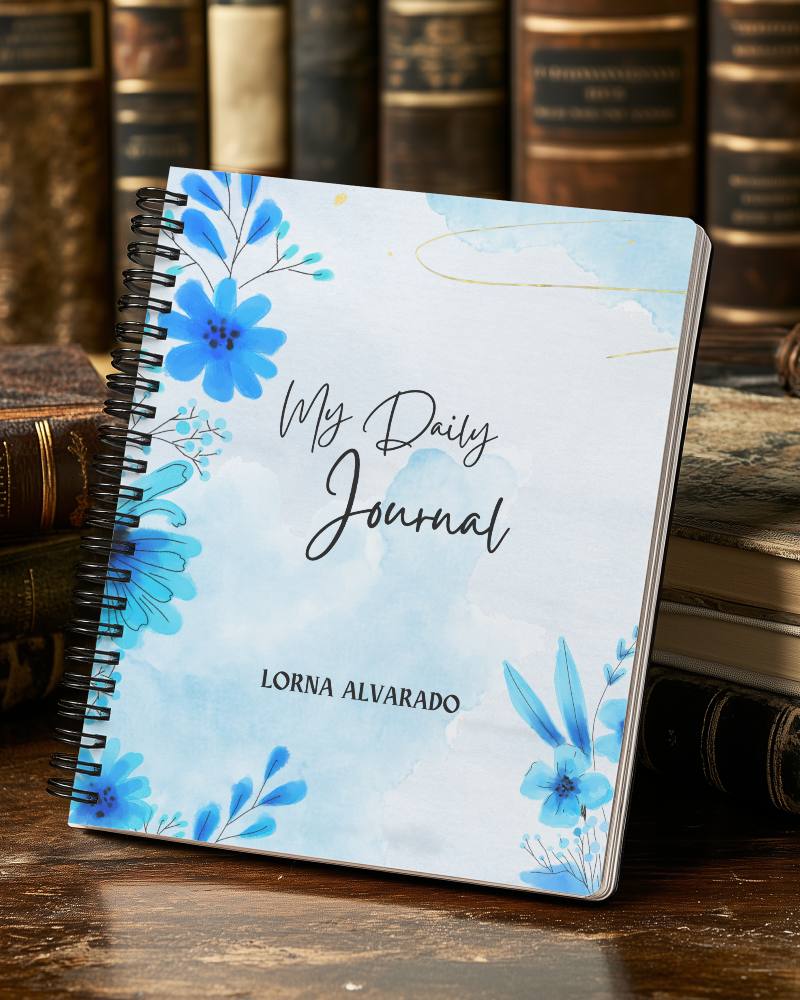
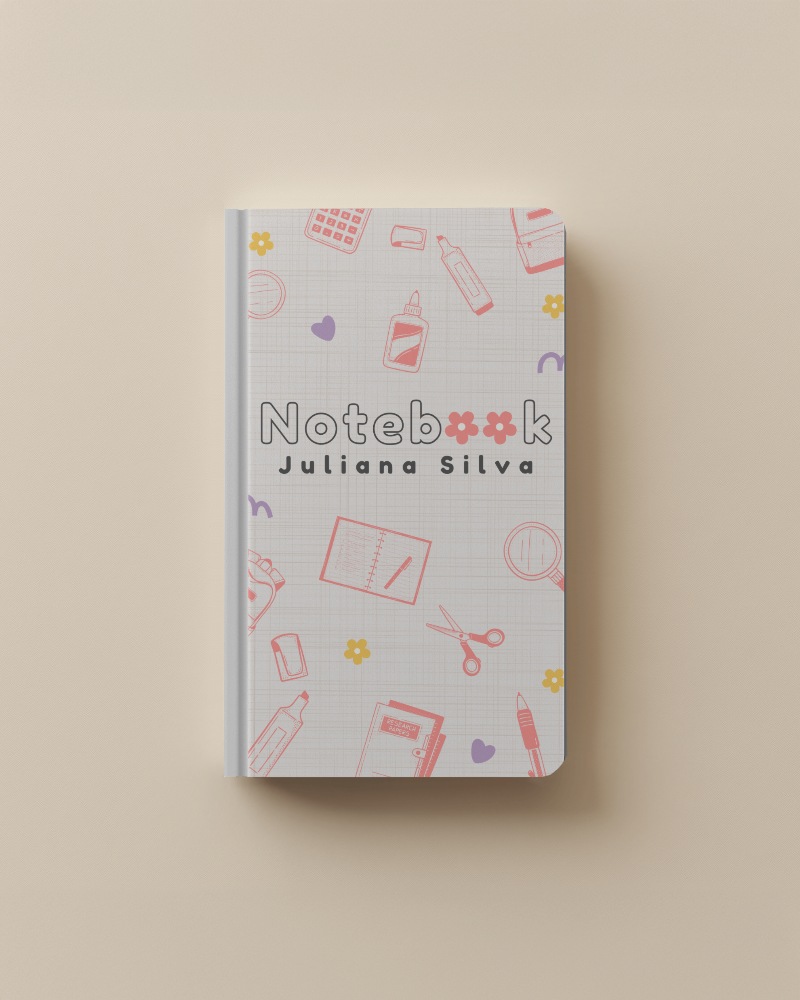
How to Create a Black Notebook Video Mockup with Mockey AI
To create Black notebook video mockups:
- Step 1: Upgrade to the CREATOR or ELITE plan to access video mockups.
- Step 2: Go to Video Mockups > Print > Notebook.
- Step 3: Upload your design, make adjustments, and click Generate Video to download your Black notebook video mockup.


FAQs on Black Notebook Video Mockups
Why use Black notebook video mockups instead of images?
Black notebook video mockups display movement and multiple viewing angles, making your product presentation more engaging.
Can I customize a Black notebook video mockup?
Yes, you can upload your cover design, adjust positioning, and export a high-quality Black notebook video mockup.
What format are Black notebook video mockups exported in?
They are exported in MP4 format for easy sharing on websites and social media.
