Generate & Notebook Video Mockup Download Online
Download Notebook Video Mockups from Mockey AI – Present your notebook designs in motion to impress clients, boost sales, and enhance product previews.

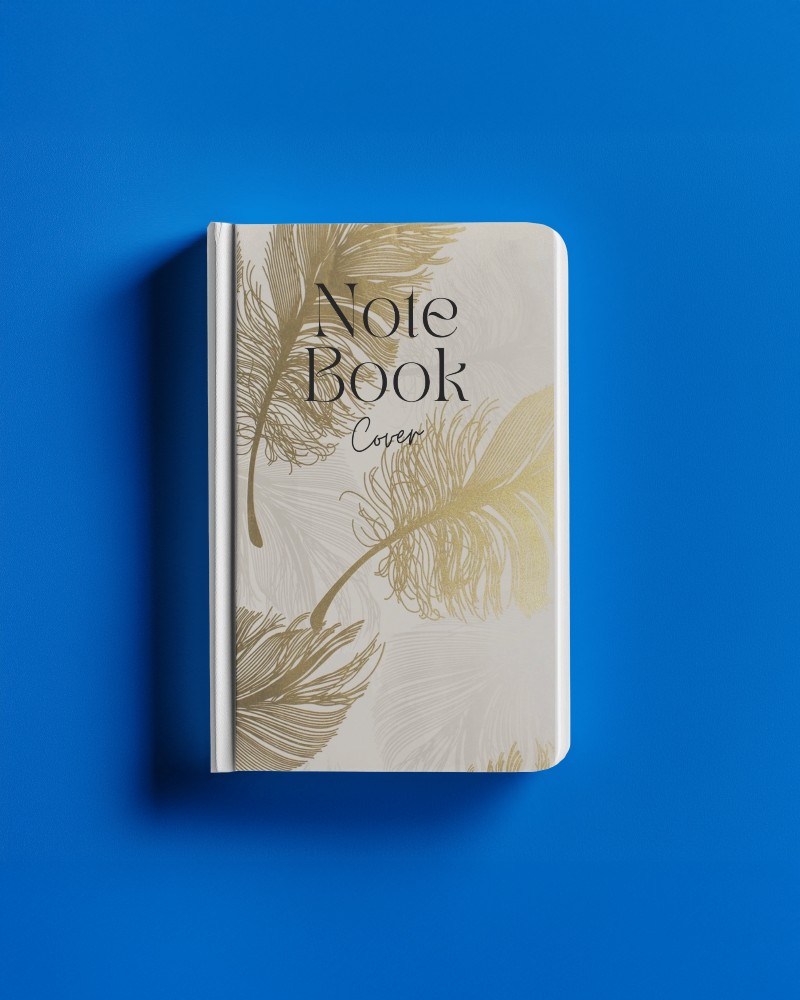
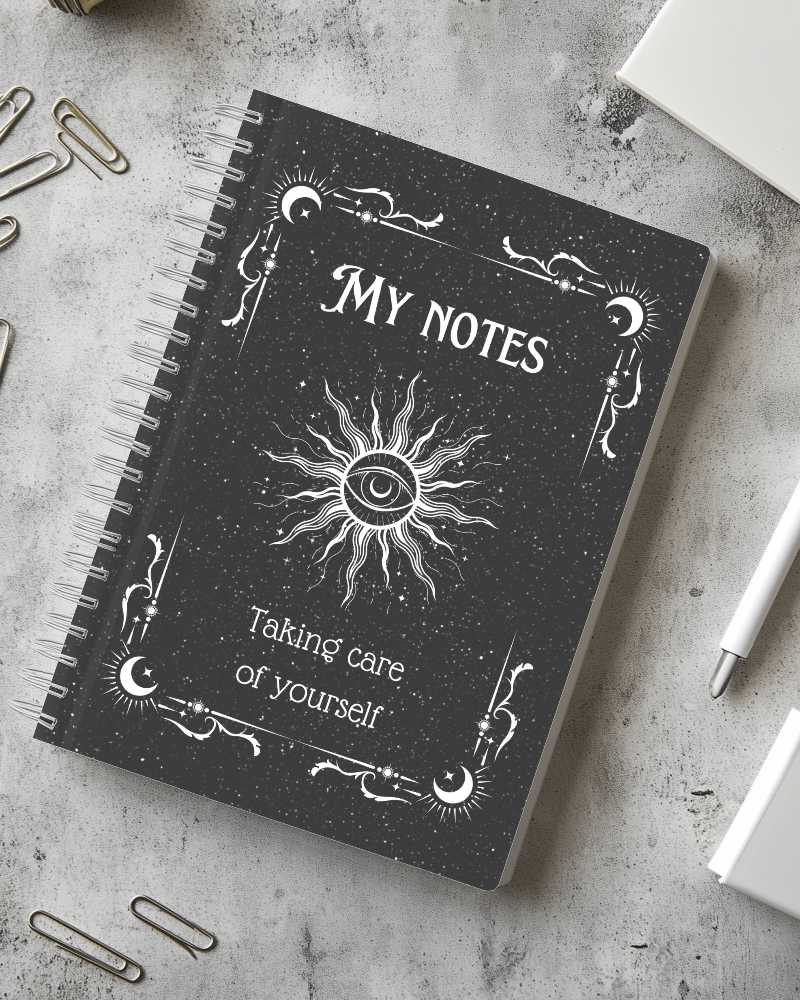
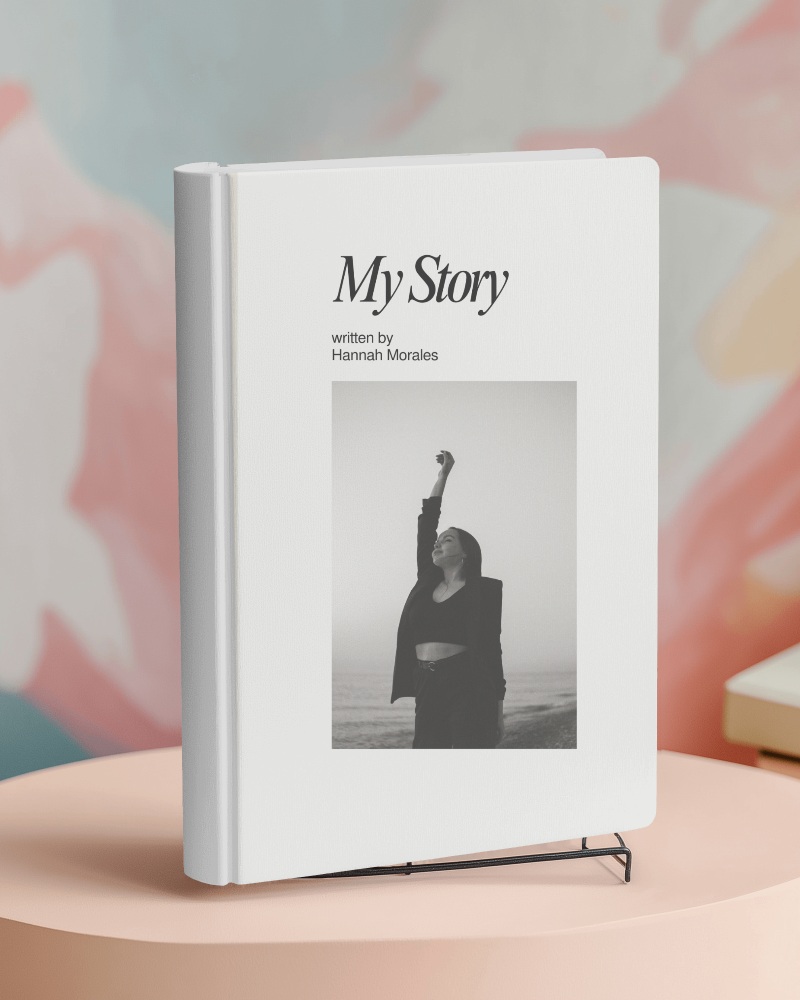
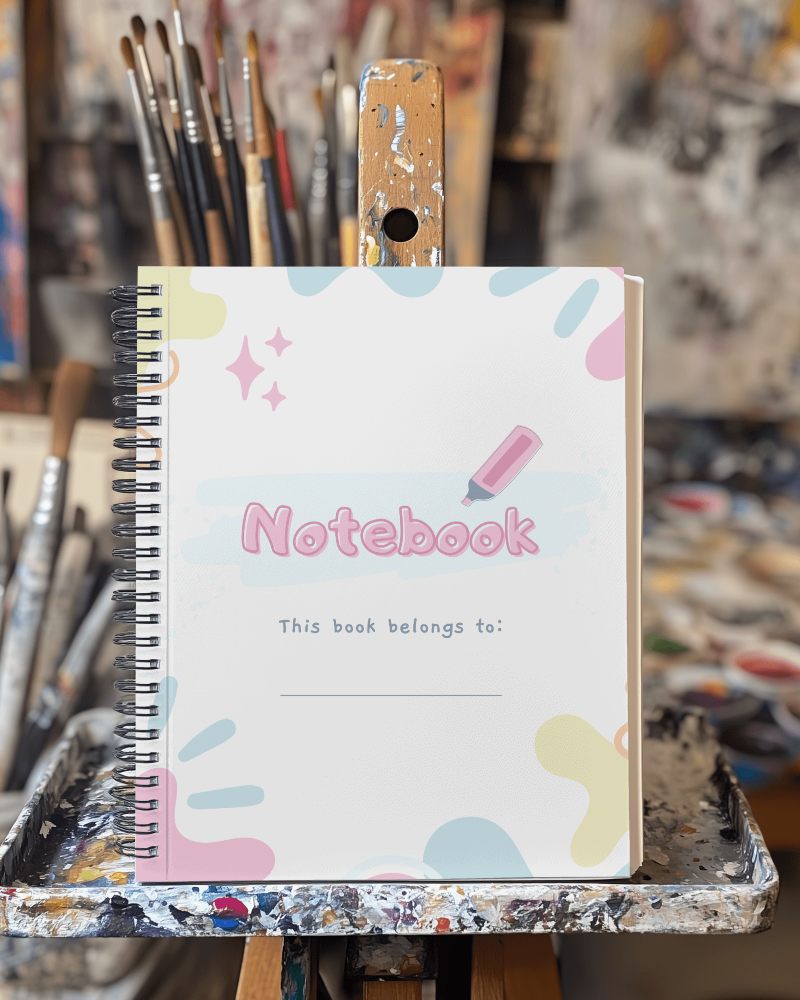
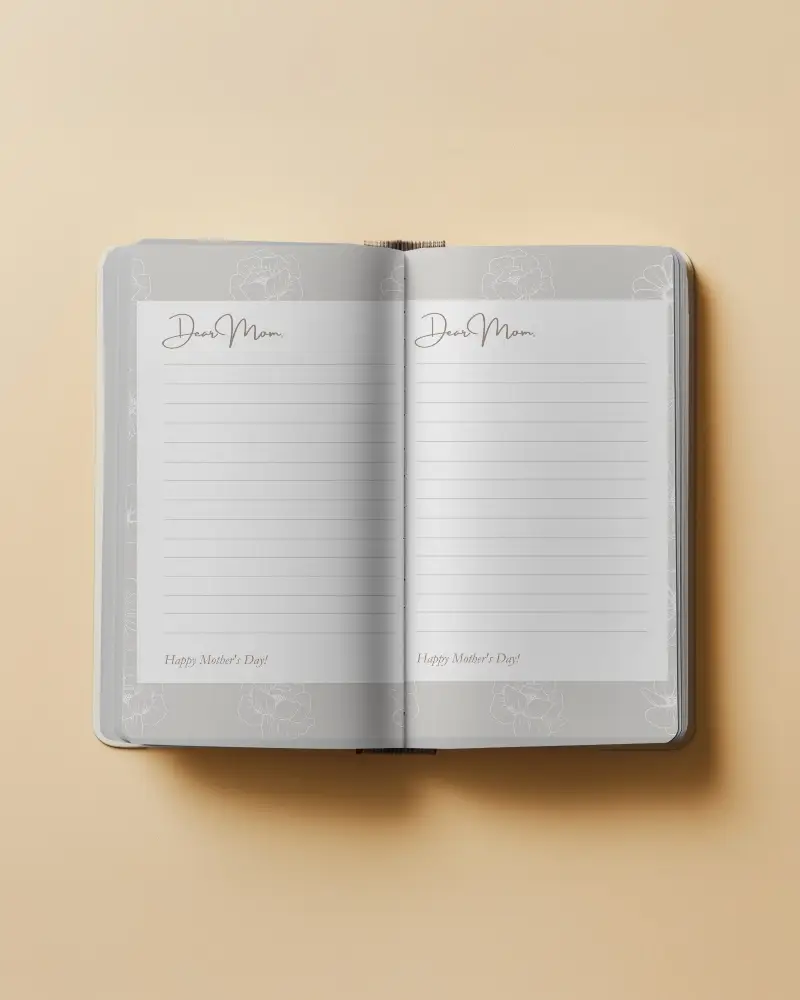
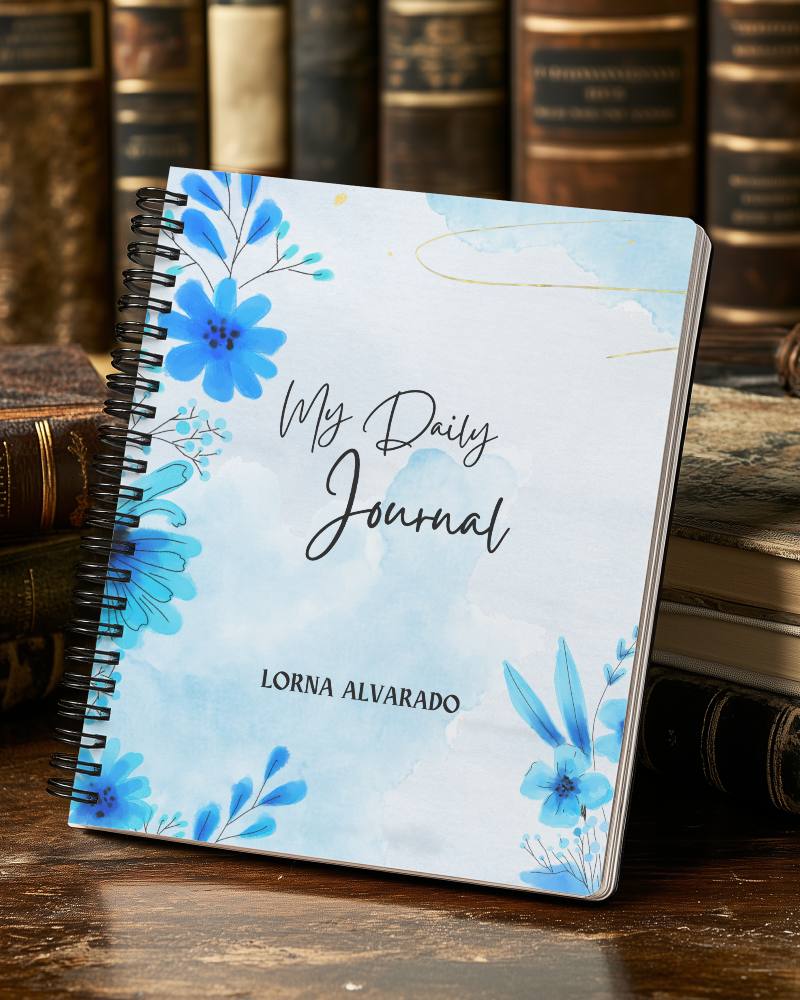
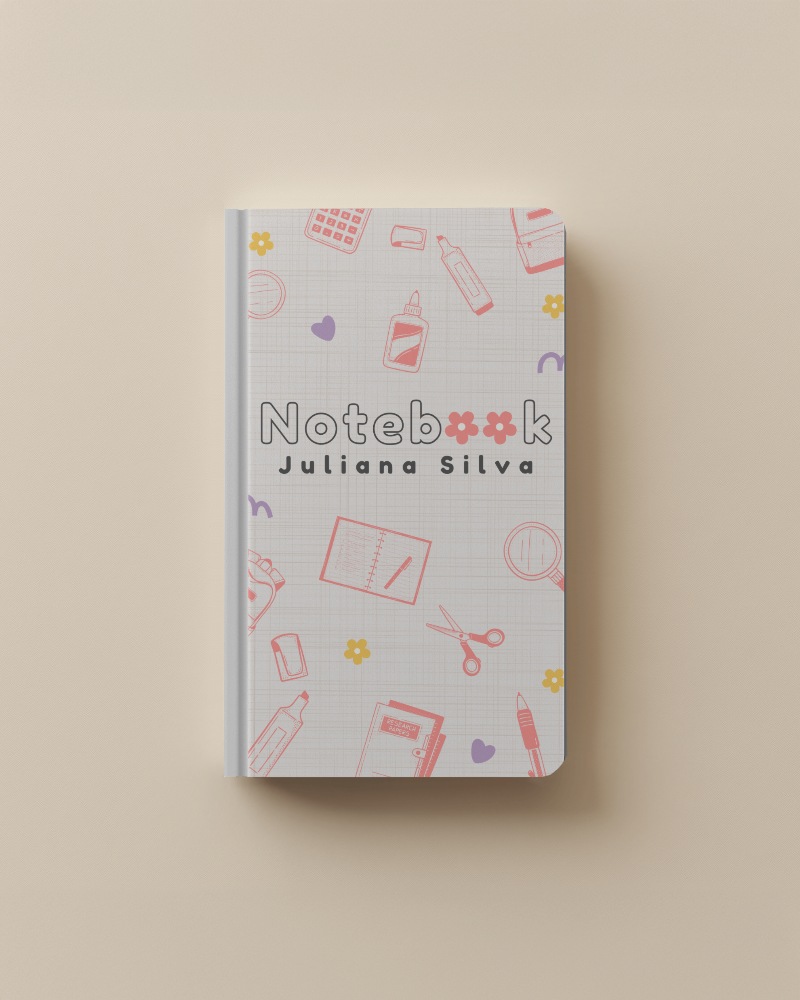
How to Create a Notebook Video Mockup with Mockey AI
To create notebook video mockups:
- Step 1: Begin by logging in and selecting the MAX package that is offered. Explore the categories by choosing 'Print' and eventually 'Notebook' in the 'Video Mockups.'
- Step 2: Examine the various video styles available. Following this, you will have the opportunity to adjust the settings and add a design.
- Step 3: Click 'Generate Video' once you have completed the customization. Your notebook mockup will be saved automatically.


FAQs on notebook Video Mockups
Why use video instead of an image for notebook mockups?
Video notebook mockups feel more real. They show movement and different angles. It’s more engaging than plain images. One video shows everything at once.
Can I use notebook video mockups for my online store?
Notebook video mockups are acceptable for use in your online store. If the mockup comes from someone else, make sure you have permission to use it. Modify the layout to reflect your brand.
Can I add my own design to the notebook mockup?
You can add your design to the notebook video mockups. Mockey AI lets you do this. Just upload your image or logo. Use the editing tools for modification.
Which formats can I download the video mockup in?
You can download video mockups in MP4. It gives you high quality, perfect for animations and videos. PNG is there too, but it's only for images, not videos.
Does Mockey offer both image and video mockups for notebooks?
Mockey lets you make notebook mockups in both image and video formats. Pick from ready-to-use templates. Add the artwork to view it in HD. You can also create videos to show how your notebook looks in motion.
