greeting-card
Vertical Greeting Card Video Mockups
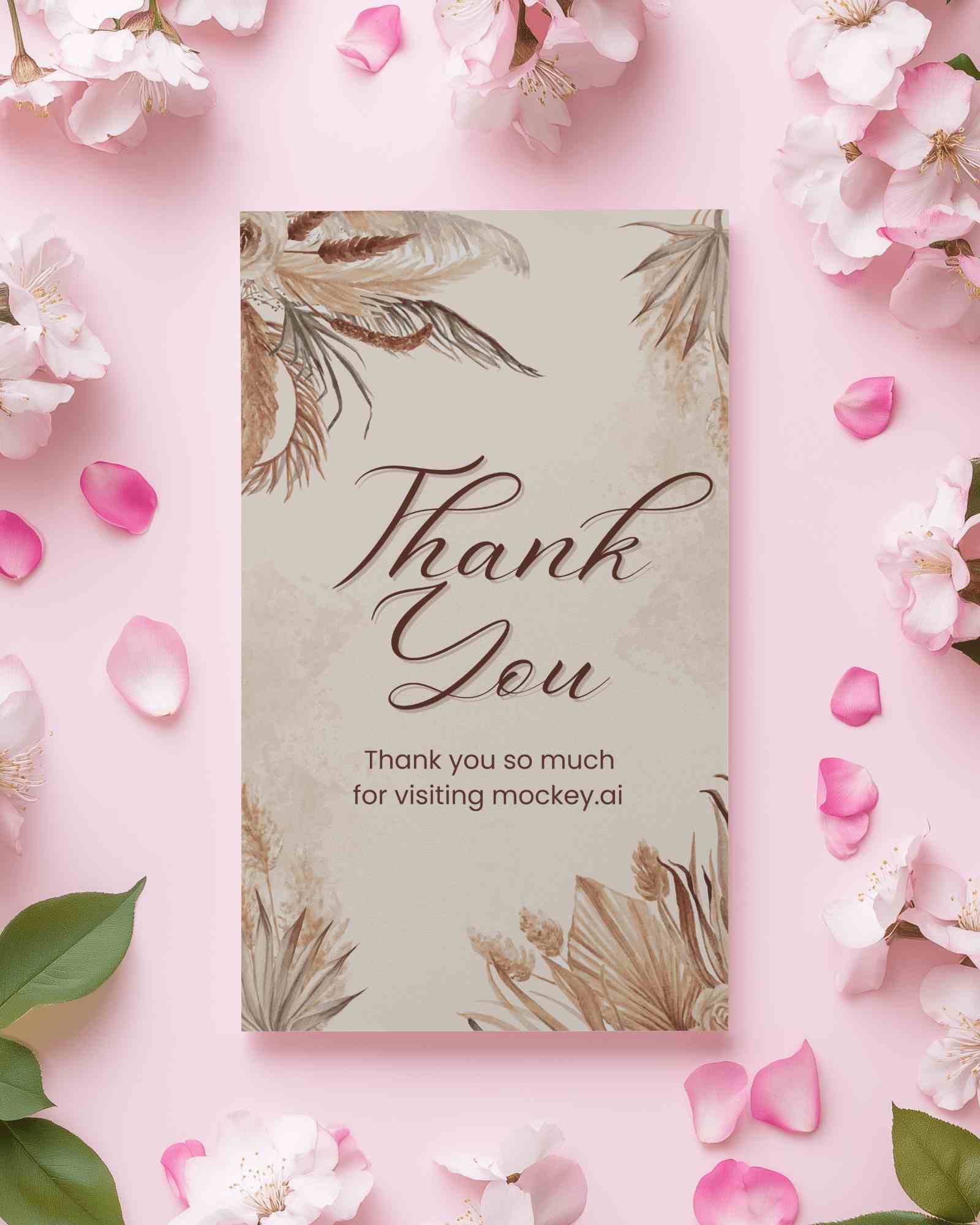
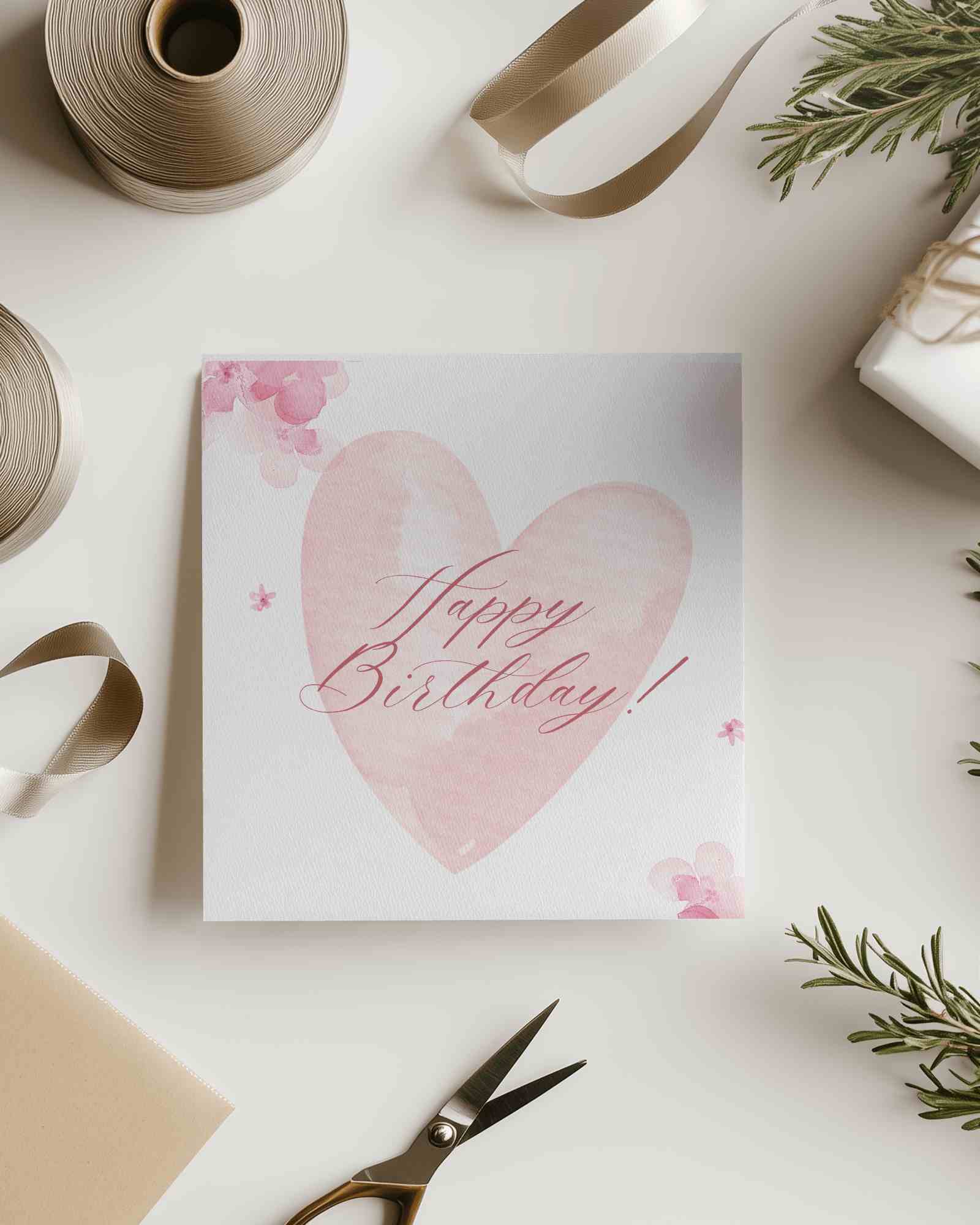
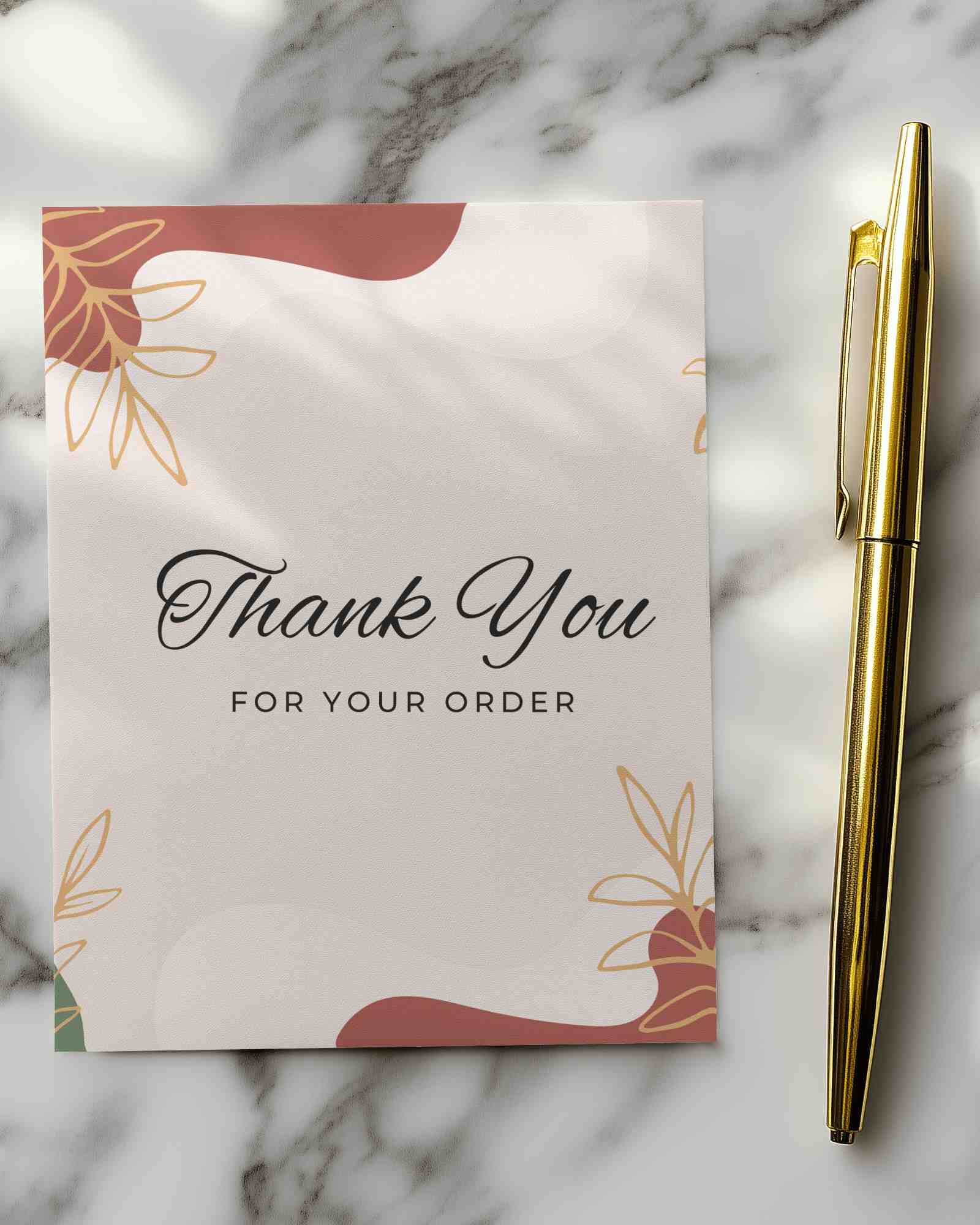
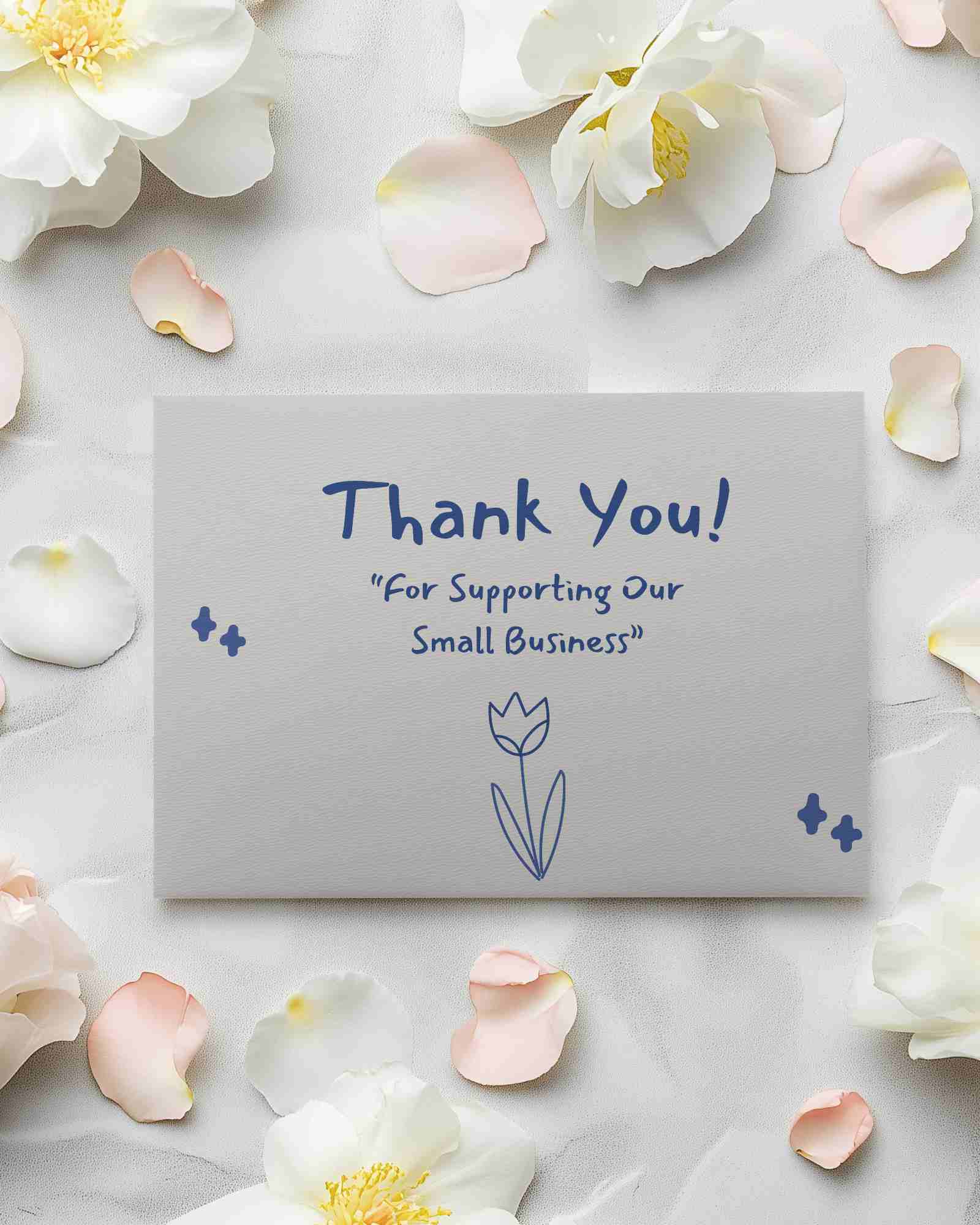
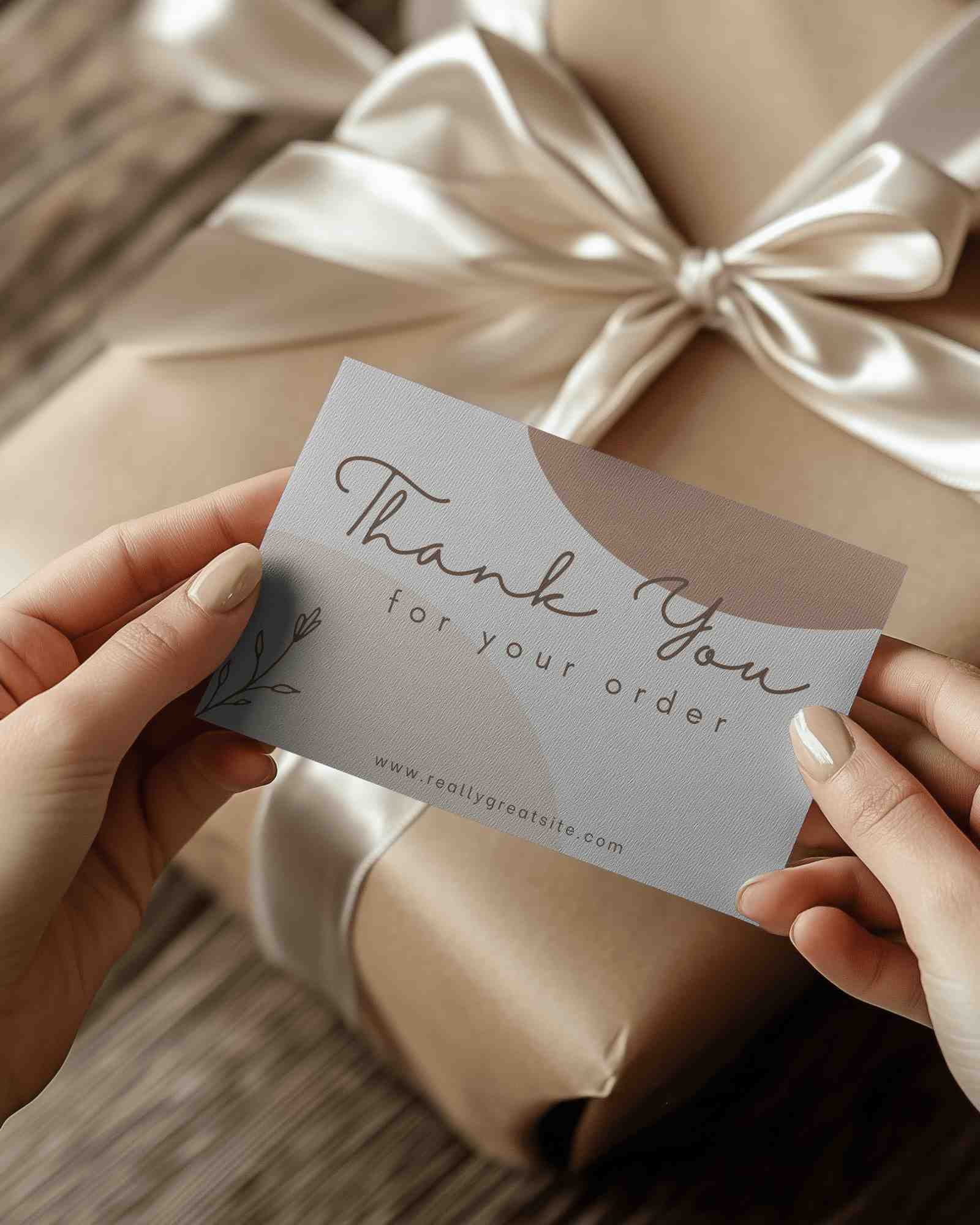
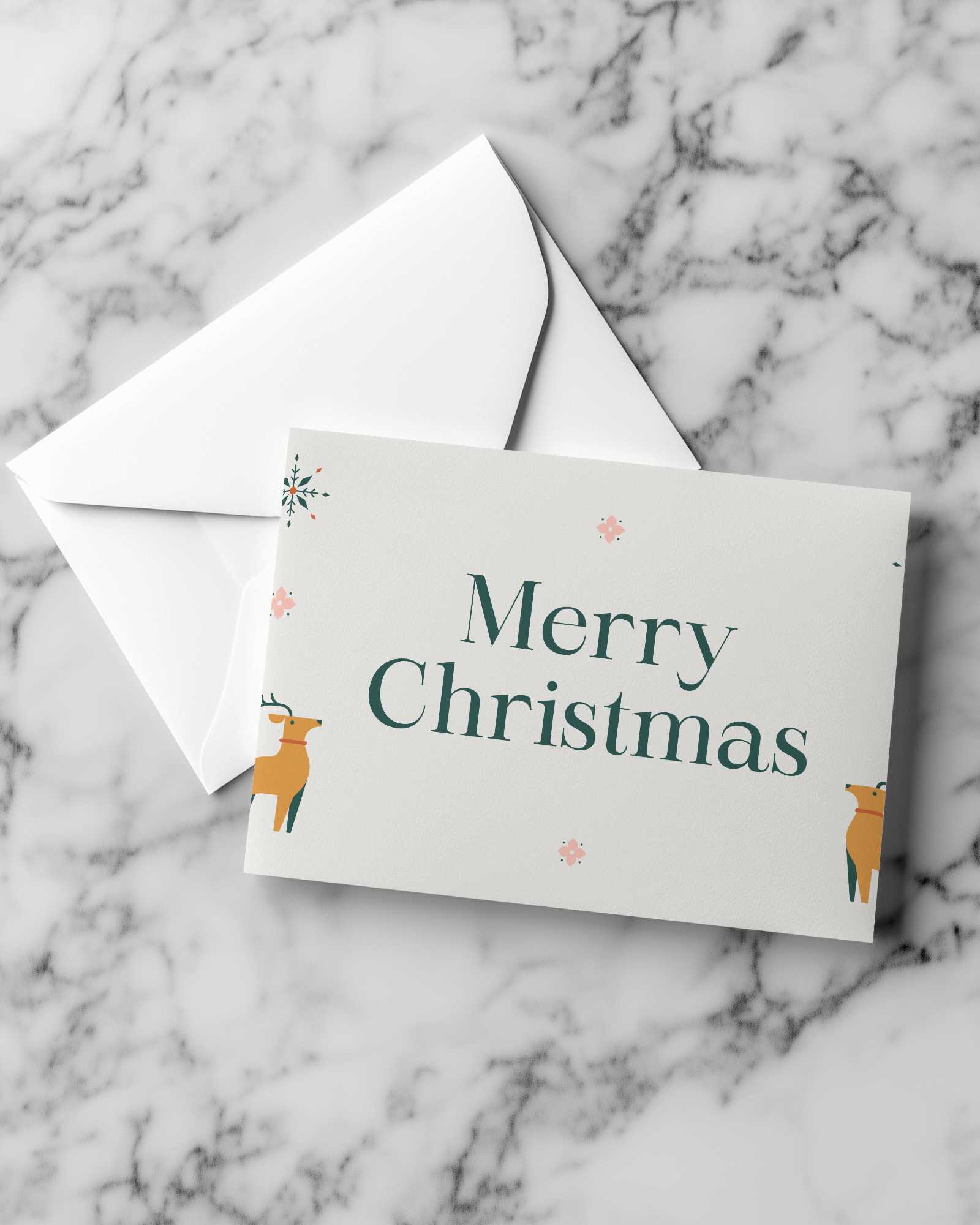
Mockey AI offers premium Vertical greeting card video mockups with smooth animation and emotional presentation angles. Perfect for birthdays, holidays, and special occasions. Customize and download high-quality Vertical greeting card video mockups instantly.

How to Create a Vertical Greeting Card Video Mockup with Mockey AI
To create Vertical greeting card video mockups:
- Step 1: Go to Pricing and choose the CREATOR or ELITE plan to unlock video mockups.
- Step 2: Open Video Mockups, navigate to Print, and select Greeting Card.
- Step 3: Upload your design, customize it, and click Generate Video to download your Vertical greeting card video mockup.


FAQs on Vertical Greeting Card Video Mockups
How can Vertical greeting card video mockups improve engagement?
Vertical greeting card video mockups add motion and emotion to your designs, making them more impactful and memorable across digital platforms.
Can I customize my Vertical greeting card video mockup?
Yes, you can upload your design, adjust placement, resize elements, and generate your final Vertical greeting card video mockup easily.
Are Vertical greeting card video mockups suitable for social media?
Absolutely. Vertical greeting card video mockups perform well on Instagram, Facebook, and promotional campaigns due to their motion-based presentation.
