Greeting Card Video Mockup – Make Every Message Move
With Mockey’s greeting card video mockup, your design comes alive through smooth motion, rich textures, and angles that express emotion. Perfect for birthdays, holidays, or heartfelt notes.
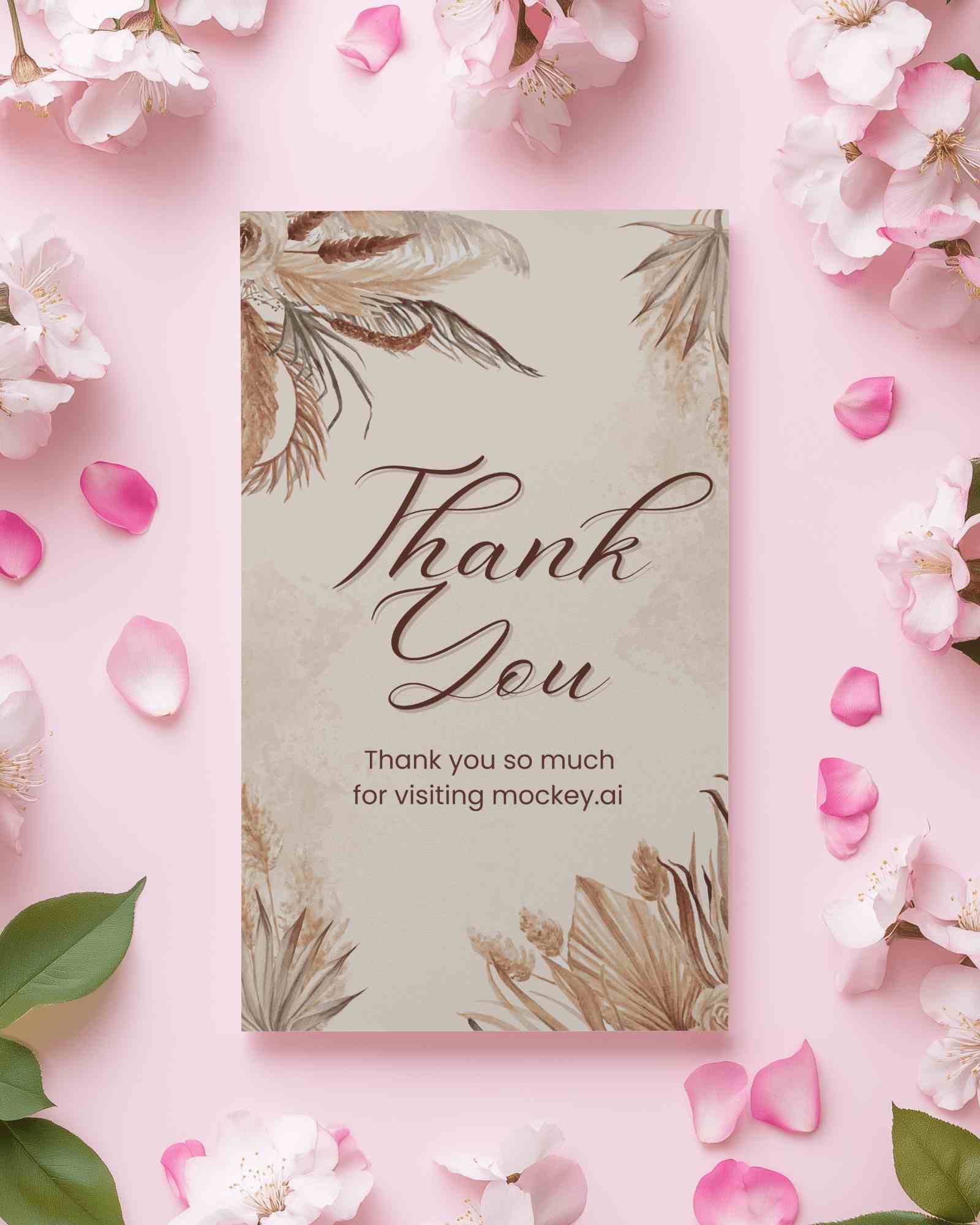
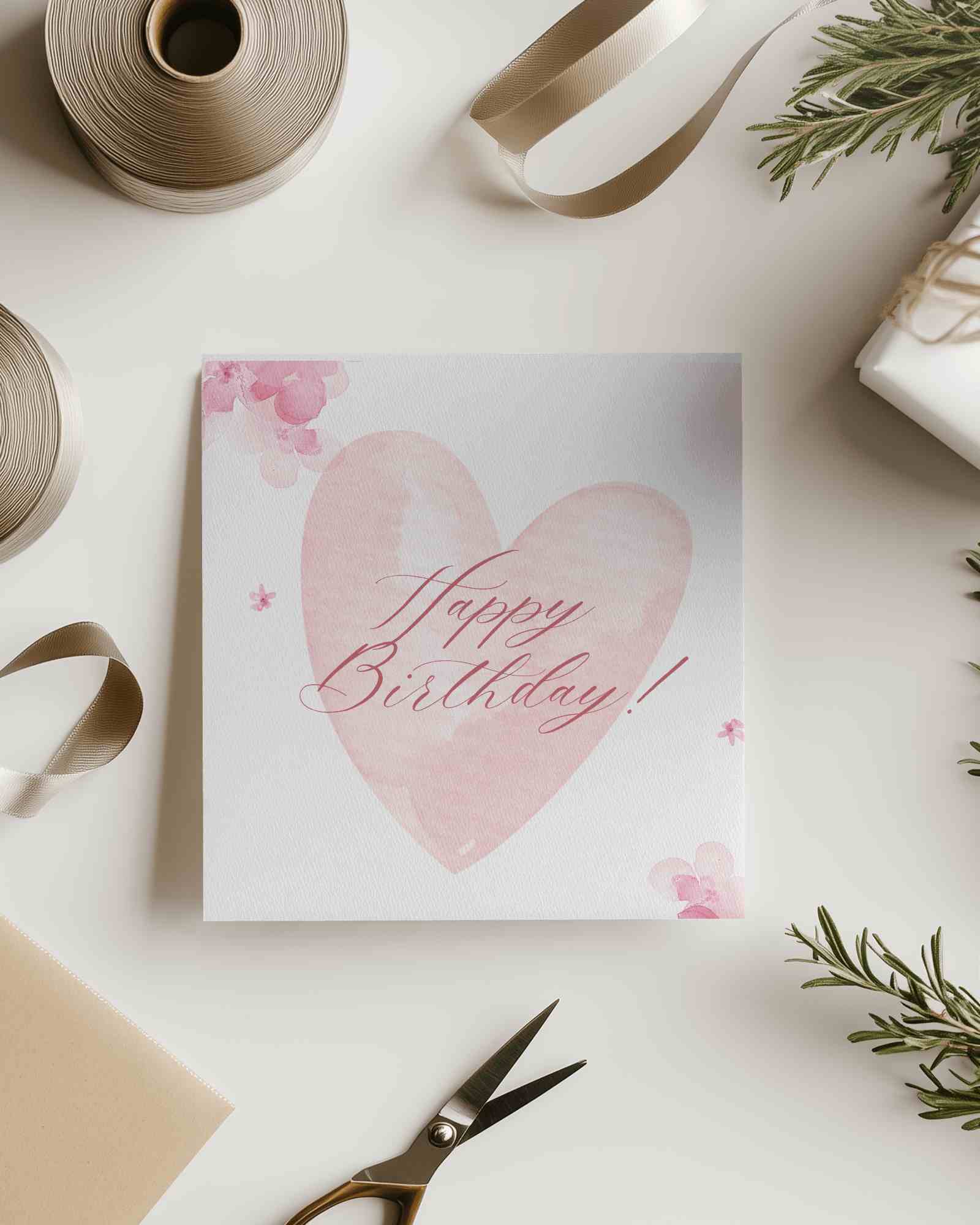
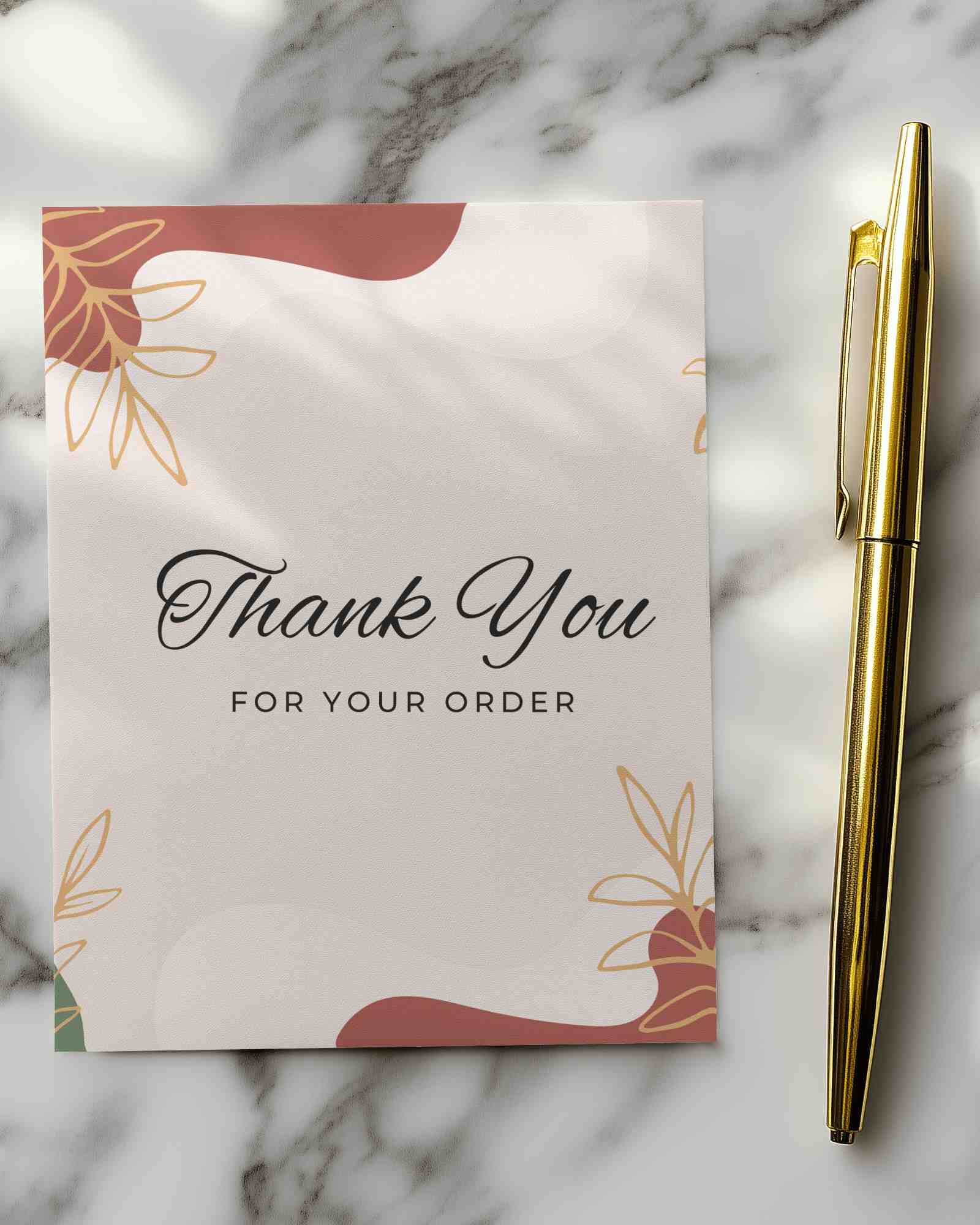
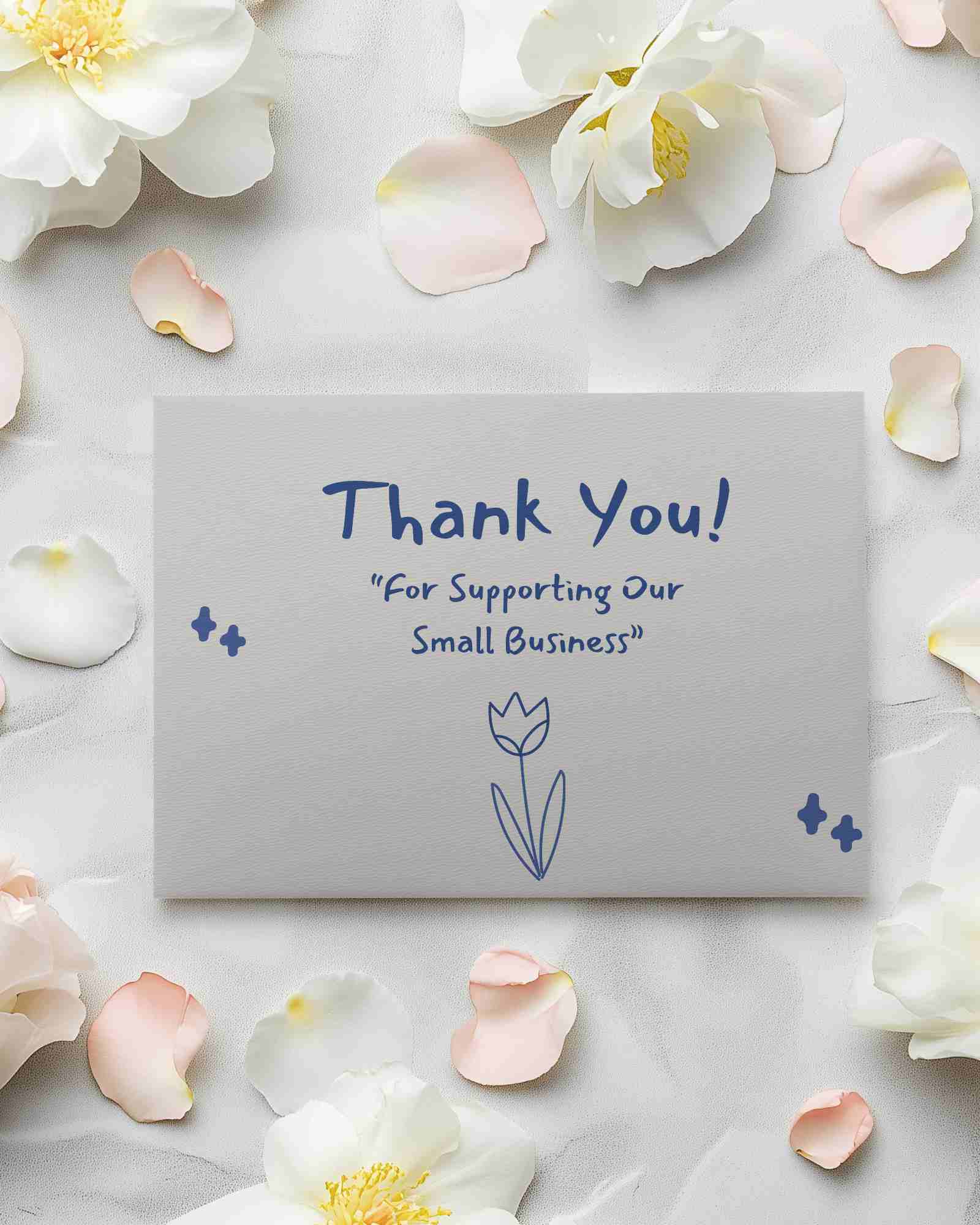
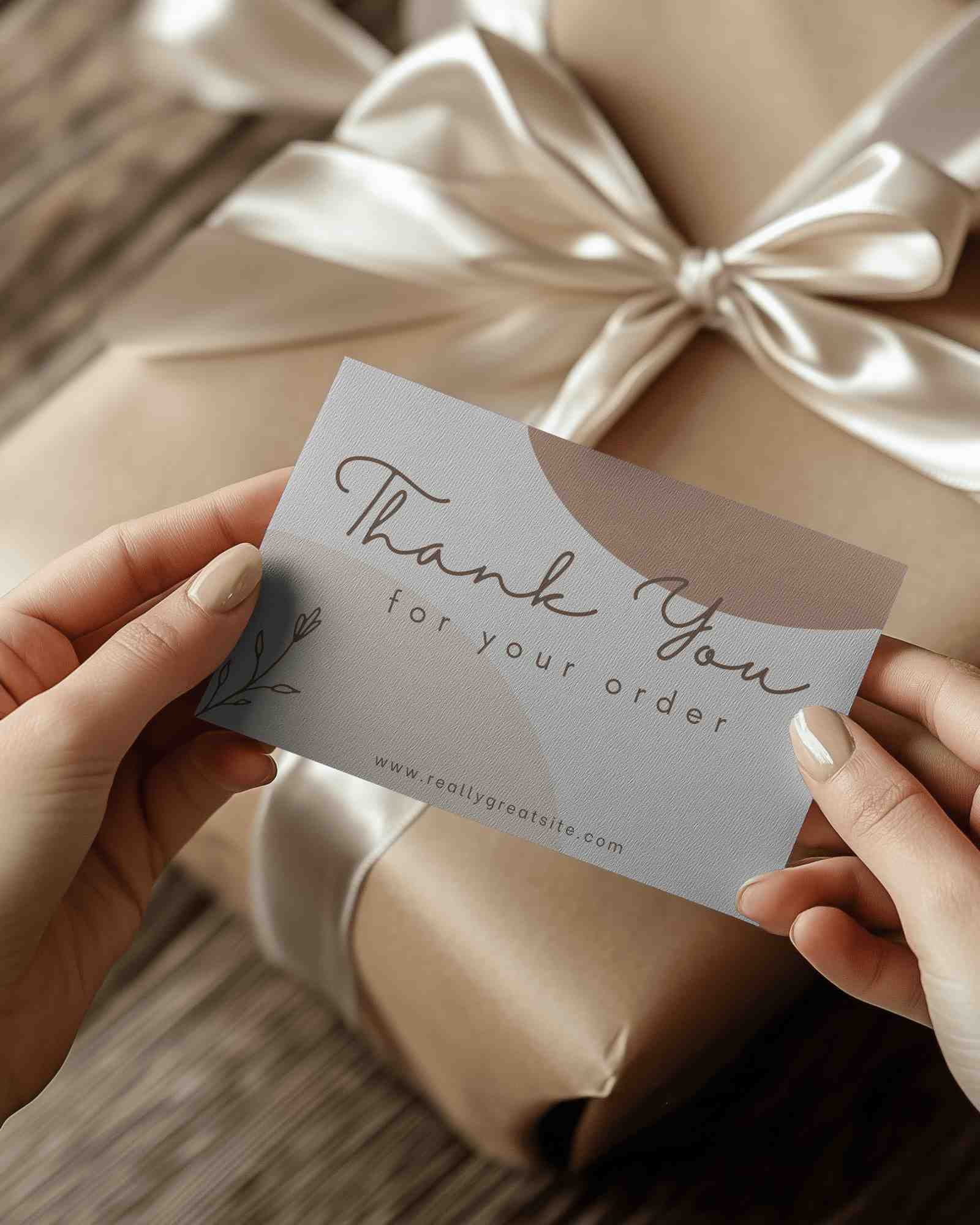
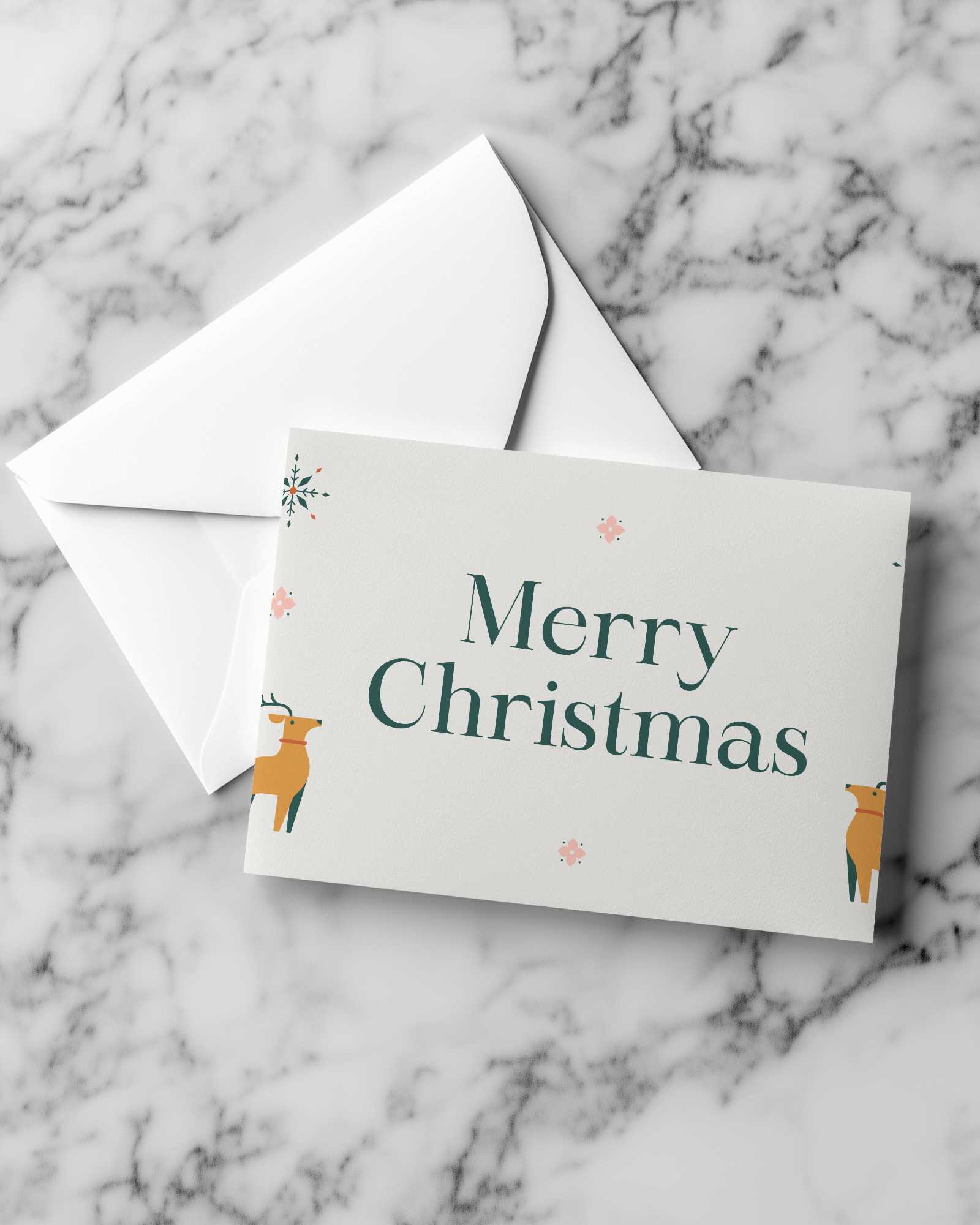

How to Create a Greeting Card Video Mockup with Mockey AI
To create greeting card video mockups:
- Step 1: Look for a 'Greeting Card' in the 'Print' section once you enter 'Video Mockups'.
- Step 2: Select a template. Upload a design and customize easily.
- Step 3: Tap 'Generate Video'. Save the greeting card video mockups.


FAQs on greeting-card Video Mockups
What formats are available for the final greeting card video?
Video greeting cards are MP4 files. This format plays smoothly on most devices. You can share your card with friends, family, or colleagues without any trouble.
Will the greeting card video mockup have a watermark?
Most greeting card video mockups from a video mockup generator like Mockey AI come without watermarks because you pay for the MAX plan. But on some other platforms, a few free templates may carry a watermark, especially when marked as 'free.'
Is the greeting card video mockup suitable for social media?
A greeting card video mockup works well on social media. Your design stands out immediately. Unlike plain images, it adds motion and emotion.
