Flyer Video Mockup - Bring Your Design to Life in Motion
With Mockey’s flyer video mockup, your design doesn’t just sit—it speaks. Smooth motion and a pro finish make your promo stand out. Whether it's an event or a product launch, this mockup gives your flyer the spotlight it deserves.
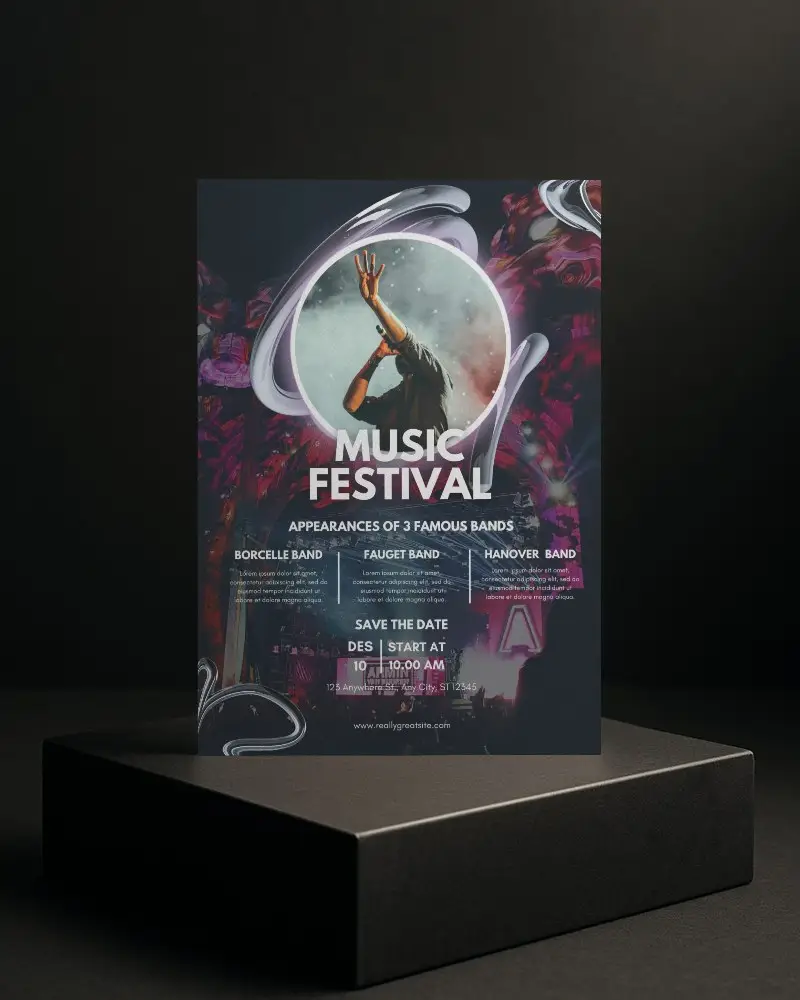
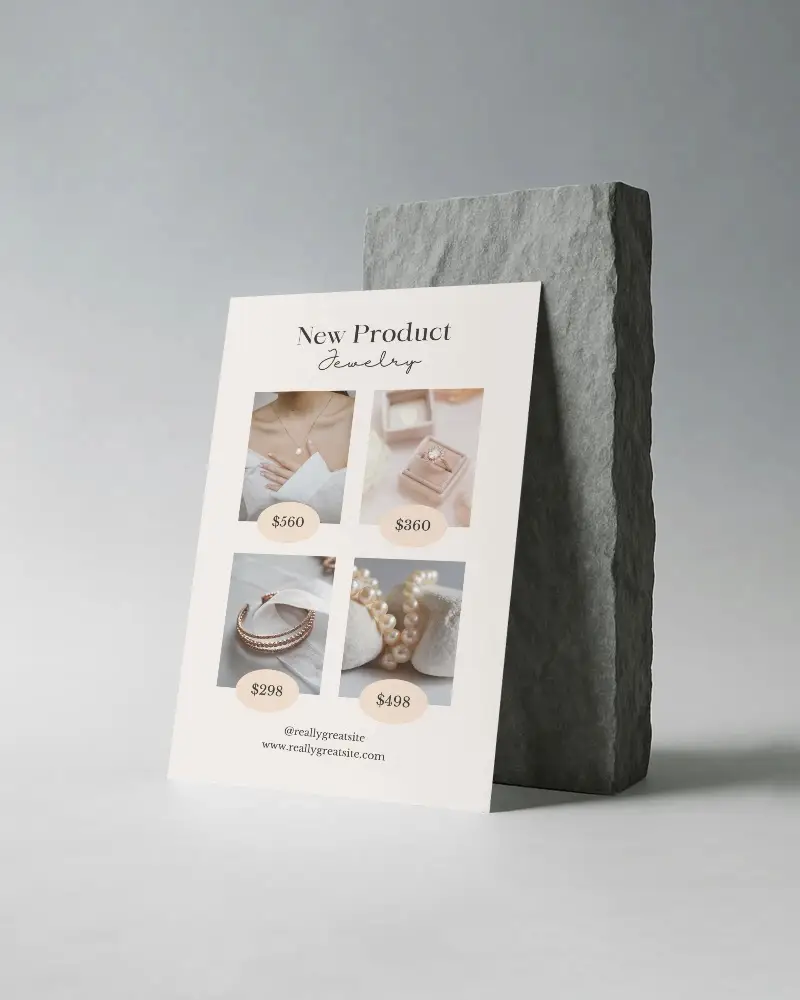
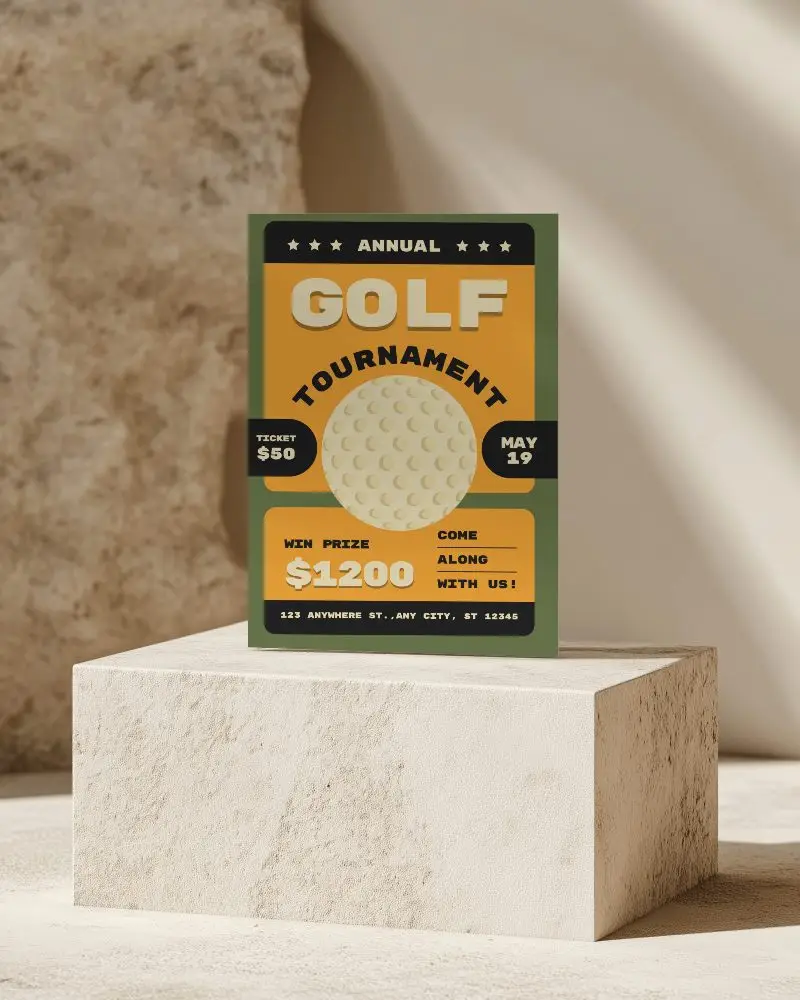
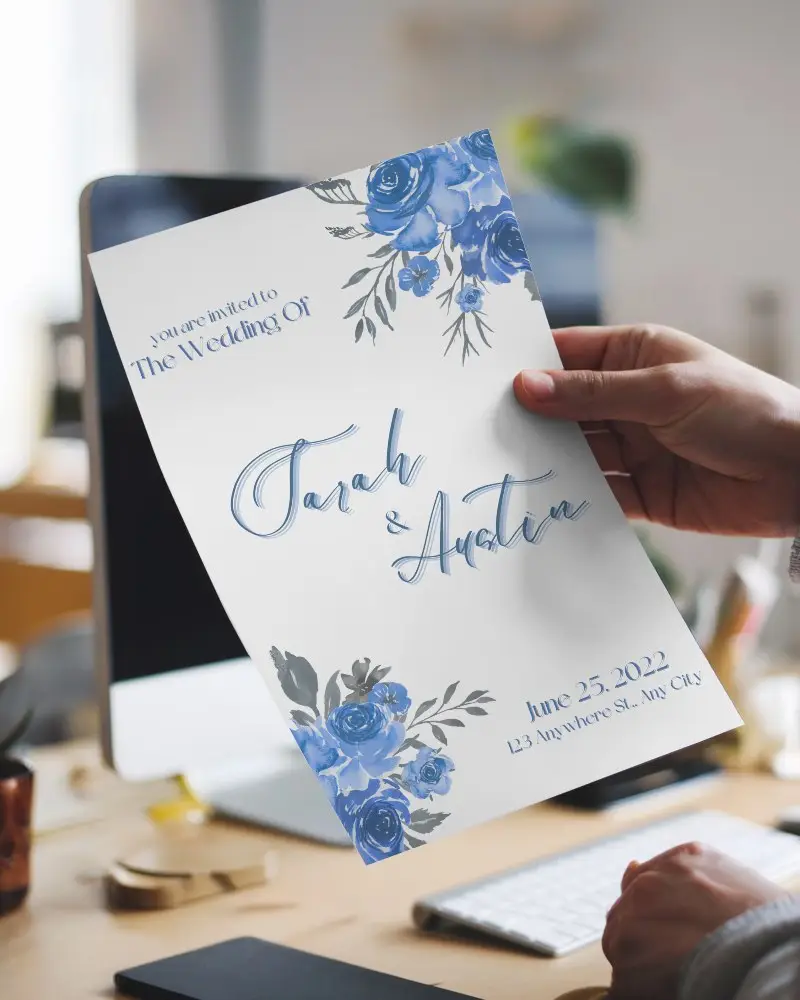
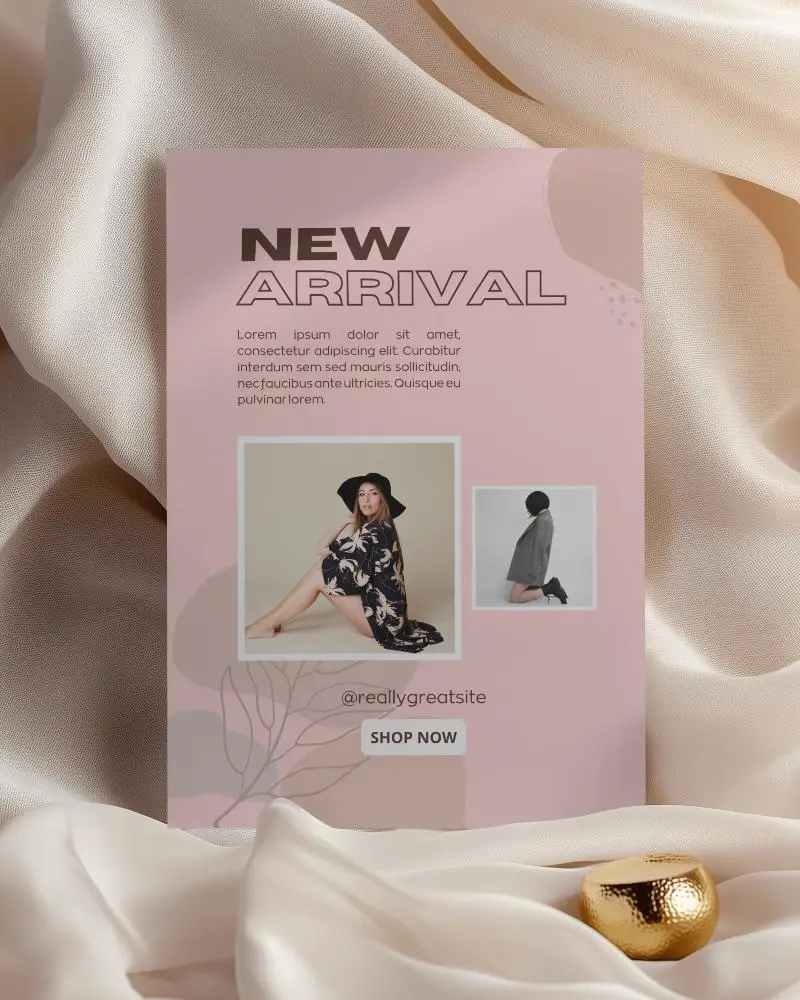
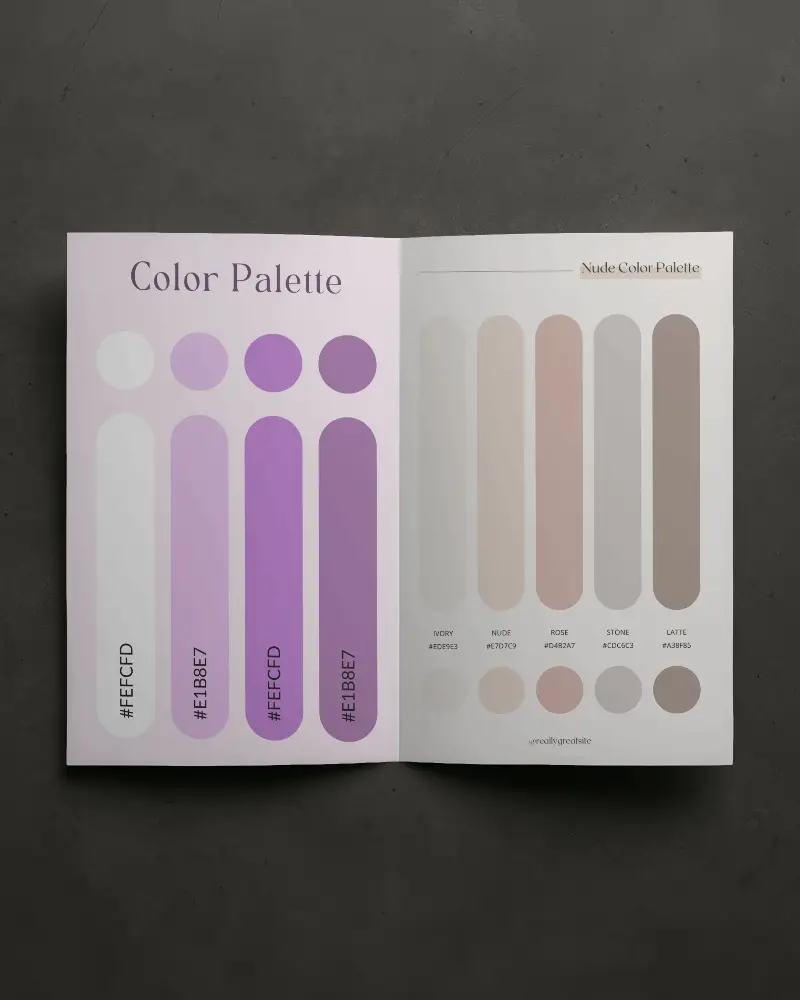
How to Create a Flyer Video Mockup with Mockey AI
To create flyer video mockups:
- Step 1: Get the MAX plan and head to 'Video Mockups'.
- Step 2: Follow 'Print > Flyer'. Add an image after selecting a template.
- Step 3: Edit it and click 'Generate Video'. Save the flyer video mockup.


FAQs on flyer Video Mockups
What makes a flyer video mockup better than a static image?
A flyer video mockup captures engagement more effectively than a still image. Viewers can experience the design from a variety of perspectives and develop a stronger bond with it. This makes the marketing experience richer and easier to remember. As a result, it helps boost conversions.
Do I need design skills to use this flyer video mockup?
You don’t need to be a designer to use a flyer video mockup. Mockey AI gives you ready-made templates. The editing tools are simple. Anyone can create a professional flyer in minutes, even without a design background.
Is the flyer video mockup customizable?
Flyer video mockups can be changed as you like. You can add your own design and pick colors. Tools like Mockey AI let you do all this with ease. They give you full control to create flyer videos that look just the way you want.
