Portrait Flyer Video Mockups
Mockey AI offers a wide collection of Portrait flyer video mockups with smooth and engaging animations. These templates are perfect for event promotions, product launches, and marketing campaigns. Customize your Portrait flyer video mockups easily and download high-quality animated results instantly.
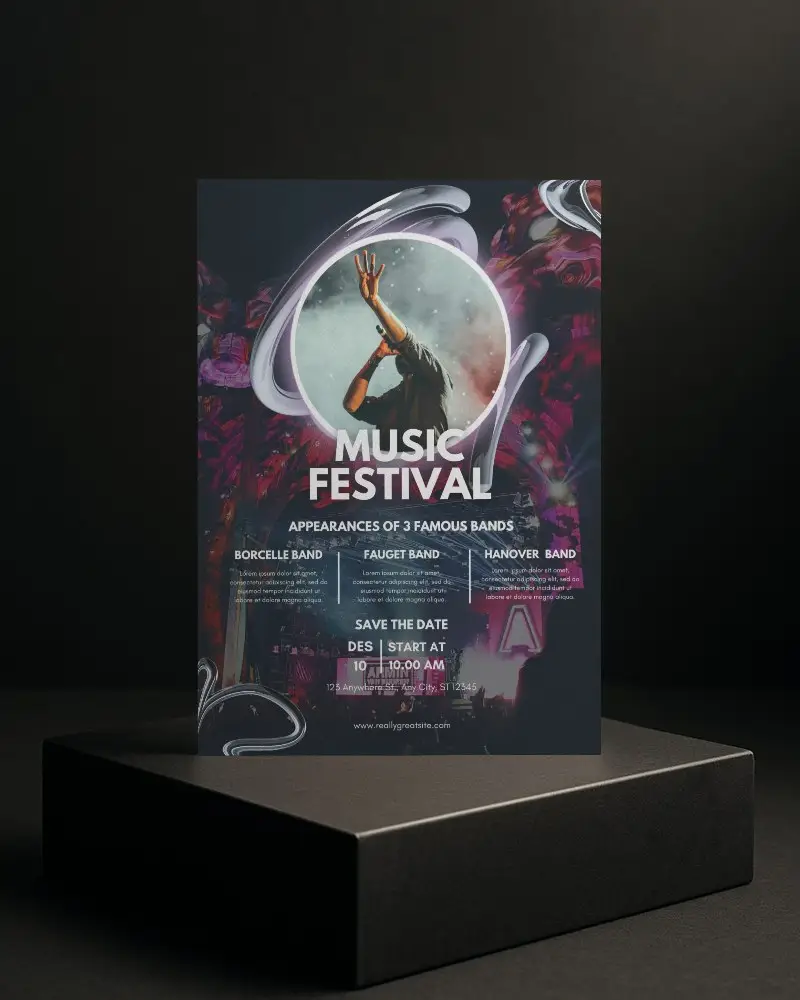
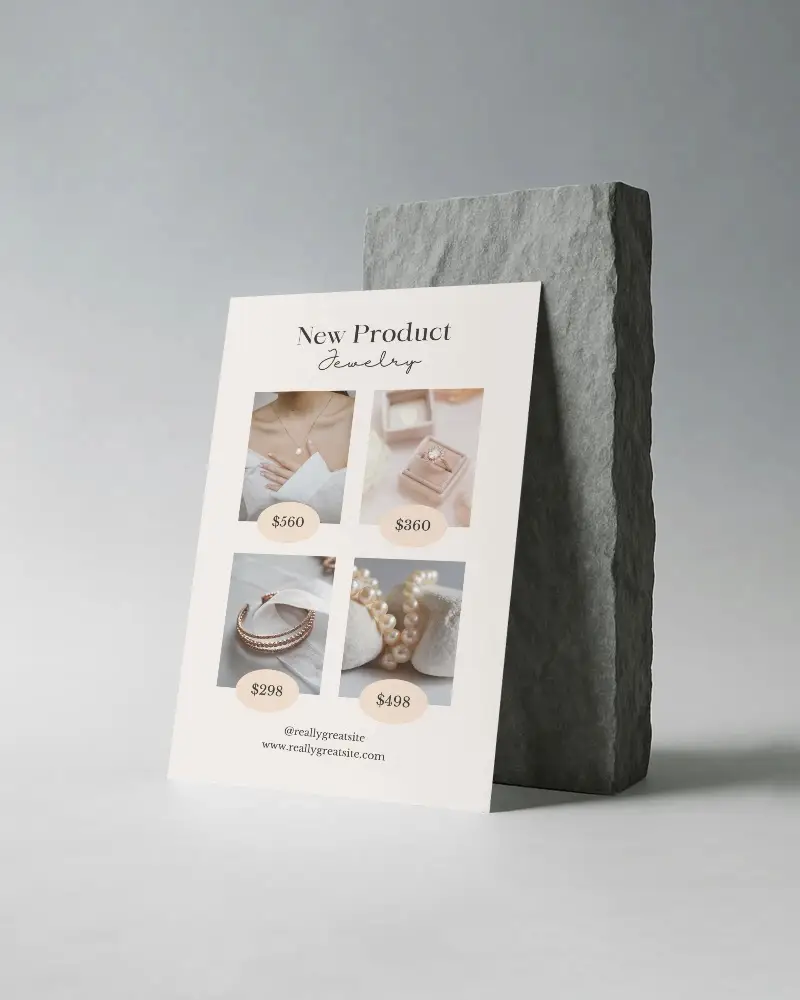
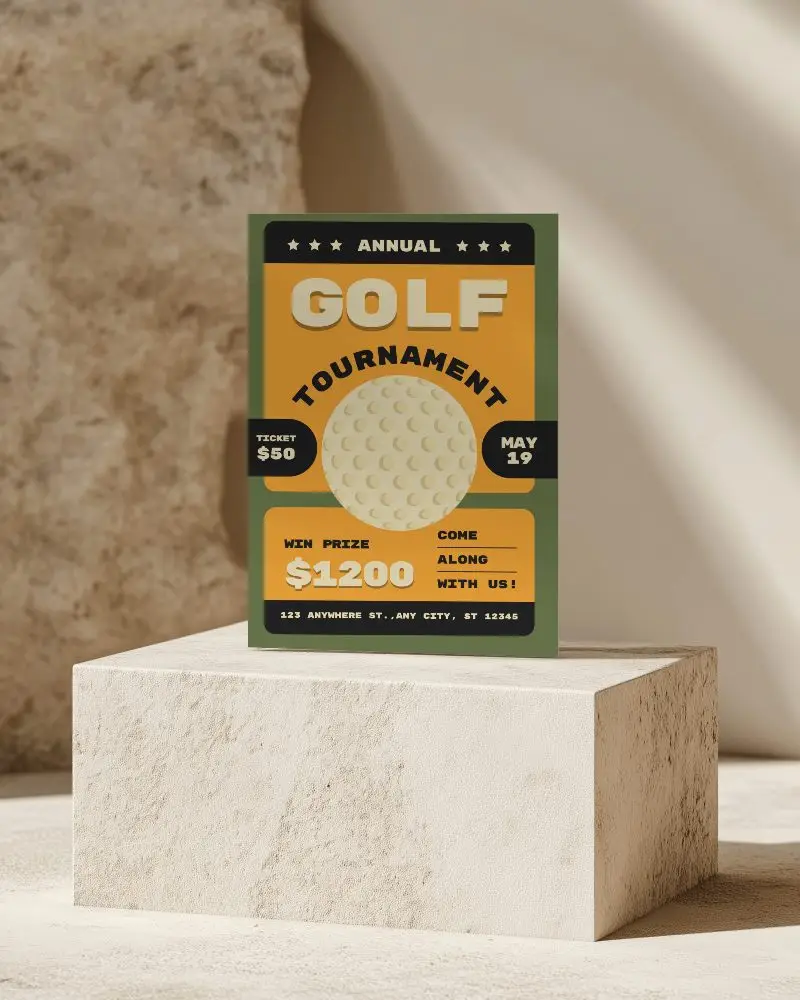
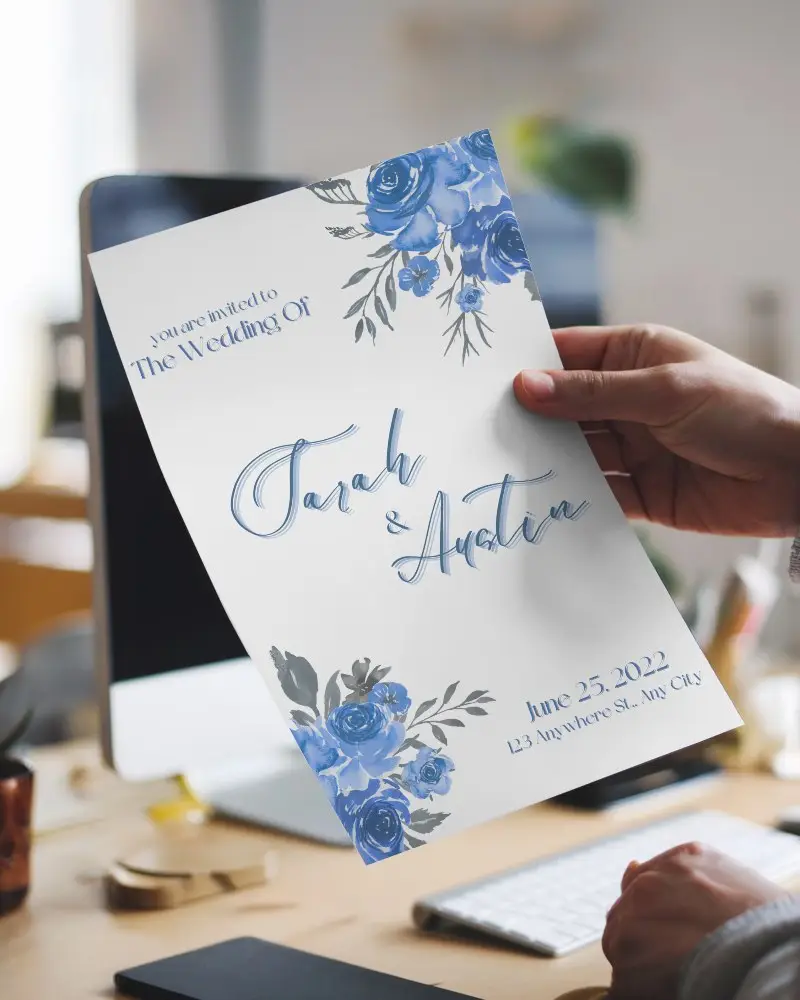
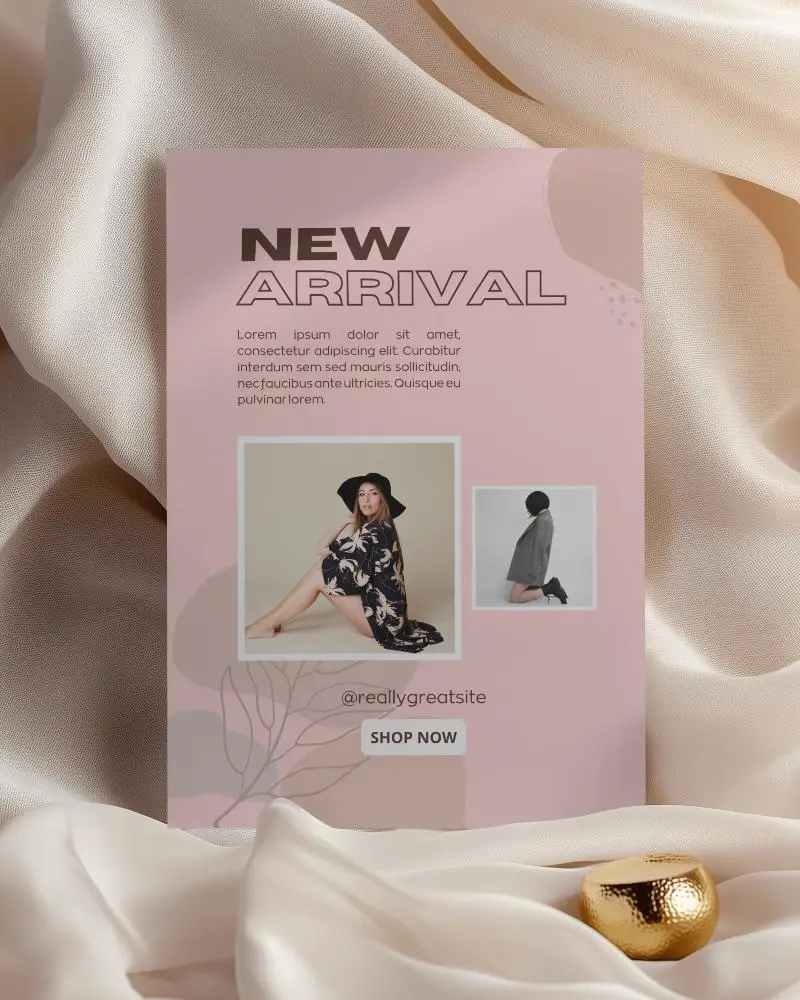
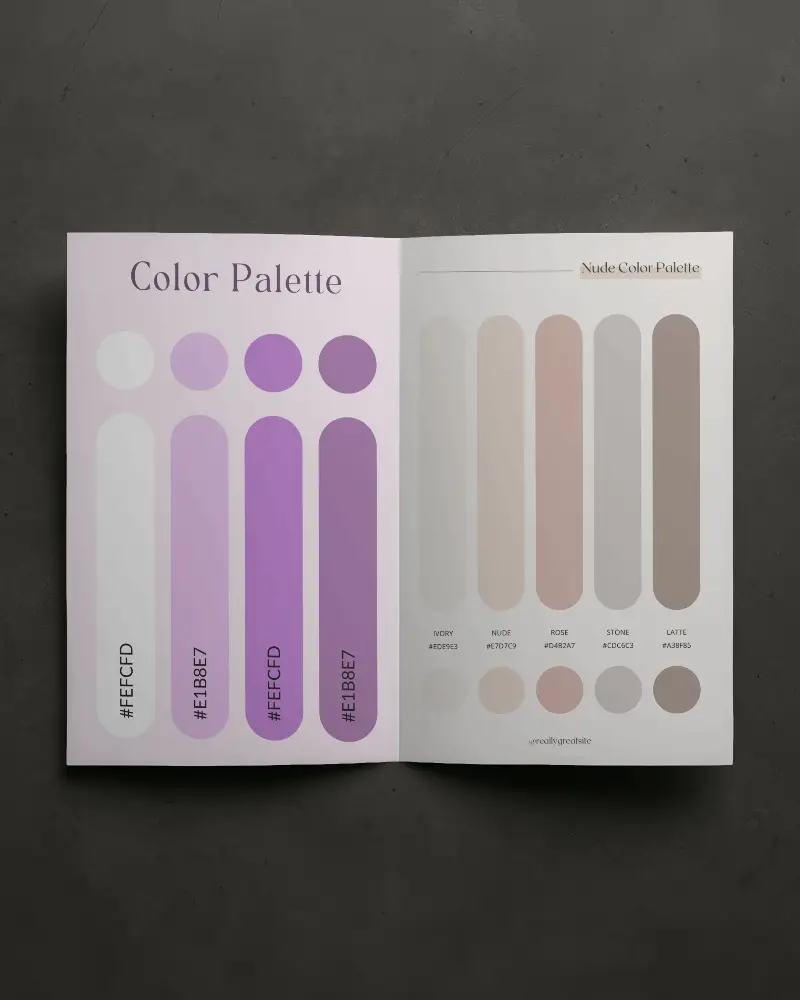
How to Create a Portrait Flyer Video Mockup with Mockey AI
To create Portrait flyer video mockups:
- Step 1: Go to Pricing and choose either the CREATOR or ELITE plan to unlock video mockups.
- Step 2: Open the Video Mockups section, navigate to Print, and select Flyer to choose a video template.
- Step 3: Upload your design, make necessary edits, and click Generate Video to create and save your Portrait flyer video mockup.


FAQs on Portrait Flyer Video Mockups
How can Portrait flyer video mockups improve marketing campaigns?
Portrait flyer video mockups add motion to your promotional designs, making them more engaging and attention-grabbing. Animated visuals help communicate your message faster and increase audience interest across digital platforms.
What customization features are available in a Portrait flyer video mockup?
You can upload your own design, adjust placement, resize elements, and use editing tools before generating the final Portrait flyer video mockup.
Are Portrait flyer video mockups suitable for social media promotions?
Portrait flyer video mockups are ideal for platforms like Instagram, Facebook, and YouTube ads. Motion content performs better than static images and helps increase engagement and reach.
