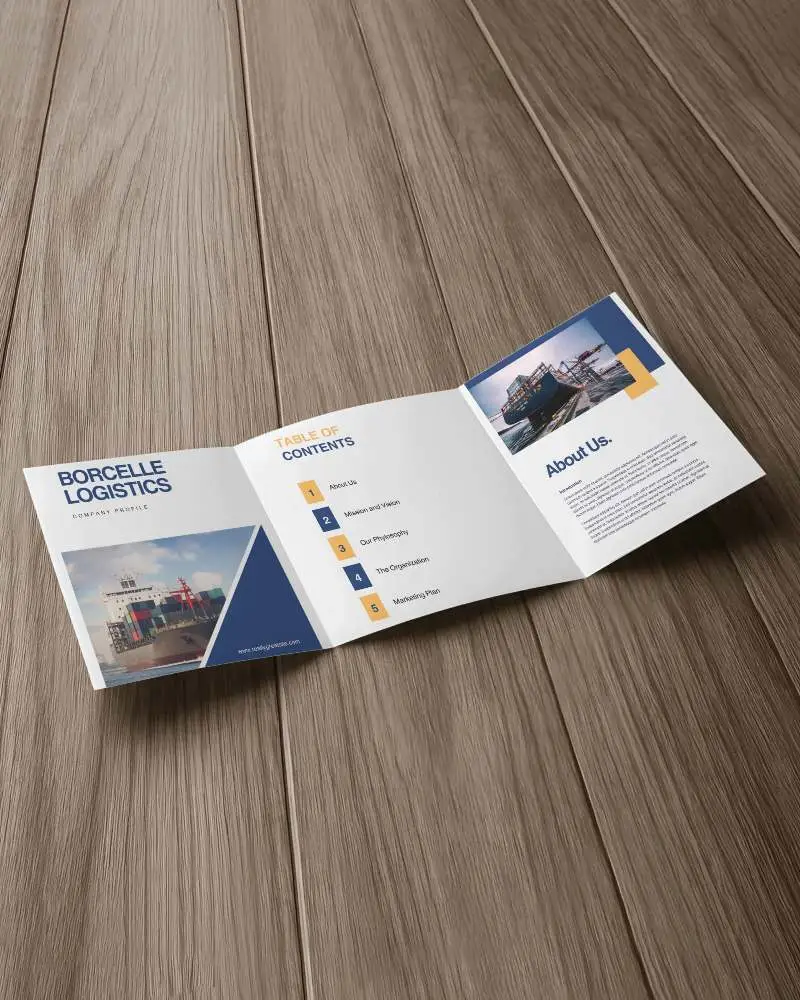
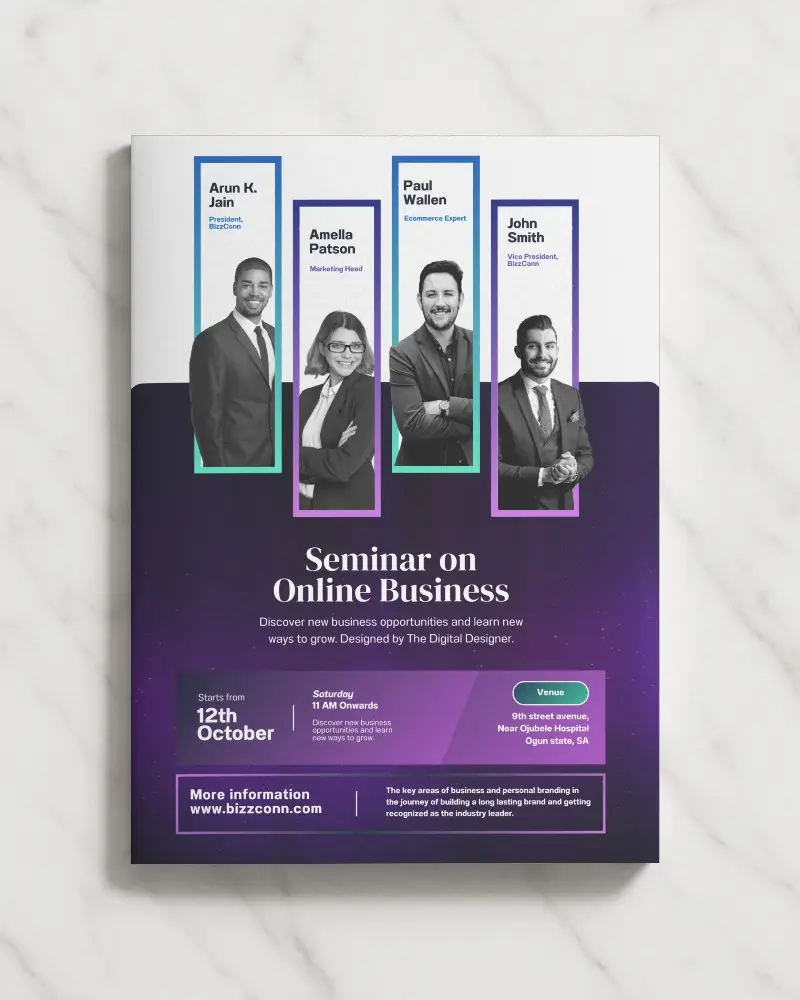
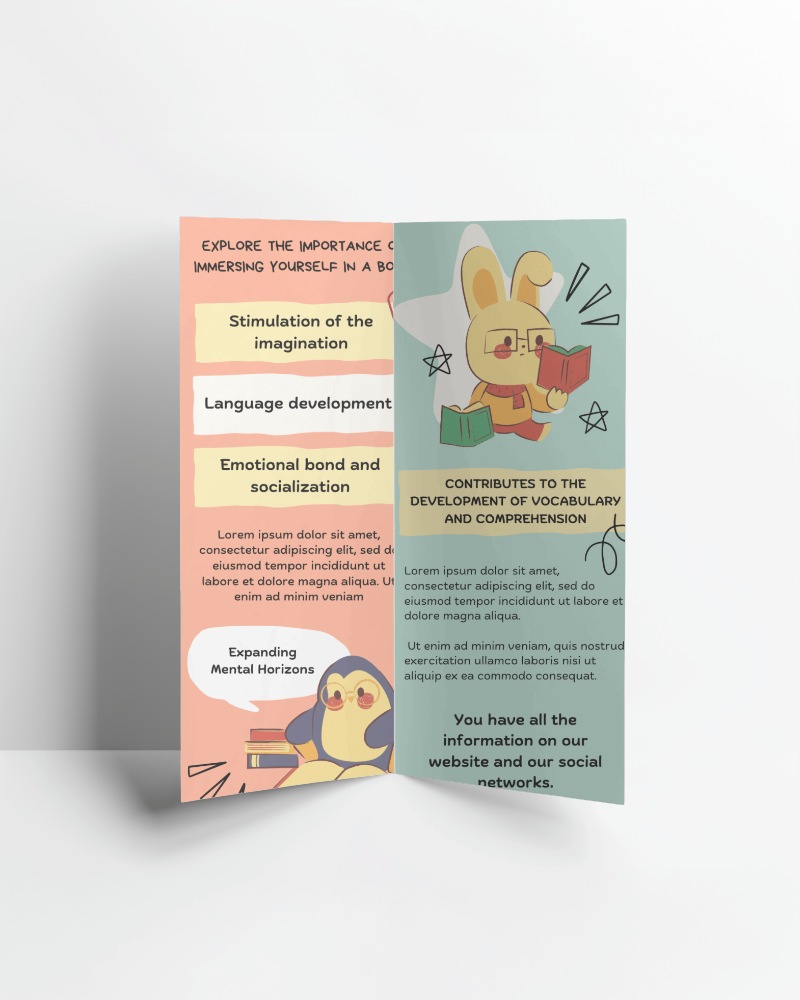
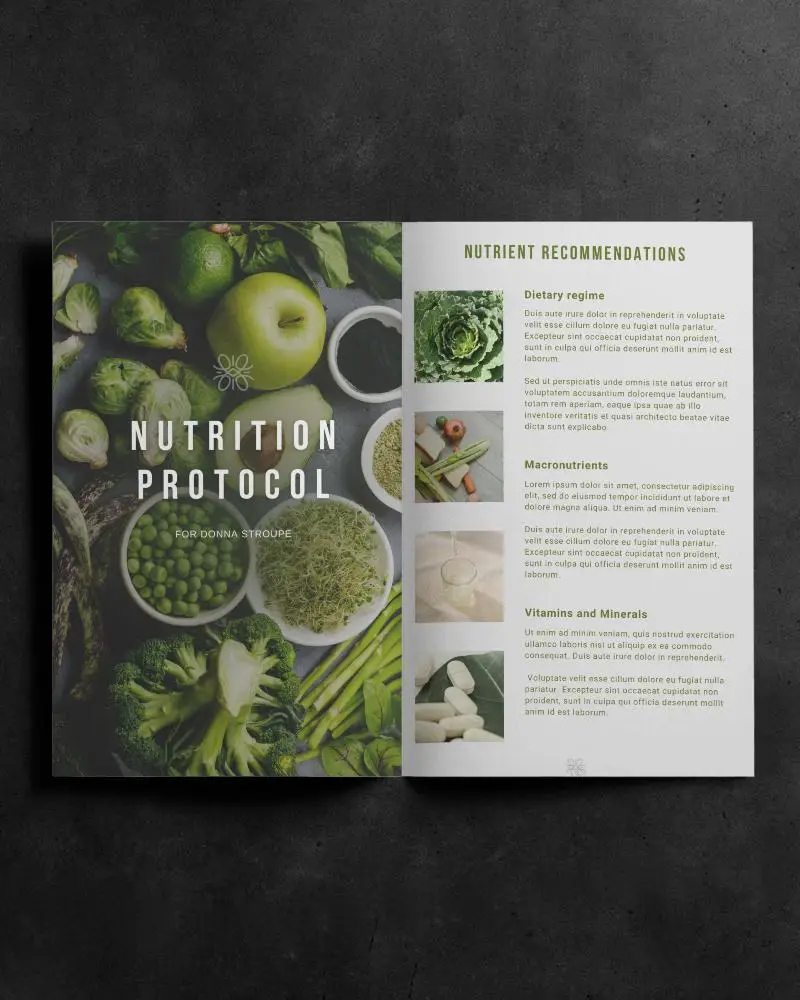
brochure
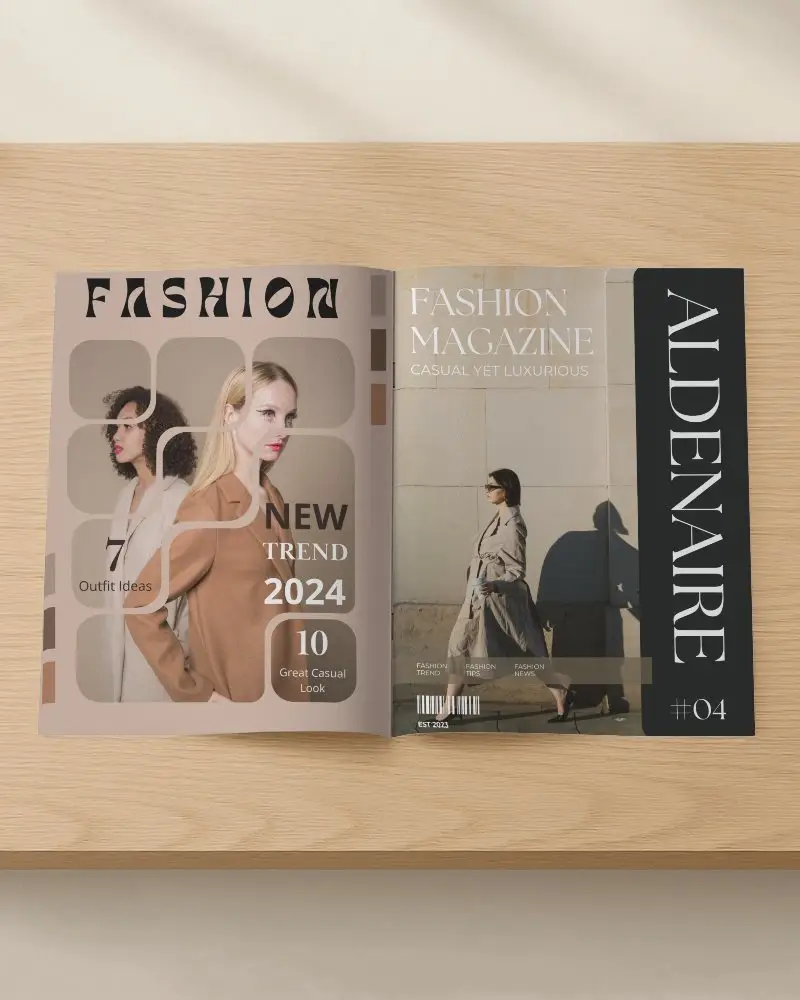
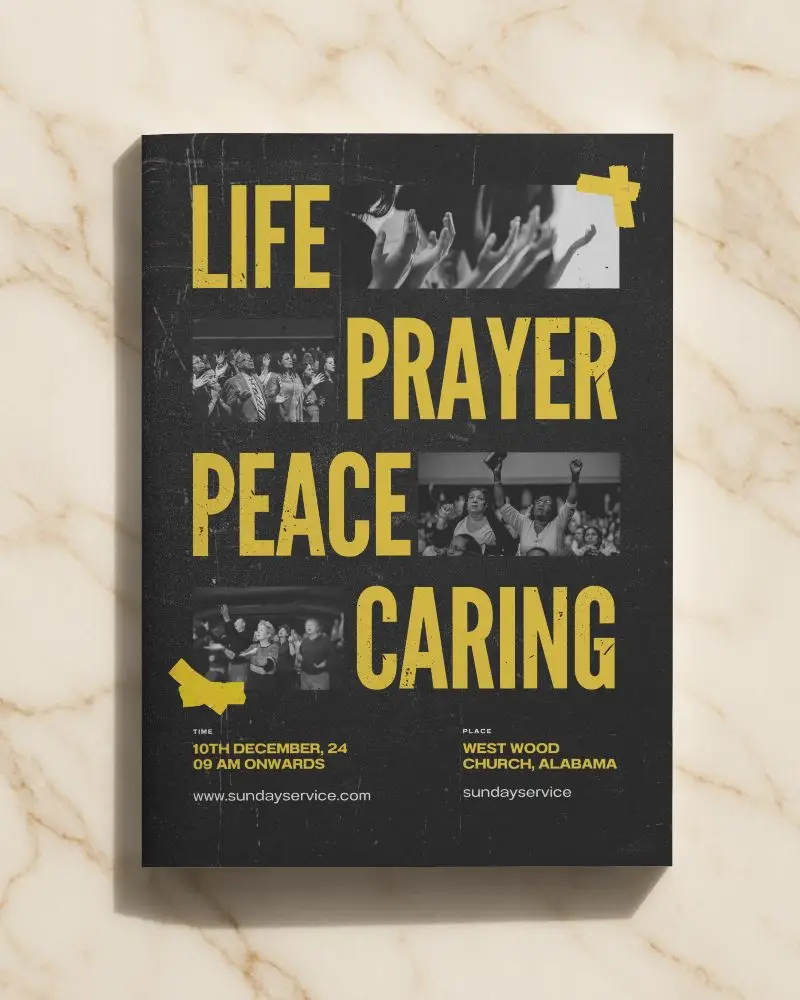
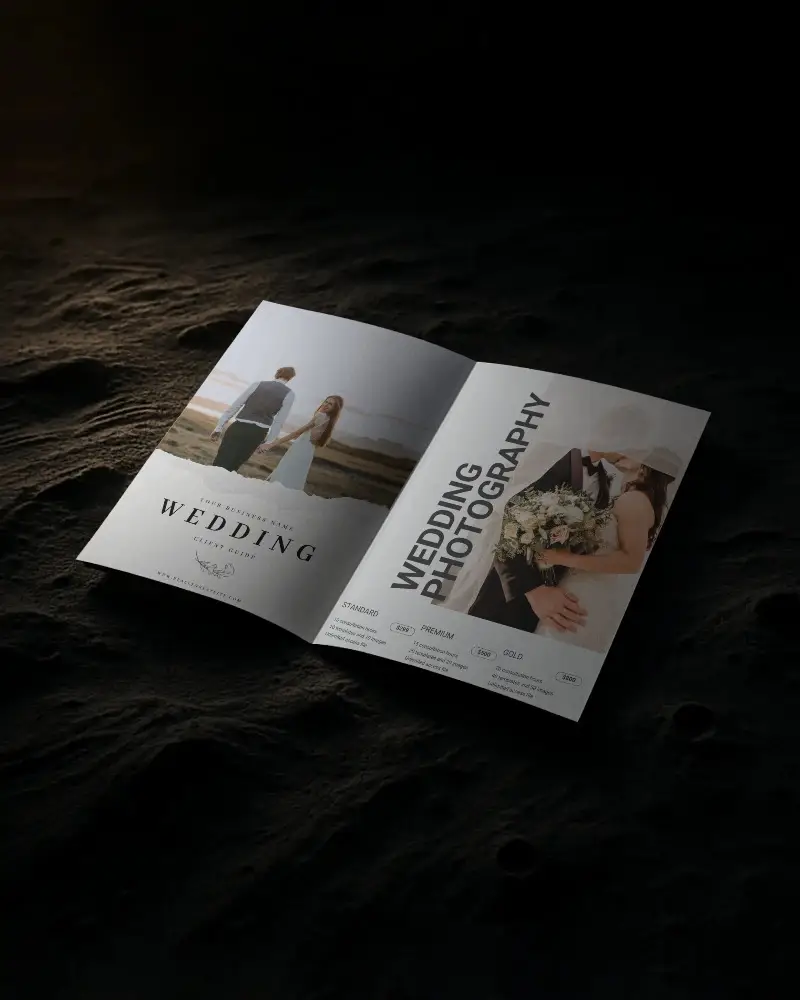
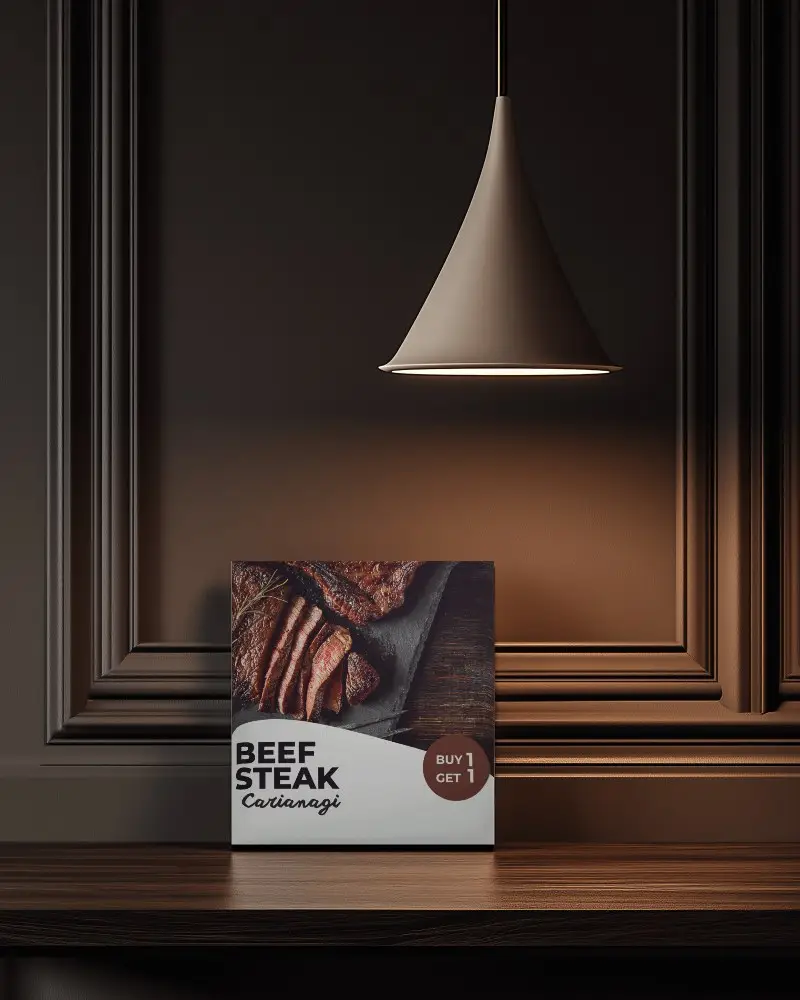
Bifold Brochure Video Mockups
Present product guides and sales materials using Bifold brochure video mockups with realistic page flips and lighting effects.
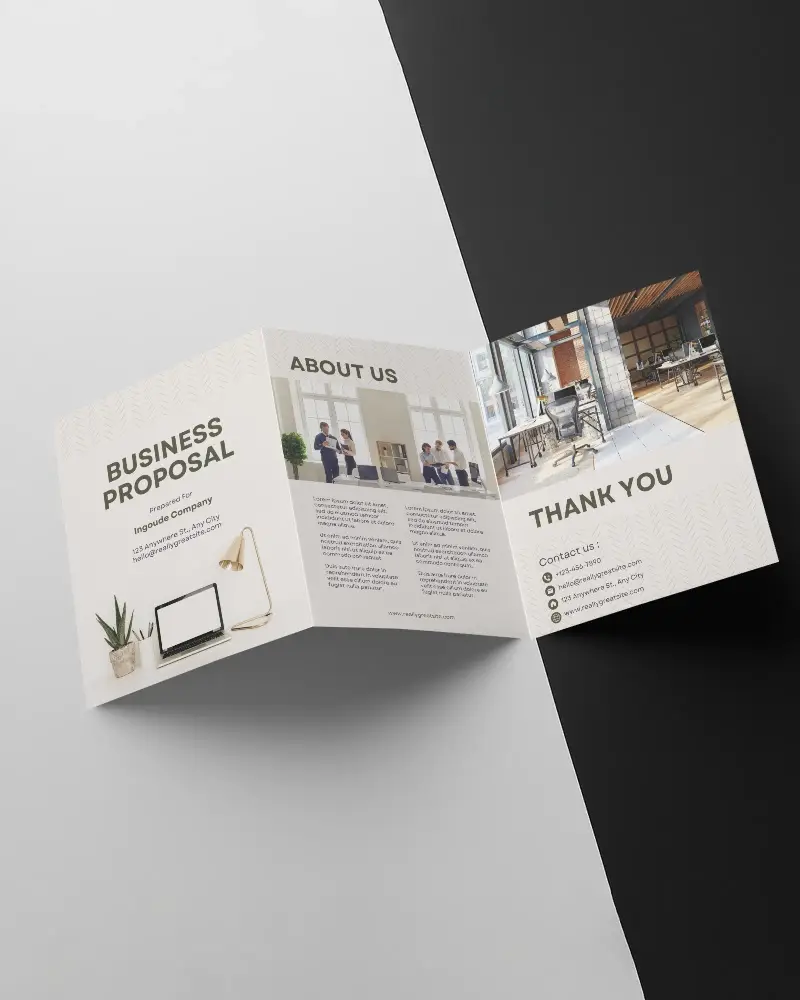
How to Create a Bifold Brochure Video Mockup with Mockey AI
To create Bifold brochure video mockups:
- Step 1: Upgrade to CREATOR or ELITE plan.
- Step 2: Navigate to Video Mockups > Print > Brochure.
- Step 3: Upload your design and click Generate Video.


FAQs on Bifold Brochure Video Mockups
What is a Bifold brochure video mockup?
It is an animated preview showing your brochure layout in motion.
Can I use Bifold brochure video mockups for client presentations?
Yes, they help present designs more professionally.
Are Bifold brochure video mockups suitable for ads?
Yes, they work well in promotional campaigns and online ads.
