Brochure Video Mockup – Present Your Pages with Purpose
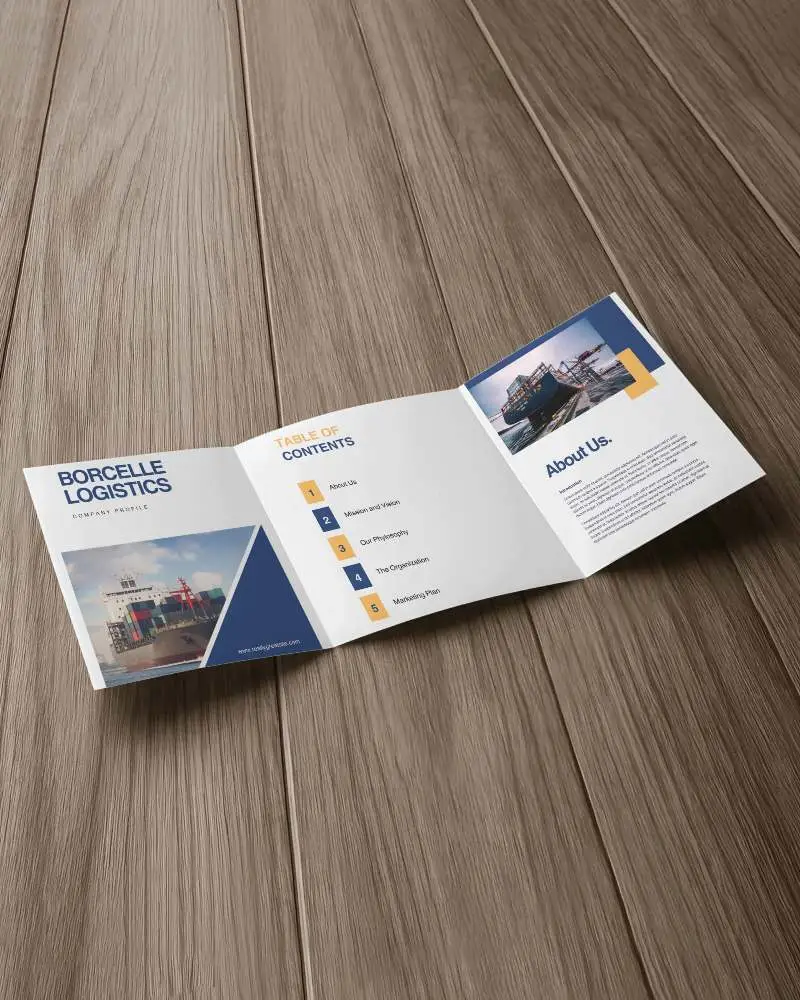
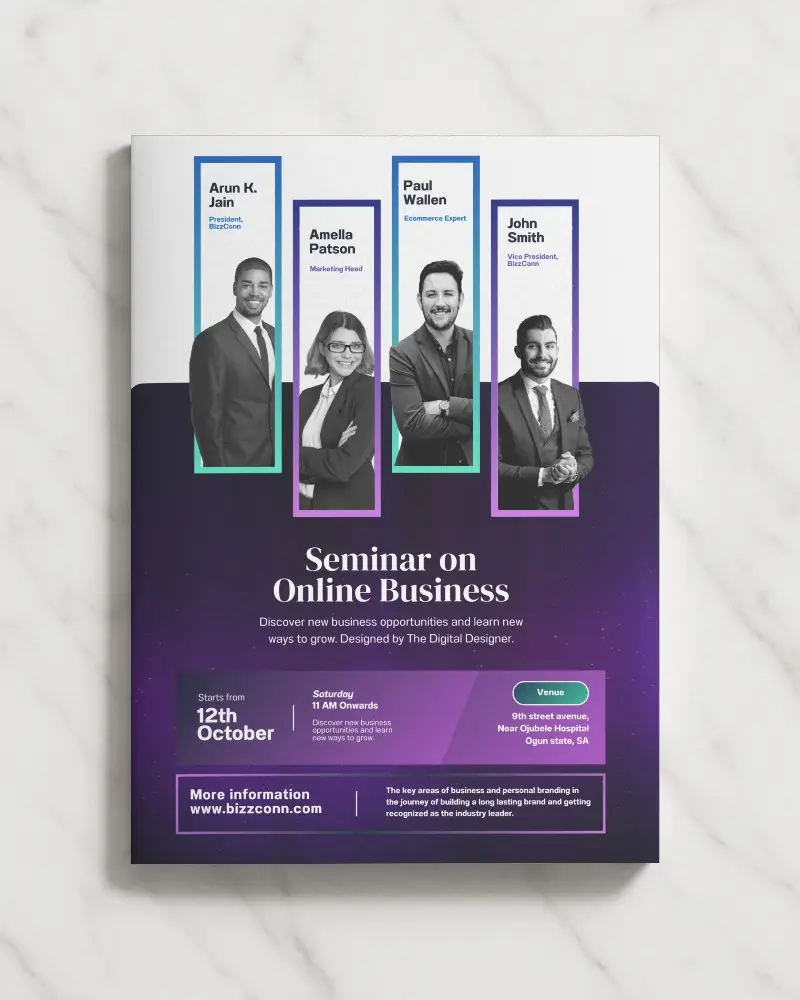
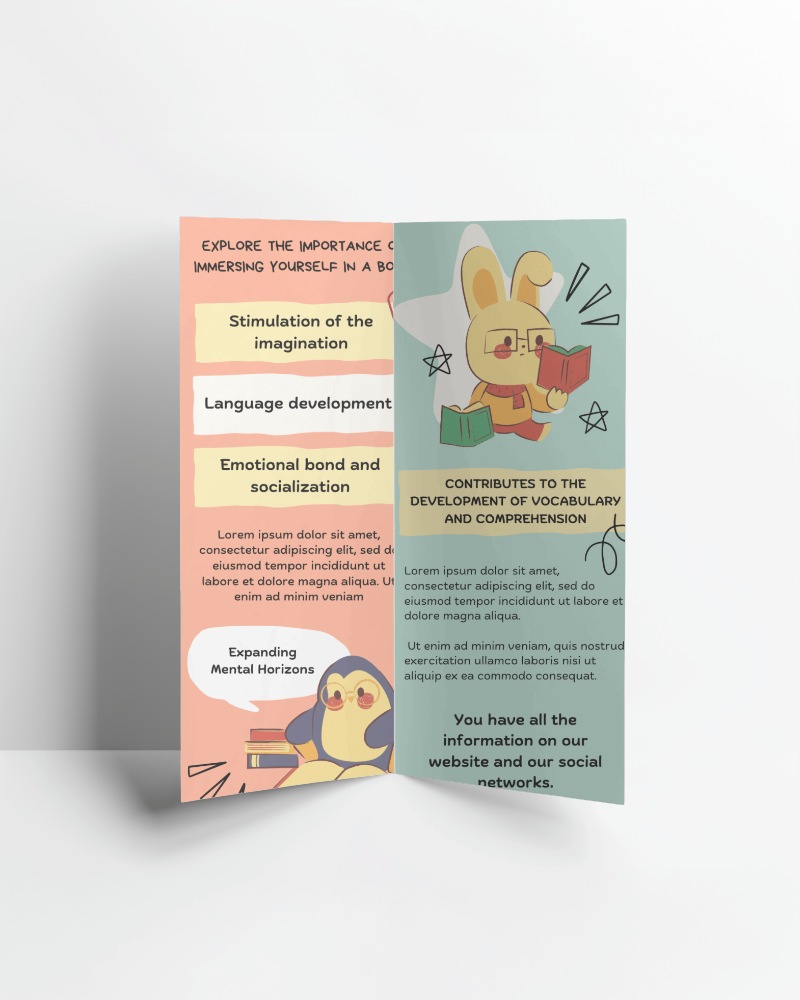
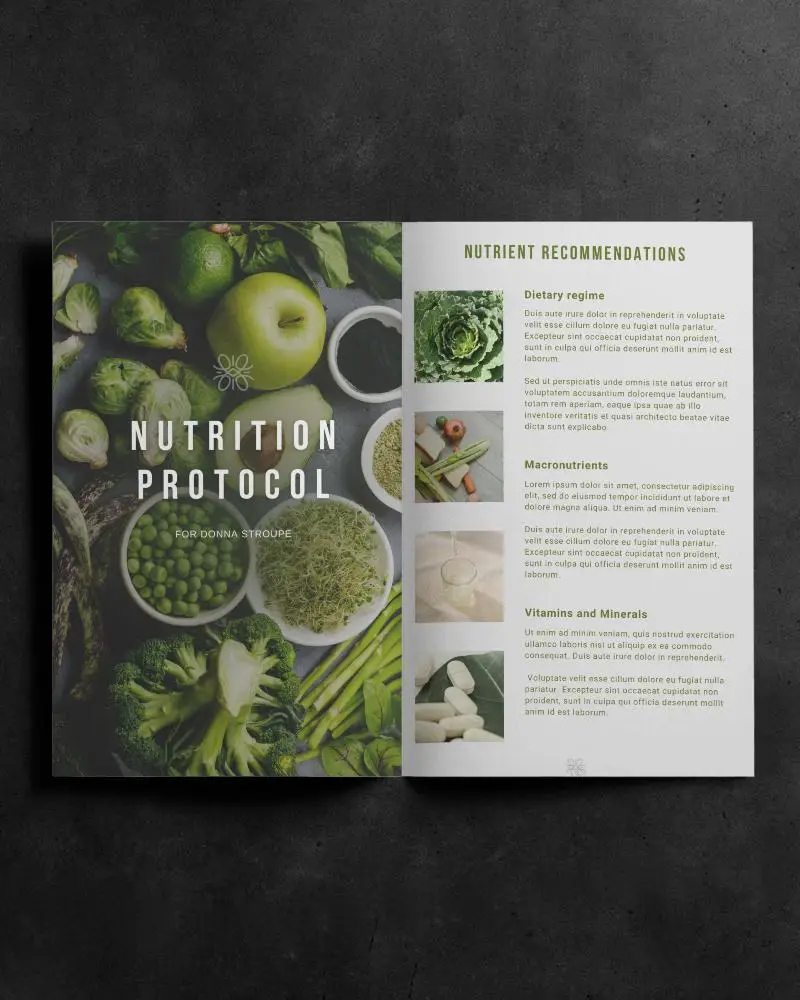
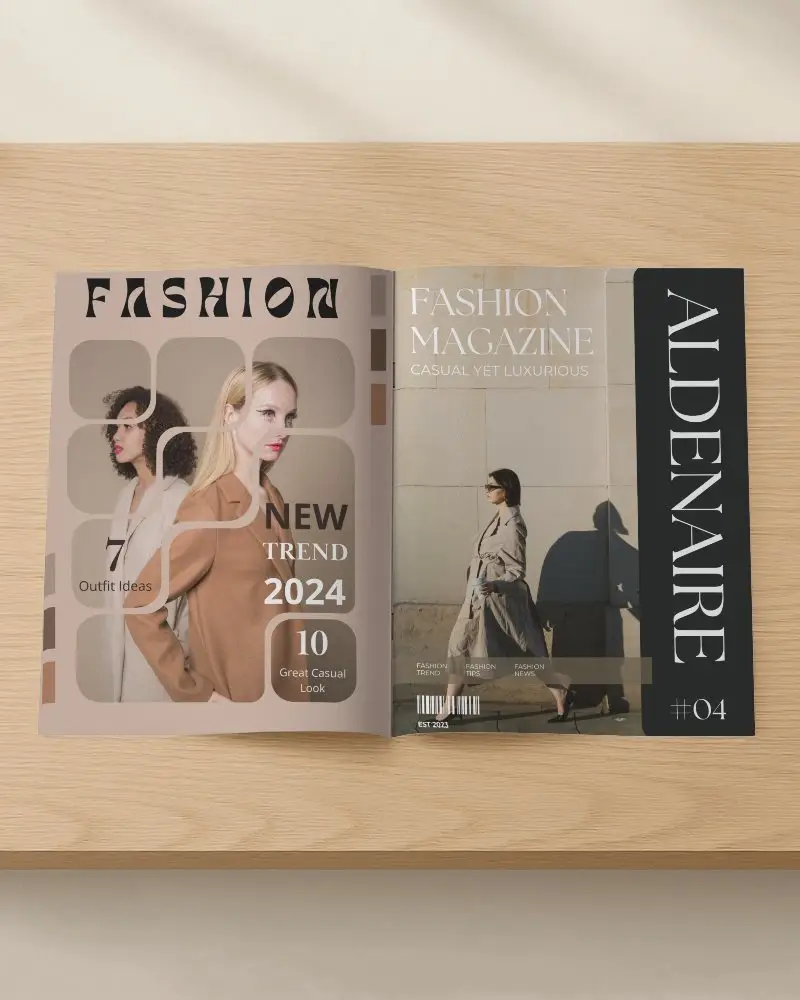
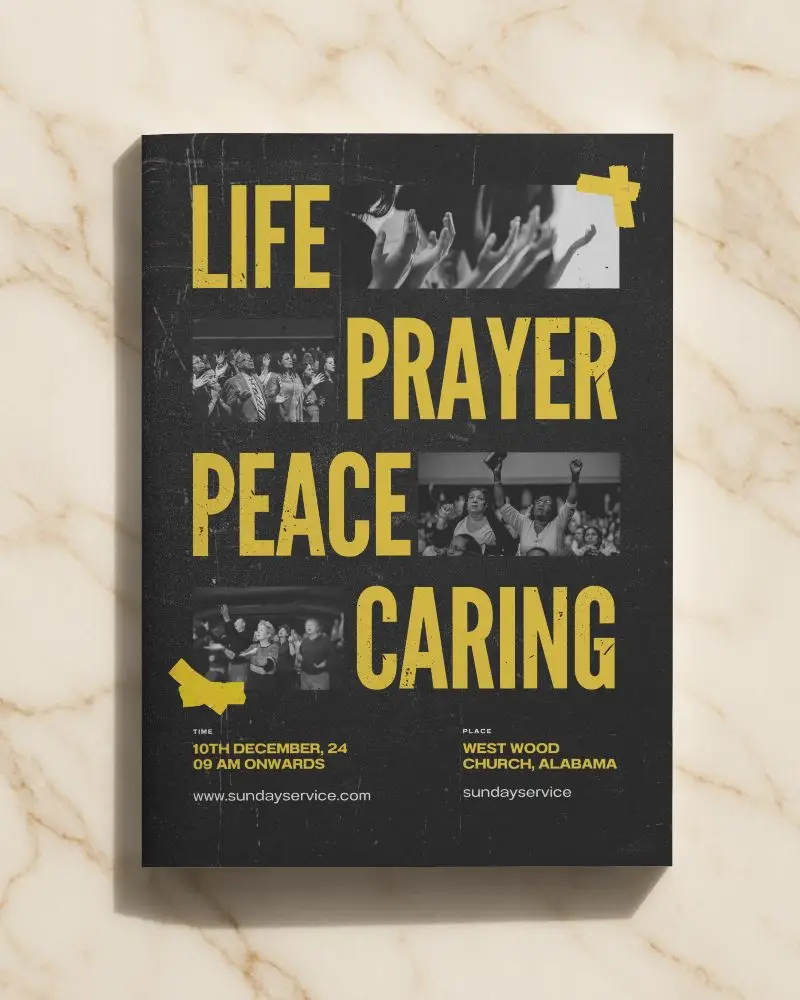
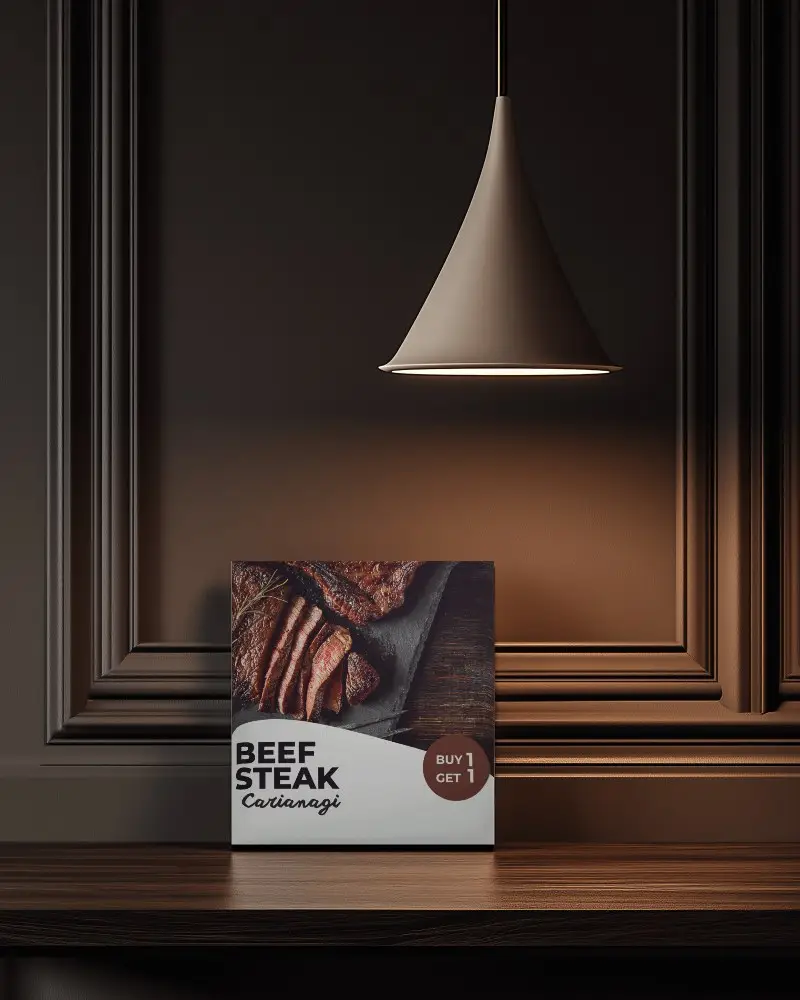
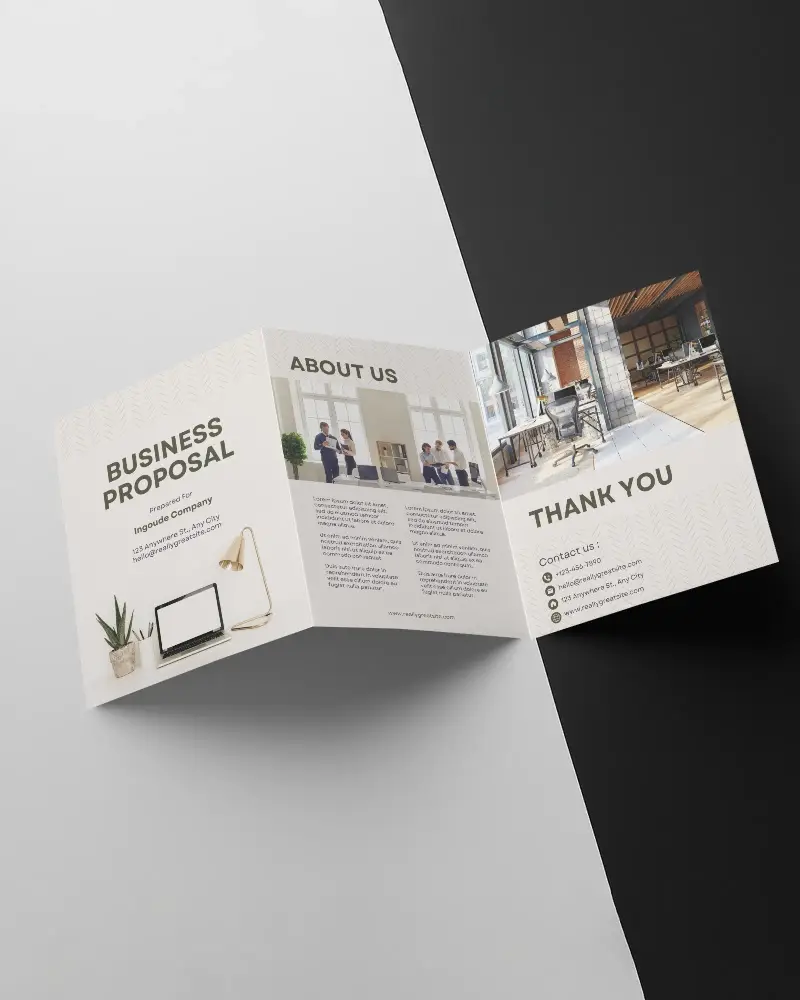
Mockey’s brochure video mockup brings your pages to life with smooth flips, clean lighting, and realistic detail. Perfect for product guides, brand profiles, and sales materials.
How to Create a Brochure Video Mockup with Mockey AI
To create brochure video mockups:
- Step 1: Upon registration, please select Pricing and transition to MAX.
- Step 2: Find and click on 'Video Mockups'. Proceed to the Print Category. After selecting Brochure, add a design.
- Step 3: To create a video, customize it and choose 'Generate Video.'


FAQs on brochure Video Mockups
What is a brochure video mockup?
A brochure video mockup is a short video. The video highlights the layout, fonts, and visuals. It feels more real than a photo. Many use it in client meetings, ads, or design pitches. It helps people imagine the final product.
Can I use the brochure video mockup for tri-fold or bi-fold designs?
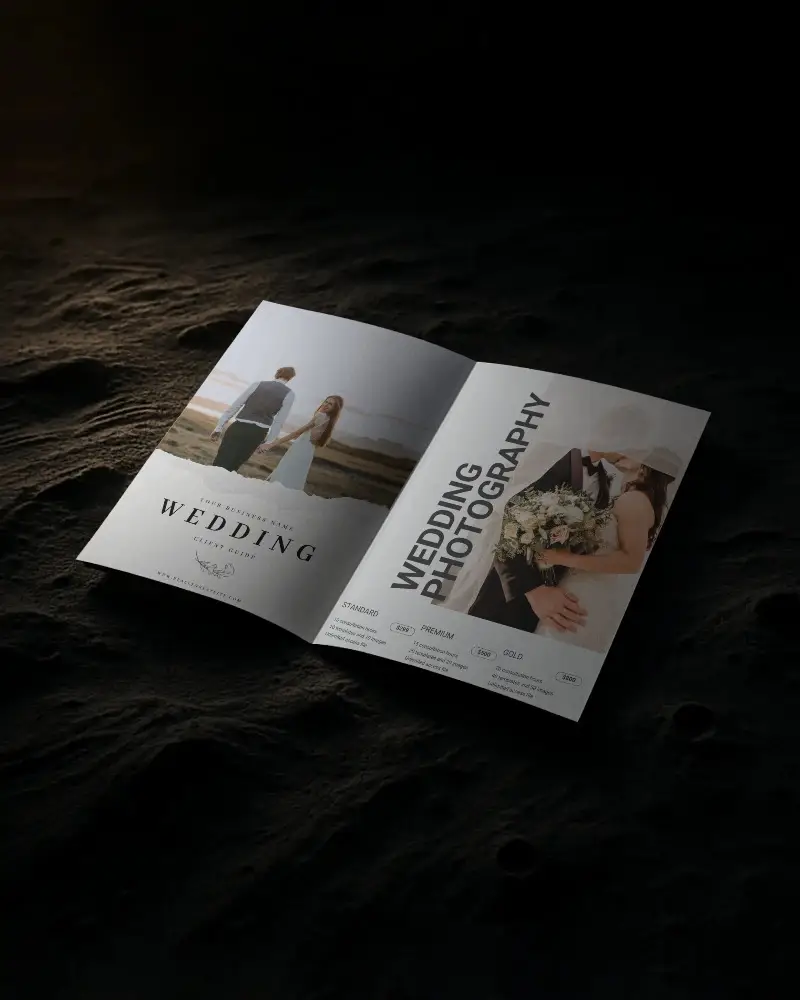
Yes, you can use a brochure video mockup for tri-fold or bi-fold designs. Simply select a template that is compatible with your format. It facilitates the clear display of your brochure in presentations or promotions.
Is any software required to use the brochure video mockup?
You need software to use a brochure video mockup. Mockey AI's video mockup generator makes it easy. Just upload an image and personalize it.
