Realistic Wedding Ring Video Mockup for Product Display
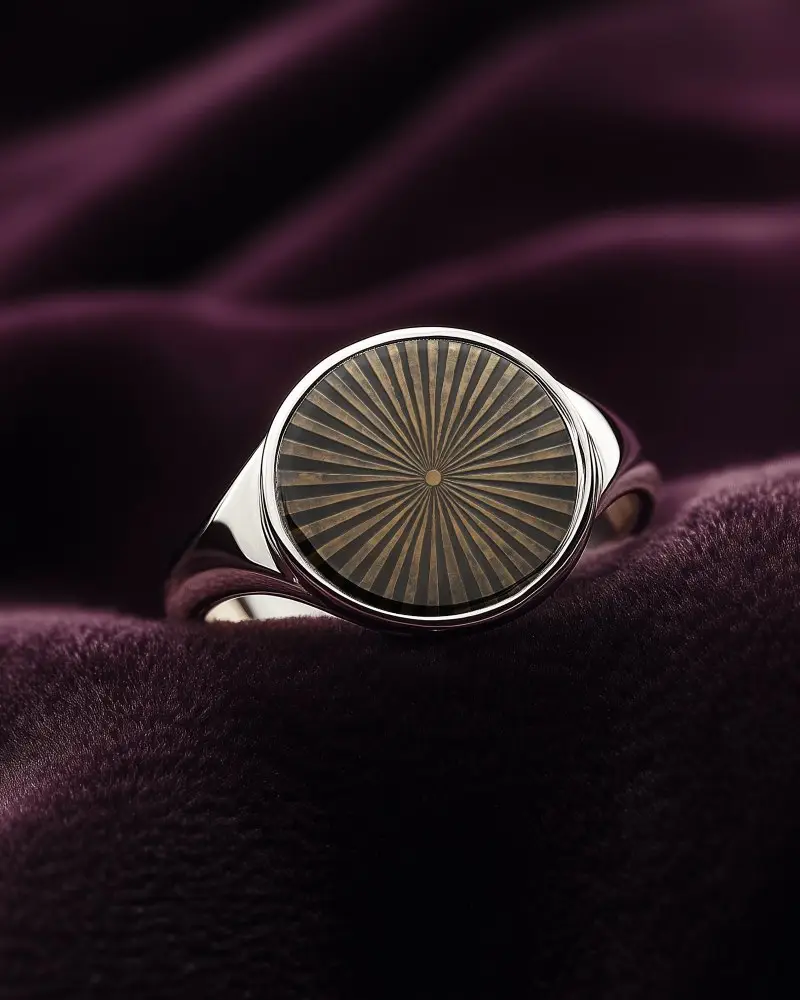
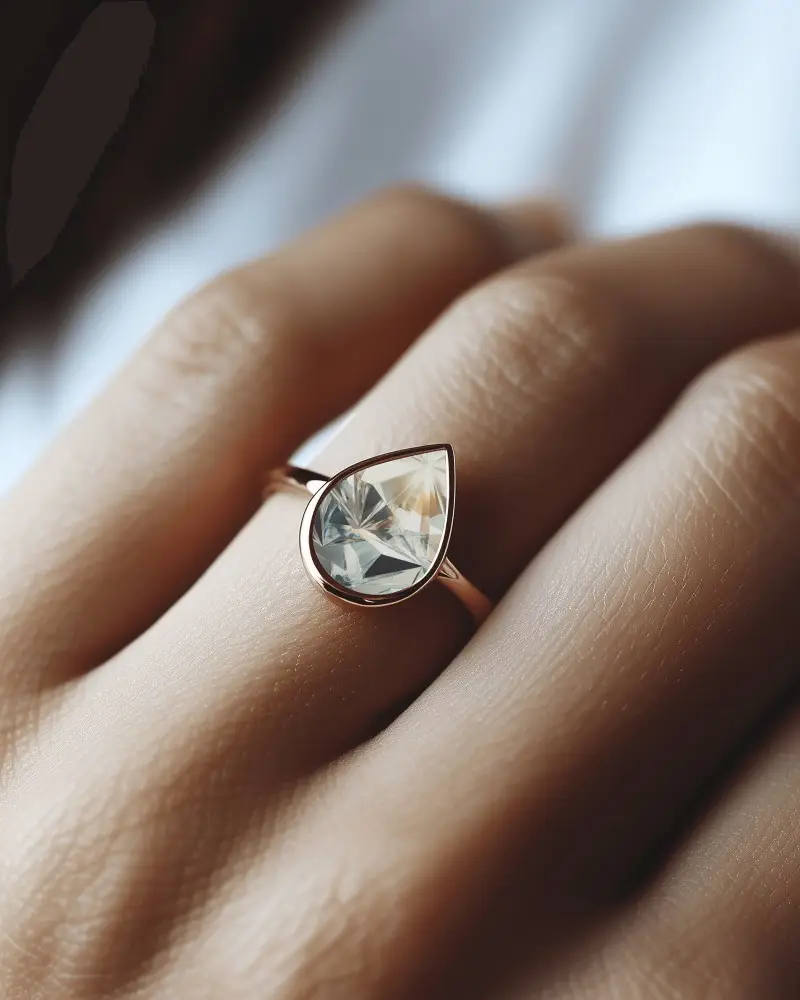
Enhance your jewelry showcase with a polished Wedding ring video mockup that reveals every curve, shine, and sparkle in smooth motion. Perfect for premium product displays, branding visuals, and high-conversion listings.

How to Create a Wedding Ring Video Mockup
To create a Wedding ring video mockup:
- Step 1: Click Pricing to purchase a plan, then open the Video Mockups section.
- Step 2: Navigate to Jewelry and select Ring to choose a video template.
- Step 3: Upload your design, apply customizations, and click Generate Video to save the Wedding ring video mockup.


FAQs on Wedding Ring Video Mockups
What is a Wedding ring video mockup?
A Wedding ring video mockup is a ready-made animated ring template where you can upload your jewelry design and preview it in realistic motion.
Where can Wedding ring video mockups be used?
Wedding ring video mockups can be used on websites, social media, Shopify stores, and other online platforms to create engaging product presentations.
Is the Wedding ring video mockup suitable for jewelry brands?
Wedding ring video mockups are ideal for jewelry brands because they allow customers to see the design clearly in motion, increasing trust and appeal.
Can I use Wedding ring video mockups for marketplace listings?
Yes, Wedding ring video mockups can be used on marketplaces like Etsy, Amazon, Shopify, and Facebook Marketplace to improve product visibility and boost buyer confidence.
