ring
Ring Video Mockups
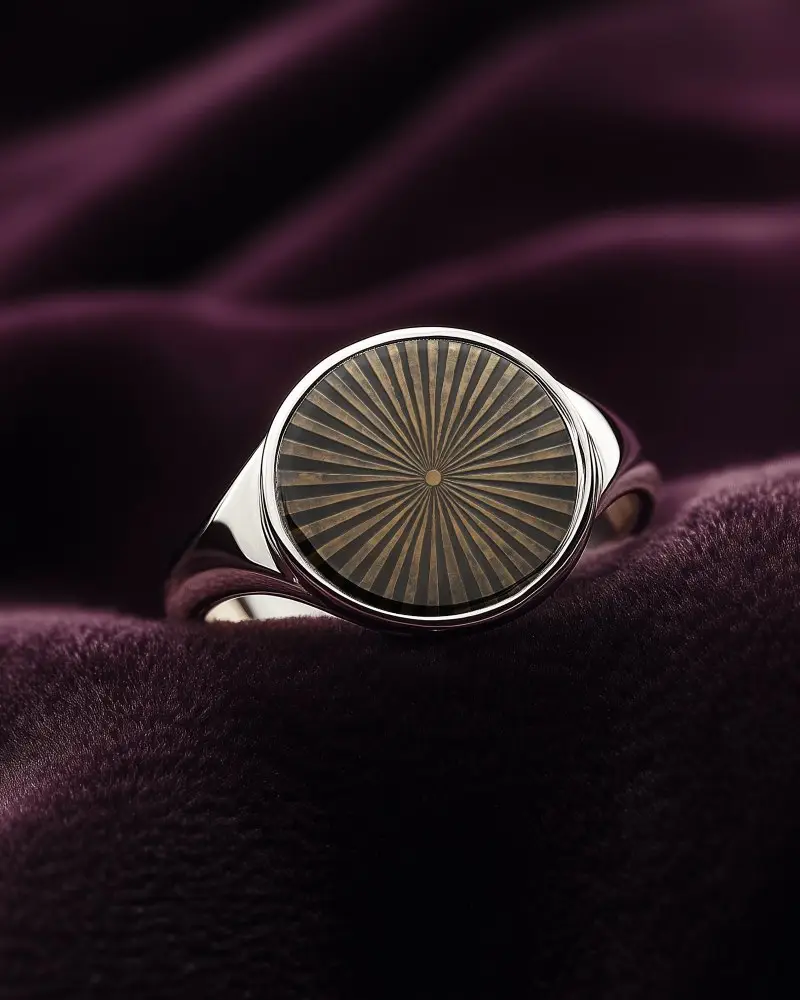
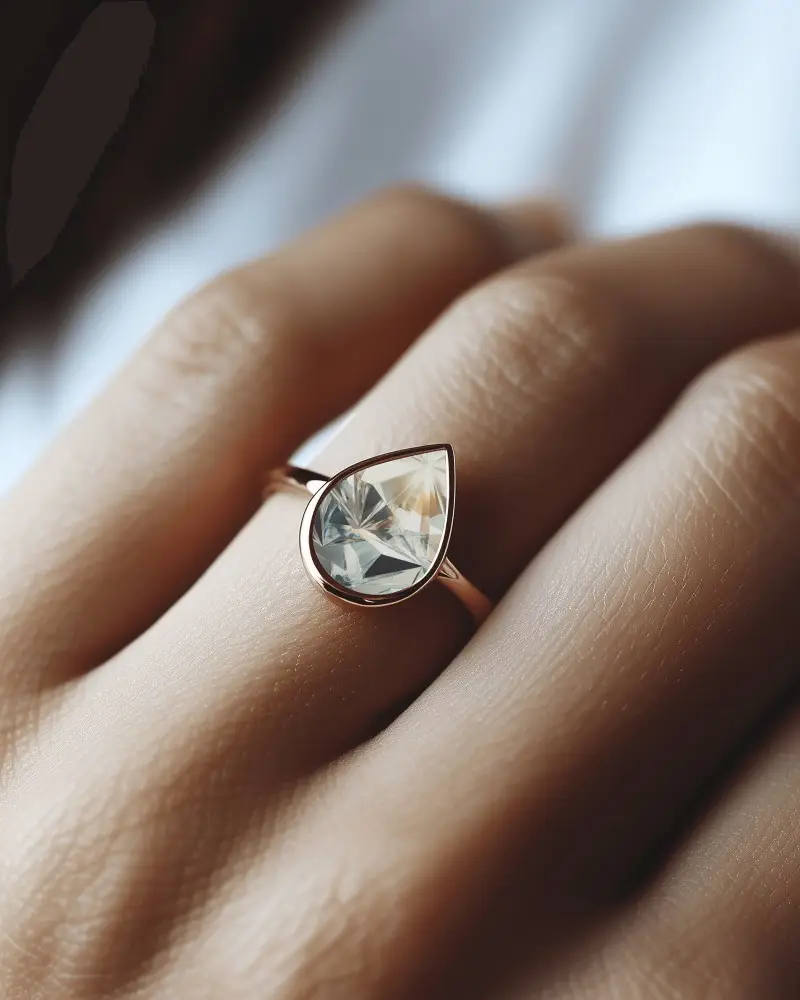
Mockey AI offers a variety of ring video mockups to showcase your designs. Select your mockup, customize it to fit your brand, and download instantly!

How to Create a Ring Video Mockup in Mockey AI
To create ring video mockups:
- Step 1: Register promptly and navigate to Video Mockups. Select 'Ring' from the 'Jewelry' options.
- Step 2: Choose a template. Upload a brand logo by clicking on 'Upload Design'.
- Step 3: Customize it and click on 'Generate Video'. The ring video mockup will be saved automatically.


FAQs on ring Video Mockups
What is a Ring Video Mockup?
A Ring Video Mockup shows how a Ring with a custom design looks and works. It’s not about jewelry. This mockup highlights the design and placement. It helps brands market their products before they are bought by customers.
Why use a Ring Video Mockup?
A ring video mockup shows how a product, design, or app will look in motion. It helps in testing, promotion, and review before launch. The mockup gives a real-like preview so designers, brands, and clients can see its look and feel. This makes sure the final product matches expectations and works well in a video setting.
