AI Pendant Necklace Video Mockups Online
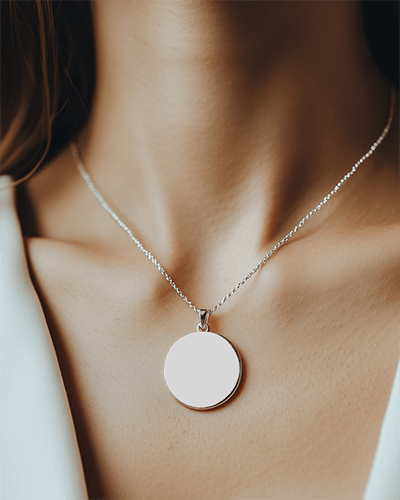
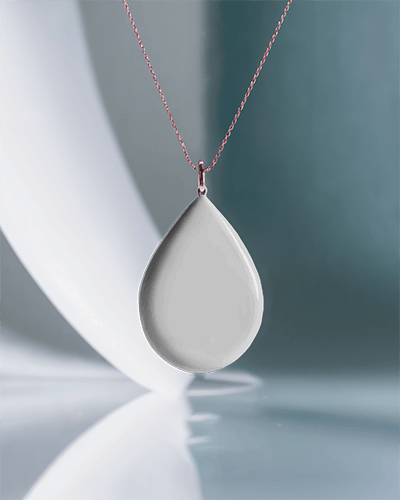
Bring your jewelry visuals to life with a polished Pendant necklace video mockup that captures every angle in smooth motion. Ideal for premium product pages, branding, and high-impact marketing visuals.
How to Create a Pendant Necklace Video Mockup
To create a Pendant necklace video mockup:
- Step 1: Purchase the CREATOR or ELITE plan and open the Video Mockups section.
- Step 2: Navigate to Jewelry and select Necklace to choose a video template.
- Step 3: Upload your design, apply customizations, and click Generate Video to save the Pendant necklace video mockup.


FAQs on Pendant Necklace Video Mockups
What is a Pendant necklace video mockup?
A Pendant necklace video mockup is a ready-made animated template where you can add your necklace design or image and preview it in realistic motion using a video mockup generator.
Can I use Pendant necklace video mockups for my store or ads?
Pendant necklace video mockups work perfectly for online stores and advertising. They help customers clearly see product details and increase engagement across marketing channels.
Will my Pendant necklace design stay clear in the video?
Yes, all Pendant necklace video mockups from Mockey AI export in high-quality MP4 format, keeping your design sharp, clean, and visually accurate.
