Necklace Video Mockups
Explore stunning necklace video mockups on mockey.ai for your jewelry designs. High quality, realistic, and customizable for branding, marketing and showcases.
How to Create a Necklace Video Mockup in Mockey AI
To create necklace video mockups:
- Step 1: Select the MAX plan upon registration. Locate the 'Necklace' option within the 'Jewelry' section of the 'Video Mockups'.
- Step 2: Utilize a template. Subsequently, upload a design by selecting 'Upload Design'.
- Step 3: Customize it and click on 'Generate Video'. Finally, save the necklace video mockup.


FAQs on necklace Video Mockups
What is a necklace video mockup?
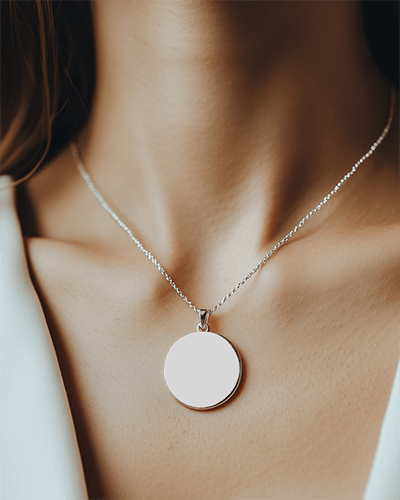
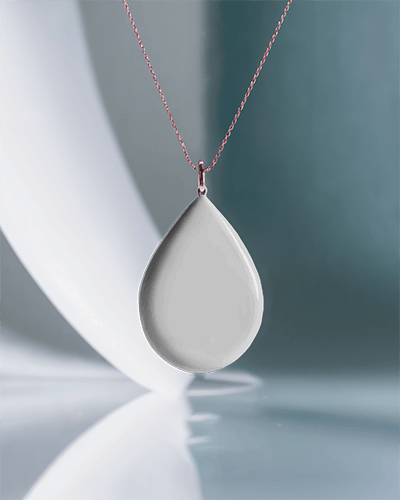
A necklace video mockup is a short clip that shows the product in action. The necklace appears on a mannequin or in a realistic setting. Smooth animations, good lighting, and subtle movements make the video engaging. It highlights the design, material, and shine of the jewelry.
Why choose a necklace video mockup over an image mockup?
Pick a necklace video mockup instead of a static image. It shows how the piece moves and reflects light. This makes the jewelry look more real and attractive. Buyers can see the shine, the texture, and how it drapes on a person. Such details matter online, where customers cannot touch or try the product.
Is a necklace video mockup suitable for social media marketing?
A necklace video mockup suitable for social media marketing. It shows how your posts will look on Instagram or Facebook before you publish them. This helps you plan better and make content that connects with your audience.
Do I need design skills to use necklace video mockups?
Use necklace video mockups without design skills. Mockey AI’s video mockup generator is simple, with templates and easy editing options. A little design sense, like picking good backgrounds or lighting, helps.
