Cuff Bracelet Video Mockup for Brand Promotion
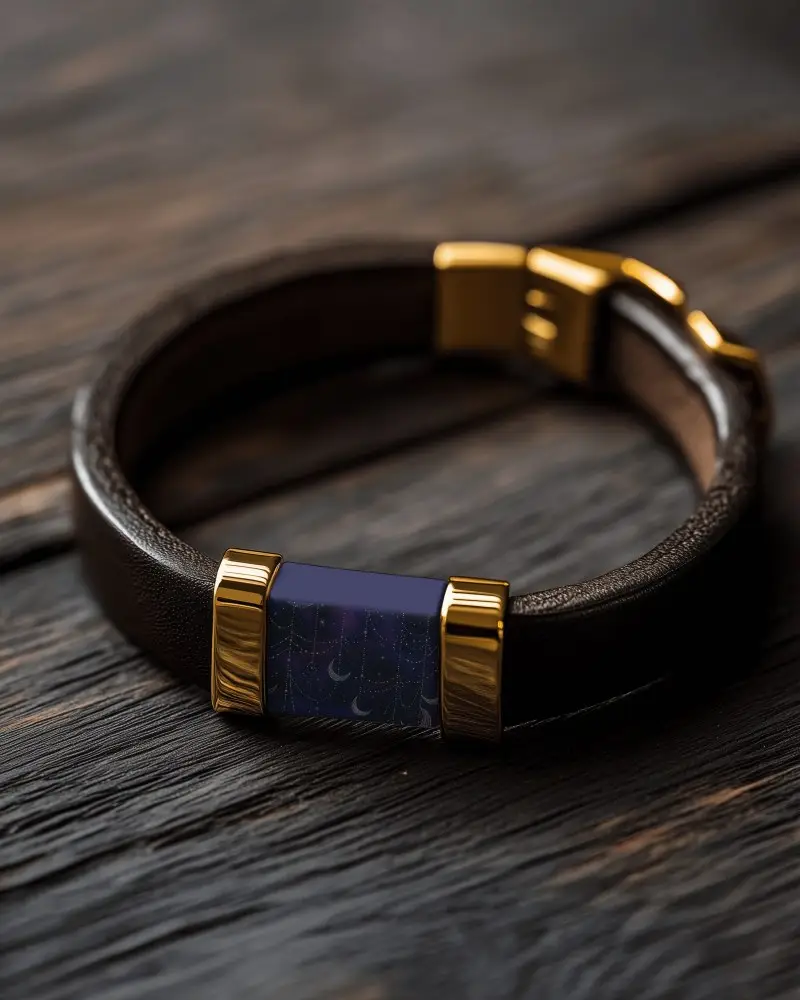
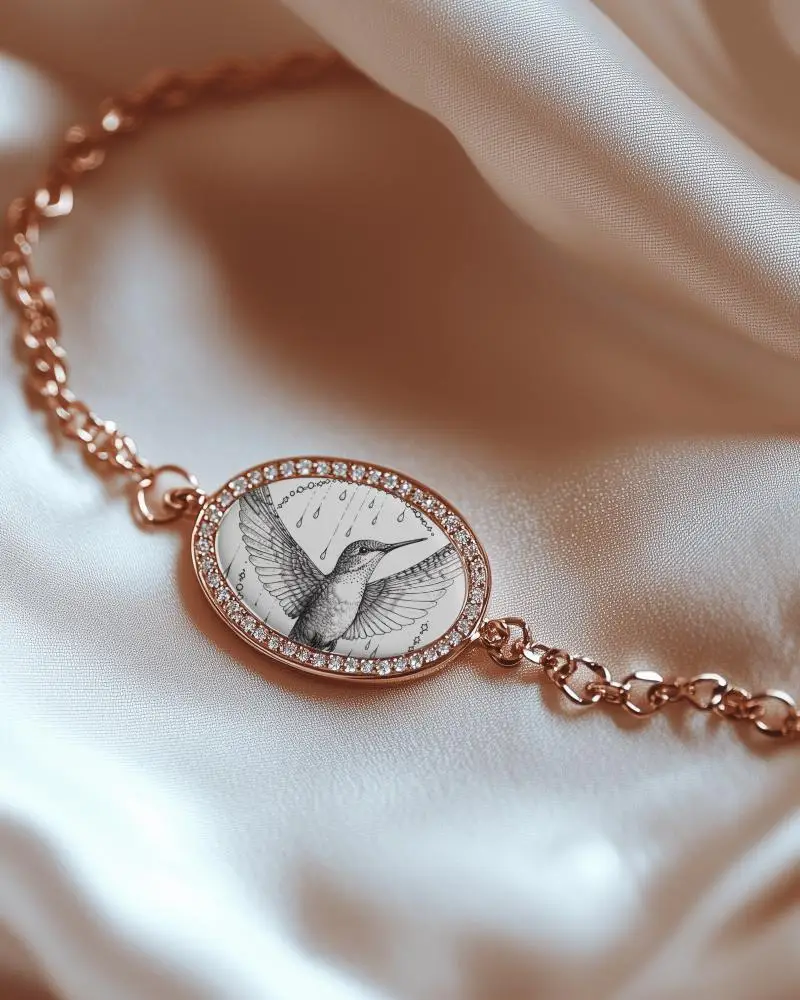
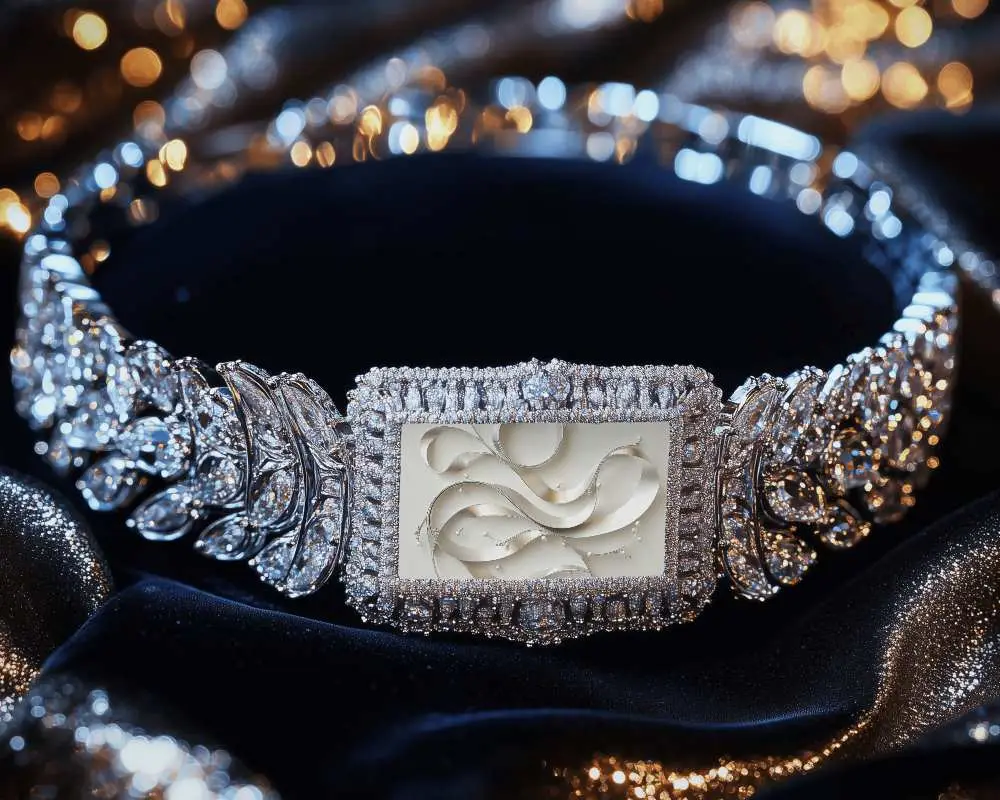
Present your Cuff bracelet in a premium video layout that adds depth and smooth movement to your design. Mockey AI helps you create polished bracelet visuals with a clean product focus that feels real and professional.
How to Create a Cuff Bracelet Video Mockup
To create a Cuff bracelet video mockup:
- Step 1: Purchase a plan and open the Video Mockups section.
- Step 2: Navigate to Jewelry > Bracelet and choose a video template.
- Step 3: Upload your design, customize it, and click Generate Video to download the 5-second Cuff bracelet video mockup.


FAQs on Cuff Bracelet Video Mockups
What is a Cuff bracelet video mockup?
A Cuff bracelet video mockup is a video template that displays a bracelet design in motion. You can upload your artwork and show a clear, realistic preview to customers or clients.
Why should I use a Cuff bracelet video mockup instead of a static image?
A Cuff bracelet video mockup shows motion and depth that static images cannot. It helps shoppers better imagine how the bracelet looks when worn, which often leads to higher engagement and sales.
How fast can I generate a Cuff bracelet video mockup?
Cuff bracelet video mockups are generated quickly on Mockey AI. After uploading your design, the video is created in just a short time without long waiting.
Are Cuff bracelet video mockups useful for POD sellers?
Cuff bracelet video mockups are very useful for POD sellers because they present the product in a realistic video format, helping customers understand the final look and improving conversion rates.
