Bracelet Video Mockups – Showcase Jewelry with Motion and Realism
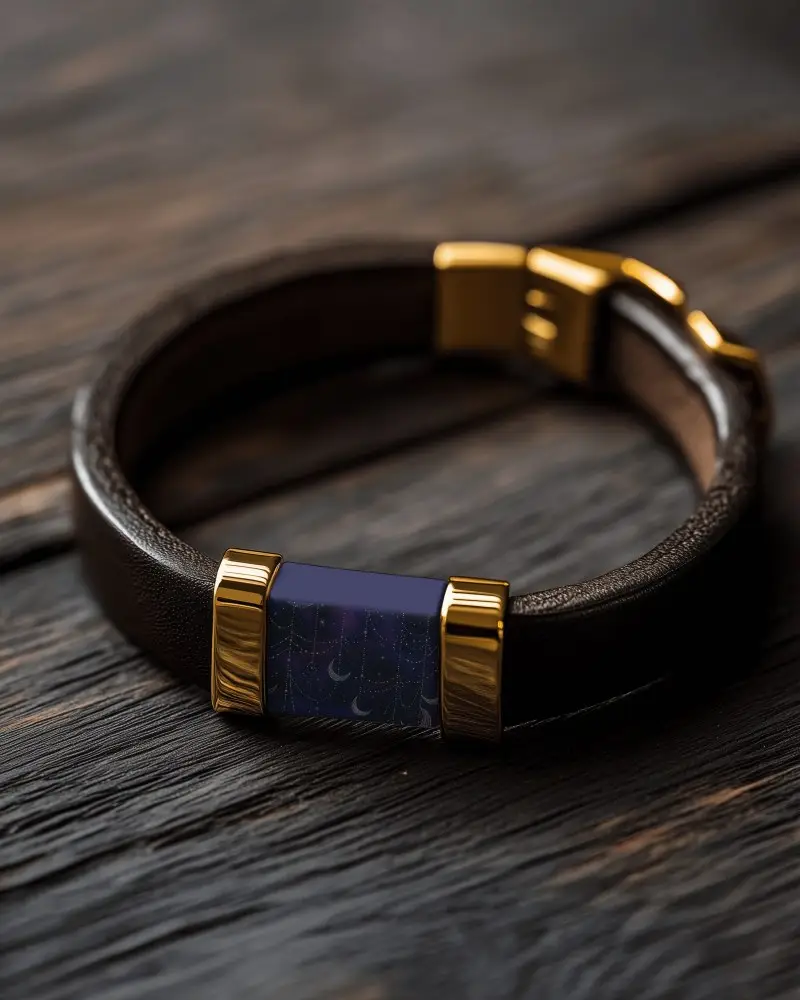
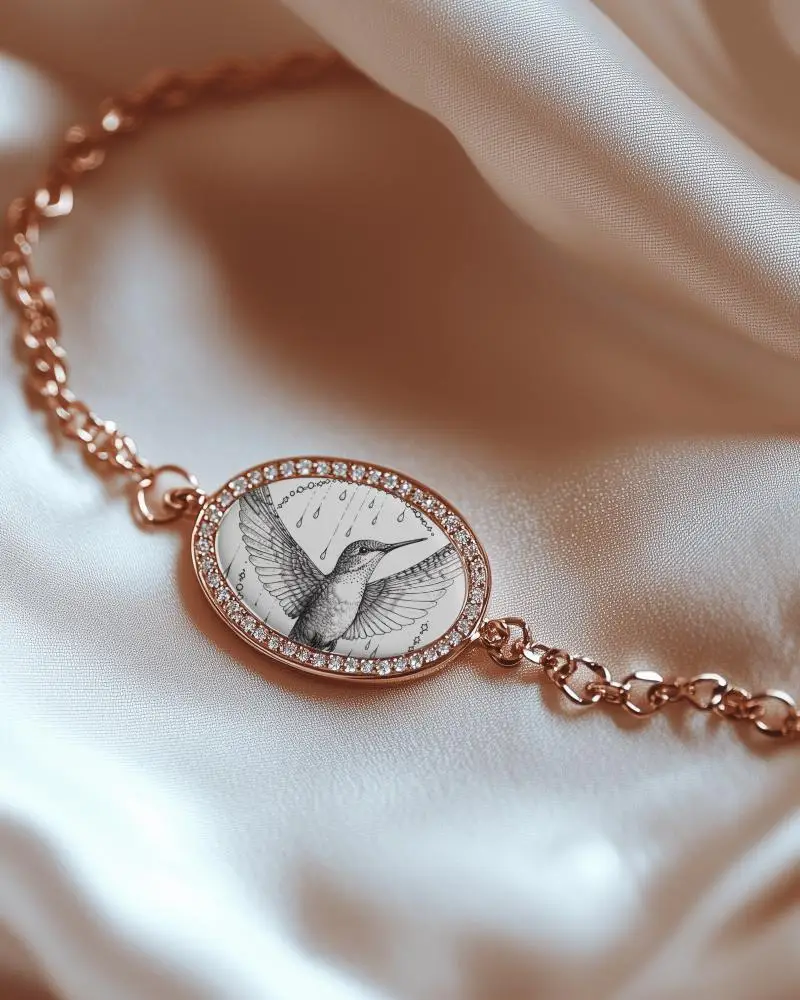
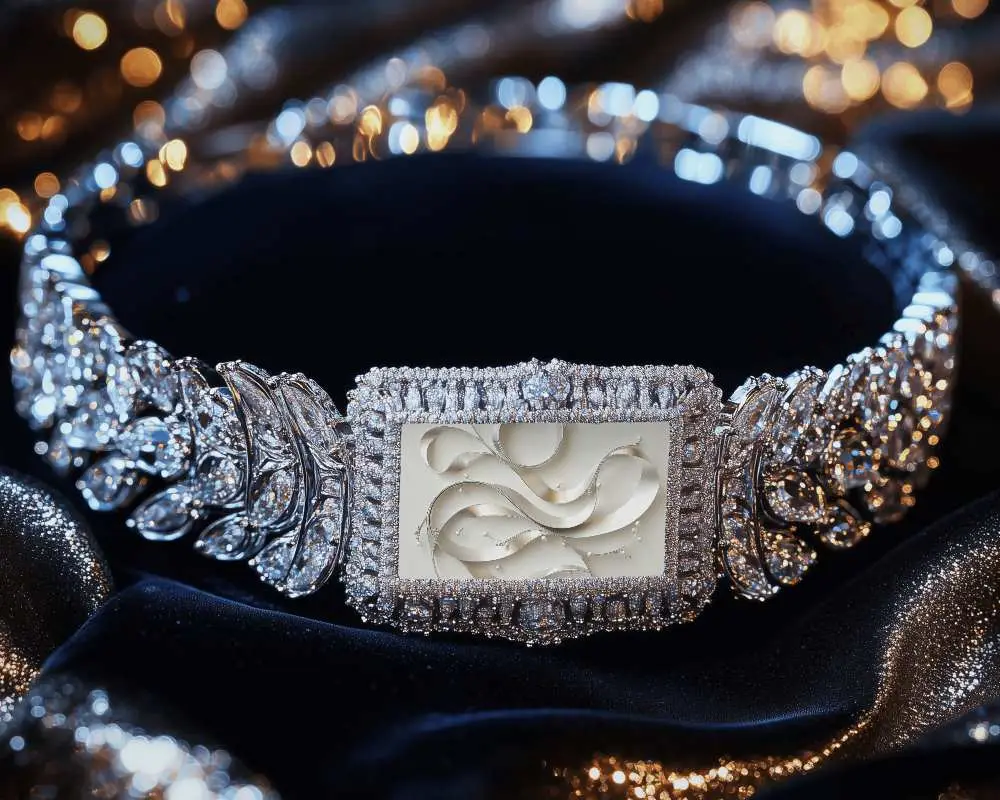
Explore Mockey bracelet video mockups that add movement, depth, and elegance to your jewelry. These editable templates feature realistic lighting and clear detail. Customize effortlessly to match your brand and captivate audiences on social media, websites, and online stores.
How to Create a Bracelet Video Mockup in Mockey AI
To create bracelet video mockups:
- Step 1: Register and click on 'Video Mockups'. Choose 'Bracelet' from the 'Jewelry' category.
- Step 2: Select a template. Add one or more designs and personalize them.
- Step 3: Press 'Generate Video'. Download the 5-second animated bracelet mockup.


FAQs on bracelet Video Mockups
What is a bracelet video mockup?
An animated bracelet video mockup shows how a bracelet design will look in reality. It is often used for event wristbands or custom jewelry. The brand’s design is placed on a ready-made animated model of the bracelet. This moving display makes the product feel more real than a simple picture.
Are Mockey bracelet video mockups suitable for e-commerce?
Mockey bracelet video mockups are perfect for e-commerce. They look real and customizable. Video improves your product's appearance. They are easy to make and download. Jewelry brands can use them to win customers, build trust, and boost online sales.
What file formats can I download my bracelet video mockup in?
You can download your bracelet video mockup in MP4 format. Most online mockup tools, including Mockey AI, let you save them as an MP4 file.
